

TL;DR
- The ideal Pic-Time alternative depends on whether you are trying to solve issues with pricing, storage caps, print commissions, website integration, or workflow friction.
- Aftershoot Galleries: Best for photographers who want to eliminate export/upload steps by connecting gallery delivery directly to AI culling and editing workflows (0% print commission).
- Pixieset: Best for photographers looking to consolidate client galleries with an ecosystem that includes studio management, websites, store, and mobile apps.
- ShootProof: Best for studios wanting client galleries integrated with contract management, invoicing, and booking, featuring photo-count-based pricing instead of gigabyte limits.
- Zenfolio & SmugMug: Zenfolio combines portfolio websites, blogging, and commerce under one roof, while SmugMug is best for high-volume studios needing predictable, unlimited JPEG storage.
Pic-Time does a lot well. Its polished galleries, print store, sales automations, and client experience are exactly why plenty of professional photographers use it.
But the best gallery platform isn’t necessarily the one with the longest feature list, but the one that fits how your studio actually works.
If you’re looking for a Pictime alternative, I can imagine where you’ve hit a roadblock… maybe you’ve reached a storage tier that no longer makes sense for your volume. Maybe you want contracts and invoicing alongside galleries. Maybe you’re paying separately for a website, gallery platform, culling software, and editing tools and wondering whether some of those steps can live together. Or maybe… you’re just curious.
If you’re looking for a Pic-Time alternative for any of these reasons (or others), the five options worth comparing are Aftershoot Galleries, Pixieset, ShootProof, Zenfolio, SmugMug.
Before We Get Started: What Is Pic-Time?
Pic-Time is an online gallery and sales platform built for professional photographers, offering client galleries, a print store, marketing automation, slideshows, blogs, and an art-gallery module under one subscription. Founded in 2010, it positions itself less as a simple delivery tool and more as a full sales and marketing ecosystem: photographers can run automated email campaigns to sell prints, manage a vendor network for shared event galleries, and publish SEO-optimized blog posts generated from their own photos.
That breadth is also where photographers start looking elsewhere. Pic-Time’s Free plan gives 10GB of storage that drops to 3GB after six months, and reaching real business features, custom branding, an automatic album designer, multi-brand support, means climbing to the Professional or Advanced tier at $21–42/month billed annually. Each additional brand beyond the first costs another $6/month. For photographers who just want fast, clean gallery delivery without managing a marketing automation suite they may never touch, that layered structure can feel like paying for tools that sit unused.
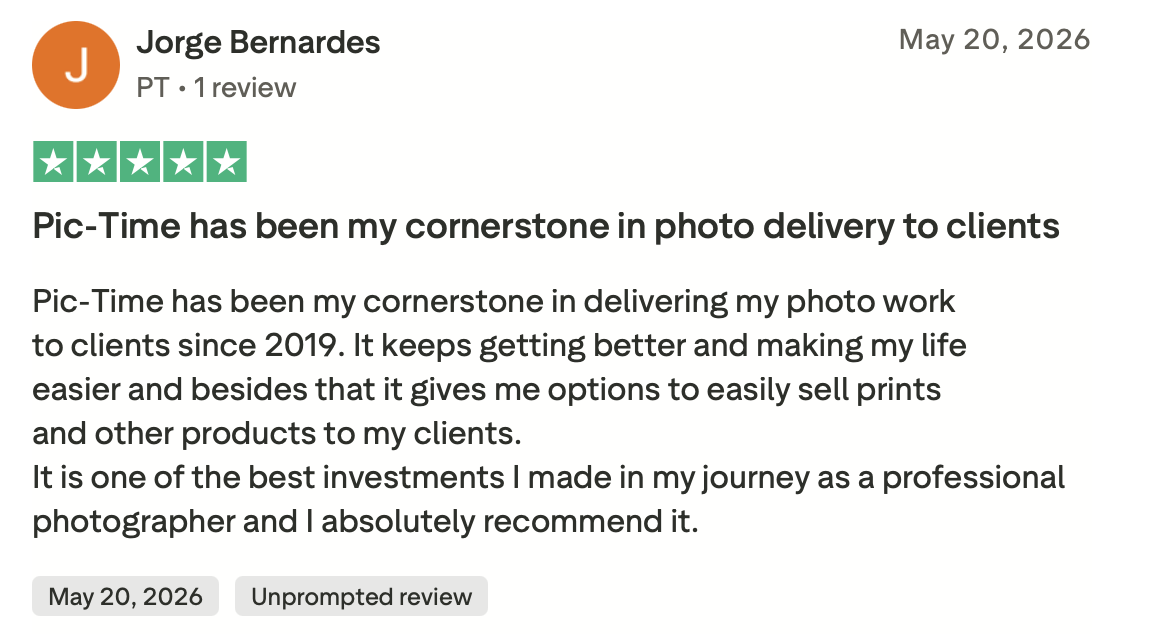
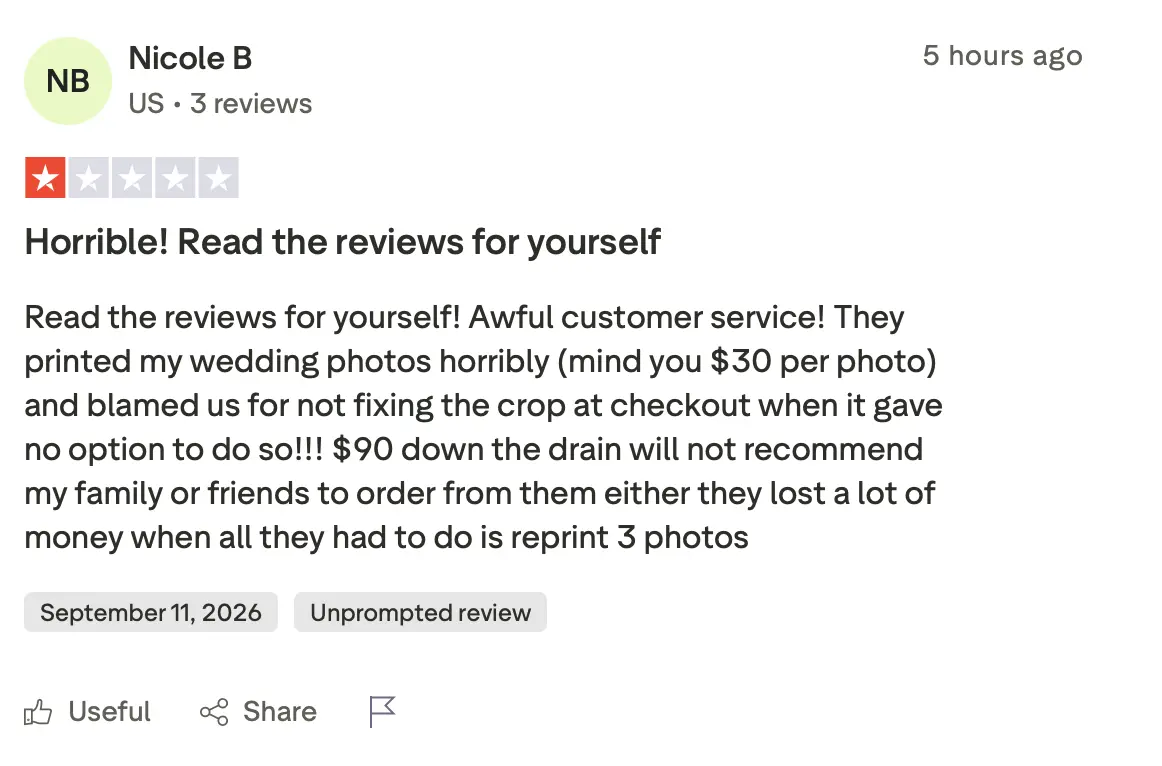
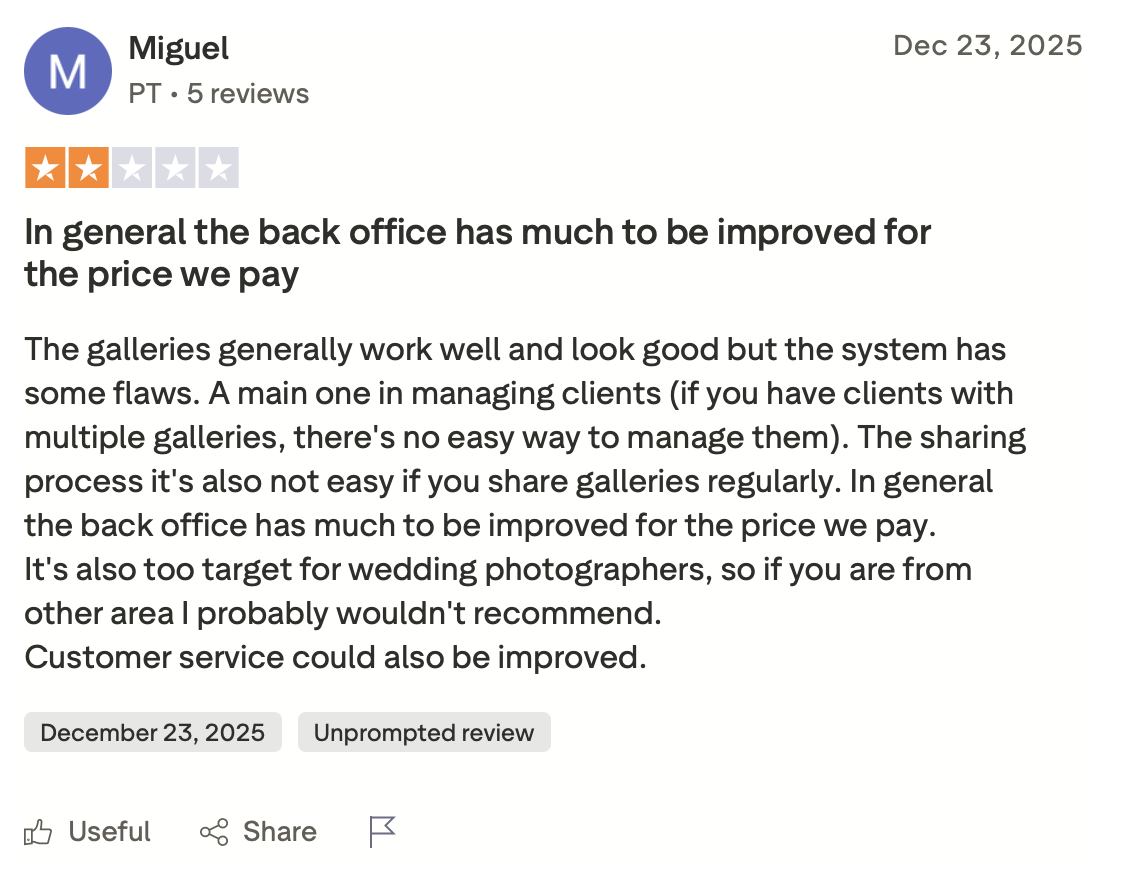
Third-party reviews reflect this split. Pic-Time draws consistent praise for its gallery design and print store quality, but customer feedback outside G2 (on Trust Pilot), is more mixed, with recurring complaints about customer service, storage limits, pricing relative to competitors, and occasional technical friction. That combination, real capability paired with a steeper learning curve and pricing ladder, is what sends photographers searching for a Pic-Time alternative in the first place.
👁️ Also Read: Best Client Gallery Photographers
Here’s How The Best 7 Pic-Time Alternatives Compare
| Platform | Best for | Entry price | Storage model | Print store commission | Video delivery |
|---|---|---|---|---|---|
| Aftershoot Galleries | Photographers who cull and edit with AI and want delivery in the same workflow | Free (Starter) | 10GB photo / 1GB video on Starter | 0% on every plan | Included, scales by plan |
| Pixieset | Studios wanting a website + gallery in one tool | $8/mo billed annually, $10/mo monthly (Basic) | Storage-based (3GB–unlimited) | 15% on Free, 0% on paid plans | 30 min–5 hrs by plan |
| ShootProof | Lean shooters who don’t want to think about storage | $0/mo Free (100 photos/5GB); $8.33/mo billed annually for 1,500 Plan | Photo-count based (Free through Unlimited) | 0% on all plans, including Free | Not on Free; HD video from 1,500 Plan up |
| Zenfolio | Photographers who want a full website, blog, and gallery under one login | $7/mo billed annually, $9/mo monthly (Basic) | Storage-based (15GB–unlimited JPEG) | 7% commerce fee is charged per order, calculated on the order subtotal (before tax and shipping). | HD video on all paid plans |
| SmugMug | Photographers who need genuinely unlimited storage on every plan | $23.58/mo billed annually (Direct, no selling) | Unlimited on every paid plan | Photographers currently keep 85% of the markup above SmugMug’s base cost, while SmugMug retains 15%. | Unlimited on all plans |
| CloudSpot | Photographers who want a cheap intro tier and don’t mind two separate pricing tracks | $0/mo (Gallery-Only Free, 5GB) | Storage-based (5GB–unlimited) | 15% on Gallery-Only tiers, 0% on Full Suite | Full Suite only |
| Lightfolio | Budget-conscious photographers who want commission-free selling starting at the entry paid tier | $7/mo billed annually (Lite) | Storage-based (3GB–unlimited) | 15% on Free, 0% on Lite and up | 500MB–60GB by plan |
*Note: Pricing checked in August 2026. Monthly billing may cost more, and promotional pricing can change.
How we evaluated these Pic-Time alternatives
Rather than ranking gallery platforms by how many features they advertise, this comparison focuses on the decisions that affect a working photographer:
- Gallery delivery and proofing: How easily can clients view, favorite, download, or select images?
- Storage model: Are you paying by storage, photo count, or receiving unlimited photo storage?
- Selling: Can you sell prints and downloads, and what does the platform take from a sale?
- Video: Can photos and video be delivered in the same client experience?
- Business tools: Does the platform replace anything else you’re already paying for?
- Workflow: How many steps sit between finishing an edit and delivering the gallery?
- Migration: What happens to years of existing galleries if you switch?
Pricing and features were checked against the platforms’ current product and pricing information. Since software changes frequently, confirm pricing again before committing to an annual plan.
Here Are the Best 7 Pic-Time Alternatives
1. Aftershoot Galleries
What Aftershoot Galleries offers
Most gallery comparisons begin at the gallery. For a working photographer, that’s only part of the process.
Before the client ever receives a link, you’ve already:
- Ingested thousands of files.
- Culled the shoot.
- Edited the selects.
- Potentially retouched images.
- Exported the finished files.
- Organized the delivery.
- Uploaded them again.
That makes workflow distance an important consideration when choosing a gallery platform.
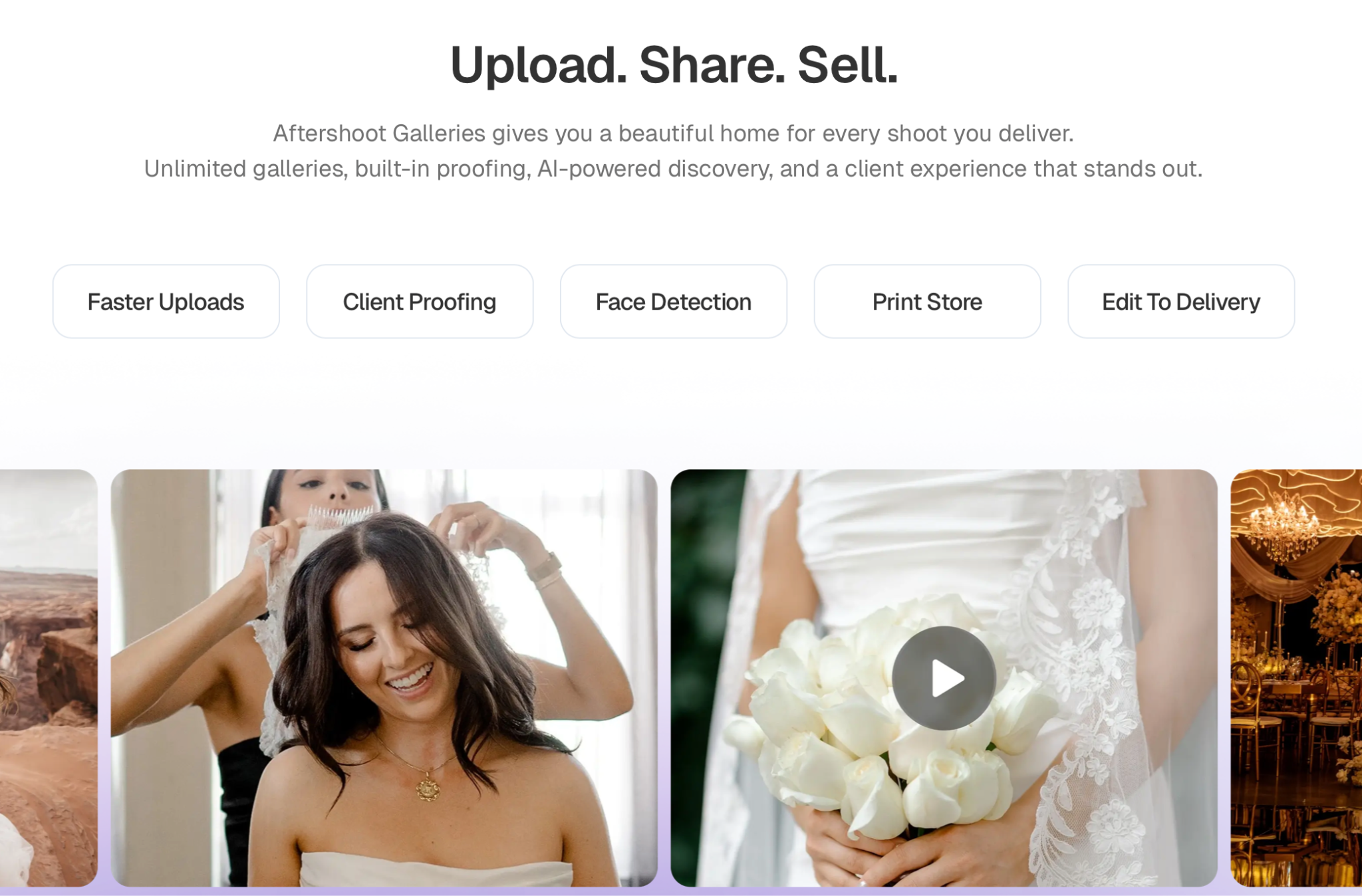
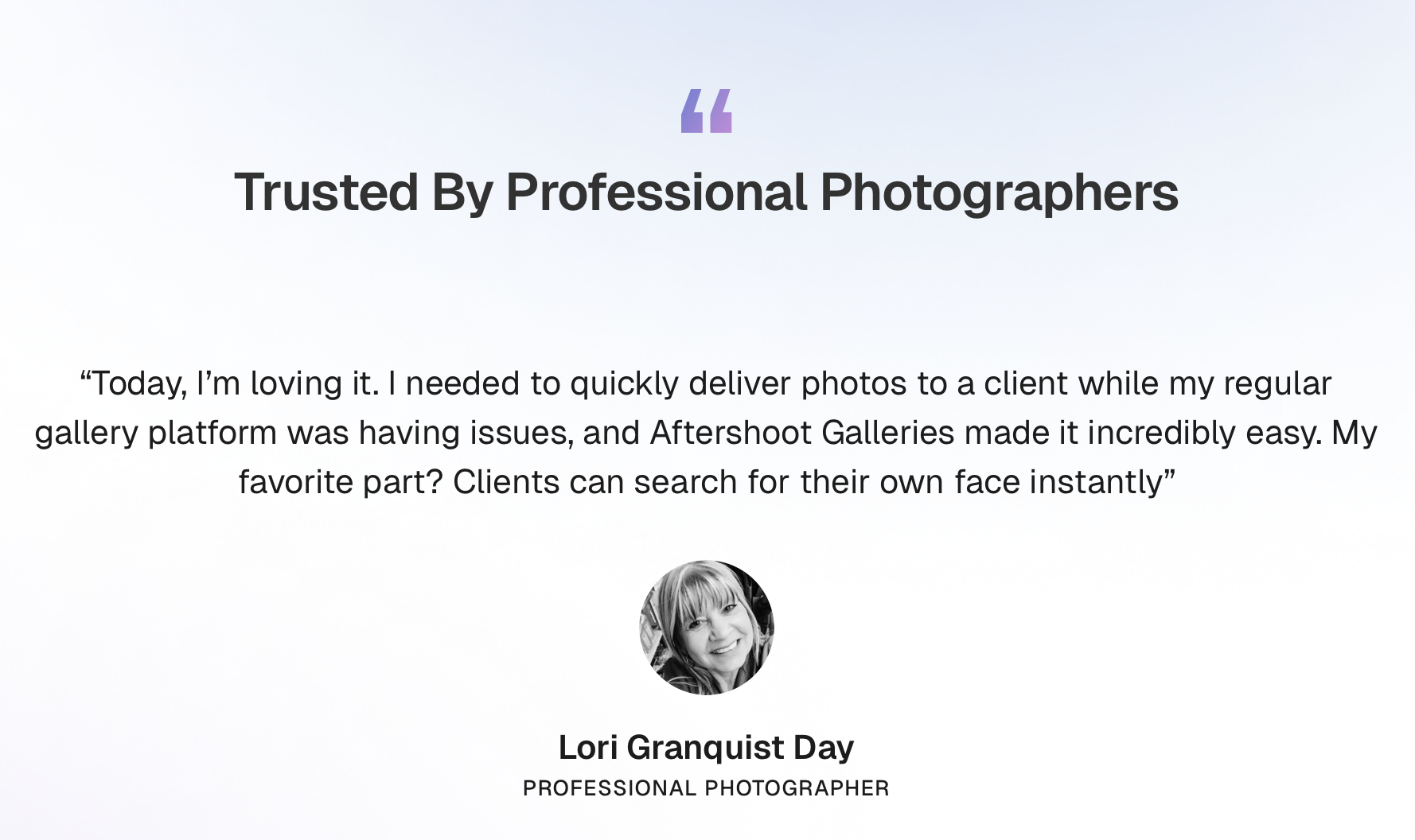
Aftershoot Galleries connects delivery with Aftershoot’s AI culling and AI editing workflow. It can also be used as a standalone gallery platform, but the bigger advantage appears when those stages already happen inside Aftershoot.
Instead of thinking about the gallery as another destination after post-production, it becomes the next stage of the same workflow.
Aftershoot Galleries also supports photo and video delivery, proofing, print sales, face-based discovery and Face Gating, plus migration support for photographers moving from Pic-Time, Pixieset, or ShootProof.
Aftershoot Galleries pricing
Start free with the Starter plan. Get 10 GB of photo storage & 1 GB video.
Premium and Unlimited tiers offer additional capacity and features. Aftershoot currently lists 0% Print Store Commission and migration support on its Galleries offering.
Where Aftershoot Galleries makes sense
The clearest advantage isn’t another gallery template or another storage tier.
It’s fewer handoffs between the end of post-production and client delivery.
That difference compounds when you’re delivering multiple shoots every week.
Saving a handful of clicks on one portrait session isn’t transformative. Repeating an export-organize-upload routine across 30 weddings, 50 portrait sessions, or an entire event season is a different calculation.
This is one place where photographers should evaluate software by workflow burden, not just subscription cost.
Potential trade-offs
Aftershoot Galleries is newer than long-established platforms such as Pic-Time, SmugMug, and ShootProof.
It’s also not intended to replace a full photography marketing website. If your current platform is responsible for your portfolio site, blog, SEO pages, lead generation, and gallery delivery, you’ll still need to account for those functions elsewhere.
Who Aftershoot Galleries is best for
Photographers already using Aftershoot for post-production, or photographers who specifically want to reduce the number of separate steps between finishing their images and delivering them.
👁️ Also Read: Aftershoot vs Pictime
2. Pixieset
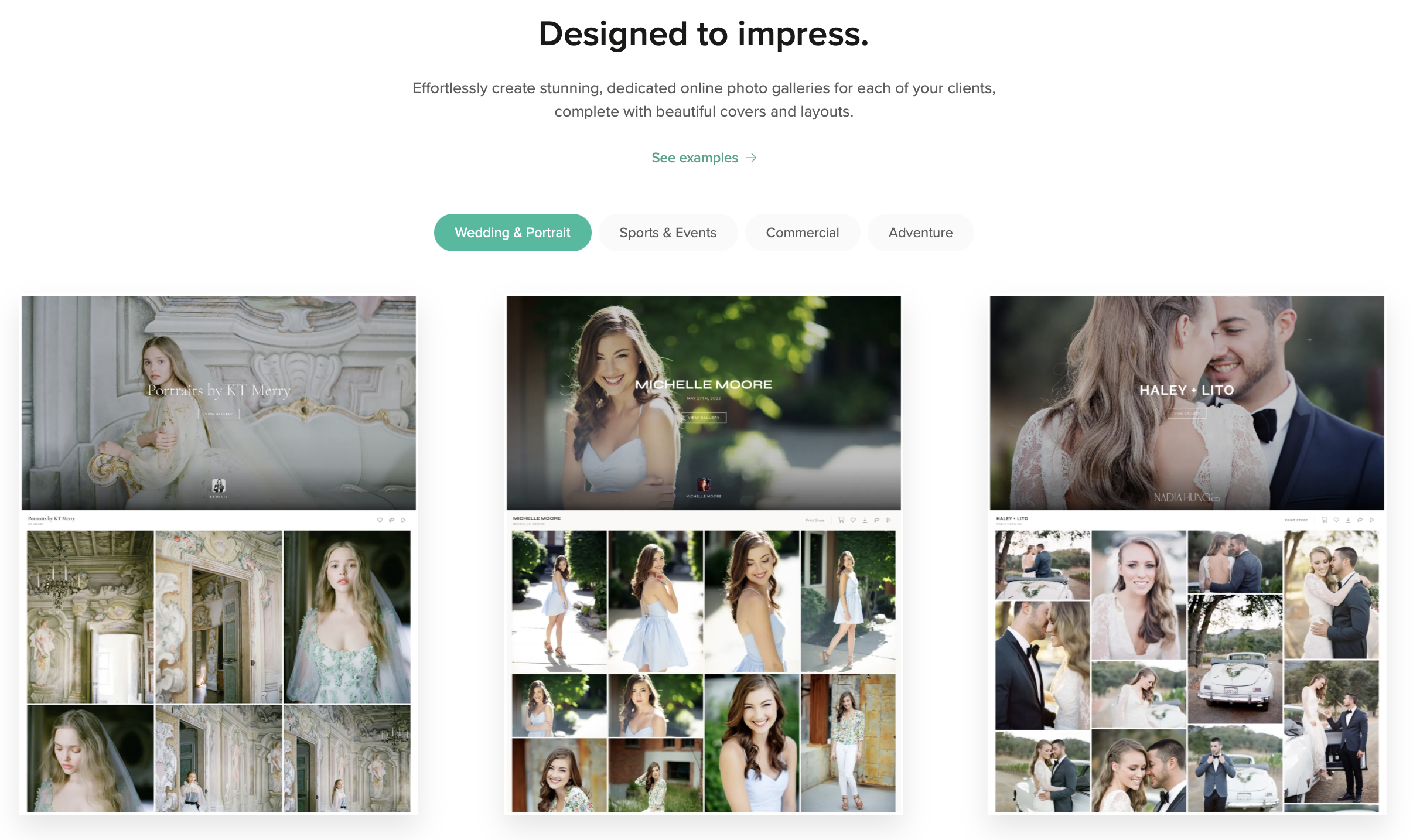
What Pixieset offers
Pixieset has grown well beyond client galleries.
Its ecosystem now includes Client Gallery, Website, Studio Manager, Store, Mobile Gallery App, and Photo Editor. That makes it particularly interesting if the reason you’re leaving Pic-Time isn’t actually the gallery itself, it’s the growing number of different tools you’re paying for around it.
Client Gallery includes downloads, proofing, branding, gallery storefronts, and video support. Paid Client Gallery plans also remove Pixieset’s sales commission.
Storage scales from 10 GB on Basic to 100 GB on Plus, 1 TB on Pro, and unlimited photo storage on Ultimate. RAW uploads become available from Pro onward.
👁️ Also Read: Aftershoot vs Pixieset
Pixieset pricing
For Client Gallery, annual billing currently works out to:
- Basic: $8/month – 10 GB
- Plus: $16/month – 100 GB
- Pro: $24/month – 1 TB
- Ultimate: $40/month – unlimited photo storage
The Free plan includes 3 GB and charges a 15% commission on store sales. Paid Client Gallery plans are commission-free.
One important distinction: the $8 Basic gallery plan doesn’t give you the entire paid Pixieset business suite. If you’re comparing Pixieset specifically because you want Website and Studio Manager too, compare the relevant Suite price rather than the standalone Client Gallery price.
👁️ Also Read: Pictime vs Pixieset
Where Pixieset makes sense
Pixieset is especially compelling when consolidation is the goal.
If you currently pay separately for galleries, a portfolio website, studio management, and other client-facing tools, moving more of that work into one ecosystem may matter more than saving a few dollars on the gallery subscription itself.
Potential trade-offs
- Its lowest-cost Client Gallery tiers have relatively small storage allowances.
- Getting the broader all-in-one experience can mean moving onto a more expensive Suite rather than simply paying for Client Gallery.
- If you already have a website, CRM, and business system you love, some of Pixieset’s broader ecosystem may solve problems you don’t actually have.
Who Pixieset is best for
Photographers who want polished client galleries but are also interested in consolidating more of their website and studio-management stack.
👁️ Also Read: Best Pixieset Alternatives
3. ShootProof
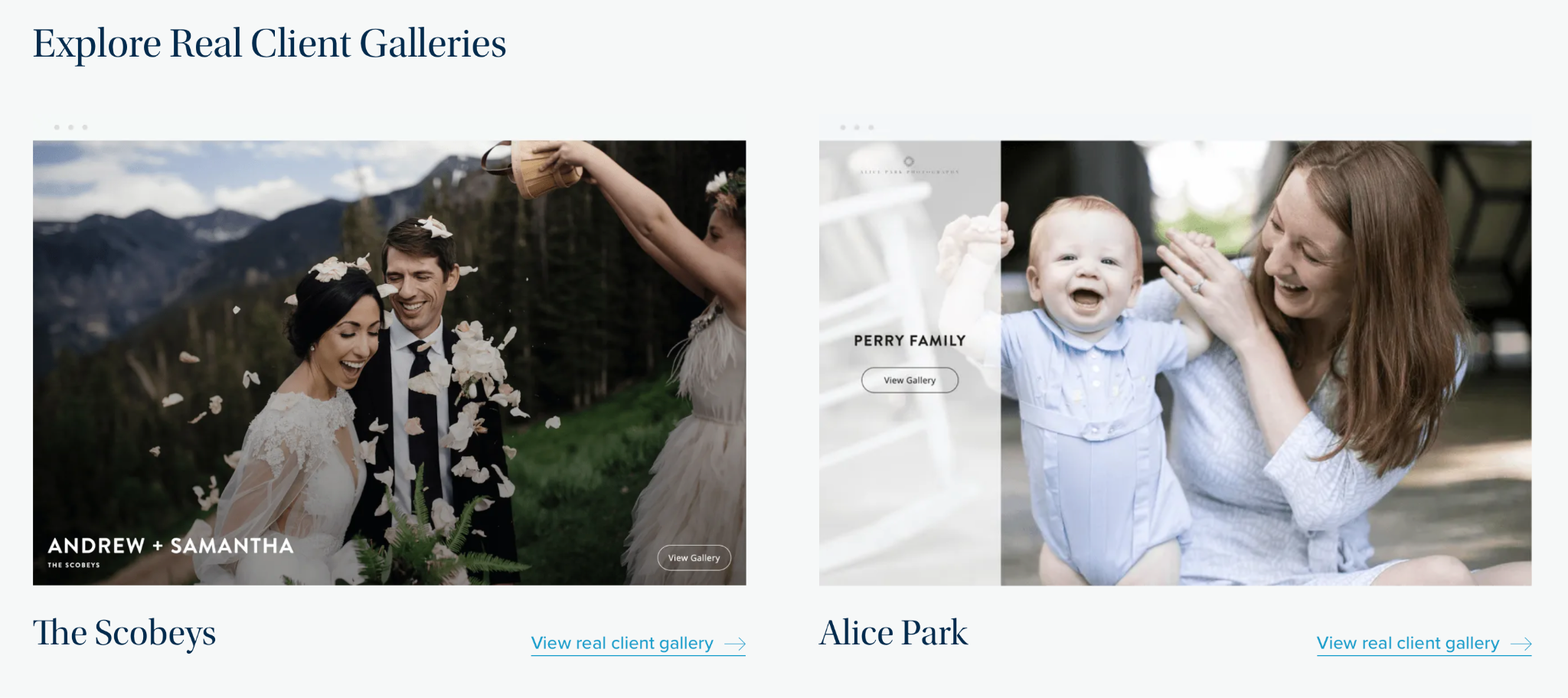
What ShootProof offers
ShootProof takes an unusual approach: every plan, including the free tier, gets the same feature set. What changes as you upgrade is the number of photos you can host at once, not which tools you can access. That means a Free-plan photographer already has contracts, invoicing, and mobile gallery apps available; they just can’t store more than 100 photos (5GB) until they upgrade. Galleries support client proofing with favorites and labels, and ShootProof integrates directly with photo labs for automatic order fulfillment.
On privacy and support: ShootProof hosts images in the cloud with no offline mode. Support includes email and live chat, and reviewers consistently praise the platform’s ease of use and how it streamlines client workflows. On integrations, mobile gallery apps are capped at 250 photos and function as home-screen web apps rather than true native apps, which limits how clients interact with larger galleries on their phones.
ShootProof Pricing
ShootProof prices by photo count rather than storage. The Free plan is $0/month for 100 photos (5GB). The 1,500 Plan runs $8.33/month billed annually ($9.99 billed monthly). Pricing continues to scale through the mid-tier plans as photo allowances grow, topping out at the Unlimited Plan for $50/month billed annually ($60 billed monthly), which removes both the photo cap and the storage cap entirely. Every tier, including Free, keeps commission-free lab sales, a feature most competitors on this list only unlock once you’re on a paid plan.
Where ShootProof makes sense
- Full feature parity across every plan means no functionality is gated behind a higher tier.
- Commission-free selling starts on the Free plan, not just paid tiers, unlike Pixieset and Zenfolio, where free-tier sales carry a fee.
- Direct lab integrations simplify print fulfillment without manual order handling.
Potential trade-offs
- Photo-count pricing punishes high-volume photographers who keep full galleries live rather than archiving them.
- Accepts JPEG uploads only; no native RAW handling.
- Mobile gallery experience is more limited than a dedicated app.
Who ShootProof Is Best For
Photographers who deliver smaller, curated galleries per shoot and want every business tool (contracts, invoicing, proofing) available from day one, at every pricing tier, without a commission cut into their print sales.
👁️ Also Read: Best ShootProof Alternatives
4. Zenfolio
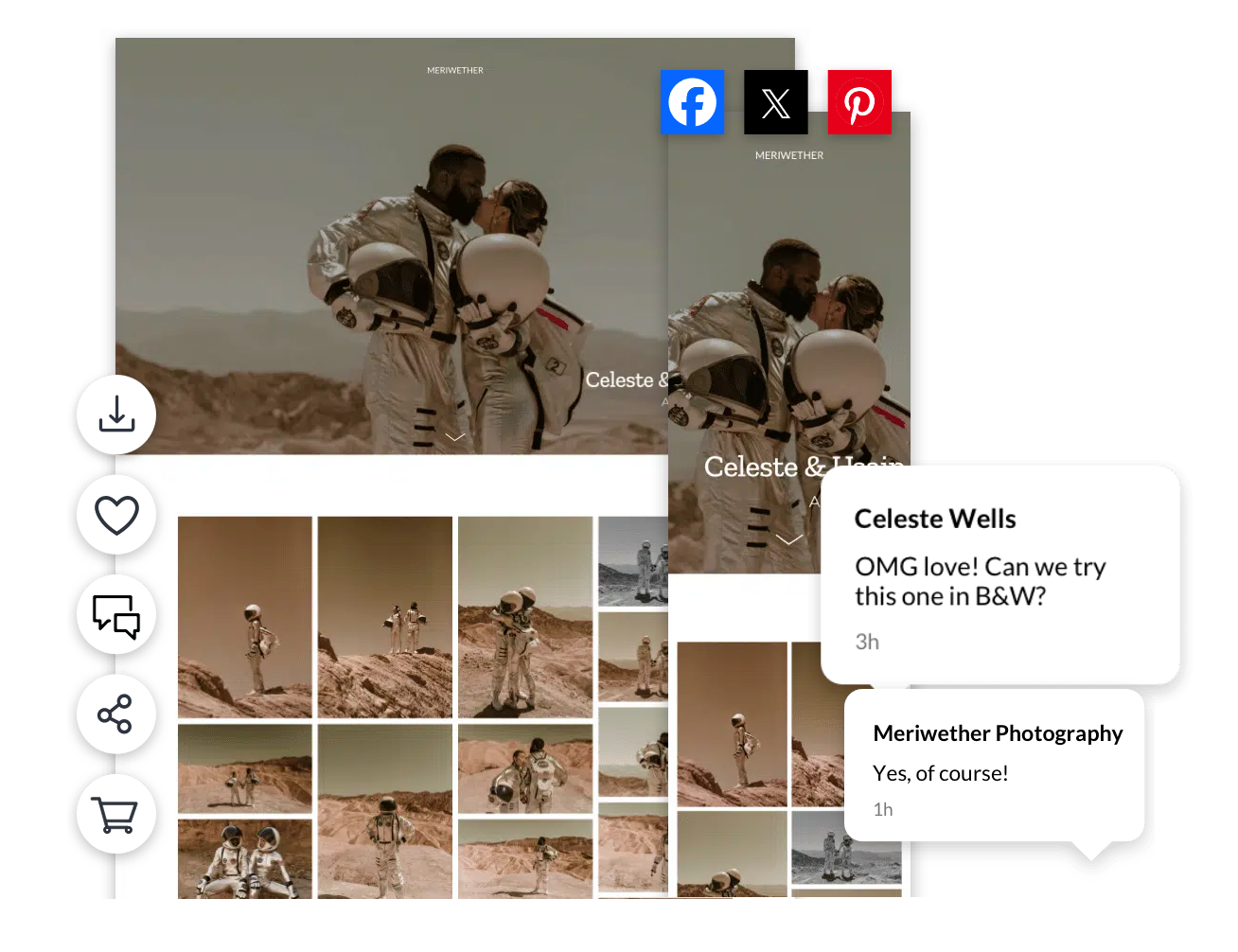
What Zenfolio offers
Zenfolio is closer to a photography website platform with client-delivery tools built in than a gallery-only service.
Its current plans combine a website builder, galleries, SEO features, client-facing tools, and, in the higher tiers, more advanced commerce and marketing features.
Storage currently starts at 15 GB for Basic, moves to 150 GB for Professional, and provides unlimited photo storage plus 150 GB of video storage on Advanced. The Professional and Advanced plans also include Zenfolio’s blog functionality.
That distinction matters if you’re already paying for a separate photography website.
If you’re happy with Squarespace, WordPress, Showit, or another site, Zenfolio’s website tools may not move the needle. If you’d rather maintain one platform instead of several, they become a much bigger part of the value proposition.
Zenfolio pricing
Current plans begin at approximately:
- Basic: $9/month
- Professional: $23/month
- Advanced: $40/month
Zenfolio currently applies a 7% commerce fee to applicable sales, in addition to payment-processing fees.
Where Zenfolio makes sense
Zenfolio is strongest when the question is bigger than gallery delivery.
For example, imagine you’re currently paying for:
- A portfolio website
- A gallery provider
- Selling tools
- Some basic marketing functionality
A slightly higher gallery price may still reduce your total software bill if one platform replaces several of those subscriptions.
That’s the math worth doing.
Potential trade-offs
- Basic’s 15 GB storage allowance may be restrictive for photographers delivering large galleries.
- Blog functionality starts on Professional rather than Basic.
- Commerce fees should be included in your calculation if print or digital sales form a meaningful part of your revenue.
Who Zenfolio is best for
Photographers who want their website, galleries, blog, and commerce tools living inside the same platform.
👁️ Also Read: Best Zenfolio Alternatives
5. SmugMug
What SmugMug offers
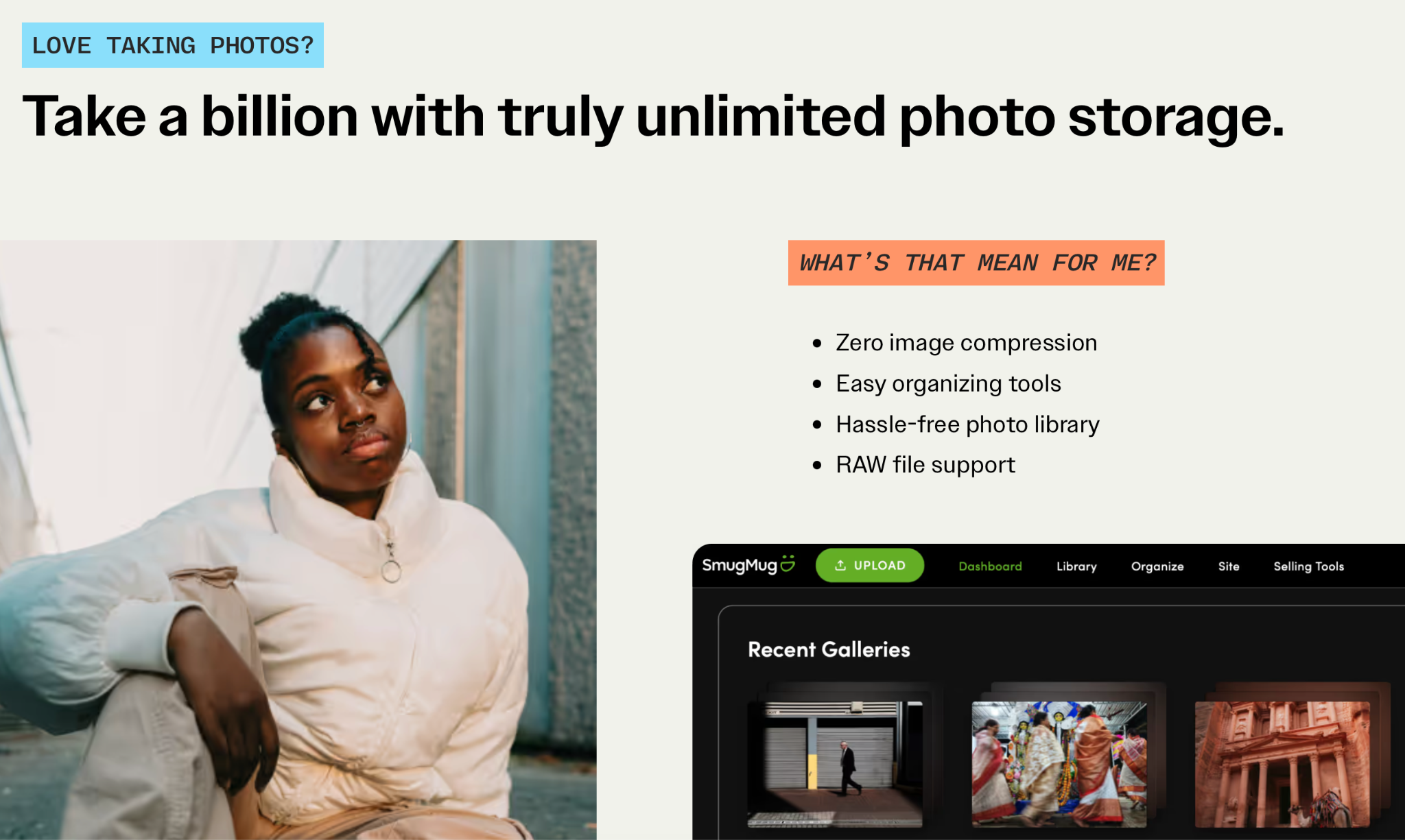
SmugMug takes one major source of gallery-platform anxiety off the table: all of its current subscription tiers include unlimited full-resolution JPEG storage.
That matters more for some photographers than others.
If you shoot a handful of portrait sessions each month and regularly archive old galleries, a 100 GB or 1 TB limit may never bother you.
If you keep years of weddings, events, travel work, or commercial libraries online, repeatedly checking whether it’s time to delete an old gallery is a completely different problem.
SmugMug also offers Lightroom integration, privacy controls, digital delivery, portfolio or storefront tools on higher tiers, and print fulfillment.
SmugMug pricing
With annual billing:
- Direct: $20/month
- Portfolio: $23.50/month
- Pro: $37/month
Direct focuses on storage and delivery. Portfolio adds selling and a customizable photography website. Pro adds features such as multiple pricelists, coupons, packages, and more client-proofing controls.
There’s one important correction to a comparison you’ll sometimes see: SmugMug isn’t commission-free.
Photographers currently keep 85% of the markup above SmugMug’s base cost, while SmugMug retains 15%.
Where SmugMug makes sense
SmugMug becomes much easier to justify when your question is :“How do I stop managing my gallery platform around storage limits?”
For photographers with large archives, predictability itself has value.
Potential trade-offs
- The cheapest tier starts above several competitors’ entry-level plans.
- You need Portfolio or higher for print and digital sales.
- The 15% retained portion of your markup matters if print sales are a significant revenue stream.
- RAW storage isn’t included in the unlimited JPEG allowance; SmugMug Source is a separate add-on.
Who SmugMug is best for
Photographers whose hosted archive keeps growing and who value unlimited photo storage more than having the lowest possible starting price.
👁️ Also Read: Best SmugMug Alternatives
6. CloudSpot
What CloudSpot offers
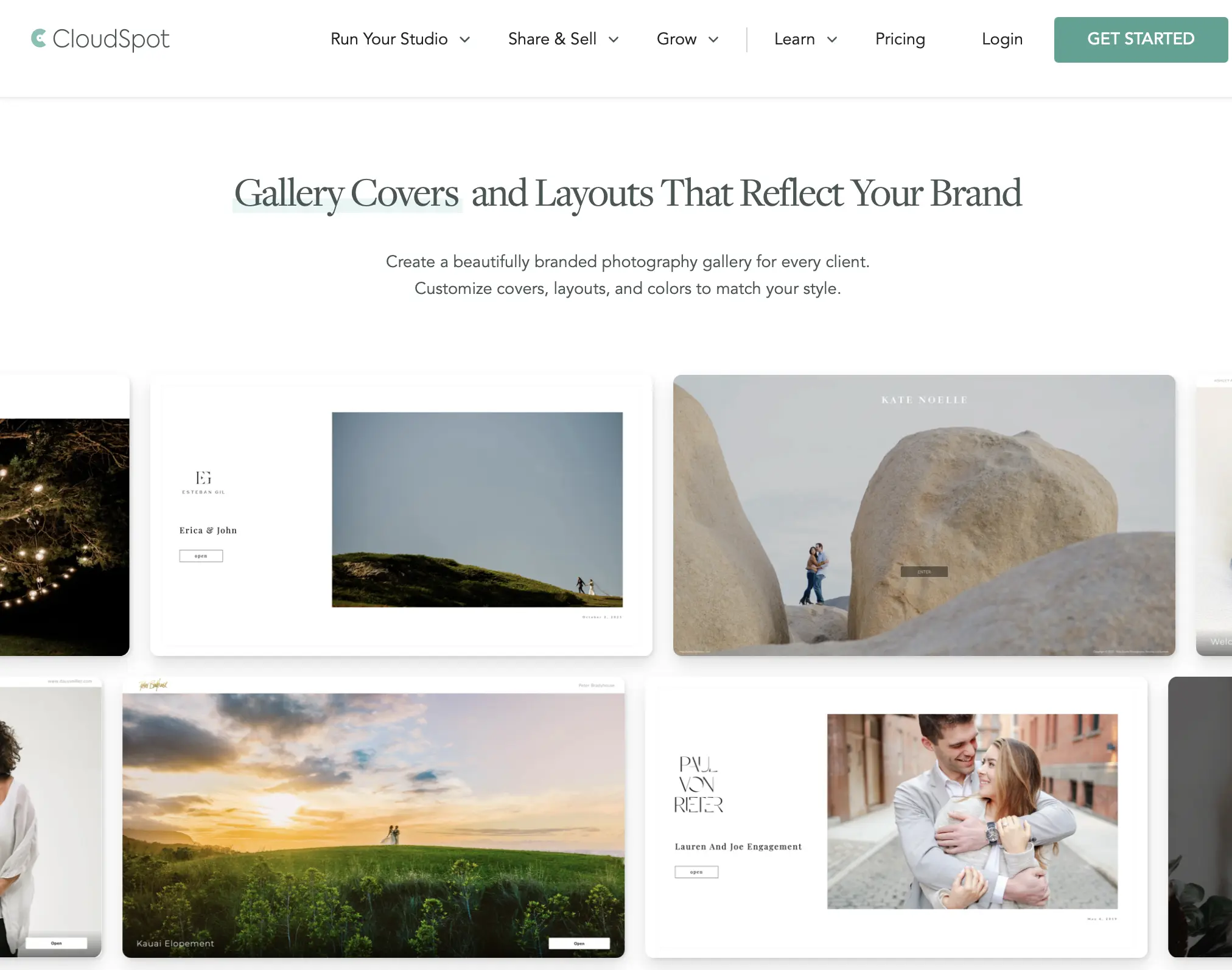
CloudSpot runs two separate pricing tracks side by side rather than one ladder: a cheaper “Gallery-Only” line (Free, Entry) built for photographers who just need to share and sell galleries, and a pricier “Full Suite” line (Lite, Pro, Unlimited) that adds unlimited galleries, every file type, and removes the commission the Gallery-Only line still charges. “Share” features like mobile apps and email capture appear on both tracks; Full Suite adds automatic order fulfillment, custom-designed albums, printed cards, and AR previews.
On privacy and support: CloudSpot hosts galleries in the cloud with no offline mode. Support runs through email and a help center. On integrations, CloudSpot doesn’t publish the CRM-style connections (HoneyBook, Studio Ninja) that Pic-Time and Zenfolio both support, and RAW files aren’t accepted on any tier, JPEG only.
CloudSpot Pricing
Gallery-Only Free is $0/month for 5GB, with a 15% commission on every print-store sale. Gallery-Only Entry runs $3/month for the first three months, then $7/month, for 15GB, still at 15% commission. On the Full Suite side, Lite starts at $3/month for three months before reverting to $17/month (100GB, commission-free), Pro reverts to $34/month (500GB), and Unlimited reverts to $50/month. The introductory $3/month rate applies to Full Suite only for the first three months; the ongoing list price is what to budget against.
Where CloudSpot makes sense
- Genuinely free entry point for photographers who just want to test gallery delivery before committing to any spend.
- Full Suite tier includes extras few competitors bundle in, like AR preview and custom-printed cards.
- Clear separation between “just deliver” and “sell seriously” tracks, useful if you know which one you need.
Potential trade-offs
- Both Gallery-Only tiers charge a 15% commission on every sale, higher than the free-tier commission on Pixieset or Lightfolio.
- The advertised $3/month Full Suite price is a three-month introductory rate; the real ongoing cost (up to $50/month) is easy to miss on a quick pricing-page scan.
- JPEG only; no RAW file support on any tier.
Who CloudSpot Is Best For
Photographers who want the cheapest possible way to start delivering galleries and are comfortable accepting a 15% commission until they’re ready to commit to a Full Suite plan.
7. Lightfolio
What Lightfolio offers
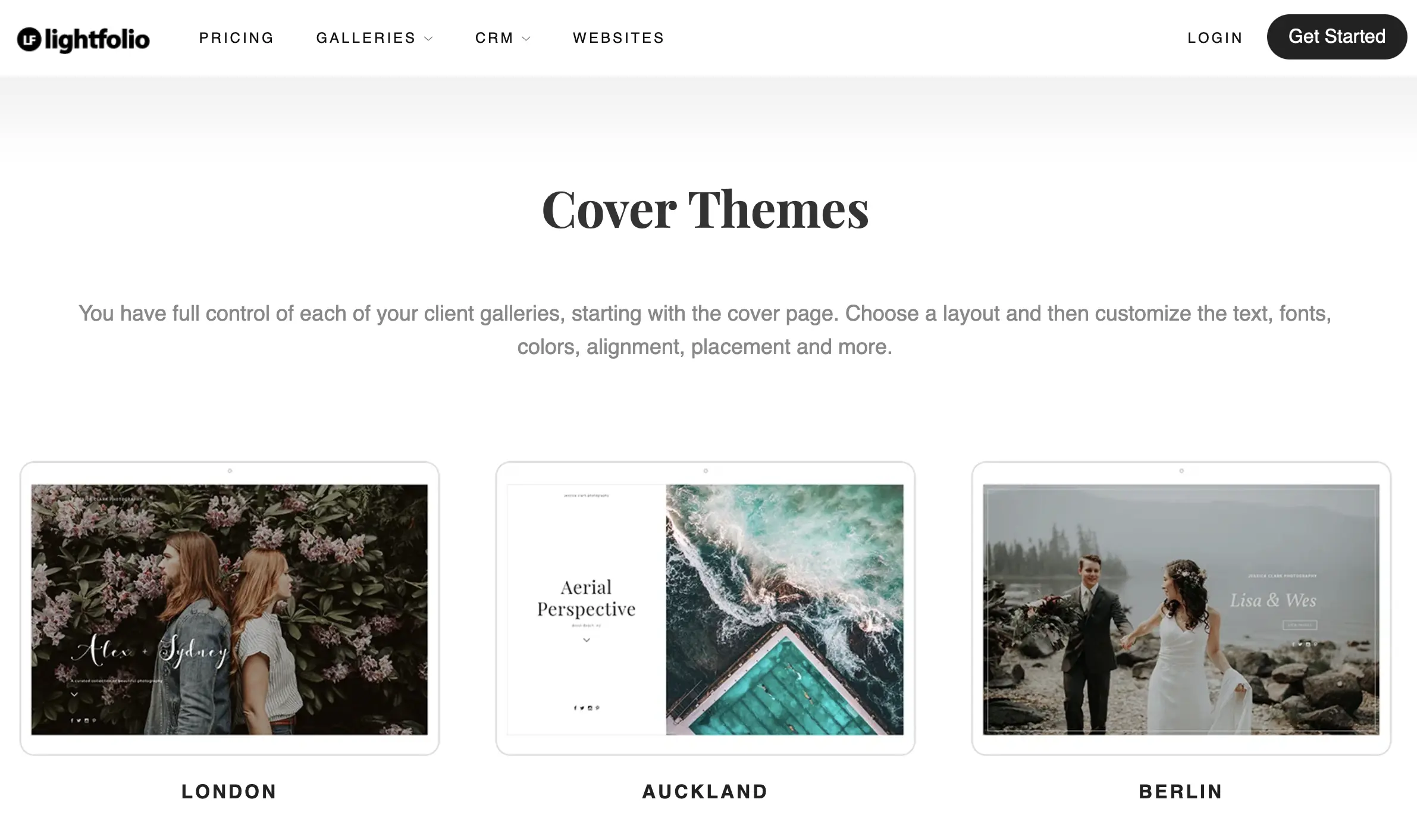
Lightfolio runs a five-tier ladder (Free, Lite, Starter, Pro, Premium) built around a CRM and website builder alongside gallery delivery. Every paid tier from Lite upward drops the commission that applies on Free, and custom domain support unlocks at the same point. Branding removal, letting you drop the Lightfolio name from client-facing galleries, is gated to Pro and Premium only.
On privacy and support: Lightfolio hosts galleries in the cloud with no offline mode. Support quality across tiers isn’t independently documented in third-party reviews the way Pic-Time’s or ShootProof’s is, since Lightfolio has a smaller public review footprint. On integrations, Lightfolio also sells separate Video, Studio Manager, and Website pricing as add-ons, so the Client Galleries pricing alone doesn’t capture the full cost of a complete setup.
Lightfolio Pricing
Free is $0/month for 3GB and 500MB of video, at a 15% commission. Lite runs $7/month billed annually ($11/month month-to-month) for 30GB, commission-free. Starter is $12/month annually ($18 monthly) for 100GB. Pro is $20/month annually ($28 monthly) for 1,000GB and adds branding removal. Premium tops out at $40/month annually ($50 monthly) with unlimited storage and priority support.
Where Lightfolio makes sense
- Commission drops to 0% starting at the $7/month Lite tier, cheaper than where Pixieset and CloudSpot remove their commission.
- Five tiers give finer-grained upgrade steps than the three-tier ladders most competitors use.
- Unlimited storage available at $40/month, undercutting SmugMug’s equivalent tier.
Potential trade-offs
- Free tier storage (3GB) is the tightest on this list alongside CloudSpot’s.
- Branding removal isn’t available until Pro, so Free through Starter subscribers show Lightfolio’s name on client galleries.
- Video, Studio Manager, and website features are priced separately, so the sticker price understates a full setup’s real cost.
Who Lightfolio Is Best For
Budget-conscious photographers who want commission-free selling as early as possible in the pricing ladder and don’t need CRM or website tools bundled in from day one.
Which Pic-Time Alternative Has The Lowest Real Cost?
This is where simple pricing comparisons become misleading. The lowest monthly subscription isn’t necessarily the least expensive platform for your studio.
Consider four different photographers:
| Photographer | Bigger cost to consider | Platform worth comparing first |
| Photographer already using AI culling/editing | Post-production handoffs | Aftershoot Galleries |
| Portrait photographer delivering small galleries | Number of hosted photos + business tools | ShootProof |
| Photographer paying separately for website + galleries | Duplicate software subscriptions | Pixieset or Zenfolio |
| High-volume studio keeping years of work online | Storage limits | SmugMug |
A better calculation is: Gallery subscription + selling fees + required add-ons + overlapping software + time spent moving work between tools.
Let me give you an example: paying $10 less per month matters. But if the cheaper platform means retaining a separate website subscription, manually moving every completed shoot through another system, or giving up a meaningful percentage of print profit, the sticker price isn’t telling the full story.
Pictime Alternatives: Detailed Pricing Comparison
| Platform | Entry paid tier | Mid tier | Top tier | Commission |
|---|---|---|---|---|
| Aftershoot Galleries | Free (Starter, 10GB) | $15/mo billed yearly (Premium, 500GB) | $30/mo billed yearly (Unlimited photo storage is subject to Aftershoot’s fair-use policy. | 0% on every plan |
| Pixieset | $8/mo billed annually (Basic, 10GB) | $16/mo billed annually (Plus, 100GB) | $40/mo billed annually (Ultimate, unlimited) | 15% on Free, 0% on all paid plans |
| ShootProof | $8.33/mo billed annually, $9.99 monthly (1,500 photos) | $16.67/mo billed annually (5,000 photos) | $50/mo billed annually, $60 monthly (Unlimited photos & storage) | 0% on all plans, including Free |
| Zenfolio | $7/mo billed annually (Basic, 15GB) | $11.50/mo billed annually (Professional, 150GB) | $20/mo billed annually (Advanced, unlimited JPEG) | Not stated as commission-based; flat subscription |
| SmugMug | $23.58/mo billed annually (Direct, unlimited storage, no selling) | $27.75/mo billed annually (Portfolio, adds sales tools) | $43.67/mo billed annually (Pro) | No stated commission; photographer sets own margin |
| CloudSpot | $7/mo after intro (Entry, Gallery-Only, 15GB) | $17/mo after intro (Lite, Full Suite, 100GB) | $50/mo after intro (Unlimited, Full Suite) | 15% on Gallery-Only, 0% on Full Suite |
| Lightfolio | $7/mo billed annually (Lite, 30GB) | $20/mo billed annually (Pro, 1,000GB) | $40/mo billed annually (Premium, unlimited) | 15% on Free, 0% on Lite and up |
What this means: Aftershoot Galleries and ShootProof both keep commission at 0% from the free tier up, a genuine parity point rather than an Aftershoot-only advantage worth naming honestly. A wedding photographer processing 20,000+ images during peak season will outgrow ShootProof’s lower photo-count tiers fastest and should budget for the $50/month (annual) Unlimited plan from the start, rather than assuming the $8.33 entry tier will hold through a full season. A photographer who wants unlimited storage without an entry-level cap gets that immediately from SmugMug’s Direct tier, but at $23.58/month it’s priced in the range of most competitors’ mid tiers. That said, Aftershoot’s $30/month Unlimited tier would also be a close choice for photographers looking for unlimited plans. Photographers comparing CloudSpot’s advertised $3/month intro rate against other entry tiers should budget for the ongoing list price instead, since that promotional rate only holds for three months before reverting to $17–50/month depending on tier. And a photographer prioritizing early commission-free selling over storage headroom will find Lightfolio’s $7/month Lite tier and Aftershoot Galleries’ free Starter tier remove that cost sooner than Pixieset, CloudSpot, or Zenfolio’s equivalent entry points.
Pic-Time Vs. Its Alternatives: What Are You Trying To Fix?
Before migrating years of galleries, identify the problem you’re solving.
1. If price is the problem
Don’t compare entry prices. Instead, look at the plan you’d actually need for your current storage, image count, video usage, selling requirements, and team.
A $9 entry plan isn’t a $9 solution if your normal wedding season immediately pushes you into the $40 tier.
2. If storage is the problem
Check your current hosted library before shopping. How much gallery storage do you use today? How quickly does it grow in peak season? Do you remove old galleries or keep client links active for years?
That tells you whether unlimited storage is genuinely valuable or merely sounds reassuring.
3. If print sales are the problem
Compare more than “print store: yes/no.”
Look at:
- Platform or commerce fees
- Payment processing
- Lab options
- Self-fulfillment
- Pricing control
- Coupons and promotions
- The client buying experience
A platform that costs slightly more each month can still leave you with more revenue if your sales structure fits it better.
4. If your workflow feels fragmented
Count the handoffs, and ask yourself, “where do your photos go after the shoot?”
Memory card → culling → editing → retouching → export → folder organization → gallery upload → client
Every transition introduces another place for files to be moved, checked, renamed, uploaded, or managed. For photographers delivering a lot of work, reducing those transitions can be worth more than saving a few dollars on storage.
How Difficult Is It To Switch From Pic-Time?
The software subscription is the easy part… your archive is what makes migration expensive.
Before moving, audit:
- Active client galleries
- Expiration dates
- Favorites or selections clients still need access to
- Print orders
- Download permissions
- Custom domains
- Existing URLs you’ve shared with clients
- Gallery passwords
- Videos
- Client information
- Any automated campaigns attached to galleries
Pic-Time itself provides migration services for photographers moving to Pic-Time. Aftershoot also offers migration support from Pic-Time, Pixieset, and ShootProof.
Whichever direction you’re moving, test migration using one real gallery first. Open it on desktop and mobile. Try the download experience. Send it to someone who didn’t build it. If you sell prints, run through that journey too.
You’ll learn more from one real client workflow than from another hour comparing feature grids.
👁️ Also Read: Best ways to share photos with clients
Why Are Photographers Adding Aftershoot Galleries To Their Workflow?
Every platform on this list can host a gallery and sell a print. What none of them do is start from the same place your images already are.
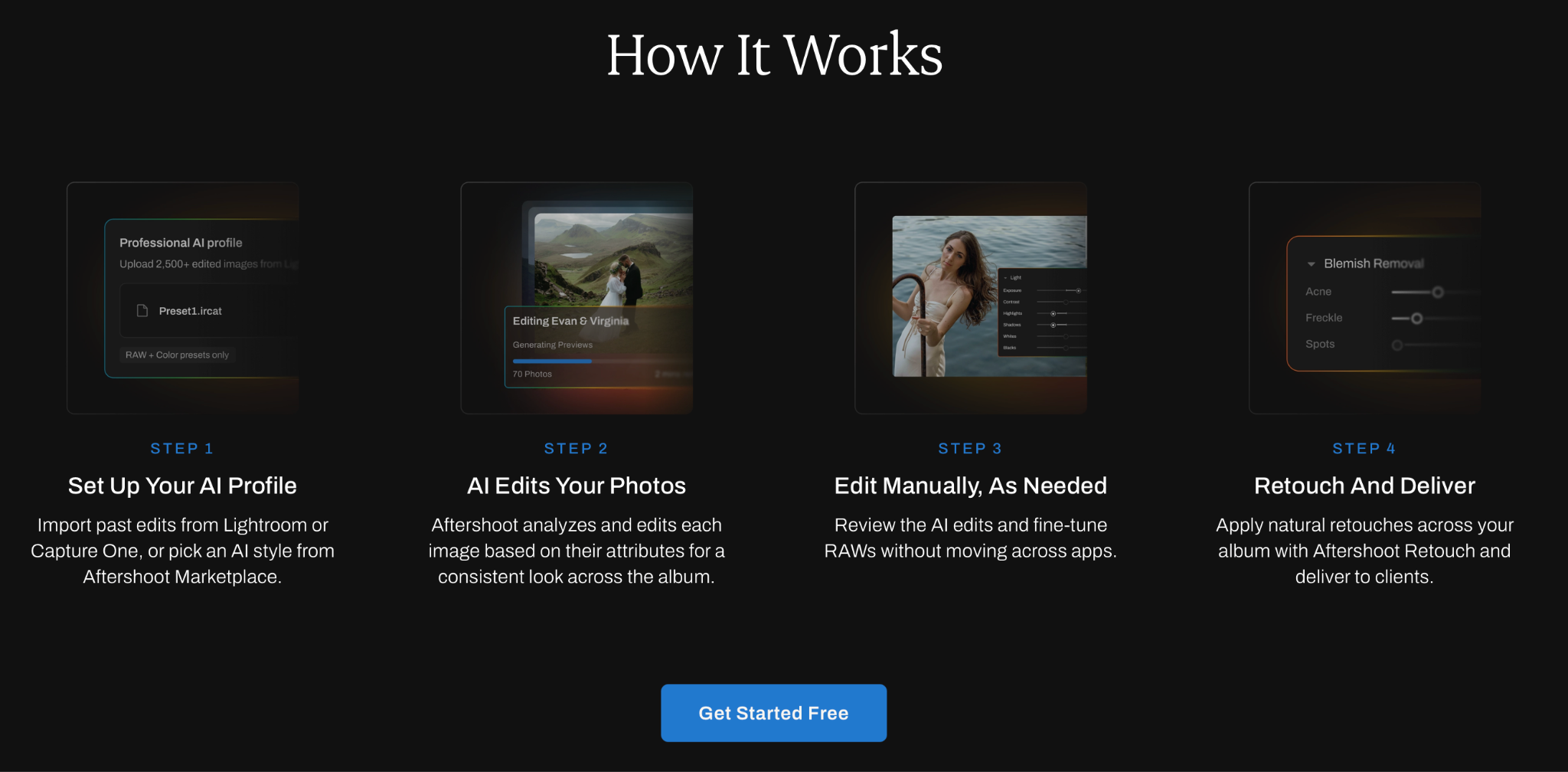
If you’re culling and editing with Aftershoot, your final selections exist in the app before they ever touch a gallery platform. With Pic-Time, Pixieset, ShootProof, Zenfolio, or SmugMug, that means exporting a finished folder from Lightroom or Capture One, then uploading it somewhere else, naming conventions, folder structures, and all. With Aftershoot Galleries, that export step disappears. Your edited gallery goes live from the same workflow where you made your selections.
That matters most during the weeks you’re least equipped to deal with an extra step: back-to-back wedding weekends, a full portrait season, or a sports tournament with same-week turnaround. Face Gating adds a second practical advantage for event and vendor galleries specifically, guests find their own photos automatically instead of scrolling through a shared album that includes everyone else’s moments too.
None of this means Aftershoot Galleries replaces what Zenfolio or Pic-Time offer for a photographer who genuinely needs a full marketing website with a blog. If that’s the core reason you’re on either platform today, this is a delivery upgrade to run alongside your existing site, not a full replacement for it. But for the actual job of getting a finished gallery in front of a client fast, with print sales and proofing built in and 0% commission taken, it’s worth testing against whatever you’re using now.
The free starter plan makes that comparison low-risk.
Which Pic-Time Alternative Should You Choose?
- Choose Aftershoot Galleries if you want the gallery to sit closer to culling and editing so there are fewer separate stages between a shoot and client delivery.
- Choose Pixieset if you want polished galleries and like the idea of gradually bringing your website, studio management, and other client tools into the same ecosystem.
- Choose ShootProof if you want delivery, contracts, invoicing, booking, and selling tools connected, and its photo-count pricing works for the number of images you keep online.
- Choose Zenfolio if replacing both your gallery platform and photography website with one subscription is the priority.
- Choose SmugMug if storage limits are the problem you never want to think about again and you’re comfortable with its pricing and sales model.
Choose The Pic-Time Alternative That Removes The Most Friction
There’s no universal winner among Pic-Time, Pixieset, ShootProof, Zenfolio, SmugMug, and Aftershoot Galleries because they solve slightly different versions of the same problem.
If your biggest frustration is storage, start with SmugMug. If you want more of your business under one roof, compare Pixieset, ShootProof, and Zenfolio. If the handoff between post-production and delivery is what slows you down, look at Aftershoot Galleries.
Most importantly, compare the whole workflow, not just the monthly price.
The best gallery platform is the one your clients barely have to think about, and you don’t have to fight every time a shoot is ready to leave your computer.
FAQs For Pic-Time Alternatives
Q1. What is the best alternative to Pic-Time?
There isn’t one best Pic-Time alternative for every photographer. Pixieset is a strong option for photographers who want a broader platform around their galleries, ShootProof combines delivery with business tools, Zenfolio emphasizes website and gallery consolidation, SmugMug offers unlimited photo storage, and Aftershoot Galleries connects delivery more closely with culling and editing. Choose based on the problem you actually want to solve.
Q2. Is Pixieset cheaper than Pic-Time?
It depends on the plans you’re comparing and which Pixieset products you need. Pixieset’s standalone Client Gallery Basic plan currently starts at $8/month with annual billing and includes 10 GB of storage and commission-free sales. But photographers wanting Pixieset’s wider Website and Studio Manager ecosystem should compare Suite pricing rather than using the gallery-only price.
Q3. Does ShootProof charge commission on photo sales?
ShootProof currently states that photographers keep their profits and that its plans offer commission-free sales. Its pricing is primarily differentiated by how many photos you can keep online, ranging from 100 photos on Free to unlimited photos on its highest tier.
Q4. Which Pic-Time alternative is best for high-volume photographers?
It depends on what creates the volume. SmugMug can be useful for photographers who keep very large JPEG archives online because its paid plans include unlimited photo storage. Aftershoot Galleries may be attractive to high-volume photographers who are more concerned about reducing post-production and delivery handoffs. ShootProof’s Unlimited tier is another option when photo-count limits become restrictive.
Q5. Can I move my existing Pic-Time galleries to another platform?
Migration support varies by provider. Aftershoot currently provides migration support for photographers moving from Pic-Time, Pixieset, and ShootProof. Whatever platform you choose, migrate one active gallery first and check downloads, client access, mobile presentation, favorites, and sales before moving your entire archive.
Q6. Can I use Aftershoot Galleries without Aftershoot Culling or Editing?
Yes. Aftershoot Galleries can be used for gallery delivery even if you aren’t using Aftershoot for every stage of post-production. The workflow advantage becomes more significant when you already use Aftershoot’s culling or editing tools, because more of the process can happen within the same ecosystem.




