Wedding Photography is Your Calling, Post-Processing is Ours.
Cut hours off your post-processing with an AI workflow that’s built to help you stay on top of your game, even during busy seasons.

From culling thousands of shots to delivering a gallery your newlywed clients will love – we got you.
Aftershoot handles the heavy lifting, so you can focus on the moments that matter most.
FULL ACCESS FOR 30 DAYS | NO CREDIT CARD | NO PER-IMAGE FEES

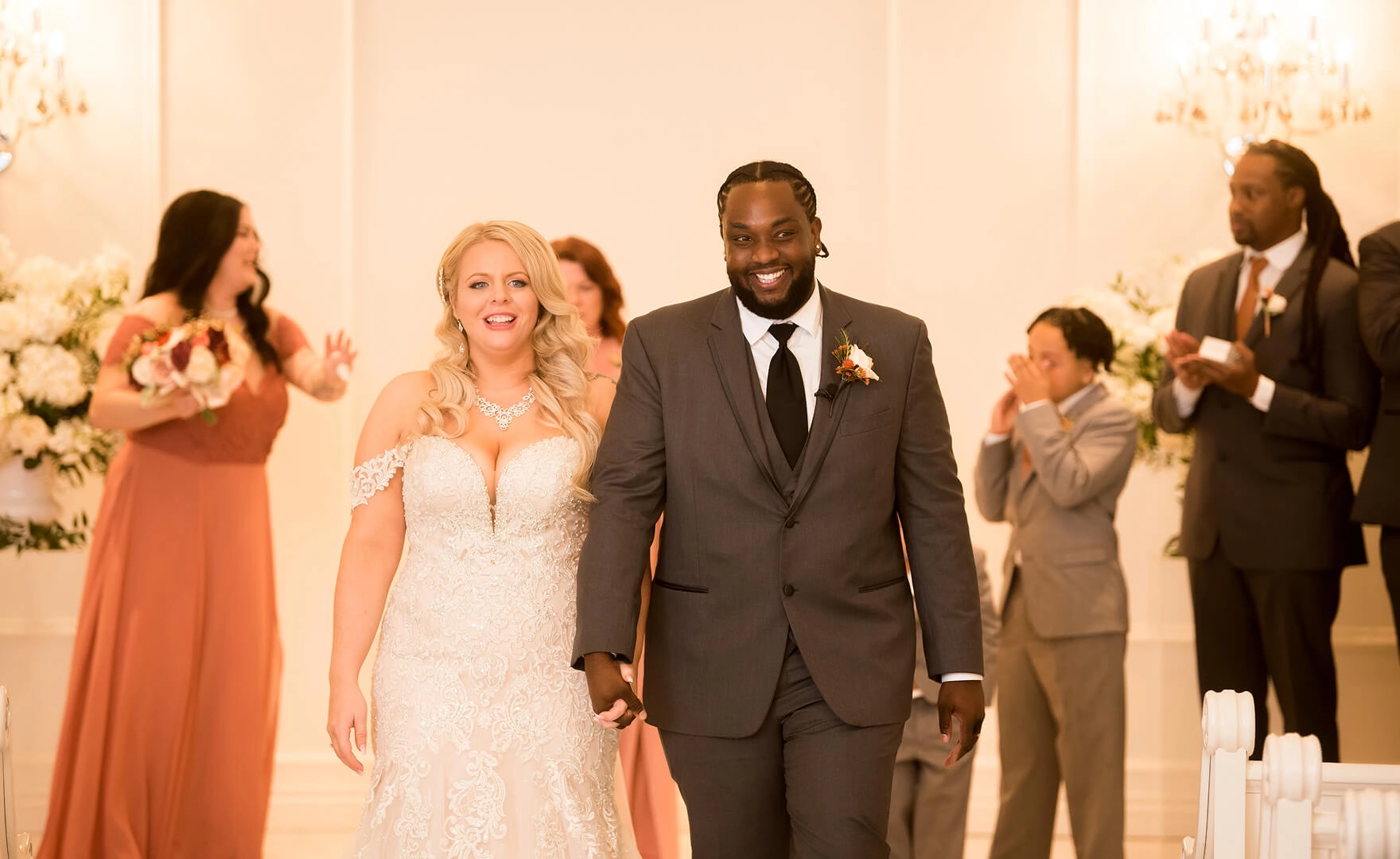
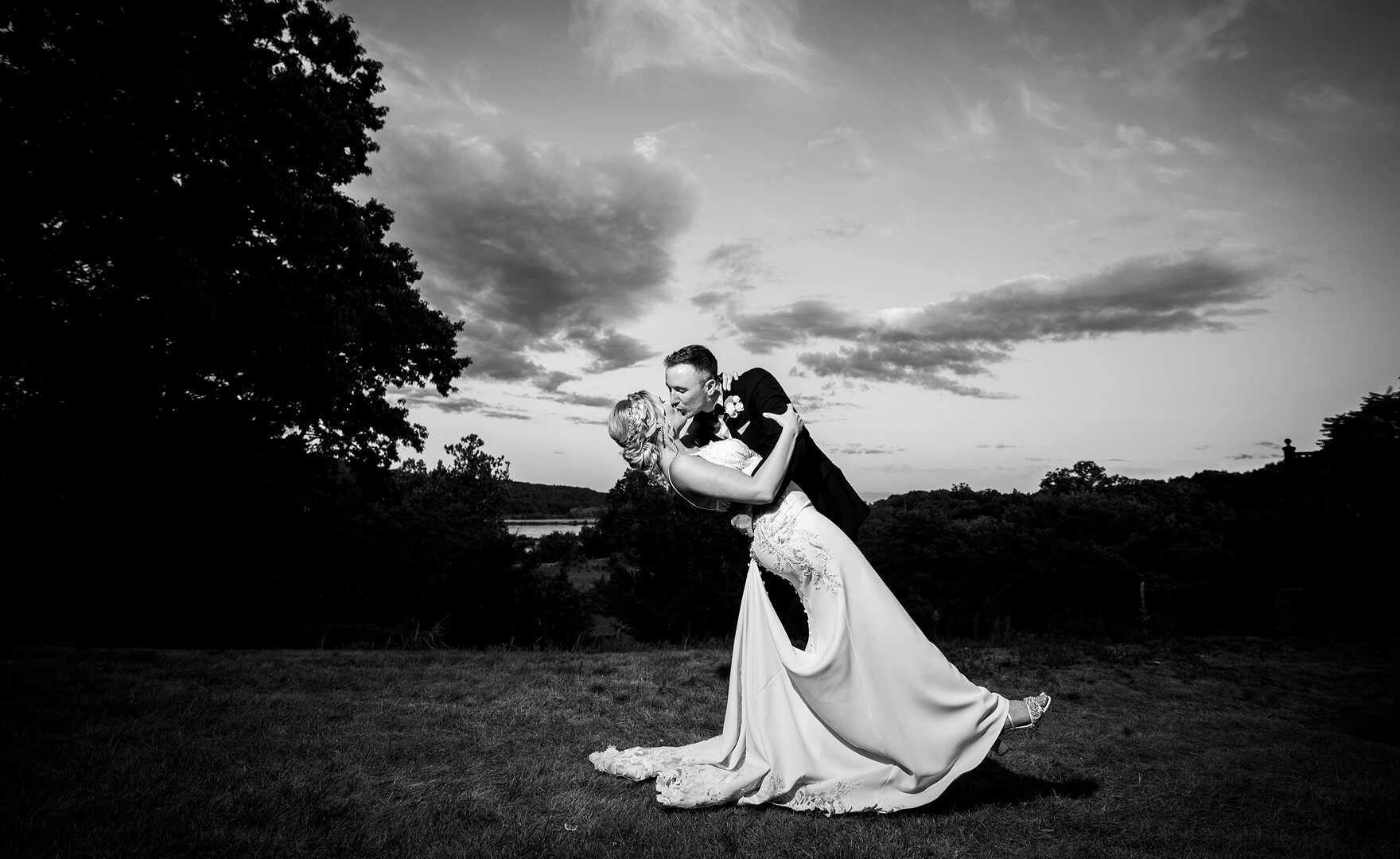
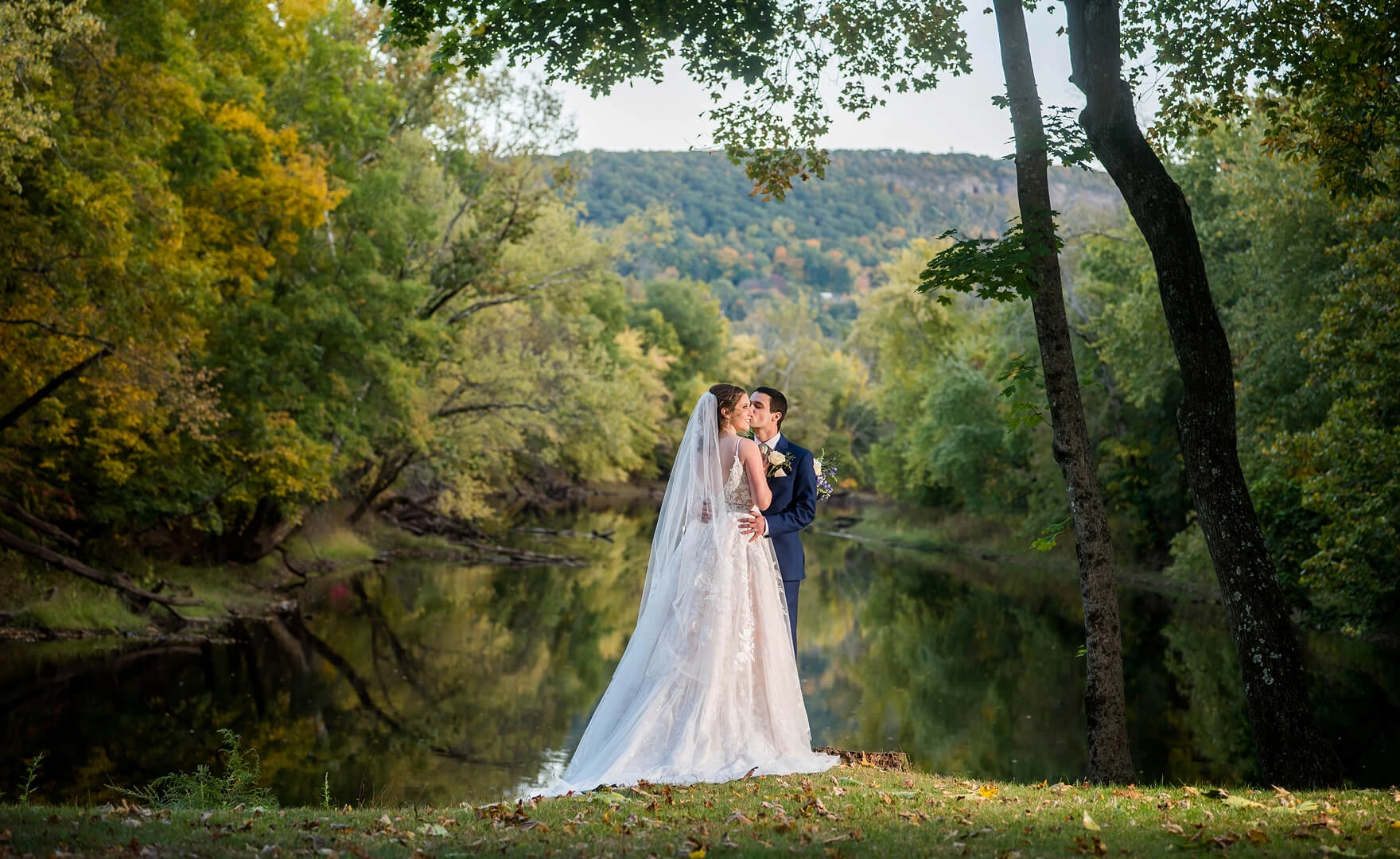
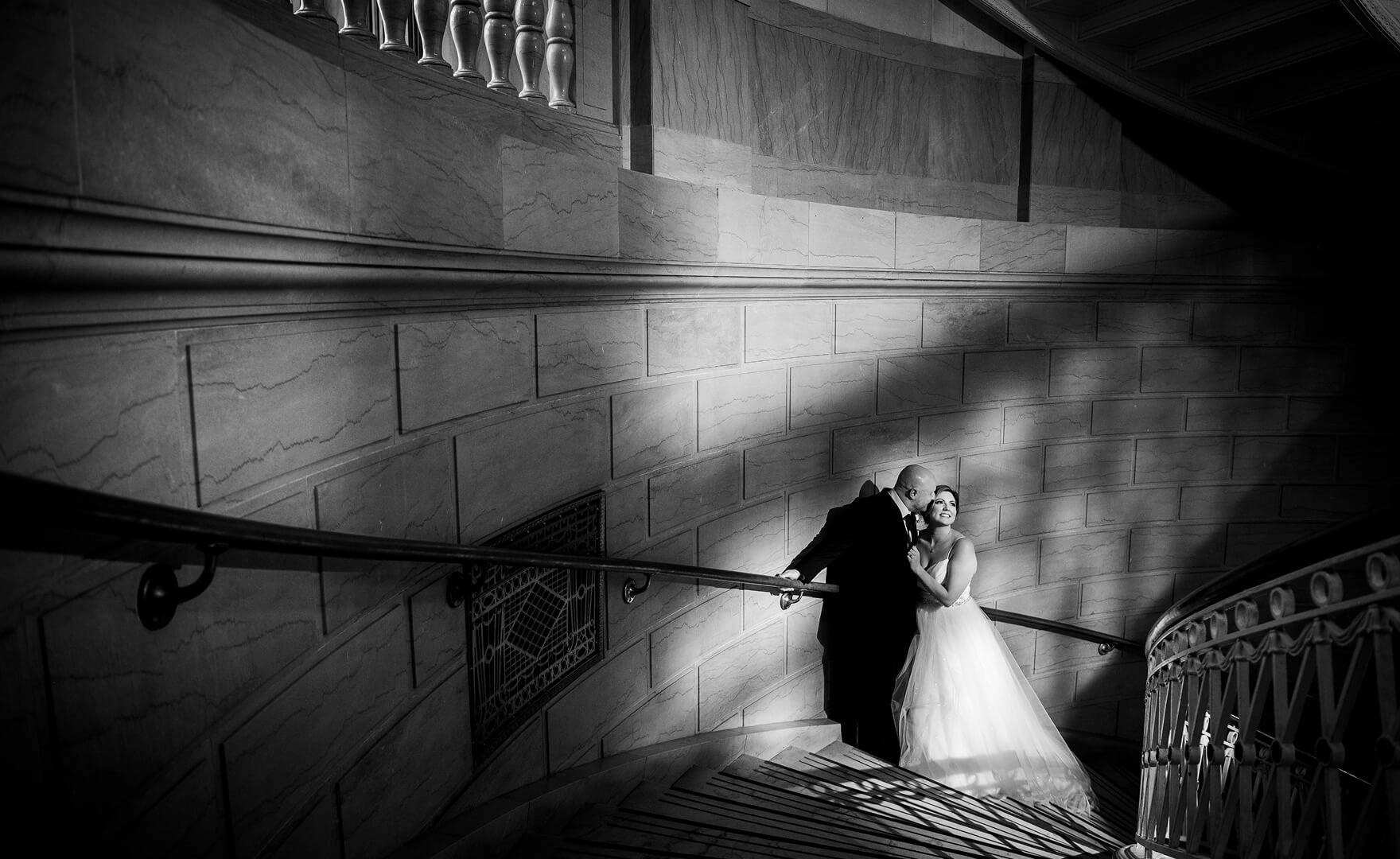
 BEFOREAFTER
 BEFOREAFTER
 BEFOREAFTER
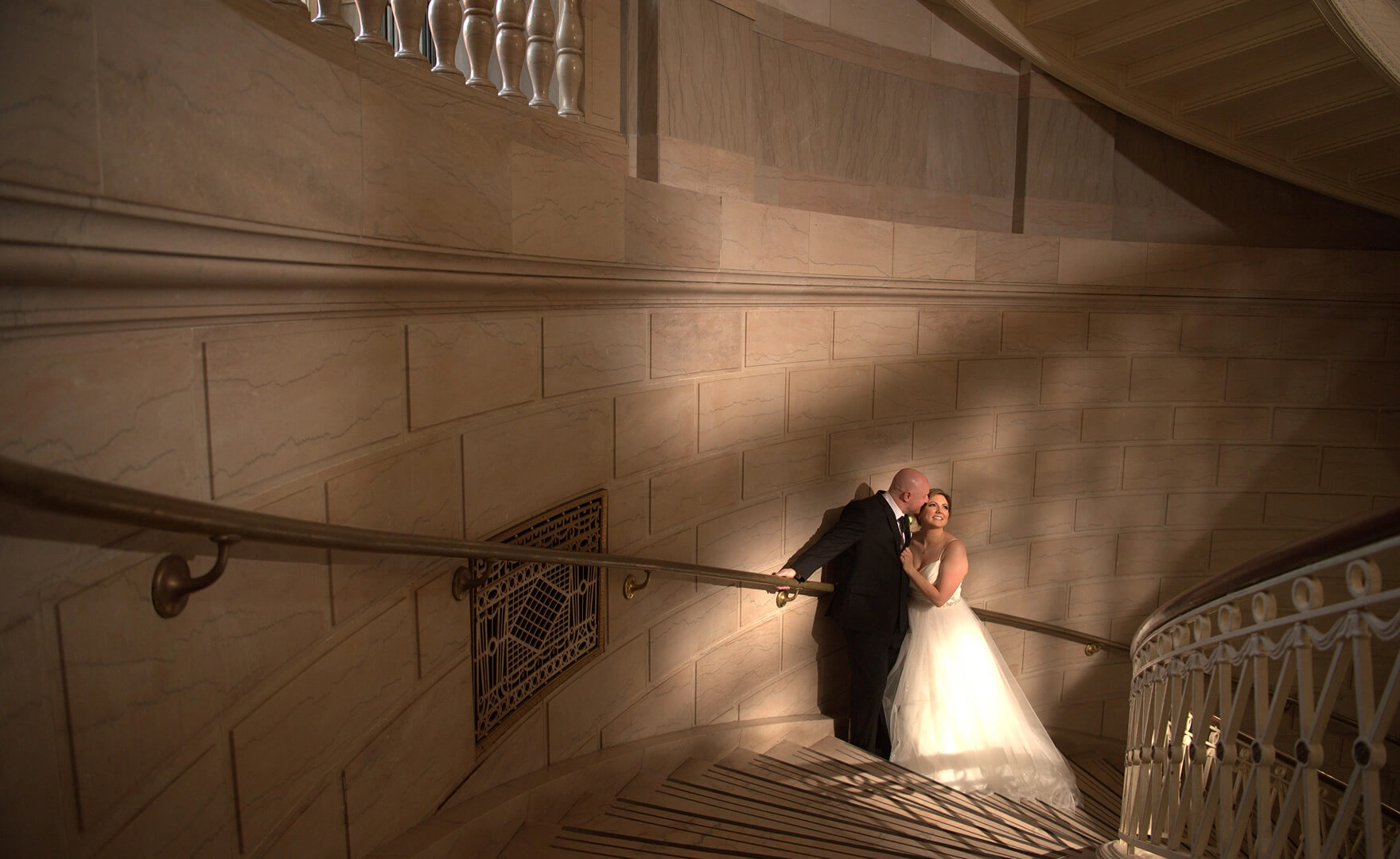 BEFOREAFTER
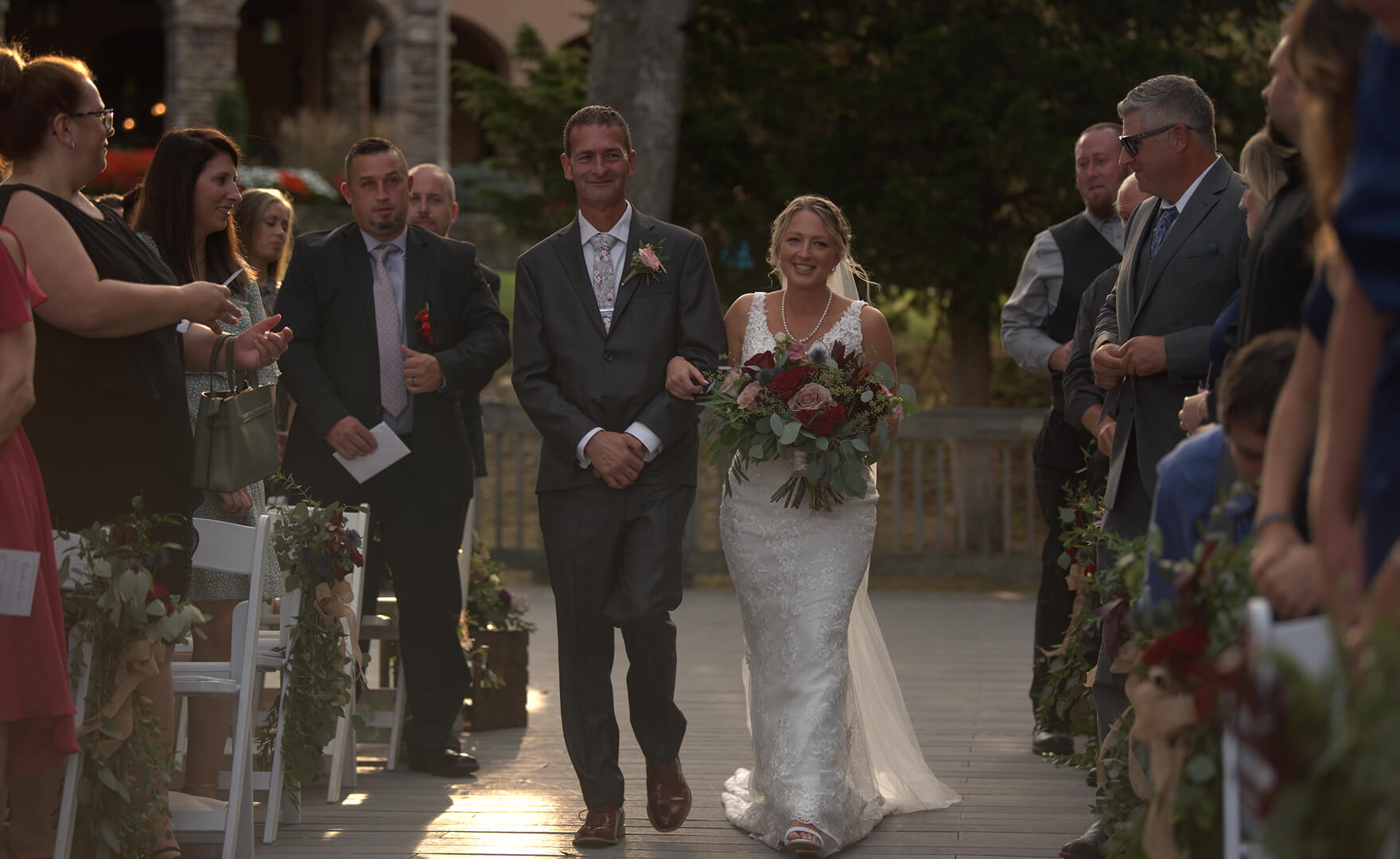 BEFOREAFTER
 BEFOREAFTER
 BEFOREAFTER
 BEFOREAFTER
 BEFOREAFTER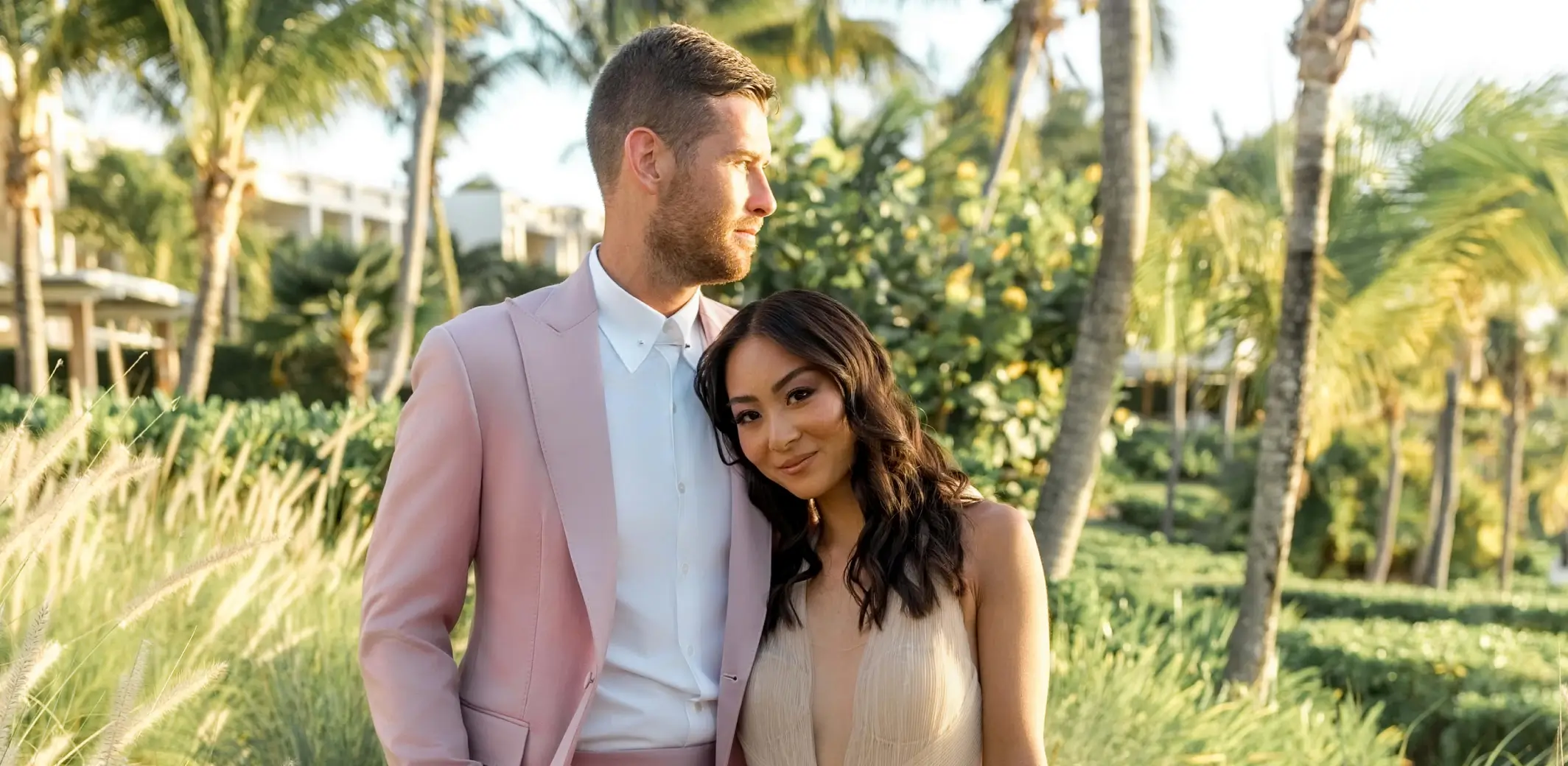
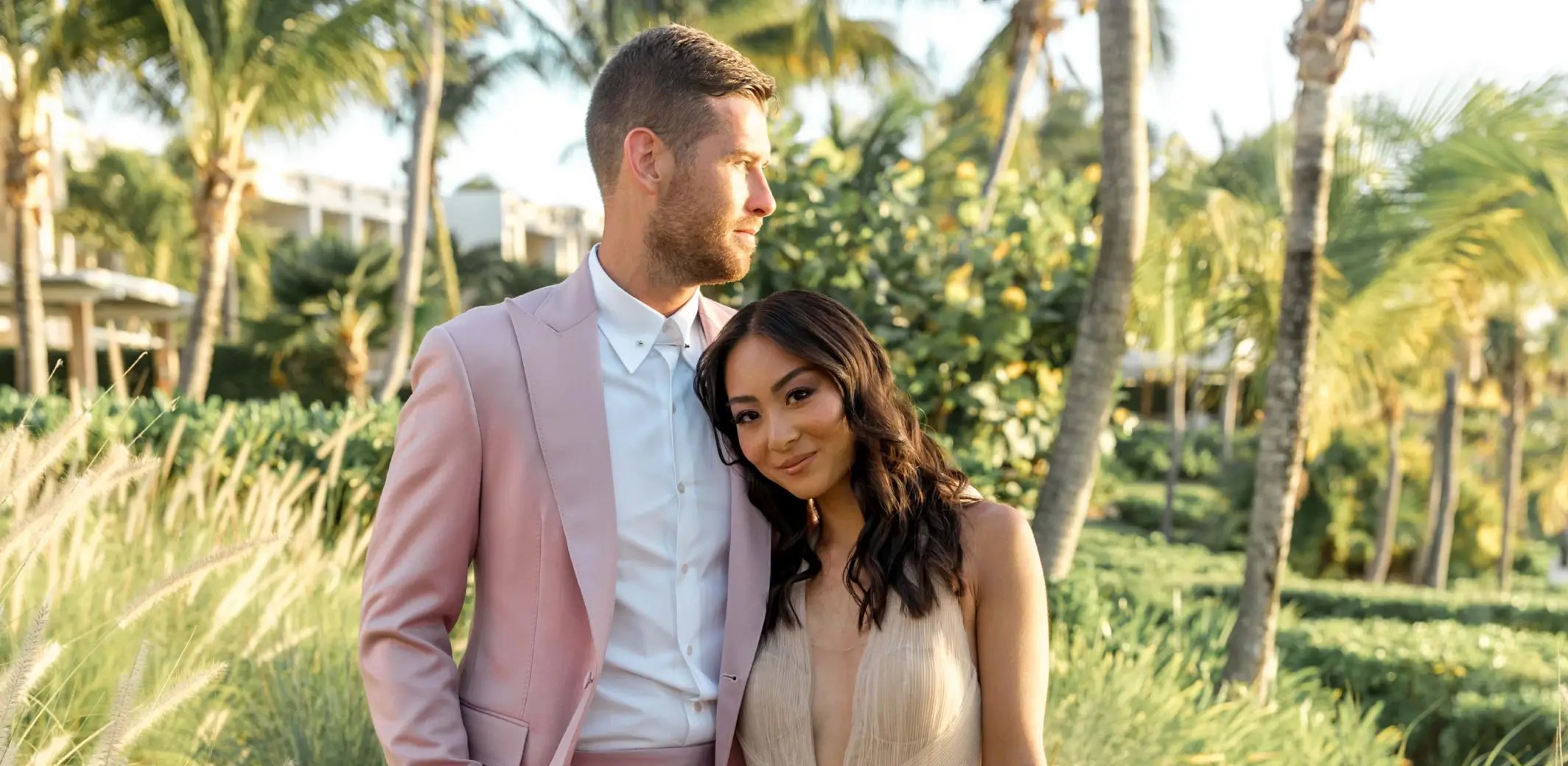 BEFOREAFTER



FULL ACCESS FOR 30 DAYS | NO CREDIT CARD
Full Access for 30 days. | No credit card required.


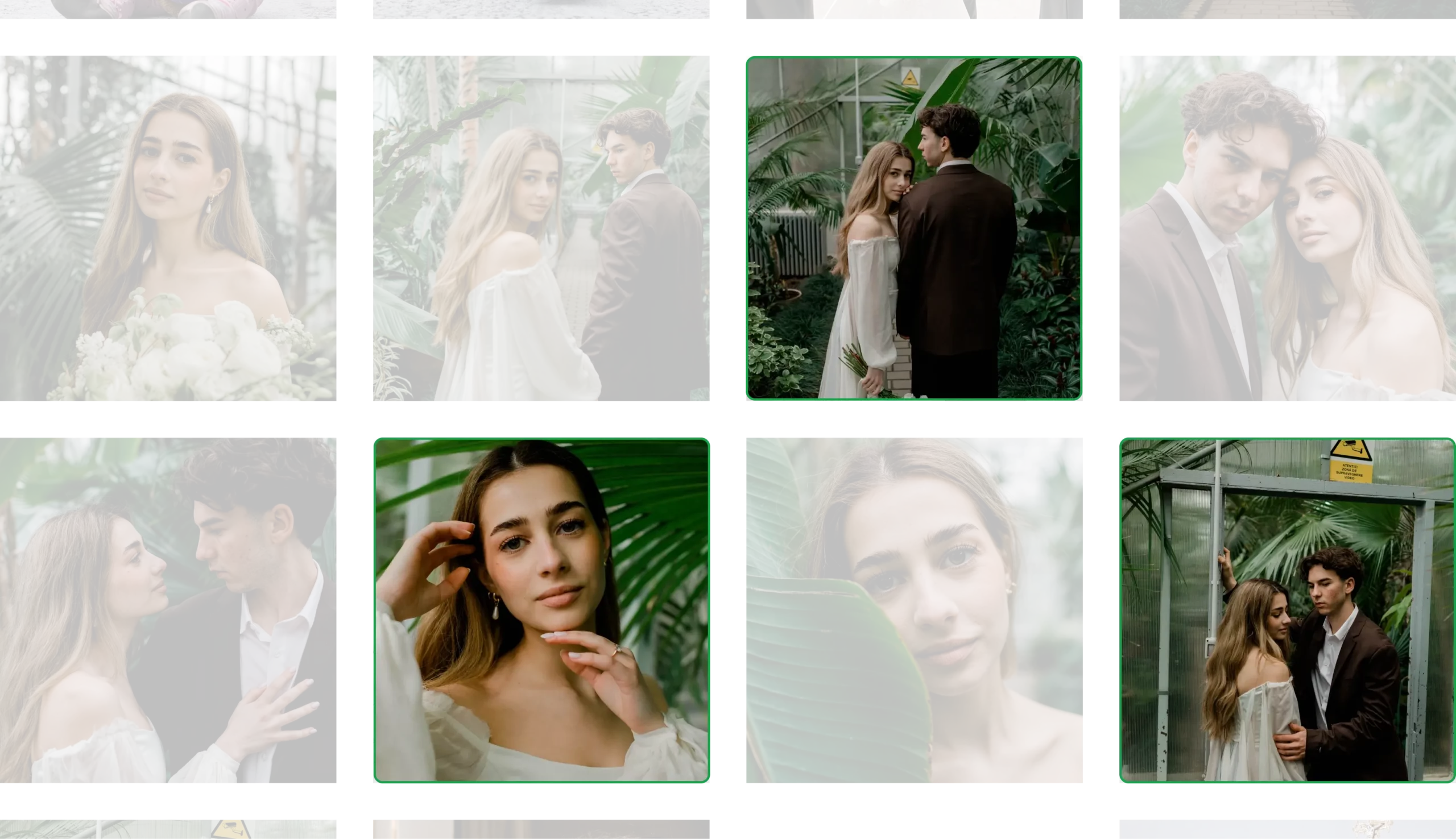
Yes. Aftershoot’s culling workflow is built for volume. It analyzes 30+ factors, filters duplicates, blurry frames, closed eyes, and similar misses, and helps you surface stronger selects faster without sorting every image by hand. That matters when one wedding gallery can easily run into the thousands.
Aftershoot speeds up the three parts of the workflow that usually eat the most time after a wedding: culling, editing, and retouching. You can narrow down a large gallery faster, apply consistent edits in your style, and retouch key images without doing every correction manually. That gets you to sneak peeks and full gallery delivery sooner.
Yes. Aftershoot is built to deliver consistent edits across varied lighting, gear, and scenes, so the gallery still feels cohesive when the day moves from dark prep rooms to ceremony light to reception floors. You get a faster editing workflow without the gallery feeling stitched together from different shoots.
Yes. Aftershoot retouches wedding images with a light hand, helping you fix blemishes, flyaways, glare, and distractions while keeping results polished and believable. The goal is not an airbrushed look. It is a cleaner final image that still feels like the people and moments you photographed.
Yes. Aftershoot helps you move through large wedding galleries faster, even when the coverage comes from multiple cameras or more than one shooter. You can cull faster, keep edits consistent across the full gallery, and move into final review without slowing down the rest of your workflow.
Not as part of the normal workflow. Aftershoot runs locally for batch culling, editing, and retouching. The only exceptions are when you choose to train a custom editing profile or keep user learning turned on for culling.