Portrait Photography Is Your Calling, Post-Processing Is Ours
Save hours off your portrait photo editing process with an AI workflow that’s built to help you stay on top of your game, even during busy seasons.

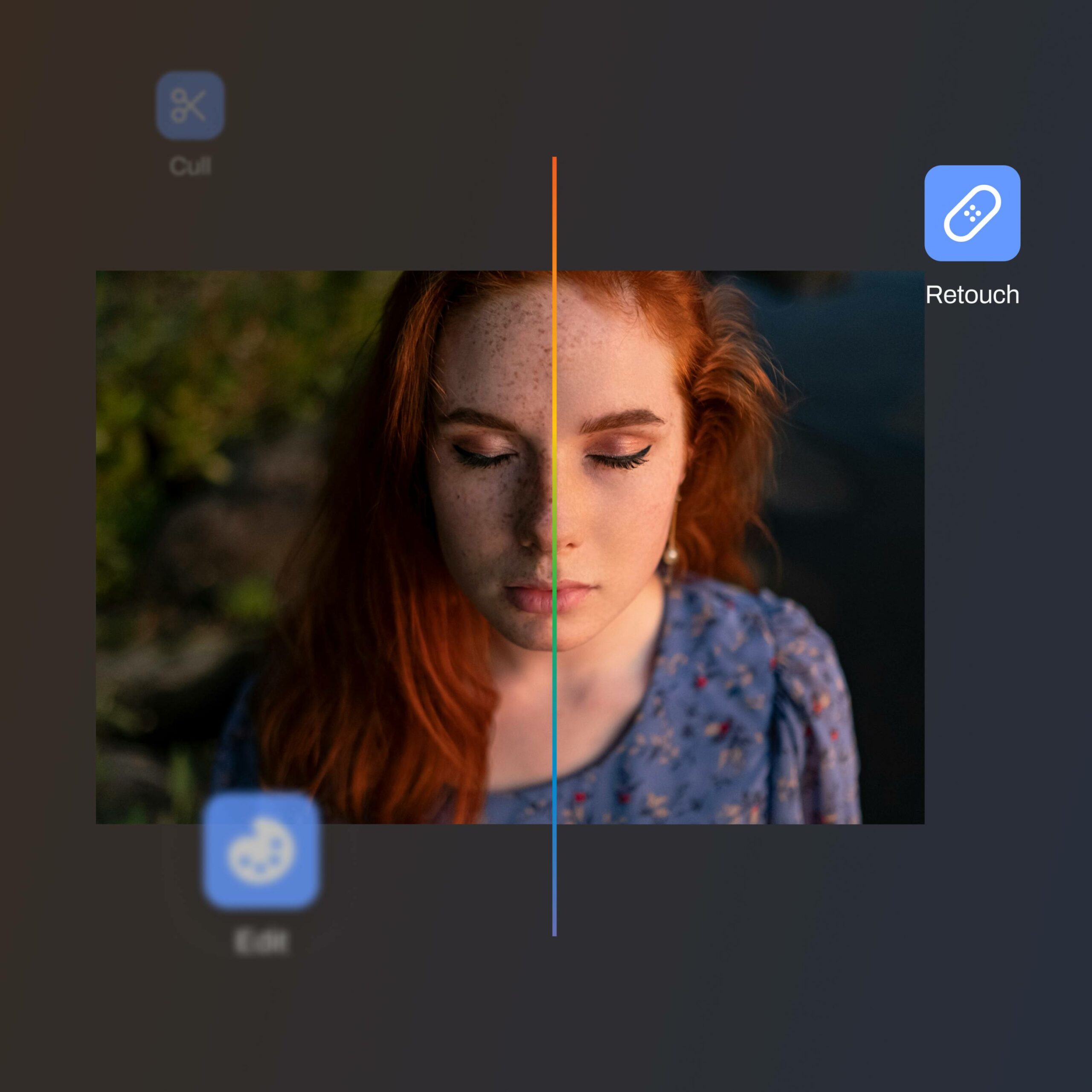
Aftershoot takes care of your entire post-processing workflow, from raw shots to client-ready galleries, so you can cull, edit, retouch, and deliver without the app hopping.
FULL ACCESS FOR 30 DAYS | NO CREDIT CARD | NO PER-IMAGE FEES
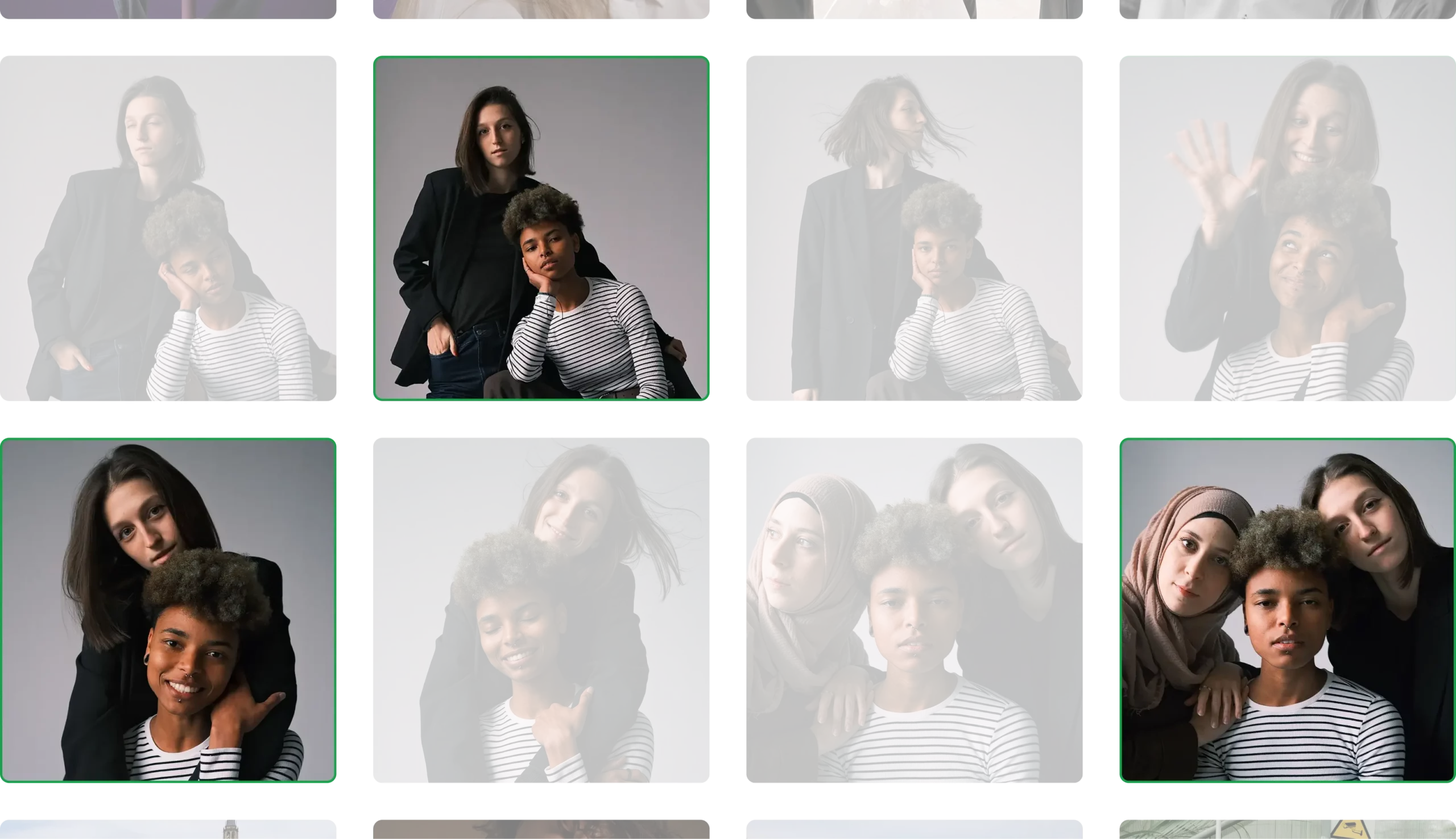
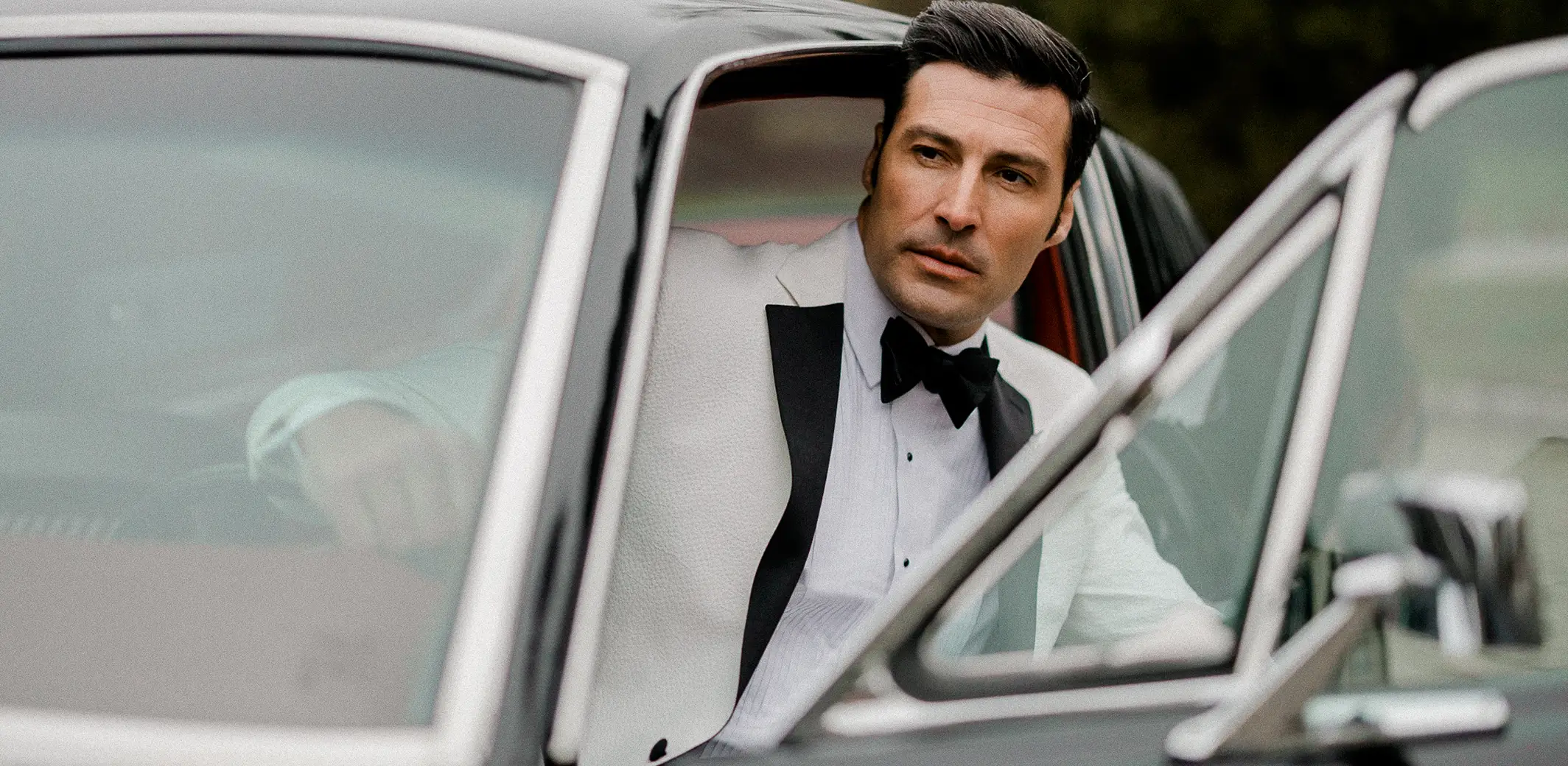
 BEFOREAFTER
 BEFOREAFTER
 BEFOREAFTER
 BEFOREAFTER
 BEFOREAFTER
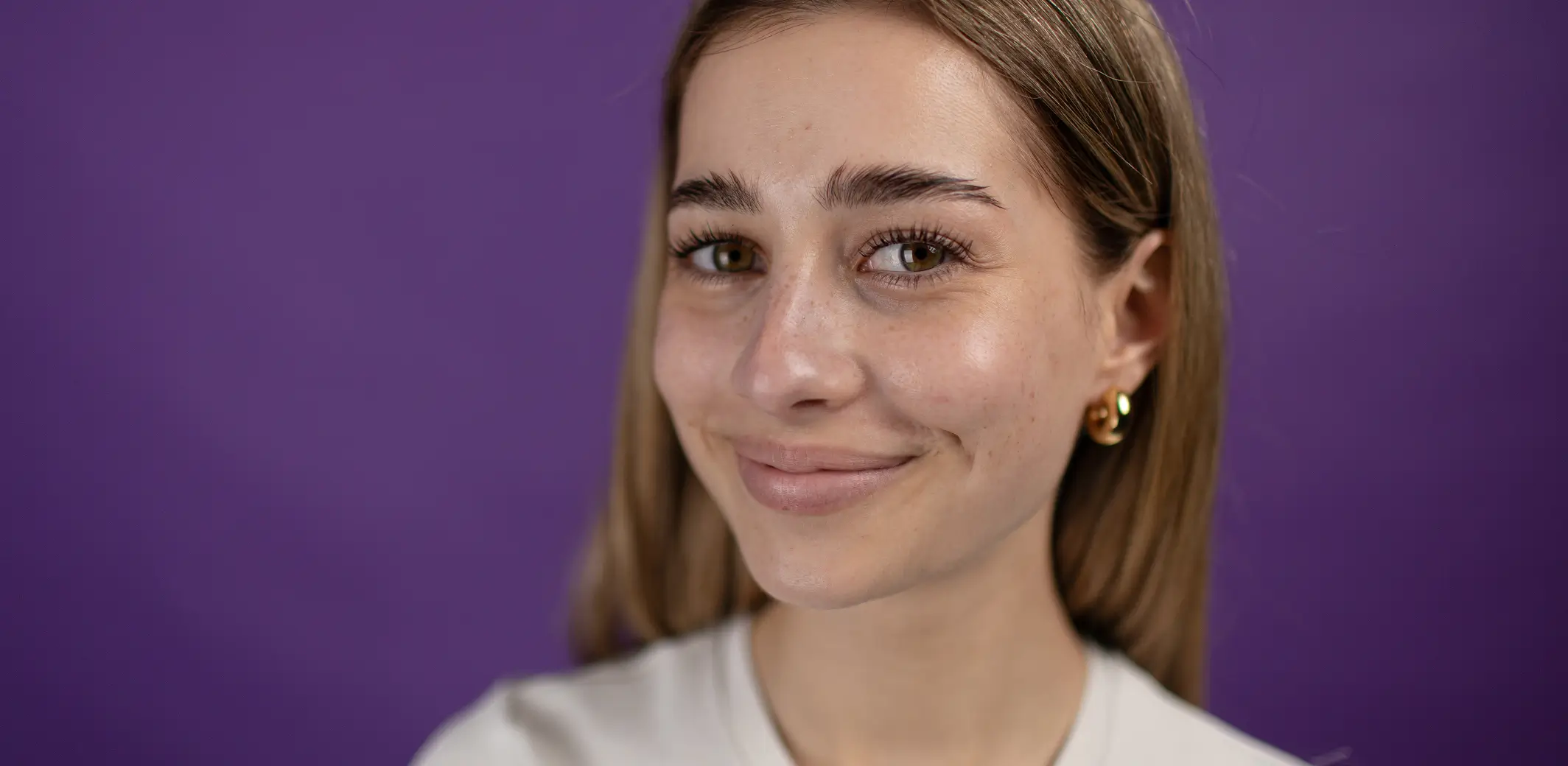 BEFOREAFTER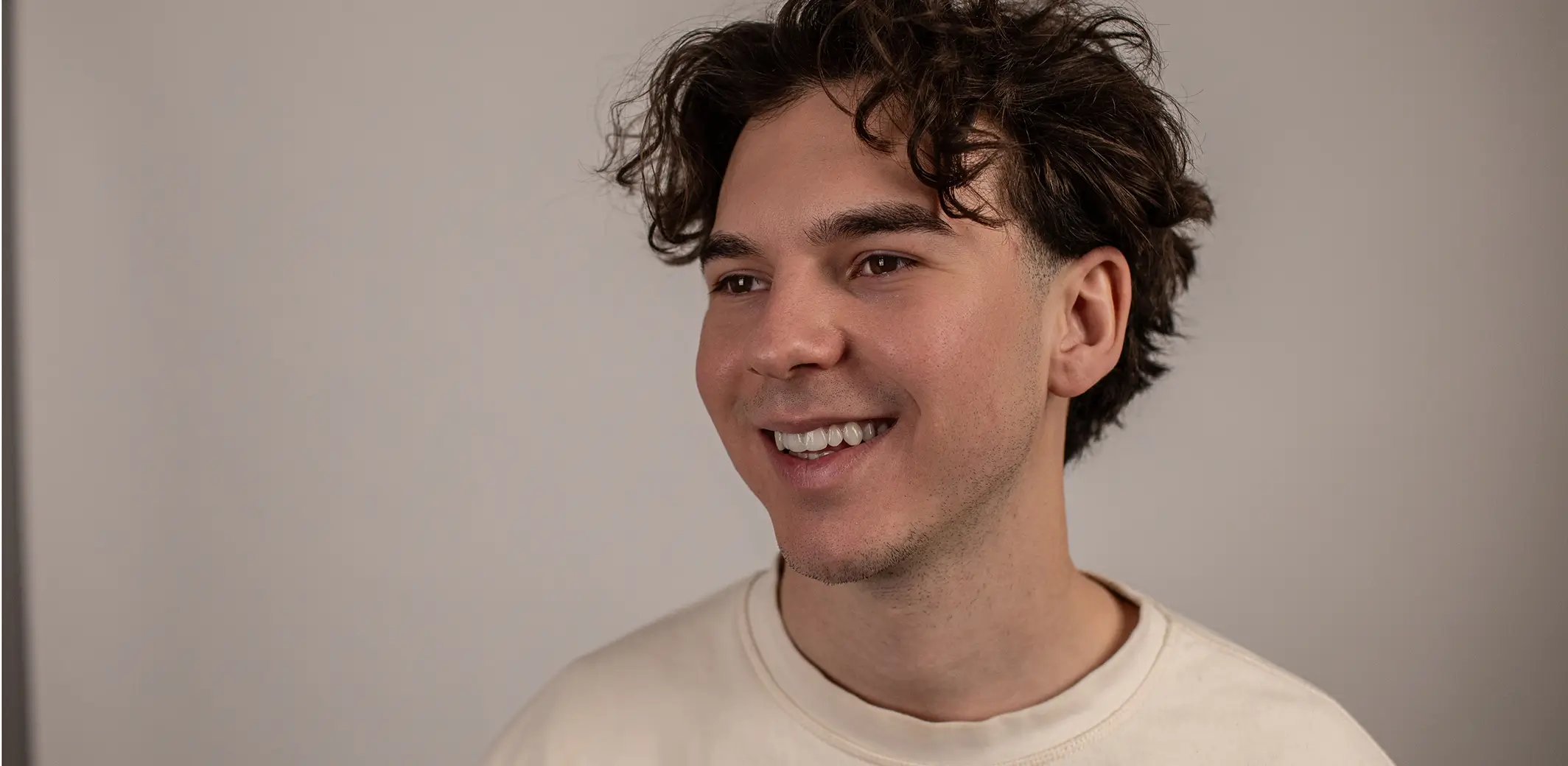
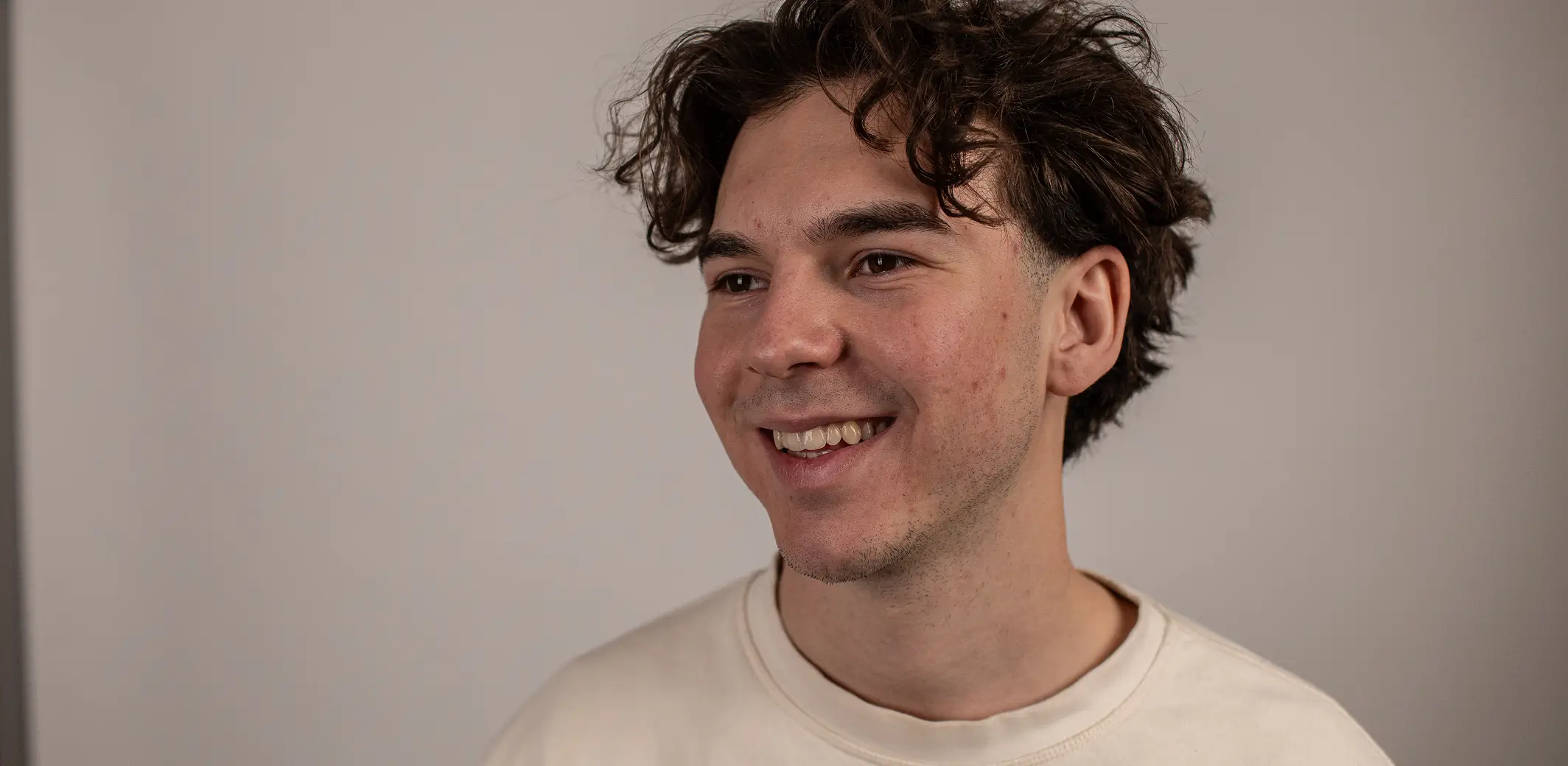 BEFOREAFTER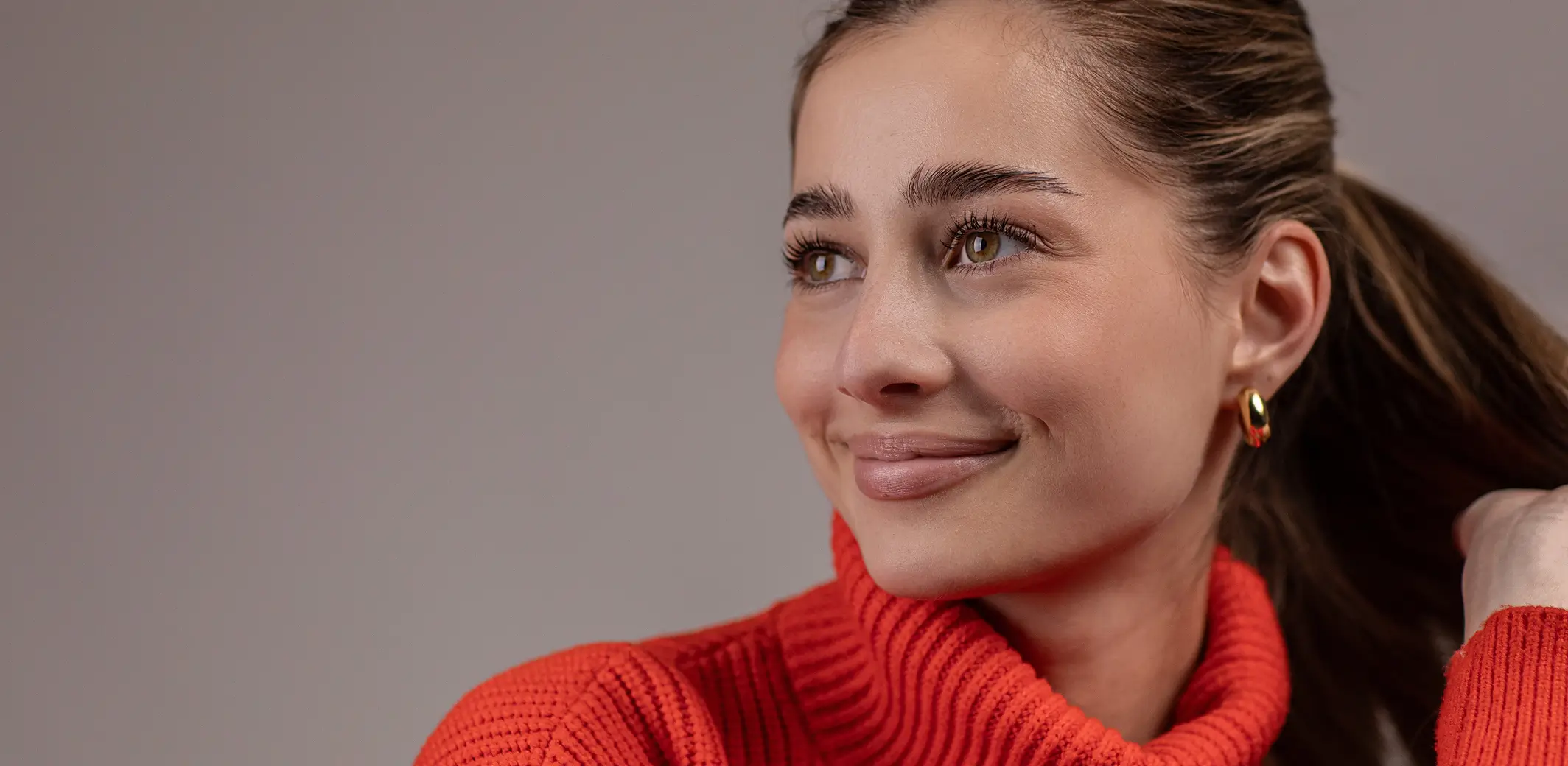
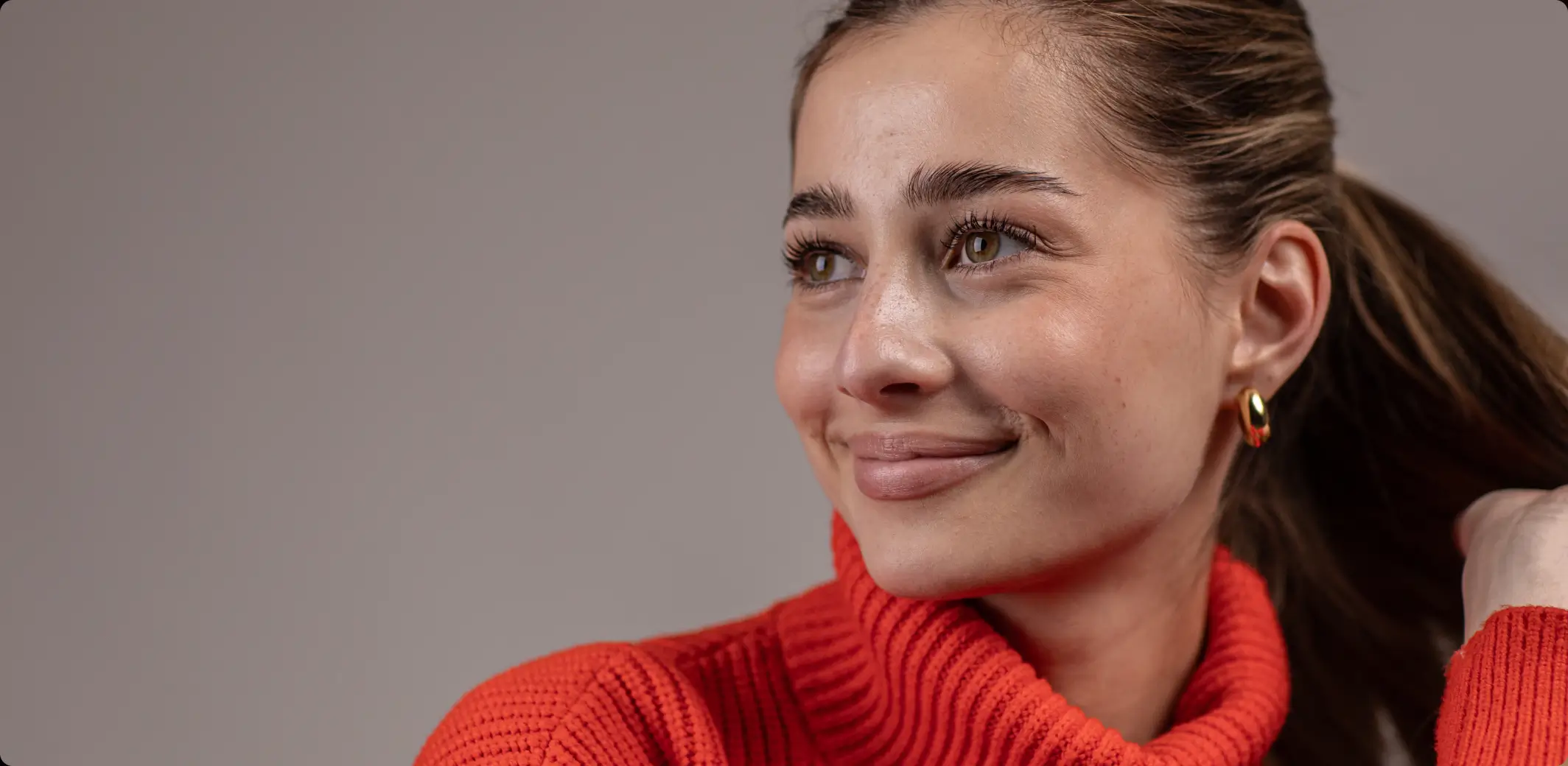 BEFOREAFTER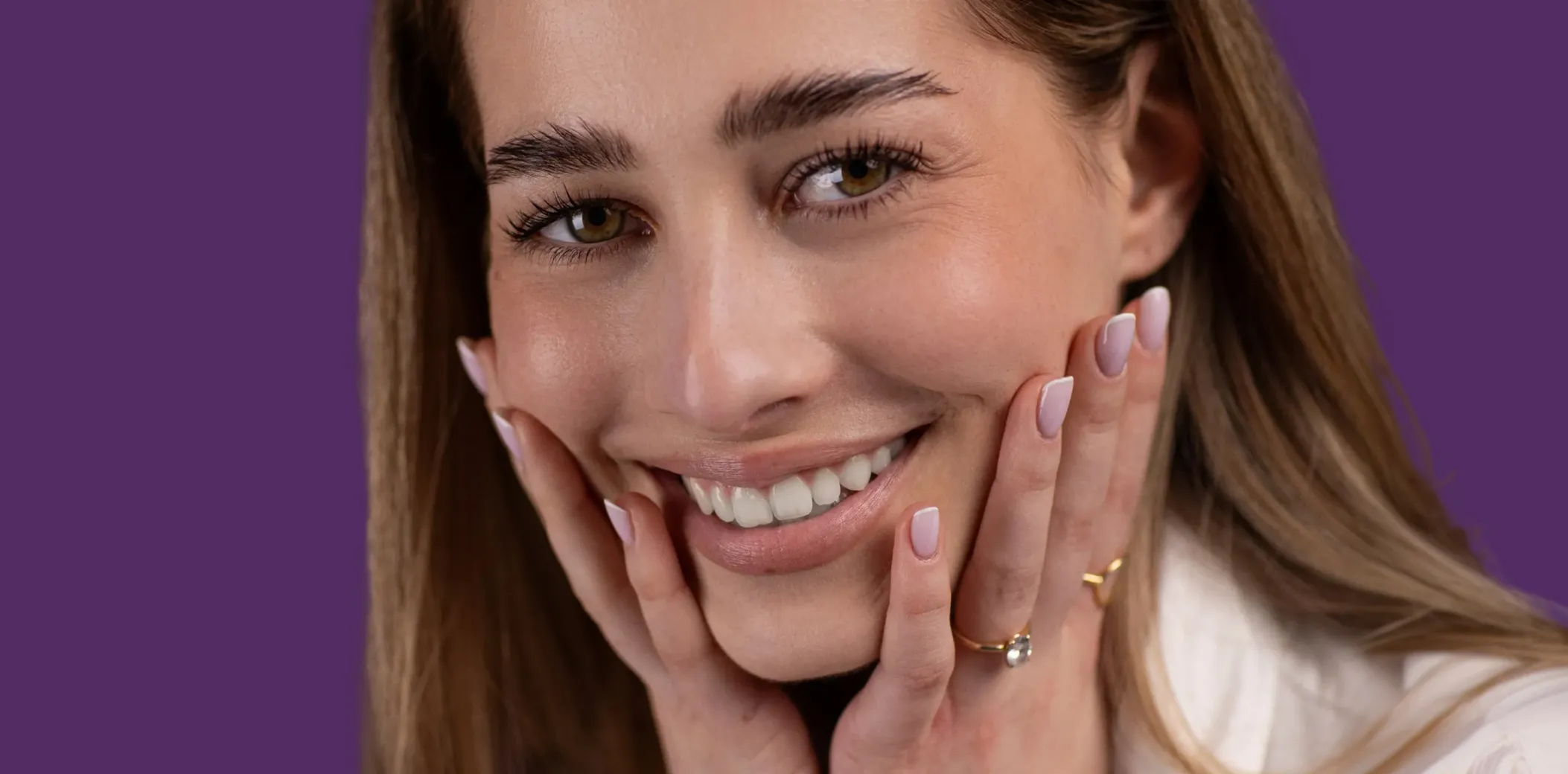
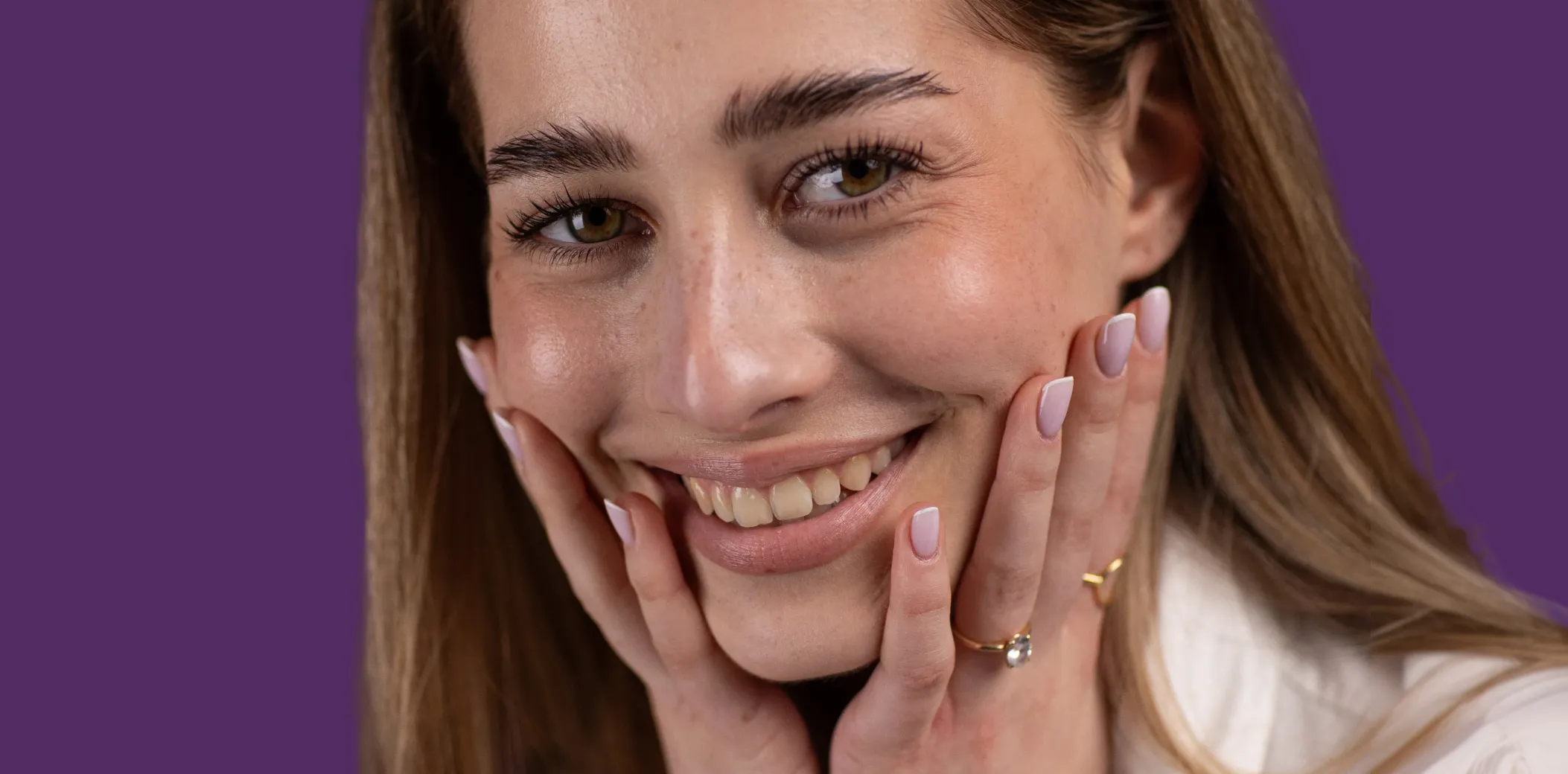 BEFOREAFTER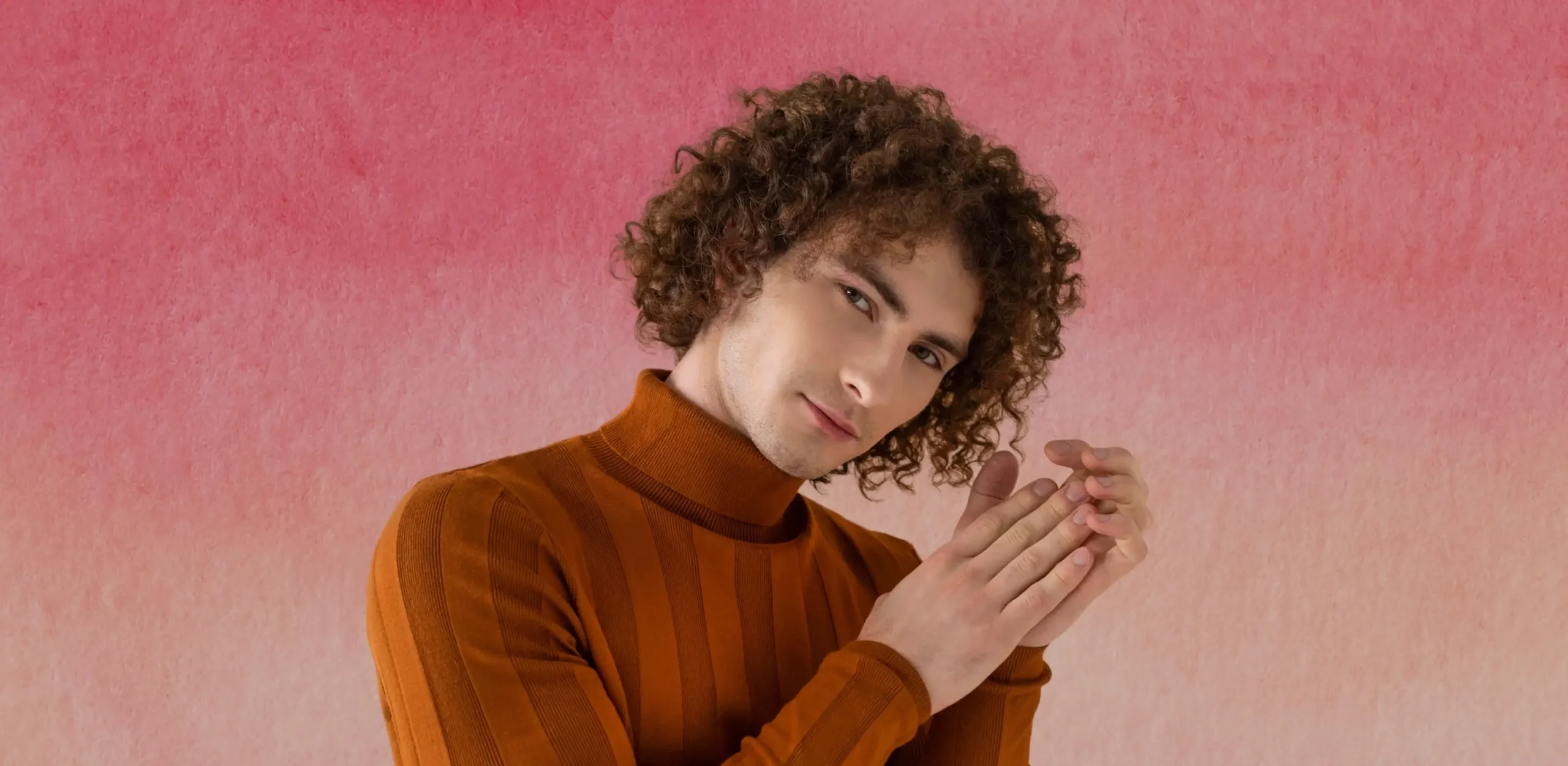
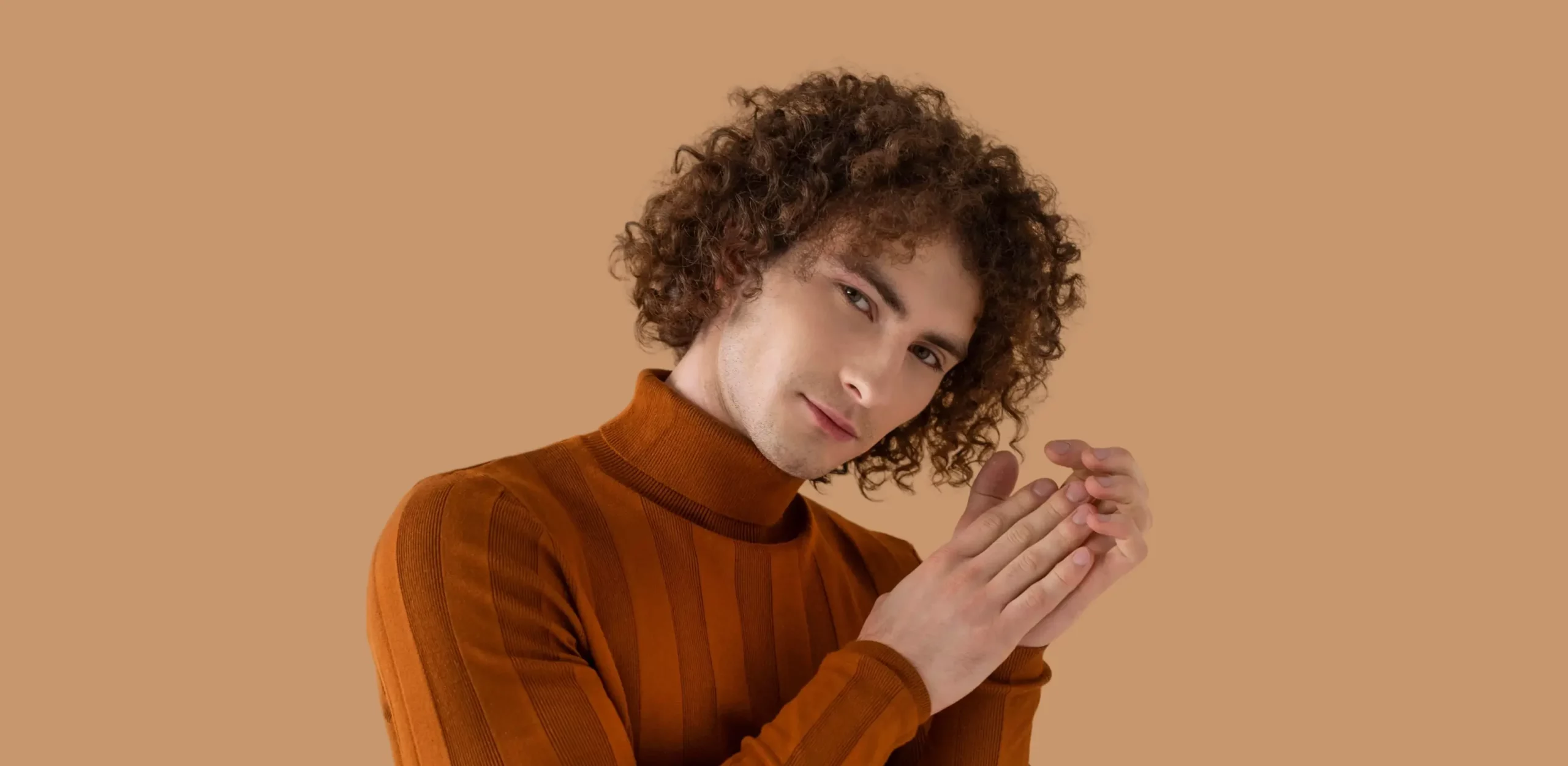 BEFOREAFTER






Full Access for 30 days | No credit card required.
Full Access for 30 days. | No credit card required.



AI portrait editing software uses machine learning to automatically cull, edit, and retouch portrait photos. It can detect the best expressions, apply consistent color grading, and perform natural skin retouching across an entire gallery, helping photographers deliver polished portraits faster.
AI speeds up your portrait photography workflow by automating the most time-consuming steps. It can quickly cull your photos by identifying the best expressions and removing duplicates or blurry shots. It also helps with editing by applying consistent color grading and exposure adjustments across your images. Finally, AI retouching handles small distractions like blemishes or uneven skin tones, so you spend less time on repetitive edits and more time refining your final portraits.
Yes. AI editing profiles learn your style and apply consistent tones, colors, and contrast across the entire gallery—even when portraits are shot in mixed lighting conditions. This ensures every portrait in a shoot matches your signature editing style.
Yes. With AI batch editing and retouching, photographers can apply edits and retouching adjustments to hundreds of portraits at once. You can then fine-tune individual images if needed while keeping the entire gallery consistent.
Absolutely. AI handles the repetitive groundwork—culling, base edits, and basic retouching—but photographers remain in control. You can adjust selections, tweak edits, and refine portraits exactly the way you want.
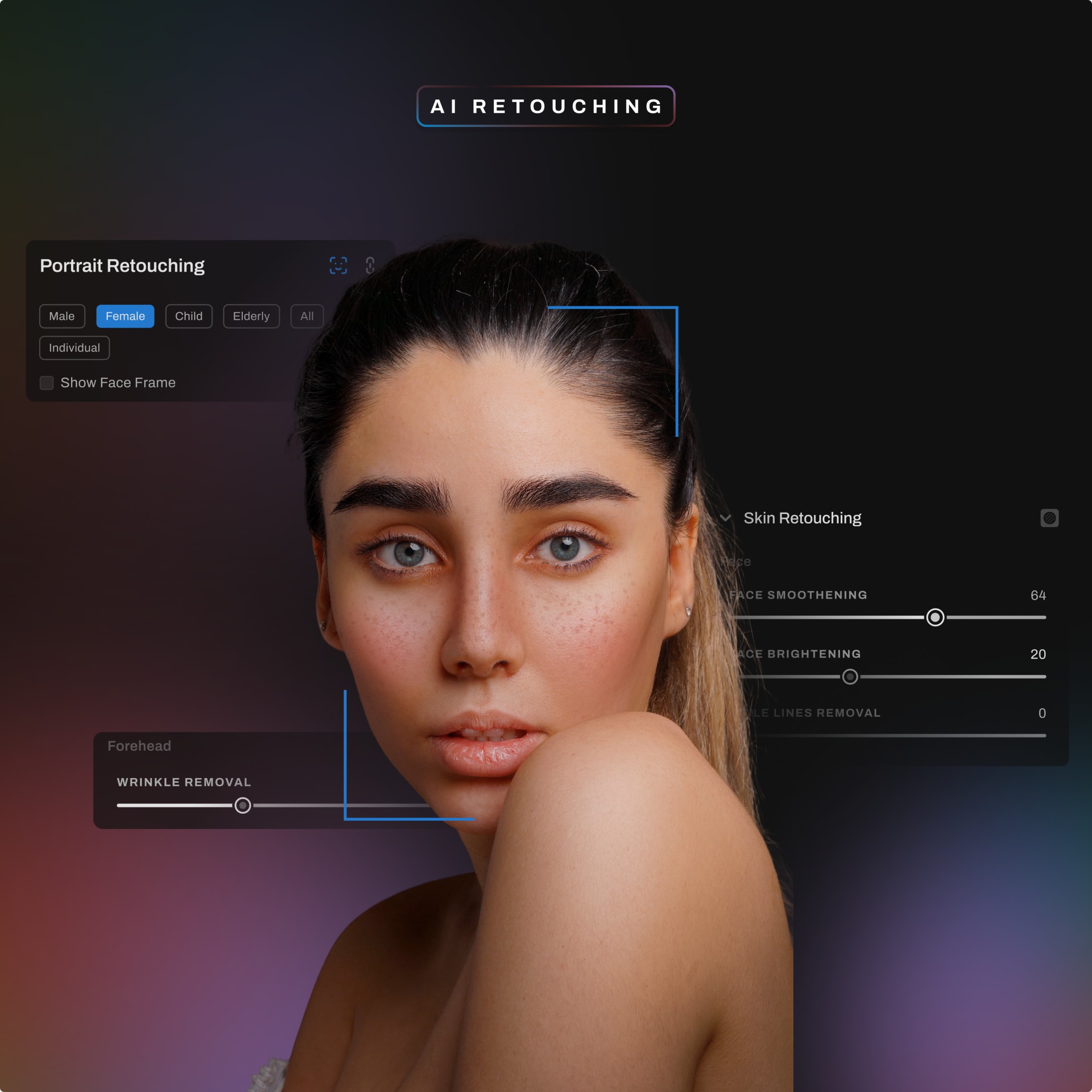
Yes. Modern AI retouching focuses on natural-looking results, removing distractions like acne, stray hairs, or glare while preserving real skin texture. The goal is subtle enhancements that keep portraits authentic.
Yes. Aftershoot integrates with Lightroom Classic and other common photography tools, allowing photographers to export their selections and edits seamlessly into their existing editing workflow.
Yes, AI portrait editing is especially useful for high-volume portrait sessions where photographers need to process large numbers of images quickly. Whether you’re shooting school portraits, studio sessions, family portraits, or corporate headshots, AI can help you cull the best photos, apply consistent edits, and retouch images across the entire gallery much faster than manual editing alone.