

TL;DR
- Professional photographers are looking for Zenfolio alternatives to streamline their photography workflow, gallery delivery, reduce storage costs, and improve client proofing experiences.
- Aftershoot Galleries is the strongest pick if you are looking to build your workflow, right from culling, editing, and retouching in Aftershoot and want delivery built into the same workflow, with AI-powered face search and a 10 GB free Starter plan.
- Pixieset is another balanced alternative, pairing a website builder, galleries, and commission-free selling at a lower price than Zenfolio’s comparable tier.
- Pic-Time wins on gallery design and client experience, especially for photographers who sell albums and prints as a core part of their business.
- ShootProof makes sense if you want contracts, invoicing, and galleries bundled into one flat-rate subscription without a website builder attached.
- CloudSpot is the budget pick, with a genuinely usable free plan and the cheapest full-suite entry point on this list.
- SmugMug edges out the field on raw storage and long-standing SEO tools, but it costs more than every other option here.
- If Zenfolio’s website builder is the main reason you’re on it, Pixieset and SmugMug are the closest replacements, since both pair a portfolio website with client galleries. Pic-Time, ShootProof, CloudSpot, and Aftershoot Galleries focus on gallery delivery, so you’d keep a separate website.
You’ve got a gallery due Friday, a client asking why their proofing link won’t load, and a Zenfolio bill that keeps creeping up every time you add storage. Somewhere between “great website builder” and “the workflow I actually need,” Zenfolio stopped fitting the way you shoot and deliver.
That’s usually what sends photographers looking for Zenfolio alternatives. Not because Zenfolio is bad software. Because the platform that made sense when you were building your first portfolio site isn’t necessarily the one that makes sense once you’re delivering 15 weddings a year and just want galleries to go out fast, look sharp, and sell without a fight.
This guide compares six of the strongest sites like Zenfolio: Pixieset, Pic-Time, ShootProof, CloudSpot, SmugMug, and Aftershoot Galleries. You’ll get pricing broken down honestly, what each platform does well, where it falls short, and which one fits your specific workflow, whether that’s a wedding photographer moving thousands of images a month or a portrait studio that just wants proofing to be painless.
Quick Comparison: Zenfolio Alternatives At a Glance
| Platform | Best for | Starting price | Free plan | Commission on sales | Standout feature |
|---|---|---|---|---|---|
| Aftershoot Galleries | Photographers already culling/editing in Aftershoot | Free, paid plans from $15/month (billed annually) | Yes, 10 GB photo + 1 GB video storage | None | Face-based search and edit-to-delivery workflow |
| Pixieset | All-around Zenfolio replacement | $10/month | Yes, 3 GB | 15% on Free plan only | Website builder plus commission-free galleries |
| Pic-Time | Album and print sales | $7/month (billed annually) | Yes, 10 GB (reduces to 3 GB after 6 months) | Varies by plan and payment method | Gallery design and client experience |
| ShootProof | Bundled business tools | $12.99/month | Yes, 100 photos | None | Contracts, invoicing, and galleries in one plan |
| CloudSpot | Budget-conscious studios | $7/month (gallery-only) | Yes, 5 GB | 15% on Free/Entry, none from Lite up | Lowest full-suite entry price |
| SmugMug | Long-term SEO and storage | $23.58/month (Direct, no selling) | No | None | Search-optimized public portfolio sites |
How We Evaluated These Zenfolio Alternatives
We compared each platform against official pricing pages, product documentation, and published feature lists, cross-checked against verified user reviews on Capterra and G2. Pricing reflects rates published as of mid-2026; several of these platforms run limited-time promotions on pricing (so confirm current numbers before you commit to a plan).
We weighed the same criteria across every platform:
- Storage and pricing structure
- Gallery design and client proofing experience
- Print and digital sales tools
- Lightroom and workflow compatibility
- Support quality
- Suitability for high-volume delivery
So, Where Does Zenfolio Hold Up?
Zenfolio’s strength has always been the combination of a full website builder with client galleries and selling tools in one subscription. The Basic plan starts at $7/month for 15 GB of storage, Professional runs $11.5/month for 150 GB, and Advanced tops out at $20/month with unlimited JPEG storage, 4K video, and automated marketing campaigns.
Where photographers hit friction is usually storage costs at the entry tier, a steeper learning curve on the website builder, and gallery-loading speed during peak season, according to reviews on Capterra and TechRadar. If any of that sounds familiar, here’s how the alternatives stack up.
Here are the six best Zenfolio Alternatives for Professional Photographers
1. Aftershoot Galleries
Aftershoot Galleries features and functionality
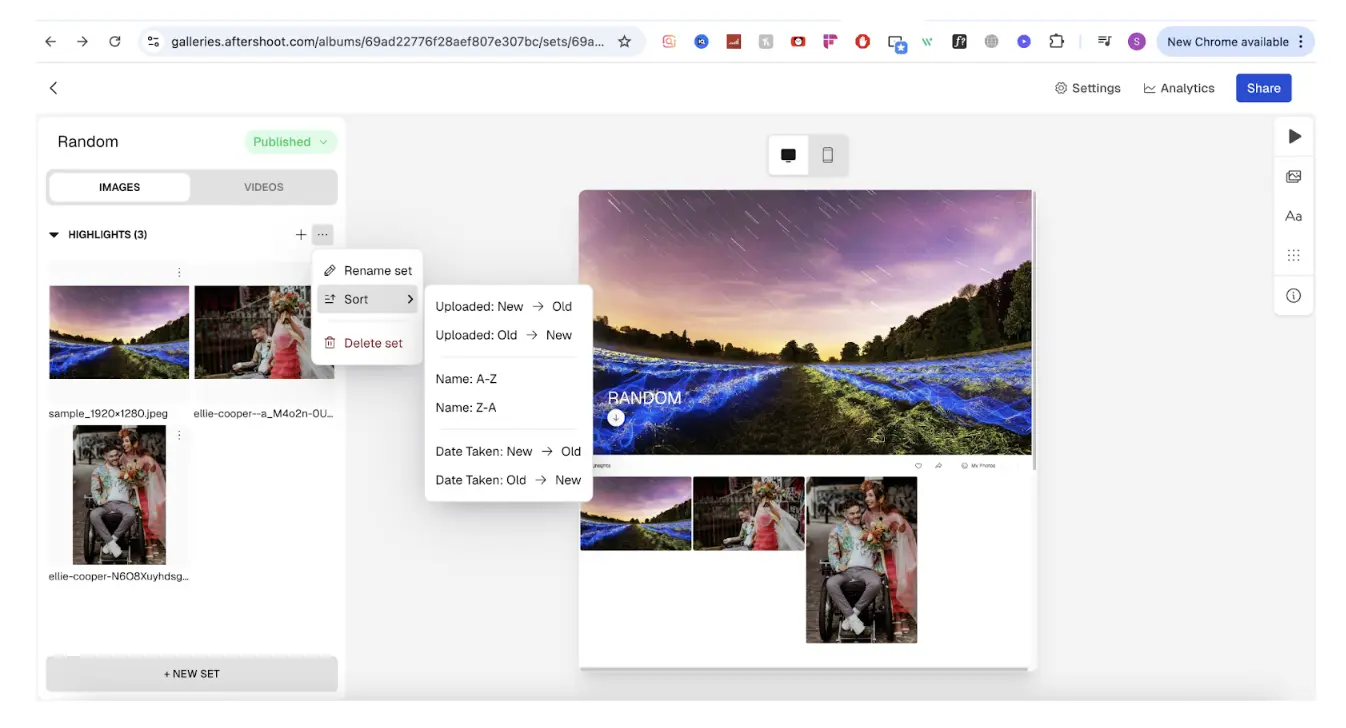
Aftershoot Galleries is specifically built to close the gap between finishing an edit and getting it in front of a client. Photos move from Aftershoot’s culling and editing tools straight into a gallery, with no exporting or re-uploading required.
Clients can search their own photos using face detection, favorite and comment directly on images for proofing, and purchase prints through a built-in store powered by WHCC, Bay Photo, or Atkins Pro Labs. Galleries support both photo and video delivery in one link, and branding controls cover logos, watermarks, and gallery customization. Free migration support is available if you’re moving over from Pixieset, Pic-Time, or ShootProof.
It’s worth being clear about scope here: Aftershoot Galleries handles gallery delivery, proofing, and print sales. It isn’t a full website builder with blogging, SEO tools, or marketing automation the way Zenfolio is, so if that’s the main reason you’re on Zenfolio, treat this as a delivery upgrade rather than a full replacement.
Aftershoot Galleries pricing
The Starter plan is free and includes 10 GB of photo storage and 1 GB of video storage, with 0% commission on print sales. Premium runs $15/month billed annually (500 GB photo storage, roughly 20 GB of video) and adds a Brand Kit and custom domain. Unlimited runs $30/month billed annually (unlimited photo storage, roughly 60 GB of video) and adds priority 24/7 support. Aftershoot’s pricing reflects rates for new signups; existing Aftershoot subscribers get separate discounted pricing.
Advantages of Aftershoot Galleries
- No exporting or re-uploading if you already cull and edit in Aftershoot.
- Face-based search cuts down how long clients spend hunting for their own photos.
- Built-in print store with established labs, no separate storefront to configure.
- Generous free storage to start, with migration support if you’re switching over.
“Today, I’m loving it. I needed to quickly deliver photos to a client while my regular gallery platform was having issues, and Aftershoot Galleries made it incredibly easy. My favorite part? Clients can search for their own face instantly.“
– Lori Granquist Day (read the review here)
Disadvantages of Aftershoot Galleries
- Doesn’t offer a standalone website builder, so it won’t replace Zenfolio’s public portfolio site.
- Fewer years of user reviews to draw on.
Who is Aftershoot Galleries best suited for?
Photographers already using Aftershoot for culling or editing who want delivery folded into the same workflow, and anyone tired of the export-upload-wait cycle between finishing an edit and sending a gallery link.
2. Pixieset
Pixieset features and functionality
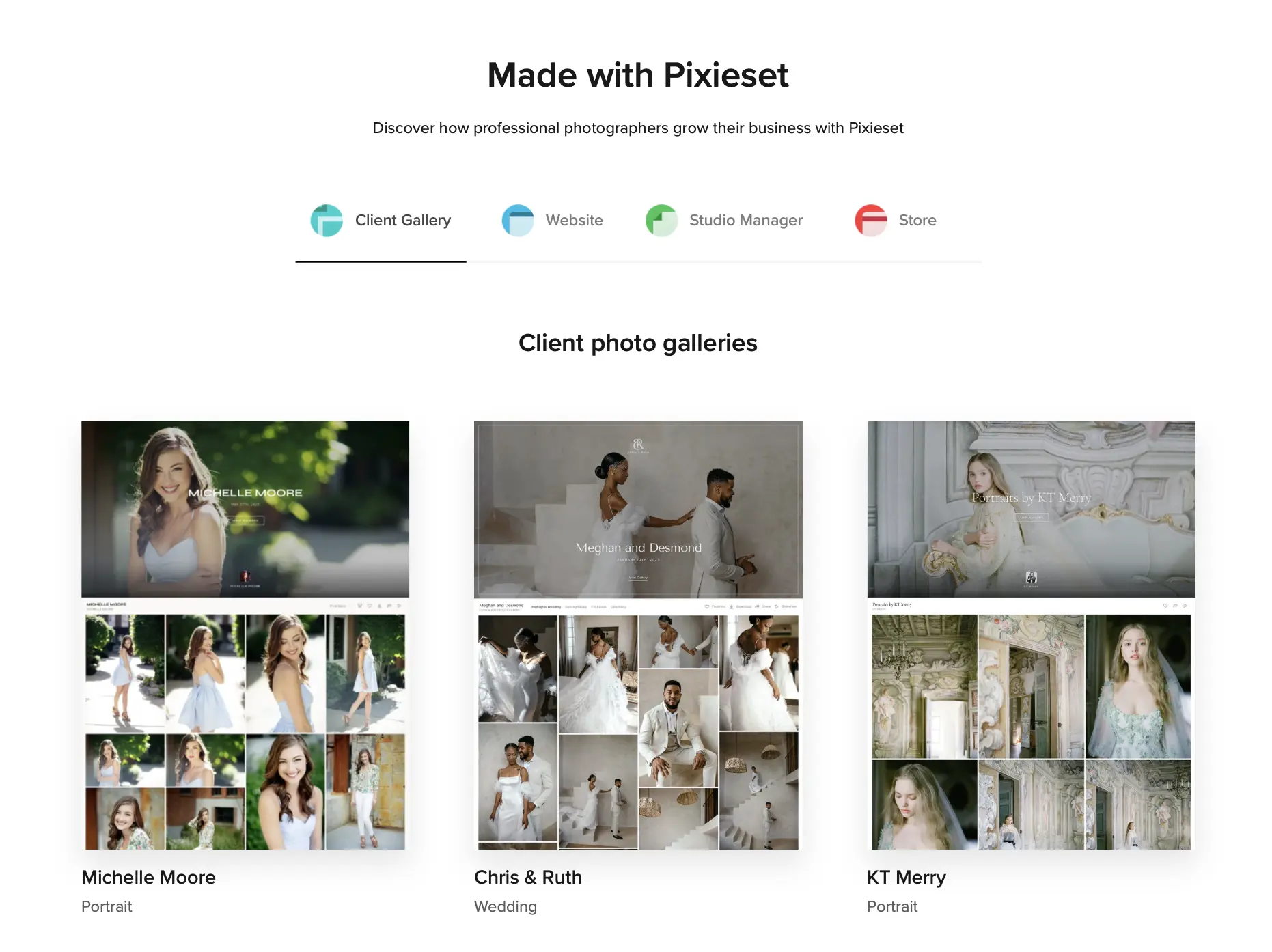
Pixieset pairs a drag-and-drop website builder with client photo galleries, an integrated store, and a studio manager for contracts and invoicing. Paid plans remove Pixieset branding, unlock a custom domain, and drop the commission on sales entirely, which is one of the bigger differentiators against Zenfolio’s lower tiers.
Gallery design leans clean and minimal, with proofing tools that let clients favorite images and place orders straight from the gallery. Lightroom integration handles direct uploads, and the mobile app gives clients a native way to browse and download.
Pixieset pricing
Pixieset offers a Free plan with 3 GB of storage and a 15% commission on sales. Paid tiers start at Basic ($10/month, 10 GB), then Plus ($20/month, 100 GB), Pro ($30/month, 1 TB), and Ultimate ($50/month, unlimited storage). All paid plans are commission-free.
Advantages of Pixieset
- Commission-free selling on every paid tier, unlike Zenfolio’s Portfolio plan which limits direct selling.
- Website builder and galleries live in one subscription, so you’re not stitching tools together.
- Clean, modern gallery templates that need little customization to look polished.
Disadvantages of Pixieset
- No mobile app for photographers to manage galleries on the go, only a mobile-optimized website.
- Storage jumps are steep between tiers, which can force an upgrade sooner than expected during busy seasons.
- Studio management tools are less developed than dedicated CRM platforms.
Who is Pixieset best suited for?
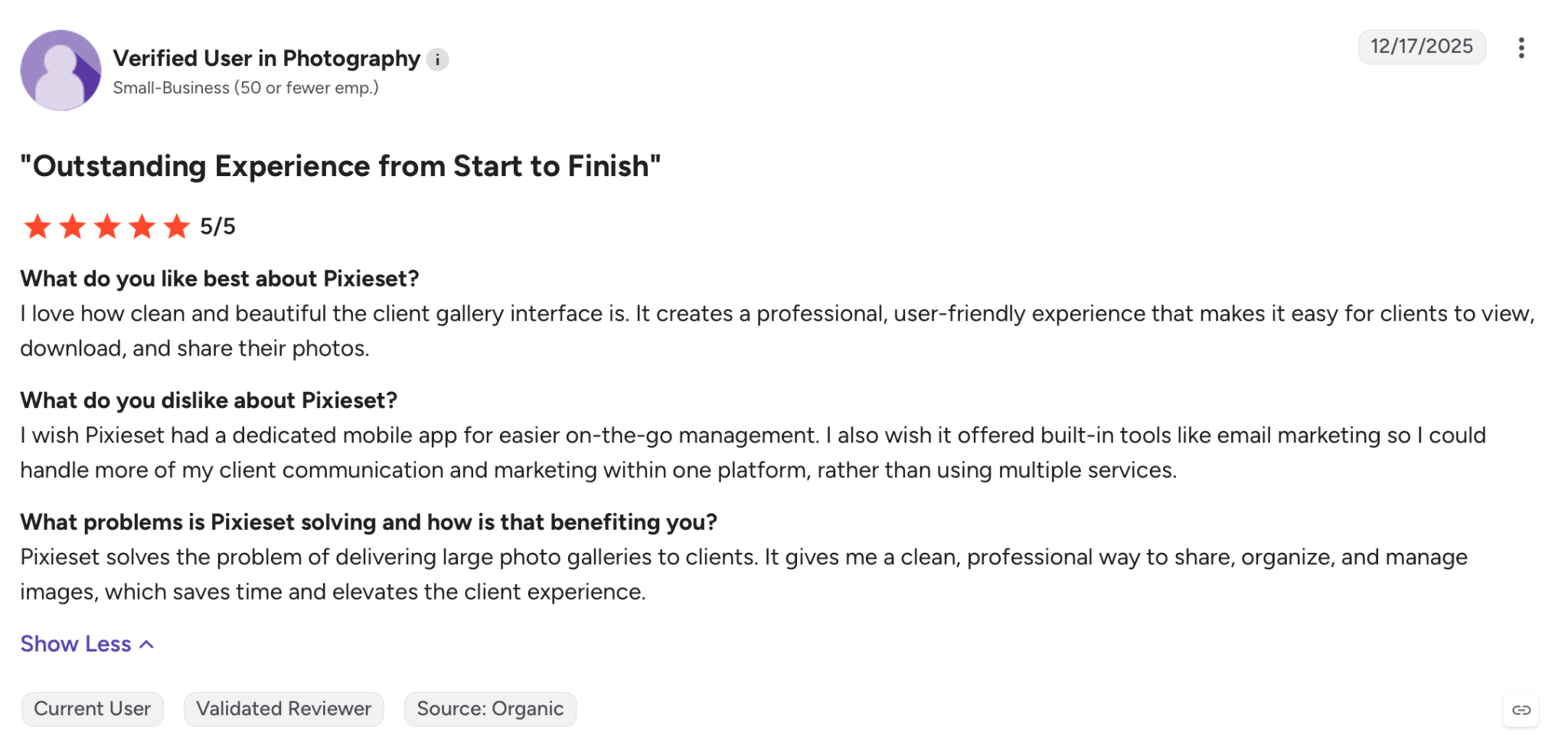
Photographers who want a genuine one-for-one Zenfolio replacement, with a website builder, galleries, and selling tools bundled at a lower entry price.
👁️Also Read: Best Pixieset Alternatives for Photographers
3. Pic-Time
Pic-Time features and functionality
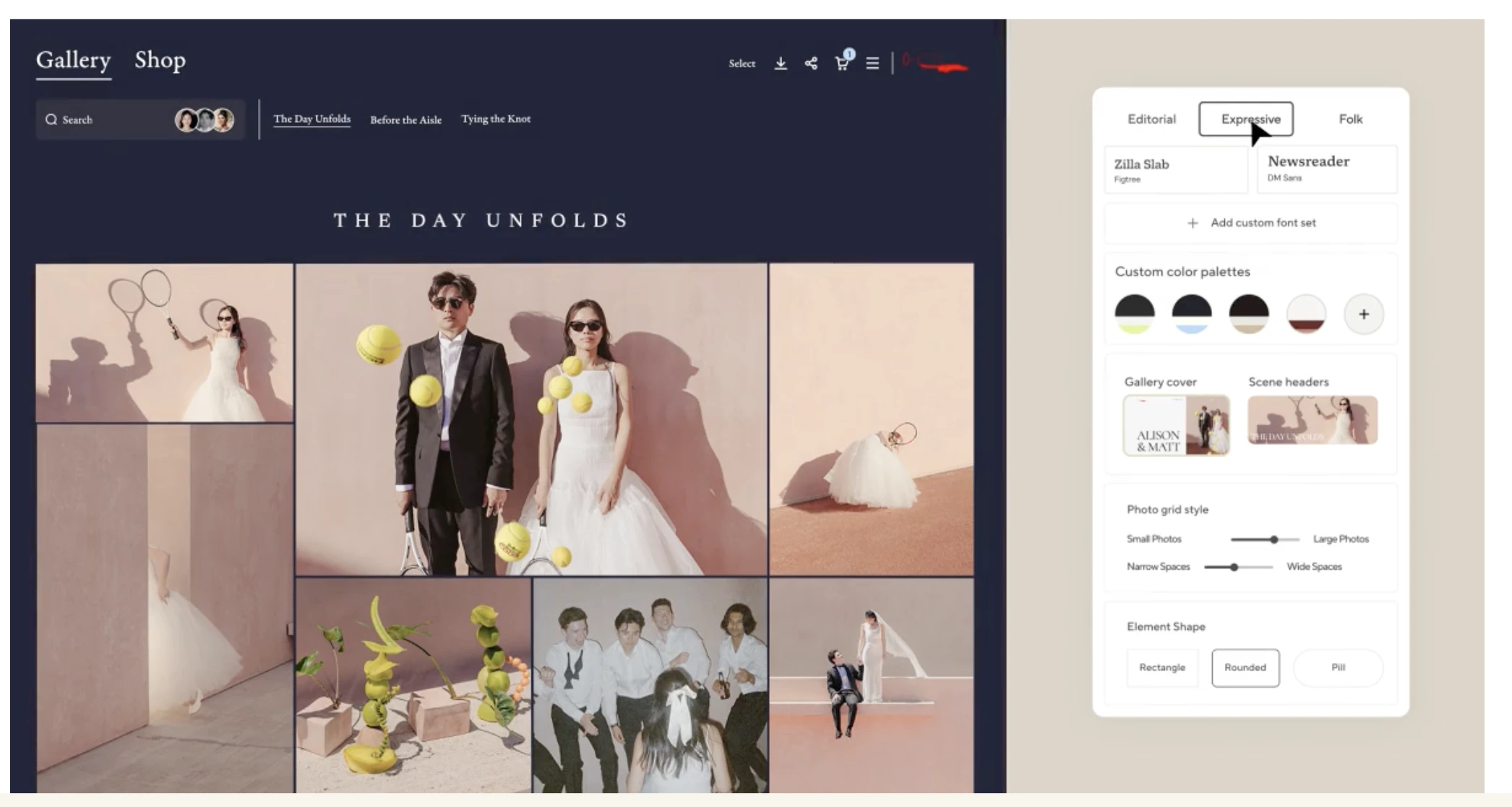
Pic-Time built its reputation on gallery aesthetics, and it shows. Galleries feel more like a design showcase than a file-delivery tool, with slideshow options, album proofing, and a print store that photographers frequently cite as one of the smoothest client-facing purchase flows in this category.
The platform supports both public and private galleries, password protection, client login, and Lightroom integration for direct uploads. Marketing automation and AI-powered features like the People Filter (automatic face-based sorting) are reserved for the top-tier plan.
Pic-Time pricing
Pic-Time offers a Free plan with 10 GB of storage (reduced to 3 GB after six months), then Beginner ($7/month annual, 20 GB), Professional ($21/month annual, 100 GB), and Advanced ($42/month annual, unlimited storage, multi-brand support, AI features).
Advantages of Pic-Time
- Genuinely polished gallery and album presentation that clients notice.
- Commission structure only applies to markup, which keeps more of your print revenue.
- Online gallery proofing tools built specifically for photographers who sell physical products.
Disadvantages of Pic-Time
- No dedicated website builder, so you’ll need a separate site if that’s part of your business.
- AI features and multi-brand support are locked behind the most expensive tier.
- Storage-based pricing can get expensive quickly for high-volume wedding photographers.
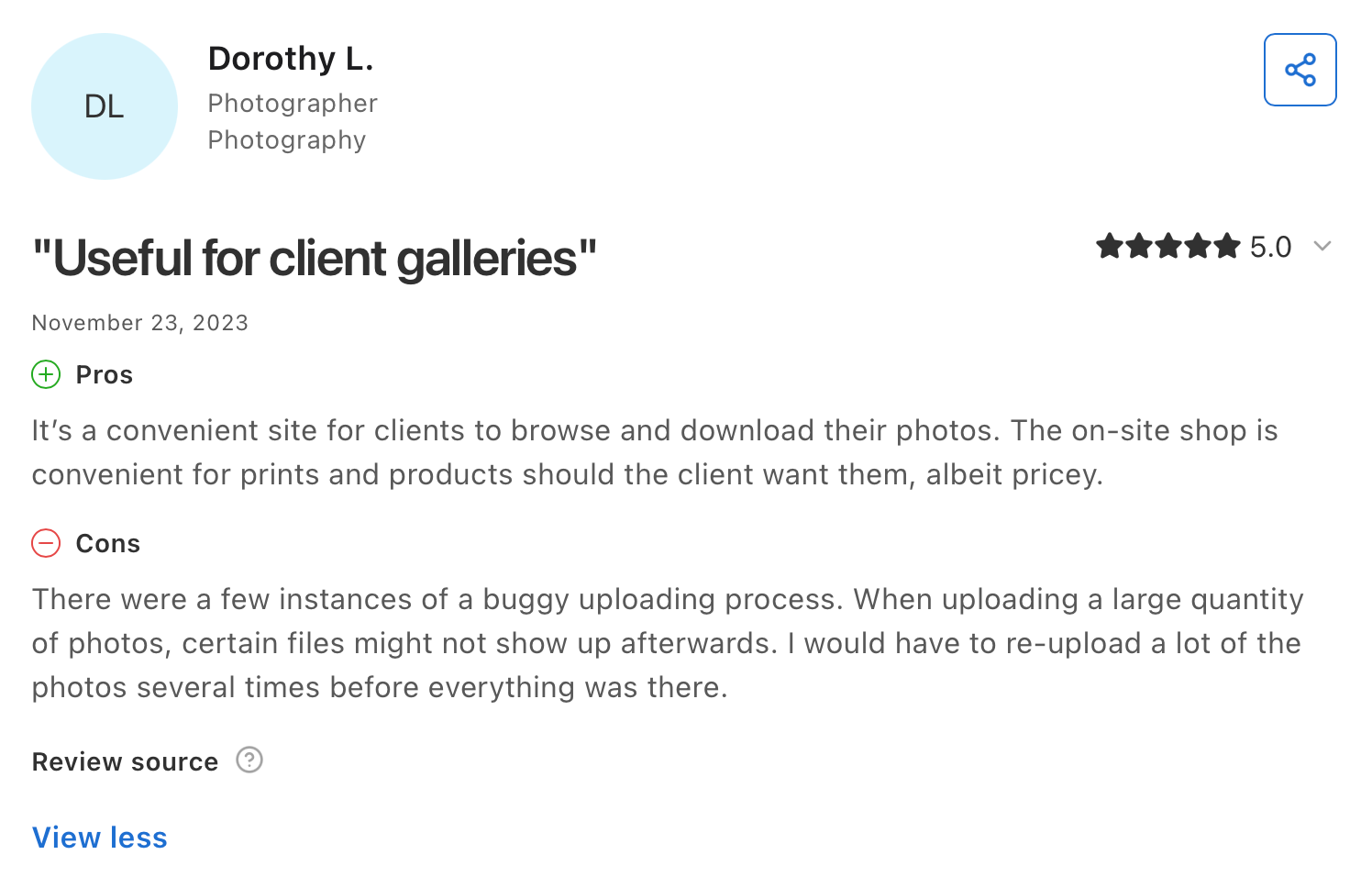
Who is Pic-Time best suited for?
Photographers whose revenue depends heavily on album and print sales, where gallery presentation and purchase flow directly affect the bottom line.
4. ShootProof
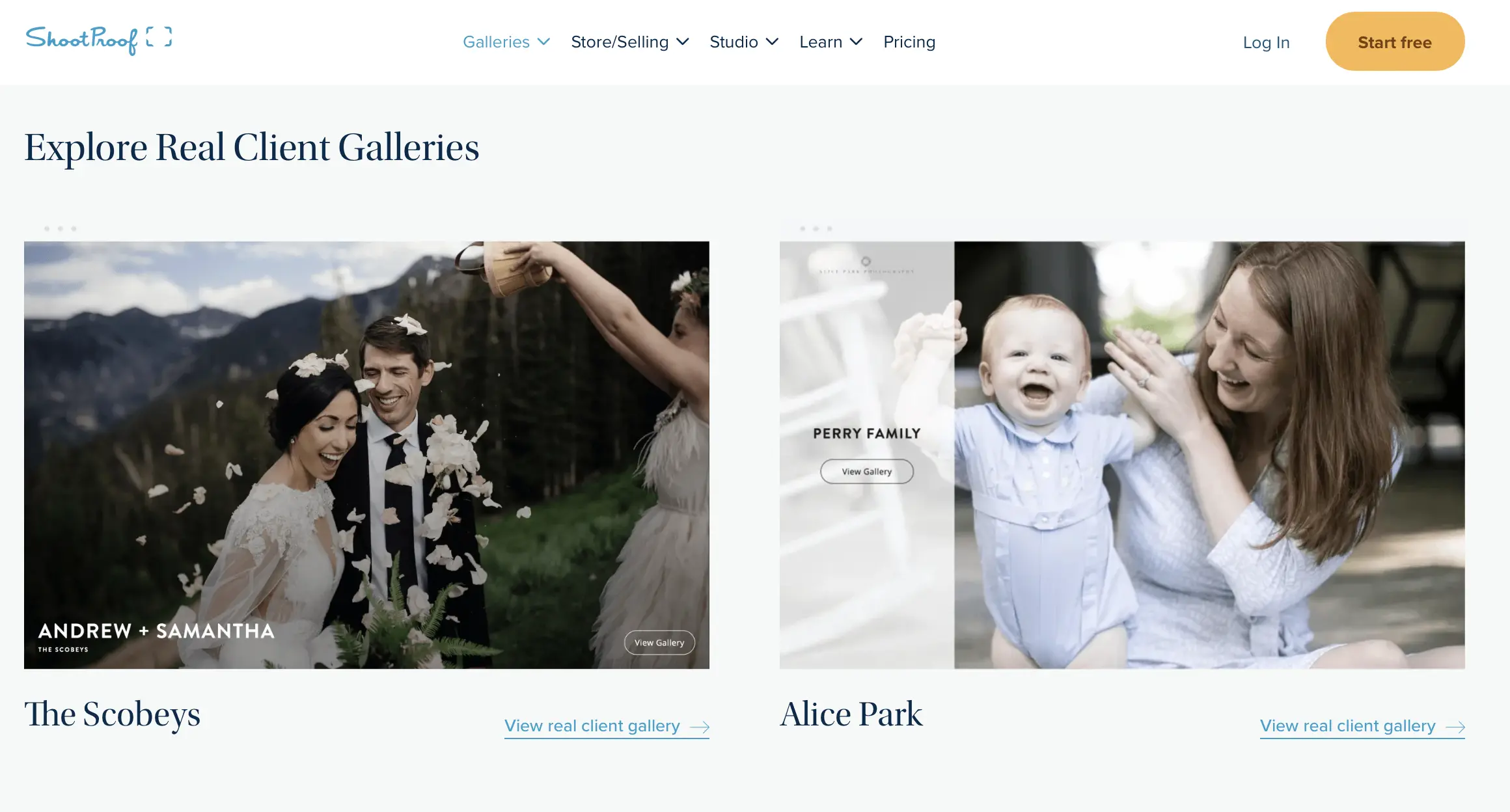
ShootProof features and functionality
ShootProof takes a different pricing approach than most platforms on this list: plans scale by number of photos stored rather than gigabytes, and every tier includes the full feature set, contracts, invoicing, sales tools, and mobile apps included from the free plan up.
That structure means you’re not paying extra to unlock e-signature contracts or client invoicing the way you might on other platforms. Archiving lets you offload older galleries for a small monthly fee instead of deleting them outright, which is useful for photographers who need to keep past client work retrievable.
ShootProof pricing
ShootProof’s Free plan covers up to 100 photos. Paid tiers run on a photo-count model: the 1,500 Photo Plan starts at $12.99/month ($10.99 billed annually), the 5,000 Photo Plan at $21.99/month ($19.99 annually), and the 25,000 Photo Plan at $31.99/month ($26.67 annually), with an Unlimited tier above that for high-volume studios.
Advantages of ShootProof
- Contracts, invoicing, and e-signatures included on every plan, not gated behind a higher tier.
- Commission-free sales across all plans.
- Archiving option keeps old galleries accessible without eating into your active storage.
Disadvantages of ShootProof
- Photo-count pricing can penalize photographers shooting in RAW or high-resolution formats where file size, not count, is the real constraint.
- No built-in website builder or portfolio site.
- Reviews on Capterra note the interface feels dated compared to newer competitors.
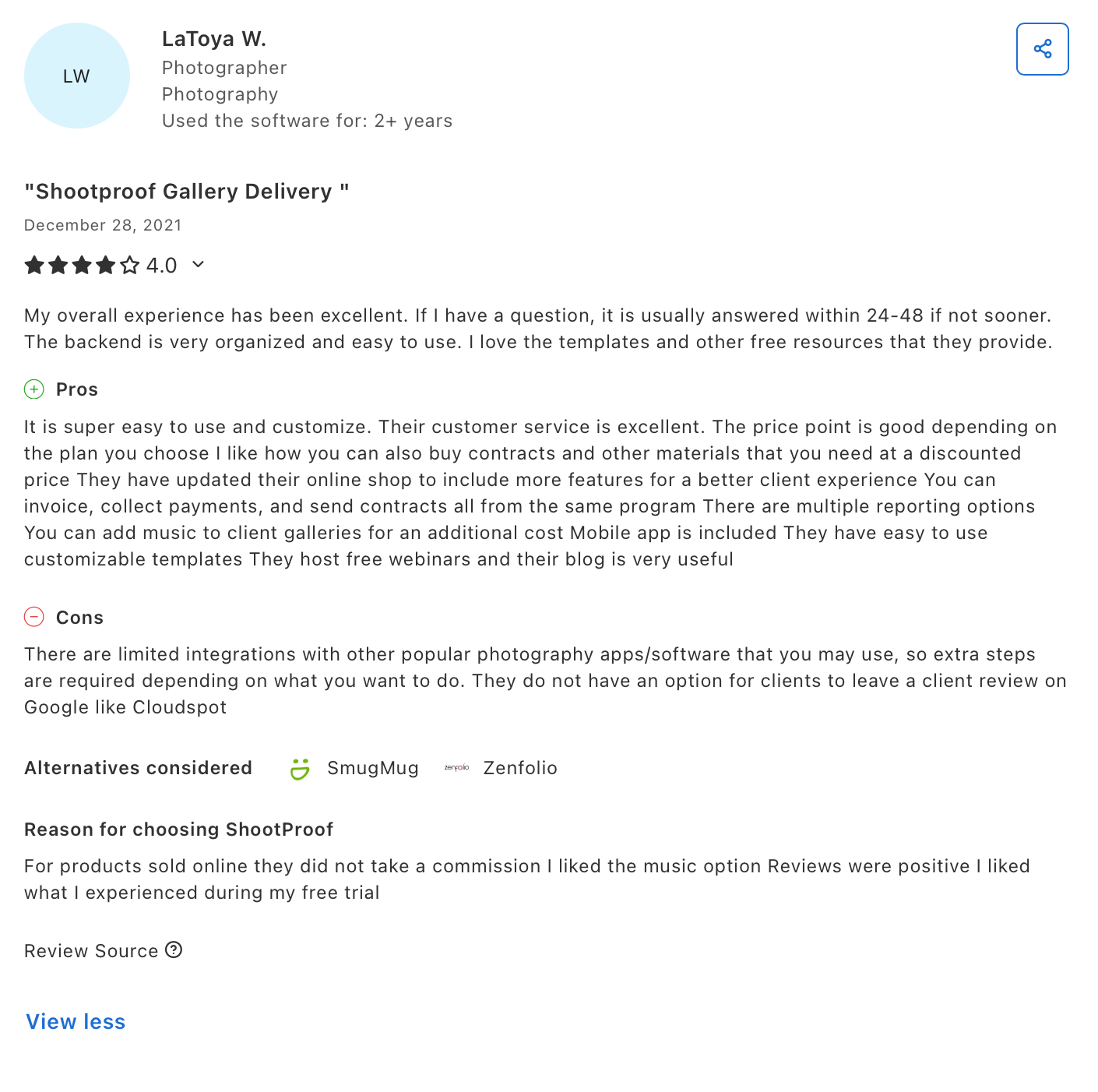
Who is ShootProof best suited for?
Photography businesses that want contracts, invoicing, and galleries bundled into one flat subscription without paying separately for a CRM tool.
👁️Also Read: Best ShootProof Alternatives for Photographers
5. CloudSpot
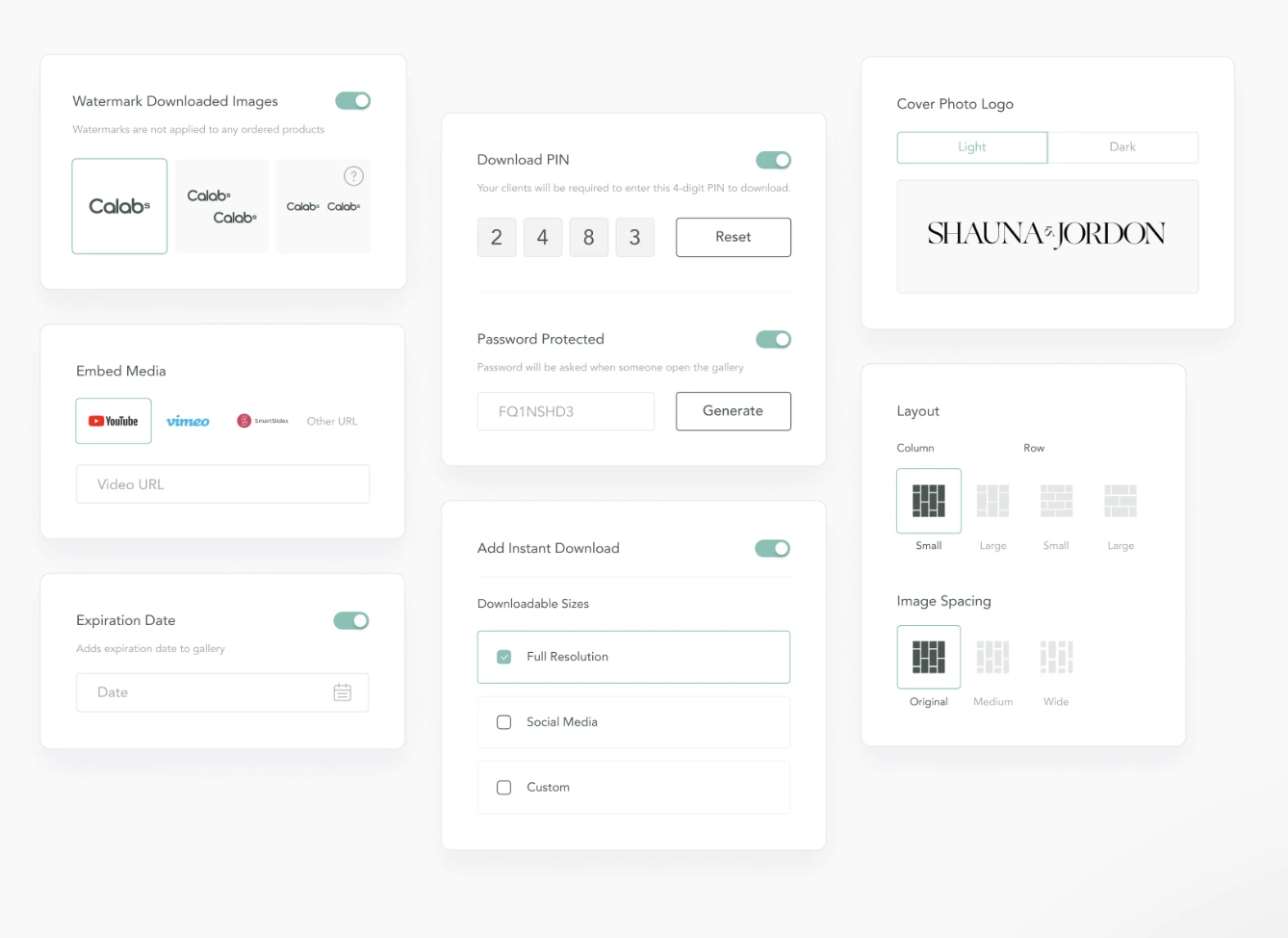
CloudSpot features and functionality
CloudSpot built its pricing around accessibility, and it’s the one platform here where the free plan is genuinely usable for a working photographer, not just a stripped-down trial. Paid tiers unlock Studio Manager, which bundles contracts, questionnaires, scheduling, and invoicing alongside client galleries and a print store.
Gallery delivery supports custom branding, watermarking, and mobile apps at every paid tier, with Lightroom export integration and Zapier connections for photographers who want to automate parts of their workflow.
CloudSpot pricing
CloudSpot’s Free plan includes 5 GB of storage. Paid tiers split into gallery-only and full-suite options: Entry ($7/month, 15 GB, galleries only), Lite ($17/month, 100 GB, full suite), Pro ($34/month, 500 GB), and Unlimited ($50/month, unlimited storage). Commission drops to zero starting at the Lite plan.
Advantages of CloudSpot
- The cheapest full-suite entry point on this list, with contracts and invoicing included from Lite upward.
- Free plan is functional enough for photographers just starting to book paid clients.
- Studio Manager consolidates scheduling, questionnaires, and contracts without a separate CRM subscription.
Disadvantages of CloudSpot
- Entry-tier storage fills up fast for wedding photographers shooting full-day coverage.
- Free and Entry plans still carry a 15% commission on print sales.
- Website and branding options are more limited than Pixieset or SmugMug.
👁️ Read the CloudSpot review here.
Who is CloudSpot best suited for?
Photographers who want the lowest possible entry cost for a full delivery and business-management suite, especially those building a client base from scratch.
6. SmugMug
SmugMug features and functionality
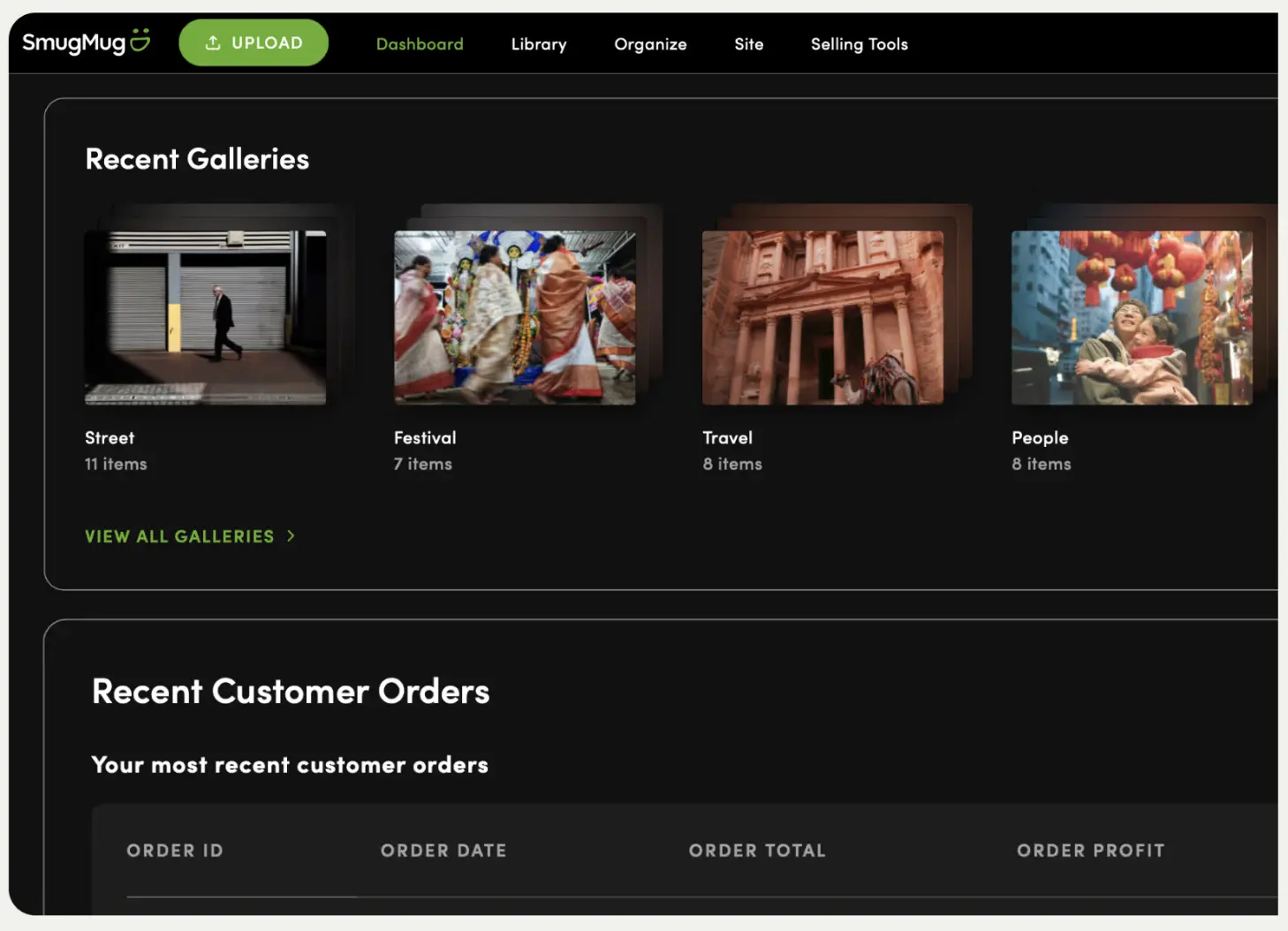
SmugMug has been around longer than most platforms on this list, and its strength is still storage and search visibility. Every plan includes unlimited photo and video uploads, an ad-free portfolio site, and SEO tools that have made SmugMug a favorite for photographers who want their public galleries to actually rank in search results.
Selling tools, including custom price lists, coupons, and proof delay controls, are reserved for the Portfolio and Pro plans. The Direct plan, SmugMug’s entry tier, functions purely as unlimited hosting and a portfolio site without commerce features attached.
SmugMug pricing
SmugMug’s current tiers are Direct ($23.58/month, no selling tools), Portfolio (roughly $27.75/month, adds selling and marketing tools), and Pro (roughly $43.67/month, advanced e-commerce and multiple price lists). Annual billing brings the effective monthly rate down. SmugMug adjusts pricing periodically, so confirm current rates on smugmug.com before deciding.
Advantages of SmugMug
- Unlimited storage and uploads on every plan, no exceptions.
- SEO tools genuinely help public portfolios surface in search, according to long-time users on Digital Grin forums.
- Long operating history means a mature, stable platform with extensive documentation.
Disadvantages of SmugMug
- The most expensive platform on this list by a meaningful margin.
- Selling tools require upgrading past the entry tier, unlike ShootProof or CloudSpot’s Lite plan.
- The Portfolio plan carries a roughly 15% commission on your print markup; only the Pro plan is commission-free.
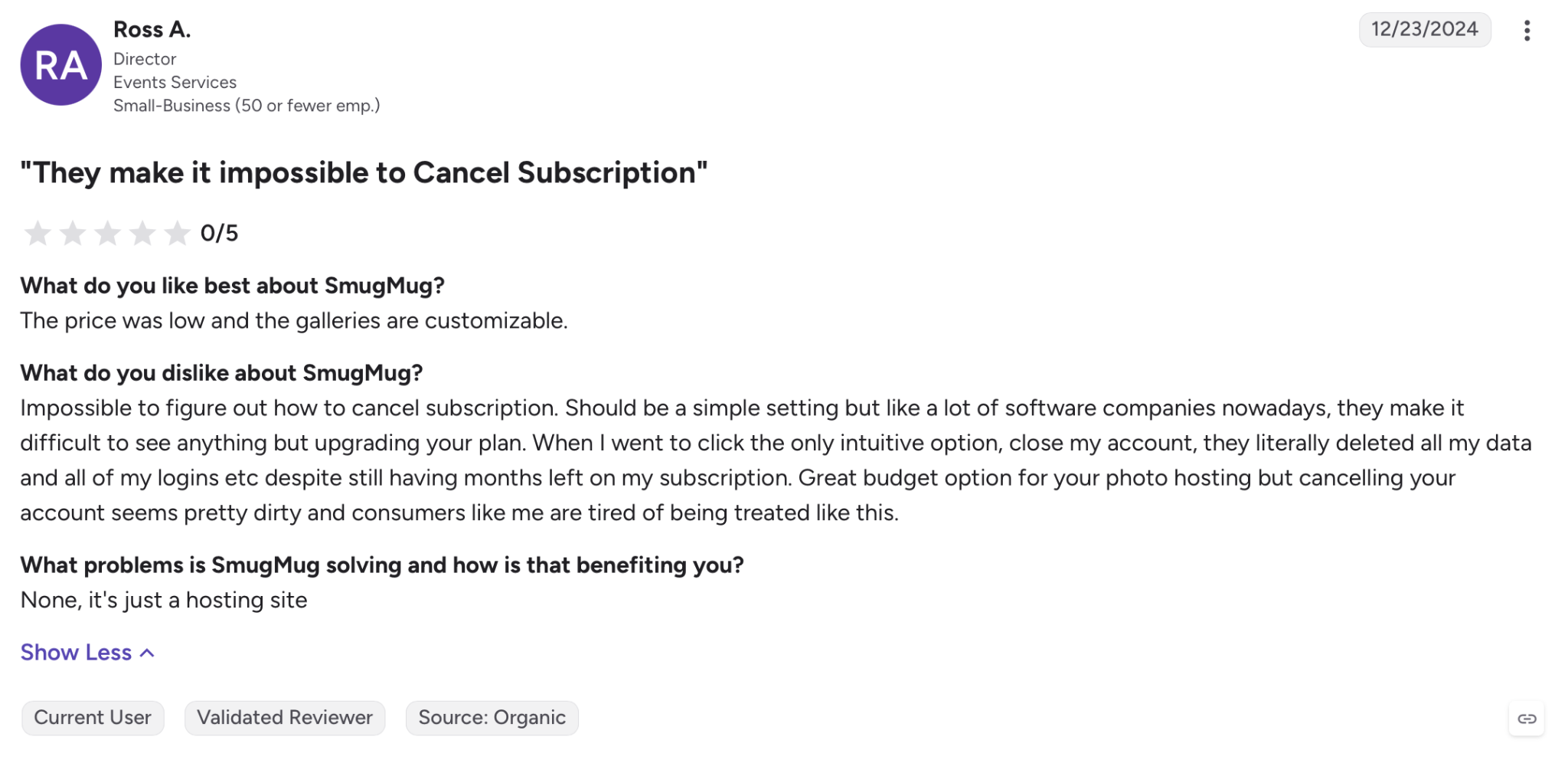
- No free plan, so there’s no way to test the platform without paying first
Who is SmugMug best suited for?
Photographers who prioritize a searchable public portfolio and unlimited storage over the lowest possible monthly cost, particularly those building a long-term personal brand online.
Best Zenfolio Alternatives: Pricing comparison
Before we look at the alternatives, let me quickly talk about Zenfolio’s pricing. Zenfolio offers three pricing tiers: $9/month for 15 GB of storage, $23/month for 150 GB, and $40/month for unlimited storage, with features including selling tools and marketing automation.
| Platform | Starting point | Mid tier | Top tier | What changes as you upgrade |
|---|---|---|---|---|
| Aftershoot Galleries | Free — Starter plan (10 GB photo, 1 GB video) | $15/month billed annually – Premium (500 GB photo, 20 GB video) | $30/month billed annually – Unlimited (unlimited photo, 6 hours video) | Storage, video allowance, custom domain, personal branding, 24/7 support |
| Pixieset | $10/month (10 GB) | $20–30/month (100 GB–1 TB) | $50/month (unlimited) | Storage, video minutes, automatic fulfillment |
| Pic-Time | $7/month billed annually (20 GB) | $21/month billed annually (100 GB) | $42/month billed annually (unlimited) | Storage, AI features, multi-brand support |
| ShootProof | $12.99/month (1,500 photos) | $21.99/month (5,000 photos) | $31.99/month+ (25,000+ photos) | Photo count ceiling, not feature access |
| CloudSpot | $7/month (15 GB, galleries only) | $17–34/month (100–500 GB) | $50/month (unlimited) | Storage, Studio Manager access, commission drops to zero |
| SmugMug | $27.75/month (Direct, no selling) | $27.75/month (Portfolio, selling enabled, ~15% commission) | $43.67/month (Pro, commission-free) | Selling tools, price lists, marketing coupons |
What does this mean for photographers?
If you’re shooting fewer than 15-20 weddings a year, entry and mid tiers on most of these platforms will cover you comfortably. High-volume studios processing 20,000+ images a month should budget for the top tier on any storage-based platform, or lean toward Aftershoot Galleries or ShootProof, where pricing isn’t purely a storage race.
How do these Zenfolio Alternatives Tackle Privacy and File Handling?
Most of these platforms process and store your images on their own cloud servers, which is standard for gallery hosting but worth understanding before you commit client work to any of them. Check each platform’s published privacy policy for specifics on retention, encryption, and whether images are used for anything beyond hosting your gallery.
None of the platforms compared here claim to train AI models on customer images for purposes beyond the features you’ve opted into, like face detection for gallery search. If that matters to your client contracts, confirm current policy directly with each vendor before migrating, since privacy terms can change as platforms add AI features.
Why Is Aftershoot Galleries The Best Zenfolio Alternative For Most Photographers?
Every platform on this list can host a gallery. The question worth asking is how much work it takes you to get a finished shoot in front of a client, and how much of that work is repetitive enough that it shouldn’t need to exist.
That’s where Aftershoot Galleries pulls ahead.
1. Your workflow doesn’t break in the middle
On Zenfolio, and on most of the alternatives above, editing and delivery are two separate systems. You finish culling and editing somewhere else, export, then upload into the gallery platform, rebuild folders, and re-check that everything landed correctly. It’s not hard, it’s just an extra hour you didn’t need to spend.
If you’re already culling, editing and retouching in Aftershoot, Galleries removes that hour. Photos move from edit to delivery inside the same workflow, no exporting, no re-uploading, no second pass to make sure nothing’s missing.
2. Clients find their own photos, so you don’t have to sort them
Face-based search means clients can pull up just their own images the moment they open a gallery, without scrolling through hundreds of frames from a shared event. For group shoots, weddings, or anything with more than one family in the mix, that’s fewer “can you send me just my photos” messages landing in your inbox after delivery.
3. You’re not paying for storage you don’t need yet
Zenfolio’s entry tier caps out at 15 GB for $9/month. Aftershoot Galleries starts at 10 GB free, no card required, so you can deliver real client work and see how the platform feels before spending anything. When you outgrow that, paid tiers scale storage without forcing you into a website-builder subscription you didn’t ask for.
Quick note: If the main reason you’re on Zenfolio is the website builder, blogging tools, or marketing automation, Galleries won’t replace that. It’s built for delivery and client experience, not as a full portfolio-site replacement.
In a Nutshell…
Zenfolio still does a lot well, but “does a lot” isn’t the same as “does what you need.” If gallery delivery, proofing speed, and client experience are what’s actually slowing you down, one of these six alternatives will likely solve that faster than sticking with a platform built primarily around website hosting.
Start by figuring out which part of your Zenfolio workflow actually bothers you, storage limits, commission fees, gallery design, or the disconnect between editing and delivery, and let that decide which platform on this list is worth trialing first. Most offer free plans or trials, so there’s little reason to commit before testing your own galleries on the platform.
If you’re already culling and editing your galleries in Aftershoot, Aftershoot Galleries is worth trying first simply because it removes a step you’re currently doing manually. For a broader look at client delivery platforms beyond this list, see our guide on the best client gallery platforms for photographers.
FAQs for Zenfolio alternatives
Q1. What is the best free alternative to Zenfolio?
CloudSpot and Aftershoot Galleries both offer genuinely usable free plans. CloudSpot’s Free plan includes 5 GB of storage with basic gallery delivery, while Aftershoot Galleries starts with 10 GB of photo storage and 1 GB of video storage at no cost. Pixieset and Pic-Time also offer free tiers, though both cap storage lower and apply a 15% commission on sales until you upgrade.
Q2. Do any of these platforms integrate with Lightroom?
Yes. Zenfolio, Pixieset, Pic-Time, ShootProof, CloudSpot, and SmugMug all support some form of direct upload or export integration from Lightroom Classic. Aftershoot Galleries works natively with Aftershoot’s own editing tools, so images move straight from edit to delivery without a separate Lightroom export step.
Q3. Can I sell prints and digital downloads on all these platforms?
Every platform on this list includes some form of print or digital sales, but commission structures vary widely. Pixieset and ShootProof offer commission-free selling on paid plans, CloudSpot drops commission starting at Lite, Pic-Time only charges commission on your markup, and Zenfolio and SmugMug both restrict selling tools to their higher tiers.
Q4. Is switching gallery platforms difficult?
It depends on the platform and how many active client galleries you’re migrating. Aftershoot Galleries offers free migration support specifically for photographers moving from Pixieset, Pic-Time, or ShootProof. Most other platforms require manually re-uploading images, though metadata and folder structure typically transfer if you’re moving from a Lightroom catalog rather than another gallery platform directly.
Q5. Which Zenfolio alternative is best if I also need a full website, not just galleries?
Zenfolio, Pixieset, and SmugMug all include full website builders alongside gallery delivery. Pic-Time, ShootProof, CloudSpot, and Aftershoot Galleries are built primarily around gallery delivery and client experience, so you’d need a separate website tool if a full public-facing site is part of your business.




