TL;DR
- Clients hire you for their entire gallery (not your 10 best images); and every photo should feel like it came from you.
- Consistent doesn’t mean identical. Different lighting needs different handling.
- Treat presets and AI profiles as a base. Get white balance, tint, and exposure right, and most looks will fall into place.
- Consistency starts in camera. Shoot for your preset and stick to one or two looks per gallery.
- Understand your own editing tendencies before you teach an AI tool what you like.
- Train your Aftershoot profile on current, carefully sorted edits that cover every lighting condition you shoot in. Quality beats quantity.
- Before delivering, zoom out and review the whole gallery to catch inconsistencies.
Have you ever been a victim of “editing inconsistency…itis”?
Yes? Me too. I’ve sat in front of my computer and stared at a single image for hours. I’ve edited that one image for what feels like an eternity, only to realize it doesn’t vibe with the rest of the gallery AT ALL.
It’s a mistake I’ve made more times than I can count, and something I’ve learned from. So in this blog, I’m going to share my tips and tricks for maintaining editing consistency across your photos, including how I use AI editing without losing my style.
Why Editing Consistency Matters More Than One Perfect Image
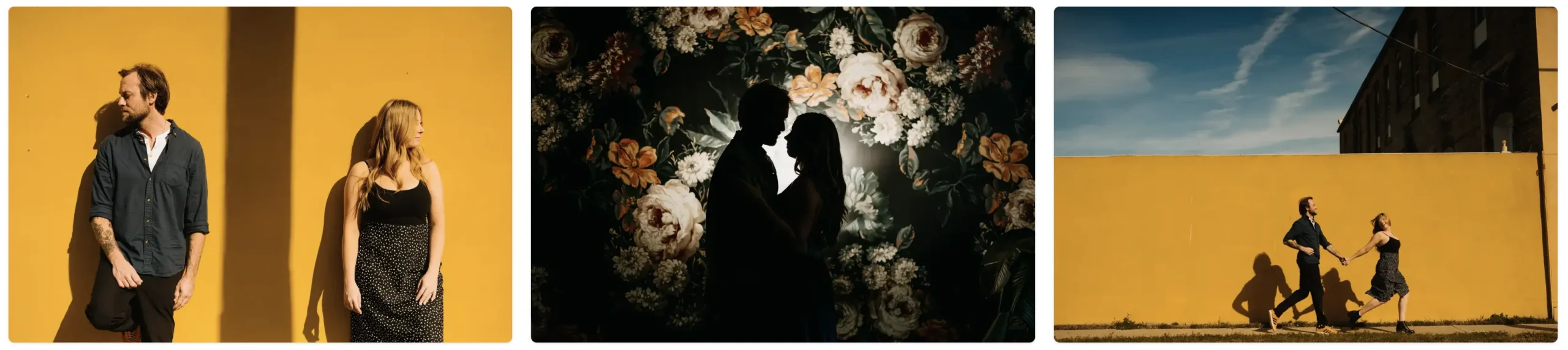
But first, let’s get something as clear as possible: your clients aren’t hiring you for one perfectly edited image. They’re not looking for the top 10 images you post on your Instagram reel. They’re hiring you for their entire gallery.
Consistency isn’t about 10 images. It’s about all of them. From the second your clients open their gallery to the very last image, everything you deliver should feel like it came from YOU, the photographer.
A client probably doesn’t know that you like your white balance 300 Kelvin warmer than another photographer. They might not know what an HSL slider does. They definitely aren’t sitting there analyzing your tone curve.
But they know how your photos make them feel.
They looked through your website. They saw your Instagram. They probably browsed a few full galleries before hiring you. Somewhere along the way, they developed an expectation of what their photos were going to look like.
Tools like Aftershoot have helped me become more and more consistent in my post-production workflow. But they’ve also shown me how important the human element is in the decisions I make about my galleries. I love running my images through Aftershoot, but I also love making small changes to make sure my edits stay consistent with how my branding and overall messaging feel when clients look at my work.
Editing Consistency Doesn’t Mean Identical Edits
This is a huge misconception among photographers. Consistency doesn’t mean copying and pasting the exact same settings onto every image. If that were the case, we’d all be delivering galleries within a day.
A photo taken outside at 2 p.m. in direct sunlight is completely different from one taken at golden hour or blue hour, so they should be handled differently.
Treat Presets And AI Profiles As Your Base Edit
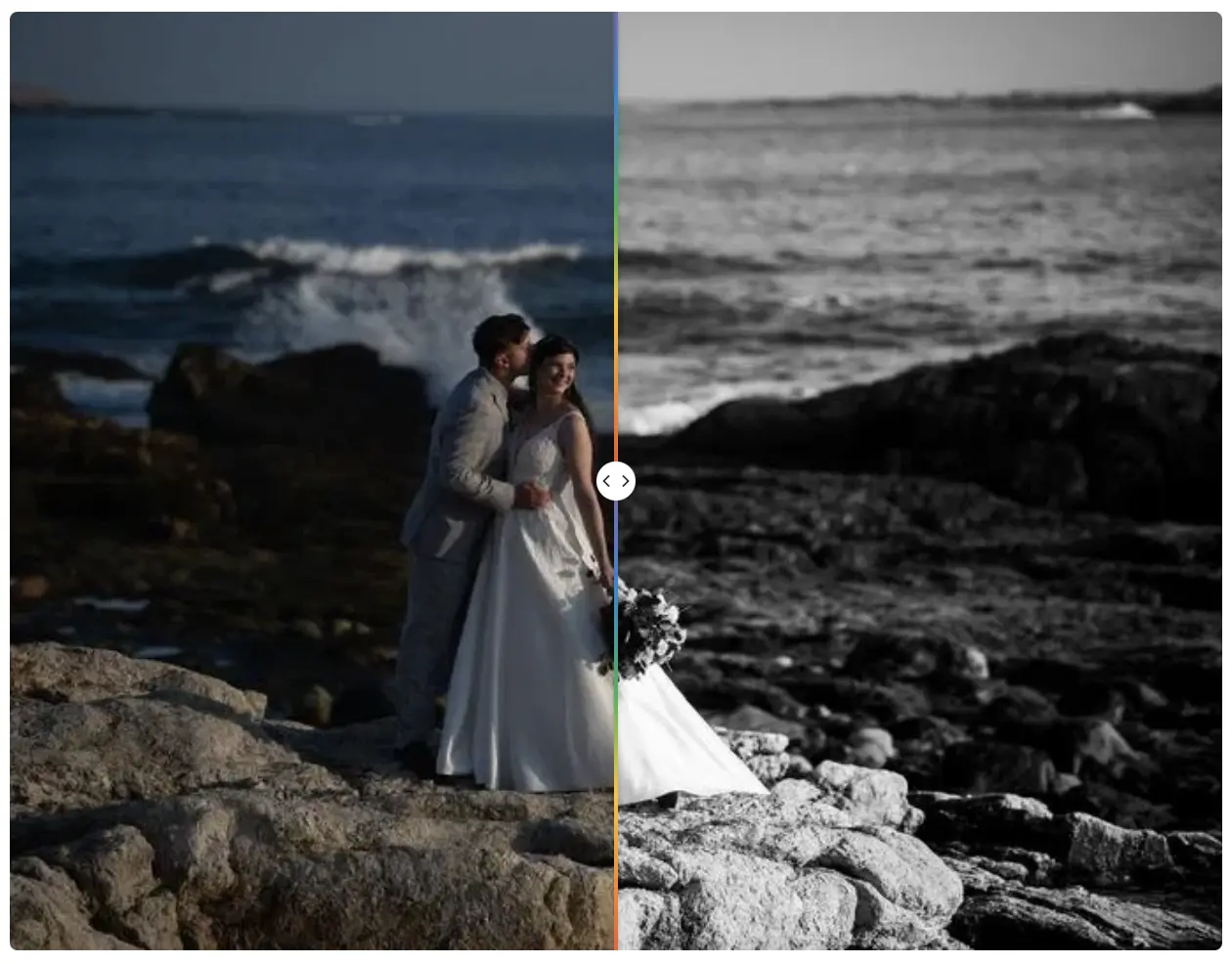
This is why I treat my presets and AI editing profiles as a “base.”
The biggest difference between a preset and an Aftershoot profile is that my Aftershoot profile will nail my white balance and exposure. If it doesn’t, it gets me about 90% of the way there, which minimizes the work I need to do on each image.
A simple preset workflow for consistent edits
If you’re not using Aftershoot profiles, I highly recommend this workflow to get the most consistent look:
- Apply your preset.
- Adjust white balance and tint with the WB eyedropper.
- Adjust exposure based on what the first two steps give you.
Why white balance, tint, and exposure matter most
I’m a HUGE believer that as long as you get your white balance, tint, and exposure right, you can make most presets, looks, and lighting conditions work for you. I promise, if you get these right, your life will be so much easier.
The reasoning behind this? White balance, tint, and exposure are, technically speaking, objective changes with a numerical value behind them. You know what Kelvin you shot under. Your meter and histogram show you what a proper exposure looks like.
Everything else, like blacks, whites, contrast, and every other slider, is a subjective change dictated by your vision. That part is totally up to you!
With all that said, the next step to consistency comes from the idea that…
Editing Consistency Starts Before You Edit
Shooting for your style, your preset, and your overall look will boost your consistency and make post-processing much easier.
I like to use just one or two presets throughout a gallery. Limiting the number gives me a better idea of how I need to shoot and how my images will look once I apply an Aftershoot profile or preset. If you shoot with this in mind, your images will be much closer to the end product as soon as the Aftershoot edits are applied.
For example, I like to shoot about 500 Kelvin warmer than what looks “right” to my camera. This gives me the moodier, warmer look I’m after. I also overexpose by about 1/4 stop so that when I apply my preset, it won’t need much exposure correction. That’s mostly because I know my preset/profile will underexpose my images.
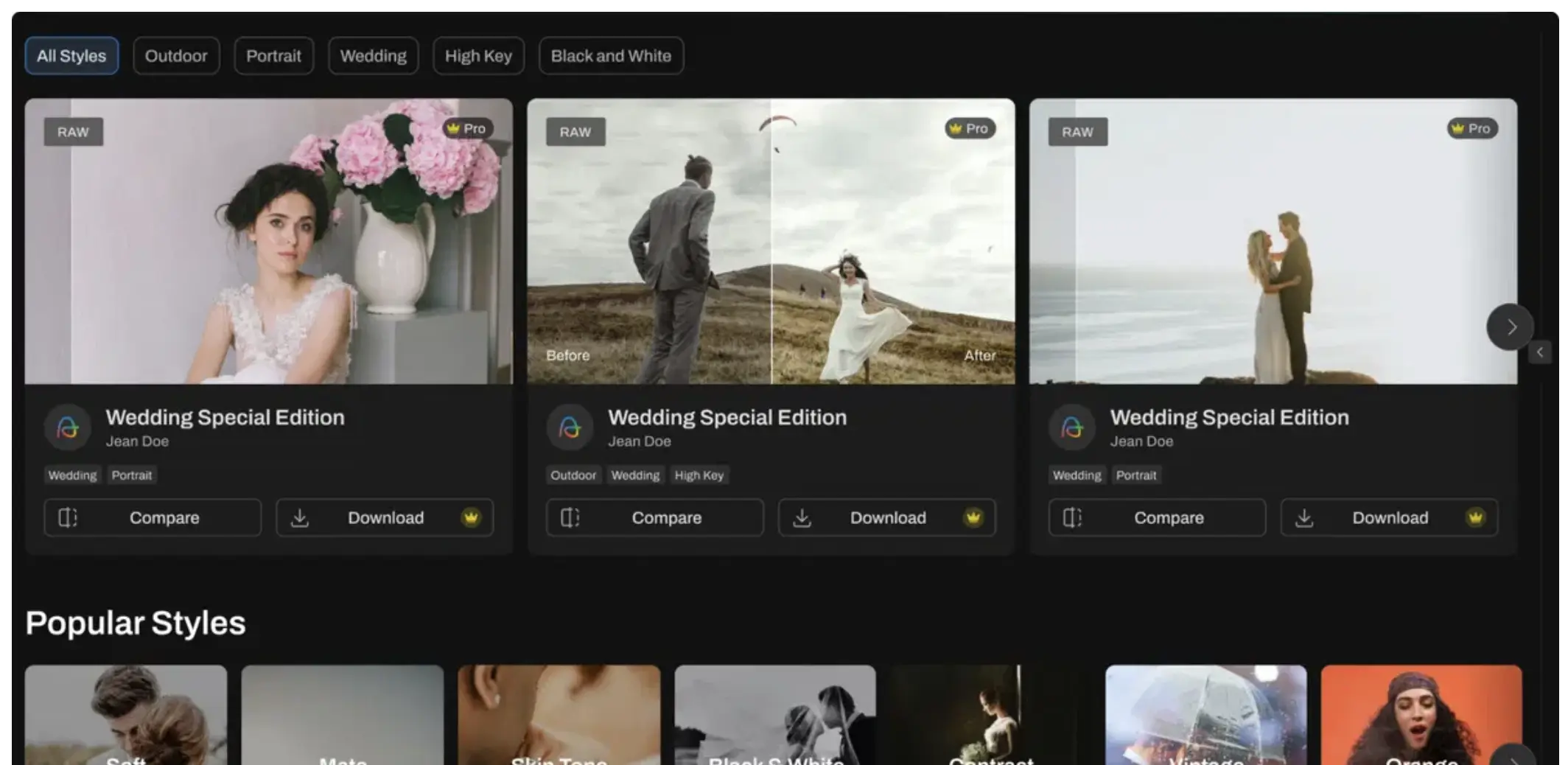
Define Your Editing Style Before You Teach AI What You Like
A lot of us edit based on feel. We move some sliders around, adjust the white balance, mess with the skin tones, tweak the greens, and eventually get to a point where we say, “Yeah, that looks like me.”
That works when you’re editing manually. But when you’re trying to teach an AI editing tool what you like, you need a clearer baseline.
Look at your own work and find the patterns:
- Do you generally edit warmer or cooler?
- Do you protect your highlights or let things stay bright?
- Do you like deep blacks or softer shadows?
- How much contrast do you typically use?
- What do you normally do with greens?
- What does skin look like in your finished galleries?
- How do you approach reception lighting?
You don’t need to write a 40-page rulebook about your editing style. You just need to understand your own tendencies well enough to recognize what belongs and what doesn’t.
Which brings me to the AI side of this, and how to make your Aftershoot profile as accurate as possible.
How To Train An Aftershoot Profile For Consistent Edits
This is a huge part of creating an easier post-processing workflow, especially when you’re using AI for your base edits.
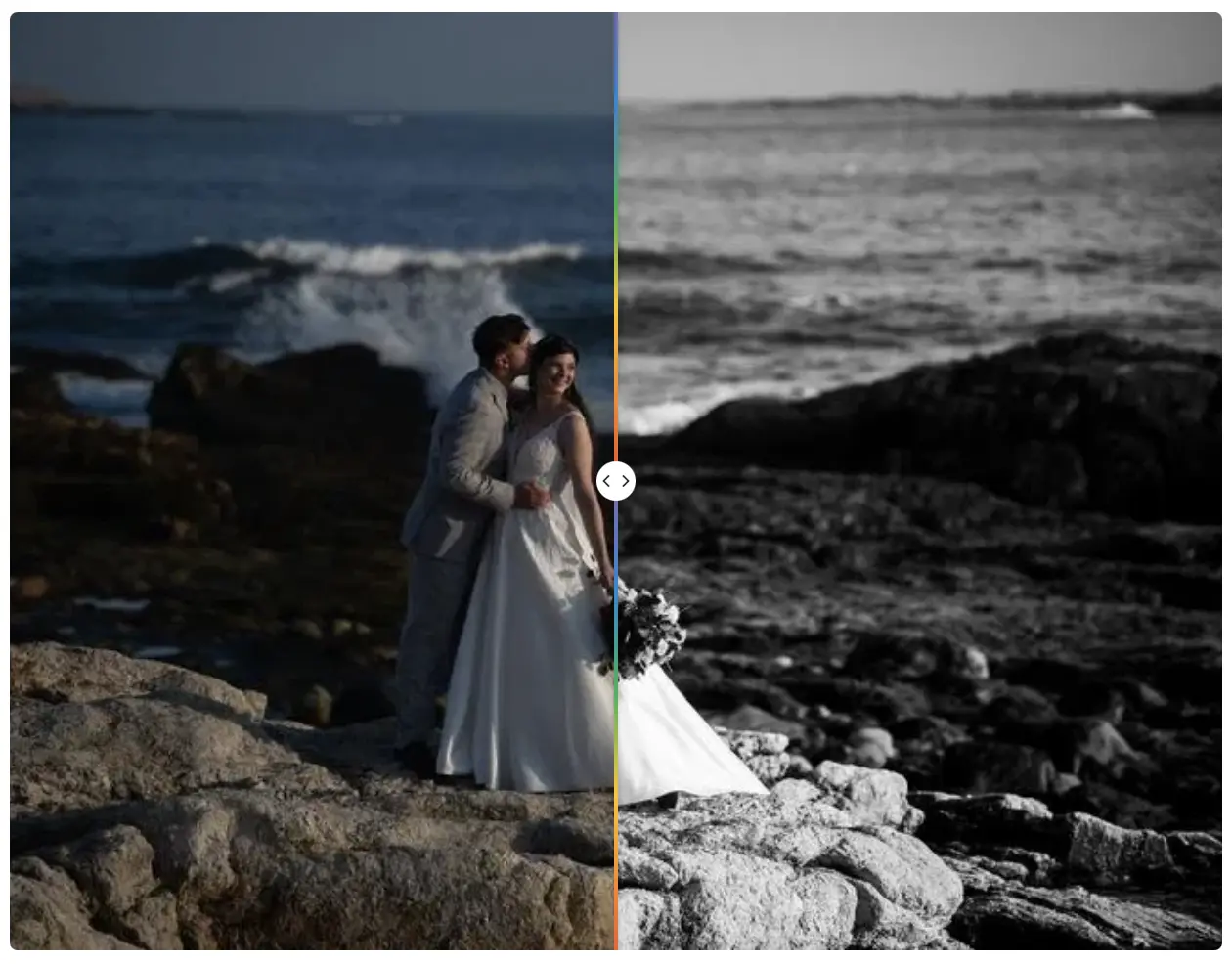
- Your reference edits matter most
Please, please, please DO NOT just feed it thousands of random images. The examples you give it matter a ton.
If you’re creating a profile for consistency and you feed it images from three wedding seasons ago because that’s all you have handy and you’re drowning in editing, you’re doing it wrong. Way wrong.
That doesn’t necessarily mean your older edits won’t work. They just might not represent the photographer you are right now. Your reference images should be current and should consistently represent the photographer you are today!
- More images don’t always mean a better profile
This leads me to a very important point: when it comes to AI profiles, more doesn’t always mean better. I’d much rather train my profile on 5,000–7,500 current, meticulously sorted images than build one from 25,000 random images.
- Cover every lighting condition you shoot in
While we’re on the subject of training, you also want to give Aftershoot variety without confusing it. It’s not realistic to give it 5,000 golden hour images and expect it to work perfectly for a random barn wedding you shoot.
Think about all the lighting situations you encounter during a wedding day or session, and give it a good balance of all of them: hotel rooms, window light, direct sun, shade, flash, and so much more.
Knowing yourself and the lighting conditions you shoot in should play a huge part in how you train your Aftershoot profile.
Review Your Full Gallery, Not Just Individual Photos
This is a hugely overlooked part of the whole equation. You finally finish editing a gallery, think “Ugh. Onto the next one,” and blindly upload and deliver the images without giving them one last look.
Before you do any of that, zoom out! Mentally and literally. Look at thumbnails or larger groups of images. When you do, inconsistencies become much easier to spot. You might notice that certain sections look a little too warm halfway through. Maybe your second shooter’s camera tint is visibly different from yours.
Looking at the big picture lets you catch inconsistencies before you upload your gallery, and it’ll save you a ton of aggravation in the long run.
Make Editing Consistency Part Of Your Brand
Consistency is one of the most important parts of what we do, and something I believe we don’t take seriously enough. Make it part of your brand and let it become a big part of your workflow.
With tools like Aftershoot, getting a consistent look across your galleries is much easier. Add your human touch on top, and your clients will be thrilled when you deliver your magic!
Ready to build an AI profile that edits like you, from the first image to the last? Sign up for Aftershoot’s 30-day Trial and see how much faster your consistent galleries come together.
FAQs for Editing Consistency
Can AI editing match a photographer’s style?
Yes, if you train it well. In my experience, a well-trained Aftershoot profile nails my white balance and exposure, or gets me about 90% of the way there. How close it gets depends on your reference edits: they should be current, carefully sorted, and cover the lighting conditions you actually shoot in. Expect to make small adjustments afterward.
How do you keep edits consistent across different lighting conditions?
Don’t apply identical settings to every image. Get white balance, tint, and exposure right for each lighting scenario, then let your preset or profile carry the subjective look. If you use AI editing, train your profile on a balanced mix of lighting conditions, from direct sun and shade to window light and flash.
How do you check an AI-edited gallery for consistency?
Zoom out before delivering. Review the gallery as thumbnails or in larger groups rather than image by image. This makes it much easier to spot sections that drift too warm or a second shooter’s camera with a noticeably different tint.
What should photographers adjust after AI editing?
Start with any images where the profile missed white balance, tint, or exposure, since those are the objective corrections. Then make small subjective tweaks so the gallery matches your branding and the look clients expect from your work.
How many images do you need to train an AI editing profile?
There’s no magic number, and more isn’t always better. I’d rather train a profile on 5,000–7,500 current, meticulously sorted images than on 25,000 random ones.
Does consistent editing mean using the same preset on every photo?
No. Consistency means your gallery feels cohesive and recognizably yours, not that every image has identical settings. Using one or two presets per gallery and adjusting each image for its lighting is what keeps the look consistent.