TL;DR
- Slow editing is usually a workflow problem, and not really a sign that you’re a slow editor.
- Overshooting is a post-production problem: every extra frame has to be imported, backed up, culled, stored, edited, and exported.
- Settle your import, folder structure, and naming system before the shoot, and use the same one for every job.
- Back up your files during import, not afterwards.
- Save your culling time for creative decisions. Let AI tools like Aftershoot flag duplicates, technical issues, and other rejects.
- Have a clear standard for when an image is finished, and move on once extra adjustments stop making a meaningful difference.
- Find your biggest bottleneck and fix it first. An extra five hours per wedding adds up to 150 hours over 30 weddings a year.
I think we’ve all had one of those shoots where you get home, dump the cards, see how many photos you took, and immediately realize you’re going to be sitting at that computer for a while.
Usually, our first thought is that we just need to edit faster. Learn more shortcuts. Buy another preset. Drink another coffee. Stay up until 2 AM and get it done.
But after doing this for as long as I have, I’ve realized that being a “slow editor” usually isn’t the actual problem. Most of the time, something in the workflow is slowing you down. Maybe you overshot. Maybe you’re manually sorting through thousands of nearly identical images. Or maybe you’re making the same editing decisions over and over again.
If you really want to spend less time behind the computer, you have to figure out where your editing bottleneck actually is before you can fix it. Here are the five I see most often, and how I’ve dealt with each one in my own workflow.
Here Are The Top 5 Editing Bottlenecks
1. Overshooting: your editing workflow starts before you get home
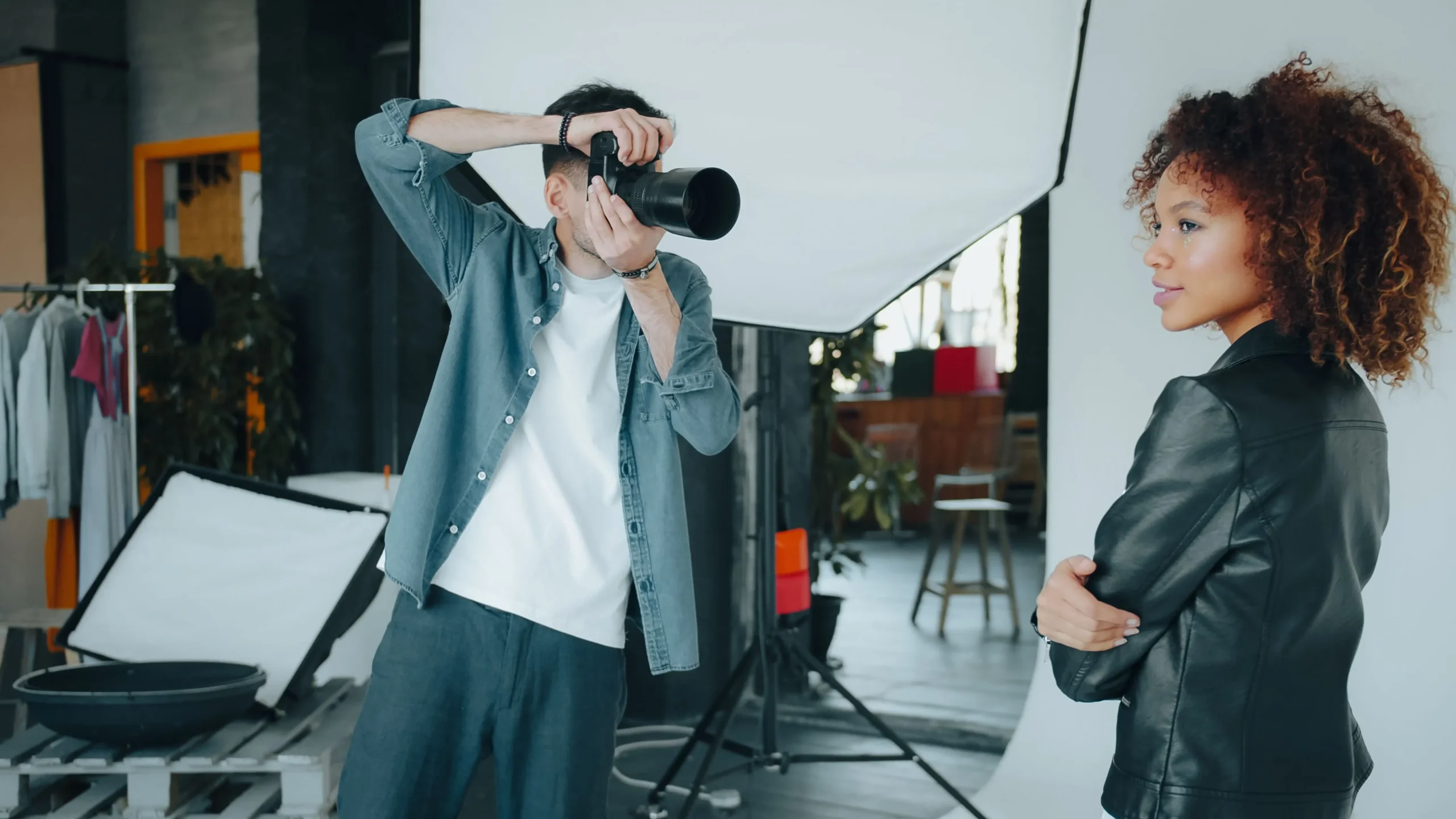
This is one of the hardest things to hear as a creative, especially if you want a smoother post-wedding or post-session workflow: STOP. OVERSHOOTING.
This doesn’t mean you should treat every shoot like you’re shooting film, or that you have to limit yourself to a set number of images. We’re storytellers, and we should be open to shooting for the moments, however many images that takes. But there is absolutely a difference between intentionally creating options and spraying and praying.
One thing that changed the way I shoot was making myself think about what comes after the wedding with every “extra” photo I take. You have to import every extra image. You have to back it up. Cull it. Store it. Edit it. Export it.
It’s hard to look at those images and realize that, on top of all that, each one forces you into one of the most time-consuming parts of any photographer’s post-production workflow: deciding whether to keep it or discard it.
If you take 1,000 extra images during a wedding and it takes you 10 seconds to decide on each one, that’s about 166 extra MINUTES of work. Overshooting by 1,000 images might not sound like much, but when you look at the big picture, it can mean a lot of extra work.
How I fixed it: Shoot intentionally. Be more methodical about how you’re shooting, without firing away at 30fps because you’re afraid you might “miss the moment.”
2. Messy imports: keep your ingest simple
Don’t reinvent the wheel every time you import.
As I just said, small decisions add up. Importing, file structure, and cataloging should all be figured out before you get home from a wedding. The last thing I want to do after a wedding is spend an hour deciding where files go or how to rename them as I import them into my computer.
How I fixed it: I use one catalog with a specific structure that I use every time. Same basic folder structure and naming system for every job. The only thing that changes is my client’s name, which precedes the file names.
3. Separate backups: make backing up part of your import process
This is such an important part of my workflow, but it’s something we overlook a ton!
Backing up shouldn’t happen AFTER we import and rename files. It should happen at the same time. I want my files in more than one place as quickly as possible.
How I fixed it: I use the “Backup directory” option in Aftershoot. My files are imported into two different locations as soon as they hit Aftershoot. It’s a minor feature, but an awesome one that could save me a huge headache.
4. Manual culling: stop comparing thousands of nearly identical images
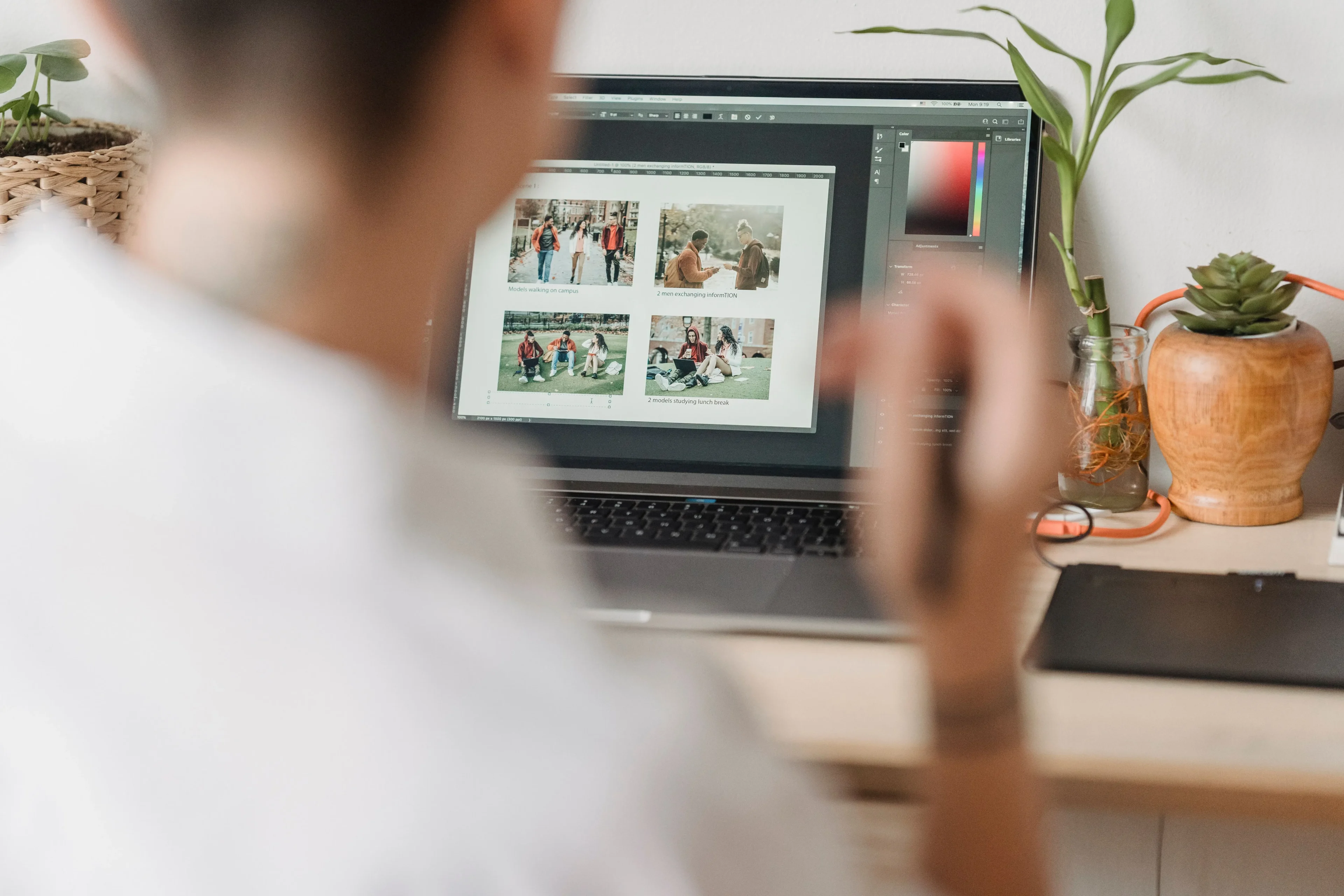
This is probably one of the biggest bottlenecks you’ll face as a photographer.
You come home and have to manually decide which of the thousands of images you took will make the final gallery. But the only images you should be spending most of your time on are the ones that require a creative decision from you. Not the groups of 10–20 images you took of the same pose, or the same grouping of family members.
Compare 20 images where almost nothing changed (eyes open, eyes closed, sharpness, duplicate, duplicate, duplicate…), do that a few hundred times, and you’ll start hating yourself a bit.
This is where you need to separate the creative decisions from the repetitive ones. Choosing the image that tells the story is creative. Looking through 20 images of the same boring stuff is repetitive.
That’s exactly why Aftershoot is such a useful part of my workflow. It identifies duplicates, technical issues, and other rejects, which lets me focus on the images that actually need my attention and greatly speeds up my post-production workflow.
How I fixed it: I stopped doing the repetitive part myself. I run every shoot through Aftershoot first, and it flags duplicates, technical issues like closed eyes and missed focus, and other obvious rejects. By the time I sit down to cull, most of the “duplicate, duplicate, duplicate” work is already done. I only spend my time on the images that actually need a creative decision from me, which has sped up my post-production workflow more than anything else.
5. Over-editing: know when an image is finished
YOU. Yeah, you!
I know you’re guilty of this. The perfectionist. The person who always has one more small adjustment to make.
“I’ll warm it up a bit.” “Let me recrop it.” Undo this. Undo that.
Honestly, if you stare at anything long enough, you’re eventually going to convince yourself something is wrong with it. You should always have a standard for what a finished photograph looks like.
That doesn’t mean rushing through your workflow. It just means recognizing when extra time is no longer making a meaningful change to an image, and moving on to the next image or set of images.
How I fixed it: I decided what “finished” looks like before I start editing. Once an image meets that standard, I move on, even if I could keep tweaking it. If I notice I’m on my third round of adjustments and the changes are barely visible, I take that as my cue to stop. It also helps to edit in sets rather than one image at a time. That way I’m focused on consistency across the gallery instead of perfecting a single frame.
How To Find Your Biggest Editing Bottleneck
Faster editing is really about the systems you build into your workflow. If editing is taking you forever, don’t immediately assume you’re bad at editing or that you need to work faster. Look at the system you have in place and ask yourself:
- Am I photographing too much?
- Do my import, file structure, and backup processes need to be reassessed and reorganized?
- Am I spending too much time manually culling and editing when I could be using Aftershoot to get the most tedious parts done quickly?
- Am I obsessing over photographs that were already finished because I can’t get something insignificant out of my head?
Start with whichever one is costing you the most time.
FIND THE BOTTLENECK. Because all of these hours add up. If you’re spending an extra five hours on every wedding and you photograph 30 weddings a year, that’s 150 hours. Almost four full 40-hour workweeks spent on unnecessary post-production.
So, get it together, and set your processes and workflow up for success!
FAQs for Editing Bottlenecks
Q1. What are the biggest editing bottlenecks for photographers?
The most common are overshooting, messy or inconsistent imports, backing up as a separate step, manually culling near-identical images, and over-editing images that are already finished. Most of these are workflow problems, not editing-skill problems.
Q2. Why does photo editing take so long?
Usually because of the work that piles up before and around the edit itself. Every extra frame has to be imported, backed up, culled, stored, edited, and exported. Spending just 10 seconds deciding on each of 1,000 extra images adds almost three hours to a single wedding.
Q3. Which parts of photo editing can photographers automate?
The repetitive parts. That includes flagging duplicates, closed eyes, and other technical rejects during culling, backing up files during import, and keeping file naming and folder structure the same for every job. AI tools like Aftershoot can also take on repetitive editing work. Creative decisions, like choosing the image that tells the story, should stay with you.
Q4. How can photographers reduce culling time?
Start by shooting more intentionally so there’s less to sort through. Then use AI-assisted culling to flag duplicates and technical issues, so you only spend time on the images that need a creative decision.
Q5. How do you speed up editing without sacrificing consistency or quality?
Use the same system for every job, automate the repetitive work, and set a clear standard for what a finished image looks like. That way you stop endlessly tweaking images, but you don’t rush the decisions that actually matter.