TL;DR
- Cull before you proof. Remove duplicates, missed focus, and near-identical poses so clients only see meaningful options.
- Organize the gallery for the client, not for you. Lead with a “Highlights” folder of your favorites.
- Give exact instructions. How many images, how to mark them, when they’re due, and what happens next.
- Use favorites lists. Never make clients send you filenames.
- Follow up before the deadline, and automate reminders wherever you can.
- Reduce decision fatigue. Fewer, stronger options help clients decide faster.
- Treat proofing as a workflow stage. A slow proofing stage delays editing, delivery, albums, prints, and sometimes payment.
“We love the photos! We’re just having such a hard time choosing our favorites!”
As a wedding photographer, that’s a message I love and hate at the same time. I love the compliment. But I’ve also found myself wanting to speed up the process of getting my clients to choose their favorite images.
Photographers sometimes treat proofing as the part where we send a gallery link and wait for clients to tell us which images they want. To me, proofing is a pretty important part of the experience I’m providing. And just like everything else in your business, if you don’t have a proper system for it, it becomes a nuisance and a massive bottleneck REALLY quickly.
So let me give you some photo proofing tips to help your clients choose their images faster and more efficiently.
Here Are The 7 Photo Proofing Tips That’ll Help Your Clients Choose Images Faster

1. Stop giving your clients too many photos to choose from
This is the biggest one. More photos doesn’t always mean a better experience. Sometimes it just means more work for your clients.
If you’re delivering 20 images of the same pose with very little variation, your clients probably don’t need all 20 to choose from. Get rid of the obvious duplicates. Get rid of the missed-focus shots. Get rid of that awkward run of frames where the posing barely changes.
This is where Aftershoot helps me. I use its culling to identify duplicates, blinks, and blurry images, among other things. That leaves me free to focus on the decisions that actually require the human element. In the end, my clients get a stronger set of images to choose from instead of being overwhelmed by every frame I took during their session.
2. Organize your proofing gallery the way a client would look at it
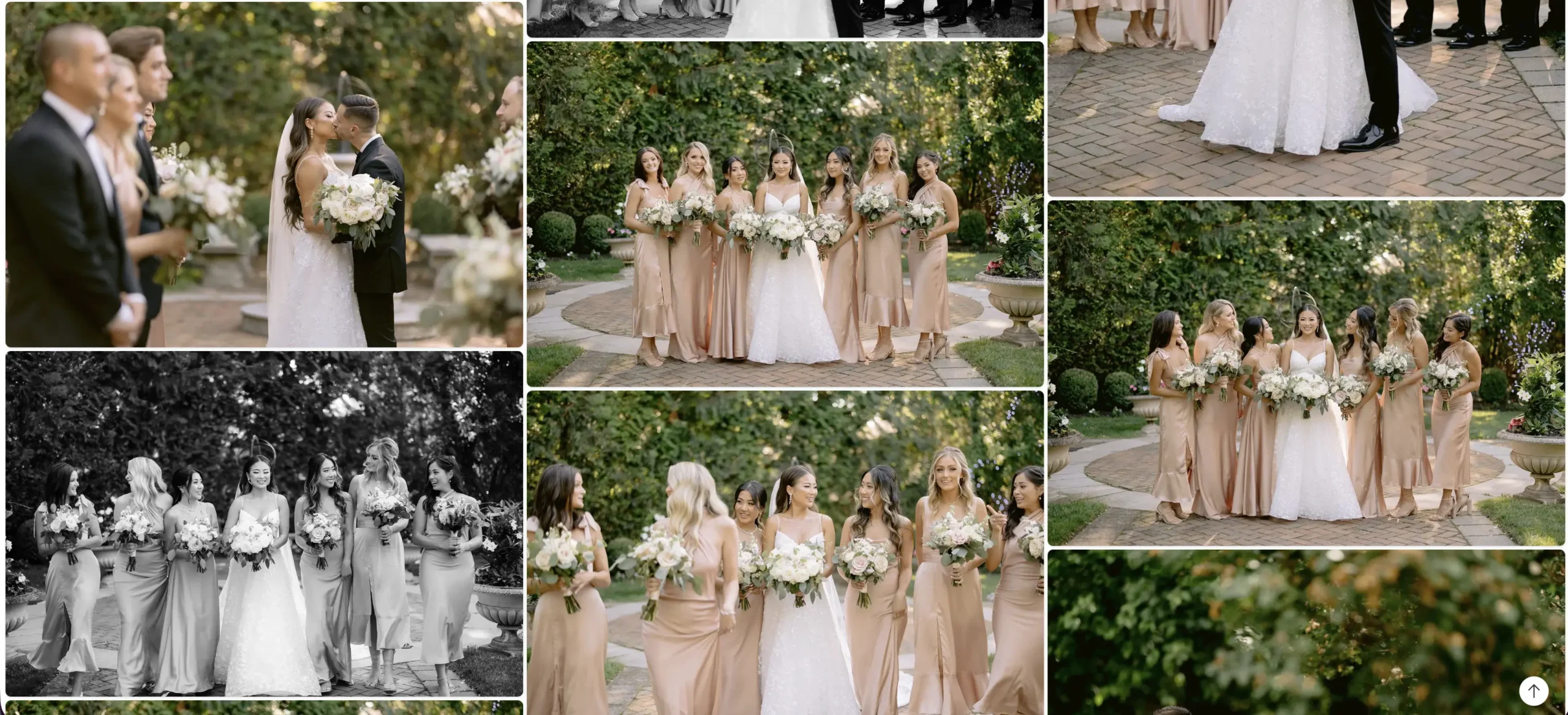
Photographers organize things like photographers. Clients don’t.
Your client probably doesn’t care that one image was shot on a 50mm at f/1.4 and another on an 85mm. They just want to find their photos and understand what they’re looking at. So build the gallery around how they’ll actually experience it.
Lead with your strongest work. In my own galleries, I always want to make an impact with the first set of images my clients see. I name that folder “Highlights,” and I fill it with the images I chose as my personal favorites. That first impression sets the tone for the whole proofing experience, and it gives clients an easy starting point before they dig into everything else.
Organize the rest the way the day happened. After the highlights, break the gallery into sections that follow the story of the day, for example:
- Getting ready
- Ceremony
- Family formals
- Couple portraits
- Reception
When clients know where to find the ceremony or the family photos, they’re not scrolling through hundreds of images trying to remember where that one shot of Grandma was. They can go section by section, make their choices, and move on.
Keep the order chronological within each section. Moments make more sense in the order they happened, and it’s much easier for clients to compare similar images when they sit next to each other.
3. Tell your clients EXACTLY how to make their selections
Never assume the client understands your proofing system. This is another place where photographers accidentally create more work for themselves.
You send a gallery with something like, “Here are your proofs! Let me know your favorites!”
Okay. How many favorites? How do I tell you? Do I screenshot them? Do I email you the file numbers? Is there a favorites button? Can I change my choices? When do you need them? What happens after I choose?
Your client shouldn’t have to email you five questions just to figure out how to use the gallery. Give them simple instructions that cover:
- Exactly how many images they need to select
- How to mark their favorites
- When you need their selections
- What happens after they submit them
Something as simple as this works:
“Click the heart on your favorite images, choose 25 photographs, and submit your selections by Friday. Once I receive them, I’ll begin the final retouching process.”
DONE. The fewer questions the client has to ask, the smoother the entire process becomes. And as a bonus, you save yourself from answering the same questions over and over again.
4. Use favorites lists, not filenames
Please don’t make your clients write down filenames. IMG_4728. IMG_4729. IMG_4832. IMG_4911. Nobody wants to do that. And YOU definitely don’t want to receive an email with 37 filenames that you now have to find manually.
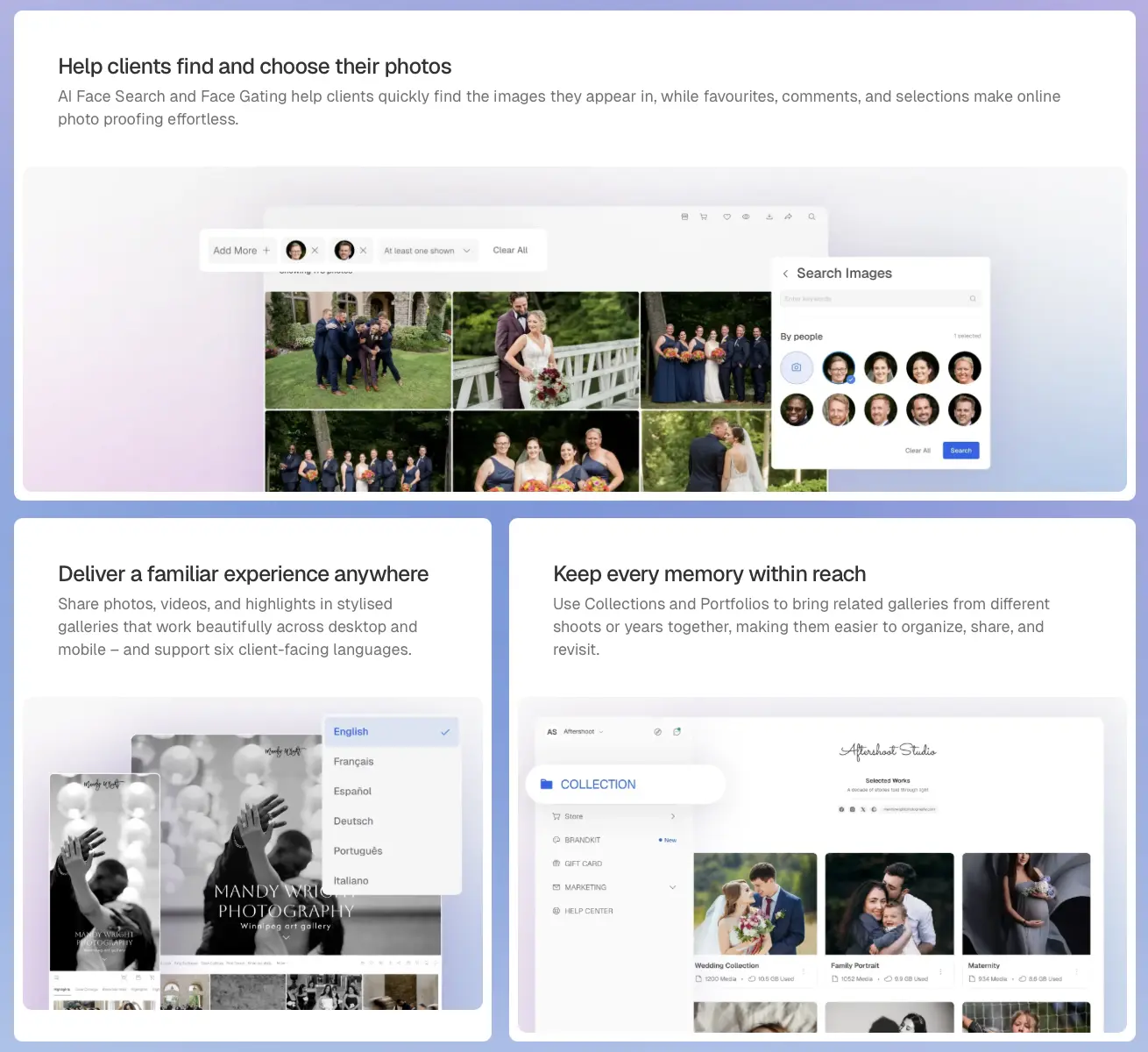
Use a gallery system that lets clients create a favorites list directly inside their gallery. One click. Favorite. Done. They can go through the gallery naturally, and you can see exactly what they selected without another giant email chain. Even better, they can usually go back through their favorites afterward and compare a much smaller selection before making their final decisions. Aftershoot Galleries makes this very easy.
This is one of those tiny workflow changes that doesn’t sound important until you multiply it across every client you photograph in a year. Remember, small annoyances become BIG annoyances when you repeat them 30, 50, or 100 times.
5. Follow up BEFORE it becomes awkward
If the deadline is Friday, don’t wait three weeks to finally email them. Build follow-ups into your workflow.
Maybe you send a reminder a couple of days before their selections are due. Something simple like:
“Just a reminder that your photo selections are due Friday. Once you submit your favorites, I can move into final editing and keep everything on schedule.”
That’s it. You’re not chasing them. You’re helping them stay on track. There’s a big difference between constantly bothering a client and giving them a helpful reminder about something they already agreed to do.
And whenever possible, AUTOMATE THIS. Remembering to manually follow up with every client is exactly the kind of tiny administrative task that falls through the cracks when you’re busy. The best workflow is one where the system remembers things so YOU don’t have to.
6. Reduce decision fatigue wherever you can
This is really what everything comes back to. Your client isn’t necessarily taking forever because they’re difficult. They might just be overwhelmed.
Think about how many decisions your clients have already made before they even get to this point. They chose a photographer, a location, clothing, hair, makeup, maybe products, maybe an album, maybe prints. And now we’re handing them hundreds of photographs and saying, “Okay! PICK!”
That can be exhausting. So reduce the decisions wherever you can:
- Cull aggressively enough that you’re only showing meaningful options
- Organize the gallery
- Give clear instructions
- Use favorites
- Give them a specific number of photographs to choose
- Set a deadline
- Follow up
Every one of those things removes a tiny bit of friction. When you remove enough friction, the client moves through the process much faster.
I also think we have to remember that giving a client more doesn’t automatically mean giving them MORE VALUE. Giving them 12 nearly identical photographs can actually make their experience worse, because now we’ve created another decision they didn’t need to make. Sometimes a better client experience means doing more of that decision-making ourselves before they ever see the gallery.
7. Treat proofing as part of your photography workflow, not something that happens after it
This is probably the biggest thing I want photographers to understand. Proofing isn’t just sending someone a gallery. It’s another stage of your workflow.
If that stage takes three weeks longer than it should, EVERYTHING after it gets pushed back. Your editing gets pushed back. Your final gallery gets pushed back. Album design gets pushed back. Print orders get pushed back. Depending on how your business is structured, payment might even get pushed back.
That’s why I think a good proofing workflow starts WAY before you send the proofing gallery. It starts with intentional shooting, then good file management, then culling, then consistent editing, then gallery organization, and finally proofing. Everything is connected.
If you dump 700 repetitive, inconsistent photographs into a gallery and tell your client to choose 40, you’ve basically handed YOUR workflow problem to your client. And that’s not a great client experience.
Proofing Is The Bridge To The Final Gallery
A smooth proofing process doesn’t happen by accident. It’s the result of every decision you make before your client ever opens that gallery link: how you shoot, how tightly you cull, how consistently you edit, and how clearly you guide them through choosing. When you do more of that work upfront, your clients get a gallery that feels exciting instead of overwhelming, and you get their selections back in days instead of weeks.
Tools like Aftershoot can take a big chunk of the culling and editing off your plate, so you can spend that time where it matters most: on the photographs and the people in them.
FAQs for Photo Proofing Tips
Q1. How many photos should be in a proofing gallery?
There’s no universal number, because it depends on the type and length of the session. A full wedding day will naturally produce a bigger gallery than a one-hour portrait session. What matters more than the number is that every image earns its place. Remove duplicates, missed-focus shots, blinks, and runs of near-identical poses, so your clients are choosing from meaningful options rather than every frame you took.
Q2. How do photographers help clients choose their favorites faster?
Reduce the number of decisions they have to make. Cull tightly, open the gallery with a highlights section, organize the rest the way the day happened, and give clear instructions: how many images to choose, how to mark them, and when selections are due. Then send a reminder before the deadline.
Q3. Should proofing galleries have expiration dates?
A clear selection deadline is essential, because it keeps your editing, delivery, and album timelines on track. An expiration date on the proofing gallery itself can reinforce that deadline, but tell clients about it upfront and explain what happens if they need more time. The goal is to keep them moving, not to make them feel rushed or locked out.
Q4. How should clients submit their photo selections and revision requests?
Keep everything in one place: the gallery. Clients should mark their selections with a favorites or “heart” feature rather than emailing filenames or screenshots. If your gallery supports comments, ask clients to leave revision requests directly on the image they’re about, so you’re not piecing together feedback from scattered emails and texts.