

TL;DR
- AI editing is cheaper at almost every volume. Outsourced color correction starts around $0.22 per image, about $154 for a 700-image wedding. Flat-rate AI editing costs the same whether you edit 5 weddings a year or 50.
- Outsourcing is more hands-off. A human editor returns finished files. With AI, you still do a review pass yourself, so you pay less money but spend some of your own time.
- Turnaround is where the gap is widest. Outsourced galleries typically come back in 3-8 business days, and queues get longer in peak season. AI edits run on your own schedule.
- AI keeps your style tied to your own edits. Outsourced editors work from your presets and notes, so consistency depends on who is editing that week.
- Privacy and dependence differ. Outsourcing means sending full client galleries to a third party. Local AI tools like Aftershoot process images on your own computer.
- Many studios end up hybrid. AI handles the bulk color and exposure work. Humans handle the handful of hero images that need detailed retouching.
It’s October. You shot two weddings this weekend and three the weekend before, and a couple from August just emailed to ask, politely, when their gallery will be ready.
At some point every busy photographer asks the same question: should I hand my editing to someone else, or let AI do the heavy lifting? Then starts the debate: Outsource vd AI Photo Editing… which one should you choose?
In this article, we’ve compared outsourced editing services and AI editing on the things that actually decide whether a gallery goes out on time and still looks like yours: real per-image prices, turnaround, style control, revisions, privacy, vendor dependence, and what happens in peak season. In this article, you’ll also get a simple cost model you can run with your own numbers.
Outsource vs AI Photo Editing: Quick Note
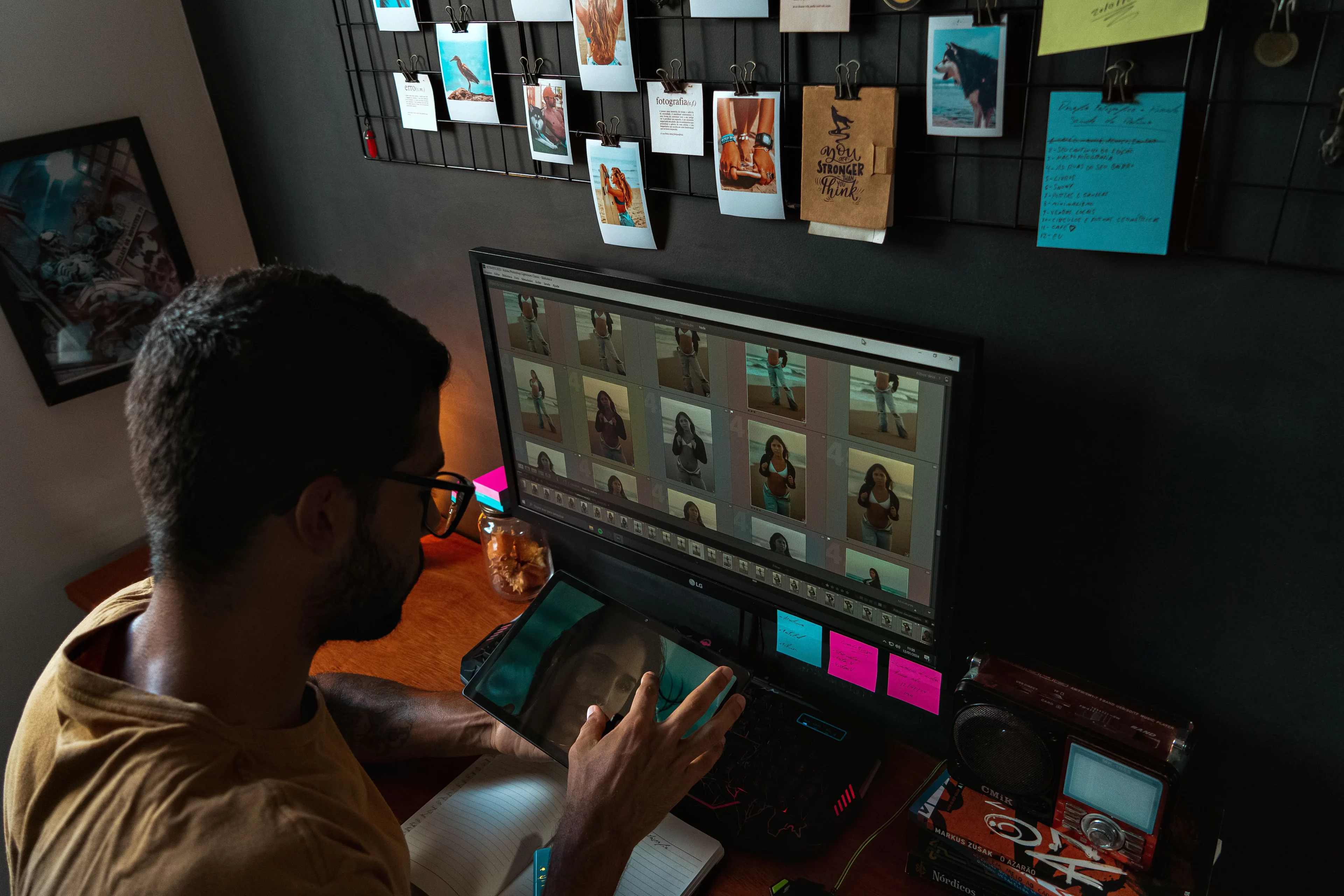
If you shoot more than about a dozen events a year and want to keep your look consistent, AI editing is usually the better business decision. It costs less, it doesn’t make you wait in a queue, and it learns from your own edits rather than someone’s interpretation of them.
Outsourcing still makes sense in these three situations:
- You want to fully step away from the computer and are happy to pay for it.
- You need detailed manual retouching (skin work, composites, object removal) on a small number of images.
- You shoot so rarely that you don’t want another piece of software to learn.
The rest of this article shows the math and trade-offs behind that answer, so you can check it against your own business.
How Outsourced Photo Editing Services and AI Editing Actually Work
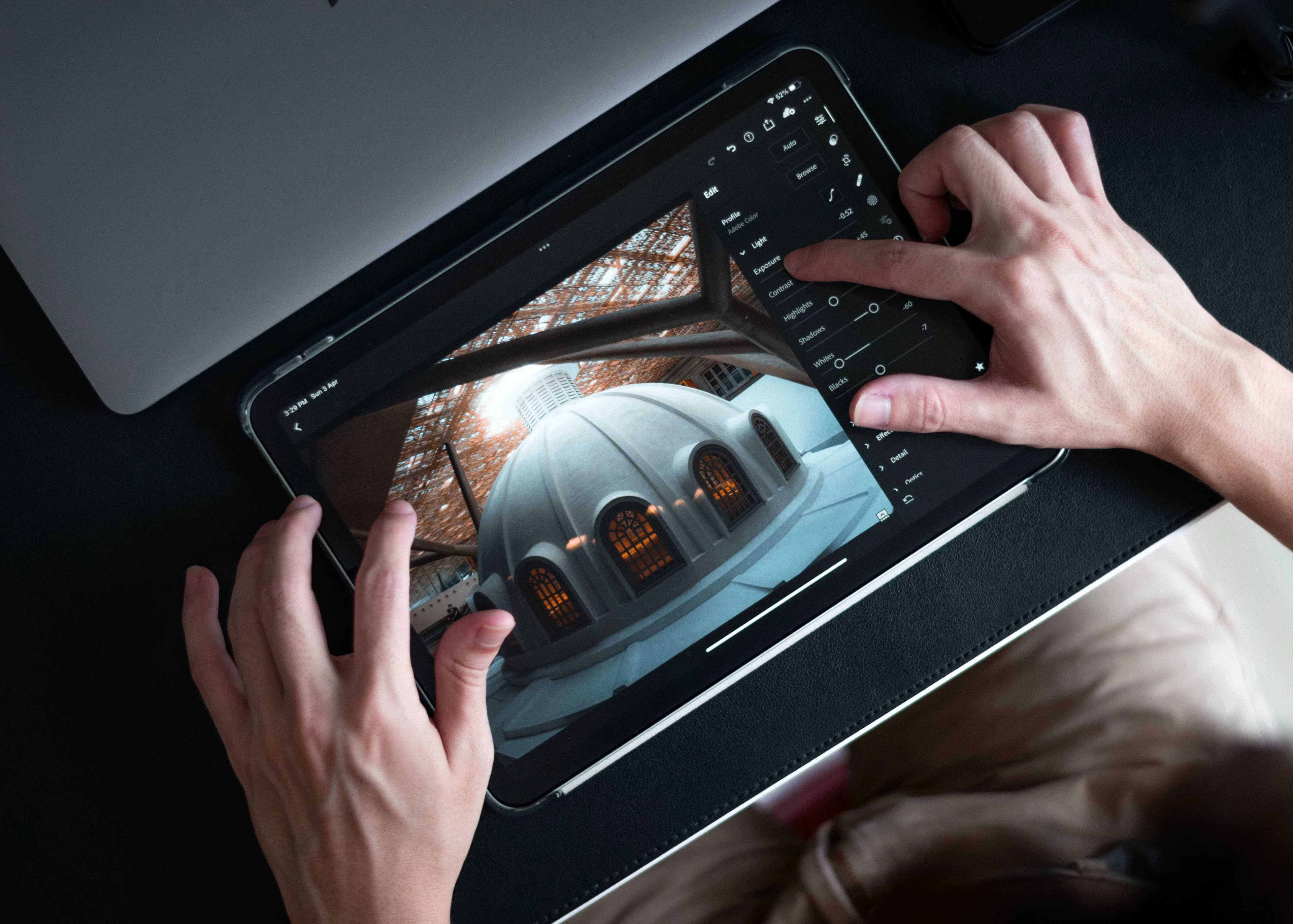
Before comparing the two, it helps to be precise about what you’re buying. The two options solve the same problem in very different ways.
How Outsourced Photo Editing Works
With outsourced photo editing services, you send your Lightroom catalog or RAW files to a company or freelance editor. You share your presets, sample edits, and notes about your style. An editor applies your look, adjusts exposure and color image by image, and sends the catalog back.
Most services charge in one of two ways:
- Per image. For example, Photographer’s Edit’s custom color correction is $0.22 per image, with no contract or minimum order.
- Monthly subscription. ShootDotEdit, for example, lists an Unlimited plan at $299 per month and a Rollover plan at $119 per month, with an image cap per event.
Culling is usually available as an add-on, and detailed retouching is priced separately.
How AI Photo Editing for Photographers Works
AI photo editing for photographers works differently. Instead of a person learning your style from notes, the software learns it from your past edits. You train a profile on your previously edited catalogs, or start from your existing presets. The AI then applies that style across a new gallery.
You stay in the loop: the edits land in your Lightroom Classic or Capture One catalog, and you review, tweak, and export. Most AI tools charge either a flat subscription (unlimited images) or a small per-image fee.
| Parameter | Outsourced Editing | AI Editing |
| Who does the edit | A human editor at another company | Software trained on your own edits |
| How style is learned | Your presets, sample images, and written notes | Your previously edited catalogs or presets |
| Your role | Send files, wait, review what comes back | Run the edit, review and fine-tune right away |
| Typical pricing | Per image or monthly subscription with caps | Flat subscription or small per-image fee |
| Where your files go | To the vendor’s editors | Stays on your computer (for local tools) |
Outsource vs AI Photo Editing Cost: A Real-Numbers Model
Photo editing outsourcing cost is where most comparisons get vague. Here are published prices applied to realistic wedding volumes.
Assumptions: you cull each wedding yourself and deliver 700 edited images. That also matches the per-event cap on ShootDotEdit’s annual plans. Prices are list prices and don’t include promotions.
| Weddings per year | Outsourced, per image ($0.22) | ShootDotEdit Rollover ($119/mo) | ShootDotEdit Unlimited ($299/mo) | Aftershoot Select + Edit | Aftershoot Complete |
| 10 | $1,540 | $1,428 | $3,588 | $480 | $540 |
| 20 | $3,080 | Exceeds plan (1 wedding/mo) | $3,588 | $480 | $540 |
| 35 | $5,390 | Exceeds plan | $3,588 | $480 | $540 |
Note: Aftershoot prices are annual billing. Select + Edit covers culling and editing. Complete adds retouching. Both include unlimited images.
A few things stand out:
- Per-image outsourcing scales linearly. Every extra wedding adds another ~$154. Adding culling or retouching raises the per-image cost further.
- Subscriptions cap you. The Rollover plan covers one wedding (or two portrait sessions) a month, which is fine for a part-time schedule and tight for a full season.
- Flat-rate AI costs the same at 10 weddings or 35. Your editing cost per wedding drops the more you shoot.
For current plan details, see Aftershoot’s pricing breakdown.
The Cost Most Comparisons Leave Out: Your Own Time
Price per image isn’t the whole story. Outsourcing costs more money, but it also takes more work off your plate. AI costs less, but you still spend time reviewing and fine-tuning.
So the fair question is: is the price difference worth more than the extra hours AI leaves with you?
Here’s a simple break-even formula:
Break-even hours per wedding = (outsourcing cost per wedding − AI cost per wedding) ÷ your hourly rate
At 20 weddings a year, per-image outsourcing costs $154 per wedding. Aftershoot Select + Edit costs 24 per wedding(480 ÷ 20). The difference is $130.
- If you value your time at $50/hour, outsourcing only pays off if AI leaves you with more than 2.6 extra hours of work per wedding.
- At $100/hour, the break-even is 1.3 hours.
Run this with your own rate and review time. For most photographers who already edit in Lightroom, a review pass on AI edits is well under the break-even point. If your time is worth a lot and you want zero involvement, outsourcing can still win.
If you haven’t worked out what your editing hours are really worth, our guide to pricing wedding photography walks through valuing your time properly.
Turnaround Time: Why Peak Season Changes the Math
Turnaround is where the difference between outsourcing and AI gets most practical.
Published outsourced timelines look like this:
- Photographer’s Edit: 3-5 business days for orders under 800 images, 6-8 business days for larger orders, with a paid Premium Membership for guaranteed 3- and 6-day turnarounds.
- Most per-image services: somewhere in the 2-7 business day range, depending on volume and rush fees.
That doesn’t sound bad until you map it onto a real October:
| Day | What happens with outsourcing |
| Monday | You upload a 900-image wedding |
| Tuesday-Friday | Waiting. Another wedding happens Saturday. |
| Following Tuesday-Thursday | Catalog returns (6-8 business days) |
| Same week | You review, fix anything off-style, export |
| Result | The gallery reaches the couple 1.5-2 weeks after upload, before your own review time |
Now stack three weddings in a row. Each one waits in its own queue, and every service is busy at the same time you are.
With AI, the edit pass runs on your computer the day you finish culling. You review while the wedding is still fresh in your mind. The bottleneck becomes your own review time, not someone else’s backlog.
What this means in practice: sneak peeks within 48 hours, full galleries in days instead of weeks, and no chasing an editor for a status update in the middle of wedding season.
Consistency and Creative Control: Whose Style Ends Up in the Gallery?
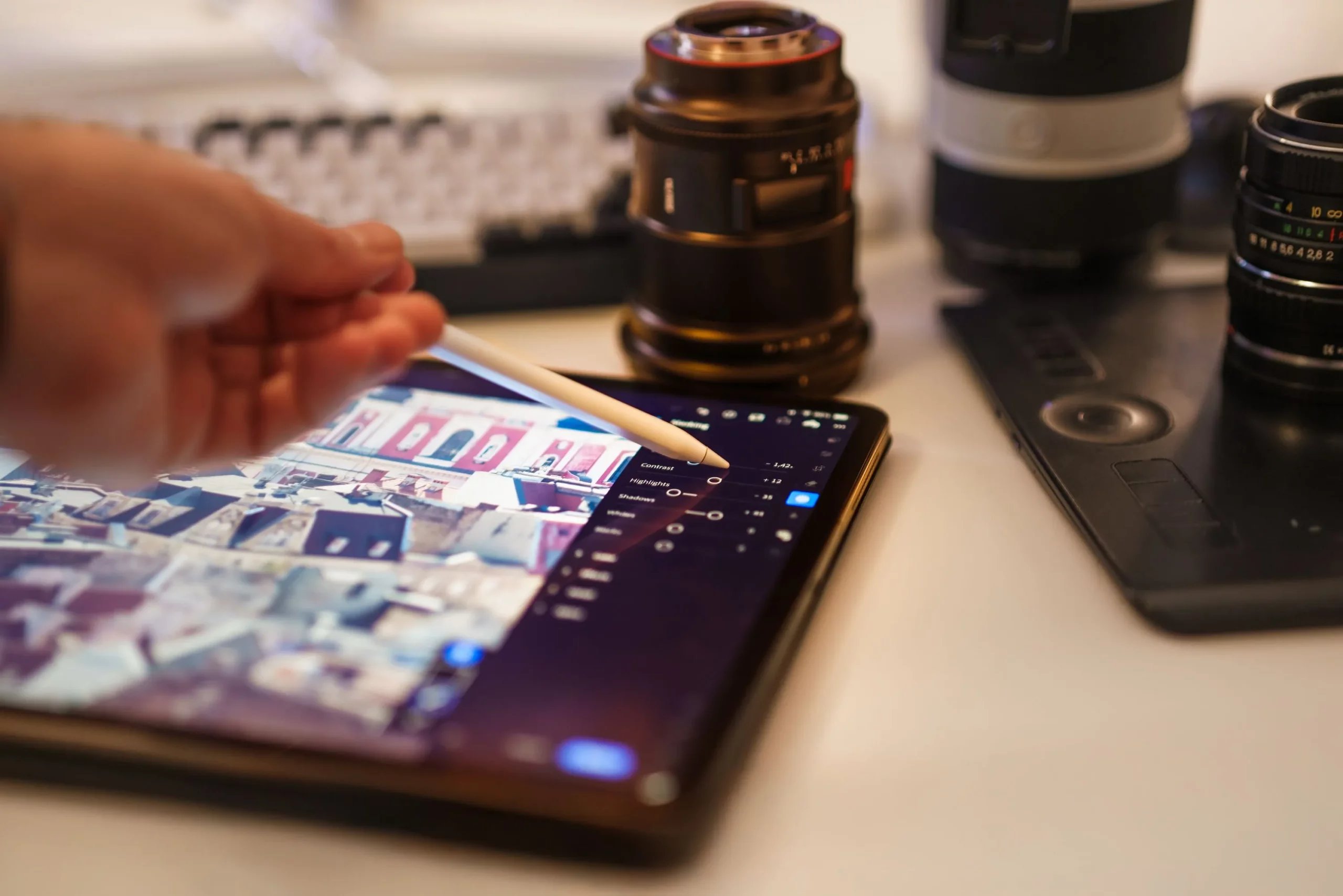
This is the part photographers care about most, and it’s where the two approaches differ in how they work, not just how fast.
Consistency With Outsourced Editing
A good outsourced editor can match your style closely. But they’re matching it from a preset and a set of notes, and interpretation creeps in:
- Different editors may work on different galleries, especially in peak season.
- Nuanced choices, like how warm you take skin tones in mixed indoor light, are hard to describe in writing.
- When your style evolves, you have to re-brief the team.
Many photographers who outsource wedding photo editing end up doing a correction pass on every catalog that comes back.
Consistency With AI Editing
AI editing learns from what you’ve actually done across thousands of your own images, not a description of it. The same profile gets applied every time, so gallery ten looks like gallery one.
With Aftershoot’s AI editing, you can train a Professional AI Profile on your past catalogs, create an Instant AI Profile from your existing Lightroom presets, or start with one of 30+ pre-built styles. As your style changes, you retrain on your newer work.
Your editing style stays yours. The AI takes over the repetitive slider work so you can spend your time on the images that need your judgment.
Revisions and Feedback Loops
When an outsourced edit misses, fixing it means a message, a resubmission, and another wait. Some subscription services include unlimited revisions. Many per-image services cap them or charge for rework. Either way, each round costs you days.
With AI, a revision is just you adjusting the image in your own catalog. There’s no back-and-forth and no second queue.
The trade-off: outsourcing puts the responsibility for revisions on the vendor. AI puts it on you, but makes each fix take minutes instead of days.
Data Privacy: Where Your Client Photos Go
This point rarely comes up in outsourcing ads, and it matters more than most photographers realize.
When you outsource photo editing, full-resolution client images leave your hands. For weddings that’s already worth thinking about. For boudoir, newborn, or private family work, it’s a question your clients may ask directly.
Before choosing any outsourced service, ask:
- Where are the editors located, and who has access to the files?
- How long are your images stored, and how are they deleted?
- Is there a confidentiality agreement you can show clients?
- Does your client contract allow you to share images with third-party editors?
Cloud-based AI tools also upload files (or previews) for processing. Local AI works differently. Aftershoot runs on your own computer, so images aren’t uploaded to the cloud for culling or editing.
Vendor Dependence and Onboarding
Both options create some dependence. The question is what kind.
With Outsourcing
- Your turnaround depends on their capacity. If they’re behind, you’re behind.
- Editor turnover affects your look. A new editor on your account means a new learning curve.
- Contracts can lock you in. Some subscription plans require an annual commitment.
- Onboarding is a briefing process: uploading sample galleries, sharing presets, writing notes, then correcting the first few catalogs until the editor gets it right.
With AI Editing
- Your turnaround depends on your own computer and schedule. Local tools run offline, which helps on the road.
- The software doesn’t forget your style. The profile stays the same until you choose to retrain it.
- Subscriptions are more flexible. Aftershoot lets you pause a subscription for up to three months a year and keeps your profiles during the pause. One thing to know: canceling Edit or Retouch removes custom AI profiles unless you keep them stored for $4 a month.
- Onboarding is a training process: pointing the software at your past catalogs or importing presets, then fine-tuning the first few galleries.
Seasonal Scalability: What Happens When You Book More Work?
Scaling is the real test for a photography business. Here’s how each option handles a big season:
| Scenario | Outsourced Editing | AI Editing |
| Peak season (Sept-Oct) | Longer queues, rush fees, per-image costs rise with volume | Same flat price; limited only by your review time |
| Slow season | You pay per image (good) or keep paying a subscription (bad) | Pause the subscription for up to three months |
| Adding associate shooters | More galleries, more fees, more briefing | Same profile applied across more galleries |
| Adding new genres | New style brief per genre | Train a separate profile per genre |
If you’re growing, per-image outsourcing gets more expensive the more you shoot. Flat-rate AI gets cheaper per gallery the more you shoot.
Hybrid Photo Editing Workflow: When to Use Both
For many studios, the smartest answer isn’t either/or. A hybrid photo editing workflow puts each option where it’s strongest:
- Cull with AI. Let AI culling group duplicates and flag closed eyes and missed focus, so you pick from the strongest frames instead of scrolling through all of them. If you’re not sure how deep to cull, here’s a refresher on what culling involves.
- Edit the full gallery with your AI profile. Color, exposure, crops, and straightening get handled in your style.
- Batch-retouch portraits with AI. AI retouching takes care of skin smoothing and other repetitive portrait fixes across the gallery.
- Outsource only the hero images. Send the 5-20 album or print images that need detailed manual retouching (composites, complex object removal, heavy skin work) to a specialist.
This keeps your spending on human editors limited to the images where a human adds real value, rather than paying for routine color correction on 700 photos.
Which Option Fits Your Photography Business?
| If this sounds like you… | Best fit |
| You shoot 12+ weddings or events a year and want to keep your look consistent | AI editing |
| You want galleries out in days, not weeks | AI editing |
| Your work involves sensitive sessions (boudoir, newborn) | AI editing, ideally local |
| You never want to touch Lightroom again and budget isn’t a concern | Outsourced editing |
| You need heavy manual retouching on a small number of images | Outsource those images, AI for the rest |
| You shoot a handful of sessions a year and don’t want new software | Per-image outsourcing |
If you’ve decided AI is the right direction and want to compare tools, our breakdown of Aftershoot vs Imagen covers local versus cloud processing and flat-rate versus per-image pricing.
Where Does Aftershoot Fit In?
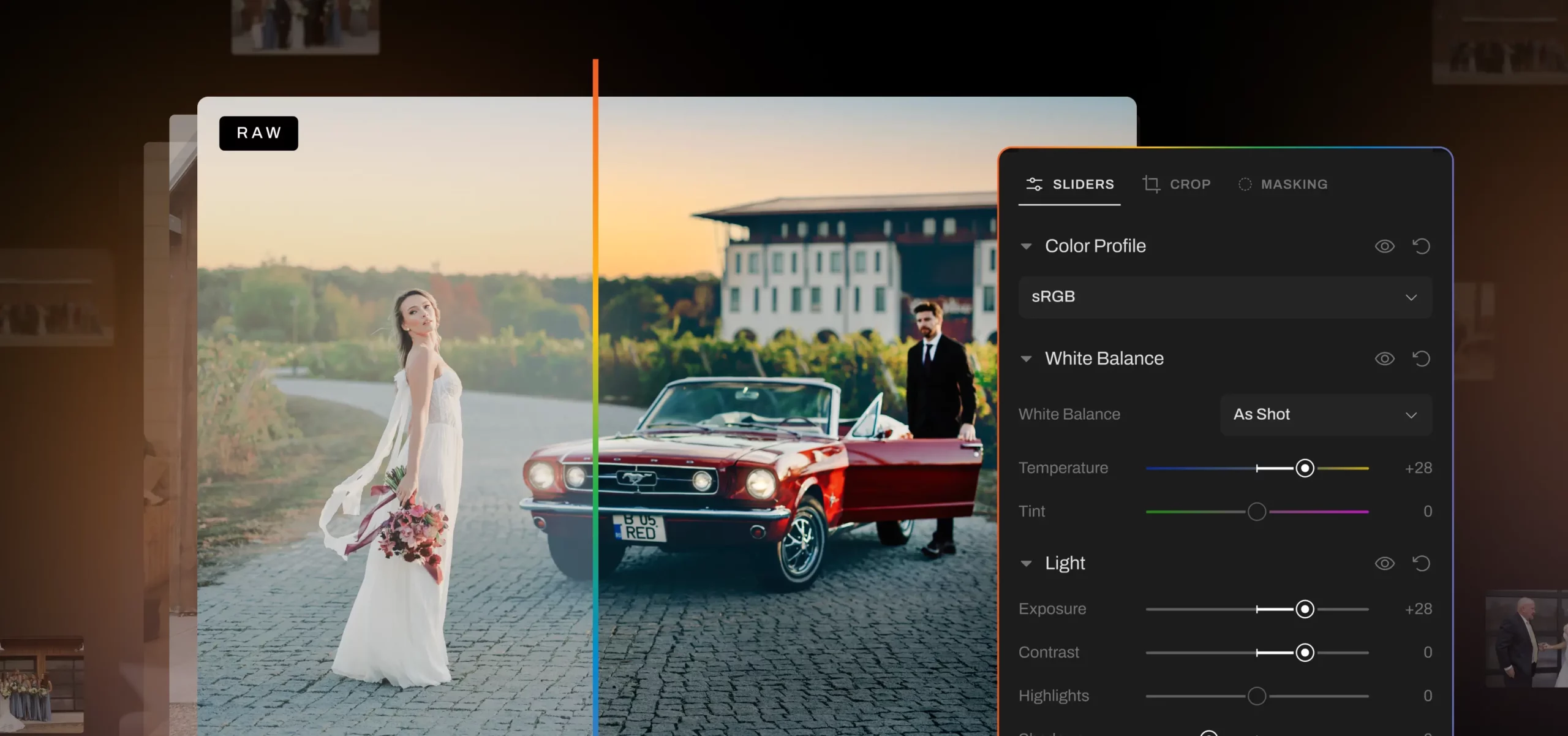
Aftershoot was built for the photographer who wants their editing time back without handing their style to someone else.
- Culling, editing, and retouching run on your own computer, with unlimited images on every plan.
- Your style comes from your own edits, through profiles trained on your catalogs or built from your presets.
- Pricing is flat. The Complete bundle is $45/month billed annually, with a 30-day free trial and no credit card required.
Once a gallery is ready, Aftershoot Galleries lets you deliver it from the same workflow, without exporting and re-uploading to another platform. Start free with the Starter plan. Get 10 GB of photo storage & 1 GB video. Paid plans add more photo and video storage, including an Unlimited plan built for photographers who deliver at scale.
Photographers rate Aftershoot on G2, if you want to see what current users say about editing consistency and time saved.
In a Nutshell: Choosing Between Outsourced and AI Photo Editing
Outsourcing solves the editing problem by buying someone else’s time. AI solves it by turning your own style into something that can run on its own.
For most working photographers, that makes AI the better long-term choice: lower cost as you grow, faster galleries, and a look that stays yours. Outsourcing is still worth keeping for the images where a skilled human retoucher makes a visible difference.
The next step is simple. Run the break-even formula with your own hourly rate, then test AI on one real gallery before peak season gets ahead of you.
Start your free 30-day Aftershoot trial, no credit card required.
FAQs for Outsource vs AI Photo Editing
Q1. Is it cheaper to outsource photo editing or use AI?
AI is cheaper for most photographers. Outsourced color correction typically starts around $0.22 per image, which works out to about $154 for a 700-image wedding, before culling or retouching. Flat-rate AI editing costs the same whatever your volume, so the more you shoot, the lower your cost per gallery. Outsourcing can still make sense if you shoot very rarely or need detailed manual retouching.
Q2. How much does it cost to outsource wedding photo editing?
Outsourced wedding photo editing usually costs $0.20-0.40 per image for color correction, or a monthly subscription. For example, ShootDotEdit lists plans at $119 and $299 per month with per-event image caps. Culling, retouching, and rush turnaround are usually extra, so check each service’s calculator before you commit.
Q3. Can AI editing match my personal editing style?
Yes, if it learns from your own work. AI editors like Aftershoot train profiles on your previously edited catalogs or on your Lightroom presets and apply that style across new galleries. You still review the results, which lets you fine-tune the images that need your judgment. The more consistent your past edits are, the better the profile will match.
Q4. Is it safe to send client photos to an outsourced editor?
It can be, but it depends on the vendor. Ask where editors are based, how long files are stored, how they’re deleted, and whether there’s a confidentiality agreement. Also check that your client contract allows third-party editing. If privacy is a priority, especially for boudoir or newborn sessions, AI software that processes images locally keeps files on your own computer.
Q5. Should I use both outsourced editing and AI?
Many photographers do. A common hybrid photo editing workflow uses AI for culling, color, and batch retouching across the whole gallery, then sends only a small set of hero images to a human retoucher for detailed work. That keeps human editing costs limited to the images where a person adds visible value.
Q6. How fast is AI photo editing compared to outsourcing?
Outsourced services usually return galleries in 3-8 business days, and queues get longer in peak wedding season. AI editing runs on your own schedule, so you can start reviewing edits the same day you finish culling. Your review time becomes the only real bottleneck.




