

TL;DR
- Best overall: Aftershoot Galleries is the strongest smugmug alternative for photographers who already cull and edit with Aftershoot, since finished images move straight into a branded gallery with face search and a built-in print store.
- Best for simplicity: Pixieset pairs an easy client gallery with a basic portfolio website and a free starting tier.
- Best for gallery design: Pic-Time leads on visual polish and album proofing for photographers who sell on presentation.
- Best for print-heavy studios: ShootProof bundles the same sales tools into every plan, priced by photo count instead of features.
- Most budget-friendly: CloudSpot and Zenfolio offer the lowest entry pricing, with CloudSpot’s studio manager and Zenfolio’s website builder as the standout extras.
- Reason to stay: SmugMug’s flat-rate unlimited storage still makes sense for high-volume archivists who don’t need AI-assisted delivery tools.
You have thousands of wedding images ready for delivery, a client asking when their gallery will go live, and a SmugMug renewal notice that keeps creeping higher every year. Maybe the interface feels dated. Maybe the storage math no longer makes sense for how much you shoot. Maybe you just want a gallery your clients actually enjoy opening on their phones.
Whatever brought you here, you are not the only photographer weighing SmugMug alternatives right now. Gallery and delivery platforms are one of the tools photographers switch most often, usually over pricing, mobile experience, or missing sales features.
This guide compares the strongest SmugMug alternative platforms available to professional photographers: what each one does well, where it falls short, what it costs in practice, and which photographers it fits best. By the end, you will know which platform deserves your next gallery.
What are Photographers Saying about SmugMug?
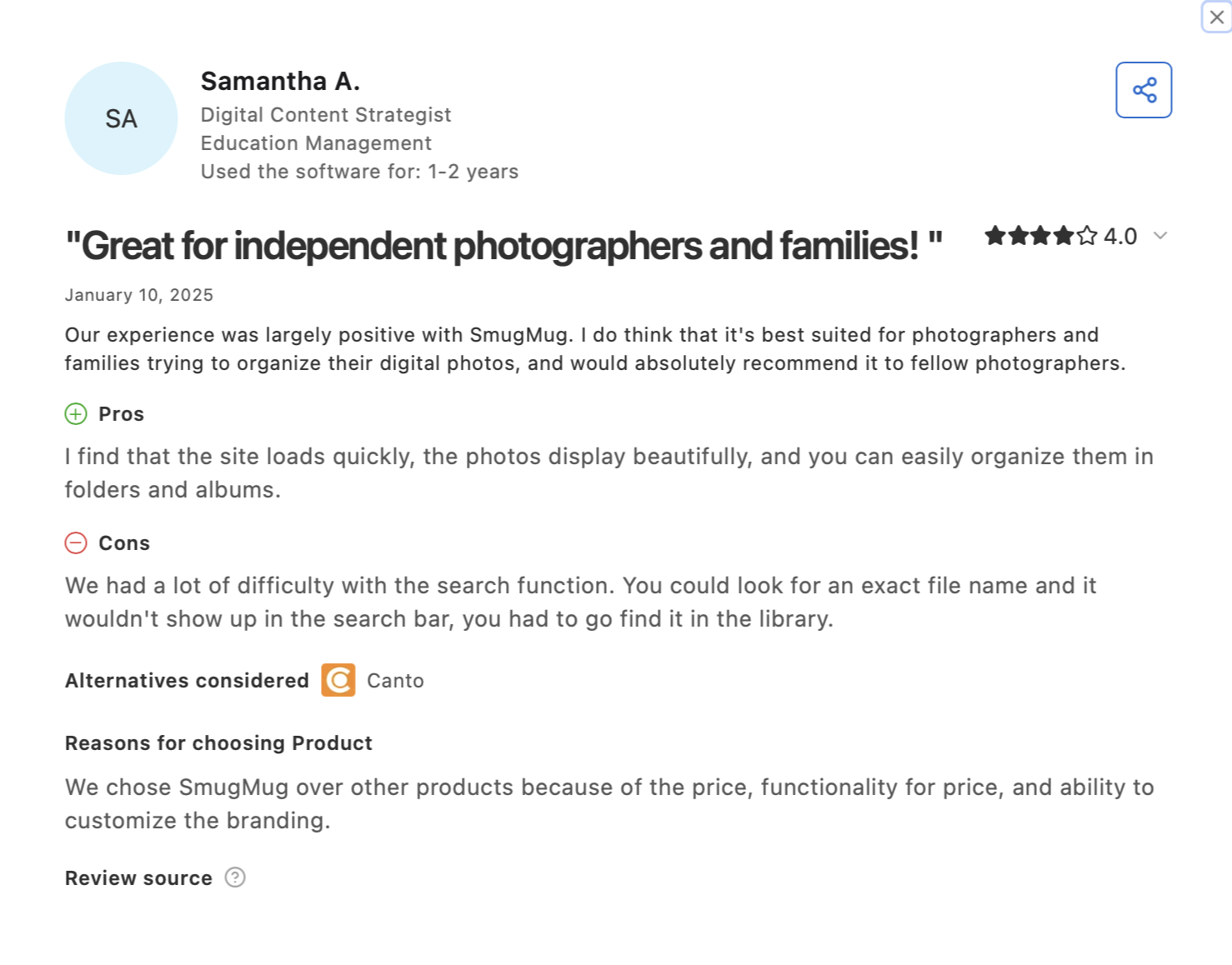
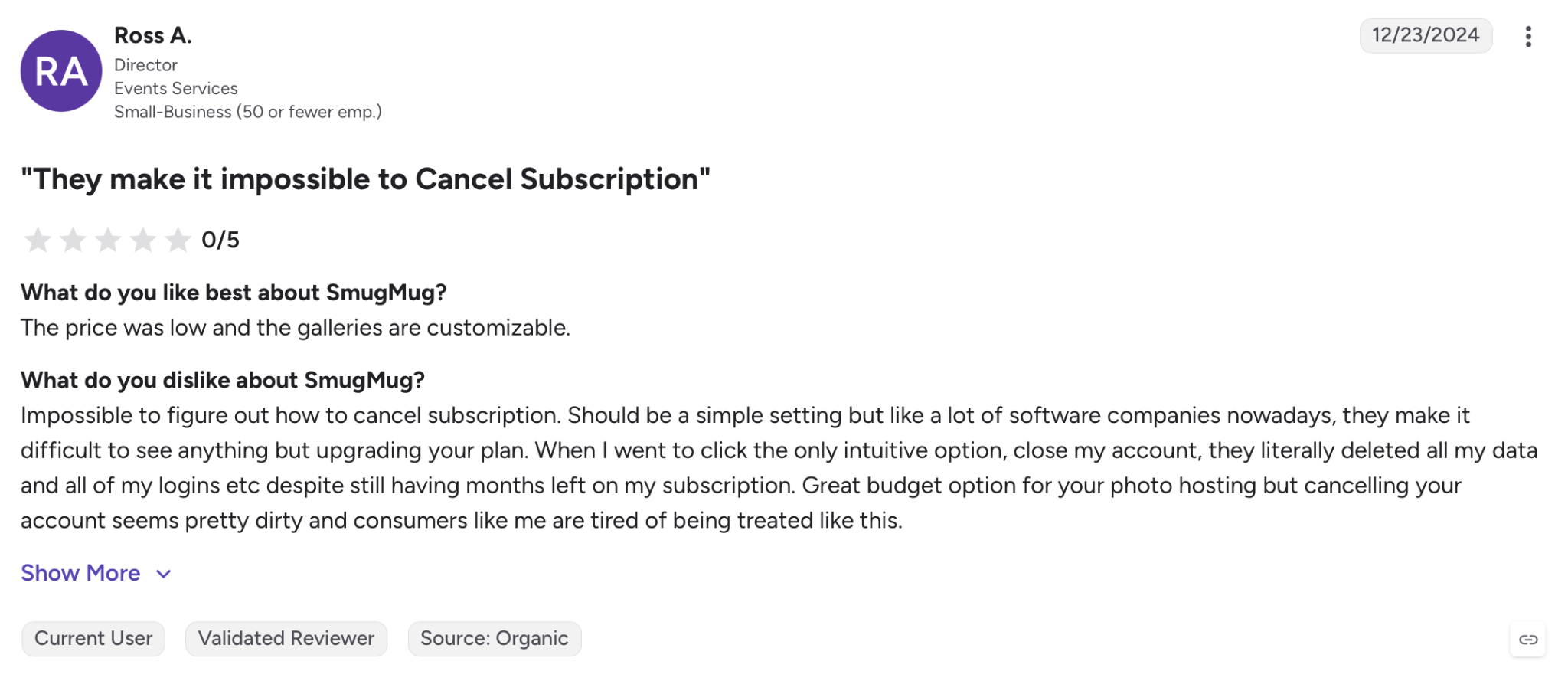
Public reviews on Capterra and G2 point to a consistent pattern: photographers who leave SmugMug most often cite rising renewal prices, a dated interface, and a search function that several reviewers describe as hard to use. Photographers who stay tend to value the unlimited, uncompressed storage and the reliability of SmugMug’s print fulfillment.
Quick Comparison: Best SmugMug Alternatives
Here’s how the leading SmugMug alternatives stack up before you get into the details.
| Platform | Starting price (annual billing) | Storage | Print sales | Standout feature |
| Aftershoot Galleries | Free to start; Premium $15/mo, Unlimited $30/mo | 10 GB free (photos); 500 GB–unlimited on paid tiers | WHCC, Bay Photo, Atkins Pro Labs | Edit-to-delivery, Face Scan, Face Gating |
| Pixieset | Free; $10/mo (Basic) | 3 GB free – 1 TB by plan | Commission-free from Basic up | Built-in website + gallery |
| Pic-Time | Free; $8/mo (Beginner) | 10 GB – unlimited by plan | Own print store, markup-only commission | Gallery design and album proofing |
| ShootProof | $10.99/mo (1,500-photo plan) | By photo count, not GB | Included on every plan | Same feature set at every tier |
| Zenfolio | $7/mo (Basic, annual) | 15 GB – unlimited by plan | 100+ products, 7% commerce fee | Website builder + Smart Pricing |
| CloudSpot | Free; $7/mo (Entry) | 5 GB free – unlimited by plan | Included | Studio Manager (CRM) bundled in |
| PhotoShelter | Quote-based (no published price) | 1 TB – custom by plan | Not shown; DAM/distribution-focused | AI visual search & tagging |
| SlickPic | Free; $4.95/mo (Classic) | Not published; scales by plan | Included on paid tiers | Range from budget to done-for-you |
| Format | $10/mo (Basic, no storage) | 0 GB (Basic) – 1 TB (Pro Plus) | Commission-free, 15–1,000 products | Lightroom sync on every plan |
| Squarespace | $25/mo (Basic) | Unlimited | 2% fee (Basic) down to lowest rate (Advanced) | Design + built-in AI site tools |
| Flickr | Free; $10.44/mo (Pro) | Limited (Free) – unlimited (Pro) | None built-in; print partners only | Cheapest unlimited photo hosting |
| Photobucket (Groupsy) | Free; $10/mo (Plus) | Per-group/library limits, not GB-based | None – not a client-delivery tool | FaceFinder, group sharing |
| Picflow | $12/mo (Plus, annual) | 100 GB – 5 TB+ by plan | Not shown; proofing-focused | Deep review/proofing options, RAW & 4K |
Note: Prices reflect published annual-billing rates at the time of writing and change without notice, so confirm current numbers on each provider’s pricing page before you commit.
How Have We Evaluated These SmugMug Alternatives?
Every platform was assessed against the same set of criteria so the comparison stays fair:
- Client gallery and mobile experience
- Storage model and real cost at volume
- Proofing, favoriting, and sales tools
- Workflow compatibility with Lightroom and editing software
- Privacy, file handling, and data controls
- Support and onboarding quality
Note: This comparison is built from each provider’s official pricing and documentation pages, verified photographer reviews on G2 and Capterra, and Aftershoot’s own product documentation for Galleries. Pricing and features were checked immediately before publishing. Where a claim could not be verified through an official source, it was left out rather than guessed at.
13 Best SmugMug Alternatives for Photographers
1. Aftershoot Galleries: best for an editing-to-delivery workflow
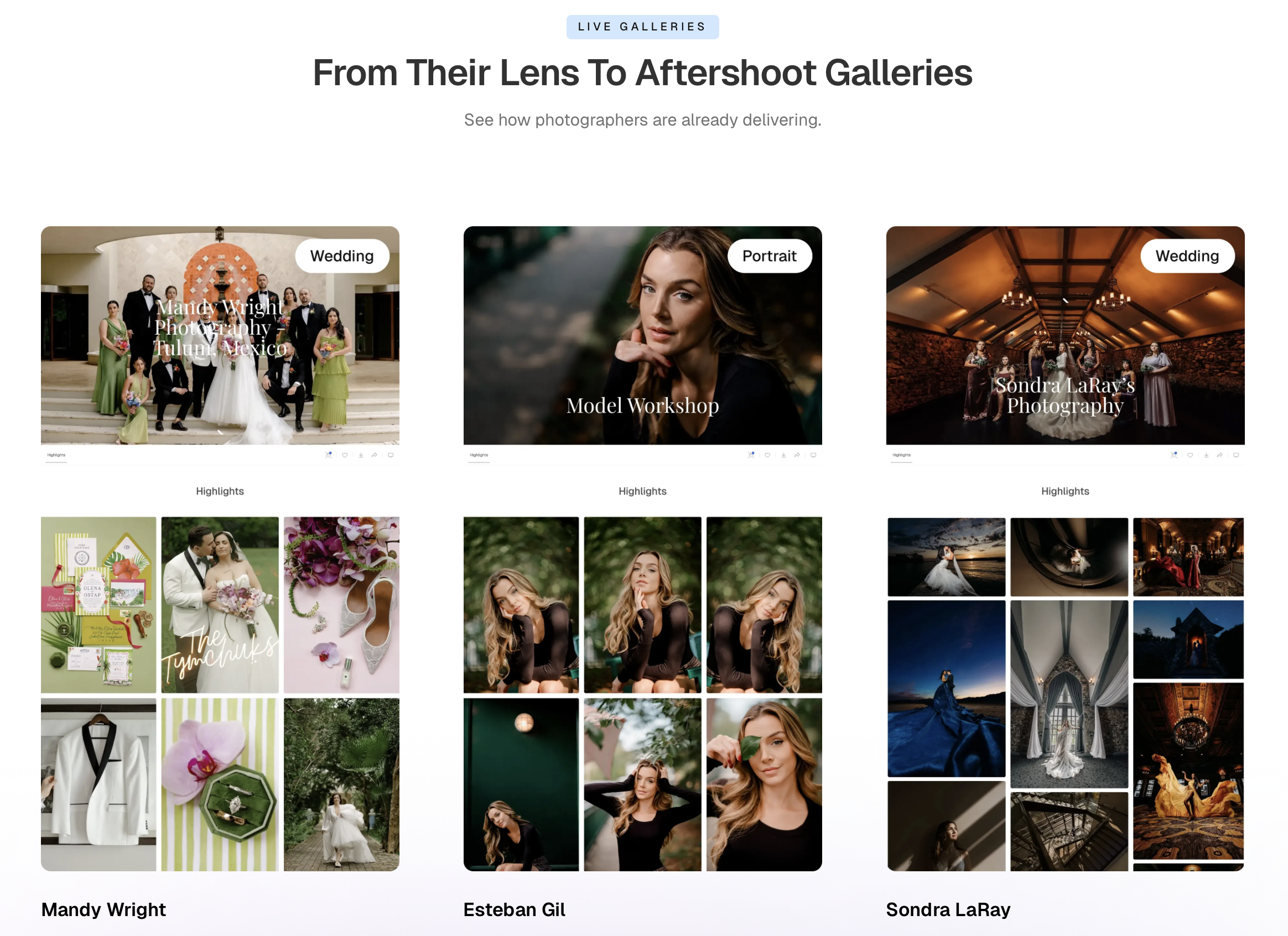
Aftershoot Galleries is the client gallery and delivery layer built into Aftershoot’s culling, editing, and retouching platform. Instead of exporting finished images and uploading them to a separate gallery tool, photographers who already cull and edit in Aftershoot can publish straight into a branded gallery.
What does Aftershoot Galleries do well?
Face Scan and Face Gating let clients find or filter to only their own photos, keyword search speeds up browsing large weddings, and the built-in print store connects to WHCC, Bay Photo, and Atkins Pro Labs. New accounts start with 10 GB free photo storage, and migration support is available for photographers moving over from Pixieset, Pic-Time, or ShootProof.
👁️ Also Read: Discover How Aftershoot Galleries Compares to SmugMug?
Where does Aftershoot Galleries fall short:
Aftershoot Galleries is newer than most names on this list. The biggest value shows up for photographers already running culling and editing through Aftershoot; if you only want a standalone gallery tool with no interest in AI-assisted post-production, weigh it against dedicated gallery platforms first.
Aftershoot Galleries is best for…
Photographers who want culling, editing, retouching, and delivery in one connected pipeline instead of juggling separate tools. It’s also great for high-volume photographers dealing with complex workflows such as wedding photography workflows, sports photography, or school photography.
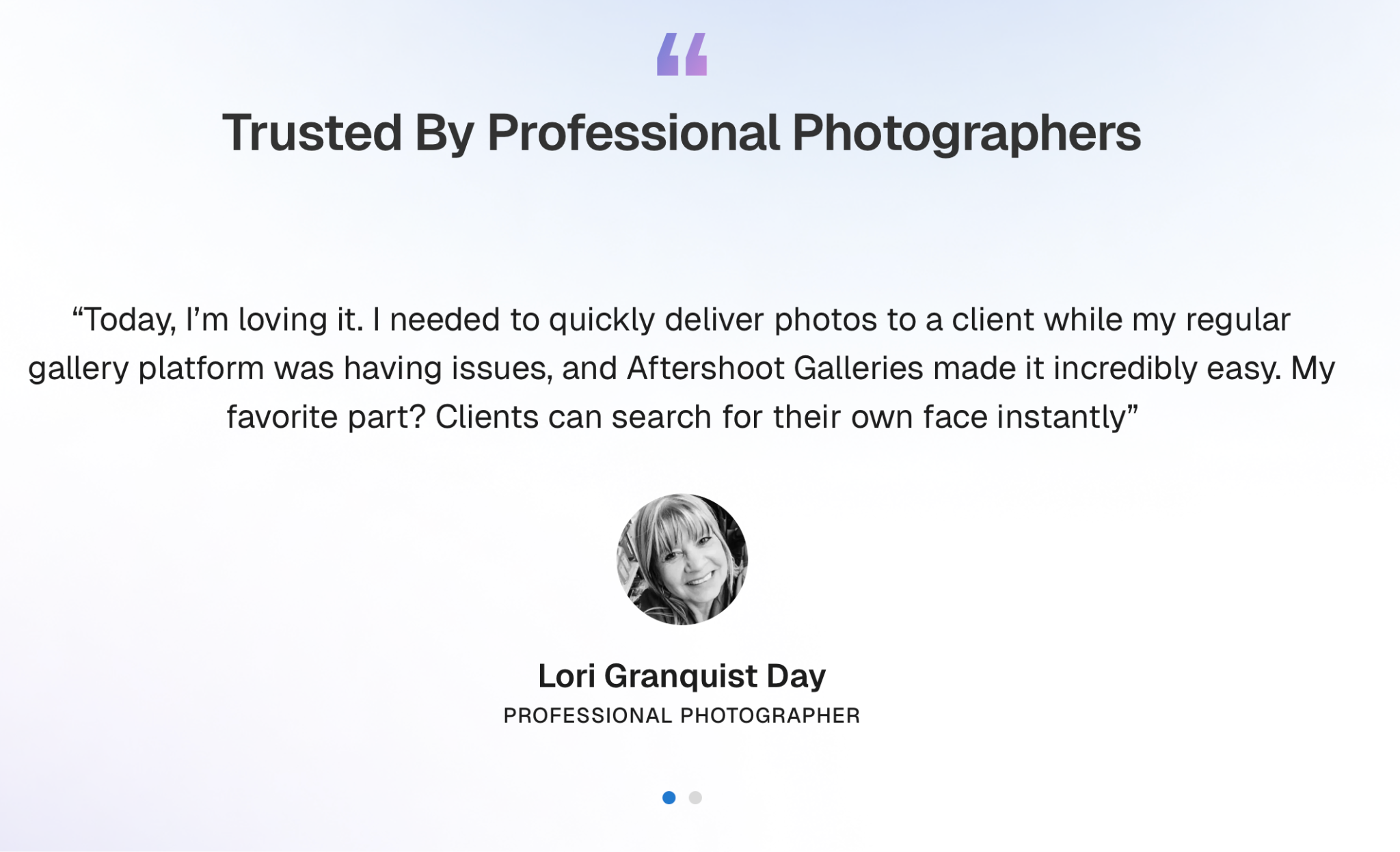
Here’s what Lori Granquist Day, has to say about Aftershoot Galleries.
2. Pixieset: best for a simple, all-in-one setup
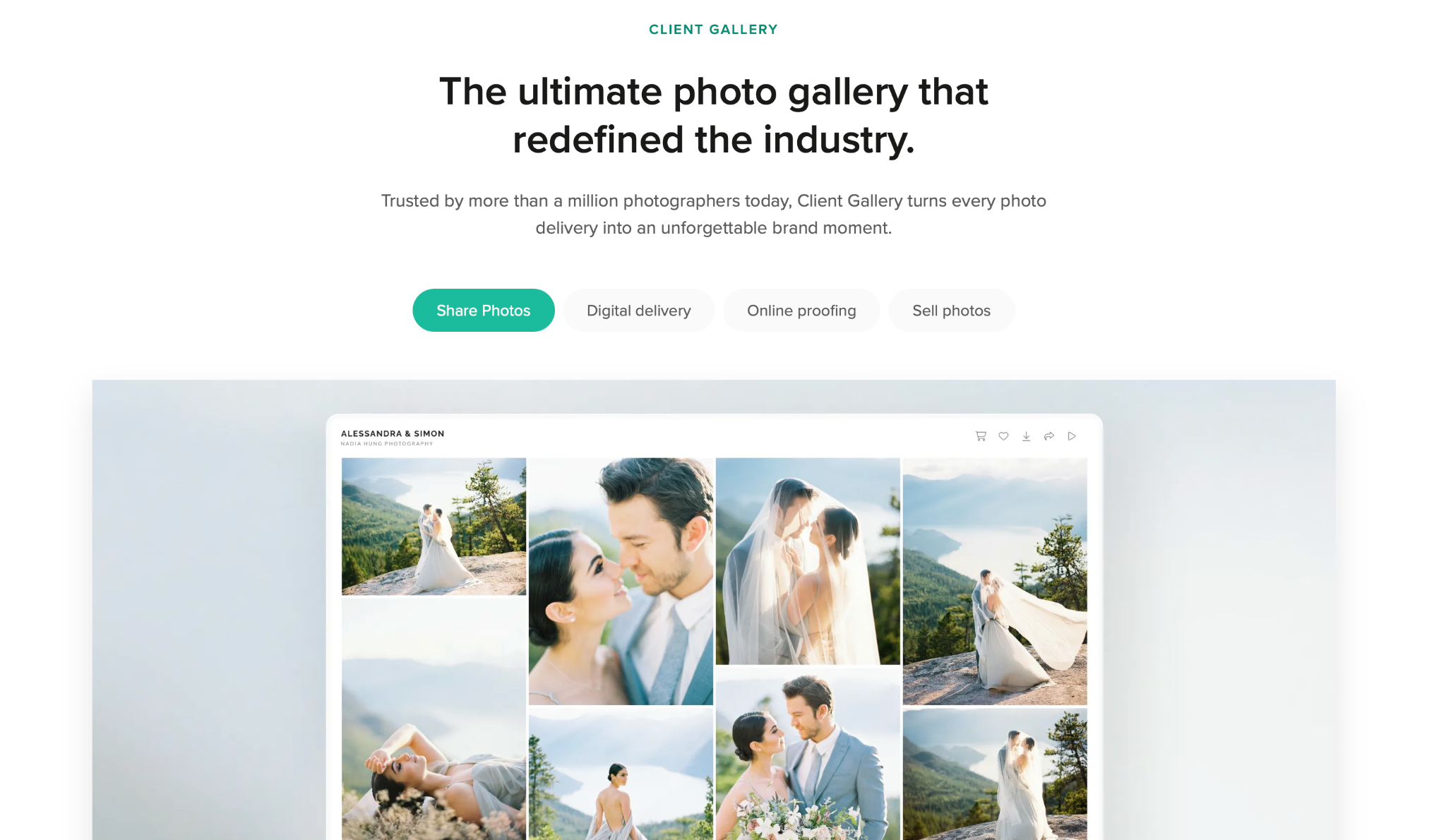
Pixieset combines client galleries, a basic portfolio website, and a store, aimed at photographers who want something that works right out of the box.
What does Pixieset do well?
A usable free plan, clean gallery templates, and commission-free sales starting on the Basic tier.
Where does Pixieset fall short:
There’s no dedicated mobile app, only a mobile-friendly site, and the higher tiers get expensive fast: the Ultimate plan runs $50/mo for unlimited storage.
Pixieset is best for…
Portrait and family photographers who want an attractive, low-effort setup without a learning curve.
👁️ Also Read: Best Pixieset Alternatives for Photographers
3. Pic-Time: best for gallery design and album proofing
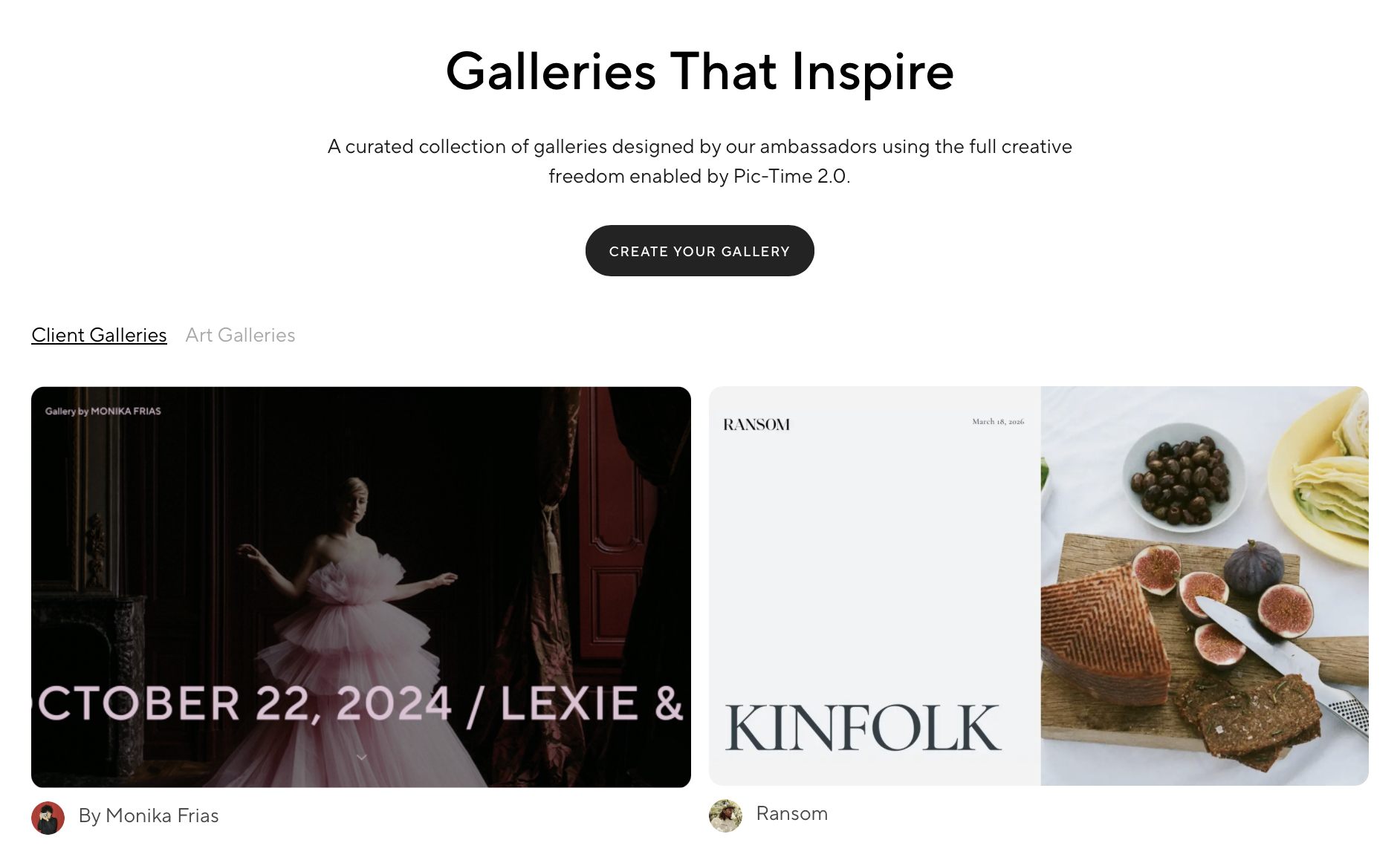
Pic-Time is known for some of the most polished gallery templates on the market, plus dedicated tools for proofing photo albums before print.
What does Pic-Time do well?
Elegant, brand-forward gallery design, album proofing, slideshow tools, and Lightroom integration.
Where does Pic-Time fall short?
Pricing scales with storage, so high-volume wedding photographers climb tiers quickly, and lower plans still carry a commission on sales.
Pic-Time is best for…
Wedding and luxury photographers whose brand depends heavily on presentation.
4. ShootProof: best for print-heavy studios

ShootProof takes a different approach to pricing: every plan includes the same full feature set, and you only pay more as your stored photo count grows.
What does ShootProof do well?
Sales tools, invoicing, and e-sign contracts are available at every tier, so there’s no feature-gating to plan around.
Where does ShootProof fall short?
Plans are capped by photo count rather than gigabytes, and storing extra photos beyond your cap requires an archive add-on on non-unlimited plans.
What is ShootProof best for…
Print-focused studios that want sales and business tools bundled in without upgrading for features.
👁️ Also Read: Best ShootProof Alternatives
5. Zenfolio: best for a full portfolio website plus gallery
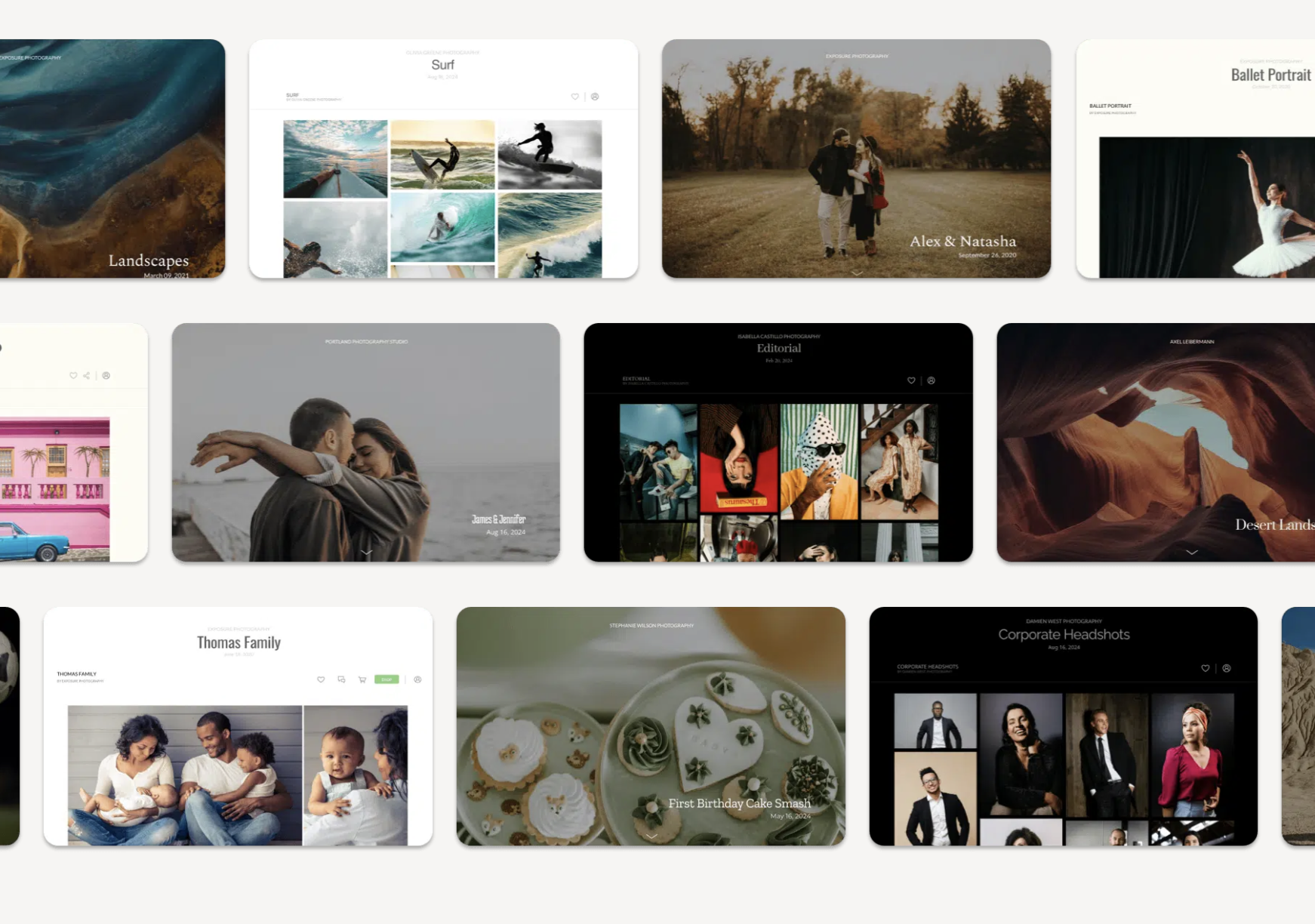
Zenfolio leans toward photographers who want one platform for both their public-facing website and client galleries, with a heavier focus on selling.
What does Zenfolio do well?
A genuine website builder, over 100 sellable print and gift products, a Smart Pricing tool, and Lightroom integration.
Where does Zenfolio fall short?
A 7% commerce fee applies on top of standard payment processing fees, and entry-tier storage (15 GB) fills quickly with RAW-heavy delivery.
Zenfolio is best for…
Photographers who want their public website and client galleries running on the same platform.
6. CloudSpot: best budget gallery-and-CRM combo
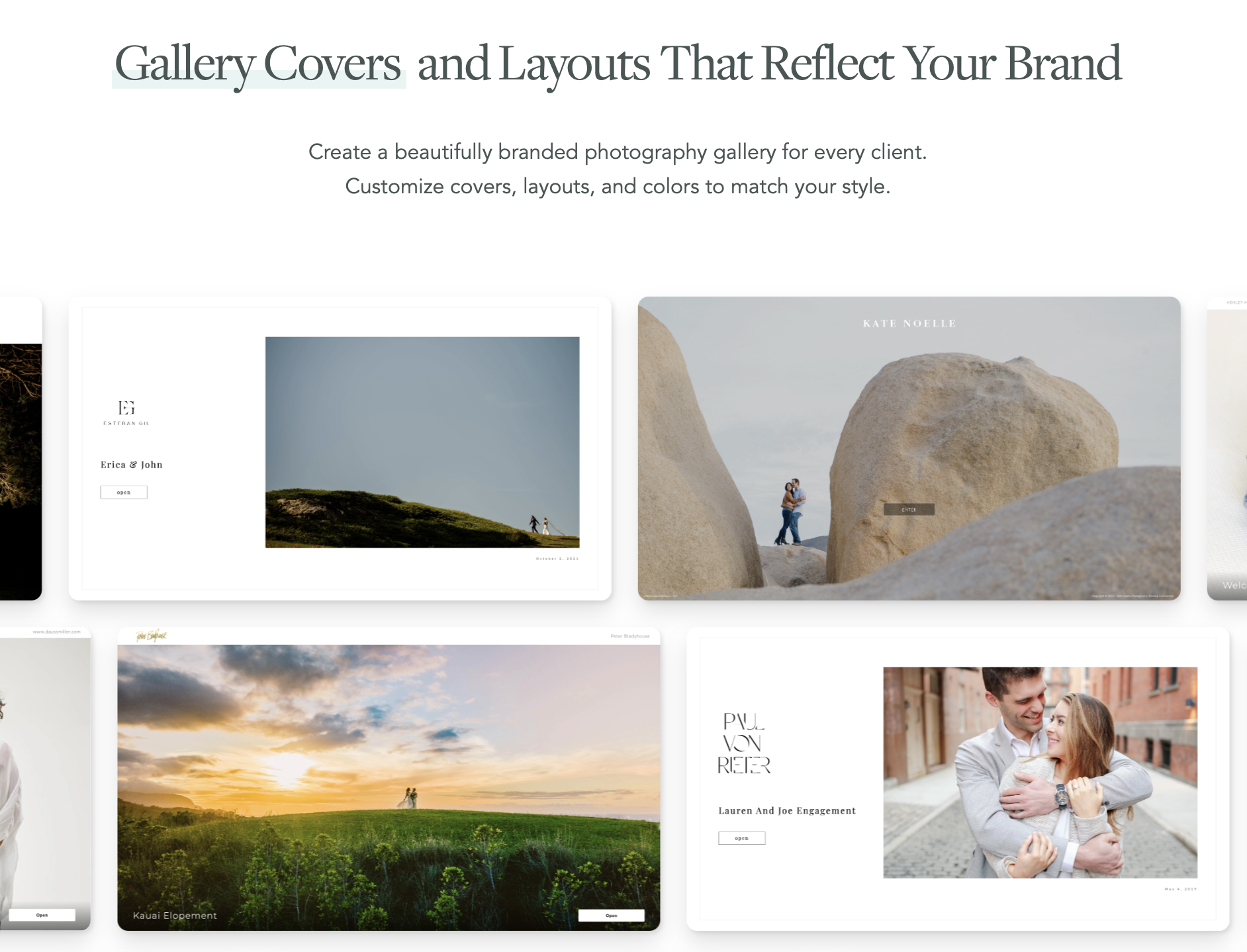
CloudSpot pairs client galleries with a Studio Manager that covers contracts, invoicing, and basic CRM functions, aimed at solo photographers watching their software spend.
What does CloudSpot do well?
A usable free plan with 5 GB of storage, Studio Manager bundled in from the Lite plan up, and generous starter storage compared to similarly priced competitors.
Where does CloudSpot fall short?
The free plan shows CloudSpot branding in galleries, and the discounted introductory pricing on paid plans increases after the first three months.
CloudSpot is best for…
Solo photographers and small studios who want galleries plus lightweight business tools in one low-cost plan.
7. PhotoShelter: best for large, searchable photo archives

PhotoShelter is built more around digital asset management than client delivery: real-time DAM, AI-powered visual search, and AI tagging that gets more granular at higher tiers (objects only on Starter, up to all content types on Premium and Enterprise).
What does PhotoShelter do well?
AI Visual Search and Similarity Search across the whole library, tiered AI tagging, social content distribution and analytics tools, and dedicated support for teams with multiple library seats.
Where does PhotoShelter fall short?
Pricing isn’t published; every tier requires contacting sales for a quote. It’s also built more for managing and distributing large archives than for the proofing, favoriting, and print-sale features solo wedding or portrait photographers expect from a client gallery.
PhotoShelter best for…
Agencies, sports and editorial photographers, and larger studios managing searchable archives across a team, rather than solo photographers who mainly need client galleries.
8. SlickPic: best for a wide range of budgets, including done-for-you sites
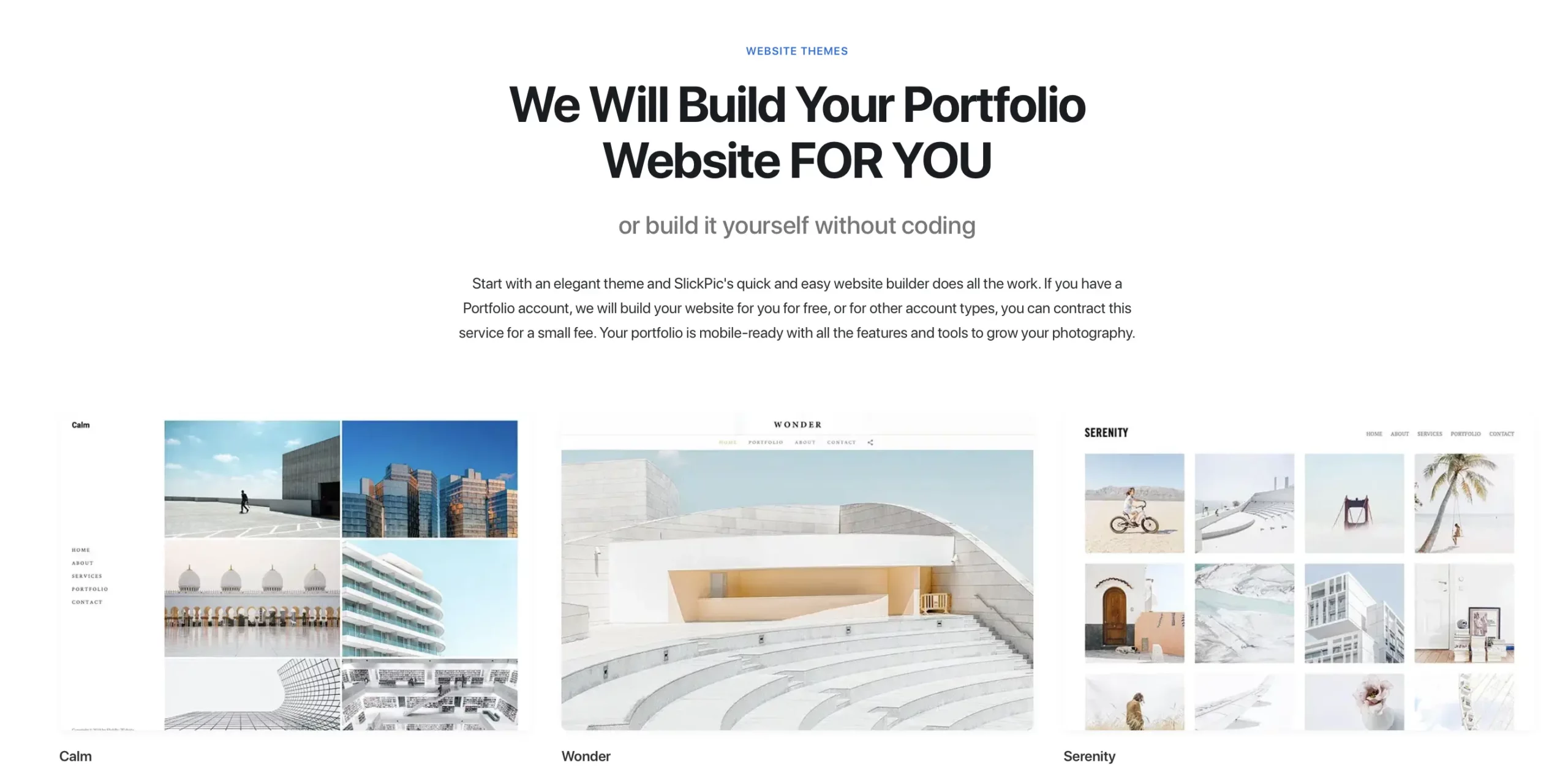
SlickPic spans from a bare-bones free plan up to a fully custom, agency-built website, which is a wider range than most names on this list.
What does SlickPic do well?
A genuinely cheap Classic plan ($4.95/mo), a popular PRO tier at $19.95/mo with enhanced privacy and 25 MobiAlbums, and “done-for-you” options for photographers who don’t want to build anything themselves.
Where does SlickPic fall short?
The Bespoke Portfolio ($79.95/mo) and Bespoke Website ($297.95/mo) tiers are priced well above most competitors here, and SlickPic has a smaller community and support footprint than SmugMug or Pixieset.
SlickPic is best for…
Photographers who want either a very cheap starter gallery or a fully custom, professionally built site without doing the design work themselves.
9. Format: best for a Lightroom-synced portfolio site
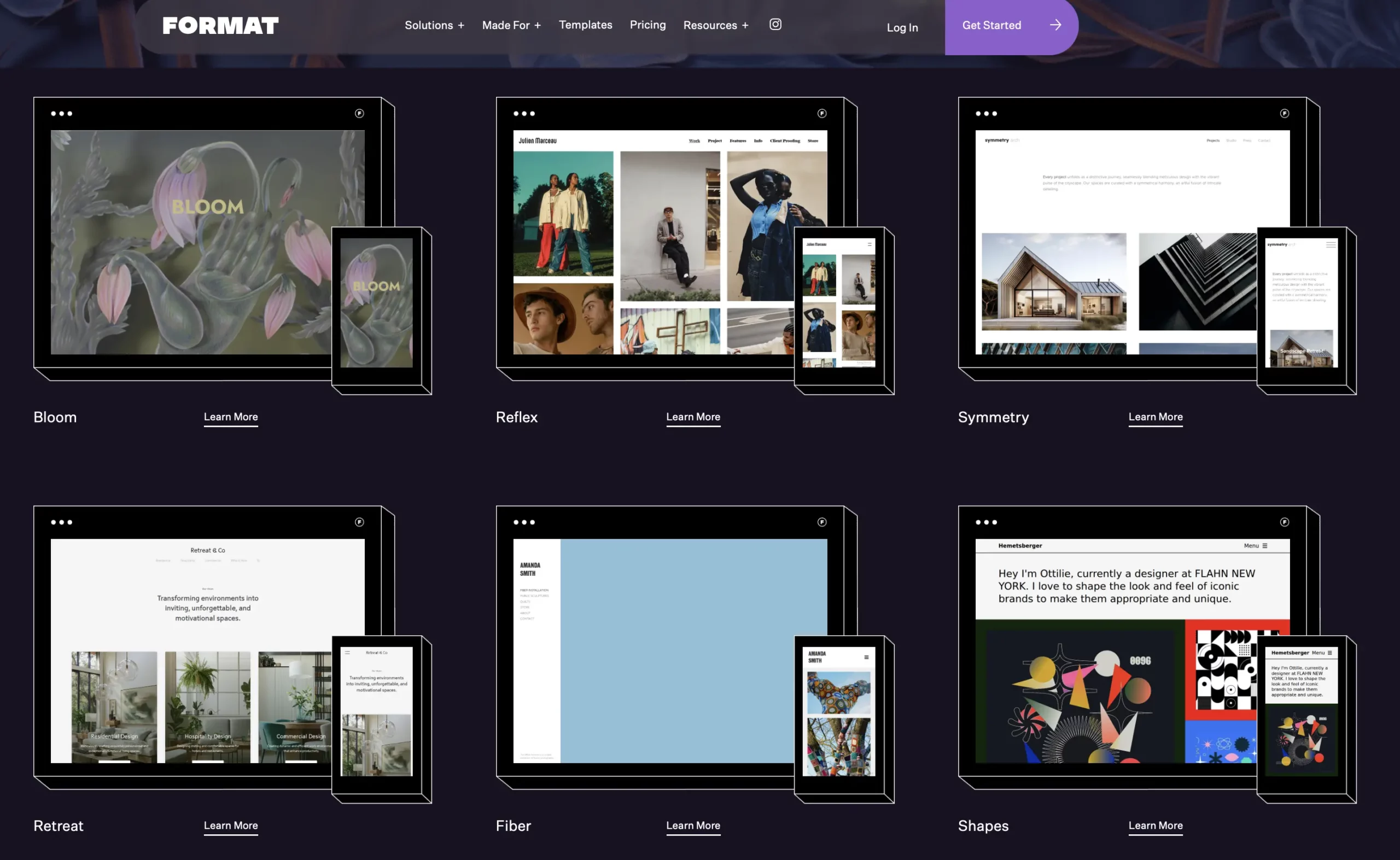
Format leans toward portfolio presentation, with Lightroom integration built into every plan, including the free-storage Basic tier.
What does Format do well?
Custom fonts, a free domain in year one, and Lightroom sync are available from the Pro tier up, and the Pro Plus tier’s 1TB storage and 120 video minutes are generous for the price.
Where does Format fall short?
The Basic plan includes no image storage and no online store at all, so most working photographers need to start at Pro. Client-side proofing and sales tools are lighter than dedicated gallery platforms like Pic-Time or ShootProof.
Format is best for…
Photographers who want a strong, design-forward portfolio site with Lightroom sync and only need light print or product sales.
10. Squarespace: best for a polished brand website, not client delivery

Squarespace is a general-purpose website builder, not a photography-specific platform, so it competes with SmugMug only on the portfolio/storefront side, not on client galleries.
What does Squarespace do well?
Best-in-class design templates, built-in AI site tools, and e-commerce that scales from a 2% transaction fee on Basic down to the lowest processing rates on Advanced.
Where does Squarespace fall short?
No client proofing, favoriting, face search, or print-lab fulfillment out of the box. Photographers typically pair Squarespace with a separate gallery tool for actual client delivery.
Squarespace is best for…
Photographers who want a polished personal brand and storefront site, and are fine running client galleries through a separate, purpose-built platform.
11. Flickr: best for cheap, public-facing photo hosting

Flickr is a photo-sharing and hosting platform with a large built-in community, rather than a client-delivery tool.
What does Flickr do well?
Flickr Pro is inexpensive at $10.44/mo (or as low as roughly $5.54/mo on the 2-year plan), removes ads, and adds unlimited uploads plus advanced stats. Partner integrations cover printing and backup through SmugMug, Blurb, Adobe, and Priime.
Where does Flickr fall short?
No dedicated client galleries, proofing, favoriting for clients, or built-in print store. It’s built for public sharing and backup, not delivering a private, branded gallery to a paying client.
Flickr is best for…
Photographers who want cheap photo backup and public visibility in a photography community, not a client-delivery or sales system.
12. Photobucket (now Groupsy): best for sharing with family and friends, not clients
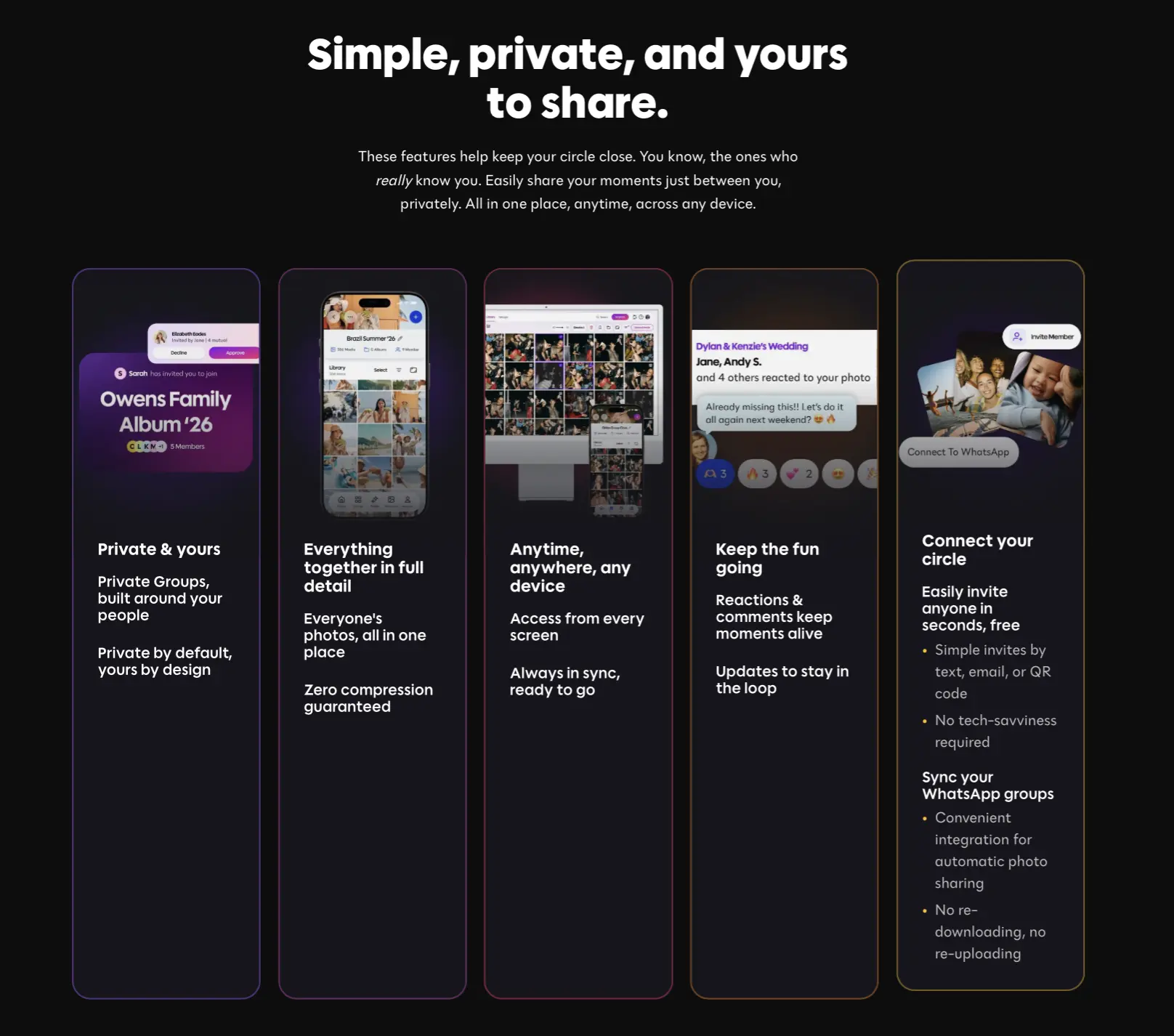
Photobucket has rebranded as Groupsy by Photobucket, and the product has shifted accordingly: it’s now built around group photo-sharing for families and friend circles rather than professional photography delivery.
What does Photobucket do well?
A usable free plan (3 groups, unlimited invitations, compression-free uploads), and the $10/mo Plus plan adds FaceFinder, auto-backup, and unlimited groups and uploads.
Where does Photobucket fall short?
There is no client gallery, branding, proofing, or print-sales functionality of any kind. This is not a professional delivery platform, and readers coming from SmugMug for business use won’t find an equivalent here.
Photobucket is best for…
Sharing personal or family photos with friends and relatives, not a fit for delivering professional client work.
13. Picflow: best for a polished proofing and review workflow
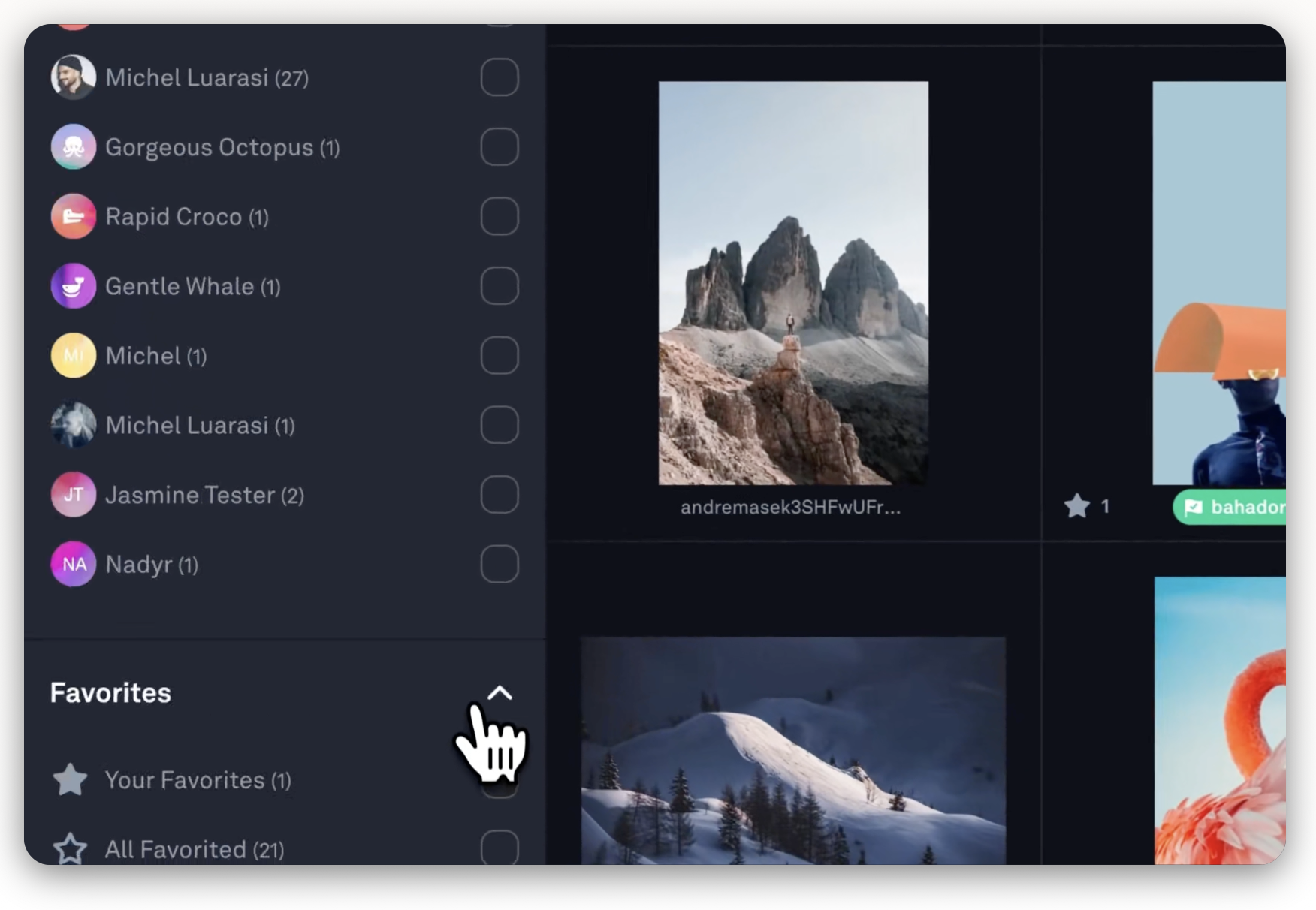
Picflow focuses on the proofing and review side of the workflow, with tiers built around storage and review depth rather than sales tools.
What does Picflow do well?
Multiple review options and password protection from the Plus tier, and RAW photo, 4K video, and version history on Pro, which suits photographers who need clients or teams to review large batches of work.
Where does Picflow fall short?
There’s no built-in print store or lab fulfillment shown in its plans, so photographers who want to sell prints directly from the gallery likely need a separate tool. The Biz tier is a steep jump to $149/mo.
Picflow is best for:
Photographers and small studios that prioritize a polished proofing and review workflow over built-in print sales.
Feature Comparison: What Actually Differs Once You’re Using a SmugMug Alternative
Feature lists tend to look similar across gallery platforms. What changes is how much work each one removes from your day-to-day delivery process.
1. How selections move from editing to gallery
Most SmugMug alternatives, including Pixieset, Pic-Time, ShootProof, Zenfolio, and CloudSpot, require exporting finished images from your editing software and uploading them separately.
However, Aftershoot Galleries is the exception: images edited in Aftershoot publish directly to a gallery without a separate export-and-upload step.
2. Face-based filtering for large galleries
For weddings and events with hundreds of guests, manually sorting who gets which photos is tedious. Aftershoot Galleries’ Face Scan and Face Gating let clients find their own photos or view a curated link filtered to just their faces. Other platforms on this list rely on manual folders or separate password-protected sub-galleries to achieve something similar.
Pricing Comparison: What SmugMug Alternatives Actually Cost You
The advertised monthly price rarely tells the full story. Here’s a closer look at entry, mid, and top-tier pricing, plus commission structures.
| Platform | Free Plan | Paid Plans | Top plan | Commission on sales |
| Aftershoot Galleries | Free (10 GB photo storage; ~1 GB video storage) | Premium: $15/mo (billed yearly) | Unlimited: $30/mo (billed yearly) | No commission on self-fulfilled sales |
| Pixieset | Free (3 GB) | Plus: $20/mo | Ultimate: $50/mo | 15% on Free plan; commission-free from Basic up |
| Pic-Time | Free | Professional: $25/mo | Advanced: $50/mo | On markup only; waived for self-collected payments |
| ShootProof | Free (100 photos) | 5,000-photo plan: $19.99/mo | 25,000-photo plan: $26.67/mo | None published; standard processing fees apply |
| Zenfolio | Basic: $7/mo (no free plan) | Professional: $11.50/mo | Advanced: $20/mo | 7% commerce fee |
| CloudSpot | Free (5 GB) | Lite: $17/mo | Unlimited: $50/mo | None published; standard processing fees apply |
| PhotoShelter | Not offered | Quote-based (Standard, Pro) | Quote-based (Premium, Enterprise) | Not published |
| SlickPic | Free | Classic: $4.95/mo; PRO: $19.95/mo | Bespoke Website: $297.95/mo | Not published |
| Format | Not offered | Basic: $10/mo; Pro: $17/mo (promo: $12/mo) | Pro Plus: $26/mo (promo: $15/mo) | 0% on Pro/Pro Plus stores |
| Squarespace | Not offered (14-day trial only) | Core: $33/mo | Advanced: $139/mo | 0% on Core and up; lowest rate on Advanced |
| Flickr | Free | Pro (monthly): $10.44/mo | Pro (2-year): ~$5.54/mo effective | Not applicable (no built-in store) |
| Photobucket (Groupsy) | Free | Plus: $10/mo | Single paid tier | Not applicable (no built-in store) |
| Picflow | Not offered | Plus: $12/mo | Biz: $149/mo | Not applicable (no built-in store) |
Just for reference, SmugMug’s plans run from $20/mo on the Direct plan up to $23.50/mo on Portfolio and $37/mo on Pro, with roughly 15% commission taken on print sales.
What Does this Mean for Photographers Working with Different Deliverables?
- Shooting around 5,000 images a month: Entry or mid-tier plans on Pixieset, Pic-Time, or CloudSpot cover most needs. SmugMug’s unlimited storage only pulls ahead once your monthly volume regularly runs into the hundreds of gigabytes.
- Wedding photographer delivering 20,000+ images in peak season: Photo-count plans like ShootProof’s or storage-tiered plans like Pic-Time’s start adding up fast. SmugMug’s flat unlimited pricing, or a free-storage entry point like Aftershoot Galleries, can undercut per-GB competitors over a full season.
- Studio or team: Zenfolio and CloudSpot support multiple users on their higher plans; ShootProof and Pic-Time offer custom pricing for agencies and collectives on request.
- Only need delivery, not a full website: CloudSpot’s Entry plan or Aftershoot Galleries avoid paying for website-builder tools you won’t use.
Here are Some Factors to Consider Before Switching to a SmugMug Alternative
1. Privacy, Storage, and File Handling
Client galleries are, by design, hosted so clients can view and download images from anywhere, which is a different privacy question than a private backup drive.
Before switching, it’s worth checking each provider’s current documentation for:
- Whether galleries are private by default or need manual password protection
- How long images stay accessible after a gallery expires
- Whether RAW files can be stored, and at what cost (SmugMug, for instance, charges extra for RAW storage beyond a set allowance)
- What happens to stored images if you cancel or downgrade a plan
Policies on these points change, so confirm the current version directly on each provider’s privacy or security page rather than relying on older reviews.
2. Integrations and Workflow Compatibility
SmugMug, Pic-Time, and Zenfolio all offer Lightroom plugins or sync tools that push exported images into a gallery. Aftershoot Galleries removes that export step for photographers already editing in Aftershoot, since finished images publish directly. If you’re switching between gallery platforms rather than editing tools, most providers require a manual re-upload of past galleries; Aftershoot Galleries offers free migration help for photographers coming from Pixieset, Pic-Time, or ShootProof.
If Aftershoot isn’t yet part of your editing workflow, our guide to the 7-step Lightroom workflow for photographers walks through where culling and editing fit before delivery.
3. Support and Onboarding
SmugMug advertises 24/7 live human support, which reviewers on Capterra and G2 generally rate well, though the platform’s search and navigation draw recurring complaints. ShootProof scores strongly with reviewers on ease of setup and ongoing support. Newer or leaner platforms like CloudSpot and Aftershoot Galleries lean more on help-center documentation and email support, which is worth factoring in if you expect to need hands-on help during a busy delivery week.
Limitations and Trade-Offs to Know Before You Switch
- SmugMug: Interface and search complaints show up repeatedly in reviews, RAW storage costs extra, and print sales are limited to SmugMug’s approved lab partners.
- Aftershoot Galleries: Newer to the market than most competitors here; the biggest advantage is tied to already using Aftershoot for culling and editing.
- Pixieset: No dedicated app, and top-tier pricing rivals SmugMug’s once you need real storage.
- Pic-Time and ShootProof: Storage or photo-count limits mean high-volume photographers need to plan for tier upgrades during peak season.
- Zenfolio: The 7% commerce fee is one of the higher rates in this comparison for photographers who sell heavily through their gallery.
- CloudSpot: Free-plan branding and post-intro price increases are worth budgeting for in advance.
Why Aftershoot Galleries is the Best SmugMug Alternative
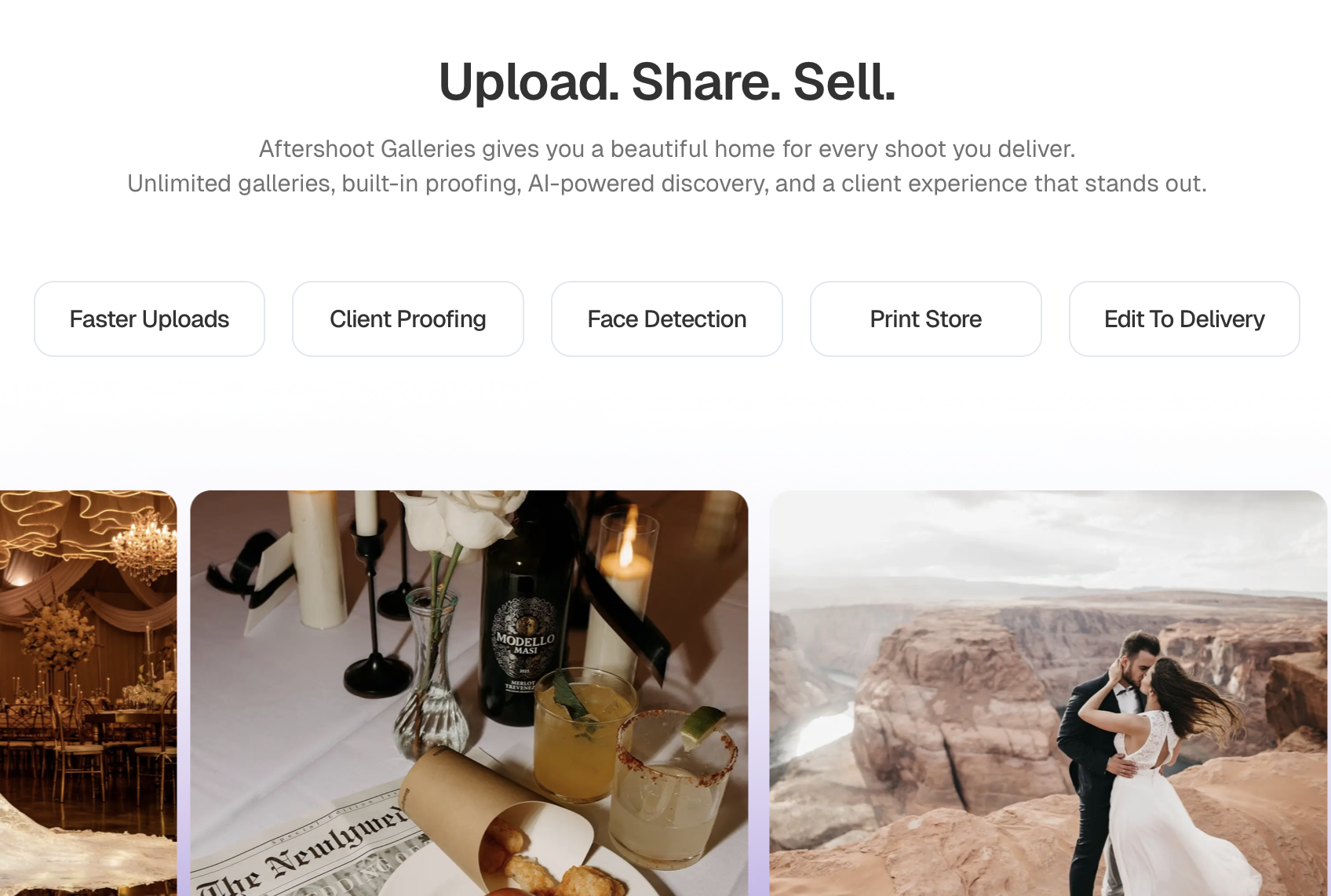
Most SmugMug alternatives ask you to do the same thing SmugMug does: edit your photos somewhere else, export them, then upload them into a separate gallery tool. Aftershoot Galleries skips that step entirely.
Because Galleries is built into the same platform as Aftershoot’s culling, editing, and retouching tools, finished images publish straight to a client photo gallery. There’s no exporting a folder, no re-uploading, no waiting on a second platform to catch up with your edits. For photographers already using Aftershoot, that alone removes one of the most repetitive parts of a delivery day.
- Clients find their own photos, automatically. Face Scan and Face Gating let a client, or their guests, filter a gallery down to just the images they appear in. For a 400-guest wedding, that replaces the endless “can you send me the ones with me in them” messages with a link that already knows the answer.
- Selling doesn’t require a separate platform. The built-in print store connects to WHCC, Bay Photo, and Atkins Pro Labs, so clients can order prints and products without leaving the gallery, and self-fulfillment is available for photographers who’d rather manage orders themselves.
- Storage starts free. New accounts get 10 GB free photo storage to start, with no RAW-storage add-on fee the way SmugMug charges once you exceed its allowance.
- Switching over doesn’t mean starting from scratch. Aftershoot offers free migration support for photographers moving their galleries from Pixieset, Pic-Time, or ShootProof, so past client work doesn’t get stranded on an old platform.
- None of this replaces your eye or your editing style. Aftershoot Galleries just removes the busywork sitting between a finished edit and a client who’s ready to see it, so the gallery feels like the last step of your workflow instead of a separate one you have to manage.
The strongest case for switching is for photographers already culling and editing in Aftershoot; if you’re only shopping for a standalone gallery tool, it’s worth weighing against the other platforms in this guide too.
In a Nutshell…
SmugMug still makes sense for photographers who mainly want unlimited, flat-rate storage and a reliable print partner. Most photographers switching away are looking for a faster mobile experience, more predictable pricing, or a gallery that connects directly to how they already cull and edit. If your finished images already come out of Aftershoot, Aftershoot Galleries removes the export-and-upload step entirely and adds face-based filtering that manual gallery organization can’t match. If you’re weighing a wider set of options first, revisit the quick comparison table above, then test your top two or three picks with a real gallery before committing to a full season on either one.
FAQs for SmugMug Alternatives
Q1. What is the closest alternative to SmugMug for photographers?
Aftershoot Galleries is the closest option for photographers who want their editing and delivery connected in one workflow instead of running two separate platforms.
Pixieset and Pic-Time are the closest match to SmugMug’s all-in-one gallery-and-sales model.
Q2. Are SmugMug alternatives cheaper for high-volume photographers?
Usually, at the entry level. CloudSpot and Lightfolio start at $7/month and Pixieset at $8/month (billed annually), all below SmugMug’s $20/month Direct plan. But if you keep several terabytes of client work online long-term, SmugMug’s unlimited storage on every plan is hard to beat on price. For photographers who need large but not unlimited storage, Aftershoot Galleries’ Unlimited plan is $30/month (billed annually), and its Premium plan offers 500 GB for $15/month.
Q3. Can I migrate my SmugMug galleries to a new platform?
Most platforms require a manual re-upload of past galleries, since there is no universal one-click migration between providers. Aftershoot Galleries offers free migration support for photographers moving from Pixieset, Pic-Time, or ShootProof; check with your chosen platform about SmugMug specifically before you cancel your existing plan.
Q4. Do SmugMug alternatives support Lightroom integration?
SmugMug, Pic-Time, and Zenfolio all offer Lightroom plugins for exporting directly to a gallery. Aftershoot integrates with Lightroom Classic earlier in the workflow, for culling and editing, and publishes finished images straight to Aftershoot Galleries without a separate export.
Q5. Which SmugMug alternative is best for wedding photographers?
Aftershoot Galleries and Pic-Time both suit high-volume wedding delivery well: Aftershoot Galleries for its face-based filtering across large guest lists, and Pic-Time for its gallery design and album proofing. ShootProof is a solid choice for wedding studios that sell prints heavily.
Q6. Is there a free SmugMug alternative?
Pixieset, Pic-Time, CloudSpot, and Aftershoot Galleries all offer usable free tiers or free starting storage. SmugMug itself does not have a permanent free plan, only a free trial.
Q7. How do face-based filtering tools work in modern client galleries?
Modern client galleries use AI facial recognition (such as Aftershoot’s Face Scan and Face Gating) to map faces across large event or wedding galleries. Guests or clients can upload a selfie or select a face to filter thousands of images instantly, isolating only the photos they appear in without requiring the photographer to manually organize sub-folders.




