TL;DR
- Neither approach wins everywhere. AI photo editing is strongest on repeatable adjustments across large galleries. Manual photo editing is strongest on hero images, unusual light, and creative experiments.
- Use the “repeatable or interpretive” test. If you’d make the same adjustment on the next 50 frames, AI should handle it. If the edit depends on what the image means, you should.
- AI moves your role from editing to reviewing. You still check every gallery, but you correct a few frames instead of building every edit from scratch.
- Your style should be settled before you automate it. A personal AI editing profile learns from your past edits, so it can only be as consistent as your own catalog.
- The best workflow is hybrid. Let AI take the first pass, then spend your manual time on the 5–10% of images that carry the story.
It’s a sunny Monday morning, you’ve just opened a wedding gallery. Seven hundred keepers. Most of them need the same things: warm up the skin a little, pull the highlights back, lift the shadows in the reception shots, straighten the horizon on every third frame. A handful need something more, like the backlit first look or the sparkler exit you want to look exactly right.
That split is the whole debate. Most AI vs manual photo editing articles ask which one is better. A more… useful question is which edits deserve your attention, and which ones just need to get done.
This guide compares both approaches across seven factors that matter to working photographers. It’s honest about where AI falls short. It ends with a hybrid workflow that keeps every creative decision in your hands.
AI vs Manual Photo Editing (The Short Answer You’re Looking For)
AI editing is better for volume and consistency. Manual editing is better for judgment and one-off creative work. For most professional photographers, the right answer is using both, in a specific order.
Photographers already seem to know this. In a 2026 survey of 363 working photographers across Europe and the US, 84% said they use AI in post-processing mainly to save time on repetitive tasks, and only 24% would let AI take full creative control over retouching. The survey was run by Retouch4me, an AI retouching company, so it leans toward AI-friendly respondents.
Even then, the takeaway is clear: photographers want help with the grind, not a replacement for their eye.
The One Question That Decides Every Edit
Before you touch a slider, ask: Is this edit repeatable or interpretive?
- Repeatable edits follow a rule you’ve already decided. Examples include white balance in a consistent venue, exposure matching across a ceremony, horizon straightening, crop framing for headshots, and applying your base look.
- Interpretive edits depend on what the image is trying to say. Examples include how dark to take a moody portrait, whether to keep the colored stage light or neutralize it, and how far to push a once-in-a-wedding frame.
Repeatable edits are where AI saves you hours. Interpretive edits are where your experience earns its fee.
AI vs Manual Photo Editing Compared Across Seven Factors
Here’s how the two approaches compare on the factors that affect your workflow, your clients, and your evenings.
| Factor | AI Photo Editing | Manual Photo Editing | What This Means for You |
| Speed | Applies edits across a full gallery in one pass | Scales with image count; every frame takes time | AI wins once galleries run into the hundreds |
| Consistency | Applies the same logic across frames, lighting, and cameras | Drifts as you get tired or rush to a deadline | AI wins for matching the look across a gallery |
| Creative decisions | Follows your established patterns | Responds to what each image needs | Manual wins for hero shots and new looks |
| Corrections | Fix the frames that miss; good profiles improve from your fixes | No “misses,” but every frame is built from zero | AI shifts work from building to reviewing |
| Learning style | Learns from your past edits | Teaches you through repetition | Manual matters most while your style is still forming |
| Volume | Cost and time stay flat as volume grows (on flat-fee tools) | Time grows with every extra image | AI wins for weddings, events, and peak season |
| Quality control | Needs a deliberate review pass | Quality checked as you go | Both need a final check before delivery |
PS: The table shows the pattern: AI wins on scale, manual wins on judgment. The sections below explain where that line actually falls.
Where AI Photo Editing Helps Most
- Speed on Large Galleries
Manual photo editing scales in a straight line. Double the images, double the time.
Here’s a simple illustrative example. Say your manual pass takes 30 to 60 seconds per frame once your base preset is applied. On a 700-image wedding gallery, that’s roughly 6 to 12 hours of slider work, before any retouching. (Your numbers will differ, so plug in your own.)
AI editing changes the shape of that work. Instead of adjusting every frame, you run the gallery through your editing profile and spend your time reviewing. The hours that used to go into slider work move into checking, fine-tuning, and delivering.
- Consistency Across Lighting and Cameras
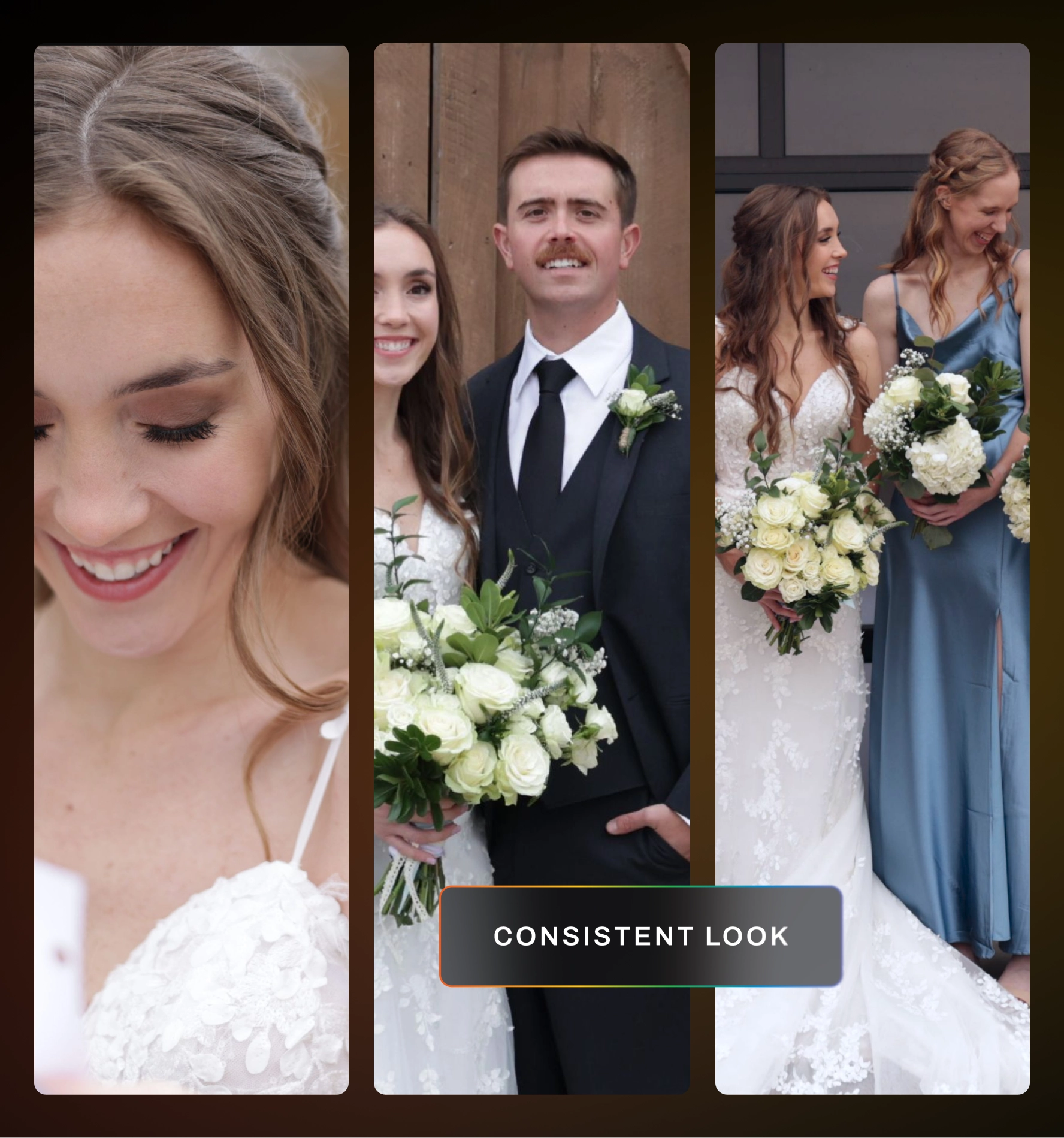
Photo editing consistency is hard to hold manually. By frame 500, most of us are moving faster and checking less.
AI doesn’t get tired at frame 500. A trained profile reads each image’s attributes, like light, color temperature, and exposure, and applies your look to match. That’s especially useful when you’re mixing two camera bodies or a second shooter’s files into one gallery.
Consistency is also what photographers want most from AI. In VSCO’s 2026 survey, the most-requested AI tool across all respondents was personalized editing that accurately learns a photographer’s style.
- High-Volume Seasons
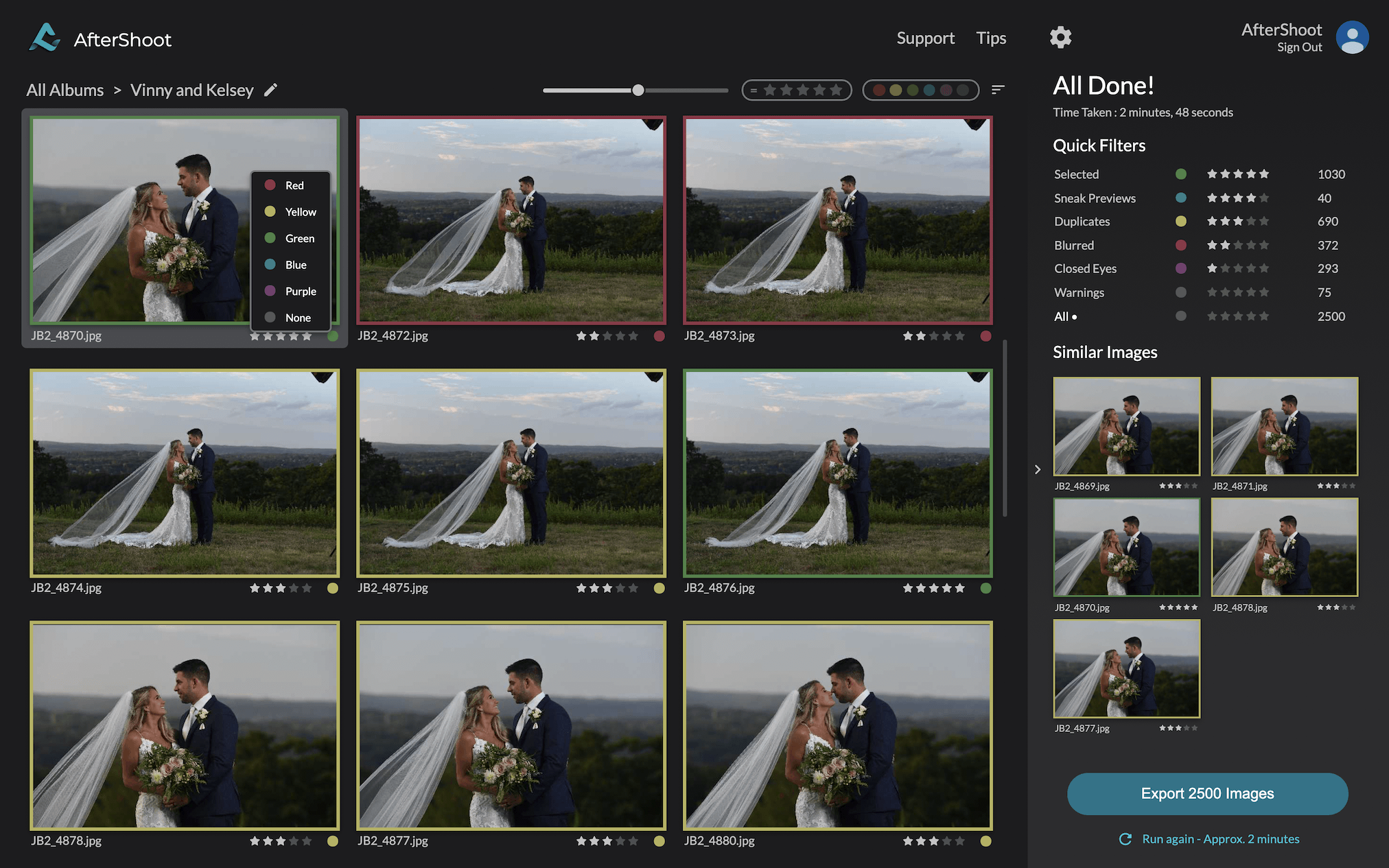
Peak season is where manual editing breaks first. Three weddings in two weekends means a backlog you’re still working through when the next one lands.
Volume is where AI editing for photographers pays off fastest. Aftershoot’s own research backs this up: in a survey of more than 1,000 professional photographers worldwide, 81% of those using AI workflows reported better work-life balance after getting back time lost to repetitive editing.
“Aftershoot has been a game changer for me. With 20 weddings and 100’s of sessions this year, it’s given me my work/life balance back. It’s given me extra time for my family, and I’m so thankful. I love going through and making sure each photo is the way I’d like it, but Aftershoot is like my very reliable assistant that takes care of 70% of my workload. With Aftershoot, I was able to keep my editing turnaround to two weeks during my busy season – which is huge for me! The culls and edits are so reliable and I just throw in a few tweaks when needed.”
– Ashlee Weaver, professional photographer
Notice what she said: 70% of the workload, not all of it, the rest is still hers.
Where Manual Photo Editing Still Wins
This is the part most AI editing articles skip. Being honest about it is what helps you set up a workflow that actually works.
- Creative Decisions and Hero Images
Every gallery has a few frames that carry the story. The emotional first look. The portrait that ends up on your website. The album cover.
These images deserve your full attention, and AI can’t give you that. It applies patterns from your past work. It can’t decide that this frame should break the pattern because the moment calls for it.
Plan to edit your hero images manually, or at least refine them heavily after the AI pass.
- Mixed, Colored, or Unusual Lighting
AI handles common lighting well when it has learned from your edits in similar conditions. It’s less reliable when the light is unusual:
- DJ and stage lighting that turns skin purple or green
- Mixed tungsten, daylight, and LED in one frame
- Deliberate creative choices, like keeping a strong color cast on purpose
In these cases, AI will usually give you a reasonable starting point. You’ll still need to make the call on what the image should look like.
- Learning and Developing Your Style
Manual photo editing is how you find your style. Every slider you move teaches you something about light, color, and your own taste.
If you’re still experimenting, automating too early locks in a look you haven’t settled on. That’s not a failure of AI. It just learns what you show it.
Let’s do a practical test: Aftershoot recommends training a personal AI editing profile on at least 2,500 edited images, and ideally 5,000. If you don’t have that many edits in a consistent style yet, that tells you something. Keep editing manually, or start from a preset-based profile while your style matures.
Corrections and Quality Control: The Middle Ground Most Comparisons Miss
The AI vs manual photo editing debate often ignores the space in between: correcting AI edits. This is where you’ll spend most of your editing time with AI, so it’s worth understanding.
What Correcting an AI Edit Actually Looks Like
With manual editing, you build every edit from nothing. With AI, you start from an edit that’s usually close and adjust the frames that miss.
Those two jobs feel very different. Correcting a frame that’s slightly too warm takes seconds. Building that frame’s edit from scratch takes much longer.
Good AI tools also learn from your corrections. In Aftershoot, you can feed your tweaks back into your profile, so the same miss shows up less often over time. Manual editing has no such loop. Next month’s gallery takes as long as this month’s.
A Five-Point Review Pass Before Delivery
AI doesn’t remove quality control. It changes what you check. Before you deliver any AI-edited gallery, run through these five checks:
- Skin tones across lighting changes. Scroll from ceremony to reception and watch for jumps in warmth or saturation.
- Highlights and shadows. Check for clipped dresses, skies, and dark suits, especially in harsh midday frames.
- Hero images. Open every portfolio-worthy frame individually and refine it by hand.
- Unusual light. Filter for stage, neon, or mixed-light scenes and make deliberate choices on each.
- Sequence flow. View the gallery as a grid. A consistent gallery should look like one story, not several edits stitched together.
Is AI Photo Editing Worth It for You? A Readiness Check
Whether AI is worth it depends less on the technology and more on where your business is right now. Use this table to see which approach fits your current stage.
| Your Situation | Best Fit | Why |
| Still experimenting with your editing look | Mostly manual | AI will lock in a style you haven’t settled on |
| Consistent style, but fewer than 2,500 edited images | Preset-based AI profile + manual | Gets you a consistent base while you build your catalog |
| Consistent style, large edited catalog | Personal AI profile + manual review | AI handles the first pass, you handle the story |
| Shooting several weddings or events a month | Hybrid, AI-first | Volume makes manual-only editing unsustainable |
| Mostly fine art or heavily stylized one-offs | Mostly manual | Every image is interpretive |
If you landed in one of the middle rows, you’re ready to test AI on a real gallery.
How to Build a Hybrid Photo Editing Workflow
The real answer to AI vs manual photo editing is to put each one where it does its best work. Here’s a workflow that does that.
Step 1: Cull Before You Edit
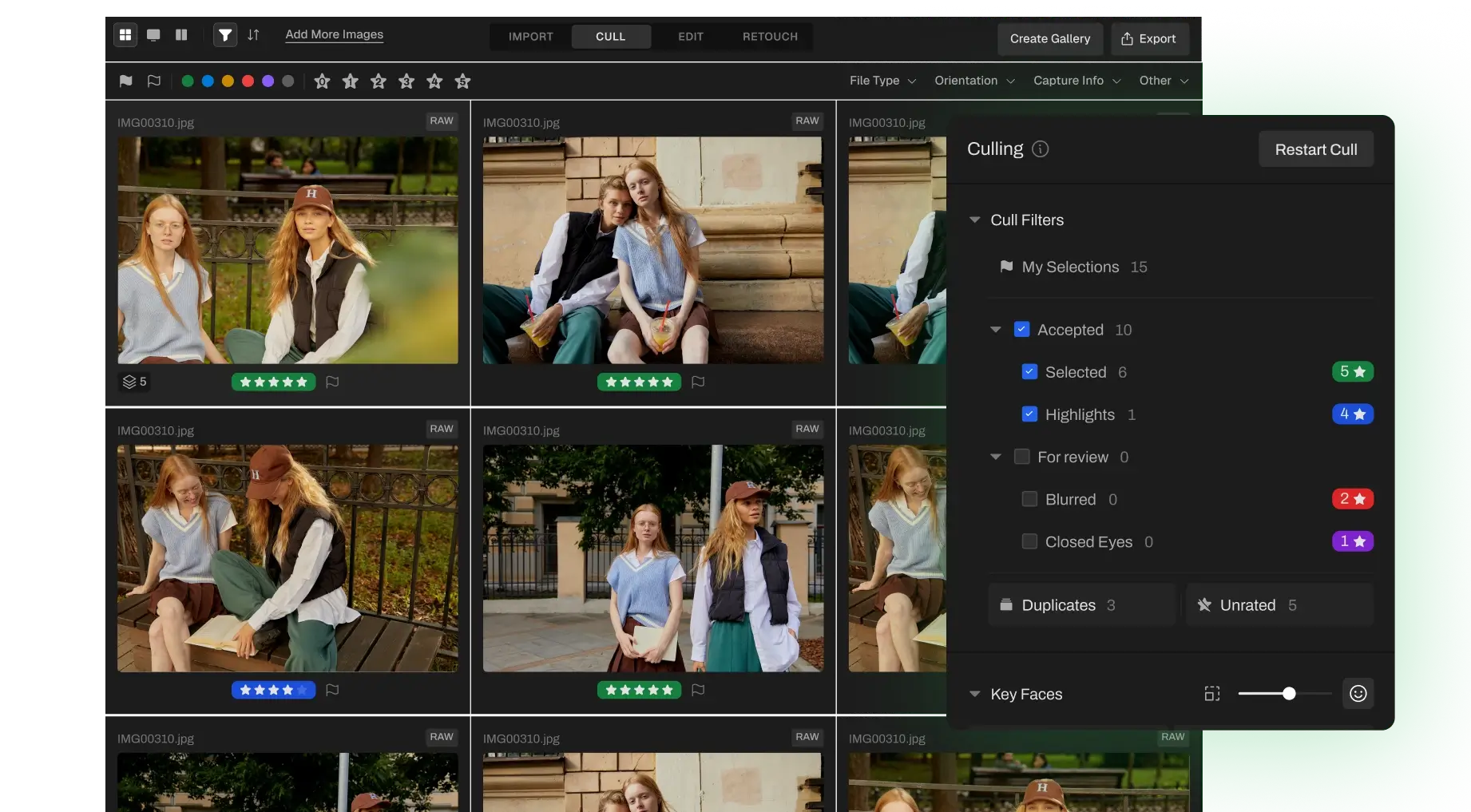
Every frame you don’t keep is a frame you don’t edit. Narrow the gallery first, either manually or with AI culling, so your editing time goes only to keepers.
Step 2: Run the AI First Pass
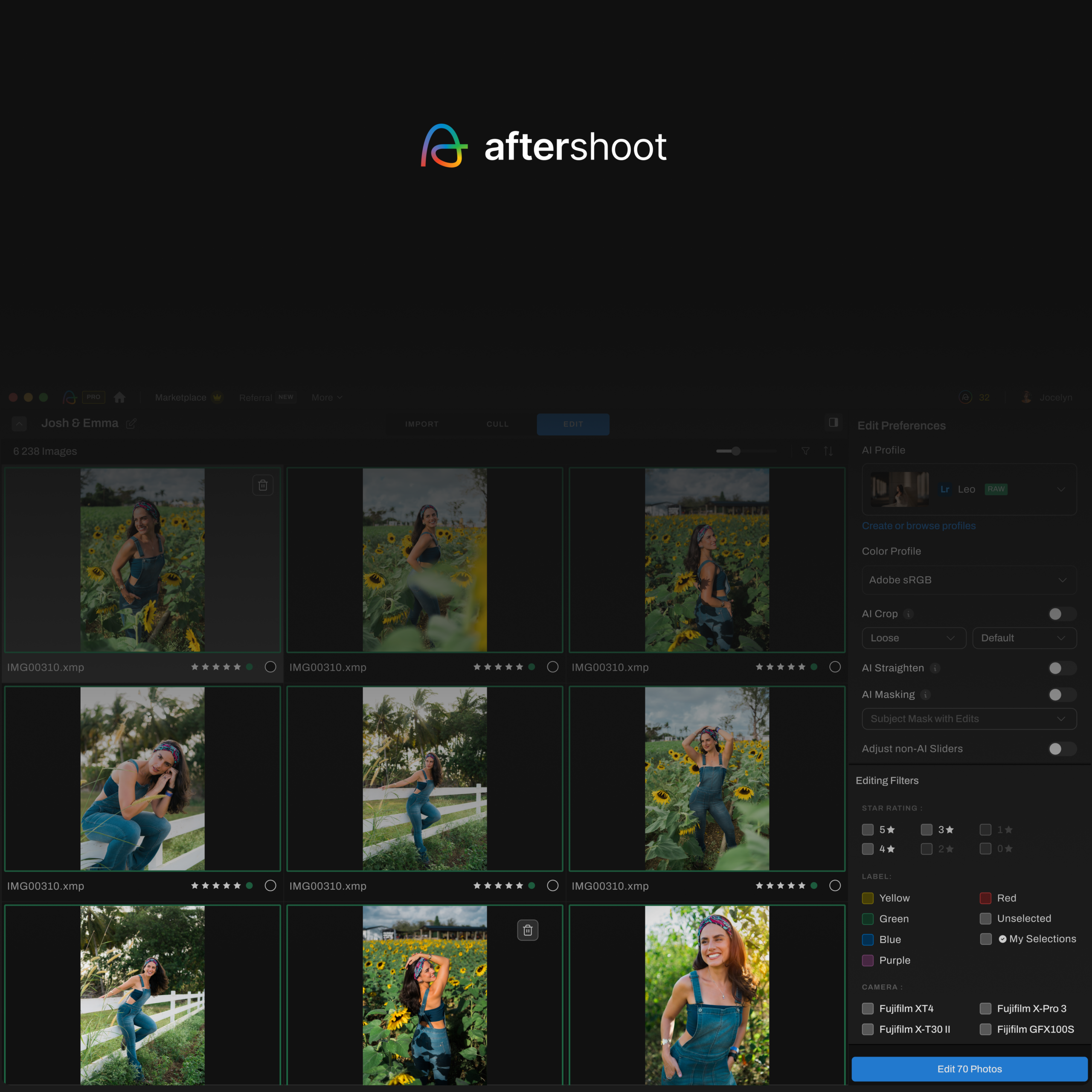
Apply your editing profile to the full set. This handles your base look, exposure matching, white balance, and repeatable fixes like cropping and straightening. If you don’t have a large catalog yet, Instant AI Profiles turn an existing Lightroom preset into an AI style that adapts to different lighting.
Step 3: Review in a Grid, Correct in Batches
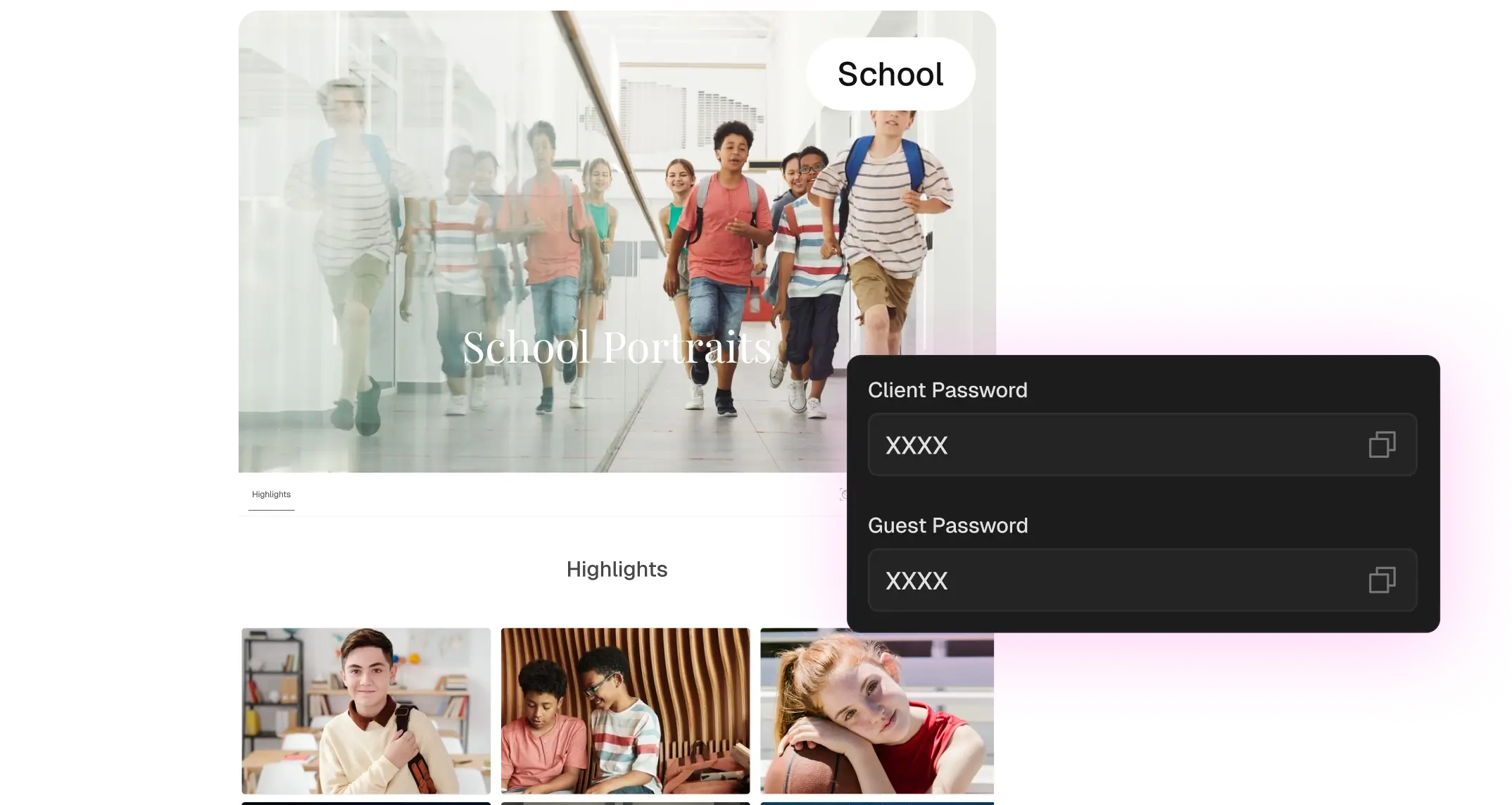
Scan the gallery as a grid and look for patterns. If a whole sequence came out slightly cool, fix one frame and sync it across the set with batch editing instead of correcting each image separately.
Step 4: Edit Your Hero Images by Hand
This is your manual time. Pick the 5–10% of images that carry the story and give them your full attention. These are the frames clients remember and future clients see.
Step 5: Retouch, Then Run Your Review Pass
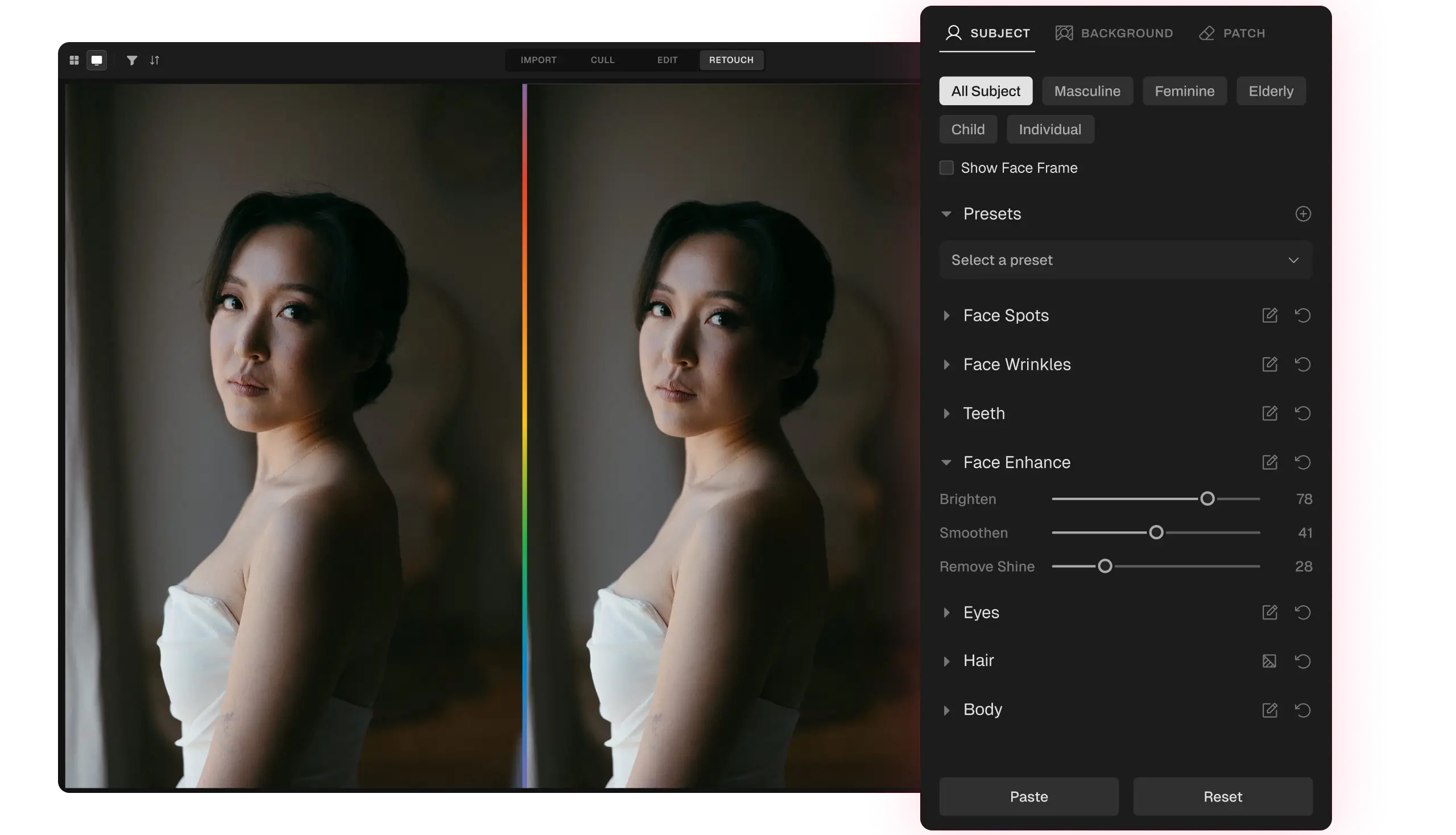
Handle portrait cleanup like skin, stray hairs, and glare with AI retouching, then finish with the five-point review pass above. Feed your corrections back into your profile so the next gallery needs fewer fixes.
If you’re comparing tools for each of these stages, our guide to photography workflow software for every stage of post-production breaks down the options.
Where Aftershoot Fits in an AI vs Manual Photo Editing Workflow
Aftershoot is built around the hybrid model. The AI takes the repetitive first pass, and you keep the final say on every image.
- Your style, not a generic one. Train a personal profile on your past edits, convert a Lightroom preset, or start from one of 30+ styles built by professional photographers.
- Manual control in the same app. Aftershoot Develop gives you white balance, light, HSL, color grading, detail, and masking controls, so you can refine AI edits without switching apps. You can also send images to Lightroom, Capture One, or Photoshop in one click.
- Local processing. Images are stored and processed on your computer, not on Aftershoot’s servers, and you choose whether your images can be used for AI training before you import.
- No per-image fees. Editing 500 images or 5,000 costs the same.
Pricing (verified October 2026):
| Plan | Billed Annually | Billed Monthly |
| Edit | $30/month (360/year) | $35/ month |
| Complete (Select + Edit + Retouch) | $45/ month (540/year) | $55/ month |
Every plan includes a 30-day free trial with full access and no credit card required. See the full Aftershoot pricing breakdown for other plan combinations.
In a Nutshell: Let AI Handle the Repeatable, While You Keep the Interpretive
Manual photo editing isn’t going away, and it shouldn’t. It’s how you develop your eye, and it’s still the best tool for the images that define your work.
What’s changing is how much of your week goes to edits you’ve already made a hundred times. Those don’t need your creativity. They just need to be done consistently.
Your next step: Take one recent gallery you edited manually. Run it through an AI first pass, then compare. Note how many frames you’d change and how long the review took. That one test will tell you more than any comparison article, including this one.
FAQs for AI vs Manual Photo Editing
Q1. Can AI replace manual photo editing completely?
Not for professional work. AI handles repeatable adjustments well, like exposure, white balance, cropping, and applying your base look across a gallery. It doesn’t make interpretive calls, such as how to treat a once-in-a-lifetime frame or unusual stage lighting. Most photographers use AI for the first pass and keep manual editing for hero images and final review.
Q2. Does AI photo editing make every photographer’s work look the same?
It depends on the tool. Generic one-click filters can produce similar results. Tools that learn from your own past edits apply your look, not a shared one. To keep your style distinctive, train a personal profile on a large set of your own edits rather than relying only on pre-built styles.
Q3. How many edited photos do I need to train an AI editing profile?
For Aftershoot, you can start training a personal AI editing profile with as few as 2,500 edited images, though 5,000 is recommended for the best results. A varied set covering different lighting conditions helps the AI understand your preferences. If you don’t have that many yet, Instant AI Profiles can turn an existing Lightroom preset into an adaptive AI style.
Q4. Is AI photo editing worth it for newer photographers?
It can be, but timing matters. If you’re still developing your style, manual editing teaches you how light and color work. Once your look is consistent and your volume grows, AI becomes more valuable because it saves time without changing your results. Many newer photographers start with a preset-based AI profile and keep refining manually.
Q5. Should I still review every image after AI editing?
Yes, but you review differently. Instead of checking frames one by one, scan the gallery as a grid to spot patterns, then open hero images and unusual-light frames individually. A short review pass covering skin tones, highlights, hero shots, mixed lighting, and sequence flow catches most issues before delivery.
Q6. Is AI photo editing safe for client images?
It depends on where processing happens. Some AI editors upload images to the cloud. Aftershoot processes and stores images locally on your computer, and you can opt out of AI training before importing. If you work under NDAs or with sensitive shoots, check each tool’s data policy before you start.