

TL;DR
- Photoshop is powerful, but it slows down high-volume photography workflows.
- This guide breaks down the best Photoshop alternatives for AI and raw editing, retouching and batch processing in 2026.
- Aftershoot Complete stands out because it combines duplicate-aware culling, in-app manual RAW editing, AI retouching, and built-in client galleries into a single workflow faster and cheaper than using multiple apps.
Every professional photographer knows the feeling of unloading memory cards after a busy weekend and staring down thousands of RAW files. Sorting through massive galleries, applying consistent edits across every single image, and handling client delivery quickly consumes your week. Before long, repetitive post-production work starts eating up your evenings and weekends.
That said, many Photoshop alternatives exist to consolidate these fragmented steps or improve specific parts of the process. This guide breaks down the best tools for modern photography workflows, and why it’s worth building your studio around a workflow-first solution like Aftershoot Complete.
Quick Pricing Comparison of Alternatives to Photoshop
| Tool | Starting Price | Best Plan for Pros |
| Aftershoot Complete | $10/month (culling only, billed annually) $30/ month (editing only, billed annually) $20/ month (retouching only, billed annually) | $45/month (Culling + Editing + Retouching, billed annually) |
| Adobe Lightroom Classic | $11.99/month (Lightroom plan, billed annually) | $19.99/month (Photography plan with Photoshop, billed annually) |
| Capture One | $18/month (Pro, annual) | $48.50/month (Studio tier, annual) |
| DxO PhotoLab | $239.99 one-time (Elite edition) | $239.99 one-time |
| Luminar Neo | $99 one-time (Standard) | $179 one-time (Max, lifetime license) |
| Affinity Photo | Free (core app) | Canva Pro pricing varies |
| ON1 Photo RAW | $99.99 one-time | $169.99 one-time (MAX with plugins) |
| Topaz Photo AI | $45/ month (billed annually) | Topaz Studio Pro, $79/ month (billed annually) |
Best 8 Alternatives to Photoshop in 2026
Here are the best alternatives to photoshop for professional photographers:
1. Aftershoot
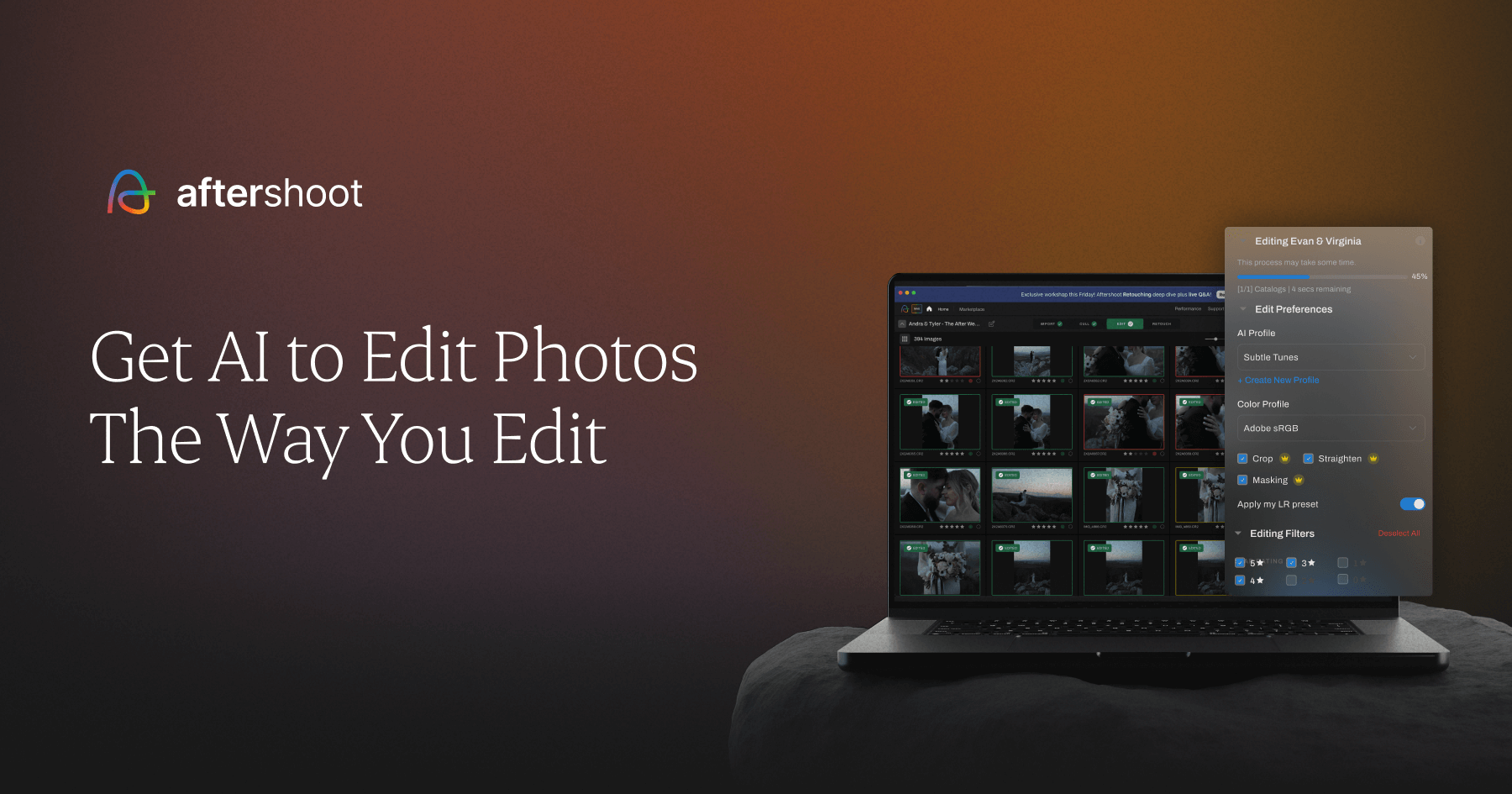
Aftershoot leads this list because it tackles the parts of the workflow where photographers lose the most time. It combines AI culling, full manual RAW editing, AI retouching, and client delivery into a single platform.
Rather than replacing Photoshop’s advanced retouching tools, Aftershoot takes the heavy lifting off your plate. It handles everything from sorting burst shots to delivering the final gallery, giving you an end-to-end workflow without the need to export back and forth between Lightroom or Capture One.
Why it stands out
- Smarter Culling: The AI understands the difference between true duplicates (like burst shots) and intentional compositional variations, resulting in a ~20% tighter cull that respects your creative choices.
- In-App RAW Editing (Aftershoot Develop): You can now edit and render RAW files directly in the app. With full manual sliders (WB, Light, HSL, Color Grading), crop and straighten tools, and subject masking, you don’t need a separate raw editor.
- Advanced AI Retouching: Handles acne, freckles, blemishes, and stray hair (even curly and backlit hair) across full albums. It also includes new beta features like cloth dewrinkling and background replacement directly on the raw files.
- Built-in Client Galleries: Deliver responsive, branded galleries with face-based search, video support, and an integrated print store (WHCC, Bay Photo, Atkins Pro Labs) at no extra software cost.
Best for
- Wedding and event photographers handling high-volume shoots.
- Portrait photographers who need reliable skin and detail retouching at scale.
- Professionals who want a single, streamlined workflow instead of paying for multiple disconnected apps.
Aftershoot Pricing
- Culling only: $10/month (billed annually)
- Editing only: $30/month (billed annually)
- Retouching only: $20/month (billed annually)
- Complete bundle (Culling, Editing, and Retouching): $45/month (billed annually)
- Galleries: Included at no extra cost
👁️ Also Read: Best Professional Photo Editing Software in 2026
2. Adobe Lightroom Classic
Lightroom Classic remains the industry standard for raw processing and catalog management. For photographers who want a direct Photoshop alternative for everyday editing, Lightroom handles batch adjustments and library organization much more efficiently.
It gives you non-destructive editing and powerful global adjustments, making it a reliable choice for managing complete shoots.
Why photographers use it
- Strong raw processing and batch editing.
- Excellent cataloging and image organization.
- Deep integration with the Adobe ecosystem.
Limitations
- It doesn’t cull automatically, so you still have to select images manually.
- Can feel slow when managing massive catalogs.
Best for
- Photographers who rely on batch consistency.
- Professionals already invested in Adobe tools.
Lightroom Pricing
- Lightroom standalone: $11.99/month (includes 1TB cloud storage)
- Photography plan (with Photoshop): $19.99/month
👁️ Also Read: Why Aftershoot AI Styles Are Better Than Lightroom Presets
3. Capture One
Capture One is a favorite for photographers who want high-end image quality and precise color control. It offers a more refined raw editing experience compared to Photoshop and excels in tethered shooting environments.
It wins on color-critical work and supports over 550 cameras, making it a staple in commercial and studio photography.
Why it stands out
- Professional-grade color editing tools.
- Industry-leading tethered capture workflow.
- High-quality raw processing with layer-based adjustments.
Limitations
- Steeper learning curve than simpler editors.
- Minimal AI culling and retouching built-in.
Best for
- Commercial and studio photographers.
- Fashion and portrait photographers who need precise color control.
Capture One Pricing
- Capture One Pro: $18/month (billed annually)
- All in One tier: $24.67/month (billed annually)
- Studio tier: $48.50/month (billed annually)
4. DxO PhotoLab
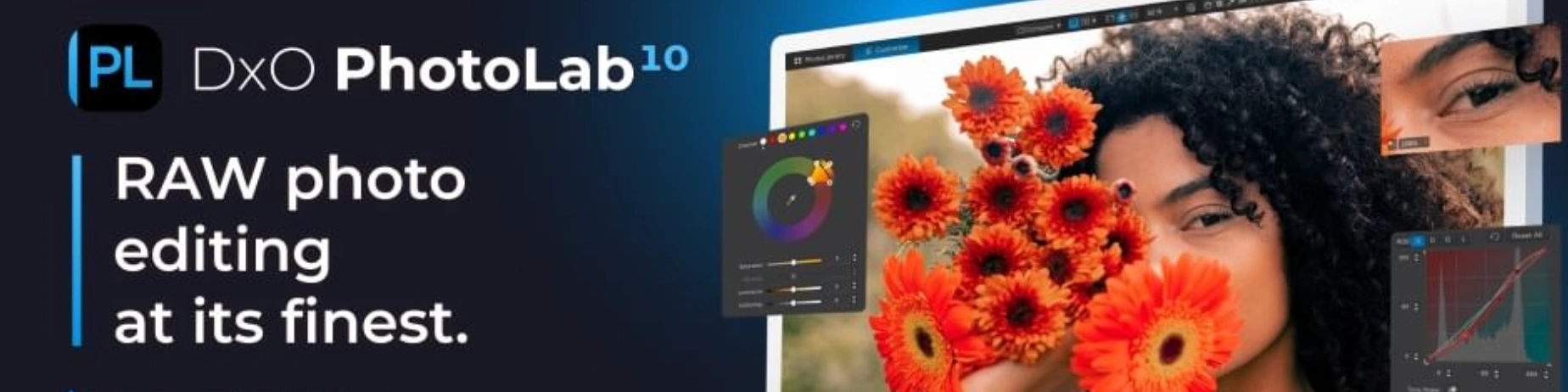
DxO PhotoLab is a strong alternative for photographers prioritizing image quality and technical corrections. It excels at noise reduction, lens corrections, and clean raw processing.
While Photoshop handles broad editing, DxO PhotoLab specializes in intelligent photo corrections. It improves image quality automatically, giving photographers cleaner files before they start creative editing.
Why photographers choose it
- Excellent noise reduction.
- Strong lens and distortion corrections.
- High-quality raw processing.
Limitations
- Not a full workflow platform.
- Less suited for large-scale catalog management.
Best for
- Landscape and travel photographers.
- Wildlife photographers dealing with high ISOs.
DxO PhotoLab Pricing
- DxO PhotoLab Elite: $239.99 (one-time purchase)
- Upgrade for existing users: $119.99
5. Luminar Neo
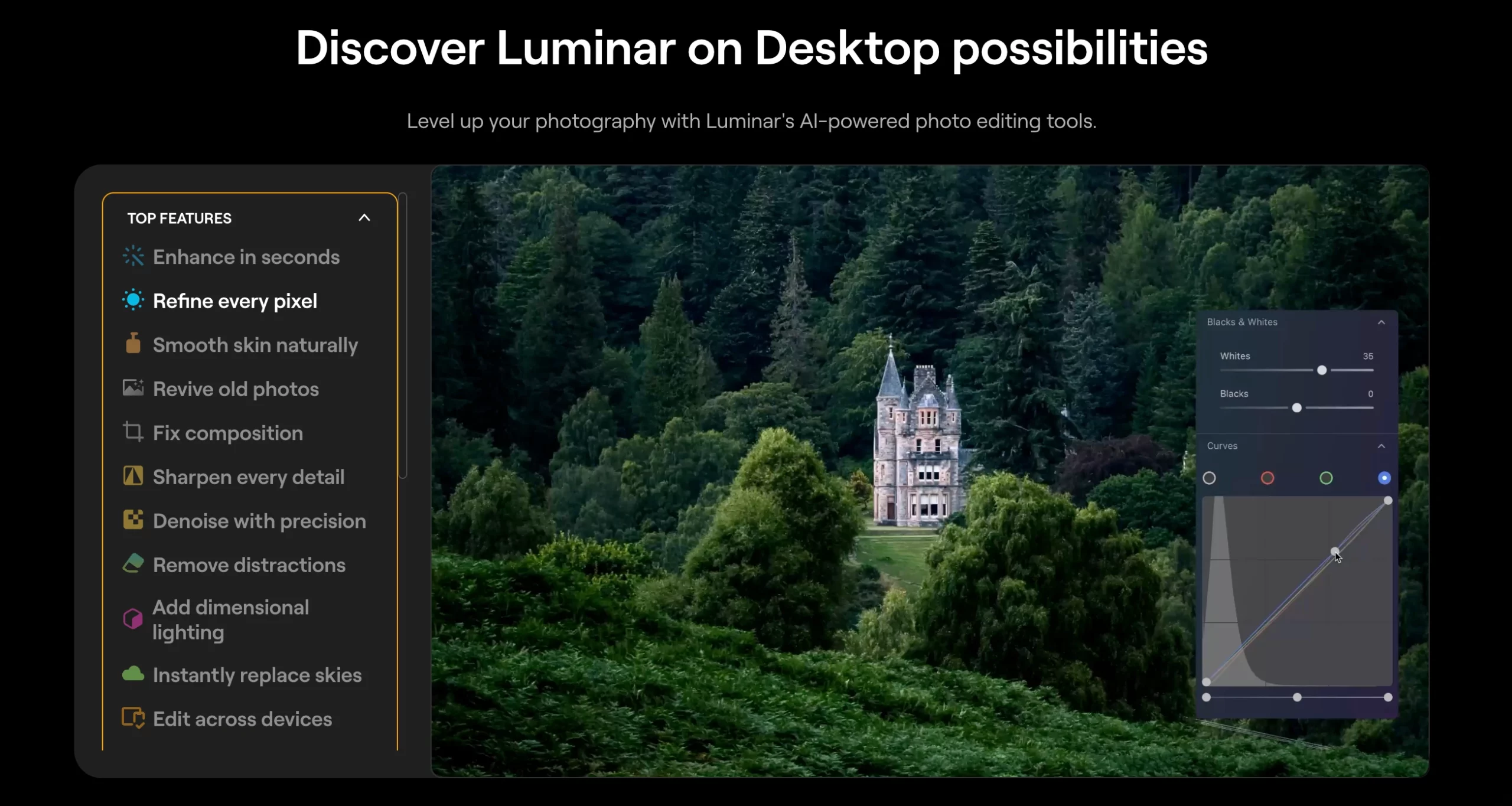
Luminar Neo offers fast, creative edits using AI-powered tools, making it a great Photoshop alternative for quick visual enhancements.
It provides features like sky replacement and portrait retouching with a simple, beginner-friendly interface. It helps photographers achieve strong visual results without spending hours on manual adjustments.
Why it appeals to photographers
- AI-driven editing tools.
- Simple, approachable interface.
- Fast creative enhancements for portraits and landscapes.
Limitations
- Less precise than pro-grade raw editors.
- Not built for high-volume batch processing.
Best for
- Portrait and landscape photographers.
- Creatives who want quick visual enhancements.
Luminar Neo Pricing
- Standard plan: $99 (one-time purchase)
- Max plan (lifetime license): $179
6. Affinity Photo
Affinity Photo is one of the closest direct alternatives to Photoshop. It offers powerful layer-based editing and detailed retouching tools without a recurring subscription.
For photographers who need advanced editing capabilities but prefer a one-time purchase model, Affinity Photo is a highly capable and flexible option. Following Canva’s acquisition, the core pixel and vector tools are now available for free, with advanced AI features requiring a Canva Pro subscription.
Why it’s worth considering
- Powerful layer-based editing and compositing.
- Core tools are free to use.
- Familiar interface for Photoshop users.
Limitations
- Not workflow-oriented for large-scale automation.
- Requires manual effort for everyday production tasks.
- Advanced AI features require a Canva subscription.
Best for
- Photographers who want a traditional, Photoshop-style editor.
- Users who prefer avoiding dedicated software subscriptions.
Affinity Photo Pricing
- Core Affinity Photo app: Free
- Canva Pro (required for advanced AI features): Pricing varies by Canva plan
7. ON1 Photo RAW
ON1 Photo RAW combines raw processing, layers, masking, and organization into one package. It is designed for photographers who want a flexible all-in-one tool without relying entirely on Adobe.
It gives you more control than a basic editor while reducing the need to switch between multiple programs.
Why photographers use it
- Combines raw editing, layers, and organization.
- Good for photographers who want a broad feature set.
- Reduces app-switching.
Limitations
- Interface can feel busy for some users.
- Less automation-focused than workflow-first platforms.
Best for
- Photographers looking for an all-in-one platform.
- Professionals who want an alternative to Adobe without losing flexibility.
ON1 Photo RAW Pricing
- ON1 Photo RAW: $99.99 (one-time purchase)
- ON1 Photo RAW MAX (with plugin support): $169.99 (one-time purchase)
8. Topaz Photo AI
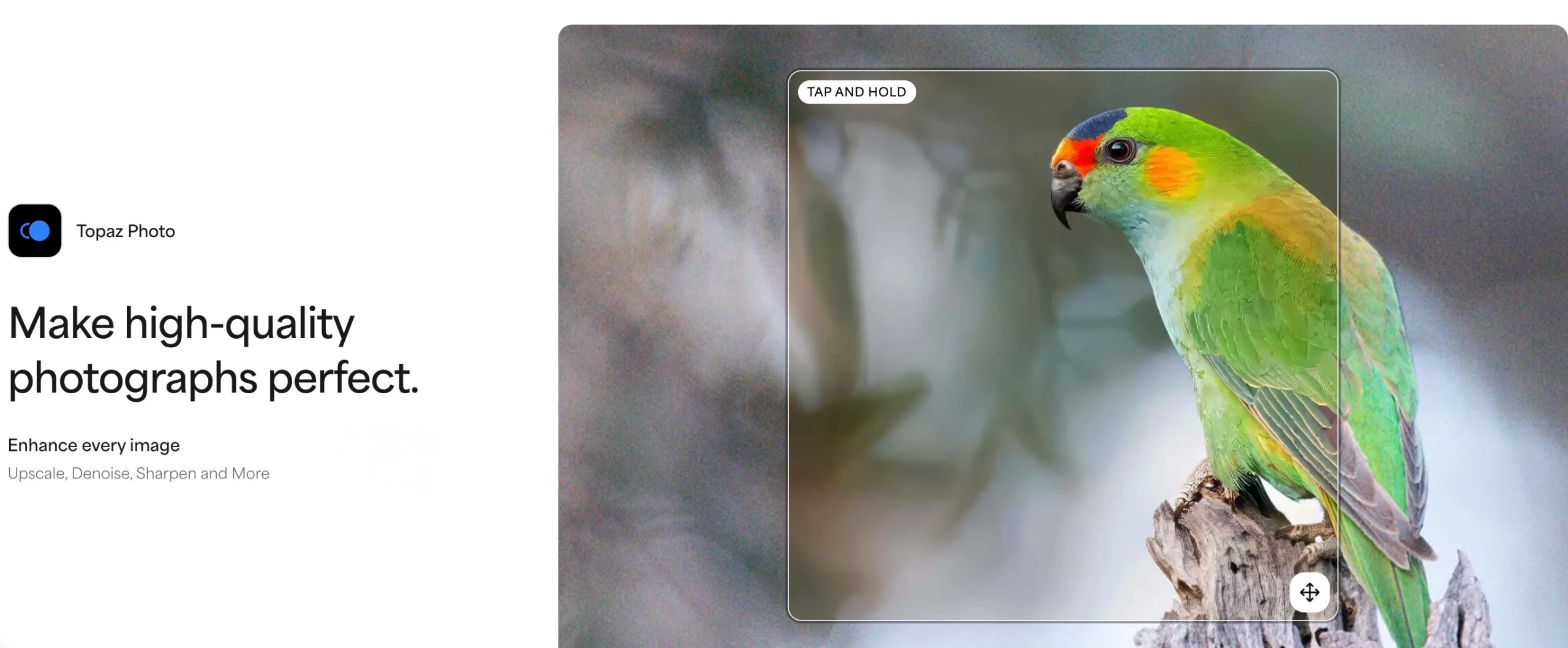
Topaz Photo AI helps photographers improve sharpness, reduce noise, and upscale images using AI. It serves as an excellent supporting tool rather than a full Photoshop replacement.
For photographers regularly dealing with soft images or high-ISO noise, Topaz Photo AI acts as a powerful quality booster before final delivery.
Why it’s useful
- Strong AI denoise and sharpening tools.
- Helpful for rescuing marginal images.
- Saves time on technical image corrections.
Limitations
- Not a full editor or workflow manager.
- Doesn’t replace culling or batch editing software.
Best for
- Photographers needing technical image enhancement.
- Professionals working with low-light or noisy files.
Topaz Photo AI Pricing
- Topaz Photo AI: $45/ month (billed annually)
- Topaz Studio Pro: $79/ month (billed annually)
Why Aftershoot is the Best Alternative to Photoshop
Most of the tools above are genuinely good at one job. Lightroom edits well. Topaz sharpens cleanly. Affinity Photo handles detailed retouching.
The problem is that professional photographers need all of these stages working together. Stitching together separate apps means multiple learning curves, multiple bills, and constant app-switching that eats up the time you supposedly saved.
Aftershoot changes that math by consolidating culling, manual RAW editing, AI retouching, and client delivery. It gives you a single tool that reduces repetitive work, speeds up your post-production, and actually costs less than a fragmented workflow.
FAQs for Best Photoshop Alternatives
Q1. Is there a true Photoshop alternative for photographers?
Yes, but the best option depends on what you need. Lightroom Classic, Capture One, Affinity Photo, and Aftershoot Complete each solve different parts of the photography workflow.
Q2. What is the best Photoshop alternative for workflow speed?
For workflow speed, Aftershoot Complete is the strongest choice because it handles duplicate-aware culling, raw editing, retouching, and gallery delivery all in one platform, significantly reducing the time spent in post-production.
Q3. Which Photoshop alternative is best for raw editing?
Lightroom Classic and Capture One are both strong raw editors. However, Aftershoot Complete now includes Aftershoot Develop, which offers full manual RAW editing with sliders and masking tools directly in the app, eliminating the need to export to Lightroom.
Q4. Which Photoshop alternative is best if I avoid subscriptions?
DxO PhotoLab, Luminar Neo, and ON1 Photo RAW offer one-time purchase options, making them great choices for photographers who prefer avoiding monthly fees. Affinity Photo’s core app is now free following its acquisition by Canva.
Q5. Do I still need Photoshop if I use another editing tool?
Many photographers only keep Photoshop for complex compositing, relying on other tools for culling, raw editing, and workflow management.




