Aftershoot vs Capture One
Tired of Repetitive Adjustments that Slow You Down?
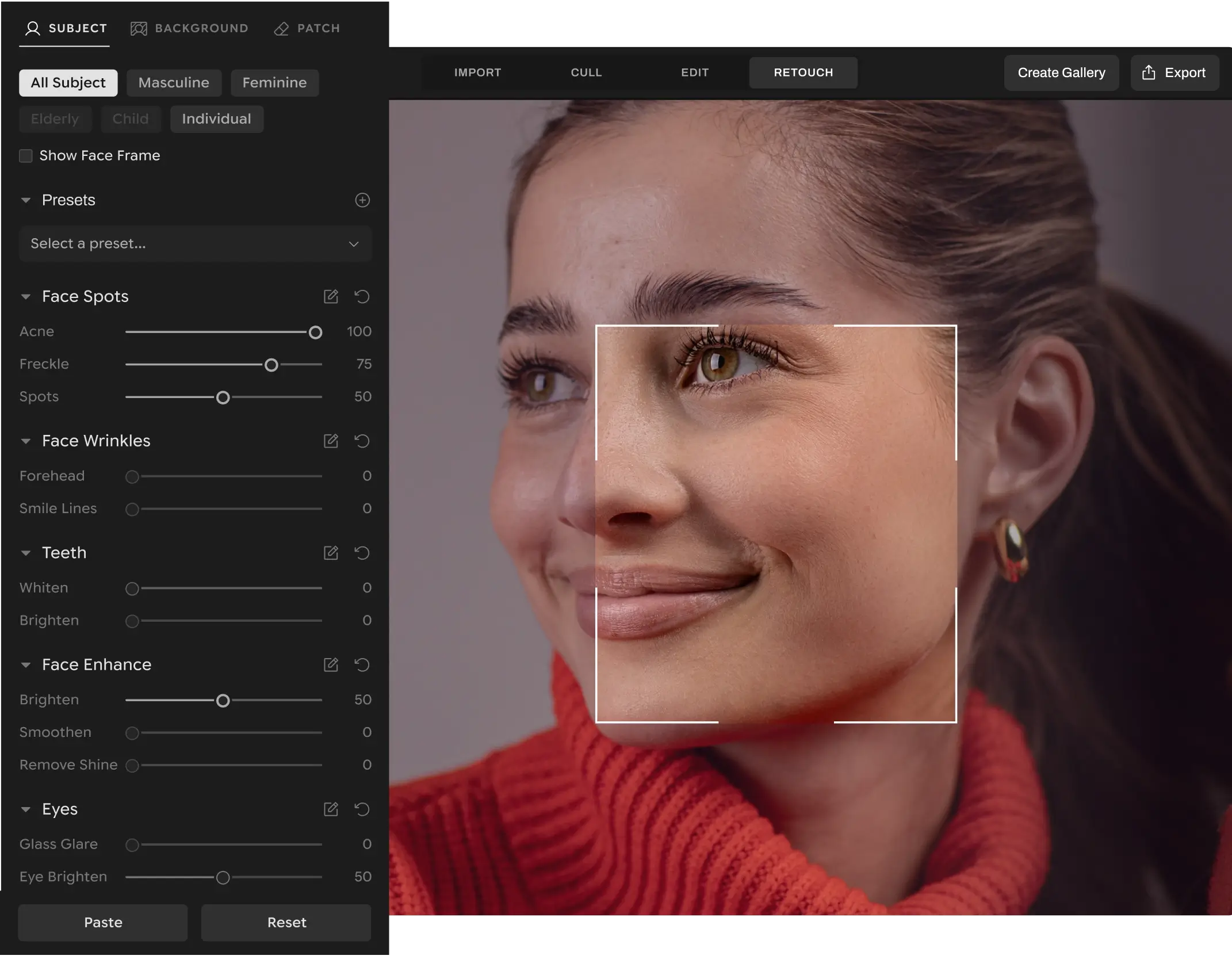
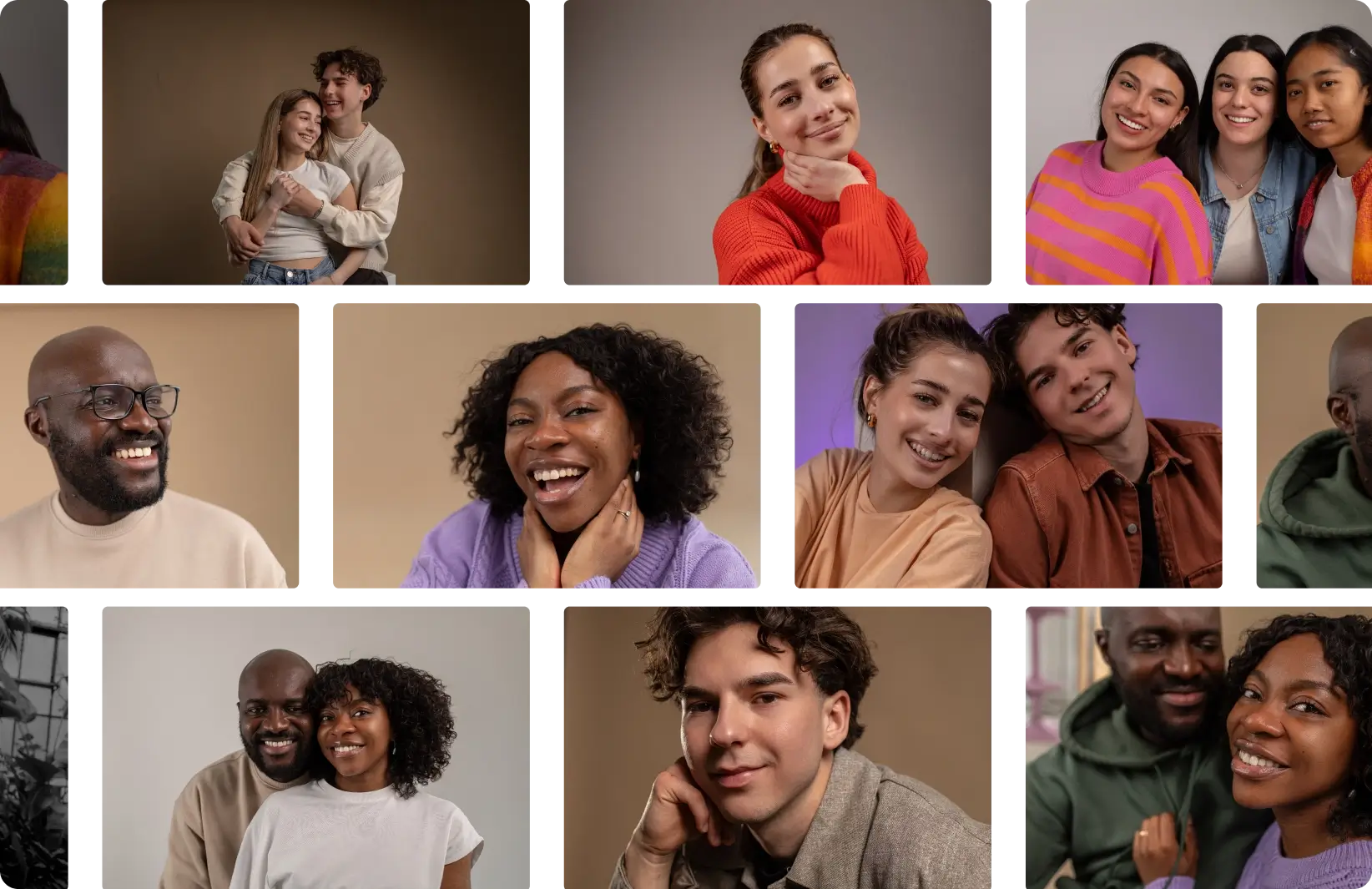
Aftershoot Retouching handles everything in one pass. Blemish removal, teeth whitening, flyaway cleanup, glass glare, cloth wrinkles, background replacement, and more, all leaving you with results that look natural, polished, and true to life
Full Access for 30 days | No credit card | No per-image fees
Lilly Red
Anna & Thanos
Katie Monroe
Joy Zamora
Esteban Gil
Cassidy Lynne
From first cull to final delivery.
Your complete workflow in one place.
Complete Workflow, Not Just Color Grading
Aftershoot brings your entire workflow into one app - cull, edit, retouch, and export.
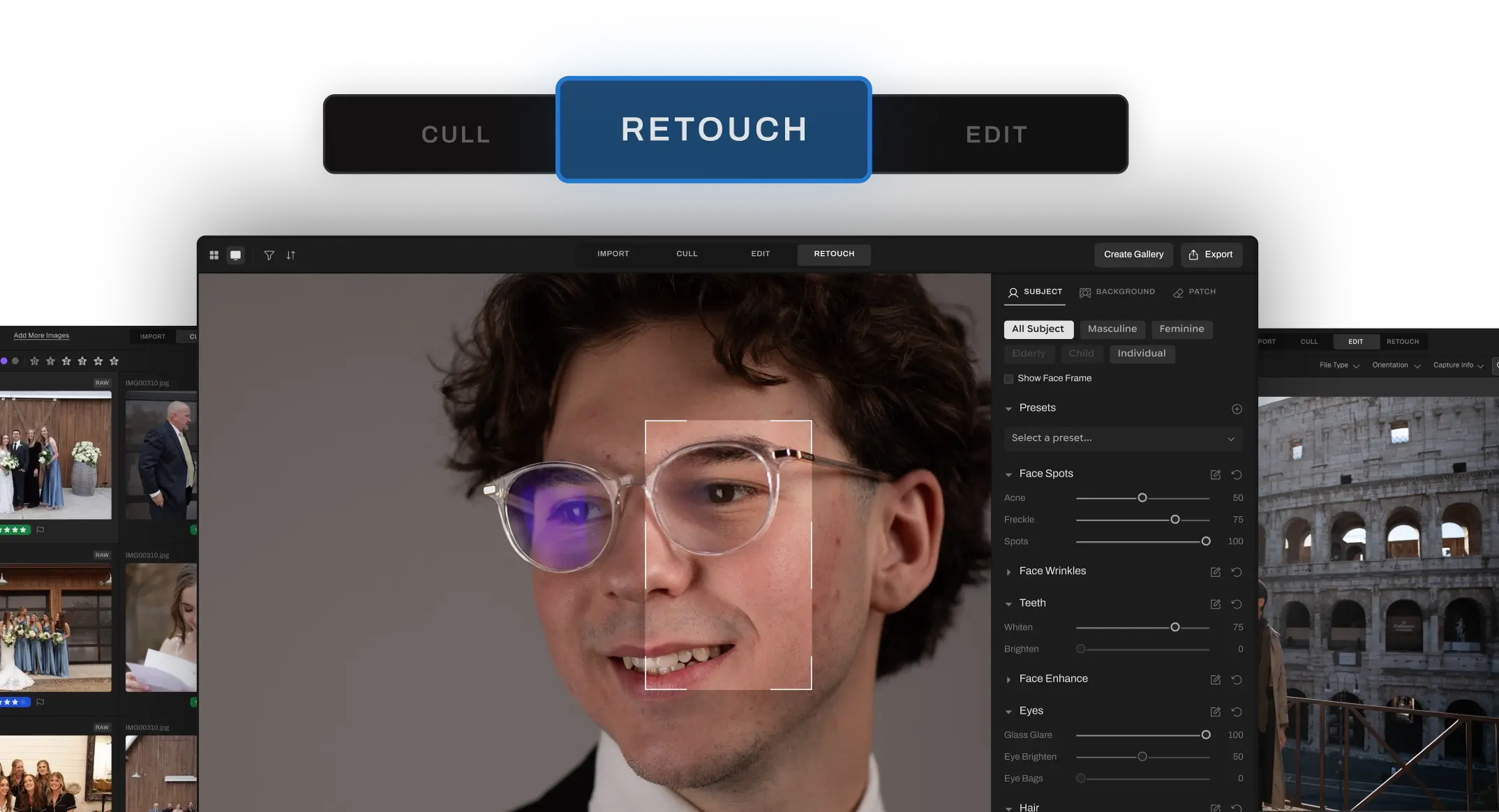
Smart Retouching Tools, Not Basic Healing
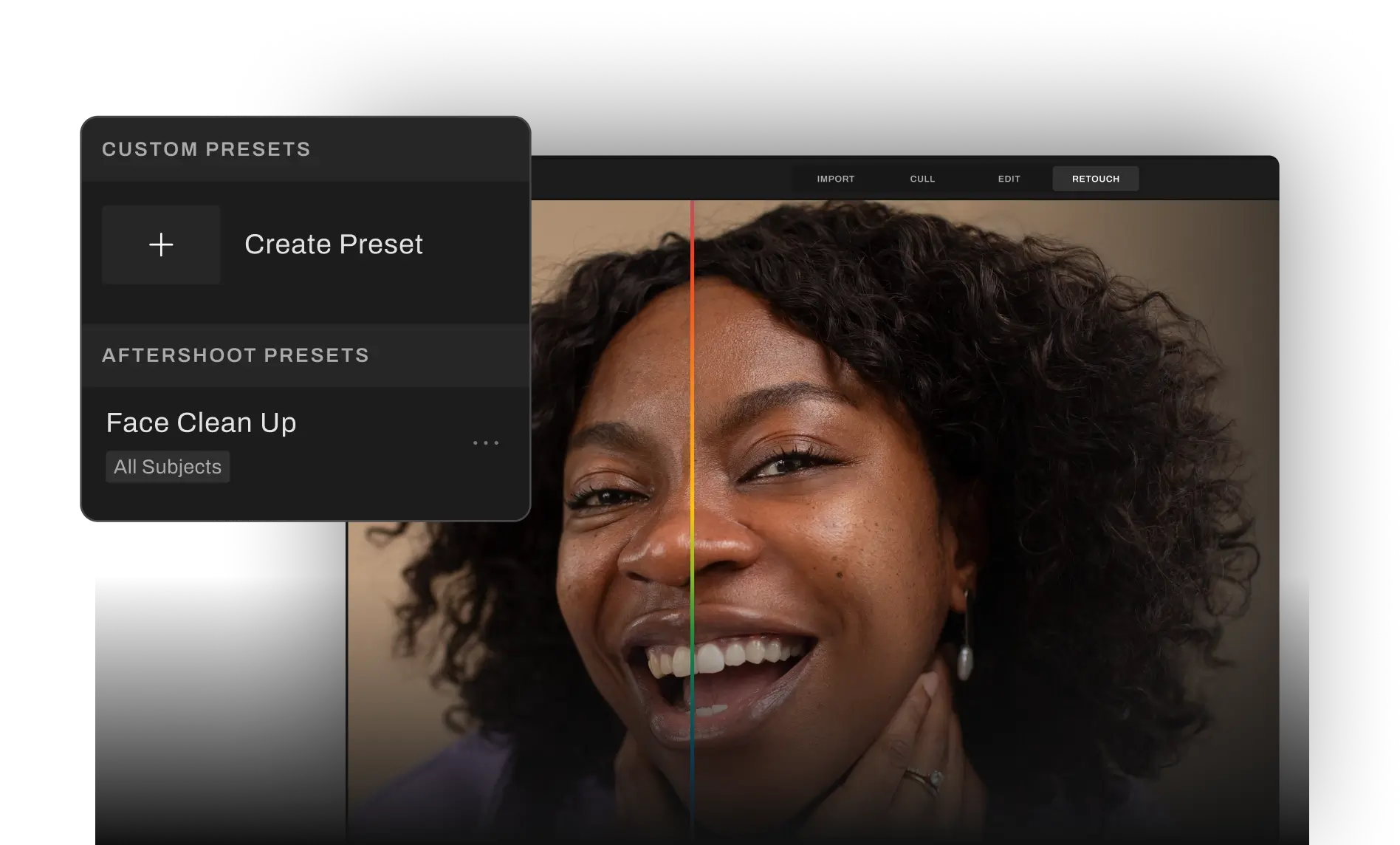
Aftershoot delivers flawless yet real results with its advanced, automated retouching in one pass: blemish removal, wrinkle reduction, eye brightening, teeth whitening, flyaway cleanup, glare fixes, and more. Capture One's retouching is minimal - basic healing and cloning.
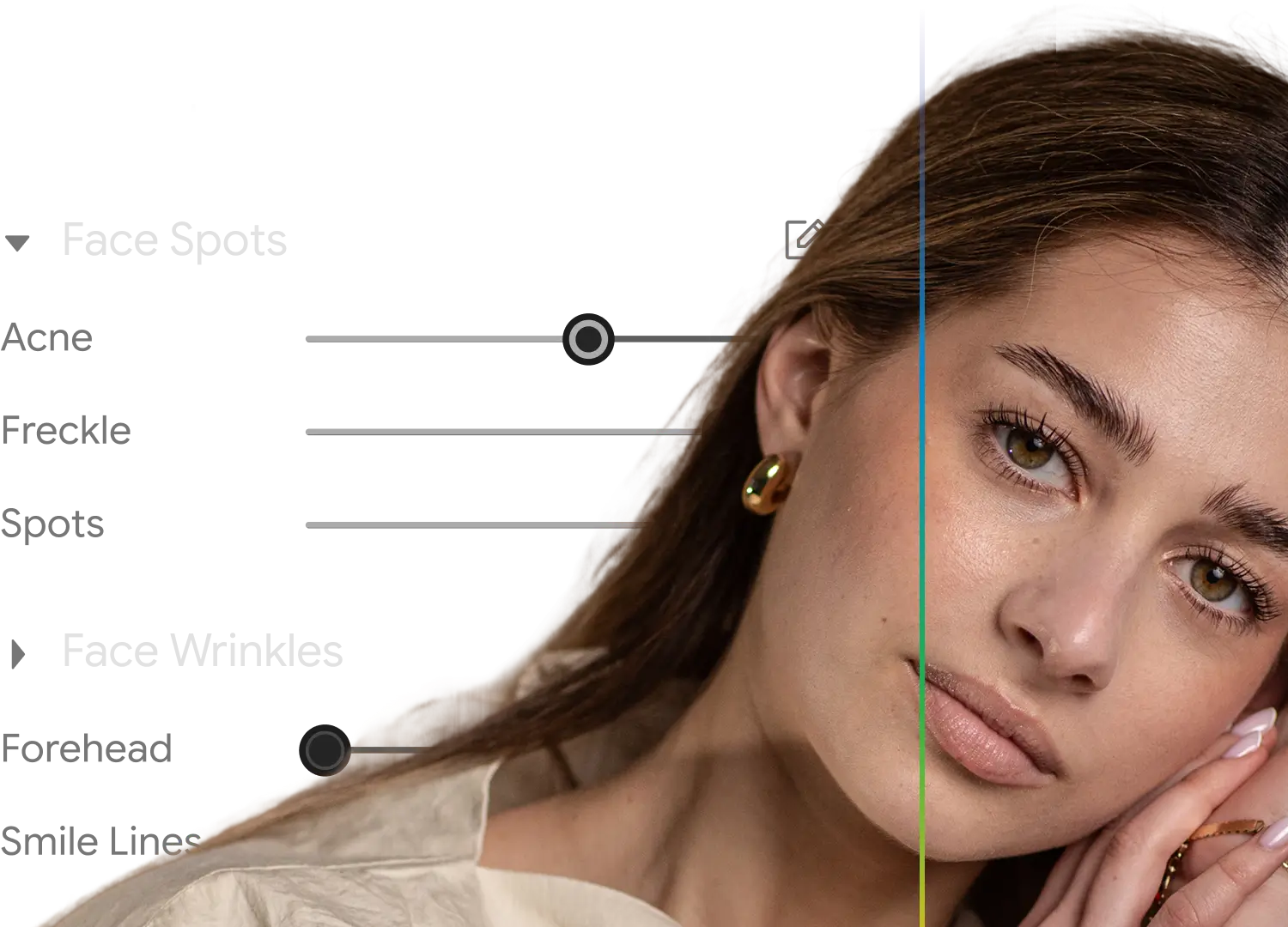
AI-Powered Retouching, Not Manual Adjustments
Retouch entire galleries in minutes with natural, photographer-approved results. Capture One still requires manual review and brushwork for every single edit.
Instant Productivity, Not Months of Training
Aftershoot’s clean, intuitive UI makes it easy to learn and even easier to master - no manual masking, no weeks of workflow training.
Wondering How We Stack Up?
Let’s break it down!
Benefit
All-in-One Retouch Panel
Learning Curve
Batch Retouching
Smart Subject Selection (Group / Age / Gender)
Correct Changes Tool
Retouching Presets
AI-Powered Workflow
Glare & Flyaway Removal
AI-Powered Tools



Basic face retouching

Pro offers Assisted Masking, but retouching stays manual.
What this means for
your workflow
All-in-one clean interface with everything you need.
Aftershoot is ready in minutes; Capture One demands time to master it.
Edit entire shoots in minutes, perfect for high-volume photography.
Precisely retouch group photos without tedious masking.
Liberty to undo specific AI edits without starting over.
Quick start for galleries involving portraits, weddings, newborns, fashion, and more.
Aftershoot automates culling, editing, and retouching with AI. Capture One relies on manual selection.
Automatically handles real-world shoot challenges with AI precision.
Aftershoot's AI manages end-to-end retouching; Capture One offers AI assistance, but manual retouching remains necessary.
Photographers Who Made The Switch And Didn't Look Back

Ricardo Tavares

AI Retouching has been a game-changer! It cut my retouching time in half, making wedding photo editing faster and more efficient.

Silas Hofer
I was hesitant about AI retouching, but Aftershoot gives me full control. It removes flyaways and blemishes without making skin look fake - saving me time while keeping my photos natural.

Sokratis Katsanos
With AI Retouching, I can edit multiple people at once
perfect for high-volume wedding photography!

Christopher Stiles
Finally had a chance to try out the Beta retouching in Aftershoot. So much potential, so much time saving, so much winning!
Retouch Smarter. Go Beyond Studio-Only Tools.
Real photography isn't studio-perfect. Aftershoot's AI handles messy weddings, tricky outdoor shoots, and unpredictable event lighting.
 Start Retouching For Free