

TL;DR
- Aftershoot Galleries is the best option for workflow integration, letting you deliver photos straight from your editing pipeline instead of juggling separate apps.
- Pixieset and Pic-Time lead in standalone gallery design and marketing features, but lack native culling and editing integration.
- ShootProof is ideal for photographers who need bundled contracts and invoicing without paying for storage by the gigabyte.
- SmugMug offers unlimited storage for heavy archivers but takes a 15% commission on print sales.
- Squarespace and Wix are great for building public portfolios, but they aren’t built for professional client proofing or secure gallery delivery.
You finally start feeling relaxed after editing a massive wedding gallery. The colors look perfect, the timeline flows beautifully, and you know your clients will be thrilled.
Then, the reality sets in. You still need to export hundreds of high-resolution files, wait for them to upload to a gallery platform, configure download permissions, and build a custom cover. Delivering photos often takes just as much energy as editing them.
That friction usually boils down to a disjointed toolstack. Choosing a hosting platform built to streamline rather than fragment your post-production eliminates these final-mile bottlenecks.
In this guide, we break down the best photo hosting sites for professional photographers, comparing how leading platforms handle everything from client proofing and print sales to workflow automation, so you can deliver faster and reclaim your weekends.
Feature Comparison Breakdown of the Best Photo Hosting Sites
| Platform | Best For | Proofing & Privacy | Branding & Sales | Storage | Workflow Integration |
| Aftershoot Galleries | Complete workflow & fast delivery | Password + AI Face Gating; built-in proofing | Custom branding; integrated 0% commission sales | 10 GB free, unlimited available | Native to Aftershoot cull/edit pipeline |
| Pixieset | Design-forward delivery | Passwords & client favoriting | Custom branding; 0% commission (paid) | 3 GB free up to unlimited | Separate suite for CRM/website |
| Pic-Time | Marketing automation | Passwords; AI face search | Custom branding; 0% commission (paid) | Up to unlimited on top tier | No native editing integration |
| ShootProof | Built-in business tools | Passwords & standard proofing | Custom branding; 0% commission (paid) | Priced by photo count | Contracts/invoicing bundled |
| SmugMug | High-volume archiving | Proofing on top tiers only | CSS control; 15% commission | Unlimited storage | Lightroom sync |
| Squarespace | Public portfolios | Not included natively | E-commerce available (0% on top tiers) | Varies by plan | None |

Do you need a portfolio site or a client gallery?
When photographers search for photo hosting, they are usually trying to solve one of two completely different problems:
- Public lead generation: You need an open, high-impact storefront to display a curated portfolio, rank on Google, and convert prospective inquiries into bookings.
- Private client delivery: You need a secure, friction-free portal to deliver hundreds of high-resolution proofs, collect client favorites, sell prints, and issue downloads.
A client gallery platform (like Aftershoot Galleries or Pixieset) is designed for delivery. These tools handle the heavy lifting of client proofing, secure downloads, and print sales.
A portfolio website (like Squarespace or Wix) is your digital storefront. It’s public-facing, highly customized, and built to attract new clients. However, these platforms fall apart when you try to deliver 500 high-resolution images to a paying client securely.
Most professional photographers need both. But for this guide, we are focusing heavily on the platforms that actually deliver your hard work to your clients.
What makes a great photo hosting platform?
Not all gallery tools are built the same. Some are glorified file-sharing links, while others are full delivery-and-sales engines. Before comparing platforms, evaluate them on these eight specific features:
- Proofing
Can clients favorite, comment, and select images directly in the gallery, or do you need to send them a separate link?
- Branding
Does the gallery carry your custom logo and colors, or does it look like a generic template?
- Downloads
Are full-resolution downloads included for your clients, or are they gated behind confusing upsells?
- Privacy
Does the platform offer password protection and individual face-based access controls for large shared events?
- Storage
Is there a free tier, and how does pricing scale as your archive grows over the years?
- Video
Can you deliver video alongside stills in the exact same gallery?
- Sales
Can clients buy prints and digital downloads directly, and what commission does the platform take from your profit?
- Workflow integration
Does the gallery connect to your editing and culling process, or is it a disconnected extra step that forces you to export and re-upload?
Top Client Delivery Platforms for Photographers
These platforms are built specifically for handing off final images to clients.
1. Aftershoot Galleries
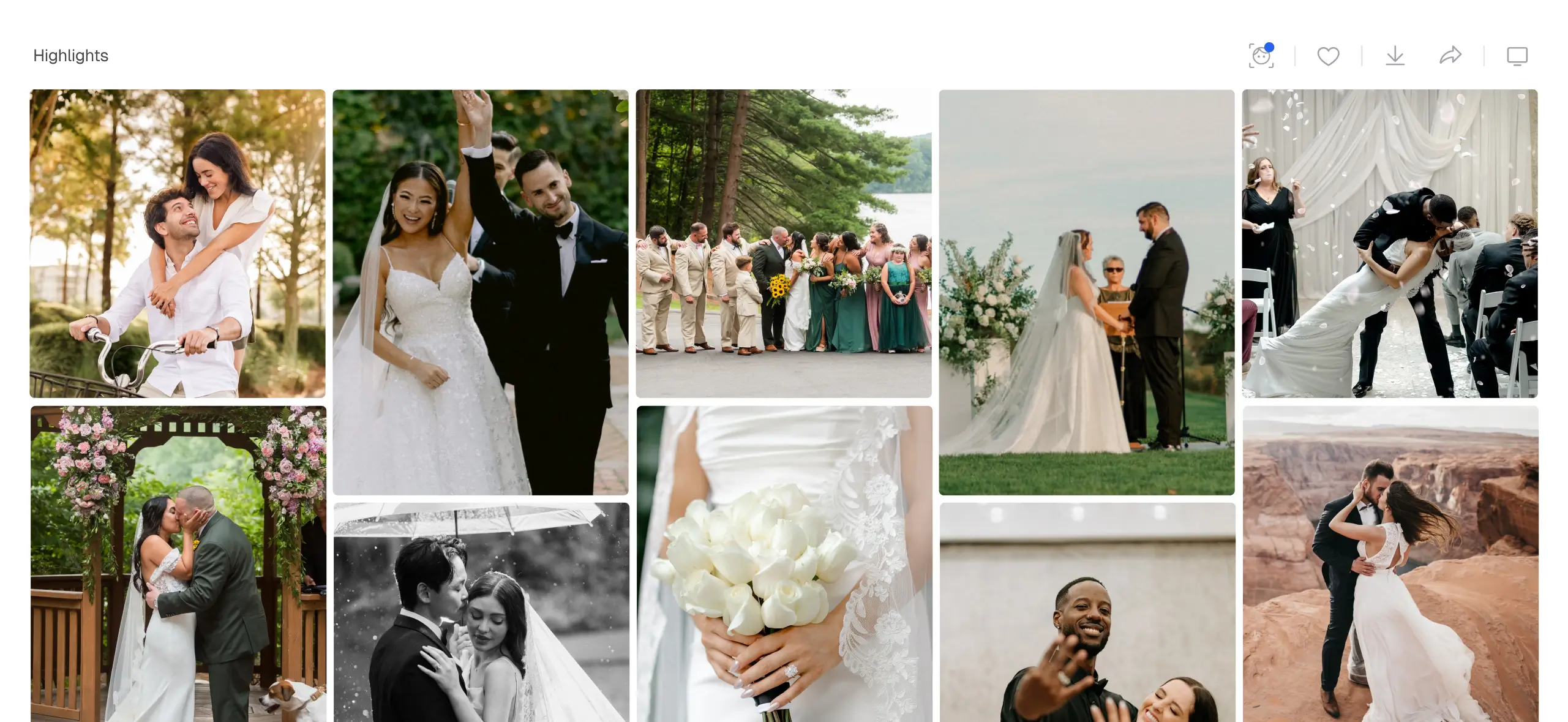
Aftershoot Galleries is the standout choice for professional photographers who want delivery built directly into their existing culling and editing workflow.
It starts you off with 10 GB of free photo storage and 1 GB of video storage. For photographers who deliver at a high volume, there is an unlimited plan available.
What sets Galleries apart is how much it accomplishes without forcing you to leave the platform. Clients can browse, favorite, comment, and download directly inside the gallery. Built-in AI lets your clients find their own photos instantly through face-based filtering and keyword search.
If you shoot large weddings or volume photography, Face Gating is a massive advantage. It lets guests see only the photos they appear in, providing a strong privacy layer on top of standard password protection.
Every gallery inherits your custom logo and watermark, so the delivery feels entirely yours. Photos and videos live together in a single link. Best of all, clients can purchase prints or digital packages without leaving the gallery, and Aftershoot doesn’t take a commission on paid tiers.
The biggest differentiator is workflow integration. Aftershoot already handles culling, retouching, and AI editing for thousands of photographers. Galleries plugs directly into that same pipeline. You can move from your final edit straight to client delivery without exporting to your hard drive and re-uploading to a third-party site.
2. Pixieset

Pixieset is one of the most recognized names in client galleries, largely because of its polished, easy-to-navigate design.
Its free plan includes 3 GB of storage, though it carries a 15% commission on your store sales. Paid tiers start at $8/month (billed annually) for 10 GB and scale up to an Ultimate plan at $40/month (billed annually), which gives you unlimited storage and five hours of HD video hosting.
Proofing, custom branding, and full-resolution downloads are all included once you move to a paid plan. However, Pixieset’s website builder and studio management tools are sold as separate products. If you want their full suite, the monthly cost increases quickly.
3. Pic-Time

Pic-Time is known for its sophisticated marketing automation. The platform can trigger abandoned cart emails and print discounts automatically based on how your clients interact with their gallery.
Like Aftershoot, its free plan offers 10 GB of photo storage, 1 GB of video storage and carries a 15% store commission, while paid plans drop this to 0%. Paid plans start at roughly $21/month (billed annually) for 100 GB of storage.
Pic-Time offers excellent proofing and sales tools, and they also include AI face search for clients. However, it lacks native workflow integration with your editing software, meaning you still have to manage the export and upload process manually.
4. ShootProof
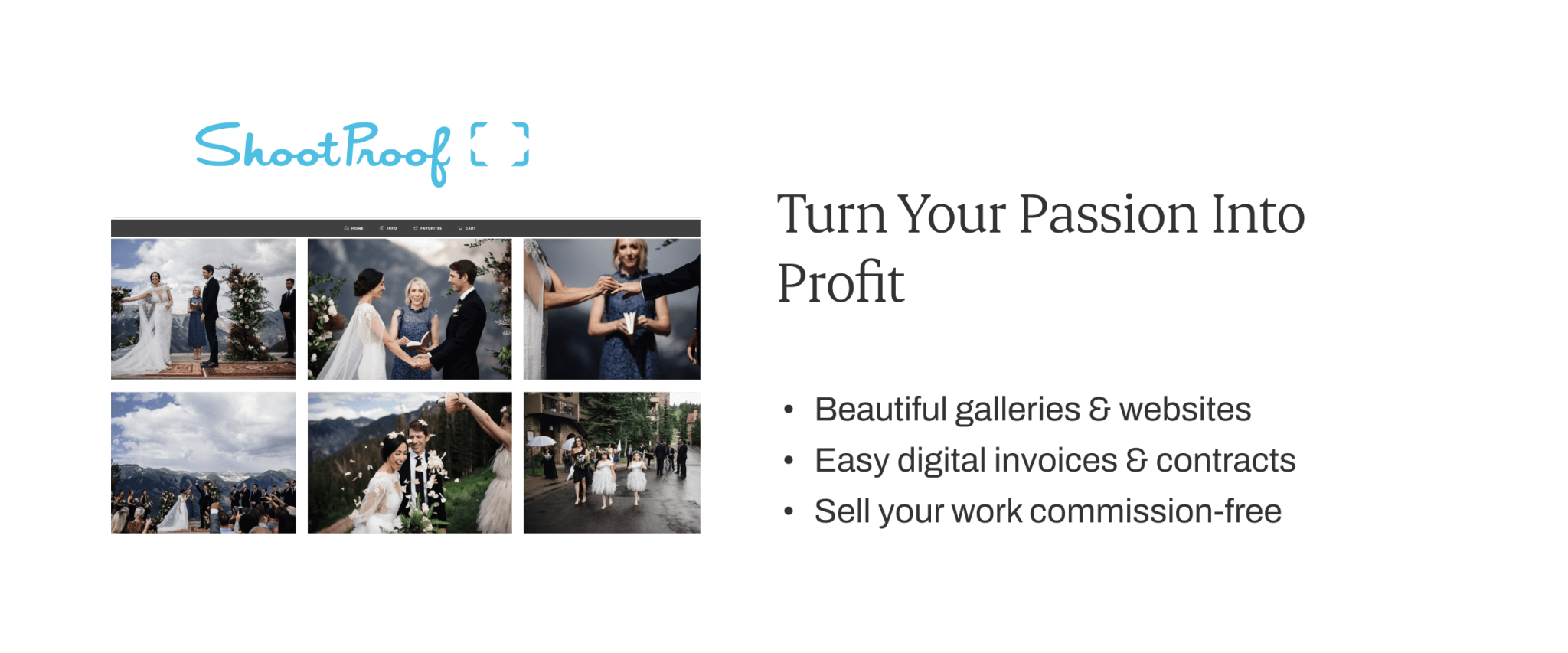
ShootProof takes a different approach to pricing. Instead of billing by the gigabyte, they scale their plans based on the number of photos you host. They offer a free plan for 100 photos.
Every paid plan includes their full set of features starting from $8.33/month (billed annually). The recommended plan for pros is the 25,000 Plan at $26.67/month (25,000 photos, billed annually). Contracts and invoicing are bundled in at no extra cost, which makes this a great choice if you don’t already use a CRM like HoneyBook or Dubsado.
ShootProof handles standard proofing and privacy well, though many photographers feel its gallery design is a bit less modern than its competitors.
5. SmugMug
SmugMug bridges the gap between a public portfolio and a private client gallery. Its headline feature is unlimited photo and video storage on every single paid plan, which range from $20/month (billed annually) to $55/month (billed annually).
If you are a high-volume photographer looking for a place to archive decades of work, SmugMug is incredibly reliable. However, client proofing and print sales are only unlocked on their higher Portfolio ($23.50/month, billed annually) and Pro ($37.00/month, billed annually) tiers.
SmugMug also takes a 15% commission on your sales markup across the board. While it integrates nicely with Lightroom, the actual client delivery experience feels a bit more rigid than dedicated gallery tools.
Top Website Builders for Photographers
If your primary goal is to build a public portfolio to attract new clients, these hosting platforms offer the best design tools.
1. Squarespace
Squarespace is widely considered the best website builder for photography portfolios. Its templates are heavily geared toward high-impact visuals, and its image handling automatically scales photos for different devices so your site loads fast.
While it is excellent for public branding and offers basic e-commerce, Squarespace does not have native client proofing galleries. You will need to pair it with a delivery tool like Aftershoot Galleries to handle client handoff.
2. Wix
Wix offers total creative freedom with true drag-and-drop design. It features a free tier and includes the Wix Pro Gallery, which allows photographers to disable right-click downloads and add automatic watermarks to protect their work.
Wix has hundreds of templates, but unlike Squarespace, you cannot easily swap your template after publishing without rebuilding your site. Like Squarespace, it lacks native professional proofing workflows.
3. WordPress (with Gallery Plugins)
For photographers who want total control over their hosting, WordPress is the answer. By combining basic web hosting with dedicated photography plugins like Sunshine Photo Cart, you can build a portfolio, host client galleries, and manage sales with zero monthly gallery fees.
The downside is the setup load. This route requires a high level of technical comfort to build, update, and secure over time.
Where Workflow Integration Saves You Hours: The Post-Edit Handoff
If you evaluate hosting sites purely on storage price, several platforms look identical on paper. But price-per-gigabyte isn’t the whole story. The real cost is the time you spend stitching together your workflow.
Most client gallery platforms are excellent at delivery, but they are completely disconnected from everything that happens before delivery. You still have to wait for Lightroom to export, open a web browser, upload to a separate gallery tool, and manually recreate your branding settings for every single shoot.
This is where Aftershoot Galleries changes the game.
Because it’s built directly into the same platform that handles your culling and editing, delivery simply becomes the final step of your editing process. You finish your edit, and the gallery is ready. It’s automatically populated with your custom branding, AI-powered face search for your clients, privacy controls, and an integrated store for print and digital sales.
Instead of spending hours sorting files and waiting on progress bars, you can move straight into refining your final gallery and sending it off.
Closing Thoughts on the Best Photo Hosting Sites
Choosing the right photo hosting site comes down to respecting your own time.
If you just need a place to show off your best public work, a website builder like Squarespace is your best bet. If you want heavy marketing automation, Pic-Time is a strong contender.
But if you want your proofing, privacy, sales, and delivery to work as one connected system without breaking your editing workflow, Aftershoot Galleries is the clear winner. You can start with the free 10 GB storage plan today, and see how quickly you can deliver your next shoot from final edit to client inbox.
FAQs for Best Photo Hosting Sites for Professional Photographers
1. What is the most secure way to share photos with clients?
The most secure method is using a dedicated client gallery platform that offers password protection, hidden links, and PIN requirements for downloads. Tools like Aftershoot Galleries also offer Face Gating, ensuring clients only see images they personally appear in.
2. Can I host videos in the same gallery as my photos?
Yes. Most modern platforms, including Aftershoot, Pixieset, and SmugMug, allow you to upload and host videos directly alongside your still images. This provides a much better client experience than sending a separate link for videography.
3. Do I have to pay commissions on print sales?
It depends on the platform and your subscription tier. Free plans on platforms like Pixieset and Pic-Time usually take a 15% commission. Upgrading to a paid plan on most dedicated gallery platforms will drop that commission to 0%, allowing you to keep all your profits.
4. Why shouldn’t I just use Dropbox or Google Drive?
Cloud storage drives are great for personal backups, but they offer a terrible client experience. They lack professional branding, they don’t allow clients to easily favorite or comment on images, and they don’t have built-in print stores to help you generate passive income.
What happens to my galleries if I cancel my subscription?
Most gallery platforms will suspend access to your live client galleries immediately upon cancellation, and eventually delete the stored files after a grace period. If you plan to switch platforms, make sure you download backups of all live galleries and inform your clients before making the move.




