You shoot. Aftershoot handles the rest.
Cull, edit, retouch, and deliver – one complete platform, built for professional photographers.
Most photographers don’t have a creativity problem. They have a time problem.
Think about what actually happens after a shoot. You come home with thousands of photos, and before you can deliver a single image, you’re spending hours culling through duplicates, editing for consistency, retouching the hero shots, and then uploading everything to a delivery platform, likely one that has nothing to do with the tools you just used.
It’s a lot. And it’s safe to say none of it is the work you actually got into photography to do.
That’s the problem we’ve been working to fix.
Why This Still Hasn’t Been Solved
Two things have kept post-processing fragmented even as tools have gotten better and AI has gotten smarter.
First, no single product has earned trust across the board. Photographers don’t switch to an all-in-one tool just because it exists – they only switch when every part of it earns their trust. A wedding photographer shooting 1,000 frames is still bouncing between apps before they’ve edited a single photo.
Second, these tools don’t talk to each other. They’re built as standalone products, not parts of a shared system – so you’re the one connecting them. You export from one app, import into another, reorganize your folders, and keep track of where you left off. Every handoff costs time, and the handoffs add up.
That’s why post-processing still feels like logistics. Until now.
What’s Changed
With this update, we’ve tackled both problems at once.
We’ve made each part of the workflow meaningfully stronger – not just incremental improvements, but changes that you’ll feel in your day-to-day. And we’ve built the connections between those parts so that the work you do in one step directly feeds the next.
Here’s what that looks like in practice:
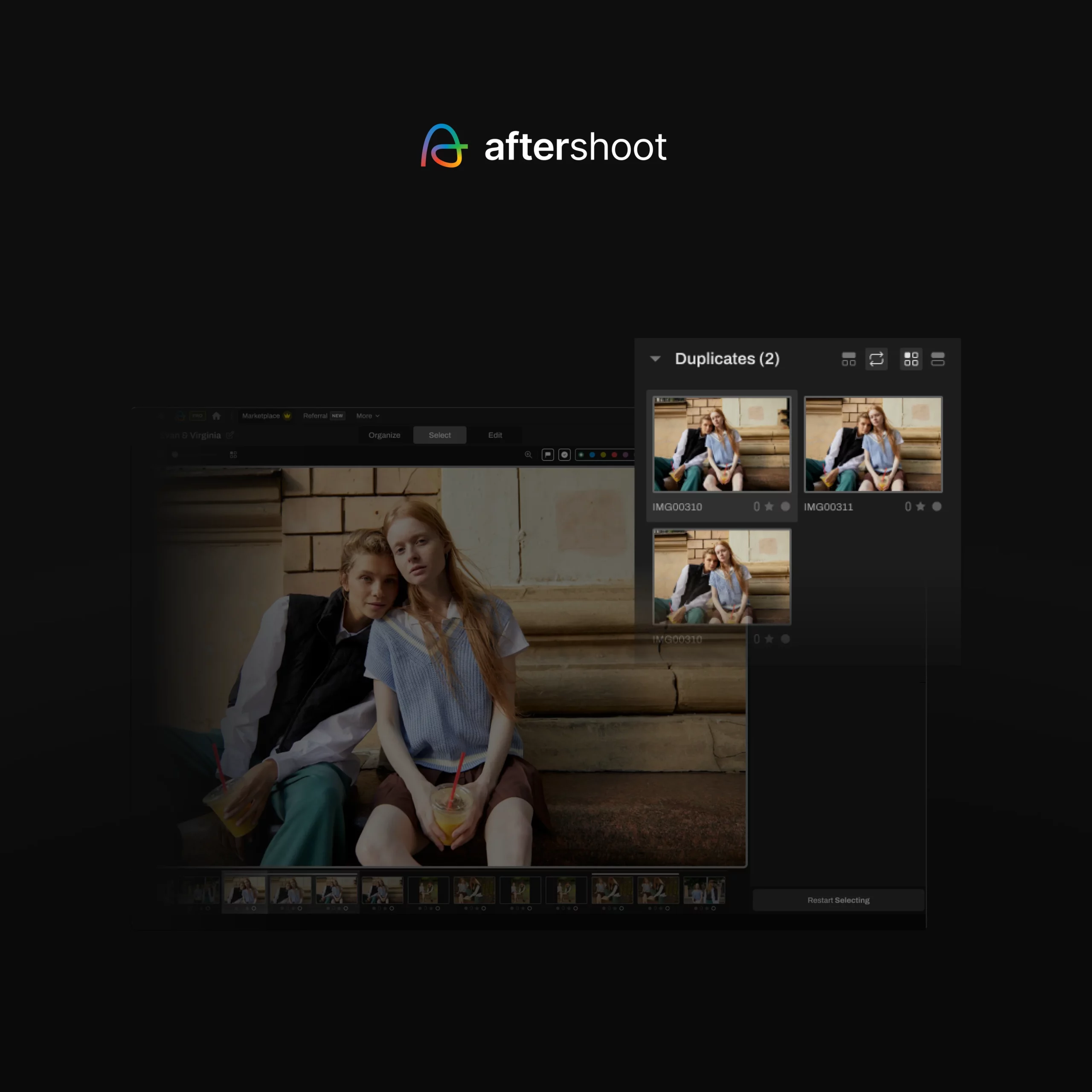
Select now yields tighter output due to improved accuracy in duplicate detection & grouping. The AI distinguishes near-duplicates from intentional variations – moments versus near-identical frames – so you get a tighter output. Less manual cleanup after the AI pass. Less fatigue going into editing.
Edit now lets you fine-tune AI edits directly inside Aftershoot. The built-in RAW editor means you refine, correct, and export without leaving. Skin tones stay consistent, whites stay true, and frame-by-frame correction across an album becomes the exception rather than the rule.
Retouching now runs on RAW files and it stays inside Aftershoot. Alongside new additions like Background Replacement and Cloth Dewrinkle and improvements to skin and hair retouching, the entire final polishing happens inside Aftershoot, right where you completed editing.
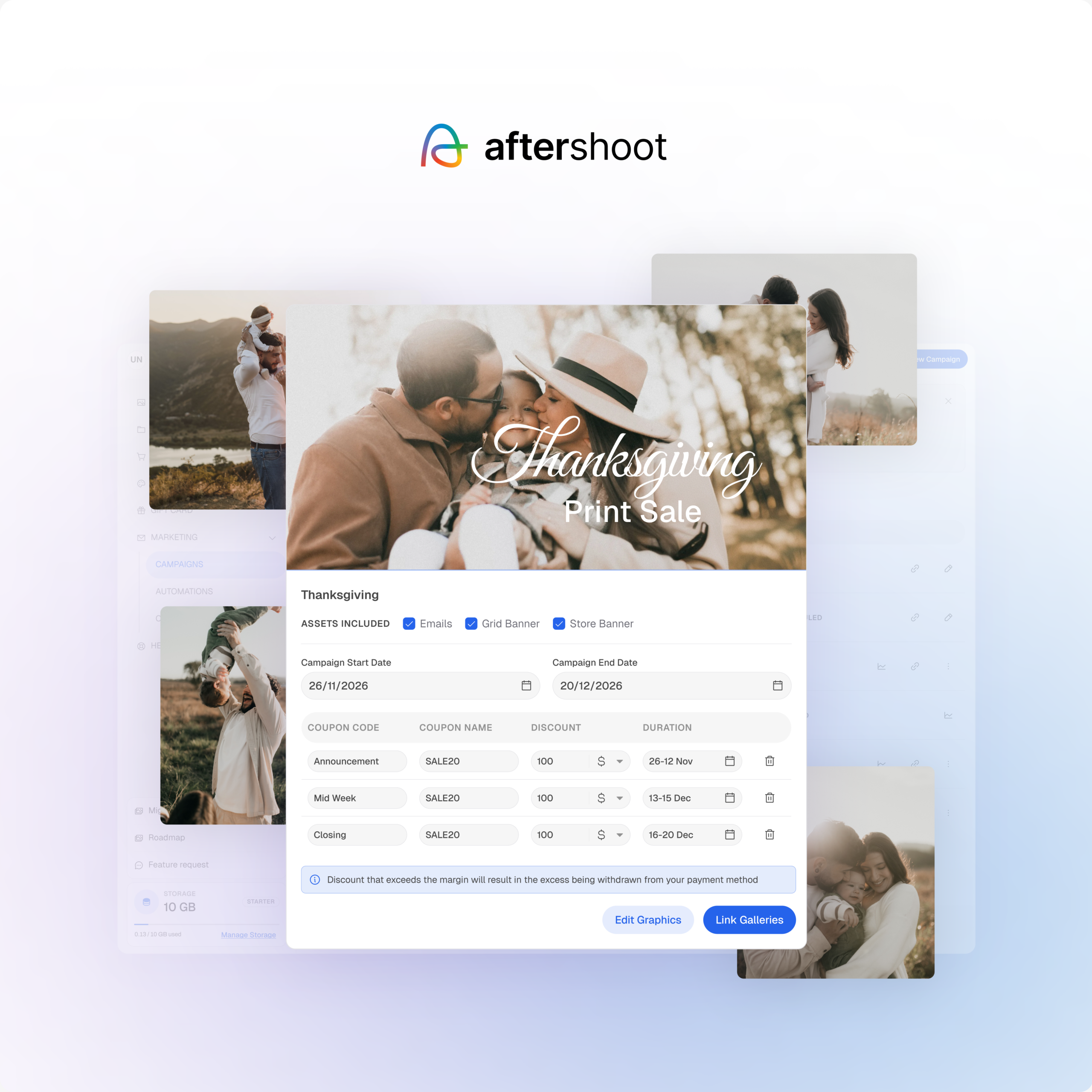
Deliver Every Gallery Without Limits. Create beautiful client galleries with 100 GB free storage until Galleries pricing officially launches, built-in proofing, and print sales – all in one place.
Pricing now reflects how you actually work. Use only what you need, pay only for that, and unlock better value as you build toward the full workflow. More on this below, too.
What’s different about all of this isn’t just that each tool improved. It’s that the improvements compound. A tighter cull means less time spent doing the final pass. Better editing means less retouching. Retouching that finishes inside Aftershoot means delivery starts sooner. And delivery that lives in the same platform as Galleries means the whole job – from start to finish – stays in one place.
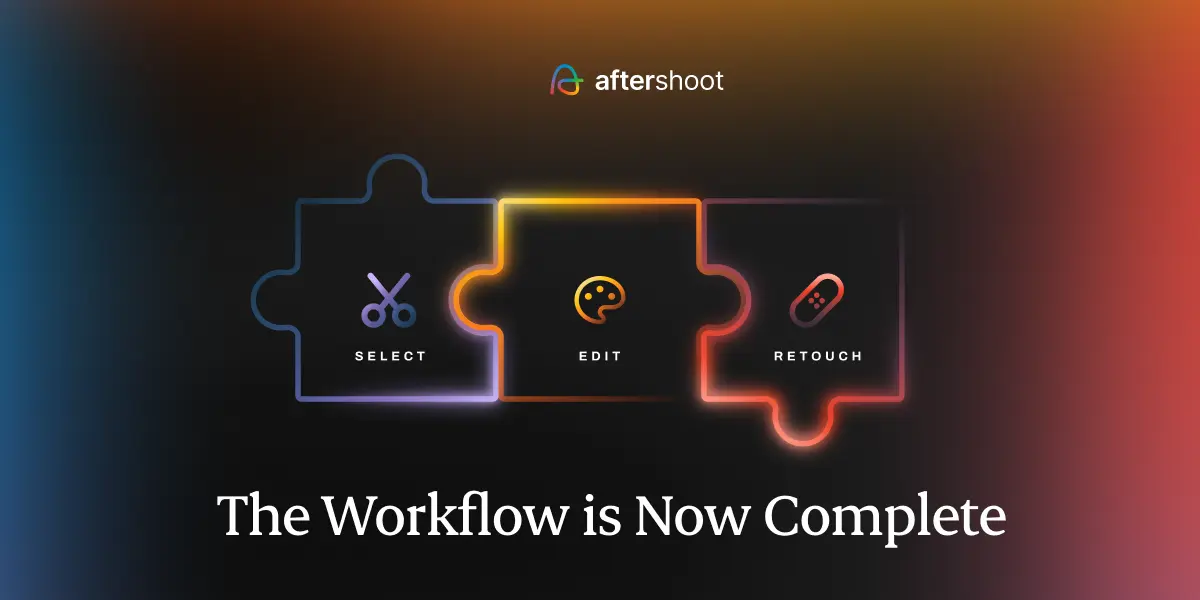
The Workflow, Step by Step
Select
Less noise, more intention. Your Complete workflow starts cleaner.
The cull sets the tone for everything that follows. If your selects are tight, editing is faster, retouching is focused, and delivery is cleaner. If the cull is slow or unreliable, you’re carrying that extra work through every step that comes after.
The updated culling AI gives you smarter duplicate grouping and a noticeably tighter output – roughly 20% less clutter to sort through. It’s more accurate on blur and closed eyes, so fewer genuinely good shots slip through, and fewer bad ones stay in. Less manual cleanup. More confidence in what makes the cut.
Edit
Consistent edits. Full RAW control. One Complete edit, never leaving Aftershoot.
Once your final photos are locked in, editing should feel like the natural iteration – clean, consistent, and ready to hand off to retouching.
The most significant change here is white balance handling which means more consistent looks across the album. Inconsistent color tones between frames shot in different parts of the same venue are a problem of the past. You’re doing less frame-by-frame correction and more global finishing – which is what batch editing should feel like.
Beyond that, smarter auto-cropping and straightening mean fewer shots that need manual intervention before they’re ready. Aggressive crops get handled more accurately. Horizon lines come in cleaner. The images that come out of the AI pass are closer to done.
RAW Editing
This one deserves its own mention because it’s one of the most meaningful shifts in this launch.
Until now, fine-tuning your AI edits meant leaving Aftershoot. You’d export to Lightroom or another app, make adjustments, and bring the files back. It worked, but it added a step, and that is the fragmentation we’re here to fix.
The built-in RAW editor changes that. You can now open any image, refine the AI’s adjustments directly on the RAW file, and export JPEGs or TIFFs – all without leaving Aftershoot. It’s not a replacement for a dedicated editing suite, but for the fine-tuning that happens at the end of a session, it removes the detour entirely.
Retouch
Accurate at scale, stable under pressure. Complete, all the way to delivery.
Retouching used to be the step that required the most switching. A TIFF export, a detour into a dedicated app, and then a trip back, all for work that needed to happen before delivery. In Aftershoot, retouching now runs directly on RAW files – the most important change in this update. You can now seamlessly go from editing in Aftershoot to retouching, on the same RAW files, without losing your work or your momentum.
This update also focuses on fixing what slowed the transition from editing to retouching. Acne, blemish, and hair detection are more accurate, so the AI’s first pass needs less manual correction. Texture is preserved rather than smoothed over, so you’re not left with that flat, smudged look that makes AI retouching obvious.
On the background side: background replacement comes with controls for custom backgrounds, blending, edges, and opacity. For headshots in particular, where the same subject is photographed across multiple setups for different end uses – LinkedIn, a company website, a press kit, a speaker bio – you can apply and switch backgrounds across the full set without touching each image individually. One session, multiple deliverables, no re-staging, with enough control to make it look intentional.
Deliver Every Gallery Without Limits
The final step of the workflow, finally connected.
This is the part that changes the most about how the whole system feels.
Until now, delivery meant leaving. You’d download your finished files and upload them somewhere else – a separate gallery platform, a separate subscription, a separate login, a separate experience for your clients that had no connection to the work you’d just done. It was the final step in the workflow, and it was the most disconnected one.
Aftershoot Galleries closes that gap and then some.
- 100 GB free until Galleries pricing officially launches – So photographers can explore the workflow, test galleries with clients, and experience delivery before paid plans officially roll out.
- Your work, delivered your way – Create branded client galleries that look and feel like your business. Your name, your aesthetic, your first impression – not a generic platform your clients have seen a dozen times before.
- Clients can do more than just download – This isn’t a file drop. Clients can browse, favorite the images they love, and interact with the gallery – making the delivery experience feel considered rather than transactional. When clients can engage with their photos, they invest in them. That matters for print sales, for referrals, and for how they remember working with you.
- Filter by faces – clients can search the gallery using facial recognition and find their own photos instantly, without scrolling through every image
- Built-in print store – sell prints directly from the gallery with WHCC, Bay Photo, and Atkins Pro Labs integration. No separate storefront required
- Direct export from Aftershoot – the moment you’re done editing, your images go straight to the gallery; no downloads, no re-uploads, no switching.
This is the part of the workflow that used to require the most effort after the work was done. Now it requires none. The gallery is no longer a separate destination – it’s the natural end of the same process that started with the cull.
Pricing: Pay for What You Use
Aftershoot now uses a modular pricing structure. You choose the tools that fit your current workflow and pay only for those. No more paying for a culling tool you don’t use because it’s bundled into your editing plan.
| Plan | Monthly (billed annually) | Monthly |
| Aftershoot Complete (Select + Edit + Retouch) | $45/mo (save 25%) | $55/mo (save ~18%) |
| Select only | $10/mo | $15/mo |
| Edit only | $30/mo | $35/mo |
| Retouch only | $20/mo | $25/mo |
| Select + Edit | $40/mo | $50/mo |
| Select + Retouch | $30/mo | $40/mo |
| Edit + Retouch | $50/mo | $60/mo |
A few things worth knowing:
- If you’re an existing user, your pricing won’t go up. You can stay on your current plan – no forced migration, no surprises.
- If you use Retouch, it’s now a paid feature for all users. The free access is going away, so now is a good time to review your plan.
- If you use all three tools, the Aftershoot Complete (Select + Edit + Retouch) bundle gives you the best value – 25% off the annual plan compared to paying for each separately.
Start with what your workflow needs today. Add more as it grows.
What This Means for You
To put it plainly:
- Less time switching tools – the entire post-processing workflow lives in one place, from first cull to final delivery
- Faster turnaround – every step is quicker, and the connections between steps remove the gaps that used to cost the most time
- Less manual correction – smarter AI across culling, editing, and retouching means fewer fixes at every stage
- More control where it counts – advanced masking, personalized profiles, and precise color tools let you go as deep as the job requires
- New ways to earn – the print store turns every gallery into a revenue opportunity
It Starts Here
For the first time, the entire post-processing workflow – from the first frame you cull to the final image your client downloads – can happen in one place. Not because features were bundled together, but because the workflow was built to connect.
That’s what makes this different from a regular update.