

TL;DR
- Beyond File Delivery: Modern photo sharing platforms focus on guest discovery, seamless video streaming, and rapid client access rather than raw cloud storage.
- Direct Edit-to-Share Workflow: Aftershoot Galleries streamlines post-production by eliminating file exports and manual re-uploads, utilizing AI face recognition for instant guest photo discovery.
- Website & Gallery Combos: Pixieset and Zenfolio serve as all-in-one solutions for photographers wanting integrated portfolio websites alongside client photo delivery.
- Aesthetic Presentation: Pic-Time offers elevated gallery aesthetics and automated marketing campaigns tailored for wedding and fine-art photographers.
- Granular Guest Privacy: Innovations like Face Gating allow photographers to restrict shared gallery links based on face matching, providing enhanced privacy for large events.
- Integrated Video Support: Leading platforms now support direct high-resolution video delivery within the same link as photo galleries.
The editing is done… your gallery is culled, retouched, and ready to be shipped.
Now, someone has to actually get 800 photos and a highlight reel into a client’s hands, in full resolution, without three follow-up emails asking how to download them. (Basically, it’s… show-time!)
Now, that’s a narrower problem than picking a ‘client gallery platform,’ and it deserves a narrower answer. A photo sharing platform for photographers isn’t judged on proofing tools or sales upsells first. It’s judged on whether a bridesmaid can find her own photos in a 2,000-image wedding gallery, whether the groom’s parents can download the ceremony video without creating an account, and whether you can hand off that link and move on to your next shoot.
This guide breaks down seven of the photo sharing websites photographers use most for delivery: what each one actually includes, what it costs, and who it fits.
How to Choose the Right Photo Sharing Platform for Photographers
Here’s what to weigh before picking a photo sharing platform for photographers.
- Your typical gallery size. A platform priced by photo count, like ShootProof, works fine for portrait or family sessions but gets expensive fast once you’re delivering 1,500+ images from a wedding. If your galleries regularly run large, prioritize storage-based or unlimited pricing over per-photo plans.
- How much of your season is video. If highlight reels are a standard part of your delivery, rule out platforms with limited video support early instead of discovering the gap after you’ve uploaded a season’s worth of galleries.
- Who else needs access besides your client. A single password works for a couple reviewing their own portrait session. It doesn’t work as well for a 300-guest wedding where you don’t want every attendee downloading every other family’s photos. If guest privacy at scale matters, look specifically at platforms offering face-matched access rather than one shared password for the whole gallery.
- Whether you already have a portfolio website. If you don’t have a portfolio, a platform that bundles a website builder with gallery sharing, like Pixieset or Zenfolio, saves you a second subscription. If you already have a site, that bundled feature is dead weight you’re paying for either way.
- How much manual work you’re willing to do per gallery. Exporting, renaming, and re-uploading finished images before every delivery adds up over a full season. If cutting that step matters to you, look for a platform that connects directly to your editing workflow rather than treating upload as a separate task.
- What a busy season actually costs, not just the entry price. Run your expected monthly volume against each platform’s pricing model before committing. A $7/month entry plan can cost more than a $20/month unlimited plan once you’re past a certain volume, the advertised starting price rarely reflects what peak season will actually cost you.
Weigh these against your own delivery pattern before the pricing comparison below, since the “best” platform on paper isn’t always the best fit for how you actually work. Also quick note, the specs mentioned in the table below might matter a little less than how they map to your actual delivery volume, gallery type, and workflow.
Quick Comparison: Photo Sharing Platforms for Photographers
| Platform | Download quality | Video sharing | Guest privacy | Edit-to-share step | Starting price |
| Aftershoot Galleries | Full-res, watermark optional | Yes | Face Gating (face-matched access) | Publishes directly from Aftershoot edits | Free (Starter) with 10 GB Photo Storage and 1 GB Video Storage; Premium$15/mo (billed annually) Unlimited $30/month(billed annually) |
| Pixieset | Full-res or web-size, by setting | Yes | Password-protected sub-galleries | Manual export/upload | Free; $10/mo |
| Pic-Time | Full-res, limits by plan | Yes | Face search on higher plans | Manual export/upload | Free; $8/mo |
| ShootProof | Full-res included | Limited | Password-protected | Manual export/upload | $10.99/mo |
| SmugMug | Full-res, customizable sizes | Yes | Password-protected | Manual export/upload | $20/mo |
| Zenfolio | Full-res, watermarking optional | Yes | Password-protected | Manual export/upload | $7/mo |
| CloudSpot | Full-res, download tracking | Yes | Password-protected | Manual export/upload | Free; $7/mo |
Note: Prices reflect published rates at the time of writing and are subject to change.
Let’s Compare the 7 Best Photo Sharing Platforms for Photographers
1. Aftershoot Galleries
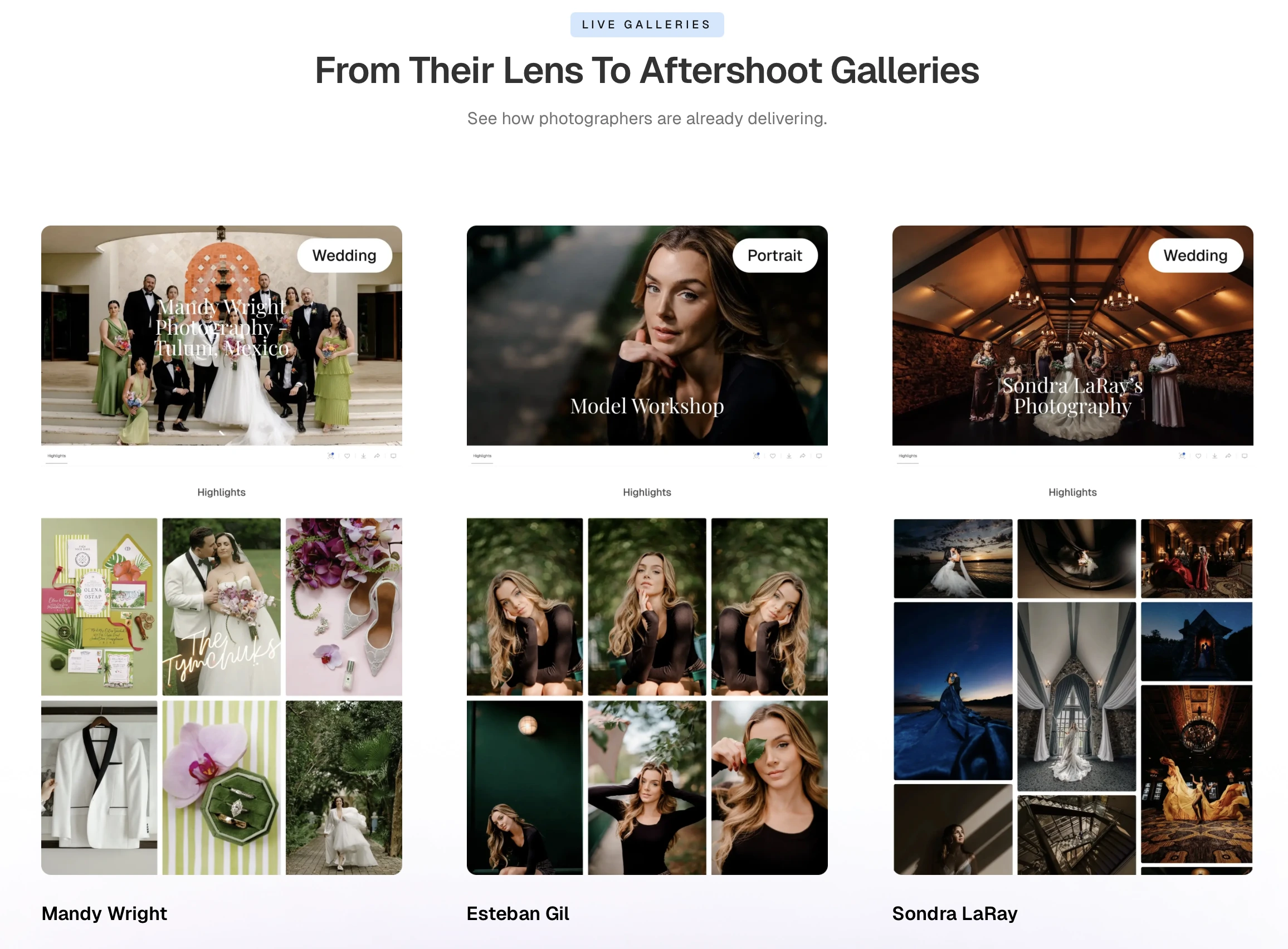
Aftershoot Galleries is the delivery layer built into Aftershoot’s culling, editing, and retouching workflow, and it also works as a standalone photo sharing platform for photographers who don’t use the rest of Aftershoot.
Aftershoot Galleries Features
- Publishes photos and video directly from your Aftershoot edit, with no separate export-and-upload step
- Face Scan lets guests find their own photos instantly
- Face Gating restricts a shared link to only the faces it should show
- Supports photo and video delivery in the same gallery link
- Branded galleries with custom logo and watermarking
- Migration support from Pixieset, Pic-Time, and ShootProof
Aftershoot Galleries Pricing
Start free with the Starter plan to get 10 GB of photo storage & 1 GB video. The Premium and Unlimited tiers keep the same core sharing experience: face-based access, branded galleries, full-resolution downloads, and simply add storage and scale.
Aftershoot Galleries Pros
- No manual export step between editing and sharing
- Face-matched guest access is the most granular privacy control on this list
- Handles photos and video in one link
- Free storage to start, with room to grow into paid tiers
Aftershoot Galleries Cons
- Newer platform, so some advanced print-store customization is still catching up to longer-established competitors
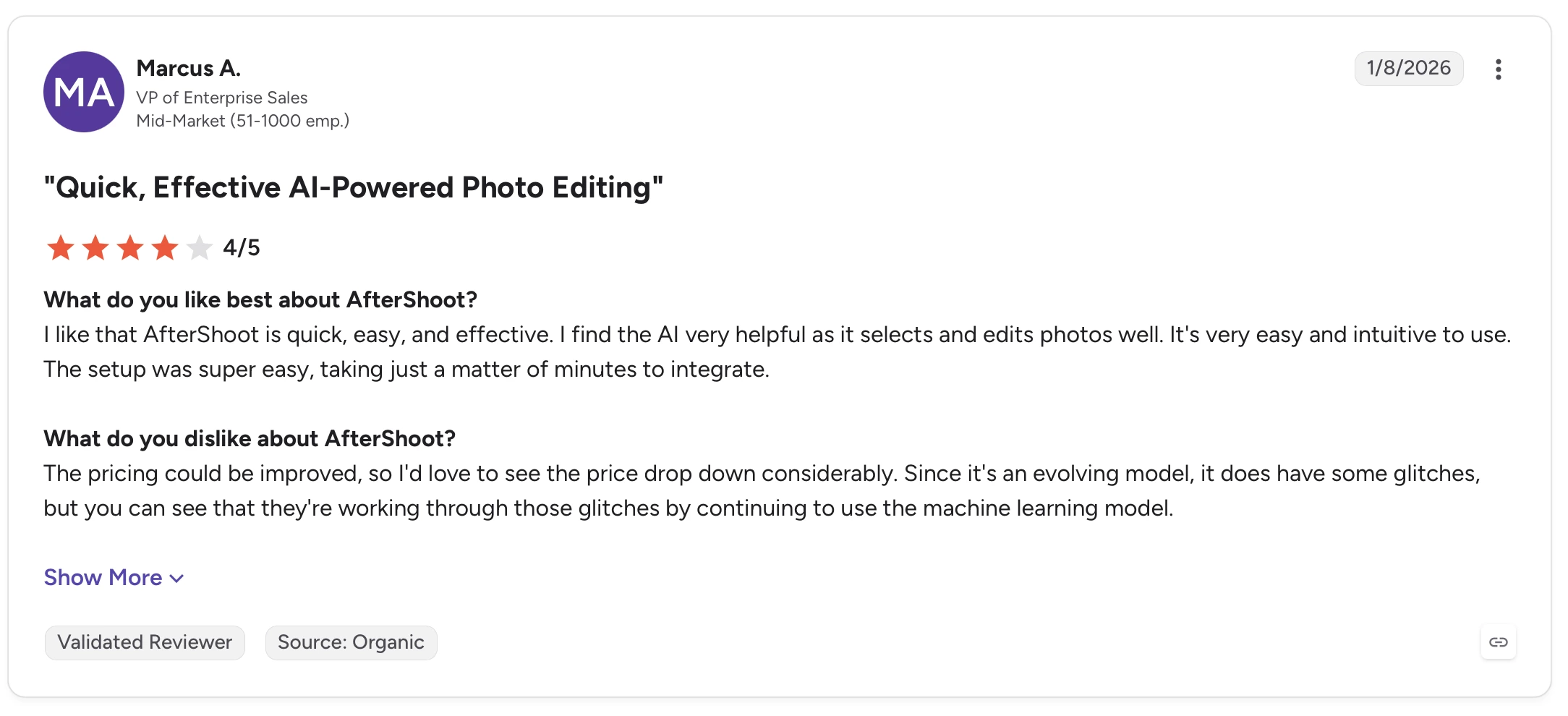
Who Aftershoot Galleries is best suited for
Photographers who already cull and edit in Aftershoot, or anyone who wants photo and video sharing in one link without a separate export step
Create and deliver your first client gallery with Aftershoot Galleries, try it today!
2. ShootProof
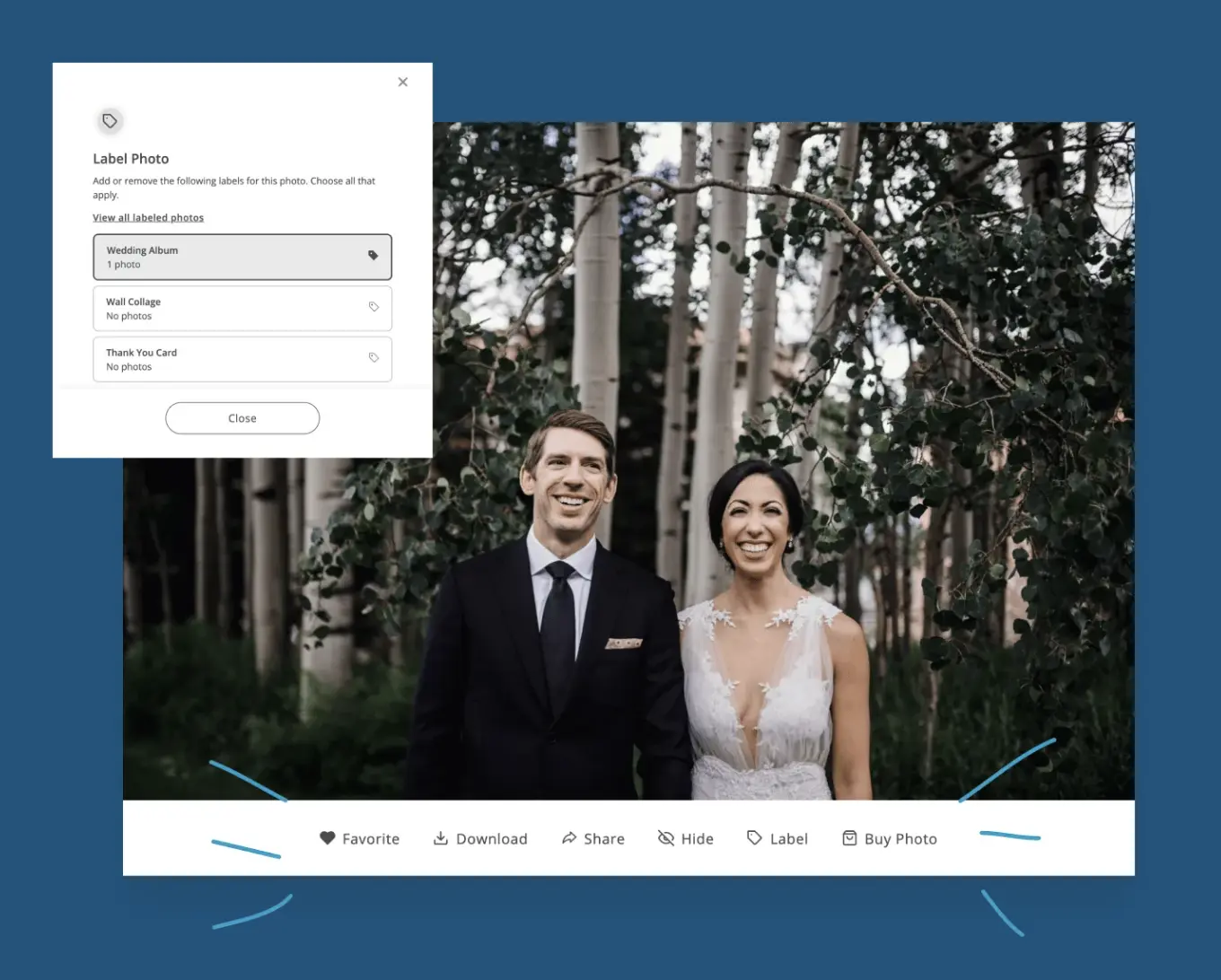
ShootProof prices by photo count rather than storage, and keeps the same feature set at every tier.
ShootProof Features
- Same toolset across all plans, no features stripped out at lower tiers
- Password-protected galleries
- Print sales included on every plan
- Full-resolution downloads included
ShootProof Pricing
Free tier available for up to 100 photos. Paid plans start at $10.99/month for a 1,500-photo plan, scaling to $26.67/month for 25,000 photos.
ShootProof Pros
- Consistent features regardless of plan tier
- Predictable pricing structure for photographers with steady gallery sizes
- Print sales tools included from the start
ShootProof Cons
- Video sharing is thinner than on photo-first competitors
- Photo-count pricing adds up quickly for large wedding galleries
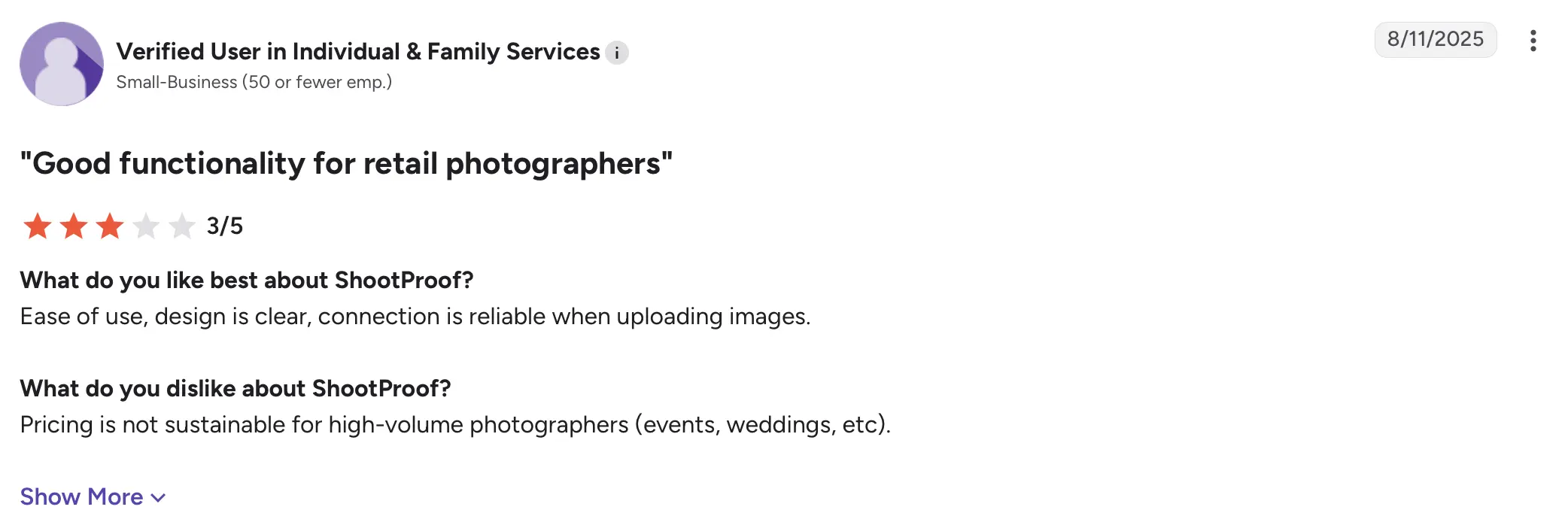
Who ShootProof is best suited for
Photographers with predictable, moderate gallery sizes who want the same features regardless of which plan they choose.
3. Pixieset
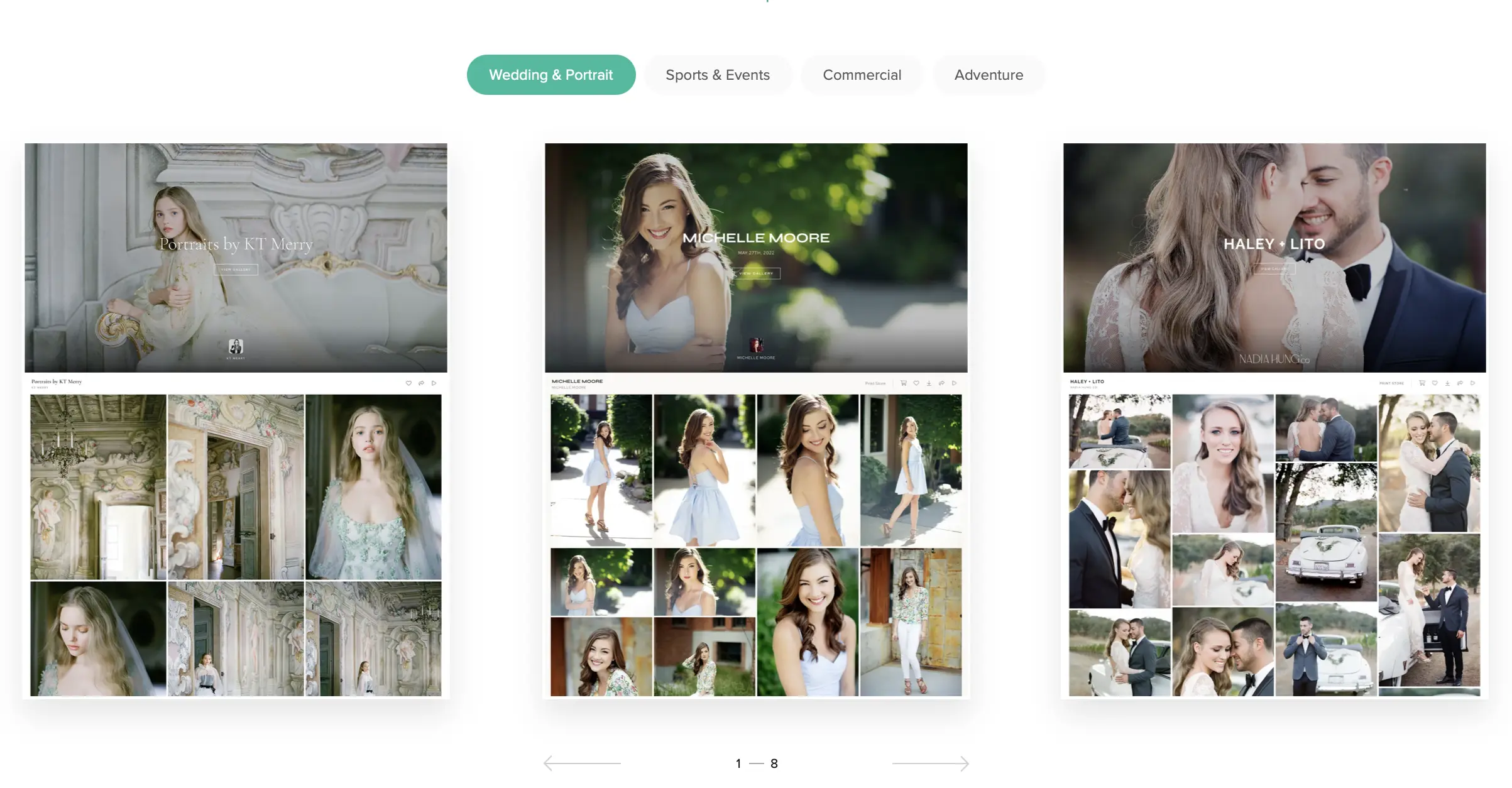
Pixieset pairs a client gallery with a lightweight portfolio website, making it one of the more recognizable websites for photographers to share photos.
Pixieset Features
- Combined gallery and basic portfolio site
- Clean, mobile-friendly download experience
- Favoriting and guest interaction built into the gallery
- Password-protected sub-galleries for private access
- Print store with commission-free sales from the Basic plan up
Pixieset Pricing
Free tier available with 3 GB of storage. Paid plans start at $10/month (Basic) and scale up to Ultimate at $50/month, with storage increasing by tier up to 1 TB.
Pixieset Pros
- Simple, low-friction upload and share flow
- Free tier is enough to properly test the platform
- Portfolio site included, so no separate website needed
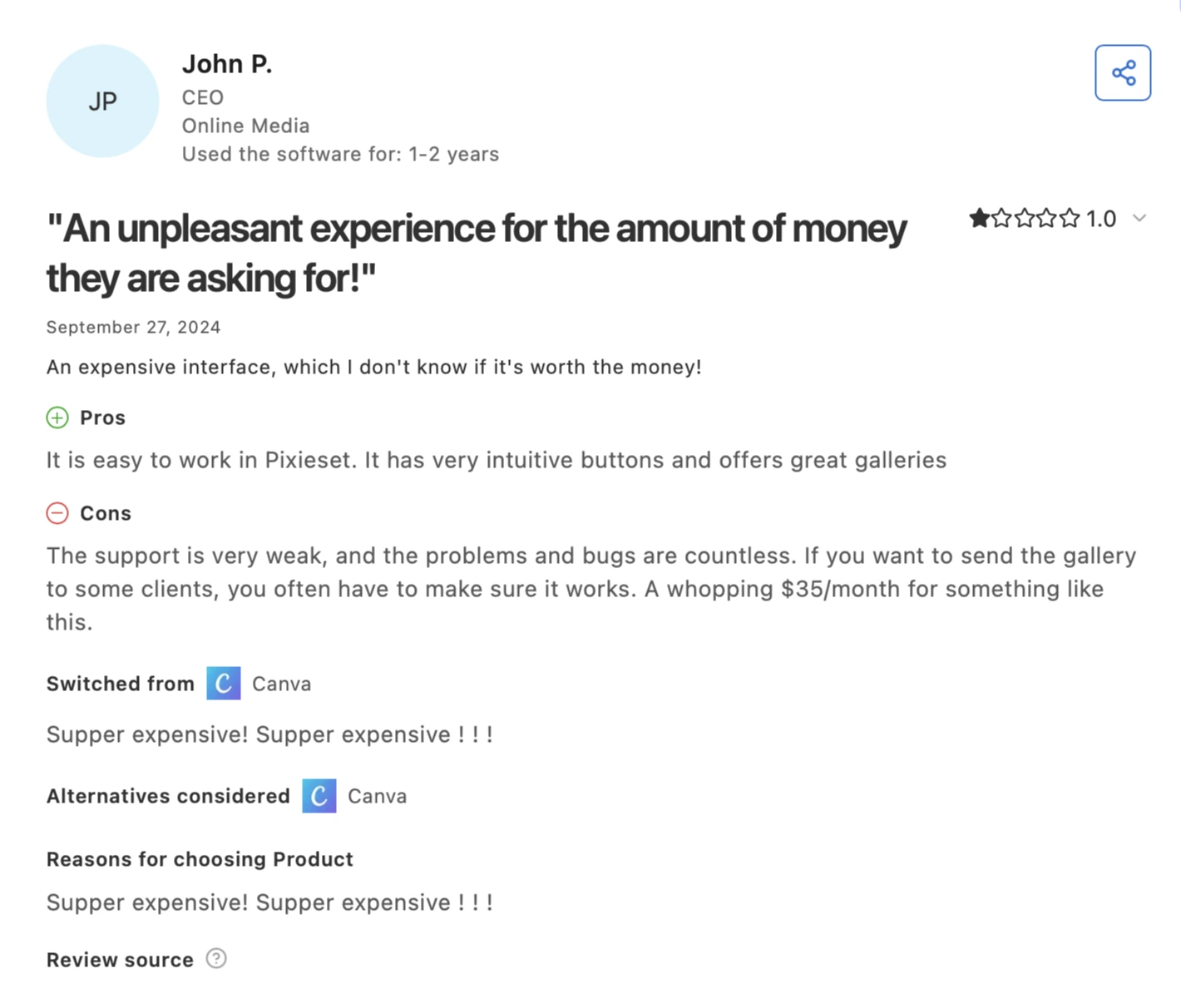
Pixieset Cons
- 3 GB free-tier storage fills quickly on a full-resolution wedding gallery
- 15% commission taken on print sales at the free tier
Who Pixieset is best suited for
Photographers who want a combined portfolio website and sharing platform without managing two separate tools.
4. CloudSpot
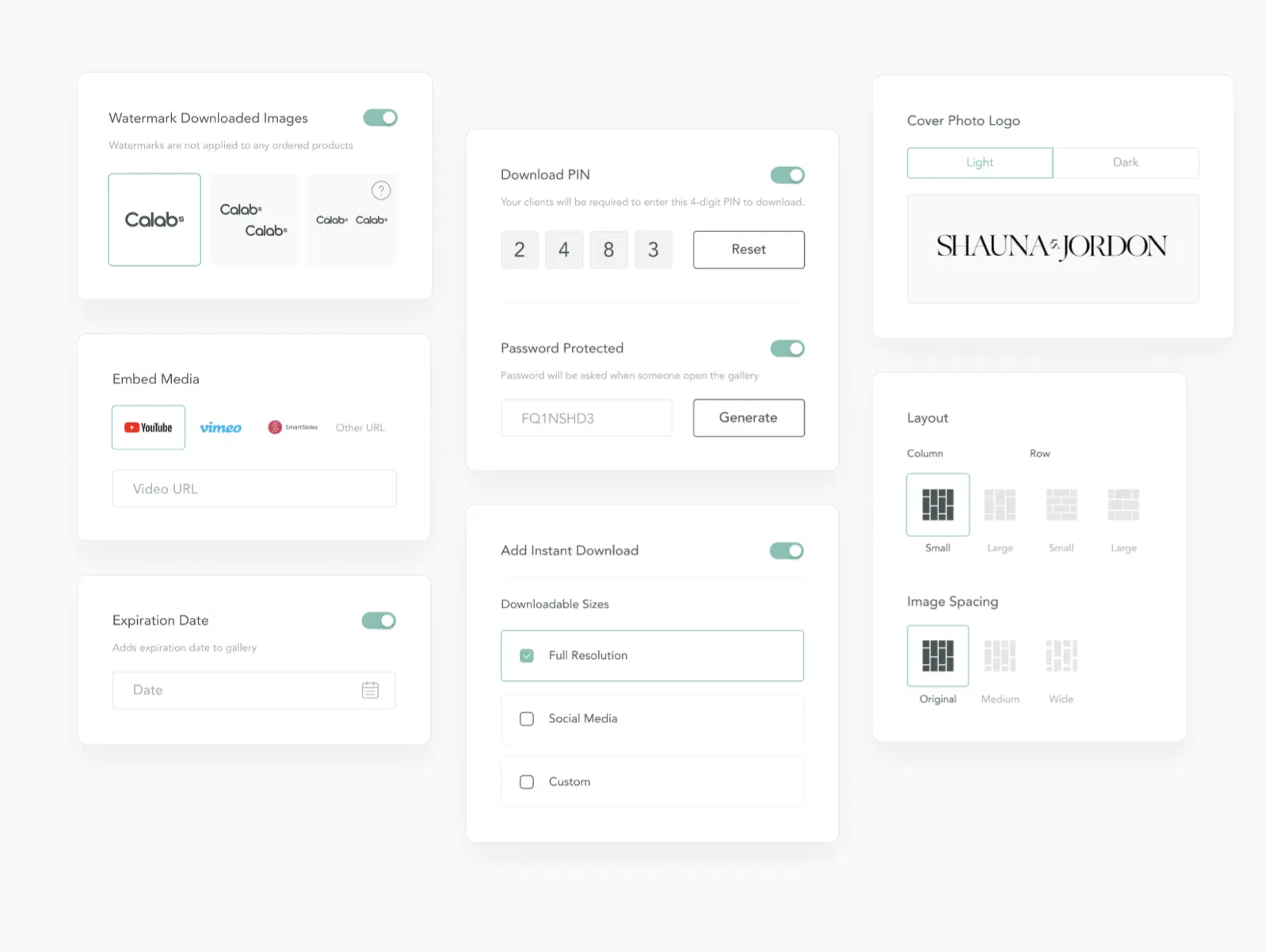
CloudSpot keeps its focus on gallery delivery and adds a built-in studio manager (CRM), which is unusual at this price point.
CloudSpot Features
- Straightforward gallery sharing and download experience
- Download tracking showing when clients or guests access photos
- Built-in studio manager (CRM)
- Password-protected galleries
CloudSpot Pricing
Free tier available with 5 GB of storage. Paid plans start at $7/month (Entry) and scale to $50/month (Unlimited).
CloudSpot Pros
- Download tracking gives visibility into client activity
- Studio CRM bundled in at no extra cost
- Low entry pricing
CloudSpot Cons
- Video sharing and design customization are lighter than presentation-focused competitors
- Free tier storage is limited to 5 GB
Who CloudSpot is best suited for
Photographers who want dependable sharing and download tracking without paying for extras they won’t use.
👁️ Also Read: CloudSpot Review
5. Pic-Time
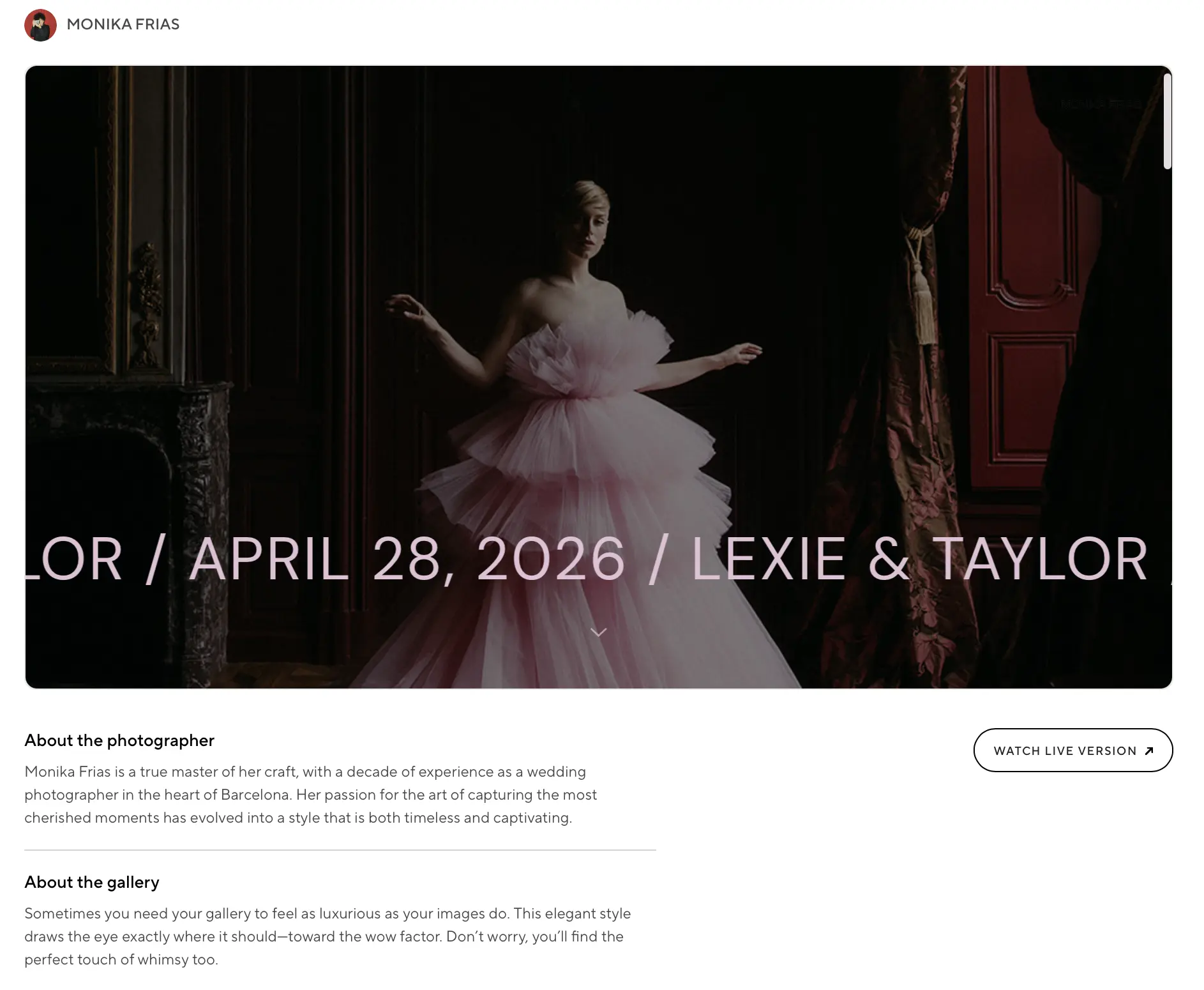
Pic-Time is built around how the gallery looks and feels to the client opening it, making the sharing experience itself part of the presentation.
Pic-Time Features
- Distinctive, customizable gallery templates
- Albums, slideshows, and video support alongside stills
- Face search for guests on higher-tier plans
- Own print store with markup-only commission
Pic-Time Pricing
Free tier available. Paid plans start at $8/month (Beginner) and scale to Advanced at $50/month, with storage moving from 10 GB to unlimited by tier.
Pic-Time Pros
- Strongest visual presentation on this list
- Video and slideshow support built in
- Print store commission applies only to markup (not the full sale)
Pic-Time Cons
- Face search and full feature access are reserved for mid-to-top plans
- Free and entry-tier storage is limited
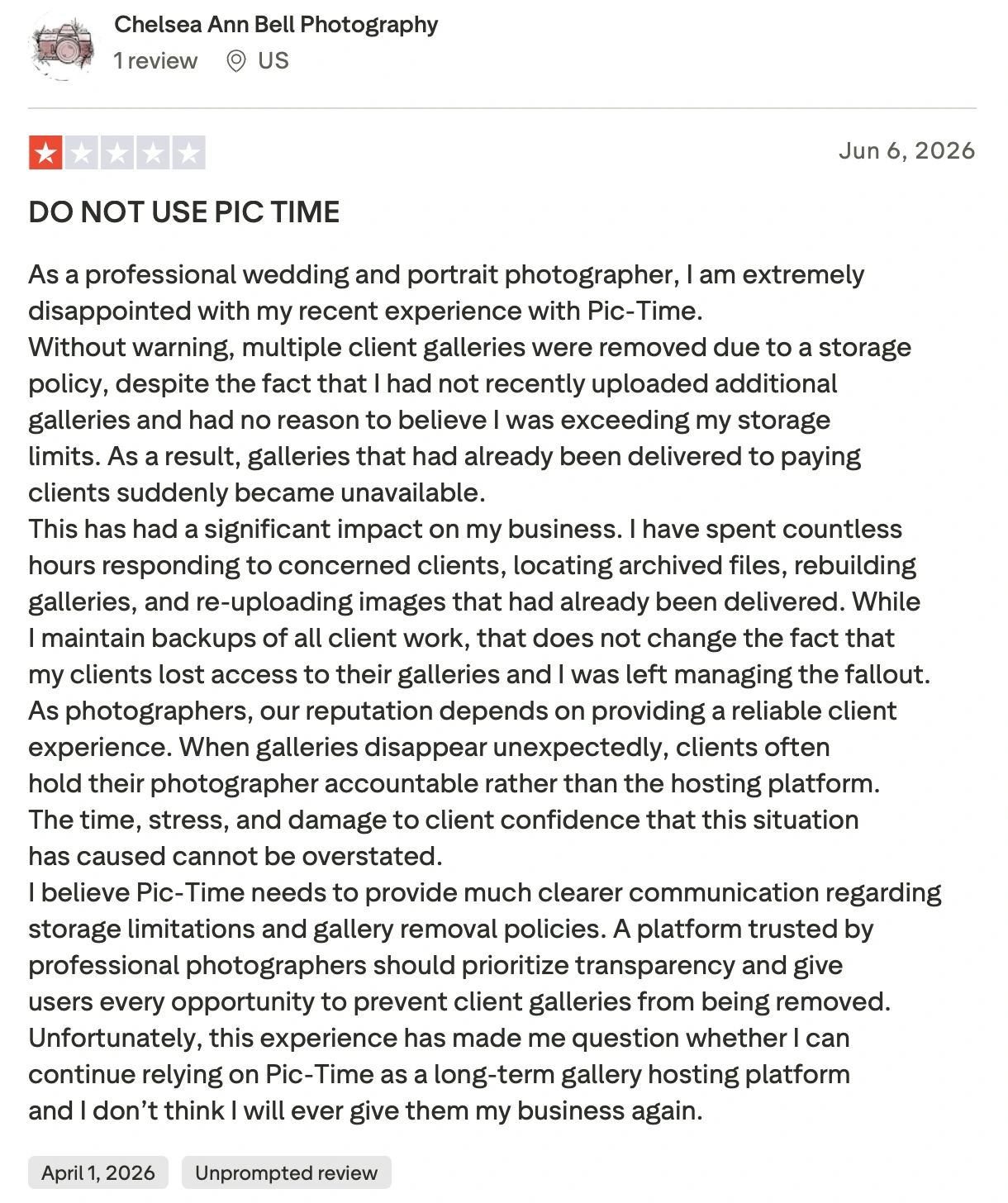
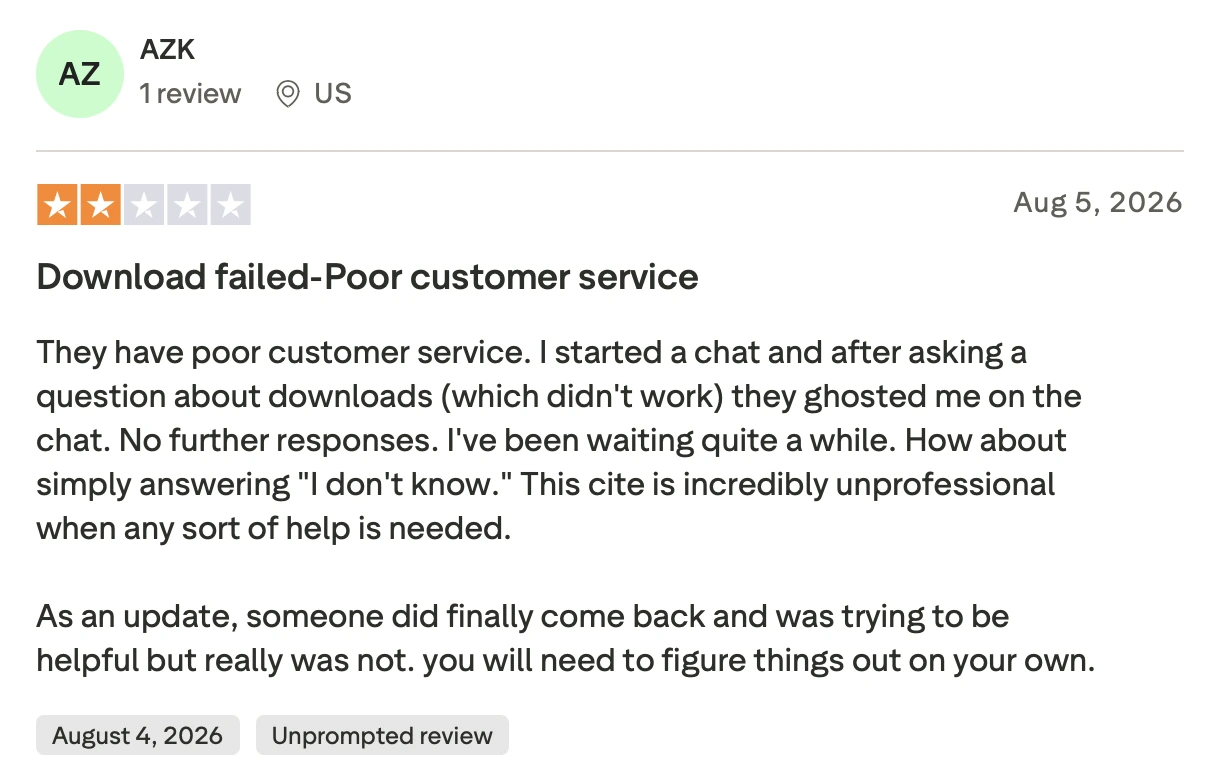
- Users are also divided on their customer support services.
Who Pic-Time is best suited for
Photographers who want the shared gallery to double as a visual showcase, not just a delivery mechanism.
6. SmugMug
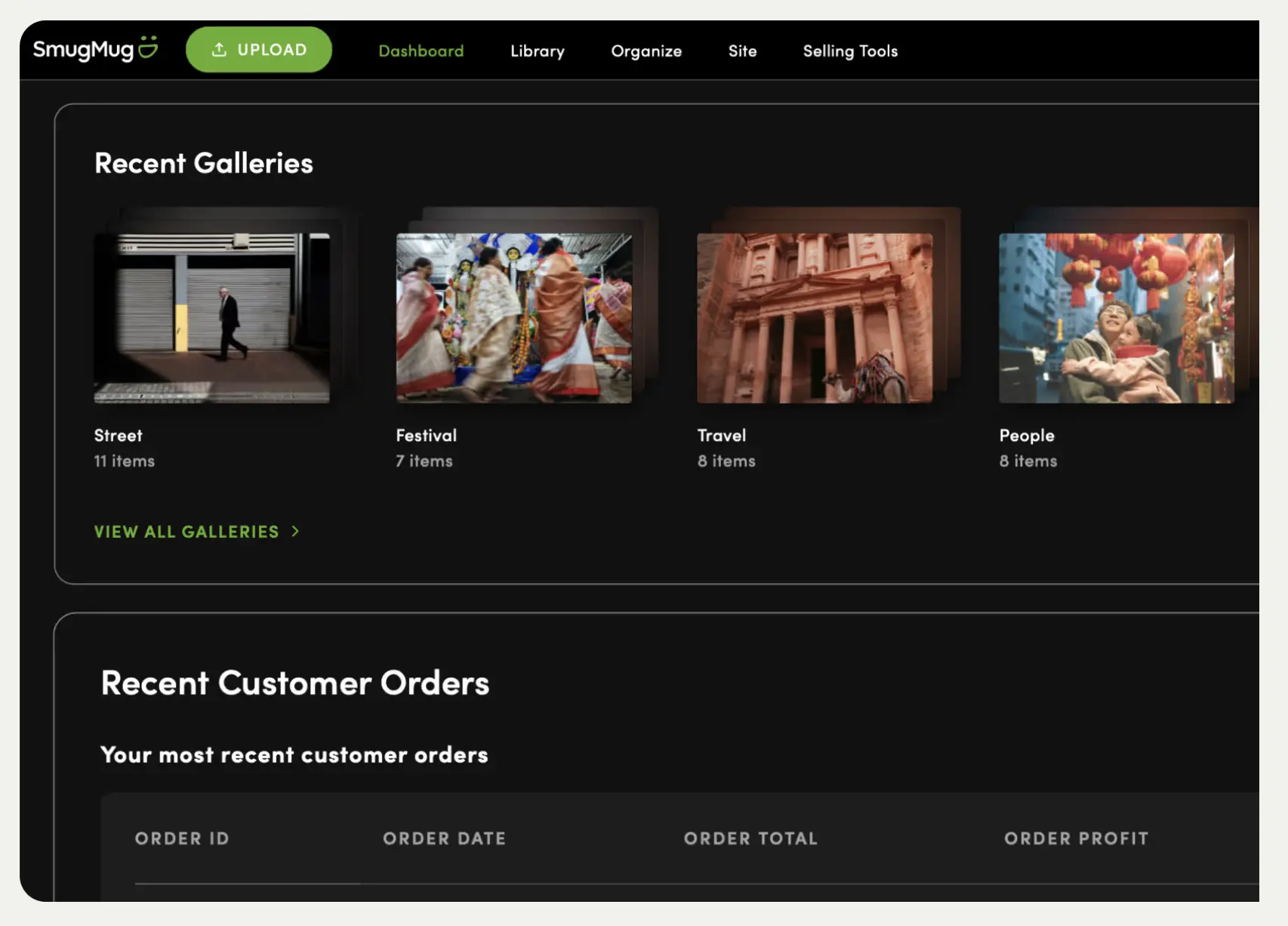
SmugMug’s flat-rate, unlimited storage makes it a long-standing option for photographers who want one place to both archive and share years of work.
SmugMug Features
- Unlimited storage on all paid plans
- Public portfolio pages and private client sharing from the same account
- Customizable download sizes
- Approved print lab partners
SmugMug Pricing
Plans start at $20/month (Direct) and scale to $37/month (Pro), all with unlimited storage.
SmugMug Pros
- No storage anxiety at any volume
- One account covers both public portfolio and private client delivery
- Long track record and platform stability
SmugMug Cons
- Interface feels dated next to newer, delivery-first platforms
Who SmugMug is best suited for
High-volume photographers who need a permanent, unlimited home for both client delivery and public portfolio sharing.
7. Zenfolio
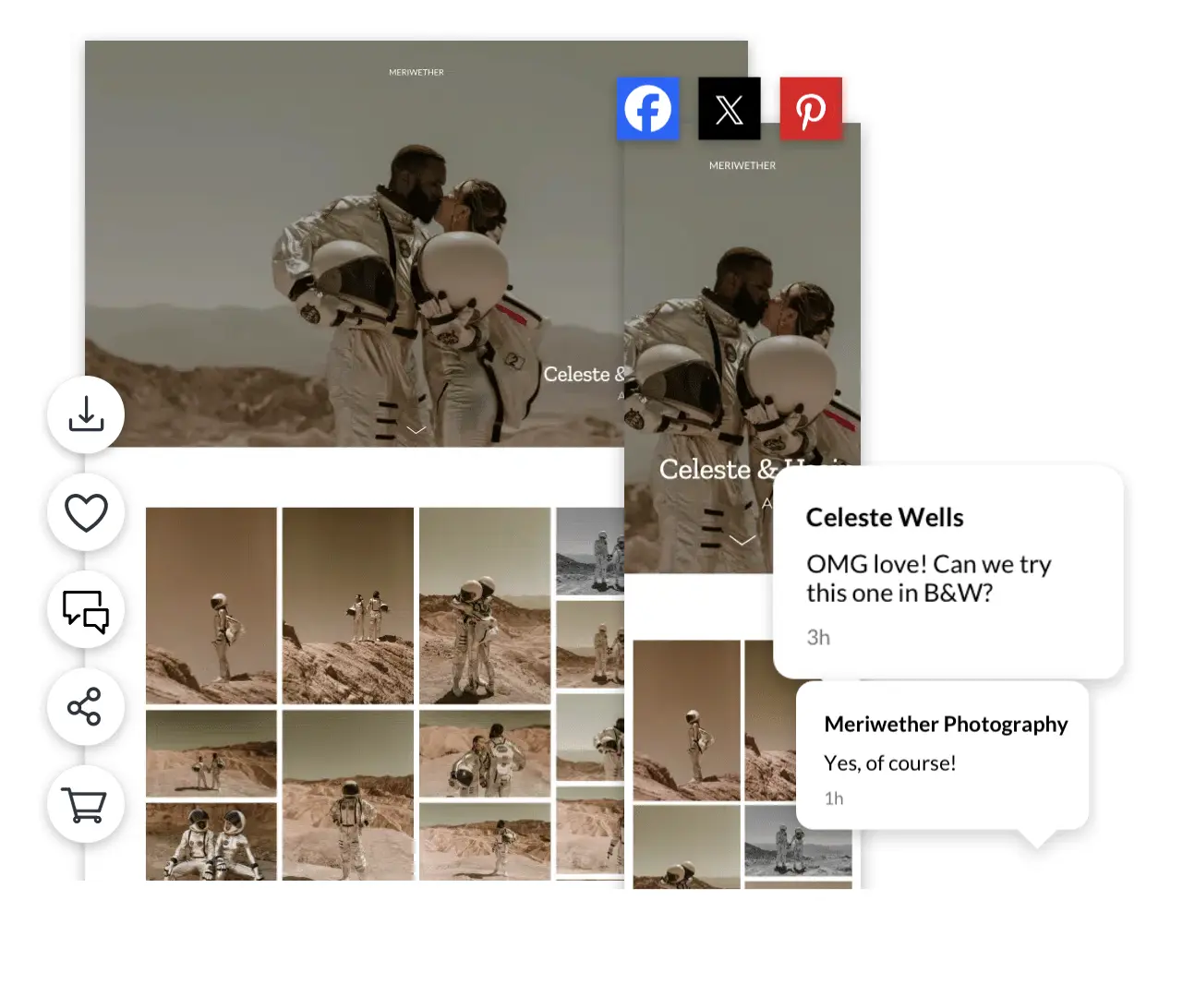
Zenfolio bundles a website builder with client and guest sharing, aimed at photographers who want one subscription covering both.
Zenfolio Features
- Built-in website builder alongside gallery sharing
- Smart Pricing tools for setting download and print pricing
- Storage scales with plan tier, up to unlimited
- Optional watermarking
Zenfolio Pricing
Plans start at $7/month (Basic, annual billing) and scale to $20/month (Advanced), with storage from 15 GB to unlimited.
Zenfolio Pros
- Low entry price for a bundled website and sharing platform
- Smart Pricing removes manual math on download/print pricing
- Storage scales all the way to unlimited
Zenfolio Cons
- Website-builder tools go unused by photographers who already have a site
- Interface can feel busier than more delivery-focused competitors
- Users also complain about their customer service
Who Zenfolio is best suited for
Photographers who want a combined portfolio site and sharing platform on a tight budget.
What do these Photo-Sharing Platforms Actually Cost You?
| Platform | Entry plan | Mid plan | Top plan |
| Aftershoot Galleries | Free, with 10 GB photo, 1 GB video | Premium (same core features, more storage) | Unlimited |
| Zenfolio | Basic: $7/mo | Professional: $11.50/mo | Advanced: $20/mo |
| CloudSpot | Free (5 GB) | Lite: $17/mo | Unlimited: $50/mo |
| Pic-Time | Free | Professional: $25/mo | Advanced: $50/mo |
| Pixieset | Free (3 GB) | Plus: $20/mo | Ultimate: $50/mo |
| ShootProof | Free (100 photos) | 5,000-photo plan: $19.99/mo | 25,000-photo plan: $26.67/mo |
| SmugMug | Direct: $20/mo | Portfolio: $23.50/mo | Pro: $37/mo |
A photographer delivering a handful of sessions a month rarely feels the difference between these tiers. The gap shows up during wedding season, when 15,000–20,000 images and several videos are going out the door every few weeks. Photo-count pricing (ShootProof) and low storage ceilings (Pixieset’s free tier, CloudSpot’s free tier) get expensive fast at that volume. Flat unlimited pricing (SmugMug) or a free entry point with room to grow (Aftershoot Galleries’ Starter plan) tend to hold up better across a full season.
Privacy Questions (FYI…you should be asking these before you sign up)
- Does a single password protect the entire gallery, or can access be limited to specific people?
(PS: Aftershoot Galleries is the only platform here offering face-matched guest access through Face Gating; the rest rely on shared passwords or manually built sub-galleries.) - Are files stored in the cloud only while the gallery is live, or indefinitely? Retention policies vary by provider and are worth checking directly.
- Can you control download resolution and watermarking per gallery, or is it fixed platform-wide?
Confirm specifics in each provider’s own privacy documentation rather than assuming, this is one area where the published policy is the only reliable source.
Now… Which Photo Sharing Website Fits Your Workflow?
- If you’re editing in Aftershoot and want the gallery ready the moment you finish, Aftershoot Galleries removes the export step entirely.
- If you want a bundled portfolio site with your sharing platform, Pixieset or Zenfolio cover both without a second subscription.
- If the shared gallery needs to look like part of your brand’s presentation, Pic-Time is built for that.
- If your gallery sizes are predictable and you’d rather not lose features on a cheaper plan, ShootProof keeps the toolset consistent.
- If you want one unlimited archive for years of client work and public portfolio pages, SmugMug still does that better than most.
- If you want dependable sharing and download tracking without paying for extras, CloudSpot covers the basics well.
What Makes Aftershoot the Best Photo Sharing Platform for Photographers
Every platform on this list can host a gallery and hand out a download link. What separates a photo sharing platform for photographers from a generic file-transfer tool is what happens around that link, and that’s where Aftershoot Galleries pulls ahead of the rest of this list on three specific points.
- It’s the only platform that removes the export step entirely. On Pixieset, Pic-Time, ShootProof, SmugMug, Zenfolio, and CloudSpot, finished images still need to be exported from your editing software and re-uploaded before a client can see them. Aftershoot Galleries publishes directly from the Aftershoot edit, so the gallery is ready the moment your editing is. For a wedding photographer trying to hit a two-week delivery window, that’s one less handoff between “done editing” and “client has their photos.”
- It’s the only platform with face-matched guest access. Password-protected galleries are the standard everywhere else on this list, which means every guest with the password sees every photo. Face Gating changes that: a shared link can be limited to only the photos a specific guest actually appears in. For large weddings and events, that’s a meaningfully different privacy standard, not just a nice-to-have.
- It treats photos and video as one delivery, not two. Several competitors support video, but few build it into the same seamless gallery experience as stills from the start. Aftershoot Galleries delivers both together, which matters more every year as highlight reels become a standard part of wedding and event delivery.
And none of that requires giving up control. The photographer still sets the branding, the pricing, and who sees what, Aftershoot Galleries just removes the manual work sitting between a finished edit and a client who’s ready to see it. That combination of speed, privacy control, and photo-and-video delivery in one place is why it tops this list for photographers already working inside the Aftershoot ecosystem, and why it’s worth testing even for photographers who aren’t.
FAQs for Photo Sharing Platform for Photographers
What is the best website for photographers to share photos with clients?
The best website depends on your specific workflow priorities:
Aftershoot Galleries: Ideal for high-volume wedding and event photographers who want to publish culled and AI-edited photos directly without manual exports, while providing guests with AI face-recognition search.
Pixieset: Ideal for photographers looking for a reliable, all-in-one client gallery paired with a simple portfolio website.
Pic-Time: Ideal for wedding and portrait photographers prioritizing high-end presentation, custom layout designs, and built-in store sales.
SmugMug: Ideal for sports and event archivists requiring flat-rate, uncompressed unlimited photo storage.
How do face-recognition tools work in client photo sharing platforms?
AI face-recognition tools (such as Face Scan and Face Gating) analyze facial structures across a gallery. When clients or event guests open a shared gallery link, they can upload a selfie or select a face to instantly filter thousands of images down to only the frames they appear in. Face Gating takes privacy further by restricting access so guests can only view photos matching their verified face.
Can photographers share high-resolution videos and photos in the same gallery link?
Yes. Modern photo sharing platforms like Aftershoot Galleries, Pixieset, and Pic-Time allow photographers to deliver high-definition highlight reels, ceremony videos, and full-resolution photo galleries within a single, unified client link. This eliminates the need to host video content separately on external platforms like Vimeo or Google Drive.
Do photo sharing websites compress image quality during download?
Most professional photo sharing websites allow photographers to configure download settings. Photographers can offer clients full-resolution uncompressed files (original camera RAW or JPEG quality) for printing, or smaller web-sized versions optimized for quick mobile downloads and social media sharing.
What is the difference between a client gallery platform and a photo sharing site?
While both serve to transfer photos, a standard photo sharing site focuses primarily on rapid file distribution, mobile viewing, video playback, and guest access. A complete client gallery platform includes commercial features such as e-commerce print stores, lab fulfillment, album proofing, email marketing sequences, and studio management integrations. Platforms like Aftershoot Galleries combine both aspects by linking post-production directly to client sharing and zero-commission print storefronts.




