The wait is finally over — Aftershoot’s Early Release for AI Retouching is here! But we know that with any powerful new tool, there are always a few questions that follow. What’s coming next? What improvements can you expect? How will it fit into your workflow?
In this blog, we’re diving into everything that’s on the horizon for retouching — from upcoming features to helpful tips and what we’re working on based on your feedback. Whether you’ve already started using it or are just getting curious, here’s your guide to what’s next.
Upcoming AI Retouching Tools Rolling Out This Summer
We’re not stopping here. These upcoming features are currently in the pipeline and will roll out over the summer:
Body Tint Correction
Even out inconsistent skin tones across the body with a subtle touch. Perfect for fixing color shifts caused by lighting or shadows.
Double Chin Reduction
This face-focused slider will gently reduce the appearance of a double chin while maintaining the natural contours of the face and neck.
New AI Retouching Features Available Now
For users who’ve already experienced Aftershoot’s AI retouching, we’ve got some news. Along with the new features we mentioned on this blog, here are the newest features available within Aftershoot:
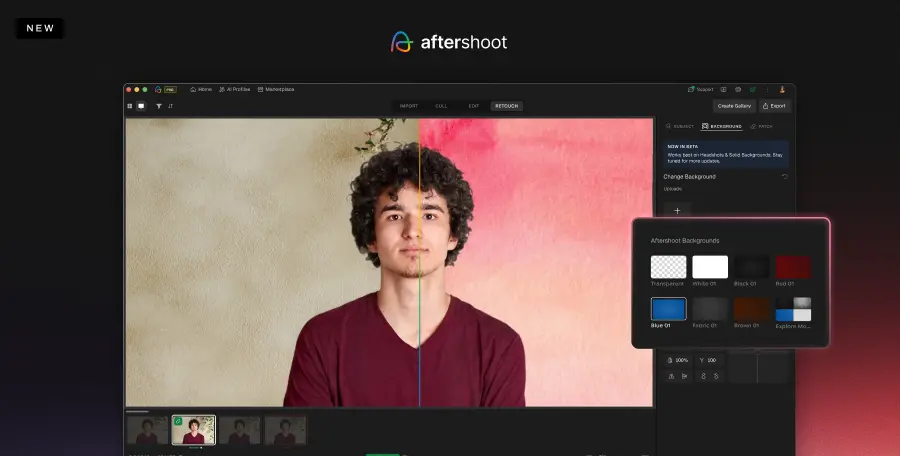
Custom Backgrounds for Headshots (in Beta)
Need to swap out a backdrop? This tool makes it possible to replace backgrounds quickly. Ideal for studio portraits and single headshots. Pick from a range of available backdrops or upload your own.
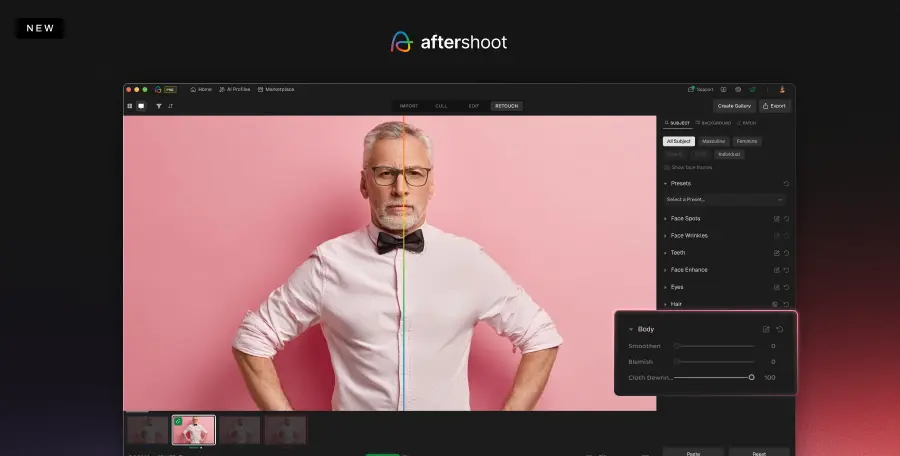
Cloth Dewrinkle
Say goodbye to distracting wrinkles or creases in clothes. This slider helps smooth out clothing while keeping textures and details intact.
Correct Changes Tool
Sometimes, you want to undo an AI edit or preserve an original detail, and now you can. This tool lets you remove the retouching mask from specific areas of the image, telling the AI to leave those regions untouched. Great for preserving birthmarks or freckles.
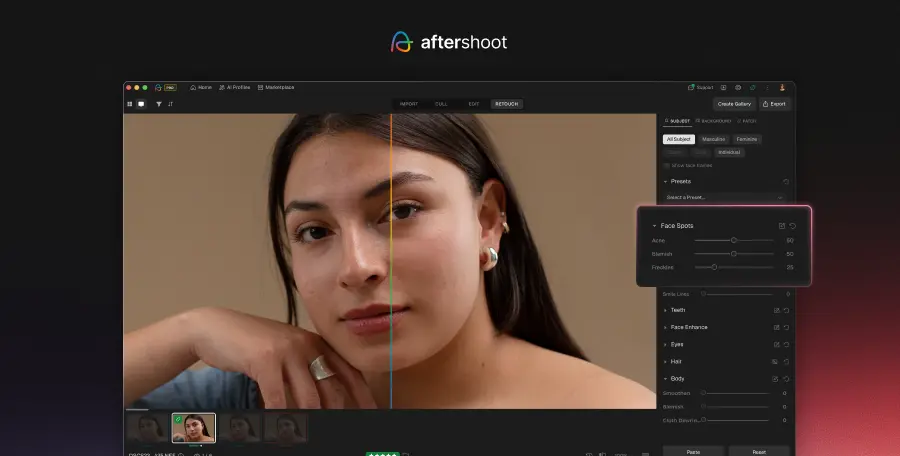
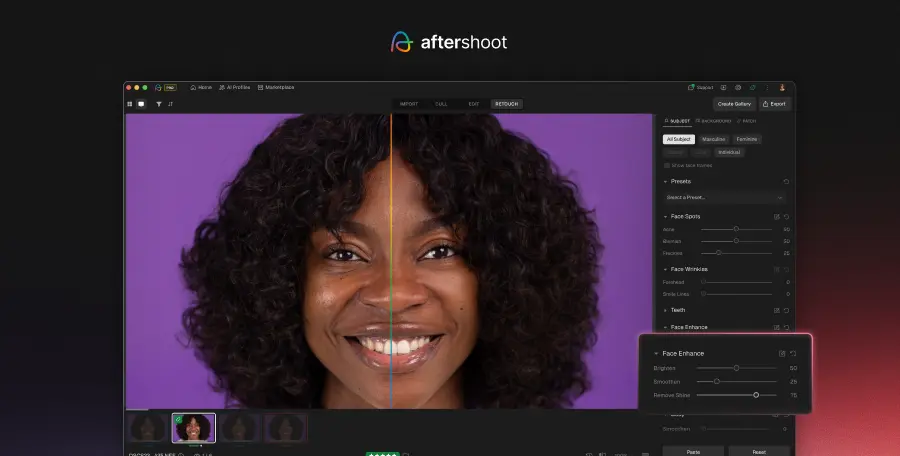
Face Shine Slider
Tackle oily or reflective areas on the face with just one slider. The Face Shine slider helps reduce shiny skin while preserving the subject’s natural skin tone and texture.
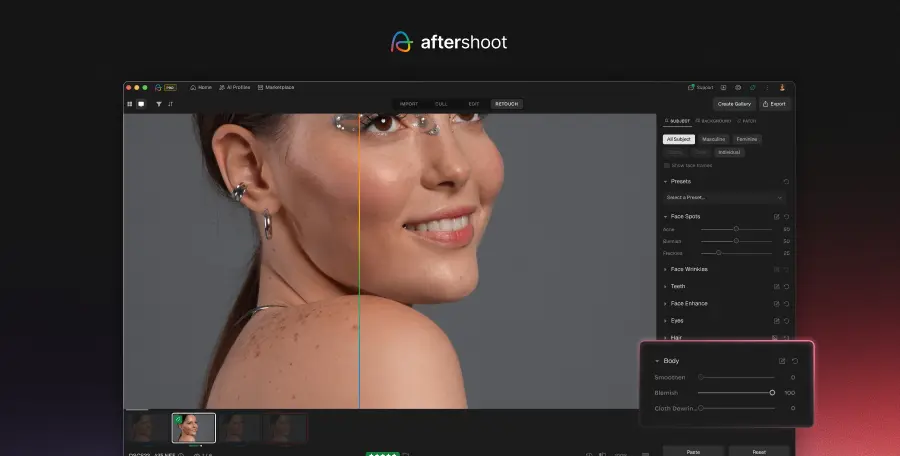
Body Blemish Removal
Got small marks or blemishes on arms, shoulders, or anywhere else? This slider smoothens them out gently without making skin look plastic or over-processed.
TIFF File Support
High-quality workflows just got easier. You can now import and export in TIFF format. No longer limited to JPEGs, this gives you more flexibility and higher resolution options for your retouched images.
Big Things Ahead for AI Retouching
We’re actively listening to your feedback and building features that align with real workflows. This summer’s updates are just the beginning, and we can’t wait to see what you create with AI Retouching.
Make sure to keep your app updated, and follow us on social media so you are up to date with our latest releases.