

TL;DR
- AI culling helps sports photographers process high-volume burst shots (3,000–5,000+ frames per game) to deliver a 60-80 photo gallery on tight deadlines.
- Aftershoot: Best for all-in-one local workflows. Offers flat-rate unlimited culling, AI editing, and retouching offline (ideal for minor/school sports privacy), though its general AI lacks dedicated sports-action detection.
- FilterPixel (DeepCull): Best for peak-action accuracy. Uses a sports-specific AI model to detect ball position and action timing, but requires cloud uploads and quota-based pricing.
- Photo Mechanic: Best for fast manual ingestion and IPTC captioning/metadata filing for news/wire services; has no AI features.
- Narrative Select: Optimized for macOS portrait and wedding photographers; face-focused AI is poorly suited for fast-moving sports.
It’s the end of the day… you’re sitting in your car outside the gym at 9:40 PM. The team’s social media manager wants a gallery before the players are even done celebrating in the locker room. You’ve got 4,200 frames from three memory cards, most of them bursts of the same layup, the same tackle, the same finish line, shot six or eight times a second. Somewhere in that pile are 60 to 80 photos worth delivering. Finding them by hand, one frame at a time, is the part of the job nobody signed up for.
This is where AI culling in sports photography earns its keep. Not as a gimmick that “saves time” in the abstract, but as the step that decides whether you’re home by 11 or still squinting at thumbnails at 2 AM.
This guide compares how four tools: Aftershoot, FilterPixel, Photo Mechanic, and Narrative Select, actually handle sports-specific culling: bursts, duplicates, peak action, faces in motion, and the delivery deadlines that don’t move no matter how many frames you shot.
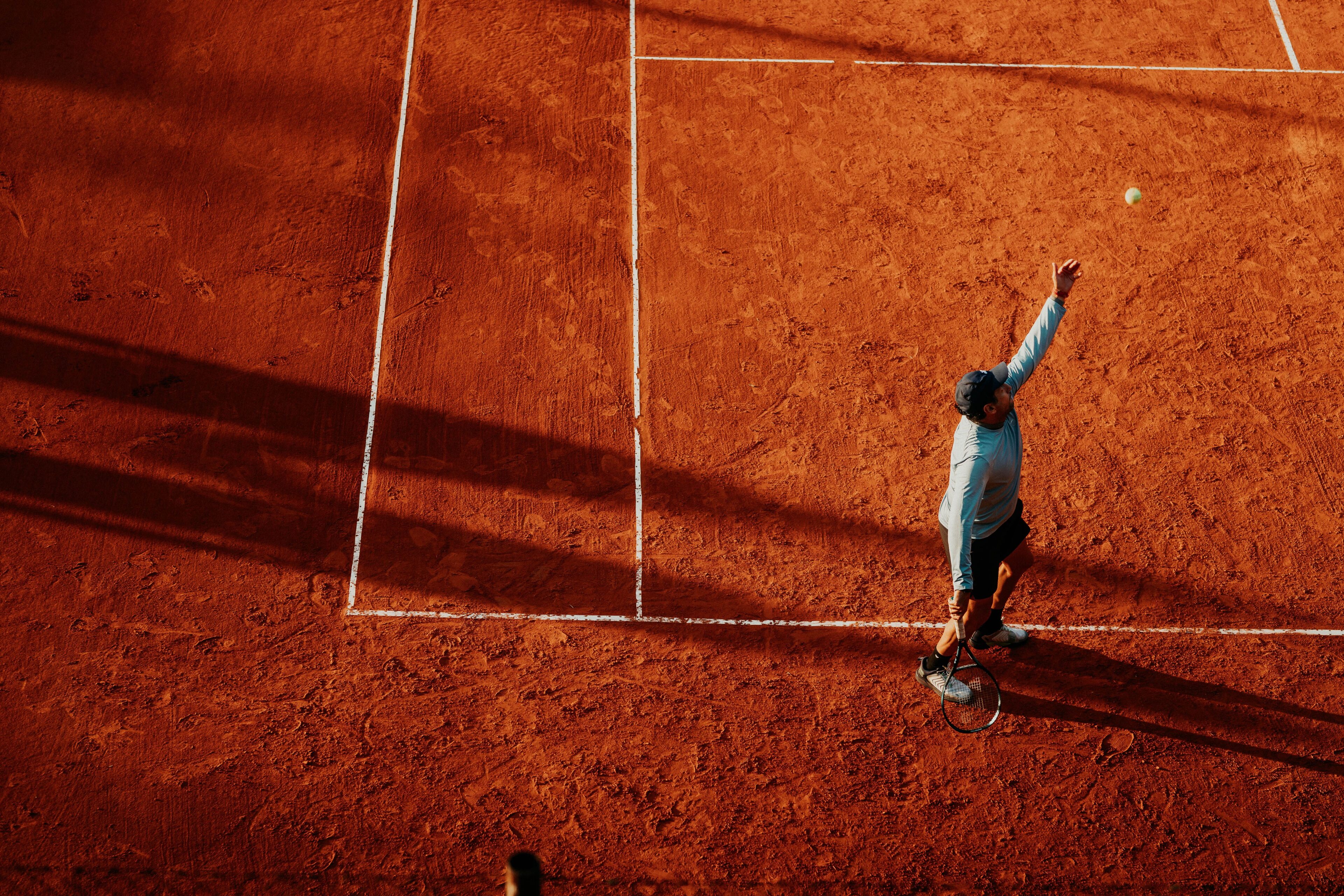
The Sports Photography Workflow: Where AI Culling in Sports Photography Fits In
Before we start comparing tools, it helps to see where AI Culling in photography actually sits inside a real game-day workflow. Culling isn’t the whole job. It’s one stage in a chain that starts before you arrive at the venue and ends with a gallery in someone’s inbox.
1. Pre-game preparation
Here are a few things you can keep in mind to prep well before the game:
- Format your cards fully rather than deleting old files.
- Charge more batteries than you think you need.
- Test autofocus tracking on a moving target before the first whistle, not during it.
- Walk the venue ahead of time to find your positions: the 20-yard lines for football, the corners opposite the benches for basketball, the photo well past first base for baseball.
- Set your camera to continuous high-speed burst mode and back-button focus so you’re not fighting your gear once play starts.
I know none of this touches software, but it determines how much usable material you’re working with once the game ends.
2. Shooting: building the burst problem you’ll solve later
Sports shooting produces huge volumes simply by design. A single play, a dunk, a tackle, a finish, gets captured six to twenty times in a row as you hold the shutter through the moment. Multiply that across a two-hour game and you’ll walk away with 3,000 to 5,000 frames, the large majority of which are near-duplicates of a handful of real moments.
This is the root of every culling challenge that follows. Your job isn’t just limited to reviewing 4,000 individual photos. It’s finding roughly 60 to 80 real moments buried inside 4,000 frames.
3. Ingest: getting files off the card and into your system
Copy files from your cards with a fast reader, ideally to two destinations at once for backup. Some photographers rename files and apply a metadata template at this stage, particularly if the gallery needs consistent captions, credits, or copyright info before delivery.
4. Culling: narrowing thousands of frames to a shortlist
This is where AI culling in sports photography does its heaviest lifting. A useful sports cull needs to handle four things at once:
- Duplicates and bursts – Grouping the 15 near-identical frames from one play into a single decision instead of 15 separate ones.
- Technical quality – Sharp focus, correct exposure, no motion blur on the parts of the frame that matter.
- Faces – Open eyes, visible expression, especially for shots that will end up as posters, socials, or a parent’s phone wallpaper.
- Peak action and jersey visibility – The exact instant of contact, the ball in frame, the athlete’s number and face both readable, not just a technically sharp frame from a second too early or too late.
A general-purpose AI model handles the first two well. The last two, timing and genre context, are where tools start to differ meaningfully, and it’s the reason a sports-specific culling mode produces a different shortlist than a model trained without any sense of what a ‘good’ sports moment looks like.
5. Photographer review: the pass AI doesn’t (and can’t) replace
No AI tool should be trusted blind for client delivery. After the first automated pass, a human review confirms the AI’s calls, catches anything it missed or misjudged, and makes the subjective decisions no algorithm should be making, like which of two nearly identical game-winning shots has the better crowd reaction in the background. For a well-tuned AI cull, this pass usually takes 15 to 30 minutes rather than the 2 to 4 hours a fully manual review would take.
6. Editing: consistency across every court, field, and gym
Sports shoots rarely happen under one lighting setup. A photographer covering multiple sports across a season deals with gym fluorescents, stadium floodlights, and outdoor afternoon sun, sometimes in the same week. Batch editing tools that apply a consistent style across all of it save the hours that would otherwise go into correcting white balance and exposure shot by shot.
7. Captioning and metadata
For anything headed to a league, school, publication, or wire service, accurate captions, keywords, and credit information need to travel with the file. This matters more in sports than in most other genres, since a photo without a correctly tagged player name or game date is far less useful to the people receiving it.
8. Delivery
The final step is getting the gallery into the right hands, fast. Same-day or even same-hour delivery is increasingly the expectation for team and league work, which puts real pressure on every step before it. A slow culling process costs you time, and pushes your delivery outside the window when the content is still relevant to the people waiting for it.
Every tool compared below plays a different role somewhere in this chain. Some only touch culling. Others cover culling, editing, and delivery in one place. Knowing where your own bottleneck actually sits, ingest speed, culling accuracy, editing consistency, or delivery turnaround, is what determines which tool is worth paying for.
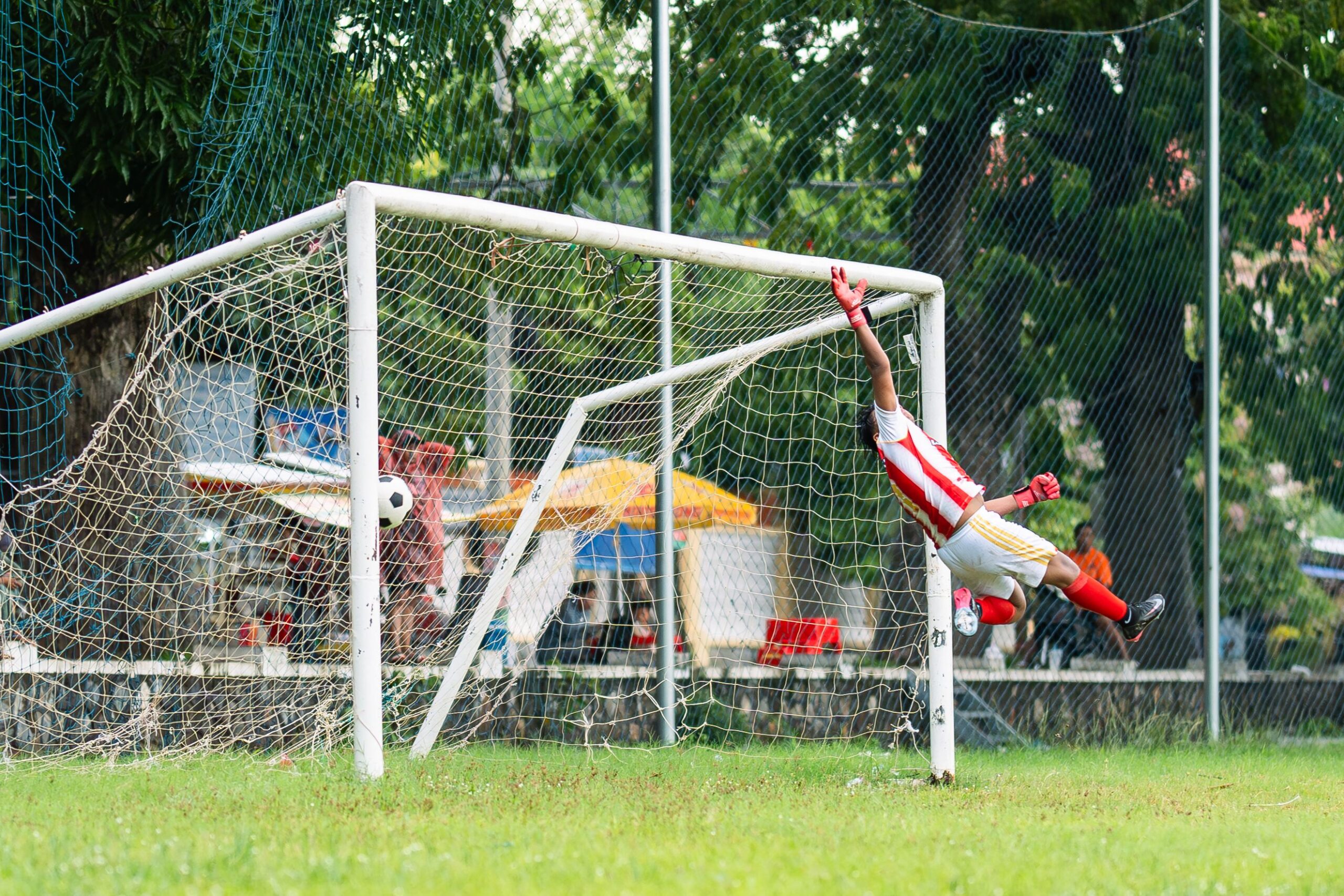
Quick Comparison: AI Culling in Sports Photography
| Tool | Sports-specific AI | Processing | Pricing model | Best for |
| Aftershoot | No (single model, all genres) Recommend using AI-assisted culling, instead of Automated Culling | Local, offline | Flat monthly, unlimited images | Photographers who also want editing and retouching in one app |
| FilterPixel | Yes (DeepCull sports mode) | Cloud | Quota-based for DeepCull | Deadline-driven, high-volume sports and event shooters |
| Photo Mechanic | None (manual only) | Local | One-time license | Photojournalists who cull by eye and need fast IPTC captioning |
| Narrative Select | No (face-focused, not genre-specific) | Hybrid local/cloud | Flat monthly, unlimited images | Portrait and wedding photographers, not primarily sports |
Here are the factors we’ve taken into consideration while evaluating the sports photography culling tools
This comparison draws on each vendor’s official pricing and product pages, published benchmark data from FilterPixel’s own testing, G2 and Trustpilot reviews, and Aftershoot’s internal product documentation.
The criteria that matter most for a sports workflow, specifically:
- How the tool handles burst sequences and near-duplicates
- Whether peak-action moments are weighted differently from a technically sharp but unremarkable frame
- Speed from import to a reviewable shortlist
- Whether files are uploaded to the cloud or stay on your machine
- Real cost at the volume a season actually produces
- What happens after culling, do you still need a separate editing tool?
Top 4 AI Culling Software for Sports Photography
1. Aftershoot
Aftershoot Features and Functionality
Aftershoot runs entirely on your computer. You import a folder of RAW files, choose a culling aggressiveness (Extreme, Few, Standard, or More), and the AI groups duplicates, flags blinks and blur, and surfaces its picks for review. From there you can move straight into AI editing, apply a personal style profile, and export to Lightroom or Capture One without leaving the app.
For a sports shoot, that means a coach’s 4,000-frame folder gets narrowed down using the same detection logic Aftershoot applies to a wedding ceremony or a corporate headshot session: sharpness, exposure, closed eyes, and duplicate grouping. It doesn’t distinguish a peak-action layup from a standing timeout shot the way a genre-specific model would.
👁️ Also Read: Best Tips for Faster Sports Photo Editing
Aftershoot Pricing
Aftershoot now prices by workflow stage rather than a single bundled tier. All plans include unlimited image processing, so a heavy game week costs the same as a slow one.
| Plan | Monthly (annual billing) | Monthly (month-to-month) | Includes |
| Select | $10 | $15 | Unlimited AI culling |
| Edit | $30 | $35 | Unlimited AI editing |
| Retouch | $20 | $25 | Unlimited AI retouching |
| Complete (all three) | $45 | $55 | Culling, editing, and retouching, 25% cheaper than buying separately |
A 30-day free trial with full feature access is available, and no credit card is required to start.
Also Read: How Aftershoot Pricing Works
Advantages of Aftershoot
- Unlimited image processing at a flat monthly rate, a 5,000-frame Friday night game costs exactly the same as a 500-frame practice shoot.
- Local processing means no upload wait and no internet dependency at the venue.
- Files never leave your machine, which matters when shoots involve minors, a common reality in school and youth sports photography.
- Culling, editing, and retouching live in one app, so you’re not stitching together three subscriptions.
- A personal AI editing profile keeps color and exposure consistent across every field, court, and gym you shoot in during a season.
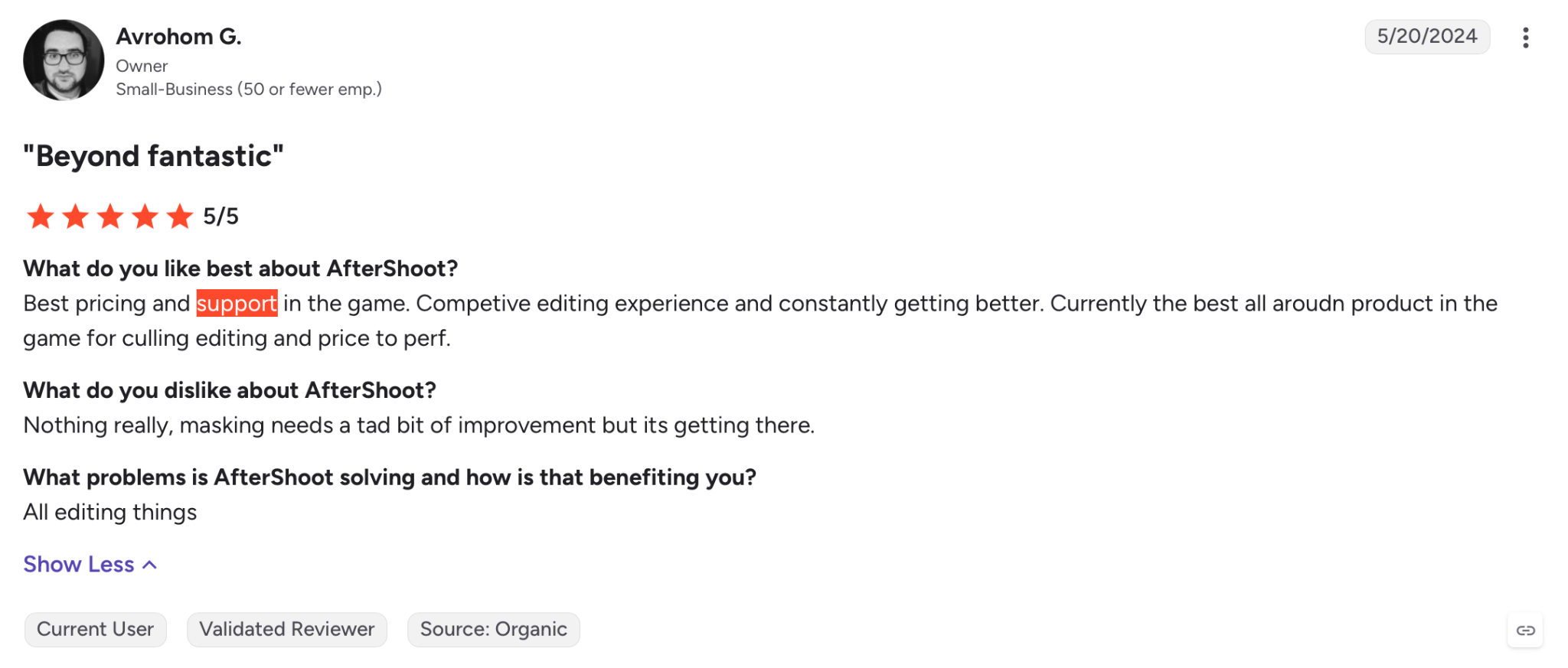
Disadvantages of Aftershoot
- Speed depends on your hardware. Aftershoot’s own users have reported processing times ranging from roughly six minutes to over nine minutes for 3,000 photos, depending on whether they’re on a GPU-equipped desktop or a MacBook Air.
- No dedicated jersey, scoreboard, or bib-number recognition.
Aftershoot’s Privacy and File Handling
Sports photography, especially at schools, frequently involves minors, which raises the stakes on where images are stored and processed.
- Aftershoot processes everything locally, that means, files never leave your machine unless you choose to export them, and there’s no internet dependency at the venue.
- For a photographer working with school districts or youth leagues that have strict data policies, this removes a real point of friction.
How does Aftershoot handle bursts, duplicates, and peak action?
- Aftershoot groups visually similar images and flags the sharpest, best-exposed frame in each group, using the same logic it applies to any shoot type. It won’t recognize that frame 47 of a 50-frame burst is the actual moment of contact unless that frame also happens to score highest on general sharpness and exposure.
How do Aftershoot’s integrations and workflow compatibility work?
- Aftershoot exports culled selections directly, and its AI editing and retouching sports photography stay inside the same app, so ratings and flags carry through without a separate round trip.
Aftershoot Support and Onboarding
- Aftershoot offers guided onboarding and support tickets, and its G2 reviews describe setup as straightforward, with one reviewer calling the initial guided onboarding easy enough to start culling almost immediately.
Who is Aftershoot Best For?
Aftershoot fits sports photographers who also shoot portraits, team composites, or seniors day sessions and want one tool for the entire post-production chain, not just culling. It’s a stronger match for a school or club photography business handling picture day, yearbook, and sports images together than for a photojournalist covering a single fast-turnaround game.
👁️G2 reviews: Aftershoot on G2
2. FilterPixel
FilterPixel Features and Functionality
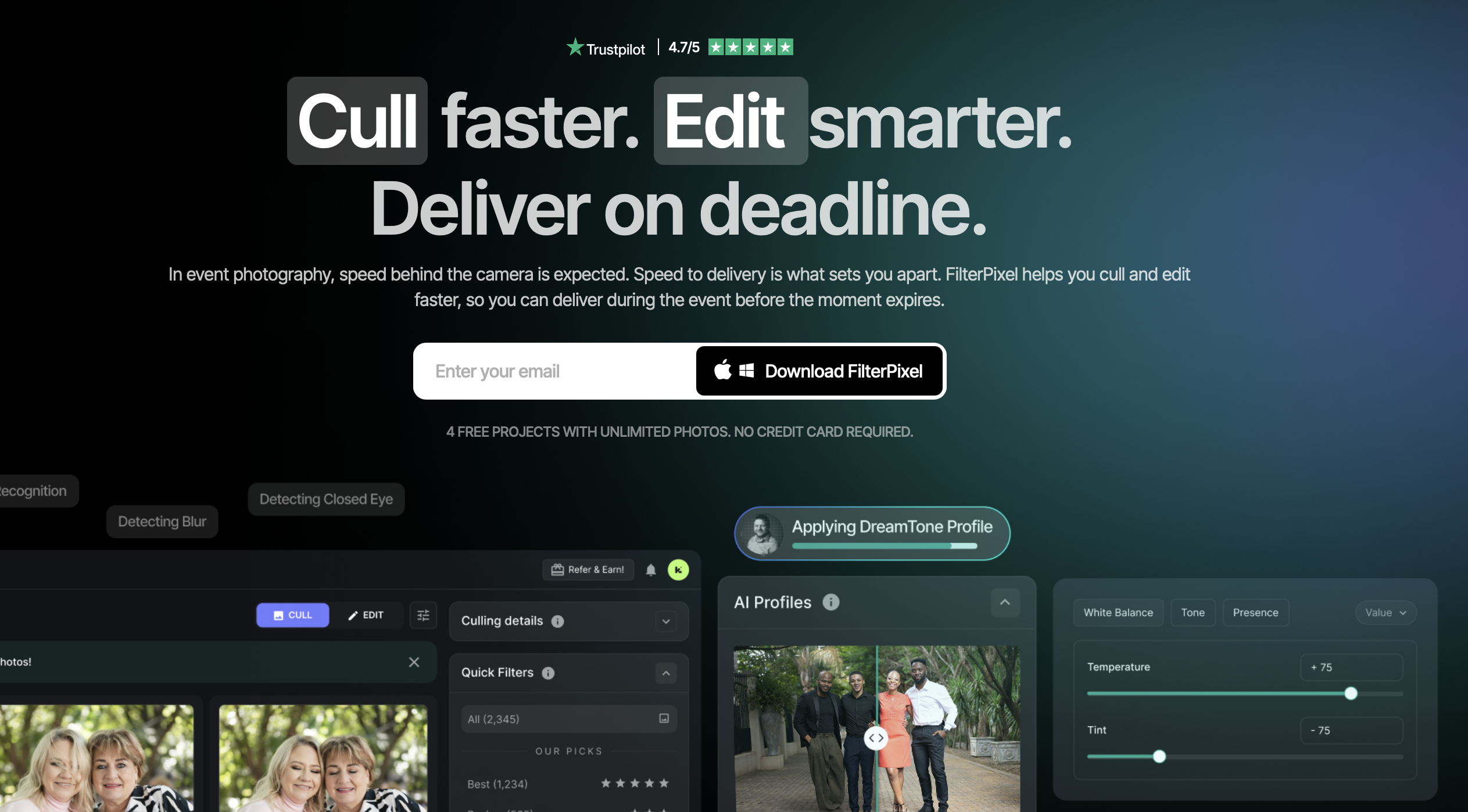
FilterPixel is cloud-based, which means processing speed doesn’t depend on your laptop. Its DeepCull engine runs genre-specific models, separate scoring logic for sports, weddings, conferences, and concerts, instead of one general-purpose AI applied to every shoot type.
For sports specifically, DeepCull evaluates each frame for peak-action timing, groups burst sequences, and picks the strongest frame from each group based on sharpness, subject position, and ball or puck visibility. It flags clutter, like a referee’s arm blocking the subject, and favors clean compositions even inside a technically sharp burst. Every photo gets a score and a written reason for its ranking, rather than a plain star rating.
In FilterPixel’s own published benchmark, DeepCull culled 1,000 event images in under three minutes and matched a professional photographer’s keeper and reject decisions with roughly 94-96% agreement. That’s a vendor-reported figure, not an independent test, so treat it as a starting point for your own evaluation rather than a guarantee.
FilterPixel Pricing
FilterPixel’s free tier includes 4 complete projects with unlimited photos for basic culling, plus 1 DeepCull project capped at 1,000 photos, enough to test the sports-specific mode across two or three games before committing.
| Plan | Price | Notes |
| Free | $0 | 4 basic culling projects, 1 DeepCull project (1,000 photos) |
| Standard | $20/mo, or roughly $9.75–$9.99/mo billed annually | Unlimited basic AI culling and editing |
| DeepCull (standalone) | ~$49 per project, up to 10,000 photos | Genre-specific sports, wedding, conference, and concert modes |
Because DeepCull is billed against a photo quota rather than a flat unlimited rate, a heavy month with several games will cost more than a light one. Confirm current per-project pricing on FilterPixel’s site before budgeting for a full season, since project-based pricing structures change more often than flat subscriptions.
Advantages of FilterPixel
- The only tool in this comparison with a dedicated sports culling model, built specifically around peak action and burst handling.
- Cloud processing means consistent speed regardless of whether you’re running a high-end desktop or an aging laptop in the press box.
- Score-and-reason transparency on every selection, which shortens the manual review pass.
- A generous permanent free tier for testing before you pay anything.
Disadvantages of FilterPixel
- Requires uploading images to the cloud, which won’t suit photographers under strict NDAs or club policies that restrict where youth sports images can be stored.
- DeepCull’s quota-based pricing makes costs less predictable across a season with uneven shoot volume.
- No built-in AI retouching, so portrait and team-composite work still needs a separate tool.
FilterPixel’s Privacy and File Handling
- FilterPixel is cloud-based. According to the company’s published documentation, images are processed and returned without being used for AI training, encrypted in transit and at rest, and automatically purged after a retention window, with GDPR and CCPA compliance and signed data processing agreements available for studios.
- That’s a decent privacy posture for a cloud tool, but it still requires uploading a club’s or school’s images to a third-party server, which some organizations won’t permit regardless of the safeguards in place.
If your contracts or school policies restrict where images can be stored, confirm this directly with whichever tool you’re evaluating rather than assuming.
How does FilterPixel handle bursts, duplicates, and peak action?
- FilterPixel’s DeepCull groups burst sequences and picks the strongest frame based on sharpness, subject position, and ball or puck visibility, weighting peak action higher than a technically sharp but static frame from the same sequence.
How do FilterPixel’s integrations and workflow compatibility work?
- FilterPixel exports to Lightroom Classic, Capture One, and Photoshop, and its cloud-first design means you can review selections from a phone or tablet at the venue before you’re even back at your desk.
FilterPixel Support and Onboarding
- FilterPixel’s Trustpilot reviews frequently mention responsive technical support, including same-day help during active shoots.
Who is FilterPixel Best For?
FilterPixel is the strongest match for sports, event, and photojournalism shooters whose main bottleneck is turning thousands of burst frames into a same-day gallery, and who don’t need editing or retouching bundled into the same subscription.
👁️G2 reviews: FilterPixel on G2
3. Photo Mechanic
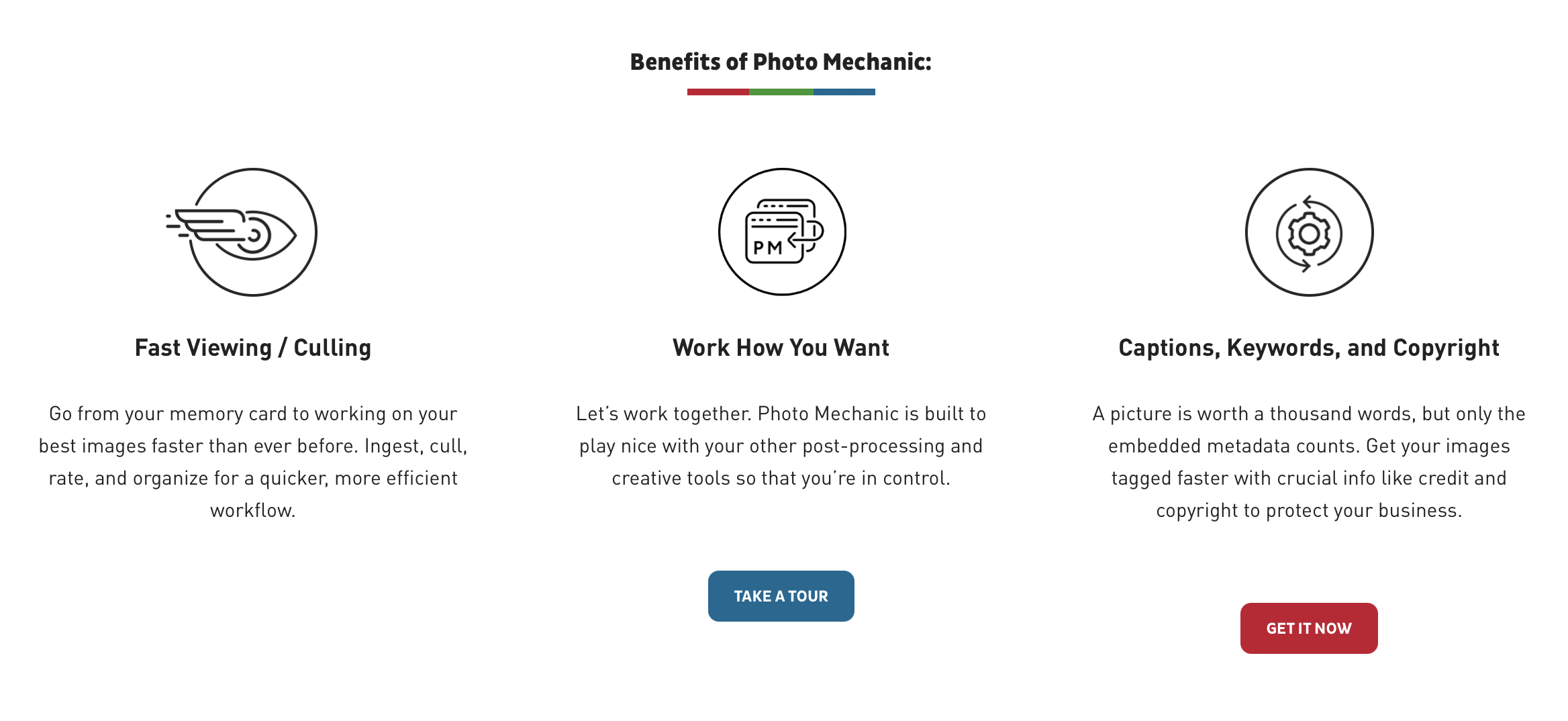
Photo Mechanic Features and Functionality
Photo Mechanic is not an AI culling tool. It’s a browser and metadata engine, and in 2026 it still hasn’t added AI selection, blur detection, or duplicate grouping. What it does instead is load the embedded JPEG preview of a RAW file almost instantly, letting you flip through thousands of frames with effectively zero lag while tagging, rating, and captioning as you go.
For sports specifically, ingestion speed and IPTC captioning still matter, especially for photographers filing to wire services, leagues, or publications that require consistent metadata on every image. Many sports photographers run Photo Mechanic for ingest and captioning, then hand off to a separate AI tool for the actual selection pass.
Photo Mechanic Pricing
Photo Mechanic uses one-time perpetual licenses rather than a subscription.
| Version | Price |
| Photo Mechanic 6 | $139 one-time |
| Photo Mechanic Plus | $229–$249 one-time |
| Major version upgrades | Roughly $89–$99, every few years |
There’s no ongoing monthly cost, but no AI culling either. Photographers who rely on Photo Mechanic for selection do it entirely by eye.
Advantages of Photo Mechanic
- Unmatched RAW preview speed for manual review, nothing else in this comparison browses files as fast.
- Strong IPTC metadata and captioning tools built specifically for wire, publication, and agency delivery requirements.
- One-time purchase with no recurring subscription cost.
Disadvantages of Photo Mechanic
- No AI selection of any kind. Every keeper and reject decision is manual.
- The interface hasn’t meaningfully modernized, and reviewers have been requesting AI features since 2023 without any added.
- Doesn’t scale the way AI tools do, a photographer shooting several games a week gets no speed benefit from volume.
👁️ Also Check Out: Aftershoot vs Photo Mechanic for Photo Culling
Photo Mechanic’s Privacy and File Handling
- Photo Mechanic processes entirely locally since it has no cloud component at all.
How does Photo Mechanic handle bursts, duplicates, and peak action?
- Photo Mechanic doesn’t group anything automatically.
- You’re deciding, frame by frame, which of the 40 near-identical shots is the keeper.
How do Photo Mechanic’s integrations and workflow compatibility work?
Photo Mechanic pairs with virtually any editor downstream, since its job ends at ingest, rating, and captioning.
Photo Mechanic Support and Onboarding
Photo Mechanic’s support leans on documentation and a long-established user community rather than live chat, which fits its one-time-purchase model.
Who is Photo Mechanic Best For?
Photo Mechanic suits photojournalists and wire photographers who need to caption and file fast, want full manual control over every selection, and don’t mind pairing it with a separate tool if they eventually want AI assistance.
👁️ Capterra reviews: Photo Mechanic
4. Narrative Select
Narrative Select Features and Functionality
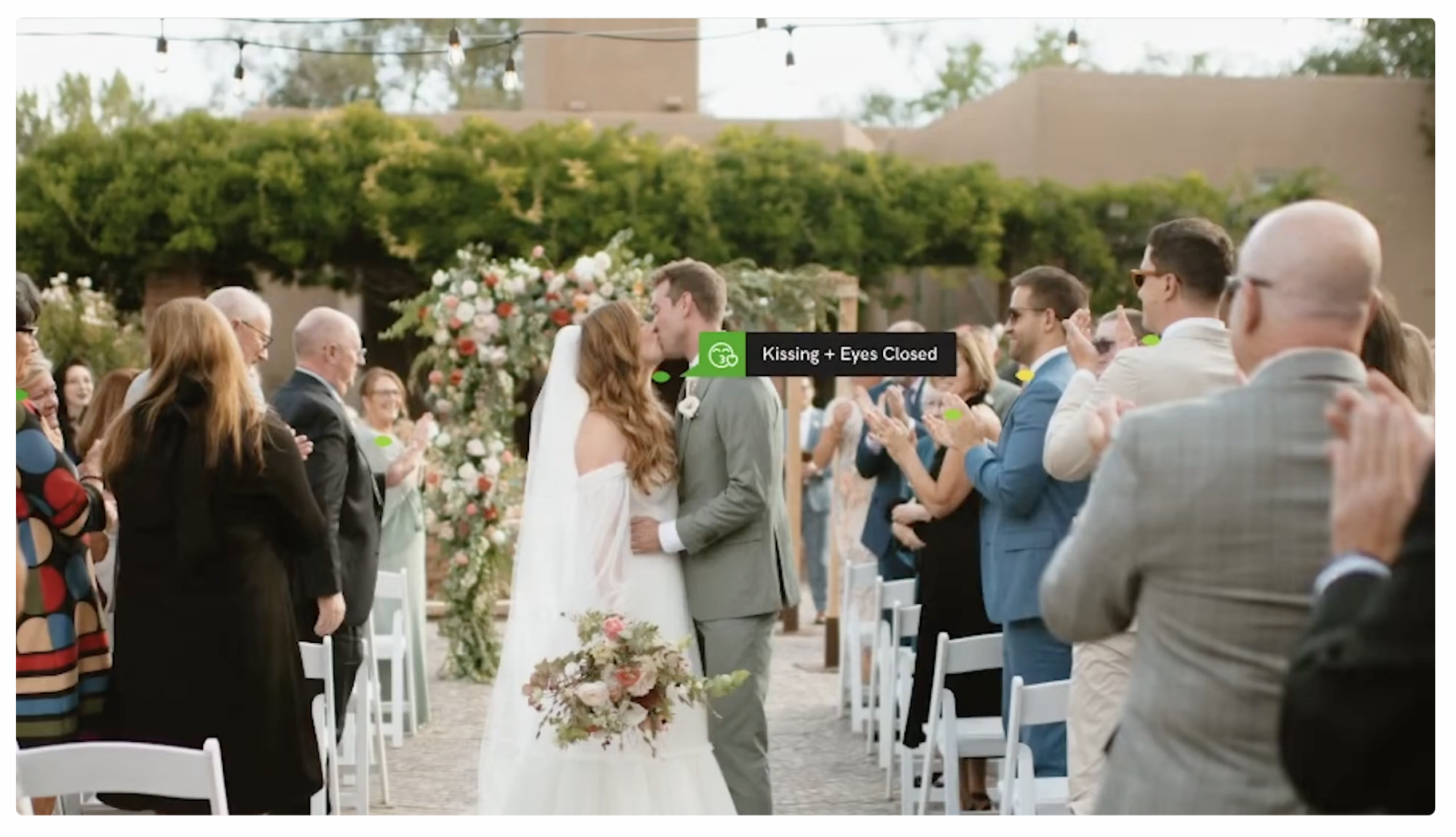
Narrative Select’s AI leans heavily on face detection, eyes open, sharp focus on the eyes, and expression quality, which makes sense for its core audience of portrait and wedding photographers. It groups similar shots and surfaces its top pick from each group, with the photographer able to override any selection.
For sports, this face-first approach is a mismatch more often than not. A peak-action football catch or a soccer header rarely has a clean, forward-facing expression to evaluate, and Narrative Select doesn’t run a genre-specific mode that reweights its criteria for fast-moving action the way FilterPixel’s sports mode does.
Narrative Select Pricing
| Plan | Monthly (annual billing) | Monthly (month-to-month) | Includes |
| Lite | $10 | $15 | Basic culling |
| Standard | $20 | $29 | Advanced culling, basic AI editing |
| Premium | $40 | $59 | Advanced culling, advanced AI editing |
| Ultra | $60 | $79 | More AI editing profiles, multi-user access |
Every plan includes unlimited projects and unlimited images, and new accounts start with a full trial of the Ultra tier.
Advantages of Narrative Select
- Excellent face and eye-quality detection for portrait-style work.
- Unlimited images on every paid tier, so volume doesn’t drive cost the way FilterPixel’s DeepCull does.
- A thoughtful manual-first workflow that keeps the photographer in control of final picks.
Disadvantages of Narrative Select
- No sports or action-specific culling logic.
- Weaker fit for burst-heavy, fast-motion shoots than for posed or semi-posed work.
Narrative Select’s Privacy and File Handling
- Narrative Select uses a hybrid local-and-cloud approach.
How does Narrative Select handle bursts, duplicates, and peak action?
- Narrative Select groups by face quality first, which works well when the subject is facing the camera and less well when the decisive moment is a mid-air catch with the athlete’s face turned away.
How do Narrative Select’s integrations and workflow compatibility work?
- Narrative Select integrates tightly with Lightroom Classic and Capture One but is limited to macOS.
Narrative Select Support and Onboarding
- Narrative Select includes support with every paid plan.
Who is Narrative Select Best For?
Narrative Select is a strong pick for portrait, headshot, and wedding photographers on macOS. It’s a weaker fit for a sports-heavy workload unless sports makes up a small share of your overall business.
How does pricing work at real sports volume?
Some of the above advertised monthly prices may not tell you what a real season costs. Here’s how the math looks for two common sports-photography volumes.
- A weekend youth-league shooter: roughly 3–4 games a month, 2,500–3,500 images per game, around 10,000–12,000 images monthly.
- Aftershoot Select ($10/mo annual) and Narrative Select Lite ($10/mo annual) both cover this volume with no overage, since both are unlimited.
- FilterPixel’s free tier likely won’t cover full-season DeepCull use at this volume; expect to move to a paid DeepCull allotment.
- Photo Mechanic costs nothing monthly, but every selection is manual at this volume.
- A high school or college photographer covering multiple sports: 3+ games a week during season, 3,000–4,500 images per game, 40,000+ images monthly.
- Aftershoot and Narrative Select’s flat, unlimited pricing becomes the more predictable option, since cost doesn’t scale with volume.
- FilterPixel’s quota-based DeepCull pricing means a heavy month costs more than a light one, worth budgeting for before peak season rather than after the first surprise bill.
- Photo Mechanic’s one-time cost stays flat, but the time cost of fully manual culling grows with every additional game.
What does this mean for photographers?
If your volume is high and predictable, a flat unlimited plan protects your margins better than a per-photo or per-project model. If sports culling accuracy on peak action matters more than predictable monthly cost, FilterPixel’s DeepCull is worth paying for even with the quota structure.
Why Aftershoot’s AI Culling is your go-to for sports photography workflows
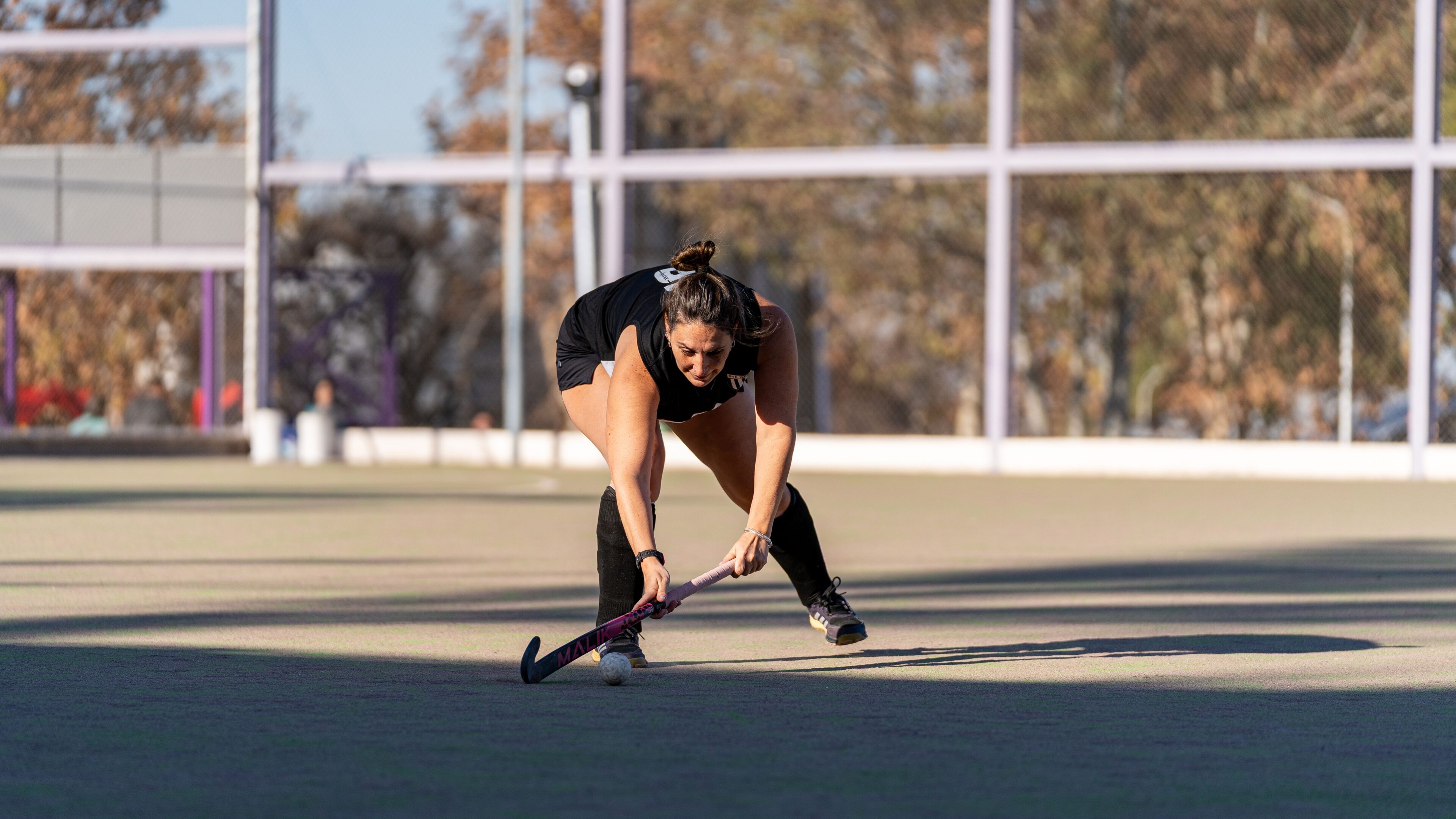
Genre-specific accuracy is one piece of a sports workflow. Cost predictability, speed at the venue, and what happens after culling matter just as much, and this is where Aftershoot’s AI culling in sports photography workflows earns its place over tools built purely for selection.
- Unlimited pricing means volume never punishes you. A three-game week during playoffs costs the same as a quiet bye week. Photographers on quota-based tools watch their bill climb the busier they get, at exactly the point in the season when margins matter most.
- Local processing removes the venue as a variable. Aftershoot runs entirely on your machine, so a gym with one bar of signal or a stadium with saturated Wi-Fi doesn’t slow down culling the way it would with a cloud-dependent tool. You start reviewing selections the moment processing finishes, not the moment your upload does.
- Files never leave your computer. For any photographer shooting youth leagues, school sports, or club teams, that’s not a minor detail. It sidesteps the data-handling questions that come up the moment a league or district asks where student images are stored.
- Culling is the start of the workflow, not the whole job. After Aftershoot narrows 4,000 frames to your shortlist, the same app applies your personal editing style across every selected image and handles retouching, so a finished, delivery-ready gallery comes out of one subscription instead of three.
- Consistency compounds across a season. A trained AI profile carries your color and exposure standard across every field, court, and lighting setup you shoot in, so a September gallery and a November gallery look like they came from the same photographer, not a dozen separately edited jobs.
Worth being direct about the trade-off: Aftershoot’s culling applies one AI model across every genre, so it won’t automatically weight a peak-action catch over a technically sharp standing shot the way a sports-specific model would. For photographers whose primary need is that exact kind of editorial judgment on a single decisive frame, that’s a real gap. But for the far more common problem, turning thousands of raw files into a consistent, deliverable gallery without paying more as volume rises or uploading a roster of minors’ images to a third-party server, Aftershoot’s AI culling in sports photography workflows solves the part of the job that actually determines whether you make deadline.
In a Nutshell…
AI culling in sports photography isn’t a solved problem the same way wedding or portrait culling is. Peak action, burst sequences, and delivery deadlines demand something closer to editorial judgment than a general sharpness score, and FilterPixel has built a model specifically for that.
Aftershoot trades genre-specific sports intelligence for an all-in-one, locally processed workflow that’s hard to beat if editing and retouching matter as much to you as culling does.
If you’re not sure which trade-off fits your season, Aftershoot’s free 30-day trial is a low-risk way to test how its culling handles your own game footage before you commit.
FAQs for AI Culling in Sports Photography
Q1. Is AI culling accurate enough for fast-moving sports shots?
AI culling accuracy for sports depends heavily on whether the tool uses a genre-specific model. General-purpose AI tools score frames on sharpness and exposure, which can miss the actual decisive moment in a burst. Genre-specific tools like FilterPixel’s DeepCull weight peak action and subject tracking differently, which tends to produce more usable first-pass selections for sports specifically. Either way, plan on a short manual review pass rather than trusting AI selections blindly for client delivery.
Q2. How much does the best photo culling software for sports typically cost?
Costs range from a one-time $139 license to roughly $10–$60 per month, depending on the tool and plan. Flat-rate tools like Aftershoot and Narrative Select charge the same price regardless of volume, while FilterPixel’s genre-specific DeepCull is billed against a photo quota that can rise during a heavy season. Photo Mechanic has no AI culling cost at all, since it’s a one-time manual browsing tool.
Q3. Can I use AI culling software without an internet connection at the venue?
Yes, if you choose a locally processed tool. Aftershoot and Photo Mechanic both run entirely on your machine, so venue Wi-Fi or cell signal isn’t a factor. FilterPixel’s DeepCull requires an internet connection since processing happens in the cloud, which is worth checking in advance for venues with unreliable connectivity.
Q4. Does AI culling work well for youth and school sports where privacy matters?
Local processing tools reduce privacy concerns for shoots involving minors. Aftershoot processes images entirely on your device without uploading anything, which fits well with school district or youth league policies that restrict where student images can be stored. Cloud-based tools can still be a safe choice, but confirm their data retention and training-use policies directly if you’re shooting for a school or club with strict requirements.
Q5. Is one AI culling tool enough, or do sports photographers need more than one?
Many sports photographers combine tools rather than relying on just one. A common workflow pairs Photo Mechanic’s fast ingest and IPTC captioning with a separate AI culling tool for selection, since Photo Mechanic itself has no AI features. Others use a single all-in-one tool like Aftershoot to avoid switching between apps for culling, editing, and retouching.
Q6. What’s the difference between Aftershoot and FilterPixel for sports photography?
The main difference is genre-specific intelligence versus an all-in-one workflow. FilterPixel’s DeepCull runs a dedicated sports model that weights peak action and burst sequences differently from other genres. Aftershoot applies one AI model across every shoot type but bundles culling with unlimited AI editing and retouching, and processes everything locally rather than in the cloud.




