
AI Stray Hair Remover for Professional Photographers
Remove stray and flyaway hair instantly with AI. Clean up frizz without flattening volume or altering natural texture. Built for real portraits, not beauty filters.
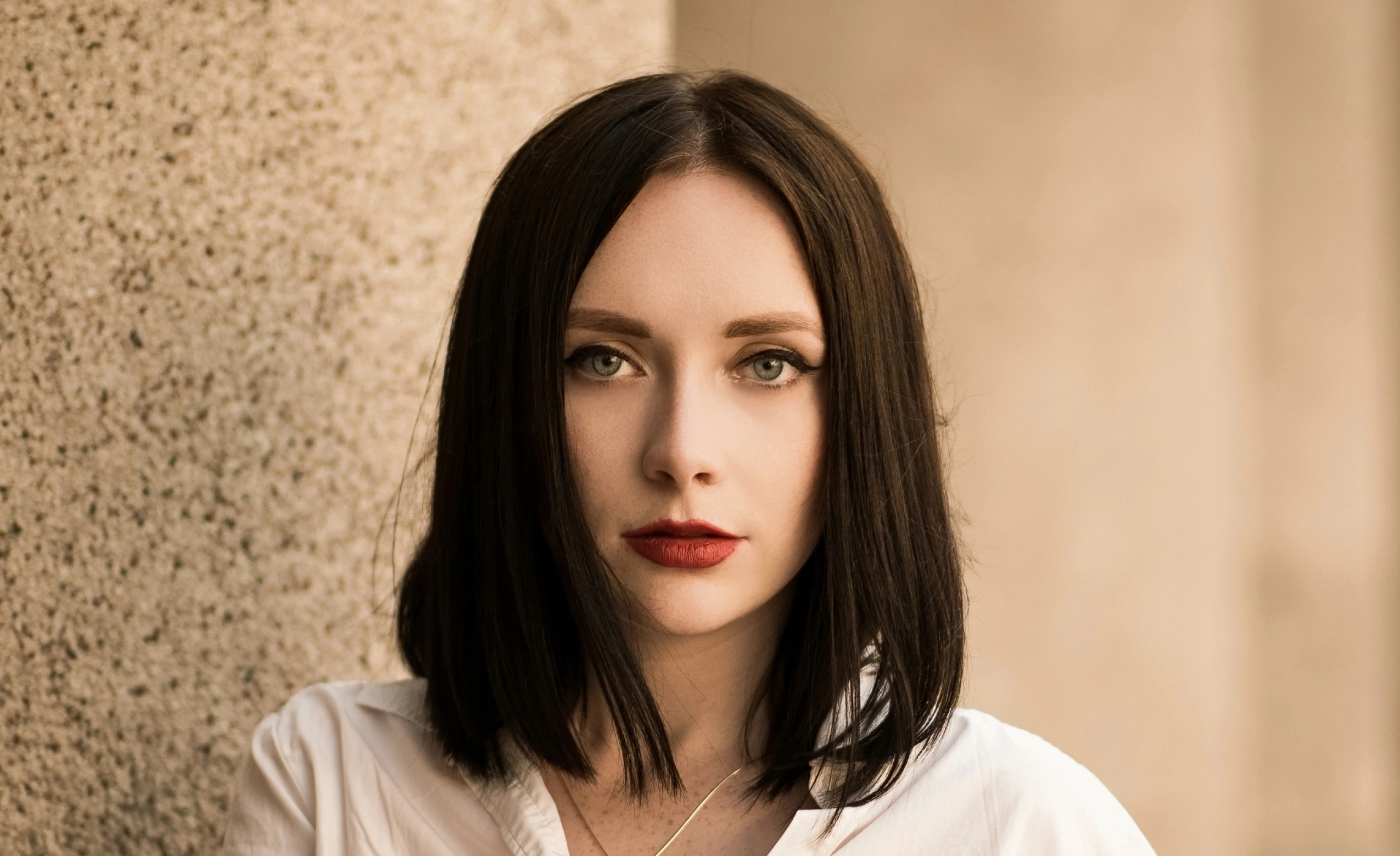
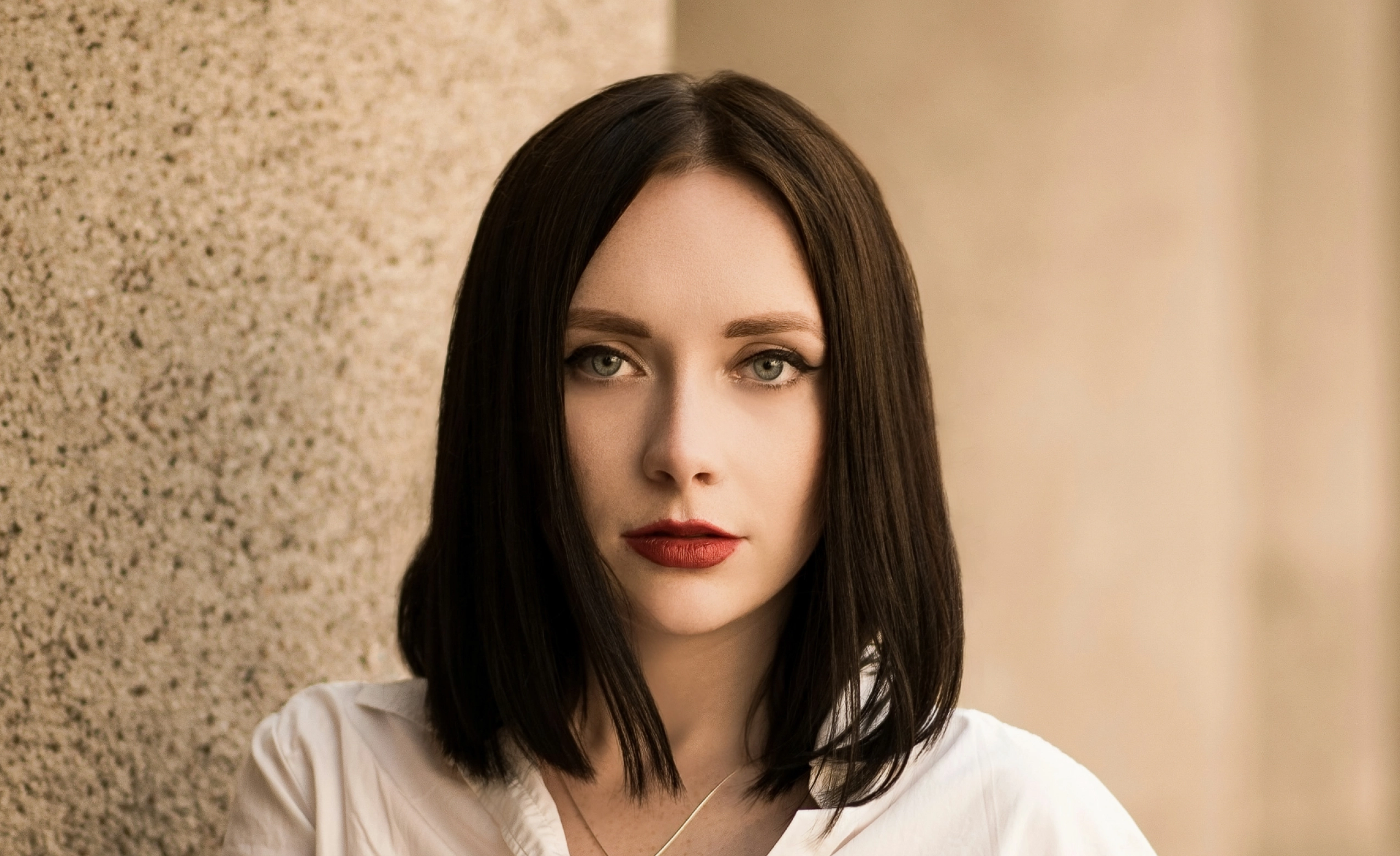
Loading..
No image? Try with one of these
0 of 3 free retouches used
As seen in

AI Stray Hair Removal for Clean, Natural Portraits
When Perfect Hair Isn’t Possible on Set
Stray hair is a common portrait distraction. Wind, humidity, or long event days can leave loose strands crossing faces or clothing and pulling attention away from the subject. Fixing stray hair manually is slow and delicate. Clone tools can damage texture, and healing brushes often smear edges into the background. Across large galleries, maintaining consistency becomes difficult. Basic photo editors blur hairlines or remove too much volume, leaving results that look artificial.
Flyaways Gone. Hairstyle Intact.
Aftershoot’s AI Stray Hair Remover removes loose strands and frizz while preserving natural hair flow and density. It understands which strands are distractions and which define the hairstyle, delivering clean results without altering the look.
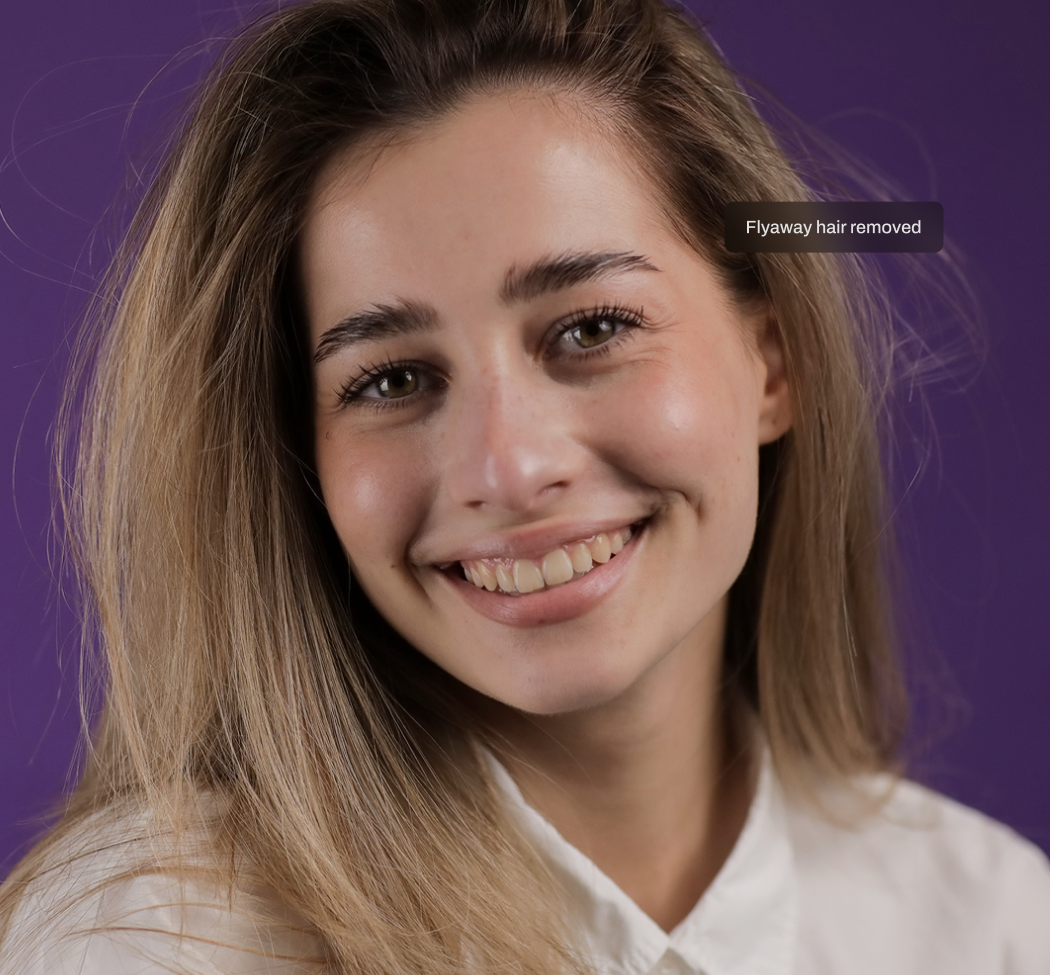
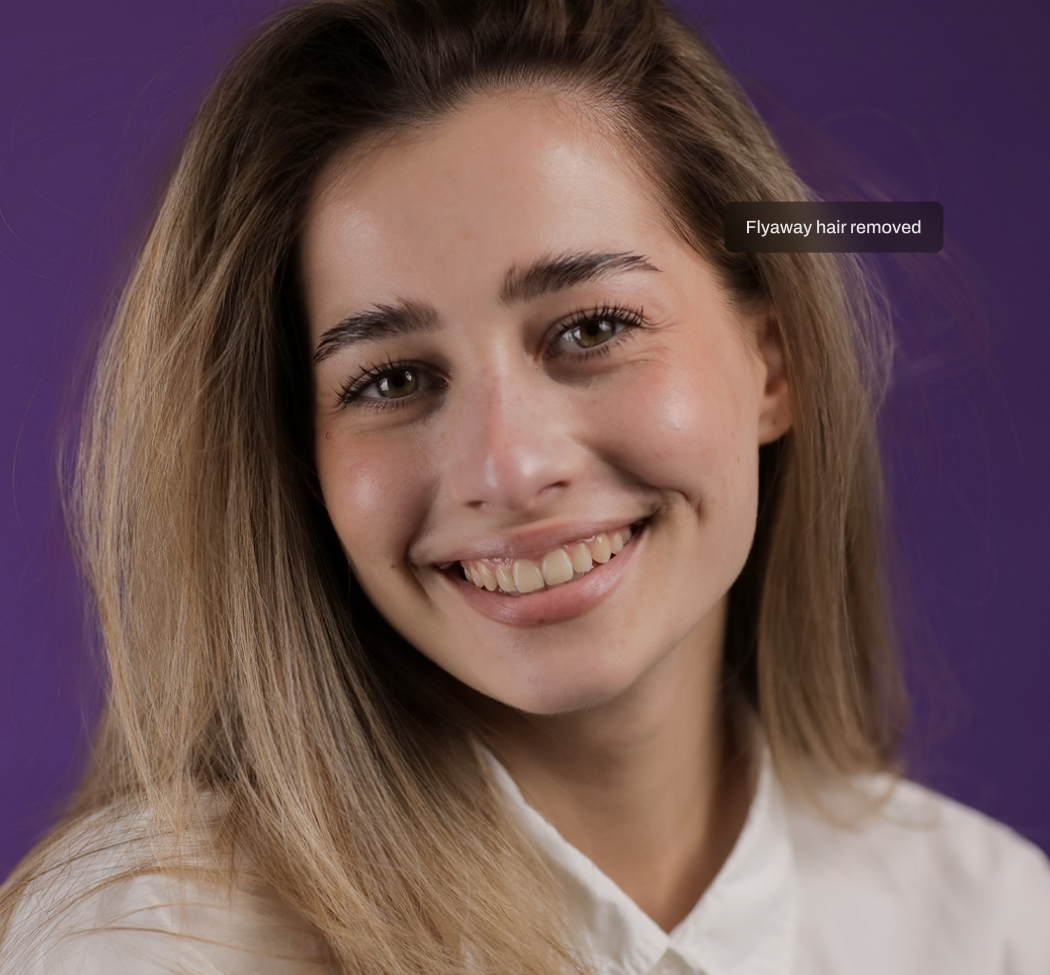
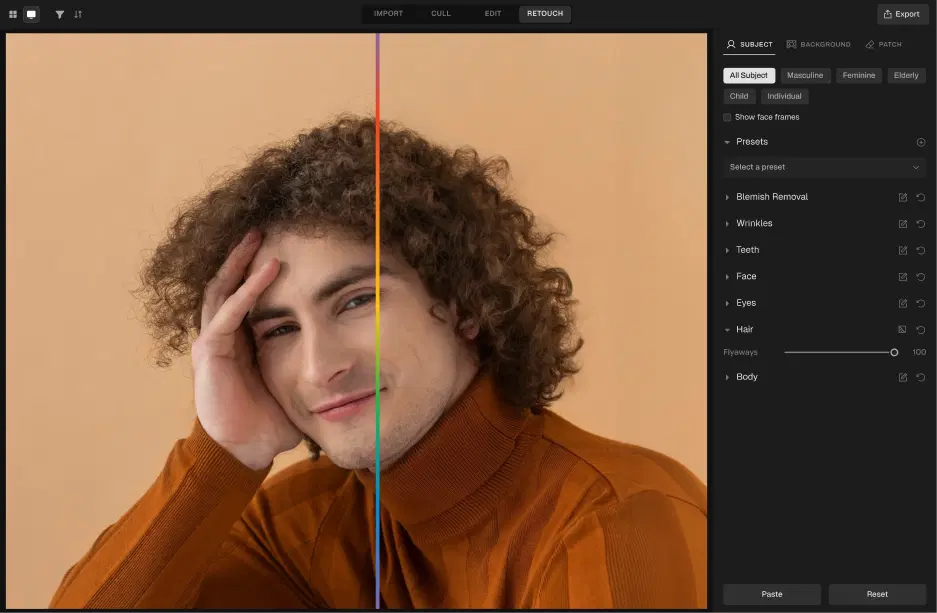
Hair-Aware AI Detection
The AI analyzes strand direction, edge contrast, and background separation before applying corrections. It distinguishes intentional volume from environmental flyaways. Edits are selective, not aggressive.
Selective Flyaway Removal
The AI removes only stray strands, edge frizz, and loose flyaways that distract from the subject. It avoids thinning hair, reshaping hairlines, or changing hairstyles. Volume, density, and natural flow remain untouched, making the result suitable for professional delivery.
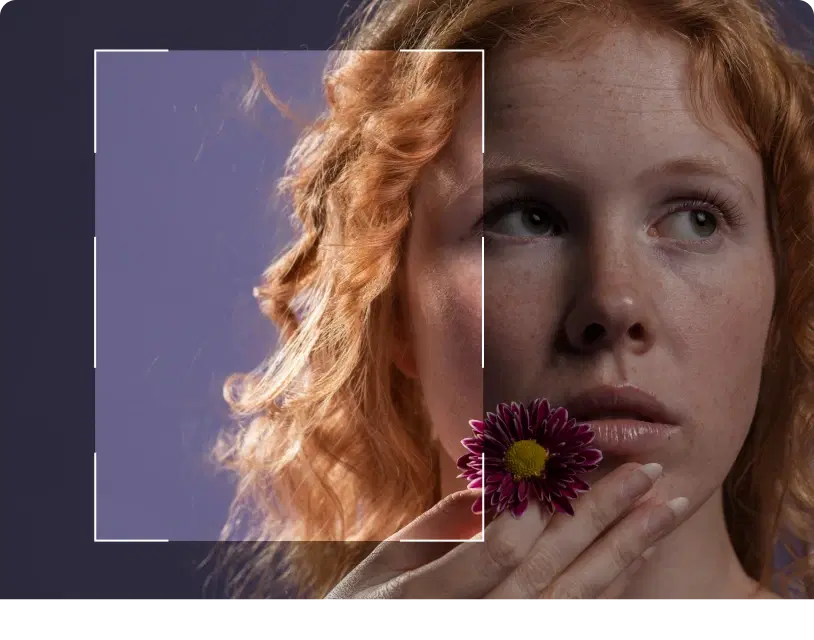
Natural Texture & Volume Preservation
Hair should still look like hair after retouching. Texture, curls, waves, and depth remain visible. There are no blurred edges, no flattened areas, and no artificial smoothing. The final image holds up under close inspection and feels professionally retouched rather than cosmetically altered.
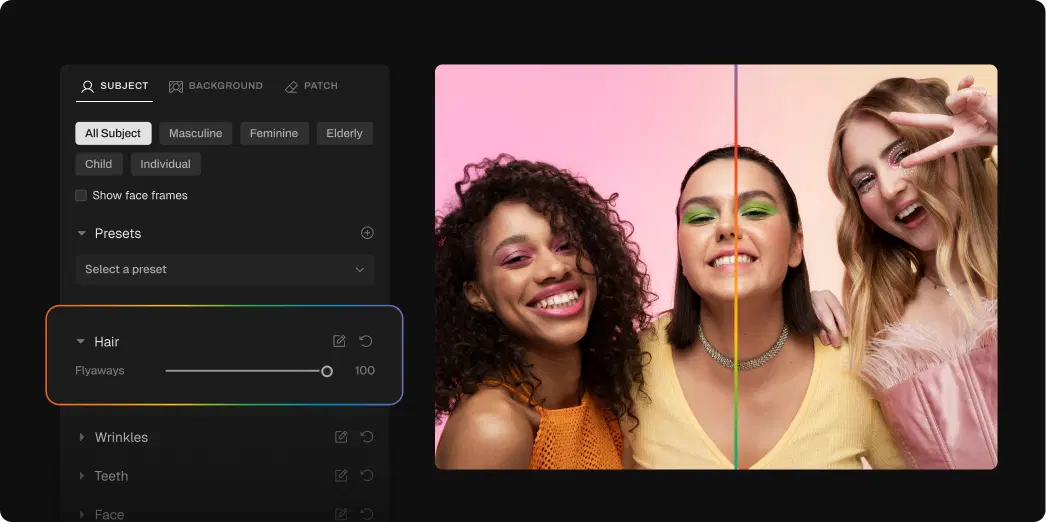
How to Remove Stray Hair from Photos in 3 Steps

Upload Photos
Add your gallery (RAW or JPEG)
Adjust the Stray Hair Remover Slider
Go to Retouching, select Hair, and adjust the slider for subtle or polished results

Export Album Instantly
Preview and export to view final results
Go Beyond Stray Hair Remover
Glass Glare Removal
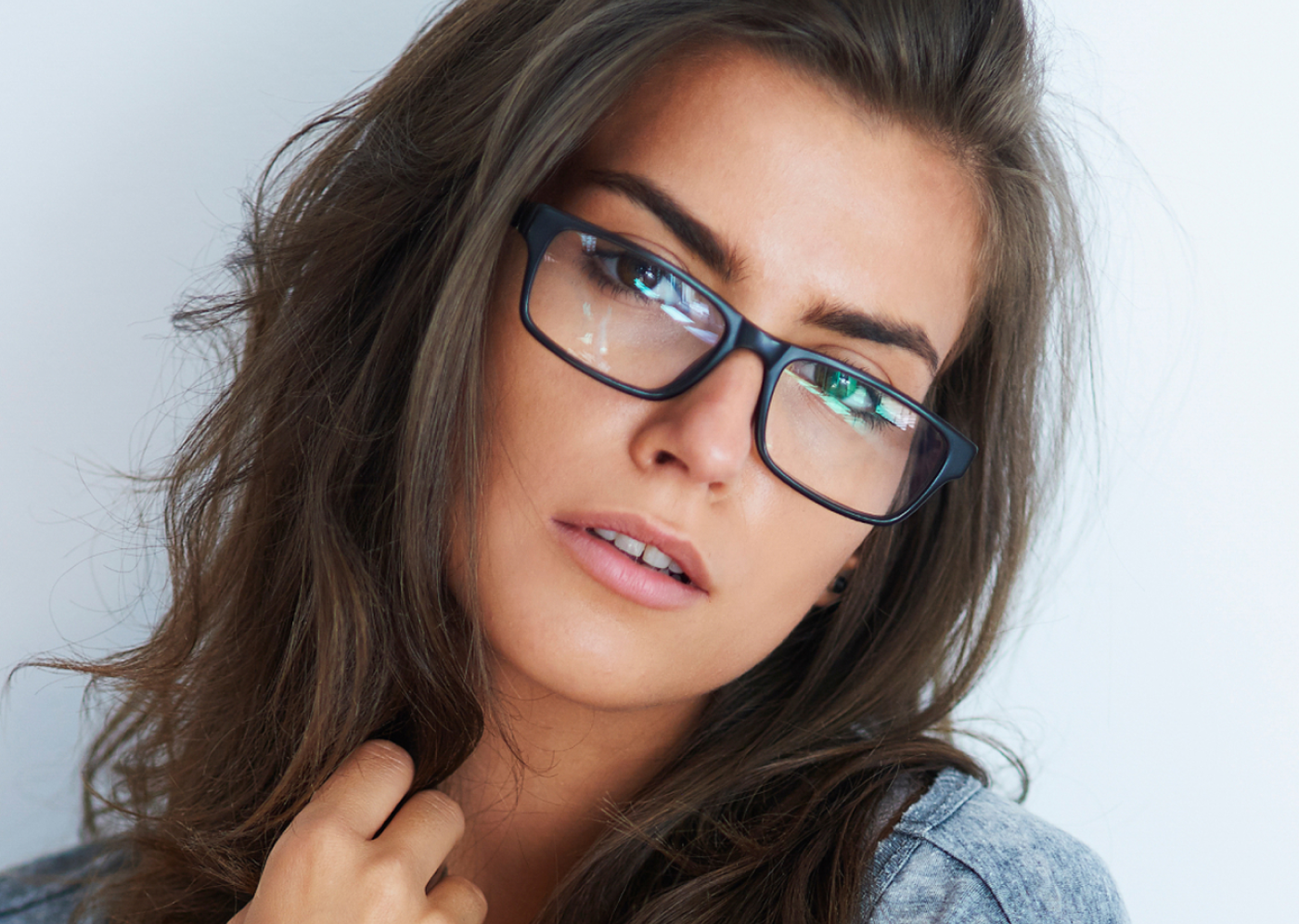
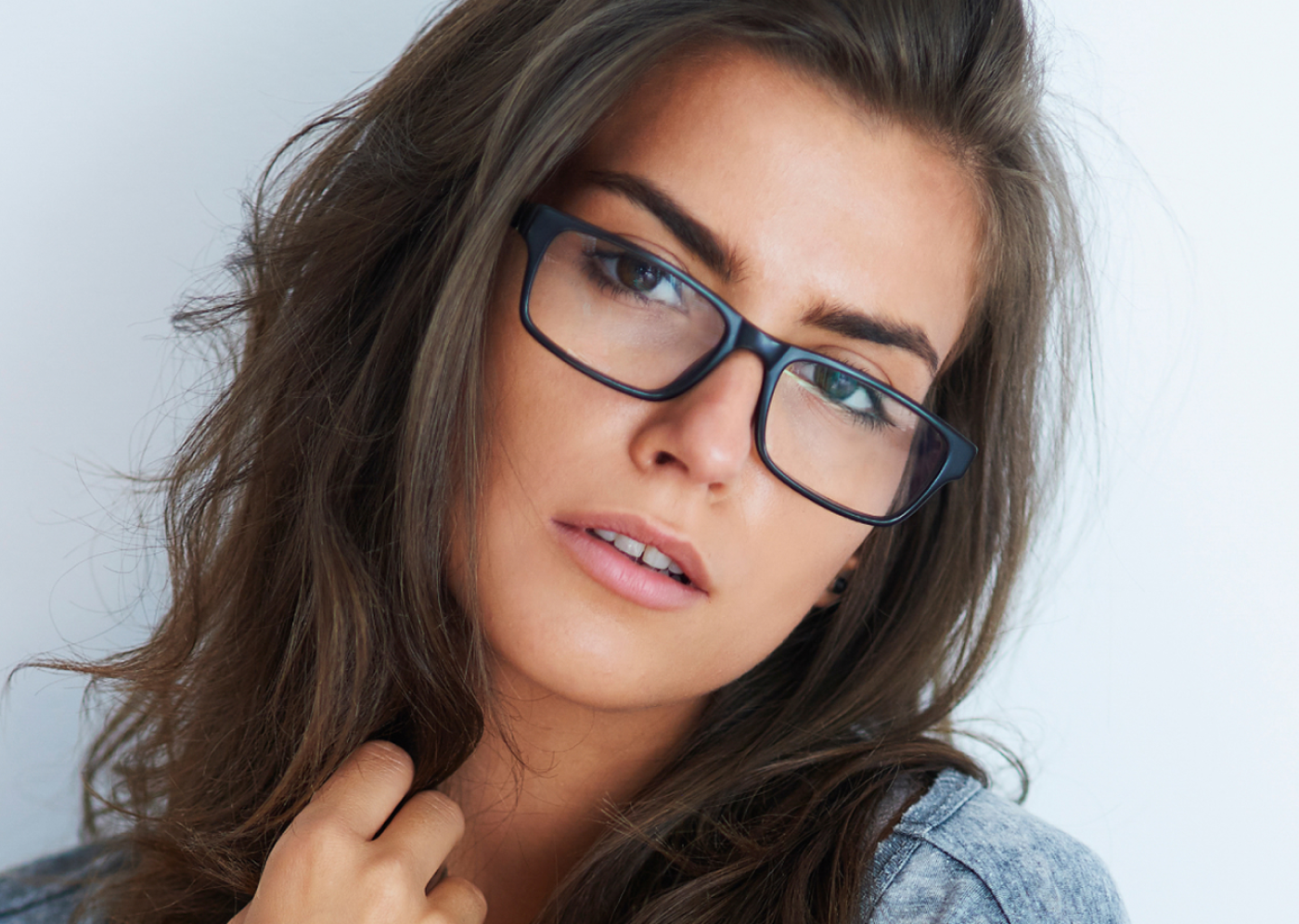
Remove glare and reflections from glasses in portraits while preserving natural skin tone and eye detail.
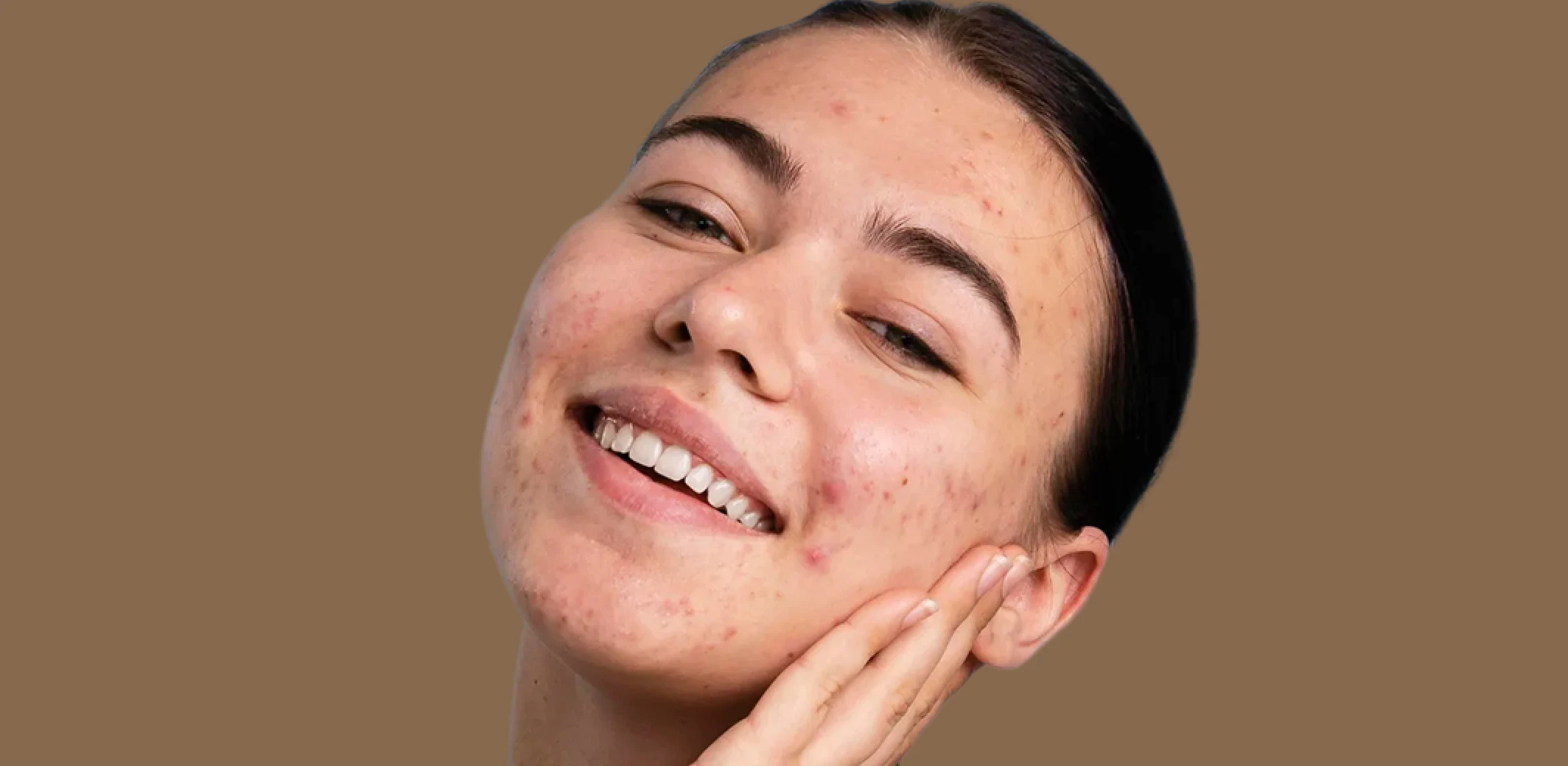
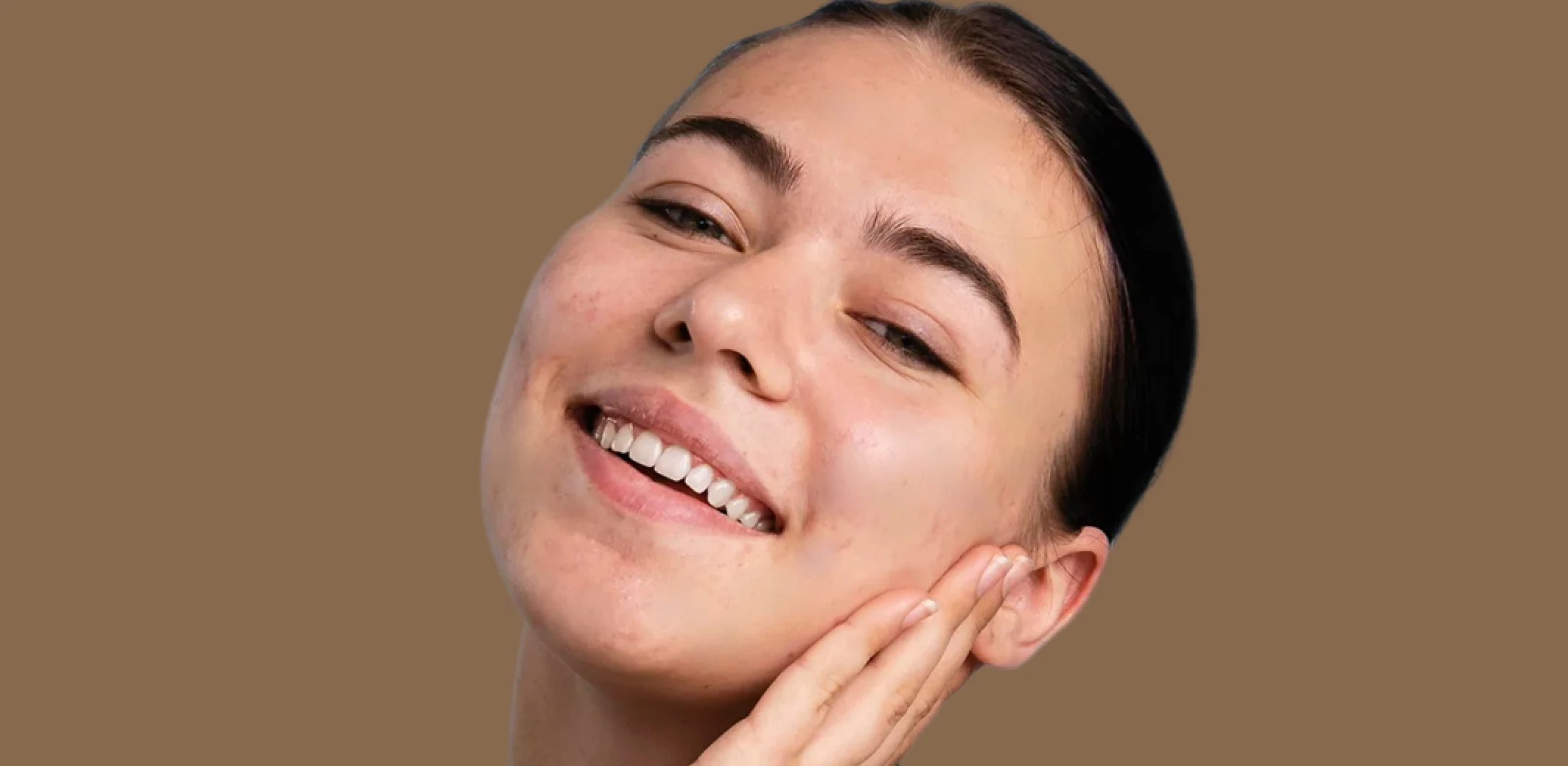
Blemish Remover
Remove temporary blemishes and spots while preserving natural skin texture and tone.
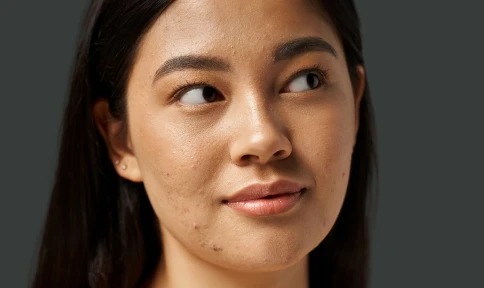
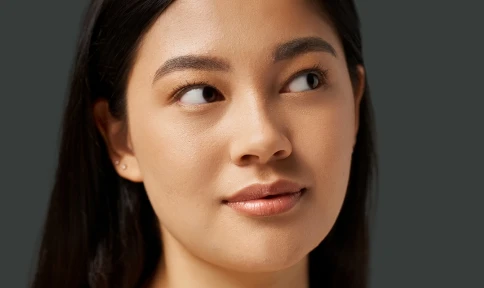
Face Retouching
Enhance facial clarity and polish portraits naturally without changing expressions, features, or identity.
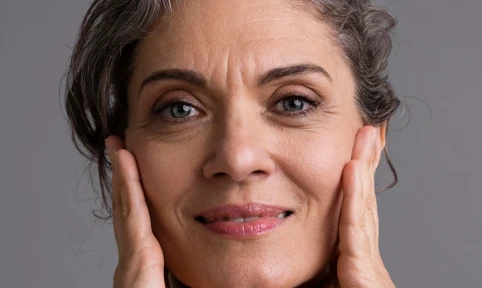
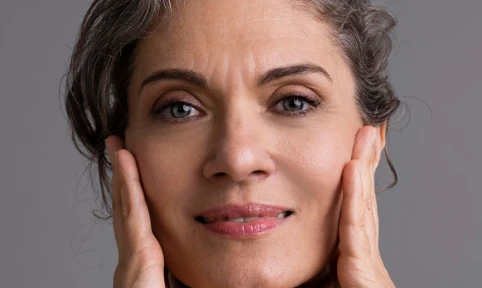
Wrinkle Remover
Soften wrinkles and fine lines with adjustable intensity while maintaining natural skin texture and character.
Made for All Moments


.png&w=48&q=75)


School & Team Sport
Hundreds of faces, one consistent finish.
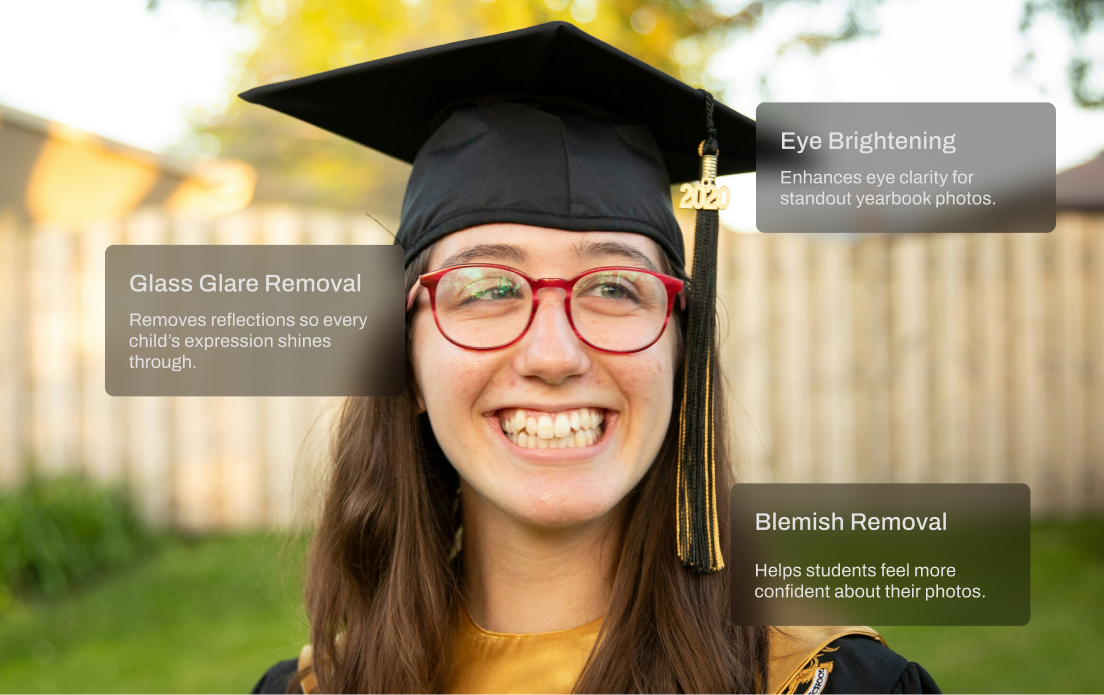
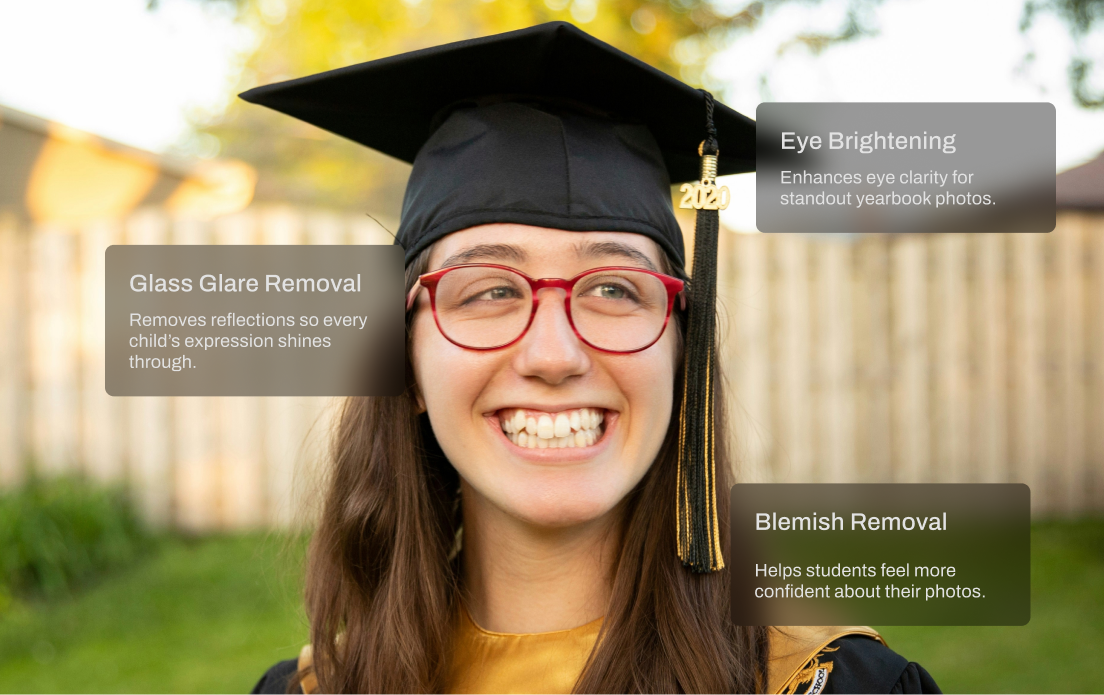
School and team photo days are fast-paced and high-volume. You’re dealing with glare from glasses, inconsistent lighting, messy hair, and hundreds of files to deliver on tight deadlines. Aftershoot speeds things up with smart batch retouching that handles the heavy lifting. Even out skin tones, reduce glare, and clean up every shot in minutes so your final gallery looks polished and ready to print.
AI Retouching, Trusted by the Pros
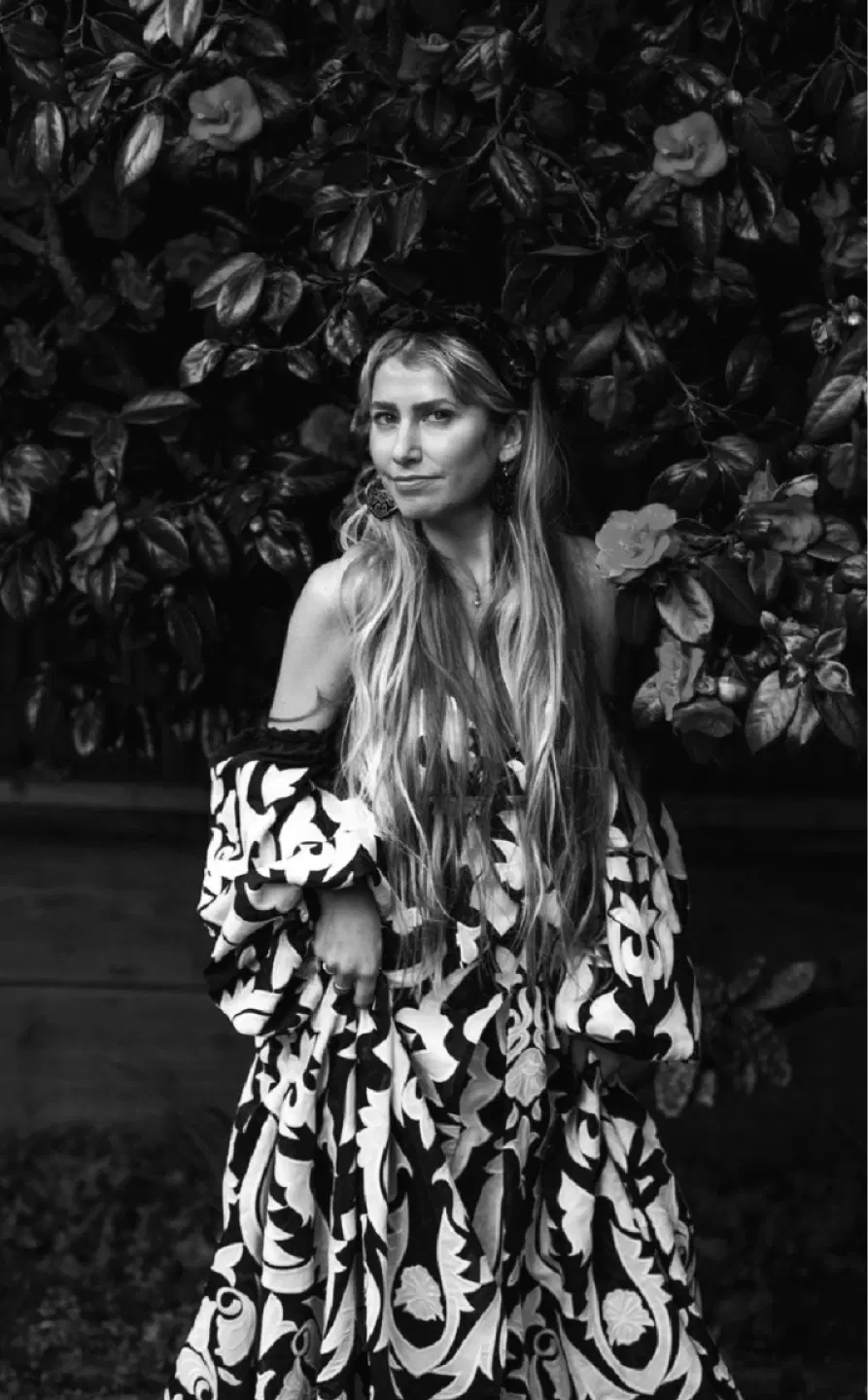
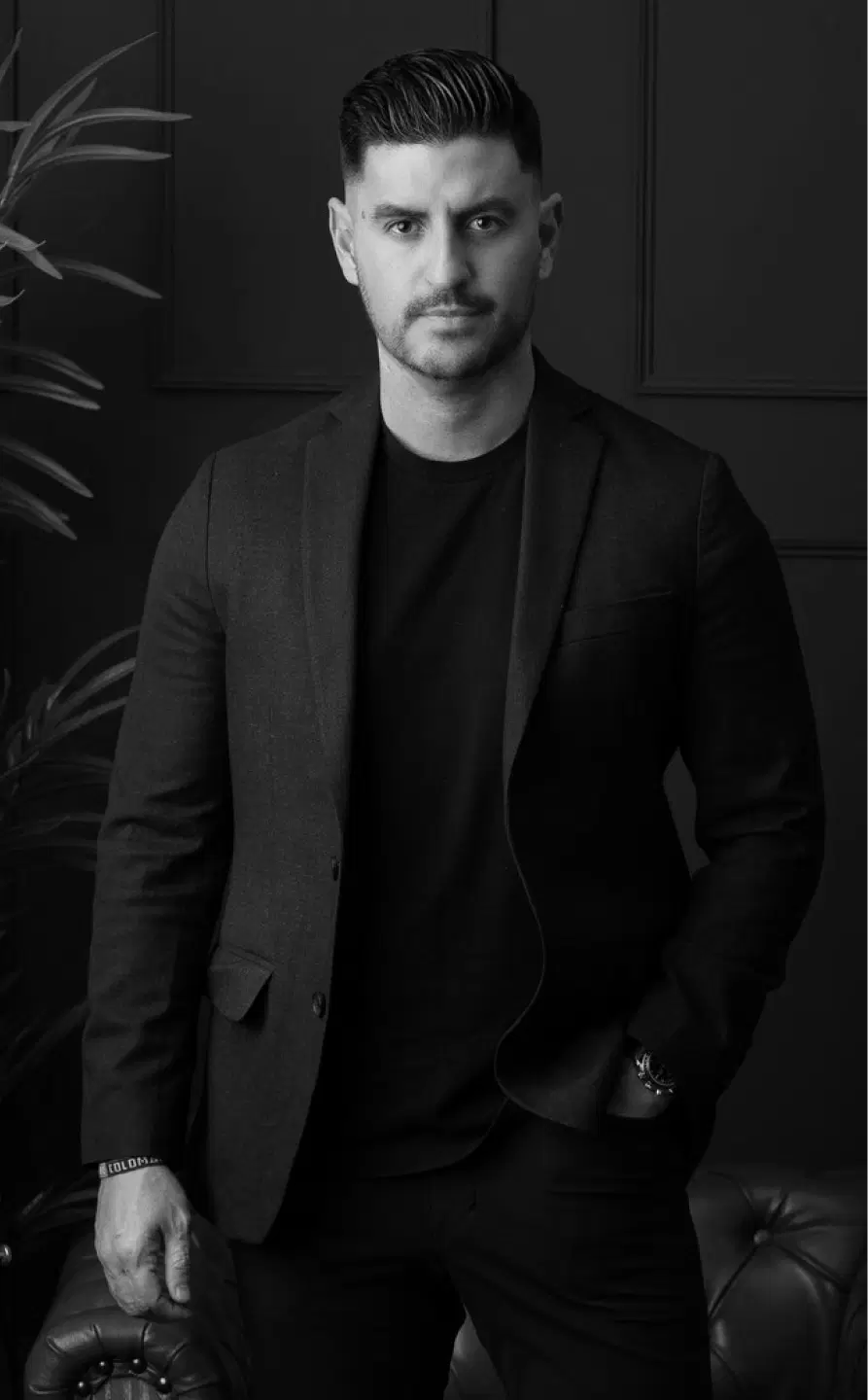
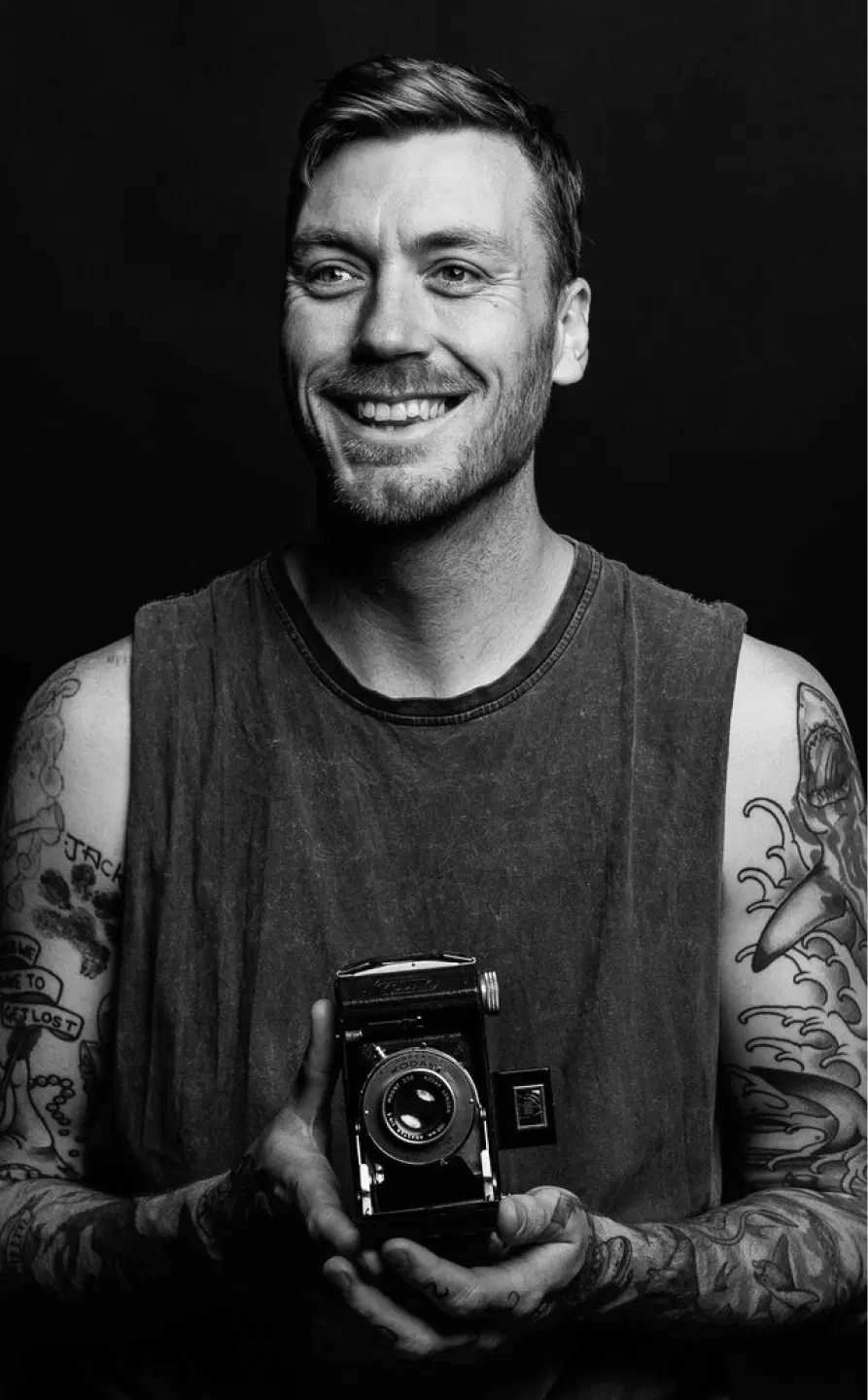
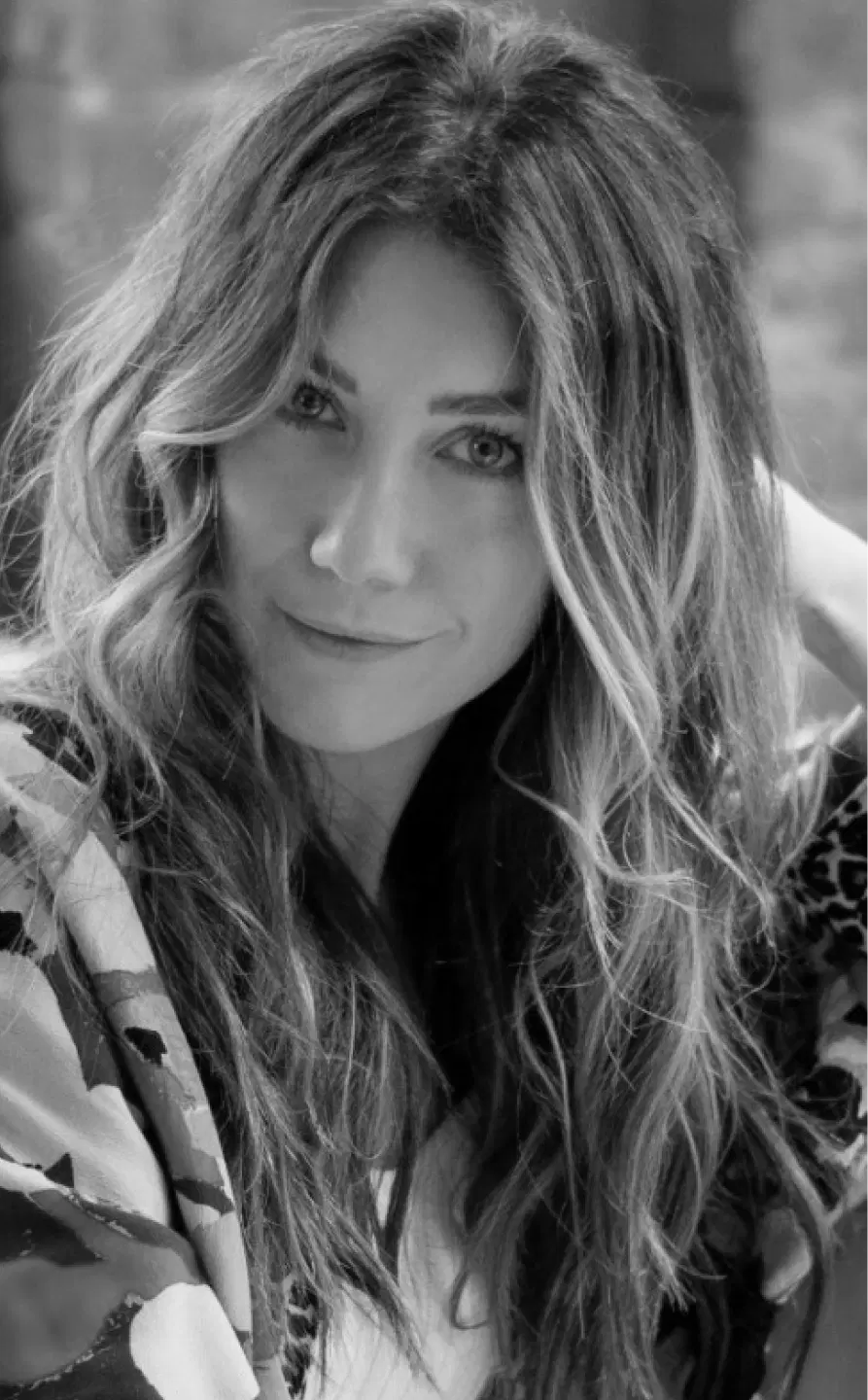
Top photographers rely on Aftershoot to streamline their workflow and achieve stunning results.
Ready to Remove Stray Hair Instantly?
-(1).webp&w=3840&q=75)