
Natural AI Face Retouching for Professional Photographers
AI-powered face retouching that polishes skin without changing expressions, skin texture, or identity. Built for photographers who want real results, not beauty filters.
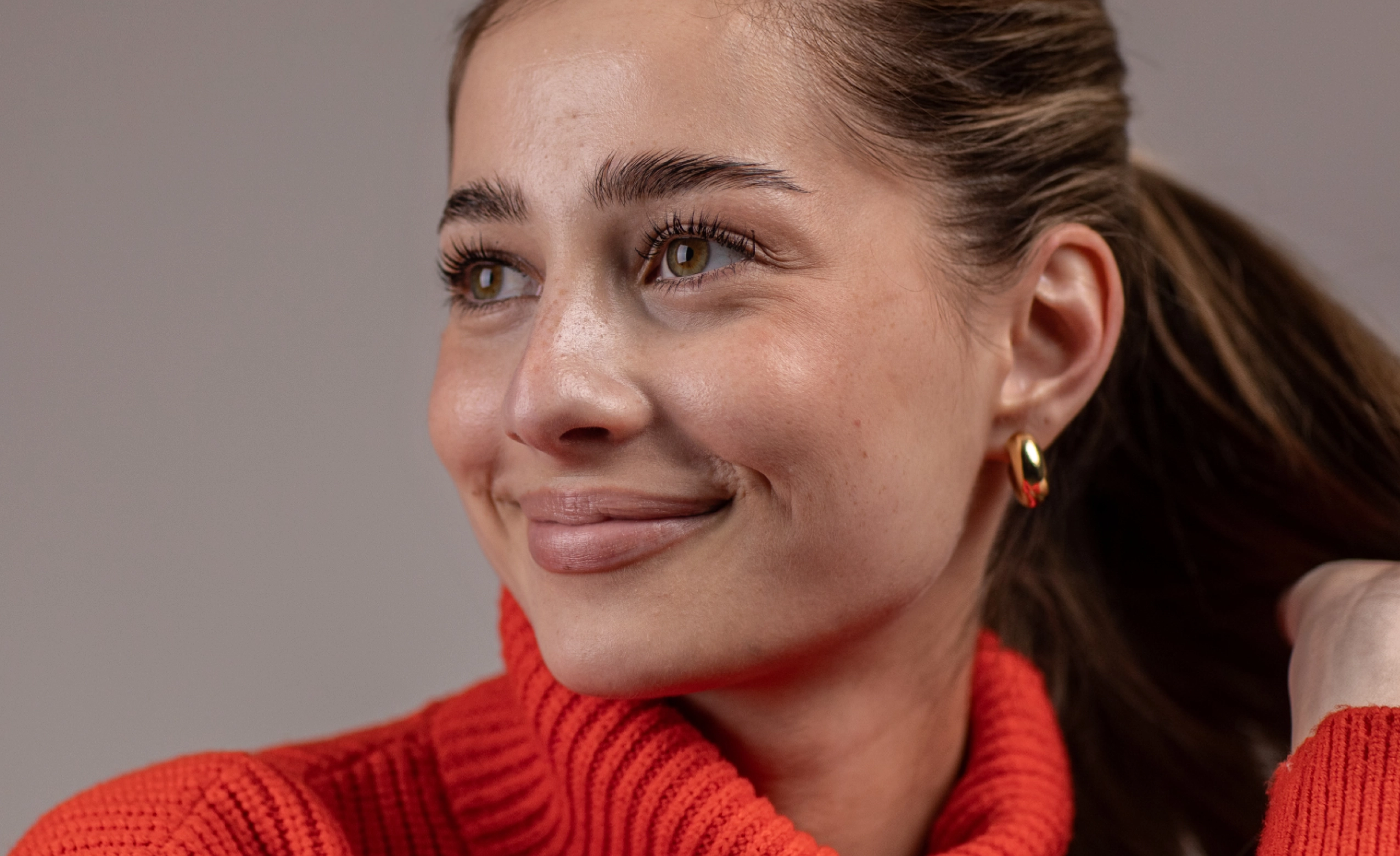
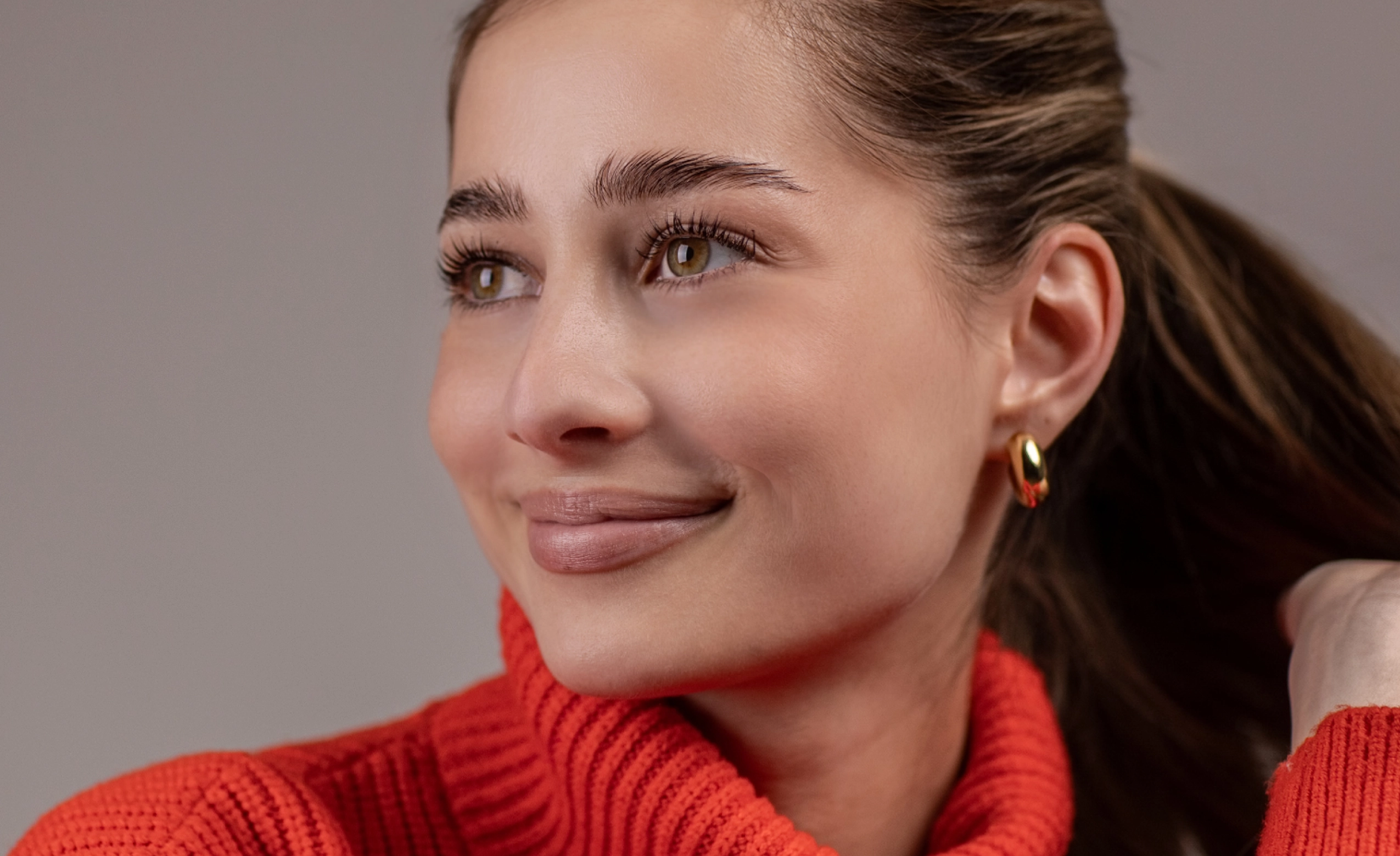
Loading..
No image? Try with one of these
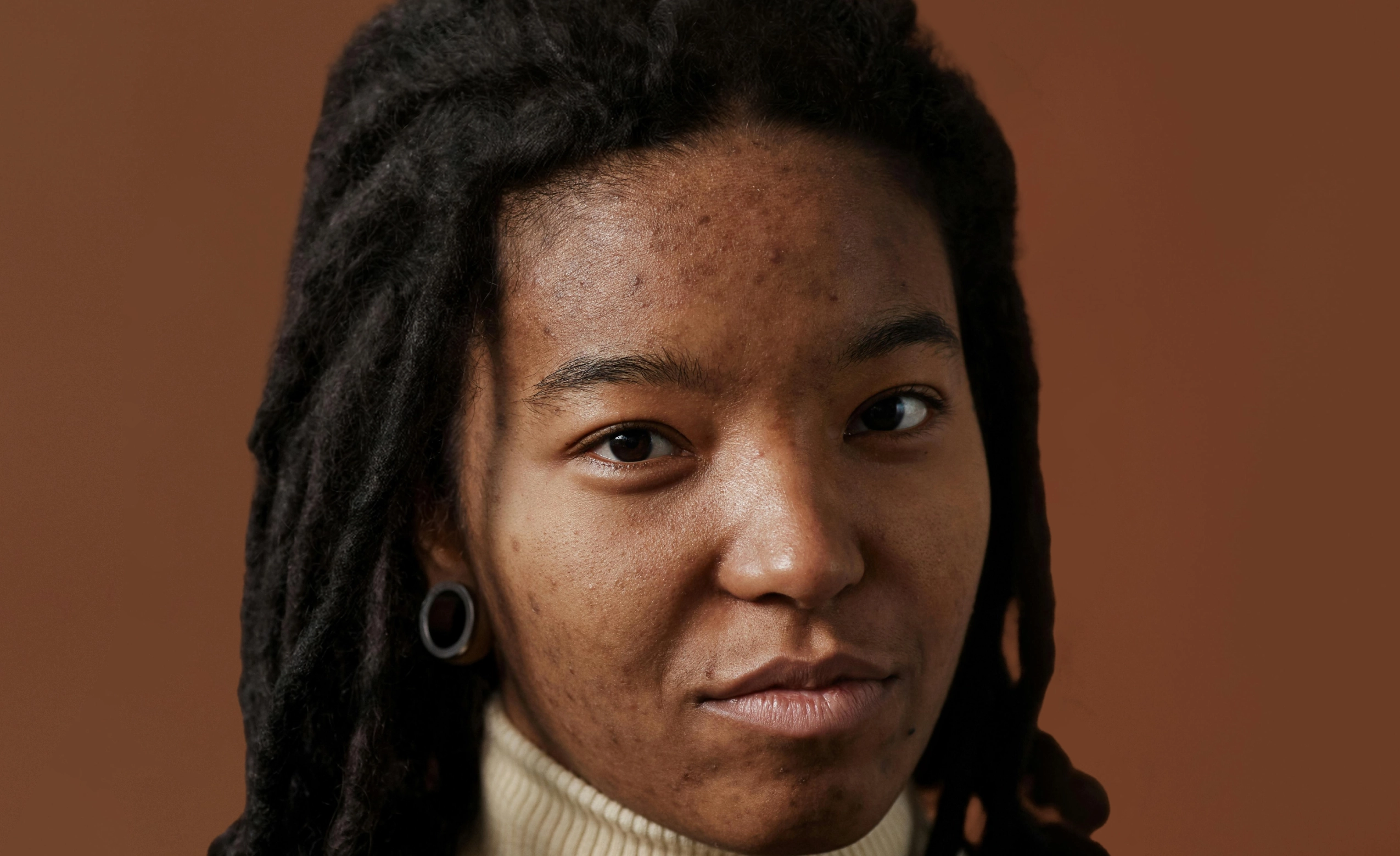
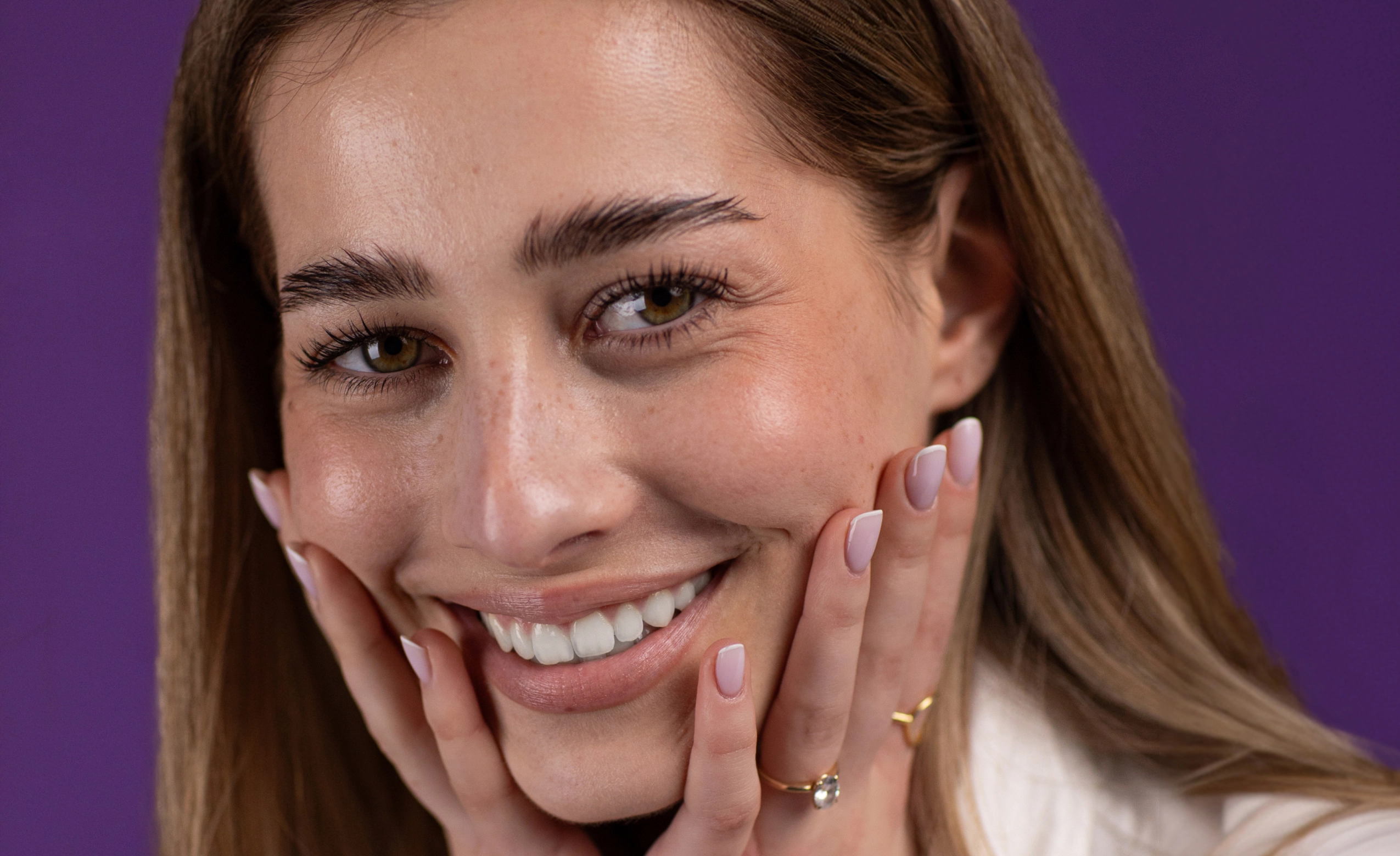
0 of 3 free retouches used
As seen in




Face Retouching That Knows When to Stop
Over-Retouched Faces Everywhere
Most portraits don’t need heavy edits. Just subtle cleanup: uneven tone, mild blemishes, a bit of shine, tired under-eyes. But face retouching is easy to overdo. Too much smoothing. Patchy skin. Plastic-looking faces. One wrong adjustment and the emotion disappears. Consumer photo editors don’t help. They blur the entire face and apply the same smooth skin filter everywhere, turning real people into airbrushed versions of themselves.
Retouch Faces, Not Personalities
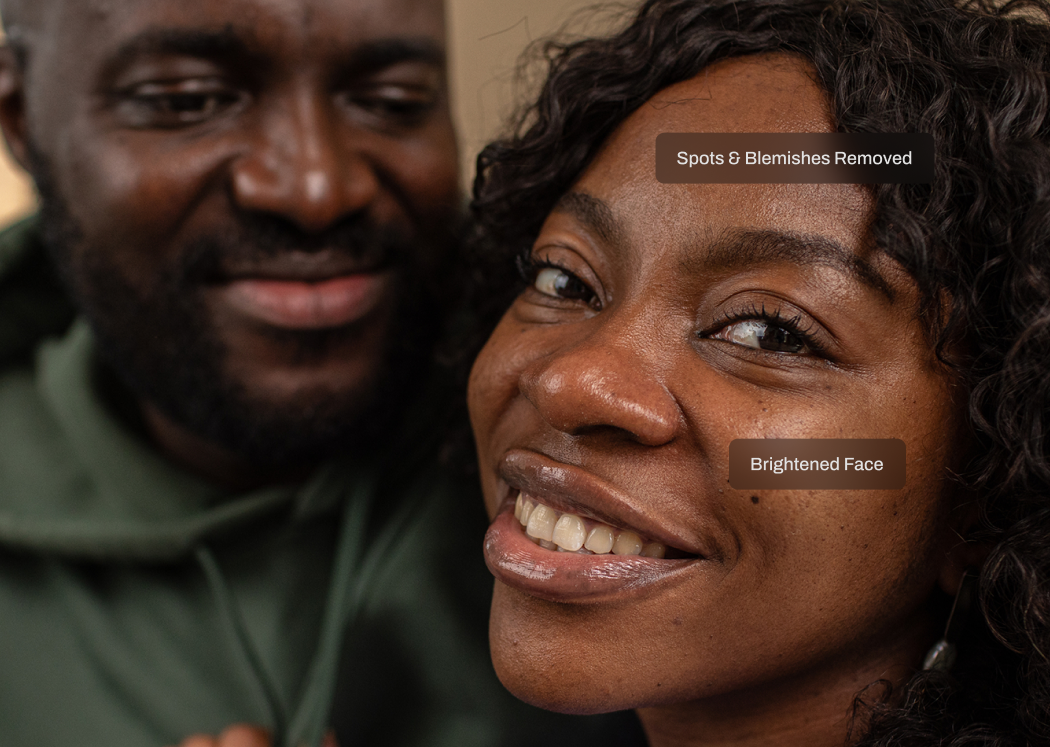
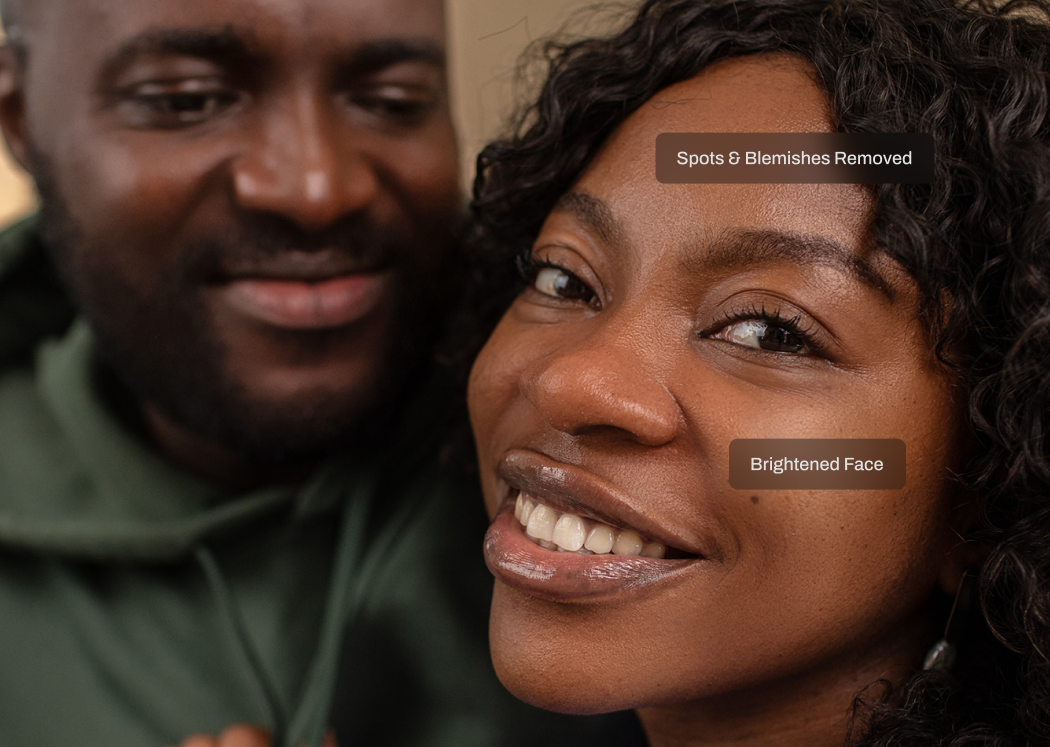
Aftershoot’s AI face retouching applies corrections selectively, only where needed. Expressions stay natural. Texture stays intact. Identity never changes.

AI That Understands Faces
Aftershoot’s Face Retouch AI analyzes facial structure and skin zones separately, so it knows the difference between skin and features like eyes, lips, hair, and contours. Corrections are applied only where needed and never across the entire face. Skin stays natural, features stay sharp, and there is no global blur or one-click face smoother tool effect.
Retouching That Looks Human
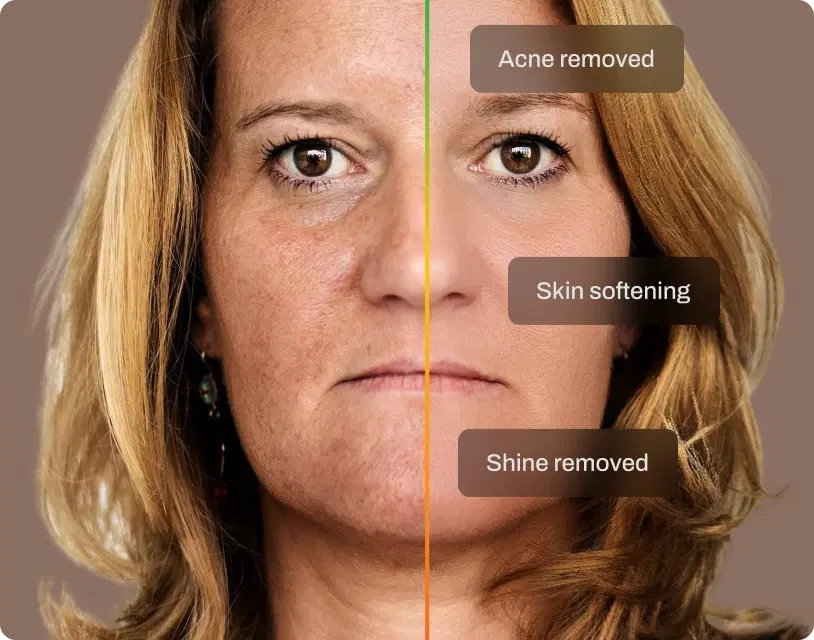
Aftershoot’s AI gently cleans up minor blemishes, uneven tone, shine, and texture inconsistencies, without flattening skin or erasing real details. Freckles, moles, beauty marks, and lines of expression are preserved. Skin still looks like skin. Faces still look like people. This is professional photo face clean, not artificial enhancement.
Control Without Compromise
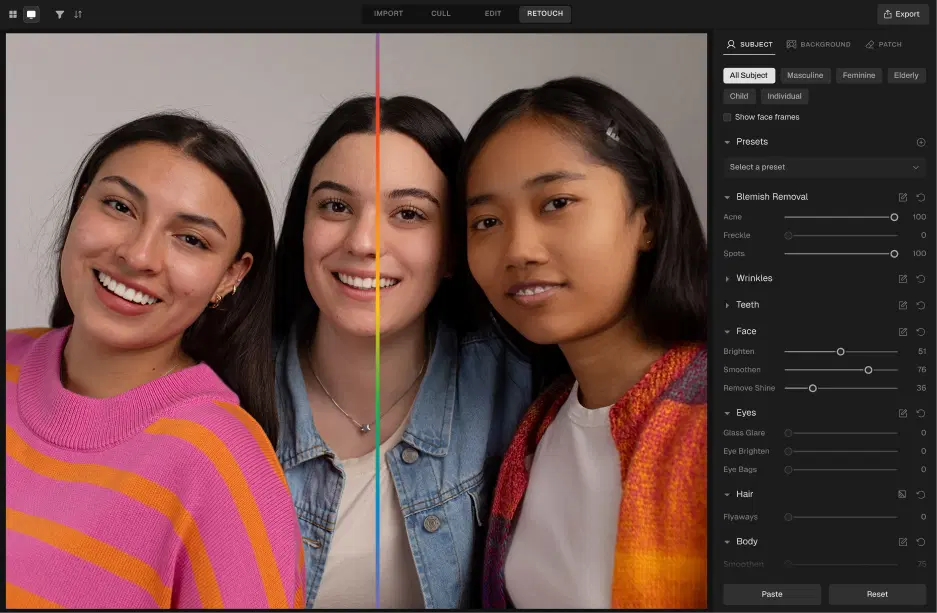
Adjust intensity to match your style, from subtle cleanup to polished portrait. Apply consistently across galleries or fine-tune individual images. Ideal for high-volume shoots where speed matters, but realism matters more.
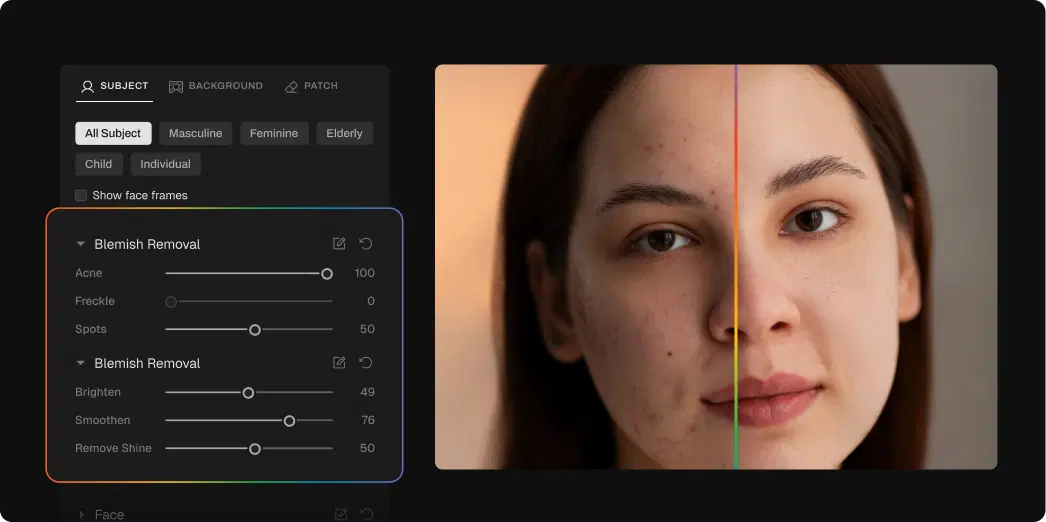
How to Retouch Face in 3 Steps

Upload Photos
Add your gallery (RAW or JPEG)

Adjust the Face Retouching Slider
Go to Retouching, select Face, and adjust the slider for subtle or polished results

Export Album Instantly
Preview and export to view final results
Go Beyond Face Retouching
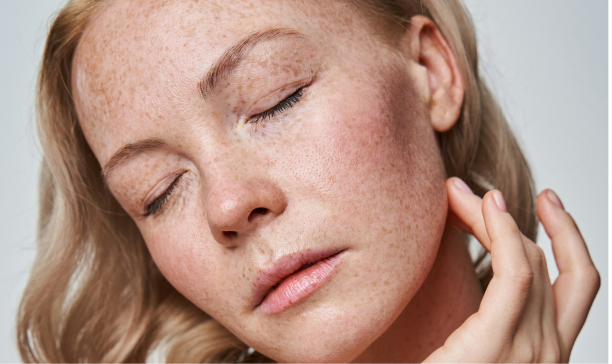
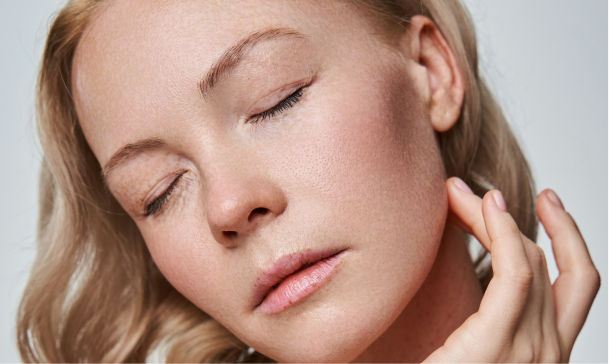
Skin Retouching
Smooth uneven skin texture and tone while preserving natural pores and detail. No plastic, airbrushed look.
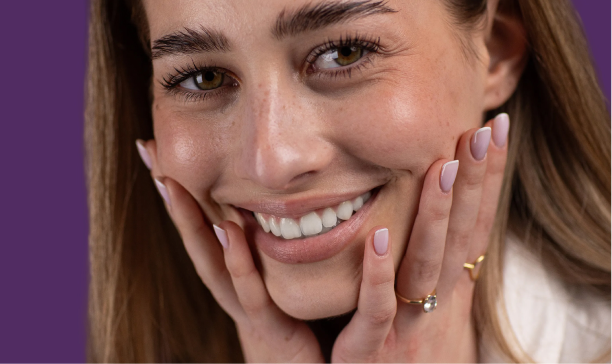
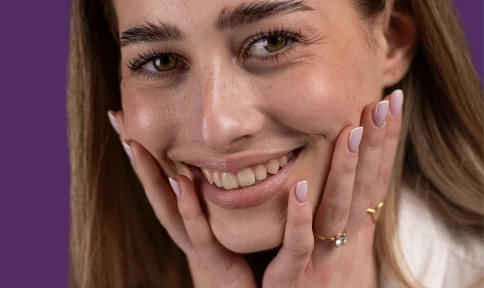
Teeth Whitening
Brighten teeth naturally with adjustable intensity. No over-editing, just a cleaner, more polished smile.
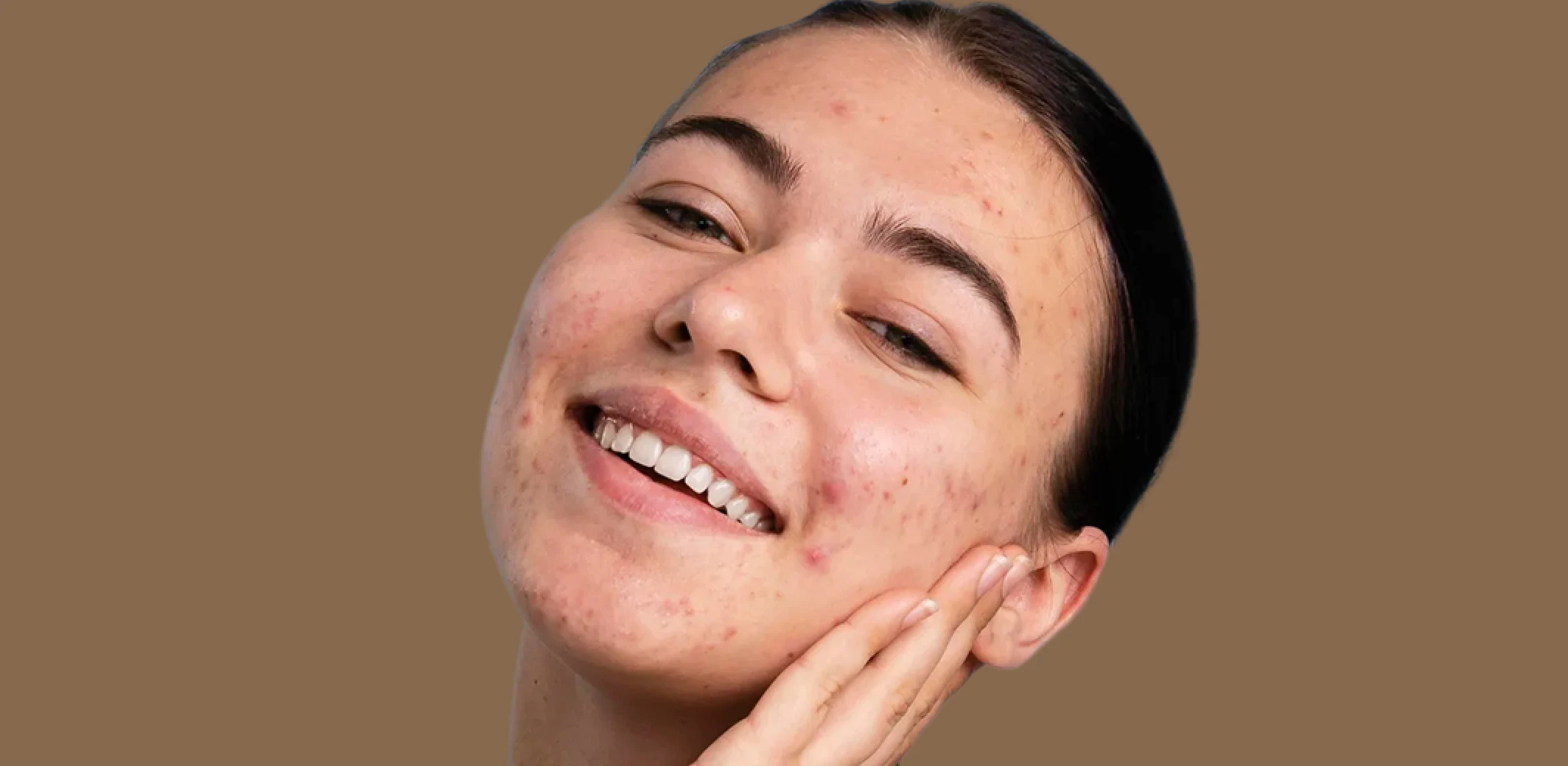
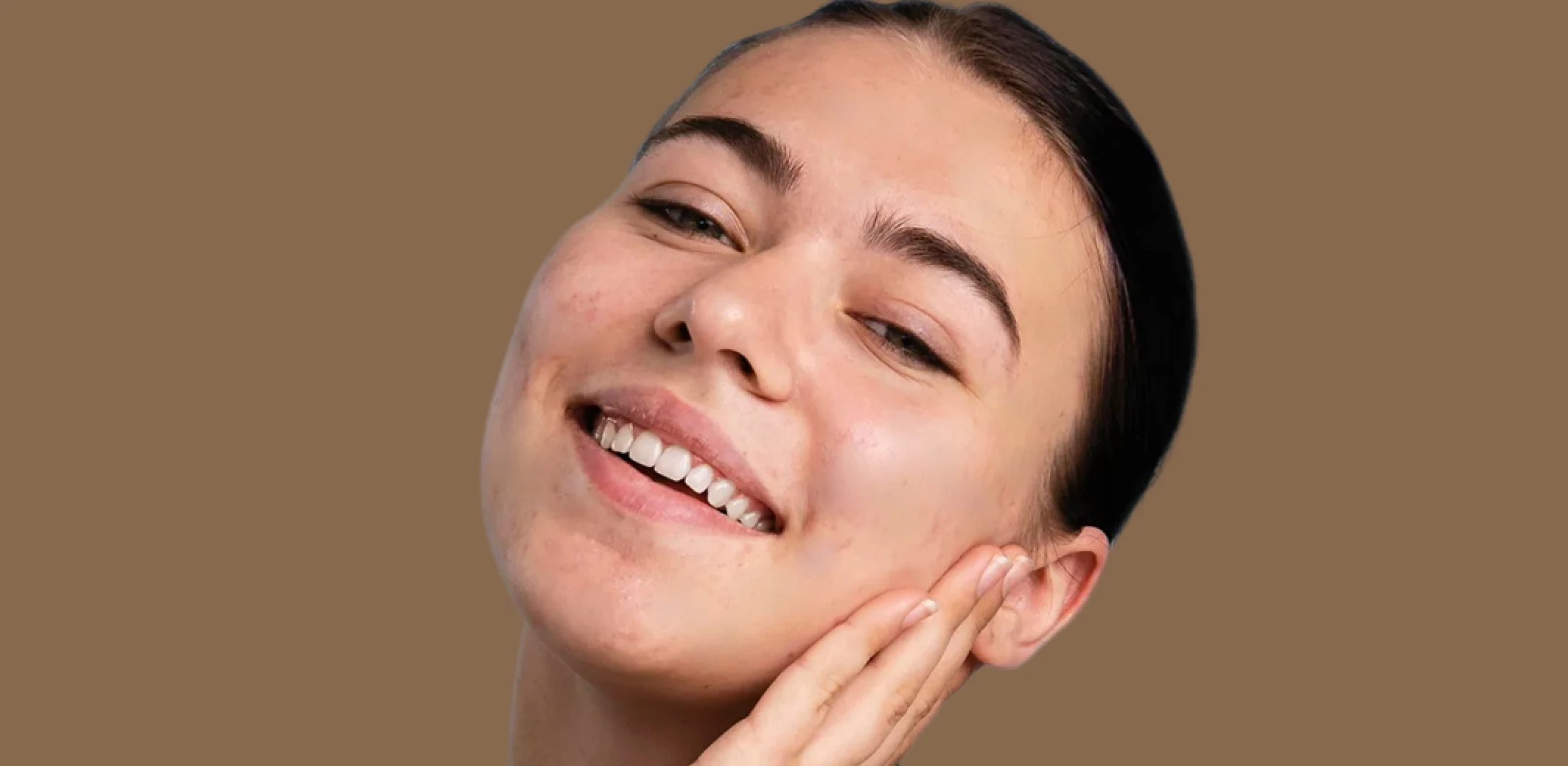
Blemish Remover
Remove temporary blemishes and spots while preserving natural skin texture and tone.
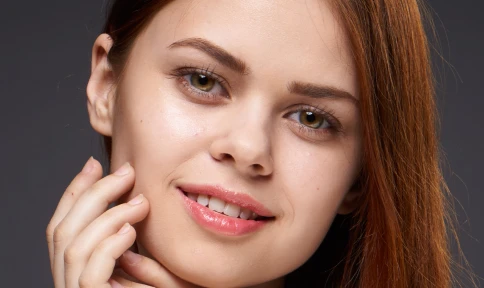
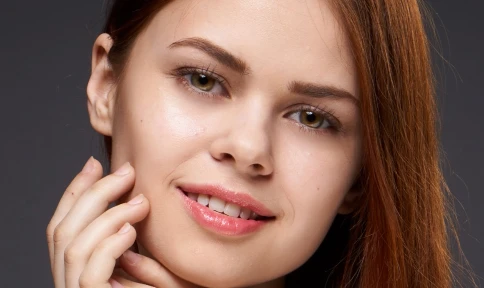
Eye Bag Remover
Reduce under-eye puffiness and shadows while keeping natural expression and skin texture intact.
Made for All Moments


.png&w=48&q=75)


School & Team Sport
Hundreds of faces, one consistent finish.
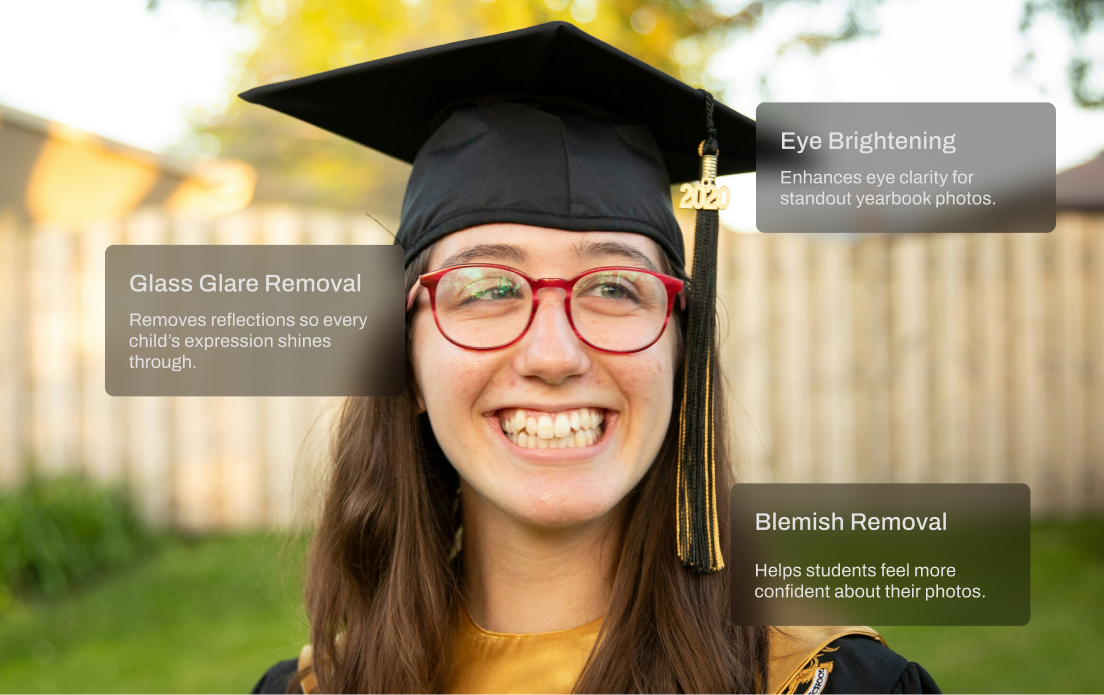
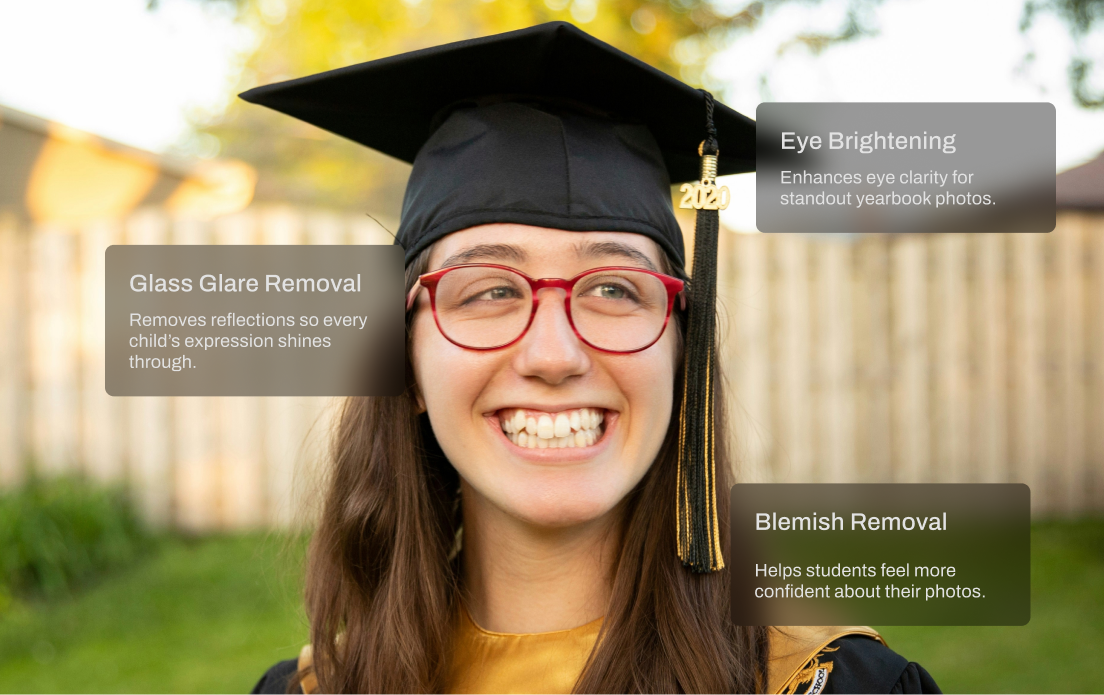
School and team photo days are fast-paced and high-volume. You’re dealing with glare from glasses, inconsistent lighting, messy hair, and hundreds of files to deliver on tight deadlines. Aftershoot speeds things up with smart batch retouching that handles the heavy lifting. Even out skin tones, reduce glare, and clean up every shot in minutes so your final gallery looks polished and ready to print.
Trusted by Professional Photographers.
Top photographers rely on Aftershoot to streamline their workflow and achieve stunning results.
Ready to Retouch Face Instantly?
-(1).webp&w=3840&q=75)