
Free AI Teeth Whitening Photo Editor
Whiten teeth in pictures without overdoing it. Enhance every smile naturally in minutes with AI.
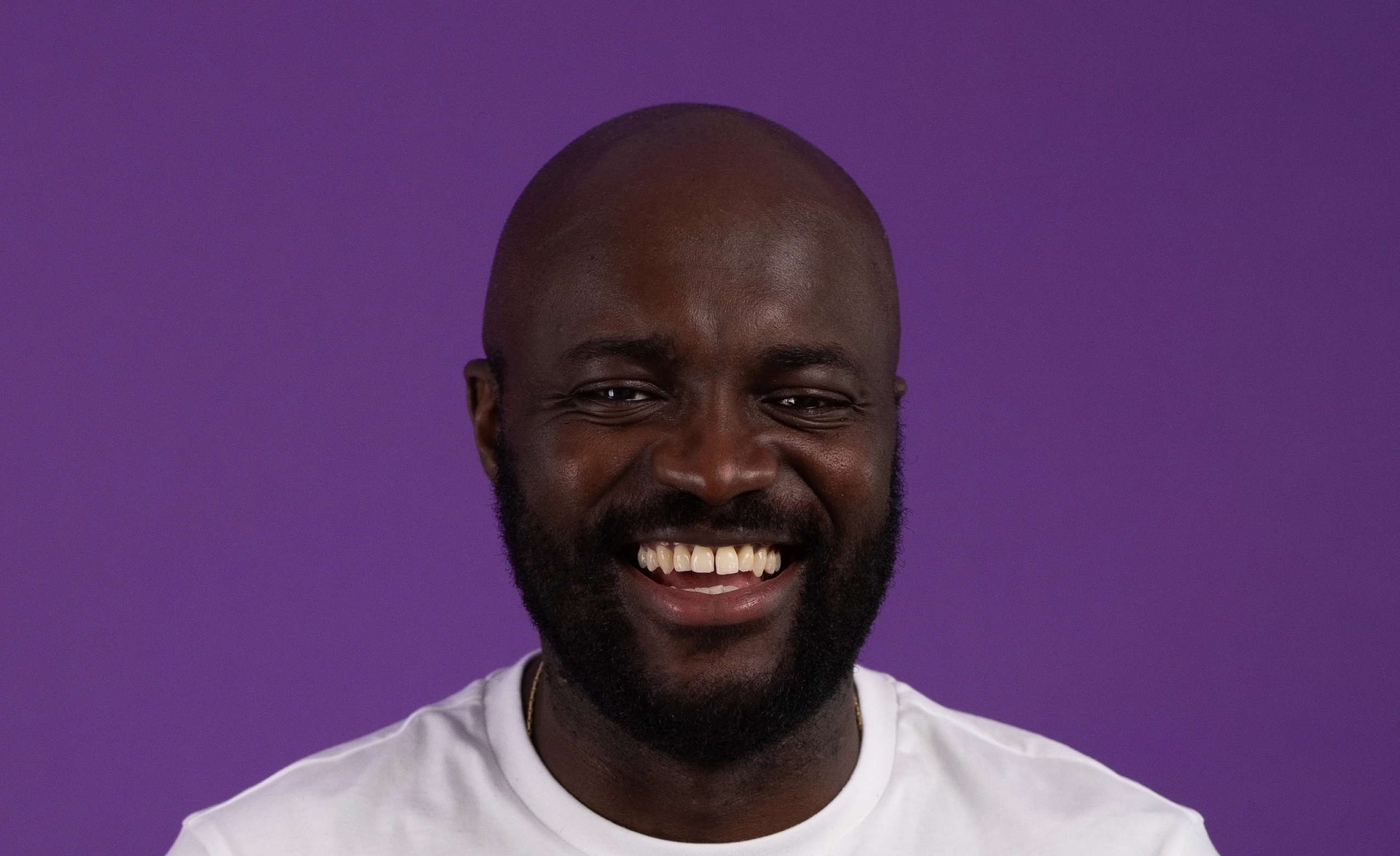
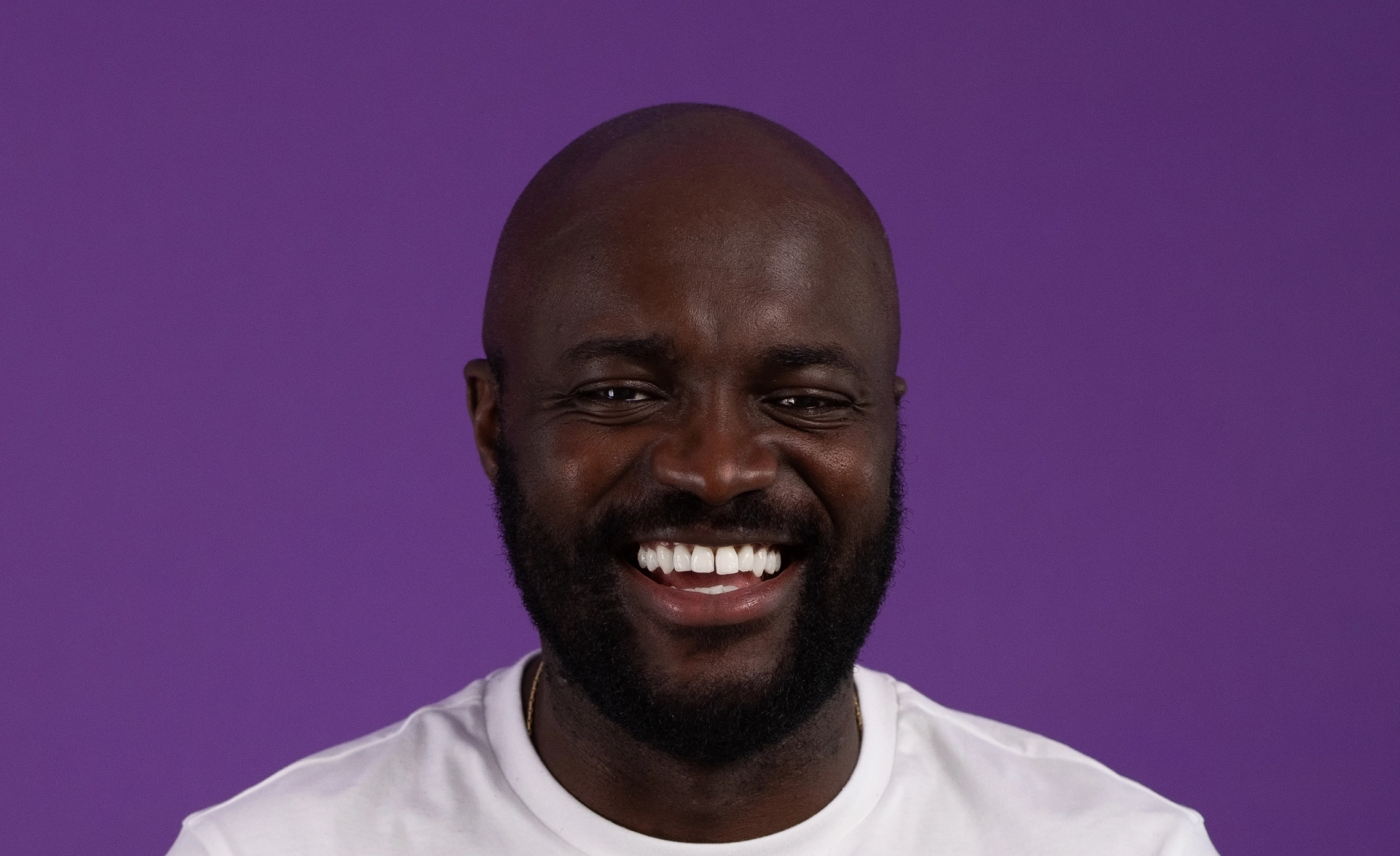
Loading..
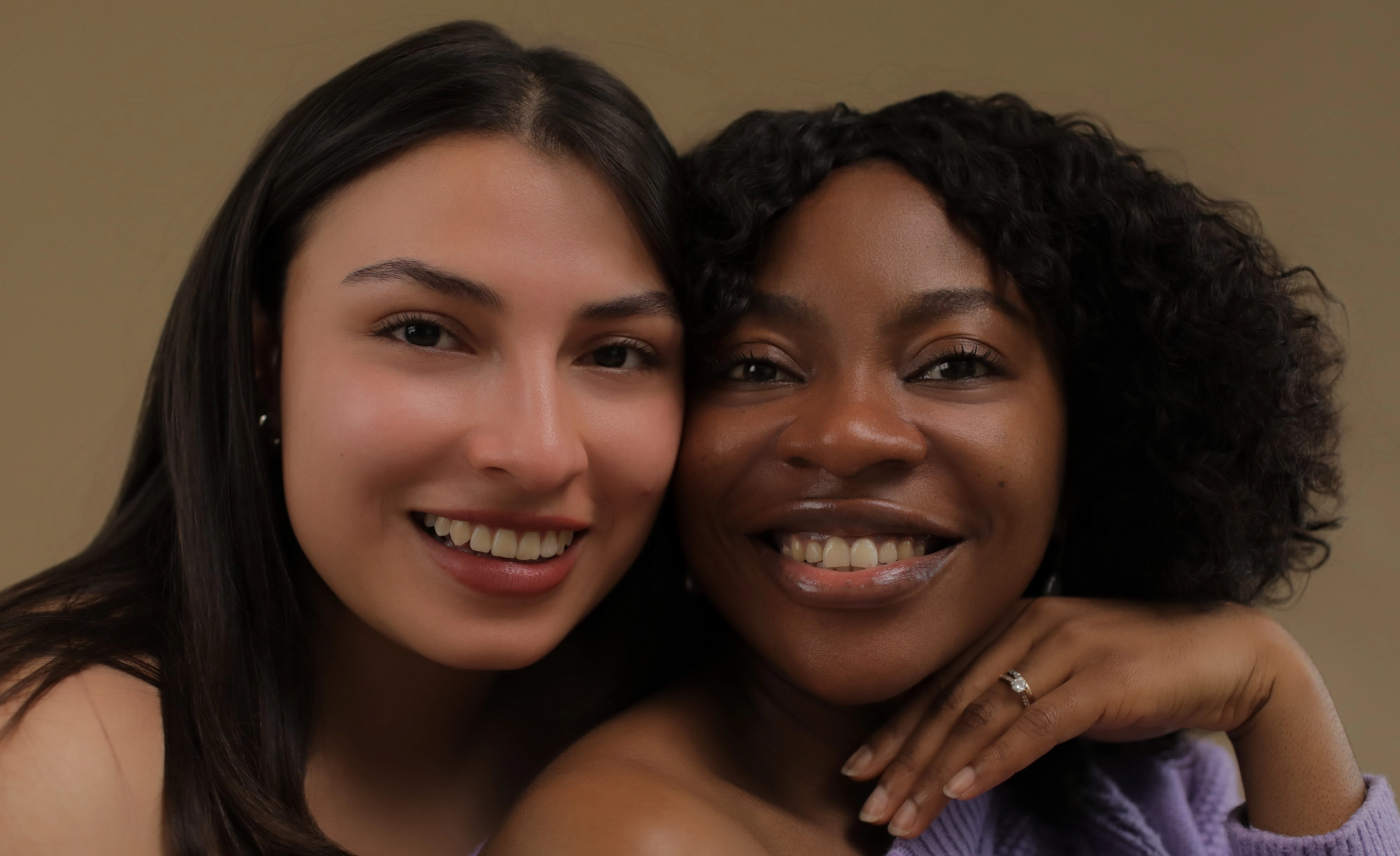
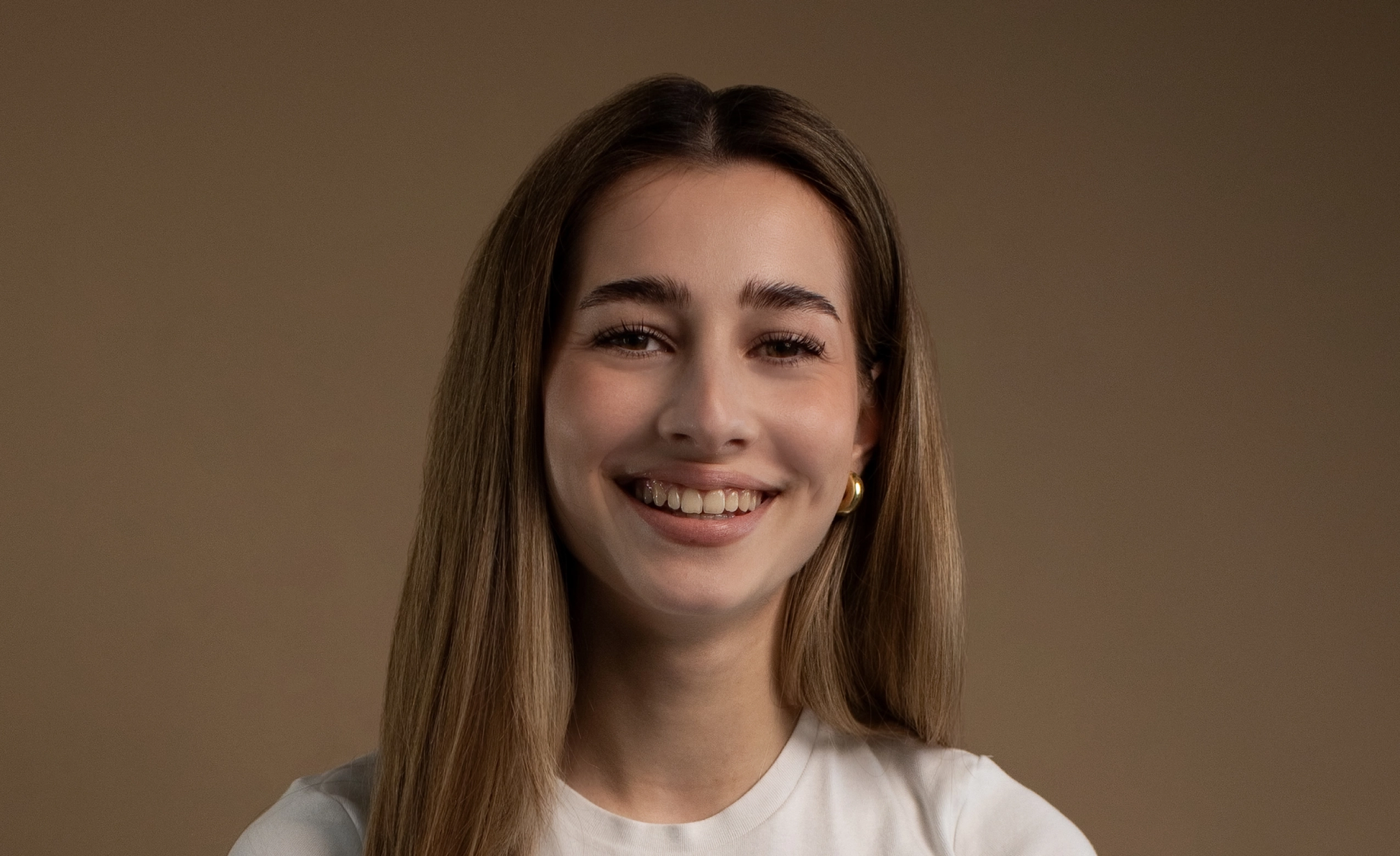
No image? Try with one of these
0 of 3 free retouches used
As seen in




Brighten Smiles Instantly with AI
Finding It Hard To Cover Up Yellow Teeth In Portraits?
Even the best portraits can be undermined by yellowing, uneven, or dull teeth caused by lighting, indoor shooting, or candid moments. Manual whitening in Photoshop is slow, fiddly, and risks that fake, over-edited look that clients hate.
AI Teeth Whitening That Looks Real
Aftershoot’s AI enhances smiles automatically, preserving enamel texture, natural shading, and tooth detail. No masks, brushes, or layers. Deliver polished, professional galleries in minutes.

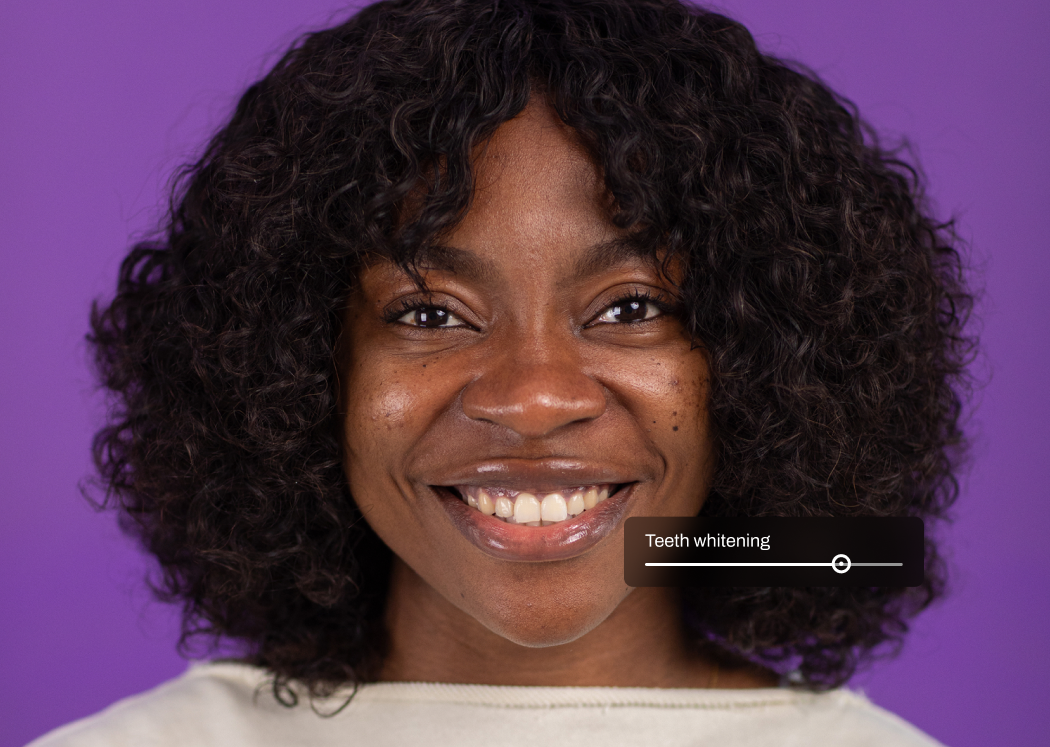
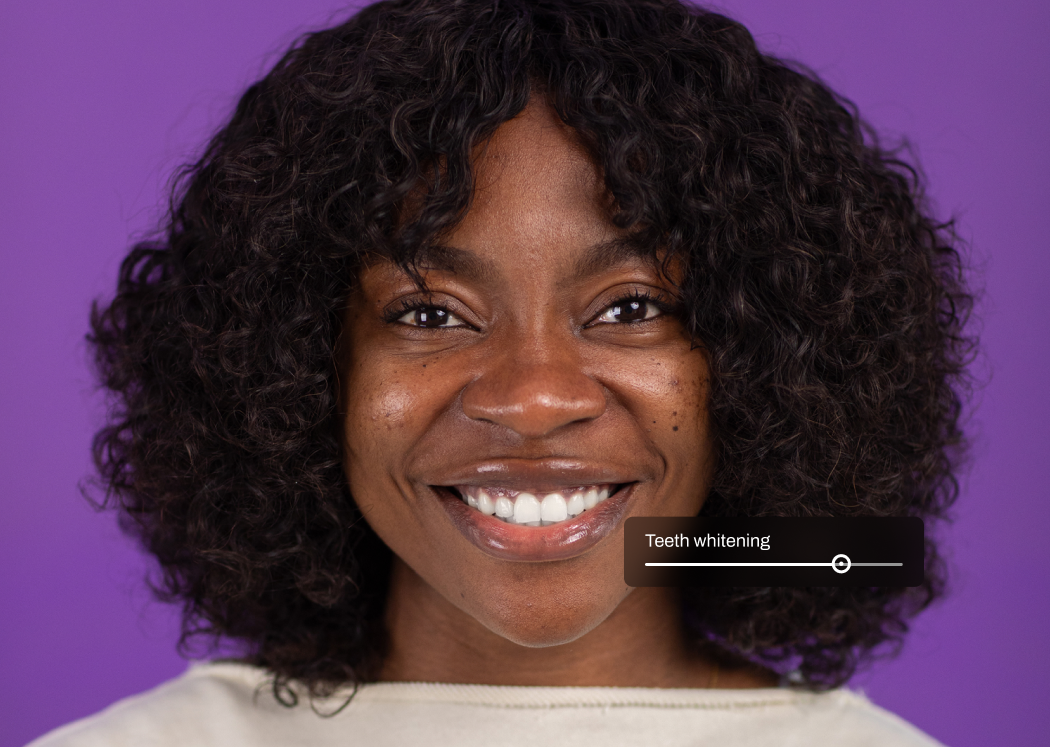
AI That Detects Teeth Automatically
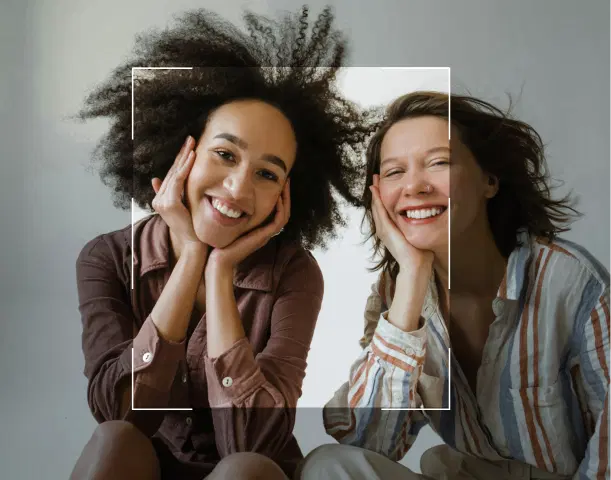
Aftershoot’s AI identifies teeth in any portrait or group photo, even in tricky lighting or candid angles. It detects stains or discoloration without touching lips, gums, or surrounding skin, making teeth whitening effortless.
Whitens While Preserving Texture and Shape
Teeth are gently brightened while enamel texture, natural lines, and subtle shading stay intact. No flat white blocks, no blur. Just real, balanced smiles that work in close-ups and group shots.
Natural Color, Total Control
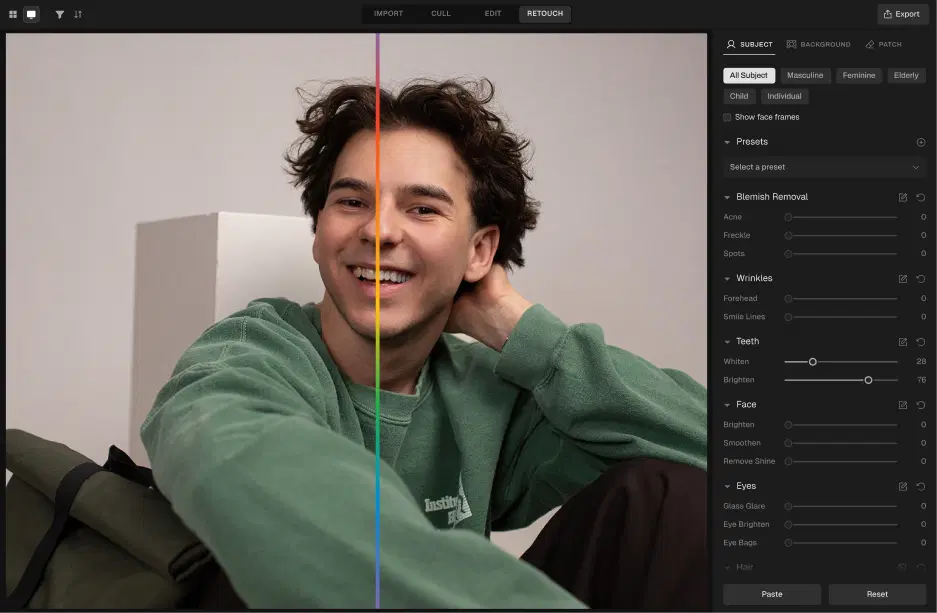
Aftershoot maintains natural tooth color while removing yellowness or uneven tones. Adjust intensity from a subtle refresh to a polished, camera-ready finish, putting you fully in control of every smile.
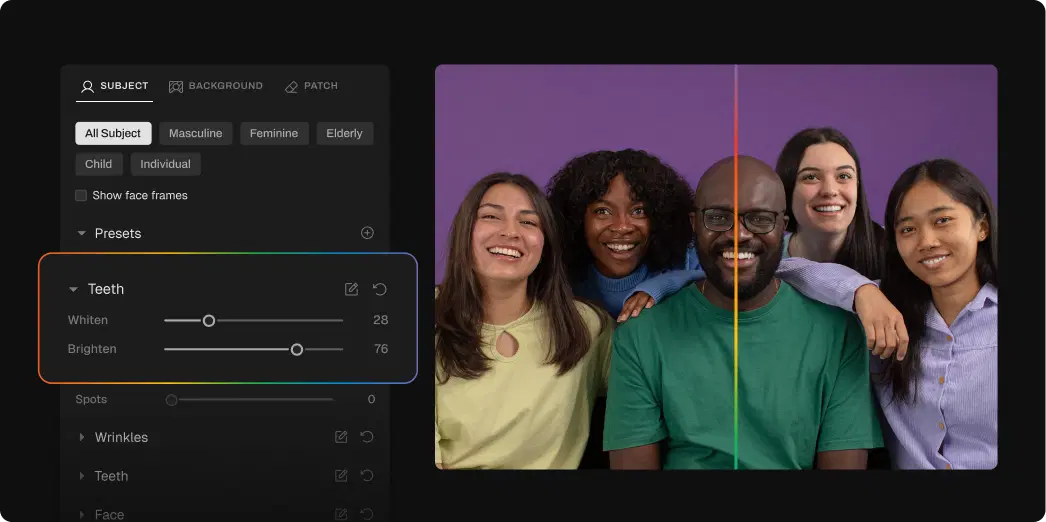
How to Whiten Teeth in 3 Steps

Upload Photos
Add your gallery (RAW or JPEG)

Adjust the Teeth Whitening Slider
Go to Retouching, select Teeth Whitening, and adjust the slider for subtle or polished results

Export Album Instantly
Preview and export to view final results
Go Beyond Teeth Whitening
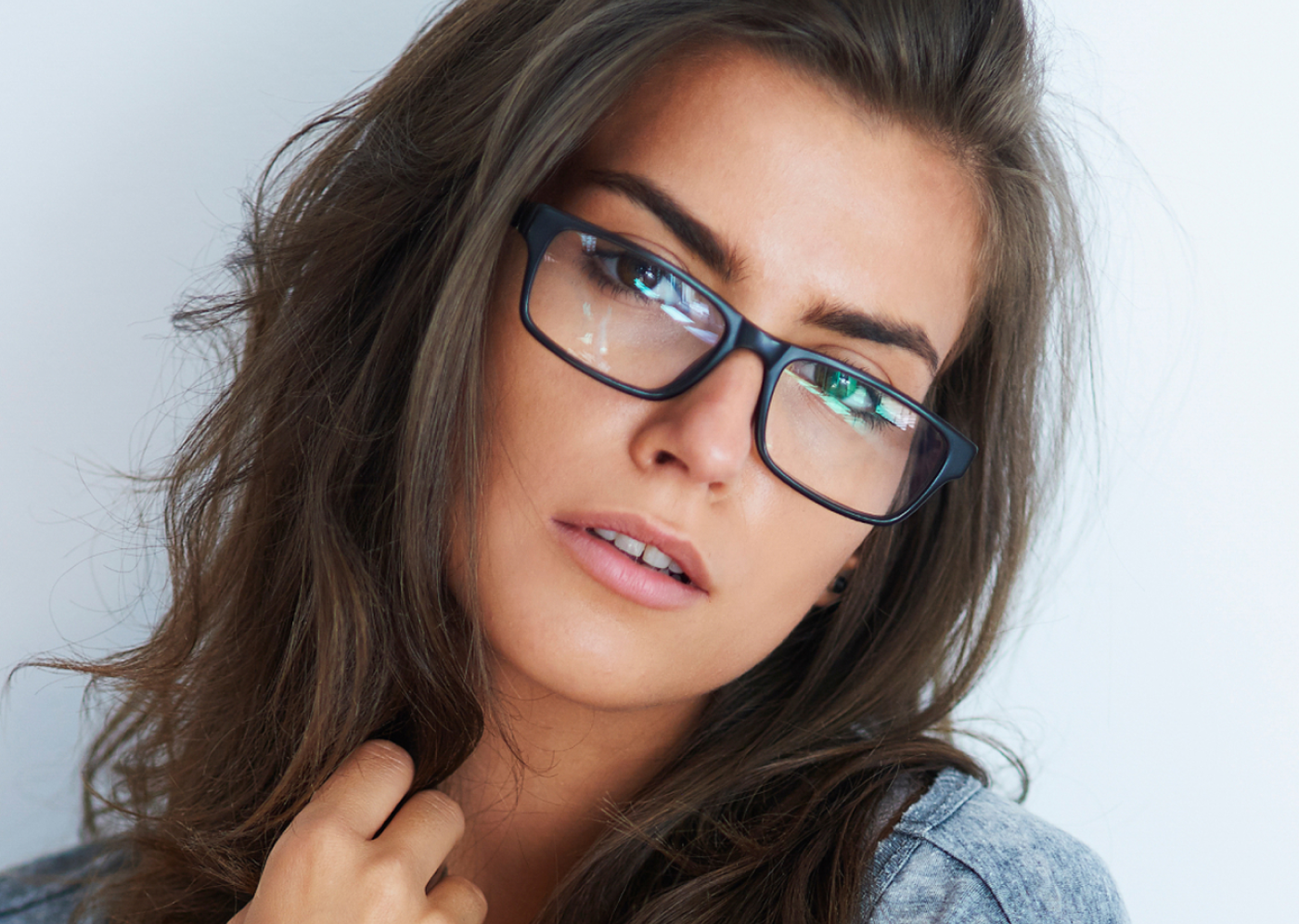
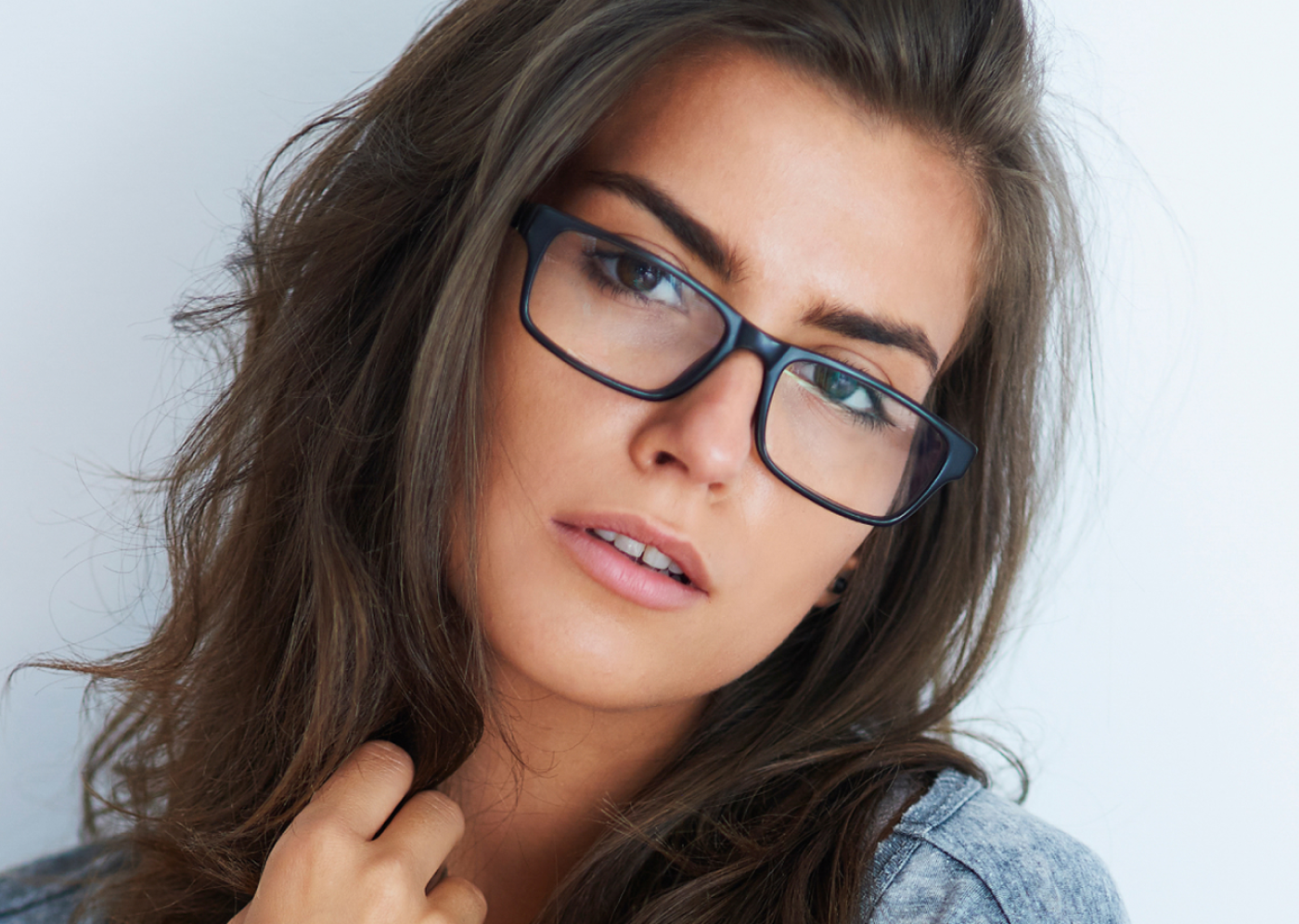
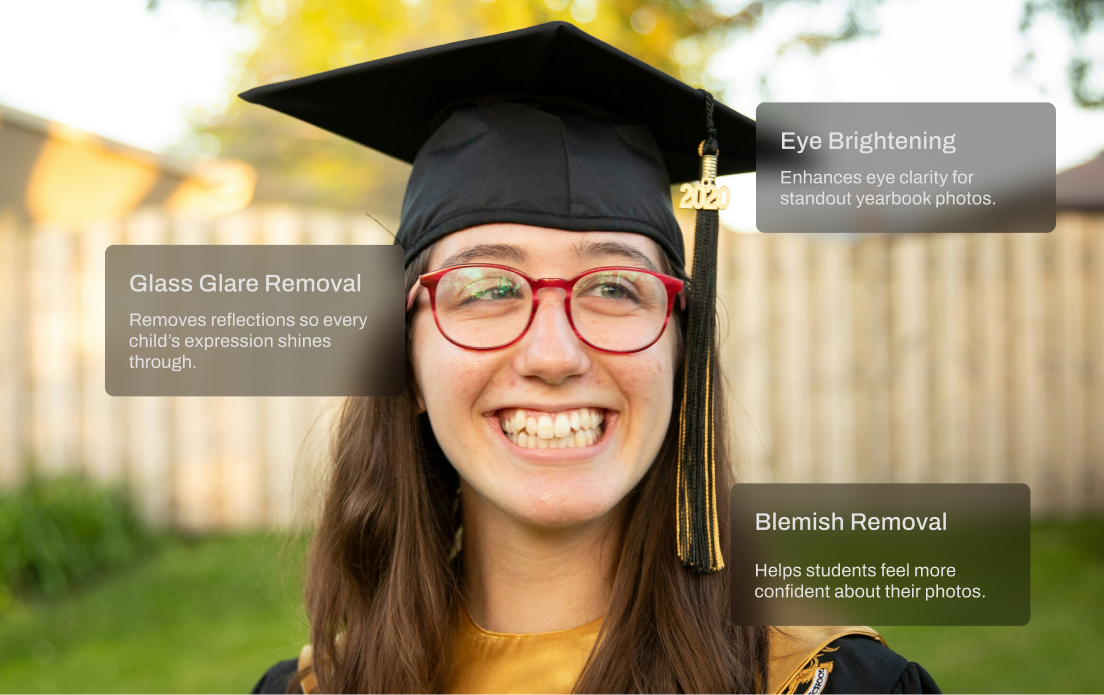
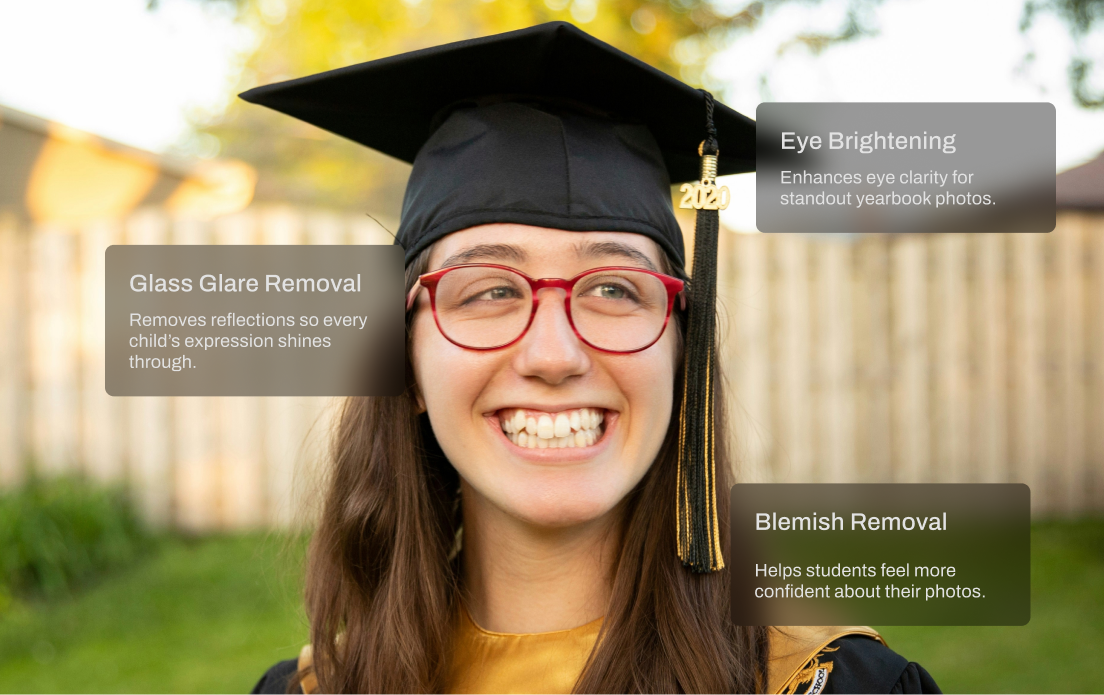
Glass Glare Removal
Remove glare and reflections from glasses in portraits while preserving natural skin tone and eye detail.
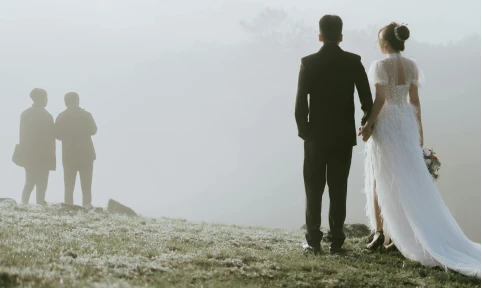
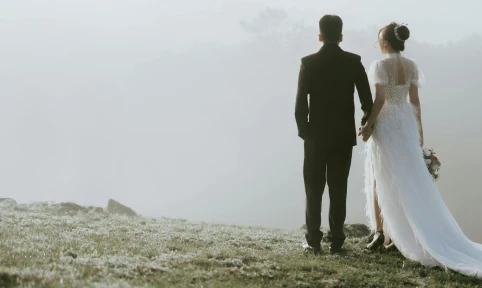
People Remover
Clear unwanted people from backgrounds while keeping the rest of your composition intact and natural.
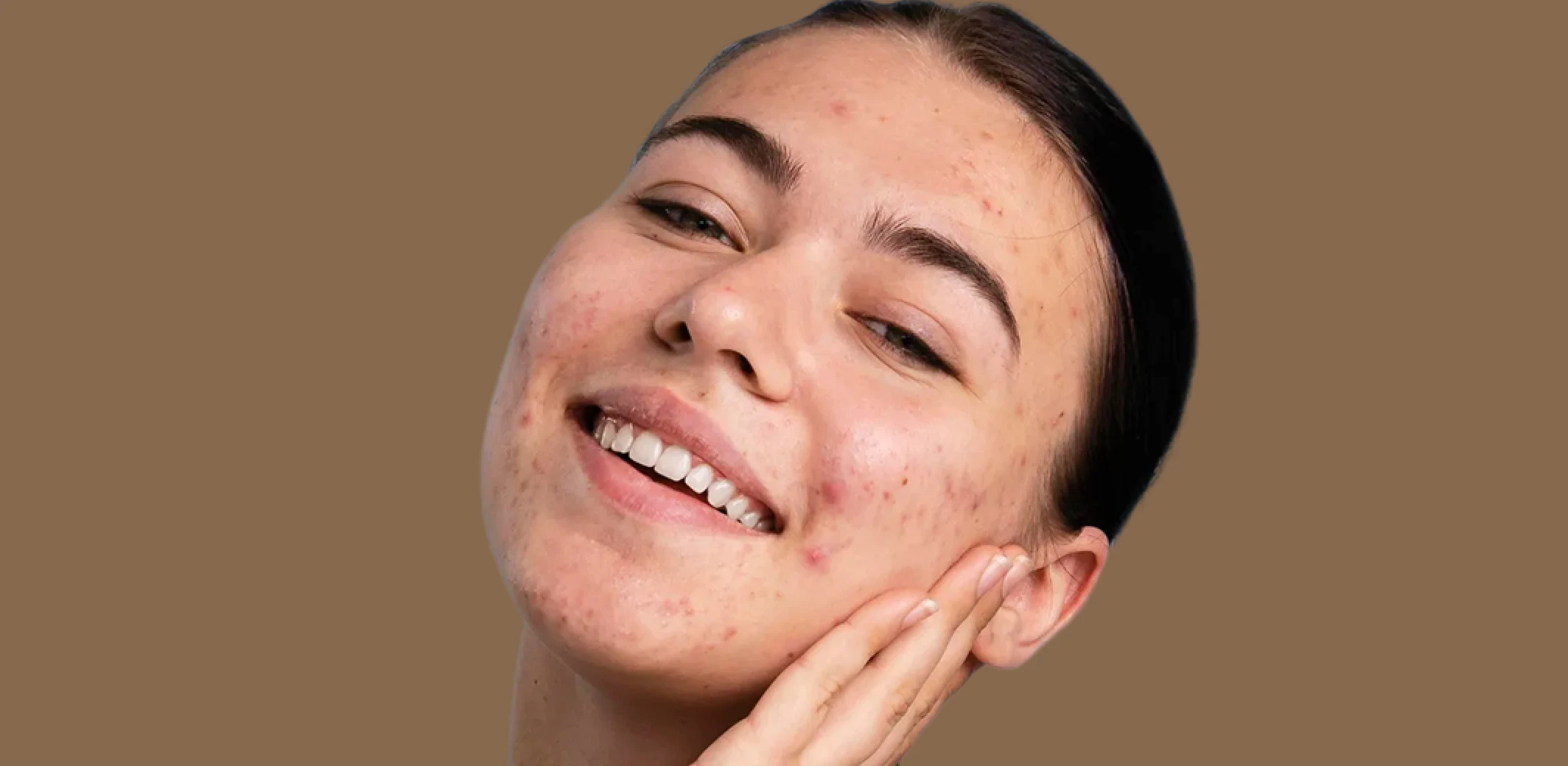
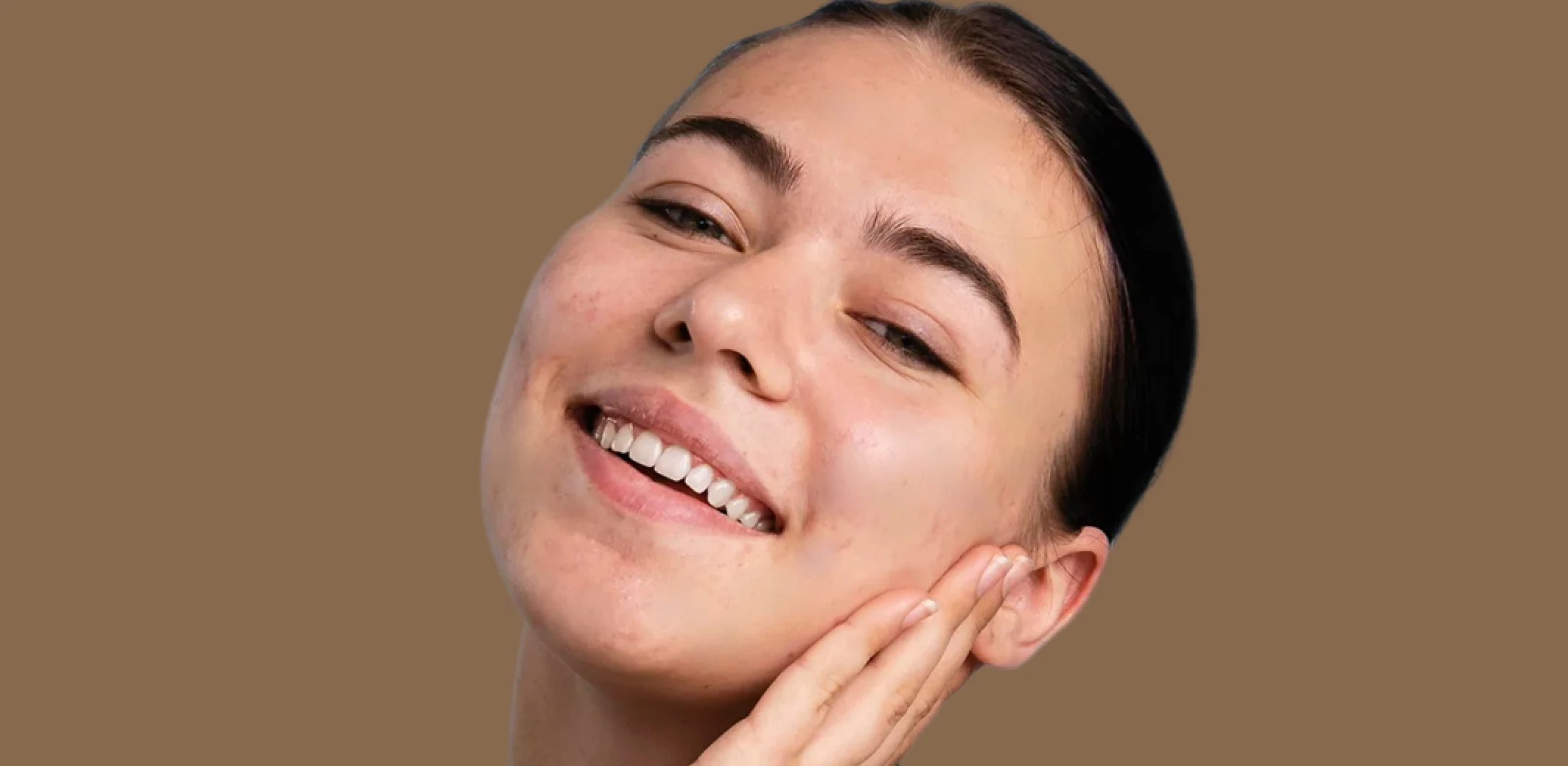
Blemish Remover
Remove temporary blemishes and spots while preserving natural skin texture and tone.
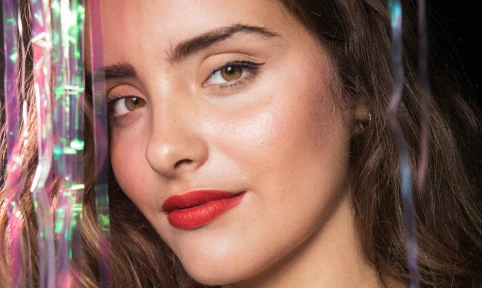
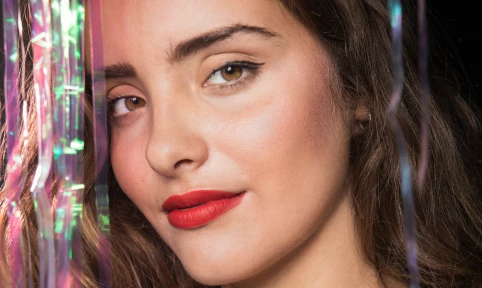
Face Shine Removal
Reduce oily shine and hotspots on skin while preserving natural glow and healthy skin tone.
Made for All Moments


.png&w=48&q=75)


School & Team Sport
Hundreds of faces, one consistent finish.
School and team photo days are fast-paced and high-volume. You’re dealing with glare from glasses, inconsistent lighting, messy hair, and hundreds of files to deliver on tight deadlines. Aftershoot speeds things up with smart batch retouching that handles the heavy lifting. Even out skin tones, reduce glare, and clean up every shot in minutes so your final gallery looks polished and ready to print.
AI Retouching, Trusted by the Pros
Top photographers rely on Aftershoot to streamline their workflow and achieve stunning results.
Ready to Whiten Teeth Instantly?
-(1).webp&w=3840&q=75)