
Free AI Blemish Remover App
Remove blemishes from photos automatically with AI. Natural skin results in seconds. No Photoshop required.
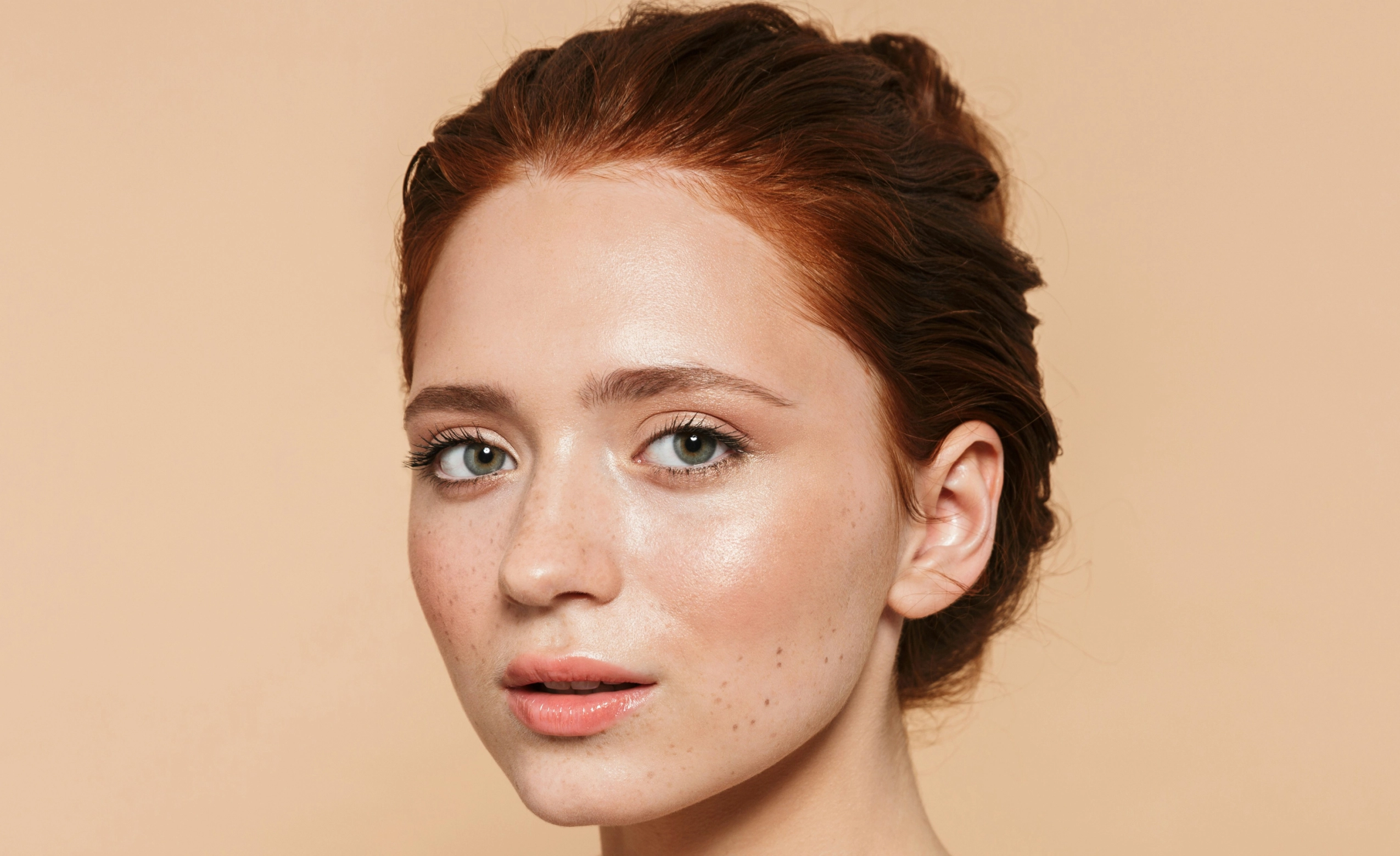
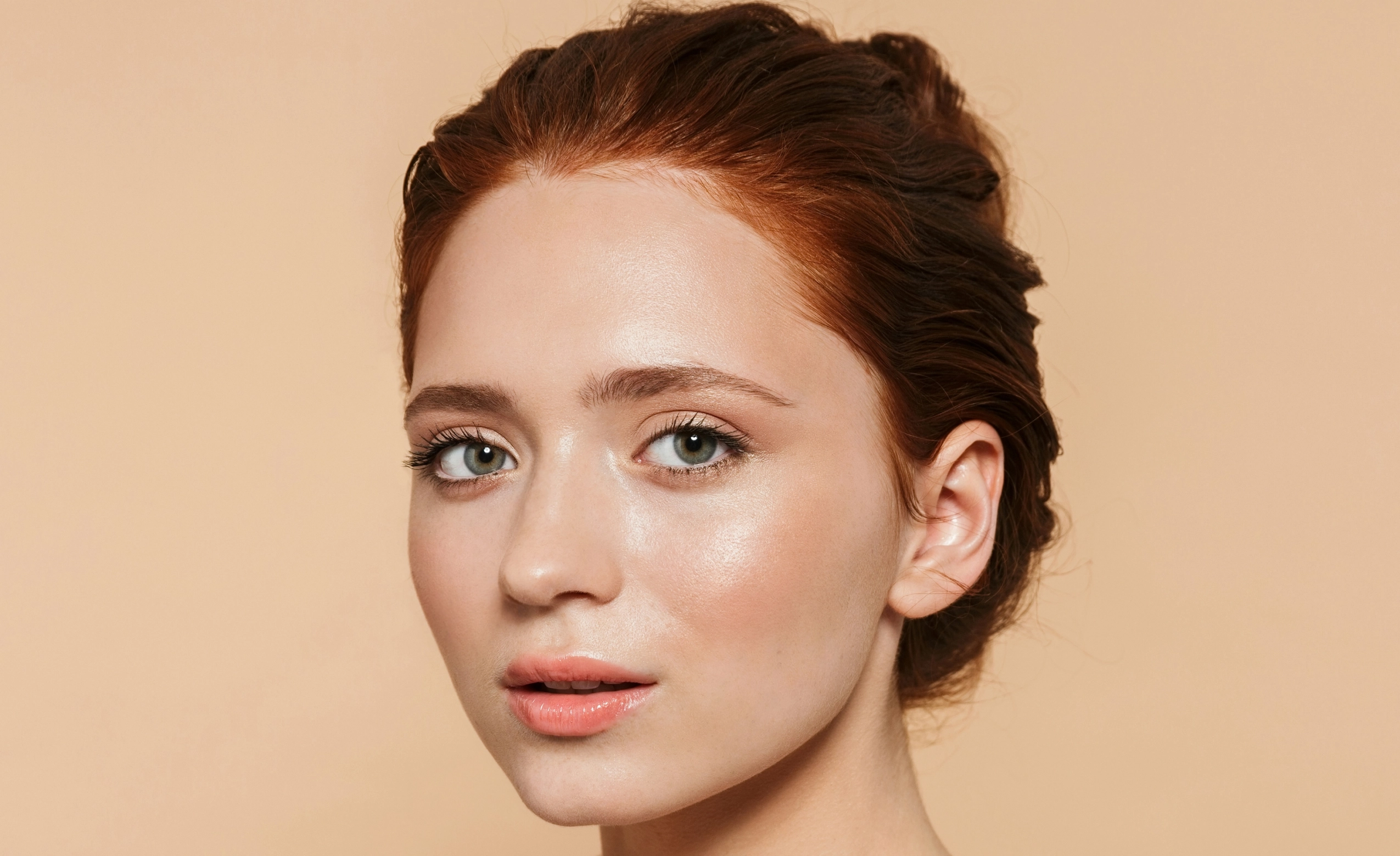
Loading..
No image? Try with one of these
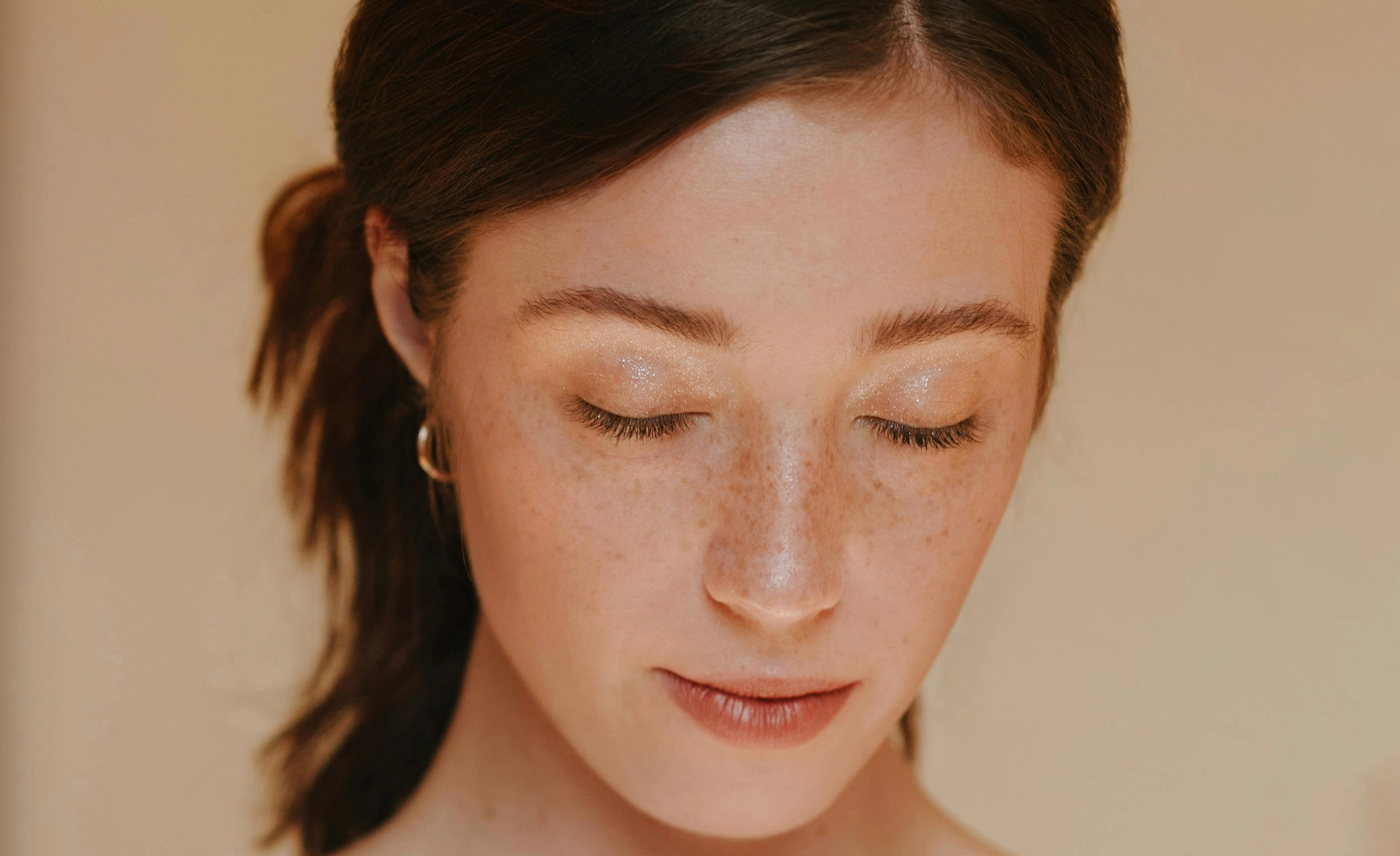
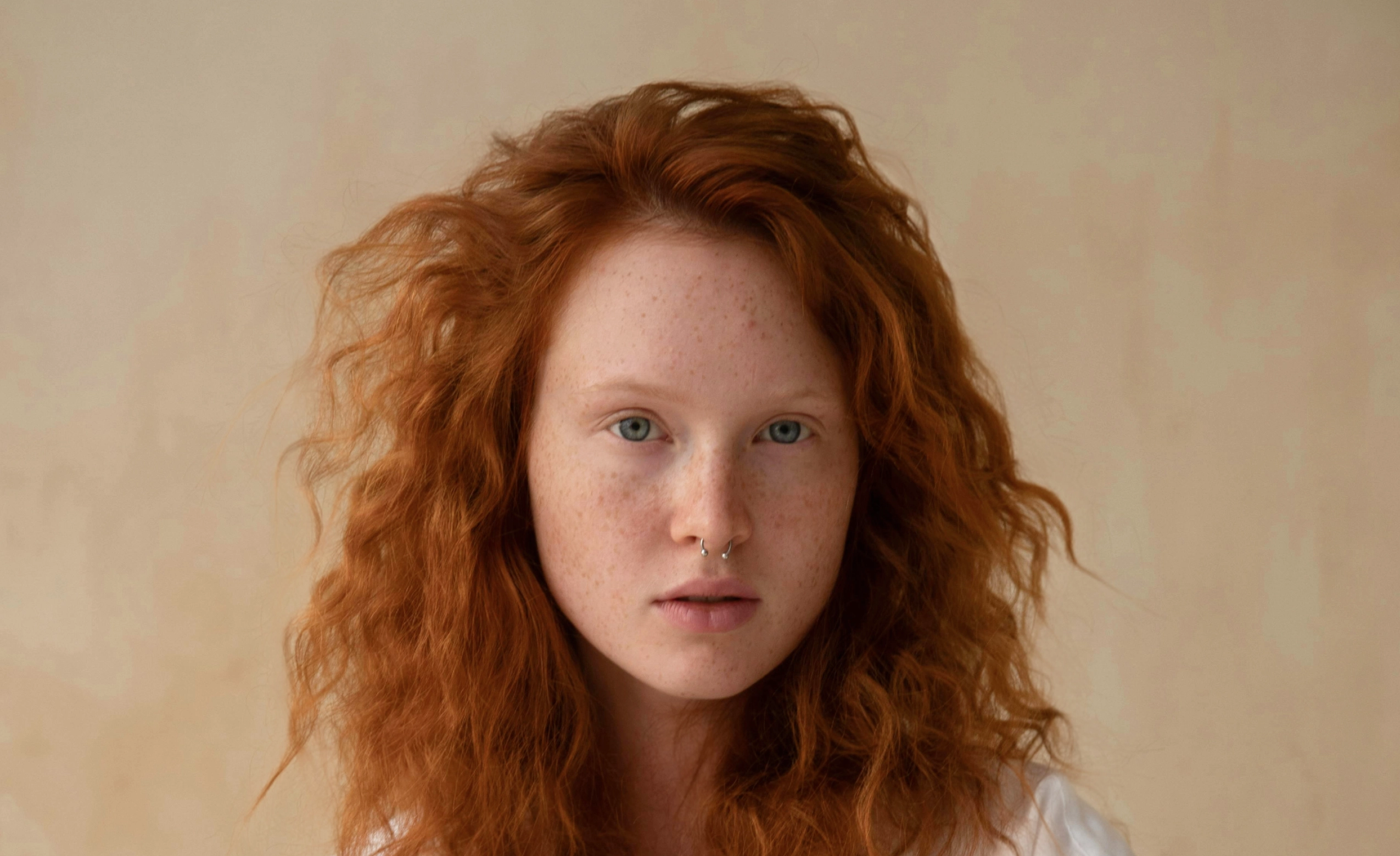
0 of 3 free retouches used
As seen in




AI Blemish Removal That Keeps Skin Natural
Spots Taking The Spotlight Away From Your Portraits?
Acne breakouts, redness, irritation, and stress-related spots can distract from an otherwise stunning portrait. Photographers need tools to remove blemishes from photos efficiently. But manual retouching means zooming in, cloning carefully, and trying not to flatten skin texture. One heavy edit and the result looks plastic instead of polished.
Let AI Handle It For You
Remove temporary blemishes automatically with AI. No zooming, cloning, or over-smoothing. Just clean, natural skin in seconds.

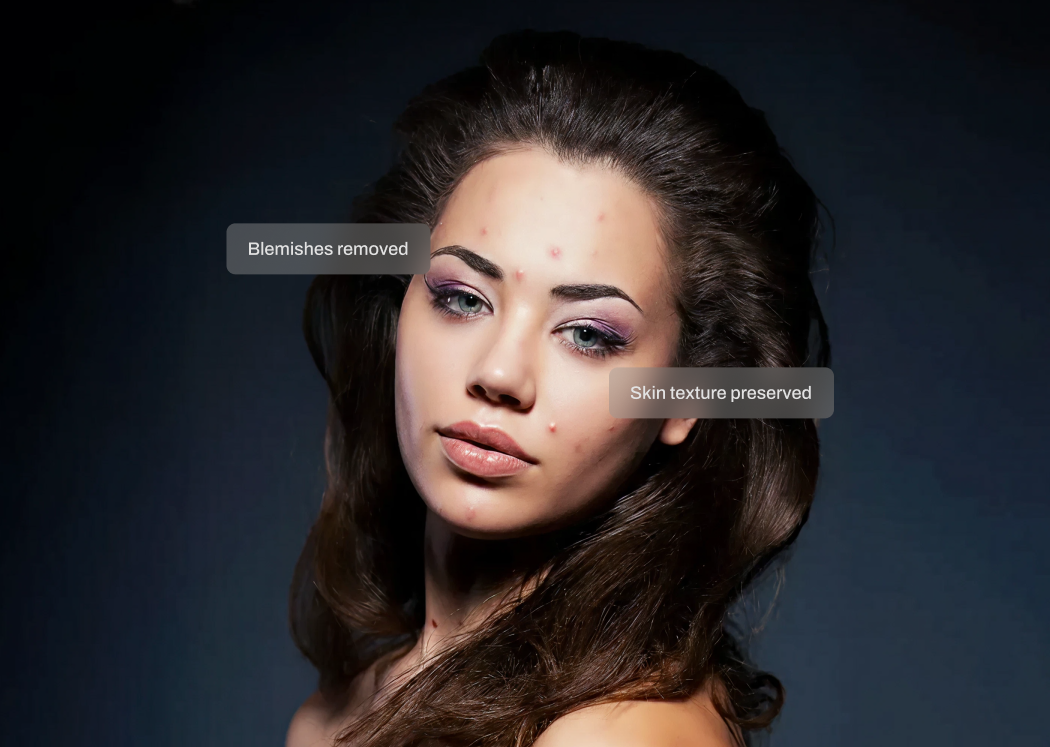
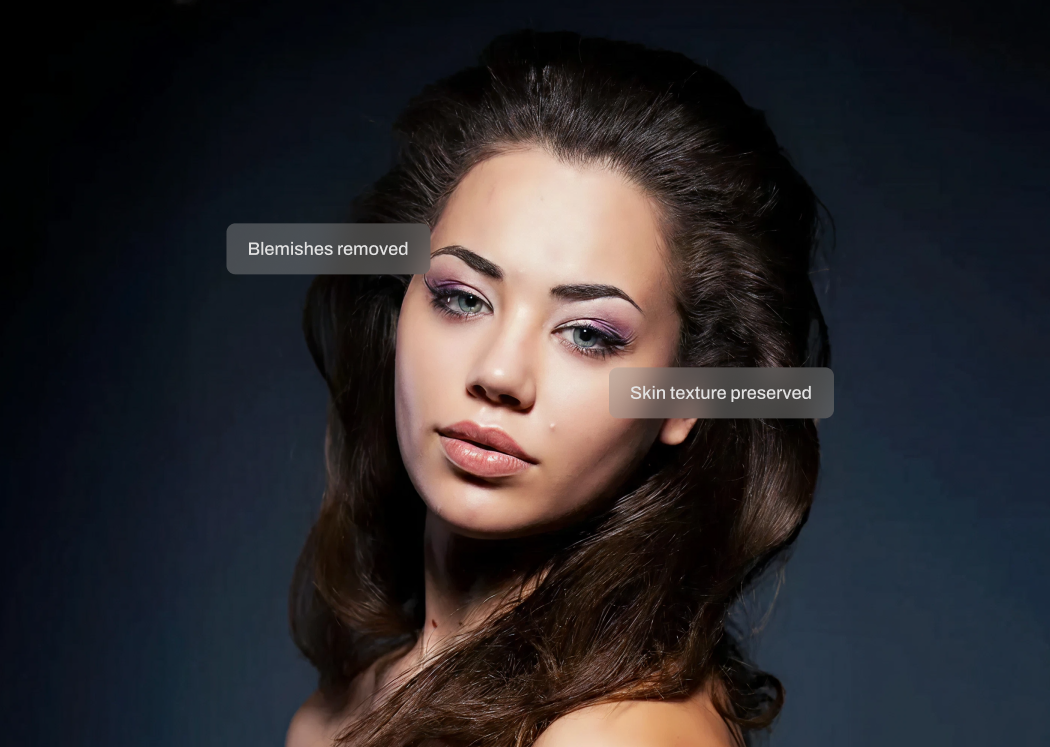
AI That Knows What's Temporary
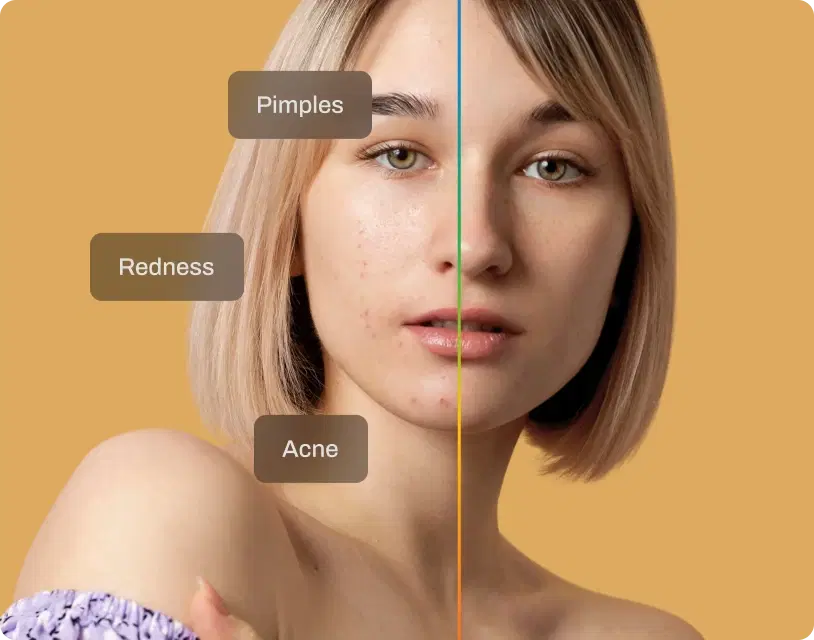
Aftershoot analyzes facial areas and skin texture to identify what doesn't belong on the day of the shoot. Breakouts. Redness. Irritation. Freckles, moles, and natural skin details are preserved. This is intelligent blemish removal, not a blur filter or skin smoothing overlay. No manual brushing required.
Removes Only the Breakout, Not the Character
Only temporary blemishes are targeted. Skin texture, pores, and permanent features remain intact. Your subject still looks like themselves. Just more polished. This is AI blemish remover software built for professional portrait workflows.
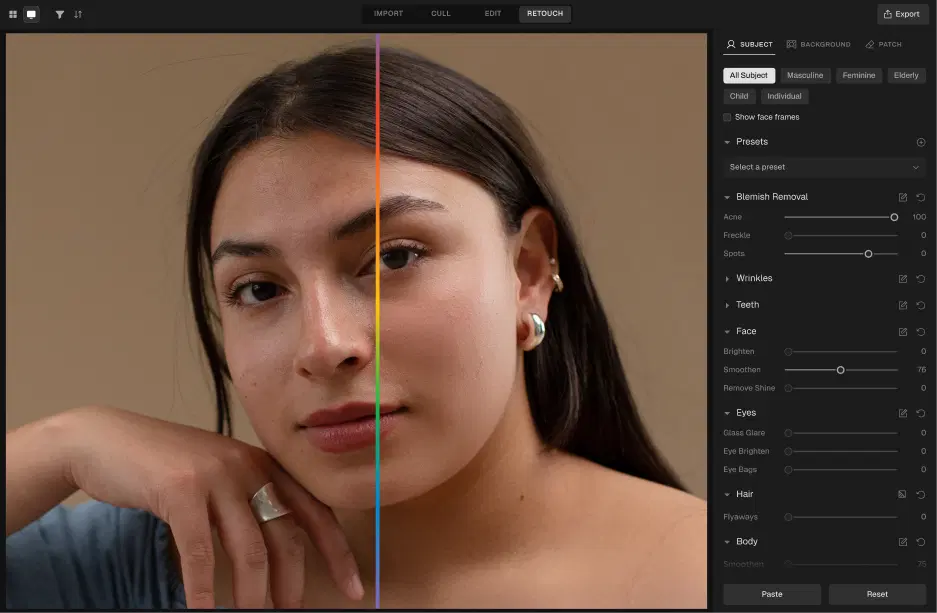
Adjustable and Consistent Across Your Shoot
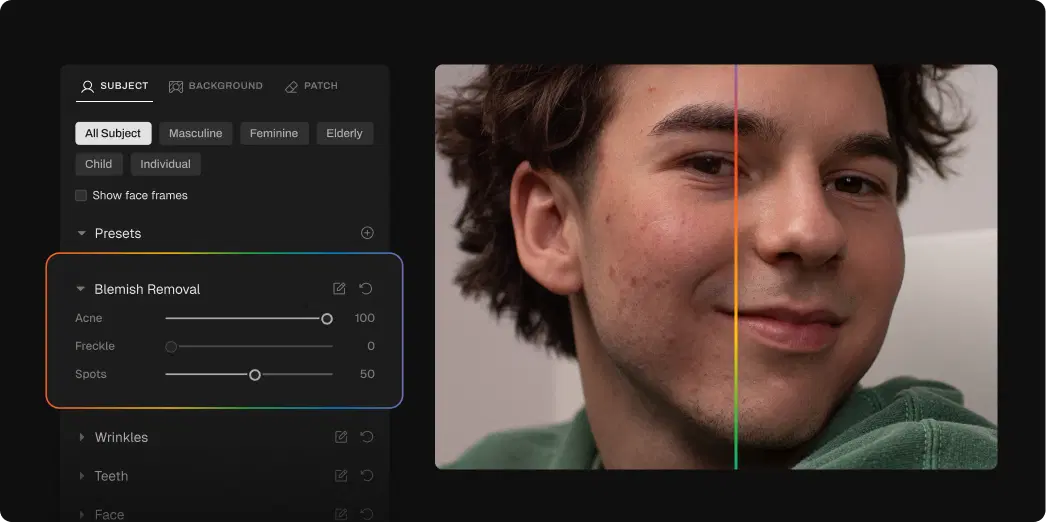
Control blemish removal intensity to match your style, from subtle cleanup to more refined retouching. Batch-apply blemish removal across full sessions or fine-tune individual portraits when needed. High-volume efficiency. Professional-level restraint.
How to Remove Blemishes in 3 Steps

Upload Photos
Add your gallery (RAW or JPEG)

Adjust the Blemish Removal Slider
Got to Retouching, select Blemish Removal, and adjust the slider for subtle or polished results

Export Album Instantly
Preview and export to view final results
Go Beyond Blemish Removal
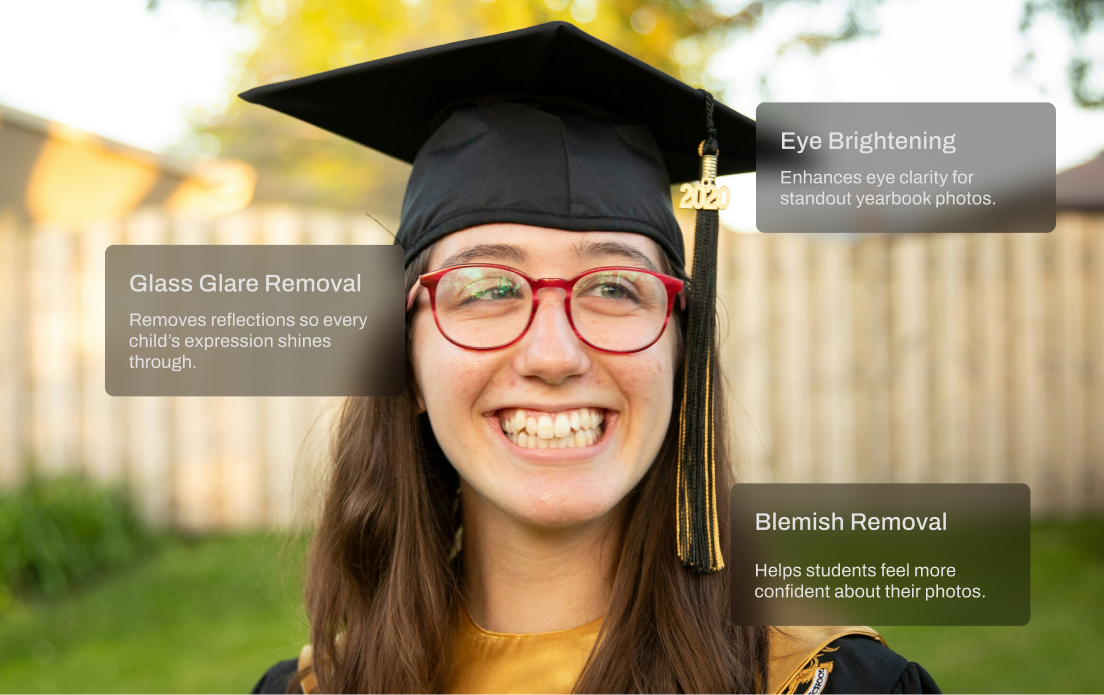
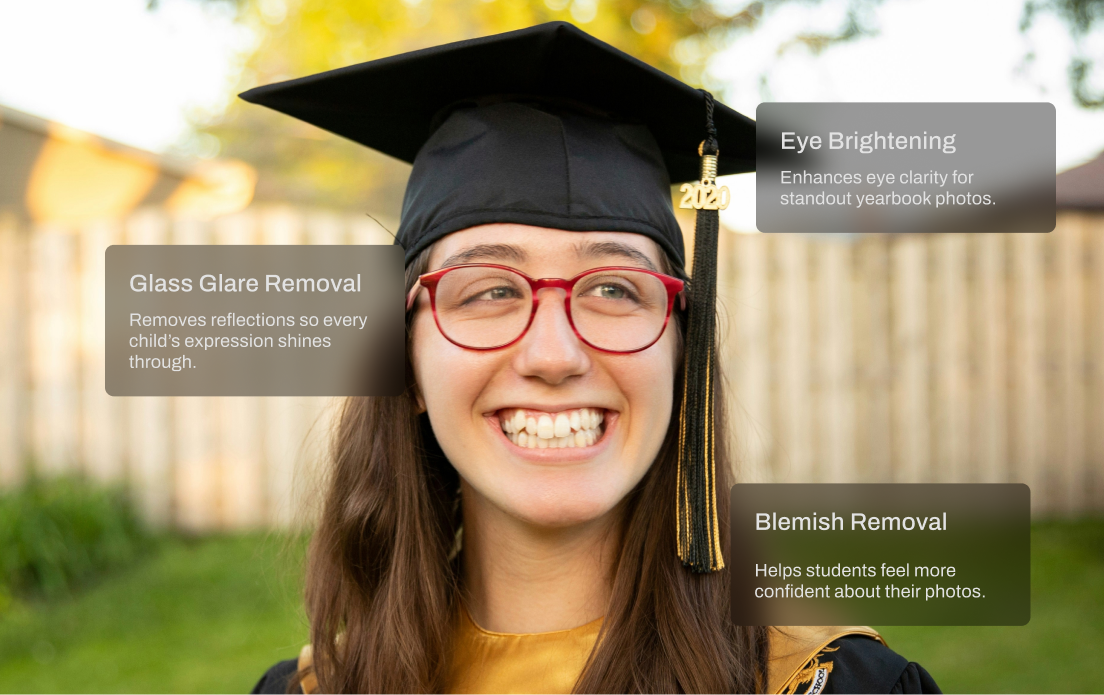
Glass Glare Removal
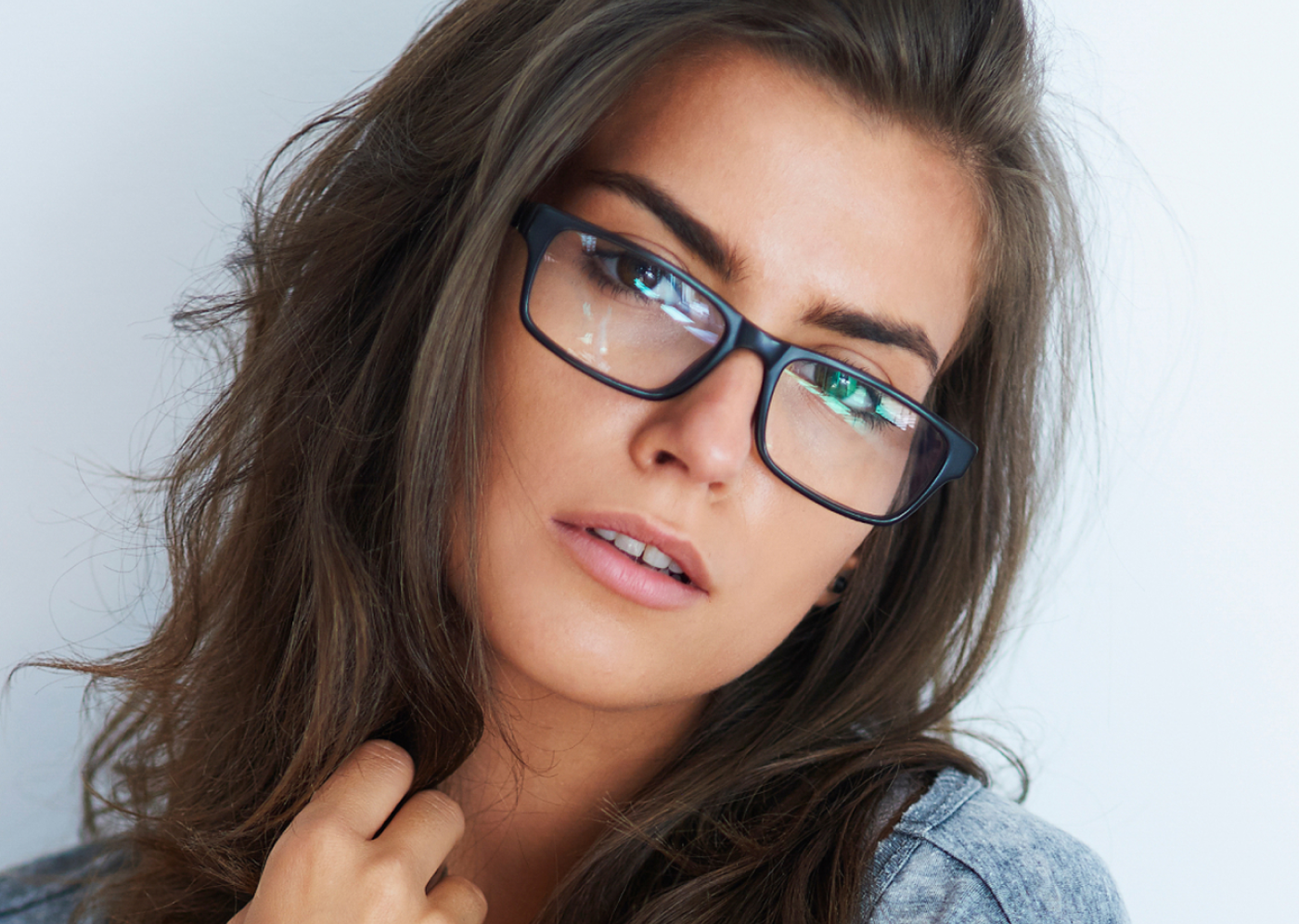
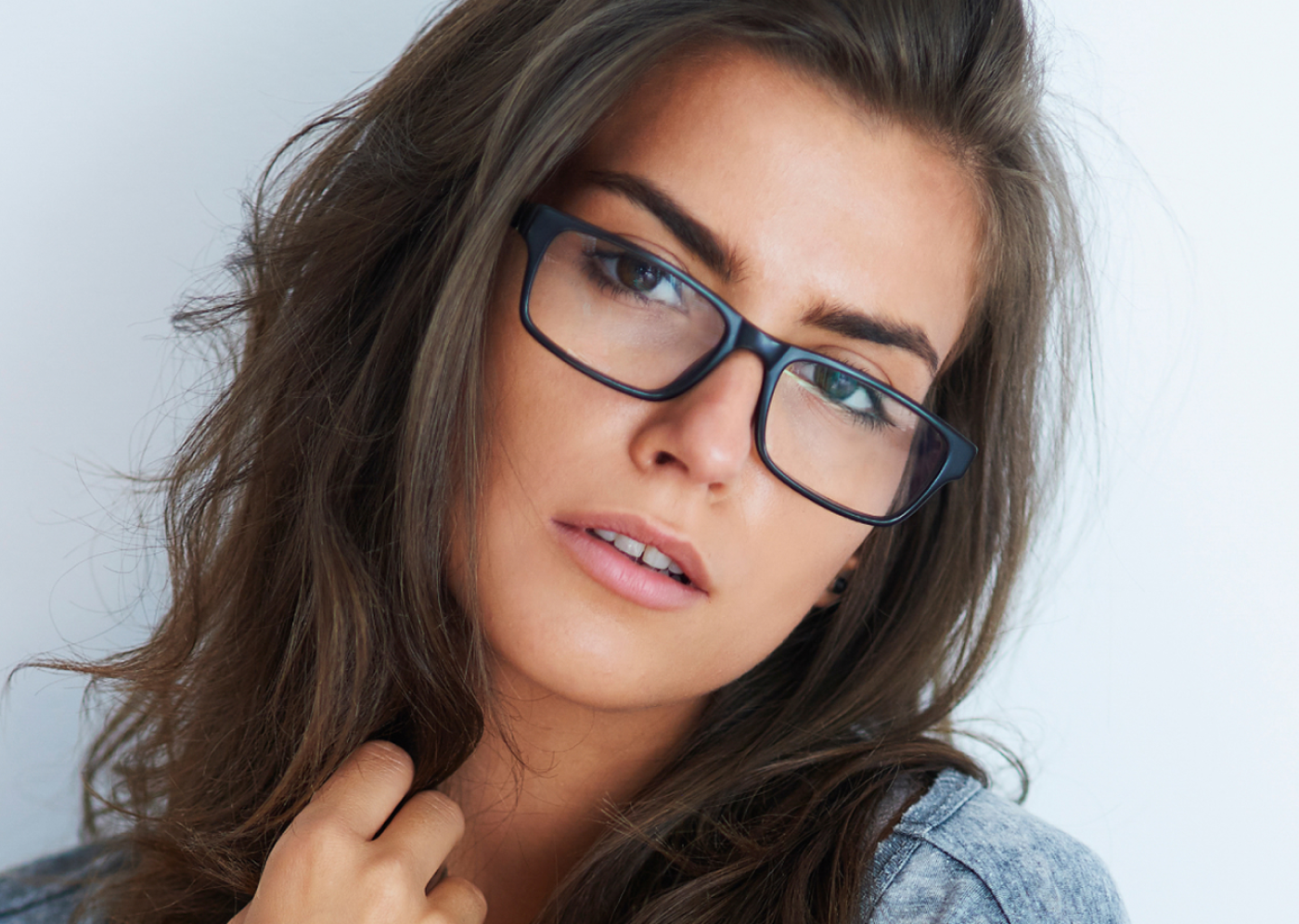
Remove glare and reflections from glasses in portraits while preserving natural skin tone and eye detail.
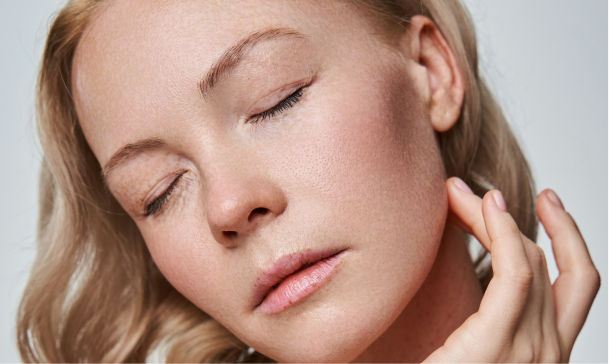
Skin Retouching
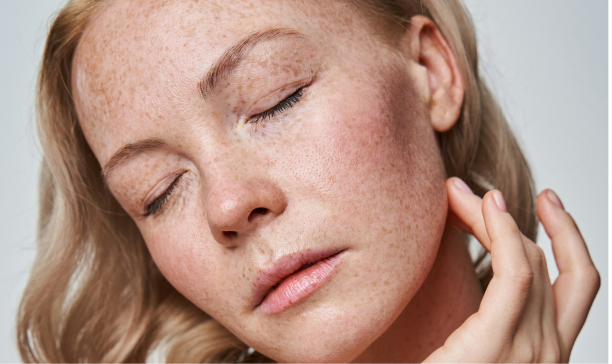
Smooth uneven skin texture and tone while preserving natural pores and detail. No plastic, airbrushed look.
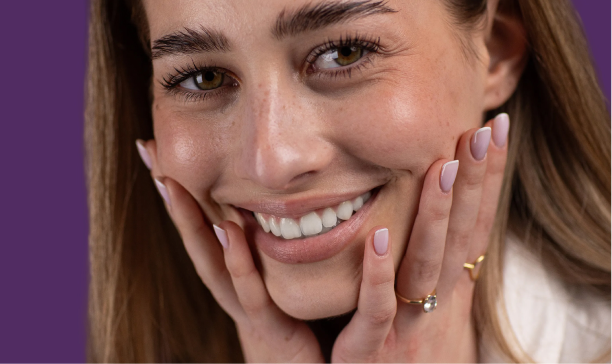
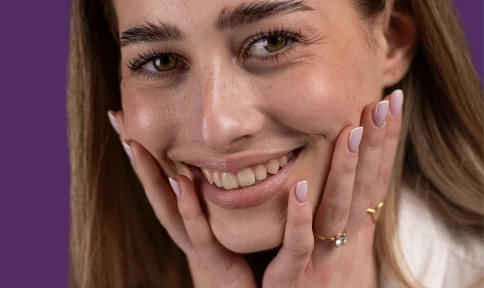
Teeth Whitening
Brighten teeth naturally with adjustable intensity. No over-editing, just a cleaner, more polished smile.
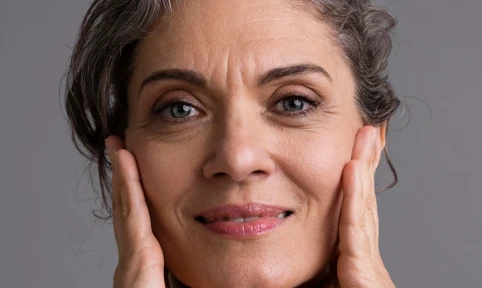
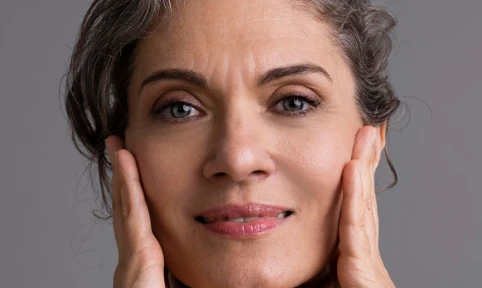
Wrinkle Remover
Soften wrinkles and fine lines with adjustable intensity while maintaining natural skin texture and character.
Made for All Moments


.png&w=48&q=75)


School & Team Sport
Hundreds of faces, one consistent finish.
School and team photo days are fast-paced and high-volume. You’re dealing with glare from glasses, inconsistent lighting, messy hair, and hundreds of files to deliver on tight deadlines. Aftershoot speeds things up with smart batch retouching that handles the heavy lifting. Even out skin tones, reduce glare, and clean up every shot in minutes so your final gallery looks polished and ready to print.
Trusted by Professional Photographers.
Top photographers rely on Aftershoot to streamline their workflow and achieve stunning results.
Ready to Remove Blemishes Instantly?
-(1).webp&w=3840&q=75)