Seamless AI People Remover

Remove unwanted people from photos naturally with AI. Clean up background distractions while preserving your composition.

*Start your 30-day free trial
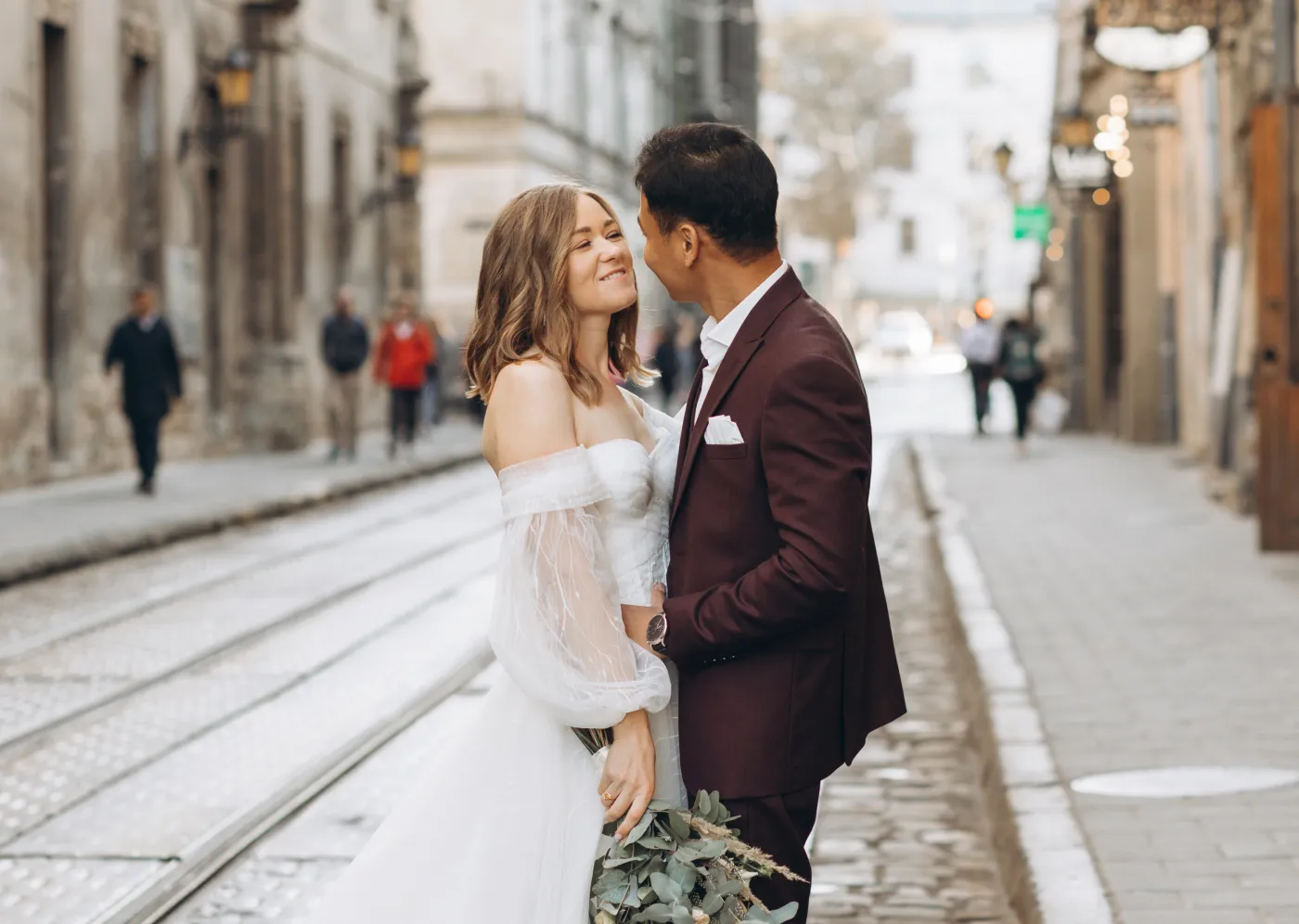
PR_Desk_AfterPeople Remover Before
BEFOREAFTER

As seen in

AI People Removal for Clean, Natural Compositions

People Removal That Respects the Frame

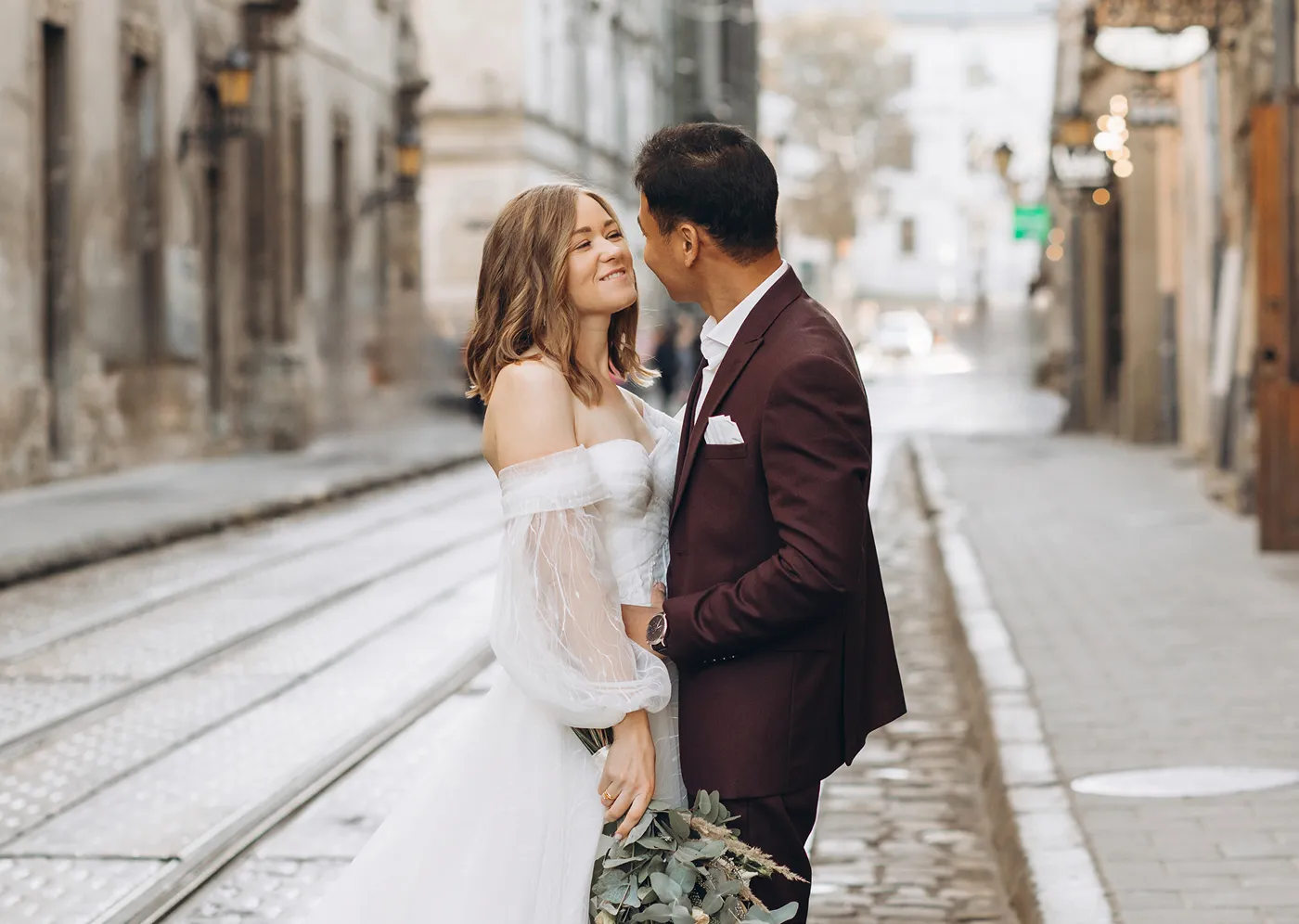
Unintended people are part of real-world photography. Strangers step into the background, crowds gather, and timing is not always perfect. When that happens, you need to remove a person from a photo without breaking composition or realism.

Manual removal in Photoshop is slow and technical, requiring careful masking and cloning. Many AI people remover tools overcorrect, smearing textures or leaving visible artifacts that make the edit obvious.

Remove Distractions, Not the Scene

Aftershoot’s AI People Remover is built to clean up unintended background people without damaging the photo. It evaluates scene context, background texture, and subject importance, then removes people only when it can do so cleanly and naturally.
BEFOREAFTER

Distraction

Scene-Aware People Detection

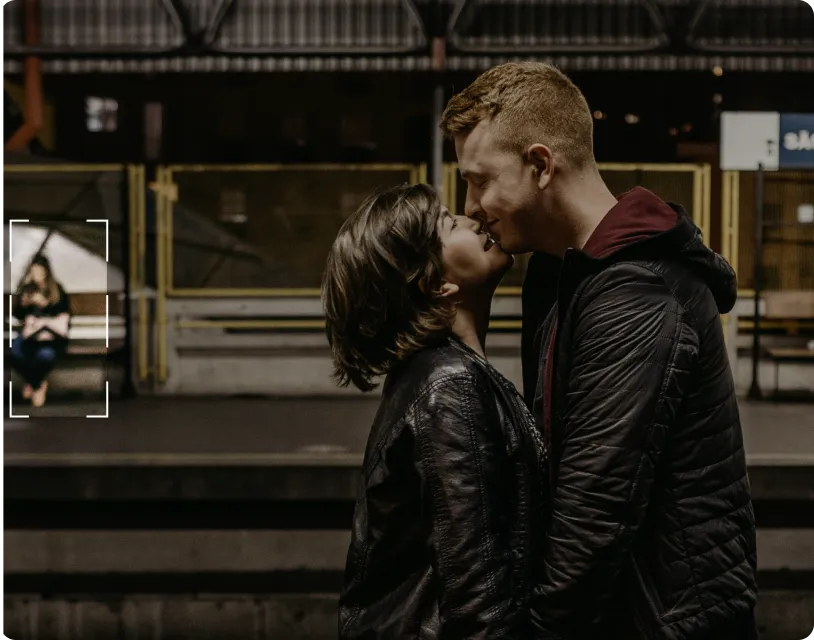
The AI analyzes the entire frame to distinguish the main subject from background people. It works best on unintended background figures that do not overlap the primary subject. Removals are guided by composition, not guesswork. Edits are applied only when they can be completed cleanly and naturally.

Selective People Removal

This tool is designed for real-world cleanup, not extreme edits. It works best on unintended background people, small or mid-sized figures, and subjects that do not overlap the main focus of the image. The AI avoids removing key subjects or forcing edits that would break perspective, lighting, or depth. When clean removal is not possible, it does not push the edit.

Backgrounds That Still Look Real

When people are removed, the background should not give it away. Textures remain believable, lighting stays consistent, and depth and color are preserved. There are no obvious patches, blur zones, or artificial fills. The result looks like a clean frame, not a reconstructed one.
Claim 30-day free trial

How to Remove People from Photos in 3 Steps

Upload photos-gallery

Step 1

Upload Photos

Add your gallery (RAW or JPEG)

Step 2

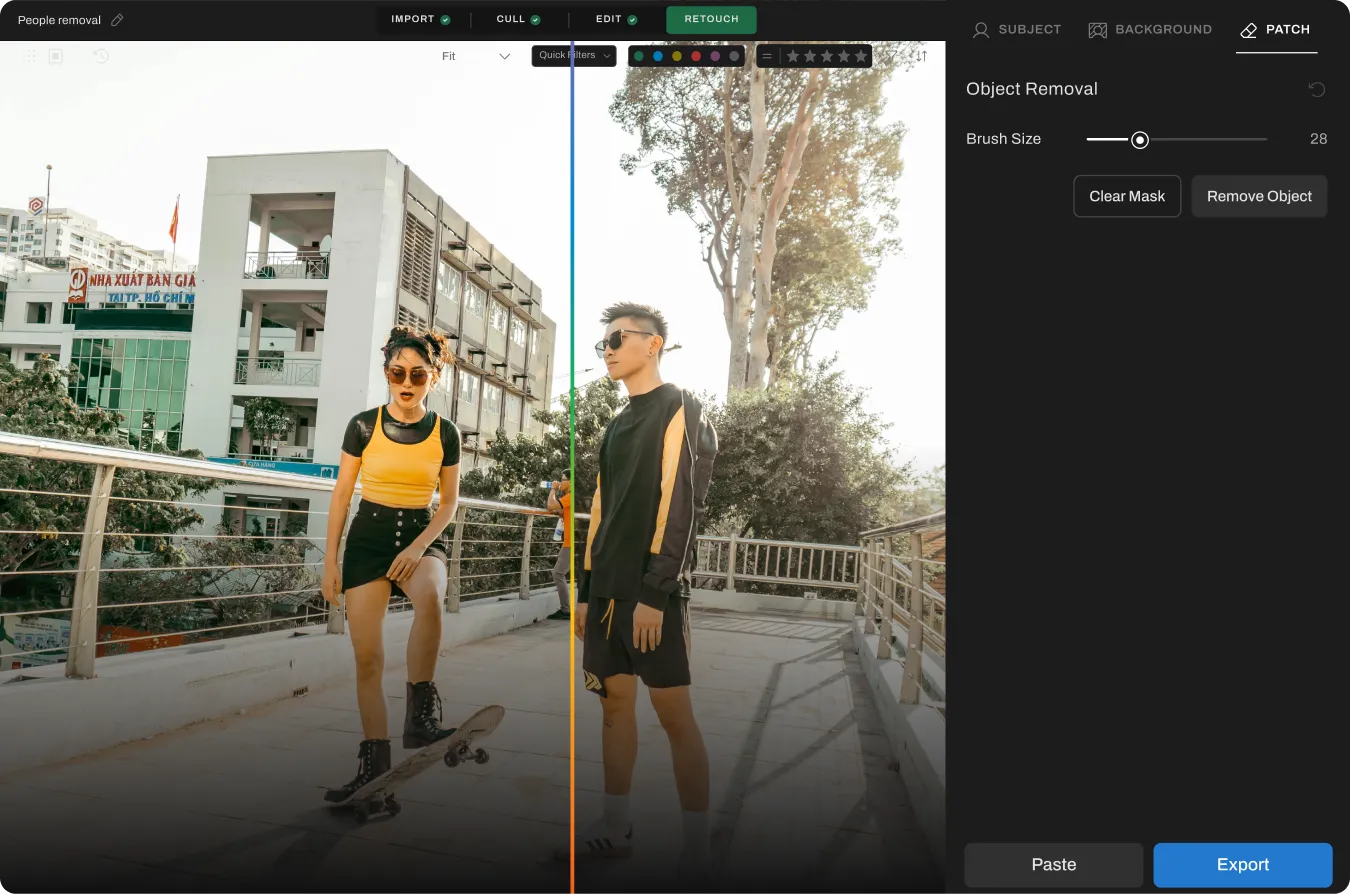
Adjust the People Remover Slider

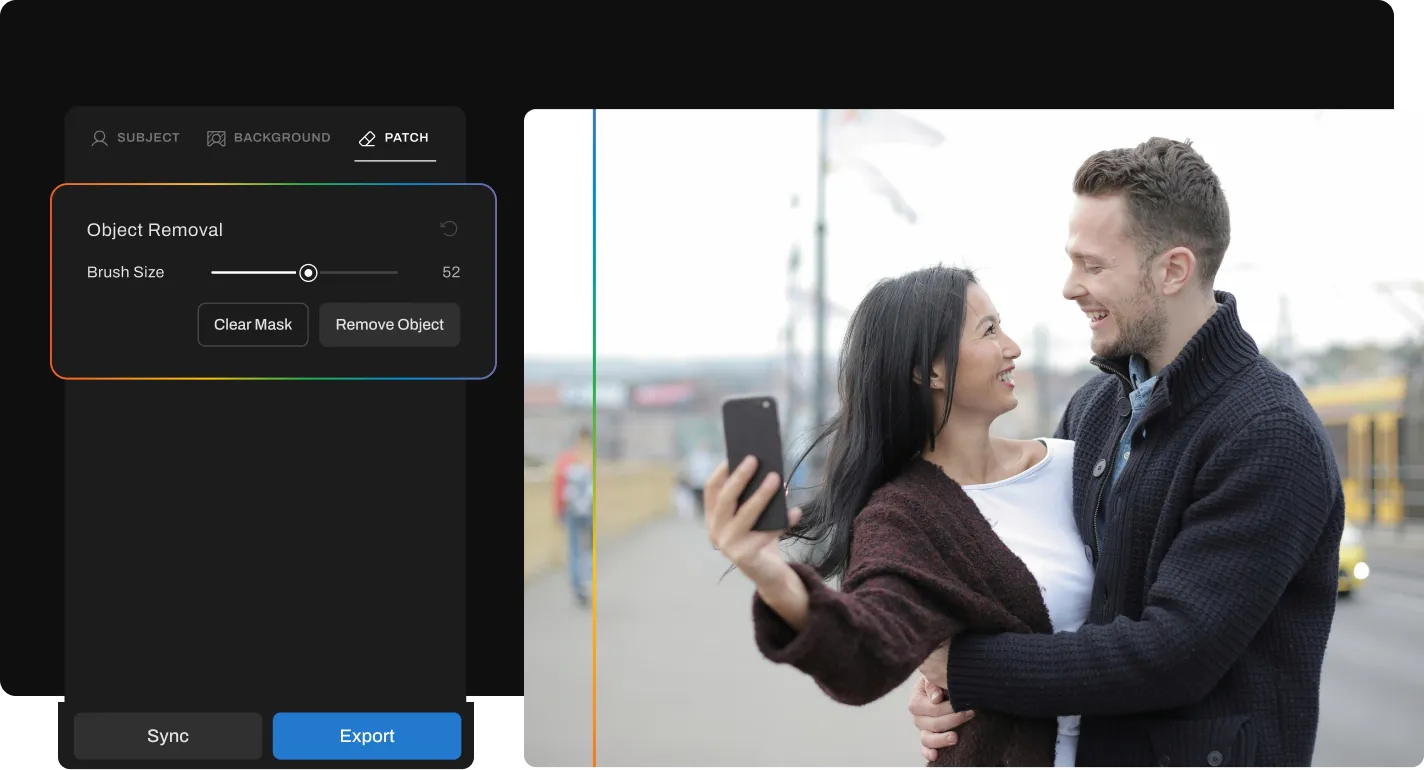
Go to Retouching, select Object Removal under “Patch” tab, and adjust the slider to remove distracting objects from the photo

Step 3

Export Album Instantly

Preview and export to view final results
Remove Background People For Free

Go Beyond People Remover

The complete AI retouching toolkit for clean, consistent results.
Glare Remover Before
BEFOREAFTER

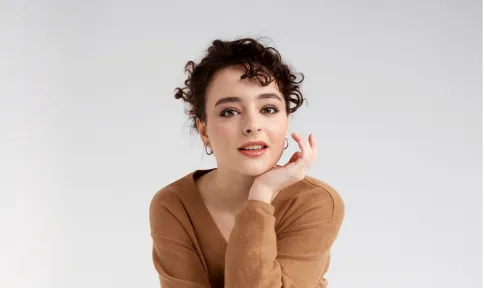
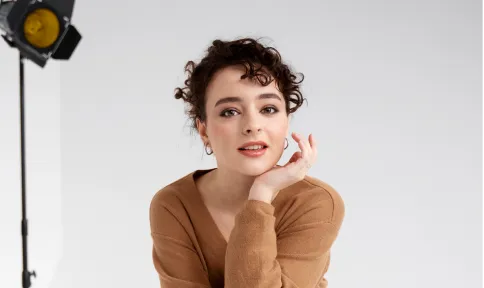
Glass Glare Removal

Remove glare and reflections from glasses in portraits while preserving natural skin tone and eye detail.
Explore
Object Remover Before
BEFOREAFTER

Object Remover

Remove unwanted objects and distractions from backgrounds while maintaining scene composition and lighting.
Explore
BEFOREAFTER

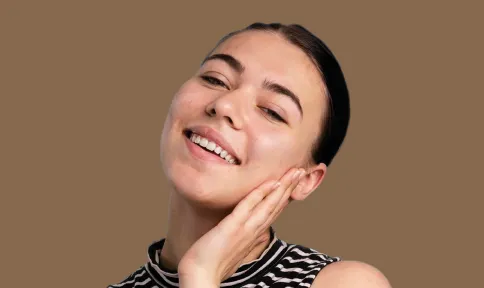
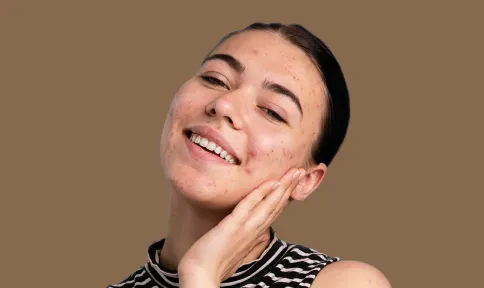
Blemish Remover

Remove temporary blemishes and spots while preserving natural skin texture and tone.
Explore
BEFOREAFTER

Eye Bag Remover

Reduce under-eye puffiness and shadows while keeping natural expression and skin texture intact.

Explore
See All Features

PHOTOGRAPHERs

0 K

PHOTOS RETOUCHED

0 M

Hours saved

0.5 hrs

Made for All Moments

Wedding & Events

Perfect the moments they’ll never forget.

Wedding photographers handle massive galleries, unpredictable lighting, and clients who expect nothing short of perfection. Manually retouching every key image takes too much time and effort. Aftershoot helps you retouch entire wedding galleries in minutes with natural, frame-worthy results. Fix blemishes, remove distractions, clean up flyaways, and perfect the moments that matter most, all while delivering polished galleries faster.
Learn More
AfterBefore
BEFOREAFTER

Eye Brightening

Enhances eye clarity for wedding photos

Flyaway Fix

Smooths stray hairs for a clean, polished look in every shot.

Portraits & Headshots

Let every portrait stand out, naturally.

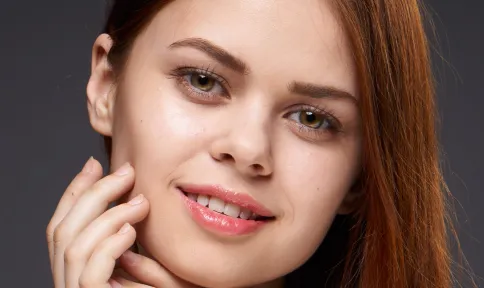
Portrait photography demands a balance between polish and authenticity. Clients want to look their best without losing their natural features, and editing each image by hand slows everything down. Aftershoot makes it easy to retouch portraits with clean, consistent results. Preserve real skin texture, enhance facial details, and speed through high-volume sessions without compromising quality.
Learn More
Portrait AfterPortrait Before
BEFOREAFTER

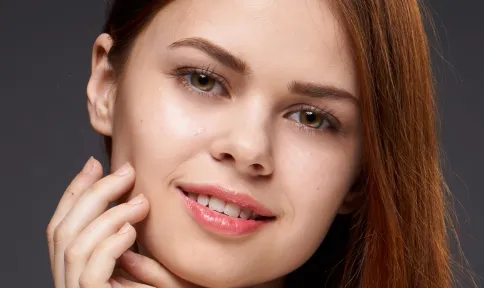
Acne Removal

Eliminates blemishes for a flawless, enhanced portrait.

Face Shine Removal

Eliminates shine for a flawless, lifelike portrait.

School & Team Sport

Hundreds of faces, one consistent finish.

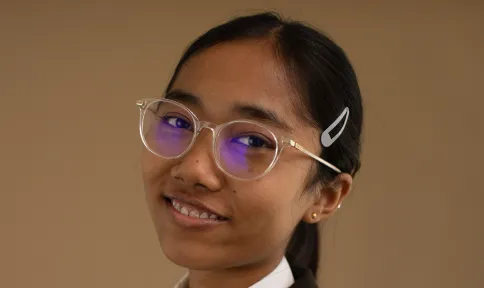
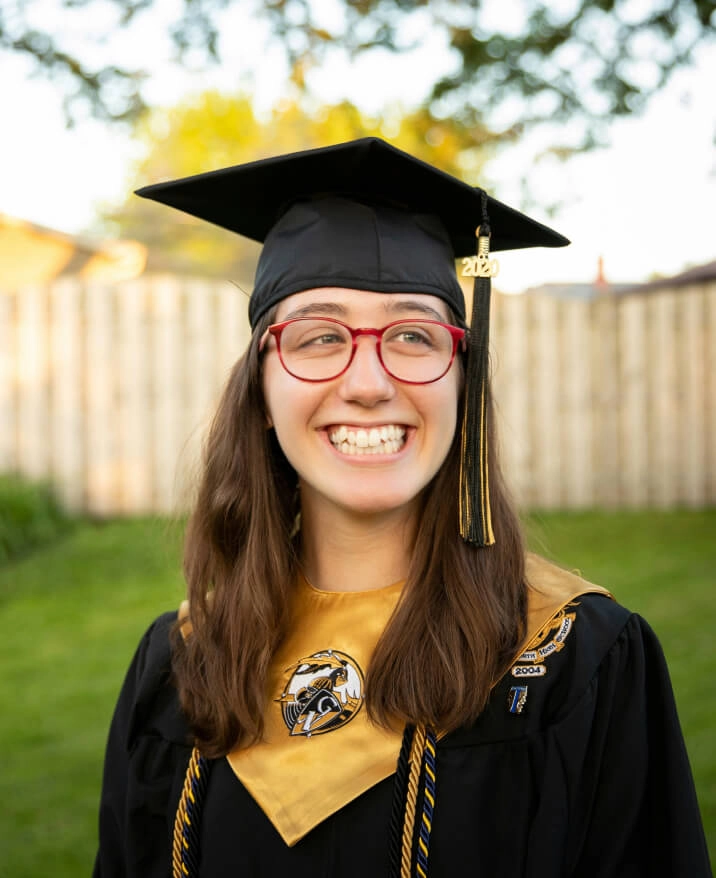
School and team photo days are fast-paced and high-volume. You’re dealing with glare from glasses, inconsistent lighting, messy hair, and hundreds of files to deliver on tight deadlines. Aftershoot speeds things up with smart batch retouching that handles the heavy lifting. Even out skin tones, reduce glare, and clean up every shot in minutes so your final gallery looks polished and ready to print.
Learn More
School AfterSchool Before
BEFOREAFTER

Lens Glare Removal

Removes reflections so every child’s expression shines through.

Eye Brightening

Enhances eye clarity for standout yearbook photos.

Blemish Removal

Helps students feel more confident about their photos.

Family

Natural-looking edits for life’s most candid moments.

Family shoots are full of unpredictability, flyaway hair, fussy toddlers, and unexpected distractions in the background. Aftershoot’s AI Retouching helps you clean up the chaos without losing the moment. Smooth skin, remove distractions, and keep the energy of each session beautifully intact.
Learn More
BEFOREAFTER

Teeth whitening

Brightens your smile and enhances your teeth.

Wrinkle Removal

Gently reduces wrinkles while keeping real expressions intact.

Cloth Dewrinkle

Iron out cloth creases while retaining fabric texture.

Newborns

Soft edits for life’s softest moments.

Newborns need a soft, subtle approach. Aftershoot applies baby-specific retouching to reduce redness, flakiness, and blemishes, while preserving every delicate feature. No harsh edits. Just natural, heartwarming results that feel as real as the moment.
Learn More
newborn afternewborn before
BEFOREAFTER

Blemish Removal

Gently reduces redness and spots while keeping the baby’s skin natural.
Try Aftershoot For Free

Start Your 30-Day Free Trial
AI Retouching, Trusted by the Pros

See why top photographers rely on Aftershoot to streamline their workflow and achieve stunning results.

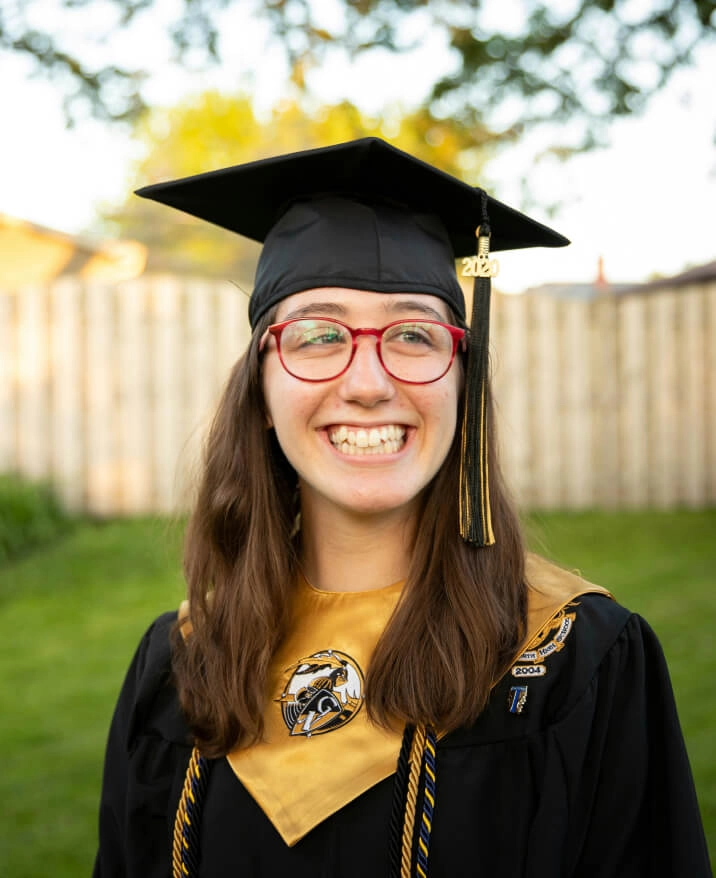
Lilly Red
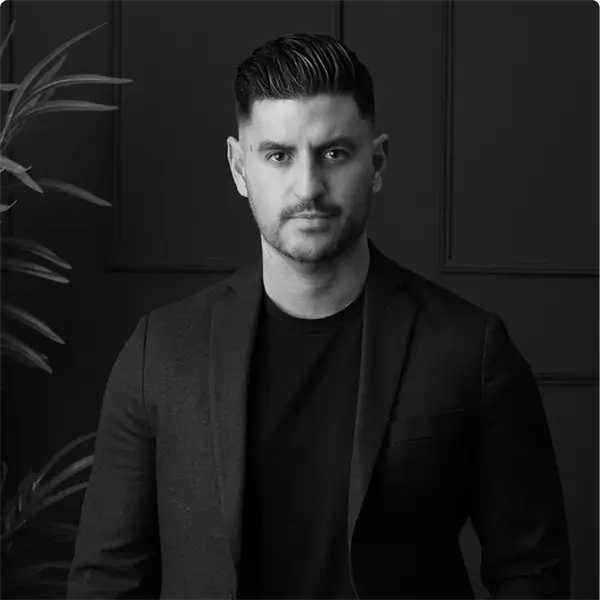
Esteban-Gil
Esteban Gil
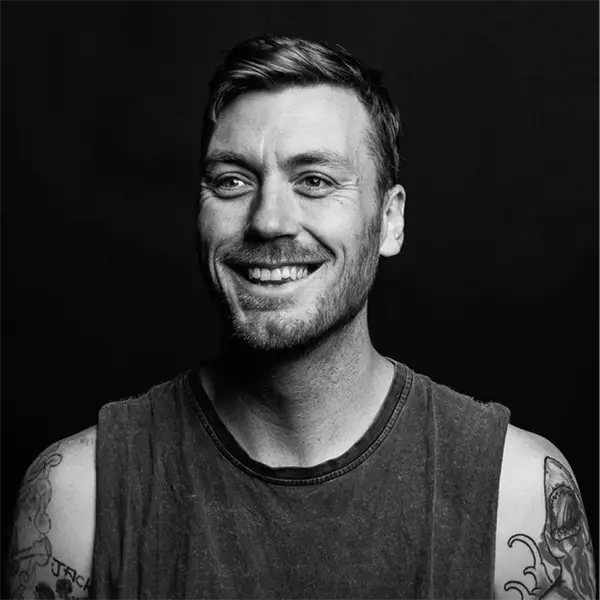
Joshua Hugget
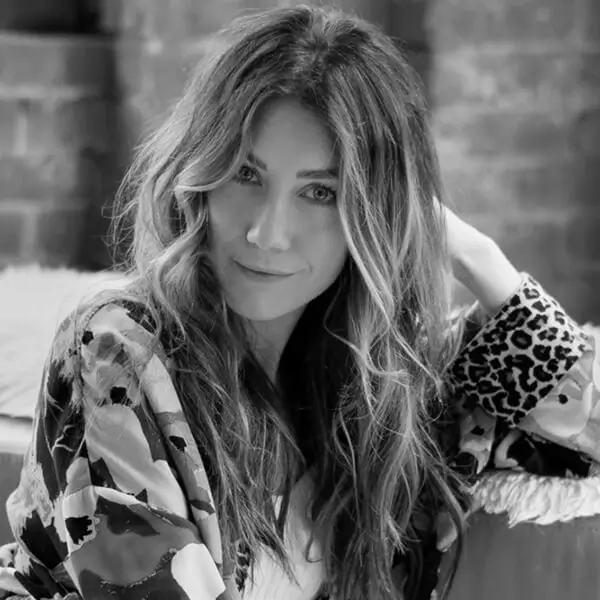
Jacquelyn Portolese
Jacquelyn
Portolese

How Much Time Will AI Retouching Save You?

0 Hours

Turn those hours into more shoots, not more edits.

2,500 10,000
10 100

Need help with migrating from a different app? Contact Us

Ready to Remove Background People Instantly? 

Download Aftershoot
checkboxsettings icongroup iconeye iconspark icon
rainbowrainbow
aftershoot logo icon

You’ve Got Questions. We’ve Got Answers.

Log InGET STARTED