AI that works for YOU. Not against YOU.
Read Our Three Commitments

Free AI Eye Bag Remover

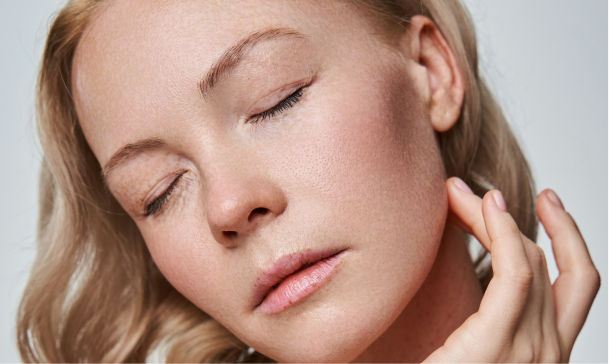
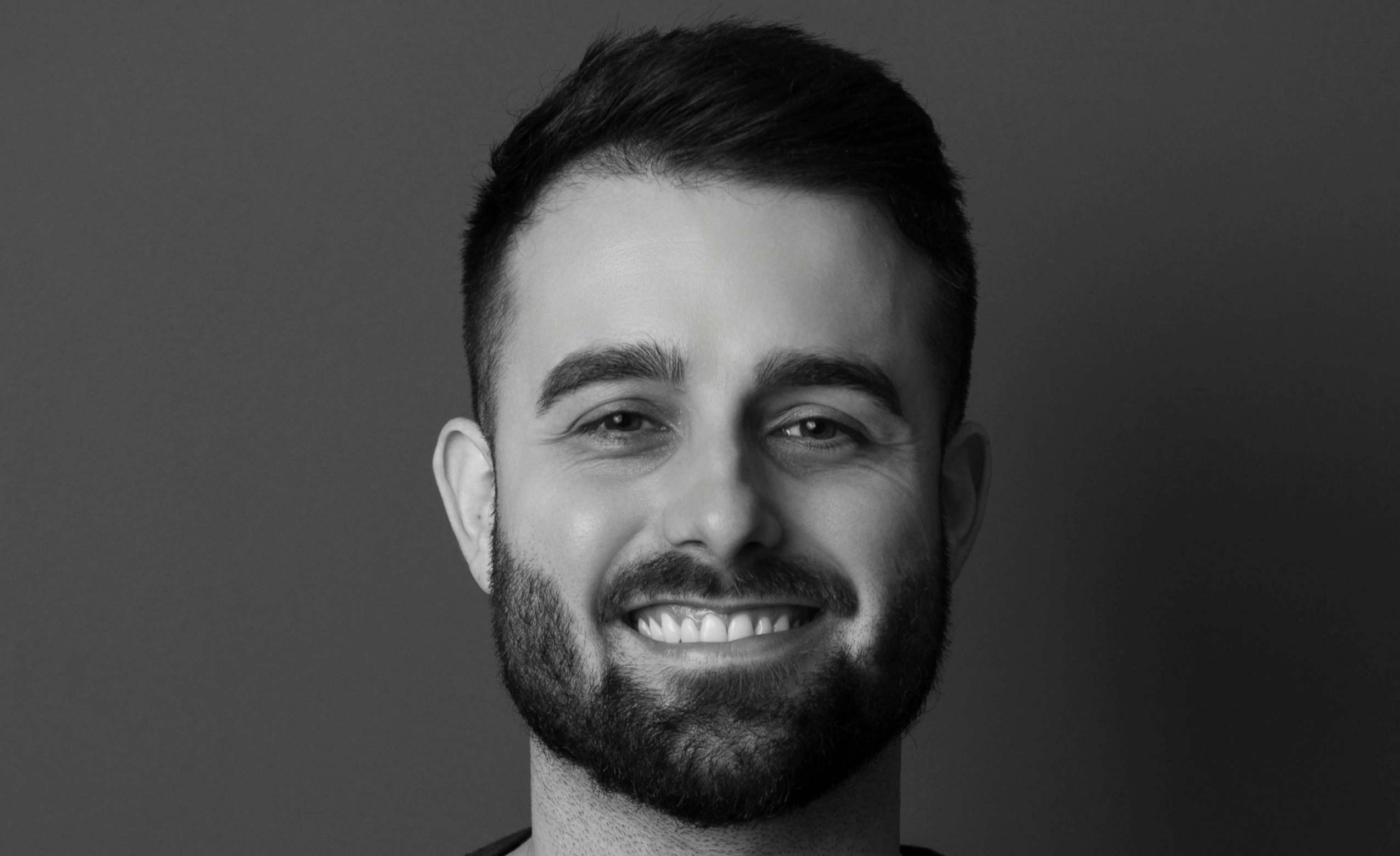
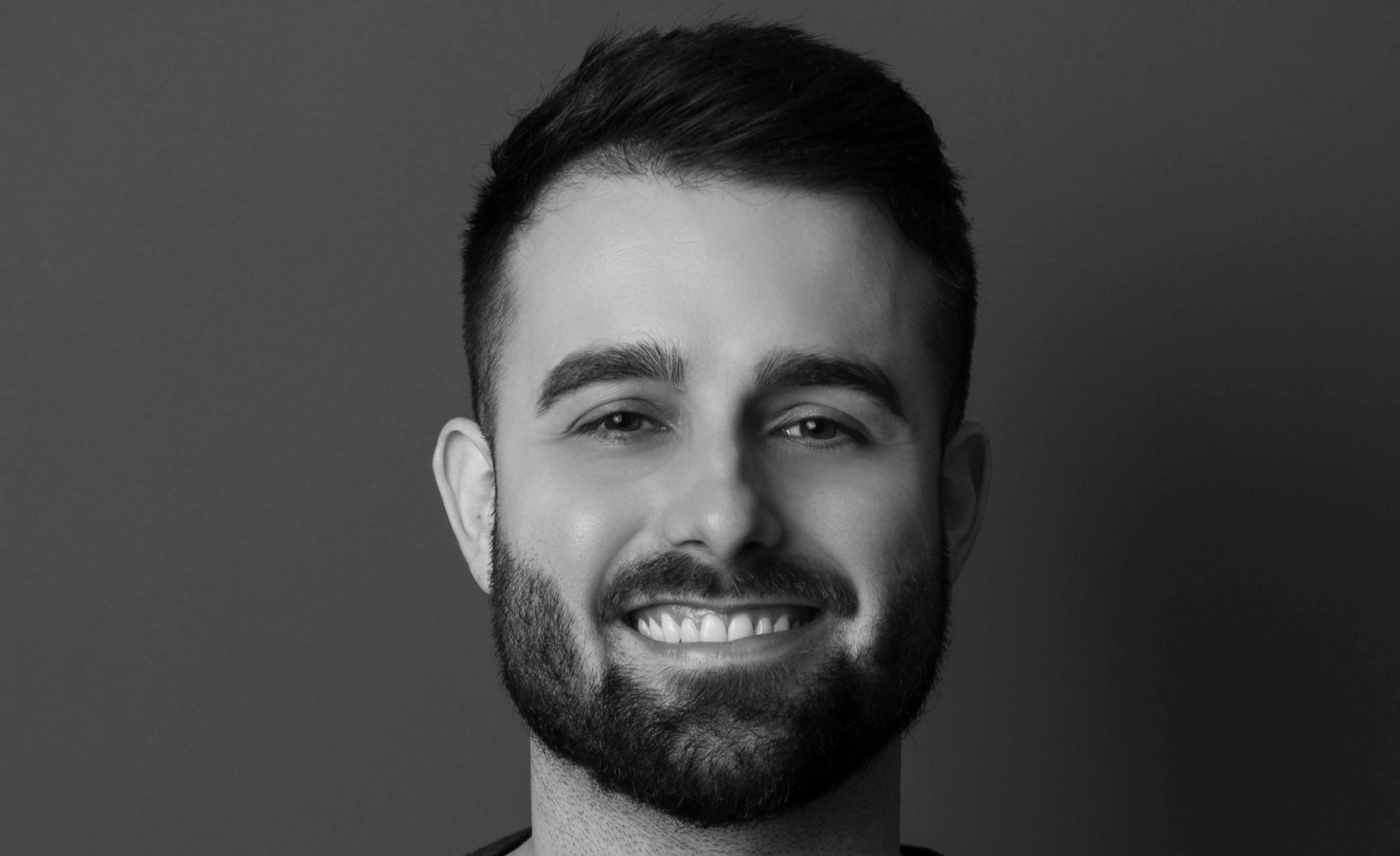
Reduce under-eye puffiness and shadows instantly while preserving natural expression and skin texture. Built for professional portraits.
*Start your 30-day free trial

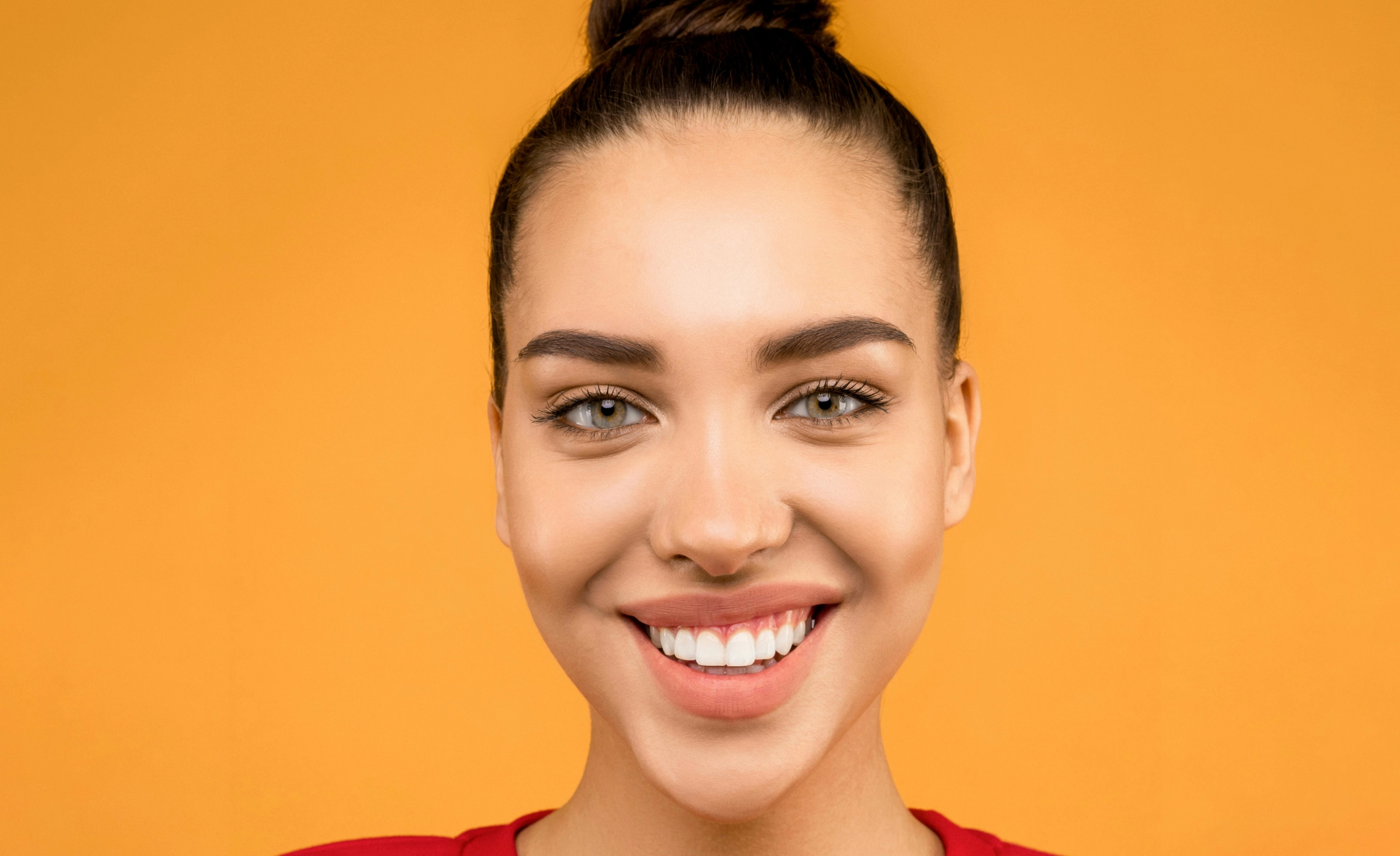
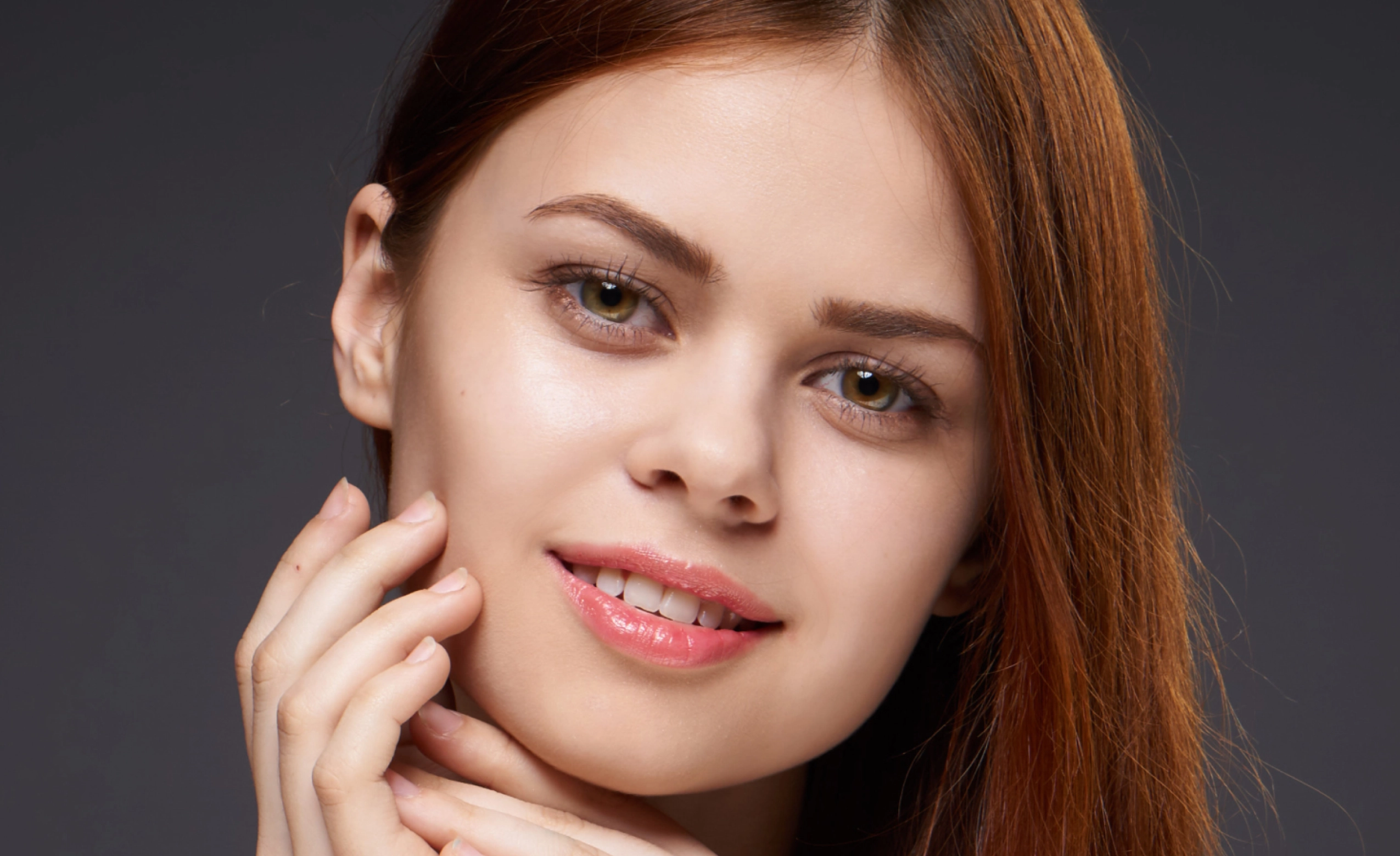
BEFOREAFTER

As seen in

AI Eye Bag Remover for Natural Portrait Retouching

Eye Bags Taking Over Your Otherwise Perfect Portraits?

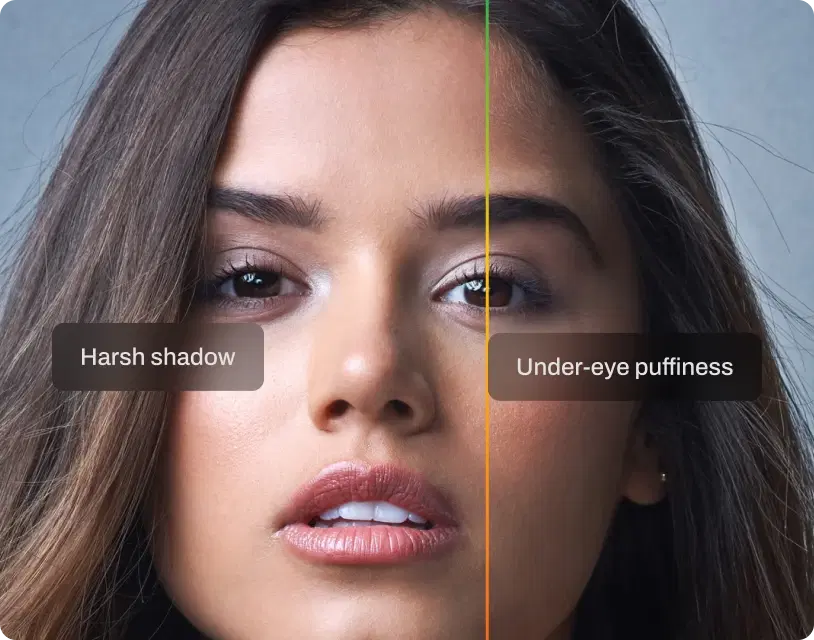
Even great portraits can show visible under-eye puffiness or deep shadows. Harsh lighting, flash, or long shoot days often exaggerate what looks subtle in real life. Manual fixes are inconsistent. Dodge and burn varies across images, and heavy smoothing flattens eye contours. Many consumer eye bag remover tools blur the entire area, leaving results that look artificial instead of professional.

Reduce Eye Bags Without Flattening Expression

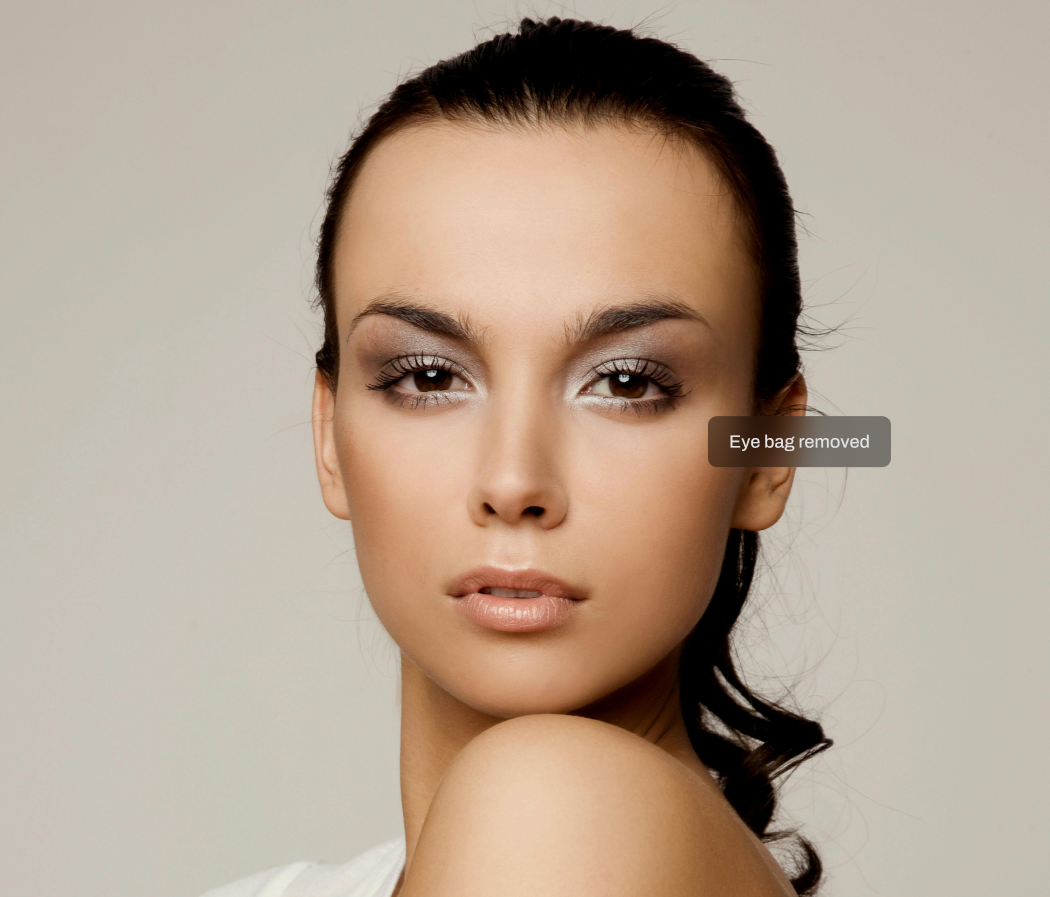
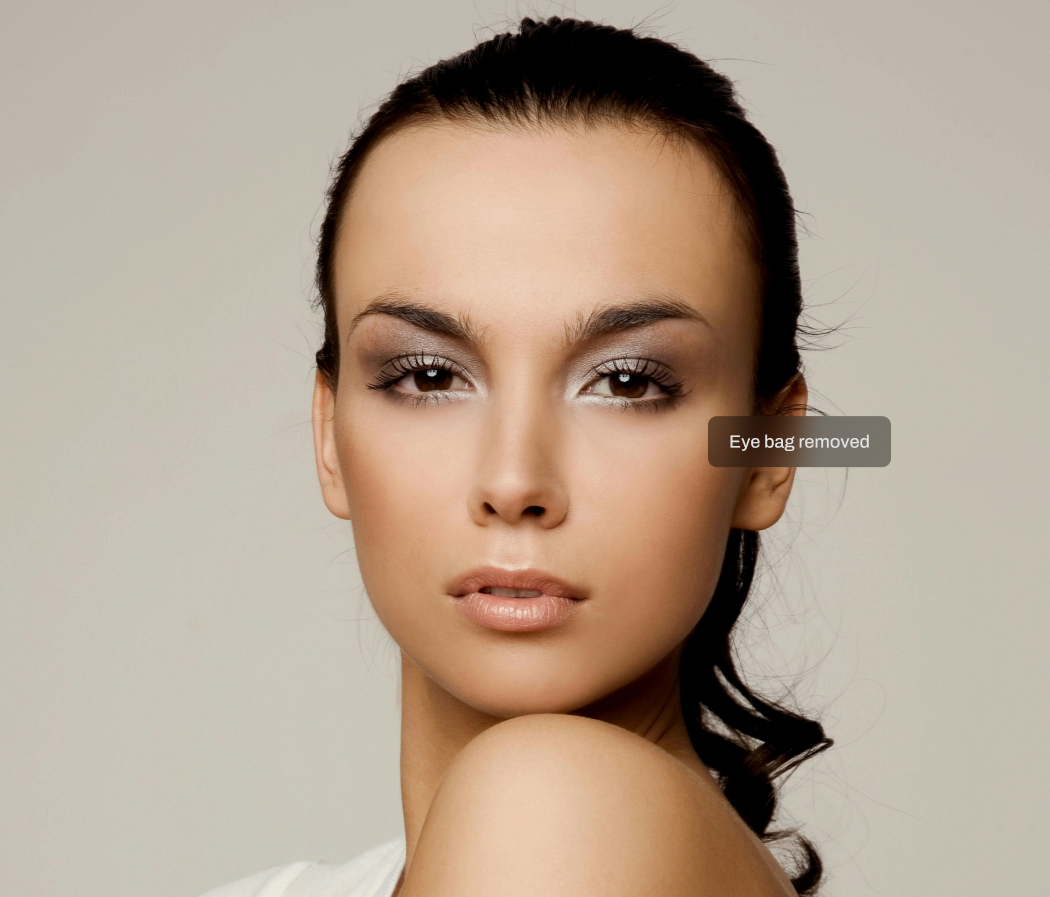
Aftershoot's AI Eye Bag Remover helps photographers reduce under-eye puffiness and harsh shadows while keeping natural facial depth and character intact. The AI targets distracting eye bags caused by lighting, fatigue, or camera angles, so subjects look refreshed and well-rested, not airbrushed.

BEFOREAFTER

Eye bags removed

Eye-Aware AI Detection

Aftershoot's AI analyzes eye contours and under-eye areas to identify distracting puffiness and shadow buildup separately from natural eye depth. It recognizes harsh under-eye shadows without confusing them with age lines or expression, so corrections stay respectful and realistic.

Selective Under-Eye Reduction

The AI reduces under-eye puffiness and harsh shadow areas while leaving natural facial structure untouched. This avoids flattening the eye area or removing expression lines, a common issue with beauty tools that smooth everything indiscriminately.
Adjustable Control Across Galleries

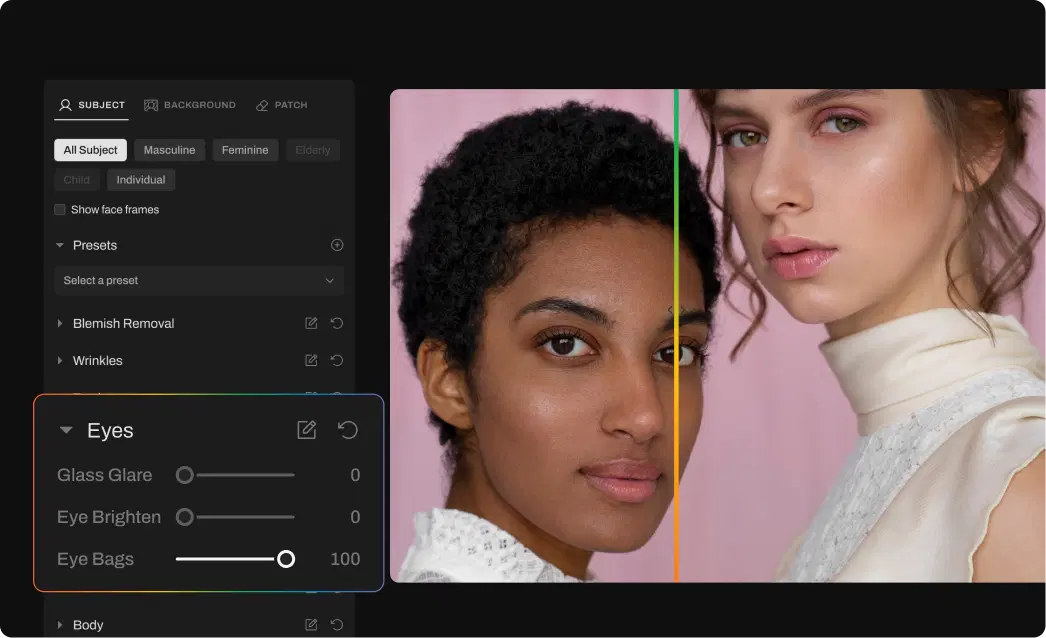
Eye bag removal works across single portraits and large event or wedding galleries. Adjust intensity through retouching presets to match different subjects, age groups, and lighting conditions, with the option to review results before export.
Claim 30-day free trial

Remove Eye Bags in 3 Steps

Upload photos-gallery

Step 1

Upload Photos

Add your gallery (RAW or JPEG)
Step 2

Adjust the Eye Bag Remover Slider

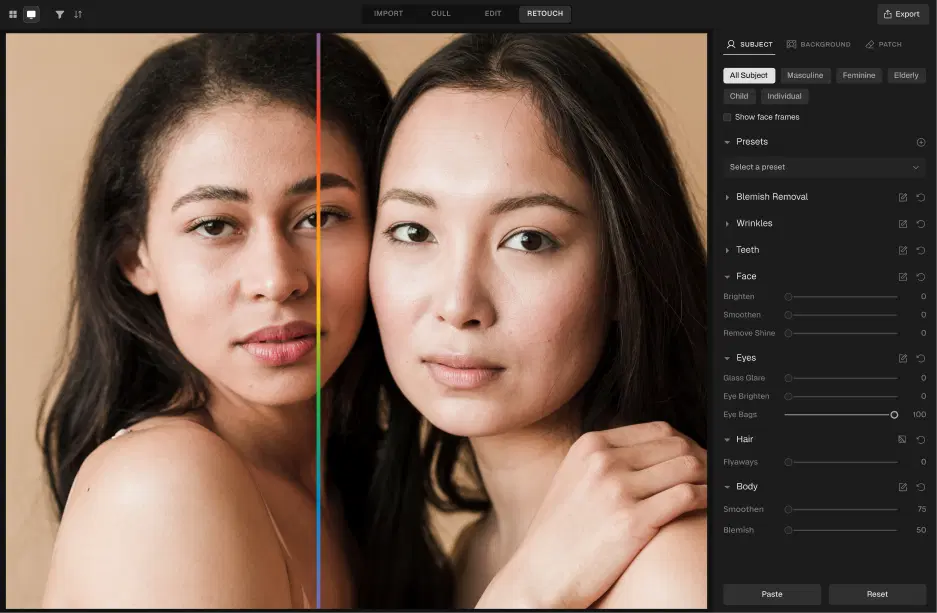
Go to Retouching, select Eyes, and adjust the Eye Bags slider for subtle or polished results

Step 3

Export Album Instantly

Preview and export to view final results

  • Remove Eye Bags for Free

    Go Beyond Eye Bag Removal

    The complete AI retouching toolkit for clean, consistent results.
    BEFOREAFTER

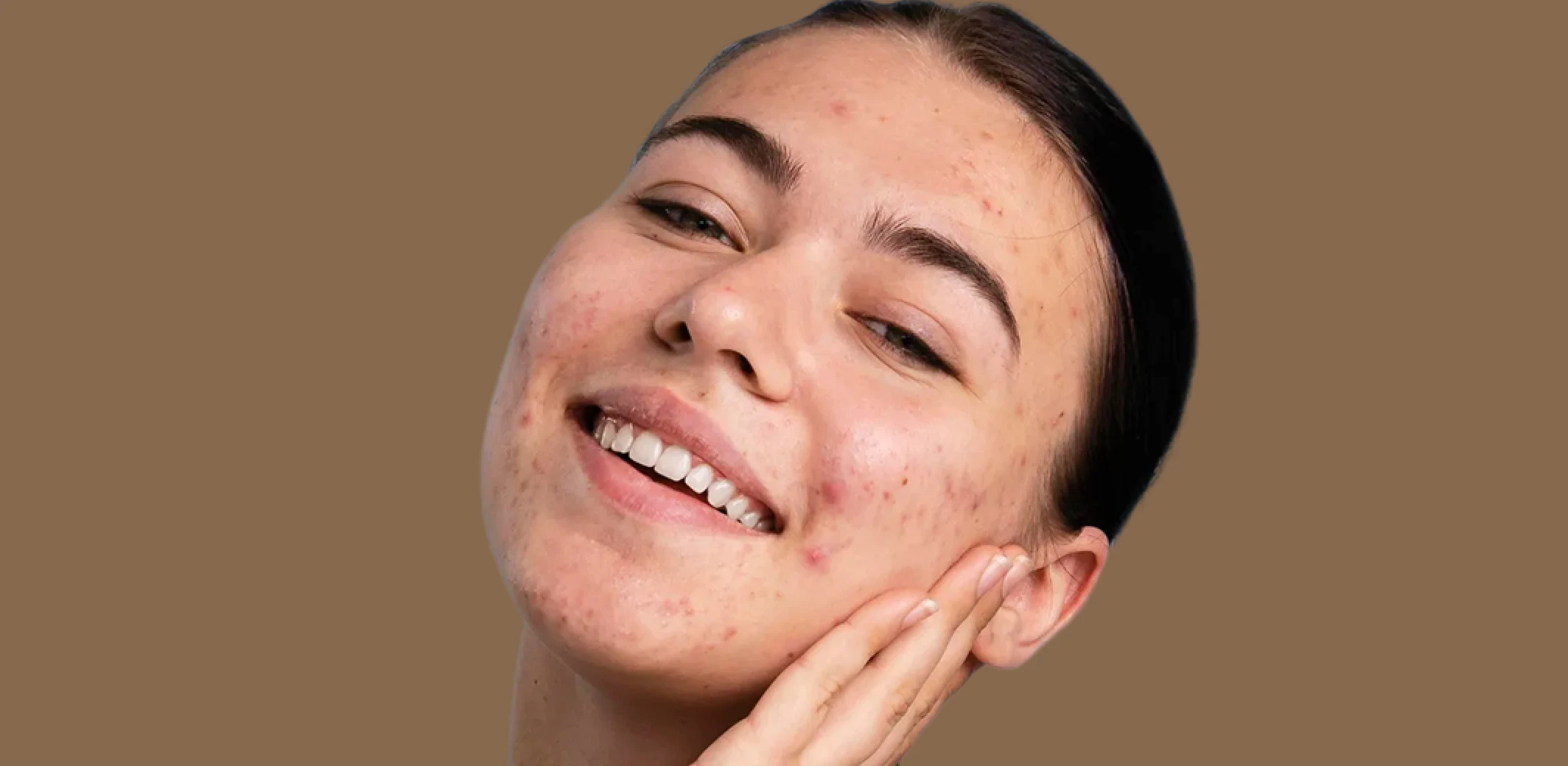
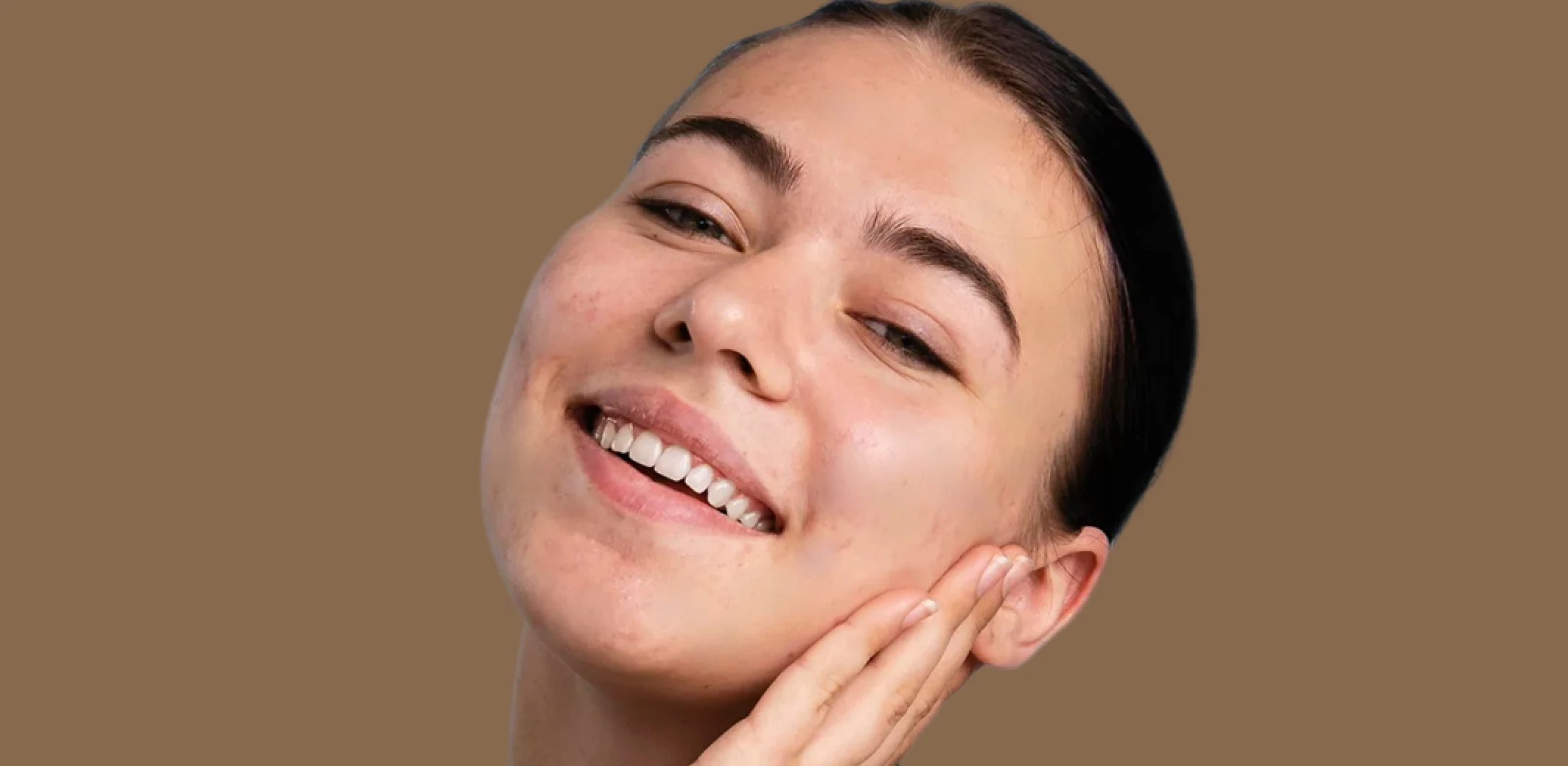
    Skin Retouching

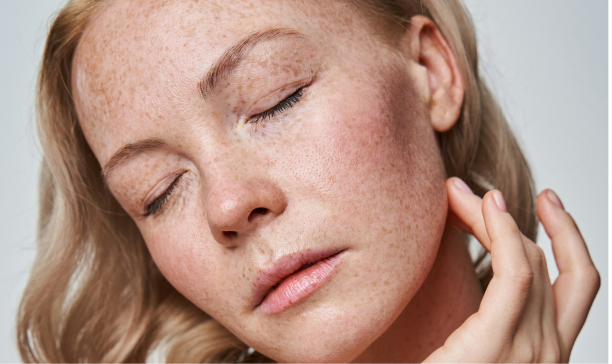
    Smooth uneven skin texture and tone while preserving natural pores and detail. No plastic, airbrushed look.
    Explore
    BEFOREAFTER

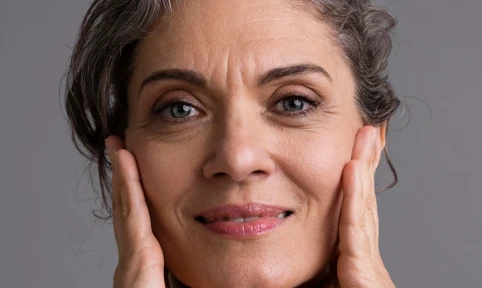
    Blemish Remover

    Remove temporary blemishes and spots while preserving natural skin texture and tone.
    Explore
    Wrinkle Remover Before
    BEFOREAFTER

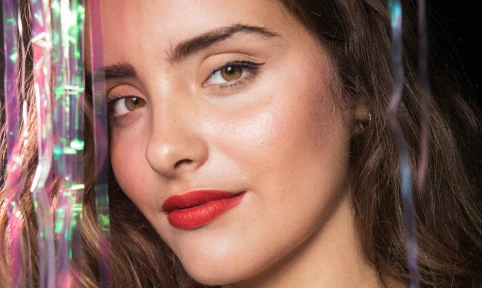
    Wrinkle Remover

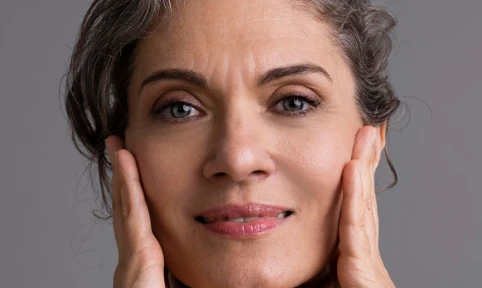
    Soften wrinkles and fine lines with adjustable intensity while maintaining natural skin texture and character.
    Explore
    Face Shine RemoverFace Shine Remover
    BEFOREAFTER

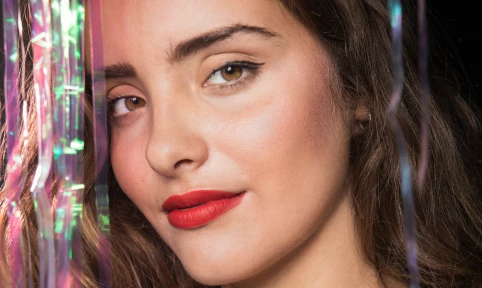
    Face Shine Removal

    Reduce oily shine and hotspots on skin while preserving natural glow and healthy skin tone.

    Explore
    See All Features

    PHOTOGRAPHERs

    0 K

    PHOTOS RETOUCHED

    0 M

    Hours saved

    0.5 hrs

    Made for All Moments

    Wedding & Events

    Perfect the moments they’ll never forget.

    Wedding photographers handle massive galleries, unpredictable lighting, and clients who expect nothing short of perfection. Manually retouching every key image takes too much time and effort. Aftershoot helps you retouch entire wedding galleries in minutes with natural, frame-worthy results. Fix blemishes, remove distractions, clean up flyaways, and perfect the moments that matter most, all while delivering polished galleries faster.
    Learn More
    AfterBefore
    BEFOREAFTER

    Eye Brightening

    Enhances eye clarity for wedding photos

    Flyaway Fix

    Smooths stray hairs for a clean, polished look in every shot.

    Portraits & Headshots

    Let every portrait stand out, naturally.

    Portrait photography demands a balance between polish and authenticity. Clients want to look their best without losing their natural features, and editing each image by hand slows everything down. Aftershoot makes it easy to retouch portraits with clean, consistent results. Preserve real skin texture, enhance facial details, and speed through high-volume sessions without compromising quality.
    Learn More
    Portrait AfterPortrait Before
    BEFOREAFTER

    Acne Removal

    Eliminates blemishes for a flawless, enhanced portrait.

    Face Shine Removal

    Eliminates shine for a flawless, lifelike portrait.

    School & Team Sport

    Hundreds of faces, one consistent finish.

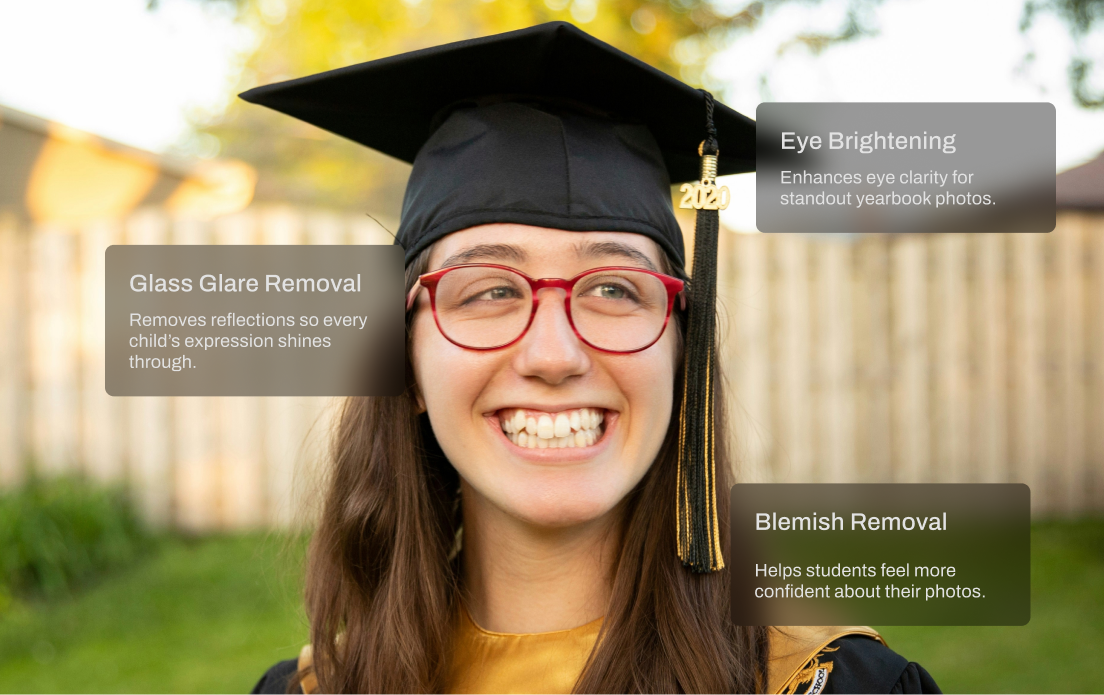
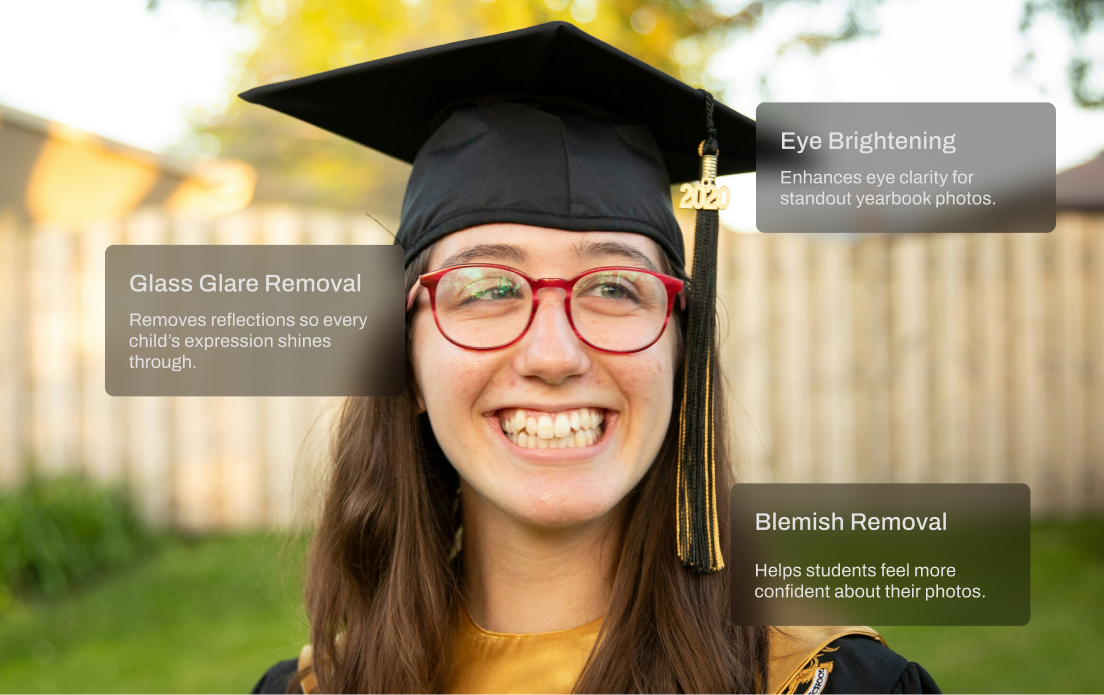
    School and team photo days are fast-paced and high-volume. You’re dealing with glare from glasses, inconsistent lighting, messy hair, and hundreds of files to deliver on tight deadlines. Aftershoot speeds things up with smart batch retouching that handles the heavy lifting. Even out skin tones, reduce glare, and clean up every shot in minutes so your final gallery looks polished and ready to print.
    Learn More
    School AfterSchool Before
    BEFOREAFTER

    Lens Glare Removal

    Removes reflections so every child’s expression shines through.

    Eye Brightening

    Enhances eye clarity for standout yearbook photos.

    Blemish Removal

    Helps students feel more confident about their photos.

    Family

    Natural-looking edits for life’s most candid moments.

    Family shoots are full of unpredictability, flyaway hair, fussy toddlers, and unexpected distractions in the background. Aftershoot’s AI Retouching helps you clean up the chaos without losing the moment. Smooth skin, remove distractions, and keep the energy of each session beautifully intact.
    Learn More
    Family AfterFamily Before
    BEFOREAFTER

    Teeth whitening

    Brightens your smile and enhances your teeth.

    Wrinkle Removal

    Gently reduces wrinkles while keeping real expressions intact.

    Newborns

    Soft edits for life’s softest moments.

    Newborns need a soft, subtle approach. Aftershoot applies baby-specific retouching to reduce redness, flakiness, and blemishes, while preserving every delicate feature. No harsh edits. Just natural, heartwarming results that feel as real as the moment.
    Learn More
    newborn afternewborn before
    BEFOREAFTER

    Blemish Removal

    Gently reduces redness and spots while keeping the baby’s skin natural.
    Download Aftershoot

    Start Your 30-Day Free Trial

    How Much Time Will AI Retouching Save You?

    0 Hours

    Turn those hours into more shoots, not more edits.

    2,500 10,000
    10 100

    Need help with migrating from a different app? Contact Us

    Ready to Remove Eye Bags Instantly?
    Download Aftershoot
    checkboxsettings icongroup iconspark icon
    rainbowrainbow
    aftershoot logo icon

    You’ve Got Questions. We’ve Got Answers.

    Log InGET STARTED