Free AI Object Removal App

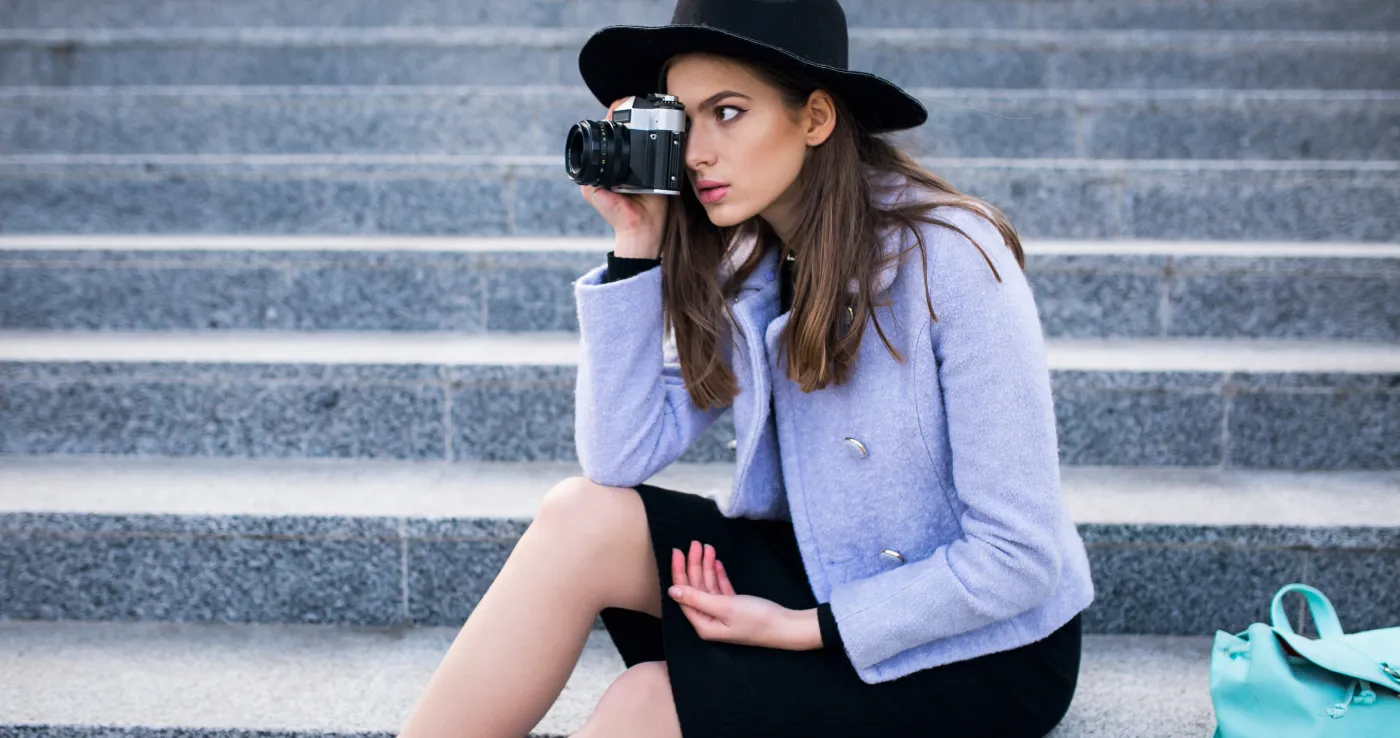
Don’t let clutter take over your shots. Remove unwanted objects like signs, trash, and distractions instantly. No Photoshop required.

*Start Your 30-Day Free Trial
BEFOREAFTER

As seen in

AI Object Removal That Saves Hours of Editing

Distractions Stealing The Focus From Your Winning Shots?

Power outlets. Trash cans. Exit signs. Light stands. Small distractions can ruin an otherwise powerful image. Photographers often look for ways to remove objects from photos quickly and cleanly. But manual object removal in Photoshop means masking, cloning, and carefully blending backgrounds. It’s precise work. It’s slow. And one mistake can make the edit look obvious.

Let AI Handle the Cleanup

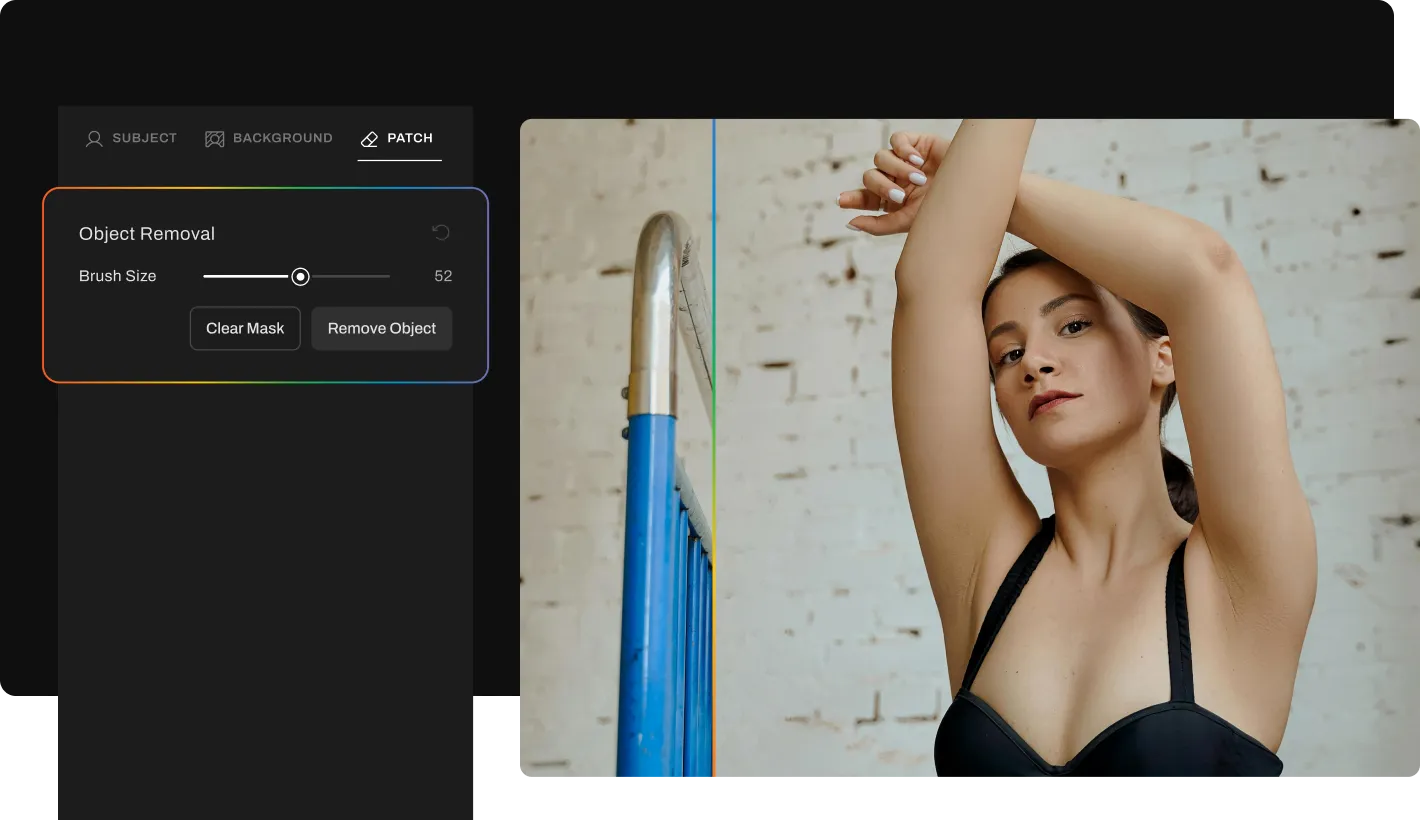
Remove unwanted objects from photos automatically with AI. No brushes, layers, or patching. Clean, natural results in seconds.
BEFOREAFTER

AI That Knows What Doesn’t Belong

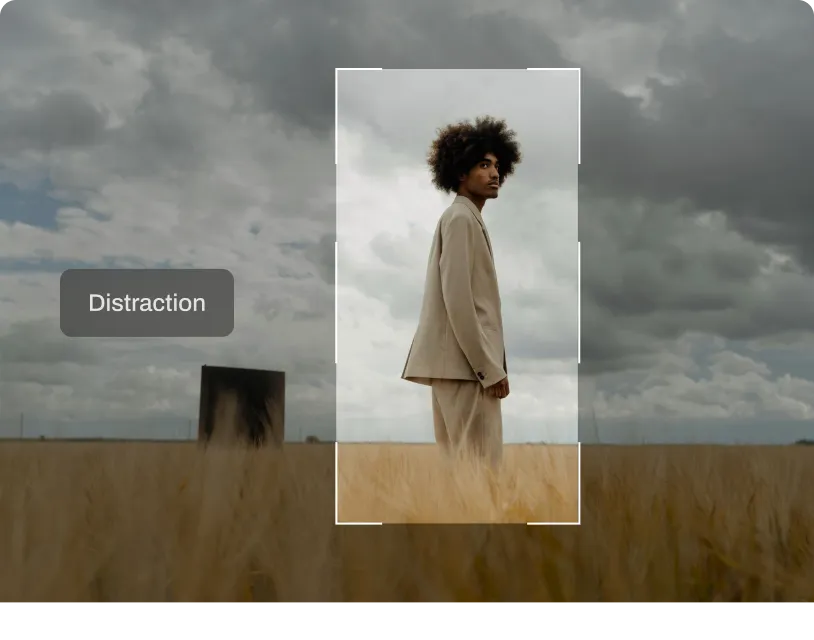
Aftershoot analyzes the entire scene, separating subjects from distractions using context-aware AI. Instead of guessing, it understands composition, depth, and background patterns to identify elements that interrupt the frame.

No manual tracing required in most cases. Fine-tune only if you want extra control.

This is AI object removal built for photographers, not casual edits.

Removes Only the Distraction, Not Your Subject

Once detected, the AI targets only the distraction, leaving your subject and key image details untouched. Signs, bins, props, cords, and equipment are removed while edges and nearby elements stay sharp and consistent. The result? Your photos look polished without sacrificing the integrity of the original scene.
Removes Only the Distraction, Not Your Subject

Backgrounds Stay Realistic

Aftershoot blends the corrected area seamlessly into the surrounding background, matching texture, color, and lighting naturally.  Unlike basic tools that leave blur patches or visible artifacts, AI object removal here focuses on subtle, believable reconstruction. Shadows, gradients, and environmental context remain consistent. No over-promising; just smart, natural corrections that maintain context.

Claim 30-day free trial

How to Remove Objects Using AI in 3 Steps

Upload photos-gallery

Step 1

Upload Photos

Add your gallery (RAW or JPEG)

Step 2

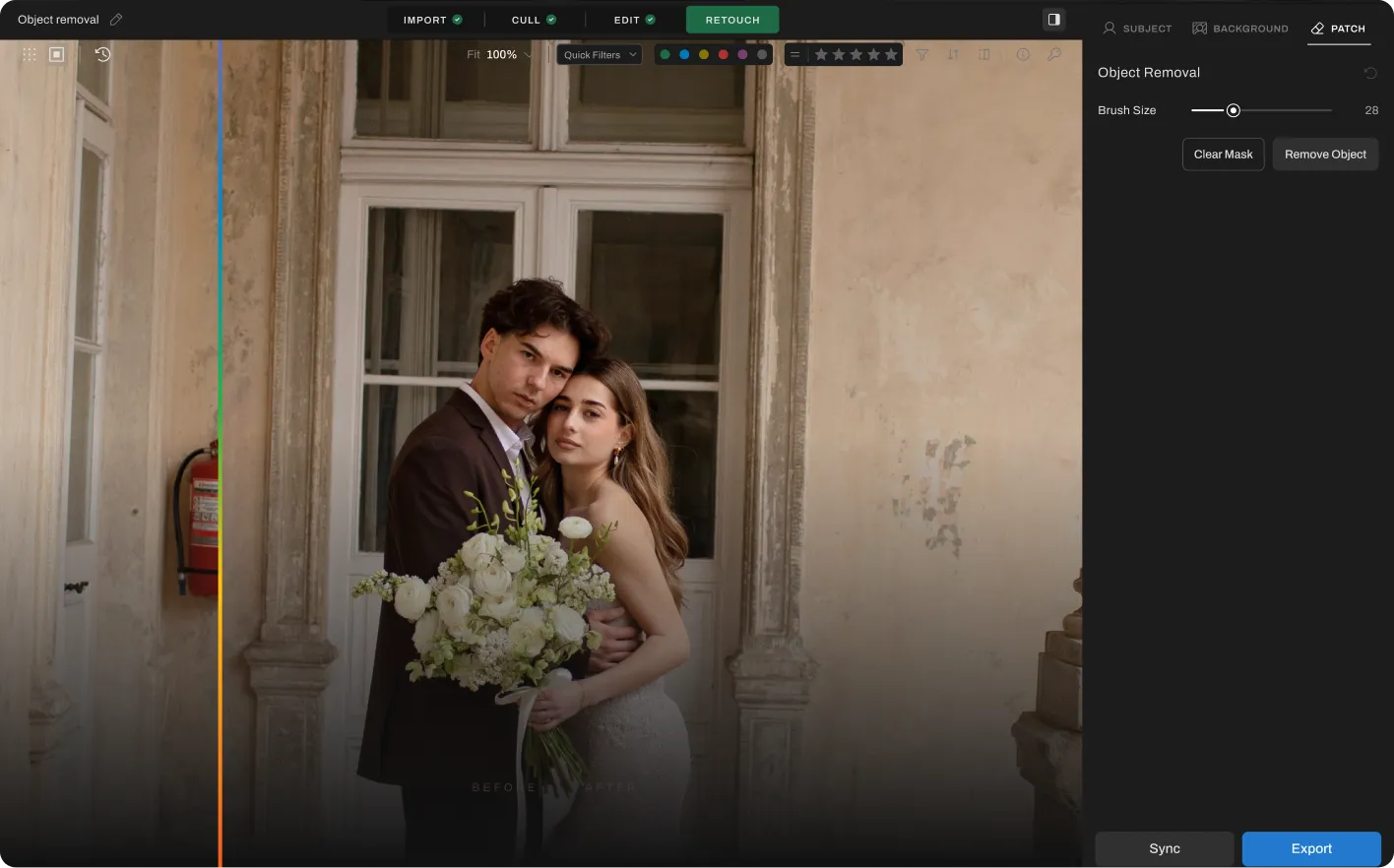
Adjust the Object Removal Slider

Go to Retouching, select Object Removal under “Patch” tab, and adjust the slider to remove distracting objects from the photo


Step 3

Export Album Instantly

Preview and export to view final results
Remove Objects For Free

Go Beyond Object Removal

The complete AI retouching toolkit for clean, consistent results.
Glare Remover Before
BEFOREAFTER

Glass Glare Removal

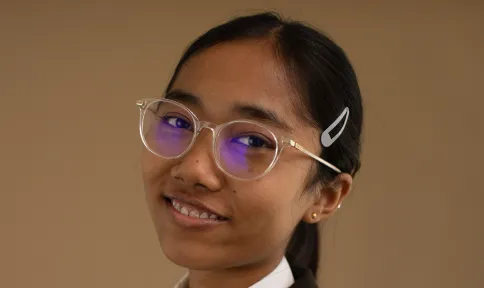
Remove glare and reflections from glasses in portraits while preserving natural skin tone and eye detail.
Explore
BEFOREAFTER

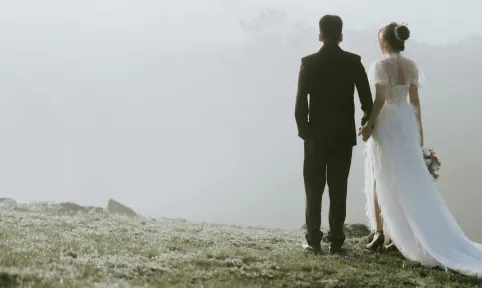
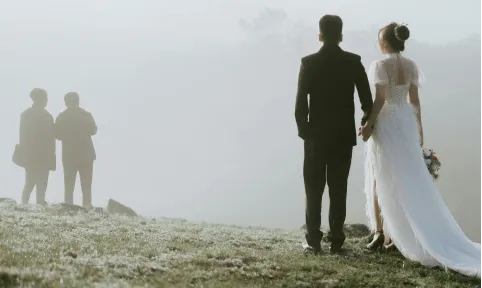
People Remover

Clear unwanted people from backgrounds while keeping the rest of your composition intact and natural.
Explore
BEFOREAFTER

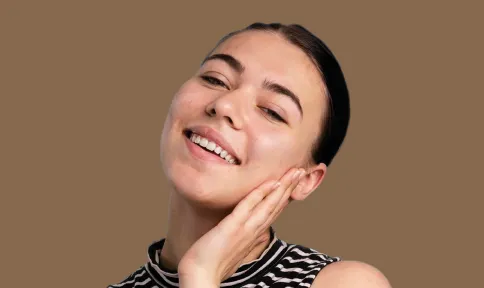
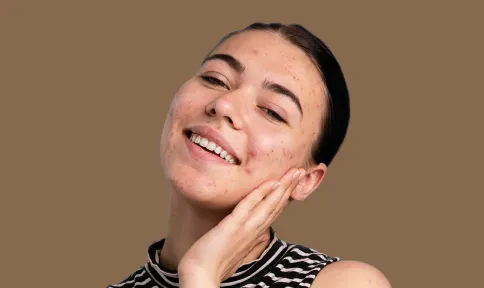
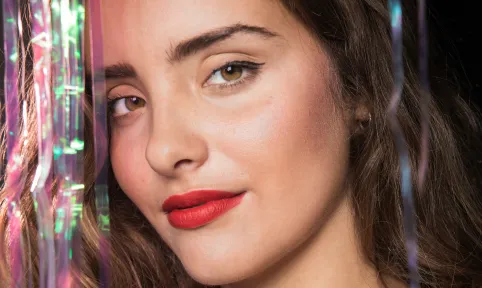
Blemish Remover

Remove temporary blemishes and spots while preserving natural skin texture and tone.
Explore
Face Shine RemoverFace Shine Remover
BEFOREAFTER

Face Shine Removal

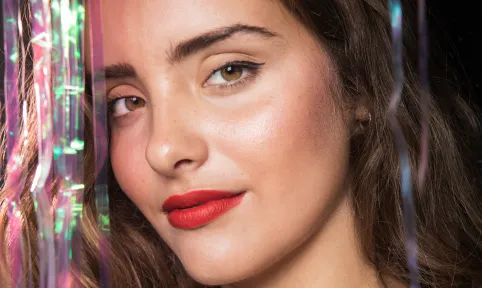
Reduce oily shine and hotspots on skin while preserving natural glow and healthy skin tone.

Explore
See All Features

PHOTOGRAPHERs

0 K

PHOTOS RETOUCHED

0 M

Hours saved

0.5 hrs

Made for All Moments

Wedding & Events

Perfect the moments they’ll never forget.

Wedding photographers handle massive galleries, unpredictable lighting, and clients who expect nothing short of perfection. Manually retouching every key image takes too much time and effort. Aftershoot helps you retouch entire wedding galleries in minutes with natural, frame-worthy results. Fix blemishes, remove distractions, clean up flyaways, and perfect the moments that matter most, all while delivering polished galleries faster.
Learn More
AfterBefore
BEFOREAFTER

Eye Brightening

Enhances eye clarity for wedding photos

Flyaway Fix

Smooths stray hairs for a clean, polished look in every shot.

Portraits & Headshots

Let every portrait stand out, naturally.

Portrait photography demands a balance between polish and authenticity. Clients want to look their best without losing their natural features, and editing each image by hand slows everything down. Aftershoot makes it easy to retouch portraits with clean, consistent results. Preserve real skin texture, enhance facial details, and speed through high-volume sessions without compromising quality.
Learn More
Portrait AfterPortrait Before
BEFOREAFTER

Acne Removal

Eliminates blemishes for a flawless, enhanced portrait.

Face Shine Removal

Eliminates shine for a flawless, lifelike portrait.

School & Team Sport

Hundreds of faces, one consistent finish.

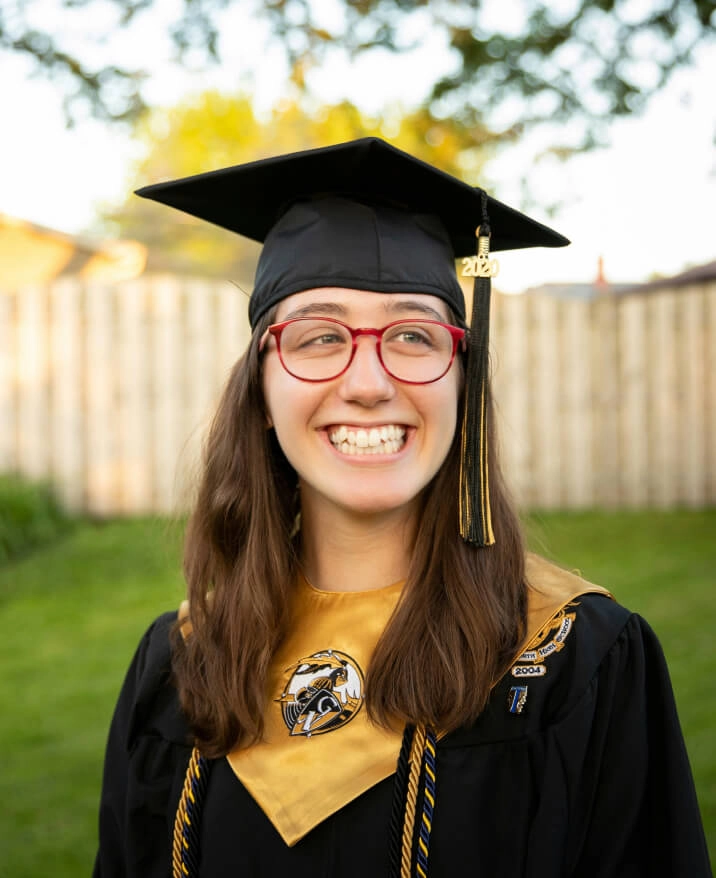
School and team photo days are fast-paced and high-volume. You’re dealing with glare from glasses, inconsistent lighting, messy hair, and hundreds of files to deliver on tight deadlines. Aftershoot speeds things up with smart batch retouching that handles the heavy lifting. Even out skin tones, reduce glare, and clean up every shot in minutes so your final gallery looks polished and ready to print.
Learn More
School AfterSchool Before
BEFOREAFTER

Lens Glare Removal

Removes reflections so every child’s expression shines through.

Eye Brightening

Enhances eye clarity for standout yearbook photos.

Blemish Removal

Helps students feel more confident about their photos.

Family

Natural-looking edits for life’s most candid moments.

Family shoots are full of unpredictability, flyaway hair, fussy toddlers, and unexpected distractions in the background. Aftershoot’s AI Retouching helps you clean up the chaos without losing the moment. Smooth skin, remove distractions, and keep the energy of each session beautifully intact.
Learn More
BEFOREAFTER

Teeth whitening

Brightens your smile and enhances your teeth.

Wrinkle Removal

Gently reduces wrinkles while keeping real expressions intact.

Cloth Dewrinkle

Iron out cloth creases while retaining fabric texture.

Newborns

Soft edits for life’s softest moments.

Newborns need a soft, subtle approach. Aftershoot applies baby-specific retouching to reduce redness, flakiness, and blemishes, while preserving every delicate feature. No harsh edits. Just natural, heartwarming results that feel as real as the moment.
Learn More
newborn afternewborn before
BEFOREAFTER

Blemish Removal

Gently reduces redness and spots while keeping the baby’s skin natural.
Try Aftershoot For Free

Start Your 30-Day Free Trial
AI Retouching, Trusted by the Pros

See why top photographers rely on Aftershoot to streamline their workflow and achieve stunning results.

Lilly Red
Esteban-Gil
Esteban Gil
Joshua Hugget
Jacquelyn Portolese
Jacquelyn
Portolese

How Much Time Will AI Photo Retouching Save You?

0 Hours

Turn those hours into more shoots, not more edits.

2,500 10,000
10 100

Need help with migrating from a different app? Contact Us

Ready to Remove Objects Instantly?

Download Aftershoot
checkboxsettings icongroup iconeye iconspark icon
rainbowrainbow
aftershoot logo icon

You’ve Got Questions. We’ve Got Answers.

Log InGET STARTED