AI Retouching, Trusted by the Pros
See why top photographers rely on Aftershoot to streamline their workflow and achieve stunning results.
*Start your 30-day free trial






 BEFOREAFTER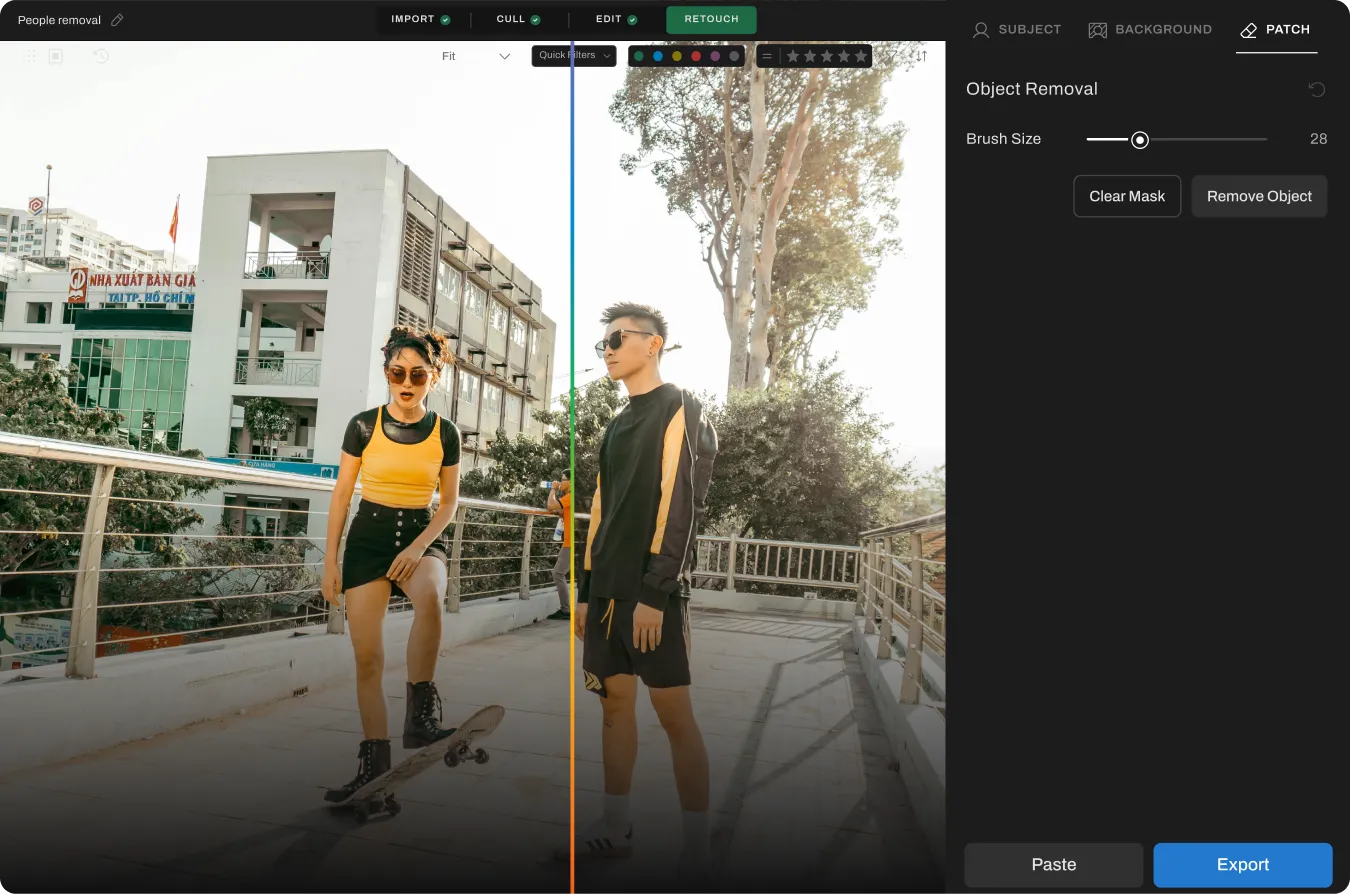
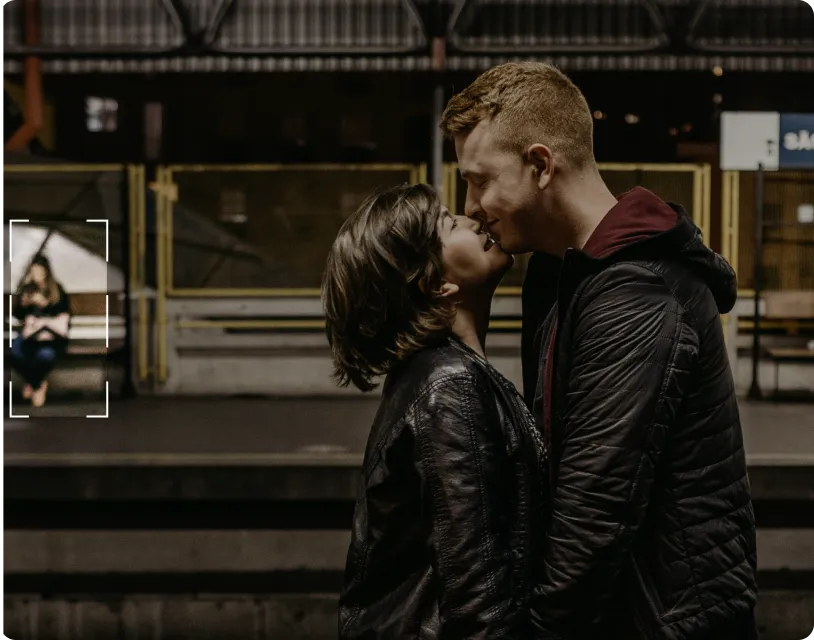
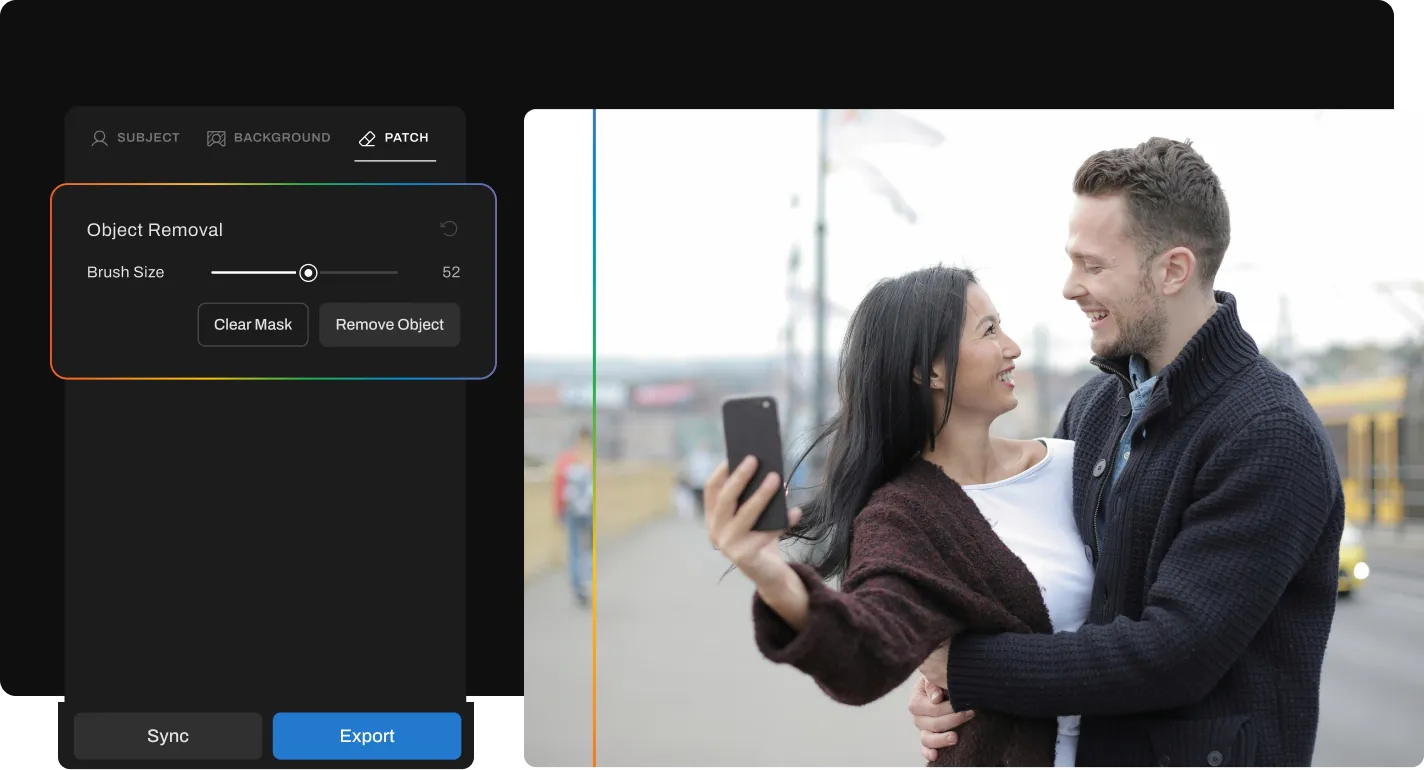

Step 1
Add your gallery (RAW or JPEG)

Step 2
Go to Retouching, select Object Removal under “Patch” tab, and adjust the slider to remove distracting objects from the photo

Step 3
Preview and export to view final results
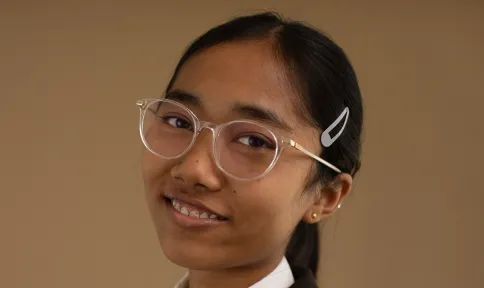
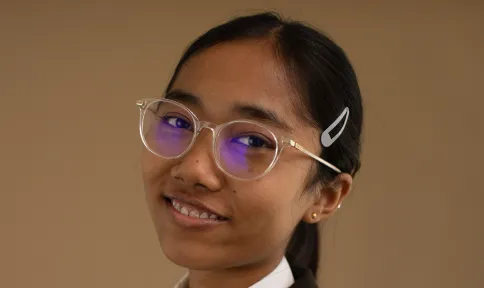 BEFOREAFTER
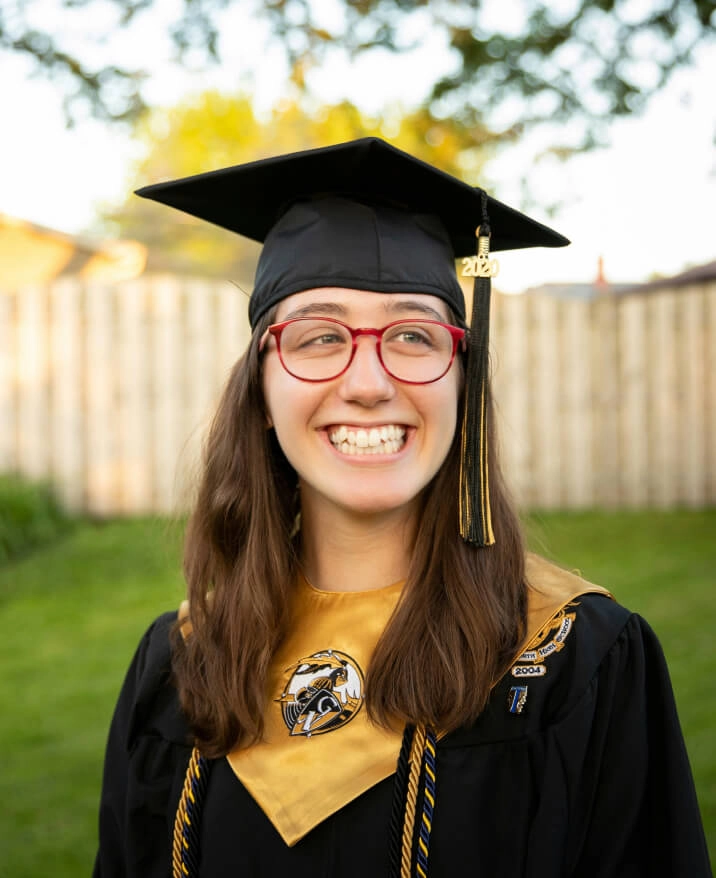
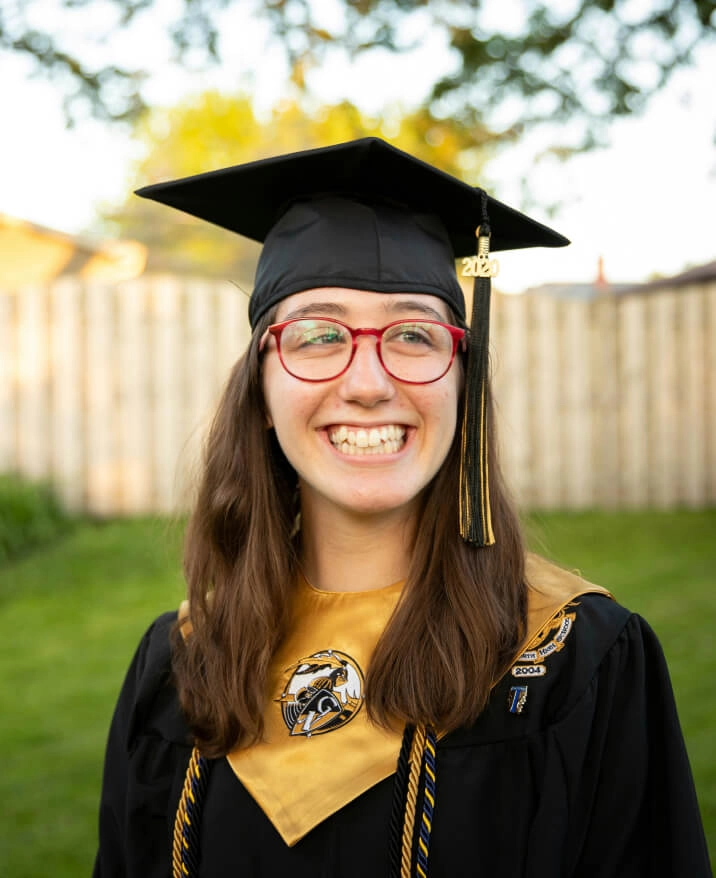
Remove glare and reflections from glasses in portraits while preserving natural skin tone and eye detail.

 BEFOREAFTER
Remove unwanted objects and distractions from backgrounds while maintaining scene composition and lighting.

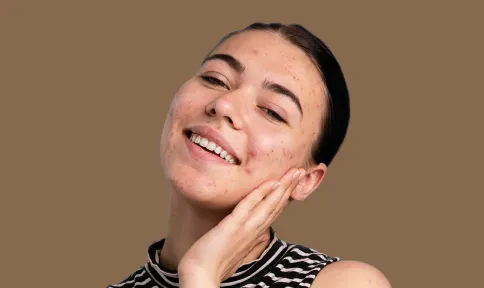 BEFOREAFTER
Remove temporary blemishes and spots while preserving natural skin texture and tone.

 BEFOREAFTER
Reduce under-eye puffiness and shadows while keeping natural expression and skin texture intact.
PHOTOGRAPHERs
PHOTOS RETOUCHED
Hours saved




Start Your 30-Day Free Trial
Turn those hours into more shoots, not more edits.
Need help with migrating from a different app? Contact Us




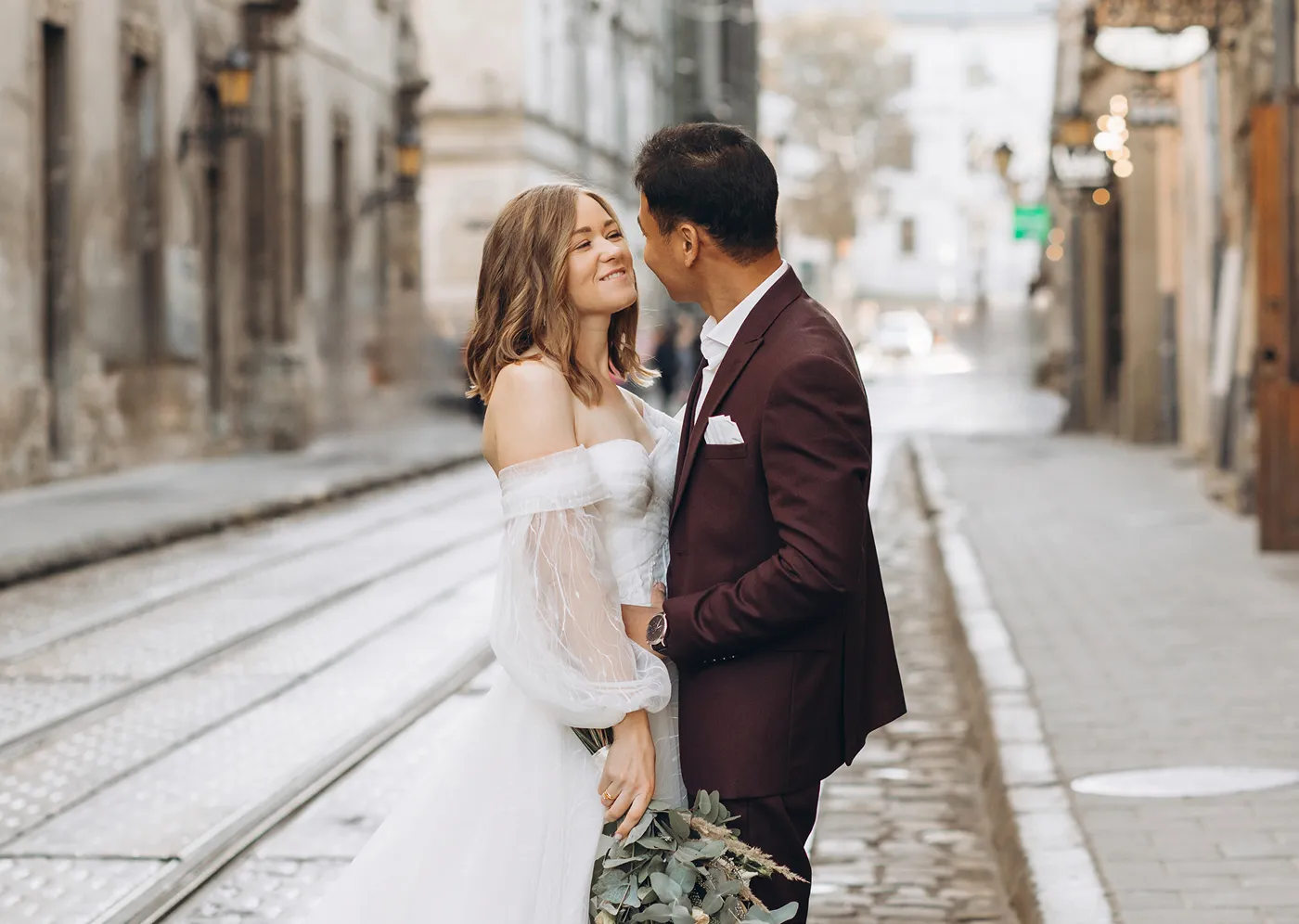
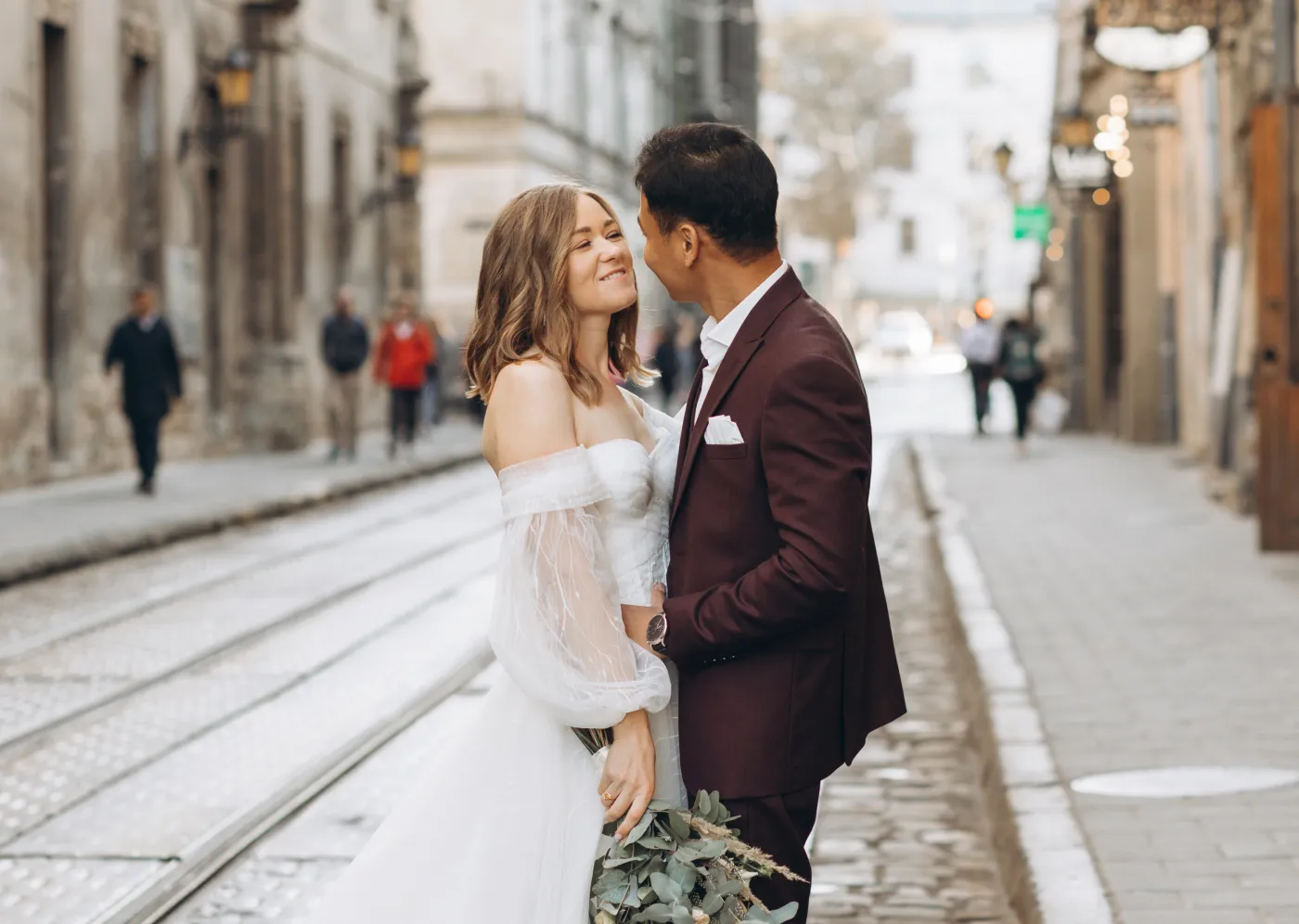
AI People Remover is a tool that identifies and removes unwanted background people from photos. Aftershoot’s AI People Remover focuses on unintended background subjects and cleans them up while keeping the main subject and scene intact.
Yes. Aftershoot can automatically remove background people as part of its AI retouching workflow. It works best when the people are not the primary subject and there is enough background detail to blend the removal naturally.
The AI works best on background people who are small to medium in size, not overlapping the main subject, and positioned against simple or moderately textured backgrounds such as walls, paths, grass, or sky.
When used in suitable scenarios, image quality is preserved. Aftershoot blends the removed area with surrounding textures and lighting to avoid visible artifacts. Reviewing results before export is recommended for the best outcomes.
AI People Remover is not designed to remove individuals from tightly grouped subjects or important participants in group photos. It is intended for cleaning up unintended background people, not altering group compositions.
Object removal targets inanimate distractions like signs, bins, or cables. AI People Remover is designed specifically to identify and remove human figures while respecting scene context and subject importance.
For suitable background scenarios, yes. Manual Photoshop removal requires detailed masking and cloning. Aftershoot’s AI automates the first pass, saving time while delivering consistent results that can be reviewed before export.
Yes. Aftershoot supports RAW files, allowing photographers to apply People Remover without converting or flattening their images first.