
Free AI Face Shine Remover
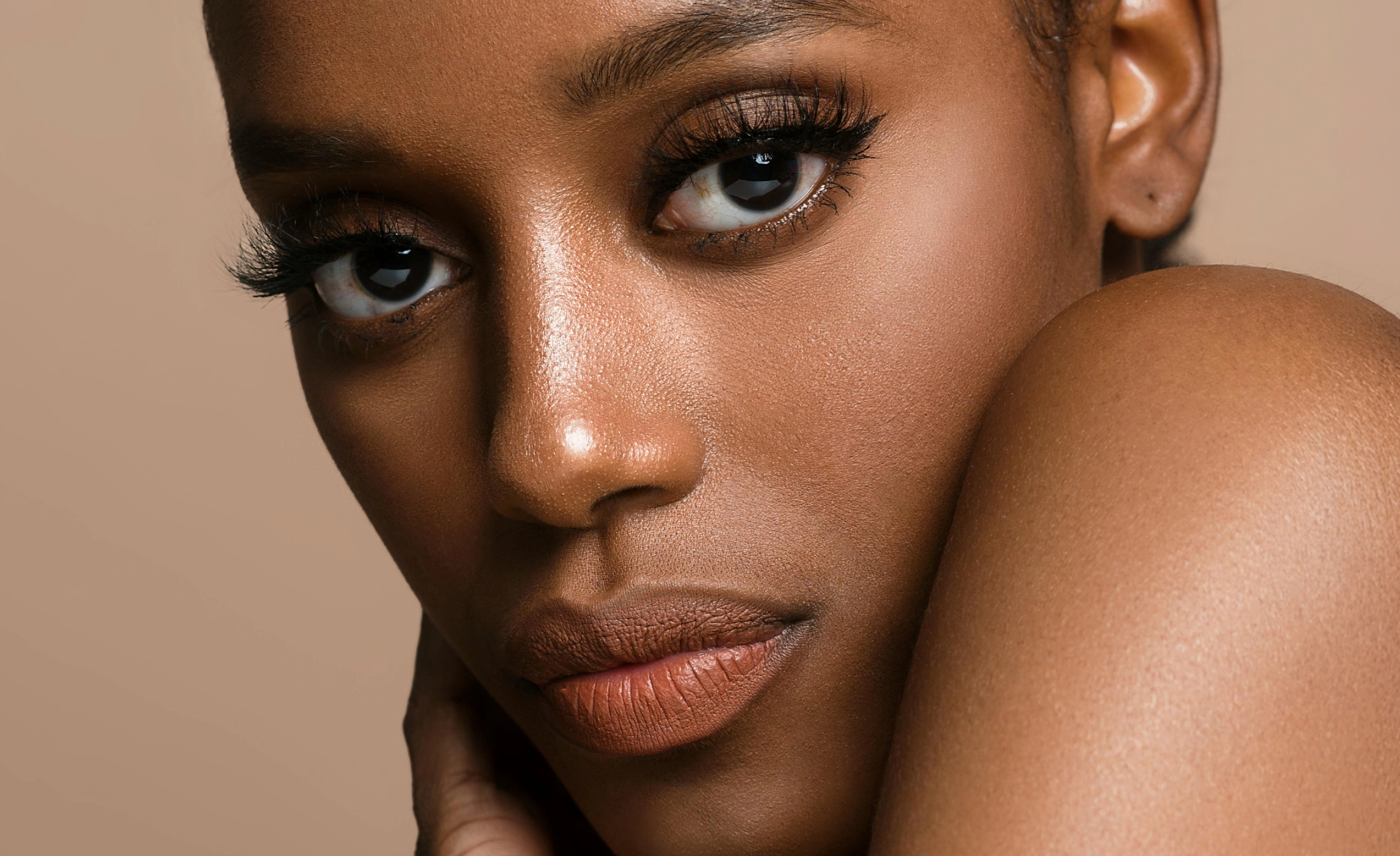
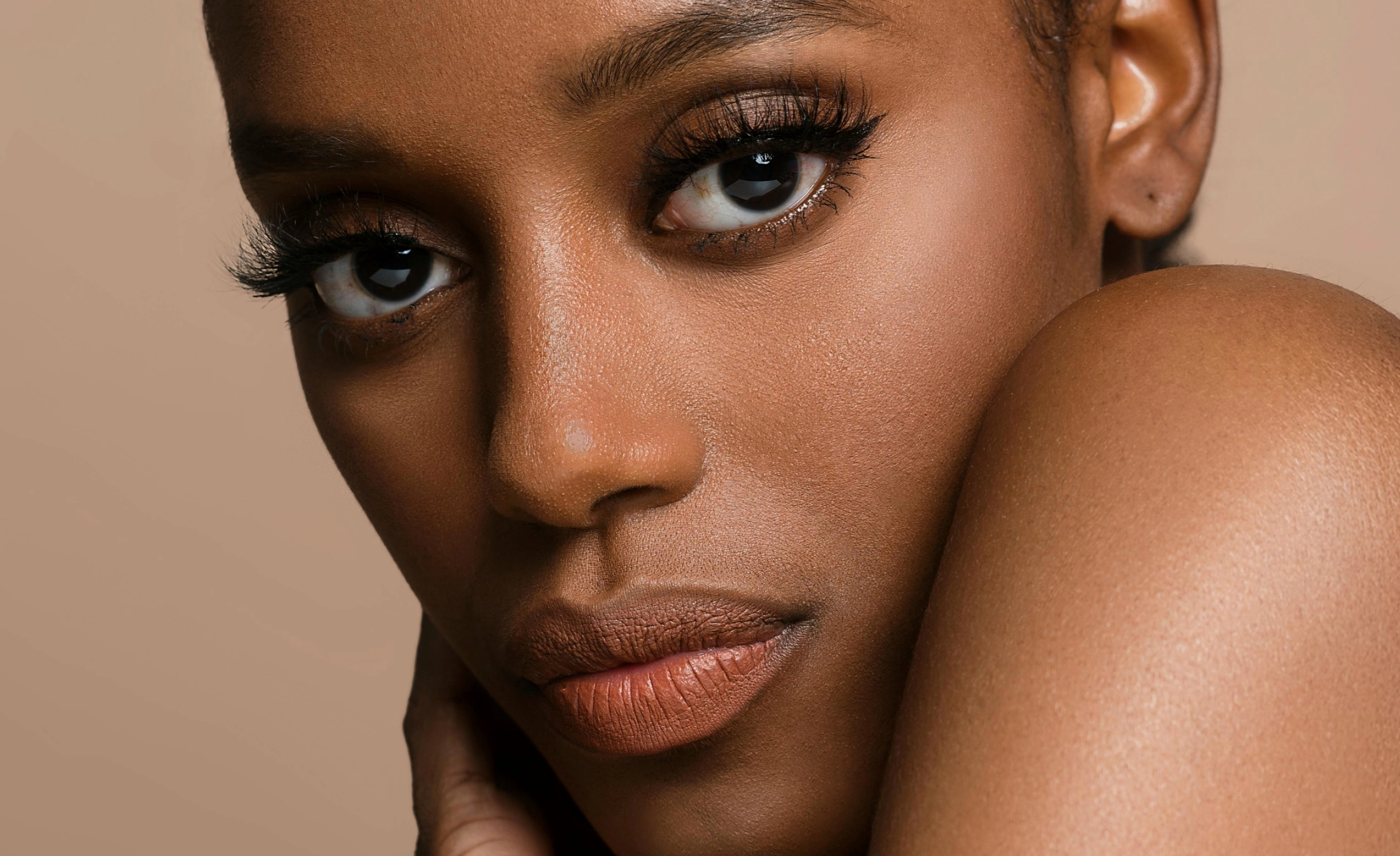
Remove shine from the face in photos with AI while preserving natural skin texture and glow. Built for professional photography, not beauty filters.
Loading..
No image? Try with one of these

0 of 3 free retouches used
As seen in




AI Face Shine Removal for Professional Portraits
When Facial Shine Becomes a Distraction
Facial shine can distract from an otherwise strong portrait. Flash creates harsh highlights, and heat or long shoots can cause oily hotspots on the forehead, nose, and cheeks. Manual fixes are inconsistent. Global adjustments dull the entire face, and matte brushes often flatten texture. Many consumer tools leave skin looking flat and artificial instead of clean and balanced.
Reduce Shine Without Killing the Glow.
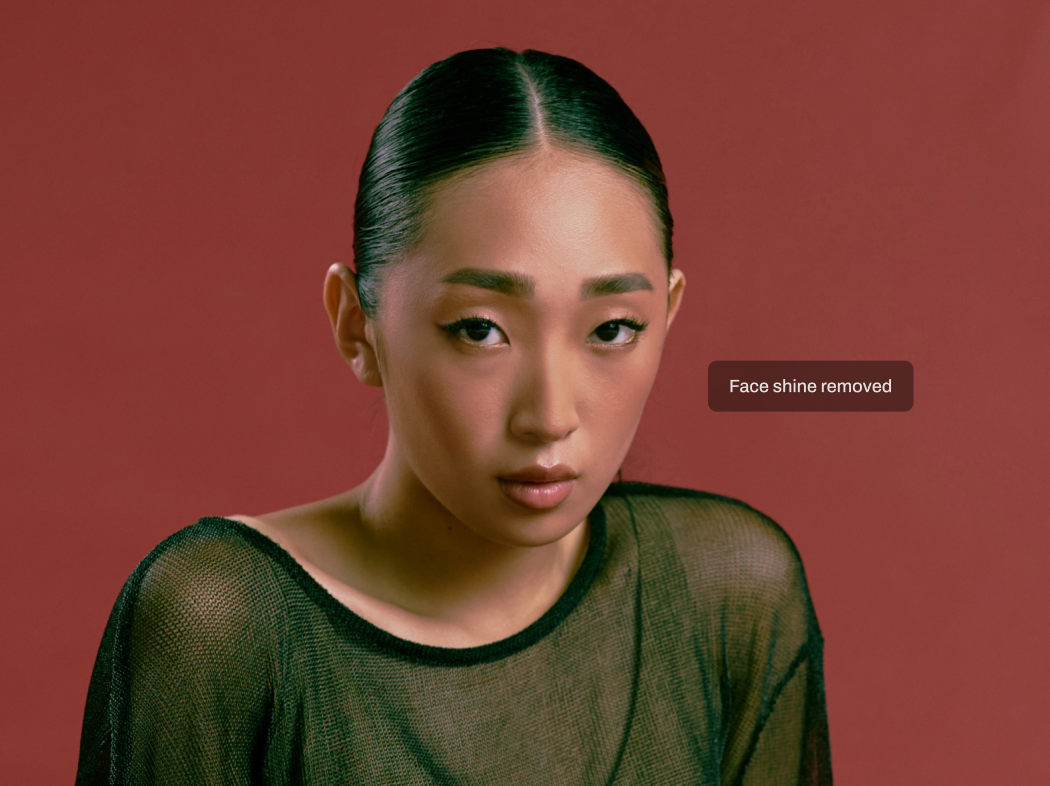
Aftershoot’s Face Shine Remover helps photographers reduce harsh facial highlights while keeping natural skin texture and presence intact. It targets specular shine caused by flash, lighting, heat, or sweat — not natural brightness. Faces look clean and balanced, not over-processed.

Highlight-Aware AI Detection
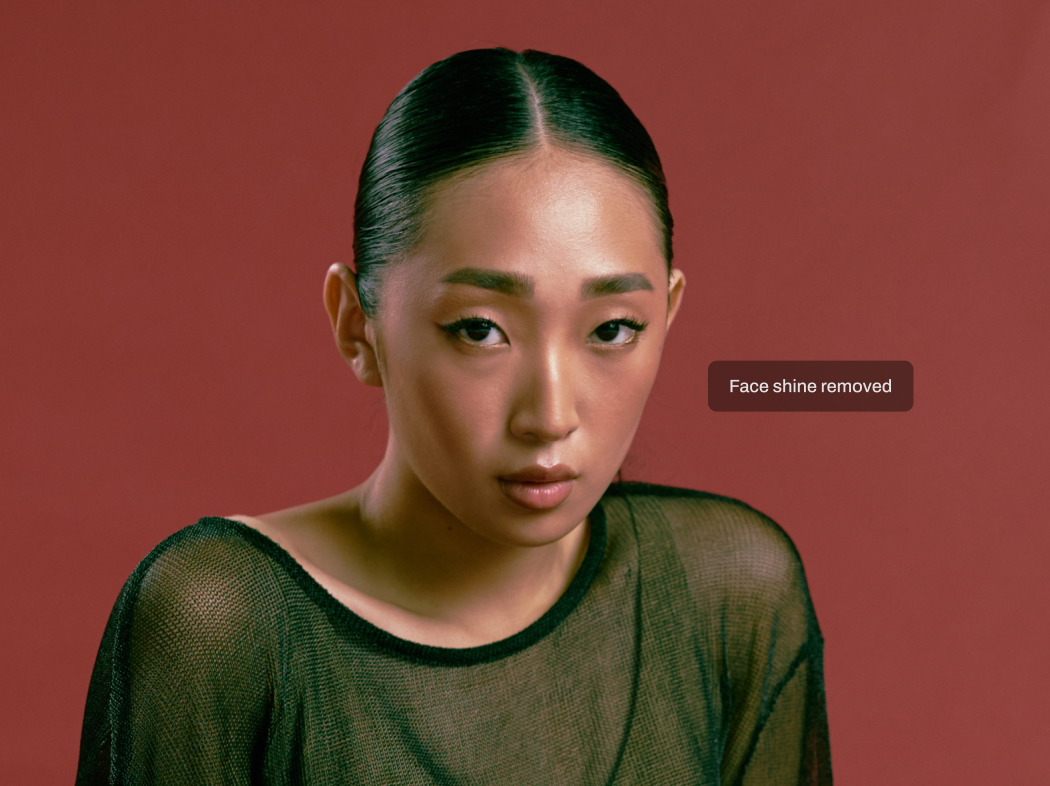
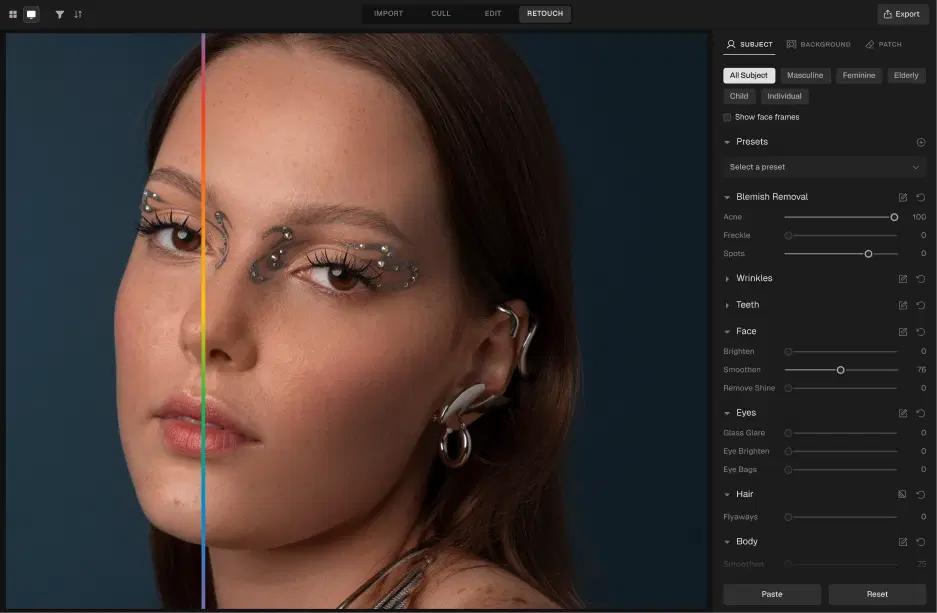
Aftershoot’s AI analyzes lighting patterns and facial highlights to identify specular shine separately from natural skin brightness. It recognizes oily hotspots and harsh flash reflections without confusing shine with healthy skin tone.
Selective Shine Reduction
The AI reduces forehead shine and hotspots on the nose and cheeks while leaving the rest of the face untouched. This avoids dulling the entire face or removing a healthy glow, a common issue with consumer tools that matte everything.
Consistent Results Across Galleries
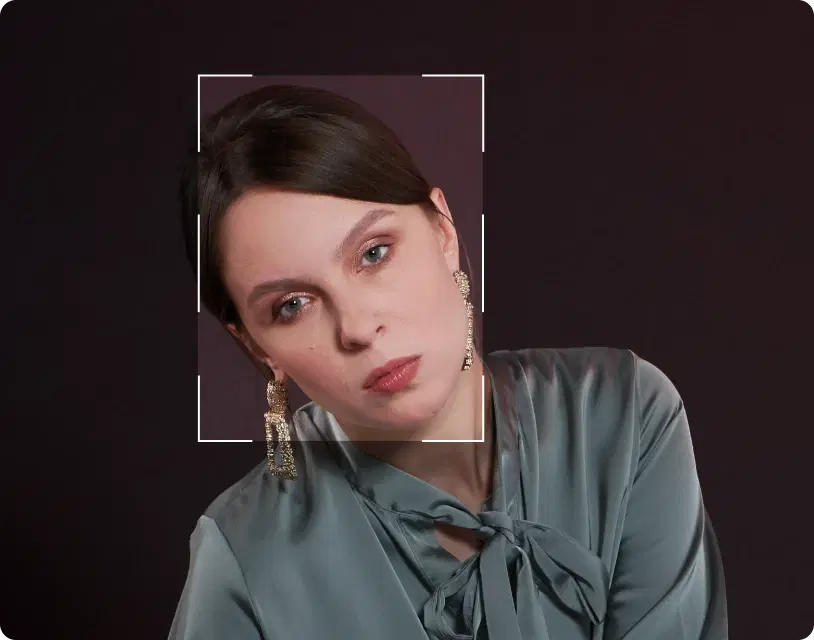
Face shine removal works across single portraits and large event or wedding galleries. Apply it through presets to keep shine reduction consistent across images, with controls to match your editing style and lighting conditions.
Reduce Face Shine in 3 Steps

Upload Photos
Add your gallery (RAW or JPEG)

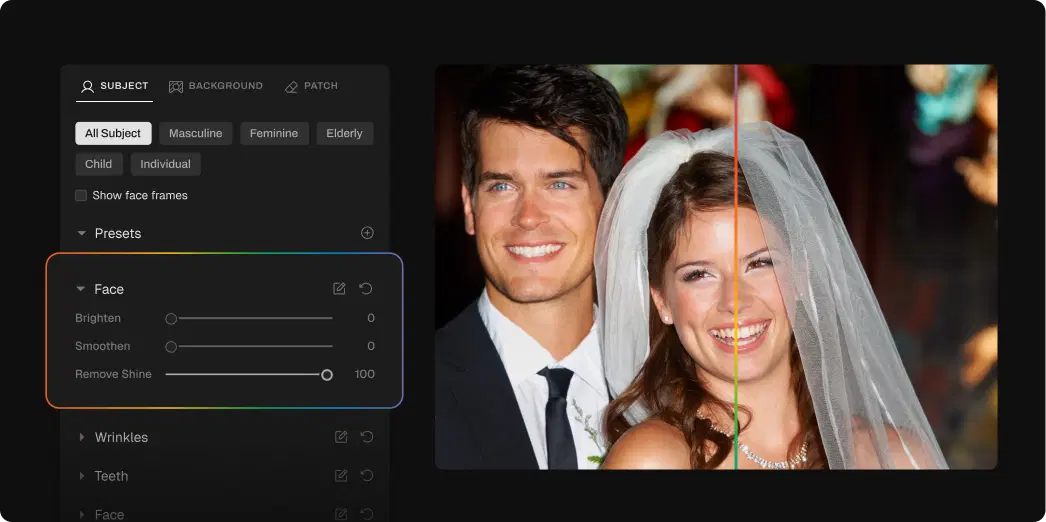
Adjust the Face Shine Remover Slider
Go to Retouching, select Face, and adjust the Shine slider for subtle or polished results

Export Album Instantly
Preview and export to view final results
Go Beyond Face Shine Removal


Glass Glare Removal
Remove glare and reflections from glasses in portraits while preserving natural skin tone and eye detail.
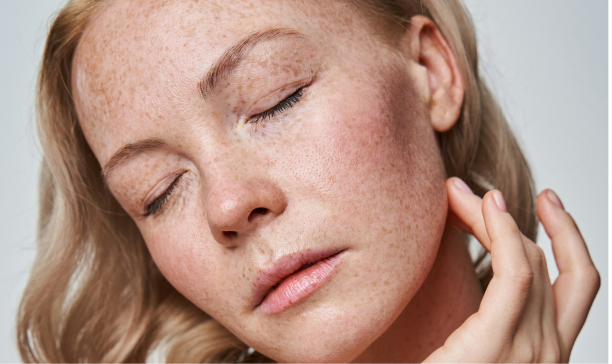
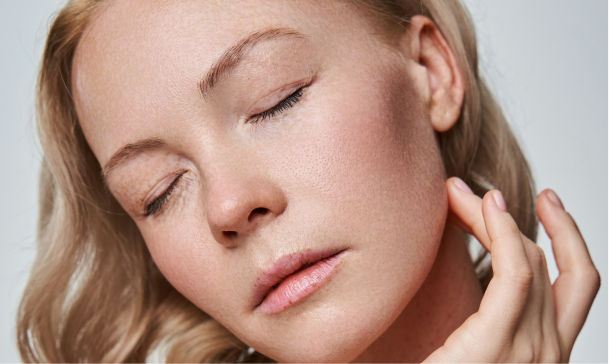
Skin Retouching
Smooth uneven skin texture and tone while preserving natural pores and detail. No plastic, airbrushed look.
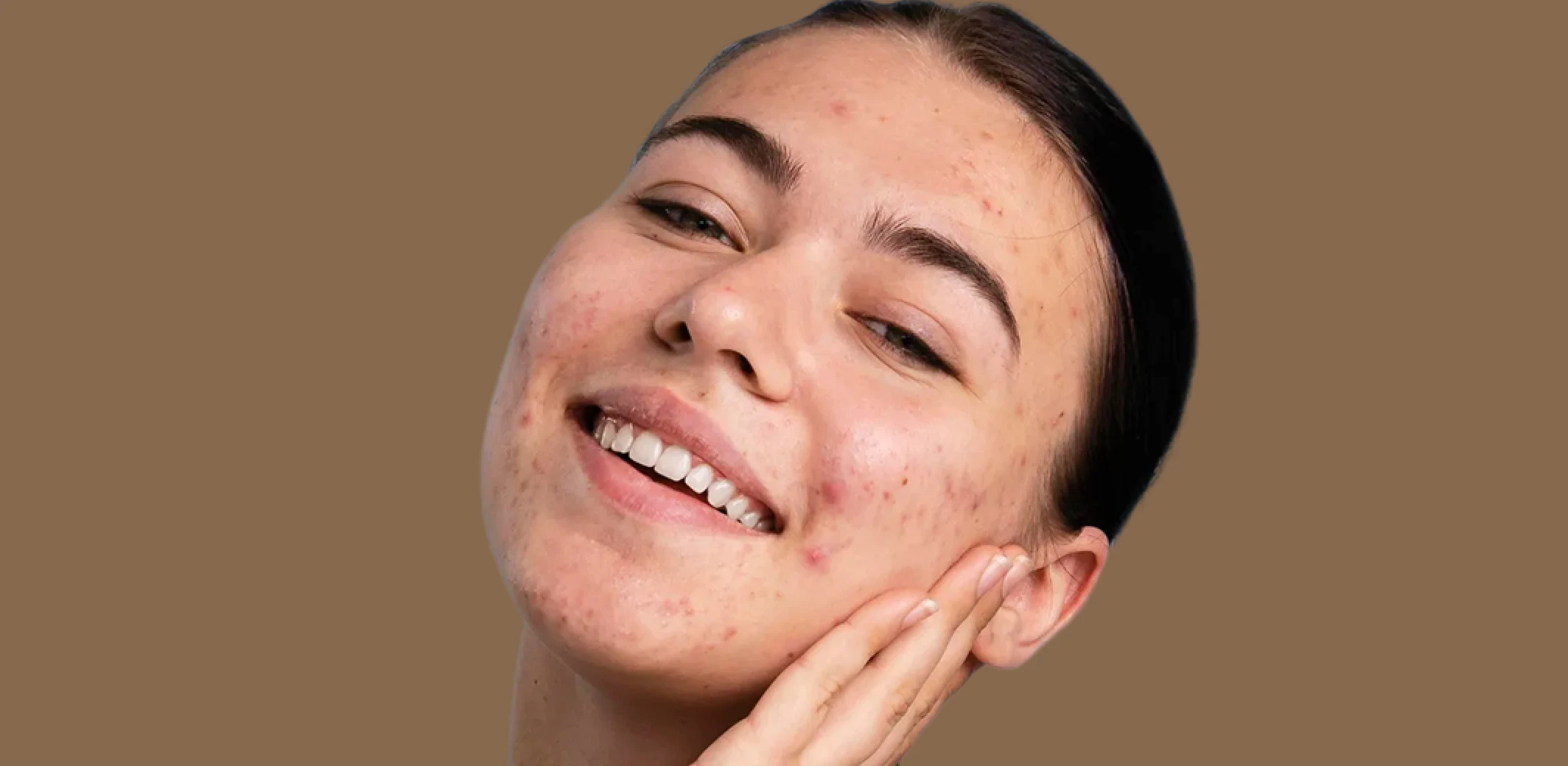
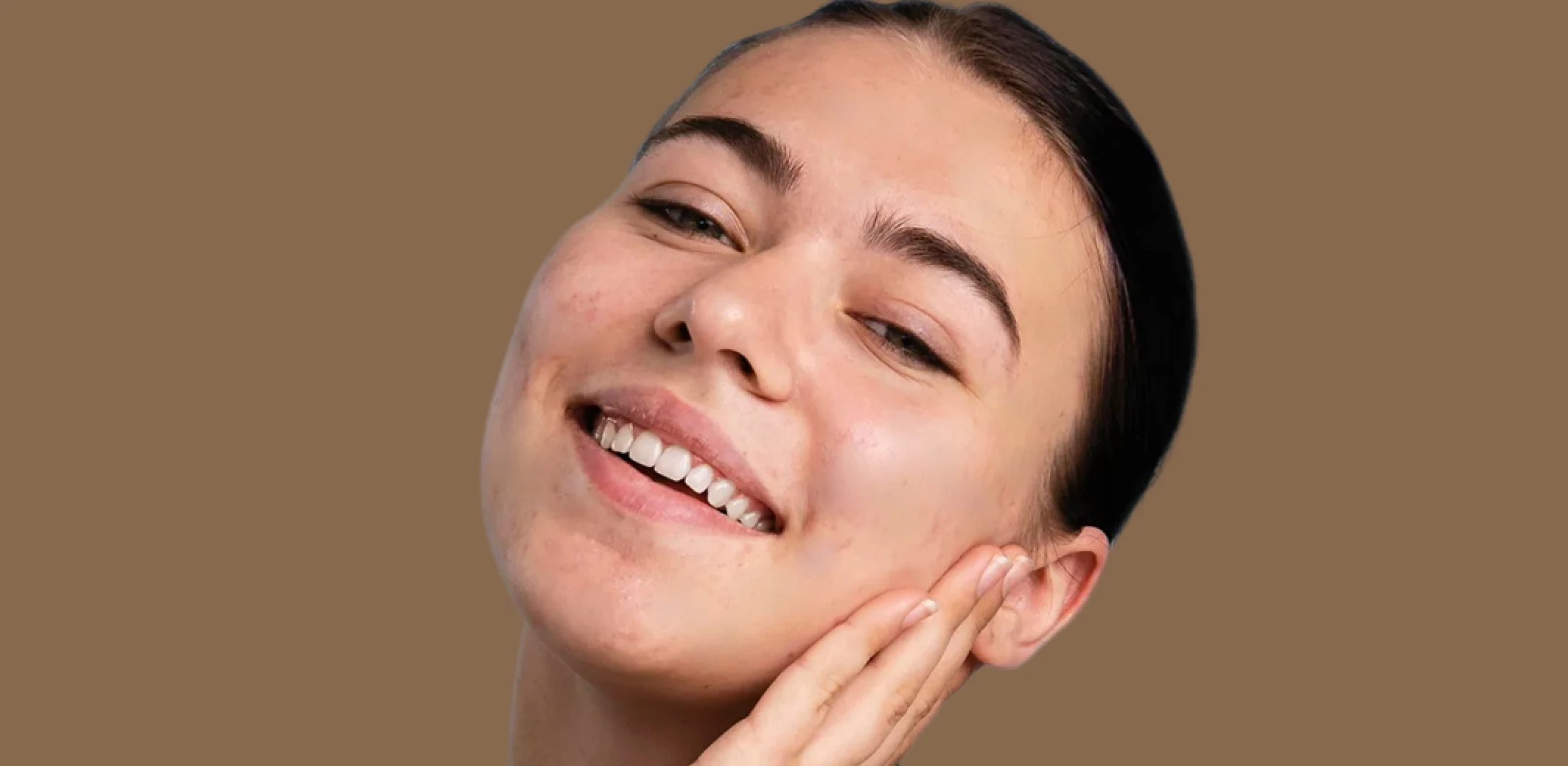
Blemish Remover
Remove temporary blemishes and spots while preserving natural skin texture and tone.
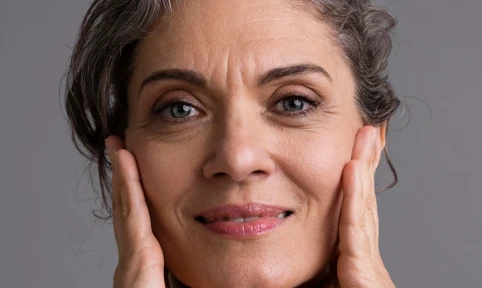
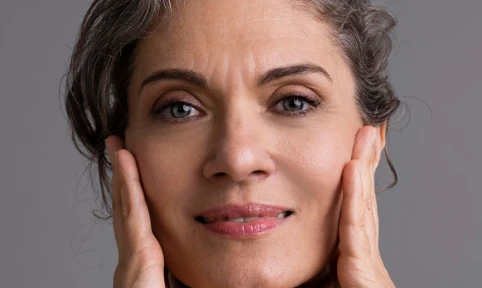
Wrinkle Remover
Soften wrinkles and fine lines with adjustable intensity while maintaining natural skin texture and character.
Made for All Moments


.png&w=48&q=75)


School & Team Sport
Hundreds of faces, one consistent finish.
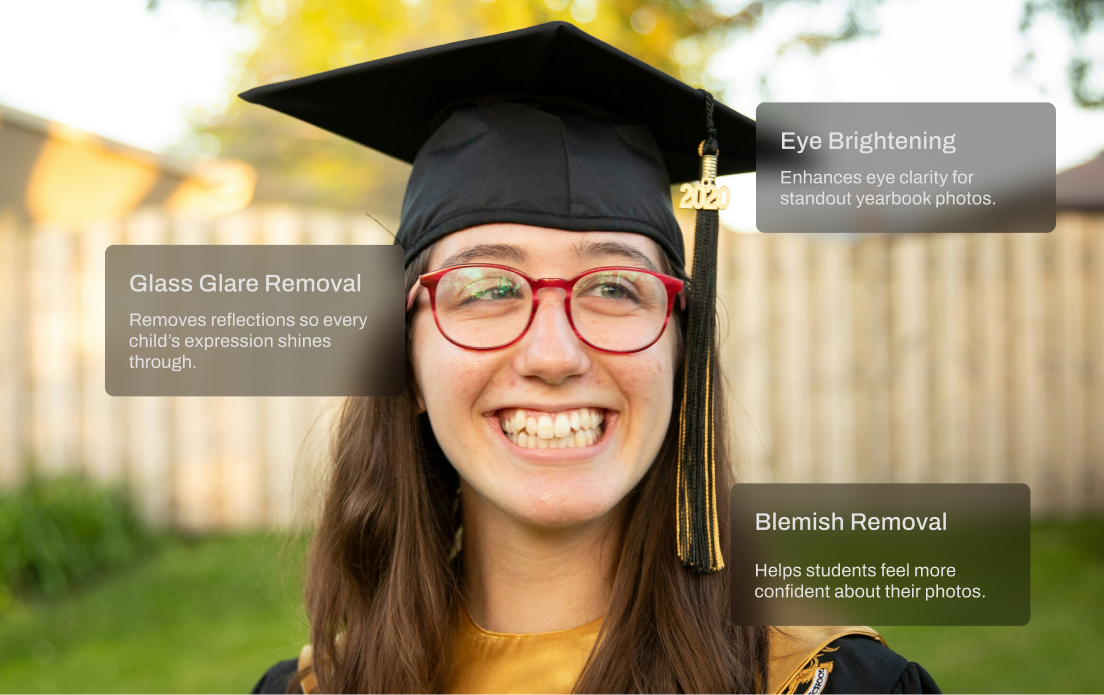
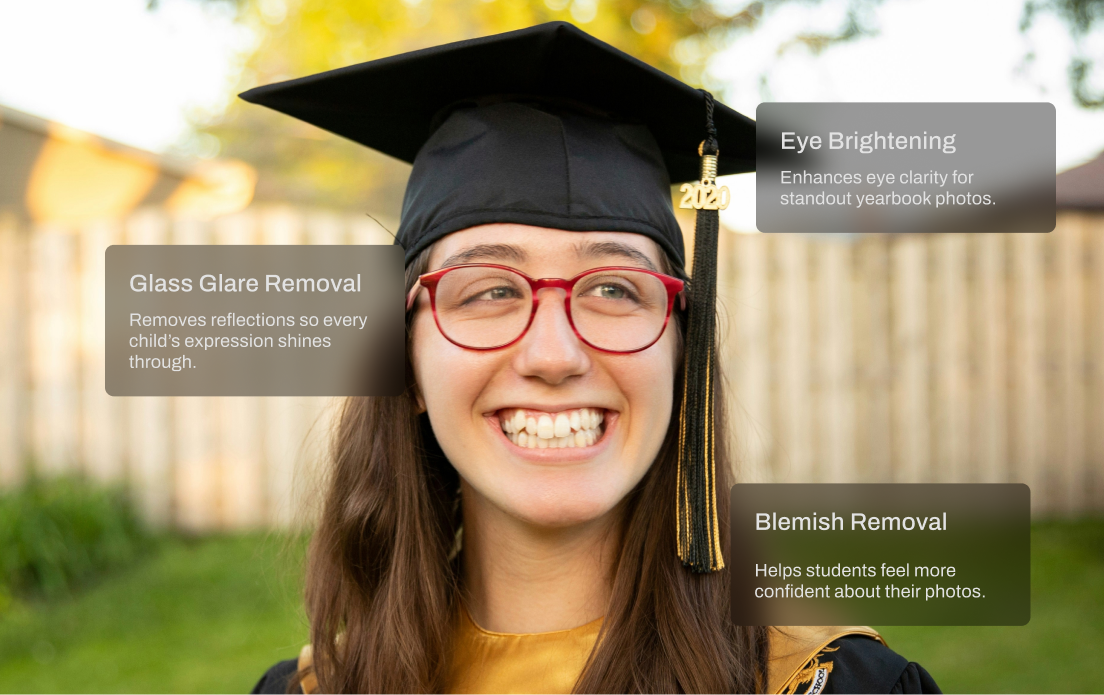
School and team photo days are fast-paced and high-volume. You’re dealing with glare from glasses, inconsistent lighting, messy hair, and hundreds of files to deliver on tight deadlines. Aftershoot speeds things up with smart batch retouching that handles the heavy lifting. Even out skin tones, reduce glare, and clean up every shot in minutes so your final gallery looks polished and ready to print.
AI Retouching, Trusted by the Pros
Top photographers rely on Aftershoot to streamline their workflow and achieve stunning results.





Ready to Remove Face Shine Instantly?
-(1).webp&w=3840&q=75)