TL;DR: Scaling a solo photography business comes down to working smarter, not harder. Whether you need to streamline client management (Studio Ninja, HoneyBook, Dubsado), stay organized across projects (Asana, Notion, Monday.com), automate your marketing (Later, ActiveCampaign, Canva), or reclaim hours lost in post-production (Aftershoot, Topaz Photo AI), there’s an automation tool for every bottleneck.
If you’ve just typed “how to scale a photography business” into Google, you’ve landed in the right spot.
Let us guess… you’re a solo photographer with a successful business but you constantly feel like there’s too much to do and not enough time. Let alone time to strategize how to grow your business and bottom line!
Scaling a one-person photography operation demands the skilled juggling of time management, client relationships, and evolving marketing landscapes.

In this article, we’ll put you on the path to scaling success with automation tools that streamline your business processes to make room for growth in your busy schedule.
We’ll unravel the magic of automation tools in four key categories:
- Client management tools
- Project management tools
- Marketing tools
- Post-production automation
1. Streamline Client Management to Start Scaling a Photography Business
The first step in gearing up to scale your photography business is to streamline one of the most time-consuming parts of running any business: client management.
Imagine a world where all your client interactions, contracts, and invoices seamlessly converge in one digital hub, saving you not just time but also maintaining your sanity.
This is the transformative magic of Customer Relationship Management (CRM) software. CRM software is one of the top tools for your photography business and a non-negotiable in our opinion.
Here are just some of the things CRM tools can do for you:
- Contact and client management
- Project and task management
- Communication and messaging capabilities
- Workflow automation and reminders
- Integration with other tools (e.g. calendar, email marketing)
- Reporting and analytics
CRM Tools for Photographers
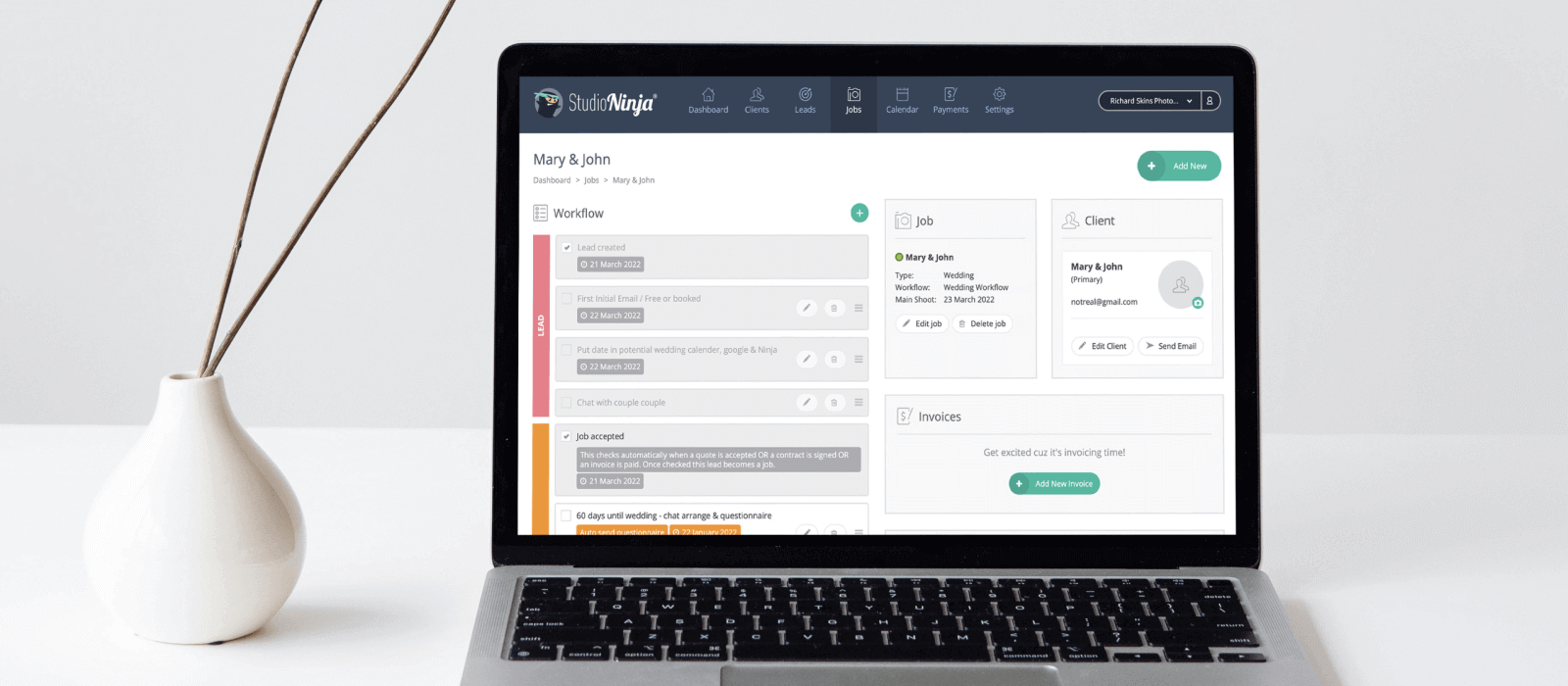
- Studio Ninja: A CRM built specifically for photographers. It automates client communication, contracts, and invoicing – and it’s designed with photographers’ workflows in mind.
- Pixieset Studio Manager: It integrates seamlessly with Pixieset’s gallery delivery platform, making it a natural choice if you’re already using Pixieset to deliver images to clients.
- Honeybook: This is a more general-purpose CRM, but it’s hugely popular in the photography community. It handles everything from initial inquiries to final payments, with plenty of automation options.
- Dubsado: Dubsado is consistently ranked among the top CRMs for photographers in 2026 – known for its highly customizable workflows, lead capture forms, and automated client journeys.
Now, if you’re looking to streamline consultations with an automated booking system, then scheduling tools will help you do that.
Most of these tools seamlessly integrate with your CRM, offering automated consultation bookings. The benefits are twofold: enhancing the customer experience and saving valuable time through automated appointment scheduling.
Scheduling Tools We Recommend

The next step in automating client management is to make the process of proofing images as painless as possible for you and your clients.
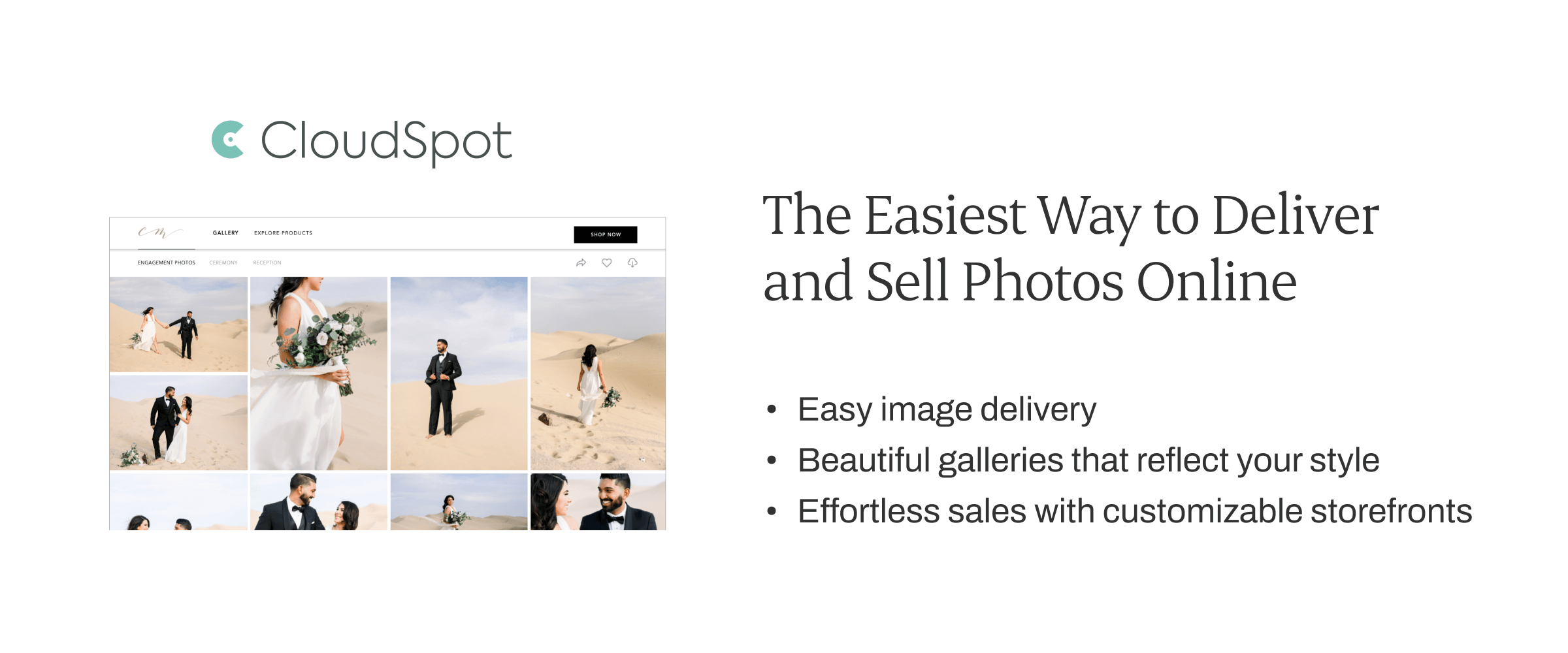
Say goodbye to the days of USB sticks and cumbersome file-sharing systems. Online proofing galleries allow photographers to upload images effortlessly, providing clients with a seamless viewing experience.
Every online proofing gallery offers different functions. Here are a few key features to look for when making a decision:
- Client feedback options
- E-commerce capabilities
- Customizable websites
- RAW image upload support
- Slideshow and album design
- Adequate storage limits
- CRM features (yes, some of them include this too!)
Proofing Galleries to Check Out
Another set of photography business tools that should not be ignored is automation tools for print sales that help bring in additional revenue with minimal effort.
These tools not only add to your bottom line but also simplify the ordering experience for clients. Certain online proofing galleries, like Pic-Time and SmugMug, excel in automating the print sales process.
2. Use Project Management Tools for Your Photography Business
Ever tried herding cats? If you’ve handled ten+ photography projects at once without the help of project management software, you’ll know what it’s like to wrangle a wild troupe of felines: impossible.
In this digital age, it’s not just about project management; it’s about mastering the art of organization and productivity. Thank goodness for project management tools – the unsung heroes of streamlining everyday processes.
These organizational platforms help you:
- Organize and manage projects and daily tasks
- Work more productively and with less stress
- Visualize your projects to see statuses at a glance
- Track project timelines (no more forgotten deadlines!)
- Boost efficiency with automation and customizations that suit your workflow
- Collaborate with your team effortlessly (if you’re not a solopreneur anymore)
A huge plus point is that many of these tools integrate with CRMs, and certain project/studio management software are made specifically for photographers.
These tools are available as online, desktop, and mobile applications, making them the perfect virtual assistants for photographers who are always on the go.
Project Management Tools We Love
- Asana (we use this platform at Aftershoot): Asana is a robust project management platform that works well for photographers managing larger studios or multiple second shooters. It supports task dependencies, deadline tracking, and automated reminders – useful when several people are involved in a single project.
- Monday.com: Monday.com is a highly customizable work platform that doubles as a capable CRM for photographers who want more flexibility than photography-specific tools allow. You can build a visual client pipeline from inquiry to final delivery, automate follow-ups and payment reminders, and manage shoot coordination – all from one place.
- Trello: Trello is a visual, card-based project management tool. You can create a board for each client or shoot, with cards for each task that move across columns as you complete them. Trello also integrates with other tools you might already be using.
- Notion: Notion is a flexible all-in-one workspace that photographers have increasingly adopted for keeping everything in one place – project timelines, client notes, shot lists, business documentation, and more. If you like to build your own system rather than work within a rigid one, Notion rewards the effort.
3. Automate Your Marketing Campaigns to Free Up Valuable Time
Now, let’s talk about the heartbeat of business growth – marketing.
Marketing your services is about more than lead generation; it’s about crafting a compelling narrative for your brand and establishing a memorable presence in the hearts and minds of your audience.
If a solid marketing strategy is the heartbeat of scaling a photography business, then automation is the rhythm that propels it forward.
Let’s face it, staying on top of social media marketing is a full-time gig. Planning, creating content, and posting on social media can take heaps of time out of your day… and then you still need to interact and engage with your audience too!
So, instead of spending every waking minute checking your platforms, why not automate some of those processes?
Marketing Automation Tools We Recommend
- Later: Later is a social media scheduling tool that lets you plan and automate your Instagram and Facebook posts in advance. It’s great for batching your content creation into one focused session per week so you’re not scrambling for something to post mid-busy-season.
- Planoly: Planoly is another strong social media scheduler with a visual grid planner, making it easy to maintain a consistent aesthetic across your Instagram feed before you hit publish.
- Buffer: Buffer is a clean, no-fuss social media scheduling tool that does exactly what it promises without overwhelming you with features. You can plan and queue posts across Instagram, Facebook, LinkedIn, and Pinterest in advance, batch a week’s worth of content in a single session, and let Buffer handle the publishing while you’re on a shoot.
- Canva: Canva has grown well beyond a design tool. Its AI-powered features – including Magic Write for captions, AI design suggestions, and Brand Kit automation – now make it a practical content engine for photographers who want to produce consistent, on-brand marketing material.
- Hootsuite: Hootsuite is a robust social media management platform that lets you schedule, monitor, and publish content across all your major channels from one dashboard. If you want a bird’s-eye view of your entire social presence – not just your posting queue – Hootsuite gives you the analytics and engagement tracking to see what’s actually working.

Even though your work is visual and social media is the perfect place to market your services and show off your gorgeous work, don’t forget about one of the OG digital marketing platforms: email marketing!
When it comes to lead nurturing and sales, an email list is your secret weapon. Think of it as a community of potential clients eagerly awaiting your next masterpiece.
Check Out These Email Marketing Tools
- Mailchimp: Mailchimp is one of the most popular email marketing platforms available. You can set up automated email sequences to nurture leads who haven’t booked yet, re-engage past clients, or promote seasonal offers – all without manually sending a single email.
- Kit: Kit is an email automation platform built for creators – clean, straightforward, and particularly well-suited to photographers who also sell presets, workshops, or educational content alongside their services.
- ActiveCampaign: ActiveCampaign is an email marketing and automation platform that goes beyond basic newsletters – build multi-step sequences that trigger based on client behavior, segment your list by shoot type, and layer in SMS campaigns for more touchpoints.
Once again, many CRM platforms include social media scheduling capabilities and email automation, so be sure to think about what you need out of the tools you’re using to see where you could skip unnecessary subscriptions and streamline your desktop as well as your workflow.
4. Post-production Automation
Post-production is where photographers lose the most time – and where automation now has the highest return. Culling thousands of images, editing them to your personal style, and retouching portraits used to consume entire days. AI has fundamentally changed this.
Post-production tools we recommend:
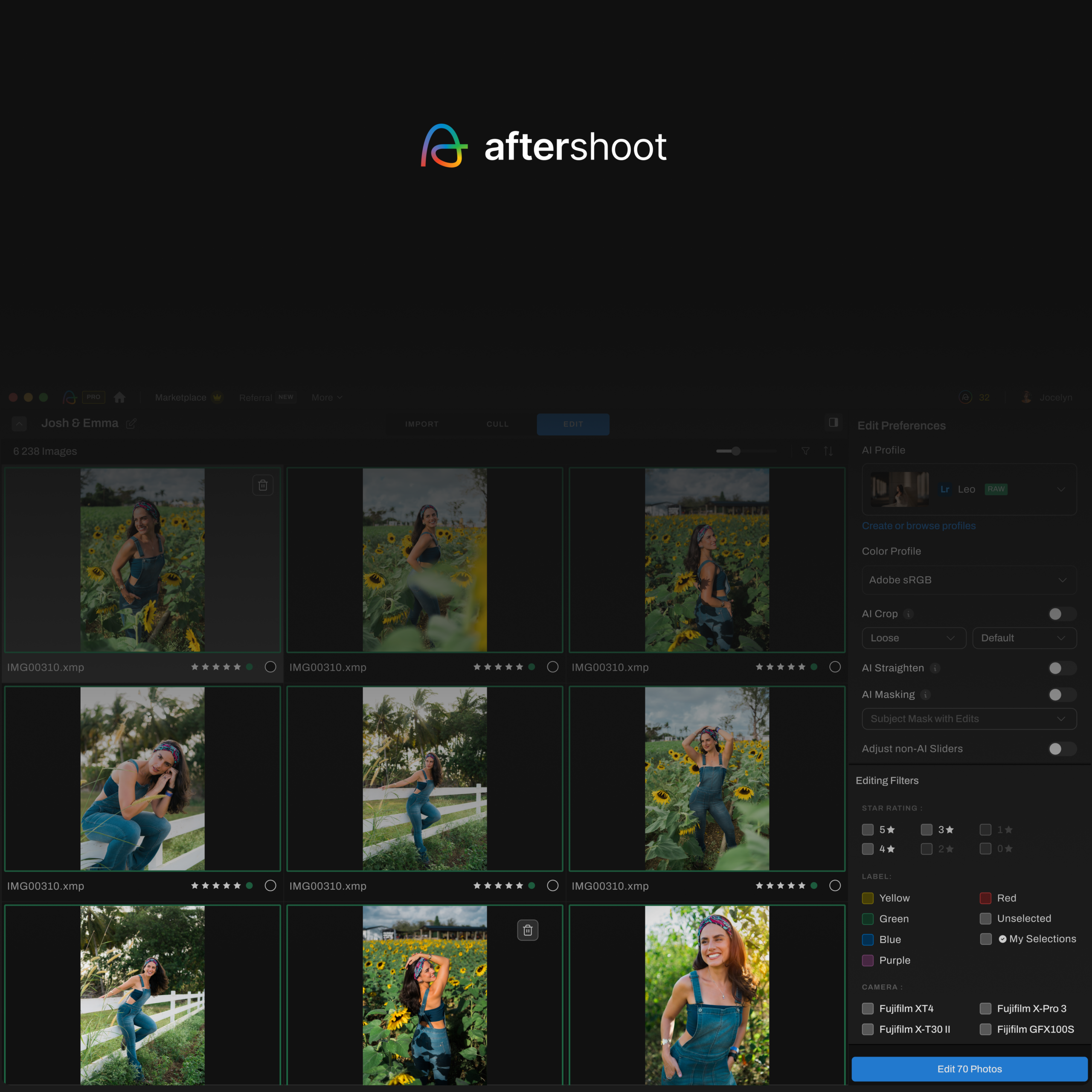
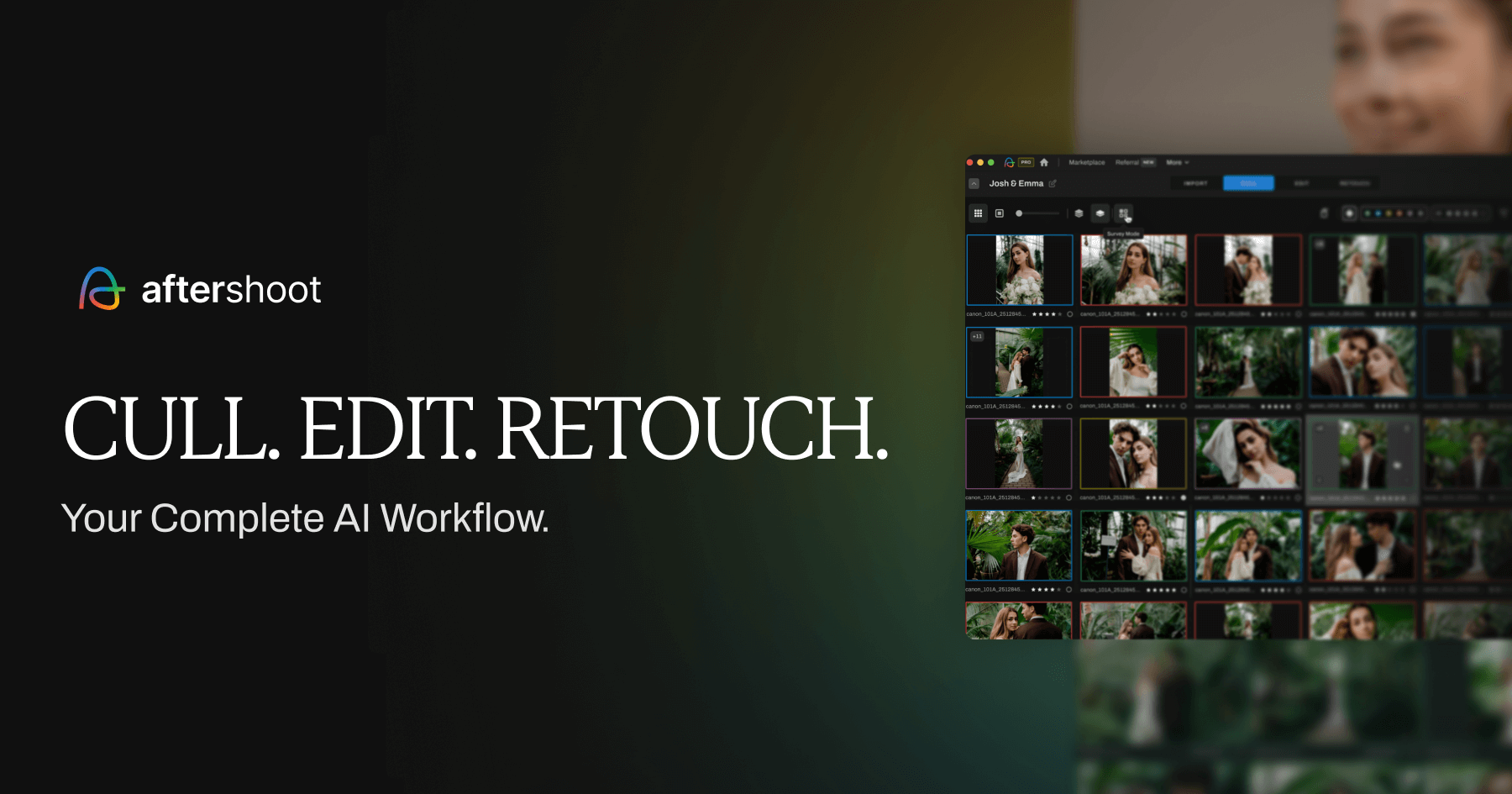
- Aftershoot: Aftershoot is the fastest way to automate your entire post-production workflow in one place. It culls your shoot, edits to your personal style using your existing Lightroom or Capture One catalog, and retouches portraits – all in the same app, with no per-image fees.
- Topaz Photo AI: It combines Sharpen AI, Denoise AI, and Gigapixel upscaling into a single automated workflow. It’s the industry standard for rescuing low-light or soft shots and upscaling images for large prints – all with one-click processing that integrates directly into Lightroom and Photoshop.
- Pic-Time: Pic-Time is an online gallery and sales platform that automates the client experience long after delivery. Its Smart Campaigns feature sends automated print sale promotions, anniversary reminders, and album upsell emails to past clients on your behalf – turning delivered galleries into a passive revenue stream without any ongoing effort on your part.
To Recap: How to Scale a Photography Business
In the grand symphony of preparing to scale your photography business, automation tools play the lead role, orchestrating efficiency and unlocking the door to substantial growth.
We’ve covered how business automation tools for client, project, marketing, and post-production management will boost productivity and help you run your business more efficiently. We’ve even thrown in some recommended tools for you to check out.
Now, once you’ve streamlined your business workflow processes, it’s time to think about the true time thief… post-processing.
Aftershoot swoops in as your knight in shining armor, ready to take tedious manual culling and editing processes off your hands and help you go from shoot to delivery in record time.
Our AI algorithms are fired up and ready to automate your editing process and assist you in culling 10x faster than before.
For more photography workflow tips, dive into our other articles on our blog. Here’s one that covers the basics: 3 Workflow Tips Every Photographer Should Know
You don’t need to implement all four types of automation at once. In fact, trying to do everything at the same time is a recipe for anxiety.
Instead, start with the area that’s costing you the most time right now. If client communication is eating your evenings, start with a CRM. If your editing queue is weeks long, start with post-production automation. If your marketing goes quiet every busy season, set up a basic email sequence this week.
The key is to start somewhere. Once you experience the time savings from one area of automation, you’ll be motivated to keep going. The photographers who scale successfully aren’t necessarily the most talented or the hardest working – they’re the ones who’ve built smart systems that work for them, even when they’re not at their desks.
Happy automating and bonne chance on your scaling journey! 🚀