Post-processing is where creative energy goes to die. The shoot is done, the images are on the drive, and now there are 2,000+ photos waiting to be culled, edited, and retouched before anything ships to a client. For most photographers, that’s anywhere from 8 to 20 hours of work per wedding or event – every single time.
AI tools have changed that math considerably. But not all of them change it equally. Some handle one stage of the workflow and leave the rest to you. Some cost more than they should as your volume grows. Some require a reliable internet connection before they’ll do anything at all.
If you’ve been using Imagen AI and you’re starting to feel those edges, you’re not alone. Here’s a breakdown of the best Imagen alternatives in 2026 – what each one covers, who it’s built for, and where it stops.
TL;DR: Looking for the best Imagen alternatives in 2026? Here’s the short version:
- Aftershoot is the strongest all-round Imagen alternative – it covers AI culling, editing, and retouching in one flat-rate subscription, processes everything locally on your device, and costs less as your volume grows.
- Lightroom’s Native AI now includes Assisted Culling and Adaptive Presets – a solid option if you’re already in the Adobe ecosystem and don’t want another subscription.
- Narrative Select is the best dedicated culling alternative, with a companion AI editing tool for a lightweight two-stage workflow.
- Evoto AI is worth considering if portrait retouching is at the centre of your workflow – it now covers culling and editing too.
- Luminar Neo suits fine-art and creative photographers who work on individual images rather than high-volume galleries.
- Topaz Photo AI and DxO PhotoLab are technical recovery tools – best kept in your kit for problem images, not full shoots.
- Capture One is the professional choice for color accuracy and tethered shooting, with significantly expanded AI tools in recent updates.
If you process weddings, events, or portraits at volume and want one tool that handles the complete workflow at a predictable price – Aftershoot is the place to start.
What Imagen Does – and Where It Stops
Imagen covers three main areas today: AI editing, AI culling, and limited retouching. Its flagship feature is the Personal AI Profile – a model trained on your Lightroom catalog that edits new images in your style. Its Culling Studio, added more recently, includes some useful features such as intelligent grouping, “Cull to Exact Number,” and the ability to preview images with your AI edit already applied before making cull decisions.
But there are real, consistent friction points that push photographers to look elsewhere:
- Cloud-dependent processing.
Imagen’s culling runs locally, but AI editing sends Smart Previews to Imagen’s cloud servers for processing. With Aftershoot, processing works entirely offline and can begin on your way back from the wedding, on the plane (while in the clouds) – without depending on the cloud. - Credit-based pricing that scales with volume.
At $0.05/photo, costs grow directly with your workload. Add-ons – cropping, straightening, subject masking – cost an extra $0.01 per photo per feature on top of every plan, including annual ones. High-volume photographers can hit (their heads against) walls fast. - Retouching has a narrower scope.
Imagen offers batch skin retouching for Smooth Skin, blemish reduction, and teeth whitening, but stops short of eye enhancement and the deeper portrait controls that wedding and boudoir photographers need for a fully client-ready gallery. Aftershoot’s retouching suite covers more ground with greater control.
- 3,000-image training threshold for Personal AI Profile.
A meaningful barrier if you’re newer to AI editing or have a smaller edited library. Aftershoot’s Instant AI Profile converts any Lightroom preset into a fully working AI profile immediately, with no training library needed. - A different approach to culling.
Imagen’s Culling Studio is automated-only and uses a “Culling In” model – you select keepers rather than flagging rejects, with no fully manual mode. Aftershoot offers AI-automated, AI-assisted, and fully manual culling. Independent testing also found Imagen’s culling AI accuracy at 65% – noticeably lower than dedicated culling tools.
If any of those are the reason you’re here, this is where to look instead.
1. Aftershoot
Aftershoot is the most complete and direct alternative on this list – built to cover the entire post-production workflow in one place.
Where Imagen focuses on editing with culling and limited retouching as supporting features, Aftershoot was designed from the start to handle all three stages seriously: AI Culling, AI Editing, and AI Retouching. That difference in philosophy shows up throughout the product.
Culling
Aftershoot was built as a culling tool first, and that foundation is still its strongest differentiator. You get three modes depending on how much control you want:
- AI-Automated Culling – almost fully hands-off, processes large galleries fast
- AI-Assisted Culling – the AI recommends, you make the final call
- Manual Culling – full manual control, all within Aftershoot
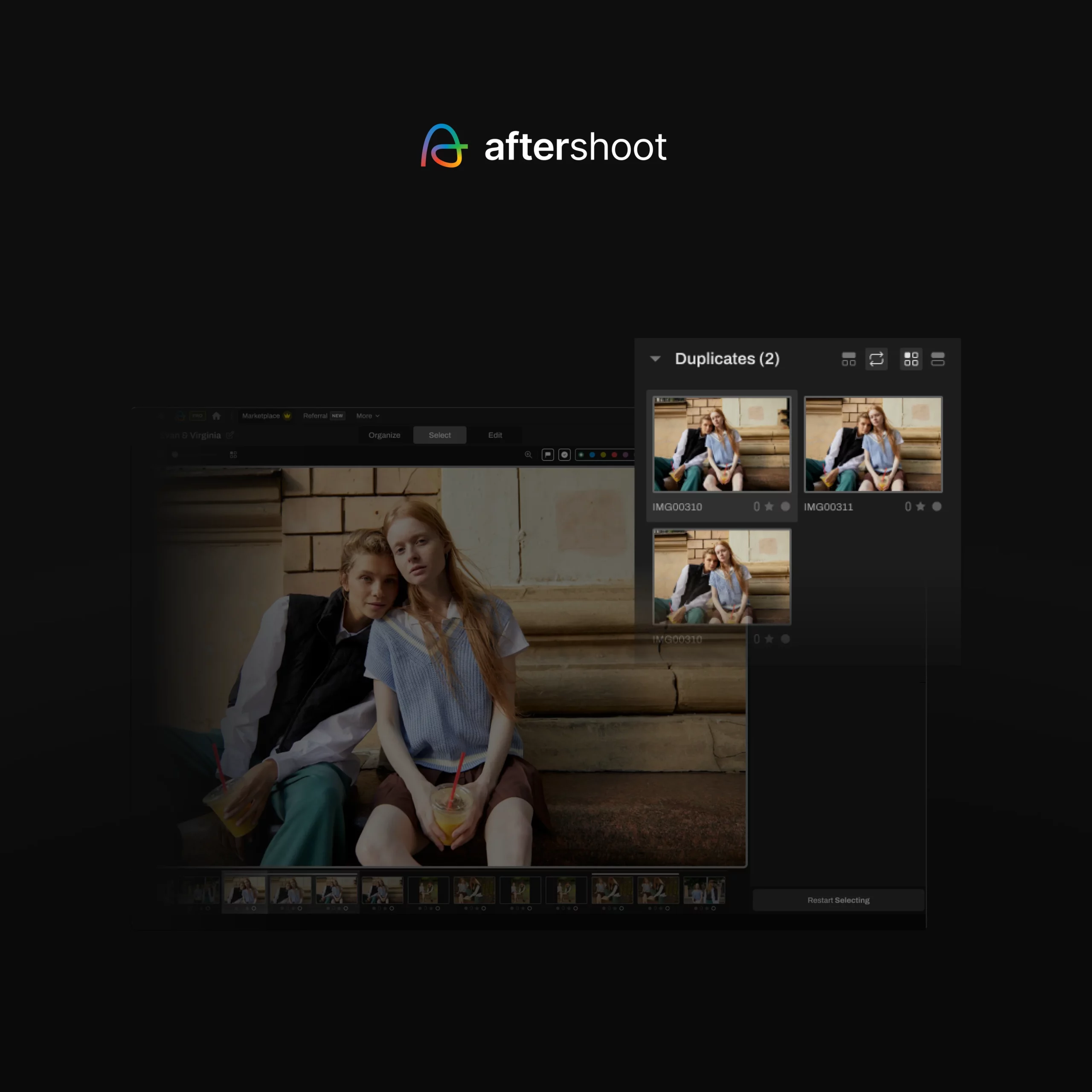
The interface includes Loupe view, Survey mode, and detailed visual indicators for closed eyes, soft focus, blurred shots, and duplicates. Manual culling also includes advanced culling tools like Spray Can and Survey mode to make you cull faster.
Imagen’s Culling Studio groups similar shots and ranks them, which is useful – but manual culling mode and the level of visual guidance Aftershoot provides aren’t part of it.
Editing
Aftershoot’s AI editing builds a profile trained on your own photographs – your exposure choices, color grading, and HSL decisions – and applies them consistently across new work. There are three ways to build your profile:
- Professional AI Profile: Upload 2,500+ of your edited images. Aftershoot trains a model on your specific style. Imagen’s equivalent requires 3,000 images.
- Instant AI Profile: Have a Lightroom preset you already love? Upload it and convert it into a working AI profile on Aftershoot immediately – no training library needed. Imagen has no equivalent feature.
- Marketplace Profiles: Browse and apply styles from professional photographers in the Aftershoot community – useful when you want a starting point or want to try a different look.
Retouching
This is where a noticeable workflow gap exists. Imagen has Smooth Skin for portraits, but it doesn’t offer a comprehensive retouching suite. Aftershoot does.
| Retouching Feature | Aftershoot | Imagen |
| Skin Smoothing | ✅ | ✅ (basic) |
| Blemish Removal | ✅ | Partial (via Smooth Skin) |
| Eye Enhancement | ✅ | ❌ |
| Teeth Whitening | ✅ | ✅ |
| Batch Retouching | ✅ | ✅ |
| Custom Retouching Profiles | ✅ | ❌ |
Speed
Everything in Aftershoot runs locally on your machine. No uploads, no server queues, no internet required. In a direct comparison on a 300-image JPEG wedding set:
| Task | Aftershoot | Imagen |
| AI Editing | 1 min 13 sec | 9 min 16 sec |
| AI Culling | 58 sec | 2 min 12 sec |
Over a full season, that time difference compounds significantly.
Pricing
Aftershoot uses flat-rate subscription pricing – no per-image fees, no credits, no billing surprises after a heavy month:
- Selects (Culling only): $9.99/month (billed annually) or $14.99/month
- Essentials (Culling and Editing): $19.99/month (billed annually) or $24.99/month
- Pro (Culling + Editing + Retouching + AI Profiles): $39.99/month (billed annually) or $47.99/month
- Max (Pro + high volume): $59.99/month (billed annually) or $71.99/month
Imagen’s annual plans vary by volume. 18000 photos cost $810/year, 36000 photos cost $1,530/year, and 72000 photos cost $2880/year. The Pay-as-You-Go model starts at $0.05/photo plus $0.01/photo for each additional AI tool applied, not to mention culling isn’t included in every plan.
Aftershoot’s pricing is straightforward with no per-image fees. You can also pause your subscription for up to 3 months on annual plans.
Support
Aftershoot offers 24/7 in-app chat, the option to schedule 1:1 calls, and support in multiple languages. On TrustPilot, Aftershoot is rated 4.9/5 from 1,500+ reviews compared to Imagen’s 4.7/5 from 1000+ reviews.
Verdict
Best for: Wedding, portrait, event, boudoir, and newborn photographers who want one platform for the complete workflow – at a cost that doesn’t grow every time they have a busy season.
Not for: Photographers with very low image volume who want a pay-as-you-go model – a flat annual subscription won’t make financial sense if you’re only shooting a handful of sessions a year.
2. Lightroom’s Native AI Tools
Adobe has continued building AI directly into Lightroom – Assisted Culling (Early Access), Subject Masking, Sky Selection, AI Denoise, Adaptive Presets, and Sensei-powered Auto Tone. Assisted Culling, added in October 2025, automatically flags blur, closed eyes, and exposure issues at import, with sliders to fine-tune how selective it is. For photographers already deep in the Adobe ecosystem, these tools cover more of the workflow than ever before.
Where it stops: Lightroom’s AI still doesn’t learn your personal editing style from your past work and apply it to a new gallery. Assisted Culling is also still in Early Access – not production-ready at the level of dedicated culling tools. For high-volume photographers who need a trained personal profile applied consistently across 2,000+ images, that gap remains.
Verdict
Best for: Photographers who live in Lightroom and want to get more from what they already pay for.
Not for: Photographers who want a trained personal AI profile that automatically edits a full gallery in their style – Lightroom’s AI assists your editing, it doesn’t replace it.
3. Evoto AI
Evoto has grown significantly beyond portrait retouching. Evoto 6 introduced AI Culling, full editing, tethered shooting support, and delivery. Its AI retouching remains its strongest suit – skin cleanup, face sculpting, makeup enhancement, hair flyaway removal, body reshaping, clothing adjustments – all through AI-driven slider controls. You can build and save your own retouch presets and batch-sync them across a full shoot.
Where it stops: At higher slider settings, skin can drift into an over-smoothed look, so retouching results benefit from image-by-image review. The credit-based pricing model also adds up for high-volume photographers. And while the workflow coverage has expanded, Evoto’s editing depth outside of retouching doesn’t yet match platforms built from the ground up for full post-production.
Verdict
Best for: Portrait, headshot, and studio photographers who want AI retouching at the centre of their workflow with culling and editing in the same tool.
Not for: Photographers who need a platform built equally across culling, editing, and retouching. Evoto’s retouching is great, but it’s still what the tool is fundamentally designed around.
4. Narrative Select
Narrative Select is a dedicated AI culling tool with a clean interface, solid Lightroom and Capture One integration, and a Close-ups Panel that surfaces zoomed face crops alongside your images – making it genuinely fast for checking expressions and eye quality without zooming in manually. It also now includes Narrative Edit, a companion AI editing tool that learns your style and applies it during the handoff to Lightroom.
Where it stops: Culling is still Narrative’s core strength – the editing side is less mature and doesn’t yet match the depth of dedicated editing platforms. If you need a fully integrated workflow where culling, editing, and retouching live in one place, it’s still a multi-tool setup.
Verdict
Best for: Photographers who want to keep culling and editing in separate apps and are specifically looking for a dedicated culling upgrade.
Not for: Photographers who want to streamline their toolset – it only handles culling, so editing and retouching still need separate solutions.
5. Luminar Neo
Luminar Neo from Skylum is a creative editing suite with an extensive AI toolkit – Sky AI, Relight AI, Face AI, Light Depth, Photo Restoration, and atmospheric effects that produce visually striking results. It has a large community of photographers who use it for fine-art and hero-shot editing.
Where it stops: Luminar’s generative AI tools (GenErase, GenSwap) are resource-intensive and inconsistent in real-world use. It doesn’t learn your personal editing style and apply it across a full gallery, and processing large event catalogs through its heavier AI tools requires working in smaller batches, making it impractical as a primary high-volume workflow tool.
Verdict
Best for: Photographers doing fine-art or creative work who want powerful per-image AI effects.
Not for: High-volume photographers who need to process full event or wedding galleries efficiently – it’s built for creative single-image work, not batch workflow automation.
6. Topaz Photo AI
Topaz Photo AI combines Denoise AI, Sharpen AI, and Gigapixel AI into one application, and has expanded further to include Face Recovery, AI Object Removal, and Dust & Scratch repair. Its sharpening and upscaling tools are genuinely best-in-class, and its noise reduction is excellent – though independent head-to-head tests consistently place DxO DeepPRIME XD slightly ahead for noise specifically. Where Topaz stands apart is the combination: no other single tool matches its breadth of technical image recovery in one place.
Where it stops: Topaz fixes and recovers images technically – it doesn’t style them, sort them, or replace an editing workflow. Most photographers keep it for the small percentage of images where technical recovery is the priority, not for processing full shoots.
Verdict
Best for: Photographers who regularly shoot in demanding conditions and need a reliable technical recovery tool.
Not for: Photographers looking for a primary editing or culling solution – it’s a technical recovery tool, not a full workflow platform.
7. DxO PhotoLab
DxO PhotoLab is a technically rigorous RAW processor with an exceptional lens correction database and best-in-class DeepPRIME XD3 noise reduction – now in its fourth generation. PhotoLab 9 also added AI Masking and batch processing, making it more capable than it has been at any point.
Where it stops: DxO’s AI handles technical corrections – noise, lens distortion, sharpening – not creative ones. It doesn’t learn your personal editing style and apply it to a new gallery, and AI Masking, while improved, is still notably slower and less precise than competitors in real-world use.
Verdict
Best for: Commercial and product photographers who need precise, technically corrected output and are comfortable with a hands-on editing process.
Not for: Photographers looking for a primary editing or culling solution — it’s a technical correction tool, not a full workflow platform.
8. Capture One
Capture One remains the professional choice for color accuracy, tethered shooting, and color grading depth. Recent updates have added substantially more AI capability – People Masking across batches, Match Look (reference-image style transfer), a full Retouch tool covering teeth, eyes, and skin, and Combined Masks.
Where it stops: Capture One doesn’t learn your personal editing style from your photo history and apply it to new galleries. Match Look gives you a strong starting point from a reference image, but it’s not a trained profile. AI noise reduction also still trails Lightroom’s in independent comparisons.
Verdict
Best for: Commercial, fashion, and studio photographers who need the best color tools available and are willing to invest in the learning curve.
Not for: Photographers who want AI to automate culling or batch-edit galleries from a trained personal style – Capture One’s AI only assists your editing process.
How to Choose
The right tool depends on what you’re actually trying to solve:
- Need culling, editing, AND meaningful retouching in one place?
Aftershoot covers the full workflow. Most tools on this list cover one or two stages. - Processing high volumes and concerned about predictable costs?
Aftershoot’s flat pricing doesn’t scale with your image count. Imagen’s does. - Need to work offline or without consistent internet?
Aftershoot processes entirely on-device. Imagen requires cloud upload every session. - Only need occasional edits at low volume?
Imagen’s pay-as-you-go credit model may suit a lower workload. - Need image recovery for technically difficult shots?
Topaz and DxO are purpose-built for that. - Creative fine-art work on individual images?
Luminar Neo is worth exploring.
FAQs
- What’s the main difference between Imagen AI and Aftershoot?
Both cover AI editing and culling, but they approach the workflow differently. Aftershoot runs entirely on your device, uses flat-rate pricing, and includes a full AI retouching suite. Imagen is cloud-based, uses credit-based pricing, and has more limited retouching capabilities. - Is Aftershoot faster than Imagen?
In a 300-image JPEG test, Aftershoot completed AI editing in 1 minute 13 seconds versus Imagen’s 9 minutes 16 seconds. For culling, 58 seconds versus 2 minutes 12 seconds. The gap comes from on-device vs. cloud processing. - How many photos do I need to train an AI editing profile?
Aftershoot requires 2,500 edited images for a Professional AI Profile. Imagen requires approximately 3,000. Aftershoot also offers an Instant AI Profile – upload a Lightroom preset and get a working profile immediately, with no training library needed. - Does Aftershoot have retouching?
Yes – a full suite covering skin smoothing, blemish removal, eye enhancement, teeth whitening, and batch retouching. Imagen has basic skin smoothing for portraits but doesn’t offer the broader retouching capabilities Aftershoot does. - What does Aftershoot cost compared to Imagen?
Aftershoot’s Pro plan – culling, editing, and retouching – is $480/year. Imagen’s entry-level annual bundle (18,000 photos) is $810/year, and the 36,000-photo tier is $1,530/year. For high-volume photographers, the pricing gap widens significantly. - Is my data safe with Aftershoot?
Because Aftershoot processes everything locally on your machine, your images never leave your device. Imagen processes in the cloud, requiring your originals to be uploaded to external servers. - Can I try Aftershoot before committing?
Yes. Aftershoot offers a 30-day all-access trial, with a 15-day extension available on request. Imagen’s free trial covers up to 1,000 photos with no time limit.