TL;DR
- Aftershoot Galleries is the best all-around alternative, uniting culling, editing, and delivery into one connected workflow with AI Face Search, client Face Gating, and no gallery caps.
- Pixieset is the most established all-in-one alternative for studios wanting an extensive ecosystem of client galleries, website templates, and studio booking.
- ShootProof is the top pick for print-heavy portrait and school photographers who want 0% commission on sales across all paid tiers.
- Pic-Time offers the most polished luxury presentation with sophisticated marketing automations and abandoned-cart campaigns for high-end wedding photographers.
- Switching gallery platforms no longer requires rebuilding your archive by hand, thanks to dedicated migration tools.
You just wrapped a 10-hour wedding weekend. Your memory cards hold over 4,000 raw files, your client inbox is already pinging for sneak peeks, and your gallery dashboard flashes a warning: you have hit your gallery limit.
To deliver another collection, you either have to delete an older client’s archive or pay for an expensive tier jump. If you do make a print sale on an entry tier, you watch 15% of your profit disappear into platform commission fees.
CloudSpot has earned plenty of goodwill among early-career photographers for its clean presentation, but working professionals run into its ceilings quickly. When your delivery software creates friction instead of running smoothly in the background, it is time to look at other tools.
Here is a quick look at the best CloudSpot alternatives available today, where each tool shines, and which one best fits your post-production workflow.
Feature Comparison Breakdown of the Best CloudSpot Alternatives
| Platform | Core Features & Storage | Workflow Integration | Best For | Starting Price |
| Aftershoot Galleries | – 10 GB free up to unlimited- Custom branding & proofing- AI Face Search & Face Gating- 0% sales commission on all tiers | Native 1-click publish straight from cull & edit pipeline | Speed, end-to-end post-production & AI face search | Free ($0/mo)Paid from $15/mo (billed annually) |
| Pixieset | – 3 GB free up to unlimited- Custom branding & client favorites- 0% commission on paid plans | Disconnected; requires manual JPEG export & web upload | Established, design-led client delivery & website bundle | Free ($0/mo)Paid from $8/mo (billed annually) |
| ShootProof | – 100 photos free up to unlimited- Custom branding & proofing- Music slideshow reels- 0% commission on all paid tiers | Disconnected; includes built-in contracts & invoicing | Print-focused portrait studios wanting zero sales commission | Free ($0/mo)Paid from $8.33/mo (billed annually) |
| Pic-Time | – 10 GB free (drops to 3 GB)- Custom branding & store previews- Automated email marketing funnels- 0% commission on self-fulfilled | Disconnected; requires manual JPEG export & web upload | Luxury weddings & automated print sales campaigns | Free ($0/mo)Paid from $7/mo (billed annually) |
Why Photographers Look Beyond CloudSpot

CloudSpot is a capable tool that serves beginning photographers well. It offers clean aesthetic layouts and includes client app features. However, as portrait and wedding businesses scale up, several specific bottlenecks tend to push studios toward alternatives.
Restrictive Gallery Caps on Lower Tiers
Most online gallery software prices plans based on total storage (in gigabytes) or total photo count. CloudSpot places strict caps on the number of individual galleries you can host.
Its Free tier restricts you to 3 galleries, while its Entry tier ($7/month billed monthly, or $72/year) caps your active deliveries at just 15 galleries. If you photograph four portrait sessions and two weddings a month, you hit that ceiling in less than 90 days. Bypassing that wall means jumping to higher pricing tiers solely to keep past client galleries accessible.
Steep Sales Commissions on Entry Plans
Print and album sales represent critical margins for portrait and wedding photographers. On CloudSpot’s Free and Entry tiers, the platform deducts a 15% sales commission on every print and digital download transaction.
That commission only drops to 0% once you upgrade to higher tiers, which still incur a 2.5% payment processing fee on transactions. Several competing platforms offer 0% commission on their entry paid tiers, allowing you to protect your print revenue immediately.
Disconnected Post-Production Workflows
CloudSpot operates strictly as a delivery and light management platform. To deliver your work, you must cull your shoot, edit in Lightroom or Capture One, export high-resolution JPEGs to your local hard drive, open a browser, upload files, and sort images into folders.
During peak wedding season, repeating this manual sequence across multiple shoots consumes hours every week. Photographers increasingly look for gallery platforms that integrate directly into the post-production pipeline to eliminate repetitive file handling.
Business Tools Are Locked Behind Full Suite Tiers
While CloudSpot does offer digital contracts with e-signatures, questionnaires, and client invoicing, none of these business tools exist on its entry-level plan. CloudSpot splits its software into “Gallery-only” and “Full Suite” tiers. If you are on the Entry tier ($7/month), you get zero studio management capabilities. To access contracts, session scheduling, and payment tools, you are forced to jump straight to the Full Suite plans starting at $17/month for Lite, $34/month for Pro, or $50/month for Unlimited (all plans billed annually). For early-career photographers, paying that jump just to get contracts signed pushes the cost higher than pairing basic galleries with dedicated studio management software.
What to Look for in a Gallery Platform

When you evaluate gallery delivery tools, prioritize features that save actual administrative time and protect your bottom line:
- True Scalability: Look for clear storage allowances without arbitrary caps on the number of client galleries you can publish.
- Fair Sales Margins: Check commission rates on print and digital sales on entry tiers, as well as lab fulfillment integrations.
- Client Discovery Features: Evaluate how easily guests and clients find their photos in large galleries containing 800 or more images.
- Connected Delivery: Look for platforms that cut down repetitive manual exporting and re-uploading from your editing environment.
- Video Delivery Support: Verify whether highlight reels and wedding films can live inside the exact same gallery link alongside still images.
- Frictionless Migration: Look for automated transfer options so you do not have to download and re-upload gigabytes of client archives manually.
Top 4 Alternatives to CloudSpot
1. Aftershoot Galleries
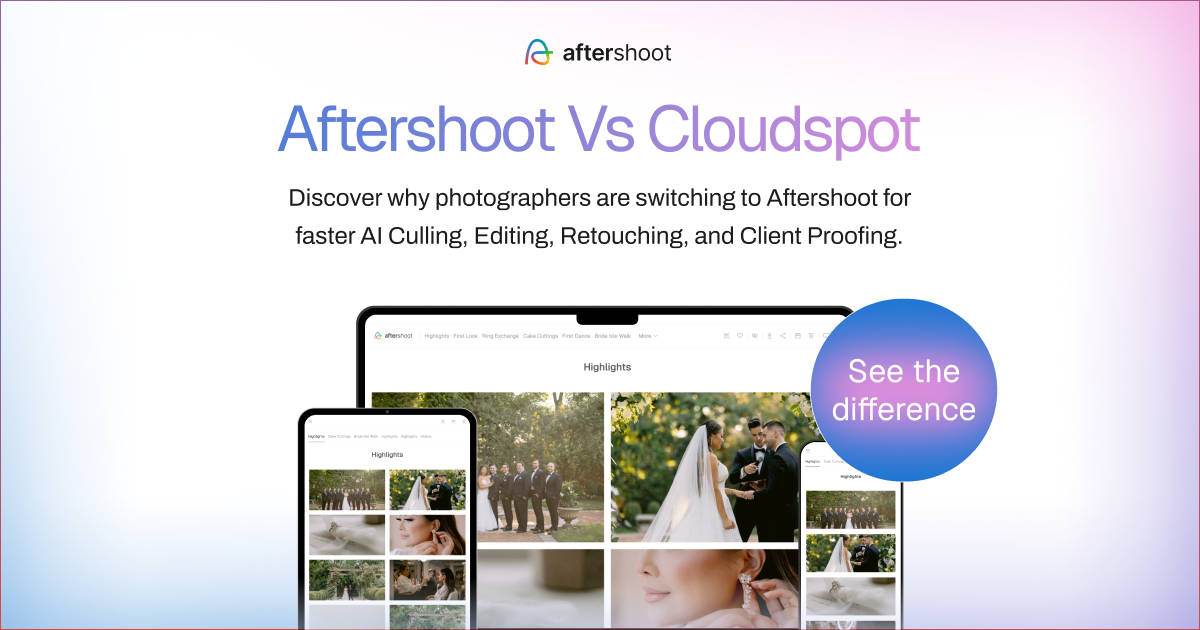
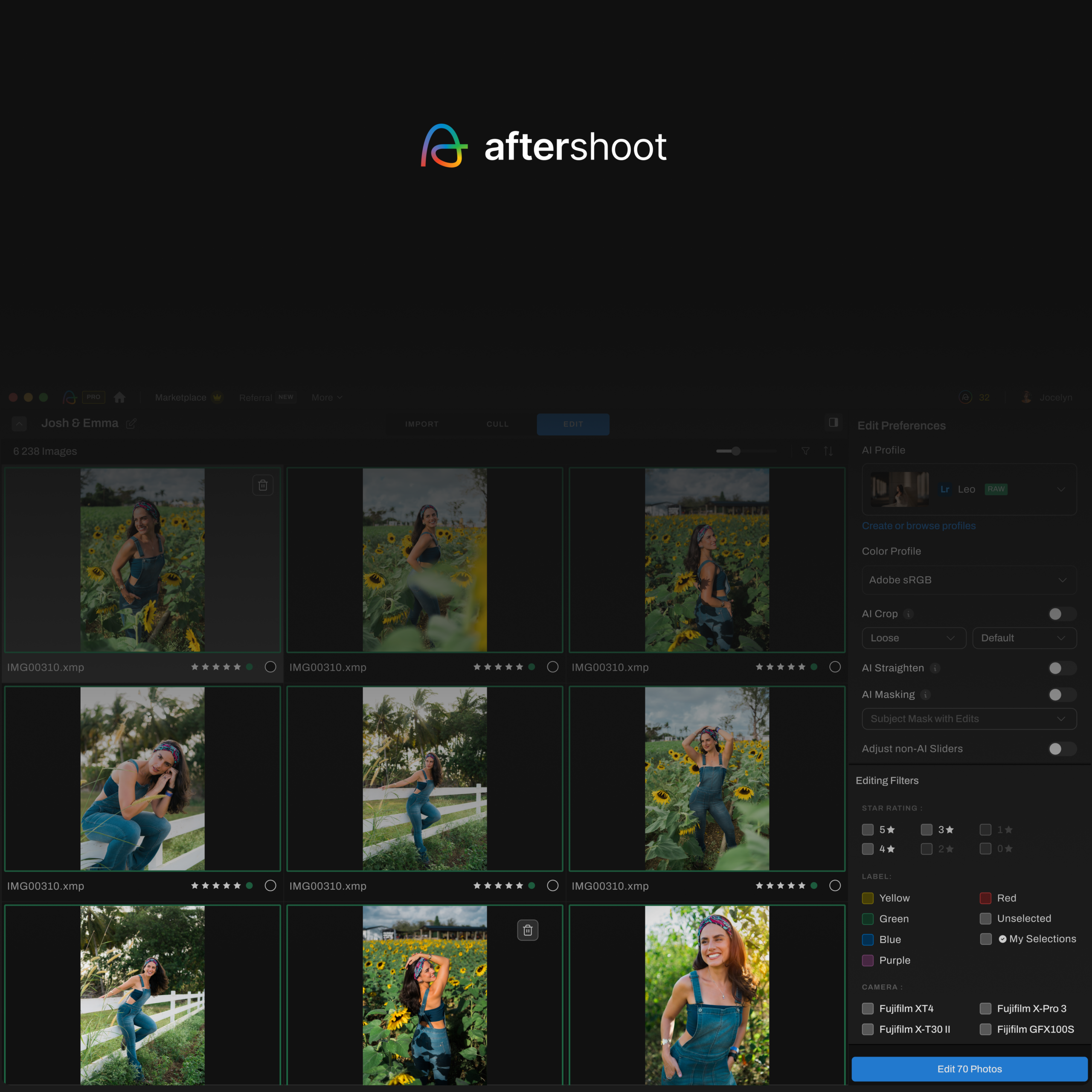
Aftershoot Galleries approaches client delivery from an entirely different angle than traditional gallery hosts. Instead of treating delivery as an isolated destination that requires endless exporting and uploading, it acts as the final step of a unified post-production workflow.
After you finish culling, editing, and retouching your photos inside Aftershoot, your images move directly into a client-ready online gallery. You bypass the tedious export-and-upload cycle completely, saving hours of computer processing time and local disk space every single week.
Why it stands out
- Unified Post-Production Flow: Connects directly with Aftershoot’s AI culling, manual RAW editing, and automated retouching tools. Moving finished edits to a live client gallery requires a single click.
- AI Face Search & Face Gating: Clients simply take a selfie or upload a snapshot to view every photo they appear in within seconds. For large events and weddings, Face Gating restricts access so guests only see the images they are featured in, protecting client privacy.
- Integrated Proofing & Print Store: Clients can favorite, comment, and request adjustments directly on individual images. An integrated store allows you to sell prints and digital packages with 0% platform commission on paid plans.
- Video & Stills Together: Deliver 4K wedding films, ceremony clips, and still images inside one unified gallery link without paying for separate third-party video hosting.
- Free Concierge Migration: Aftershoot provides dedicated migration tools to transfer existing client galleries and archives from Pixieset, Pic-Time, and ShootProof without manual re-uploading.
Limitations
- A newer entrant in client gallery hosting compared to decade-old platforms.
- Ongoing expansion of third-party lab fulfillment integrations.
Best for
- Wedding, event, and portrait photographers handling high shoot volumes who want to eliminate the manual gap between editing and delivery.
- Studios looking for a modern, AI-assisted client experience with face-based search and privacy gating.
Pricing
- Starter Plan: Free forever with 10 GB photo storage, 1 GB video storage (~10 minutes), client proofing, and 0% Aftershoot sales commission.
- Premium Plan: $15/month (billed annually). Includes 500 GB photo storage, 20 GB video storage (~2 hours), AI Face Search, custom domain, Brand Kit, and 0% commission.
- Unlimited Plan: $30/month (billed annually). Includes unlimited photo storage (under Fair Usage Policy), 60 GB video storage (~6 hours), priority 24/7 support, and free concierge migration of up to 500 GB from other gallery platforms.
👁️ Also Read: Aftershoot vs CloudSpot: Which Gallery Platform Wins in 2026?
2. Pixieset
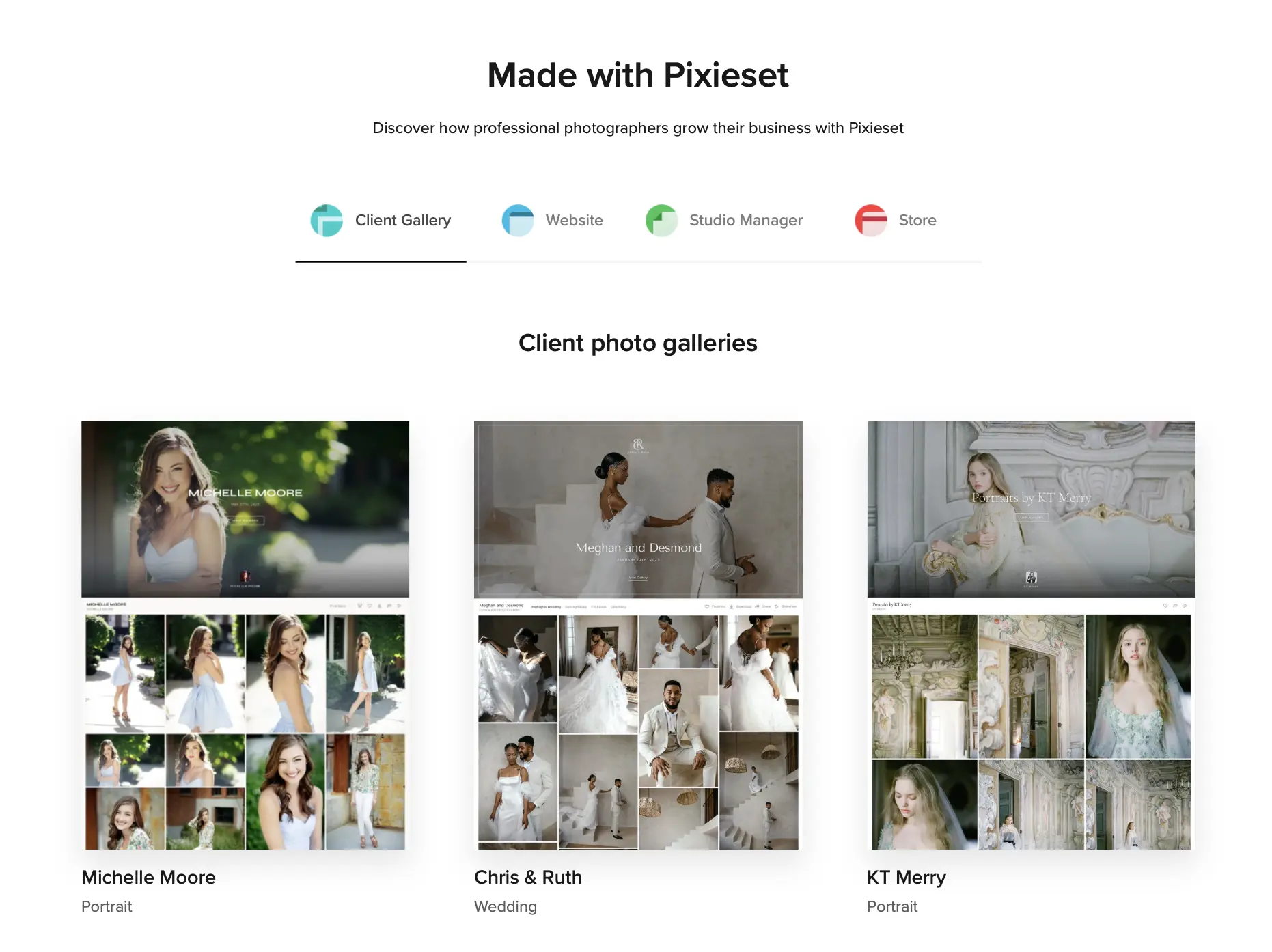
Pixieset remains the most well-known name in client delivery. It has spent years refining a clean, minimalist design language that clients navigate effortlessly.
Unlike CloudSpot, Pixieset does not enforce an arbitrary gallery cap on its free plan. You receive 3 GB of total storage to publish as many separate collections as you like. On any paid tier, sales commissions on prints and digital downloads drop to 0%, making it a much friendlier option for photographers who rely on print revenue.
Pixieset also provides a broader suite of business software. Through the Pixieset Suite, studios can run their client galleries, build a portfolio website, process booking contracts with digital signatures, and manage invoices under one unified dashboard.
Why it stands out
- Elegant, familiar gallery layouts that clients find intuitive.
- 0% sales commission across all paid gallery tiers.
- Complete studio ecosystem including website builder, contracts, invoices, and mobile apps.
Limitations
- Completely disconnected from your culling and editing software, requiring full JPEG exports and manual web uploads for every job.
- Full Suite bundle costs add up quickly when running multiple business apps.
Best for
- Photographers seeking an established, familiar platform with built-in website building and client invoicing tools.
Pricing
- Free Plan: 3 GB storage (15% store commission).
- Basic: $8/month for 10 GB storage (billed annually).
- Plus: $16/month for 100 GB storage (billed annually).
- Pro: $24/month for 1,000 GB storage (billed annually).
- Ultimate: $40/month for unlimited storage (billed annually).
- Pixieset Suite Bundle: Starts at $28/month.
👁️ Also Read: Aftershoot vs Pixieset: Which Gallery Platform Wins in 2026?
3. ShootProof
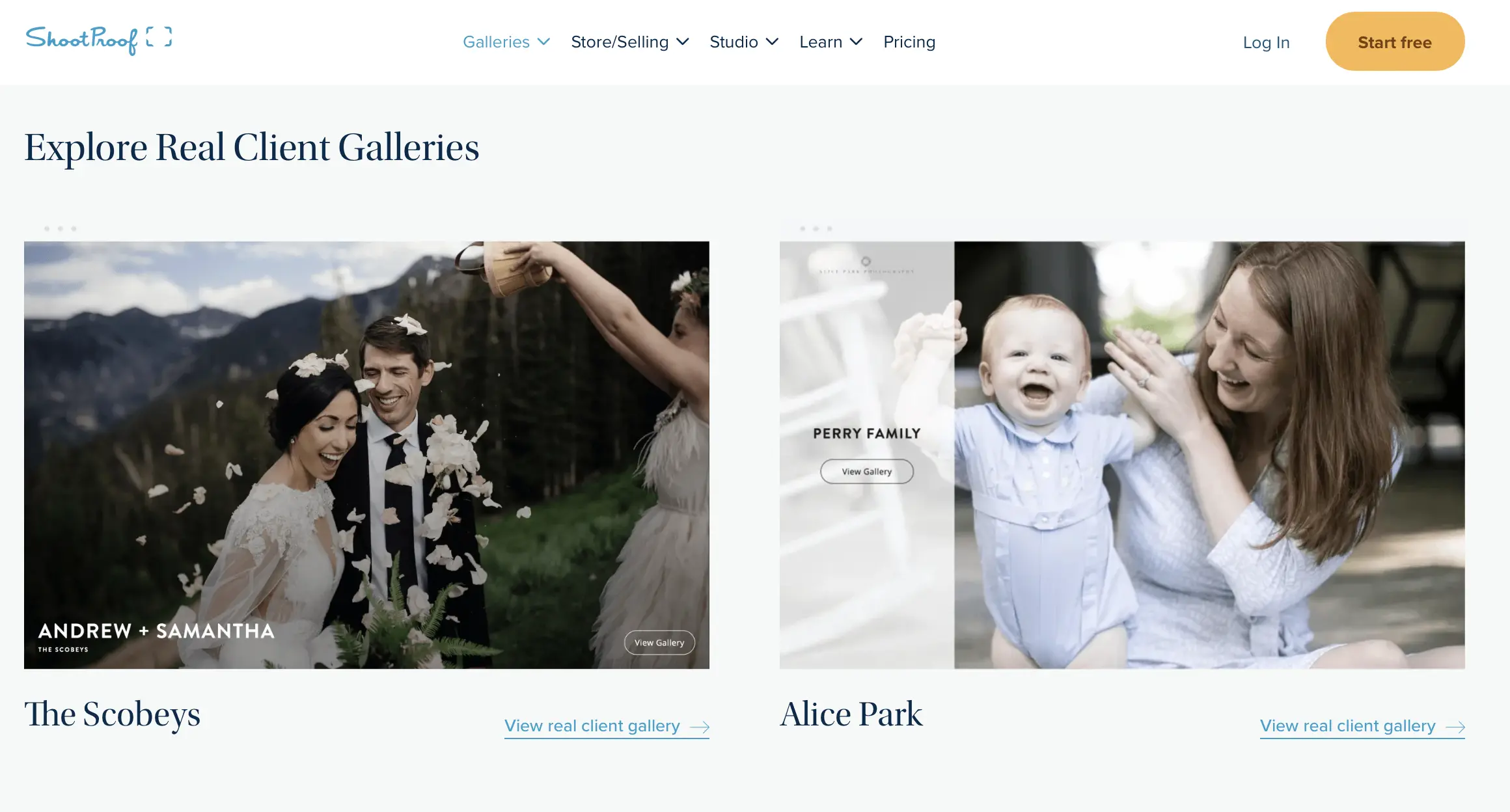
ShootProof is engineered specifically around print sales, volume proofing, and school or sports photography. If your business model centers on selling fine-art prints, canvas wraps, and framed collections, ShootProof offers a dependable, commission-free foundation.
Every paid ShootProof tier includes 0% sales commission, meaning you keep all your markups across lab orders. The platform connects directly with major professional labs such as WHCC, Bay Photo, Miller’s, and ProDPI for automated order fulfillment and color correction.
ShootProof also features built-in Slideshows backed by a library of licensed audio tracks from Triple Scoop Music, turning ordinary proofing galleries into interactive reels. Every paid tier includes 1 GB of complimentary video hosting.
Why it stands out
- 0% sales commission across all paid plan tiers.
- Direct lab routing with top professional print labs.
- Integrated digital contracts, invoices, and payment processing.
- Music-backed slideshow reels built into client collections.
Limitations
- Tiered pricing scales by photo count rather than disk storage, which can become costly for high-volume wedding collections.
- Gallery aesthetic feels more functional and utility-driven than editorial.
Best for
- Portrait, family, and volume event photographers whose primary revenue stream comes from client print and product orders.
Pricing
- Free Plan: Capped at 100 photos.
- 1,500 Photos: $8.33/month (billed annually).
- 5,000 Photos: $16.67/month (billed annually).
- 25,000 Photos: $26.67/month (billed annually, recommended for pros).
- Unlimited Photos: $50/month (billed annually).
👁️ Also Read: Aftershoot vs ShootProof: Which Gallery Platform Wins in 2026?
4. Pic-Time

Pic-Time is designed for photographers who prioritize an upscale visual aesthetic and high-converting marketing tools. Wedding and commercial photographers often praise its sophisticated grid layouts and magazine-editorial feel.
Pic-Time’s standout asset is its automated marketing engine. The system includes pre-built visual campaigns, such as anniversary discounts, holiday print sales, and abandoned-cart reminders that trigger automatically based on client browsing activity.
For hybrid creators delivering video alongside stills, Pic-Time allows full-length video streaming and clip delivery inside the gallery.
Why it stands out
- Advanced marketing automation engine with pre-built promotional funnels.
- Refined editorial layout templates tailored for luxury wedding and portrait studios.
- Excellent print store preview features and video delivery capabilities.
Limitations
- Free tier reduces available storage from 10 GB down to 3 GB after six months.
- Marketing automation setup involves a learning curve to customize effectively.
- Requires manual exporting and uploading from editing tools.
Best for
- High-end wedding and fine-art photographers who want automated email and gallery marketing campaigns to drive print store sales.
Pricing
- Free Plan: 10 GB storage for 6 months (drops to 3 GB; 15% store commission).
- Beginner: $7/month for 20 GB storage (billed annually).
- Professional: $21/month for 100 GB storage (billed annually).
- Advanced: $42/month for unlimited storage and full marketing automations (billed annually).
👁️ Also Read: Aftershoot vs Pic-Time: Which Gallery Platform Wins in 2026?
Where Workflow Integration Saves You Hours: The Post-Edit Handoff
If you evaluate gallery platforms purely on storage pricing, several tools look similar on paper. But price-per-gigabyte is only one part of the equation. The hidden cost is the unpaid administrative time you spend shuffling files across separate platforms.
Consider what delivering a standard 800-image wedding collection looks like in a traditional setup:
- Exporting 800 full-resolution, print-ready JPEGs from your RAW processor typically ties up your computer for 20 to 35 minutes.
- Uploading that folder through a browser takes another 15 to 25 minutes, depending on your internet connection.
- Organizing folder sets, setting download pins, and creating separate preview selects for vendors adds another 15 minutes.
That is nearly an hour of tedious file management for every single shoot. Across a 30-wedding season, you lose over 35 hours just babysitting upload bars and duplicate files.
Because Aftershoot Galleries is built directly into the same engine that handles your AI culling, RAW adjustments, and automated retouching, delivery becomes a single click. You finish your edits, click publish, and your gallery goes live.
There are no export queues, no duplicate folders hogging local SSD storage, and no manual file re-uploading. Your collections automatically publish with your custom branding, AI Face Search, and an integrated print store with 0% platform commission.
Professional photographer Lori Granquist Day experienced that difference firsthand:
“I needed to quickly deliver photos to a client while my regular gallery platform was having issues, and Aftershoot Galleries made it incredibly easy. My favorite part? Clients can search for their own face instantly.”
How to Choose the Right CloudSpot Alternative for Your Business
Selecting the ideal replacement for CloudSpot comes down to identifying which operational bottleneck costs you the most time and money each week:
- If your biggest pain point is the manual post-production grind: Choose Aftershoot Galleries. Connecting your cull, AI edit, retouching, and client delivery within one ecosystem removes hours of repetitive exports and file transfers from every single job.
- If your primary goal is an established, all-in-one client suite: Choose Pixieset. Its combination of galleries, contracts, invoices, and web hosting provides a reliable home base for running a solo studio.
- If print fulfillment and zero commissions drive your revenue: Choose ShootProof. Its direct lab routing and commission-free paid tiers protect your profit margins on high-volume portrait sessions.
- If you want hands-off marketing automation for upscale clientele: Choose Pic-Time. Its visual sales funnels and automated coupon campaigns generate passive print revenue while you focus on shooting.
Summary
Switching gallery platforms comes down to removing specific friction points in your business:
- If your current plan takes a 15% cut of your print sales, moving to a 0% commission platform like ShootProof, Pixieset, or Aftershoot Galleries pays for itself on your next album order.
- If you are hitting CloudSpot’s 15-gallery ceiling, modern platforms let you keep your client archives accessible without steep tier jumps.
- And if you are spending peak season exporting JPEGs and manually re-uploading them to the web, a connected tool like Aftershoot Galleries cuts that entire post-edit handoff down to a single click .
Because Aftershoot provides free concierge migration for up to 500 GB from platforms like Pixieset, Pic-Time, and ShootProof, you can test a faster delivery workflow without risking your past client archives
FAQs for Best CloudSpot Alternatives
1. What is the best CloudSpot alternative for wedding photographers?
Aftershoot Galleries is the leading alternative for wedding photographers because it combines culling, editing, and gallery delivery into one fluid workflow. Features like AI Face Search allow wedding guests to find their own portraits instantly without scrolling through thousands of images, while Face Gating ensures private moments stay secure.
2. Can I switch from CloudSpot to another gallery platform without losing my past work?
Yes. Modern platforms make switching straightforward. For example, Aftershoot provides dedicated, free migration support to move your existing galleries, collections, and client archives over from other providers without requiring you to download and manually re-upload every file yourself.
3. Which CloudSpot alternatives offer 0% sales commission?
Pixieset and ShootProof both offer 0% sales commission across all their paid gallery tiers. Aftershoot Galleries provides a built-in print store designed to keep your print profits in your pocket, whereas CloudSpot charges a 15% commission on its Free and Entry tiers until you upgrade to higher tiers.
4. Do I need a separate software platform for delivering client videos?
Not necessarily. Platforms like Aftershoot Galleries and Pic-Time support both high-resolution photography and video delivery inside a single client link. This lets you deliver highlight films, ceremony clips, and still images together without paying for an external video hosting subscription.
5. Why shouldn’t I just use Google Drive or Dropbox instead of a gallery tool?
Cloud storage folders like Google Drive or Dropbox work well for internal backups, but they provide an unbranded, confusing client experience. They lack client proofing tools (like favoriting, color-coding, and image comments), do not allow guests to search photos by face, and cannot process print sales or automated lab fulfillment. A dedicated gallery platform elevates your brand and protects print revenues.
6. What happens to my client galleries if I cancel my subscription?
Most gallery platforms suspend public access to your client galleries immediately when a subscription ends, and permanently delete the hosted files after a short grace period (typically 14 to 30 days). Before canceling any gallery subscription, make sure you download full-resolution local archives of your galleries and inform past clients to download their delivered collections.