TL;DR
- Generic video hosts like Vimeo and Frame.io prioritize corporate review workflows over client-facing handoffs, falling short on custom branding, guest privacy, and photo integration.
- Wedding delivery requires full-quality streaming, studio-first branding, granular guest privacy, original resolution downloads, and one link for both photos and video.
- Password-only protection grants blanket access to an entire gallery, exposing every image to every guest regardless of who is in the frame.
- Aftershoot Galleries delivers photos and video in a single gallery, maintains original export quality, and uses Face Gating so guests only see the images and clips they appear in.
- Pricing across the category ranges from free tiers with storage limits to $40+/month for branding and higher volume; Aftershoot Galleries starts free with 10 GB of photo storage and 1 GB of video storage.
- Photographers running multiple disconnected tools for culling, editing, video hosting, and photo galleries can consolidate their delivery workflow into a single step.
If you shoot commercial or corporate projects, delivering video is straightforward: you send an ad-free player or review link, collect feedback from a creative director, and archive the project after final sign-off. (If that is the workflow you need to optimize, start with our full video delivery platform roundup for a broader evaluation of commercial hosting options.)
Weddings operate under completely different rules. When a couple receives their final package, they expect a single, beautifully presented space where their ceremony film, highlight reel, and hundreds of high-resolution stills live together. Forcing them to open one link for photos and an entirely different site for video fragments the storytelling and dilutes the emotional impact of the work you spent weeks perfecting.
On top of that, wedding delivery involves extended families, guests seeking photos of themselves, and couples who want to stream films on 4K living-room TVs without running into playback compression or complex account logins. This guide breaks down what actually matters when choosing a video delivery platform specifically for wedding work, compares the leading options, and highlights how
Aftershoot Galleries provides a seamless, unified handoff for modern hybrid photographers and filmmakers.
Why Wedding Video Delivery Differs from Standard Video Hosting
In our comprehensive guide to video delivery platforms, we explored how creators host, proof, and share video content across multiple creative industries. However, wedding professionals face logistical and emotional demands that general hosting platforms simply cannot satisfy:
- Unified mixed-media delivery: Unlike commercial clients who purchase standalone video assets, wedding clients hire you to capture their entire day. Splitting stills into a gallery software and films into a third-party video host creates disjointed communication and technical confusion for less tech-savvy family members.
- Guest-access and individual privacy: Weddings are large public gatherings where dozens of attendees want access to media without compromising the couple’s personal privacy. Standard link passwords provide all-or-nothing access, exposing intimate bridal-suite moments to casual acquaintances.
- Uncompressed living-room streaming: Couples do not review wedding films on desktop monitors with timestamp notes; they gather friends and family around large 4K televisions. Aggressive web-encoding bitrates ruin the cinematic grading and atmospheric shadows you labored over in post-production.
- Long-term archive value: A commercial video review link is typically discarded once an invoice is cleared. A wedding gallery serves as a permanent family heirloom revisited on anniversaries, requiring permanent link stability and frictionless download options
What to Compare Before Choosing a Platform
Generic software lists often overlook the technical and client-facing nuances of wedding workflows. Consider these key factors before picking a delivery tool:
- Does it preserve your streaming quality?
A wedding film needs to stream smoothly at full resolution across phones, laptops, and 4K smart TVs. Certain platforms aggressively re-encode master files into lower web bitrates, creating noticeable artifacting and color banding when viewed on large displays.
- Does it reflect your studio branding?
Every touchpoint should reinforce your studio identity. Your gallery should showcase your logo, color palette, and layout without competitor watermarks or third-party footers on client-facing pages.
- How does it handle guest privacy?
Weddings involve dozens of secondary viewers who want access to event media. Blanket passwords grant full visibility to everyone who receives the link, showing every private moment to distant relatives and acquaintances alike.
- Can clients easily download master files?
Couples want permanent access to their master wedding films and photo sets. Full-resolution file downloads should remain accessible without expiring download links or forced paywalls.
- Does it host photos and video together?
Most wedding deliveries combine highlight films, full ceremony footage, and extensive photo collections. Splitting deliverables across separate services forces couples to navigate two links, two passwords, and disjointed interfaces.
- Does the pricing structure match wedding seasonality?
Wedding revenue fluctuates between peak seasons and slower winter months. Platforms with flexible or usage-aligned pricing protect cash flow better than rigid enterprise subscriptions.
- What is the client viewing experience?
The final delivery interface dictates whether receiving the gallery feels like a luxury service or a routine file transfer.
Comparing Wedding Video Delivery Platforms
Here is a quick breakdown of the popular wedding video delivery platforms:
| Platform | Streaming | Branding | Delivery & Access | Starting Pricing |
| Aftershoot Galleries | Uncompressed 4K & long-form | Full custom branding, logo & layout | Unified link – Face Gating – Original downloads | Free (10 GB photo / 1 GB video); paid from $15/mo (billed yearly) |
| OurStoria | 4K original MP4 streaming | White-label on paid plans | Unified link – Password protection – Original downloads | From $20.83/mo (billed yearly) (450 GB video) |
| MediaZilla | Adaptive streaming & Smart TV apps | Custom colors & player on chrome | Video-first (limited photos) – Recipient login – Master downloads | Free (10 GB); Starter from $21/mo (billed yearly) |
| VidFlow | 4K adaptive & Smart TV apps | Custom subdomain & styling | Unified link – Password protection – Full-res downloads | Pay-as-you-go (starting from $60 packs) |
| Gallerio | Full-quality; AirPlay & Chromecast | Custom subdomain; no third-party tags | Unified link – Password protection – Master downloads | From $11/mo (billed annually) |
Most existing tools originated as dedicated photo galleries or internal review systems, leaving video delivery as an afterthought. This limitation frequently forces wedding professionals to manage multiple subscriptions to deliver a single event.
Photographers who have experienced platform outages during crucial delivery windows understand the value of a dependable system.
“I needed to quickly deliver photos to a client while my regular gallery platform was having issues, and Aftershoot Galleries made it incredibly easy.” – Lori Granquist Day, Photographer
Top Wedding Video Delivery Platforms Compared
Every platform takes a distinct approach to client delivery, balancing media playback, presentation styling, and account management differently. Reviewing how each option handles these eight criteria helps clarify which setup aligns with your studio workflow.
Choosing the right platform means balancing presentation, technical streaming quality, and practical day-to-day workflow. Here is how the dedicated wedding video delivery platforms compare when evaluated against the real-world demands of wedding delivery.
1. Aftershoot Galleries
Features and Functionalities
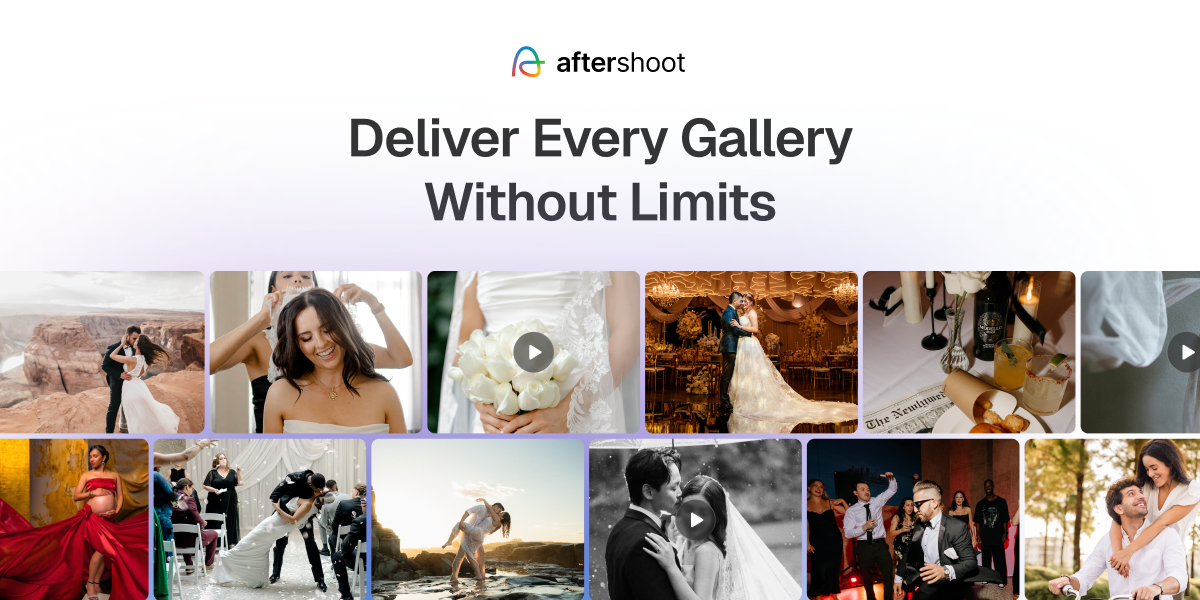
- Unified mixed-media delivery: Host high-resolution photo sets, 4K highlight films, and long-form ceremony recordings within one cohesive client link.
- Direct edit-to-publish workflow: Integrates directly with Aftershoot’s culling and AI editing tools, publishing finished galleries without manual exporting or cloud re-uploading.
- Face Gating and My Photos: Uses facial detection to allow wedding guests to filter the gallery instantly, showing only the images and video clips they appear in.
- Frictionless guest experience: Couples and guests view, favorite, and download media directly in their browser without creating an account.
- Integrated print sales: Connects with pro labs (WHCC, Bay Photo, Atkins Pro Lab) with zero commission on self-fulfilled print sales.
Pricing
- Free Starter tier: Includes 10 GB of photo storage and 1 GB of video storage.
- Paid plans: Start at $15/month (billed annually) with scalable storage pools designed to match growing wedding volumes.
Advantages
- Solves the two-link problem by hosting full photo galleries and high-definition video together in one branded destination.
- Face Gating protects client privacy and stops guests from scrolling through hundreds of photos just to find themselves.
- Free automated migration assistance makes transferring existing client archives from legacy gallery tools simple.
Disadvantages
- Newer delivery platform compared to legacy photo-only hosting services.
- Best value is realized by hybrid shooters who utilize Aftershoot’s wider post-processing ecosystem.
2. OurStoria
Features and Functionalities
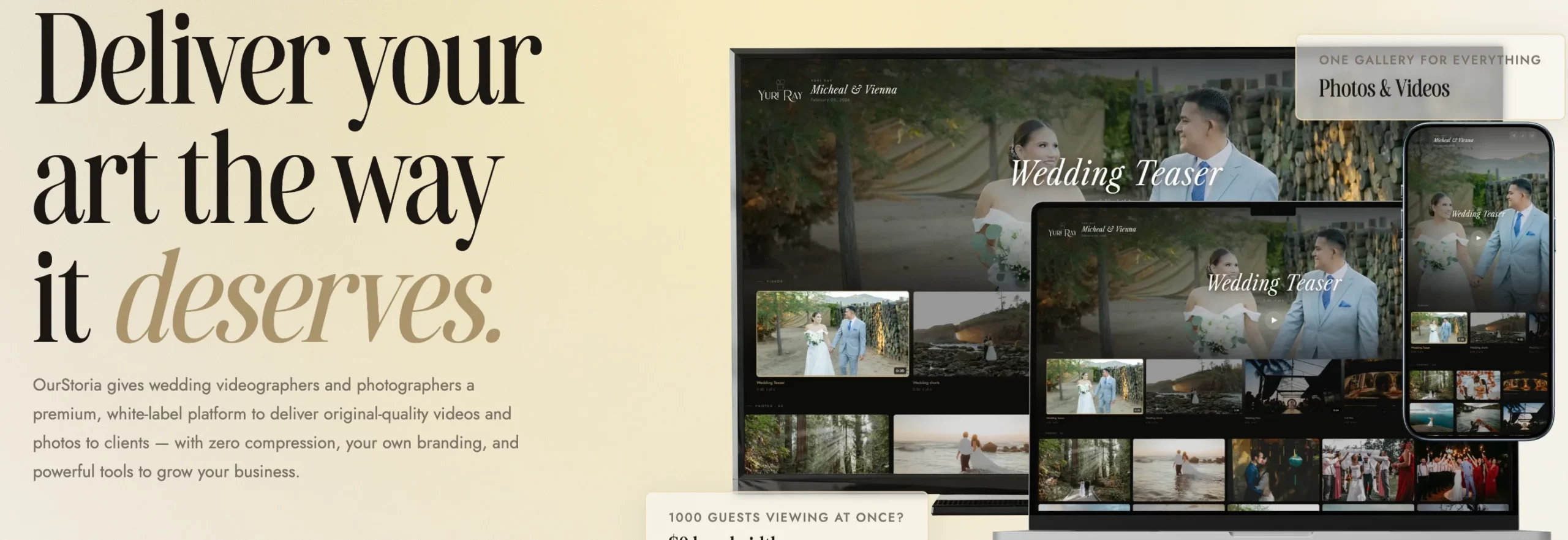
- Original-quality playback: Streams original H.264 MP4 files without aggressive transcoding, delivering sharp 4K playback over a global CDN.
- Separate storage quotas: Allocates dedicated, independent storage buckets for video and photography so media files do not compete for space.
- Lightweight client management: Built-in lightweight CRM features tailored for wedding videographers, including anniversary emails and project tracking.
- Guest upload portals: Allows couples to collect raw smartphone footage and photos from wedding guests directly into the project.
Pricing
- Starter plan: $20.83/month (billed yearly) for 450 GB video storage, 50 GB photo storage, and up to 15 active projects.
- Pro plan: $50/month (billed yearly) for 1.5 TB video storage, 200 GB photo storage, and full white-label branding.
Advantages
- Purpose-built exclusively for wedding filmmakers rather than adapted from generic software.
- Keeps client files at original export resolution without compression artifacts.
- Transparent pricing structure with independent photo and video storage caps.
Disadvantages
- Post-subscription permanence requires paying extra annual project archiving fees.
- Lacks a built-in print storefront or automated e-commerce lab integrations.
- Privacy controls rely on standard link passwords rather than automated guest facial recognition.
3. MediaZilla
Features and Functionalities
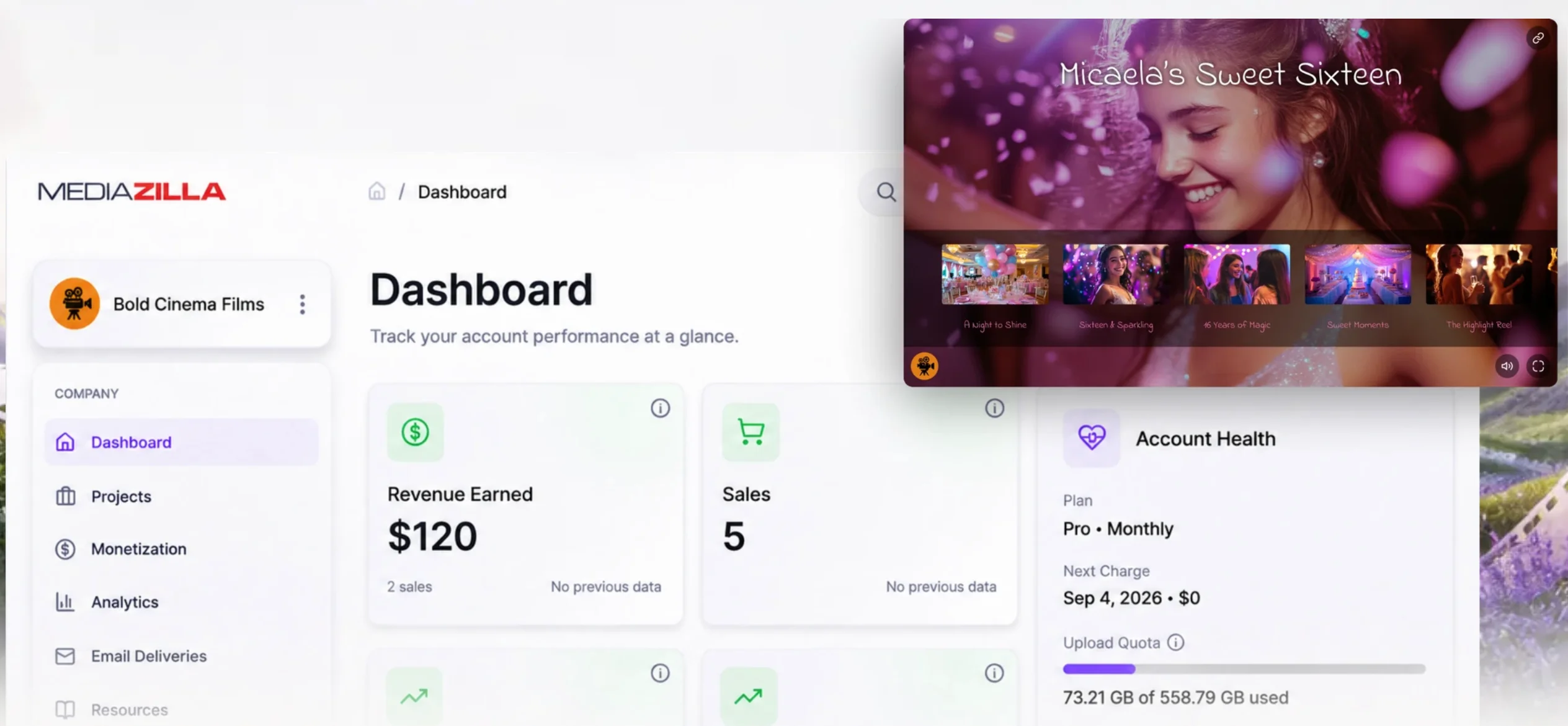
- Interactive menu navigation: Creates a Blu-ray-style interactive streaming experience with customizable chapter menus and scene selections.
- Private recipient delivery: Delivers projects directly to a client’s personal MediaZilla account for lifetime.
- Living room viewing: Native app support across Apple TV, Roku, Fire TV, and iOS/Android devices.
- Dynamic video sales: In-player monetization features that let filmmakers sell extra footage, raw clips, or speeches behind a paywall.
Pricing
- Free tier: Includes 10 GB of upload storage with pay-as-you-go options.
- Starter plan: $21/month billed annually with a 100 GB annual upload quota.
- Pro plan: $51/month billed annually with a 600 GB annual upload quota and engagement analytics.
Advantages
- Interactive chapter menus provide an immersive viewing experience for full ceremony and speech recordings.
- Dedicated Smart TV apps allow clients to stream wedding films in high quality on living room televisions.
- Built-in paywall tools provide upsell opportunities for rehearsal dinner or documentary edits.
Disadvantages
- Primarily built for video delivery; still photo presentation and proofing features are minimal.
- Clients must create or log into a viewer account to access private deliveries.
- Pricing models based on annual upload quotas can feel restrictive for high-volume wedding studios.
4. VidFlow
Features and Functionalities
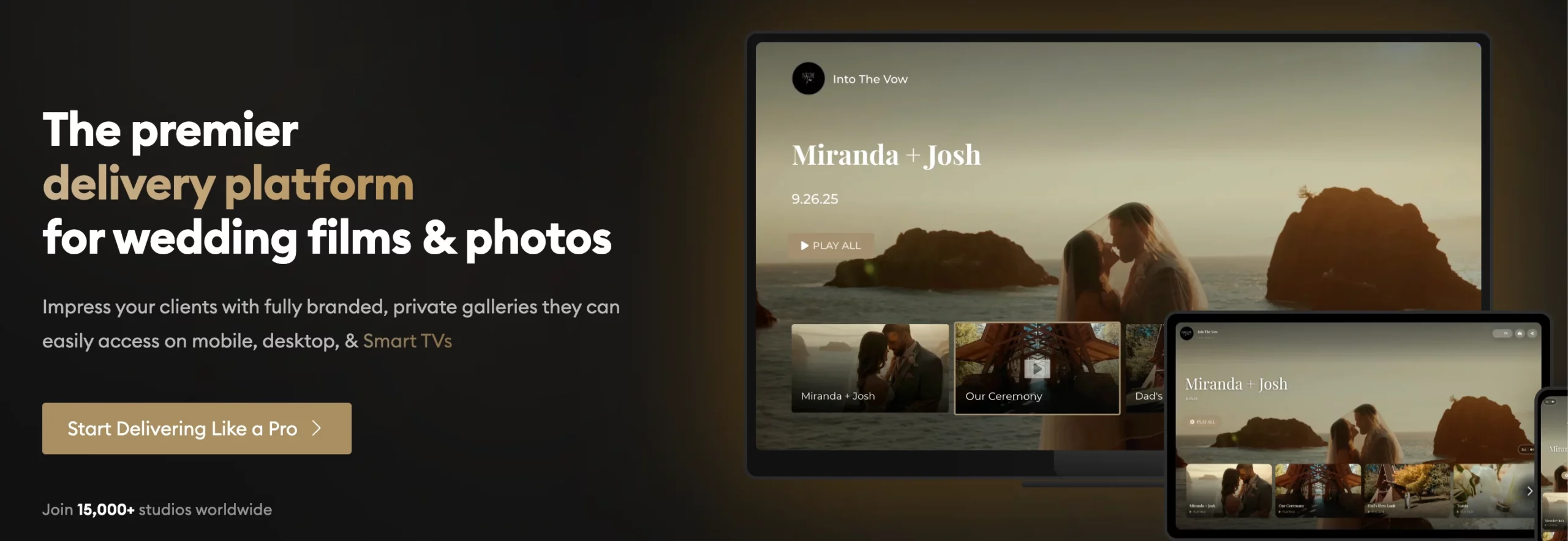
- Cinematic 4K streaming: High-bitrate adaptive streaming built specifically for wedding films and highlight reels.
- Multi-device ecosystem: Dedicated TV apps (Apple TV, Android TV, Fire TV) and mobile playback with zero setup.
- Side-by-side media layouts: Delivers photos and films together in a single branded client interface.
- Flexible buying models: Offers both subscription-free pay-per-wedding credit packs and annual memberships.
Pricing
- Upload Packs (On-Demand): Pay-as-you-go credit bundles starting around $60 (approx. $1.20/GB) with no ongoing storage subscriptions. The 100 GB plan is priced at $110.
Advantages
- On-demand upload packs are ideal for filmmakers who want to pay per wedding without recurring monthly commitments.
- Polished, cinematic presentation with custom domain support and white-label branding.
- Smooth playback across Smart TVs makes living-room viewing effortless for couples.
Disadvantages
- Unlimited annual memberships (79–165/month) represent a significant cost investment compared to alternatives.
- Credit-pack model can get expensive for filmmakers delivering multiple long-form multi-camera edits per event.
- Still photography tools lack advanced lab-integrated print sales engines.
5. Gallerio
Features and Functionalities
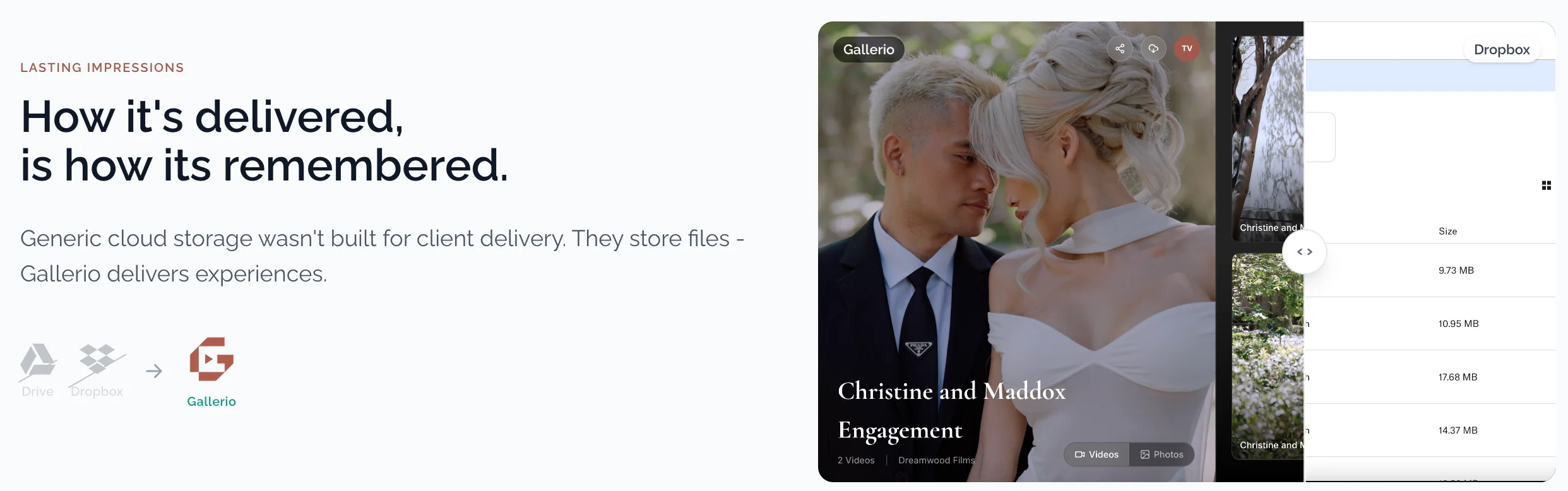
- Purpose-built hybrid engine: Engineered from the ground up to host large 4K films alongside full still photo galleries.
- Home cinema casting: Native AirPlay and Chromecast support allowing clients to stream films straight to televisions without requiring custom TV app downloads.
- Uncapped file handling: Accommodates full-length ceremony recordings and feature films without file-size limits or revision fees.
- Studio white-labeling: Links galleries to your custom subdomain and removes platform badging.
Pricing
- Starter plan: From $11/month (billed yearly).
- Higher storage tiers: Scale from $18/month (billed yearly) up to $46/month (billed yearly) for high-volume hybrid studios.
Advantages
- Exceptional hybrid presentation that displays photo sets and cinematic films side by side with equal prominence.
- No forced compression, allowing clients to stream and download files at their exported master fidelity.
- Direct browser casting eliminates the friction of navigating app store downloads on third-party devices.
Disadvantages
- Lacks the automated print marketing sequences and lab fulfillment networks of legacy photo platforms.
- Access security relies on standard passwords without facial recognition filtering for guests.
- A newer tool in the market with fewer integrations into broader CRM ecosystems.
The Bottom Line: Choosing the Right Platform for Your Studio
Choosing a wedding video delivery platform comes down to the kind of experience you want your clients to have when they open their final delivery:
- If you want interactive Blu-ray style menus and TV apps: MediaZilla provides an immersive, chaptered viewing experience for full-length wedding ceremonies.
- If you prefer paying per wedding rather than monthly: VidFlow offers flexible on-demand upload packs with dedicated Smart TV playback.
- If you need a lightweight videography CRM alongside delivery: OurStoria combines project milestone tracking with uncompressed video hosting.
- If you want simple hybrid photo and film casting: Gallerio offers uncompressed streaming and effortless TV casting via AirPlay and Chromecast.
- If you want a complete workflow from culling to delivery with guest privacy: Aftershoot Galleries bridges the gap between post-production and delivery, letting you publish 4K films and photo sets straight from your editing catalog while using Face Gating to keep private wedding moments secure.
Consolidating your client handoff into a single, wedding-built platform eliminates extra export steps, prevents client confusion over multiple links, and ensures your films look as stunning in a couple’s living room as they did on your edit timeline.
FAQs for Best Wedding Video Delivery Platforms
1. What is the difference between a video delivery platform and a video hosting platform?
Video hosting platforms like Vimeo or YouTube focus on broad storage and web embedding. Dedicated delivery platforms provide client-facing presentation, studio branding, download controls, and integrated photo support specifically tailored for client deliverables.
2. Can I deliver wedding photos and video in the same gallery?
Many traditional photo gallery tools treat video as an expensive add-on or omit video support entirely. Aftershoot Galleries natively supports photo collections, highlight reels, and long-form video files within a single branded gallery.
3. How can I restrict wedding guests from viewing private gallery photos?
Standard gallery passwords unlock access to every file simultaneously. Aftershoot Galleries uses Face Gating to match facial profiles, allowing guests to view only the specific photos and video moments they appear in.
4. Will my video lose resolution when uploaded for client delivery?
Compression depends on platform architecture. Certain services heavily compress uploads for web streaming, reducing sharpness on 4K televisions. Aftershoot Galleries supports full-resolution playback and original-quality downloads without forced compression.
5. Do wedding clients need an account to view or download their gallery?
Well-designed delivery platforms allow clients to view, share, favorite, and download media directly in their browser without registering an account or remembering login credentials.
6. How much does a wedding video delivery platform typically cost?
Category pricing ranges from free starter plans with storage caps to $40+ per month for unlimited storage and custom branding. Aftershoot Galleries offers a free Starter tier with 10 GB of photo storage and 1 GB of video storage, alongside scalable paid storage plans.
7. Can I use a wedding video delivery platform if I photograph weddings and work with external filmmakers?
Yes. Photographers coordinating joint packages can upload the filmmaker’s finished video files directly alongside their edited photo collections, providing the couple with a single unified gallery link.
8. Can I migrate my existing client galleries to Aftershoot Galleries for free?
Yes. Aftershoot provides free automated migration assistance for photographers switching from legacy platforms like Pixieset, Pic-Time, and ShootProof. Your past wedding collections, client deliverables, and gallery archives can be transitioned smoothly without forcing you to re-upload years of work manually or rebuild client links from scratch.