
Free AI Skin Retouching App
No more plastic skin or endless edits. Get skin retouching that looks natural, in minutes with AI precision.
Loading..
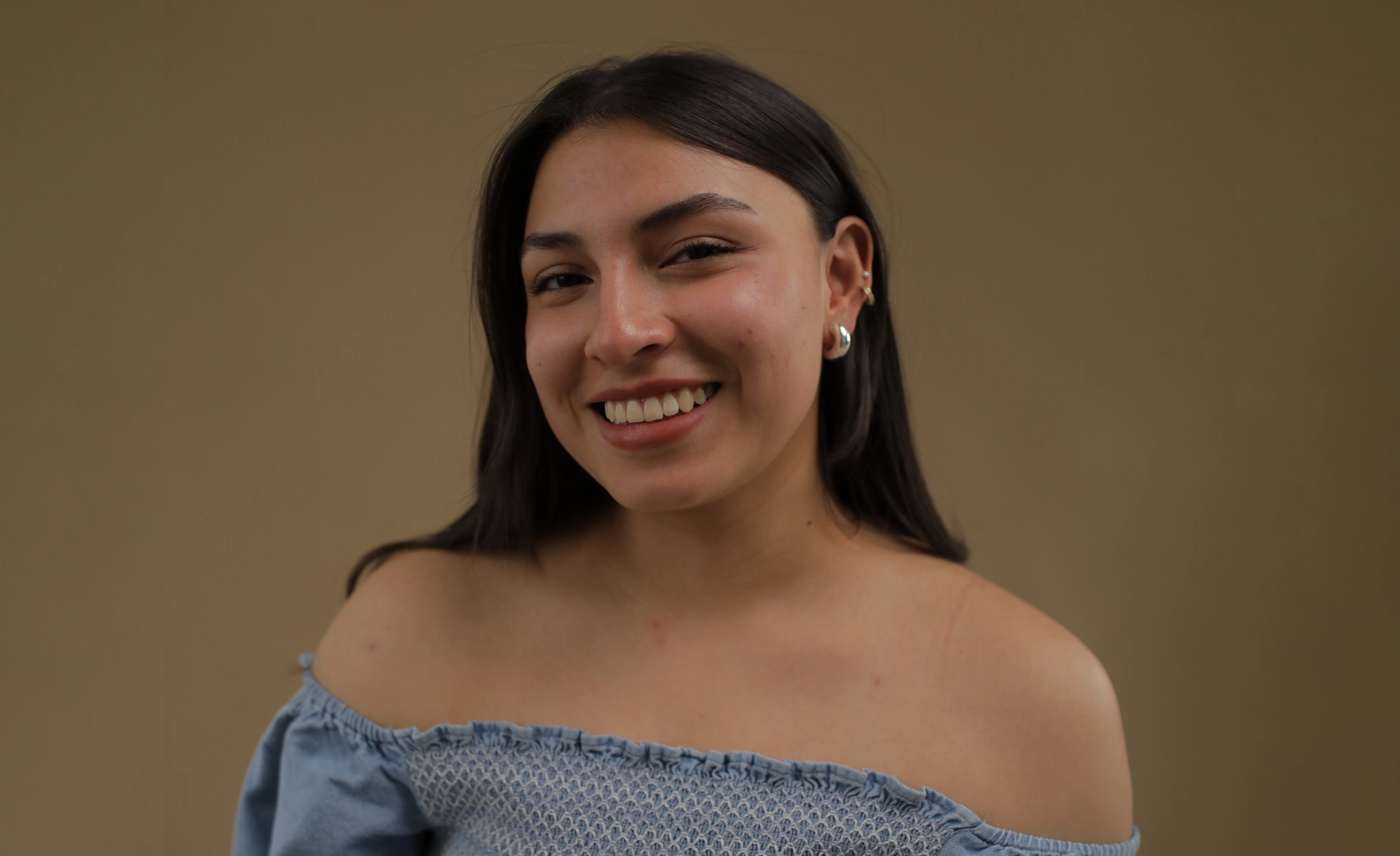
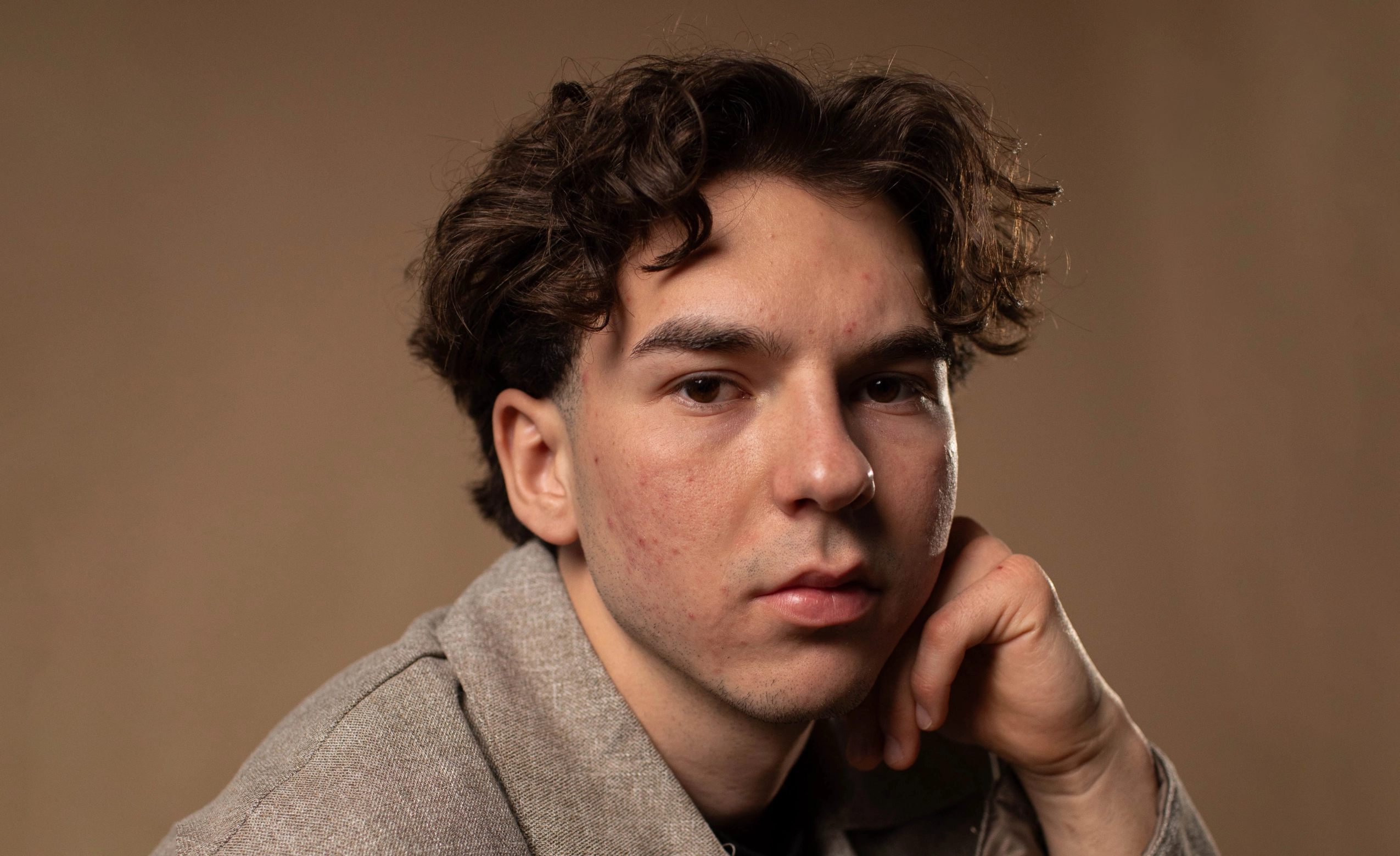
No image? Try with one of these
0 of 3 free retouches used
As seen in




AI Skin Retouching That Looks Like Real Skin
Over-Smoothed Edits Are Killing Your Portraits
Manual skin retouching takes forever, and one wrong move can make everything look plastic. Uneven skin tone, temporary blemishes, and harsh lighting all demand attention, but over-smoothing the texture and you’ve lost what makes the portrait feel real.
Natural Skin, Not Plastic Perfection
Retouch skin automatically while preserving texture, tone, and character. Deliver polished portraits in minutes, not hours.

AI That Sees What Needs Fixing
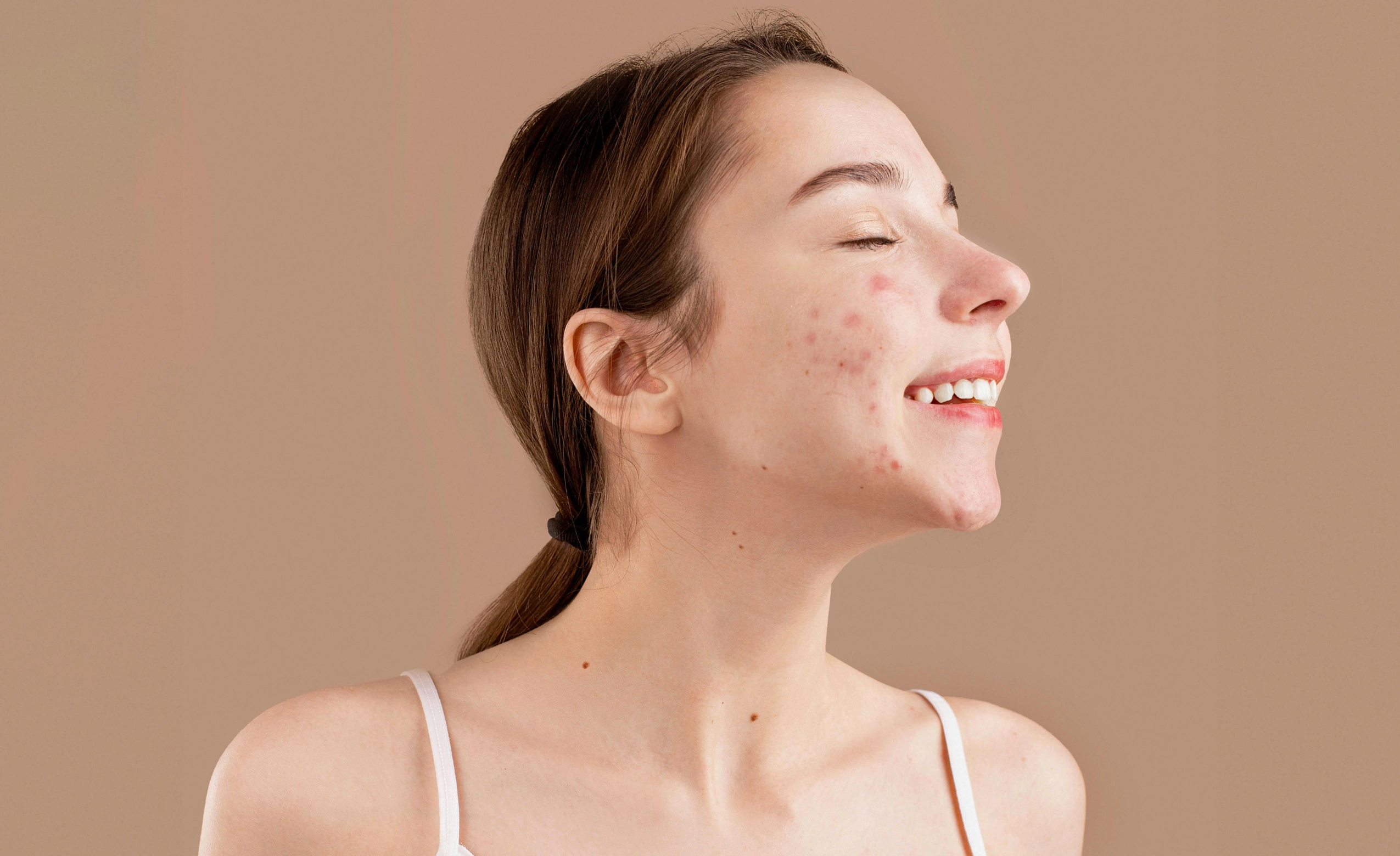
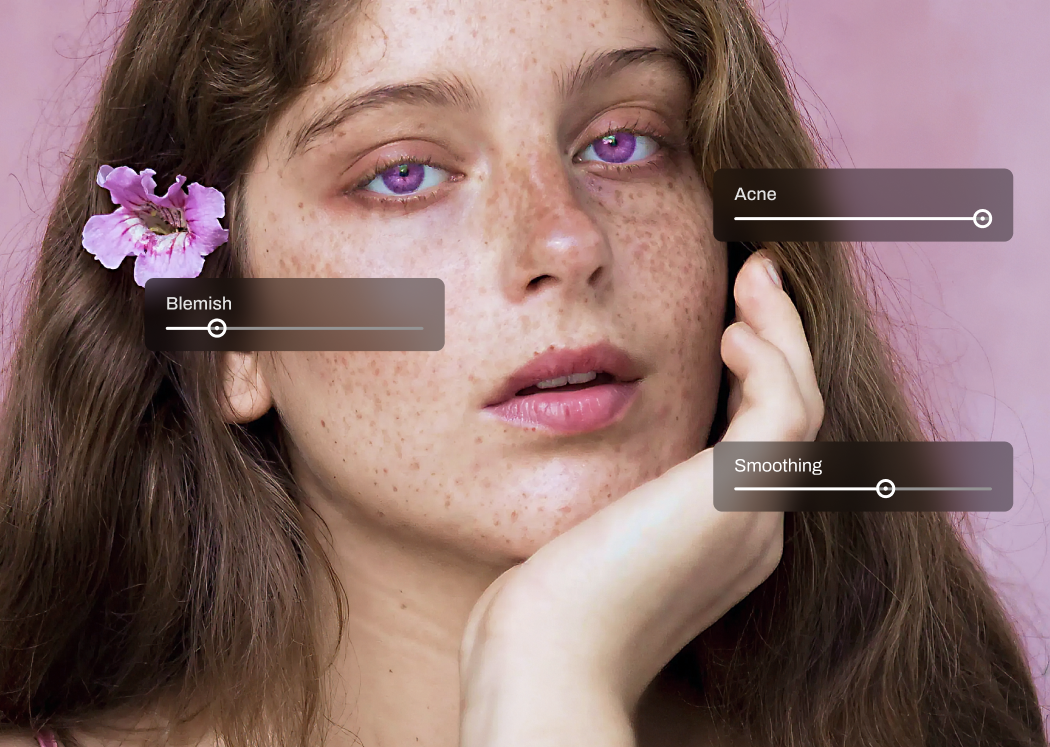
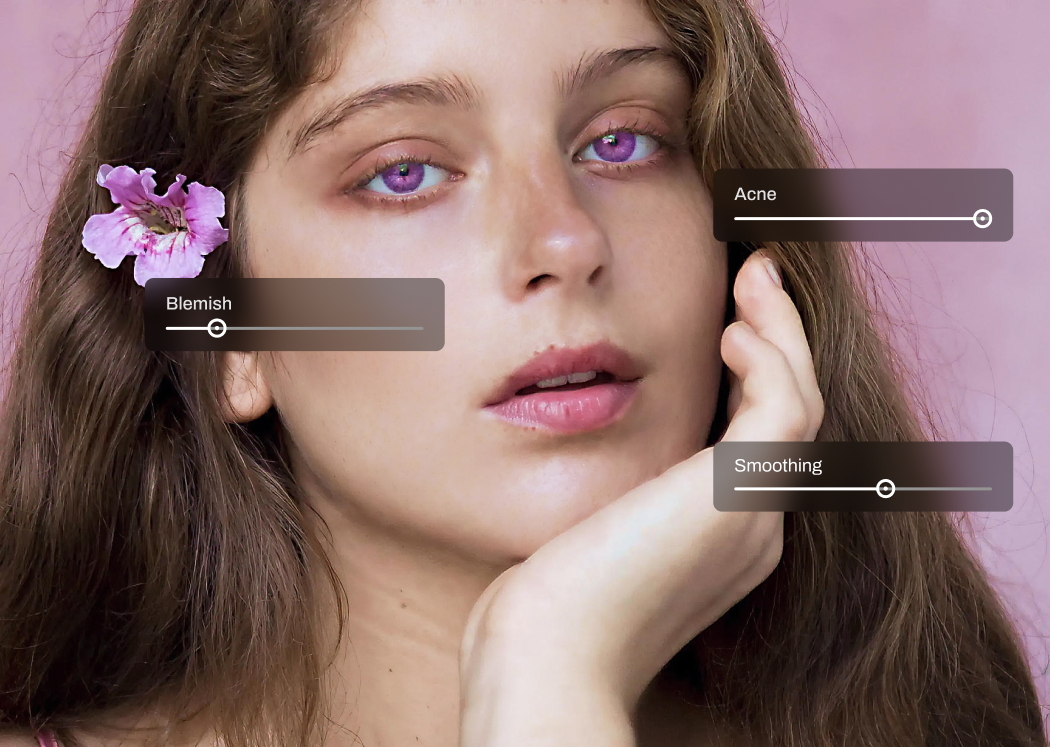
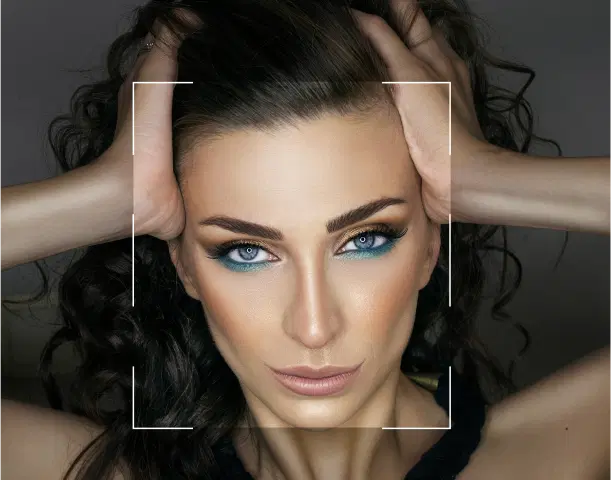
Aftershoot’s AI analyzes your photo holistically. It identifies faces, evaluates skin tone and texture, and then zooms in on temporary imperfections like blemishes, uneven patches, and acne. No blanket smoothing. Just targeted corrections where they’re needed.
Fixes Problem Areas, Leaves Everything Else Alone
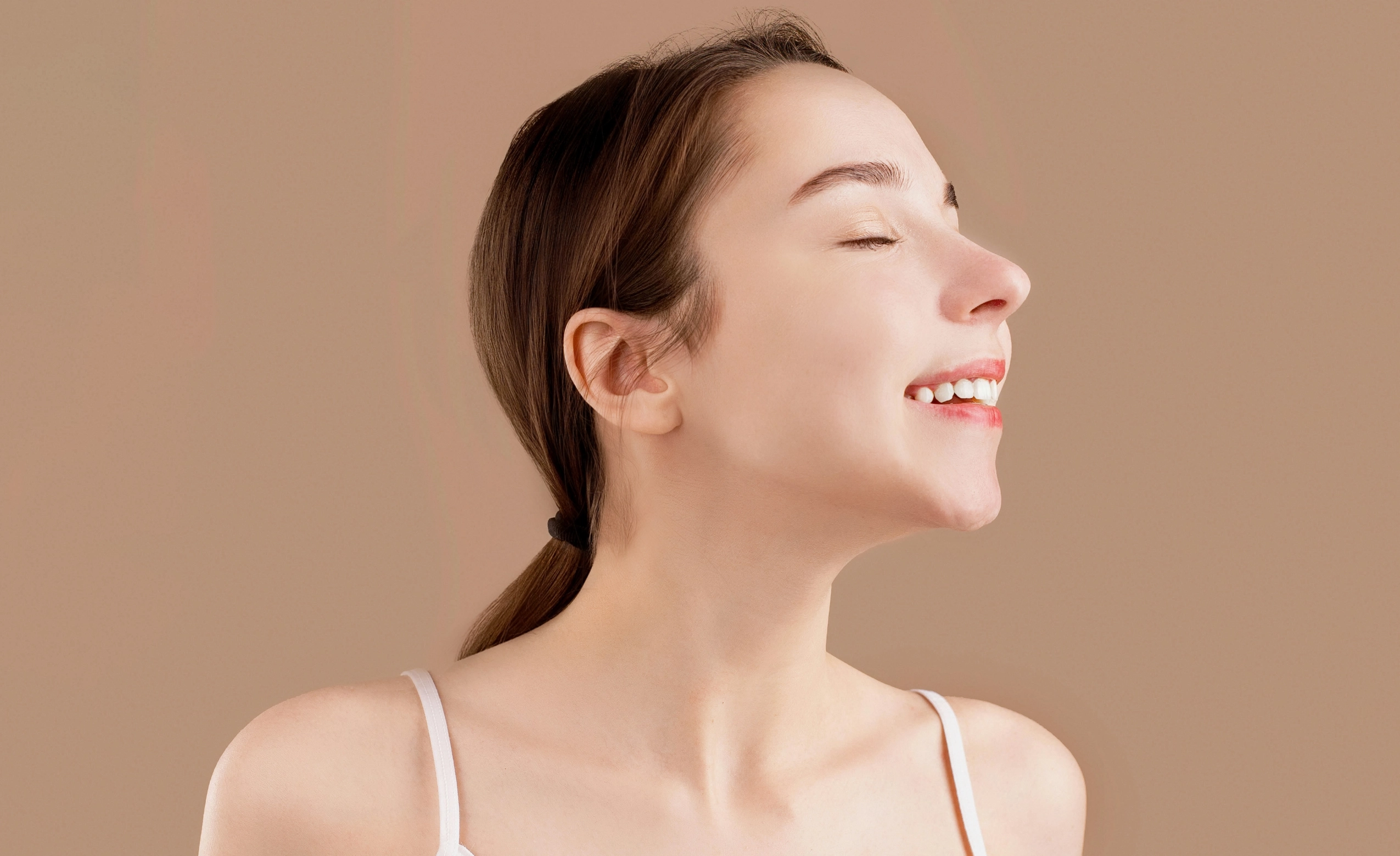
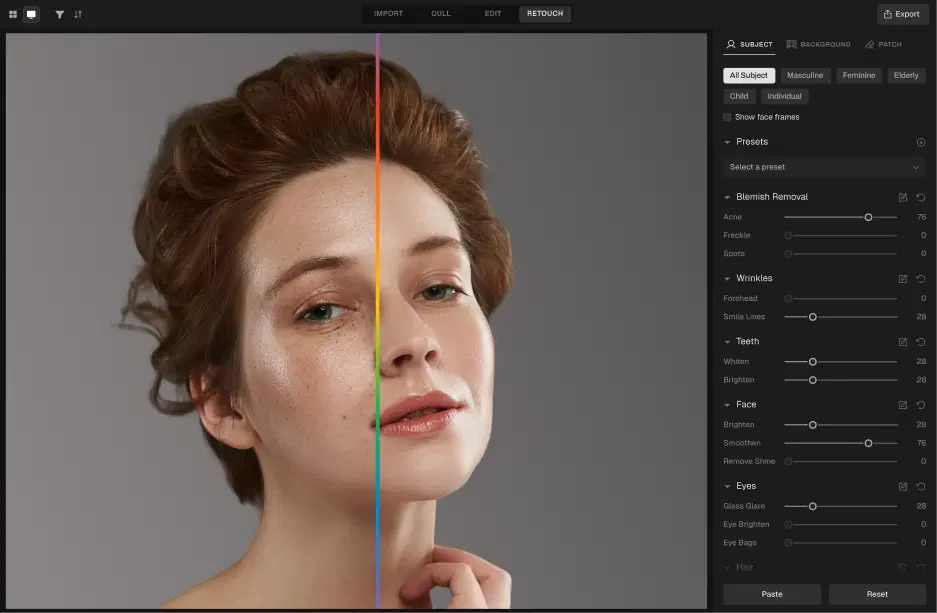
Once detected, the AI selectively retouches problem areas, reducing temporary blemishes, while leaving natural pores and skin texture completely untouched. The result looks intentional, not filtered.
Natural Skin Texture Stays Intact
Our AI preserves natural skin texture, pores, and tone, so results look like polished reality, not an airbrushed fantasy. You get complete control of the intensity you want, from subtle cleanup to stronger corrections. Your style, your call.
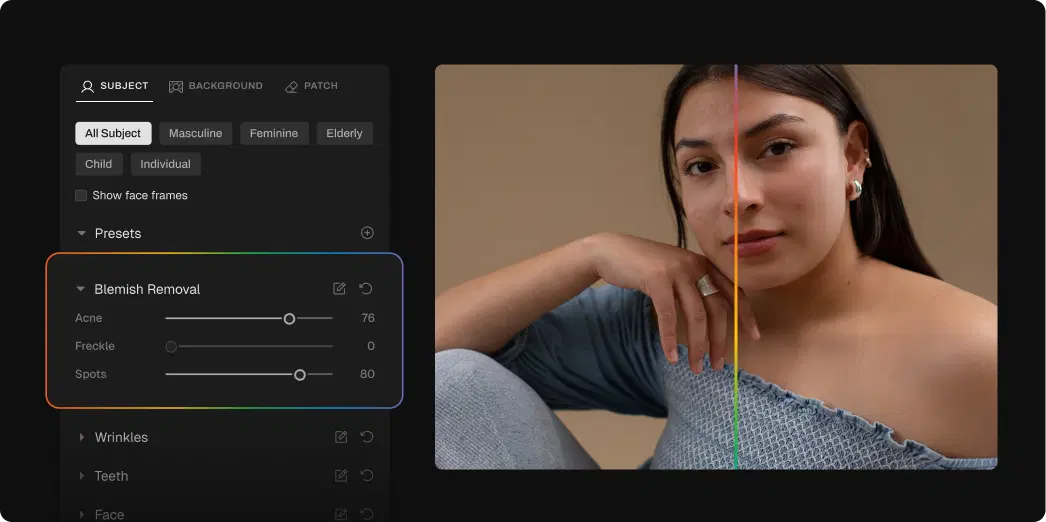
How to Retouch Skin in 3 Steps

Upload Photos
Add your gallery (RAW or JPEG)

Adjust the Retouching Slider
Go to Retouching, select Blemish Removal, and adjust the slider for subtle or polished results

Export Album Instantly
Preview and export to view final results
Go Beyond Skin Retouching
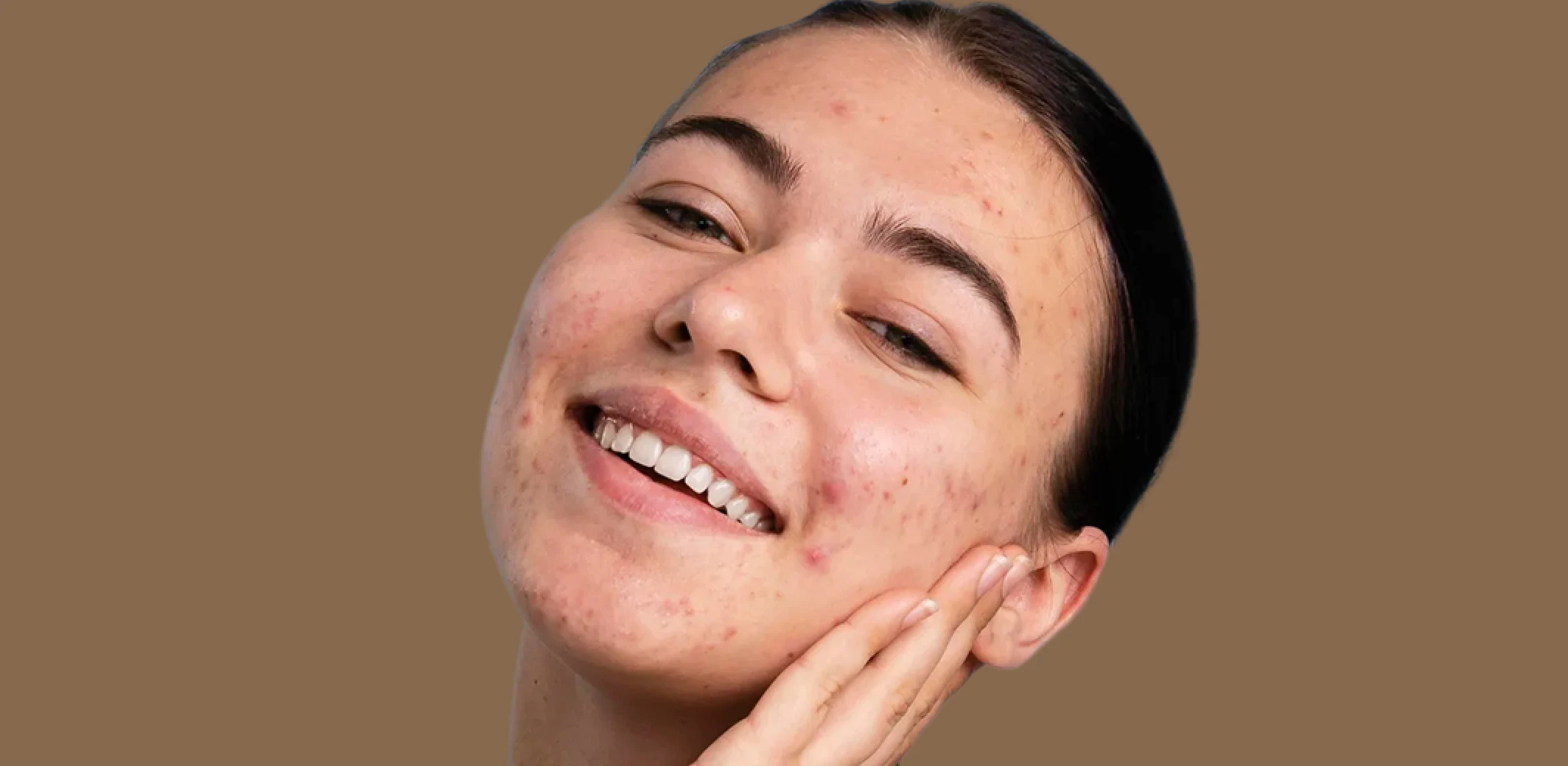
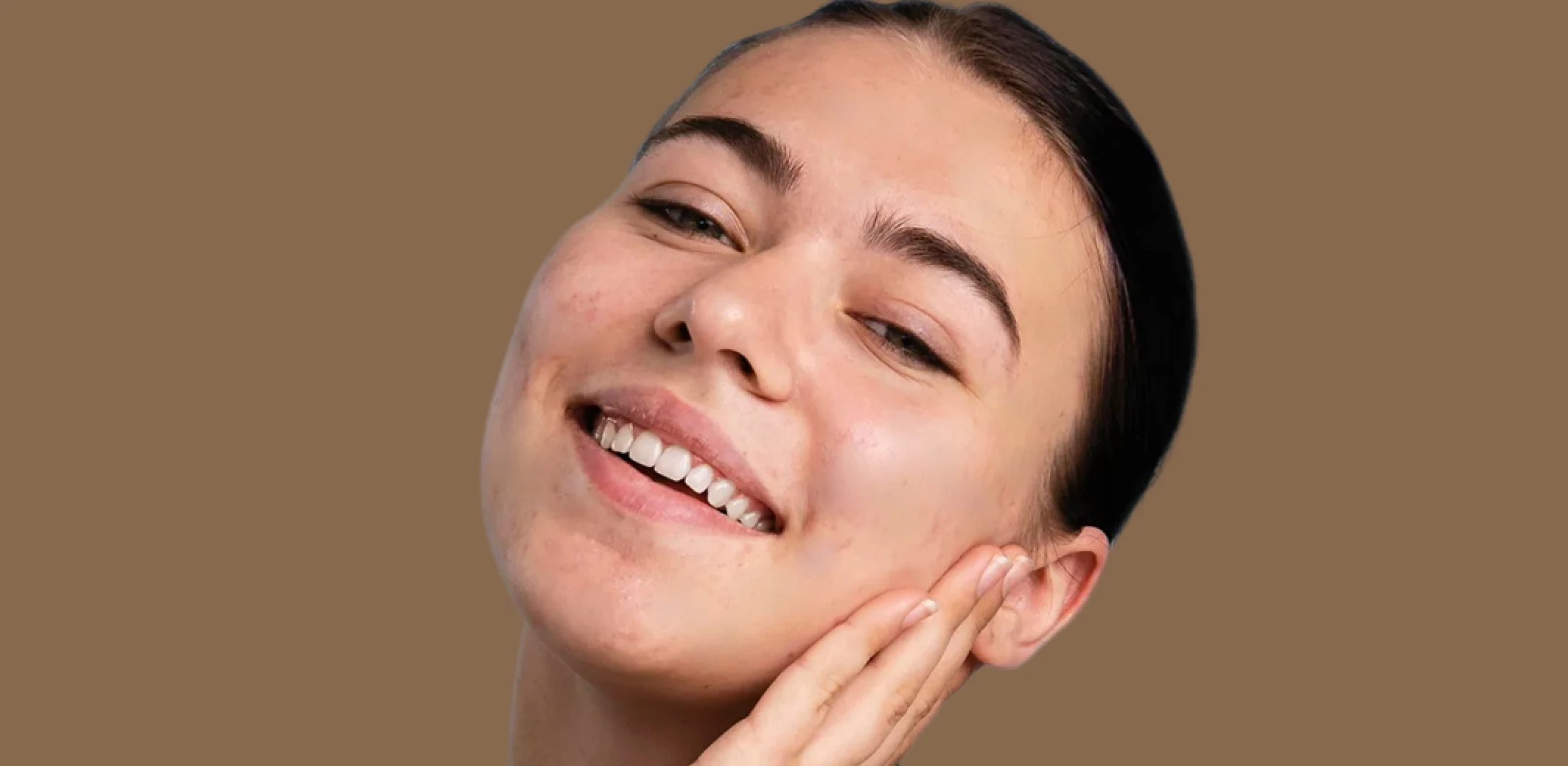
Blemish Remover
Remove temporary blemishes and spots while preserving natural skin texture and tone.
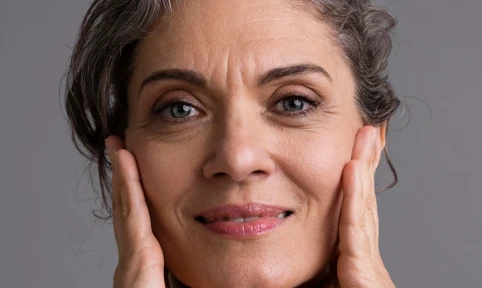
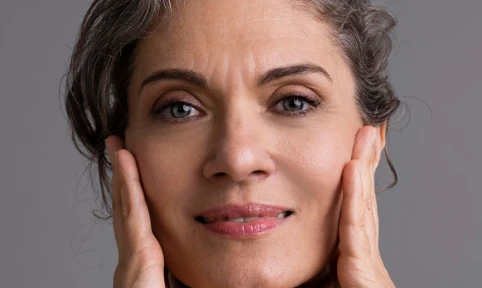
Wrinkle Remover
Soften wrinkles and fine lines with adjustable intensity while maintaining natural skin texture and character.
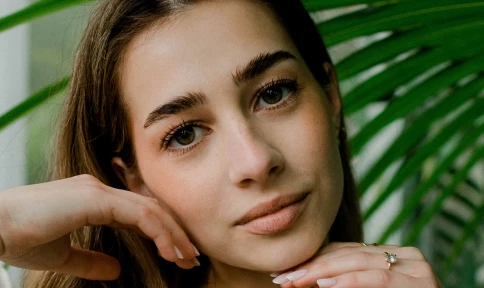
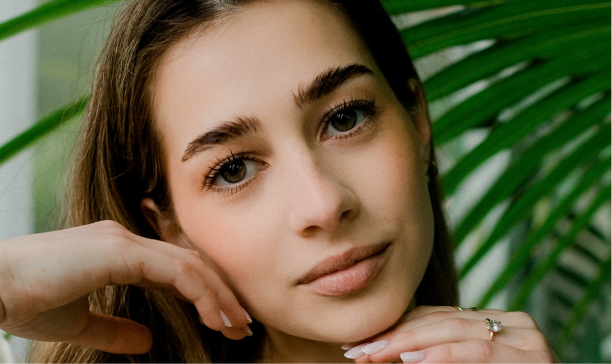
Face Pop
Enhance facial clarity, presence, and sharpness without over-processing or altering natural features.
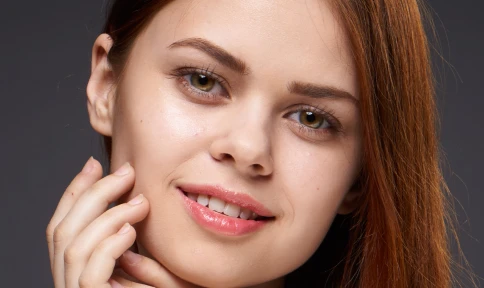
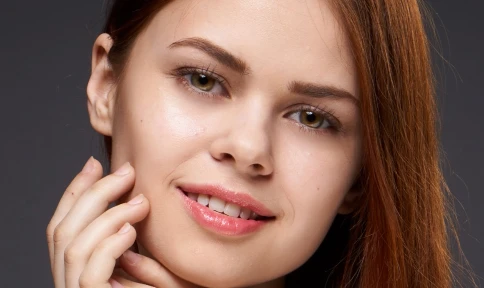
Eye Bag Remover
Reduce under-eye puffiness and shadows while keeping natural expression and skin texture intact.
Made for All Moments


.png&w=48&q=75)


School & Team Sport
Hundreds of faces, one consistent finish.
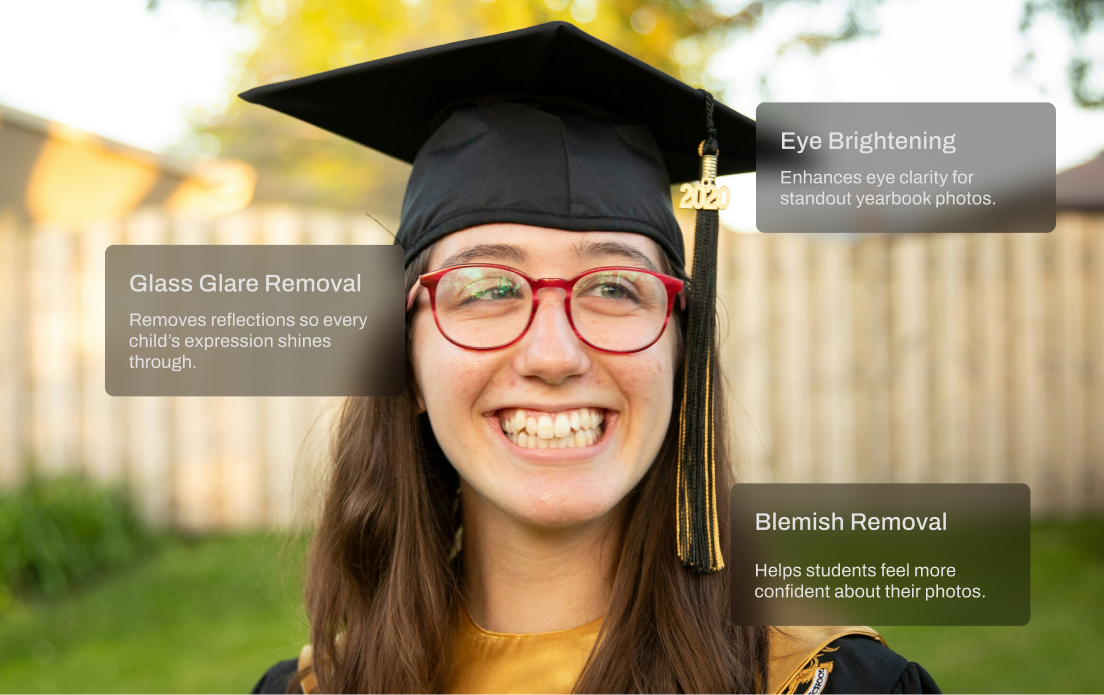
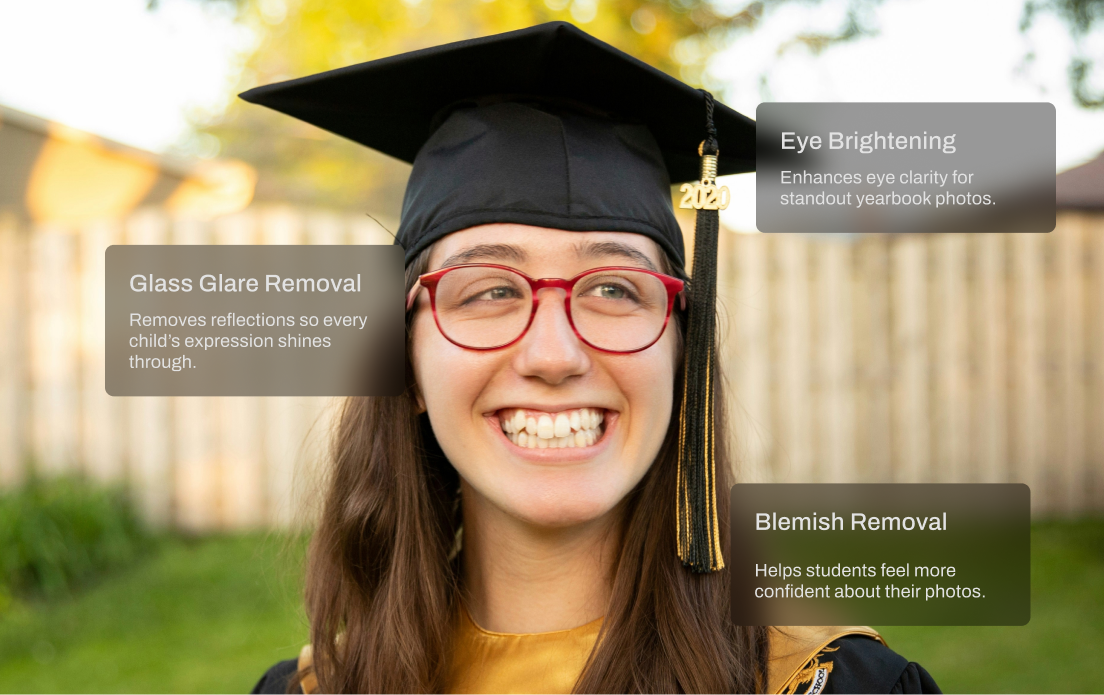
School and team photo days are fast-paced and high-volume. You’re dealing with glare from glasses, inconsistent lighting, messy hair, and hundreds of files to deliver on tight deadlines. Aftershoot speeds things up with smart batch retouching that handles the heavy lifting. Even out skin tones, reduce glare, and clean up every shot in minutes so your final gallery looks polished and ready to print.
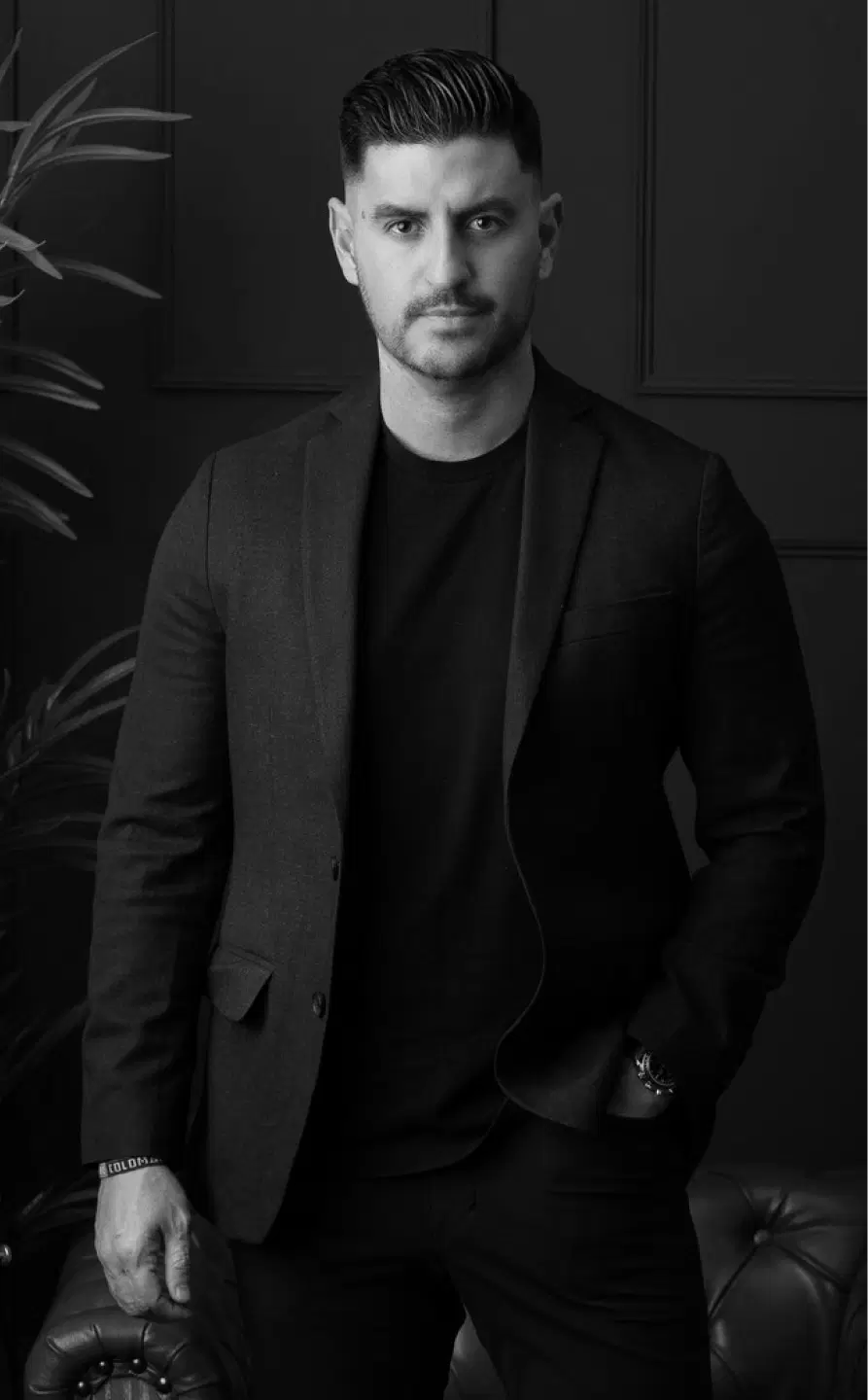
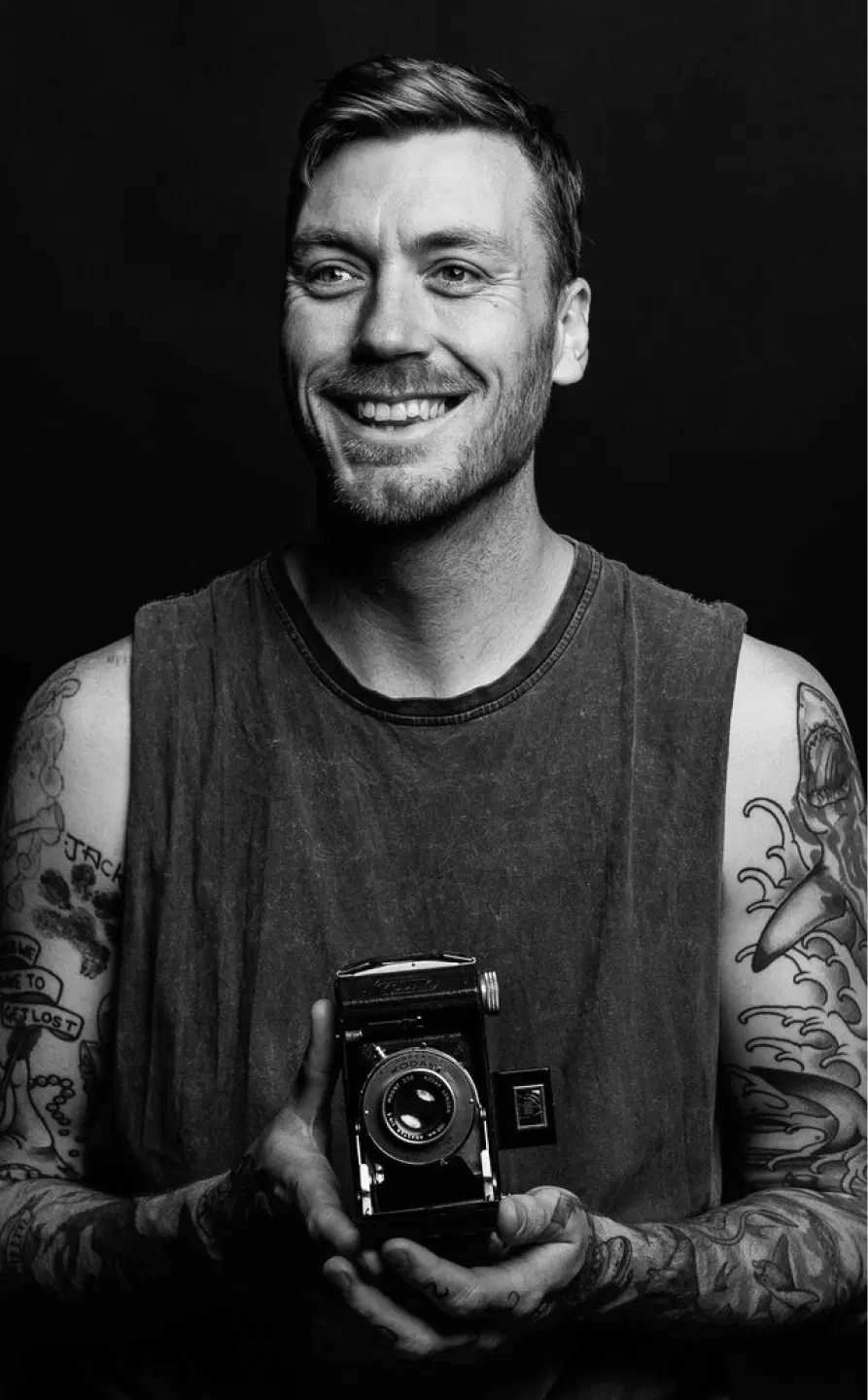
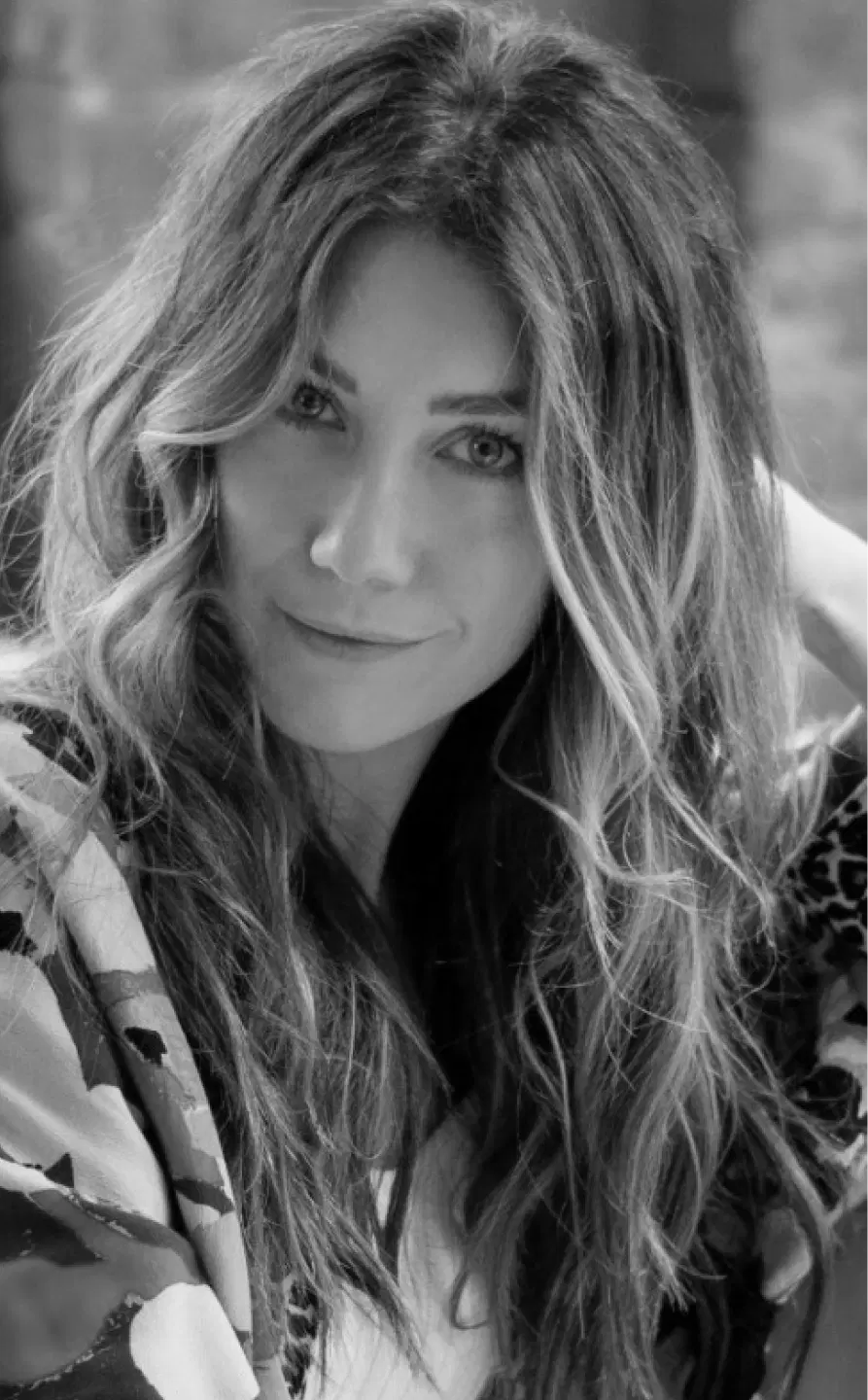
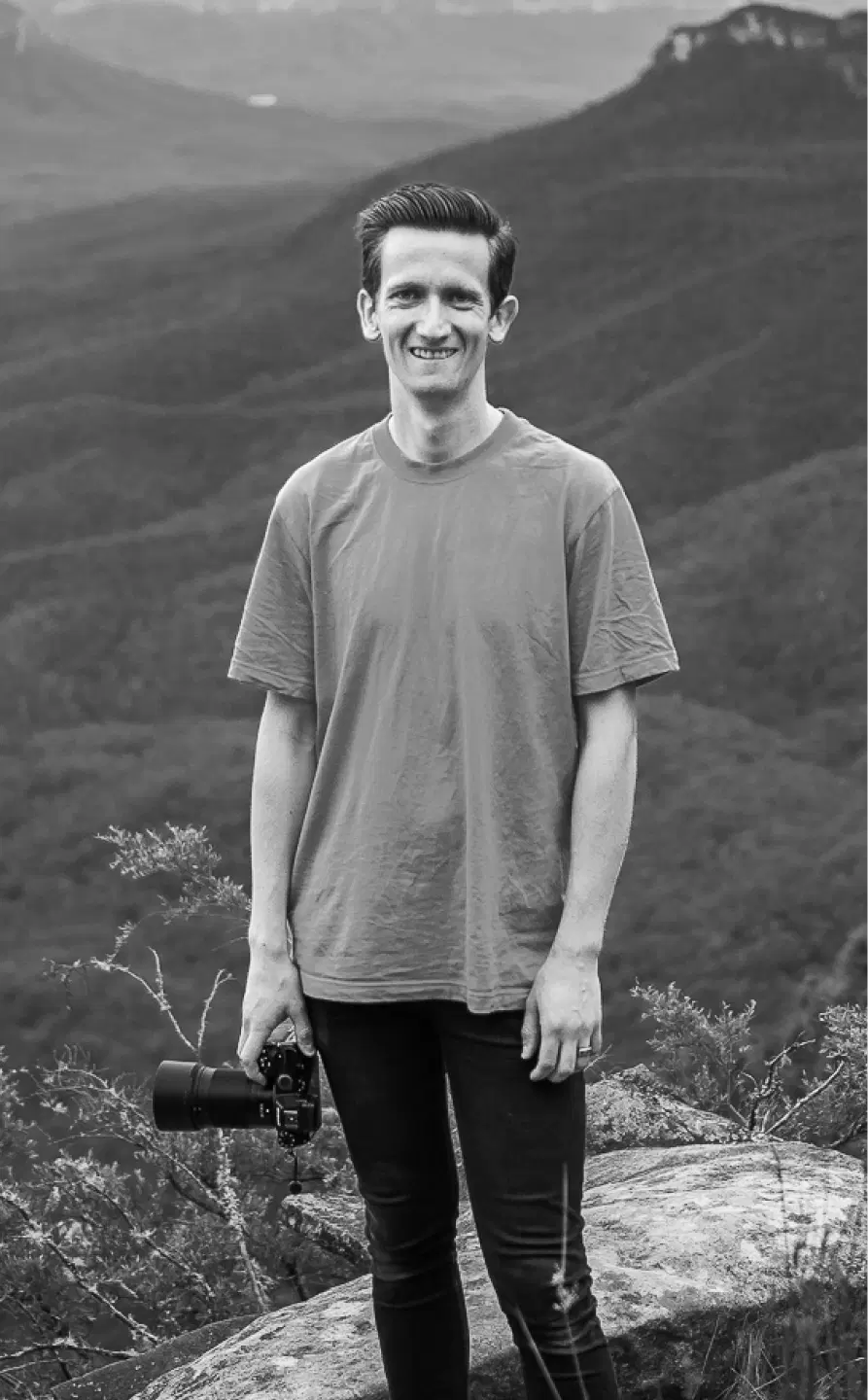
AI Retouching, Trusted by the Pros
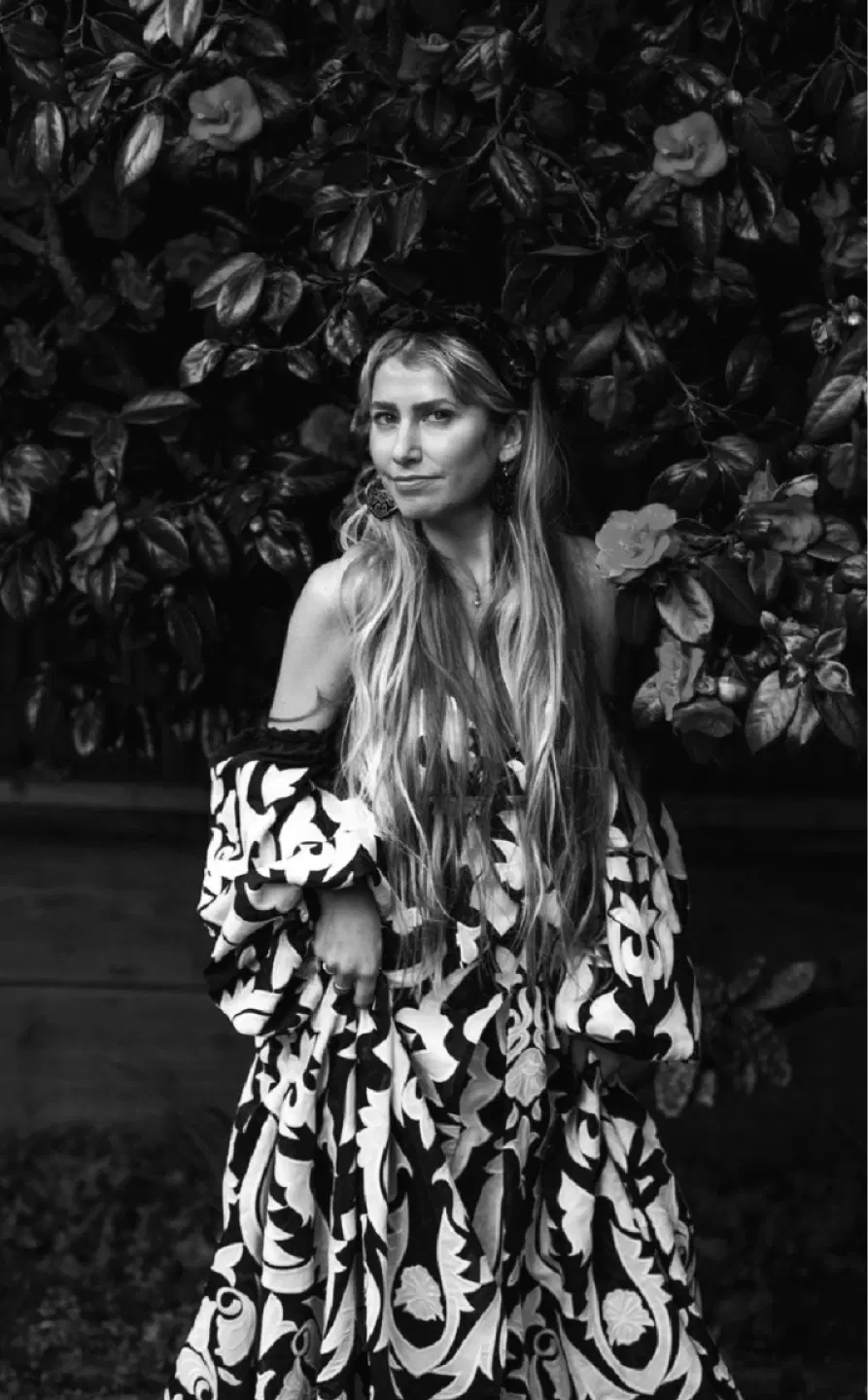
Top photographers rely on Aftershoot to streamline their workflow and achieve stunning results.
Ready to Retouch Your Skin Instantly?
-(1).webp&w=3840&q=75)