Aftershoot Vs Retouch4me
Why Use Multiple Apps When One Does It All?
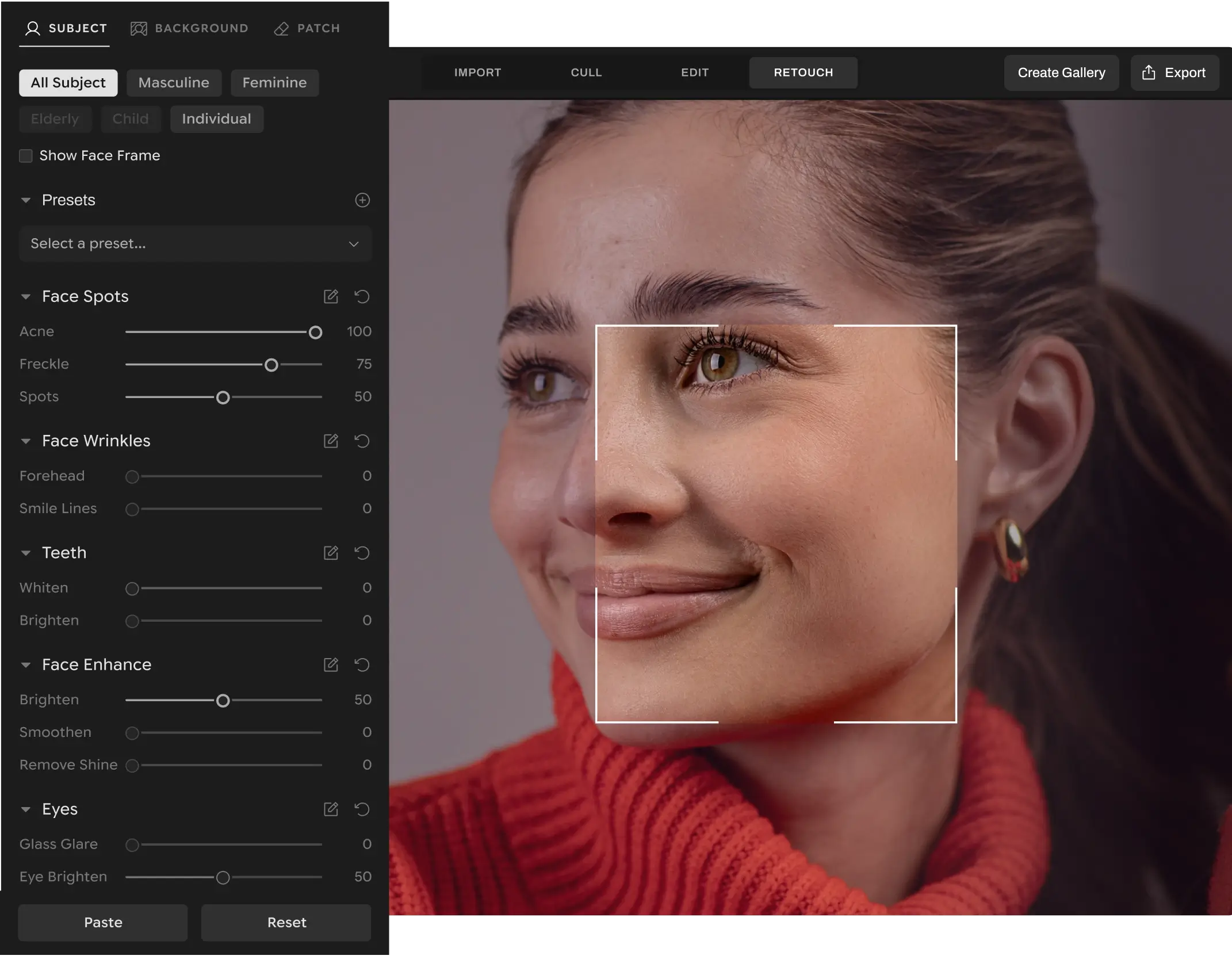
Forget juggling between plugins, hidden fees, and retouching limits. Aftershoot’s AI Retouching allows photographers to enjoy a seamless, AI-powered workflow that delivers natural results, total creative control, and unlimited volume, all for one flat fee.
Full Access for 30 days | No credit card | No per-image fees
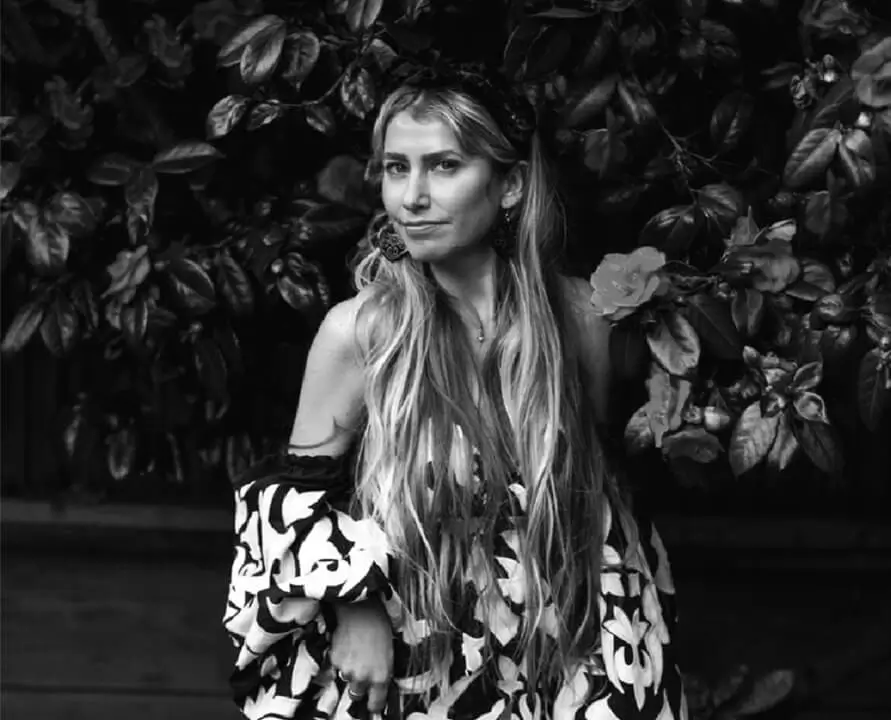
Lilly Red
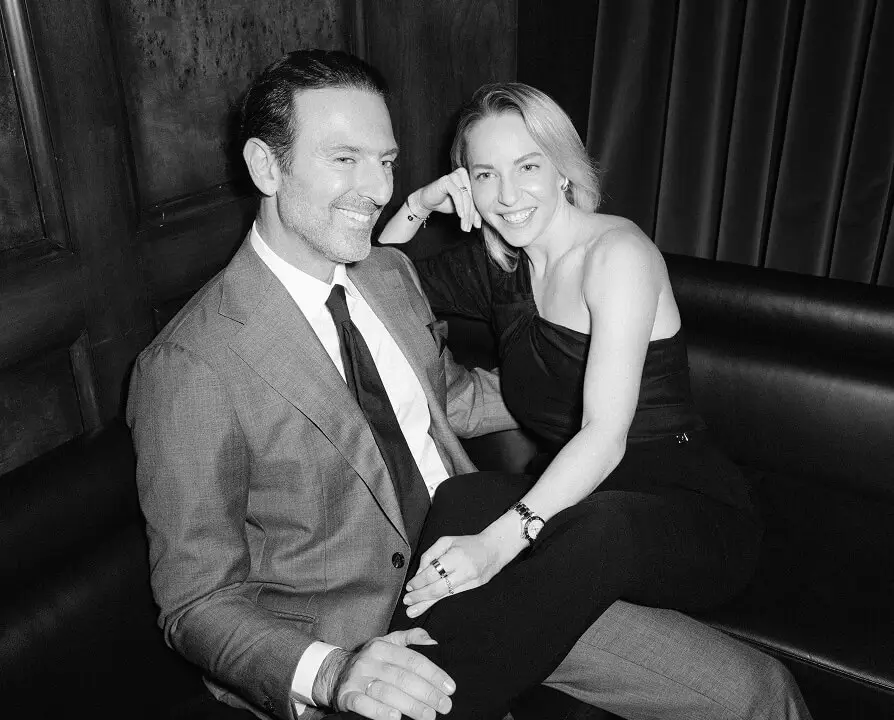
Anna & Thanos
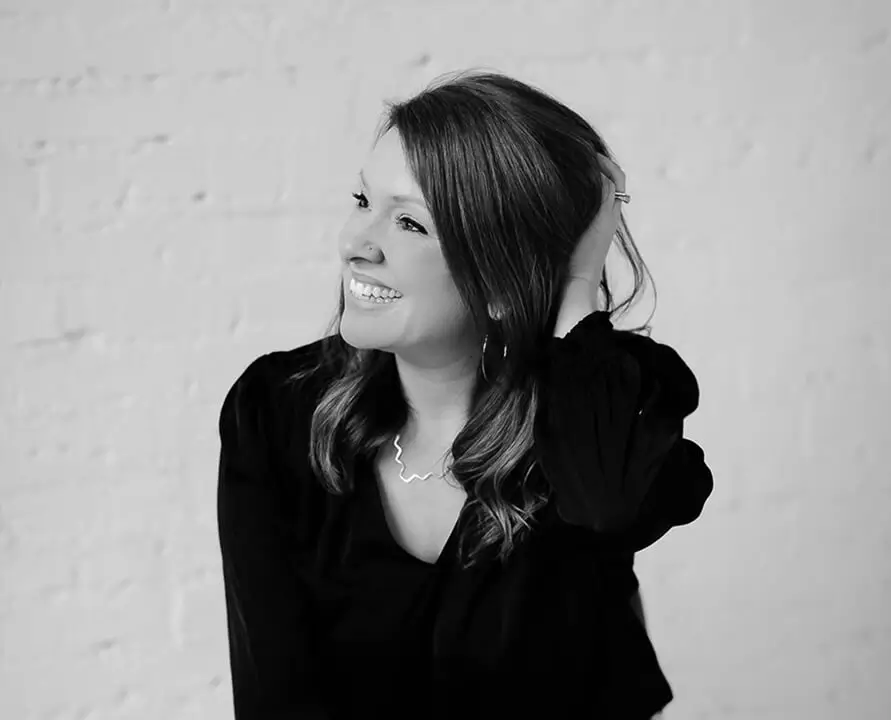
Katie Monroe
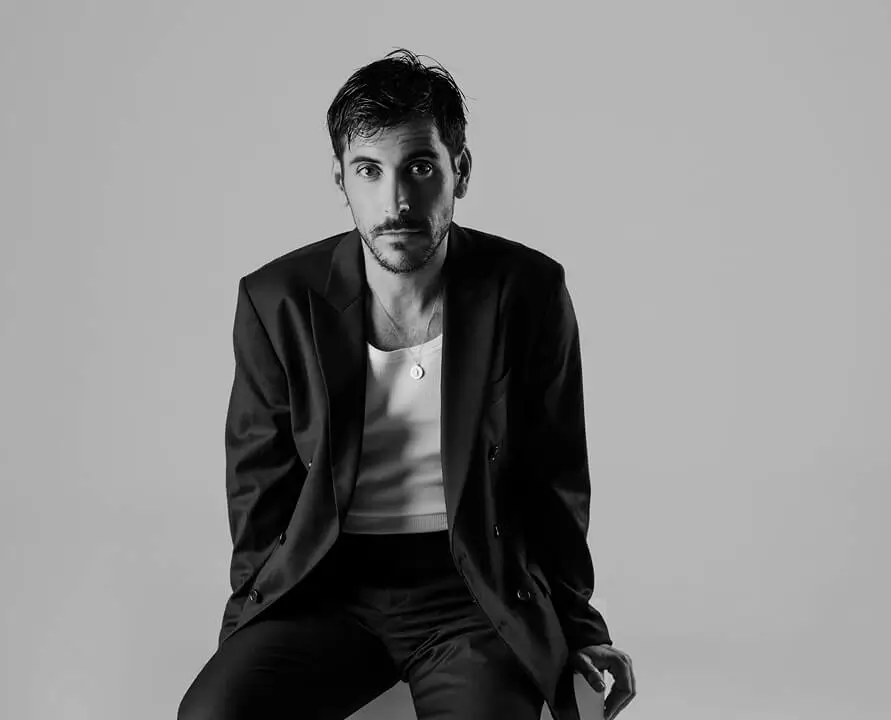
Joy Zamora
Esteban Gil
Cassidy Lynne
Multiple Plugins Slowing You Down?
Here’s Why Pros Choose Aftershoot To Retouch
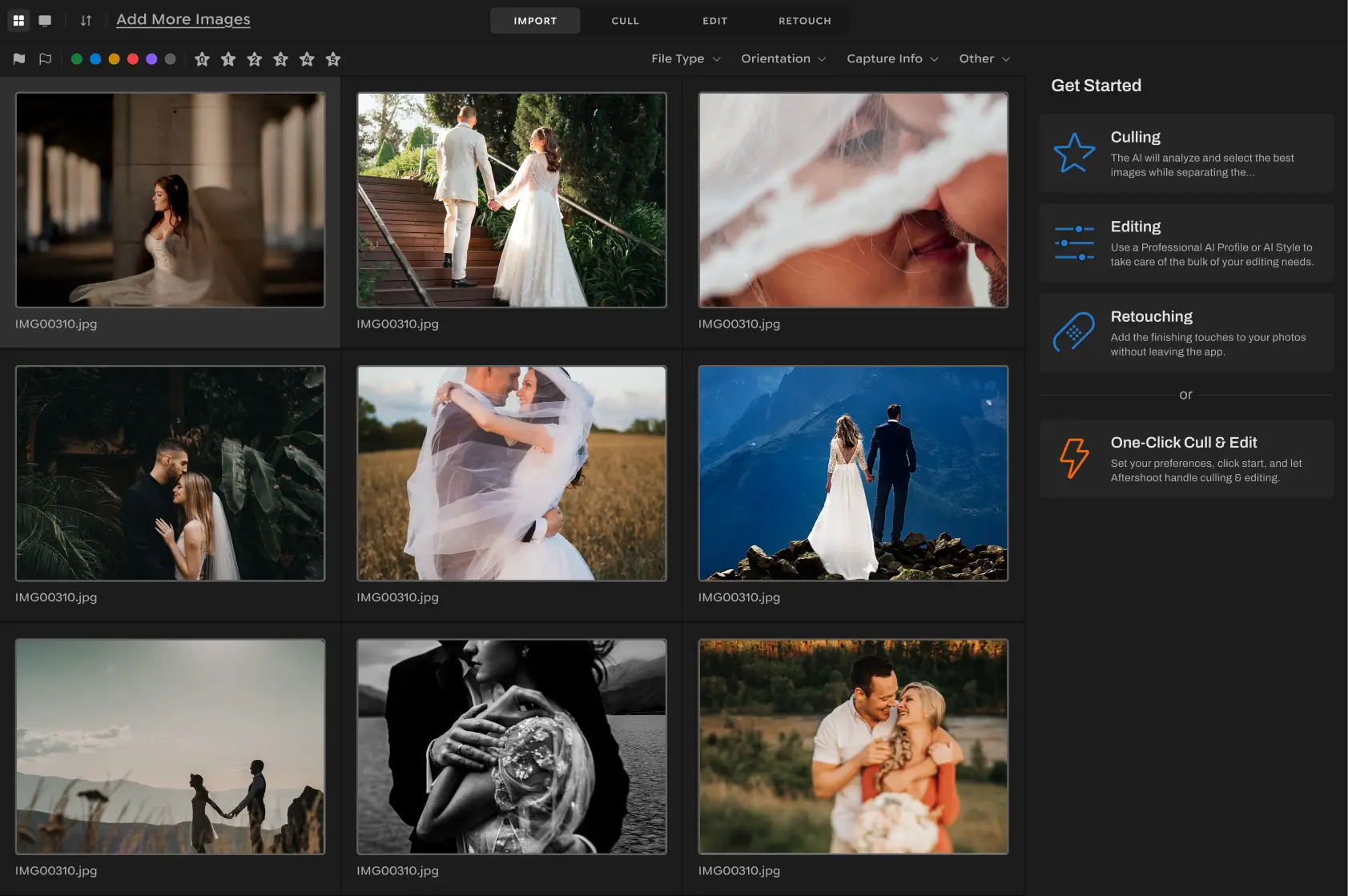
An All-In-One AI Workflow
Cull, Edit, and Retouch inside one AI platform built to simplify your workflow.
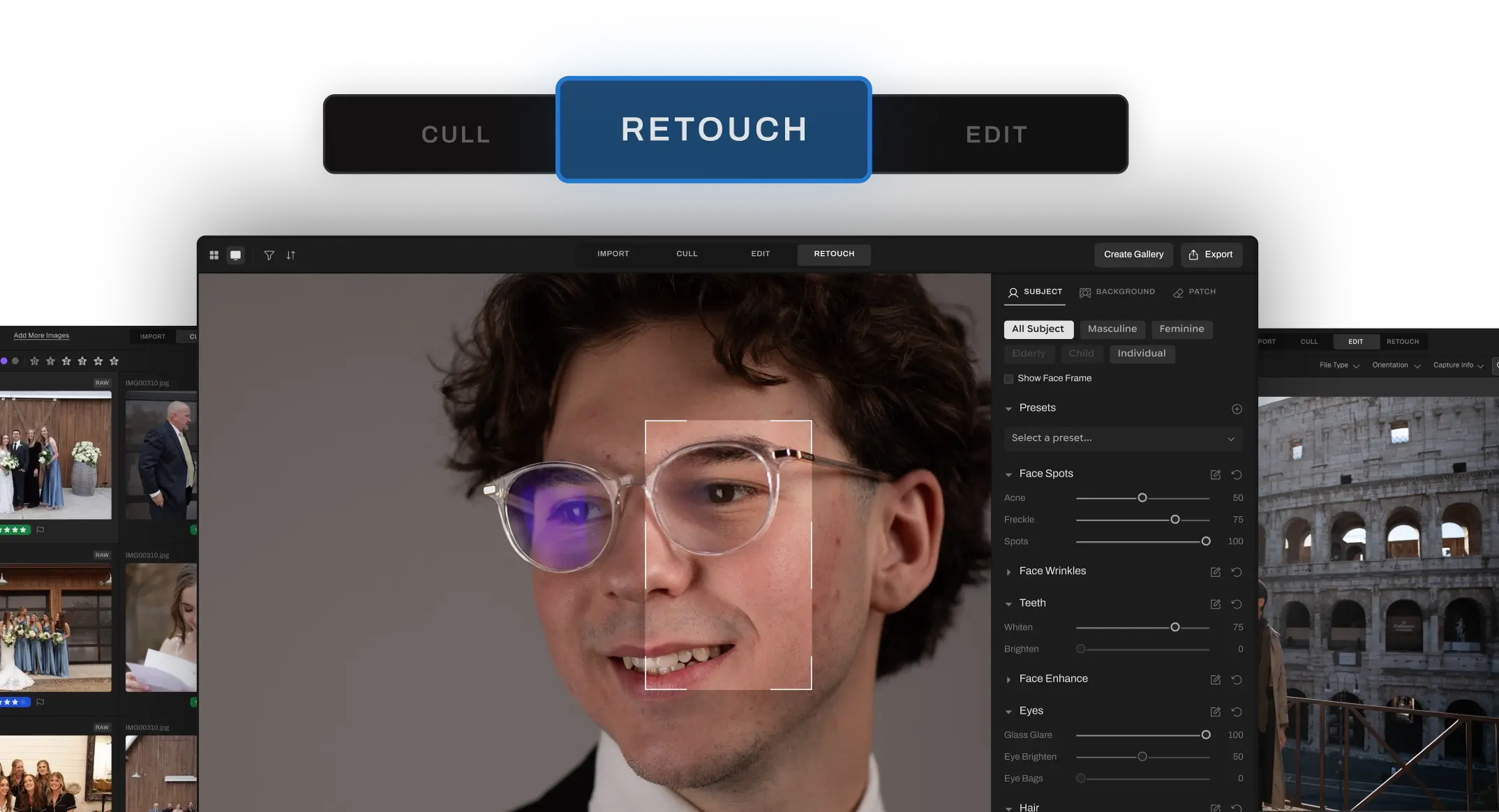
Full Batch Retouch
Just one click to fix multiple areas across your whole gallery. Unlike Retouch4me, which makes you batch process plugin by plugin, Aftershoot does it all at once.
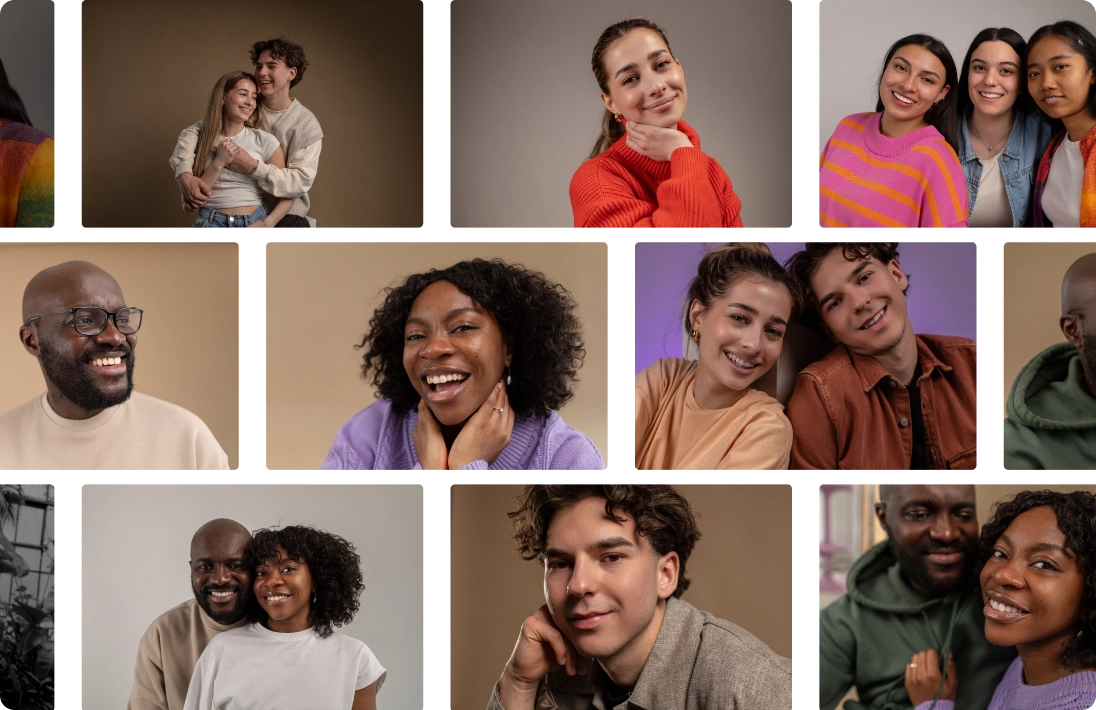
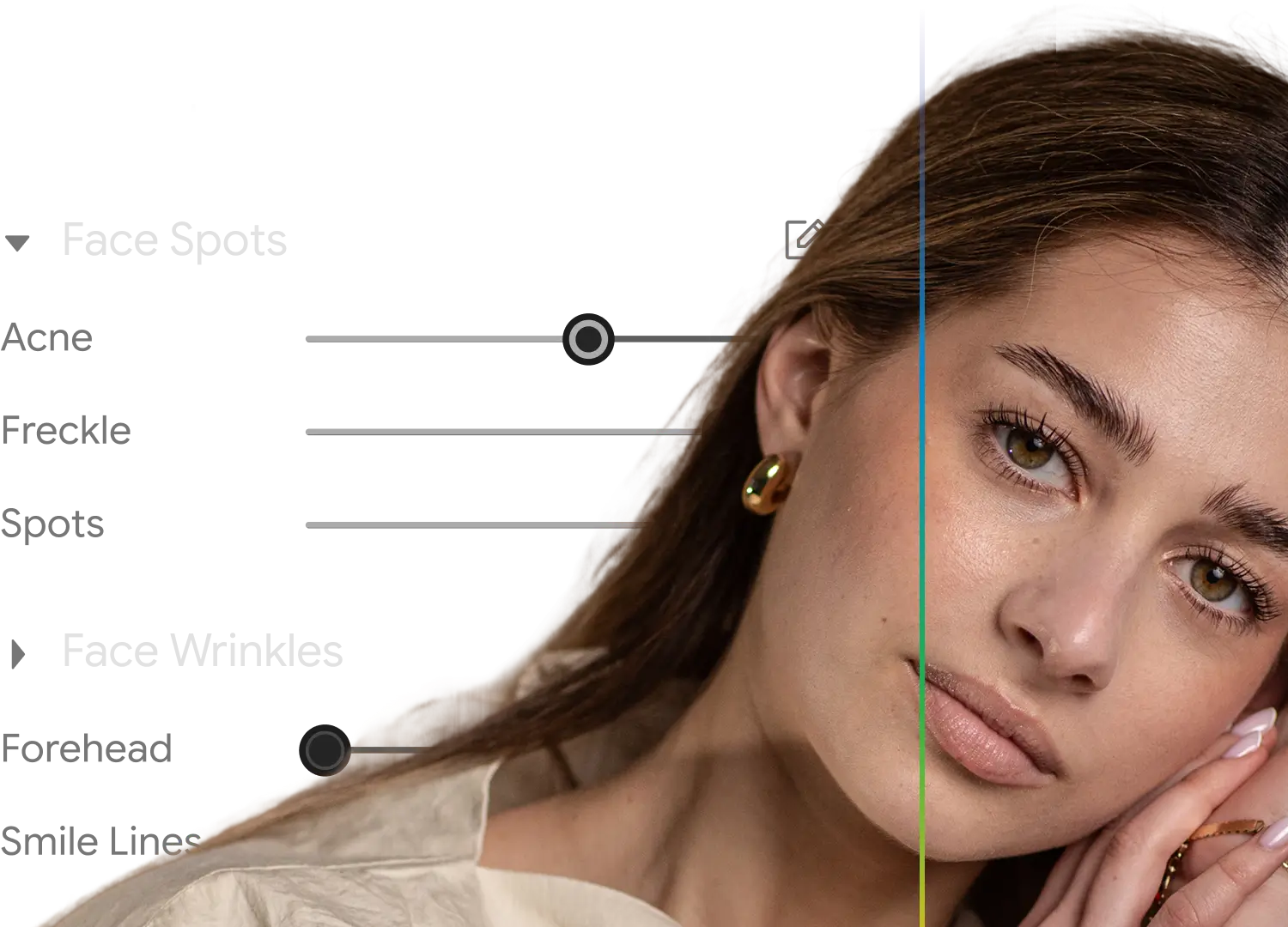
Natural, Real Results
Our AI is designed with photographers in mind, giving you clean, realistic skin tones without that over-edited look.
Simple, Flat Pricing
Forget about paying for each plugin or feature. One price covers everything, no surprises.
Wondering how we stack up?
Let’s break it down!
Benefit
All-In-One AI Retouching
Sync Retouching Adjustments Across An Entire Shoot
Natural-Looking Skin Retouching
Affordable, Single Price
Photoshop-Free Workflow
Fast Setup.
No Plugin Confusion
Correct Changes Tool
Smart Subject Selection (Group / Age / Gender)
Genre-Specific Presets
Unlimited Retouching
(Flat Pricing)
Complete Portrait Retouch (Skin, Eyes, Teeth, Hair, Glass Glare)
Background replacement



Requires multiple plugins

One module at a time
Pay-per-plugin
Primarily plugin-based for Adobe apps
Credit-based
Requires multiple plugins
What this means for
your workflow
Save time with a streamlined workflow to cull, edit, retouch, and deliver all in one place.
Retouch entire galleries faster, with fewer steps.
Both deliver solid results, but only Aftershoot gives you full control in one place.
No hidden fees. One subscription gets you the complete retouching toolkit.
No Photoshop? No problem. Aftershoot skips the layers, plugins, and steep learning curve, giving you fast, pro-level retouching.
Skip plugin installs, license keys, and compatibility headaches.
Edit smarter by undoing specific AI changes without reprocessing everything.
Easily retouch the right people in group shots.
Get started quickly with presets for weddings, portraits, newborns, and more.
Retouch as much as you want.
Tackle all major portrait fixes in one streamlined pass, no plugin stack needed.
Add custom backgrounds to headshots using available backdrops, or upload your own.
Why Pros Love Using Aftershoot to Retouch Their Galleries

Ricardo Tavares

AI Retouching has been a game-changer! It cut my retouching time in half, making wedding photo editing faster and more efficient.

Silas Hofer
I was hesitant about AI retouching, but Aftershoot gives me full control. It removes flyaways and blemishes without making skin look fake - saving me time while keeping my photos natural.
Sokratis Katsanos
With AI Retouching, I can edit multiple people at once
perfect for high-volume wedding photography!

Christopher Stiles
Finally had a chance to try out the Beta retouching in Aftershoot. So much potential, so much time saving, so much winning!
Make the Switch. Retouch Without Limits
If you’ve made it this far, you know what sets Aftershoot's AI Retouching apart - natural results, no credits, no extra apps.
 Start Retouching For Free