As seen in


AI CULLING
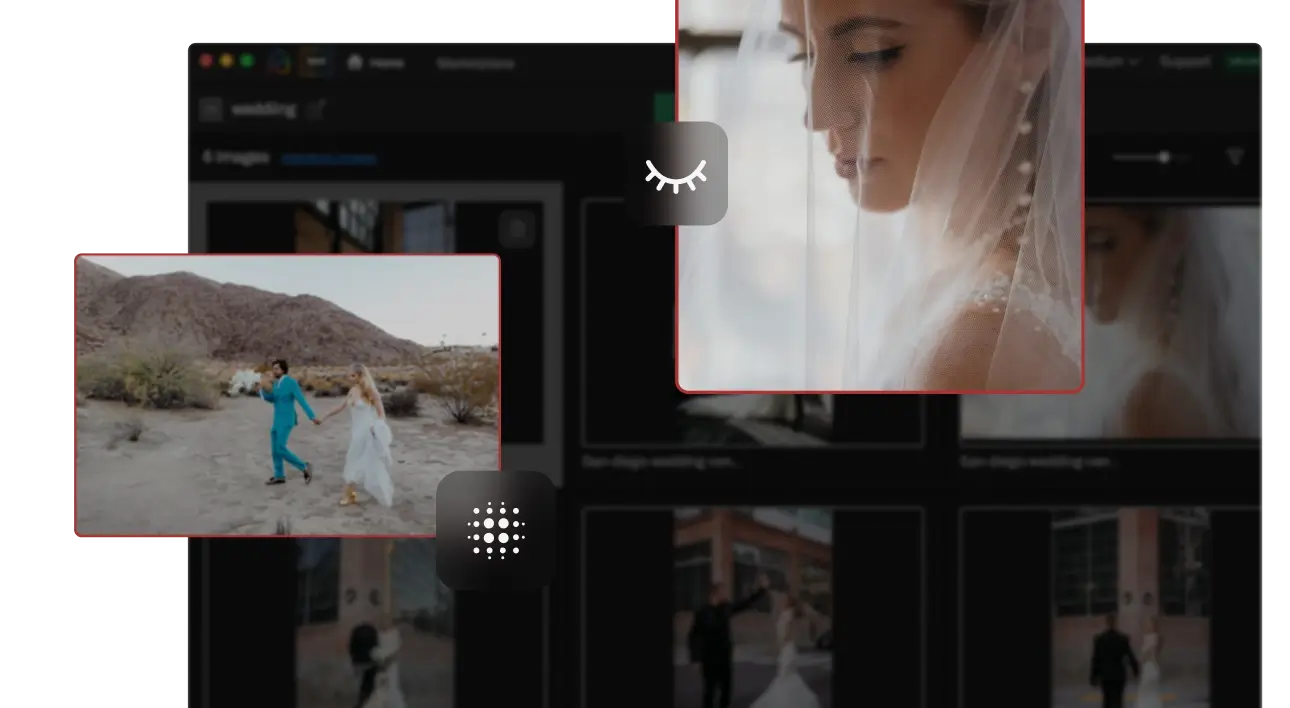
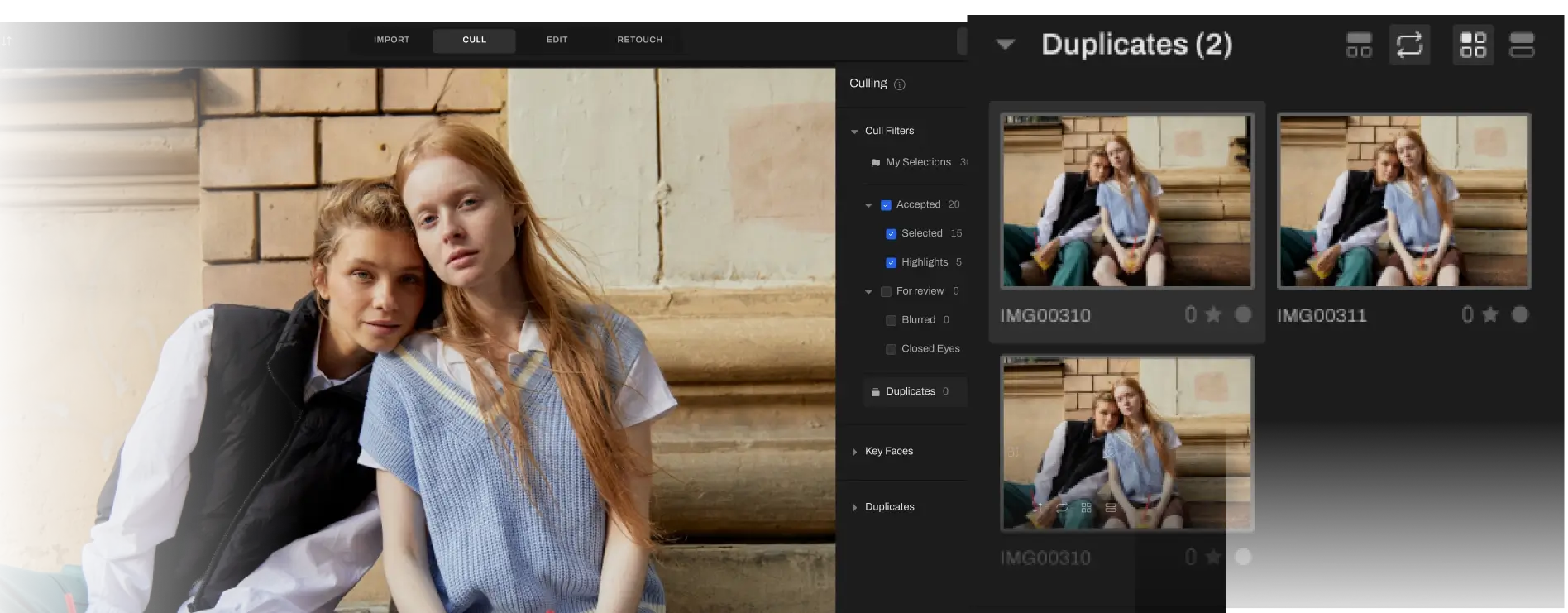
AI automated, assisted, or fully manual cull. Take your pick, then finalize your best shots 10X faster with features to make reviews simple
CULLING


CULLING

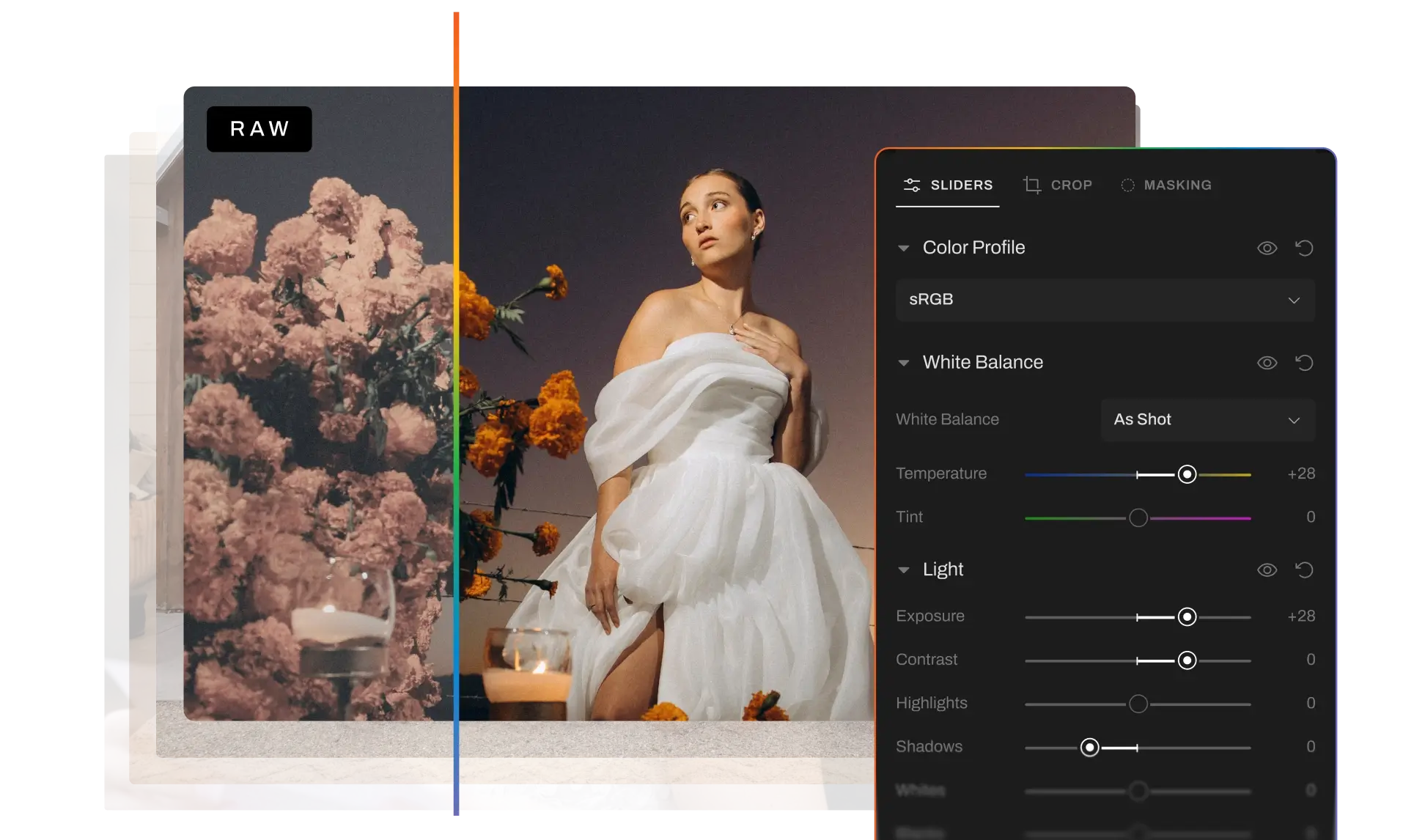
AI EDITING
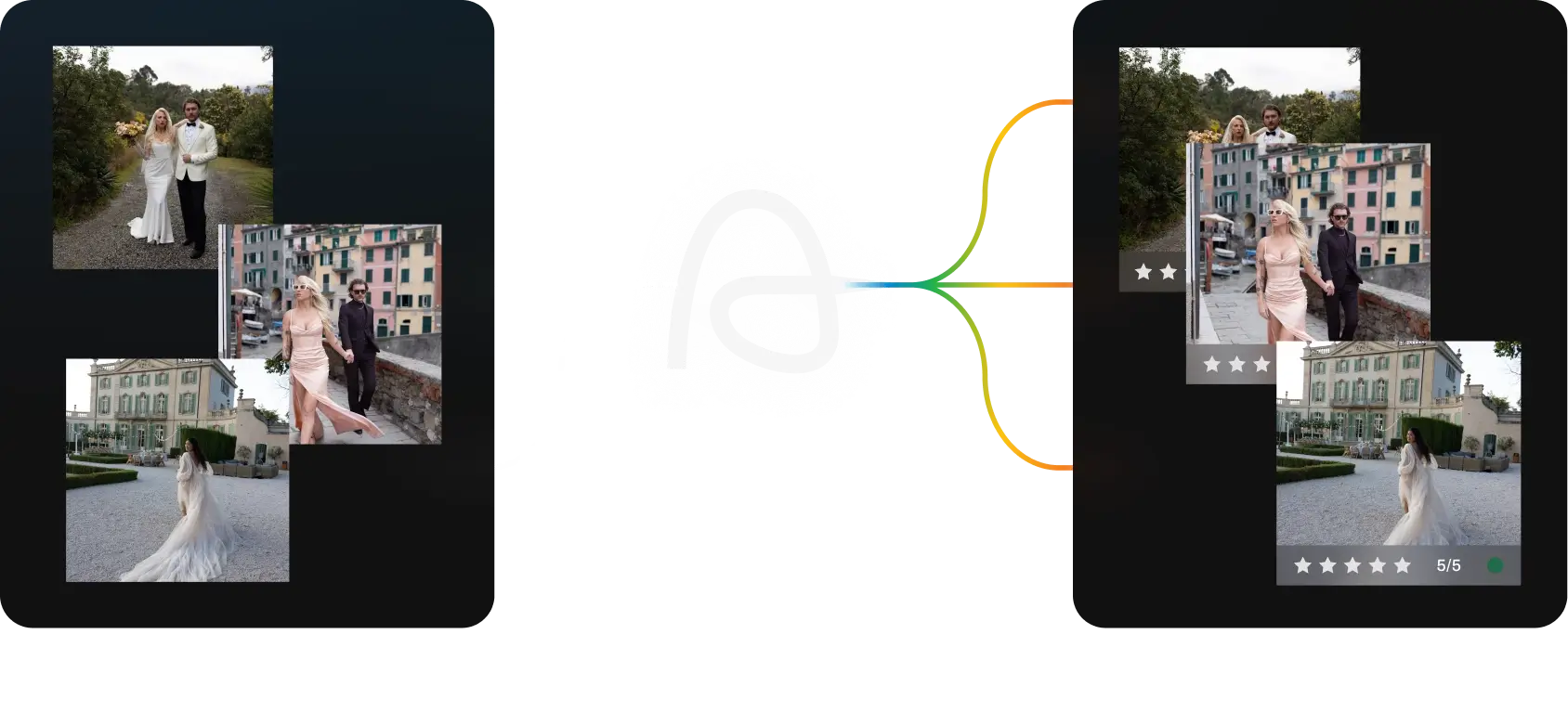
Consistent Edits. Your Signature Style. Every time.


AI RETOUCHING
Natural, client-ready retouching in seconds.


Images Processed
IMAGES CULLED
IMAGEs EDITED
HOURS SAVED
No credit card required.
Trusted by Pro Wedding Event, School, Boudoir, Family & Newborn Photographers'
Full Access for 30 days.
No credit card required.
Full Access for 30 days. | No credit card required. | 30-day Money-Back Guarantee.

Full Access for 30 days. No credit card required.
30-day Money-Back Guarantee.

What is Aftershoot?
Aftershoot is an AI-powered photo workflow software for photographers. It helps you cull, edit, and retouch images faster in one app, while keeping your work consistent and true to your style.
Why Aftershoot?
As a photographer, your time is valuable. Aftershoot is designed to help you reclaim it. This AI-powered software streamlines the often tedious tasks of culling and editing photos, so you can focus on what you love most – capturing amazing images. It’s compatible with both Windows and MacOS, making it accessible to a wide range of users.
How does Aftershoot work and how to get started?
Getting started with Aftershoot is quick and easy. Simply download the app to your Windows or MacOS computer, install it on your computer, and you’re ready to go! No complicated setup or internet connection is required.
How much does Aftershoot cost?
Aftershoot starts at $15/month for AI culling. If you want culling plus AI editing, plans start at $25/month. If you want Aftershoot to learn and match your personal editing style with your own AI Profile, plans start at $48/month. We also offer annual billing options. Across plans, our pricing is flat — not per image — so you can cull and edit as much as you want without worrying about usage-based fees.
Is there a free trial — and what happens after it ends?
Yes. We offer a 30-day free trial with full access, and you don’t need a credit card to get started. That means you can try Aftershoot on your own workflow before committing. When the trial ends, you can choose the plan that fits you best. If you want to keep using Culling and Editing, you’ll need a paid subscription. Retouching currently remains free after the trial.
What image formats does Aftershoot process?
Aftershoot is compatible with the most common image formats used by photographers. It efficiently edits, culls, and processes images in both RAW formats and JPEGs, providing flexibility and convenience for various photography workflows.
Does Aftershoot replace my editing style or learn it?
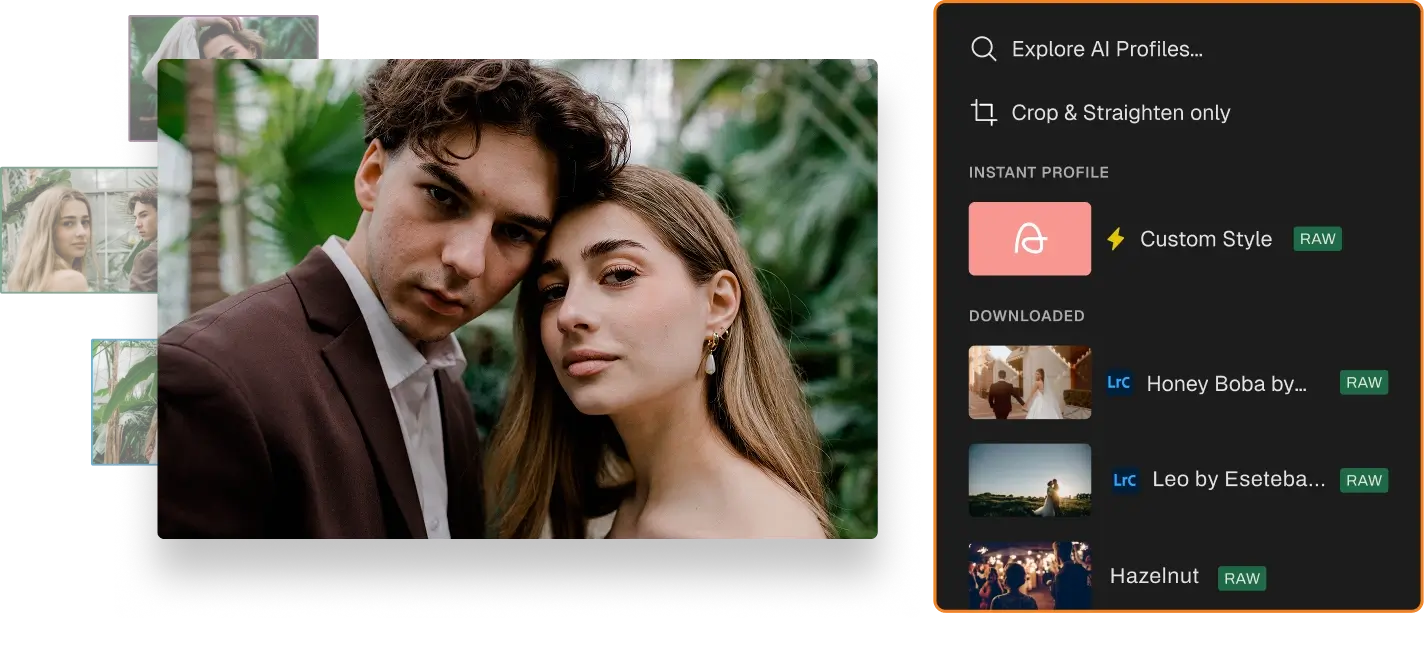
Aftershoot is designed to learn your style, not replace it. With our Professional AI Profiles, we train on your edited images so your AI edits reflect the look you’ve already built. The profile continues to improve based on what you feed it, so the results become more aligned with your preferences over time. If you don’t want to train your own profile, you can also use pre-built AI Styles or create an Instant AI Profile based on a Lightroom preset.
How does the AI work and get trained?
Aftershoot’s AI is like a second shooter who learns from the decisions you make. The AI observes your culling and editing choices, identifying patterns in your preferences. For instance, if you consistently favor photos with strong emotional impact over those with perfect sharpness, the AI will begin to prioritize emotion in its own selections and edits. This learning process requires time and consistent patterns to ensure the AI accurately reflects your unique style.
Does Aftershoot work offline? Is my data safe?
Yes. Aftershoot works locally on your computer, so you can cull and edit without depending on cloud uploads or a constant internet connection. That also gives you more control over your files. Our culling workflow is non-destructive, which means we don’t overwrite your originals, and ratings for RAW workflows are typically written to XMP sidecar files instead of changing the source files themselves.
What makes Aftershoot different from other AI culling and editing software?
Aftershoot stands out from the competition in several key ways. First, it offers a flat fee for unlimited use, eliminating recurring subscription costs and providing a cost-effective solution for photographers of all levels. Second, Aftershoot operates locally on your computer, so you don’t need an internet connection to use it. This means you can cull and edit your photos anytime, anywhere, without worrying about upload speeds or data limits. And finally, Aftershoot provides industry-leading customer support, ensuring you have assistance whenever you need it.
What are the suggested system requirements for running Aftershoot?
Aftershoot runs smoothly on any Windows or MacOS computer or laptop, so you don’t need a high-end machine to experience the benefits of AI-powered photo editing. The minimum system requirements are 8GB of RAM and a relatively newer CPU.
What cameras does Aftershoot support?
Aftershoot supports a wide range of cameras. As long as your camera produces files in one of the leading RAW formats or JPEG, Aftershoot can handle it.
Is my data safe with Aftershoot?
Yes, your data is only yours. Images are processed locally on your Windows/Mac, and are never stored on our servers.
Can I opt out of sharing my data for AI training?
Yes, you can opt out of training even before you import your images. We understand that a lot of time, photographers work with NDAs for sensitive shoots and clients, or that they’re simply not comfortable sharing their data. When that’s the case, the opt out option is right on the import screen. No questions, no gray areas.