A Workflow That Actually Works For You
Aftershoot makes delivering boudoir photography galleries faster and easier, so you can spend more time shooting and less time editing.

Cull, edit, retouch, and deliver, all in one place. Aftershoot processes your photos offline so you never share your photos publicly.
FULL ACCESS FOR 30 DAYS | NO CREDIT CARD | NO PER-IMAGE FEES
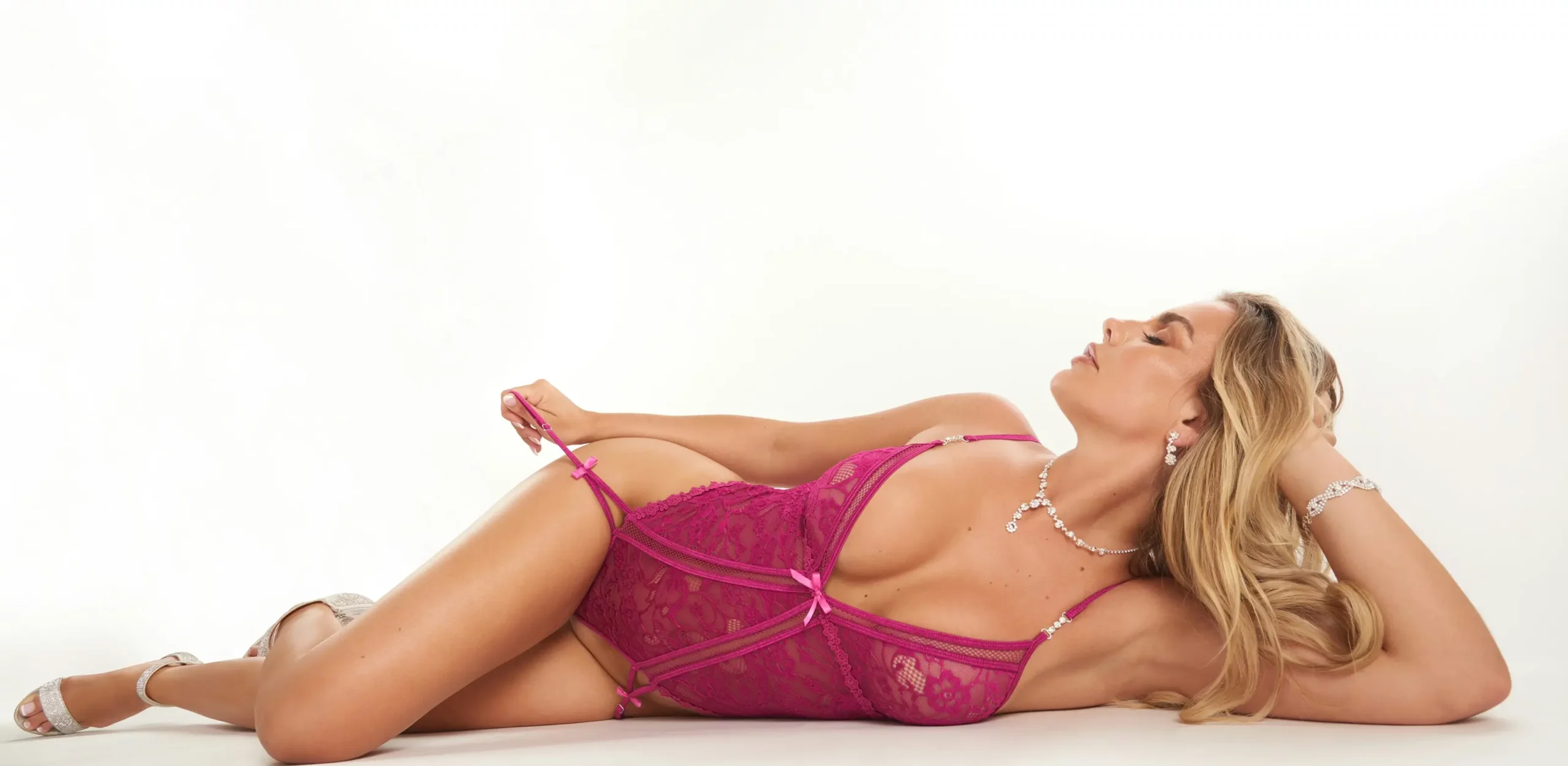
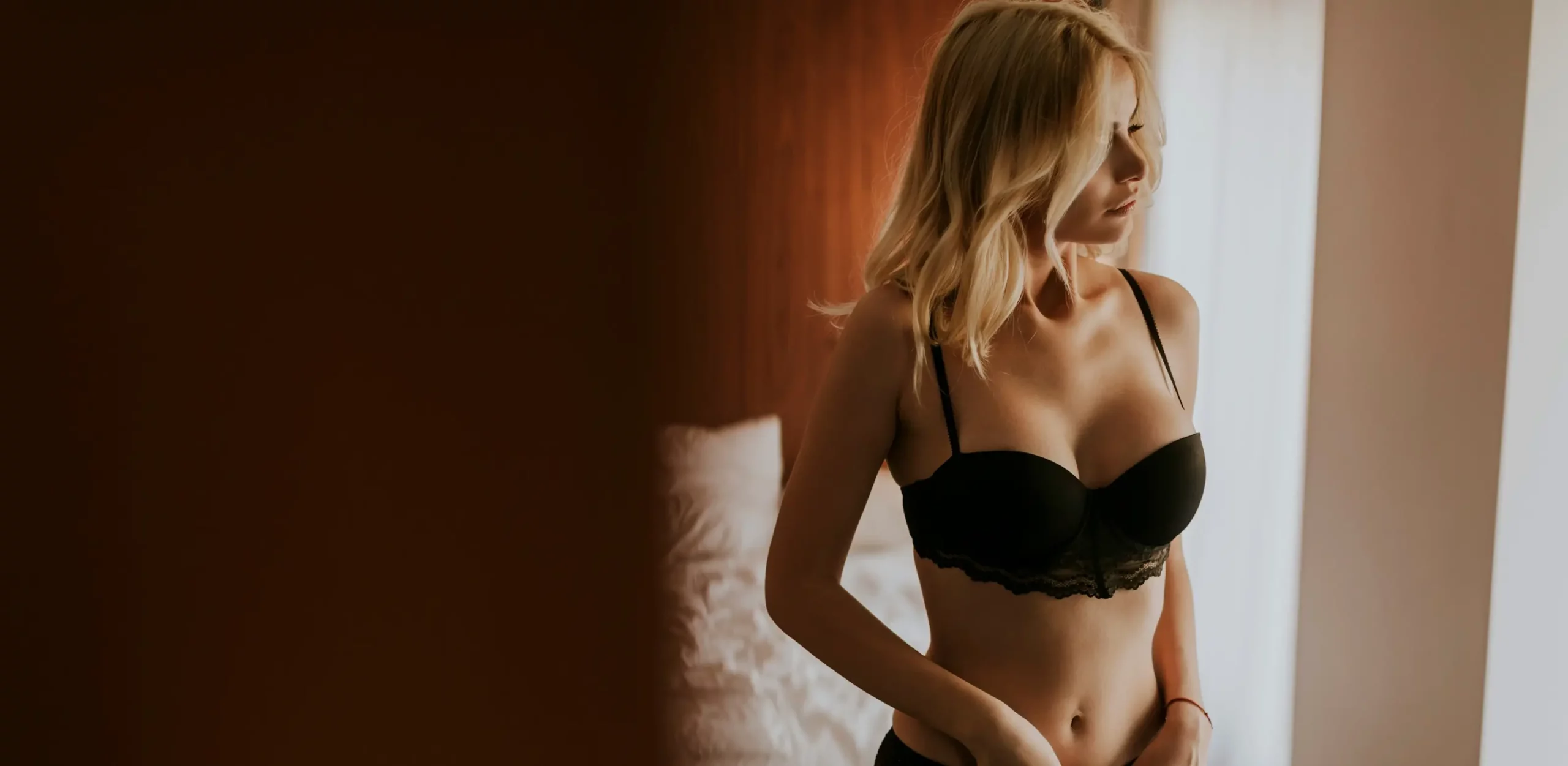
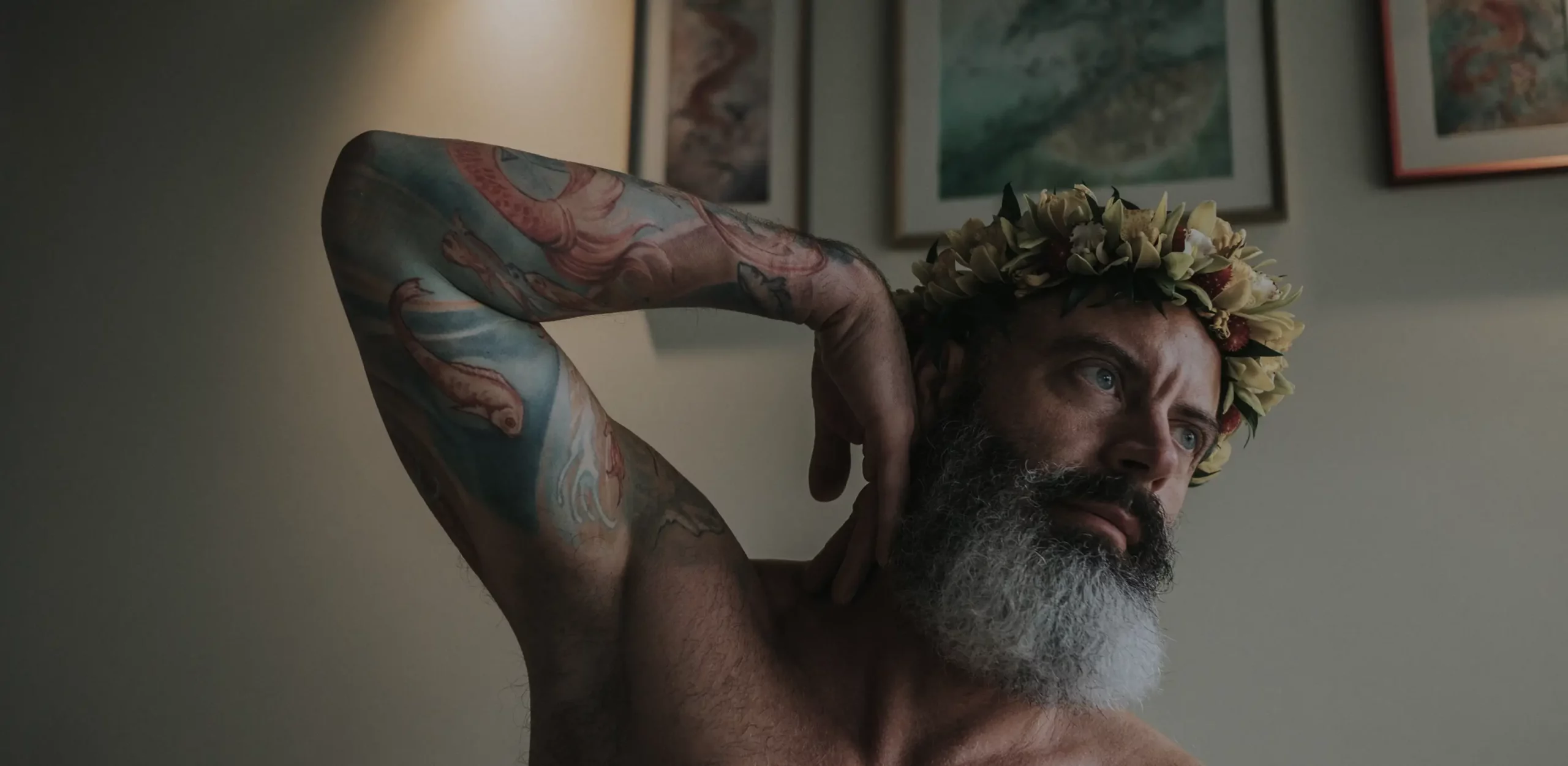 BEFOREAFTER
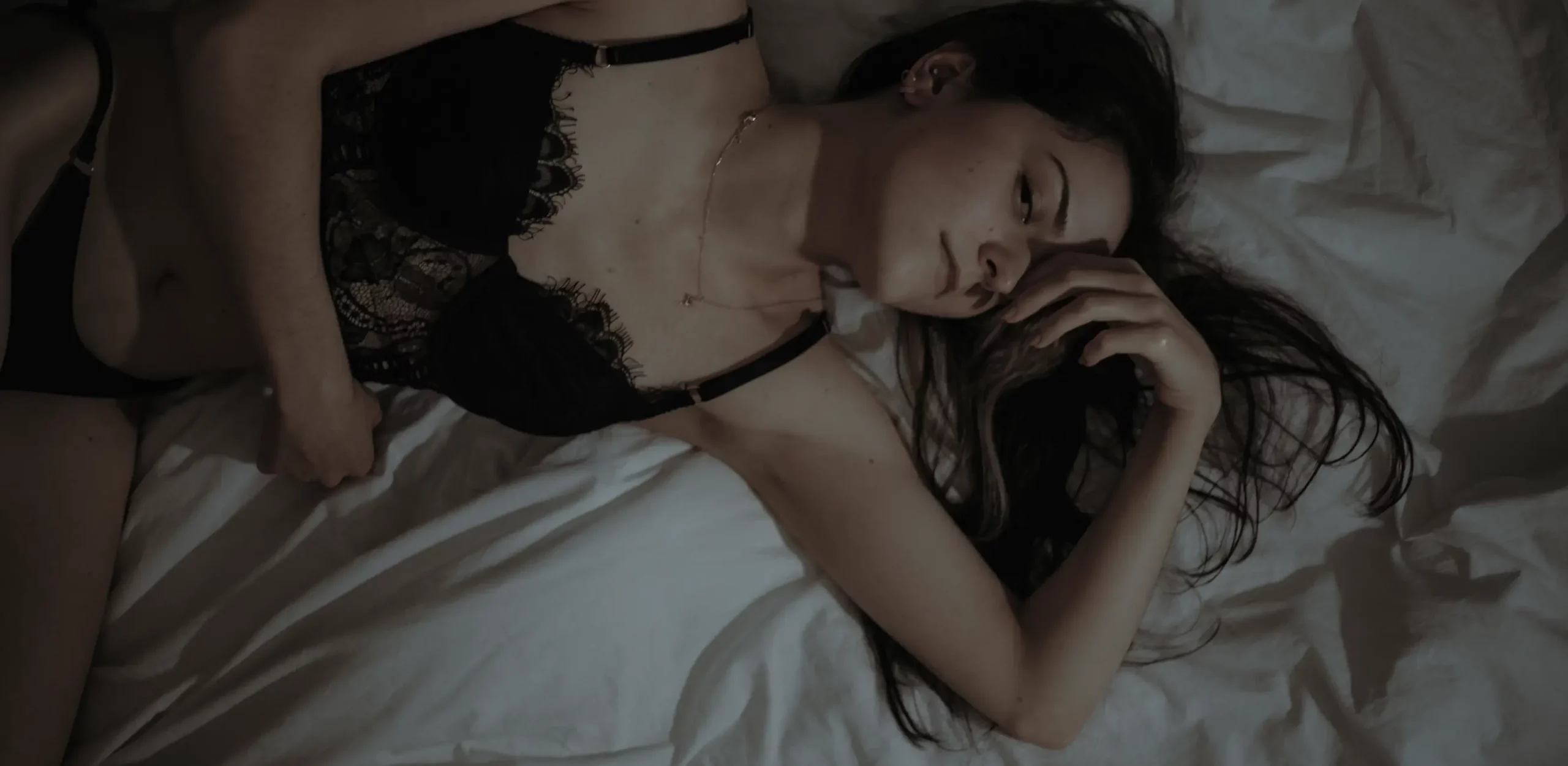 BEFOREAFTER
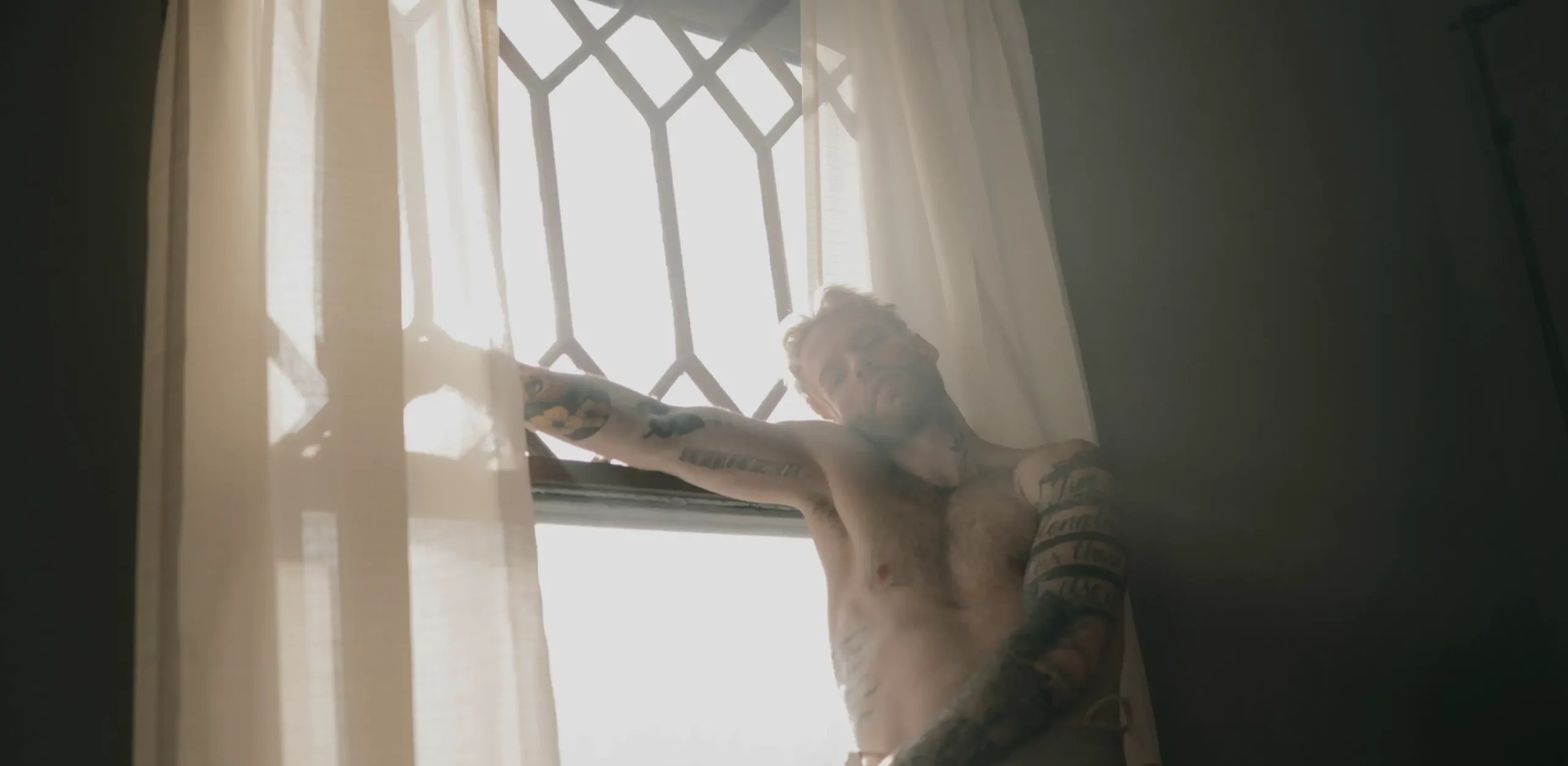 BEFOREAFTER
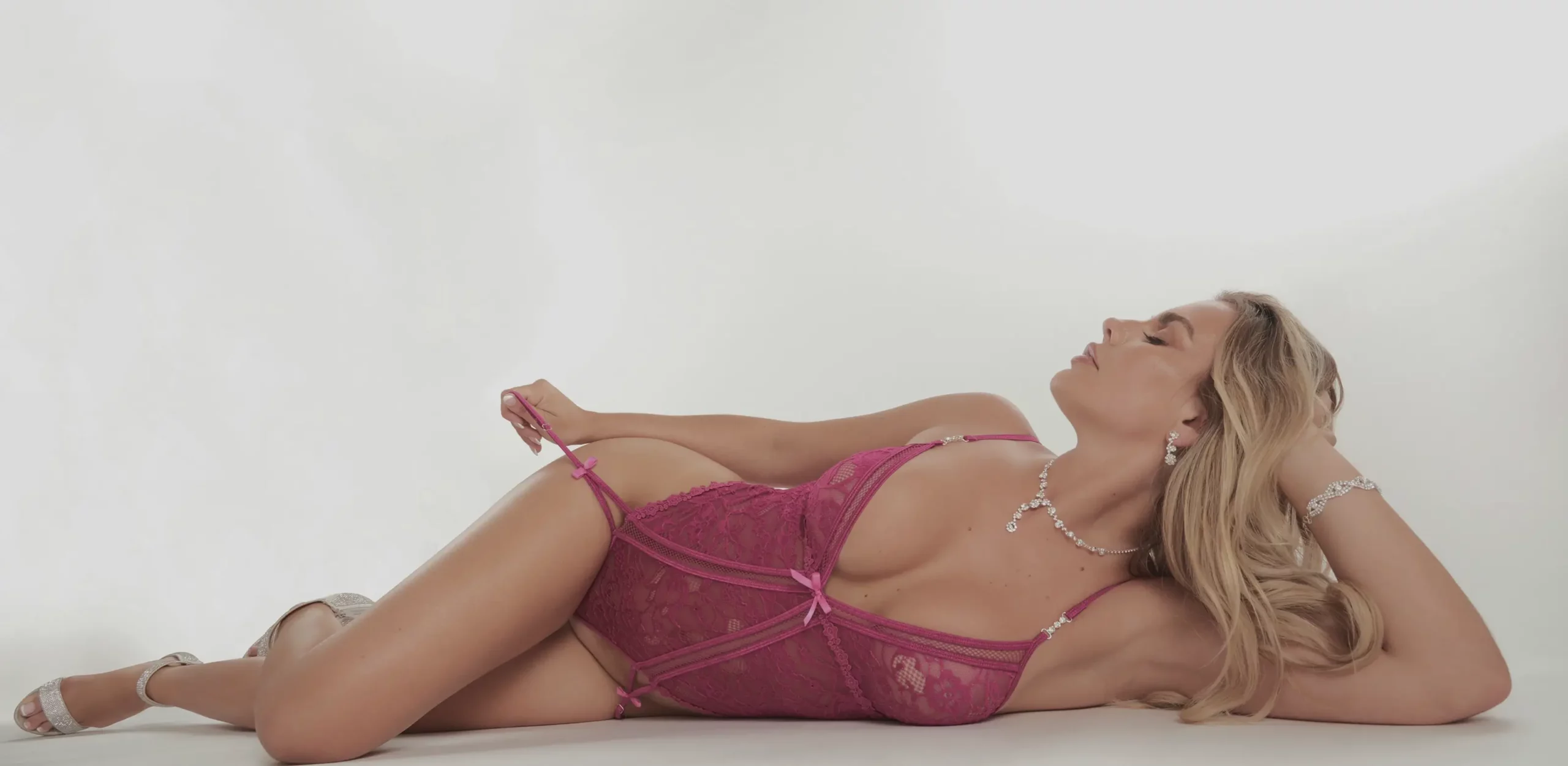 BEFOREAFTER
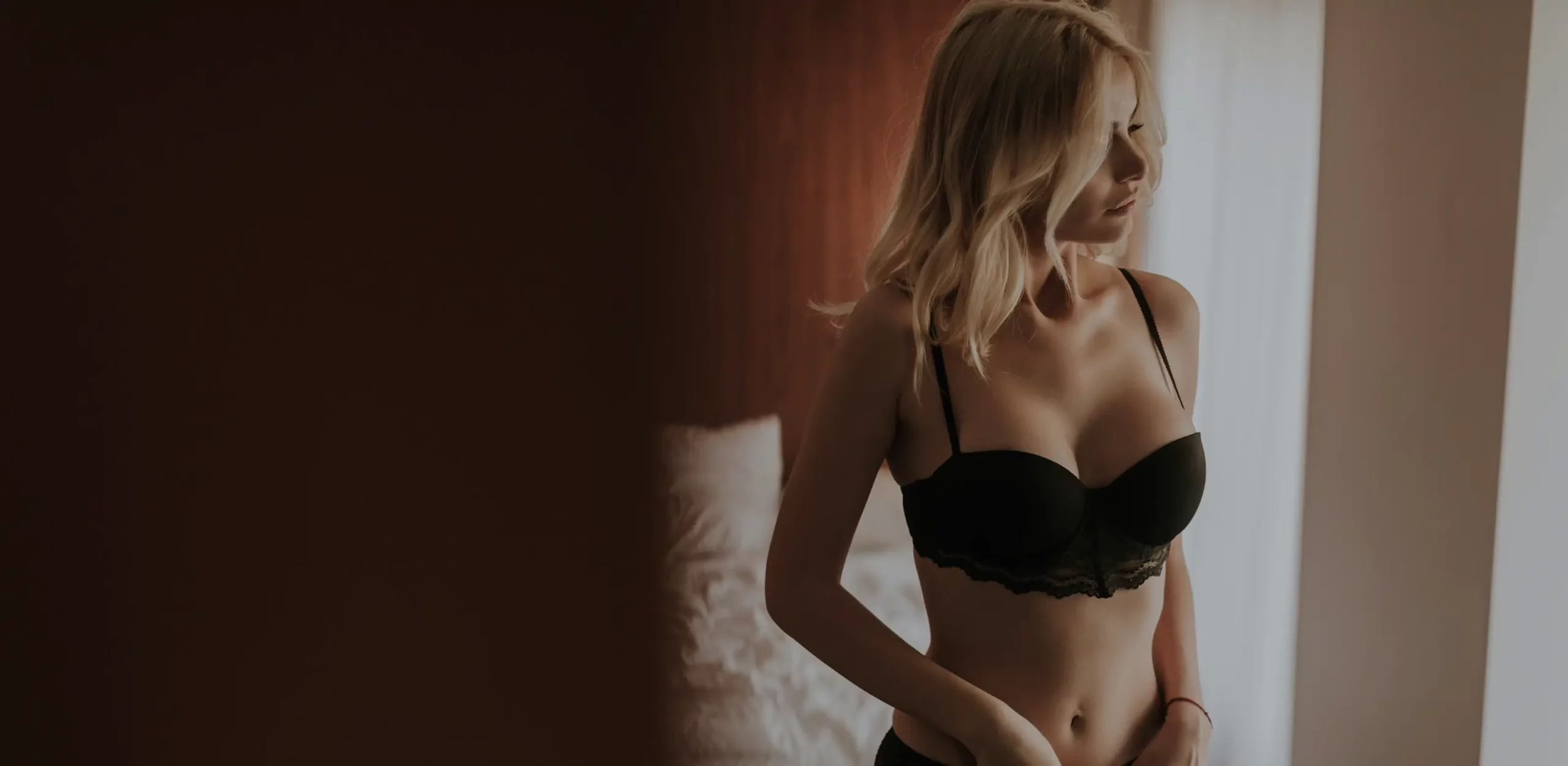 BEFOREAFTER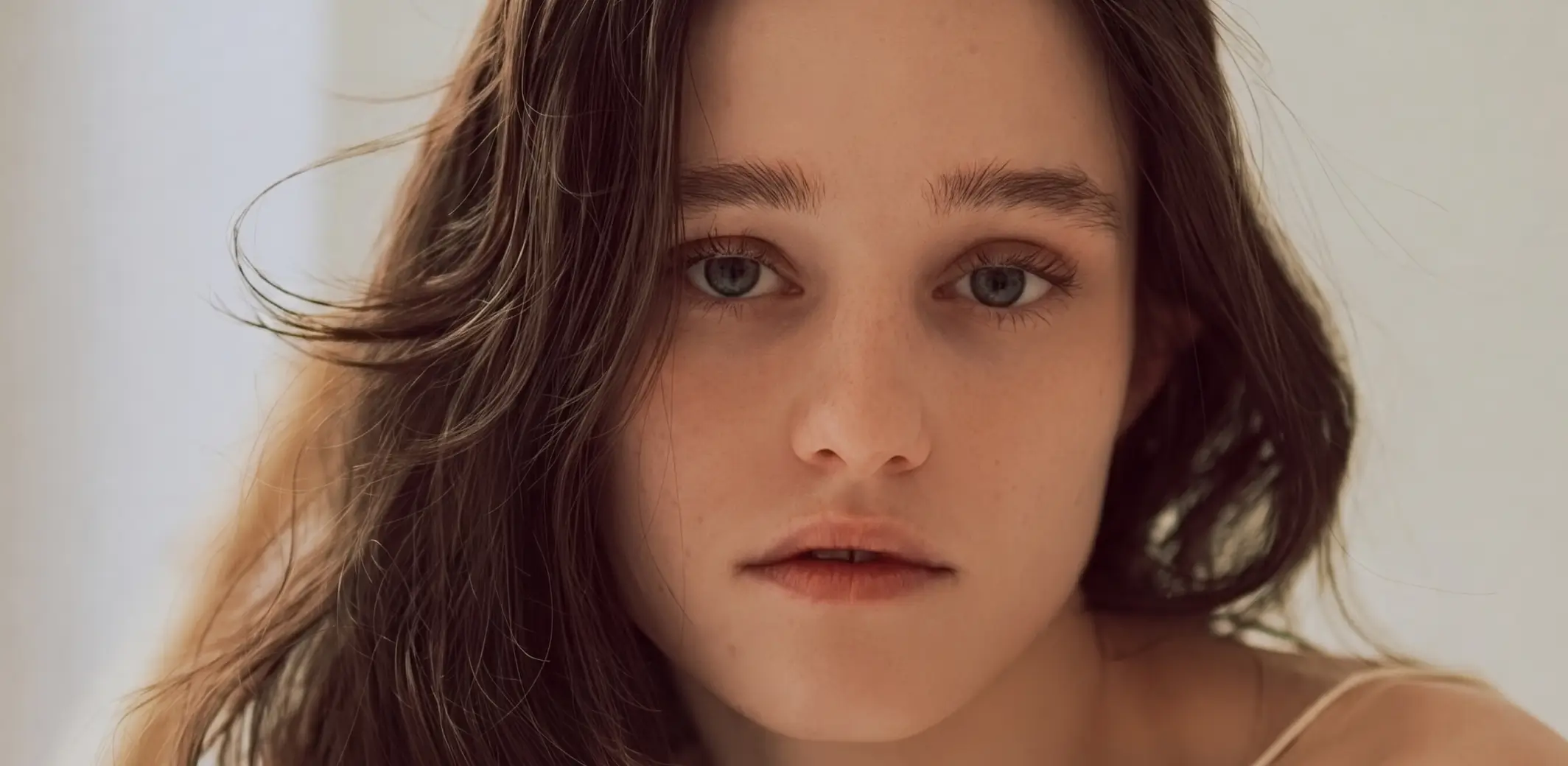
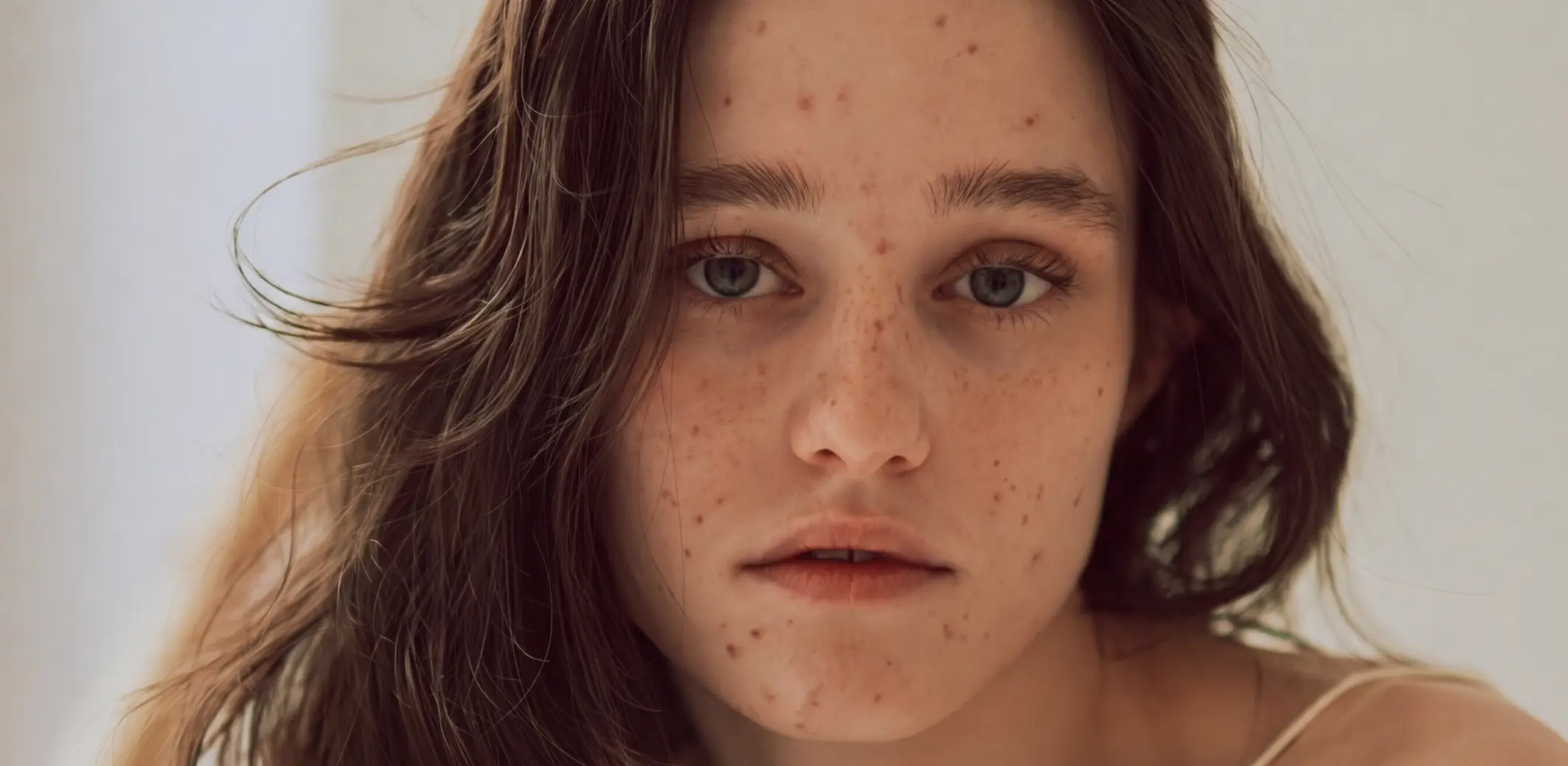 BEFOREAFTER






Full Access for 30 days. | No credit card required.
Full Access for 30 days. | No credit card required.


Yes. Aftershoot removes blemishes, shine, glare, flyaways, and small distractions while keeping real skin texture and natural detail intact. That gives you flattering boudoir images without tipping into an artificial, over-retouched finish.
Yes. Aftershoot keeps your edits aligned with your look, so your boudoir galleries still feel like your work. You can move through cleanup and retouching faster without losing the tone, polish, and mood your clients booked you for.
Yes. Aftershoot handles a big share of the cleanup work that usually slows boudoir galleries down, including skin cleanup, shine removal, flyaways, glare, teeth whitening, and object removal. That means you can reserve Photoshop for the small number of images that truly need deeper manual work.
Yes. You can set the look on one image, sync those retouching settings across the rest of the set, and move through a gallery much faster than editing each image one by one. It is a strong fit for boudoir work because you keep consistency without losing control.
Yes. Aftershoot gives you presets, sliders, and selective sync controls, so you can decide how far to take the finish before you export for final review. You are not locked into one default look, and you can still make finishing touches in Lightroom Classic or Capture One before delivery.
Yes. Aftershoot processes your images locally for normal culling, editing, and retouching, so your boudoir galleries do not leave your computer by default. If you choose to use custom profile training or leave user learning turned on, that is under your control and limited to the images you opt in.