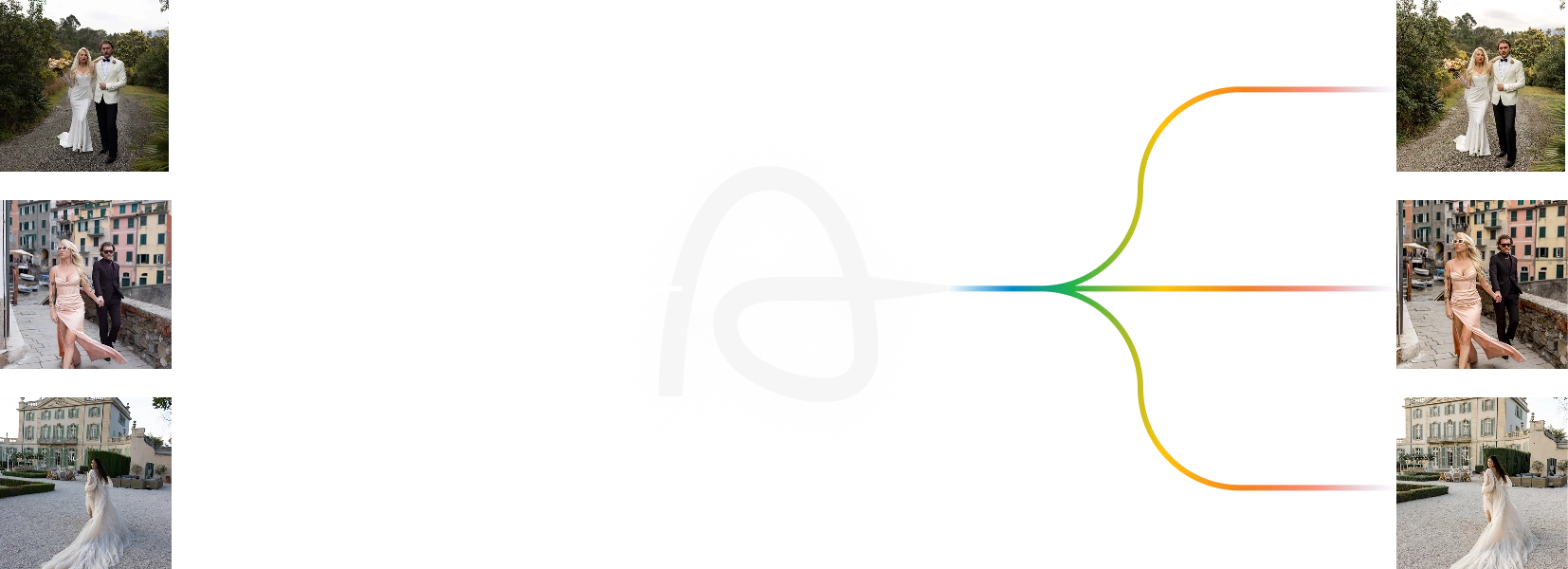
Deliver albums faster and shoot more while Aftershoot’s AI Culling does the grunt work. It finds keepers, groups duplicates, and flags blurry photos using 30+ factors. Unlimited photos. Starts at $10/month.
Full Access for 30 days. | No credit card | No per-image fees
Full Access for 30 days. | No credit card | No per-image fees
As seen in
Your Eye + Our AI
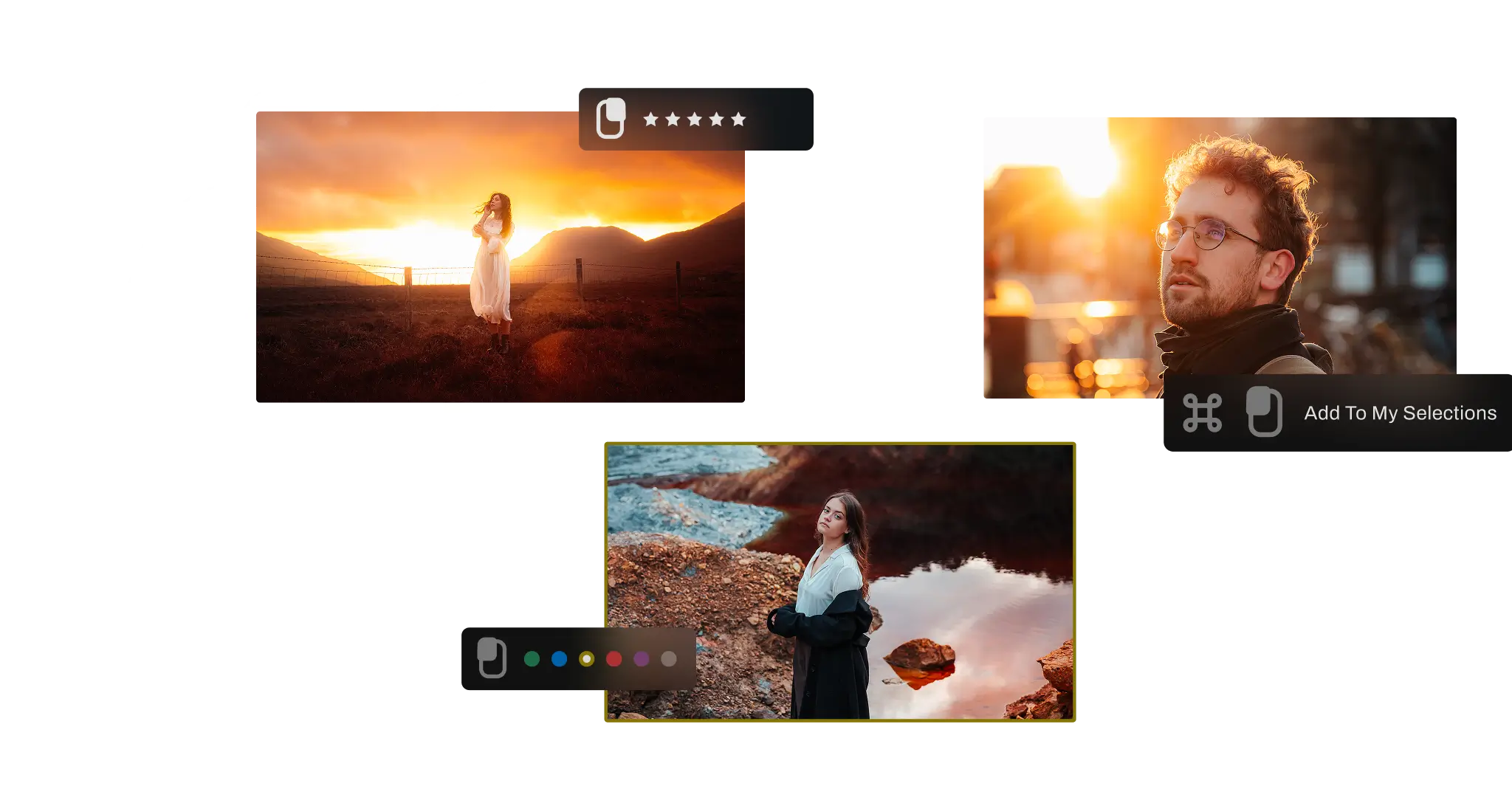
AI handles the 90%. Your eye perfects the rest.
No tool can replace your instinct for the emotionally perfect frame. Aftershoot eliminates 90% of the squinting, second-guessing, and micro-decisions, so your review starts with the strongest frames, and culling becomes meaningful creative work.
0K+
Photographers Trust Aftershoot
0B+
Photos Culled
0+
Hours Saved Per Month
0M
Albums Culled
Get Started in Three Steps
Step 1
Import
Drop your RAW or JPEG files in. No internet needed.
Step 2
AI Culls
AI analyzes and scores images, groups duplicates. Best shots are surfaced.
Step 3
Review & Export
Review and export to Lightroom Classic, Capture One, and to local storage. Ratings and labels intact.
AI Automated Culling
AI that Culls for You. Learns from You.
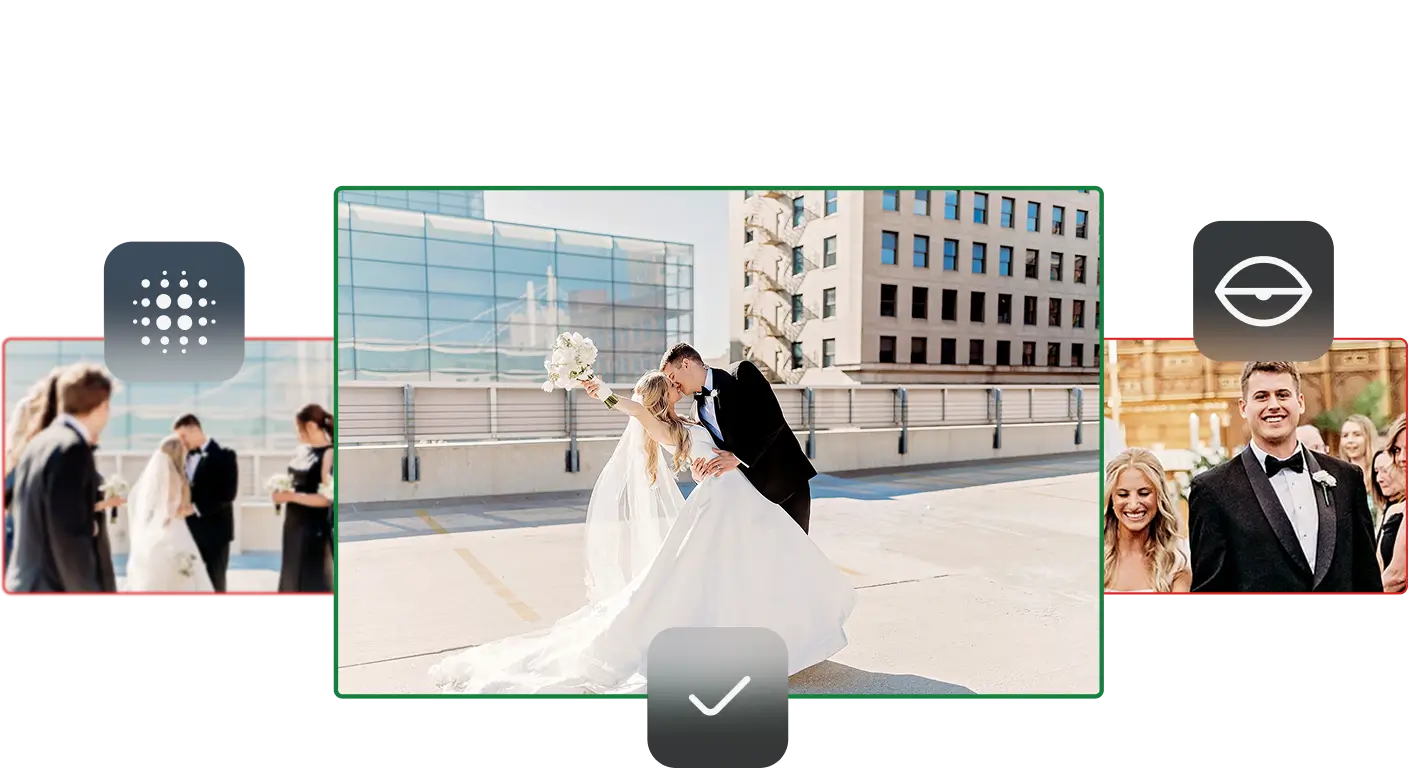
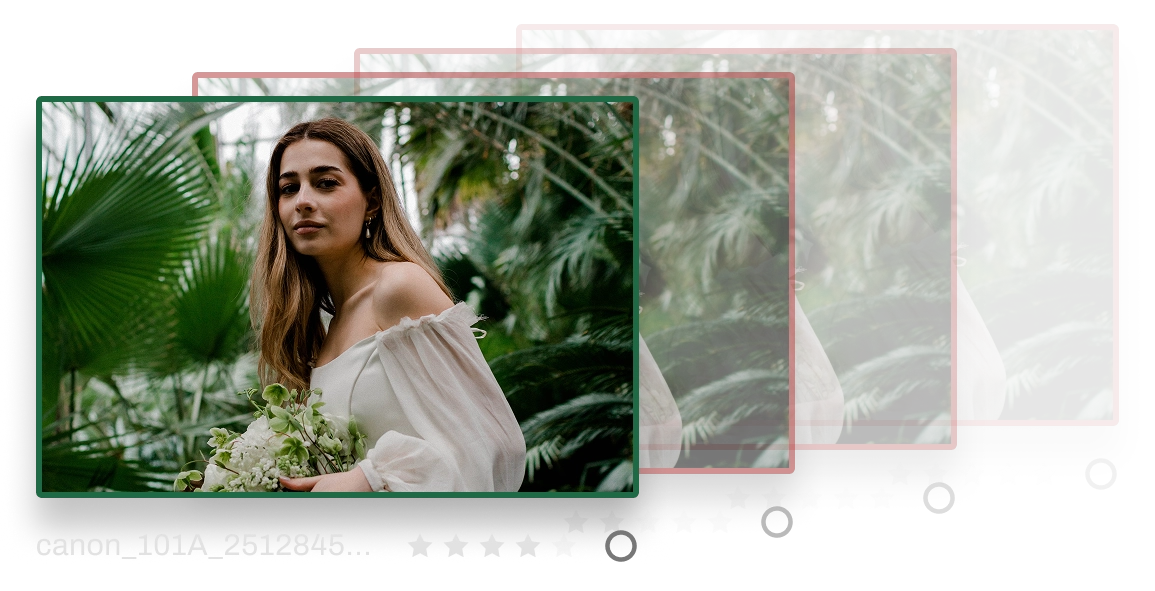
Aftershoot groups duplicates, flags closed eyes and blur, and ranks your strongest shots by quality, with your shooting style factored in.
One-Click Review
Keep what works, skip what doesn’t and you’re done.
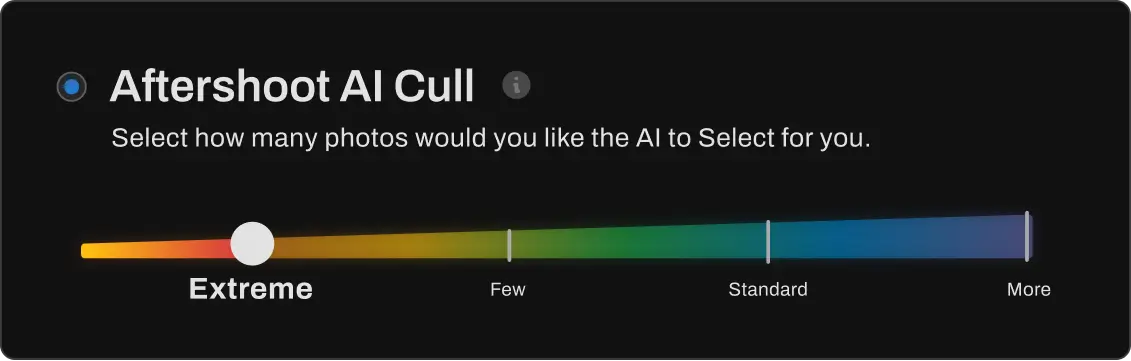
Cull as Broad or as Selective as You Want
Choose how tightly AI culls your gallery, from wider selections to only your top 15% shots with Cull to Target.
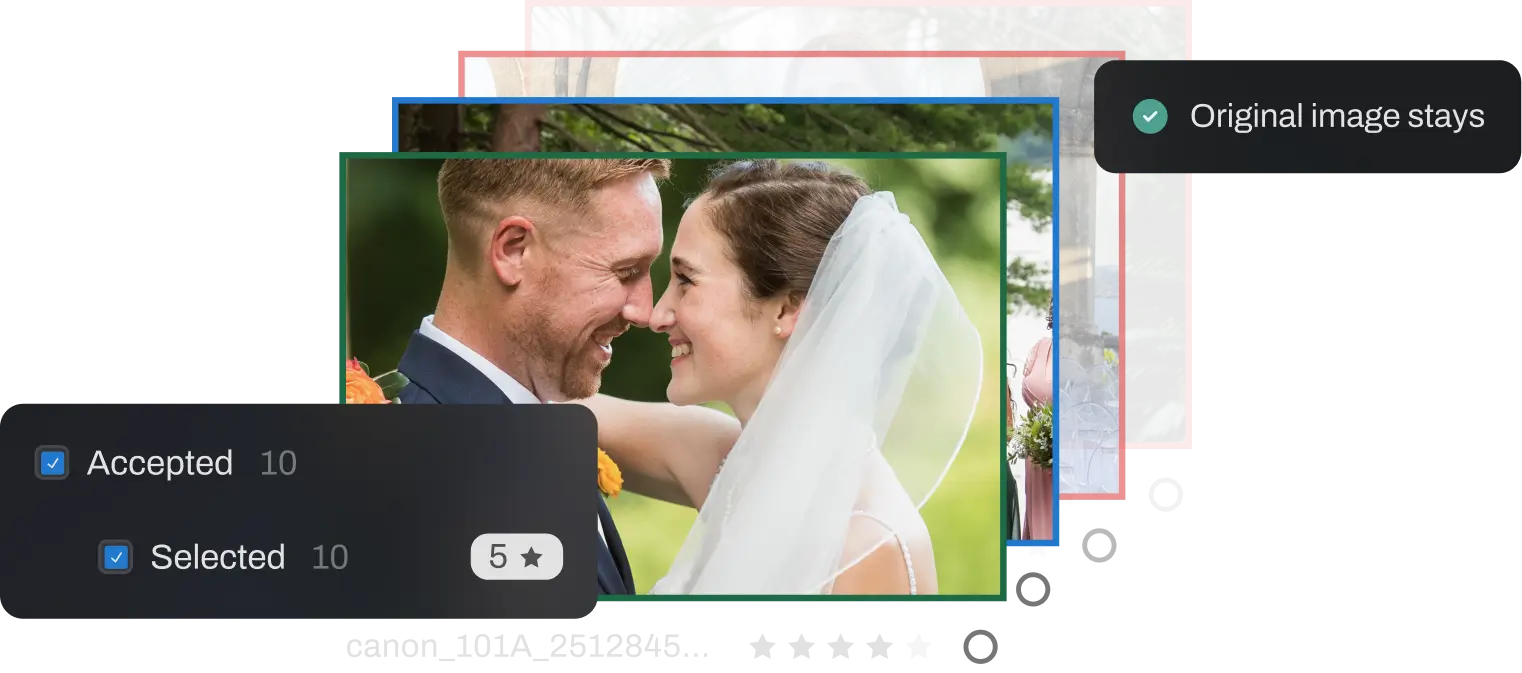
Your Originals Stay Safe
Nothing gets deleted or changed. Every image stays exactly as it was, so you can revisit or rethink selections anytime.
AI that Learns Your Style
It learns what you like, what you skip, and what makes the final cut, so every project feels more like you.
AI Assisted Culling
Speed Through Your Final Selections
Let AI assist your culling – get smart grouping, key faces detection and image scoring while you maintain full creative control.
Smart Duplicate Grouping
AI automatically groups similar shots, so you can compare and choose your favorites faster.
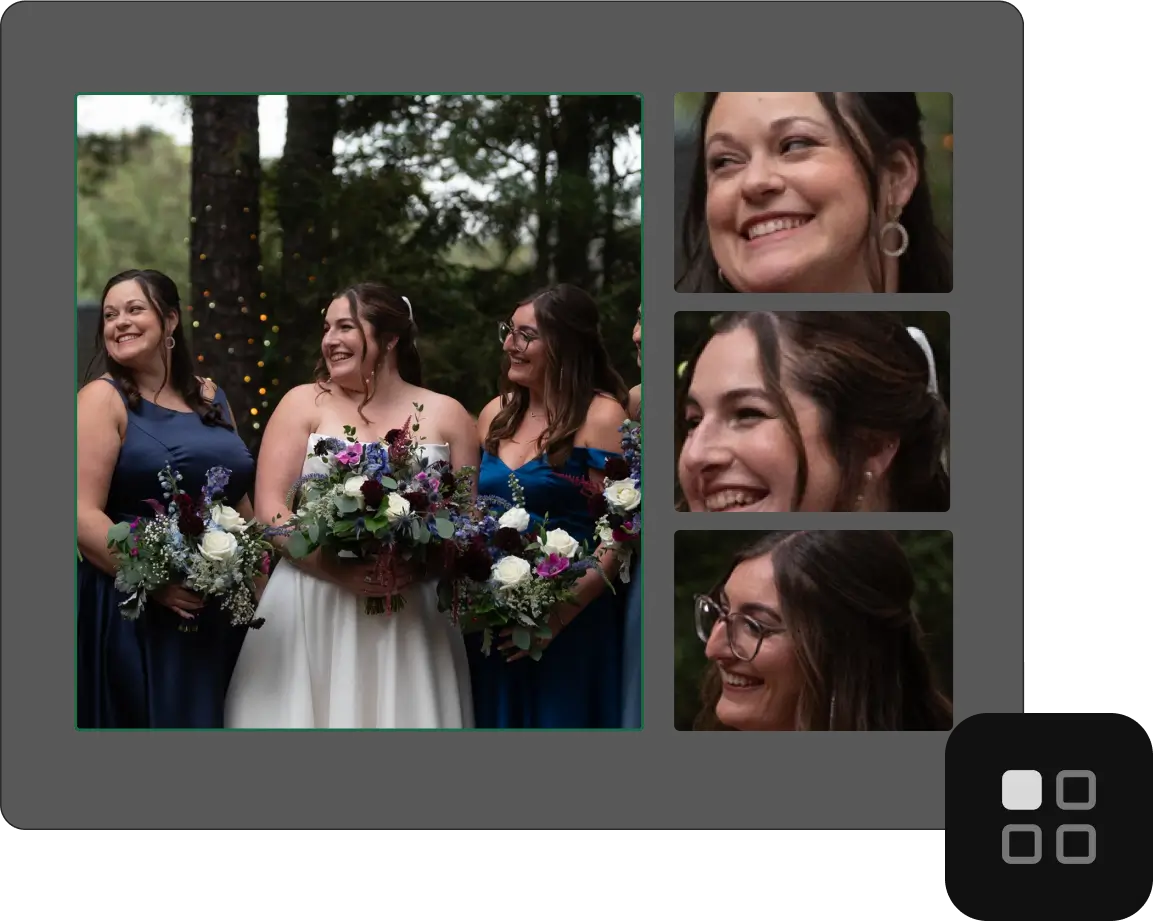
Key Face Detection
Quickly spot the strongest expressions. AI highlights the moments where everyone looks their best.
Image Scoring
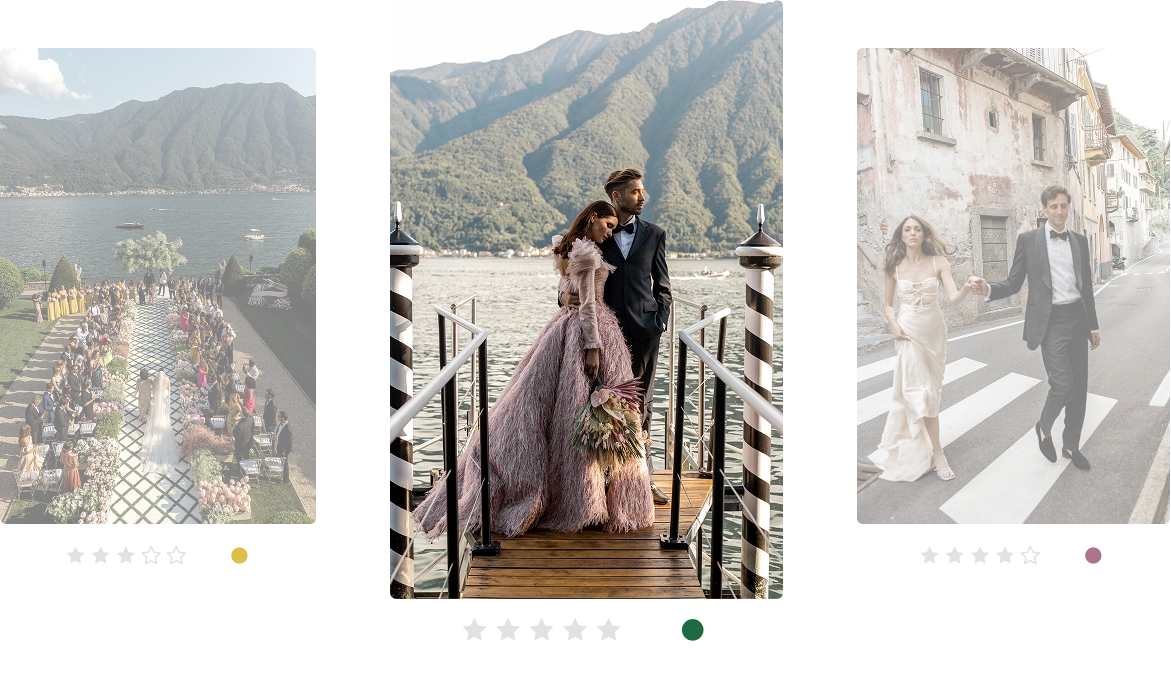
Every photo is ranked for quality, helping you find the standout shots without the endless scrolling.
Full Creative Control
AI helps you move faster by organizing and suggesting your best shots, while you stay fully in control. Nothing changes unless you decide it should.
Smart Review Tools
Your Decisions. Just Faster with AI.
Compare, review, and sort photos faster with tools designed to help you finalize your picks effortlessly.
Survey Mode
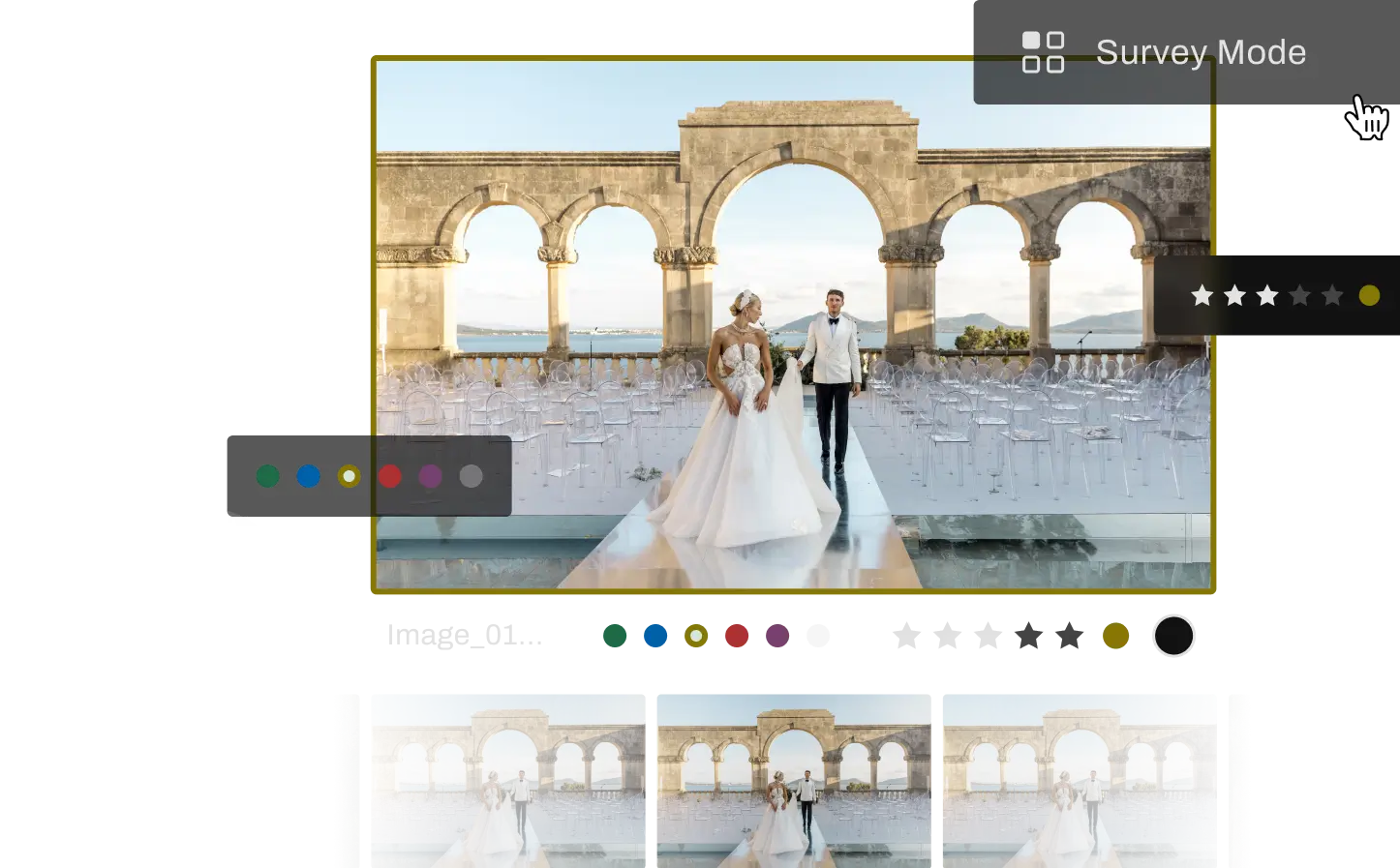
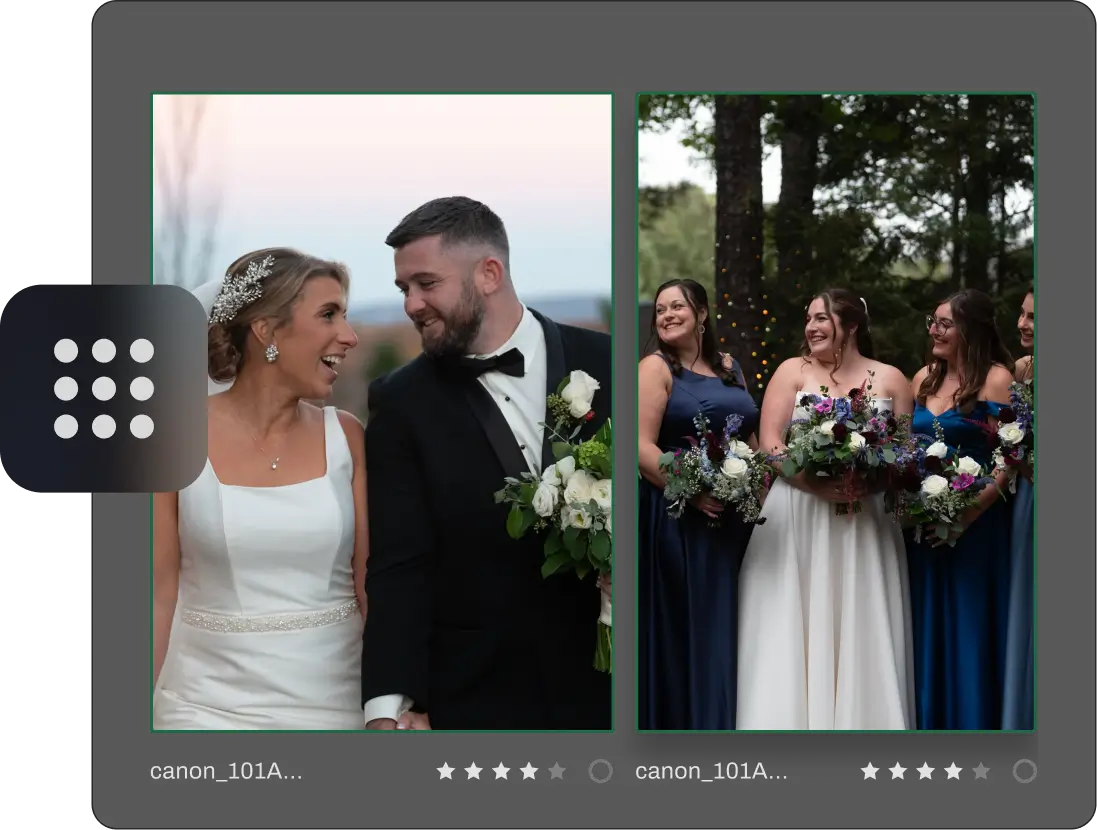
Compare up to 16 images side by side, zoom in, and pick the winner instantly.
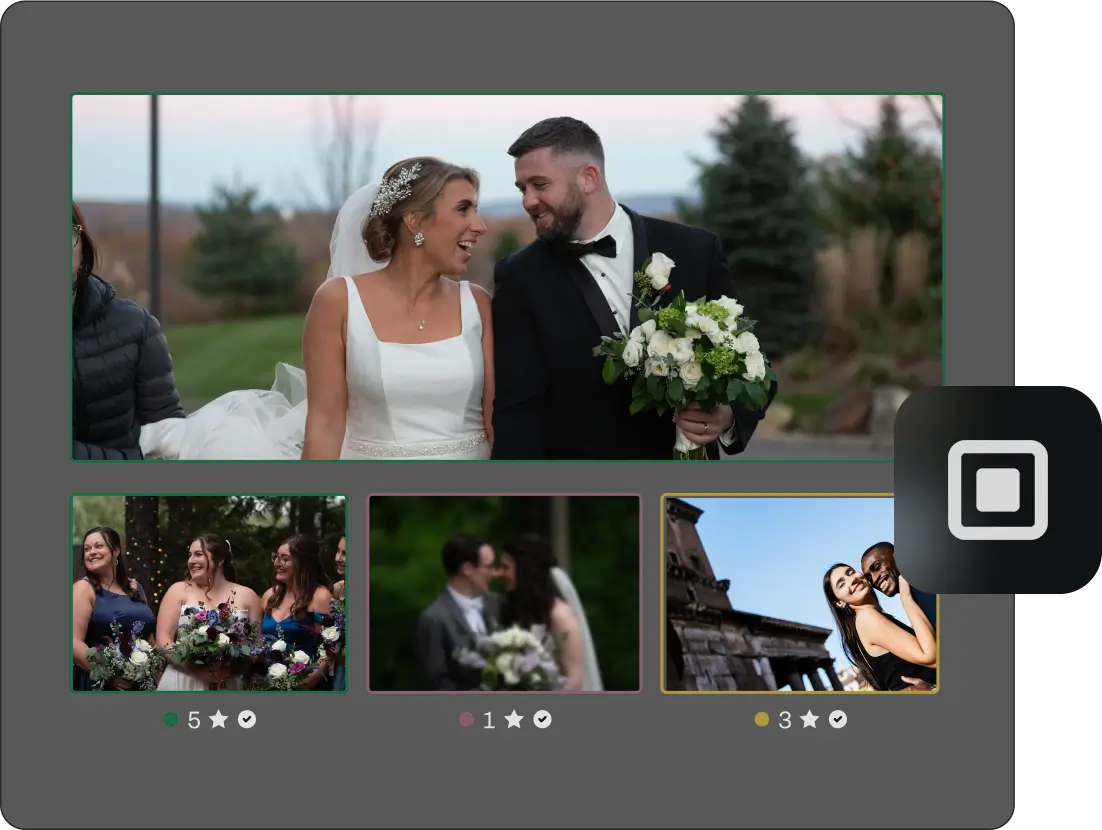
Spray Can Tool
Sort photos into multiple categories in a single pass, from album picks to client deliveries.
Multiple Views
Choose between grid, side-by-side, and Loupe views to review photos your way.
Grid View
Loupe View
Survey Mode
MANUAL VS AFTERSHOOT
How you Cull Today vs. With Aftershoot
If you’re still reviewing every shot one by one, here’s what changes with AI culling.
You review
Time spent per shoot
Duplicates
Blinks & Blur
Adapts to You
Your creative eye
Privacy
Manual Culling
Every single photo (Thousands)
3-5 hours
Spot them one-by-one
Catch them manually
Same effort every shoot
Buried under grunt work
Varies – cloud tools upload your files
AI’s top picks (~200-500)
20-30 minutes
Grouped automatically
Flagged and filtered automatically
Learns from your style
Focused on what matters
100% offline. Images never leave your machine.
Pricing
Unlimited photos. One price.
Unlike per-image tools that charge $0.05+ per photo, every Aftershoot plan is truly unlimited.
Unlike per-image tools that charge $0.05+ per photo, every Aftershoot plan is truly unlimited. A 4,000-image wedding costs the same as a 200-image headshot session: nothing extra.
TRUSTED BY PROFESSIONALs
248k+ photographers have reclaimed their evenings with Aftershoot
Kasey + Tyler Rajotte
Content Creator
@StudioTwelve52
Since incorporating Aftershoot into our workflow, we’ve finally been able to honor our days off as true days off, and even take longer breaks, like a whole winter break off to be with family + friends – something we haven’t been able to do in over 10 years of working together. That’s huge for us.
Ashlee Weaver
Content Creator
@_ashleekay
Aftershoot has been a game-changer for me. With 20 weddings and 100’s of sessions this year, it’s given me my work/life balance back. It’s given me extra time for my family, and I’m so thankful. I love going through and making sure each photo is the way I’d like it, but Aftershoot is like my very reliable assistant that takes care of 70% of my workload.
Quentin Guestin
Content Creator
@welcometothejungle
Aftershoot’s impact has been remarkable – not just for us, but for our customers too. By integrating Aftershoot into our processes, we’ve boosted customer satisfaction by an impressive 64%! It’s been a true game-changer for our team and a leap forward for delivering excellence to our clients.
Take the Next Step with AI Editing
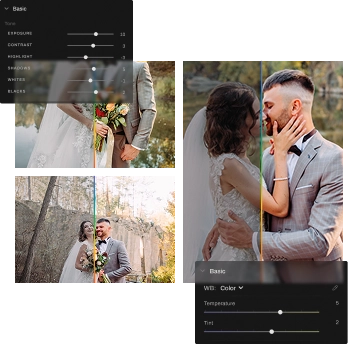
Try AI Editing for consistent edits that reflect your unique style. Switch to Edit Mode, or run Culling and Editing together in one smooth, uninterrupted process.
Full Access for 30 days. | No credit card | No per-image fees
What Photographers Ask Before Switching
What if it misses an important moment?
Aftershoot is non-destructive – it never deletes images. Every photo stays accessible in the rejected view. The AI guarantees at least one image from every duplicate group, even if it contains blinks or blur. And you can always review the rejected pile in seconds using Survey Mode.
How accurate is AI photo-culling software? Can I trust it with my client's work?
Aftershoot analyzes every image across 30+ scoring factors — sharpness, exposure, blinks, duplicates, facial expressions, and composition. Most photographers see a 90%+ match rate with their own selections by the third or fourth shoot, as the AI learns their style over time. You always have the final say, and nothing is ever deleted — so you can review and adjust at any point.
How long does AI photo culling actually take?
Most shoots are fully culled in 20–30 minutes, compared to 3–5 hours of manual culling. Your first cull takes about 10 minutes to set up. By your second or third project, you’ll start seeing 5–10x speed improvements as the AI gets calibrated to your preferences.
Can AI detect closed eyes, blinks, duplicates, and blurriness?
Yes — detecting all four is core to how Aftershoot works. The AI automatically flags blurry frames, closed eyes, and blown exposures, and groups near-identical burst shots so you can compare and pick the winner in seconds, rather than hunting through duplicates one by one.
What's the difference between AI culling and AI-assisted culling?
AI Automated Culling does the first pass for you — it scores every image and surfaces your strongest selects, so you only review the top picks. AI Assisted Culling keeps you in the driver’s seat: the AI organizes, groups, and scores, but every decision stays with you. Both modes save significant time; which you choose depends on how hands-on you want to be.
What if it misses an important moment?
Aftershoot is non-destructive by design — it never deletes anything. Every rejected image stays fully accessible, and the AI always keeps at least one image from every duplicate group, even if it contains blinks or blur. You can review the entire rejected pile in seconds using Survey Mode. No moment gets permanently lost.
Does this AI photo-culling software work with my camera and workflow?
Aftershoot works with RAW and JPEG files from all major camera brands. It integrates directly with Lightroom Classic and Capture One, preserving star ratings, color labels, and flags on export. No workflow disruption — it fits into how you already work.
Will it work with my Lightroom and Capture One workflow?
Yes. Export your selections directly to Lightroom Classic or Capture One, preserving star ratings, color labels, and flags. Train AI editing profiles from your existing Lightroom catalog. No workflow disruption — Aftershoot fits into how you already work.
Is this culling software available for Mac and Windows?
Yes. Aftershoot runs on both Mac and Windows. It requires 8 GB+ of RAM and is optimized for local processing, using your GPU when available for faster performance. If you can run Lightroom, you can run Aftershoot.
What if the AI doesn't understand my style?
It will — over time. The AI observes your culling decisions across projects: what you keep, what you skip, what consistently makes the cut. If you prioritize emotion over technical perfection, Aftershoot learns that. Most photographers notice a significant improvement in match rate after 2–3 shoots.
What makes Aftershoot the best AI photo culling software?
A few things stand out: it’s fully offline (your images never leave your machine), it’s the most affordable unlimited plan in the market at $10/month, it has 4+ years of AI culling expertise versus newer entrants, and it’s trusted by 100,000+ photographers who’ve culled over 500 million photos. Unlike cloud-based competitors, there are no per-image fees, no upload wait times, and no privacy concerns.
Do I still keep full control over my selections?
Always. Aftershoot’s AI makes suggestions — you make decisions. You can override any selection, review the full rejected pile, adjust strictness settings, and fine-tune results using Survey Mode, the Spray Can tool, and side-by-side comparison views. The AI handles the 90%; your eye perfects the rest.
Is there a free trial? Do I need a credit card?
Yes, there’s a free 30-day trial with full access to all features. No credit card required to start.
How much does it cost after the trial?
Culling starts at $10/month (billed annually) for the Selects plan — unlimited photos, no per-image fees, ever. A 4,000-image wedding costs the same as a 200-image portrait session: nothing extra. Plans can also be paused during slower seasons if you don’t need it year-round.