Cull. Edit. Retouch.
Your Complete AI Workflow.
Deliver beautiful, consistent galleries faster with AI-powered culling, editing and retouching built for professional photographers.
Full Access for 30 days. No credit card required.

Reclaim 39+ Hours Every Month.
Streamline your post-processing workflow in one place, so you can spend more time on the decisions that need your eye.
Consistent Edits. Always.
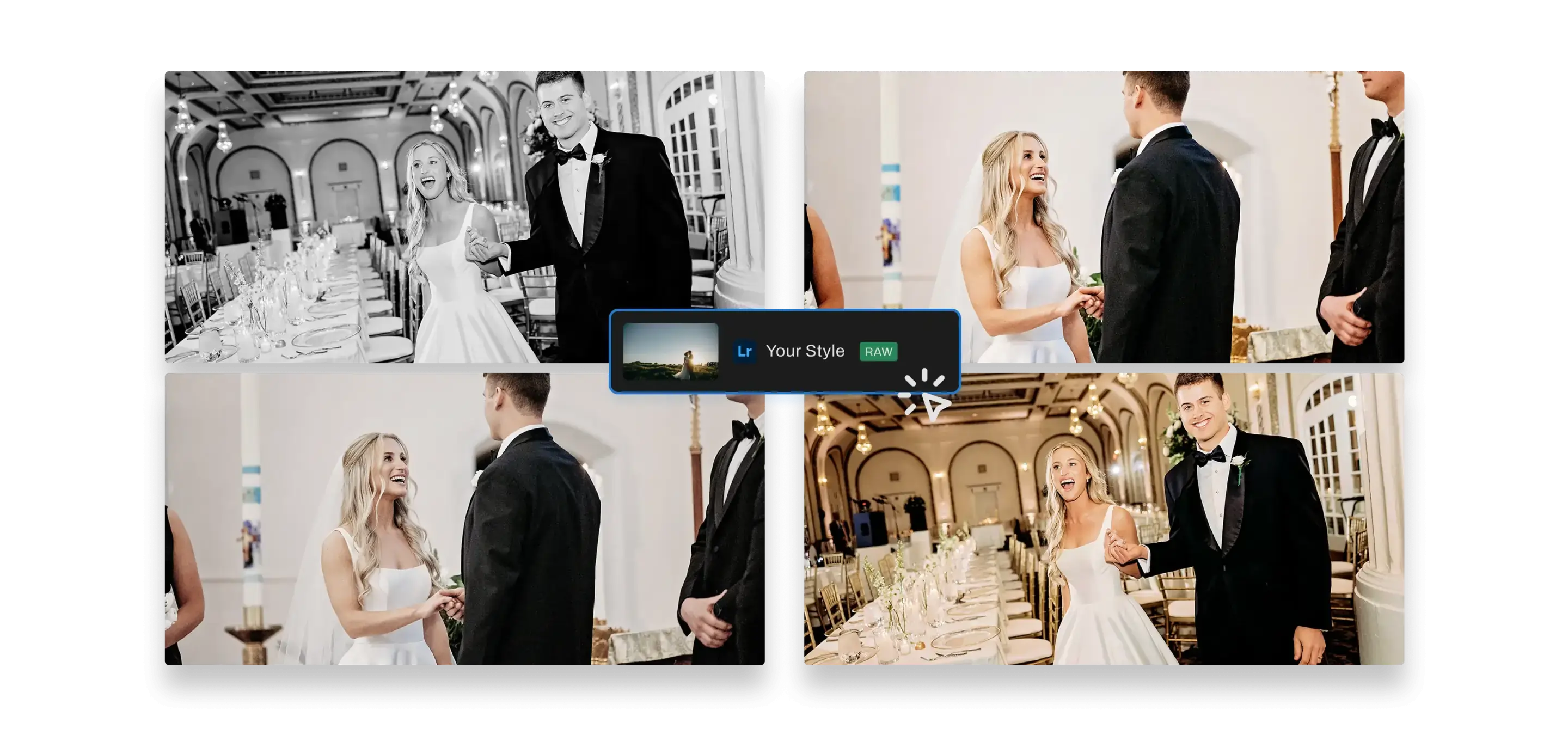
Maintain your style and aesthetic across shoots, lighting, and gear with smart AI profiles.
Works Fully Offline
Runs on Mac and Windows, with files that stay on your system for added control and security.
Simple, all-inclusive pricing
No per-image fees. One subscription for all the work that comes after the shoot.
As seen in


AI CULLING
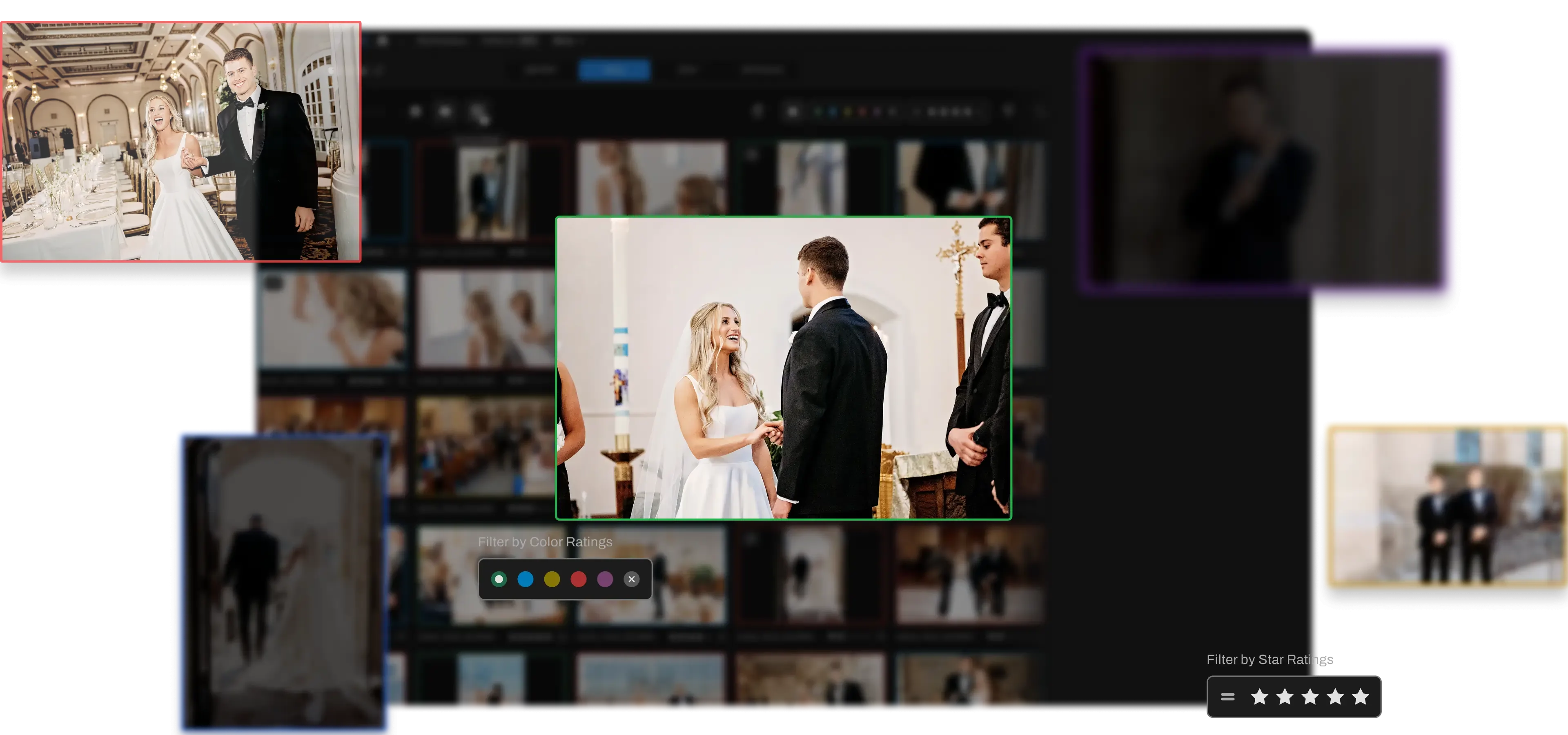
AI automated, assisted, or fully manual cull. Take your pick, then finalize your best shots 10X faster with features to make reviews simple
CULLING
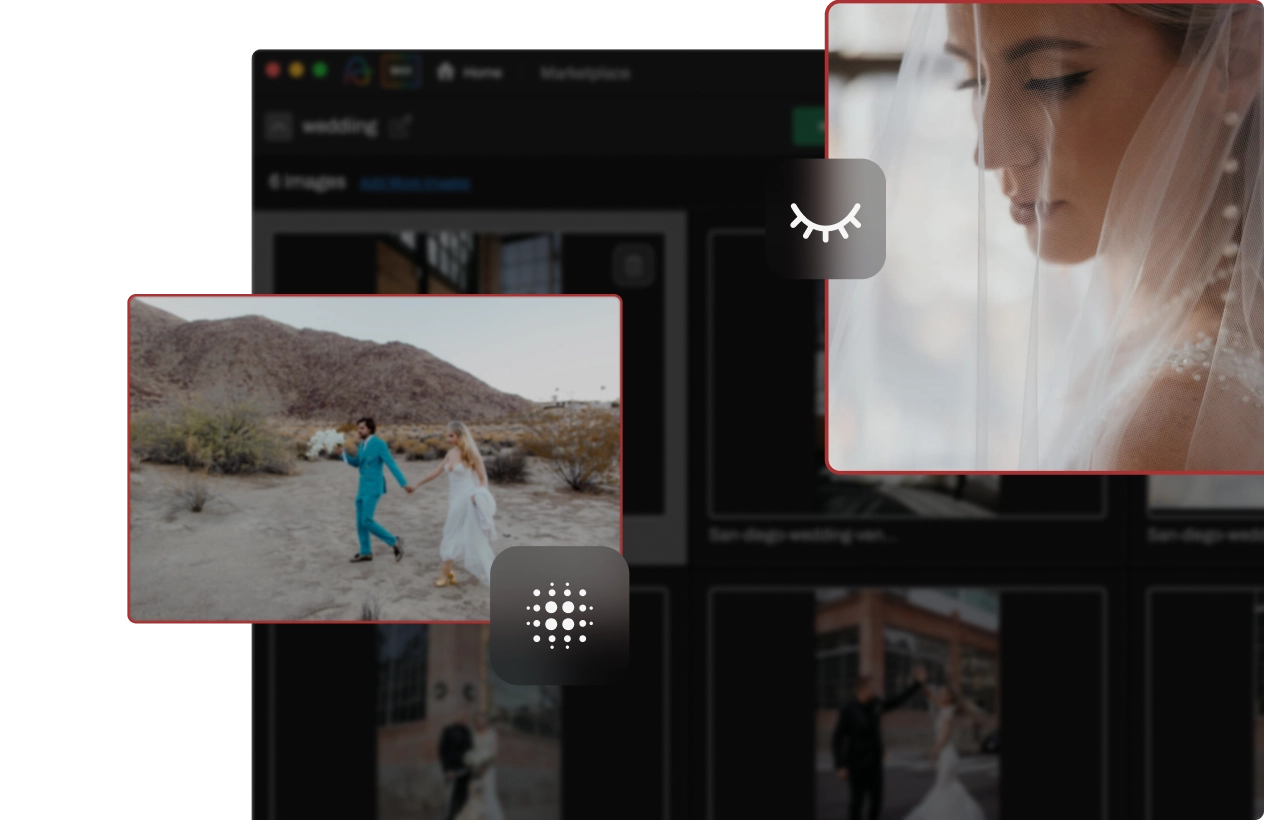
AI Automated Culling
See your best shots in minutes with Automated AI culling. It ranks your top shots based on 30+ technical factors, and over time, your personal culling choices!
Granular controls for AI-automated culling
Customize your AI-automated culls exactly how you want them with options to dial in duplicate groups, blur detection, and closed eye detection.

Culls as strictly as you need
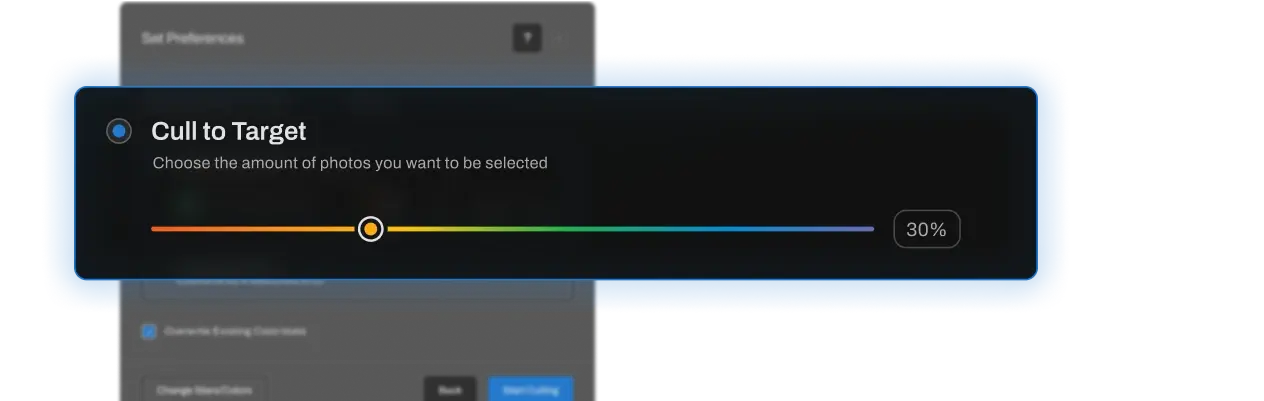
Choose how many photos the AI keeps, from broader collections to only the standout shots.

Learns to cull like you do
The more you use it, the better it matches your preferences, adapting to your unique culling style.

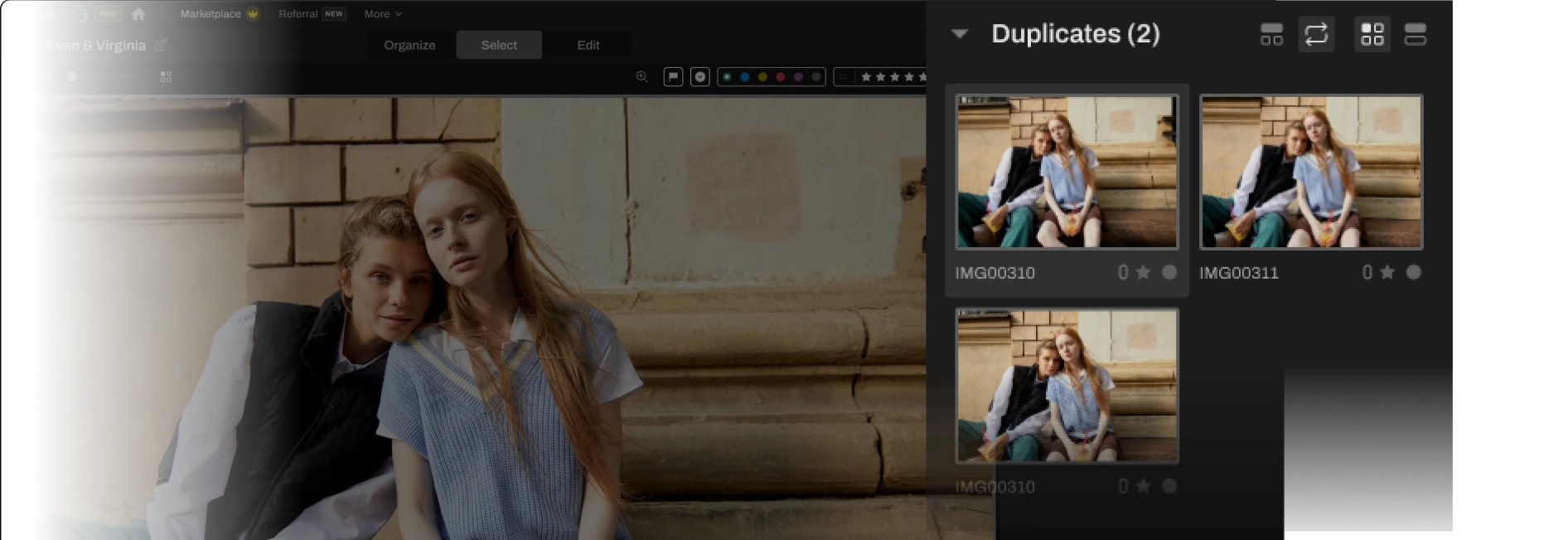
Duplicate grouping
Automatically clusters similar images to streamline selection.

Image scoring
Ranks shots based on quality, helping you find the top images fast.

CULLING
AI Assisted Culling
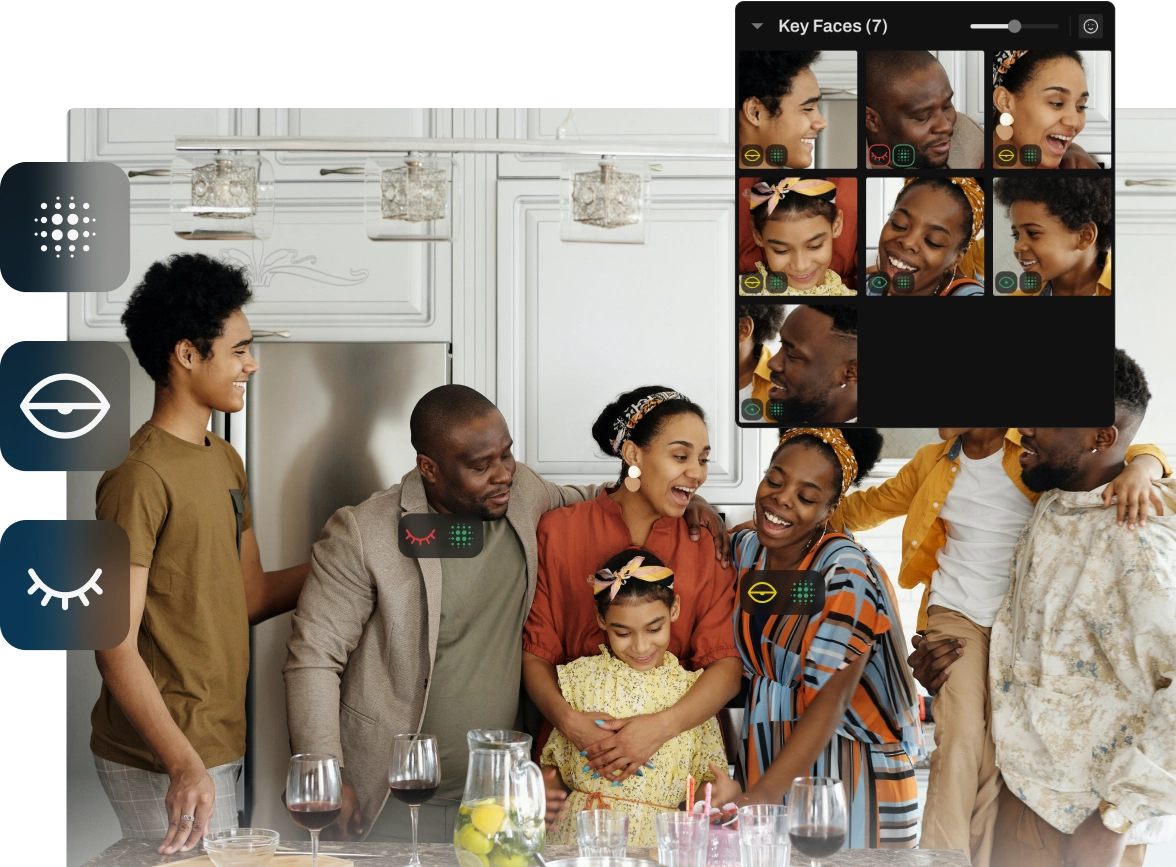
With Assisted Culling, Aftershoot’s AI swiftly rates your images based on your unique style, highlighting the top 15% and flagging the forgettables. And you still get the final say.
Key Faces Duplication
Highlights the best expressions for clear, memorable portraits.

Make creative picks faster with intuitive review tools
Survey Mode
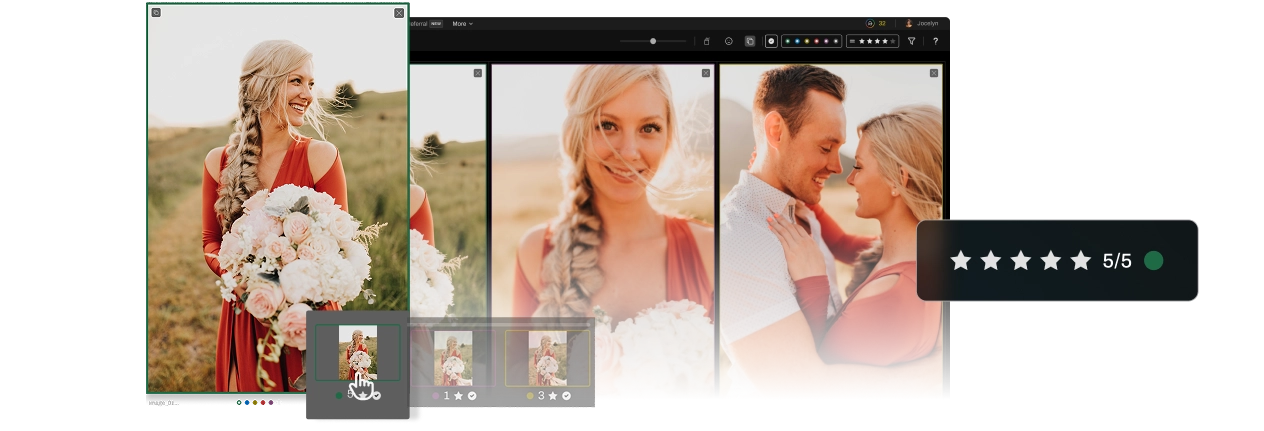
Survey Mode lets you view, zoom, and tag favorites with a click.
Spray Can Tool
Add to “My Selections”, reject, swap, or sort photos into multiple categories instantly.
AI EDITING
Consistent Edits. Your Signature Style. Every time.
Create your own professional AI profile
Train the AI on your edits to create a personalized assistant that mirrors your unique style. Save hours on repetitive edits while ensuring consistency across your entire portfolio.

Experiment with Instant AI profiles
Import your favorite lightroom presets and edit 3 sample images to create a personalized AI profile in under a minute. Great for those just starting, or for those experimenting with styles!

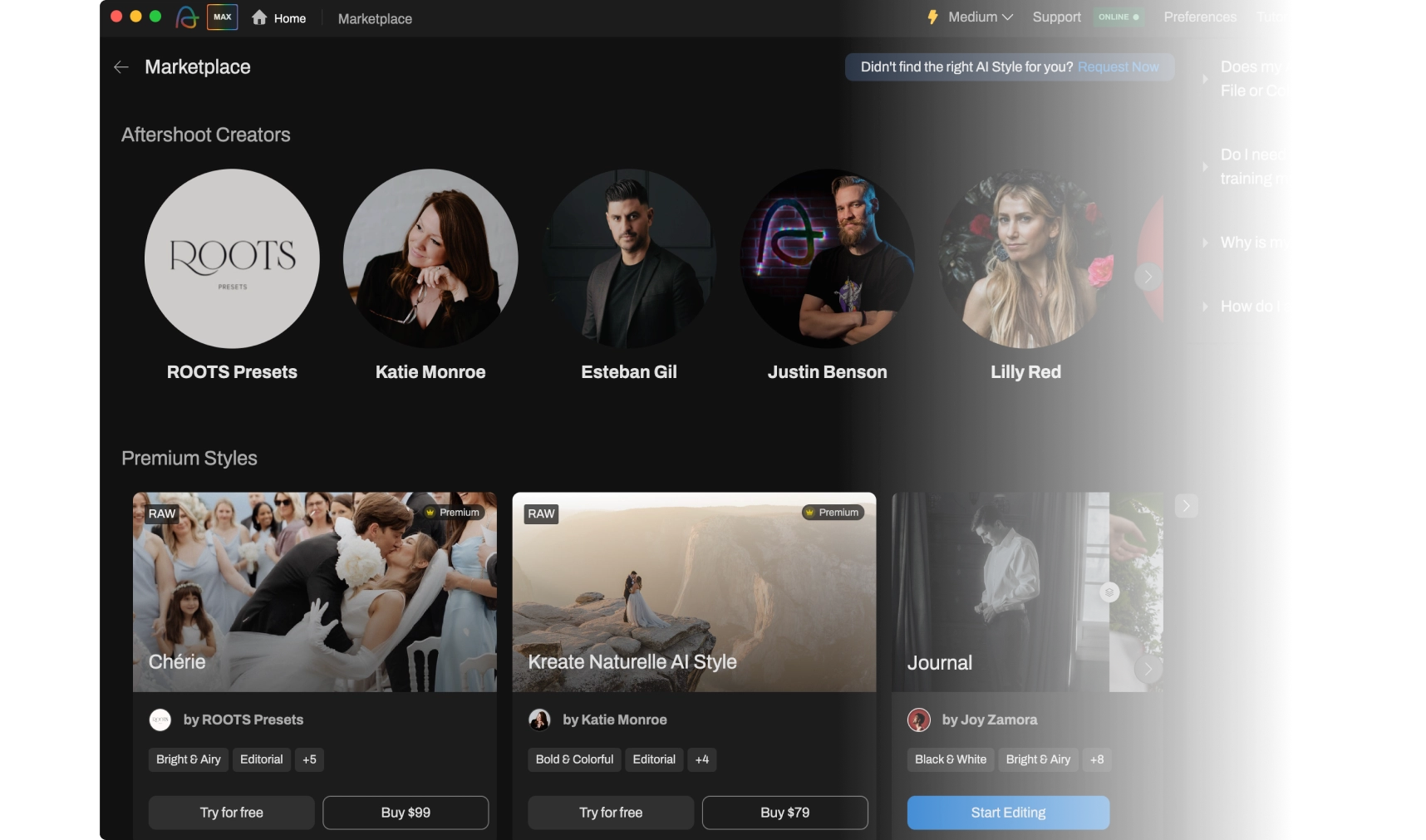
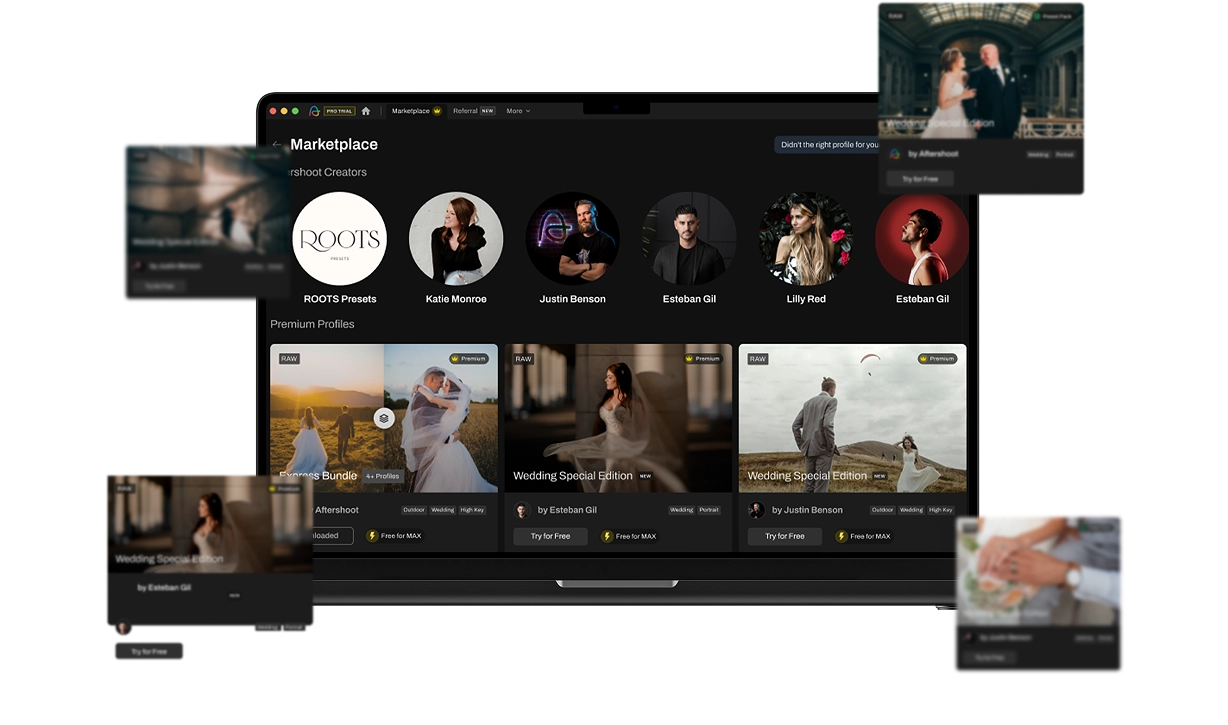
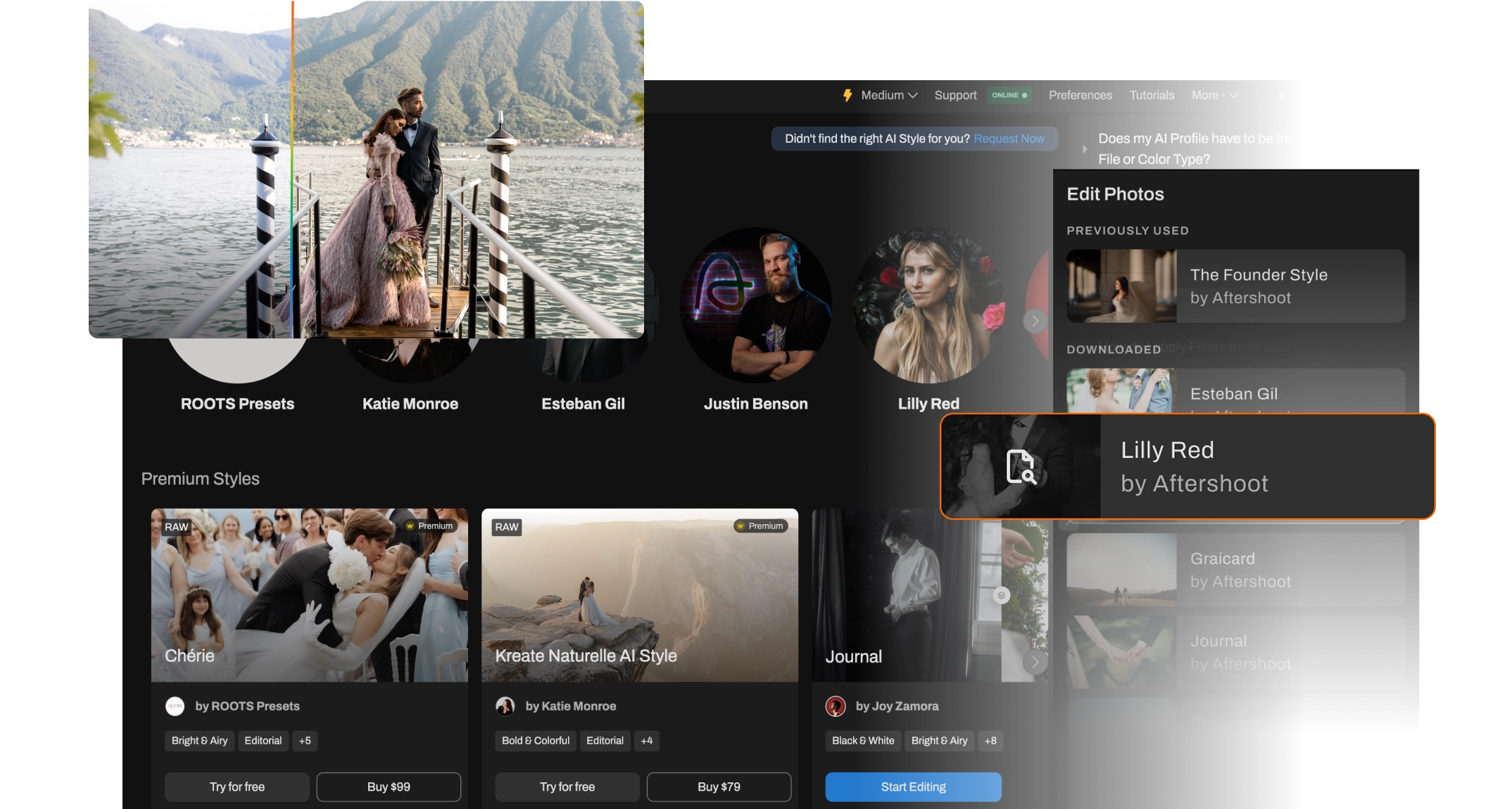
Get AI styles pros use from Marketplace
Mirror the signature editing styles of your favorite photographers with the growing collection of Creator Styles in the Aftershoot Marketplace.

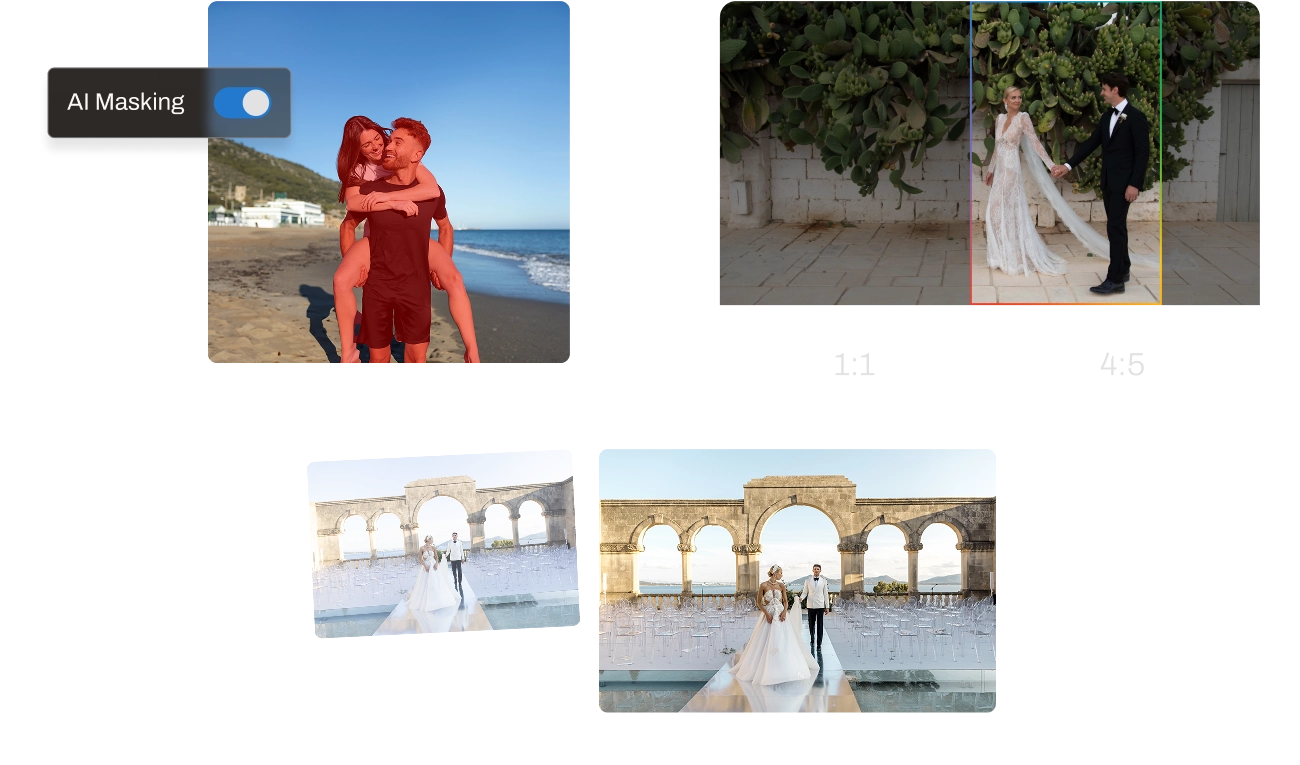
AI Masking, AI Straightening, and AI Cropping
All the pro tools you need for seamless edits – precise, intelligent, and built to save you time. Aftershoots understands the context of each image and applies your style contextually to each, and at scale.

AI RETOUCHING
Natural, client-ready retouching in seconds.
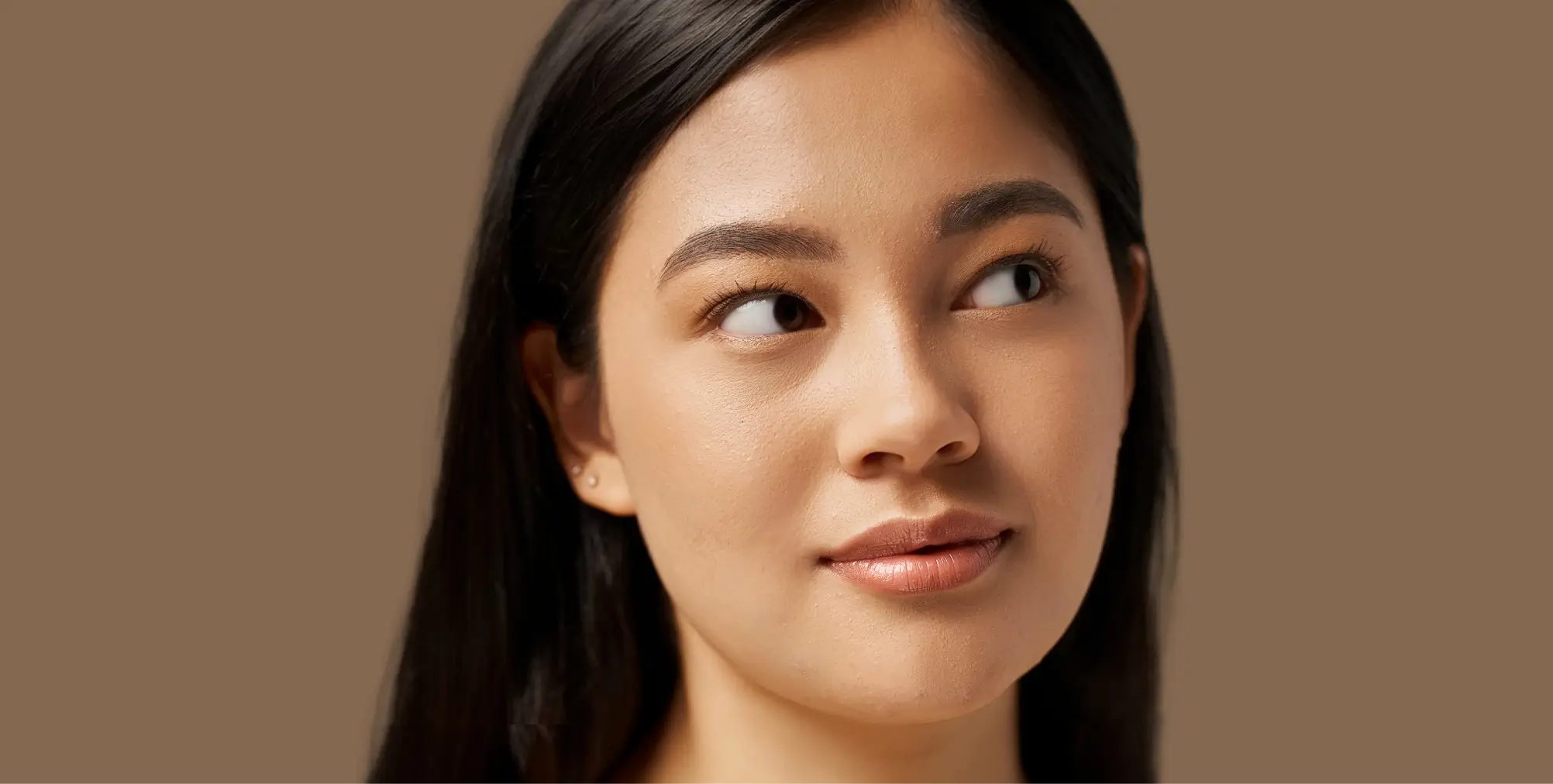
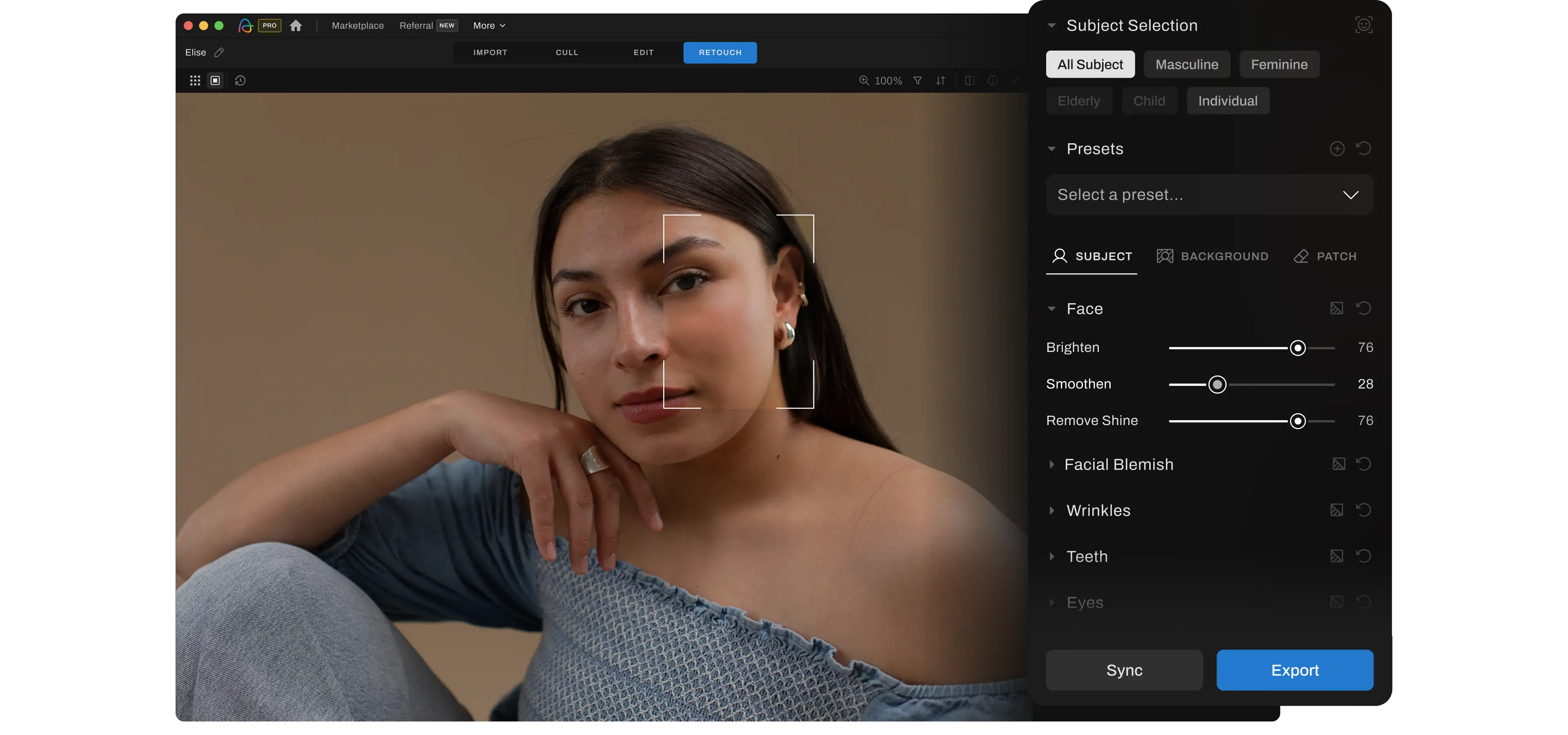
Flawless Retouching, Without the Manual Work
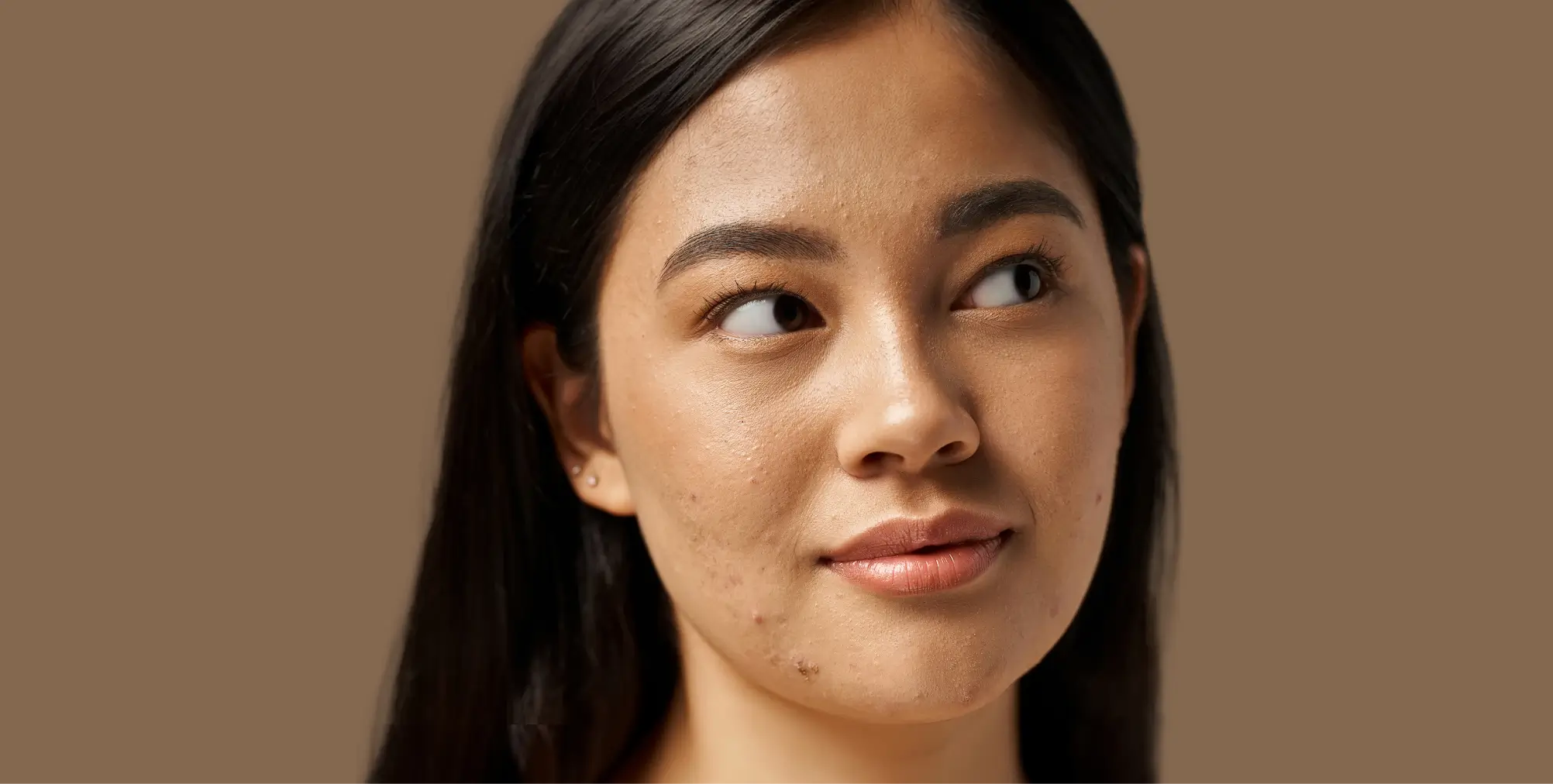
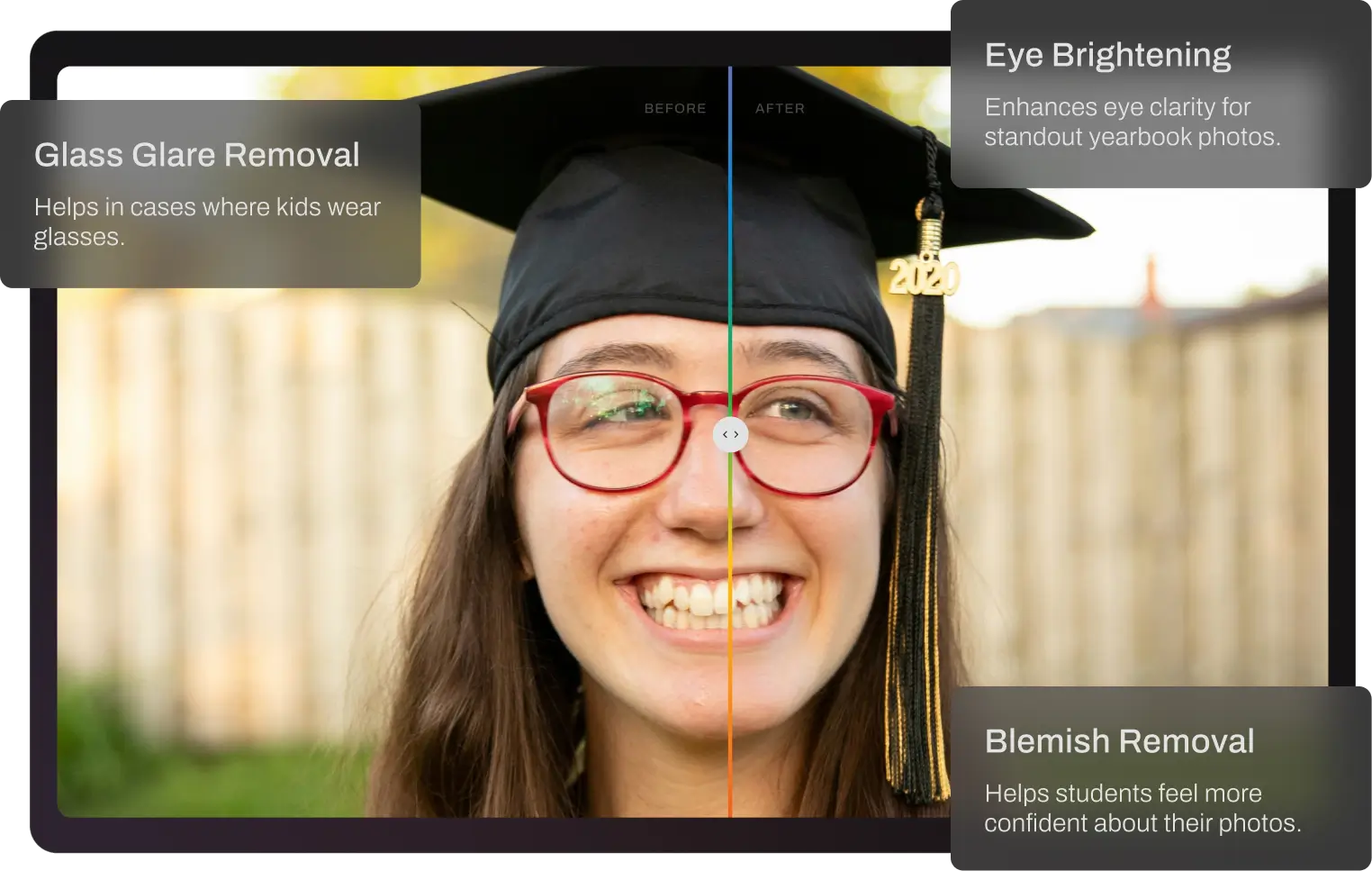
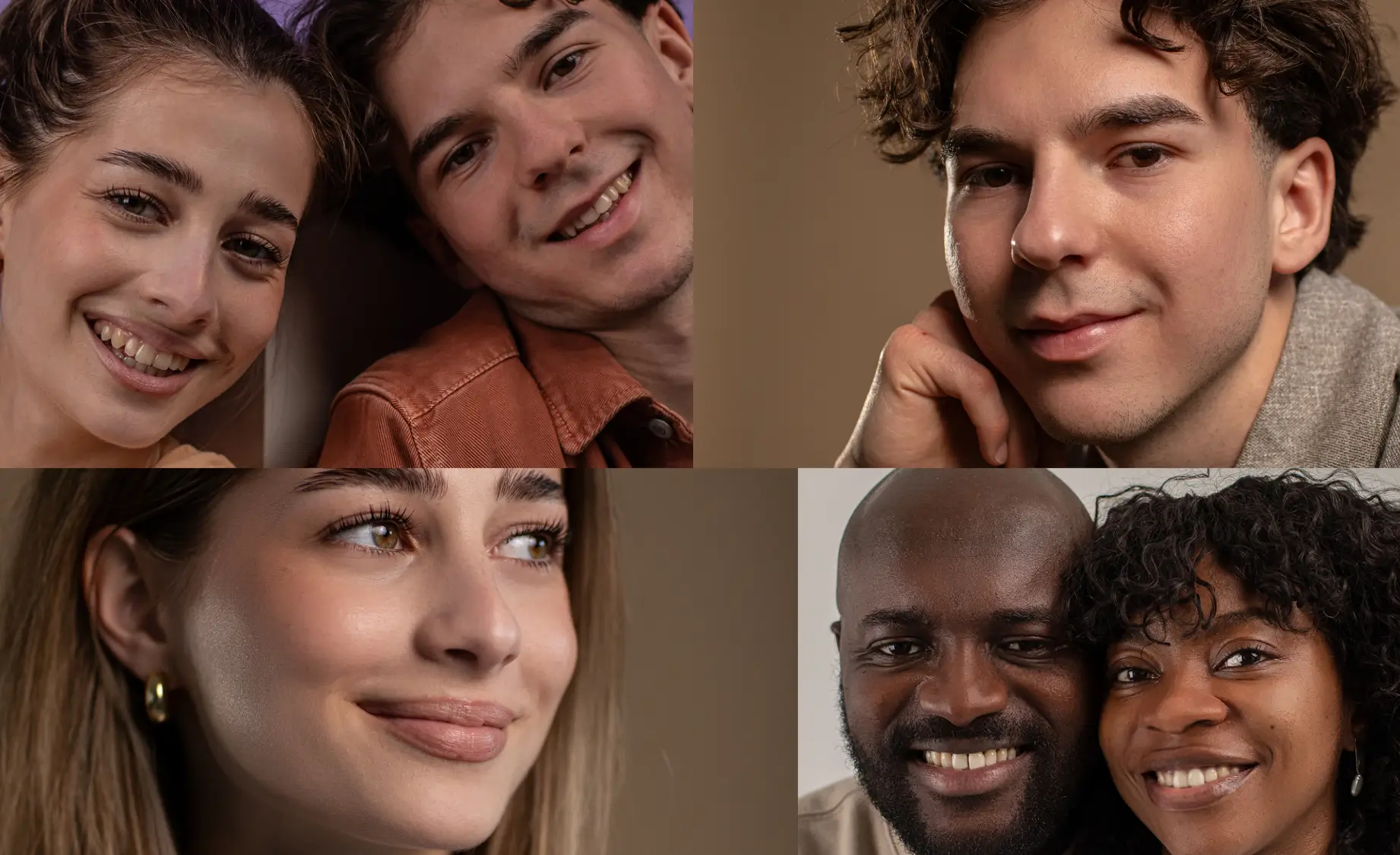
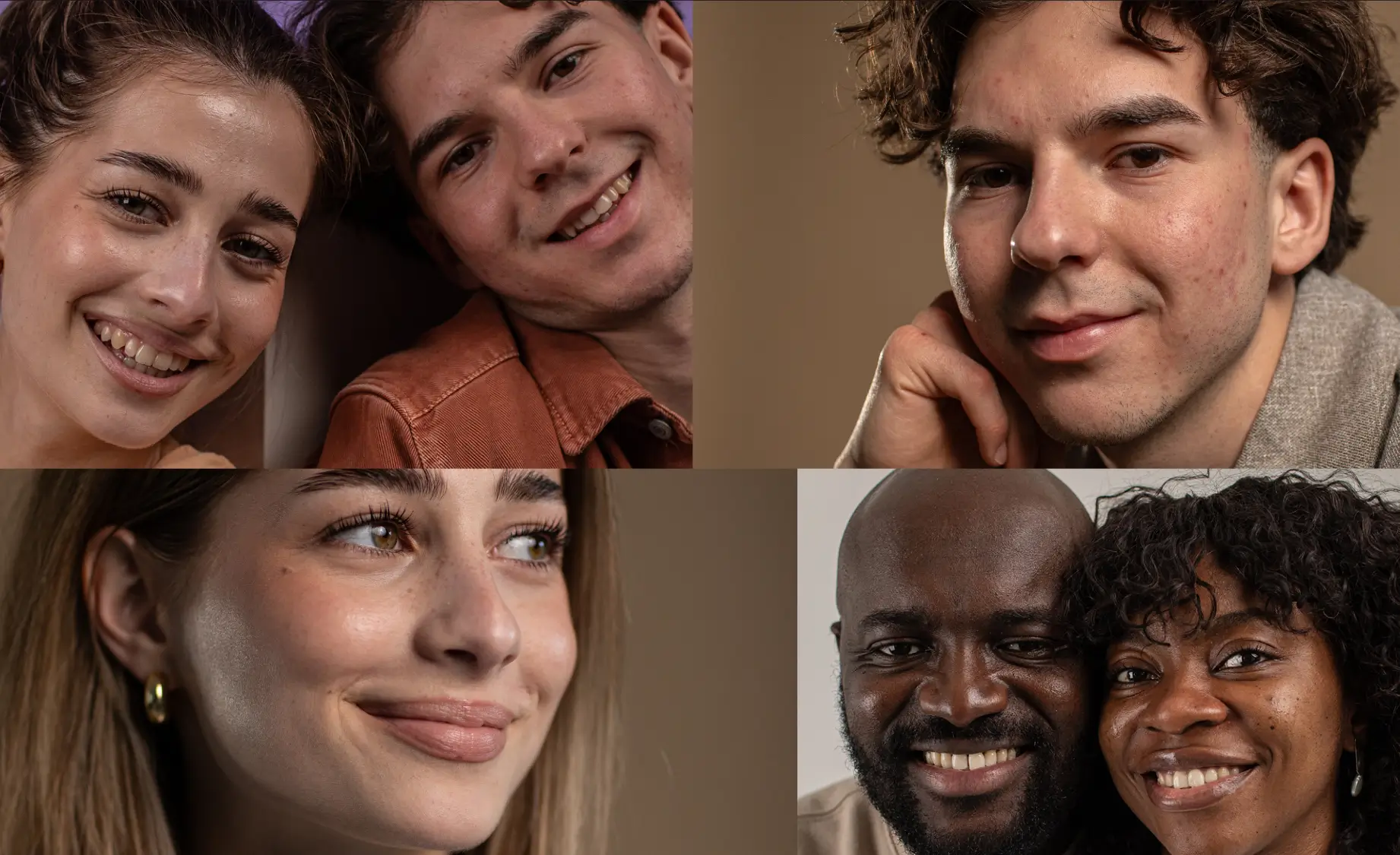
Remove acne, stray hair, flyaways, and lens glare in just a few clicks – while keeping skin texture natural and true to life. No more babysitting each photo.

BEFOREAFTER From Portraits to Weddings,
Your Retouching Assistant for Every Style
Select from a collection of pre-built AI Styles that intelligently analyze and adjust for the unique lighting, exposure, and color profiles of each photo.

Contextual Retouching For Every Face, Every Image
Retouch one photo, then sync the same settings across the entire batch for fast, consistent retouches applied contextually to every image.

BEFOREAFTERRemove Unwanted Objects with Precision
Remove unwanted objects like signs, trash, flash light stand, and distractions instantly and neatly.

BEFOREAFTER

Images Processed
IMAGES CULLED
IMAGEs EDITED
HOURS SAVED
Your Photography Business Deserves The Best Customer Support
24/7 care via call, chat, or email. We go beyond troubleshooting — your partners in crafting seamless workflows and achieving your creative vision. We’re here for you every step of the journey.
No credit card required.
Trusted by Pro Wedding Event, School, Boudoir, Family & Newborn Photographers'

Kasey + Tyler Rajotte
Content Creator

Ashlee Weaver
Content Creator

Quentin Guestin
Content Creator
Cull, Edit, & Retouch Like The Pros
Join industry leaders who’ve made Aftershoot their go-to post-processing tool


Full Access for 30 days.
No credit card required.

Fits Right Into Your Workflow To Make Your Life Easier
One-Click Export to the platform of your choice.
One Subscription. Unlimited Potential.
Cull, edit & retouch unlimited photos, pay one flat fee. No per-image charges.
Full Access for 30 days. | No credit card required. | 30-day Money-Back Guarantee.
Full Access for 30 days. No credit card required.

30-day Money-Back Guarantee.

Frequently Asked Questions
What is Aftershoot?
Aftershoot is an AI-powered photo post-processing software for photographers. It helps you cull, edit, and retouch images faster in one app, while keeping your work consistent and true to your style, across the album.
Why Aftershoot?
As a photographer, your time is valuable and Aftershoot is designed to help you reclaim it. Our AI-powered platform streamlines the often tedious tasks of culling, editing, and retouching photos, so you can focus on what you love most – capturing moments.
We also offer unlimited image processing at a flat fee which means no matter how big your shoot is, the cost is always predictable.
Our simple pricing offers flexibility where you can manage your entire workflow or pick the tools you need.Aftershoot is compatible with both Windows and MacOS, making it accessible to a wide range of photographers. And you can work offline too — which means you don’t need the internet to process your images, and your files stay in your machine, ensuring privacy.
How does Aftershoot work, and how to get started?
Getting started with Aftershoot is quick and easy. Simply download the app on your Windows or MacOS computer, install it on your computer, and you’re ready to go! No complicated setup or internet connection is required after you’ve downloaded the app.
How much does Aftershoot cost?
The end-to-end workflow which includes unlimited AI Culling, Editing, and Retouching starts at $45/month, billed annually.
AI Culling starts at $10/month. AI Editing starts at $30/month. And AI Retouching starts at $20/month. We offer both — monthly as well as annual billing cycles.
And across plans, our pricing is flat — not per image — so you can cull, edit, and retouch as much as you want without worrying about usage-based fees.
Is there a free trial? Do I need a credit card?
Yes. We offer a 30-day free trial with full access, and you don’t need a credit card to get started. That means you can try Aftershoot on your own workflow before committing. When the trial ends, you can choose the plan that fits you best — the Aftershoot Complete plan for your end-to-end workflow in one place, or specific tools that you’d need.
What image formats does Aftershoot process?
Aftershoot is compatible with the most common image formats used by photographers. It can efficiently process images in RAW formats, JPEG, or TIFF, providing flexibility and convenience for various photography workflows.
Does Aftershoot replace my editing style or learn it?
Aftershoot is designed to learn your style, not replace it. With our Professional AI Profiles, we train on your edited images so your AI edits reflect the look you’ve already built. The profile continues to improve based on what you feed it, so the results become more aligned with your preferences over time. If you don’t want to train your own profile, you can also use pre-built AI Styles or create an Instant AI Profile based on a Lightroom preset.
Does Aftershoot work offline? Is my data safe?
Yes. Aftershoot works locally on your computer, so you can process your images without depending on cloud uploads or a constant internet connection. That also gives you more control over your files. Our workflows are non-destructive, which means we don’t overwrite your originals, and ratings for RAW workflows are typically written to XMP sidecar files instead of changing the source files themselves.
Your data is only yours. Images are processed locally on your Windows/Mac, and are never stored on our servers.
You can opt out before you import your images. We understand many photographers work with NDAs for sensitive shoots, or simply aren’t comfortable sharing data — the opt-out is right on the import screen. No questions, no gray areas.
What are the suggested system requirements for running Aftershoot?
Aftershoot runs smoothly on any modern Windows or macOS computer. The minimum system requirements are 8GB of RAM and a relatively recent CPU.
Note: Features like preview rendering and retouching may not work reliably on systems using Intel Integrated Graphics (iGPU) or GPUs with less than 2GB VRAM.