AI Retouching, Trusted by the Pros
See why top photographers rely on Aftershoot to streamline their workflow and achieve stunning results.


*Start Your 30-Day Free Trial







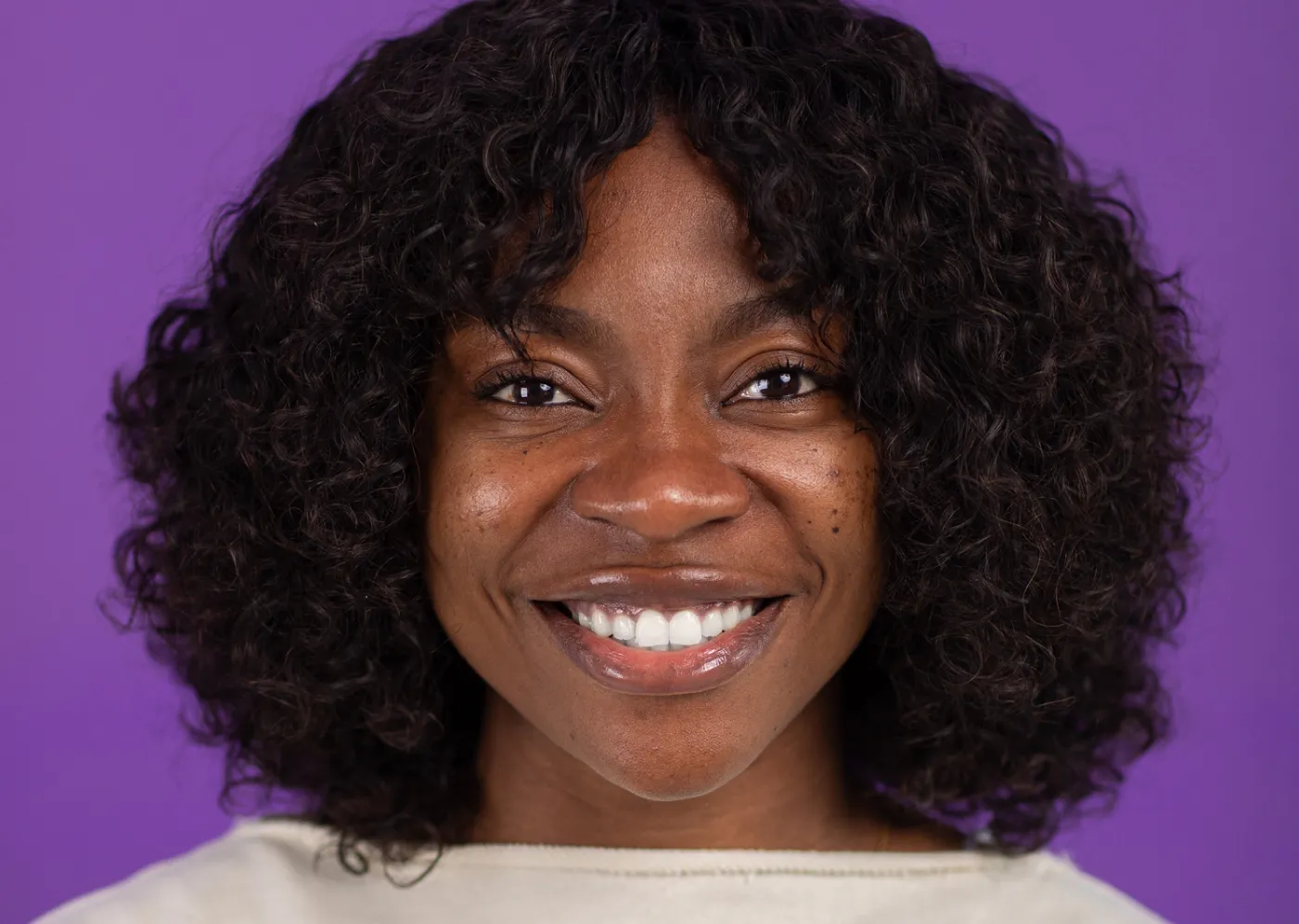
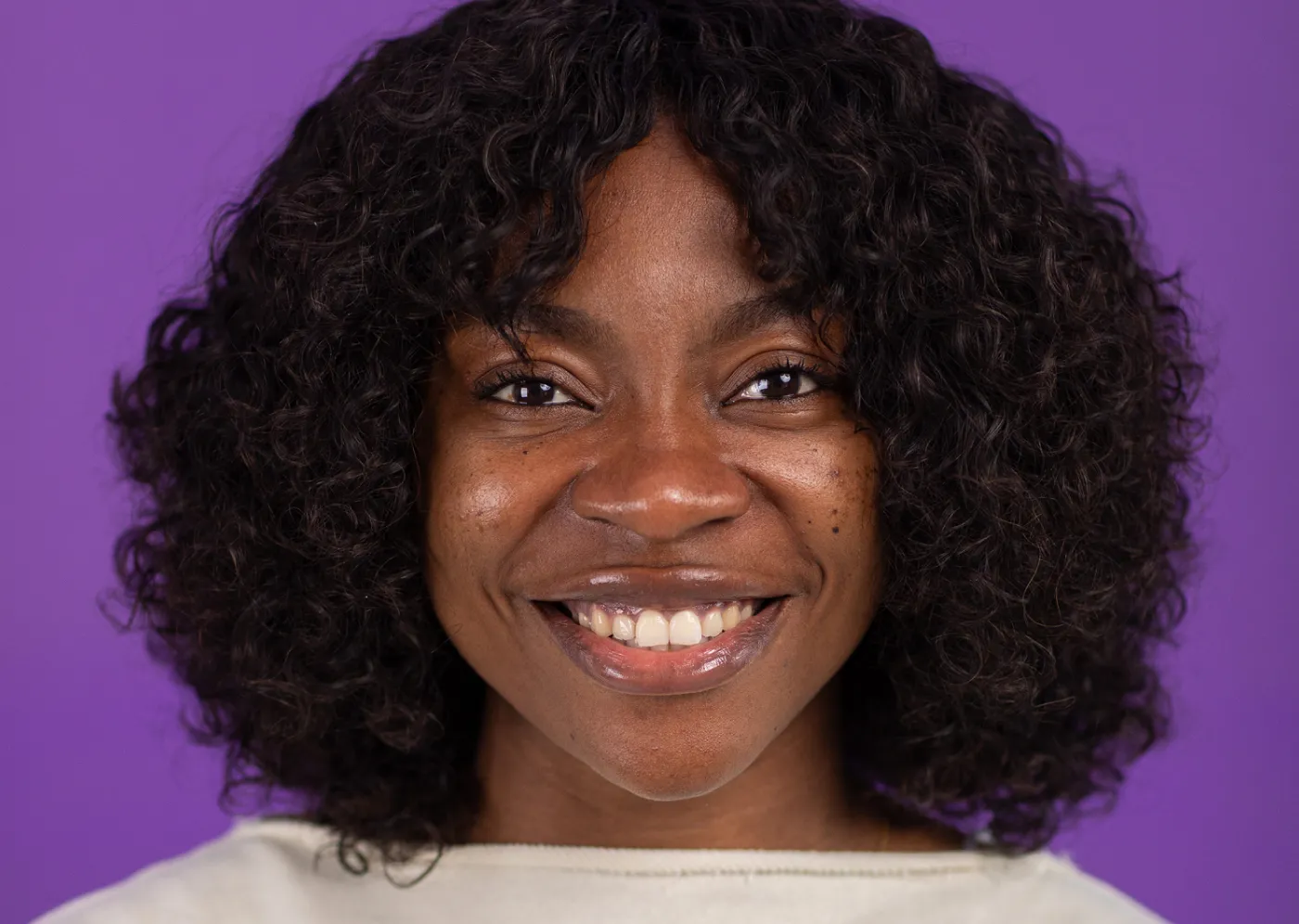 BEFOREAFTER
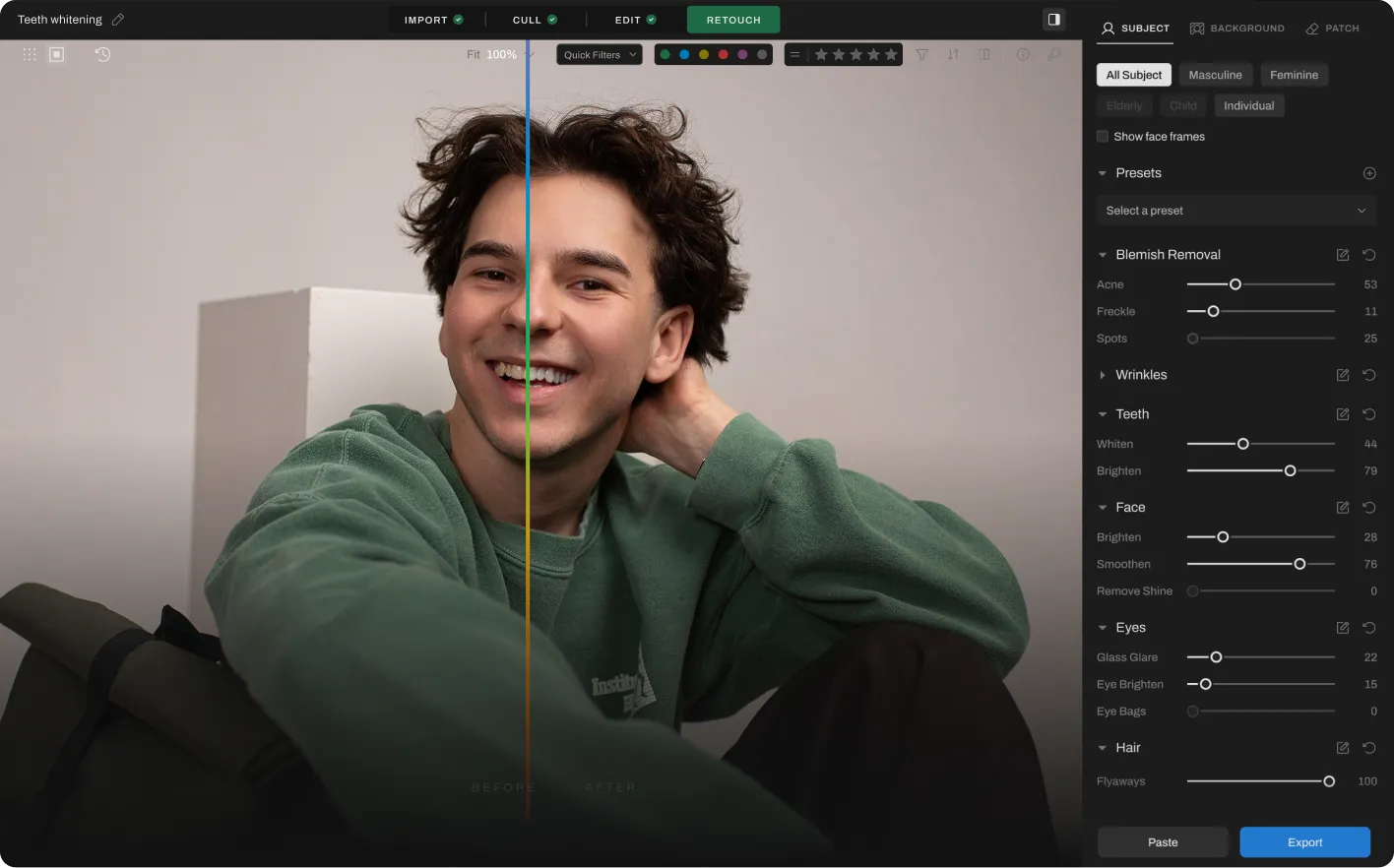
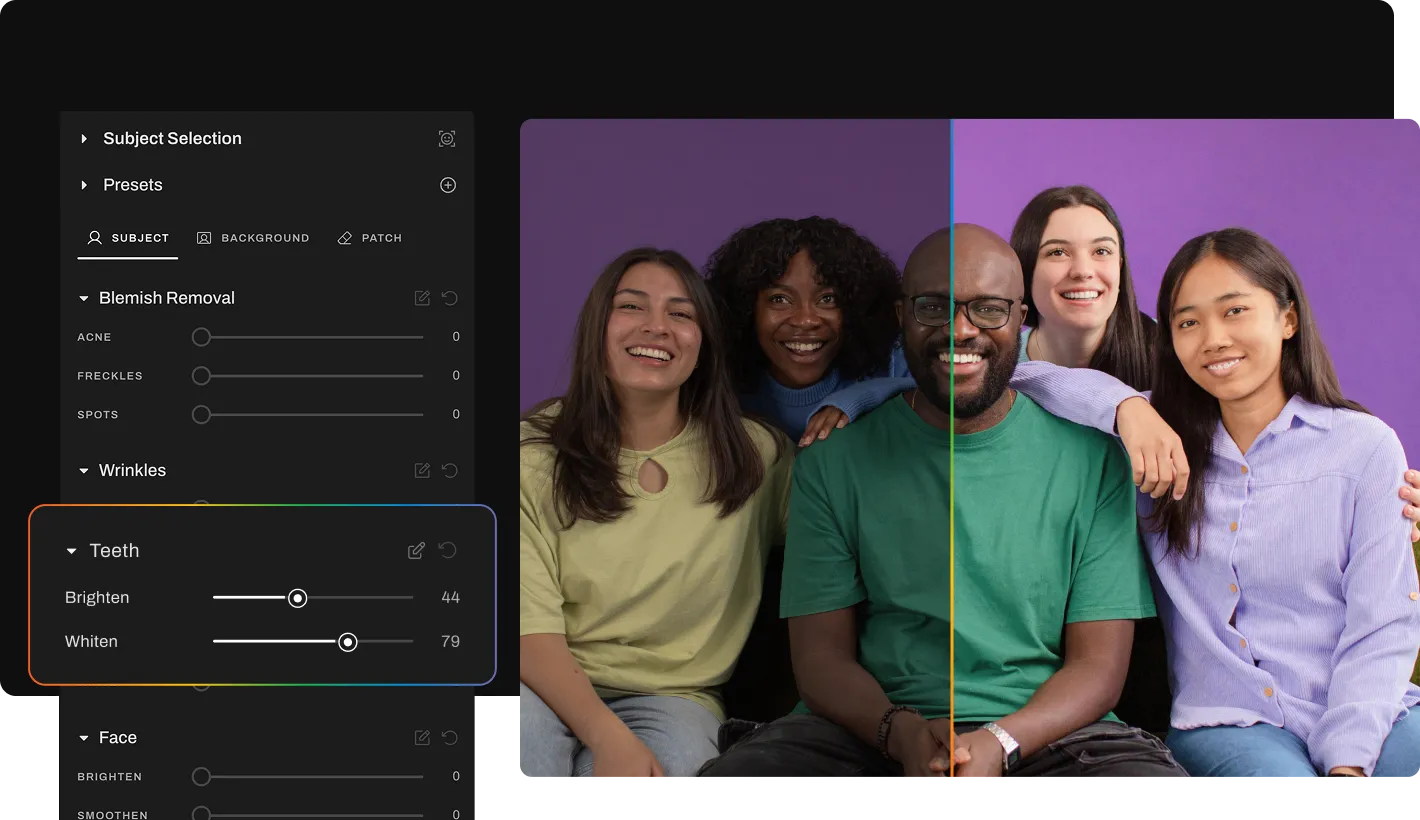

Step 1
Add your gallery (RAW or JPEG)

Step 2
Go to Retouching, select Teeth Whitening, and adjust the slider for subtle or polished results

Step 3
Preview and export to view final results
 BEFOREAFTER
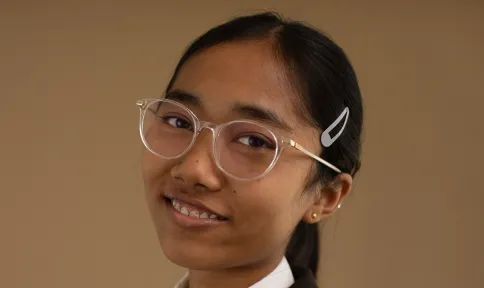
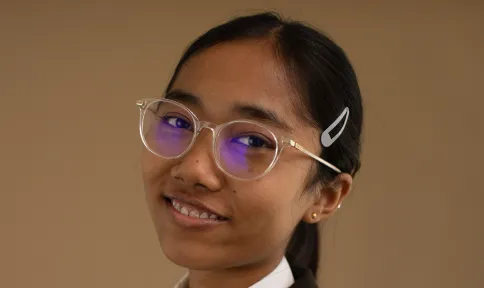
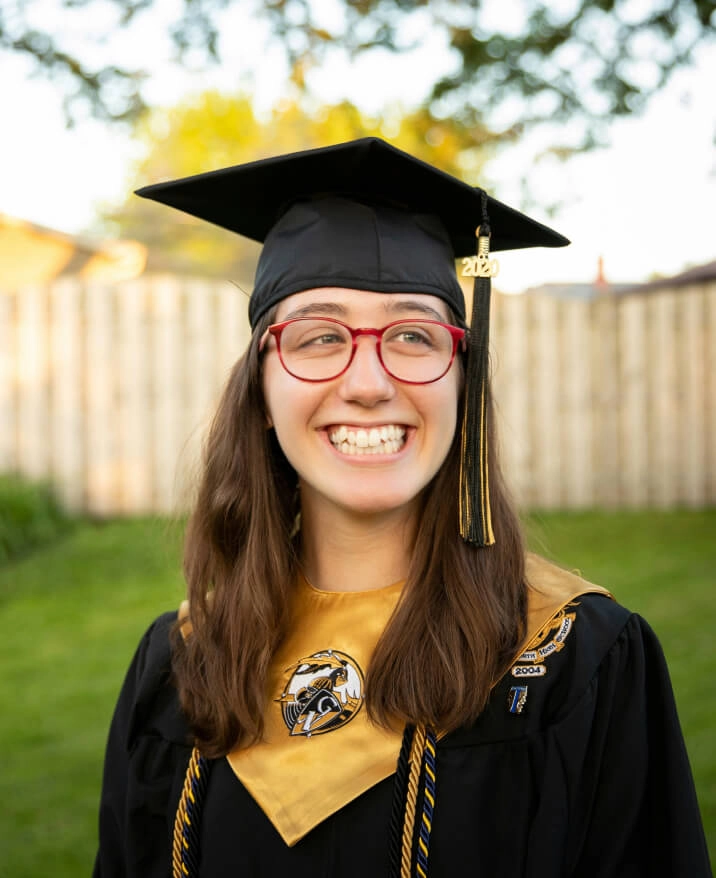
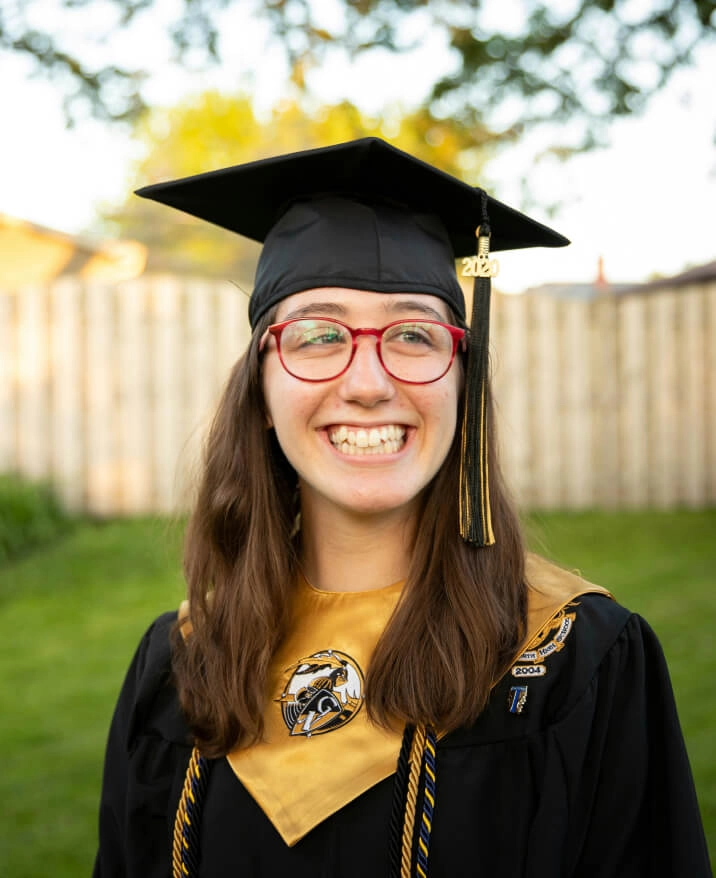
Remove glare and reflections from glasses in portraits while preserving natural skin tone and eye detail.
 BEFOREAFTER
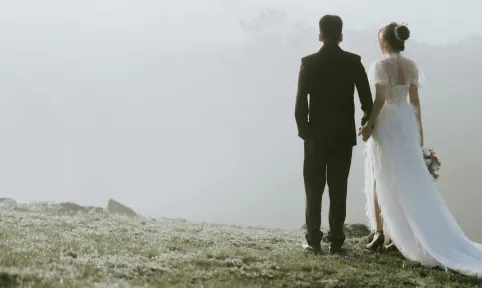
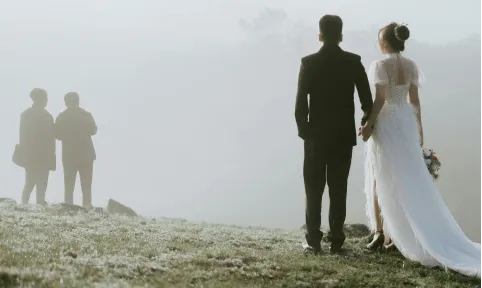
Clear unwanted people from backgrounds while keeping the rest of your composition intact and natural.
 BEFOREAFTER
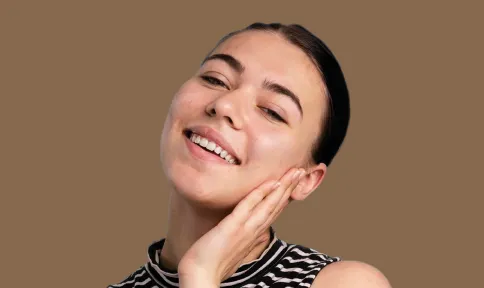
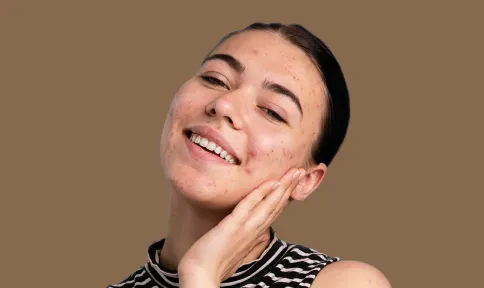
Remove temporary blemishes and spots while preserving natural skin texture and tone.
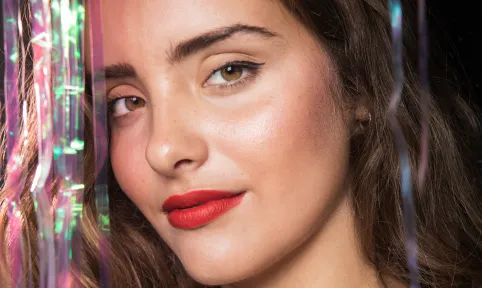 BEFOREAFTER
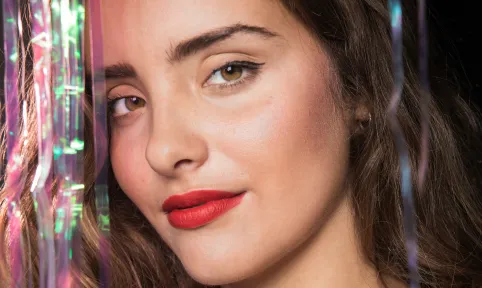
Reduce oily shine and hotspots on skin while preserving natural glow and healthy skin tone.
PHOTOGRAPHERs
PHOTOS RETOUCHED
Hours saved




Start Your 30-Day Free Trial
Turn those hours into more shoots, not more edits.
Need help with migrating from a different app? Contact Us




Aftershoot’s AI detects teeth automatically and applies natural whitening that preserves enamel texture. You can whiten teeth in photos instantly using Retouch Presets and adjust intensity for your preferred look.
Yes. Aftershoot avoids the fake “pure white” look common in apps. It enhances brightness gently while keeping natural shading, tooth lines, and color balance.
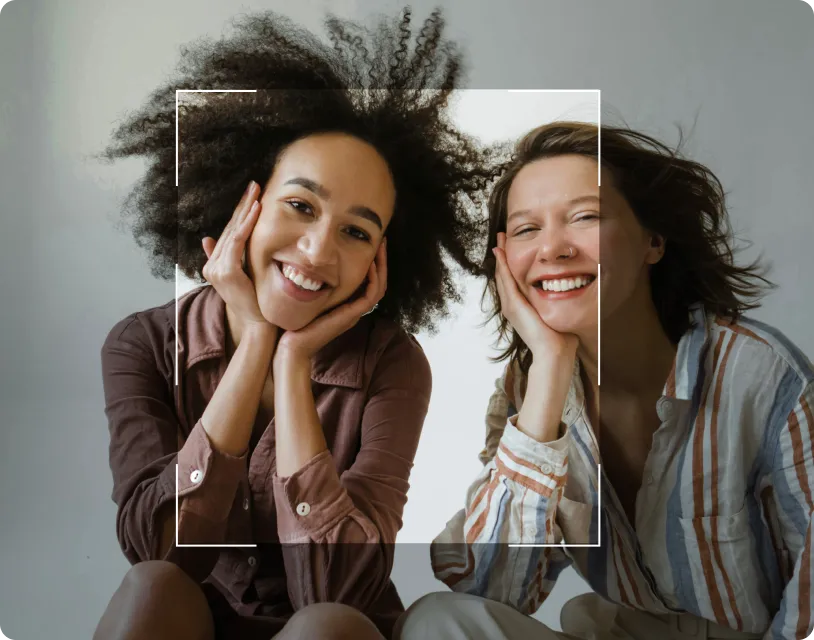
Yes. Aftershoot’s Smart Subject Detection identifies and whitens teeth for all people in the frame—perfect for wedding parties, family portraits, and group shots without manual selection for each person.
Aftershoot is built specifically for professional photographers. It offers automatic, texture-preserved whitening, batch editing, and natural results, which make it ideal compared to consumer selfie apps.
No. Aftershoot preserves enamel detail, tooth lines, gum shading, and natural reflections. Only discoloration is corrected.
The AI intelligently avoids over-processing metal braces, retainers, or visible dental work while still enhancing natural tooth visibility and brightness for professional results.
Yes. The AI adapts to various lighting—backlit portraits, indoor/outdoor, golden hour, flash photography—ensuring consistent enhancement regardless of shooting conditions or time of day.
Yes. You can import RAW or JPEG photos, apply AI Teeth Whitening, and export high-quality results. Batch processing lets you edit entire galleries at once with consistent enhancement.
Yes. All photos are processed locally on your computer. No files are uploaded to the cloud, ensuring privacy and faster performance.