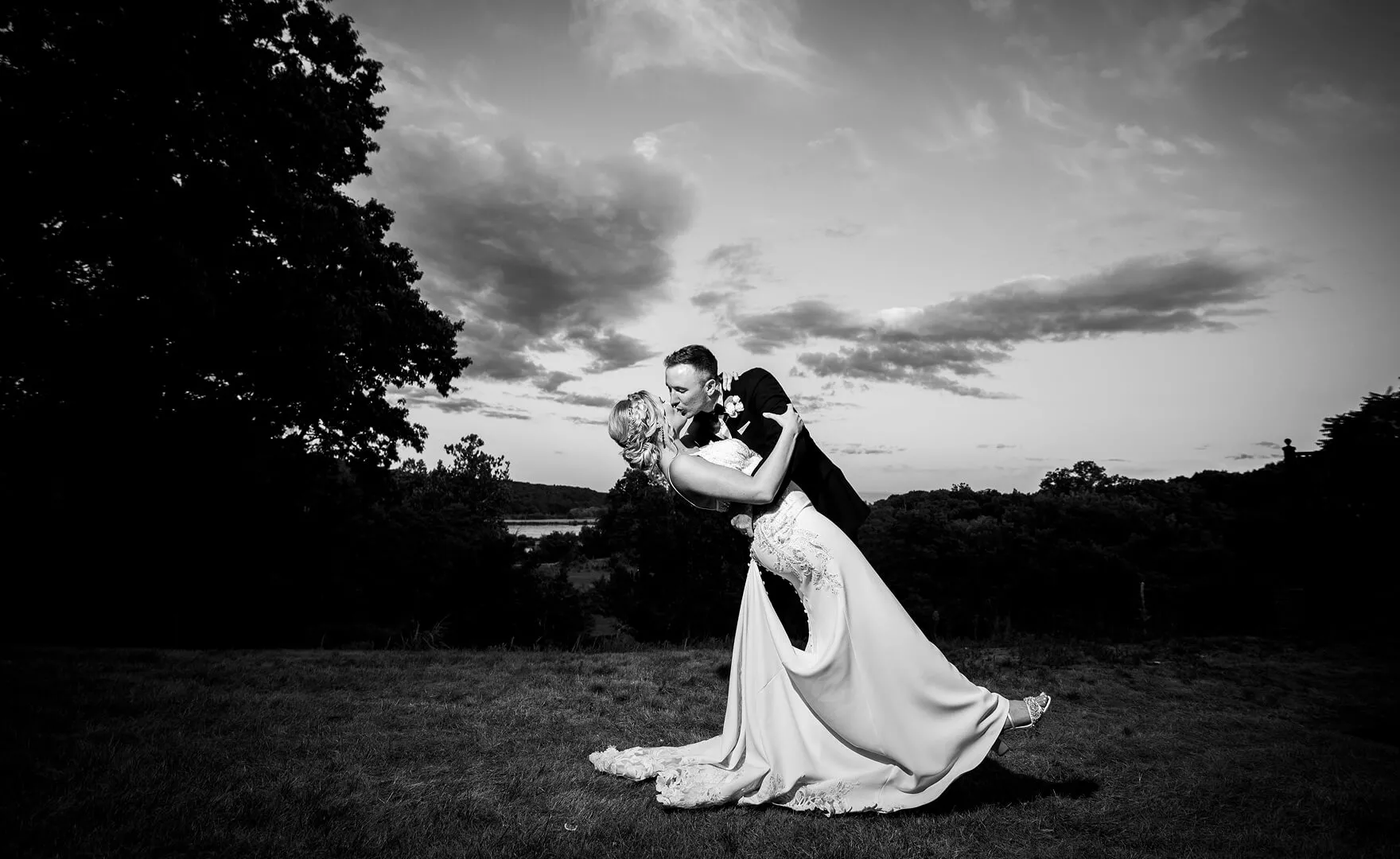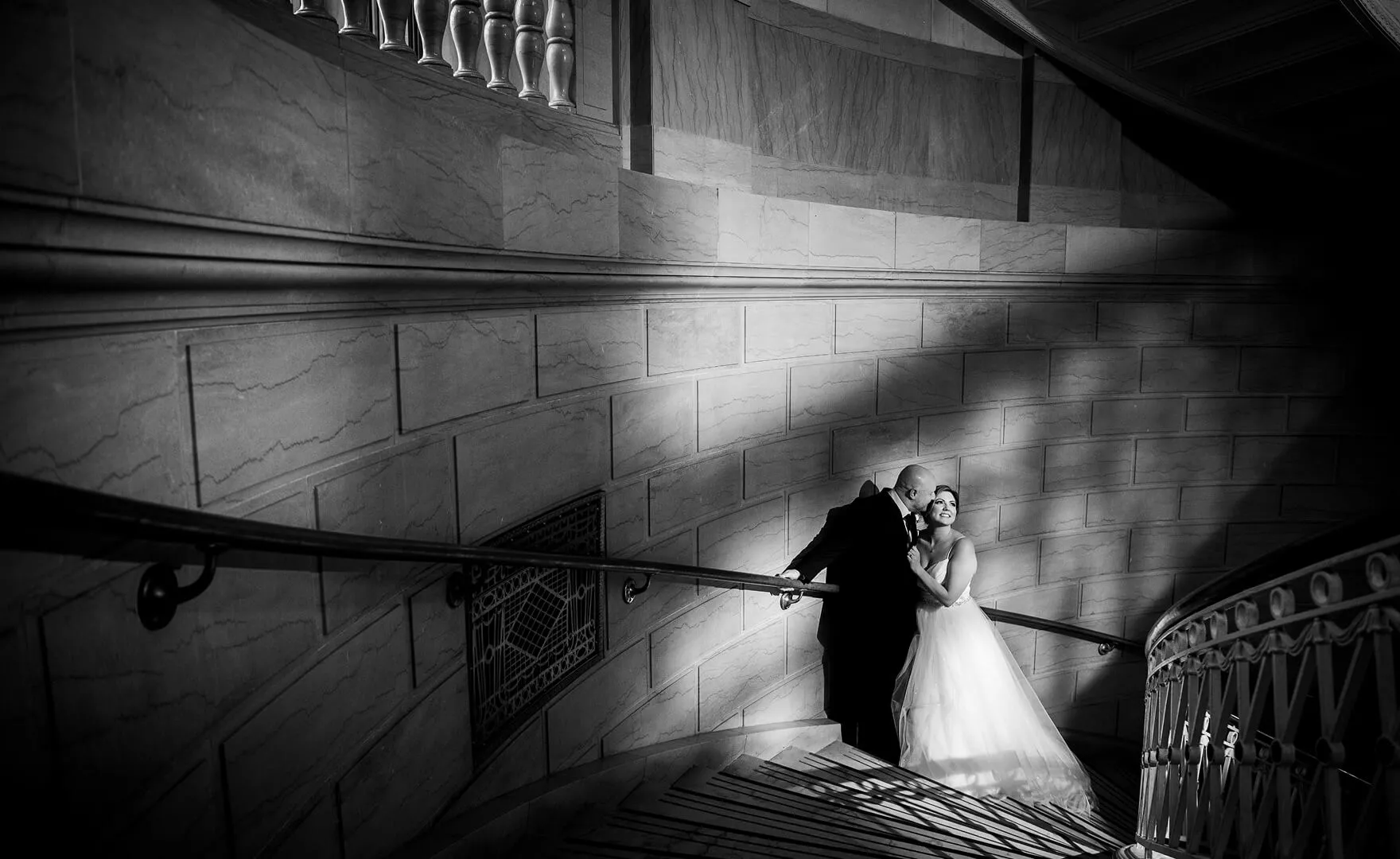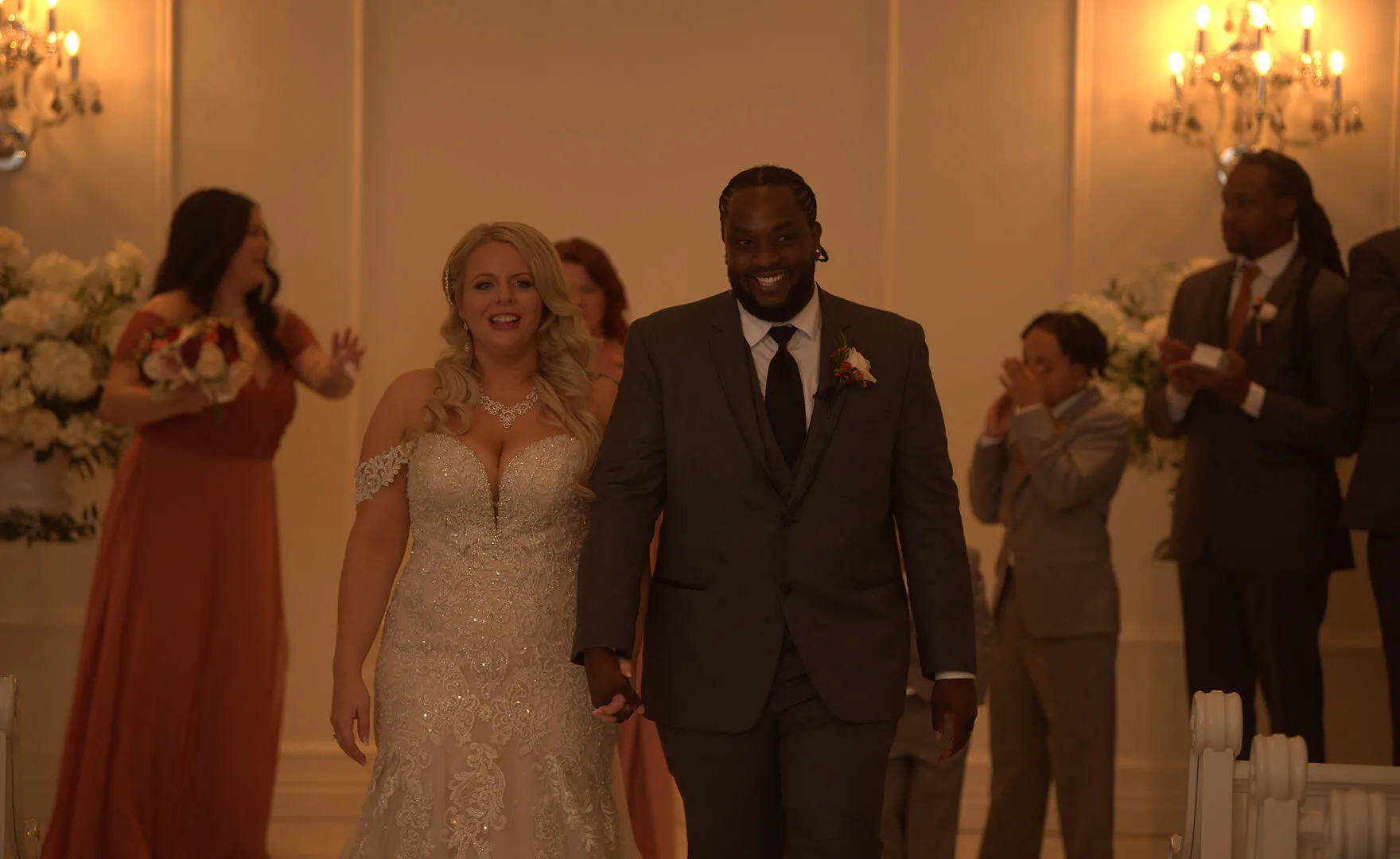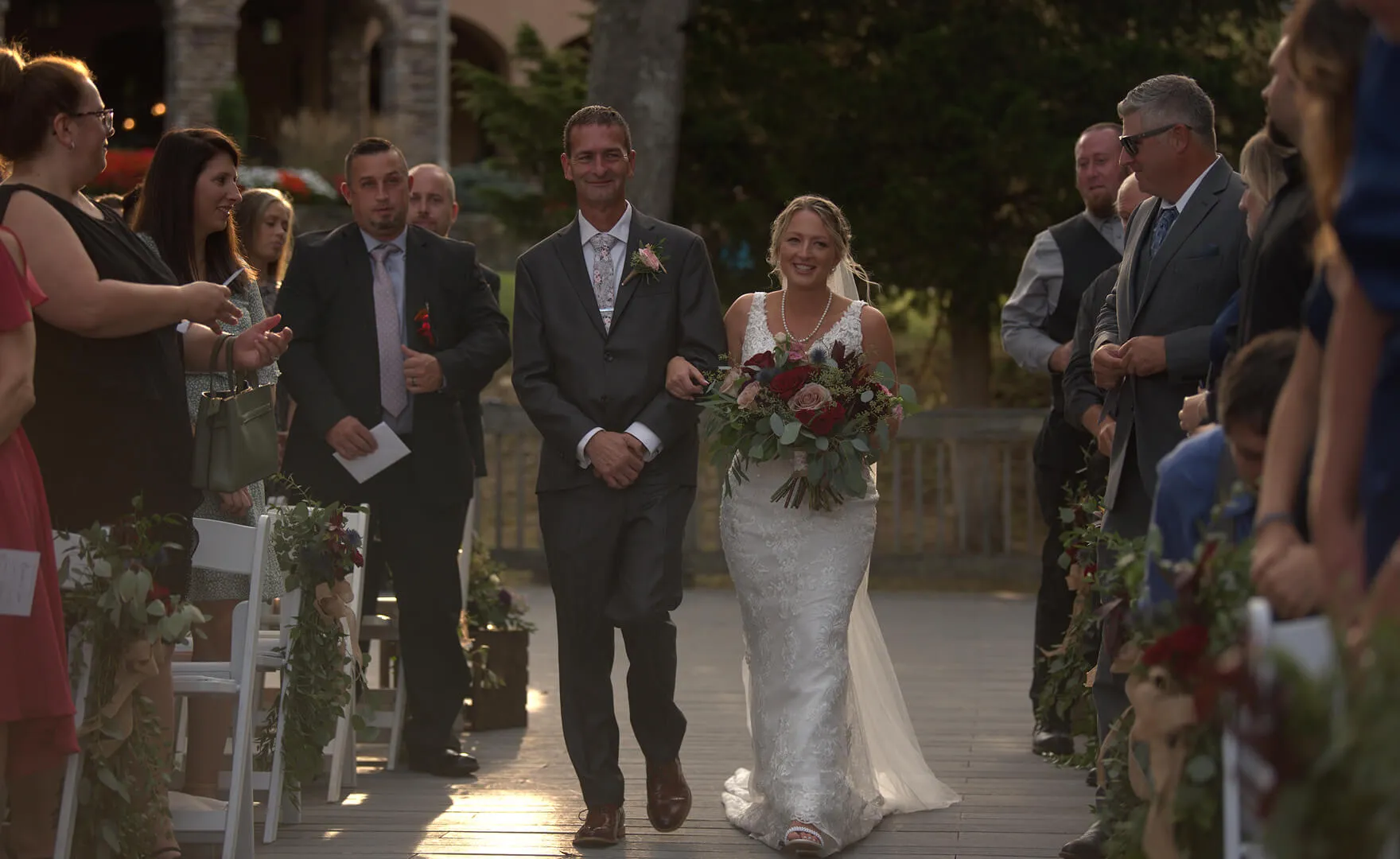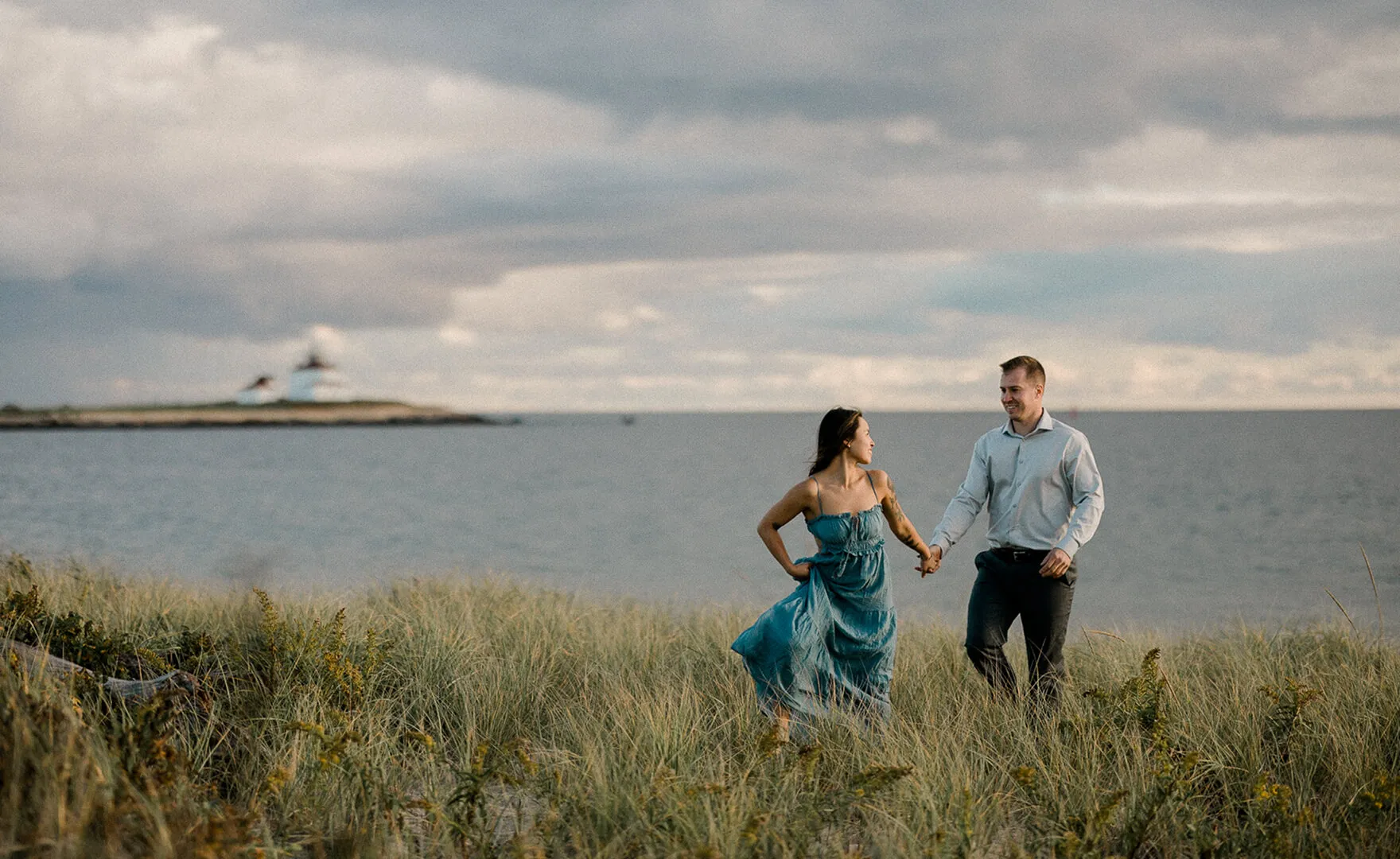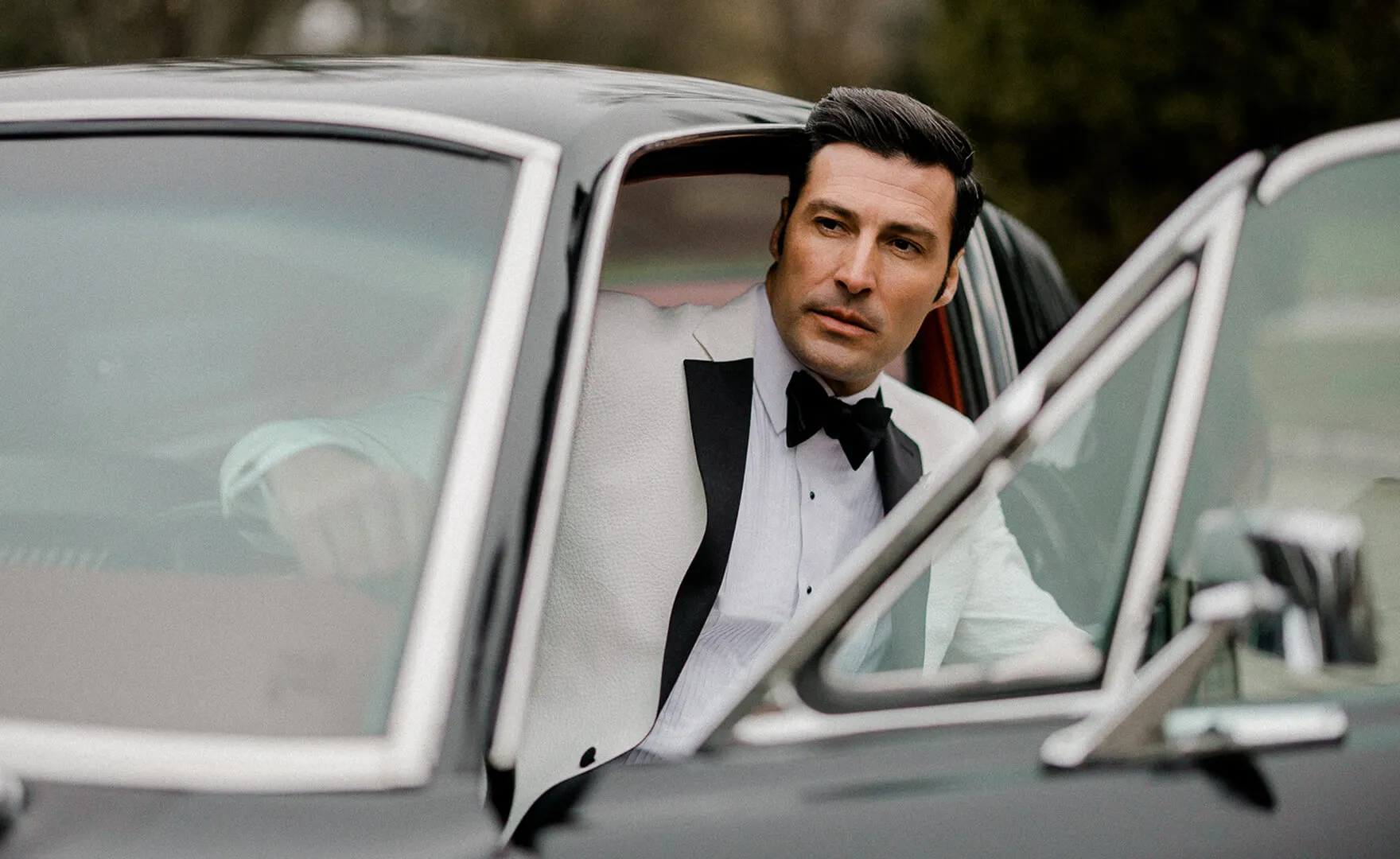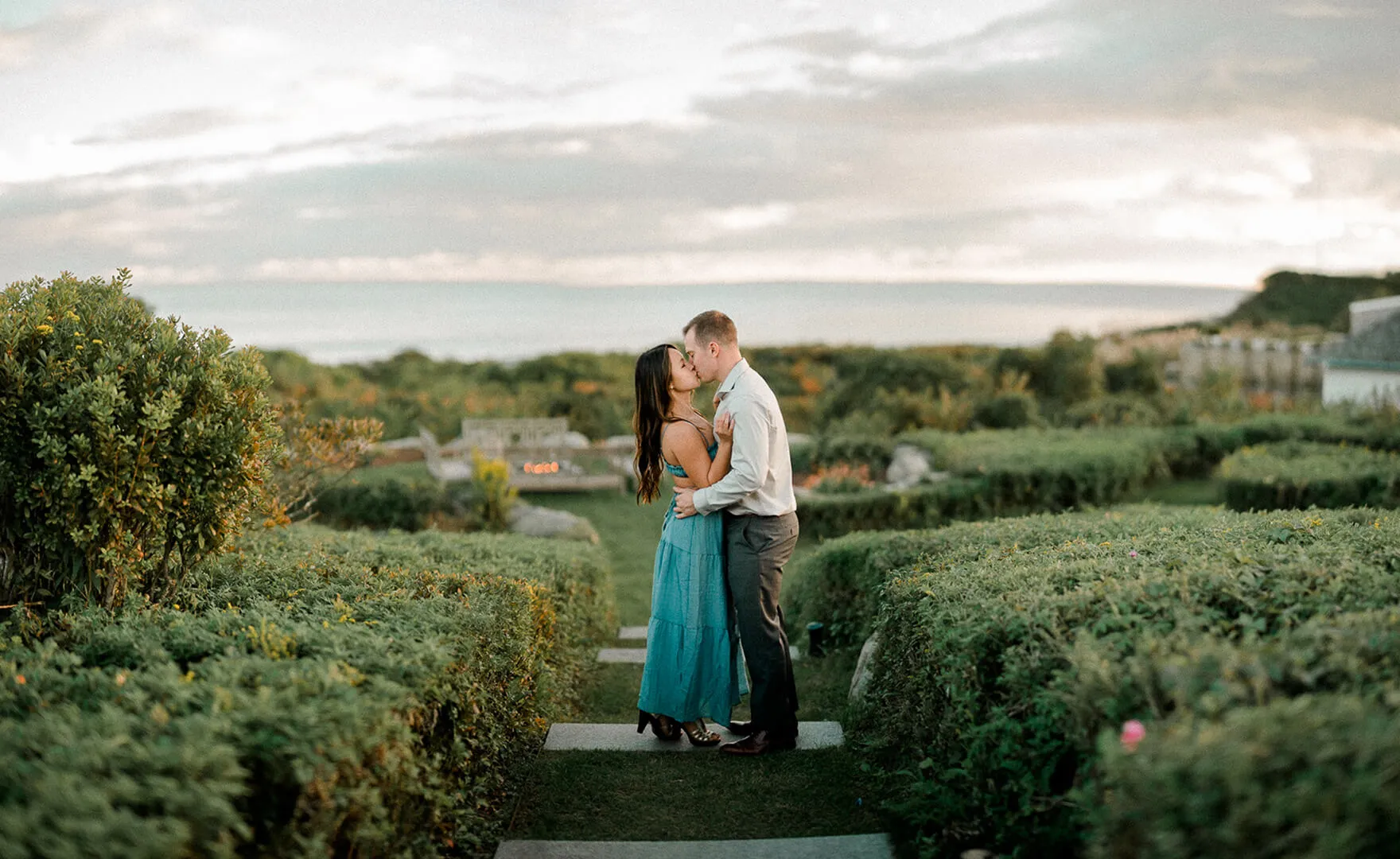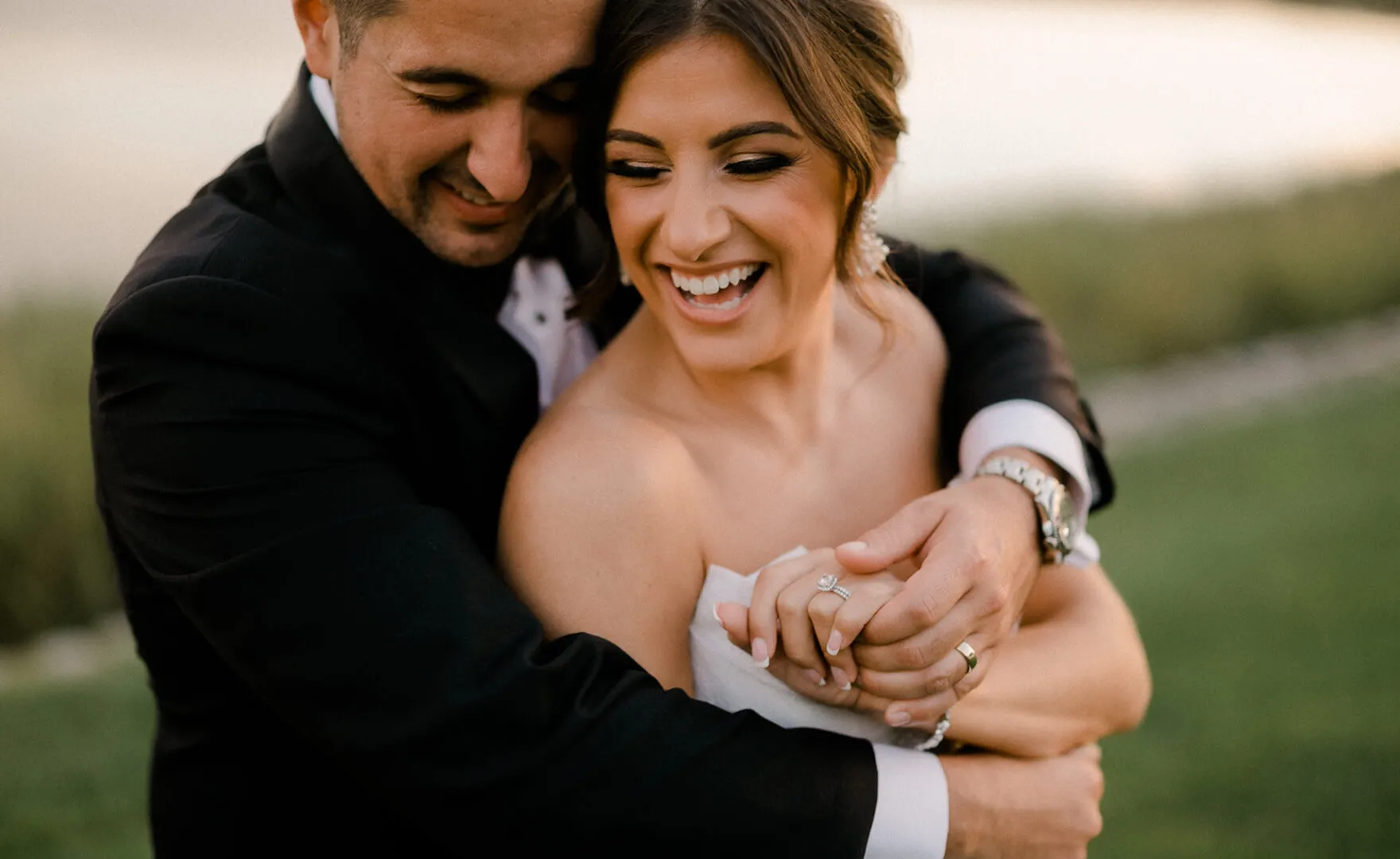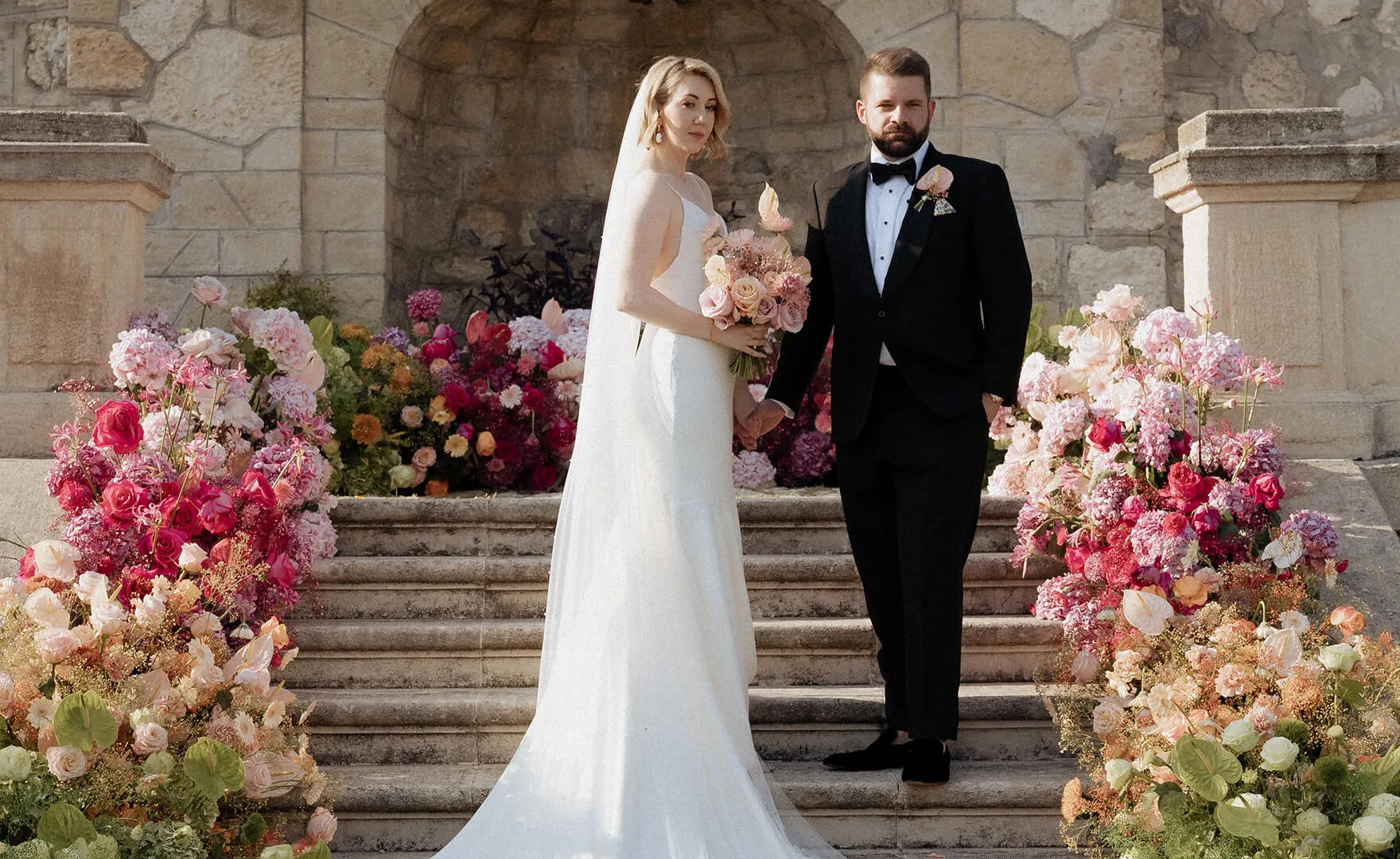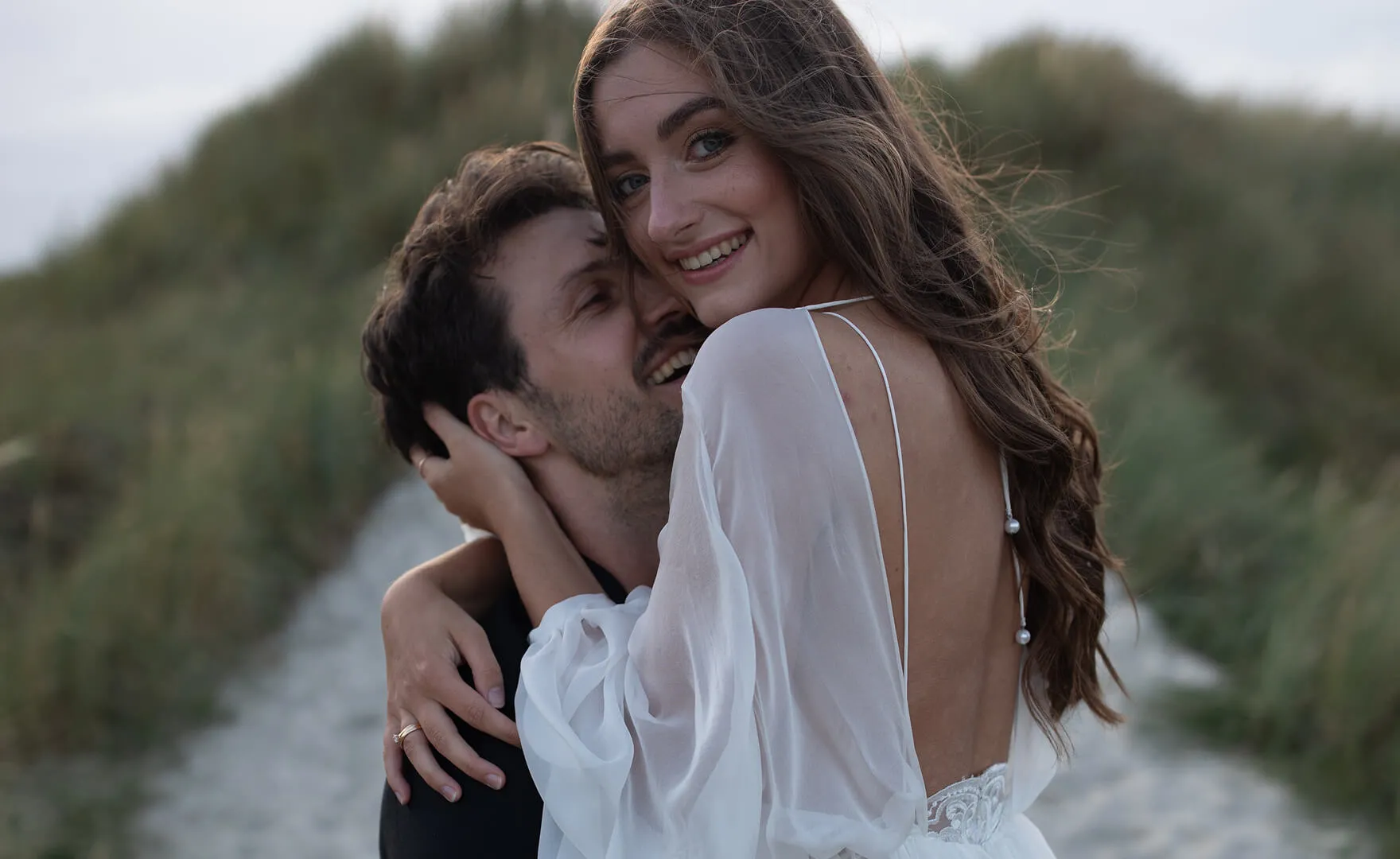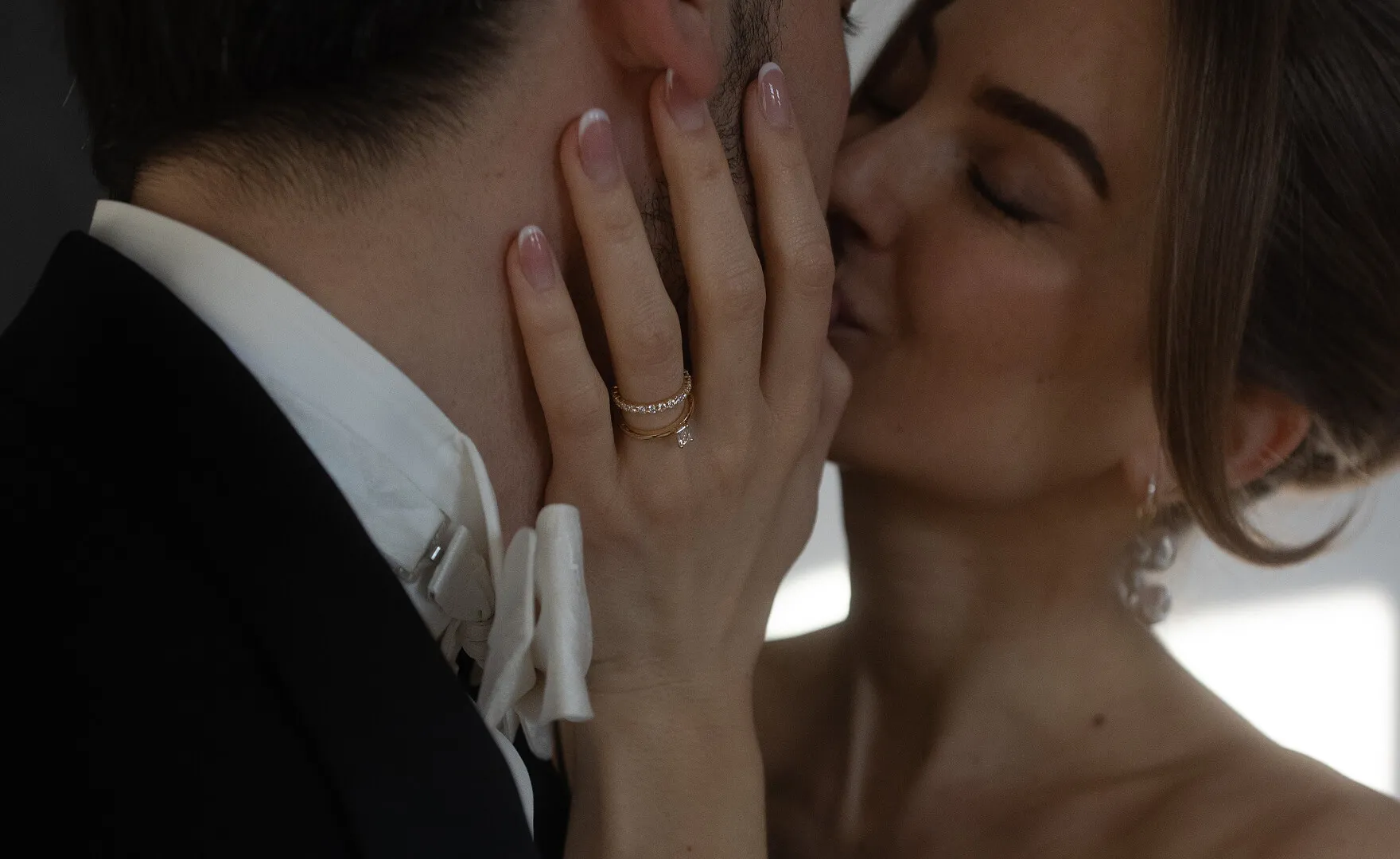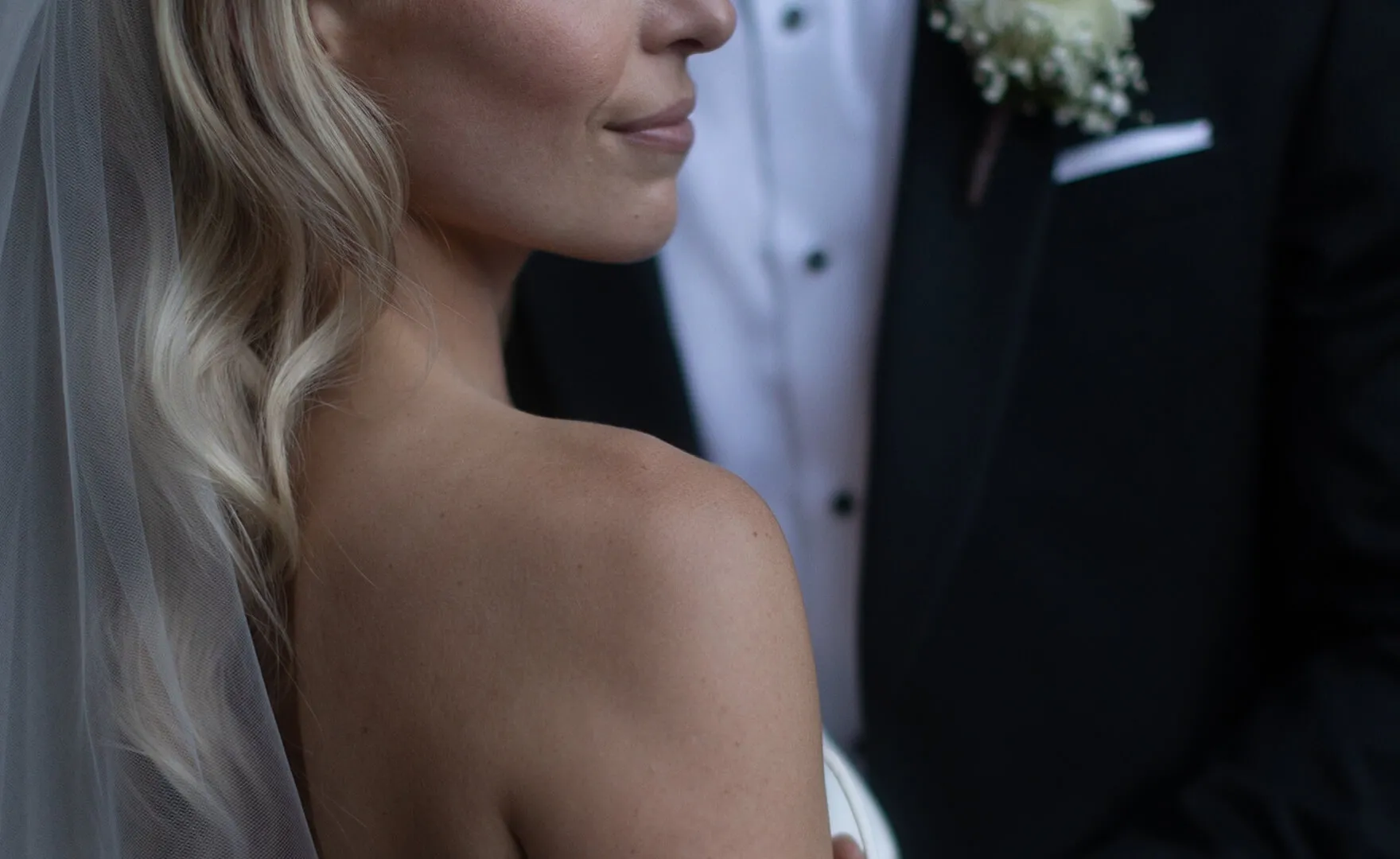






Trustpilot badge

Get Consistent Edits, Instantly

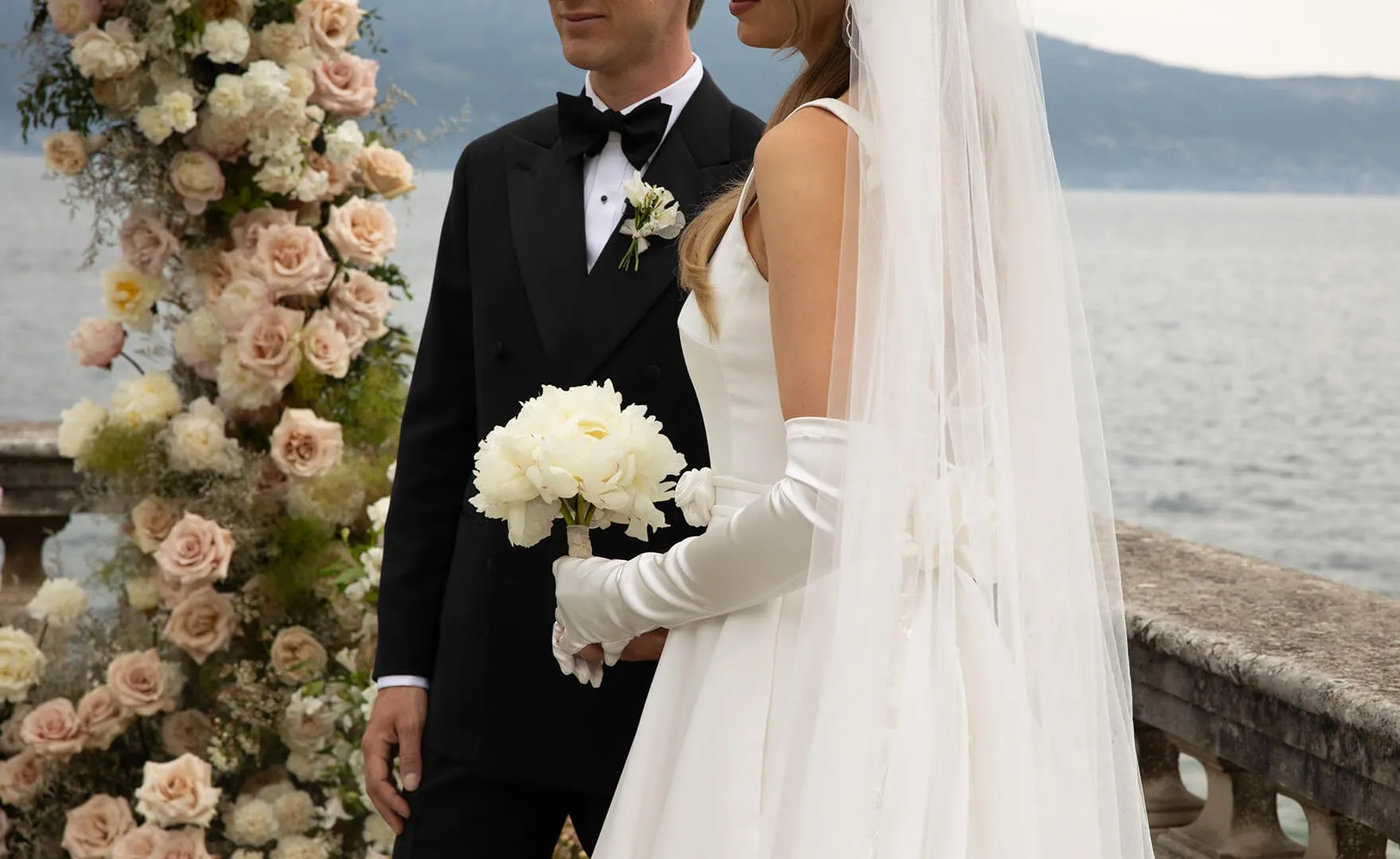
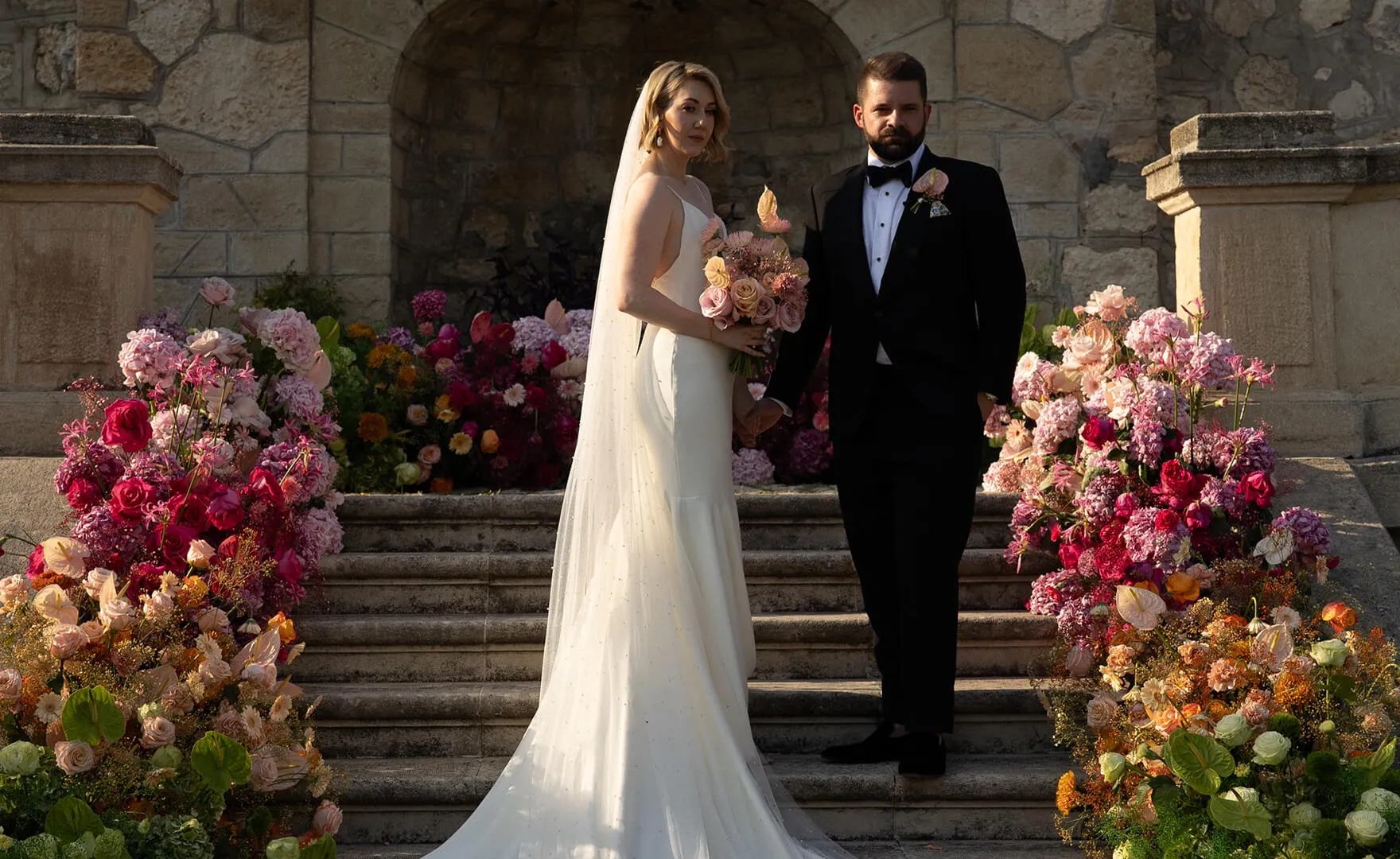
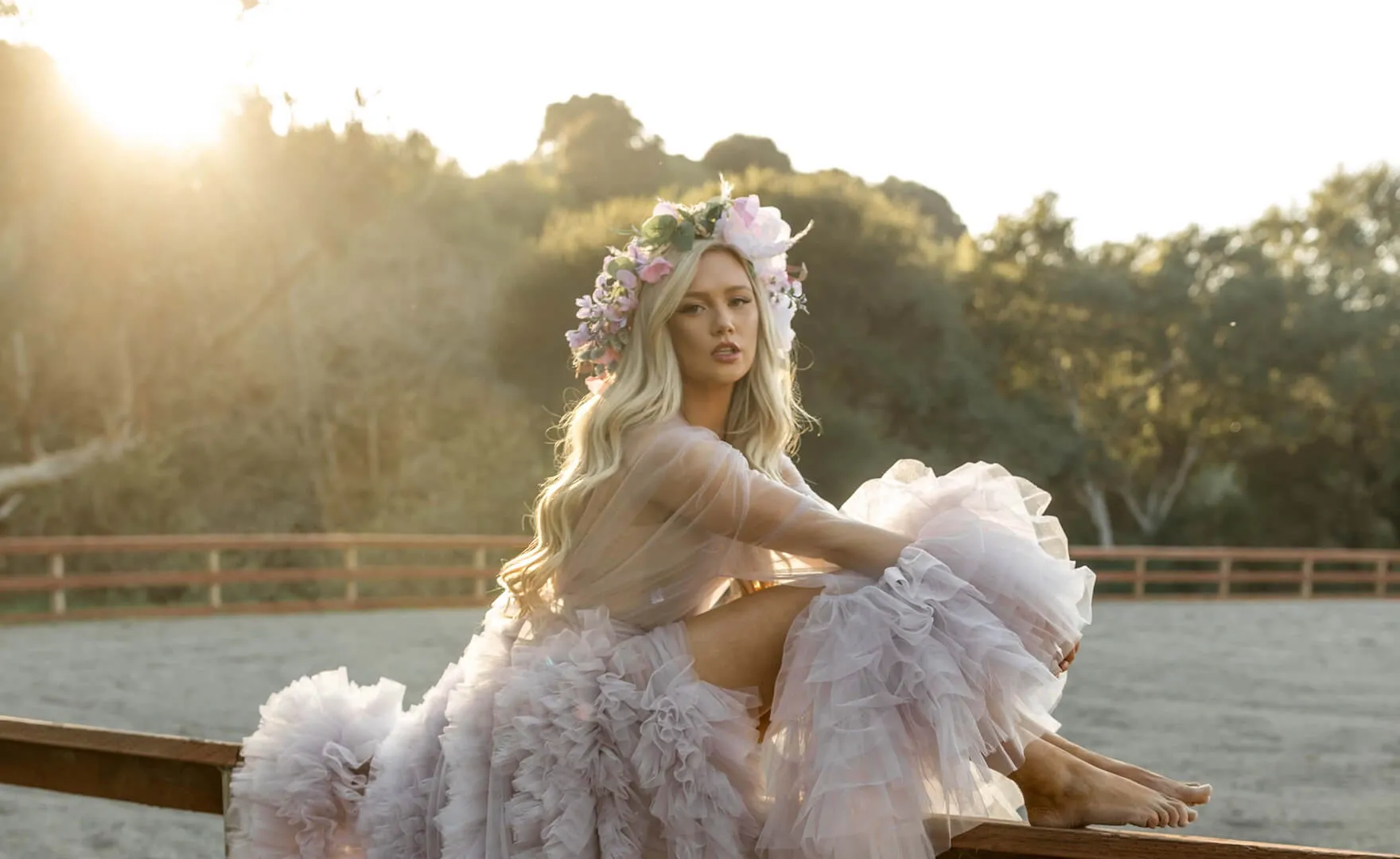
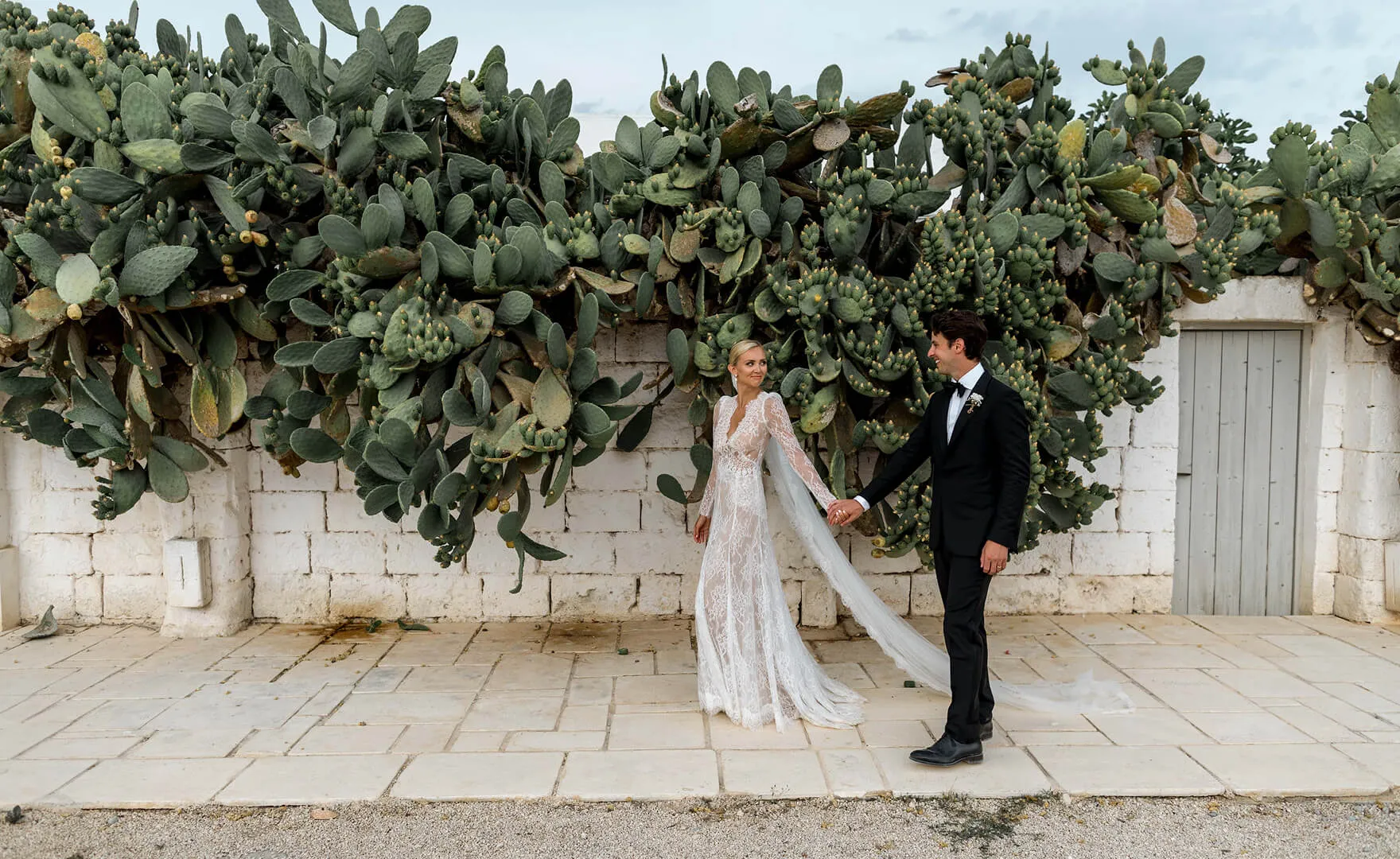
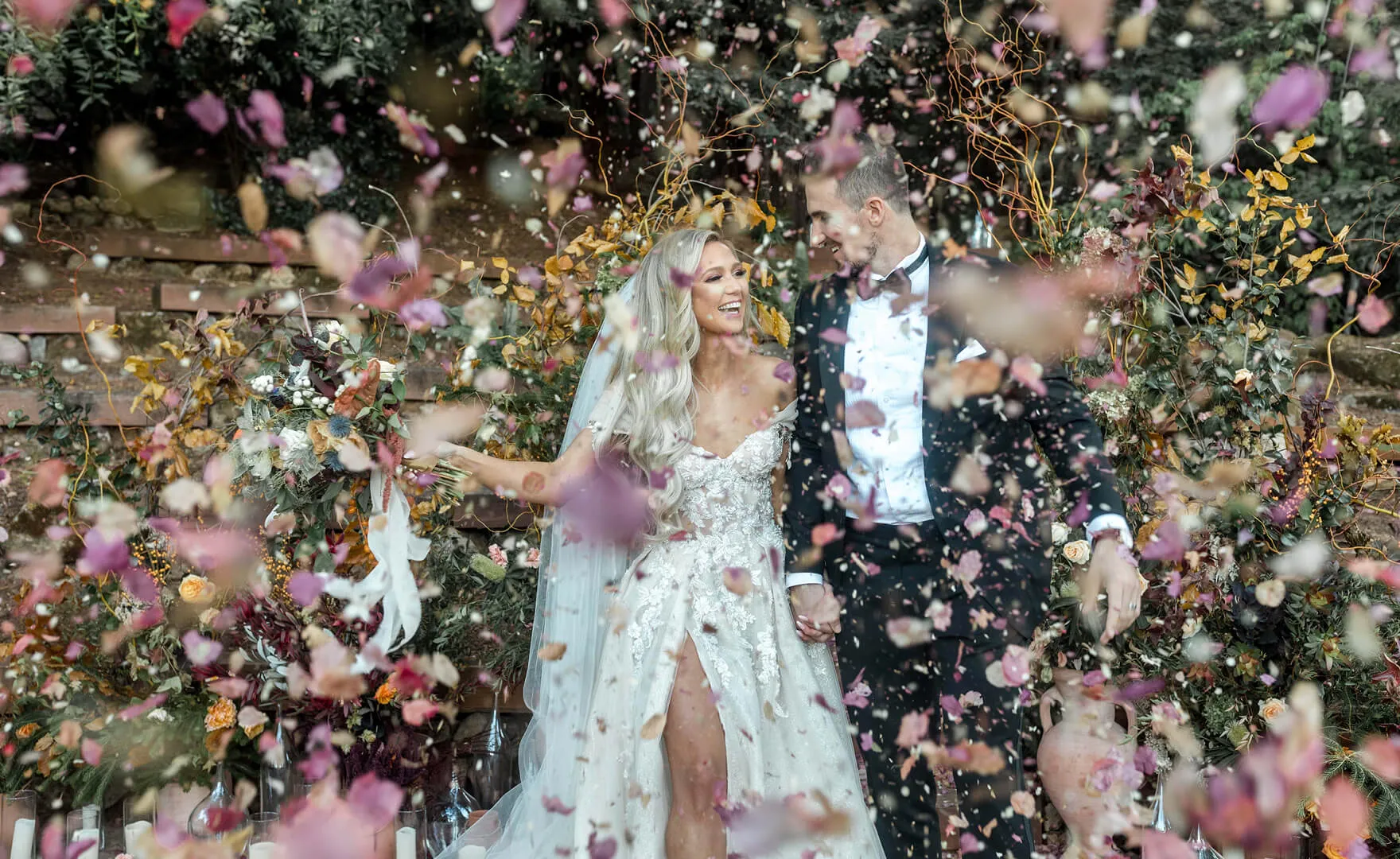
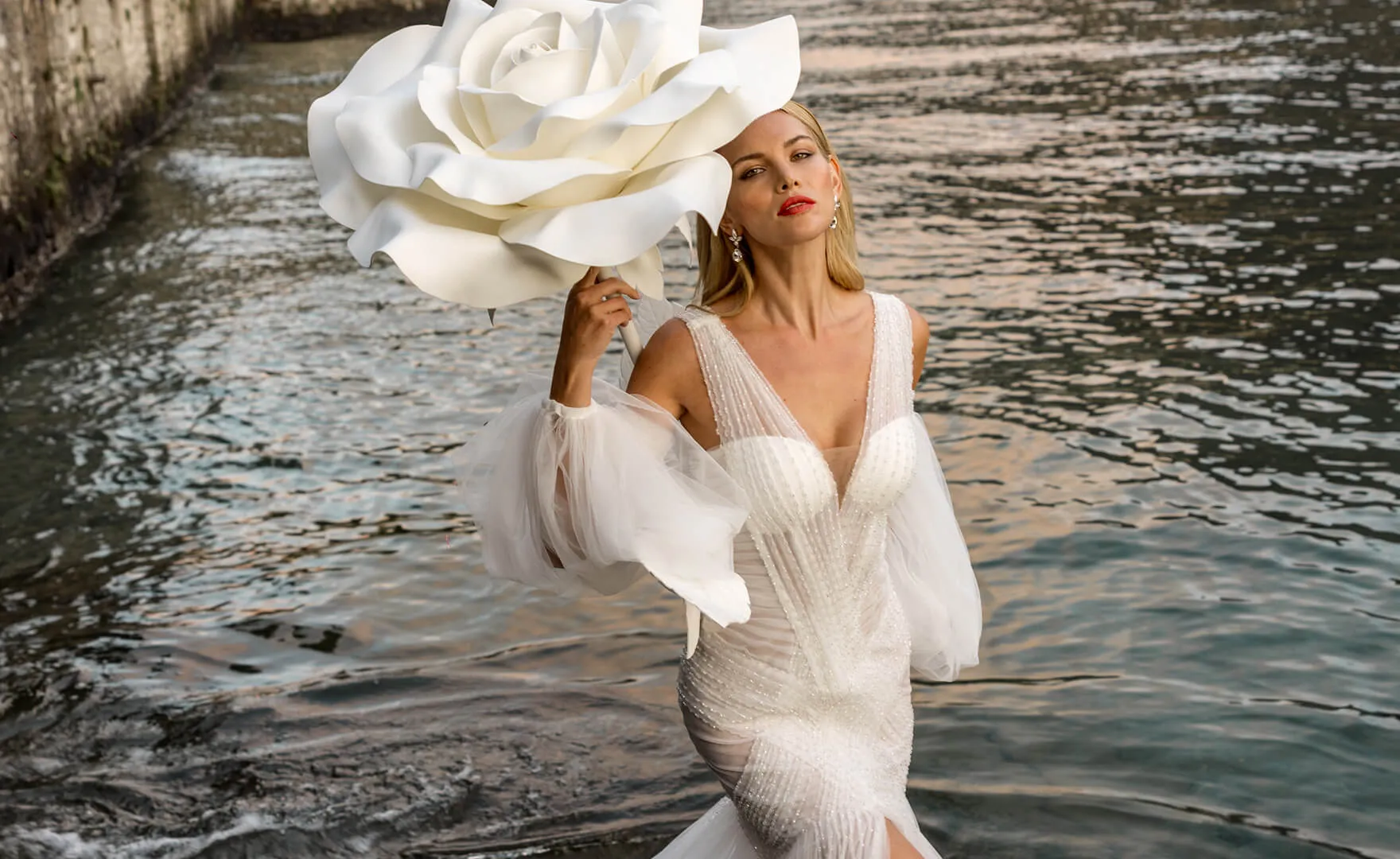
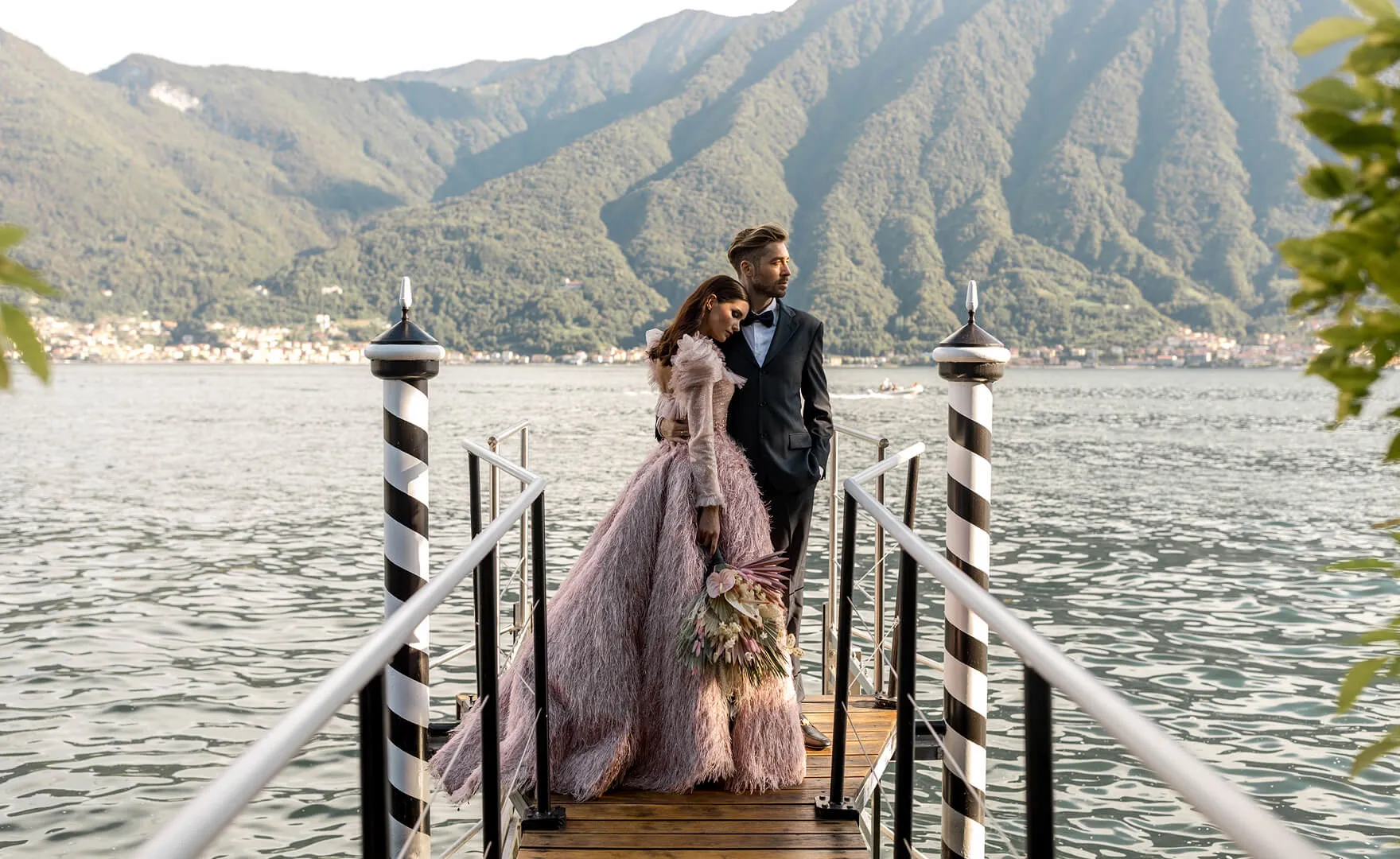
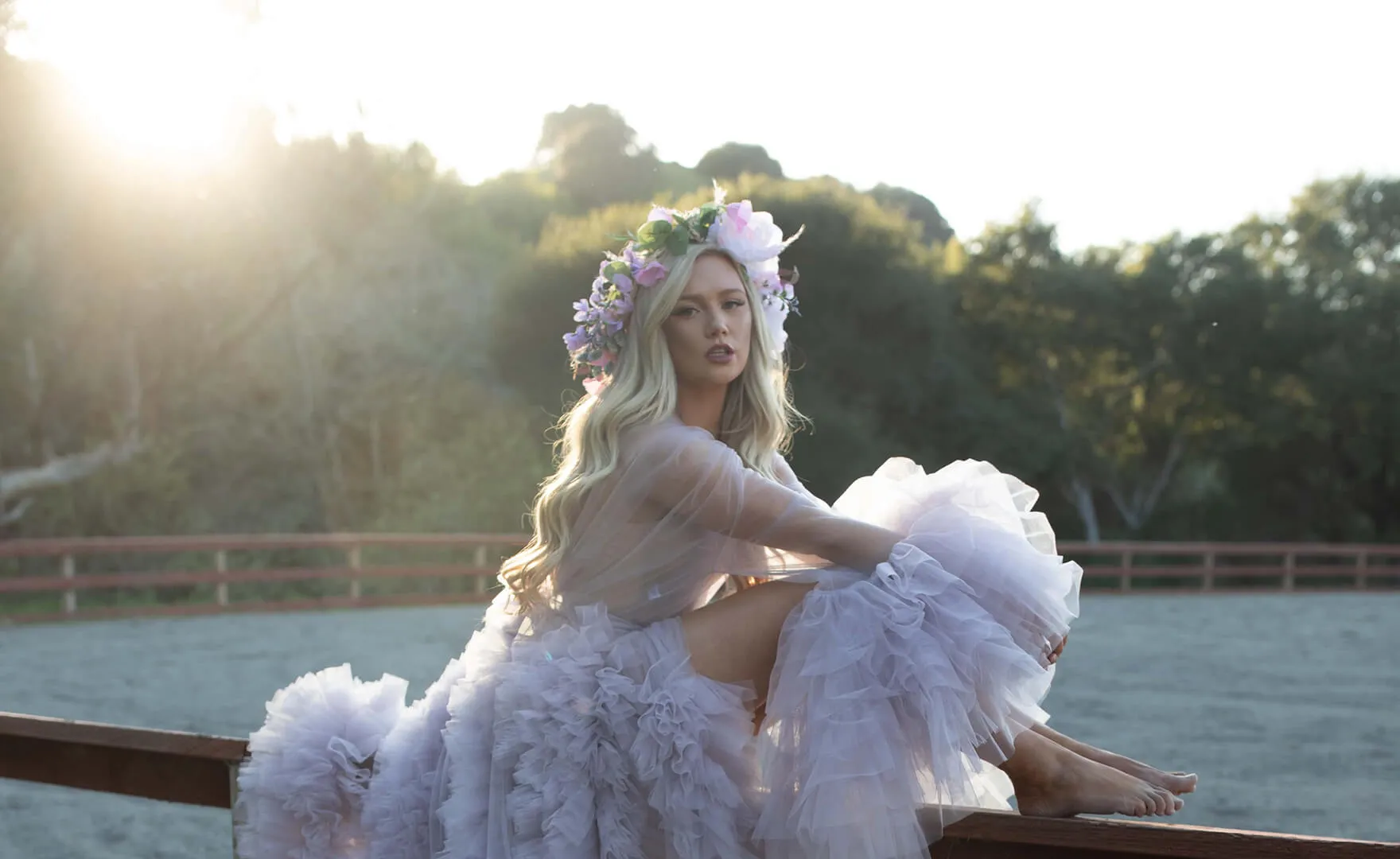
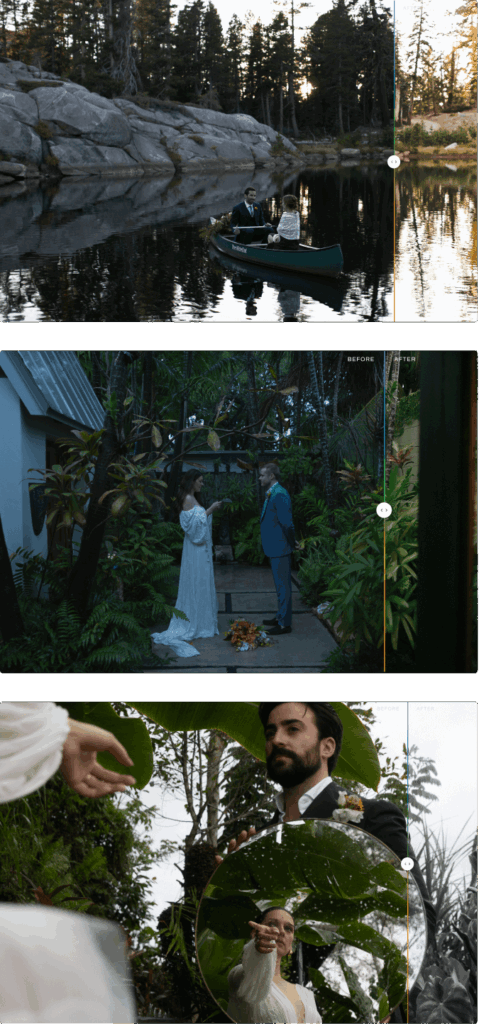
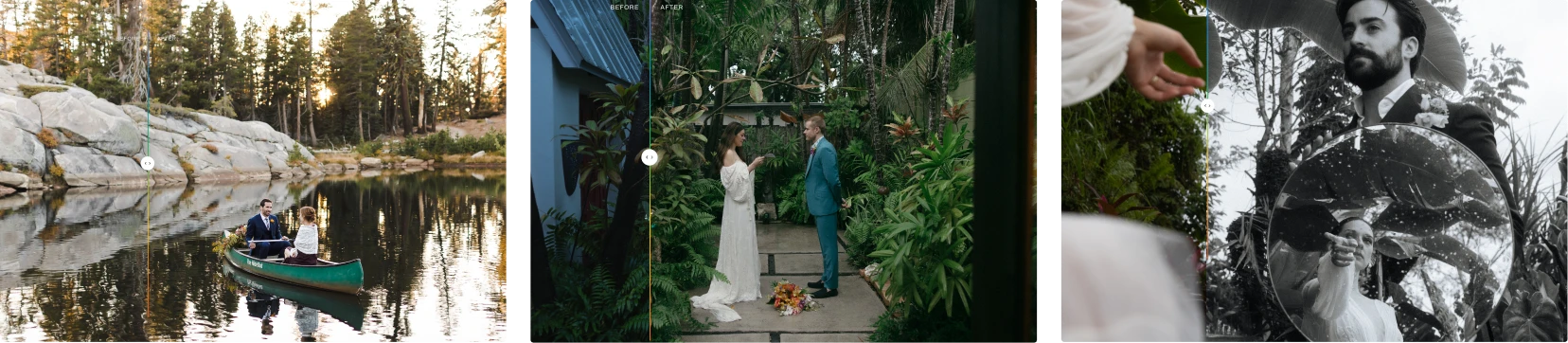
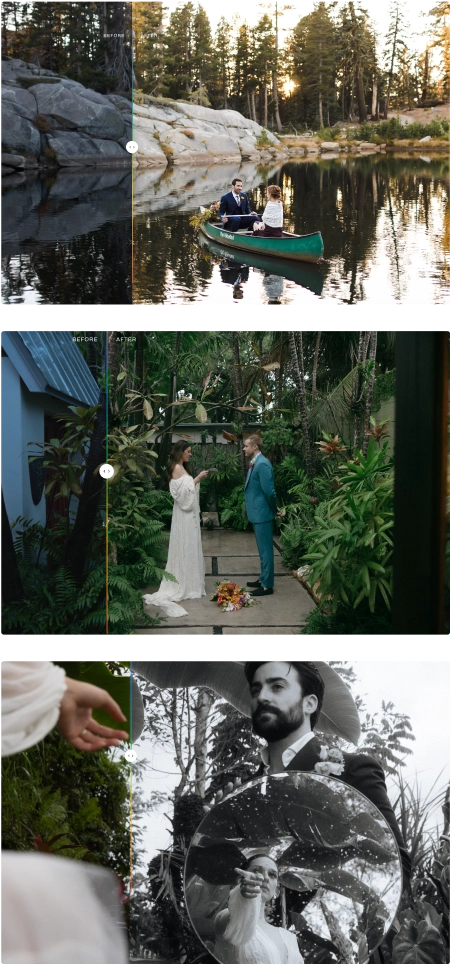
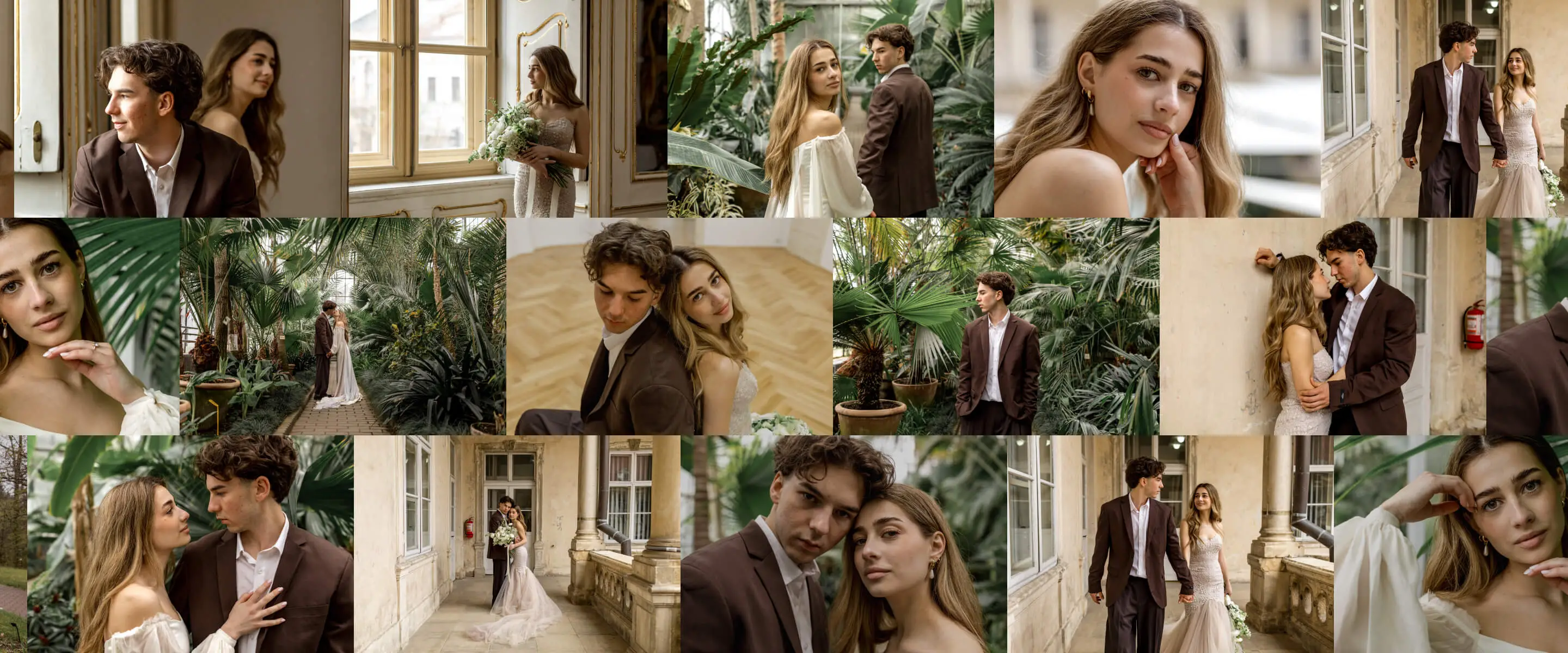
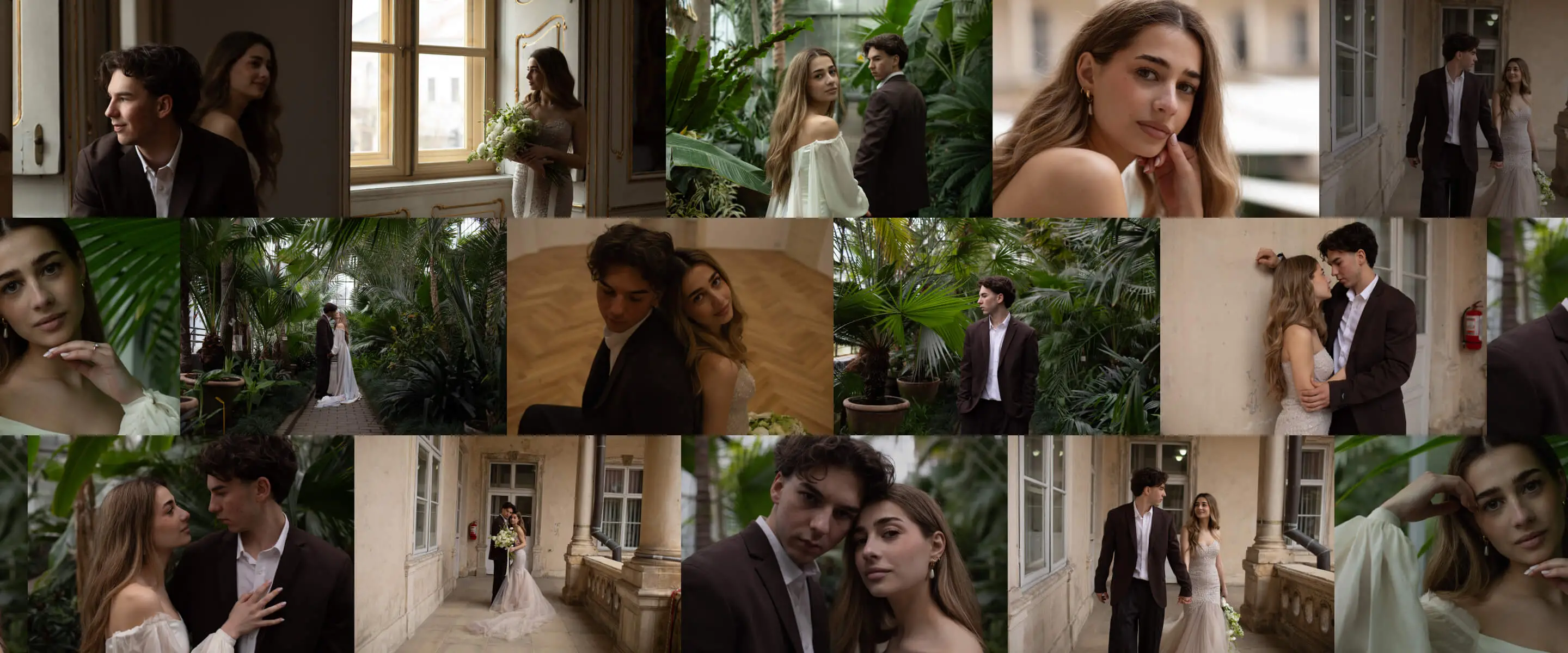
Edit 10x faster with Aftershoot. Choose from 30+ ready-made AI Styles by top photographers, or turn your Lightroom presets into Instant AI Profiles. Both adapt intelligently to each photo’s lighting and exposure.

Full Access for 30 days. No credit card required.

edits before
BEFOREAFTER

As seen in

Two Ways to Edit Your Images Faster

EDITING

Professional AI Styles

Ready to explore new editing styles or not quite ready to train your own AI profile?
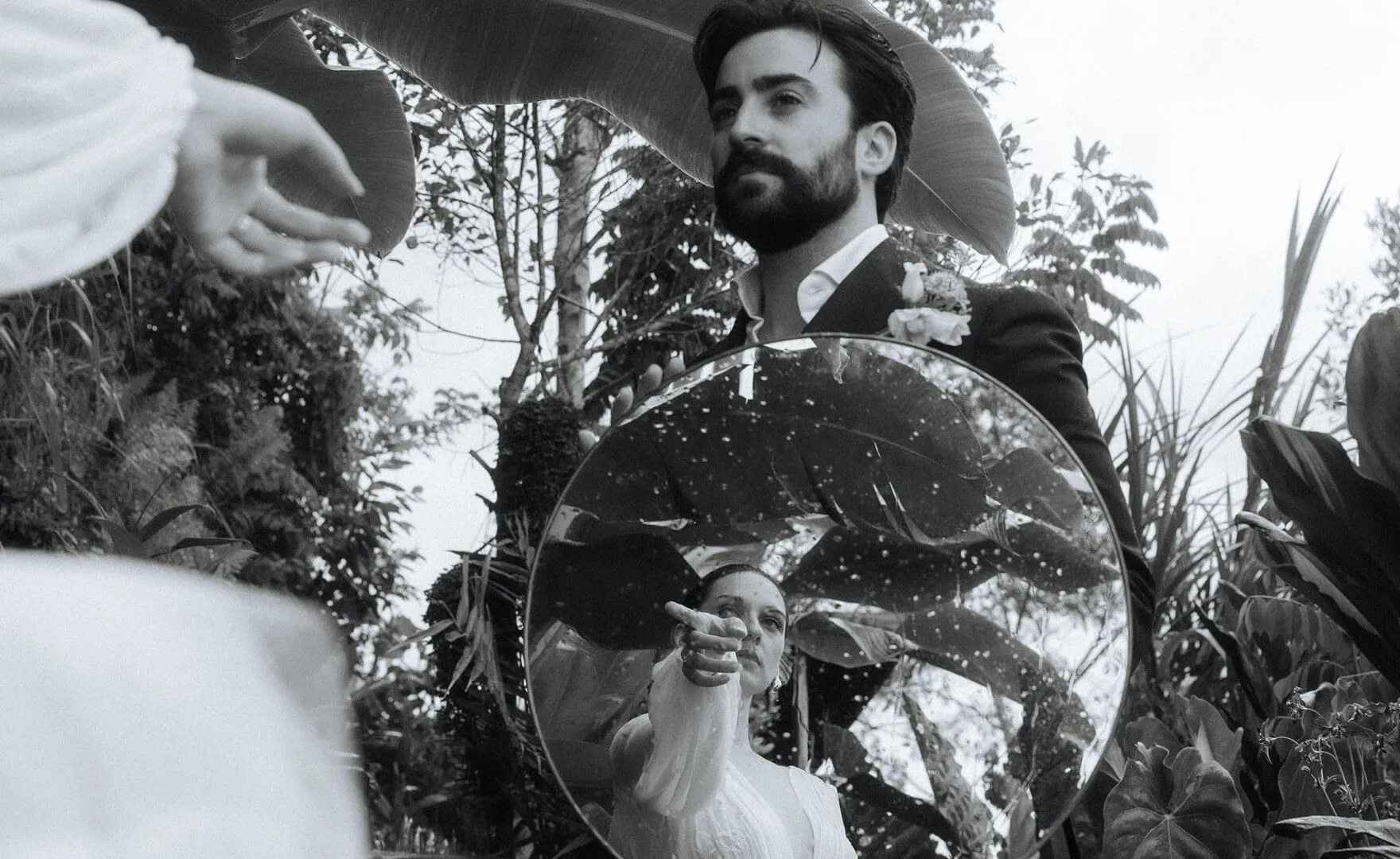
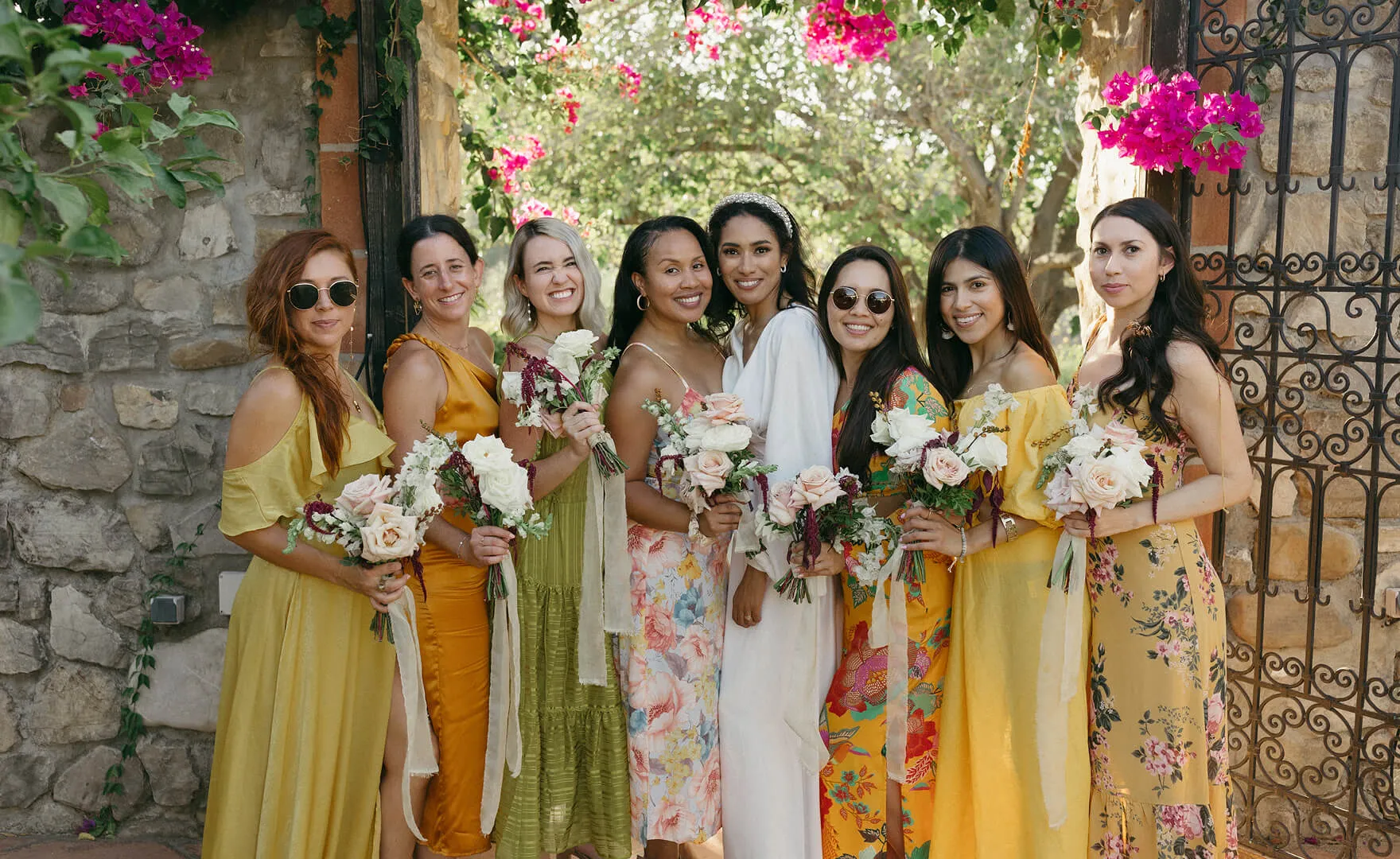
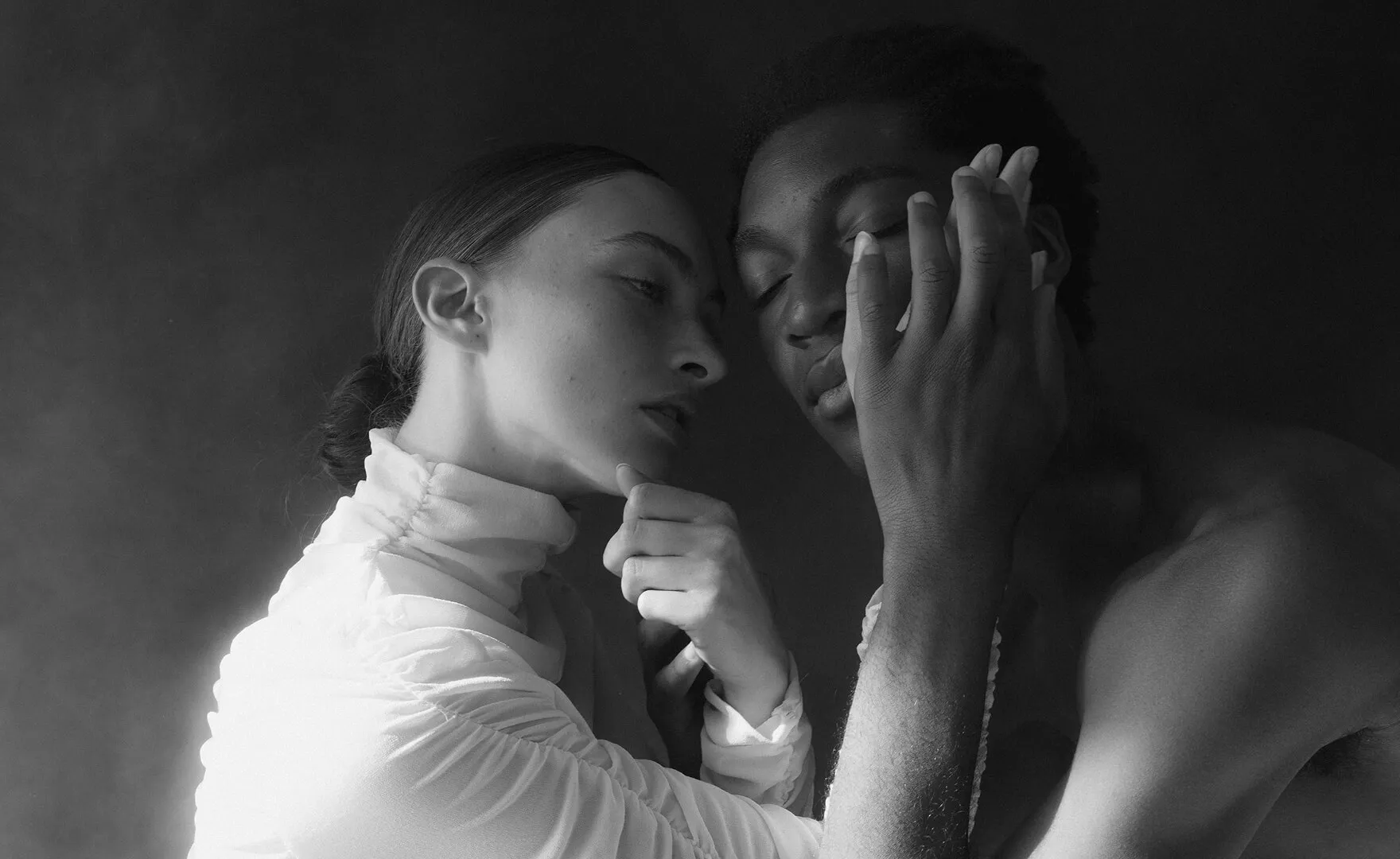
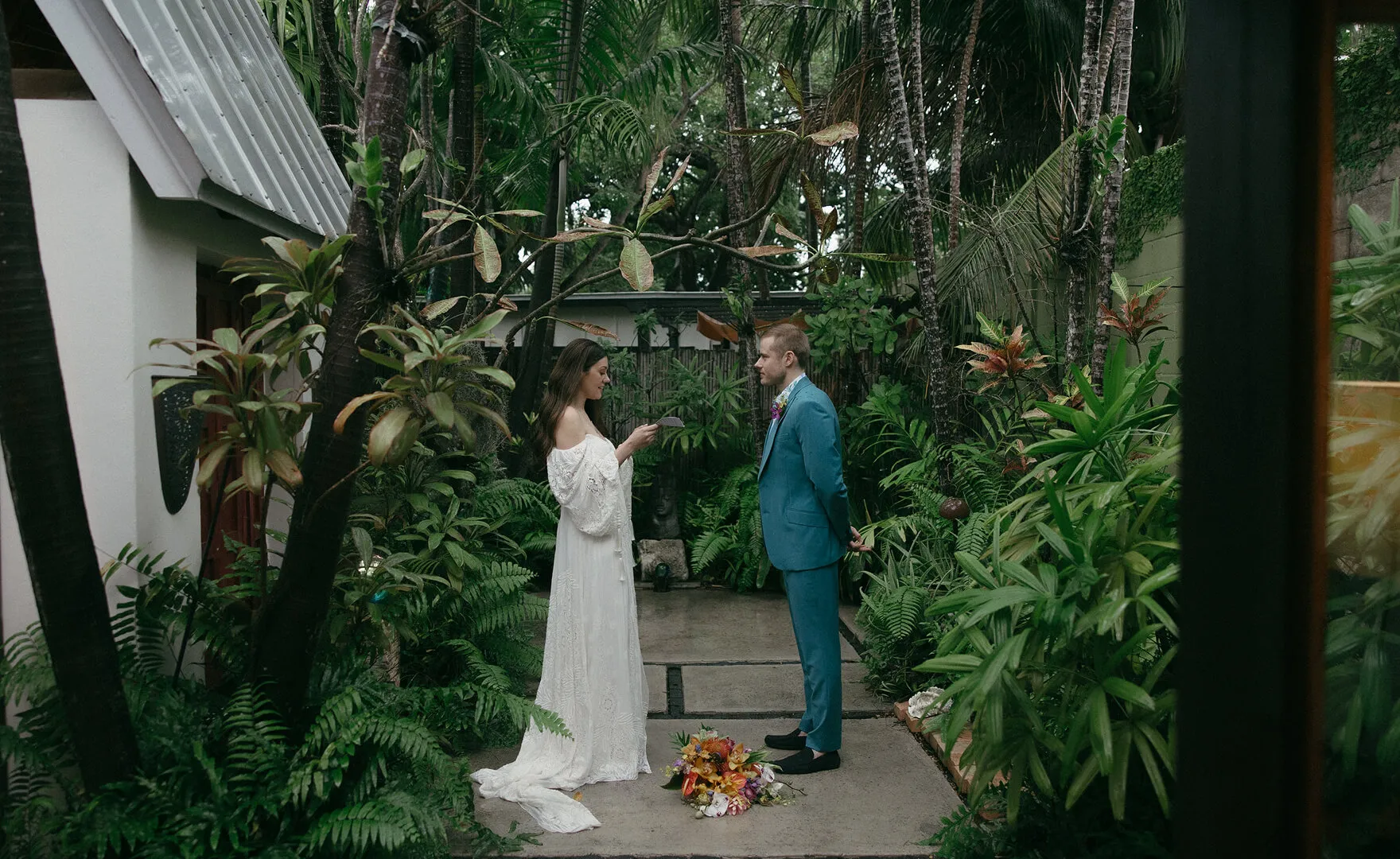
Use 30+ ready-made AI styles crafted by top photographers like Lilly Red, Esteban Gil, and Justin Benson.
Explore new creative directions, and elevate your work with inspiration from the best in the industry.


Marketplace avatar Justin Benson
Justin Benson
Esteban Gil
Esteban Gil
Katie Monroe
Katie Monroe
Roots Presets
Roots Presets
Lilly Red
Lilly Red
Joy Zamora
Joy Zamora
Cassidy Lynne
Cassidy Lynne
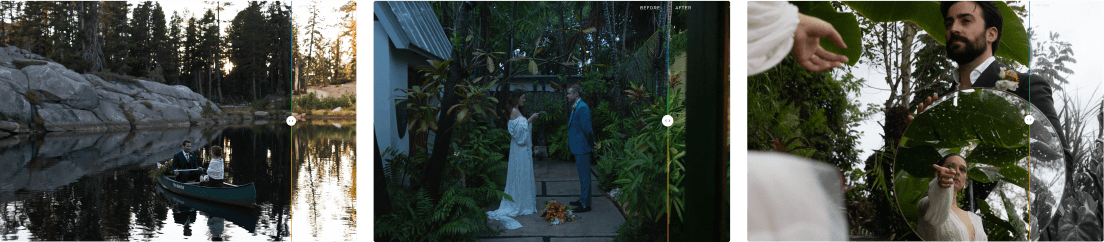
Marketplace Justin Benson AfterMarketplace Justin Benson Before
BEFOREAFTER
Marketplace Justin Benson AfterMarketplace Justin Benson Before
BEFOREAFTER
Marketplace Justin Benson AfterMarketplace Justin Benson Before
BEFOREAFTER
Marketplace Justin Benson AfterMarketplace Justin Benson Before
BEFOREAFTER
Marketplace Justin Benson AfterMarketplace Justin Benson Before
BEFOREAFTER
Marketplace Esteban Gil AfterMarketplace Esteban Gil Before
BEFOREAFTER
Marketplace Esteban Gil AfterMarketplace Esteban Gil Before
BEFOREAFTER
Marketplace Esteban Gil AfterMarketplace Esteban Gil Before
BEFOREAFTER
Marketplace Esteban Gil AfterMarketplace Esteban Gil Before
BEFOREAFTER
Marketplace Esteban Gil AfterMarketplace Esteban Gil Before
BEFOREAFTER
Marketplace Katie Monroe AfterMarketplace Katie Monroe Before
BEFOREAFTER
Marketplace Katie Monroe AfterMarketplace Katie Monroe Before
BEFOREAFTER
Marketplace Katie Monroe AfterMarketplace Katie Monroe Before
BEFOREAFTER
Marketplace Katie Monroe AfterMarketplace Katie Monroe Before
BEFOREAFTER
Marketplace Katie Monroe After
BEFOREAFTER
Marketplace Roots Presets AfterMarketplace Roots Presets Before
BEFOREAFTER
Marketplace Roots Presets AfterMarketplace Roots Presets Before
BEFOREAFTER
Marketplace Roots Presets AfterMarketplace Roots Presets Before
BEFOREAFTER
Marketplace Roots Presets AfterMarketplace Roots Presets Before
BEFOREAFTER
Marketplace Roots Presets AfterMarketplace Roots Presets Before
BEFOREAFTER
Marketplace Lilly Red AfterMarketplace Lilly Red Before
BEFOREAFTER
Marketplace Lilly Red AfterMarketplace Lilly Red Before
BEFOREAFTER
Marketplace Lilly Red AfterMarketplace Lilly Red Before
BEFOREAFTER
Marketplace Lilly Red AfterMarketplace Lilly Red Before
BEFOREAFTER
Marketplace Lilly Red AfterMarketplace Lilly Red Before
BEFOREAFTER
Marketplace Joy Zamora AfterMarketplace Joy Zamora Before
BEFOREAFTER
Marketplace Joy Zamora AfterMarketplace Joy Zamora Before
BEFOREAFTER
Marketplace Joy Zamora AfterMarketplace Joy Zamora Before
BEFOREAFTER
Marketplace Joy Zamora AfterMarketplace Joy Zamora Before
BEFOREAFTER
Marketplace Joy Zamora AfterMarketplace Joy Zamora Before
BEFOREAFTER
Marketplace Cassidy Lynne AfterMarketplace Cassidy Lynne Before
BEFOREAFTER
Marketplace Cassidy Lynne AfterMarketplace Cassidy Lynne Before
BEFOREAFTER
Marketplace Cassidy Lynne AfterMarketplace Cassidy Lynne Before
BEFOREAFTER
Marketplace Cassidy Lynne AfterMarketplace Cassidy Lynne Before
BEFOREAFTER
Marketplace Cassidy Lynne AfterMarketplace Cassidy Lynne Before
BEFOREAFTER

How To Edit Images With AI Styles

Import Your Images

Import your images directly into the Aftershoot App.

Apply AI Style

Choose and apply the style that resonates with you from a collection of 45+ ready-to-use styles.

Export Your Edited Images

One-click export to Lightroom, Capture One, Photoshop, and more.

EDITING

Your Editing Style.
Perfected by AI.

Train AI with your Lightroom catalog – it learns your style and delivers edits that are perfectly balanced, consistent, and uniquely yours.

Personalized AI Profiles

Train AI with your edited photos to batch edit unlimited images. The more you train it, the smarter it gets – automatically applying your signature look to every photo, then seamlessly export to Lightroom with all edits preserved.

Personalized AI Visual image

Consistent Editing Results Every Time

Say goodbye to inconsistent edits. Aftershoot’s advanced AI Styles adjusts exposure, balances colors, and enhances details – regardless of lighting or gear – delivering professional quality that brings your vision to life.

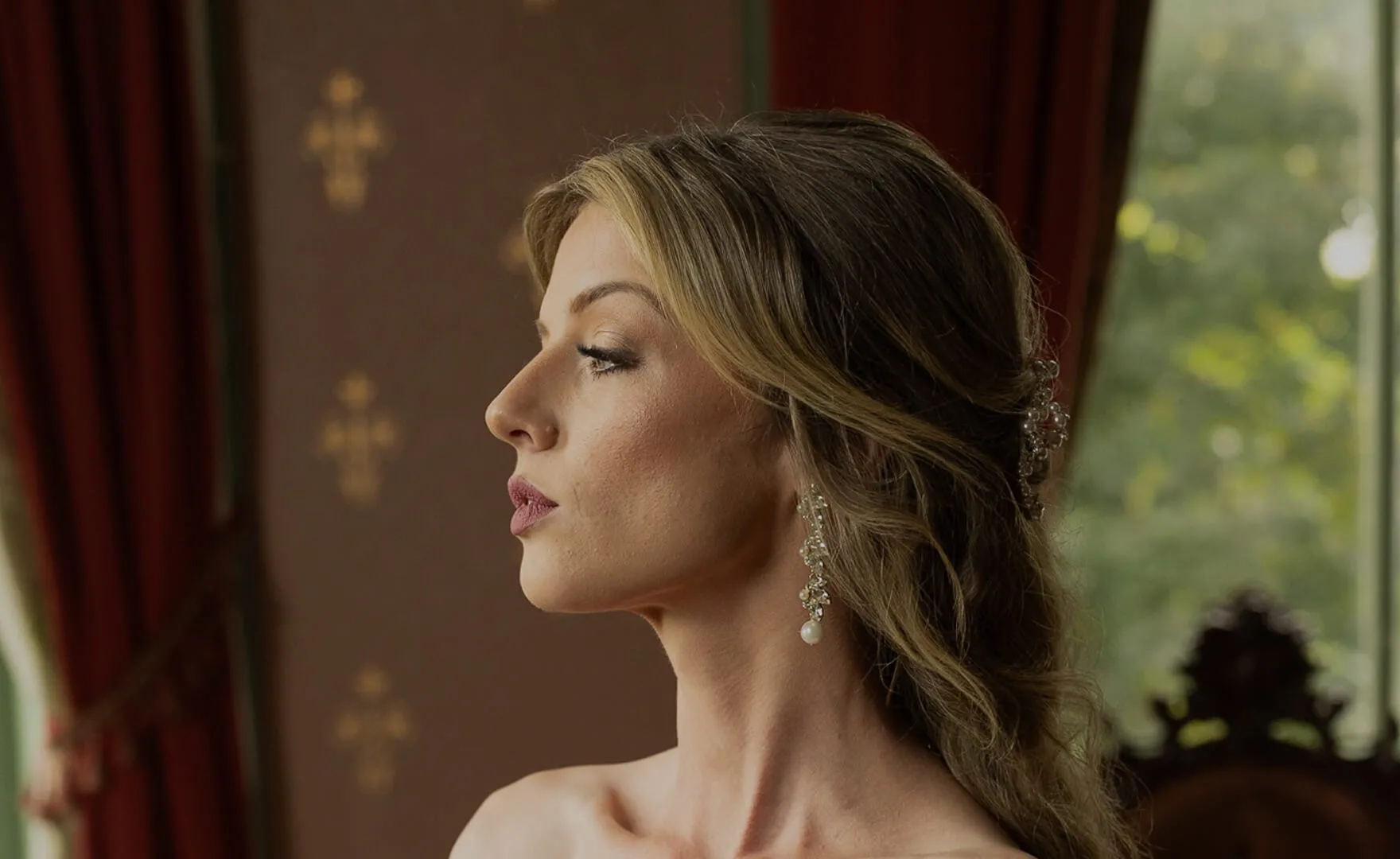
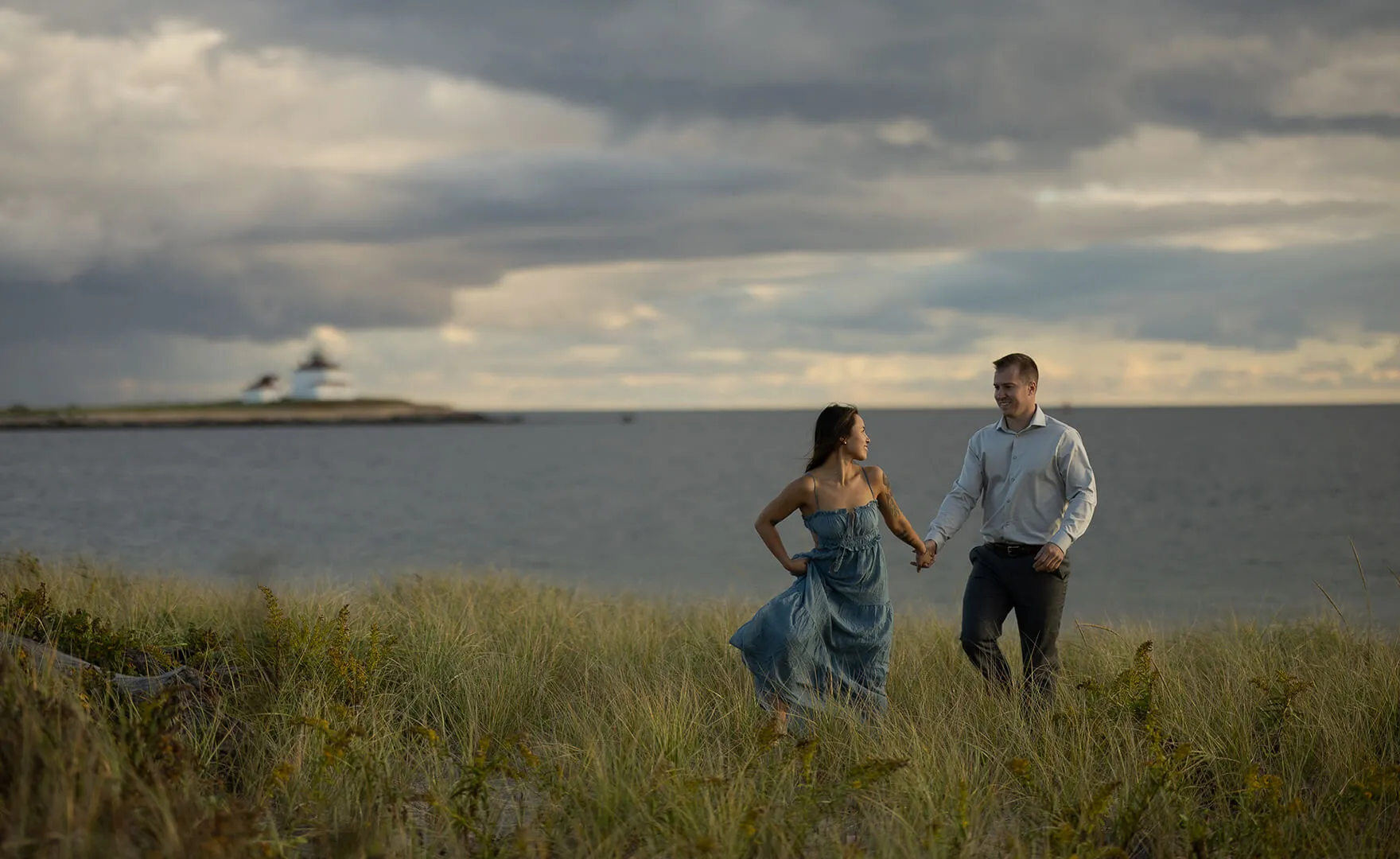
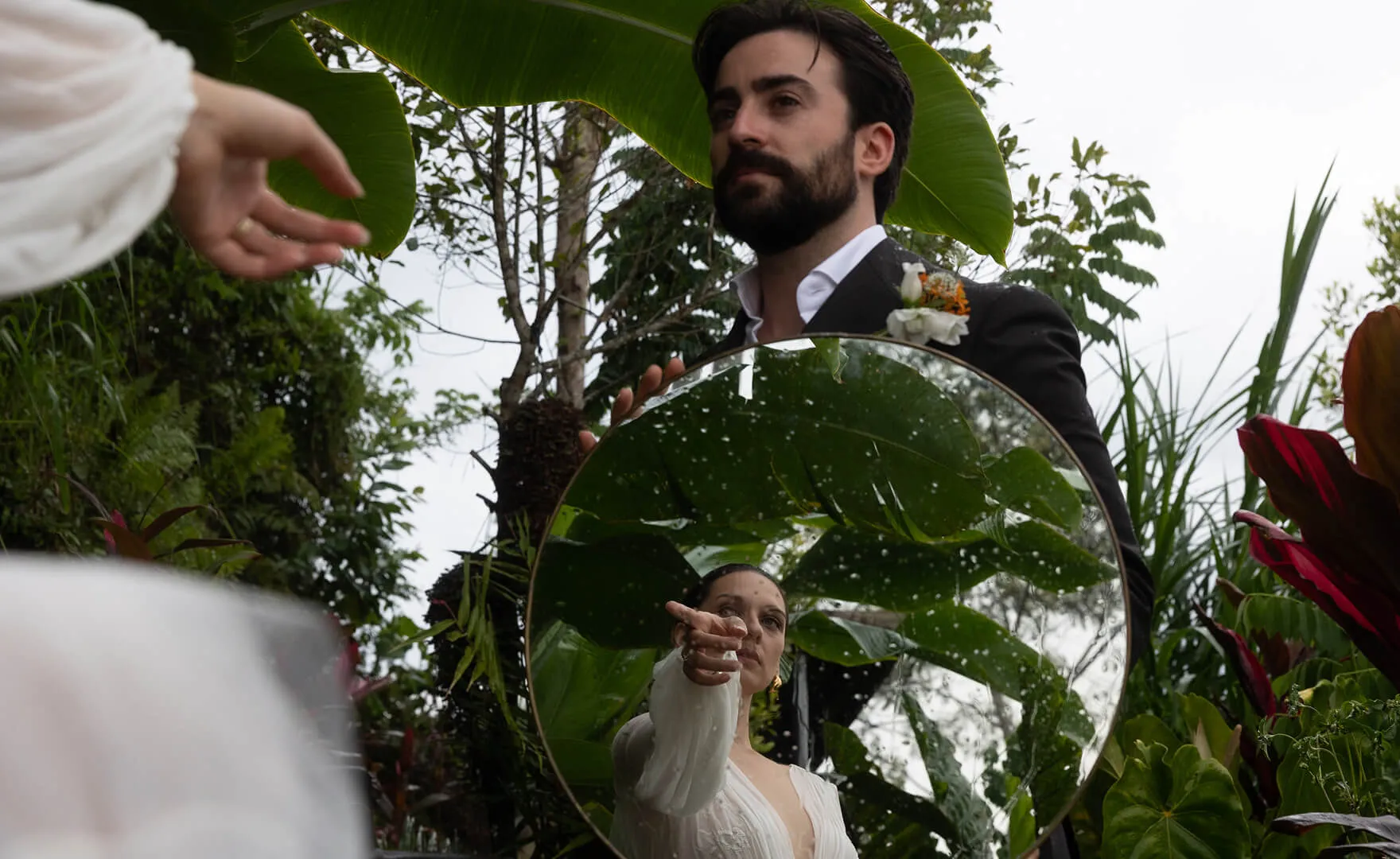
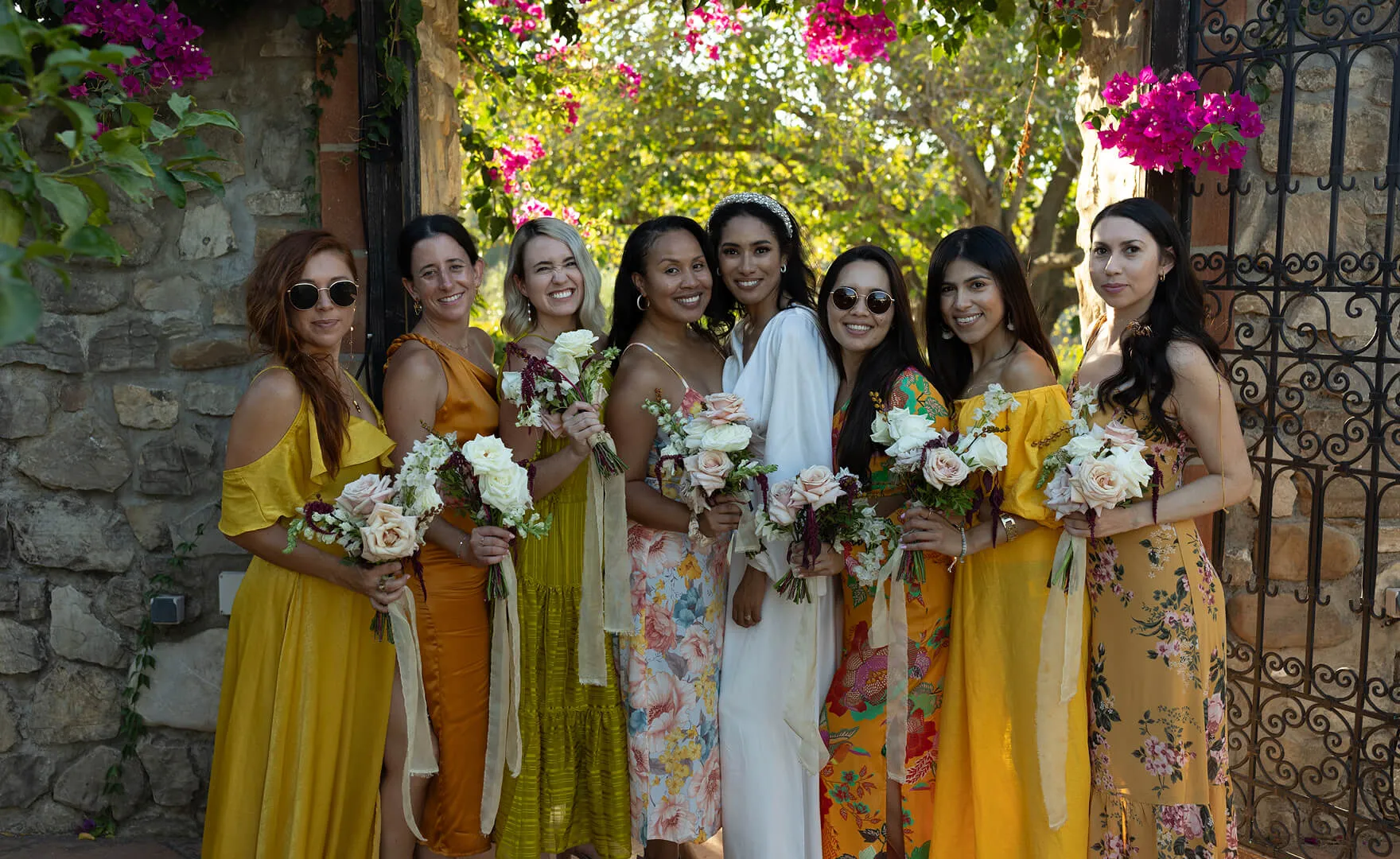
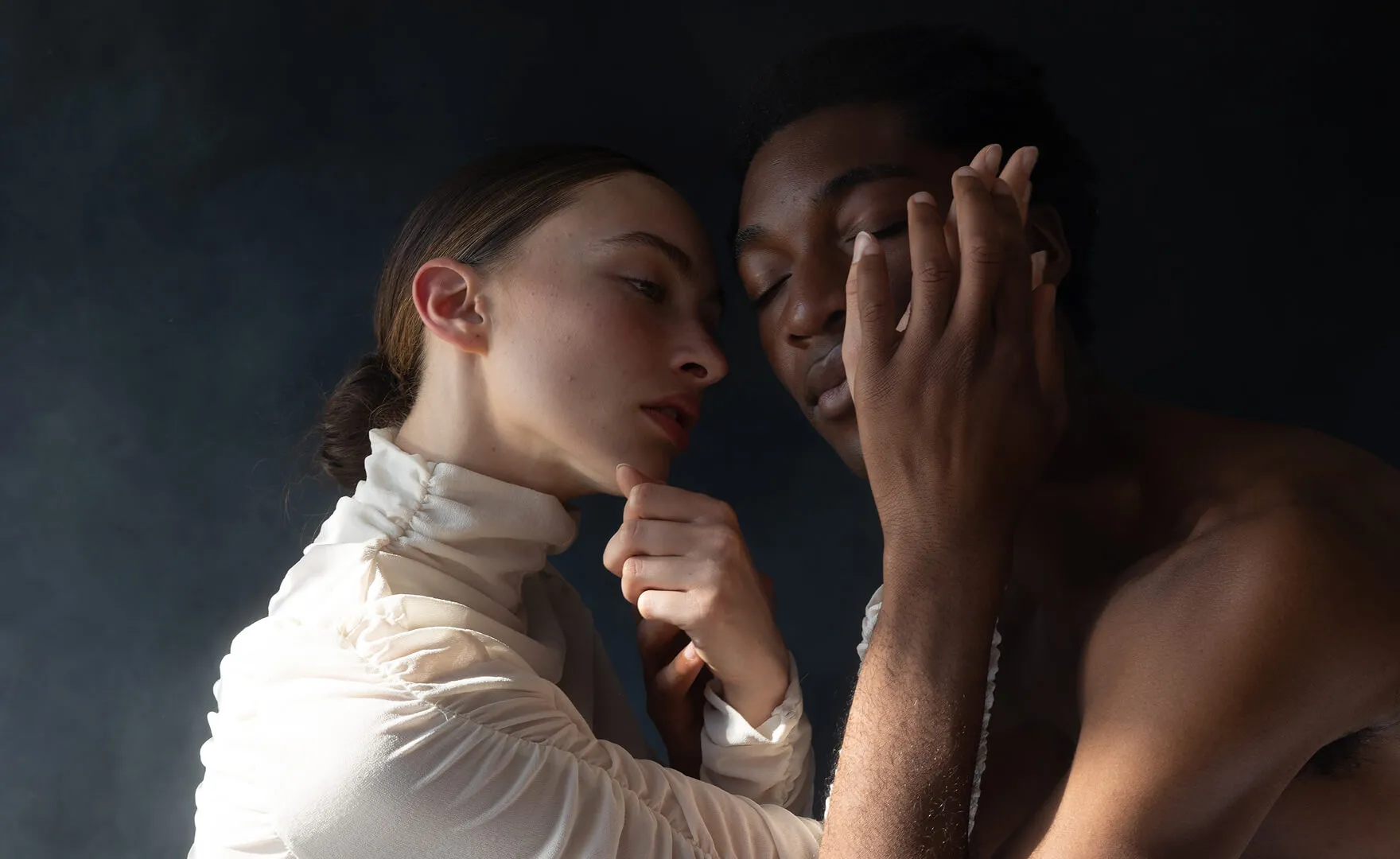
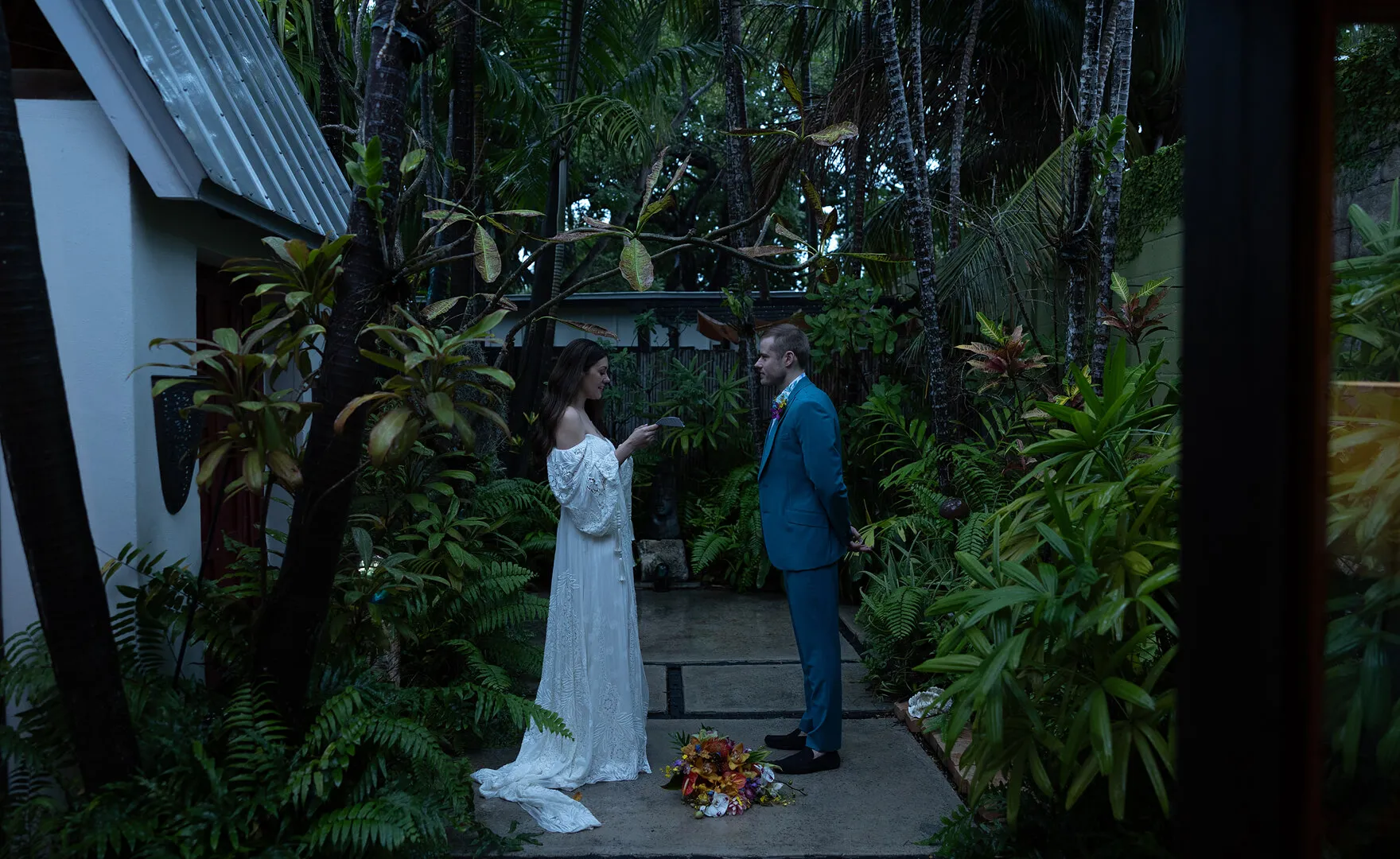
BeforeAI Style Beforeafter edit visualAI Style After
Try the Tool

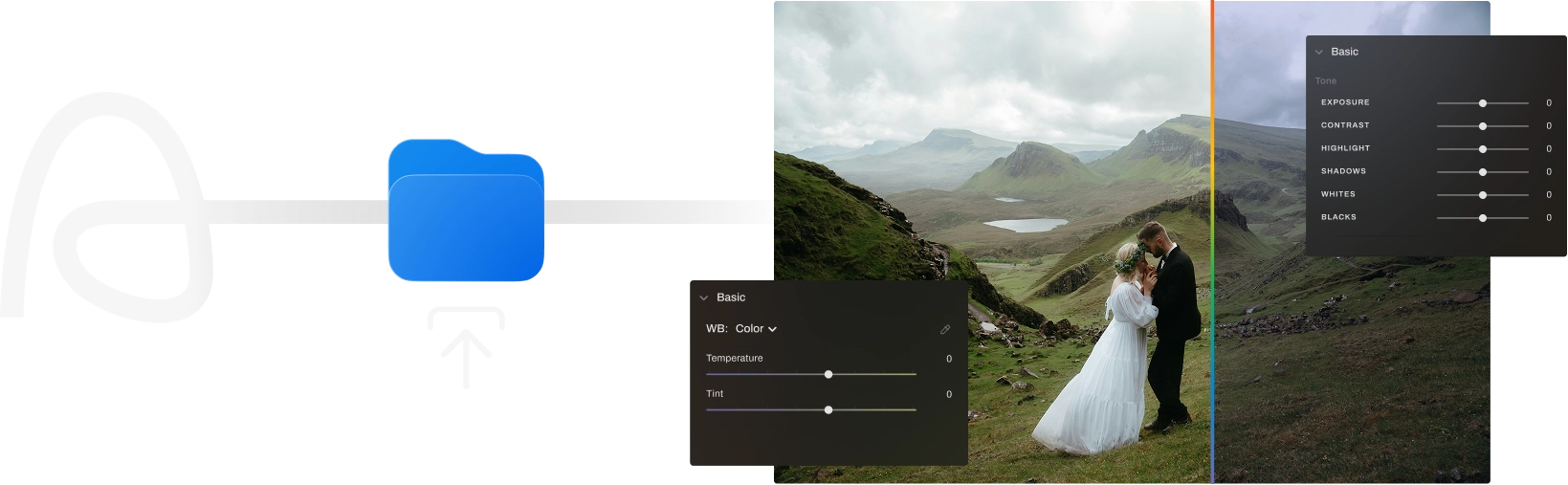
From Preset to AI Profile in 3 Steps

Drag and Drop visual
Step 1

Drag & Drop

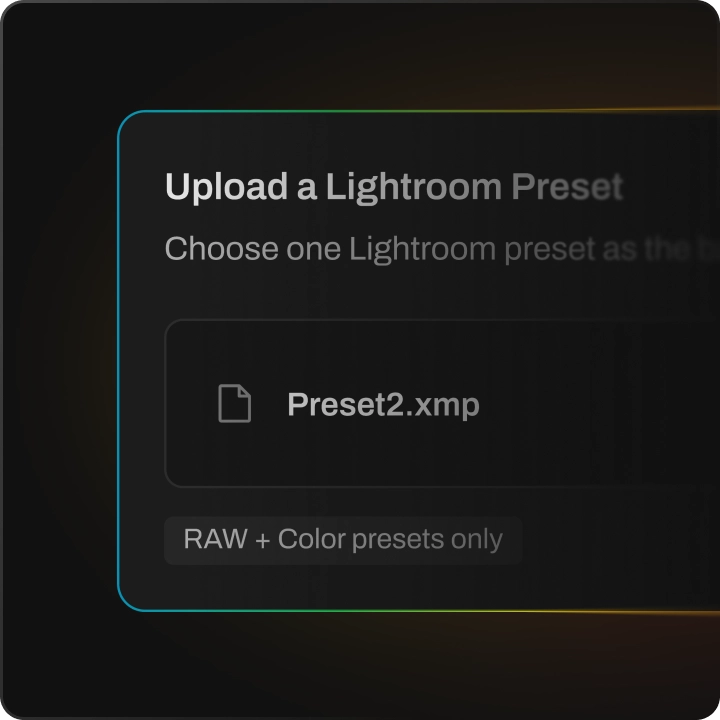
Drag and drop your LR preset file to Aftershoot.

Adjust Visual
Step 3

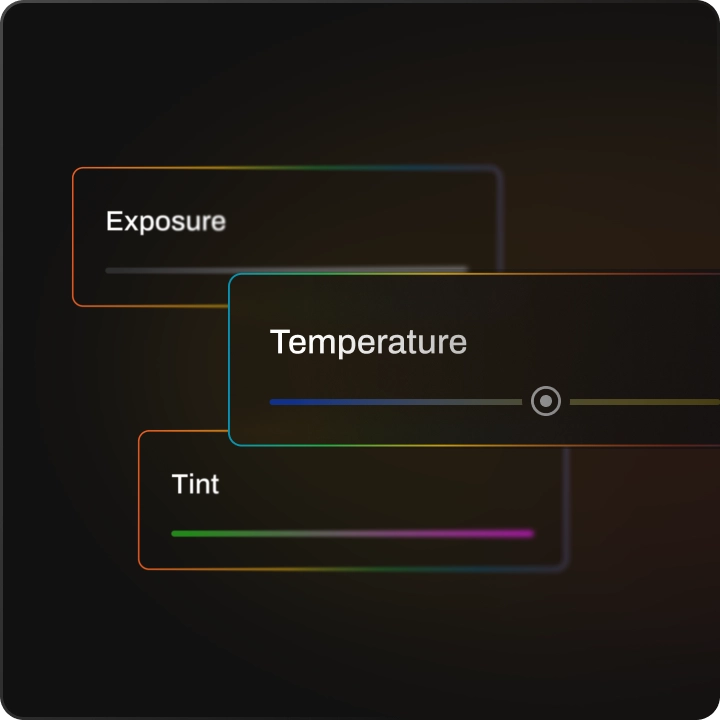
Adjust Your Settings

Adjust the exposure, temperature, and tint on three photographs

Ready To Go Visual
Step 3

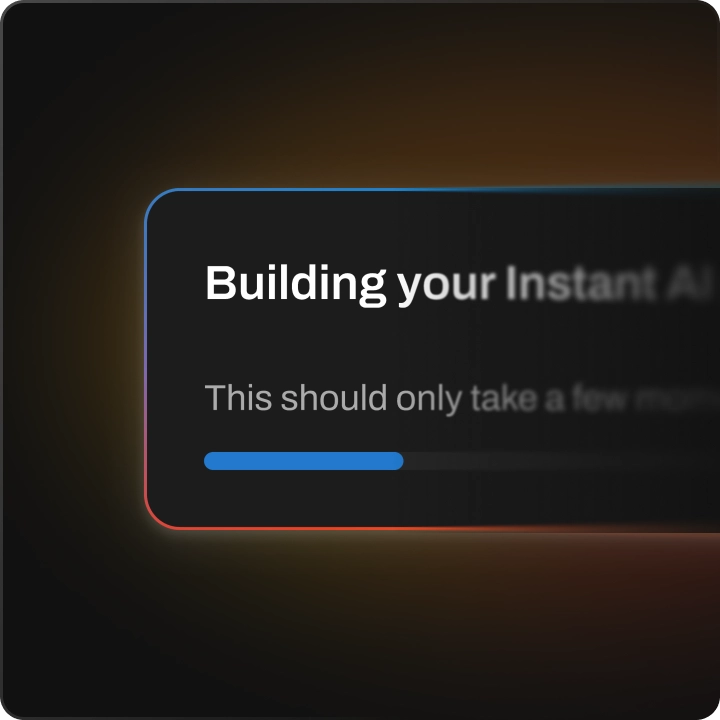
Ready To Go

Your instant AI profile is ready for your gallery.
Create Instant AI Profile Now
Trusted by
Wedding
Event
School
Boudoir
Family
Newborn
Photographers
94% would recommend Aftershoot to a friend
Kasey + Tyler Rajotte

Kasey + Tyler Rajotte

Content Creator

@StudioTwelve52
Since incorporating Aftershoot into our workflow, we’ve finally been able to honor our days off as true days off, and even take longer breaks, like a whole winter break off to be with family + friends – something we haven’t been able to do in over 10 years of working together. That’s huge for us.
Ashlee Weaver

Ashlee Weaver

Content Creator

@_ashleekay
Aftershoot has been a game-changer for me. With 20 weddings and 100’s of sessions this year, it’s given me my work/life balance back. It’s given me extra time for my family, and I’m so thankful. I love going through and making sure each photo is the way I’d like it, but Aftershoot is like my very reliable assistant that takes care of 70% of my workload.
Quentin Guestin

Quentin Guestin

Content Creator

@welcometothejungle
Aftershoot’s impact has been remarkable – not just for us, but for our customers too. By integrating Aftershoot into our processes, we’ve boosted customer satisfaction by an impressive 64%! It’s been a true game-changer for our team and a leap forward for delivering excellence to our clients.

Less Editing. More Living.

Cut the time spent editing and get get back to doing what you love.

0 Hours

saved per year on average

0 Images

Edited per year on average

What Makes Aftershoot the Smarter Choice?

Aftershoot offers unlimited access to cutting-edge tools with simple, transparent pricing. Whether you’re just starting out or already a pro, we meet you where you are in your photography journey.
How we stack against our alternatives

10,000
Others
$920
Aftershoot Pro
$480
Your Total Savings $440
Cost for Editing Photos
Others $500 10000 × 0.05
Aftershoot Pro Unlimited
Cost for Cropping, Straightening & Masking
$300 10000 × 0.03
Unlimited
Cost for Culling
$120
Unlimited
Est. Overall Cost
$920
$480

Experience the Freedom to Create

Get Started Free

Full Access for 30 days. | No credit card required. | 30-day Money-Back Guarantee.

checkboxsettings icongroup iconeye iconspark icon
rainbowrainbow
aftershoot logo icon

Frequently Asked Questions

Log InGET STARTED