Remove photobombers, crowds, and unwanted people from your professional shoots instantly. AI analyzes the background and regenerates it naturally, like they were never there.
For Professional Photographers | No Credit Card Required
What Slows Down People Removal?
Takes Hours Per Photo
Removing people manually requires carefully cloning backgrounds pixel-by-pixel, especially when they overlap with important elements or complex backgrounds.

Leaves Obvious Traces
Basic tools create blurry patches, mismatched patterns, or ghosting where people stood, making edits obvious.
Impossible with Complex Scenes
Removing multiple people from busy backgrounds (streets, venues, tourist spots) requires extensive reconstruction that’s nearly impossible manually.
AI Retouching, Trusted by the Pros
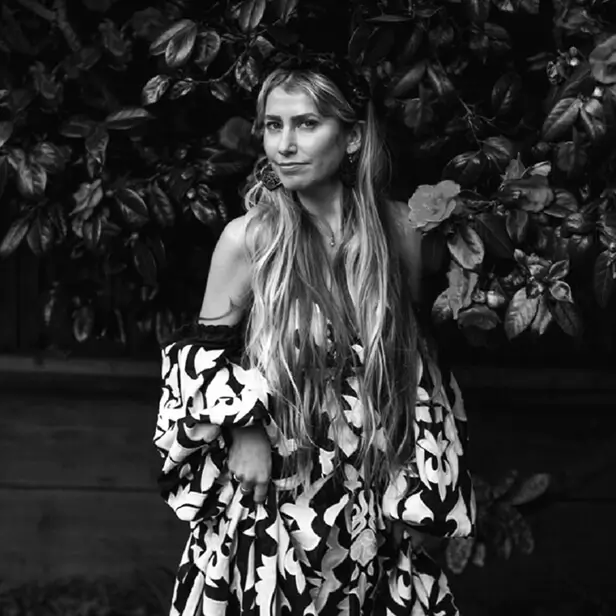
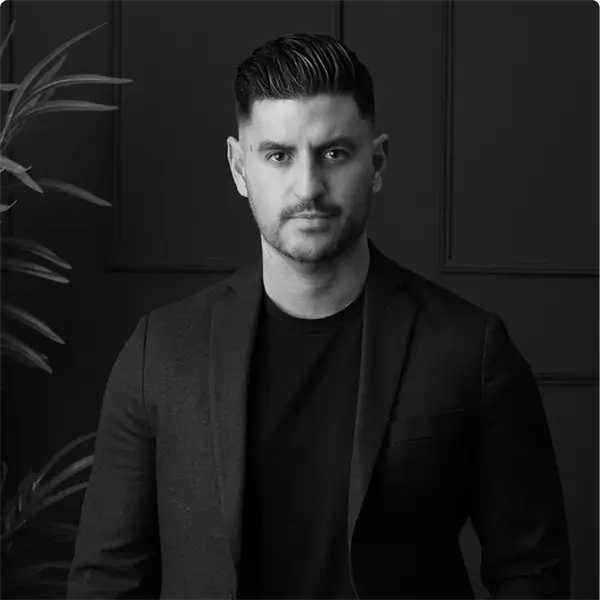
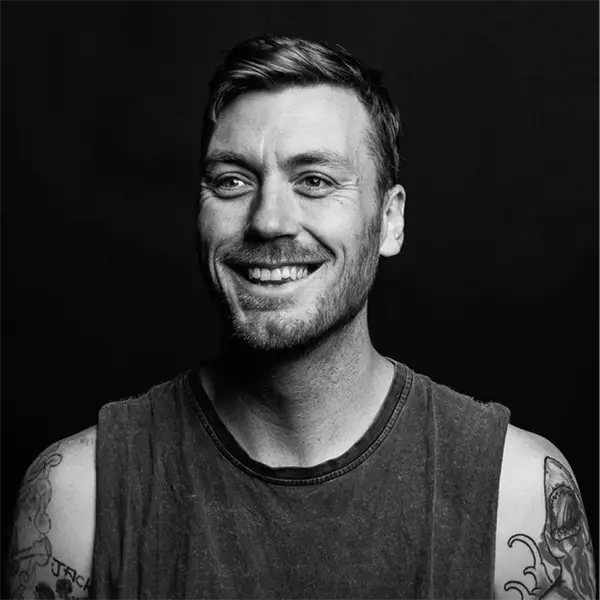
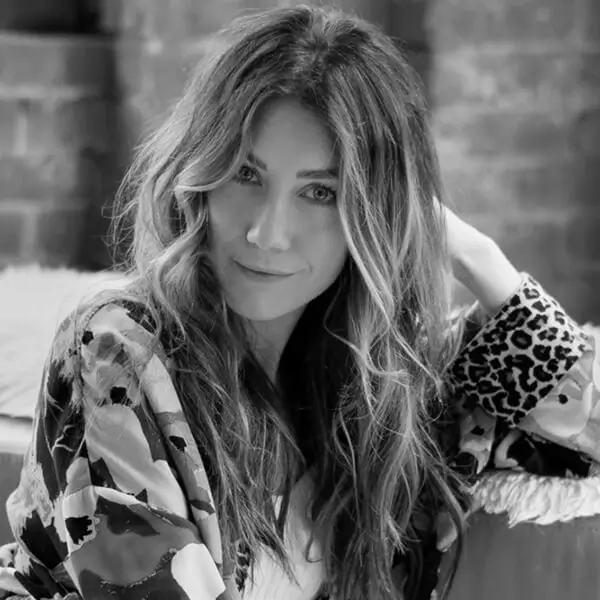
Top photographers who rely on Aftershoot to streamline their workflow and achieve stunning results
Lilly Red
Esteban Gil
Joshua Hugget
Jacquelyn Portolese
How to Remove People from Your Photos in 3 Steps
Step 1
Click
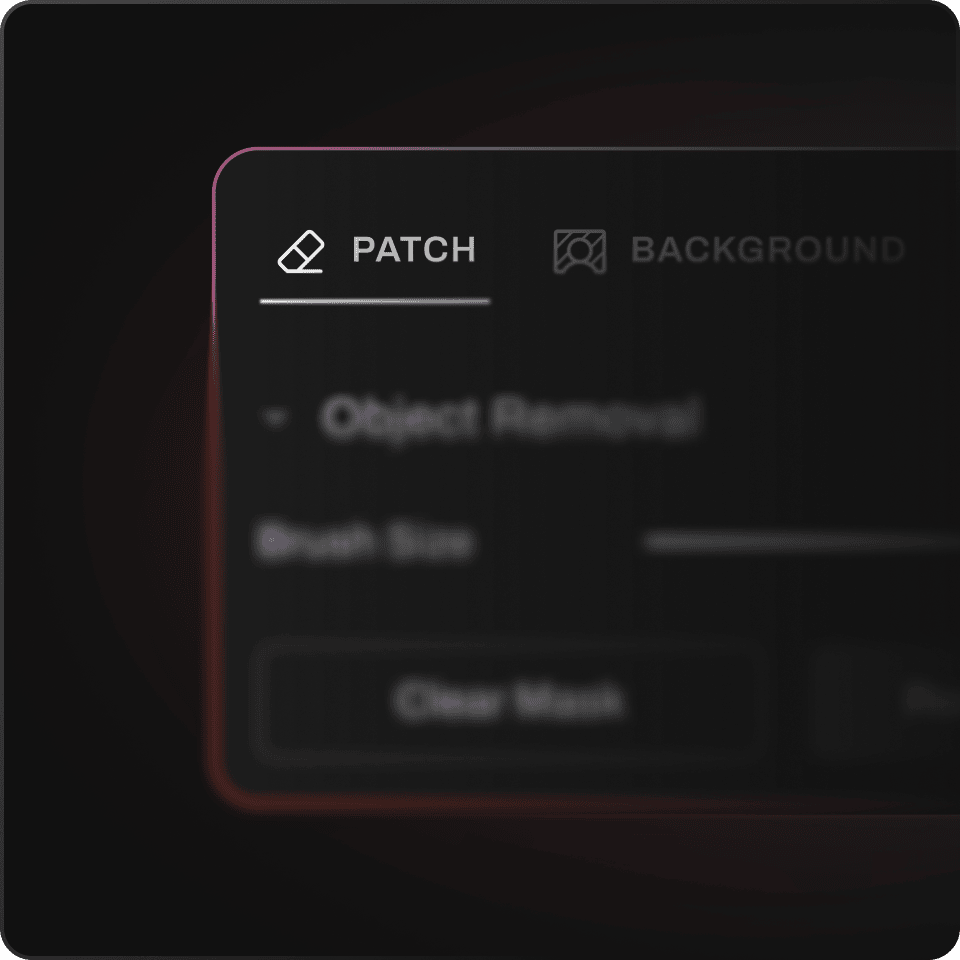
Click the Patch button in the retouching tab
Step 2
Adjust Your Settings
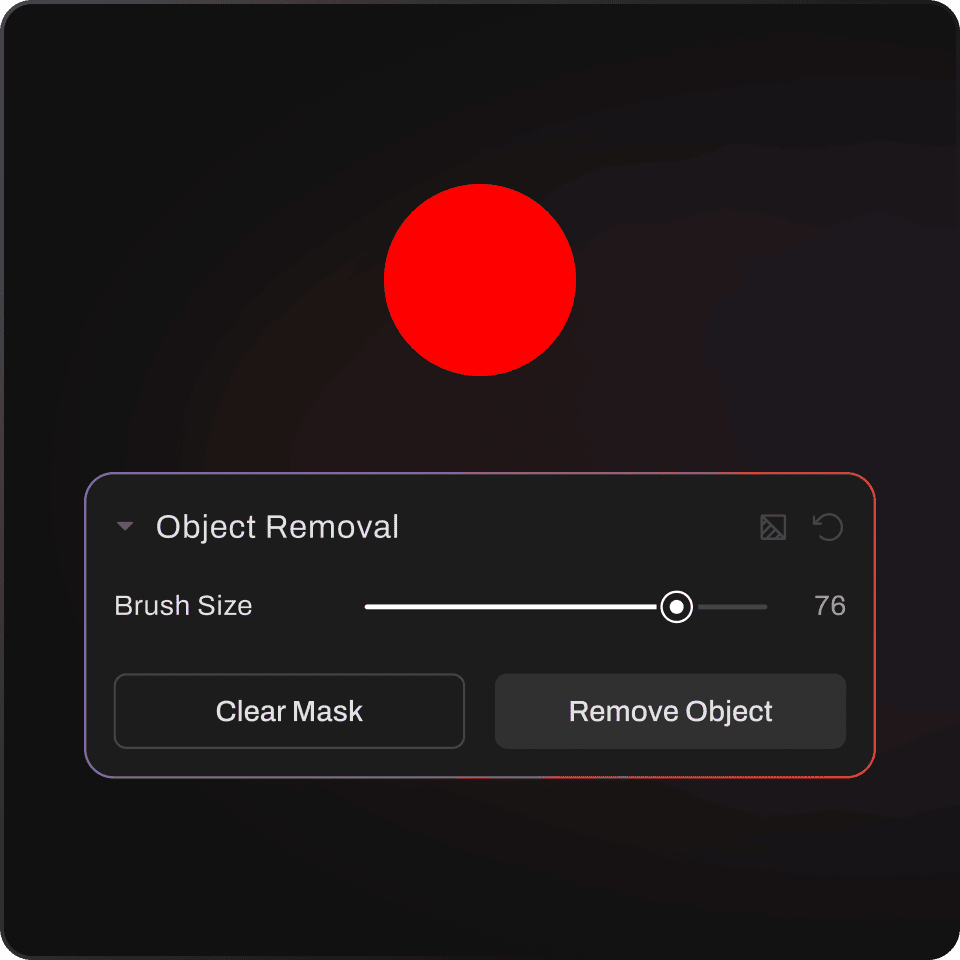
Adjust brush size and paint over the people you want removed
Step 3
Ready To Go
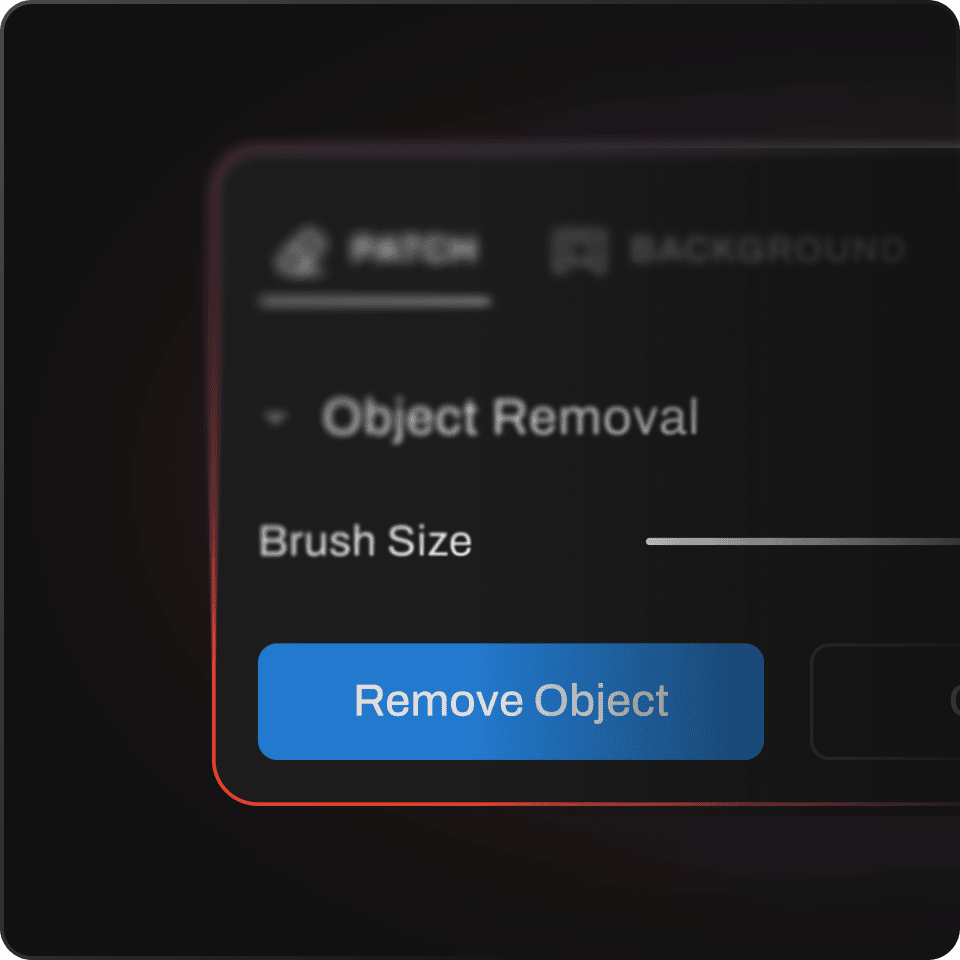
Click Apply and AI regenerates the background seamlessly