Trustpilot Info-badge

Portraiture Smooths Skin. Aftershoot Retouches the Whole Portrait.

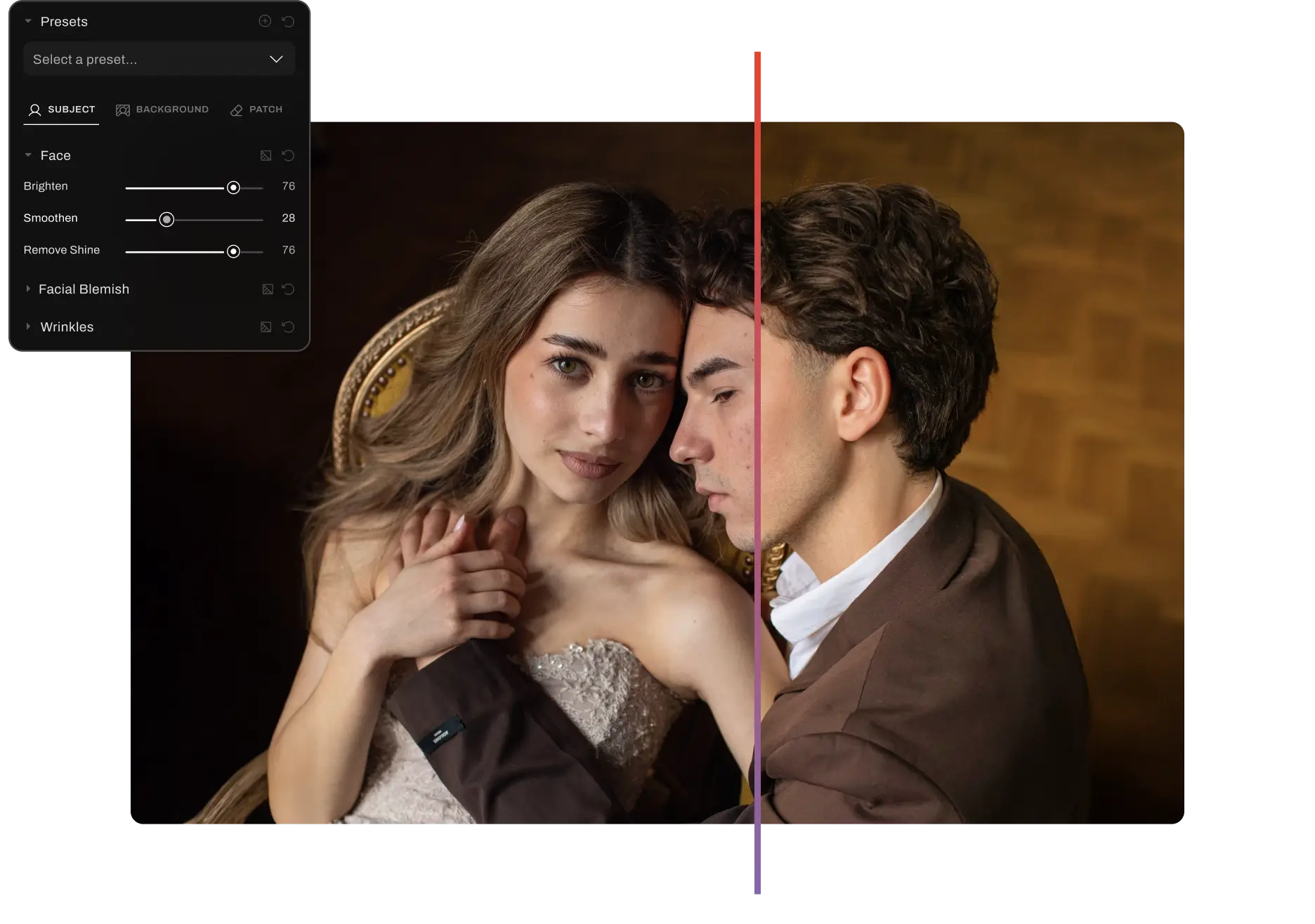
Be it blemishes, flyaways, teeth, eyes, Aftershoot's AI retouching can handle it all. Retouch 100-150 photos in just 20 minutes.

No Plugins Needed

FOR

mac and windows

COMPATIBLE WITH

COMPATBILE WITH
Aftershoot whole-portrait retouching vs Portraiture skin smoothing

USED FOR

Wedding
Portrait
Headshots
Newborns
Lifestyle

Why Photographers Choose Aftershoot Over Portraiture

Benefit

Whole-portrait retouching

Standalone app

Retouch on RAW

One-click batch retouching

Unlimited retouching

Genre-specific presets

Smart subject selection

Complete workflow

aftershoot logo
Check Icon
Check Icon
Check Icon
Check Icon
Check Icon
Check Icon
Check Icon
Check Icon
Aftershoot-vs-Portraiture
Skin Only
close icon
close icon
Needs Setup
close icon
Limited
close icon
close icon
Help center guides only
Why Aftershoot is better 
for your workflow

Background replacement, cloth dewrinkle, object removal, and detail work, not skin smoothing alone.

Retouch without Photoshop or Lightroom. No plugin to install.

Move from editing to retouching on the original RAW file, all in one app.

Retouch a whole gallery automatically, with no Photoshop actions or droplets to configure.

Retouch as many photos as you need, with no per-image fees or version locks.

Start fast with 10+ presets built for weddings, portraits, newborns, and more.

Retouch the right people in a group shot by age, gender, or group, with no manual masking.

Cull, edit, retouch, and deliver in one place, without switching tools.

Switch To Aftershoot

30 Days of Free Trial

What's New

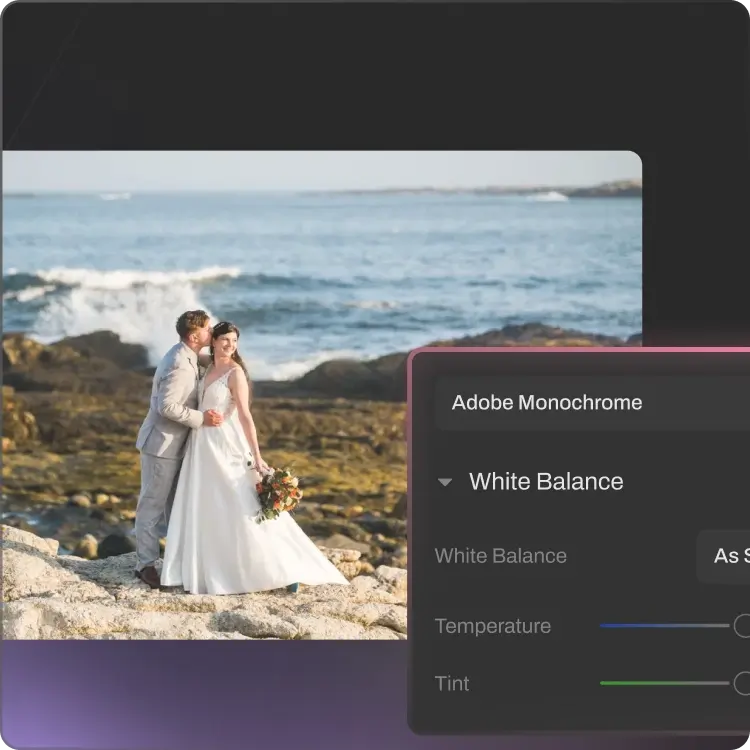
Retouching that goes all the way

Now retouch RAW files, swap backgrounds, smooth clothing wrinkles, and refine the details that make a good photo great. All before delivery.


BEFOREAFTER

Custom Backgrounds for Headshots

Elevate your headshots with a range of available backdrops, or upload your own — with edge refinement built in for natural results.

Cloth Dewrinkle before image
BEFOREAFTER

Cloth Dewrinkle

Crisp, gallery-ready clothing with creases ironed out while keeping fabric texture, embroidery, and pleats fully intact.

Retouch on RAW

Retouch on RAW

Aftershoot now supports retouching on RAW files, so you can move seamlessly from editing to retouching in one place — no exporting, no switching apps, no starting over.

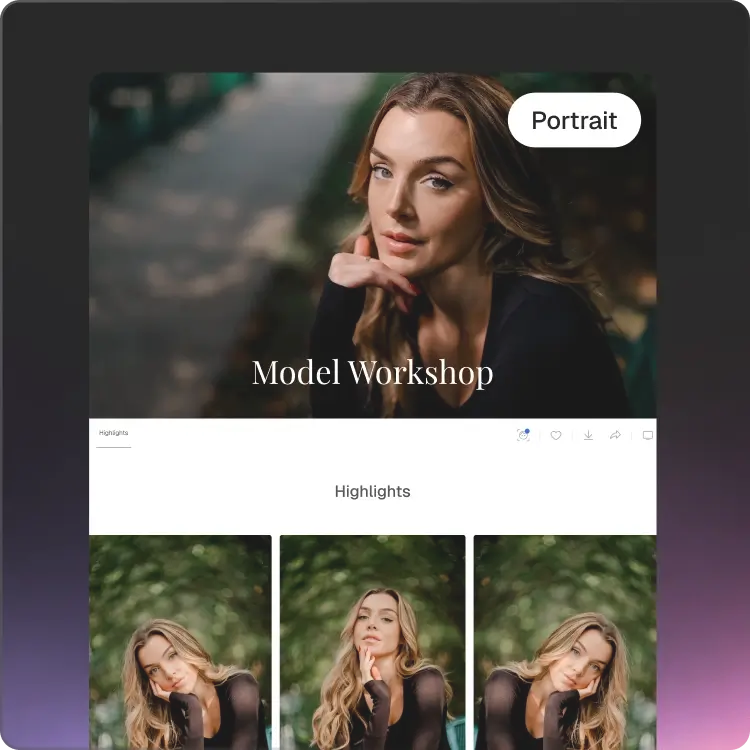
Polish Faces With a Natural Finish

Flattering, natural face retouching that keeps your clients authentically themselves in every single photo.
afterbefore
BEFOREAFTER
afterbefore
BEFOREAFTER
afterbefore
BEFOREAFTER
afterbefore
BEFOREAFTER
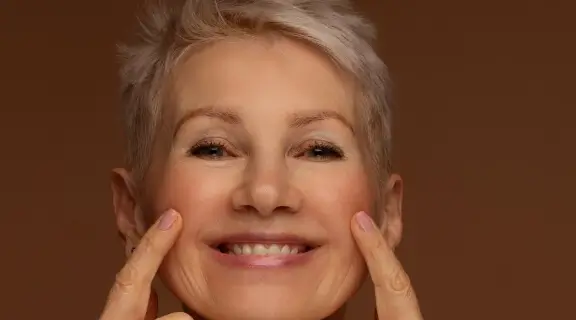
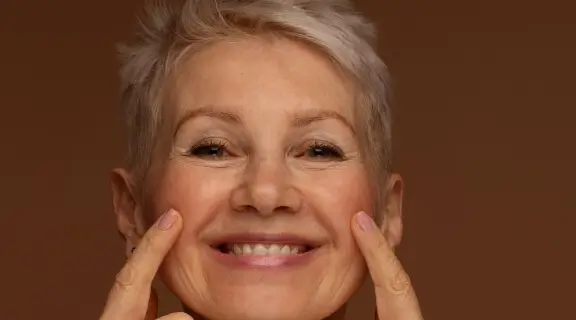
Wrinkle Removal AfterWrinkle Removal Before
BEFOREAFTER
Wrinkle Remover
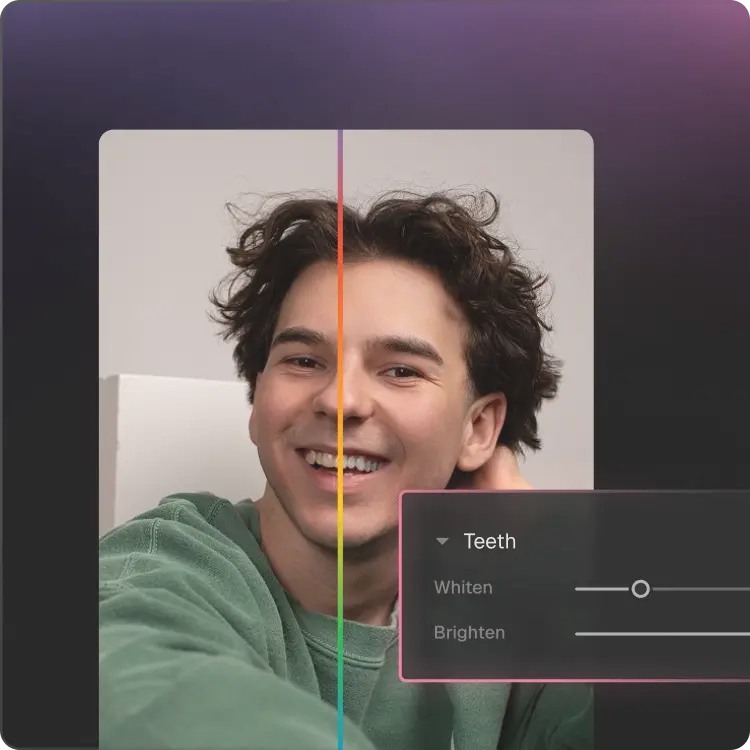
Teeth Whitening afterTeeth Whitening before
BEFOREAFTER
Teeth Whitening
before
BEFOREAFTER
Eye Bag Removal
Try Retouching For Free

Every Frame, Now Picture Perfect.

Replace backgrounds, smooth out clothing creases, and remove distractions like exit signs, instantly.
Background Replacement afterBackground Replacement before
BEFOREAFTER
Cloth Dewrinkle after
BEFOREAFTER
Object Removal AfterObject Removal Before
BEFOREAFTER
Try AI Retouching On Your Photos

Try for FREE on the website. No app download needed.
What The Pros Are Saying

Ricardo Tavares

Ricardo Tavares

Aftershoot AI Retouching has drastically reduced my editing time, especially with newborn skin.From the first moment I used it, I knew it was going to be a game-changer. It was super easy and intuitive to use. Just choose a preset, adjust some slides to our liking, and that’s it. Perfect skin, unicorn magic!
Sarah Boles

Sarah Boles

Gone are the days of spending hours running actions in Photoshop to clean up skin. I’m so thankful for the ability to just pull the photos I need into Aftershoot, adjust some sliders, and watch it work its magic in less time than I could even open the images in Photoshop. The software has significantly sped up what would typically be the “Photoshop” portion of the editing process, and my workflow is faster than ever because of it.
Silas Hofer

Silas Hofer

I was curious whether AI had come far enough to support my process rather than override it. What stood out about Aftershoot was the amount of control it offered; it didn’t force a generic style but instead let me tailor the results to fit my own approach. That flexibility made it worth trying, and I’m really glad I did.
Sokratis Katsanos

Sokratis Katsanos

My experience with AI retouching has been excellent. The retouching time has been cut in half, especially for me as a wedding photographer, where the number of photos to be delivered is quite large.
Complete Workflow

Cull. Edit. Retouch. Deliver.

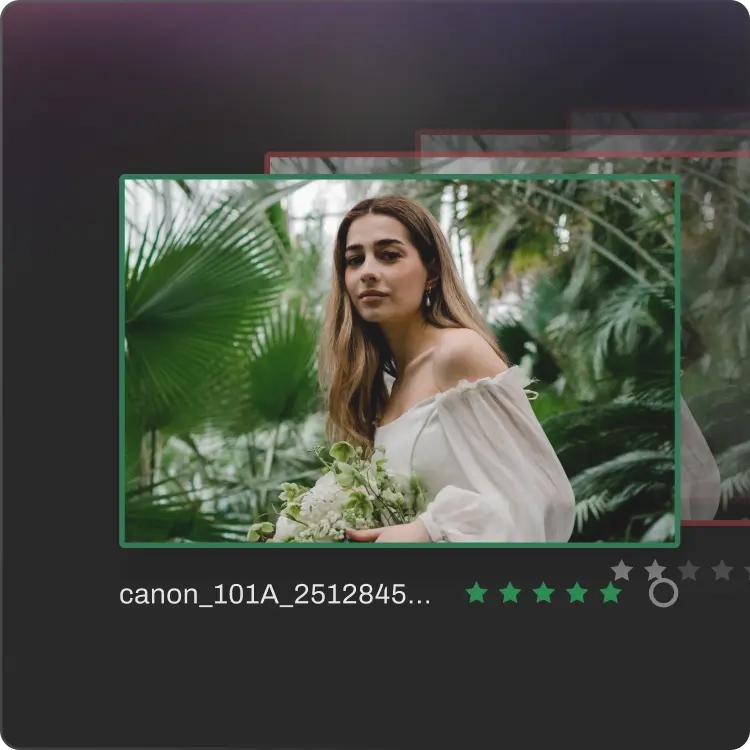
Cull thousands of photos, edit in your style or pick a creator style, retouch with Auto-detect that automatically surfaces what needs polishing. Finally, upload the finished gallery and share with clients in one click.
Skip the export-import-export cycle that breaks your workflow.
Cull aftershoot
Step 1

Cull

Sort thousands of photos in
minutes. Keep the best, skip the
rest.

edit aftershoot
Step 2

Edit

Train AI to edit in your unique style. Get consistent looks, every shoot.

retouch aftershoot
Step 3

Retouch

Give your album the finishing touches before delivery. Every detail, exactly where it needs to be.

deliver aftershoot
Step 4

Deliver

Upload finished galleries in a beautifully organized platform and share with clients.

1 platform . 0 third-party exports
Log InGET STARTED