Trustpilot Info

Culling That Runs In The Background

Narrative keeps you in the loop. Aftershoot handles culling.
Aftershoot automates the entire culling process and makes it literally a 10-minute job. Import your shoot, AI culls it, and get back for a final review.

No Credit Card Required

FOR

mac and windows

COMPATIBLE WITH

COMPATBILE WITH

USED FOR

Wedding
Portrait
Events
Headshots
Lifestyle
Newborns

Narrative vs Aftershoot

See The Difference
Features

AI Automated Culling

AI Editing

AI Profiles + AI Styles

One-Click Cull and Edit

AI Masking

AI Retouching

Control vs. Fatigue

24/7 Live Support

Community

Trial Period

aftershoot logo
Check Icon
Check Icon
Check Icon
Check Icon
Check Icon
Check Icon
Check Icon
Check Icon
Check Icon
Check Icon
close icon
Check Icon
Check Icon
close icon
close icon
close icon
close icon
close icon
close icon
close icon
What this means for your workflow

Reviews and selects your best shots using 30+ factors, without you having to check every frame.

Both save time, but Aftershoot offers one-click cull and edit.

Replicate your editing style or pre-built styles in just a few clicks.

Save double the time with fewer steps.

Makes selective editing faster and more precise.

Retouch photos faster without manual selections.

Get through your selections faster with less mental load - while still staying in control.

Help is there whenever you   need it.

A photographer community to help you master AI and make the most of your saved time.

Offers a complete trial experience with no restrictions.

Switch To Aftershoot
Full Access for 30 days. | No credit card required.

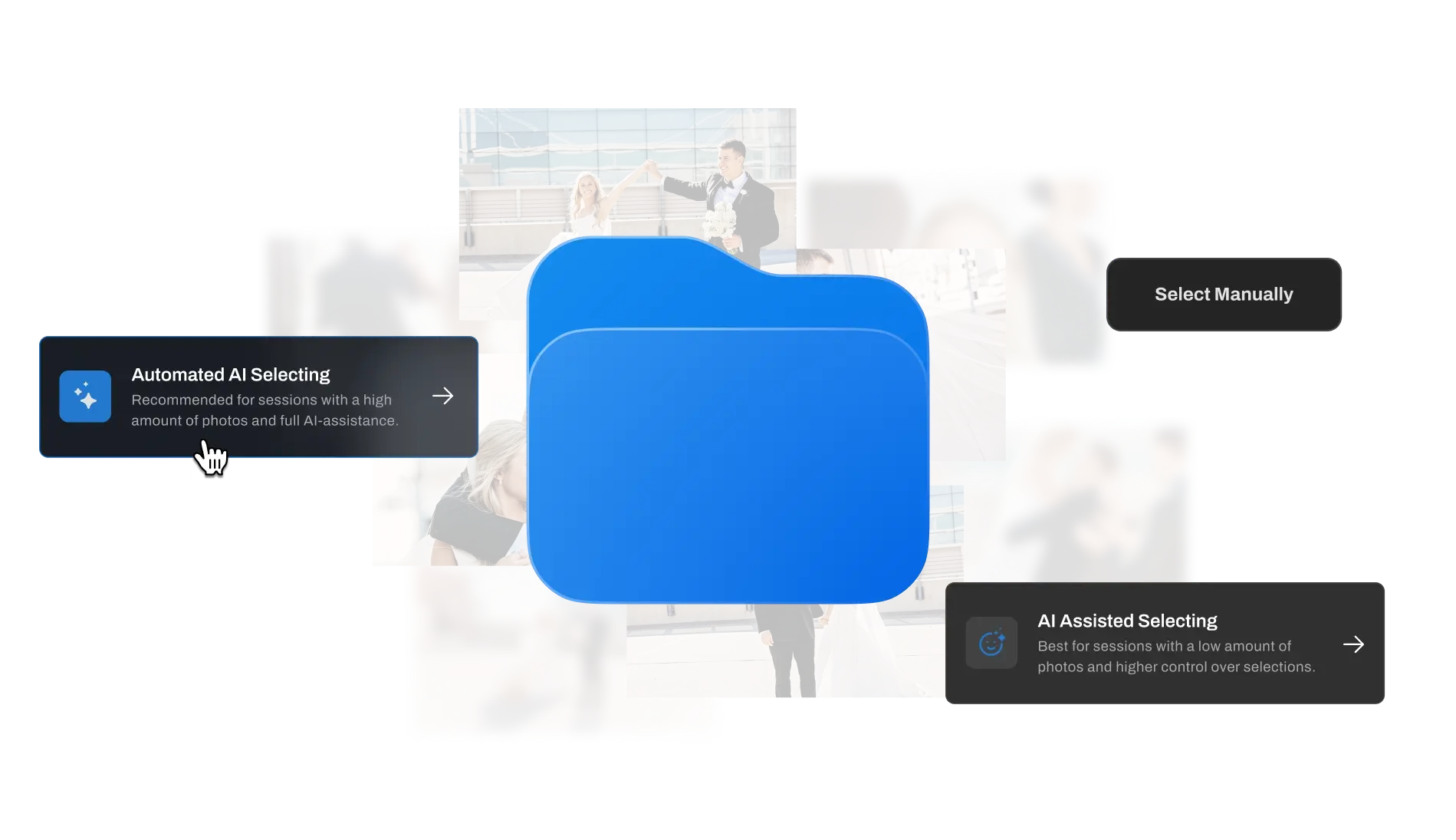
Cull the way you want

Fully automated for hands-off culling, AI-assisted to control the decisions the AI makes, or fully manual when you want to take over.


Your best shots,
picked for you

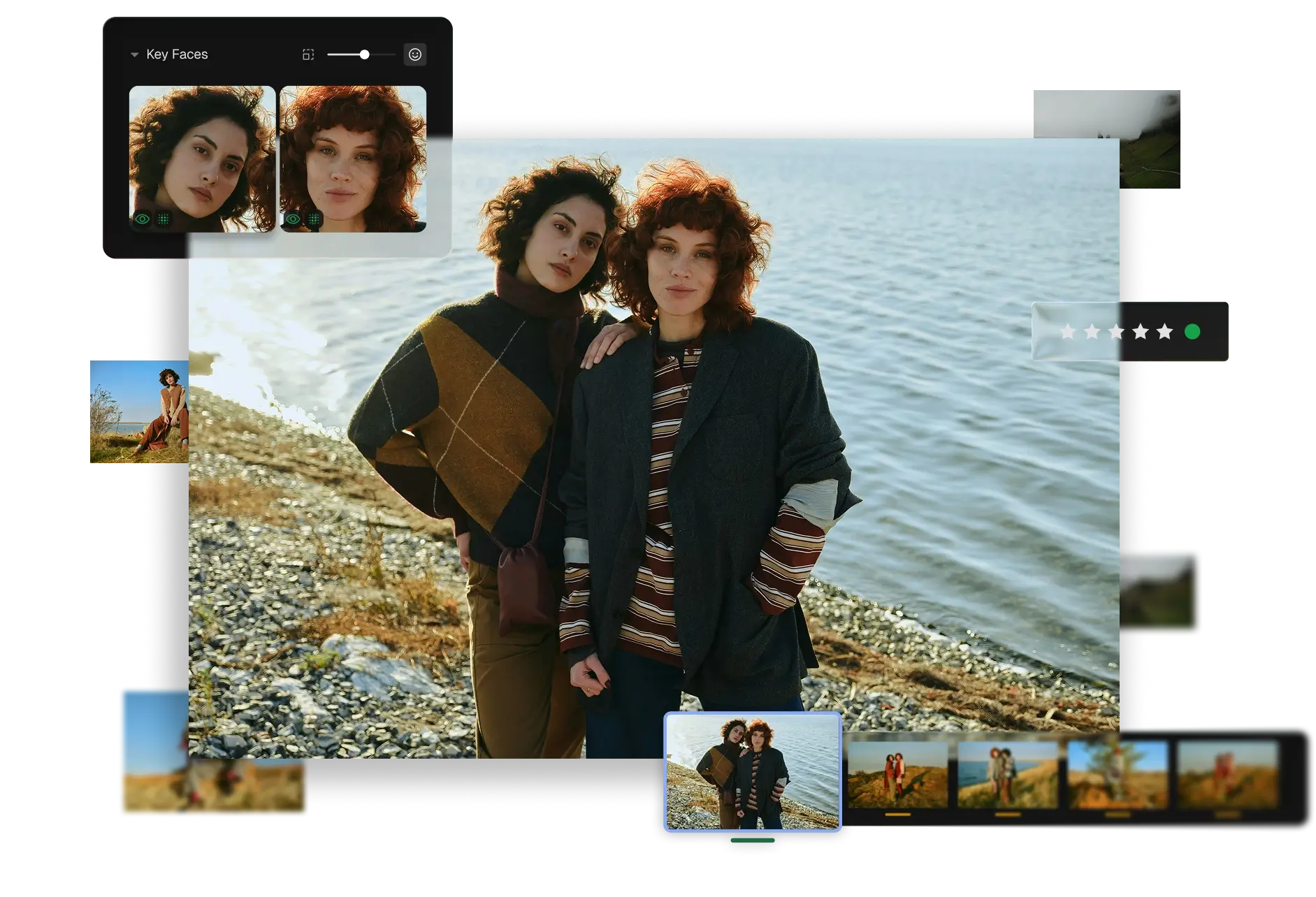
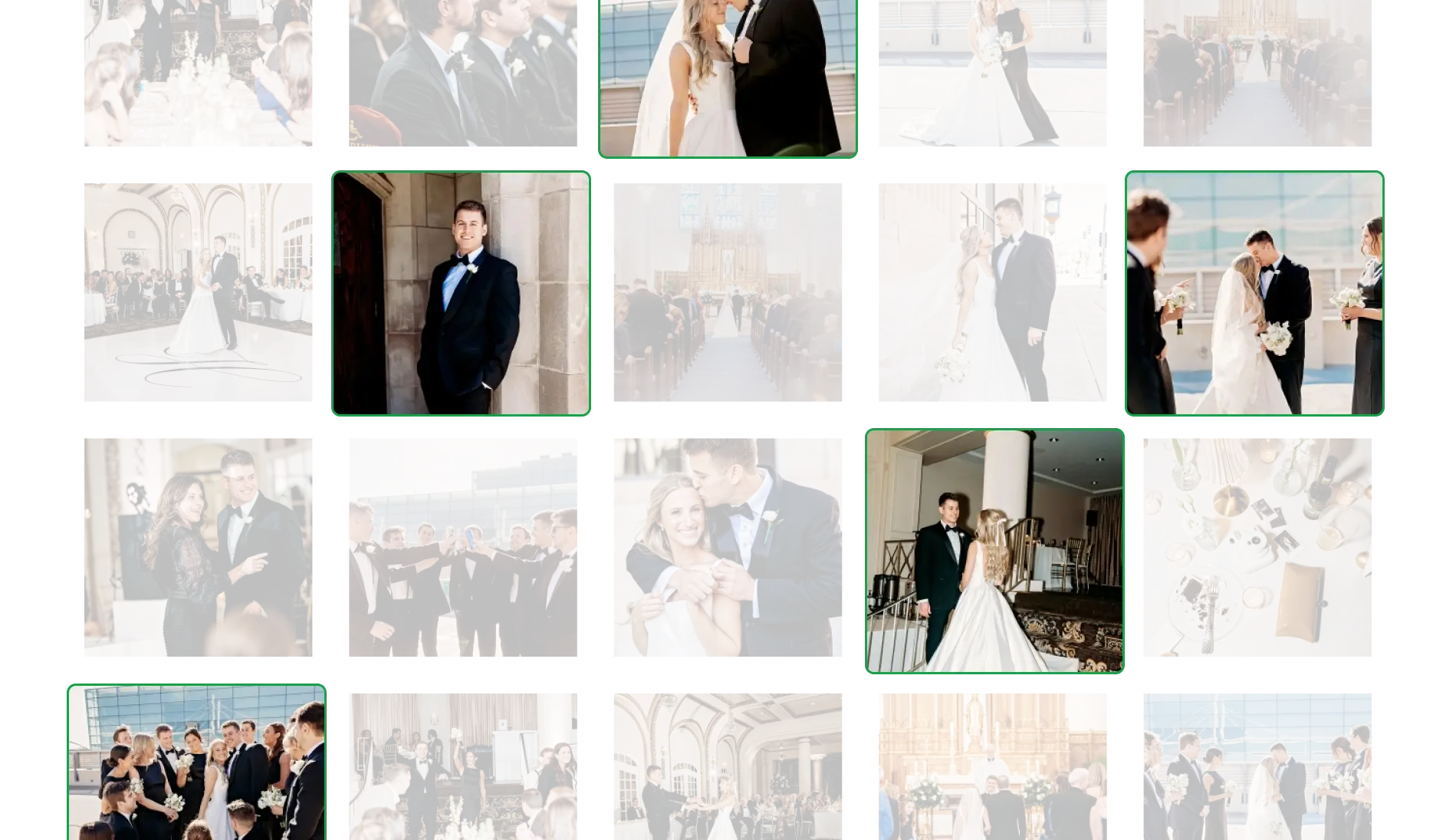
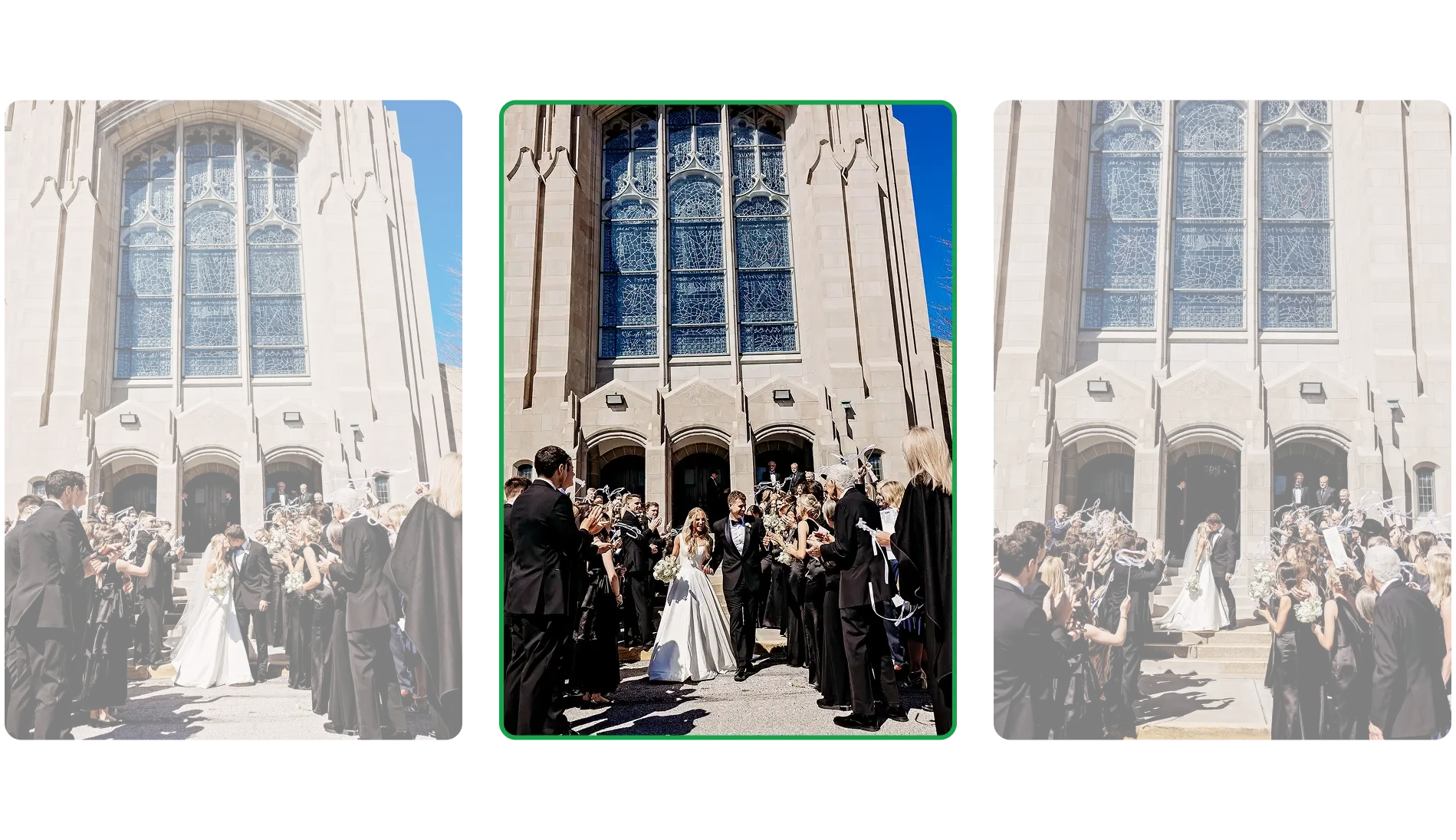
Aftershoot automatically picks the very best shots from your entire shoot and tags them as Highlights – perfect for sneak peeks and client previews.

Stop scrolling through near-identical frames

Aftershoot automatically groups similar shots together so you’re only picking the best from each burst.

Context-aware culling

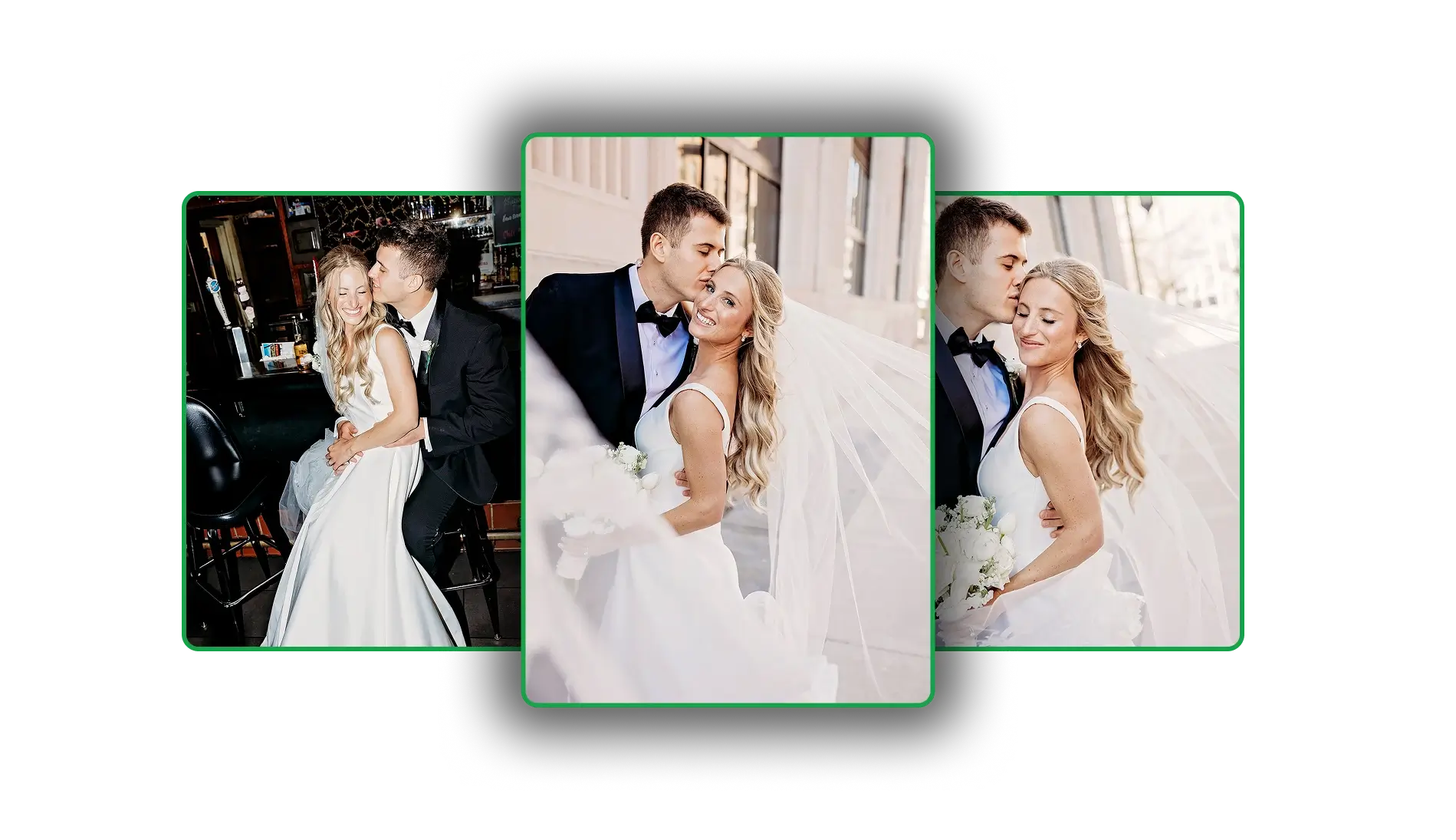
Aftershoot understands the context of images. Closed eyes in a kissing shot isn’t a bad photo — Aftershoot knows the difference.

In 2025 Alone

6.8B

images culled

240 HOURS

of culling time saved per photographer

$411

in culling costs saved per photographer

How Aftershoot fits into your workflow

Import and Cull

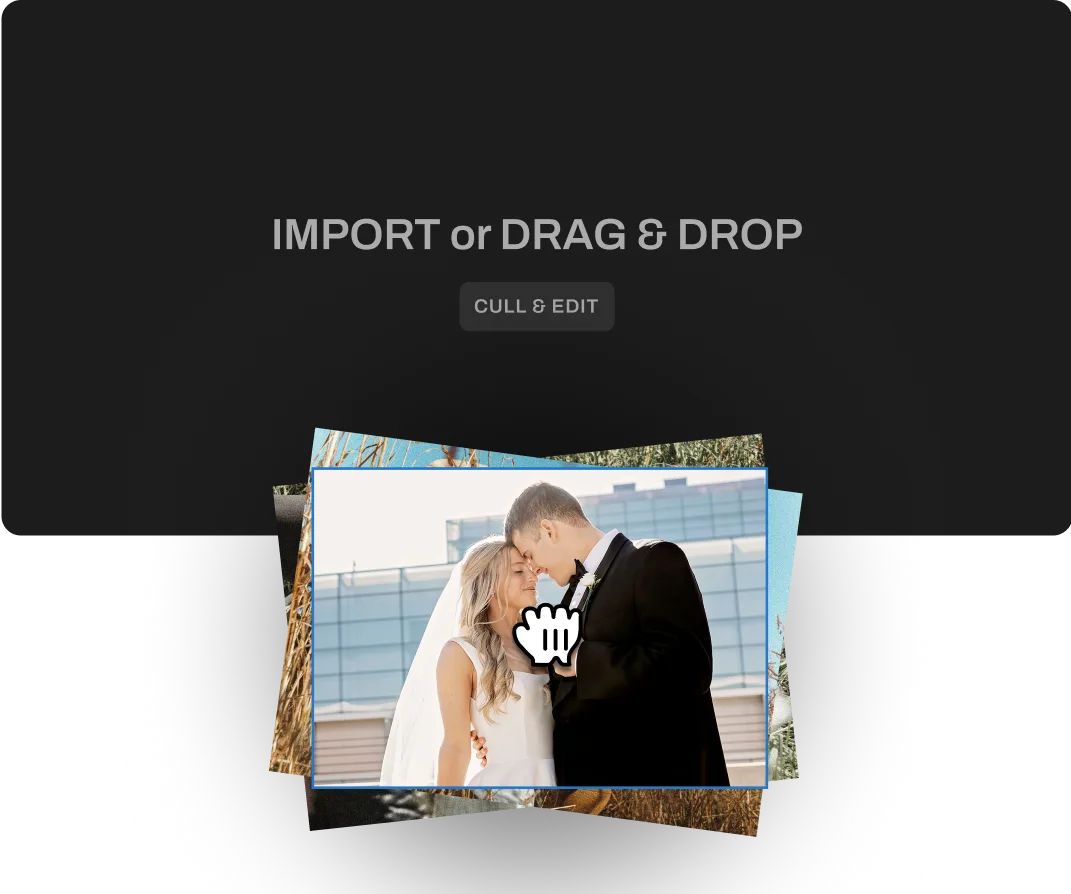
Import your shoot and let Aftershoot cull in the background. Come back to a ready-to-review selection.

Edit and Retouch

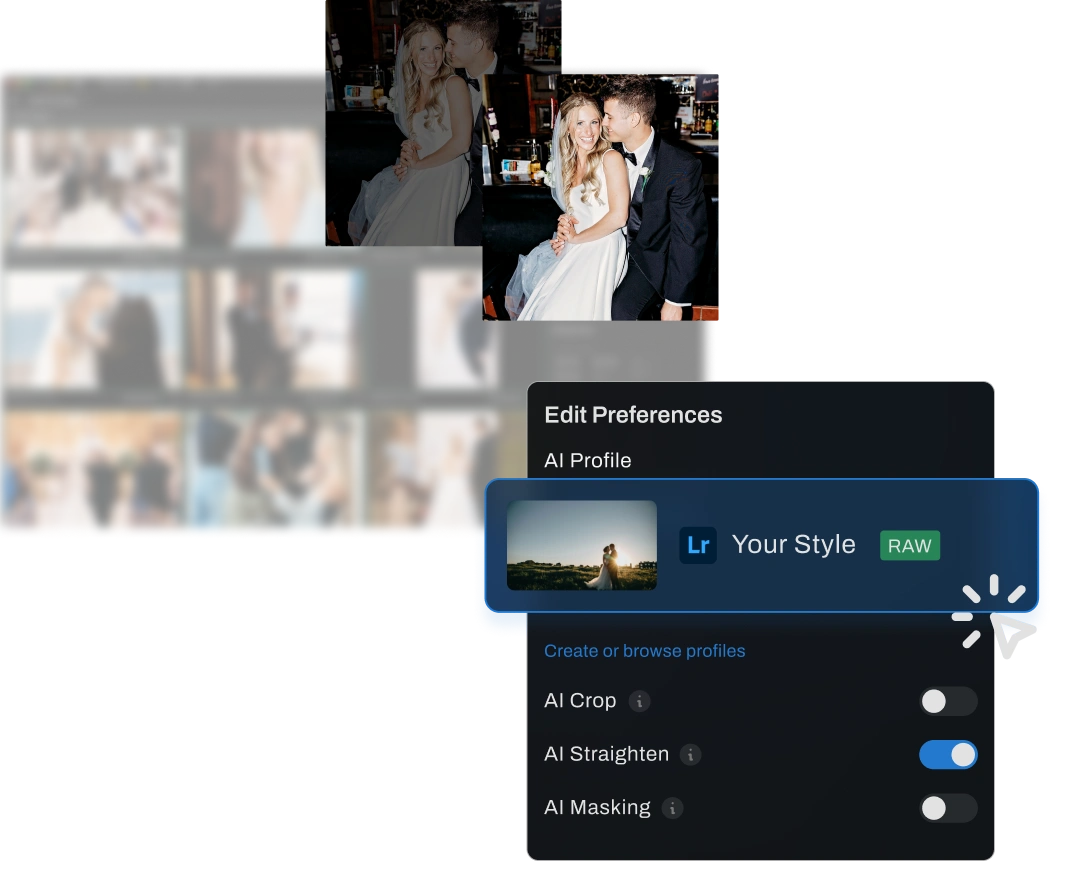
Apply your signature edit and retouch your culled gallery naturally within Aftershoot.

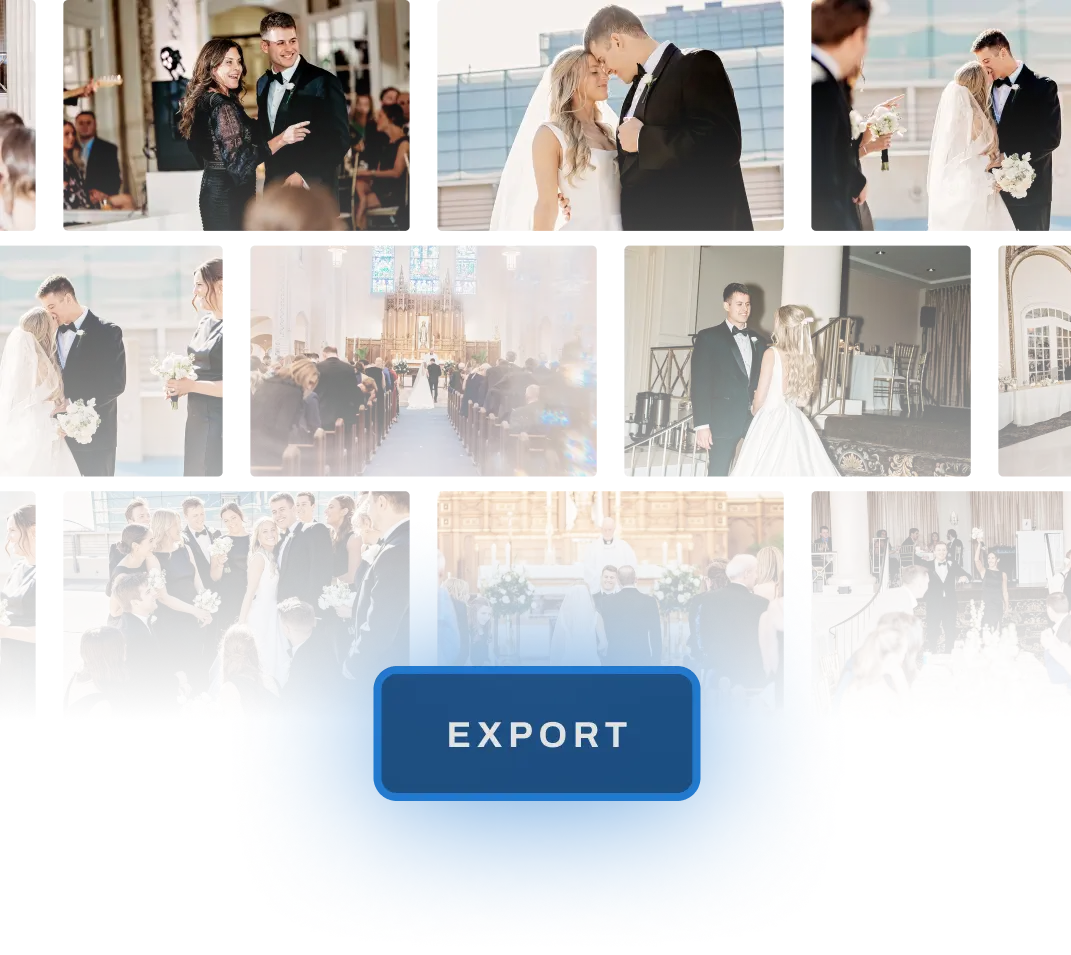
Export

Export your culled, edited and retouched gallery in one click.

What Photographers Are Saying

Kasey & Tyler Rajotte

Aftershoot learned our culling style so effortlessly—even with pets, which totally surprised me! I expected it to excel at detecting blinks in humans, but it’s just as impressive with animals—a huge, unexpected bonus.

William Edward

Our photographers can sometimes get a little trigger happy and shoot dozens of images of the same pose and Aftershoot greatly reduces the time culling.

Alex Leon

Ours is a photography company that has completed over 5000 weddings, We do 1000+ weddings per year and we use Aftershoot to take down the time of our culling and editing dramatically.

Carlos

Our business is primarily focused on dance photography, so we shoot a lot of shots at each show to get the best images of our dancers in motion. Aftershoot allows us to select much faster, which speeds up our work, making our lives and nights easier and allowing us to deliver to our clients much sooner.

See What Culling in the Background Feels Like

Full Access for 30 days. | No credit card required.
Try For Free
Log InGET STARTED