Trustpilot Info

Aftershoot vs Capture One

Tired of manual workflows that slow you down?
Aftershoot handles your complete workflow: AI-powered culling, editing, and retouching, in one streamlined app that works as fast as you do, whether you're capturing weddings, portraits, or events.

No Plugins Needed

FOR

mac and windows

COMPATIBLE WITH

COMPATBILE WITH

USED FOR

Wedding
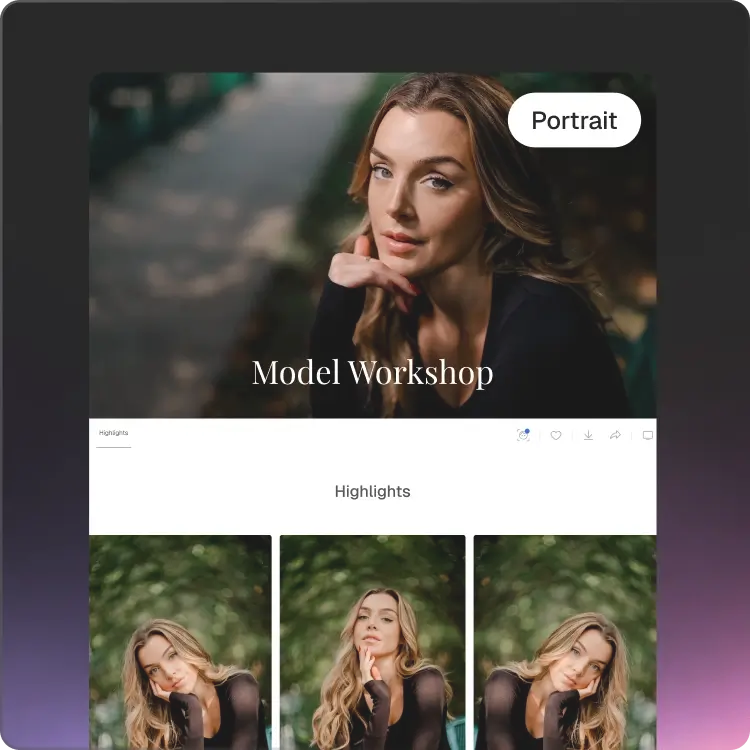
Portrait
Headshots
Newborns
Lifestyle

Why Photographers Are Choosing Aftershoot

Ricardo Tavares

Ricardo Tavares

stars
AI Retouching has been a game-changer! It cut my retouching time in half, making wedding photo editing faster and more efficient.
Silas Hofer

Silas Hofer

stars
I was hesitant about AI retouching, but Aftershoot gives me full control. It removes flyaways and blemishes without making skin look fake - saving me time while keeping my photos natural.
Sokratis Katsanos

Sokratis Katsanos

stars
With AI Retouching, I can edit multiple people at once perfect for high-volume wedding photography!
Christopher Stiles

Christopher Stiles

stars
Finally had a chance to try out the Beta retouching in Aftershoot. So much potential, so much time saving, so much winning!
Try For Free

Wondering how Aftershoot is Better than Capture One?

Benefit

All-in-One Retouch Panel

Learning Curve

Batch Retouching

Smart Subject Selection (Group / Age / Gender)

Correct Changes Tool

Retouching Presets

AI-Powered Workflow

Glare & Flyaway Removal

AI-Powered Tools

aftershoot logo
Check Icon
Check Icon
Check Icon
Check Icon
Check Icon
Check Icon
Check Icon
Check Icon
Check Icon
others logo
Check Icon
Basic face retouching
Check Icon
close icon
close icon
close icon
close icon
close icon
close icon
Check Icon
Pro offers Assisted Masking, but retouching stays manual.
What this means for your workflow

All-in-one clean interface with everything you need.

Aftershoot is ready in minutes; Capture One demands time to master it.

Edit entire shoots in minutes, perfect for high-volume photography.

Precisely retouch group photos without tedious masking.

Liberty to undo specific AI edits without starting over.

Quick start for galleries involving portraits, weddings, newborns, fashion, and more.

Aftershoot automates culling, editing, and retouching with AI. Capture One relies on manual selection.

Automatically handles real-world shoot challenges with AI precision.

Aftershoot's AI manages end-to-end retouching; Capture One offers AI assistance, but manual retouching remains necessary.

Switch to Aftershoot Now

From First Shot to Final Polish, Powered by AI

Here's Why Pros Are Moving to Aftershoot's All-in-One Solution.

Complete Workflow, Not Just Color Grading

Aftershoot brings your entire workflow into one app - cull, edit, retouch, and export.

Cull-Retouch

Fast AI Culling

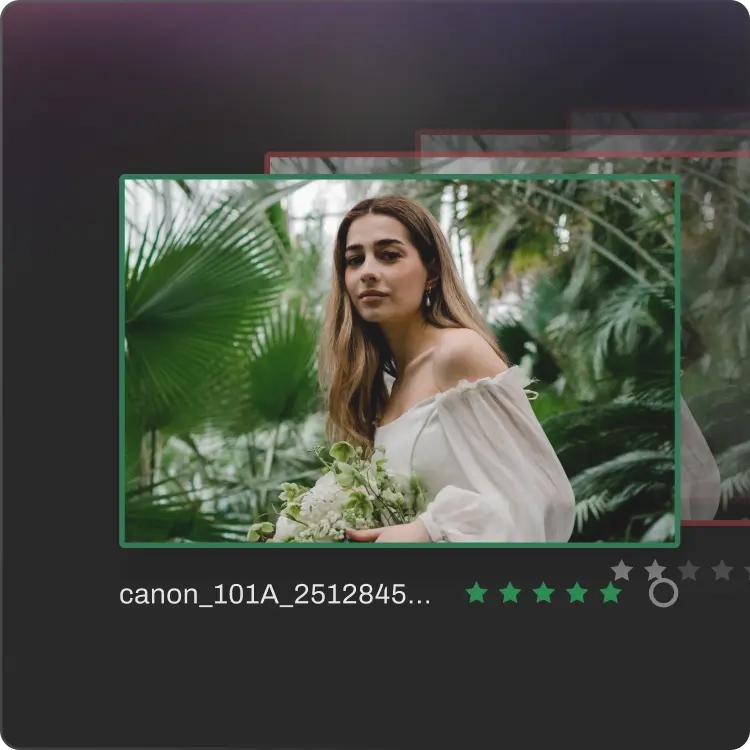
Unlike Capture One’s manual culling, Aftershoot selects your images 10x faster while detecting blurs, closed eyes, and similar shots to give you the best images.

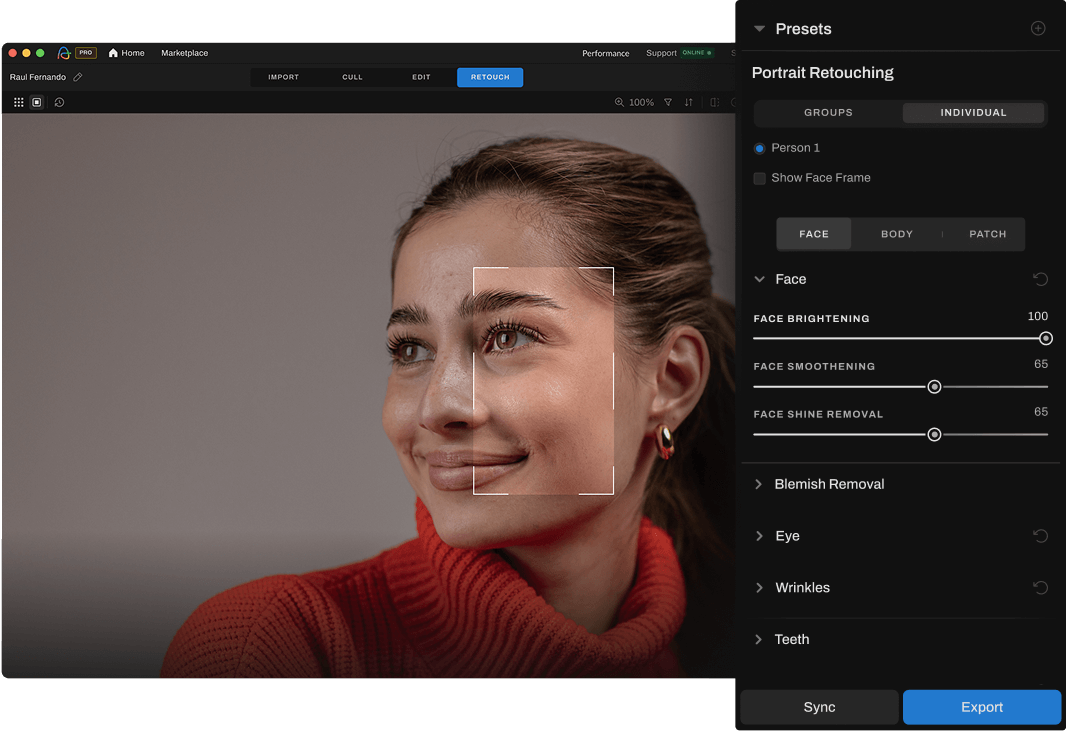
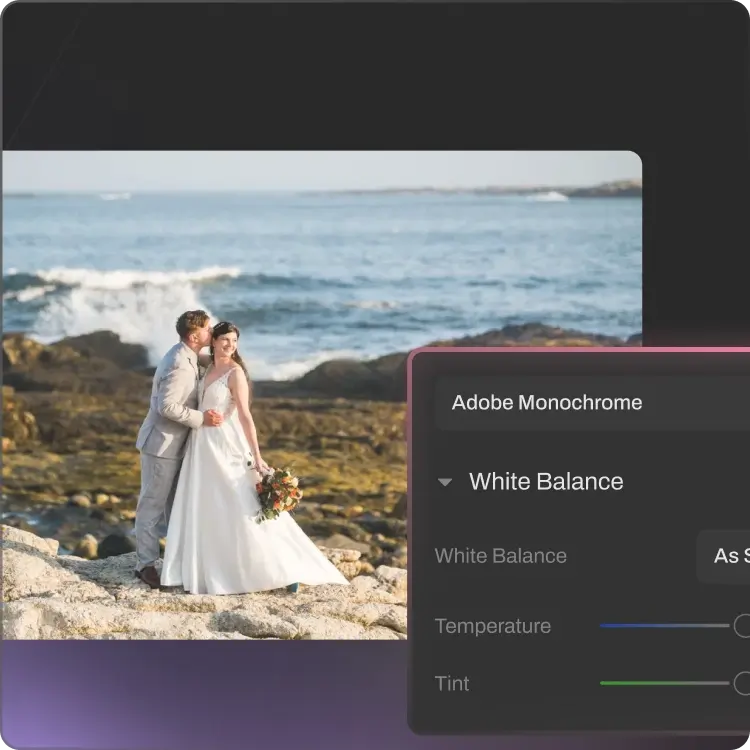
AI-Powered Retouching, Not Manual Adjustments

Retouch entire galleries in minutes with natural, photographer-approved results. Capture One still requires manual review and brushwork for every single edit.

Retouching That’s Built for Volume

Pick From Pre-Built AI Styles

Select from a collection of pre-built AI Styles that intelligently analyze and adjust for the unique lighting, exposure, and color profiles of each photo, ensuring consistent results tailored to your portfolio.

Start Your Free Trial

From Import To Export, In One App

STEP 1

Import

Bring in your RAWs straight from your SD card or hard drive. Aftershoot works locally so your files stay on your machine. No cloud uploads.
STEP 2

Cull

Aftershoot goes through every frame and picks your best shots by analyzing 30+ factors. You can review and make any changes.
STEP 3

Edit

It studies your previous edits and applies your look consistently across every photo in the gallery. No two photographers get the same result.
STEP 4

Retouch

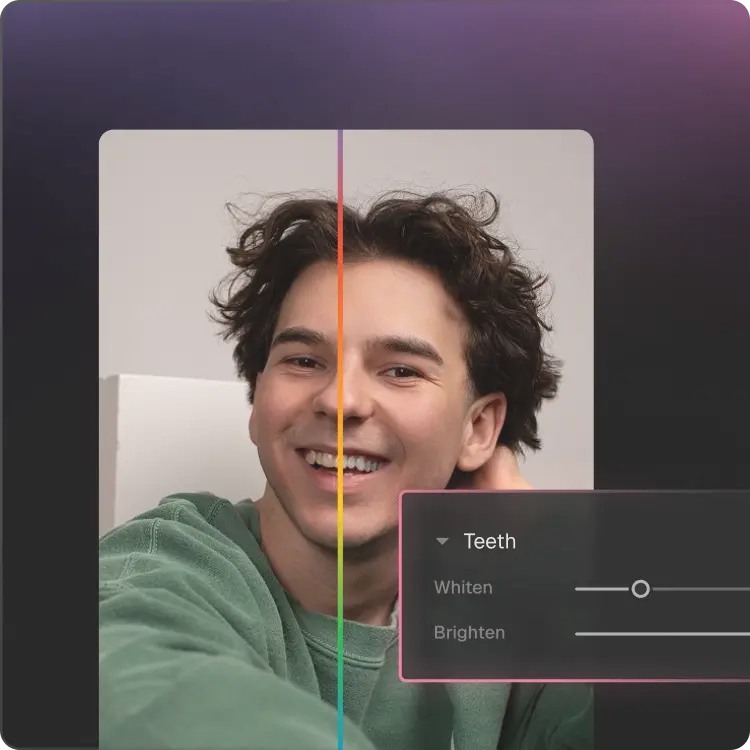
Skin smoothing, blemish, flyaway hair or lens glare removal, Aftershoot handles it all automatically.
STEP 5

Export

Send your finished photos directly to Lightroom, Capture One, Photoshop or Bridge. Your existing workflow stays exactly as it is - it just runs 50% faster.
Get Started Now
Log InGET STARTED