Trustpilot Info

Photoshop Retouching Takes Hours. Aftershoot Takes Minutes.

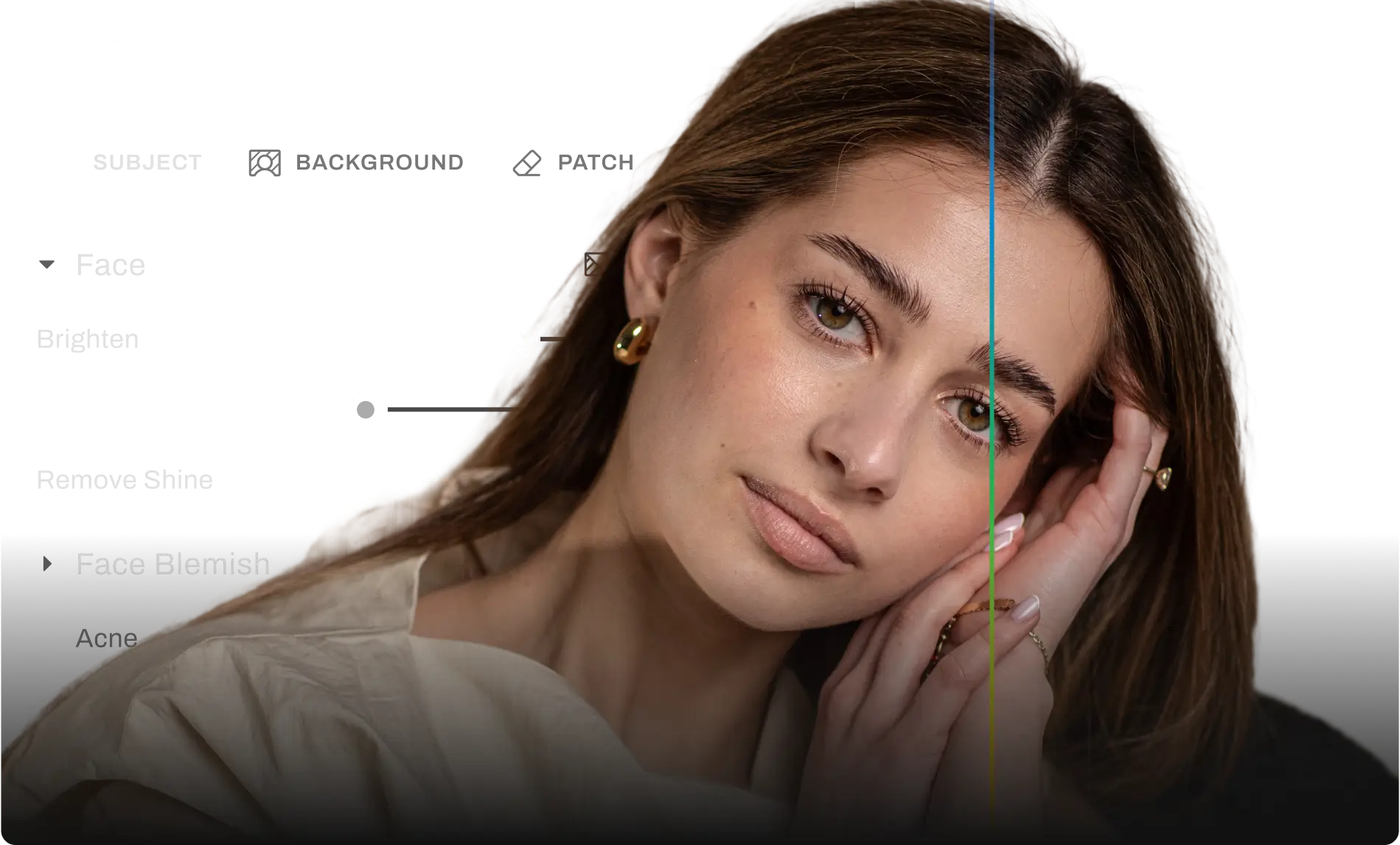
Aftershoot delivers natural retouching results across your entire gallery. No layers, masks, or manual selections. Just professional results.

No Plugins Needed

FOR

mac and windows

COMPATIBLE WITH

COMPATBILE WITH

USED FOR

Wedding
Portrait
Headshots
Newborns
Lifestyle

The Real Cost of Retouching in Photoshop

It takes 30-60 minutes to retouch a portrait

Batch retouching is not available

Frequency separation and layer masking requires advanced skills

With Aftershoot, get your entire gallery retouched naturally in minutes.

Aftershoot vs Photoshop

Feature by Feature Comparison
Benefit

All-in-One Workflow

Batch Retouching

Genre-Specific Presets

Easy To Learn

Automatic Real-World Fixes

Simple, Flat Pricing

Smart Subject Selection (Group / Age / Gender)

AI-Powered Skin Retouching

aftershoot logo
Check Icon
Check Icon
Check Icon
Check Icon
Check Icon
Check Icon
Check Icon
Check Icon
close icon
Requires multiple plugins
close icon
Manual effort
close icon
No built-in presets
close icon
Steep learning curve
close icon
Manual fixes
close icon
Credit-based AI features + paid plugins
close icon
close icon
AI-Powered Skin Retouching
What this means for your workflow

Save time with a streamlined workflow to cull, edit, and retouch, all in one place.

Retouch entire galleries faster, with fewer steps, perfect for high-volume photography.

Get started quickly with 10+ presets for weddings, portraits, newborns, and more.

With Aftershoot, you can start editing right away without spending hours on tutorials or courses.

Spend less time fixing tricky details and deliver flawless photos faster.

No surprise fees, no credit limits, just full access to powerful retouching, anytime you need it.

Precisely retouch group photos without tedious masking.

Aftershoot automates what Photoshop makes you do step by step.

Switch To Aftershoot

30 Days of Free Trial

Professional Retouching Without the Photoshop Struggles

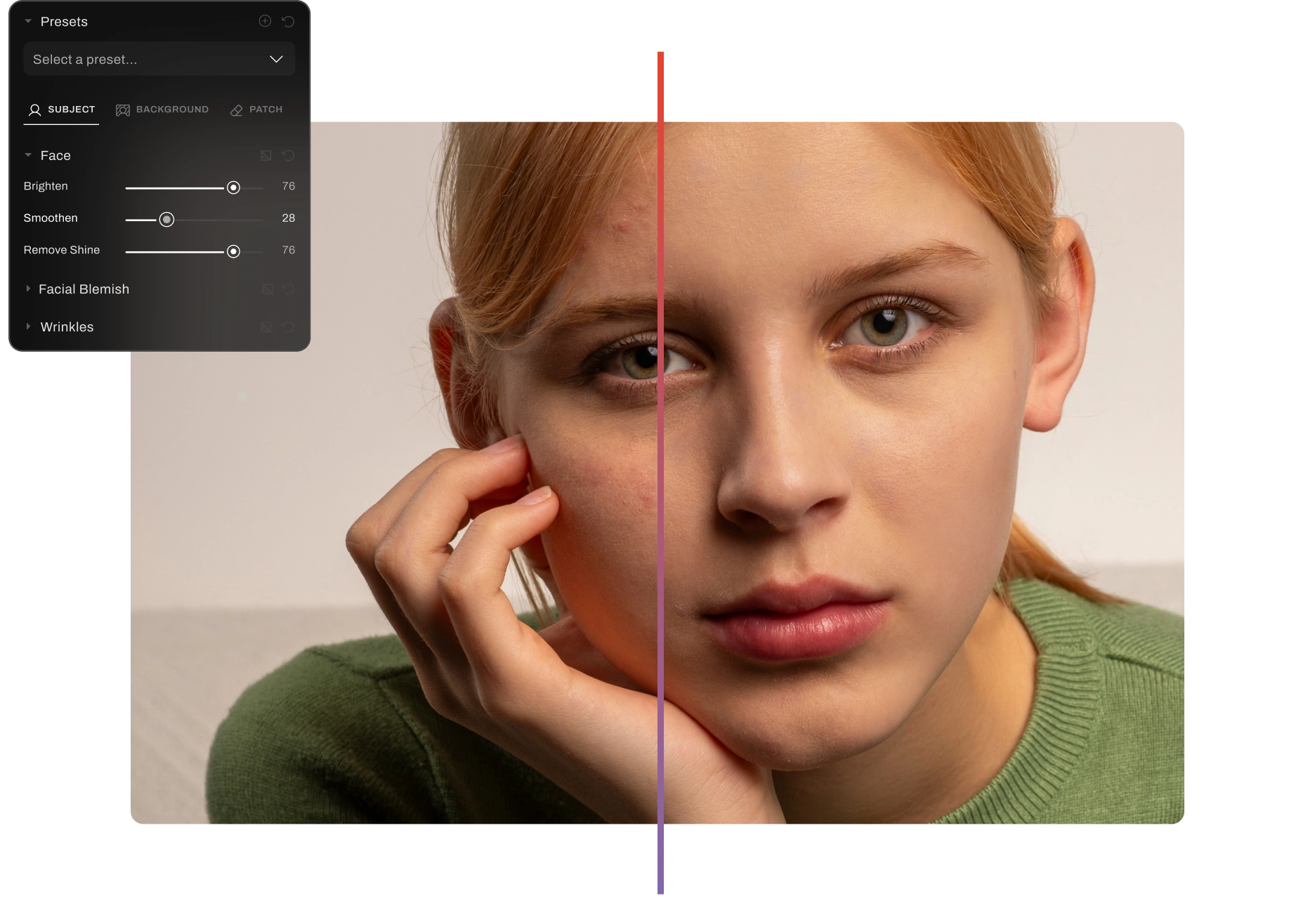
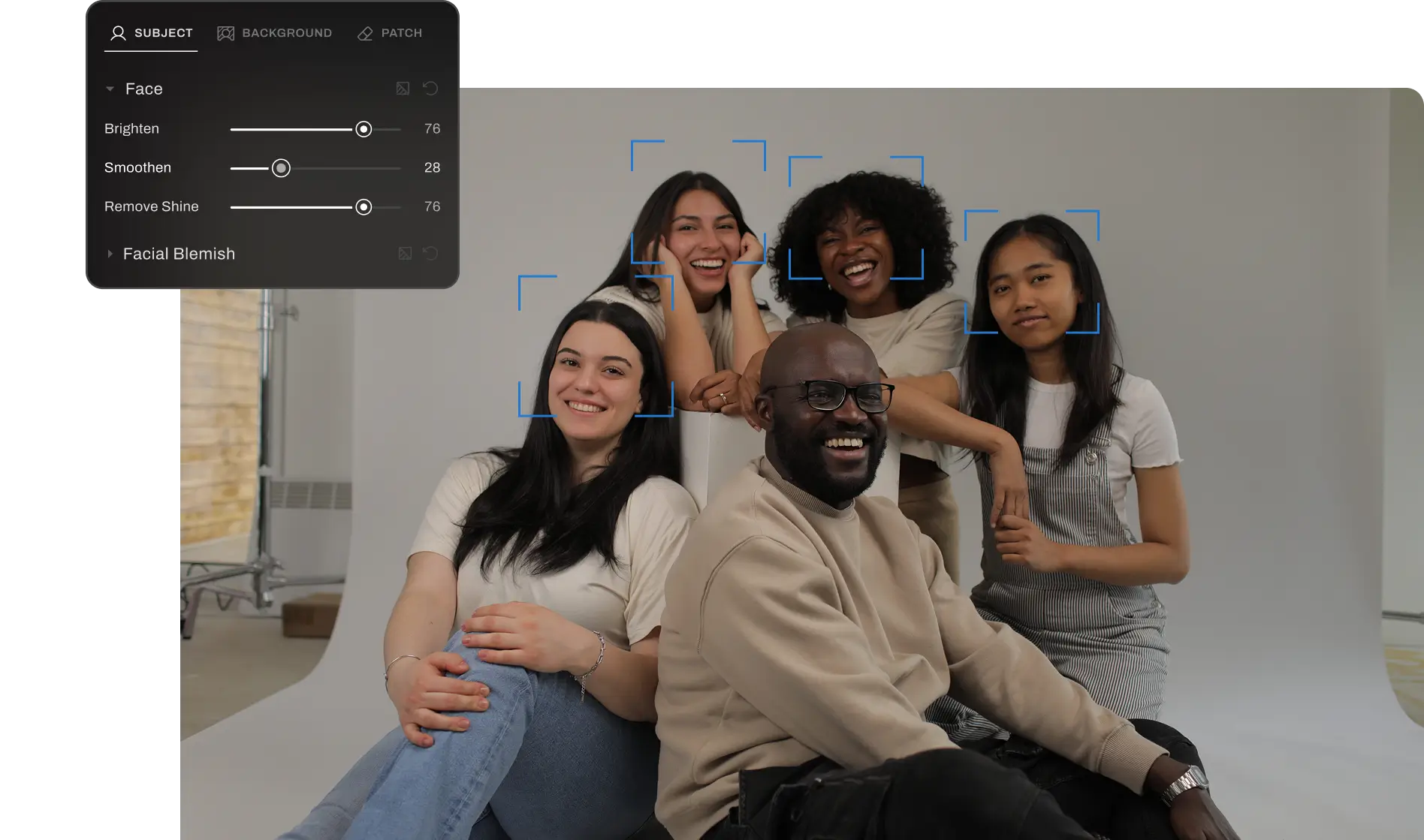
Natural-looking results, every time

Aftershoot keeps skin texture, freckles, tones and beauty marks intact. Get professional retouching that looks like it was done by hand.

aftershoot retouch natural looking results
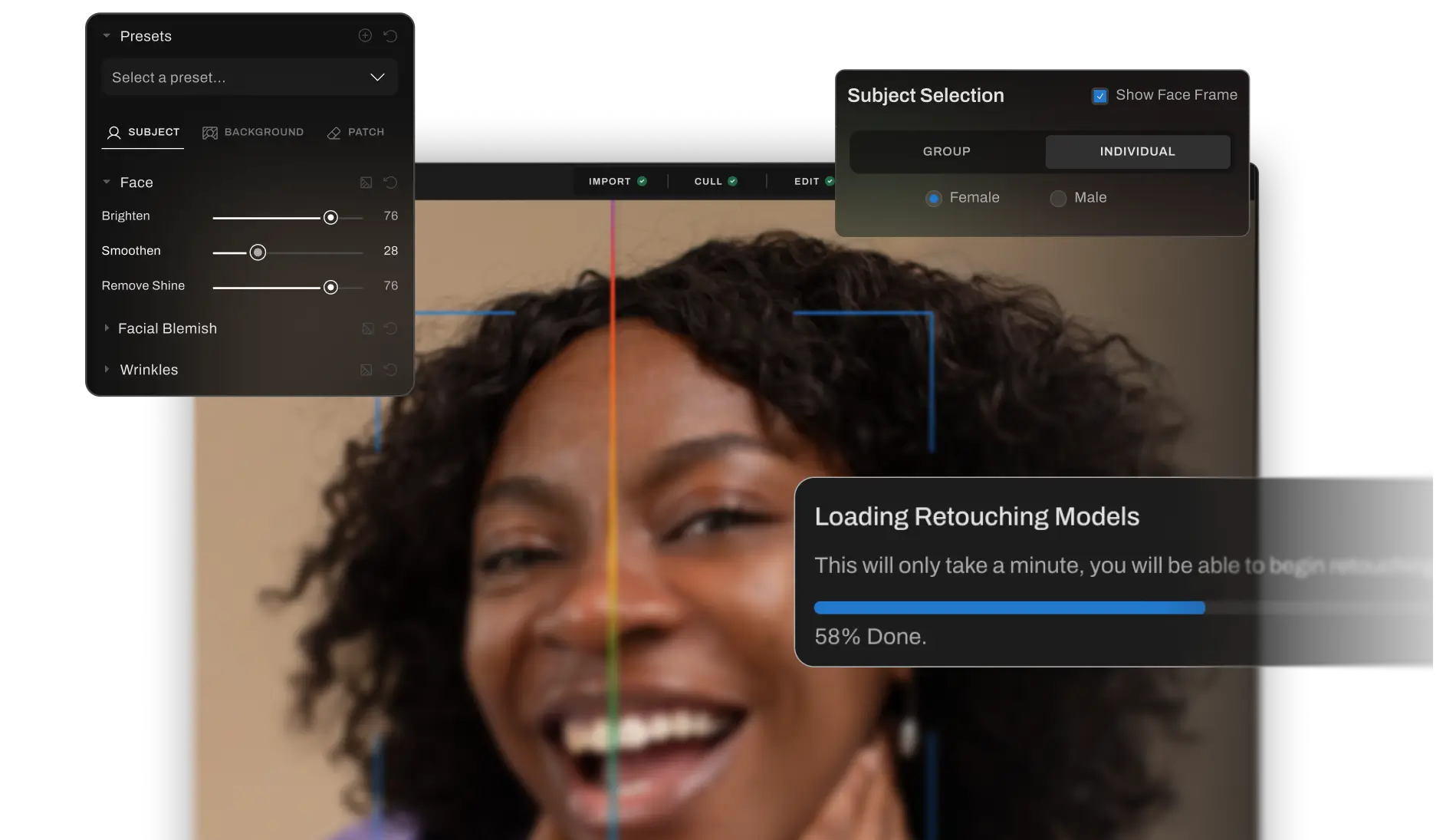
Retouch the right person in the shot

Retouch the right person in the shot

Apply retouching to specific individuals in a group shot based on age, gender and more.

Change your mind without starting over

Roll back specific AI edits without resetting your entire workflow. Full creative control, always.

Change your mind without starting over

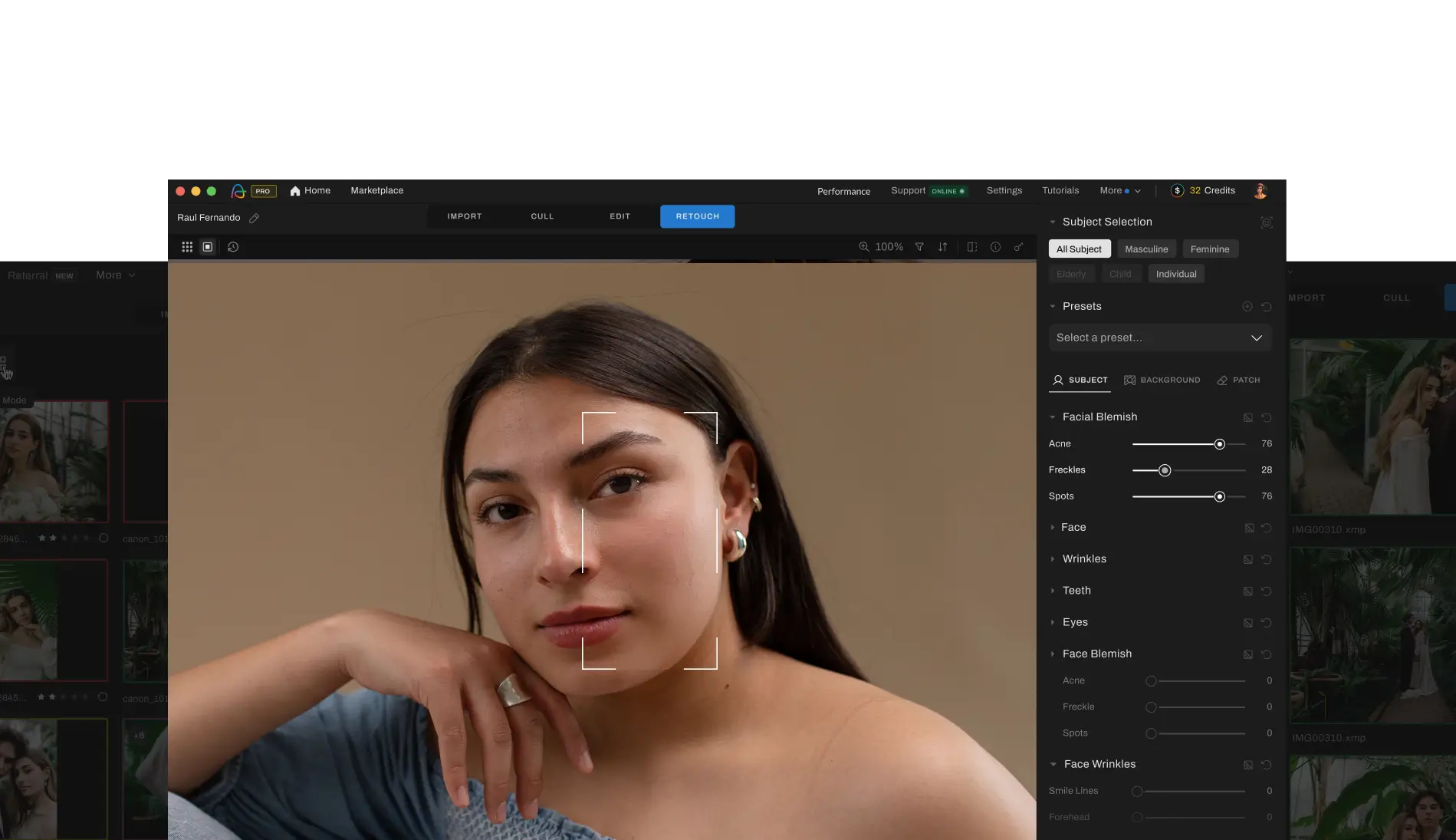
One tool for your entire workflow

Cull, edit and retouch inside one platform. Everything you need to deliver a gallery, in one place.

What Photographers Are Saying About Aftershoot

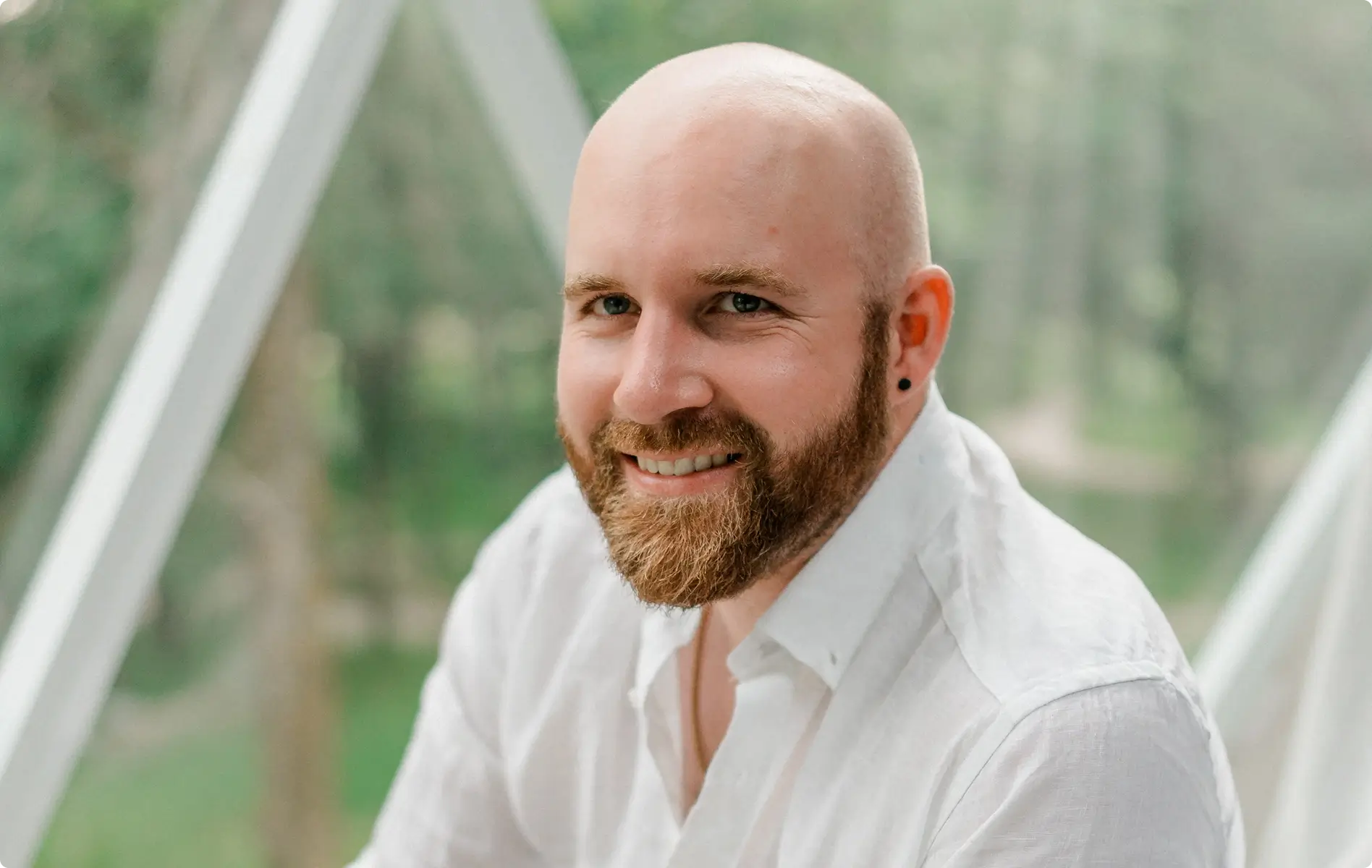
Ricardo Tavares

Ricardo Tavares

AI Retouching has been a game-changer! It cut my retouching time in half, making wedding photo editing faster and more efficient.
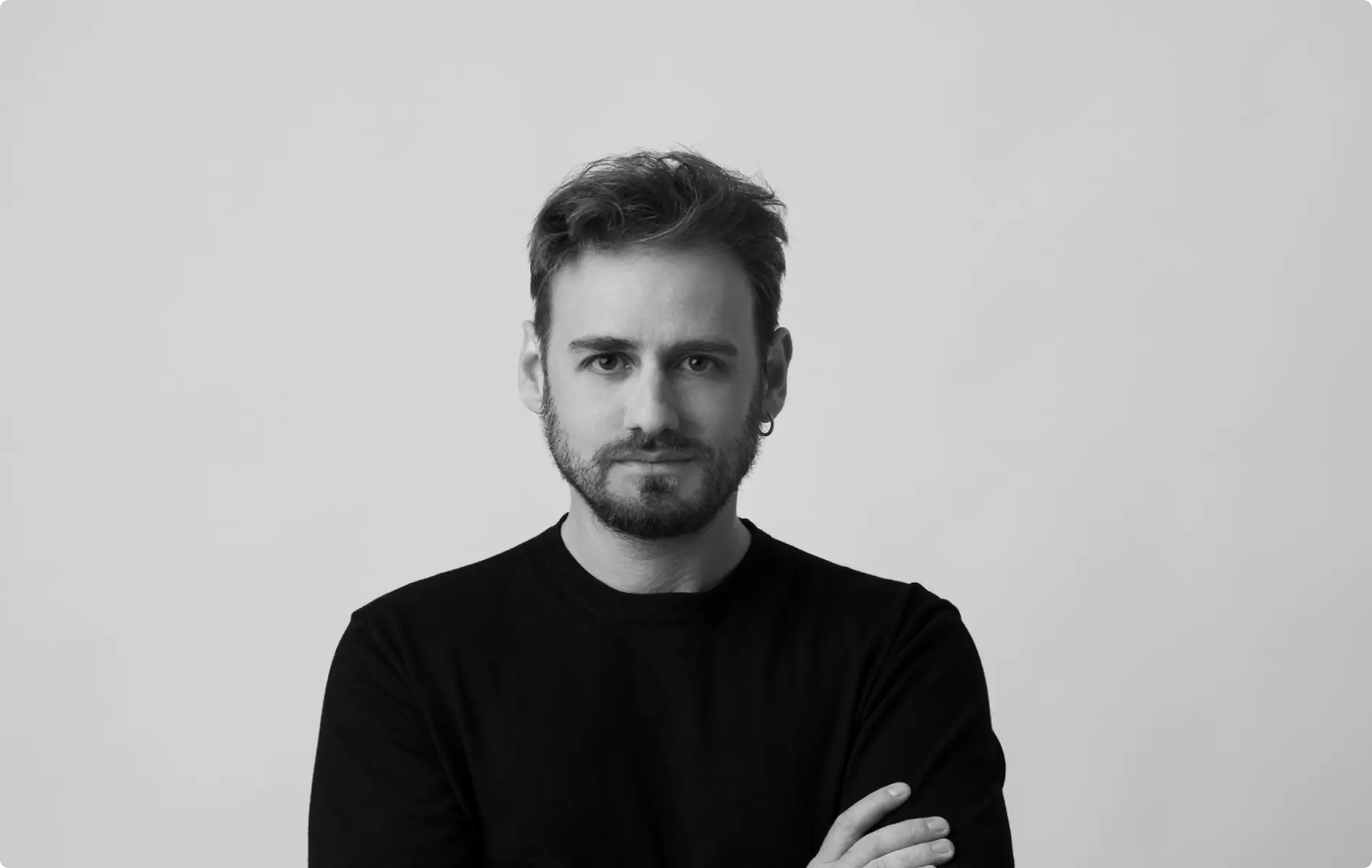
Silas Hofer

Silas Hofer

I was hesitant about AI retouching, but Aftershoot gives me full control. It removes flyaways and blemishes without making skin look fake - saving me time while keeping my photos natural.

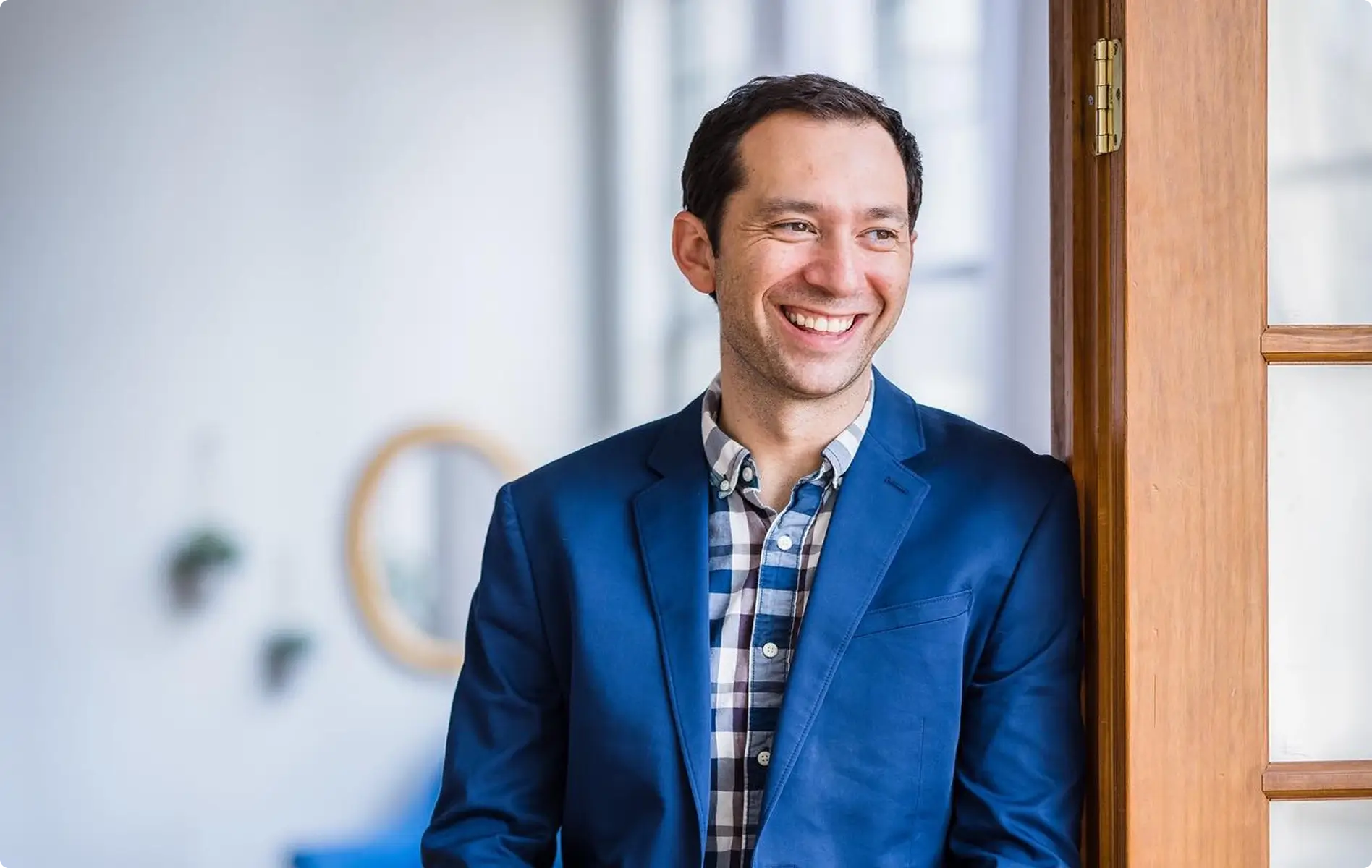
Sokratis Katsanos

With AI Retouching, I can edit multiple people at once perfect for high-volume wedding photography!
Christopher Stiles

Christopher Stiles

Finally had a chance to try out the Beta retouching in Aftershoot. So much potential, so much time saving, so much winning!

AI Retouching That Does What Photoshop Cannot

Try Now For Free
Log InGET STARTED