Trustpilot Info

Precise AI Editing, Built Into How You Already Work

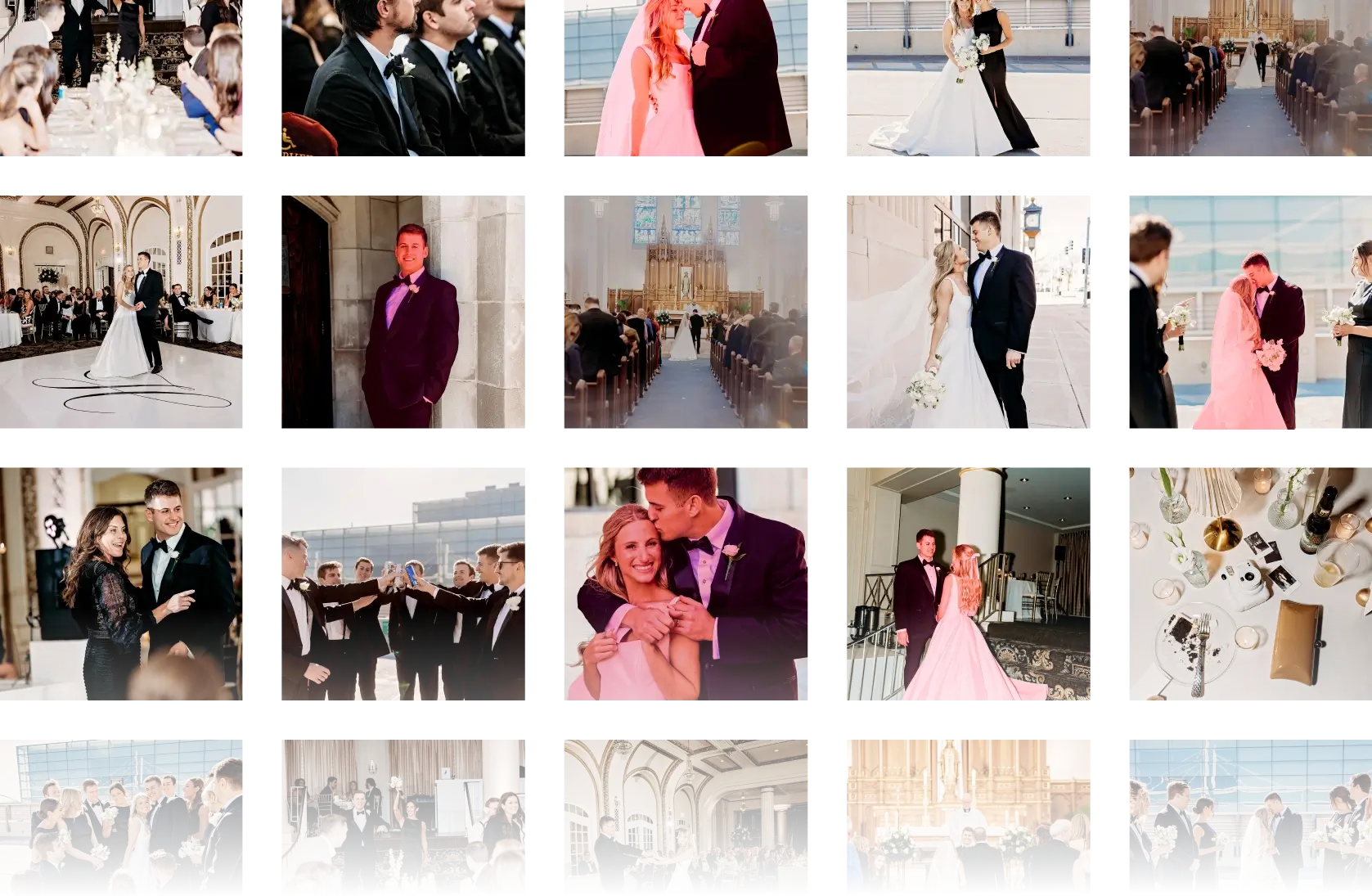
Aftershoot handles the detail work automatically during your editing session — subject masking, sharpening, noise reduction, and color correction — across every photo in your album, without manual intervention.

No Credit Card Required

FOR

mac and windows

COMPATIBLE WITH

COMPATBILE WITH

USED FOR

Wedding
Portrait
Events
Headshots
Lifestyle
Newborns

What Aftershoot Does During Your Editing Session

Subject Masking

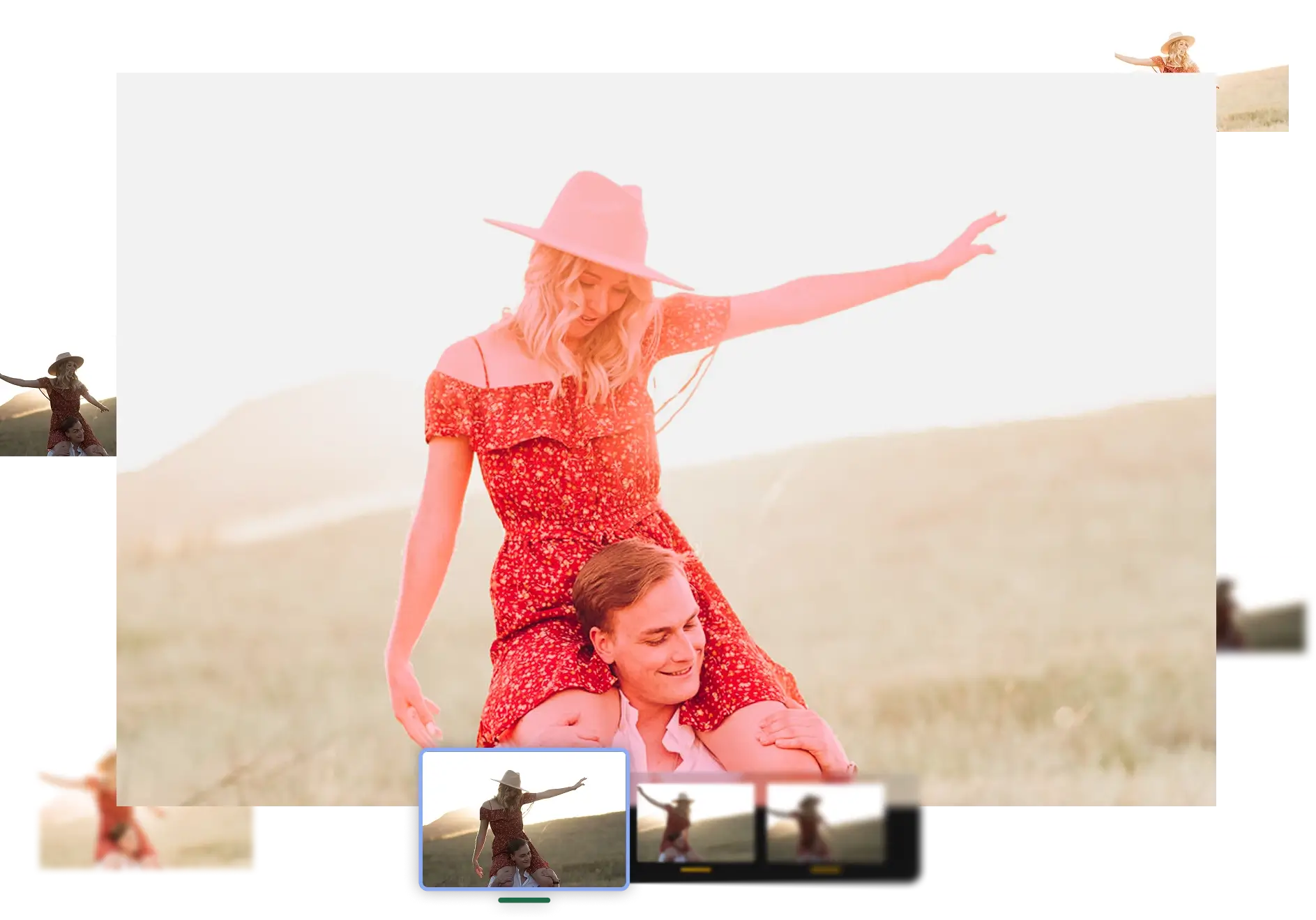
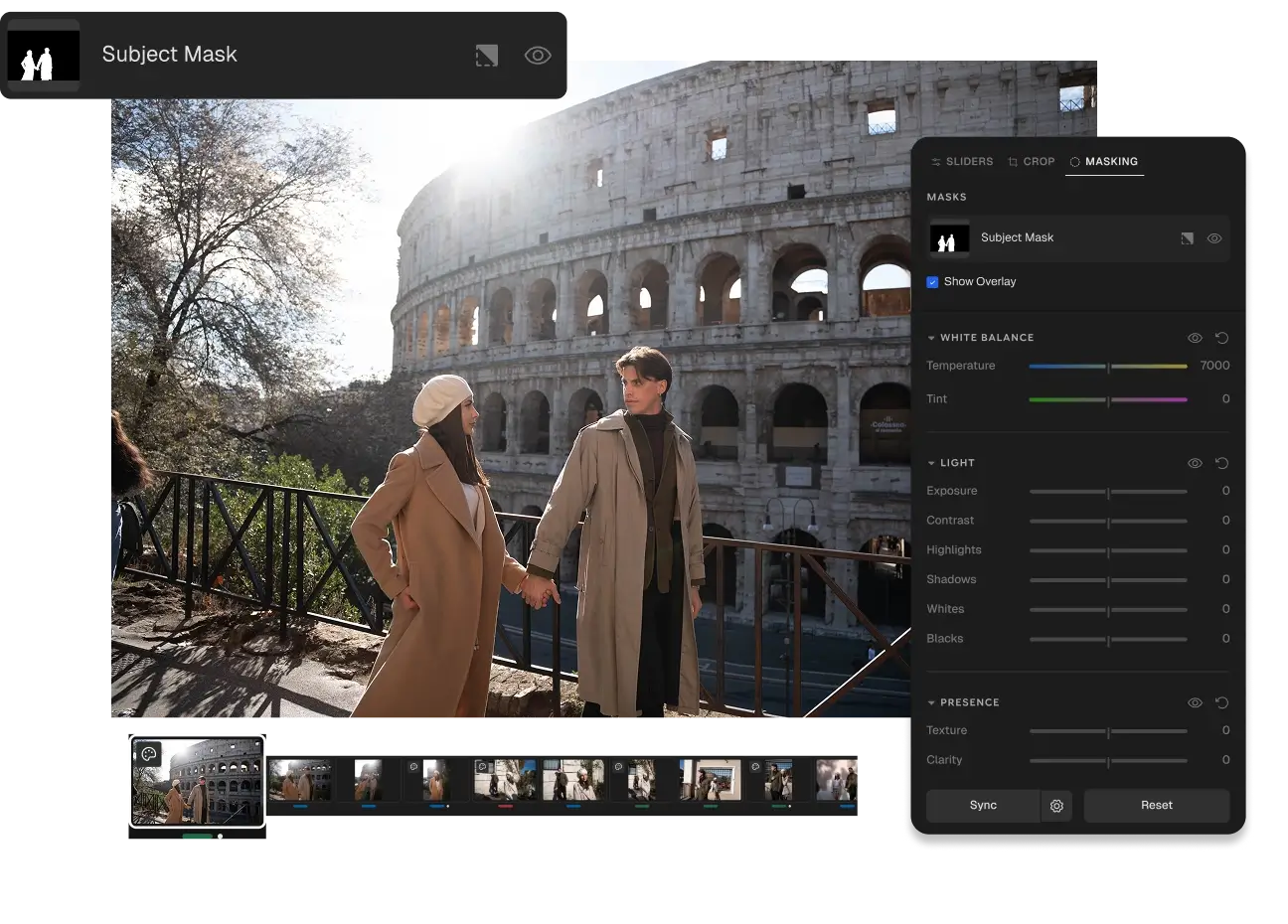
Aftershoot identifies the people in the foreground and generates a precise mask around them automatically. You choose whether the AI applies adjustments to the masked subject or just delivers the mask for you to work with.

Sharpening

The AI detects areas that need clarity — eyes, hair, fine detail — and applies targeted sharpening tied to your AI Profile. Not a blanket filter. Specific adjustments, where they actually matter.

Noise Reduction

High ISO files get cleaned up without destroying texture. Aftershoot reduces noise across your album during the session, so you’re not manually working through every low-light shot.

Color Correction

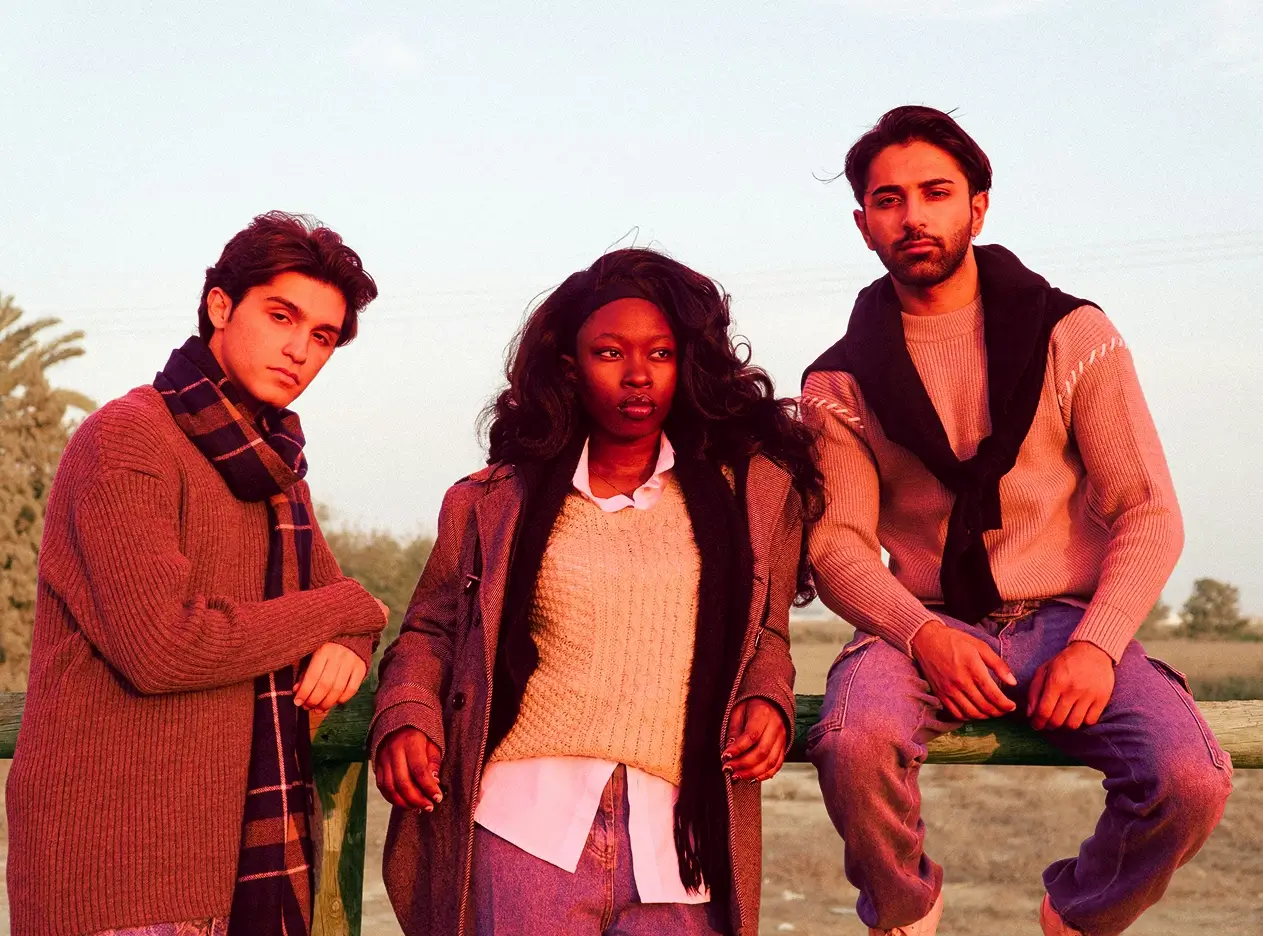
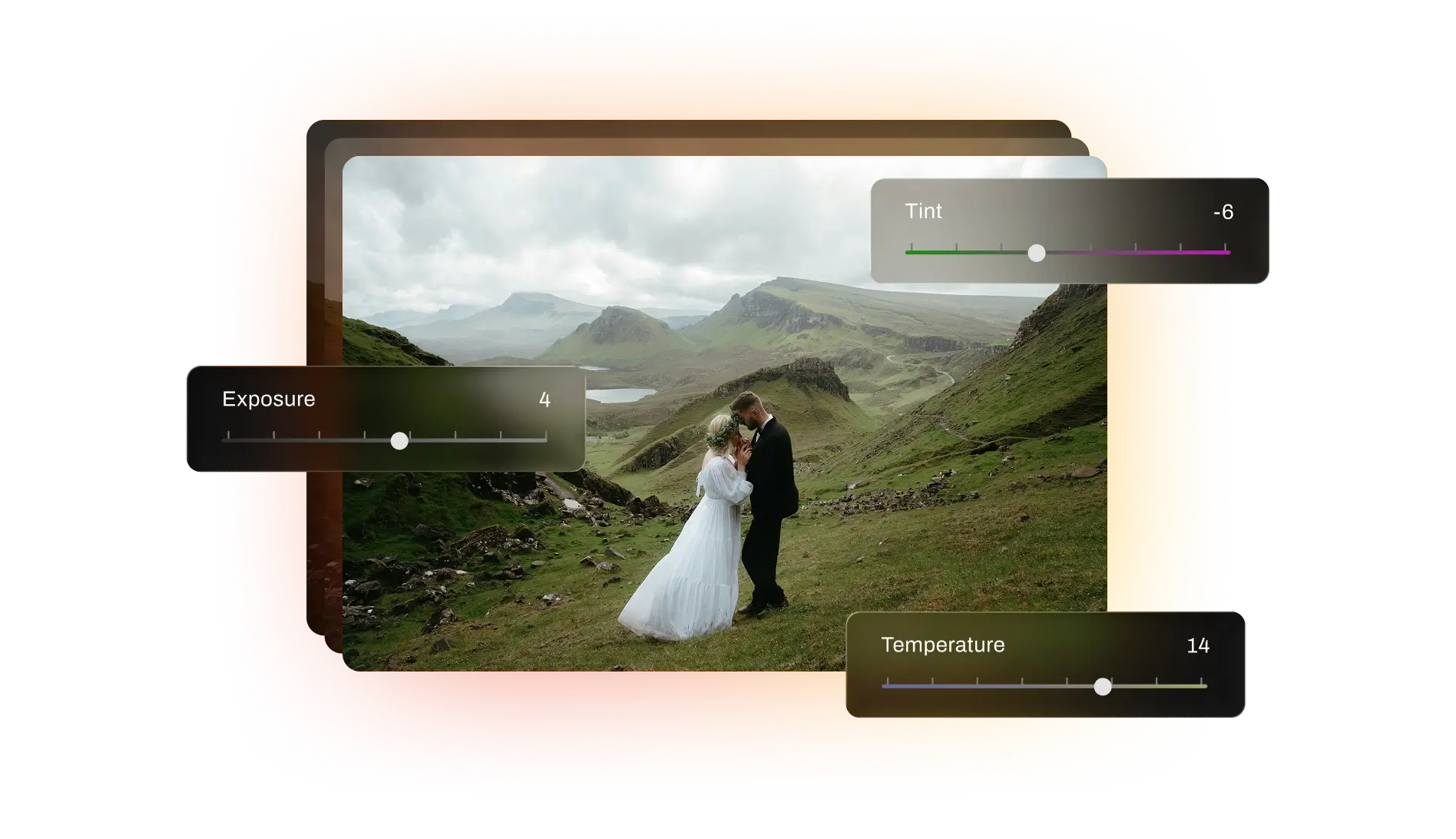
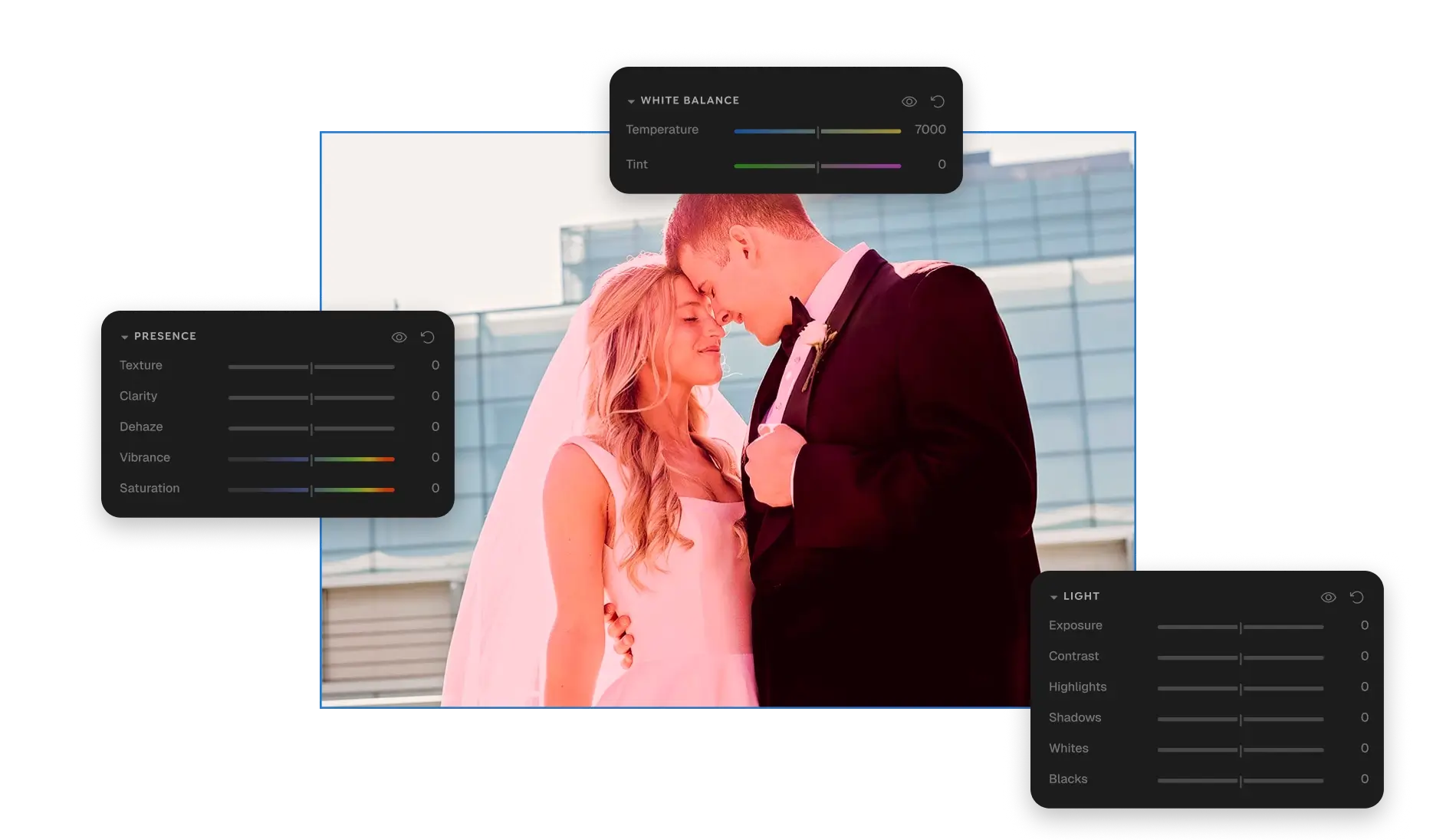
Aftershoot corrects white balance and color consistency across your album based on your editing profile. It adjusts to the conditions your photos were shot in, not a generic preset applied uniformly.

AI Editing Built for the Way Photographers Actually Work

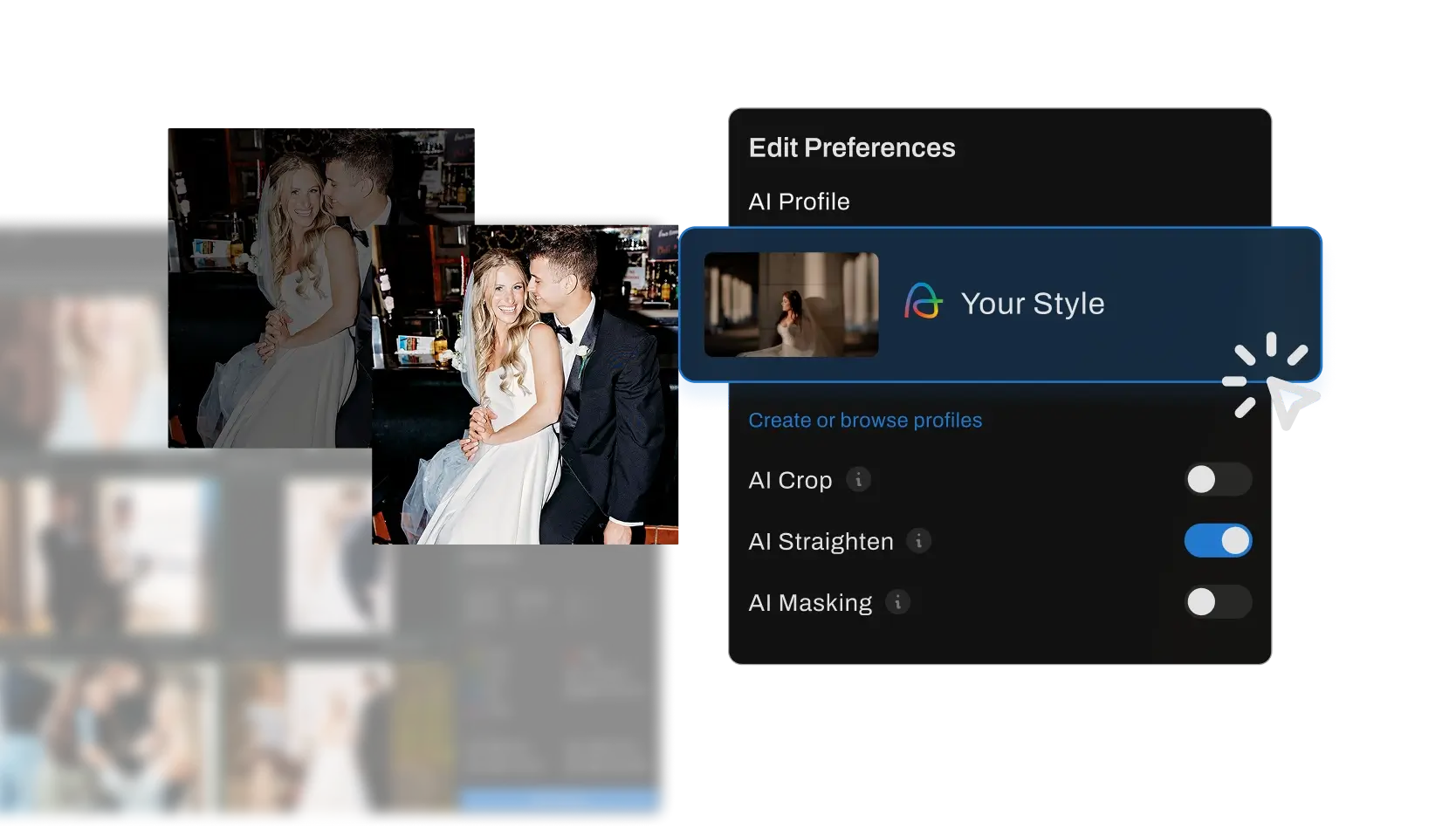
Everything is tied to your AI Profile

Masking, sharpening, noise reduction, and color correction all run through your Professional AI Profile, Instant AI Profile, or AI Style. The results reflect how you edit, not how a generic model thinks photos should look.

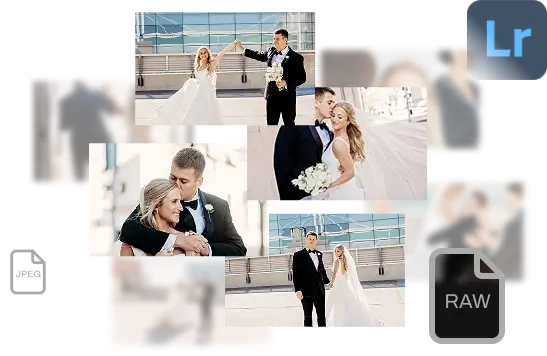
Works with Lightroom Catalogs, JPEG, and RAW

Your edited files come straight back into your existing Lightroom workflow. Nothing changes about how you deliver.

Specifically optimized for people

Subject Masking, sharpening, and detail work are tuned for human subjects in the foreground, making them especially accurate for wedding and portrait work.

You stay in control

Subject Mask Only generates the mask and leaves the editing to you. Every AI feature can be configured to match how involved you want the AI to be.

What Photographers Are Saying

Camille Fontanez

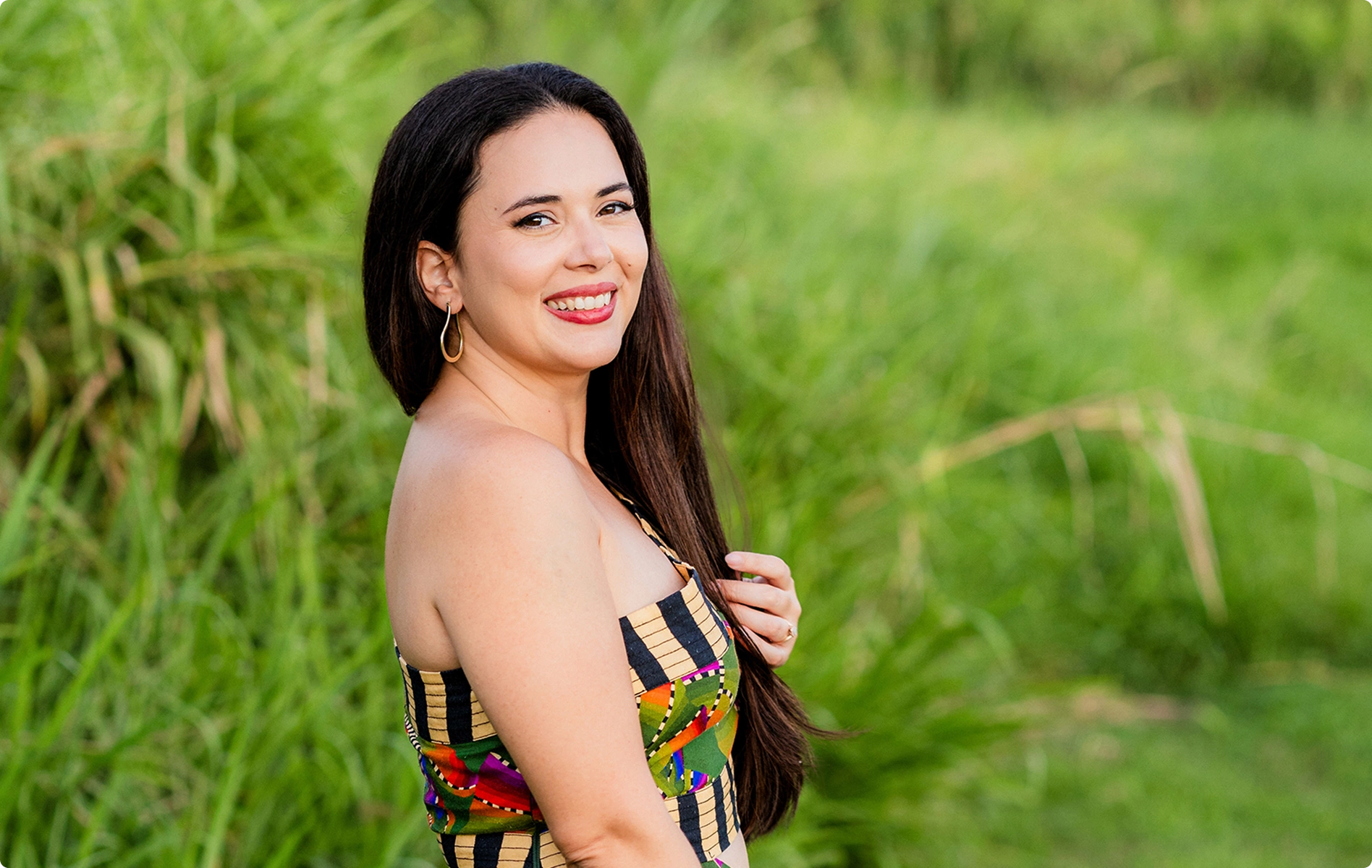
My favorite part: I have complete control over my photo delivery times, which is key to keeping my clients happy. I finally have the best possible person editing my images: myself, or rather, my AI clone!

Kyra Beatty

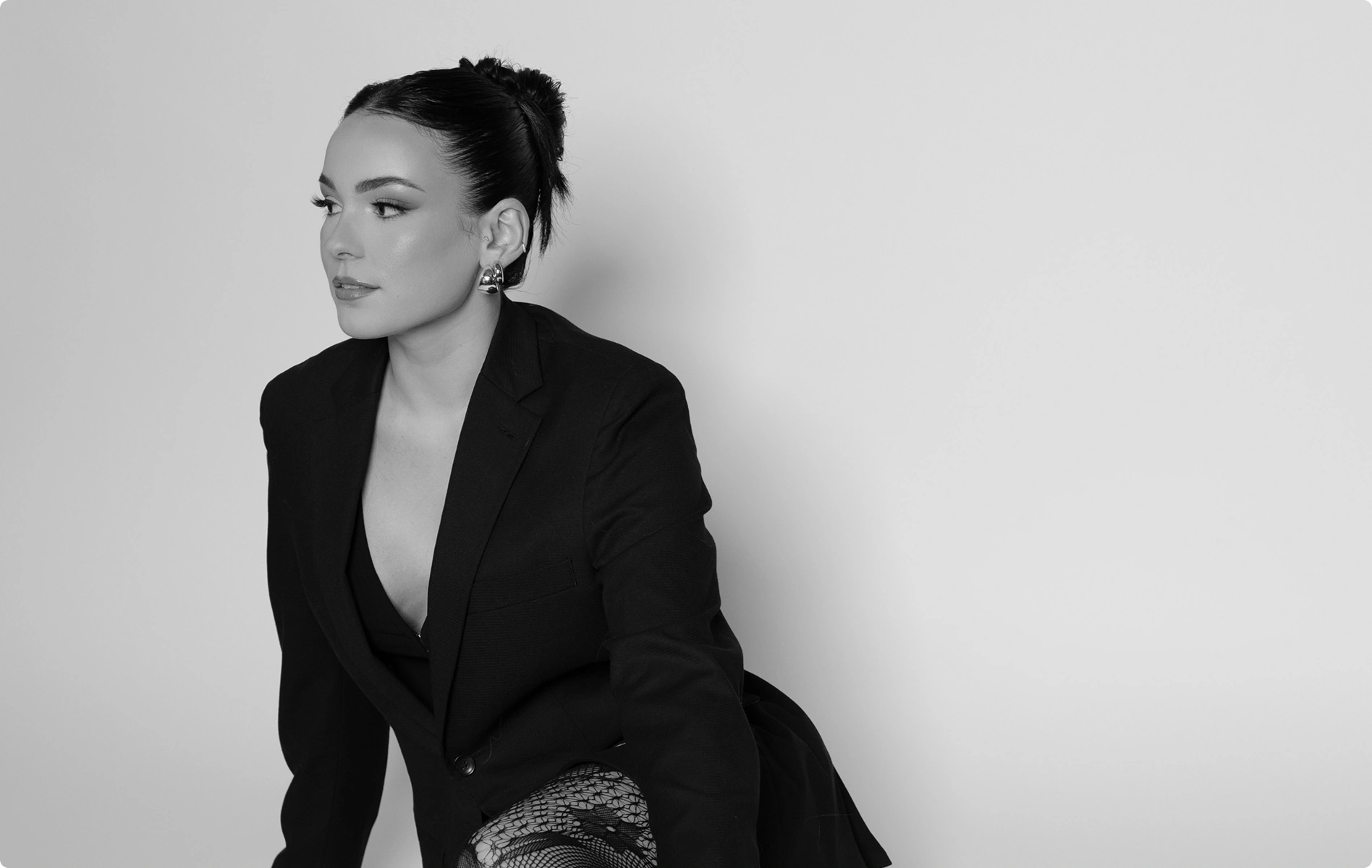
I love Aftershoot! I photograph over 200 weddings per year here in the wedding capital, and there is no way I could do it without the help of Aftershoot. My editing profile saves me so much time!

Anna Roussos

The speed, consistency, and time savings are remarkable, allowing me to focus far more on the creative aspects of my work rather than repetitive editing tasks. Today, I genuinely cannot imagine my workflow without it.

Roy Serafin

Aftershoot is the reason I’m able to deliver same day slideshows, edit on planes, and relax after a wedding. It has consistently helped me with white balances (color blindness), editing timelines, and made my life better.

Start Editing Smarter

Download Aftershoot
Log InGET STARTED