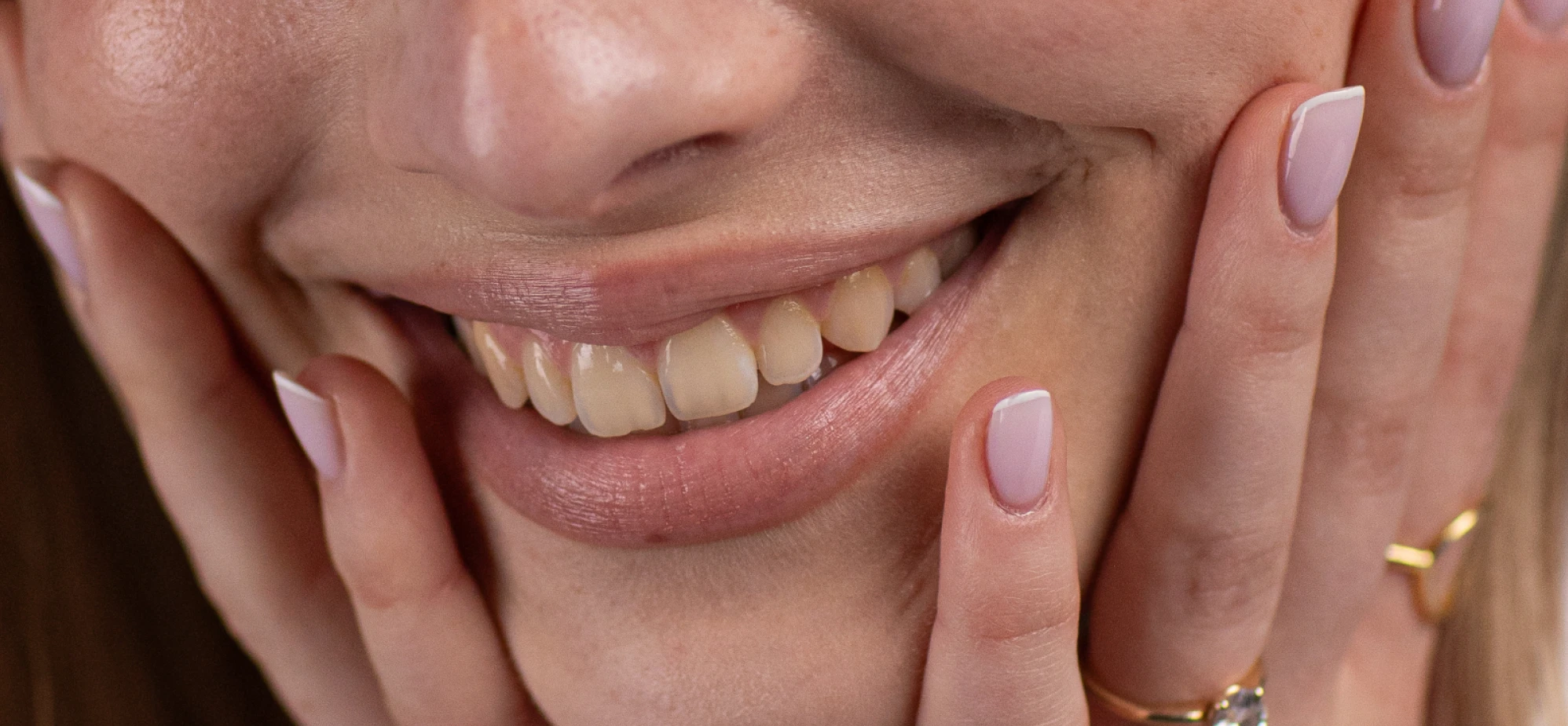
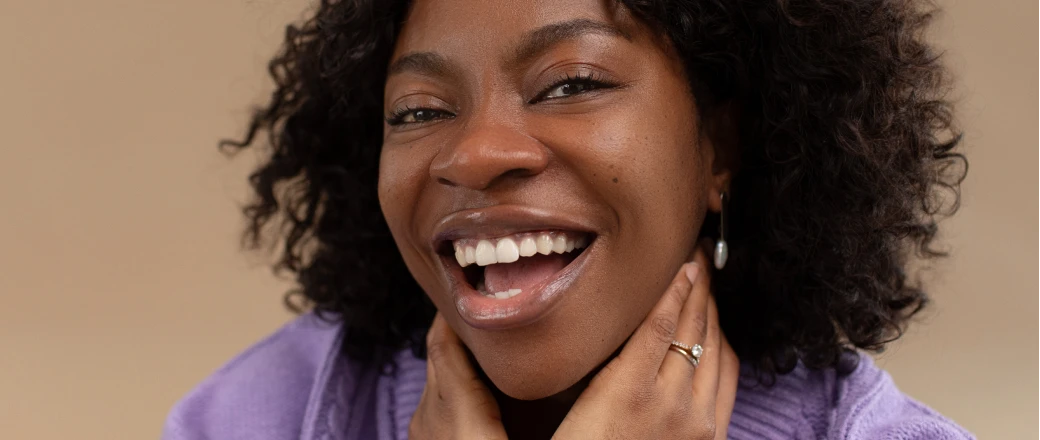
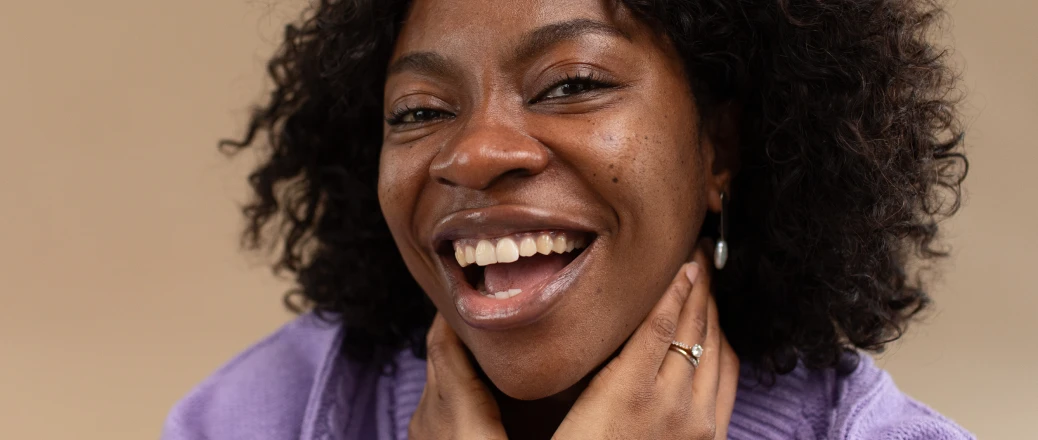
Remove unwanted distractions like signs, objects, and more with AI built for professional photographers. Blends seamlessly and cleans up small background distractions with just a click.
For Professional Photographers | No Credit Card Required
What Slows Down Object Removal?
Takes Hours Per Image
Traditional approaches require pixel-by-pixel precision, making complex removals across large batches incredibly time-consuming

Leaves Visible Patches
Basic tools create unnatural results with mismatched textures, obvious traces, or blurry areas that reveal editing
Fails on Complex Backgrounds
Removing objects from busy backgrounds (patterned walls, crowds, foliage) with manual tools requires extensive reconstruction work
AI Retouching, Trusted by the Pros
Top photographers who rely on Aftershoot to streamline their workflow and achieve stunning results
Lilly Red
Esteban Gil
Joshua Hugget
Jacquelyn Portolese
How to Remove People from Your Photos in 3 Steps
Step 1
Click
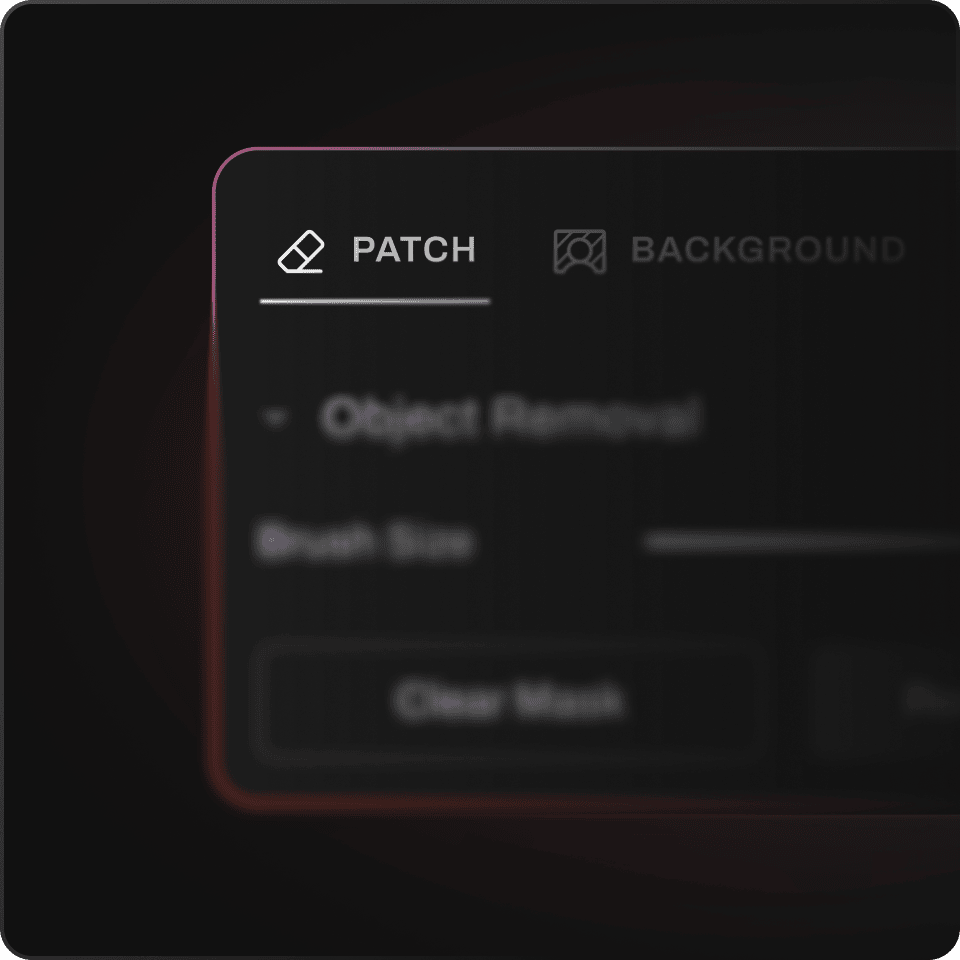
Click the Patch button in the retouching tab
Step 2
Adjust Your Settings
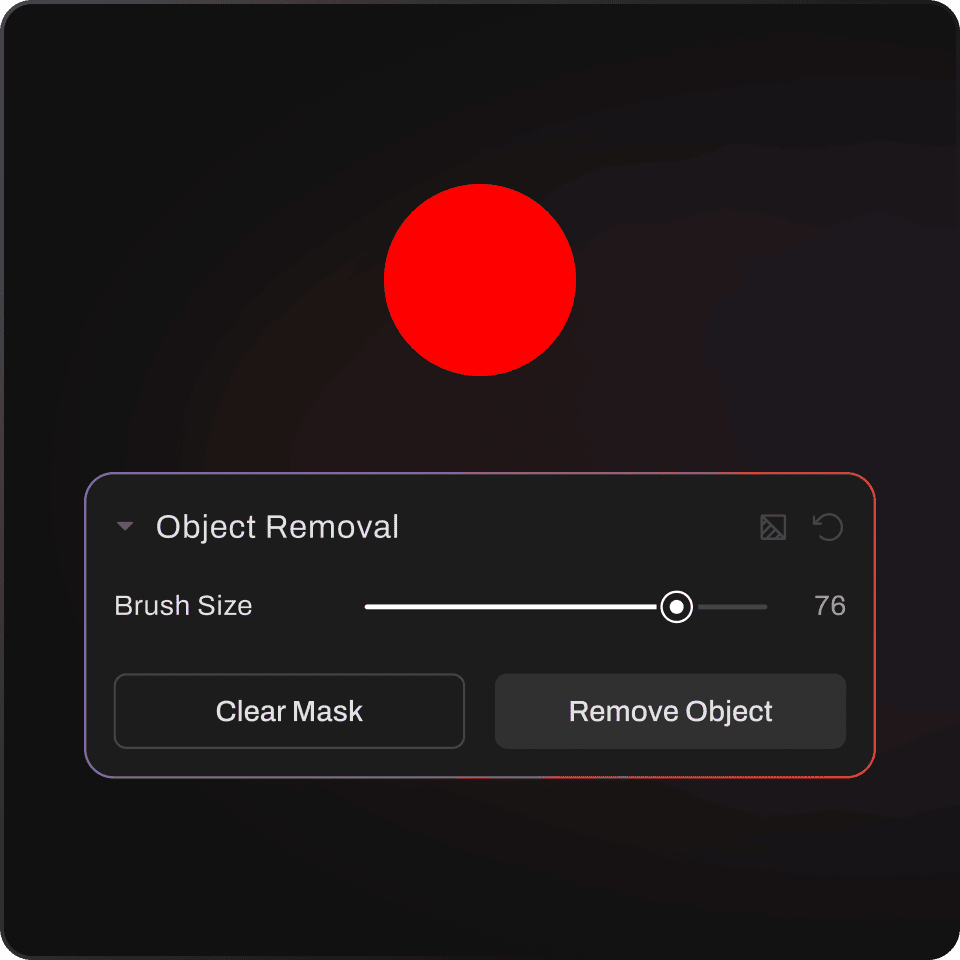
Adjust brush size and paint over the people you want removed
Step 3
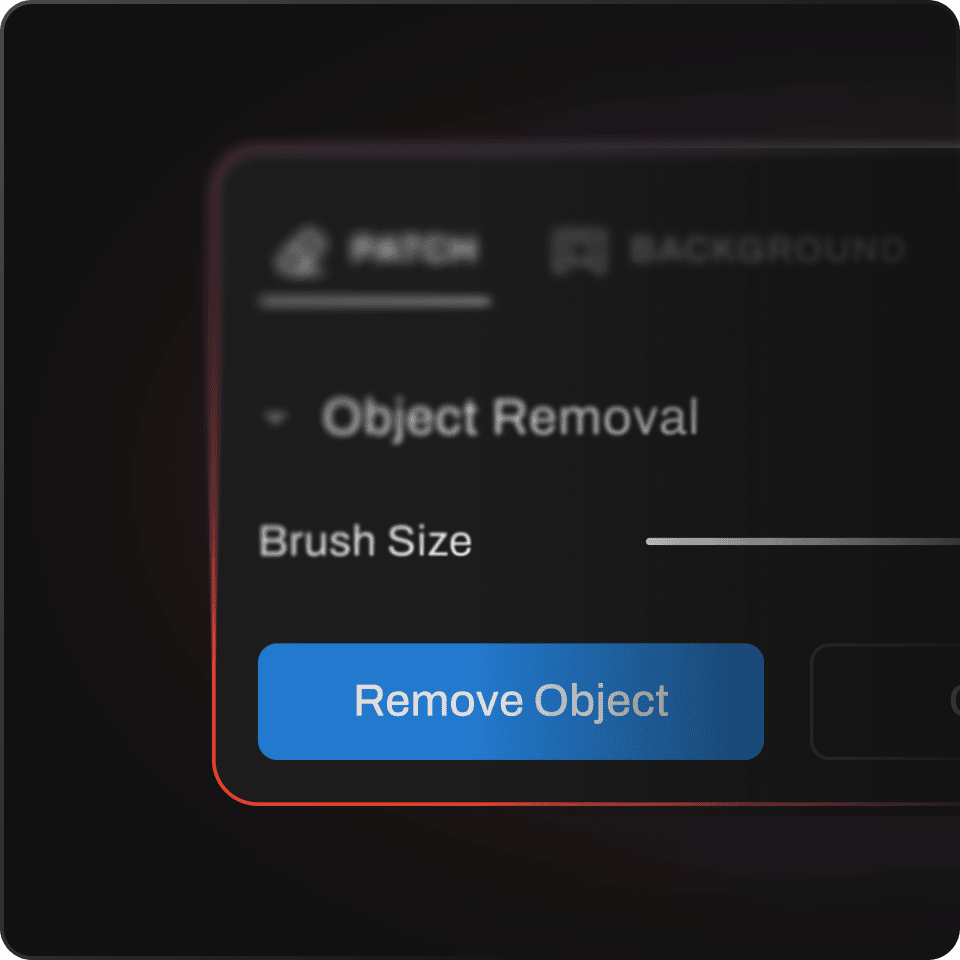
Ready To Go
Your instant AI profile is ready for your gallery.