

Go Back To Shooting
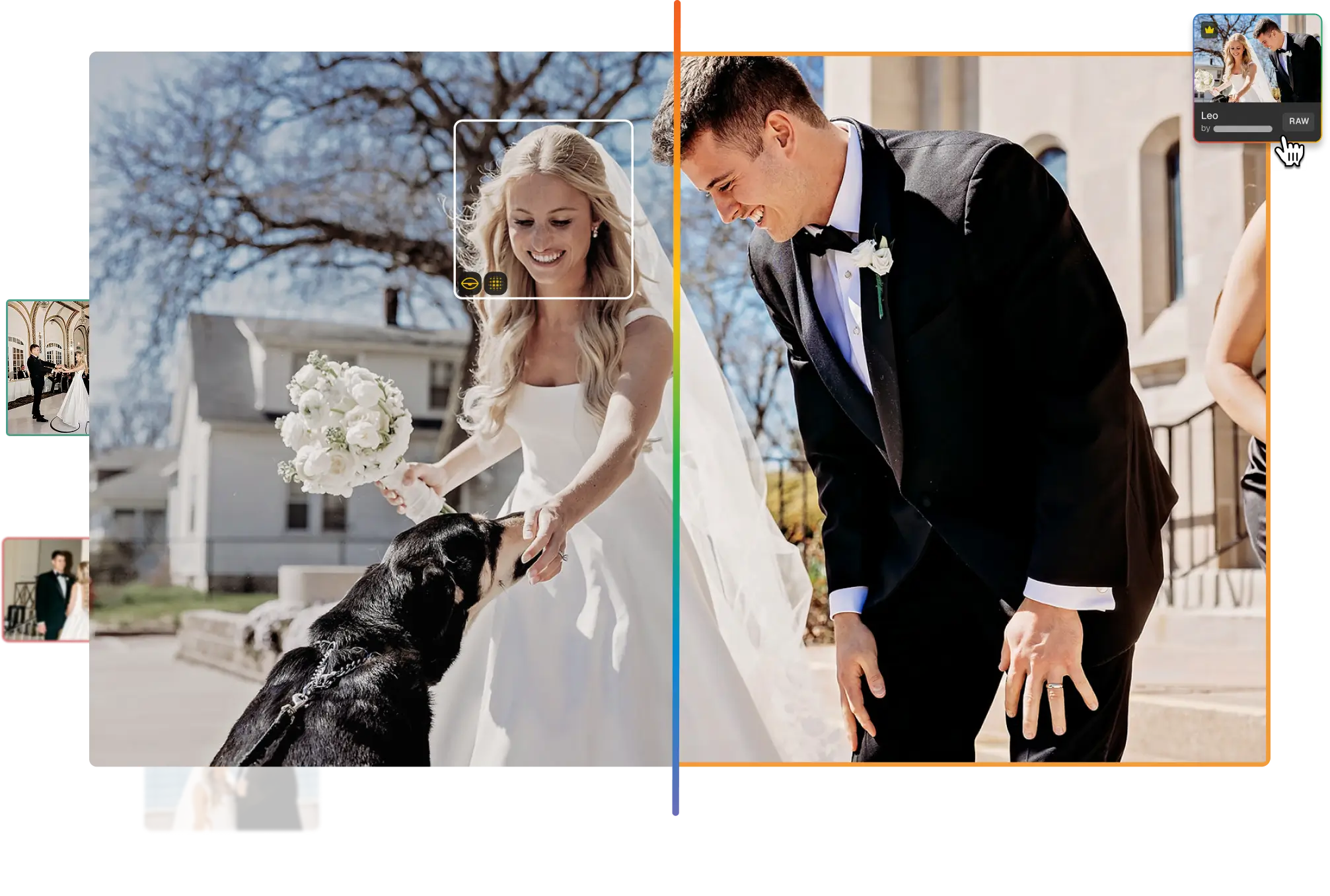
Aftershoot culls, edits, retouches and delivers
Aftershoot’s AI picks your best shots, edits in your style, retouches and delivers your gallery. Most photographers cut their post-production time by 90% with the Aftershoot software.
No Credit Card Required
FOR

COMPATIBLE WITH

USED FOR
Wedding
Portrait
Events
Headshots
Lifestyle
Newborns
From Import To Delivery, In One App.
What Photographers
Got Back With Aftershoot
Try Aftershoot For Free9 Hours
Every week
Saved across culling,
editing and retouching.
$1,732
A YEAR
Saved on post-processing
costs across apps.
Photographers who never looked back.

“I won't have to open ACR almost at all - and I can export to JPG directly inside. Yes, please!”
- Ashley Siegert
“A single platform offering all these possibilities in one place - it's a fantastic idea. The new update is simply incredible.”
- Victor Lax
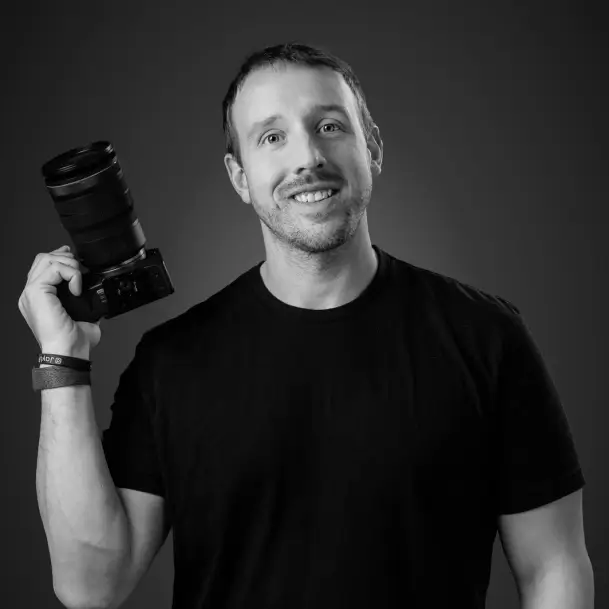
“I really like not needing Lightroom.”
- Jay Lublang
Pricing
Built For How You Work.
Pick the tools you need: Culling, Editing, Retouching, or all three, and pay only for what you use.
Select
$10/mo
paid annually
AI culling for quicker and accurate selections.
EDIT
$30/mo
paid annually
AI editing with built-in RAW refinement.
RETOUCH
$20/mo
paid annually
AI retouching with custom presets.
Complete
$45/mo
paid annually
Save 25%
Culling + Editing + Retouching, fully connected.
Your Next Shoot Deserves A Better Morning After
Start Free TrialFull access to all features | No credit card needed