Ashlee Weaver
Professional Photographer

Get a fully culled, edited, and retouched gallery – in the Mastin film look you already love.

3 months free FOR NEW USERS. Full access. No credit card.


The look comes from the same film presets. Aftershoot just gets it there for you, across a full gallery, without you adjusting it frame by frame.

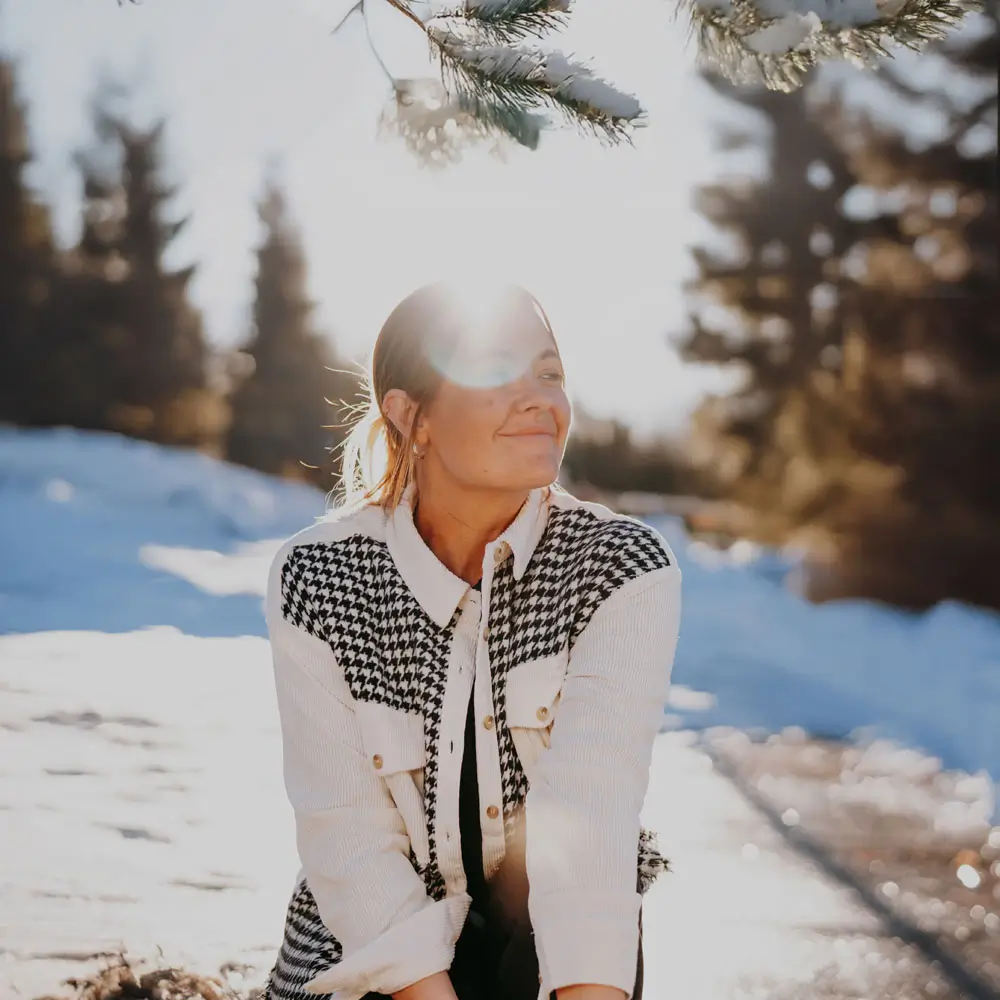
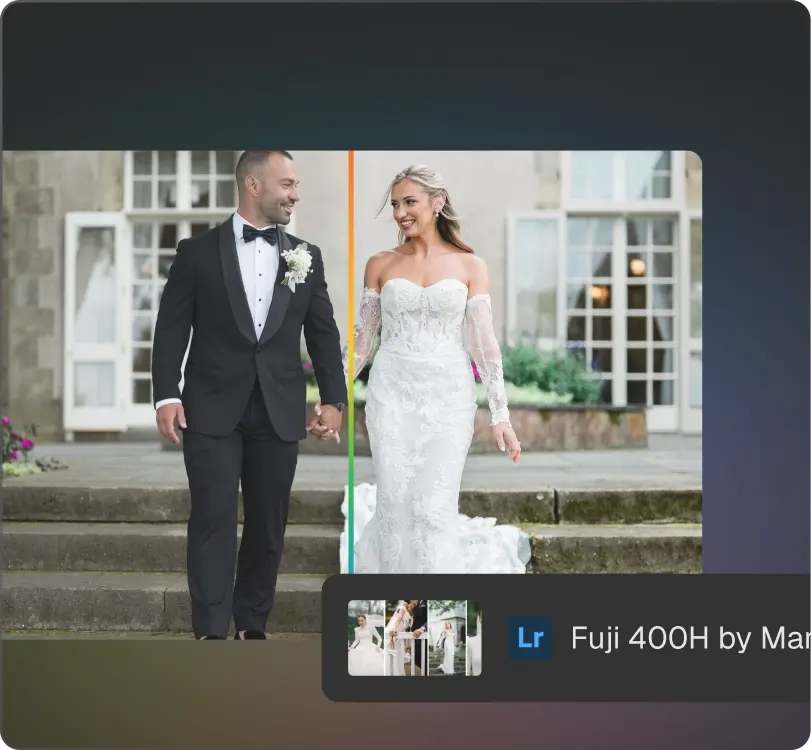
Fuji 400 Warm, slightly muted, with lifted shadows and that characteristic Fuji tonal softness. Good across a wide range of lighting.
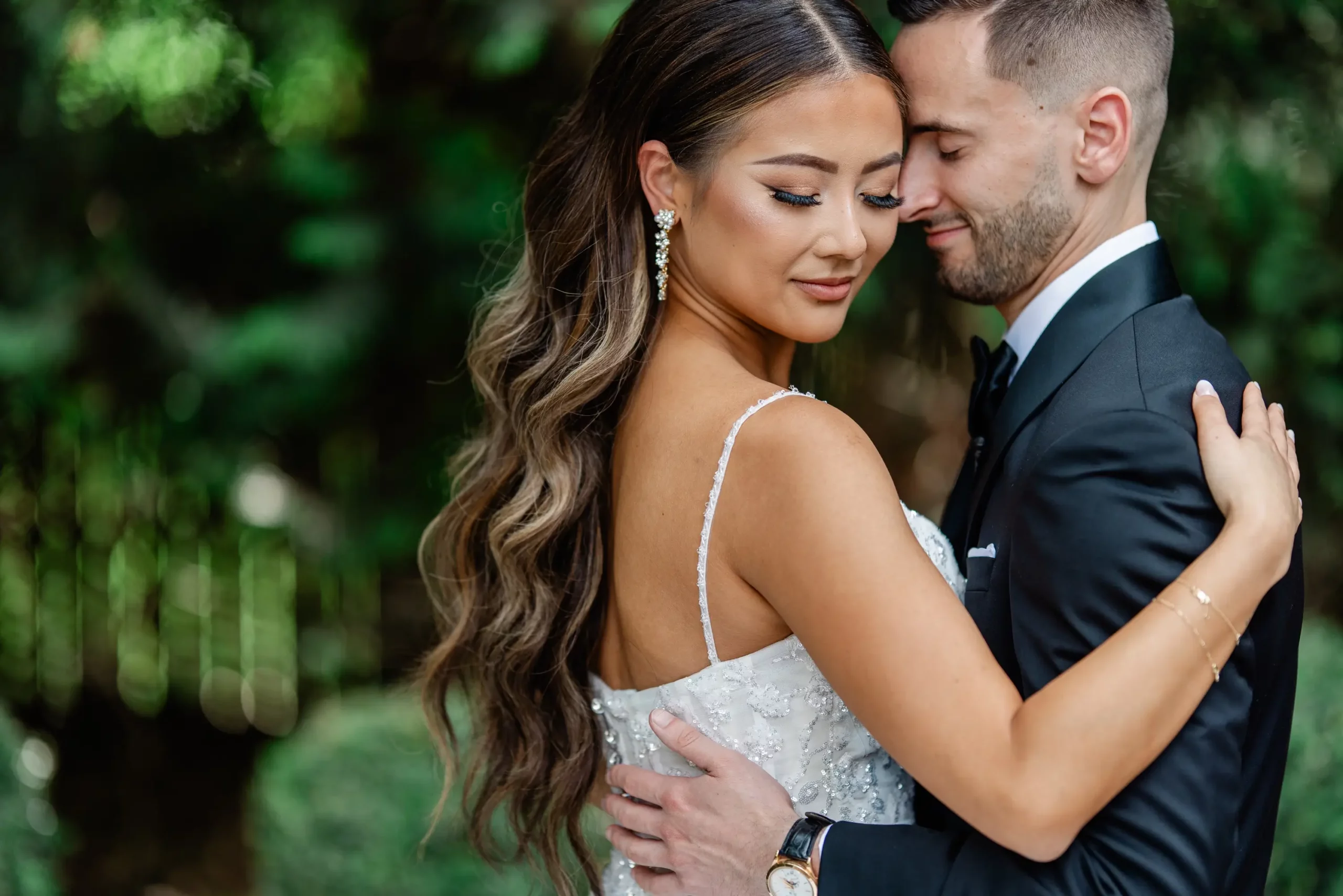
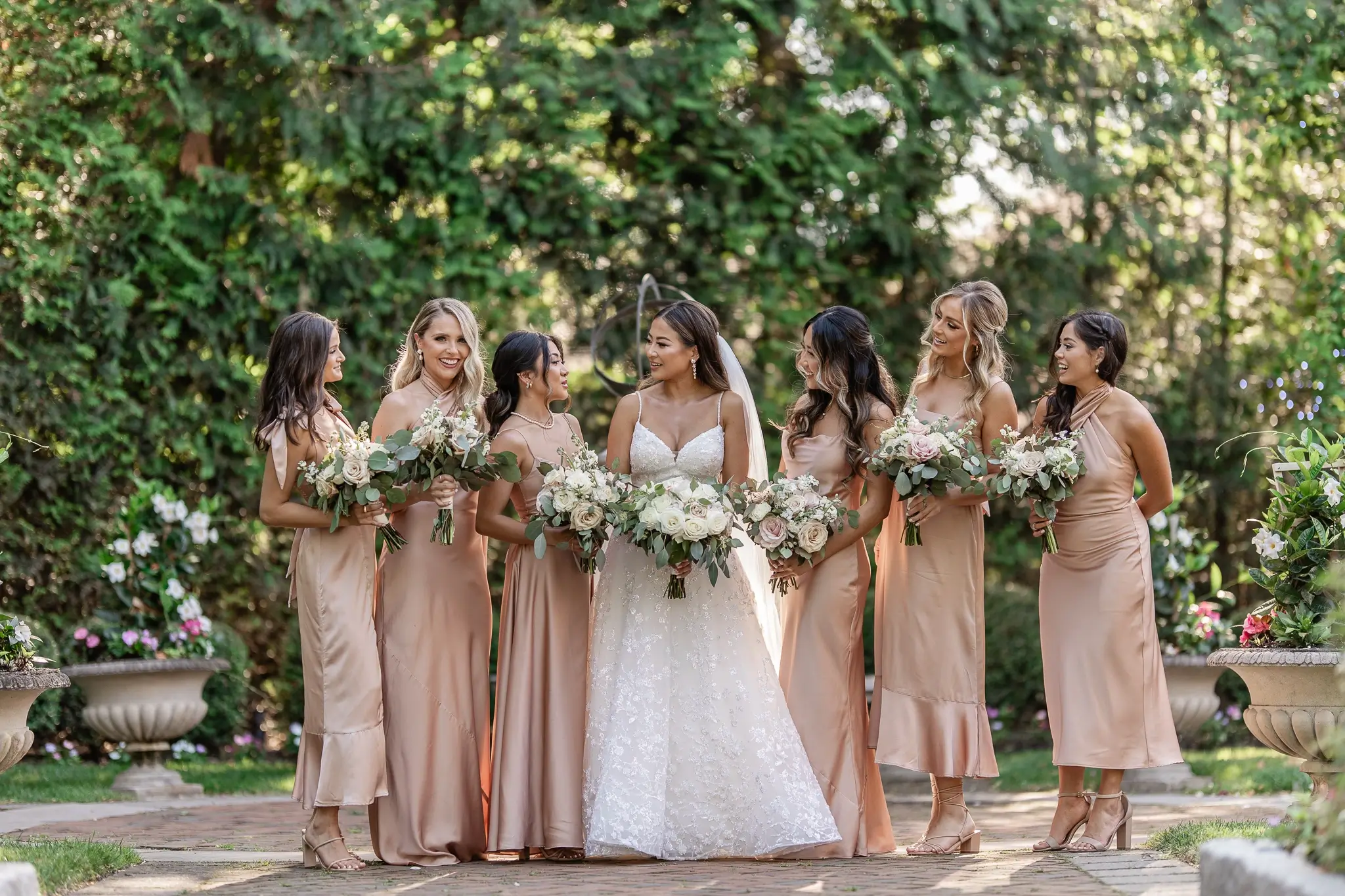
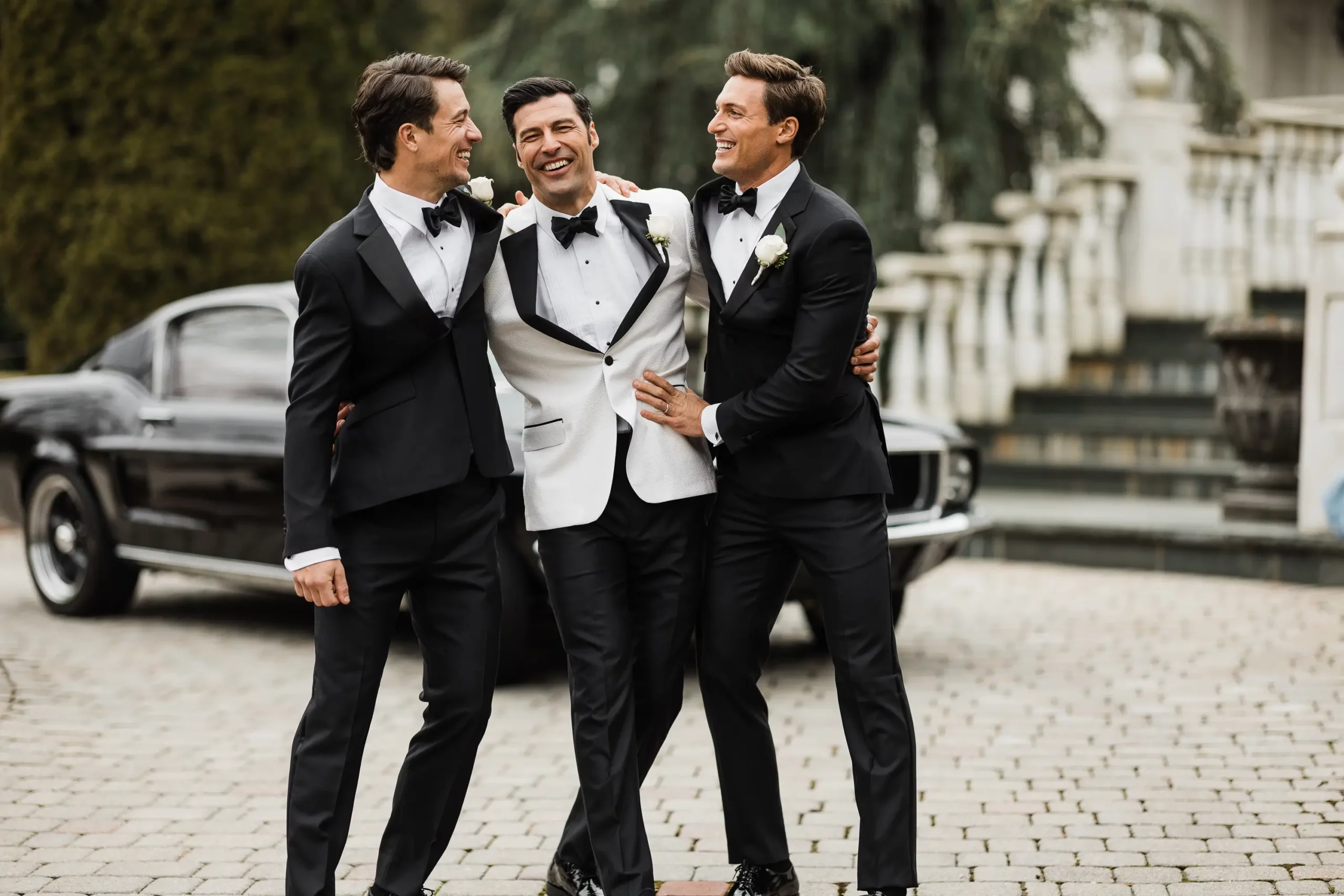
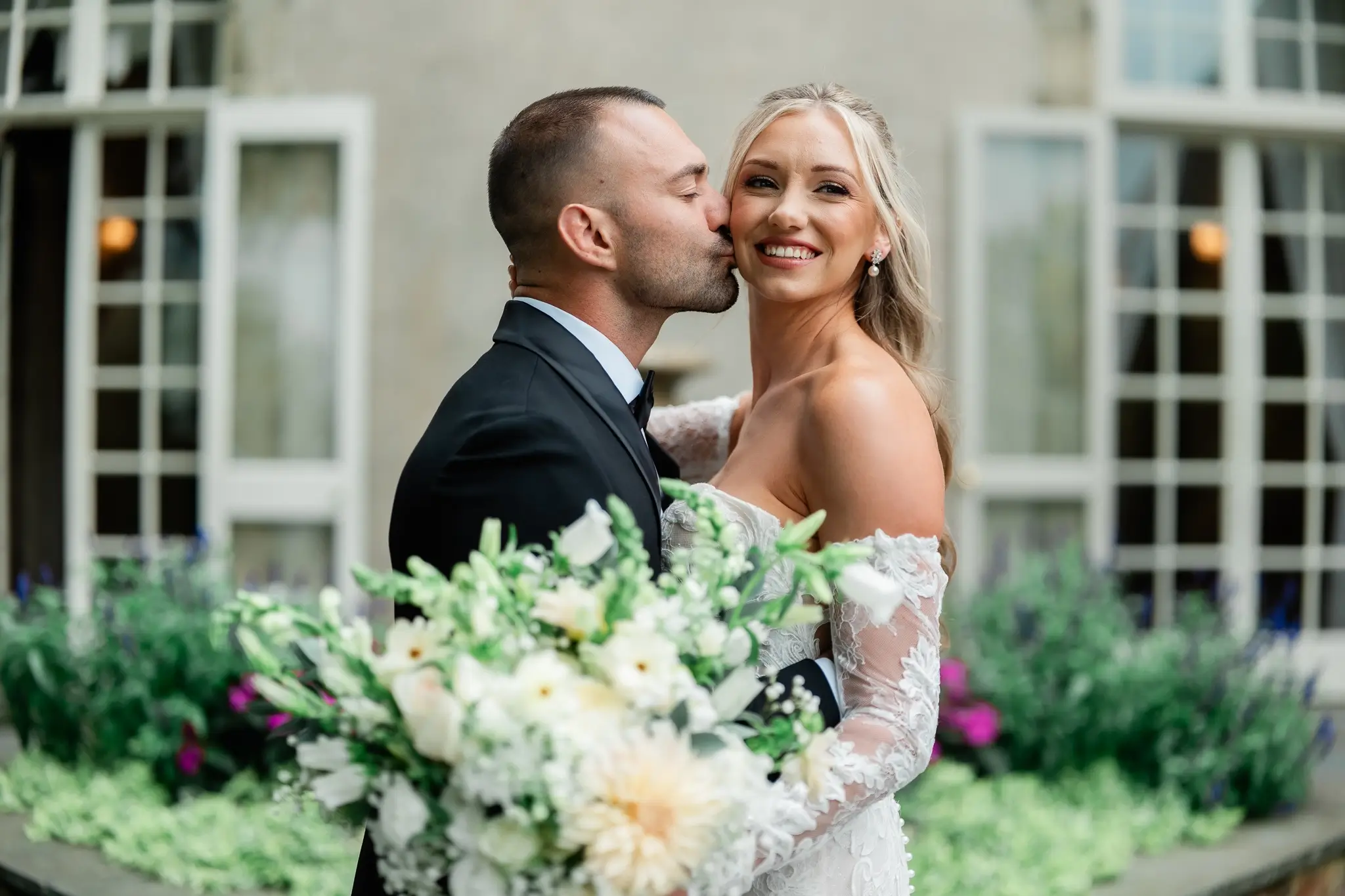
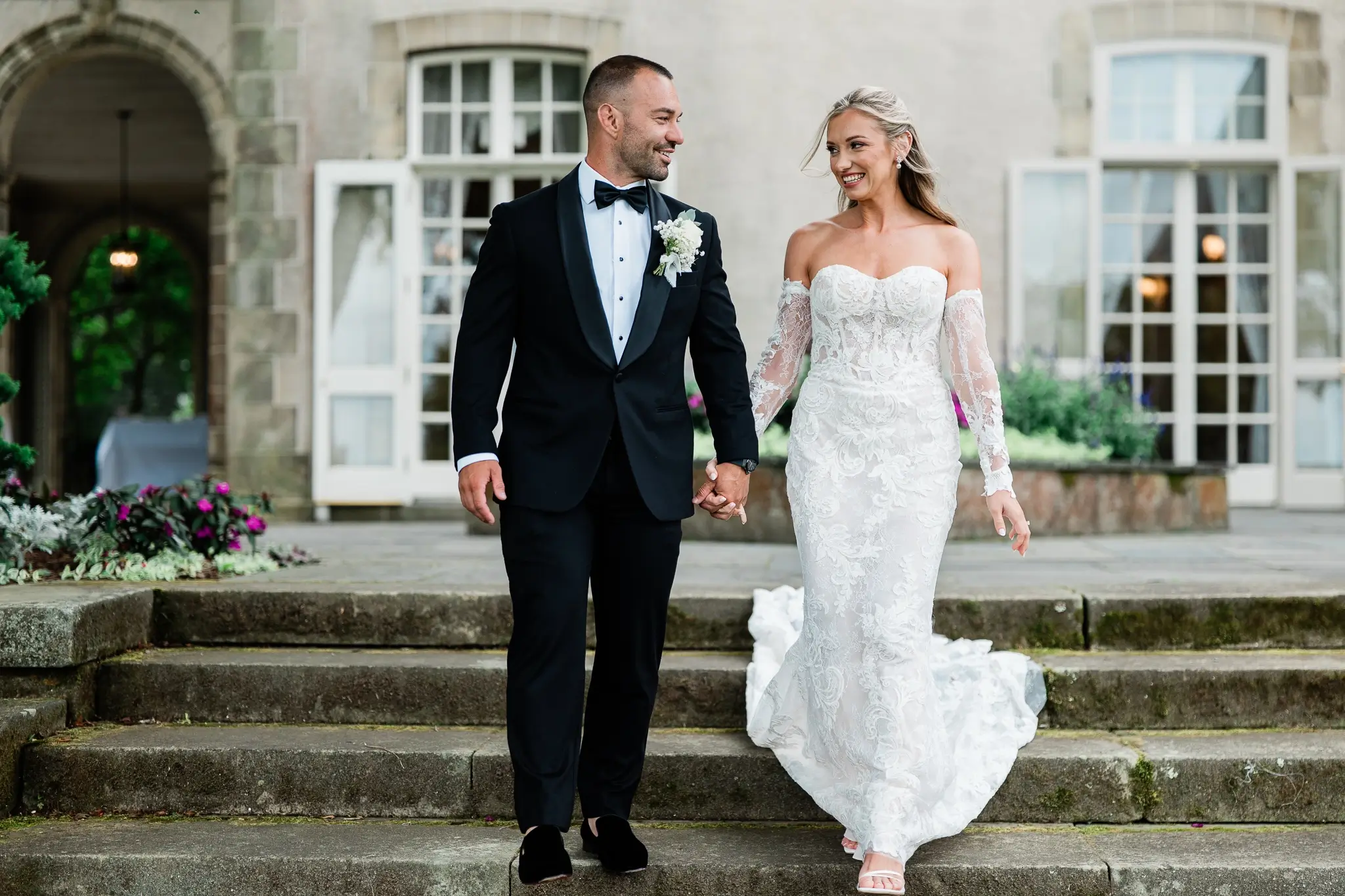
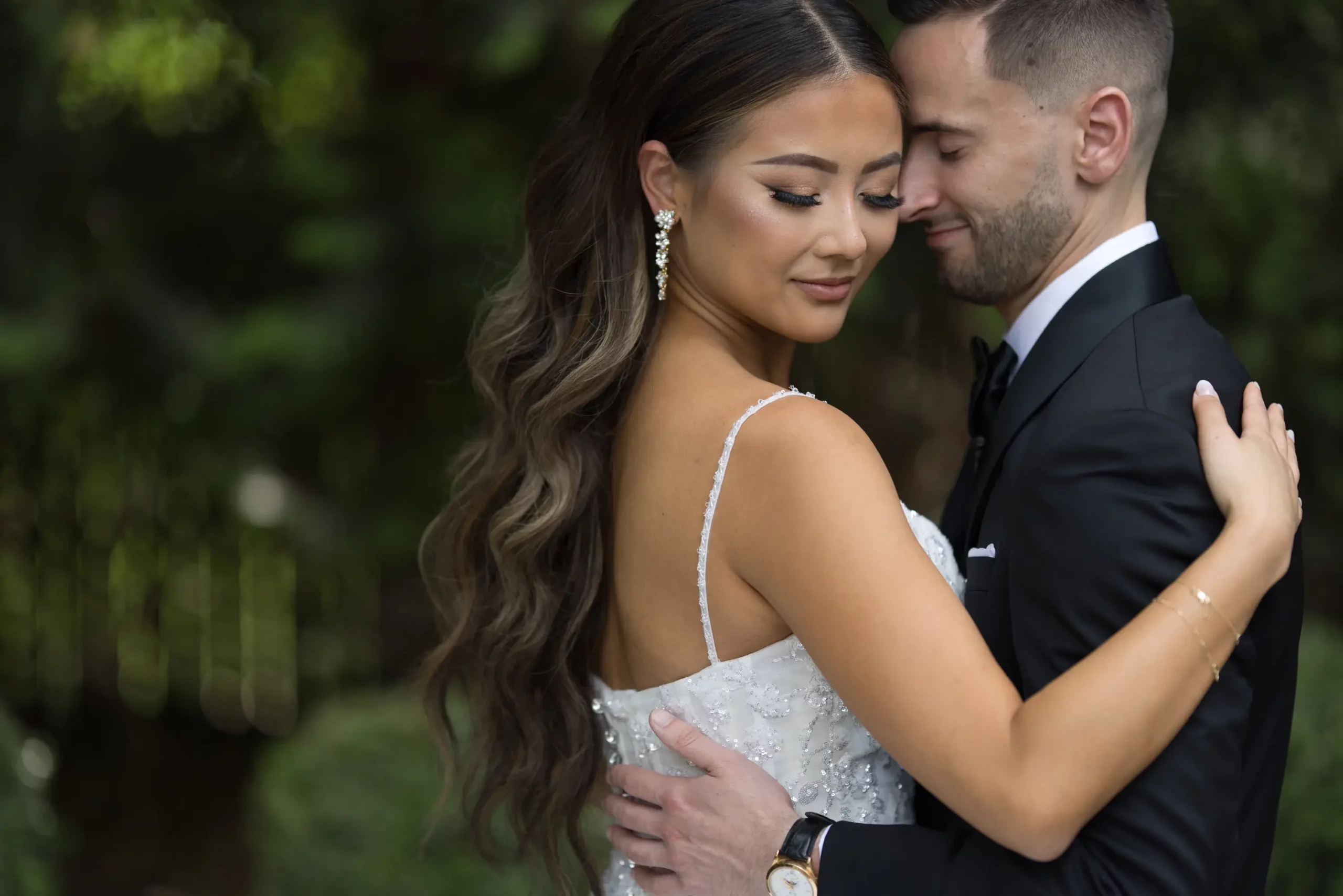 BEFOREAFTER
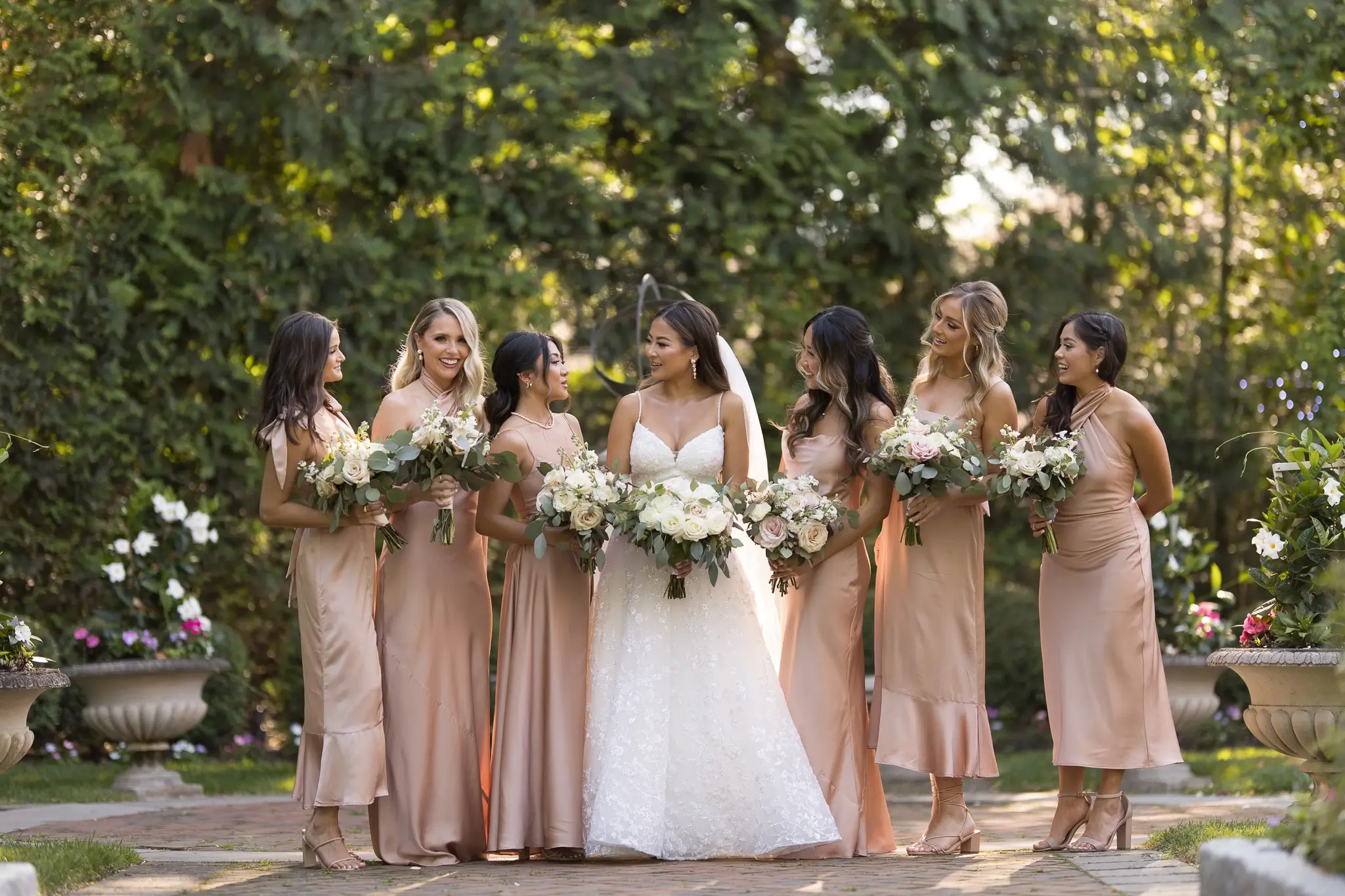 BEFOREAFTER
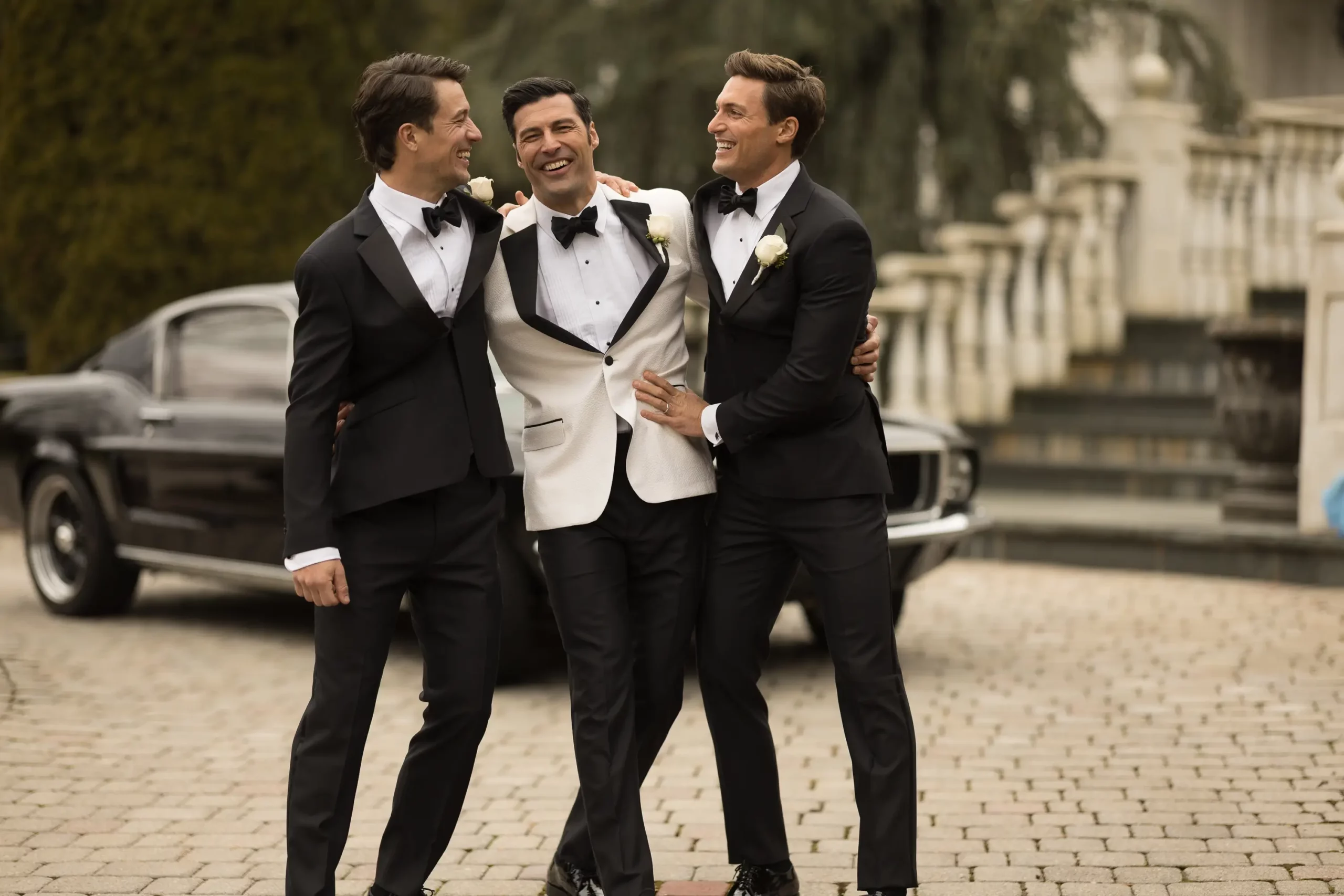 BEFOREAFTER
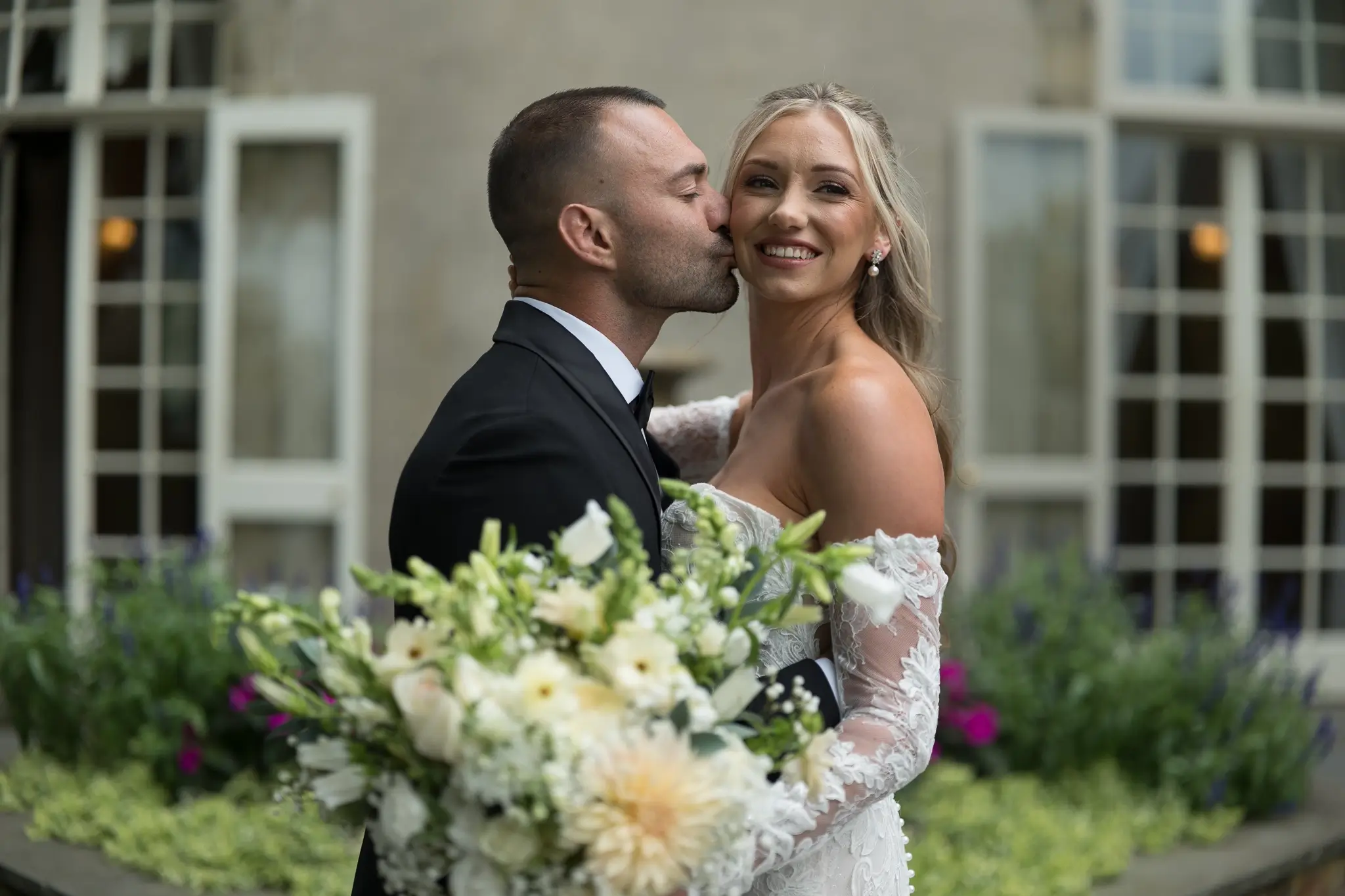 BEFOREAFTER
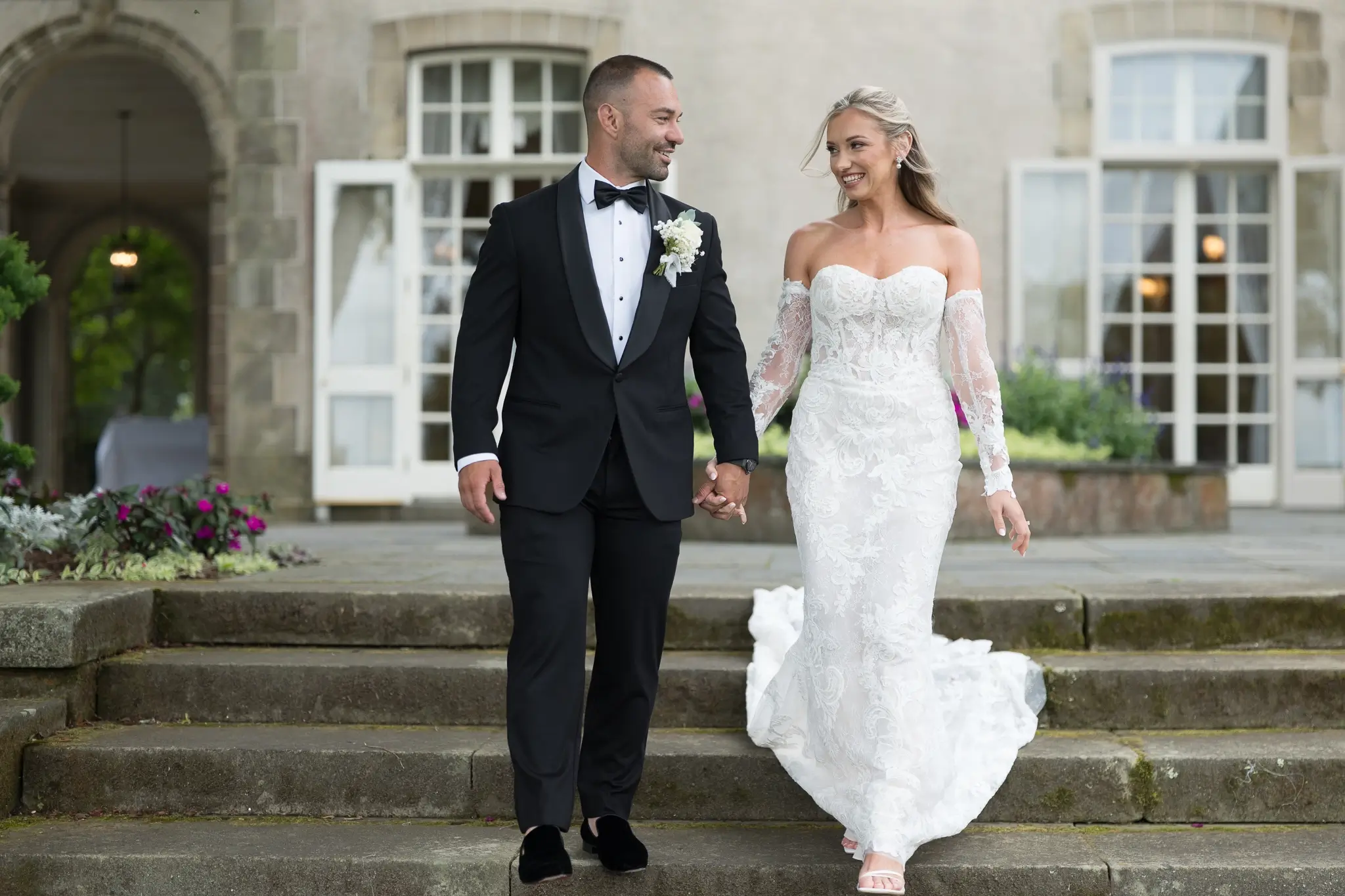 BEFOREAFTER
Portra 400 Classic, clean, faithful skin tones. The most versatile film stock in the Mastin library — holds well from bright outdoor to low-light reception.
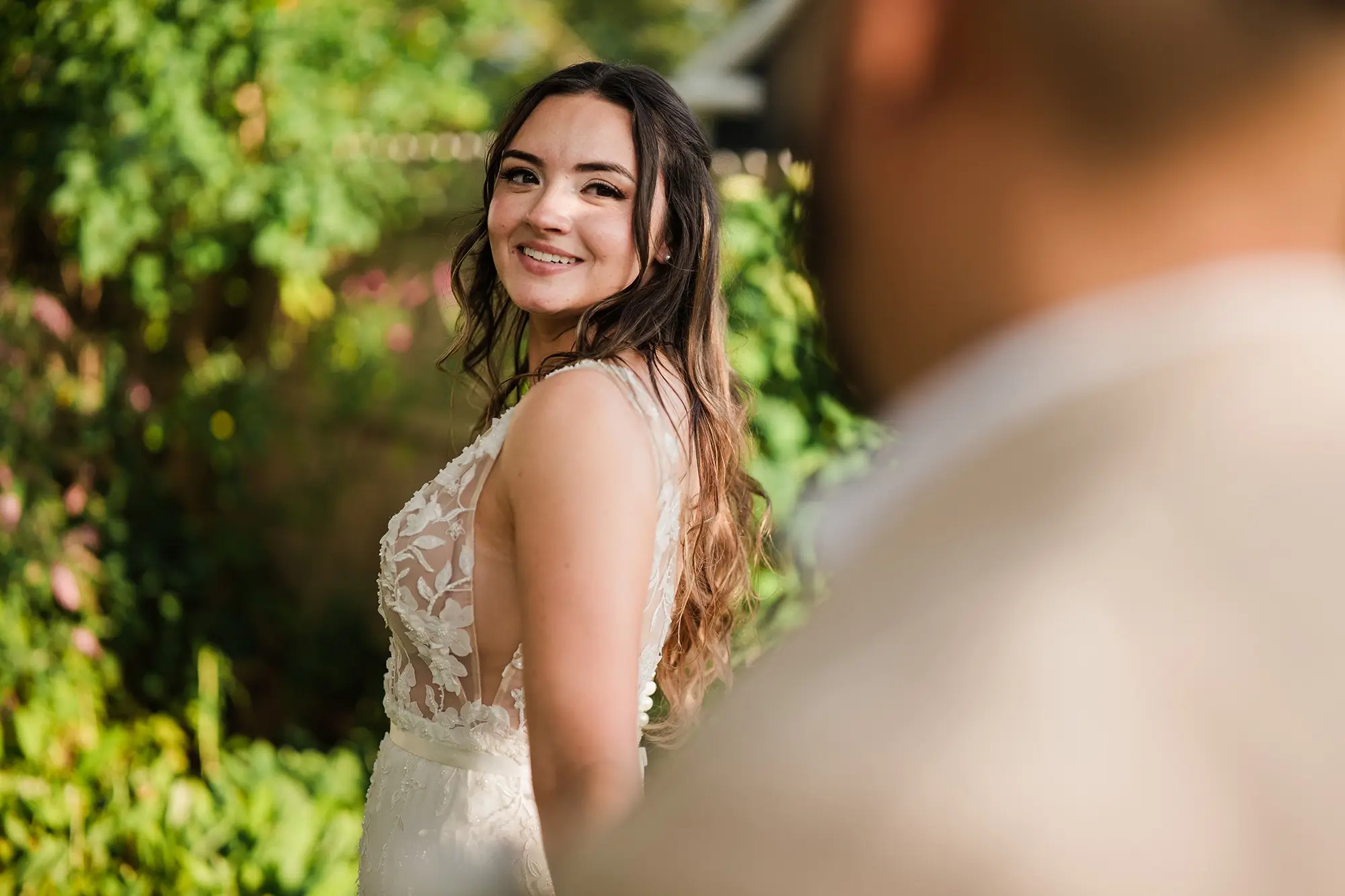
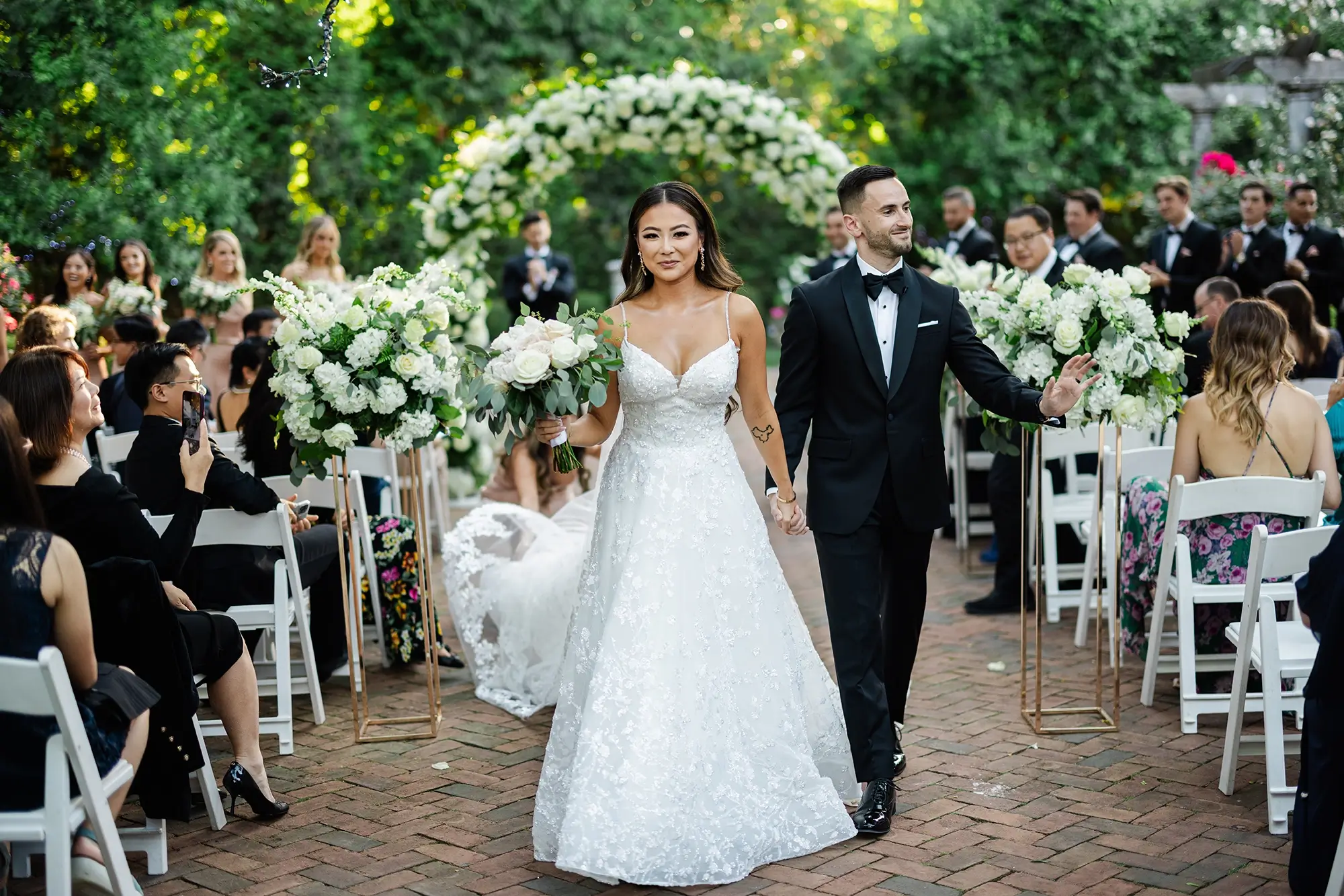
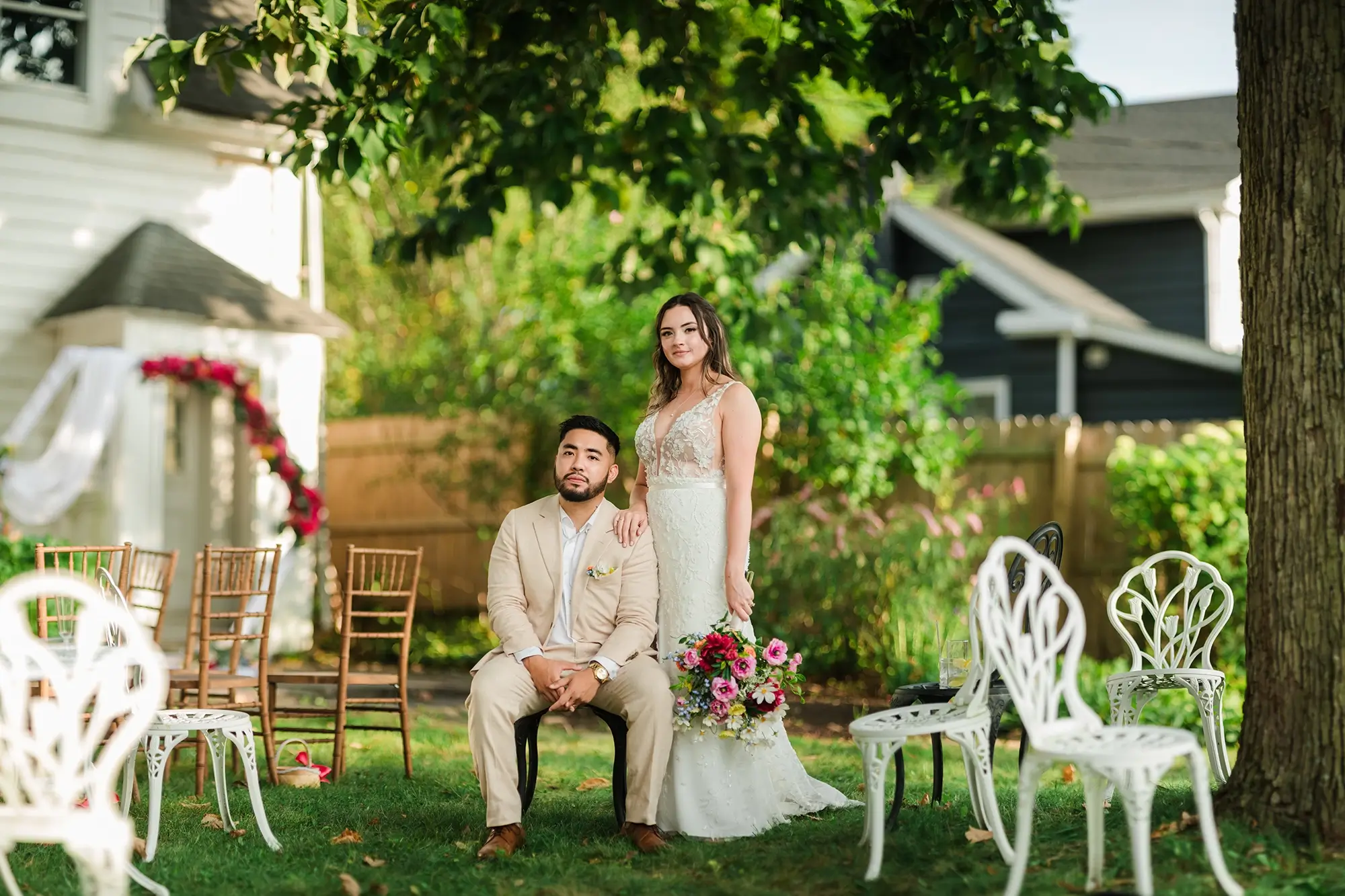
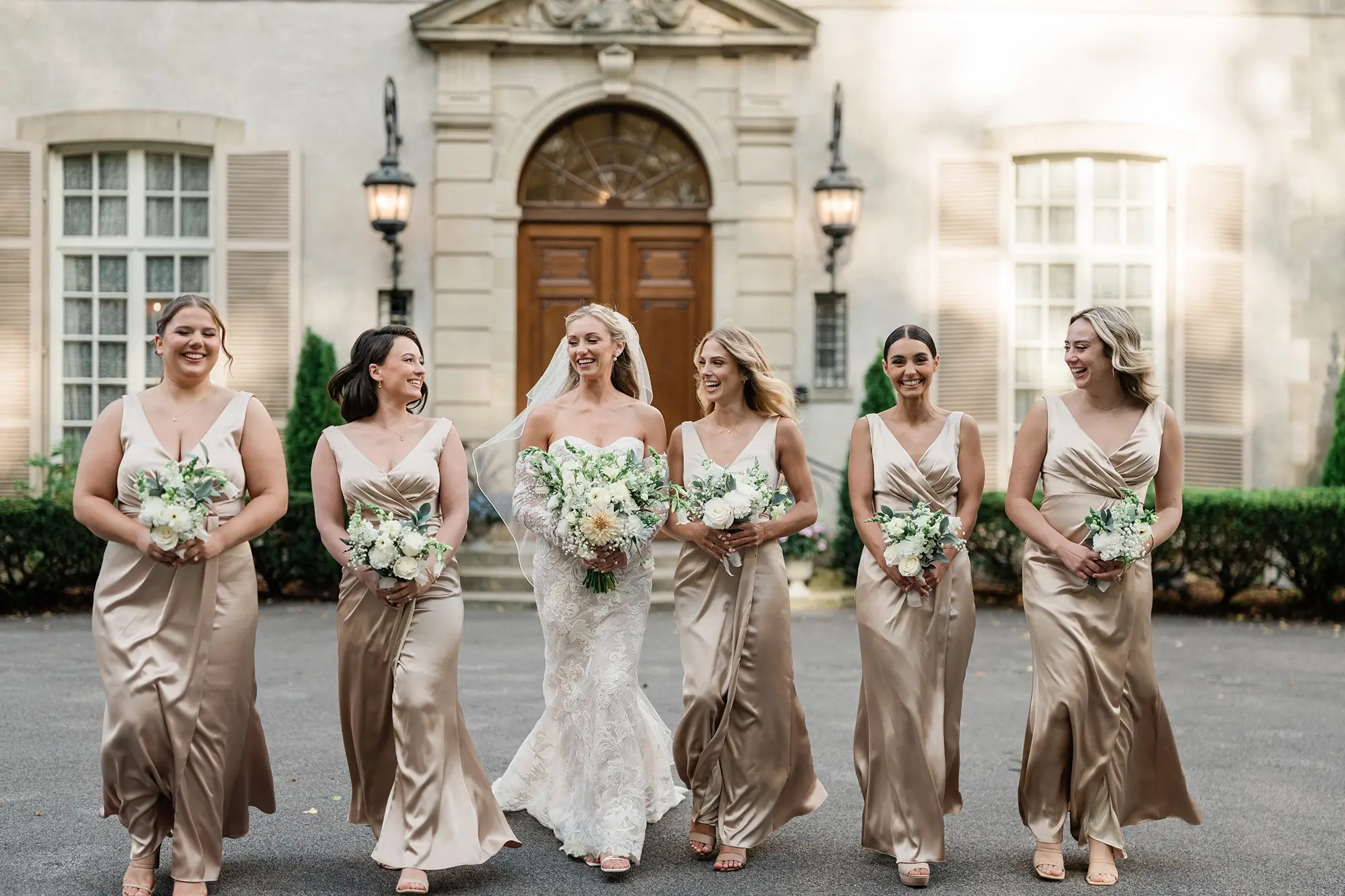
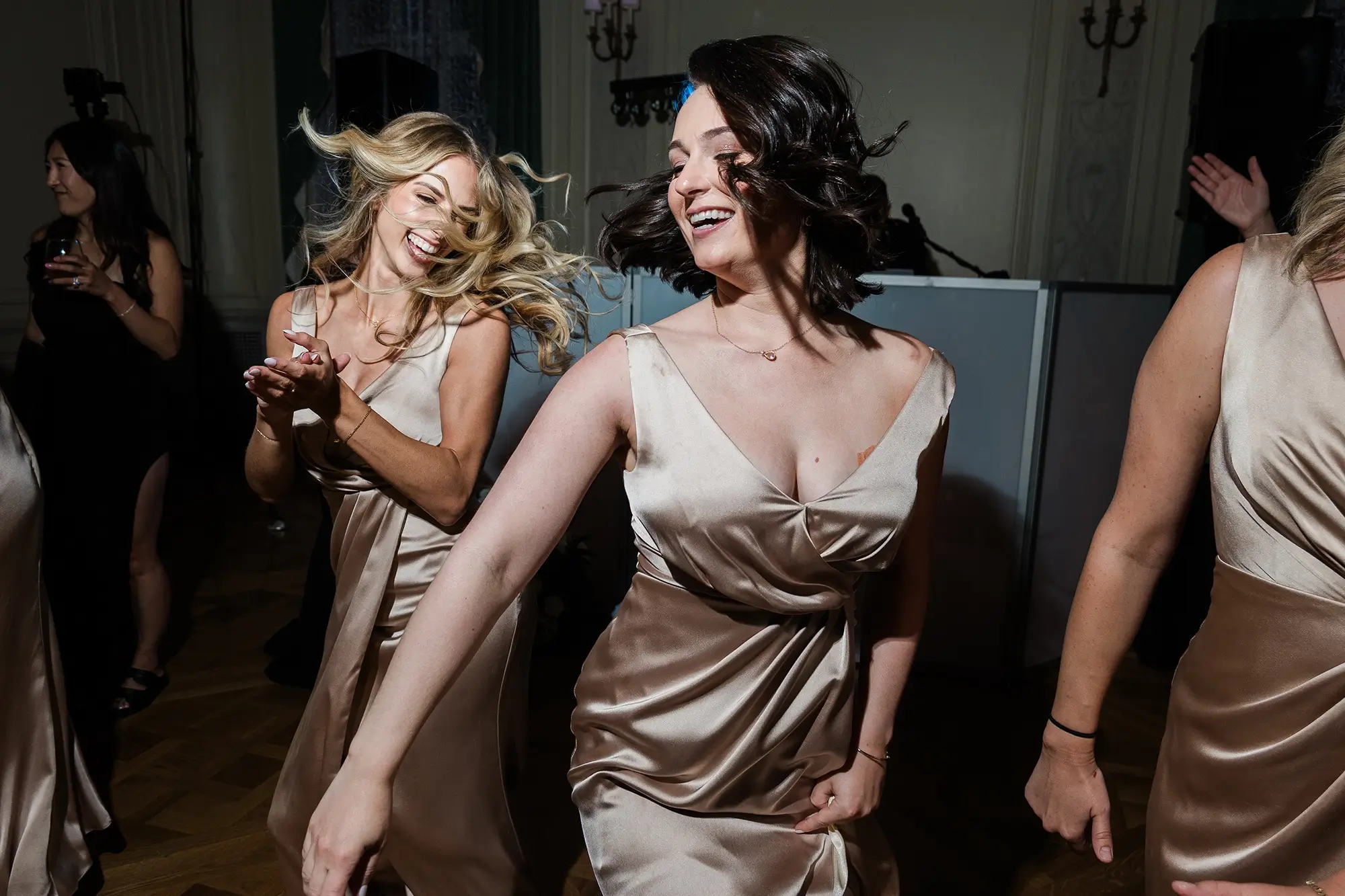
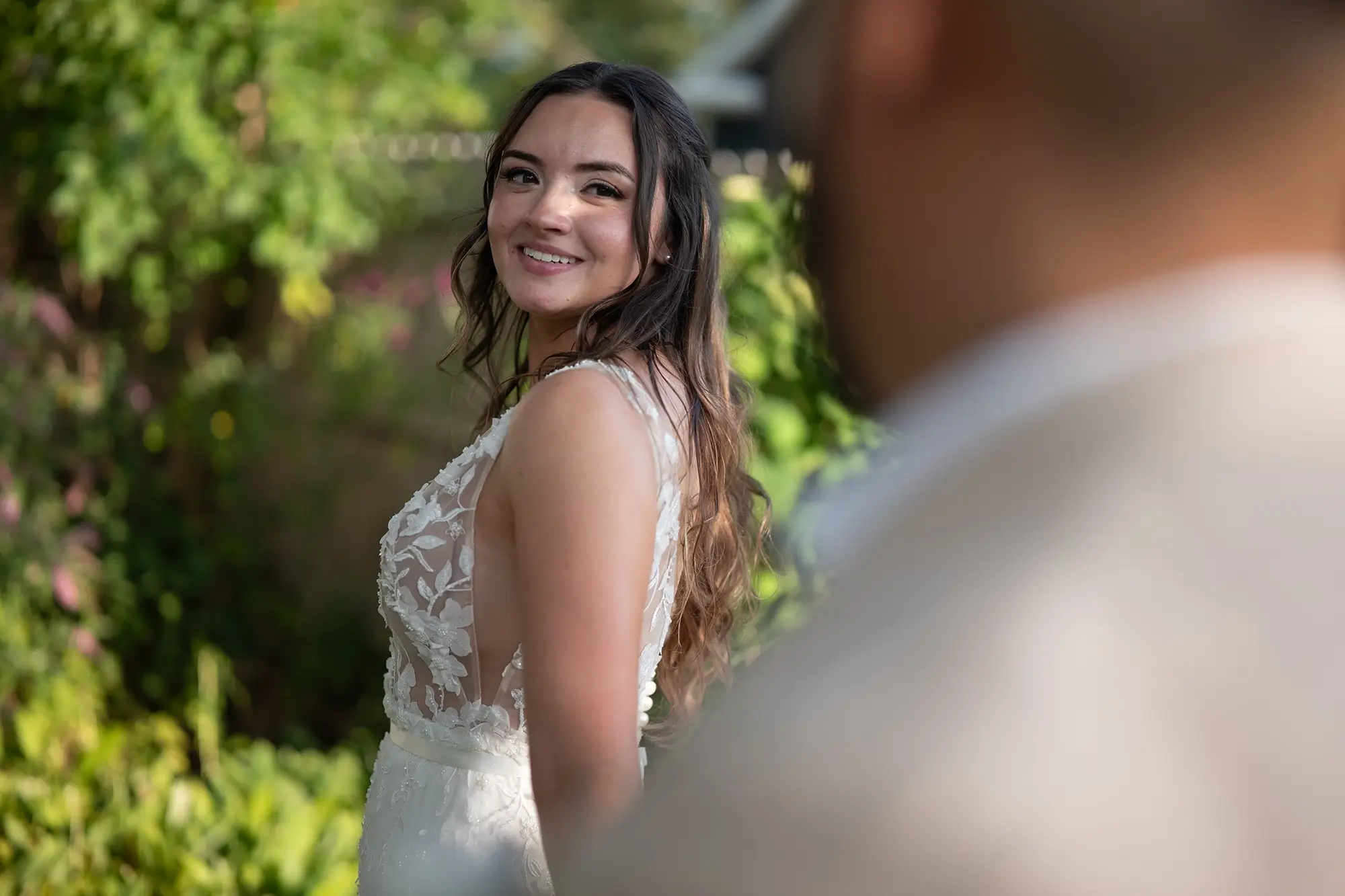 BEFOREAFTER
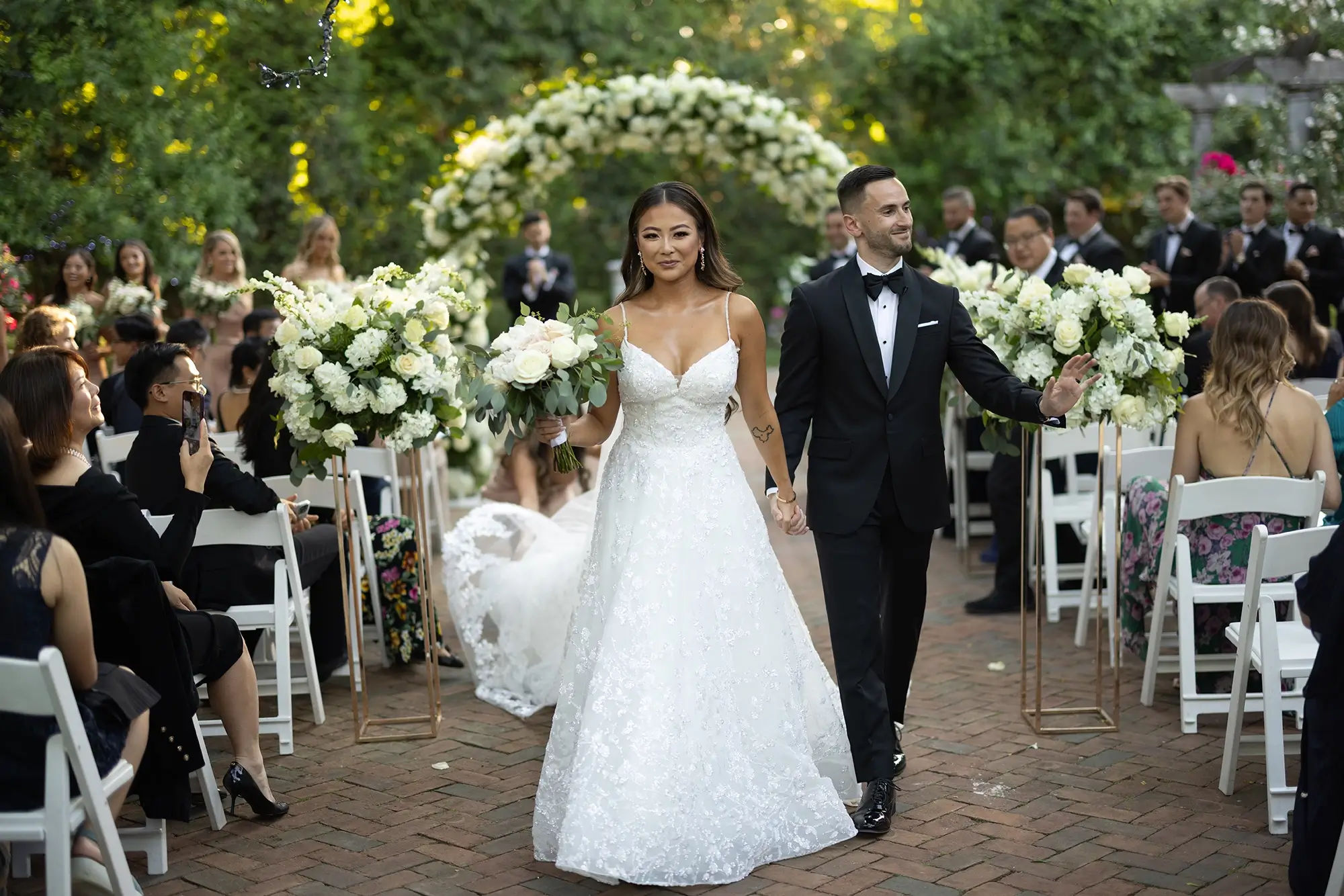 BEFOREAFTER
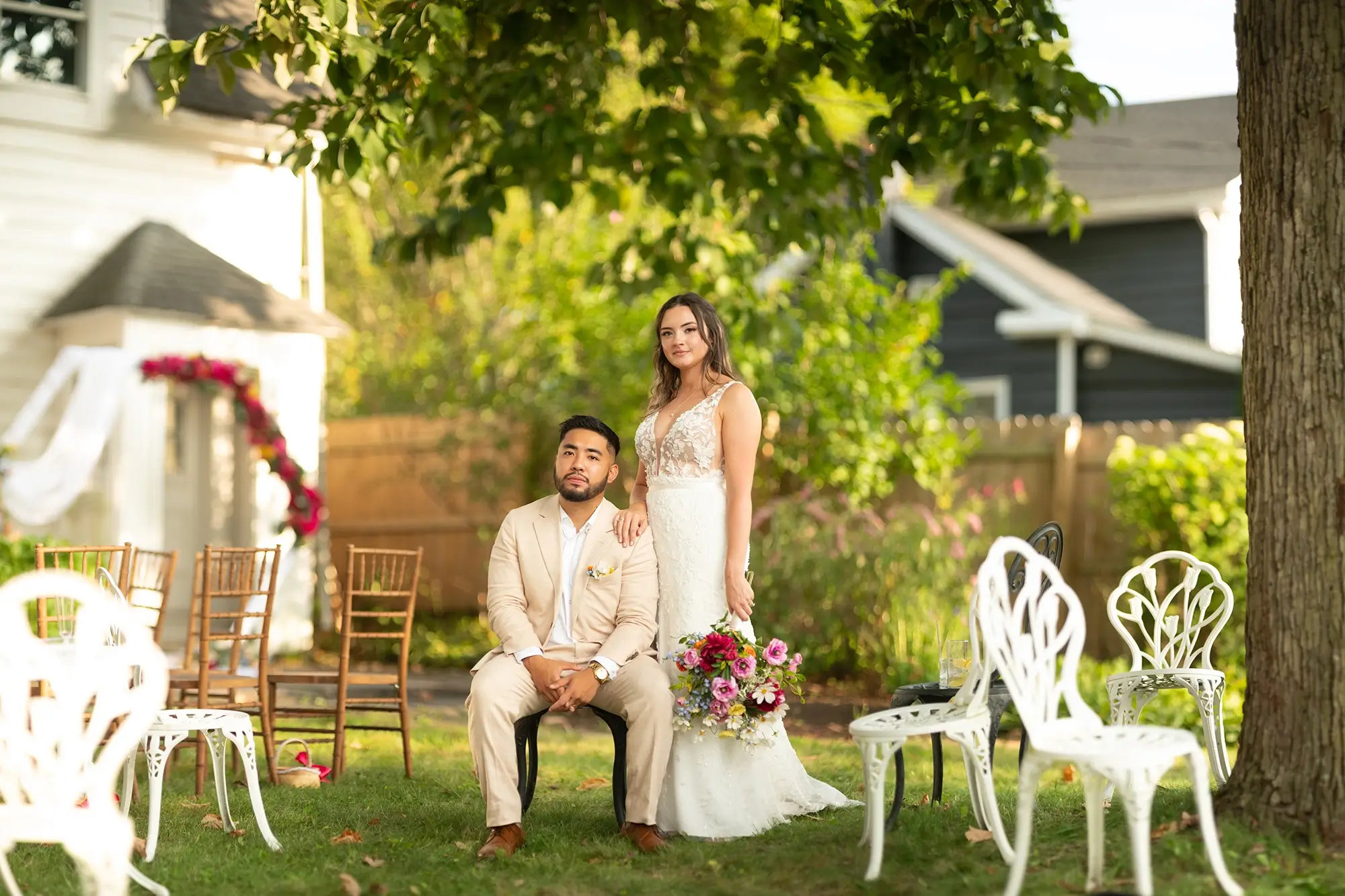 BEFOREAFTER
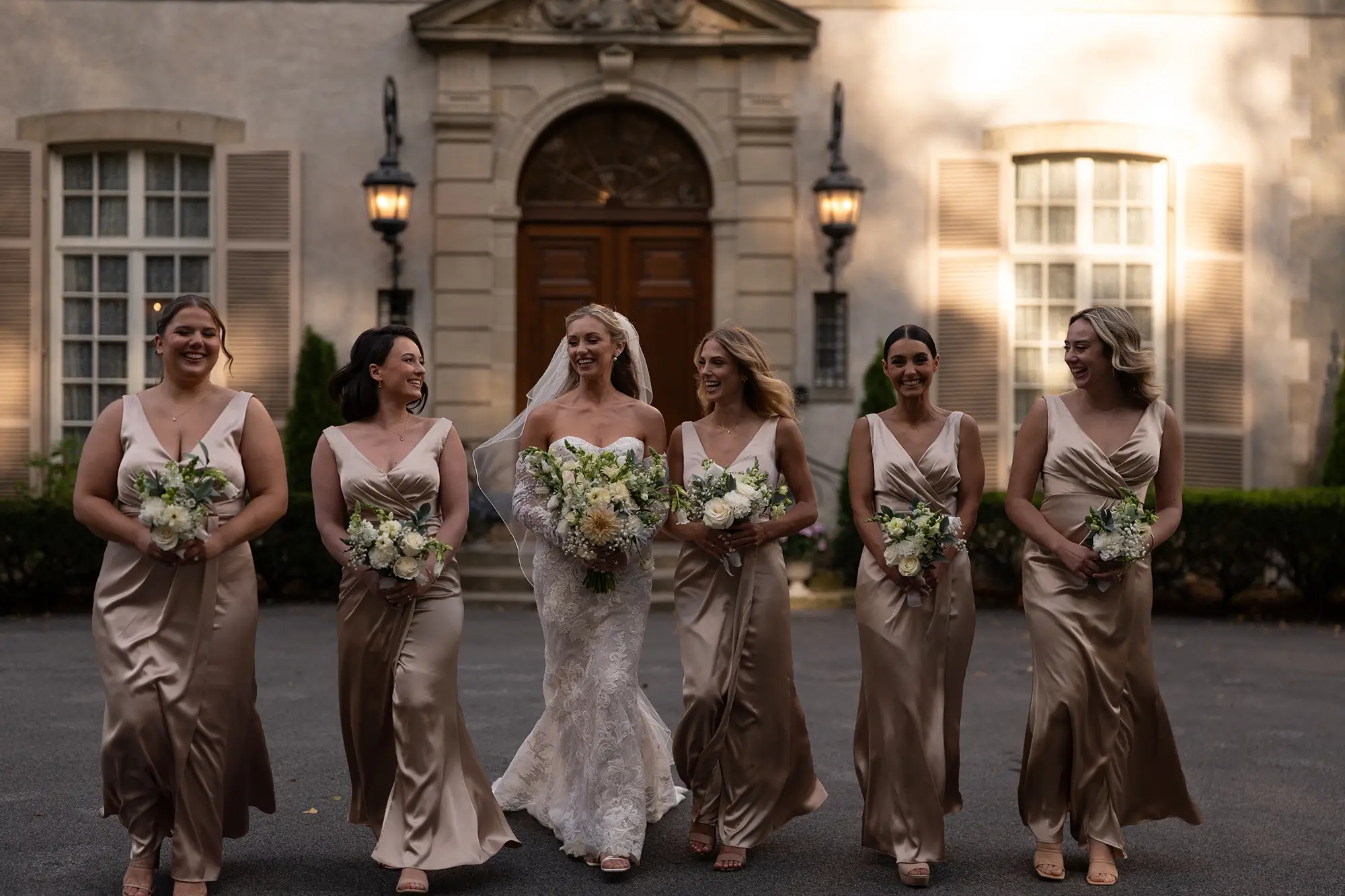 BEFOREAFTER
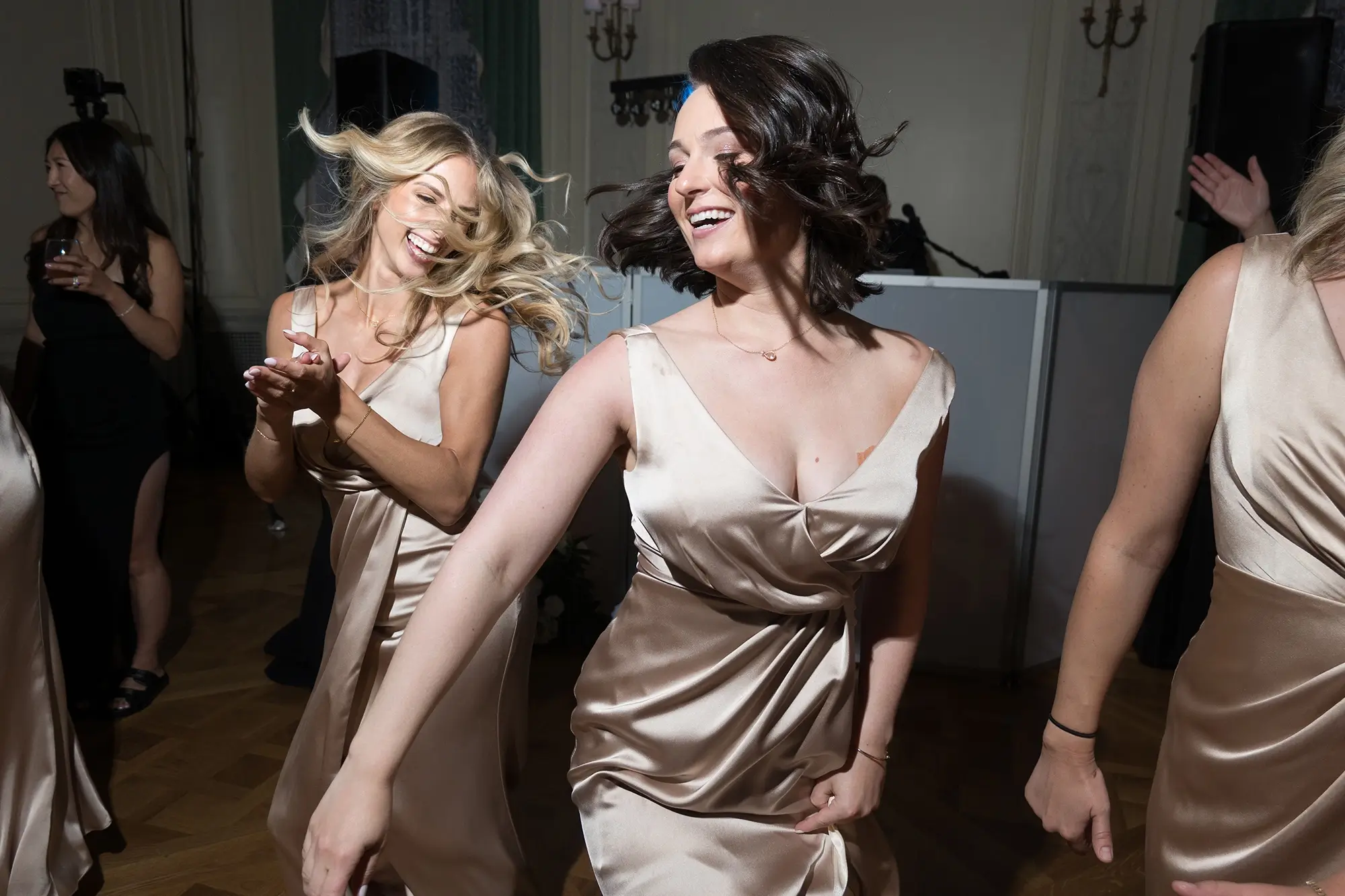 BEFOREAFTER
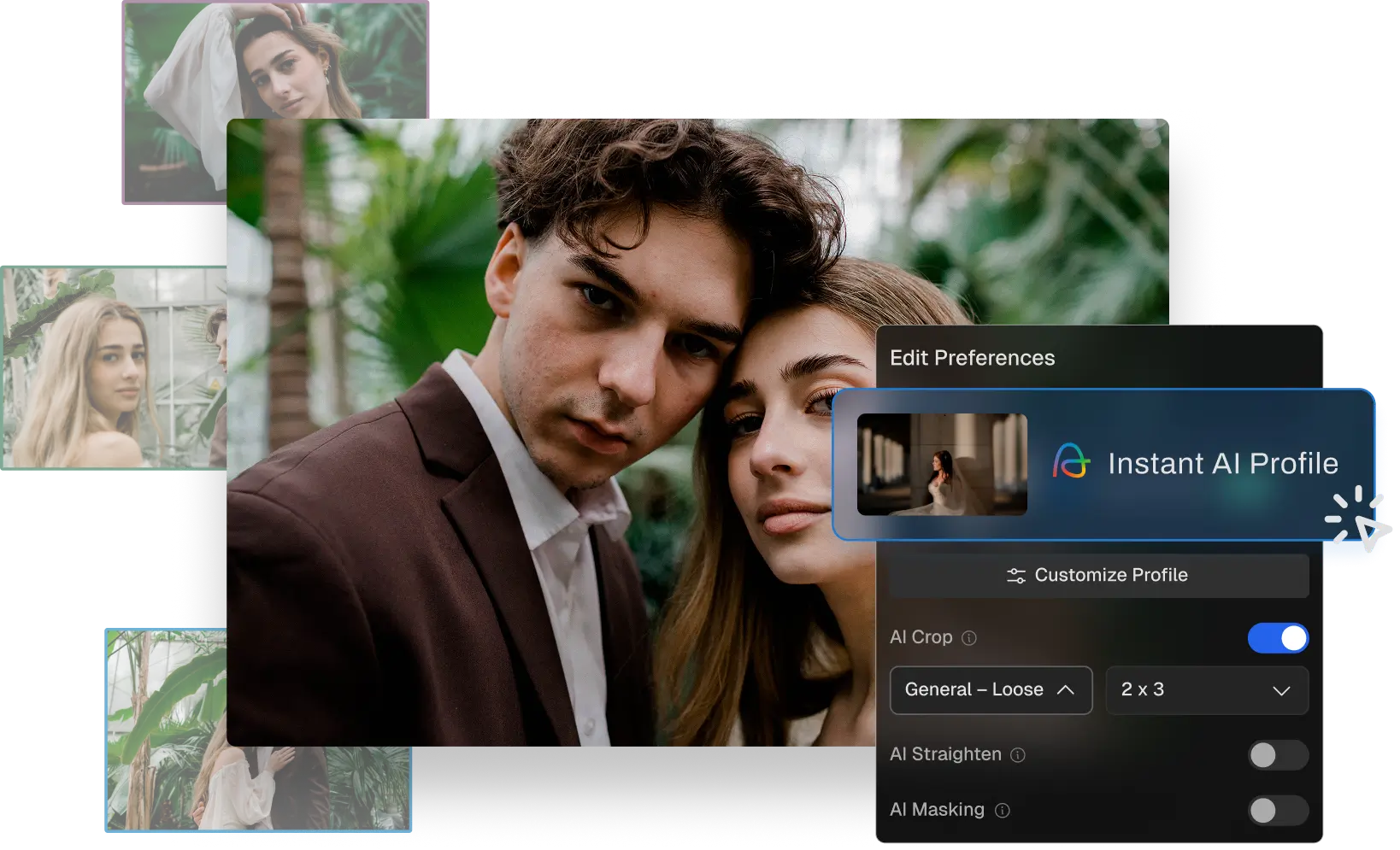
Turn it into an AI Style. Upload any Mastin preset you use and convert it into your own Instant AI Style – then apply it automatically across a full gallery in Aftershoot.

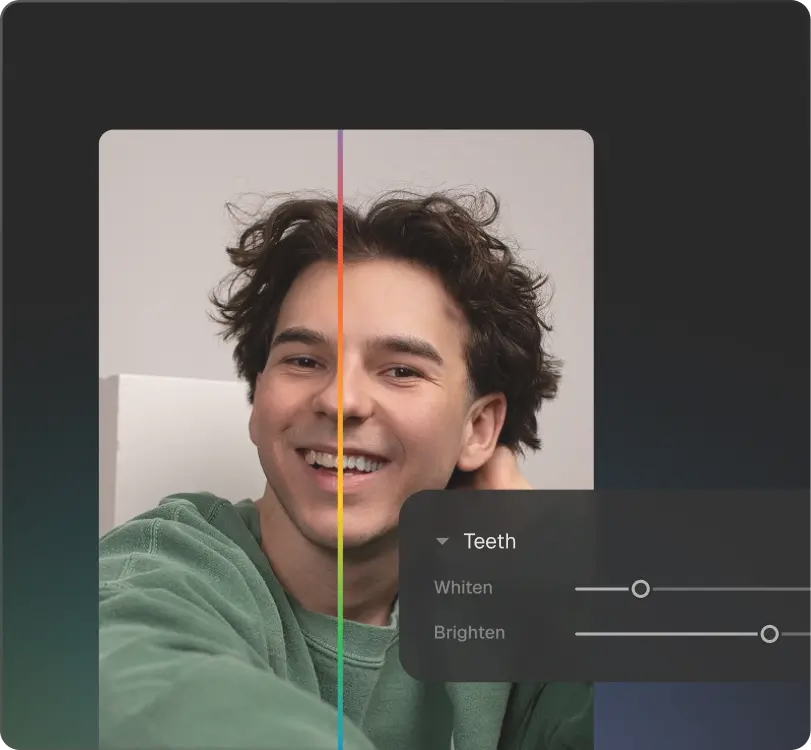
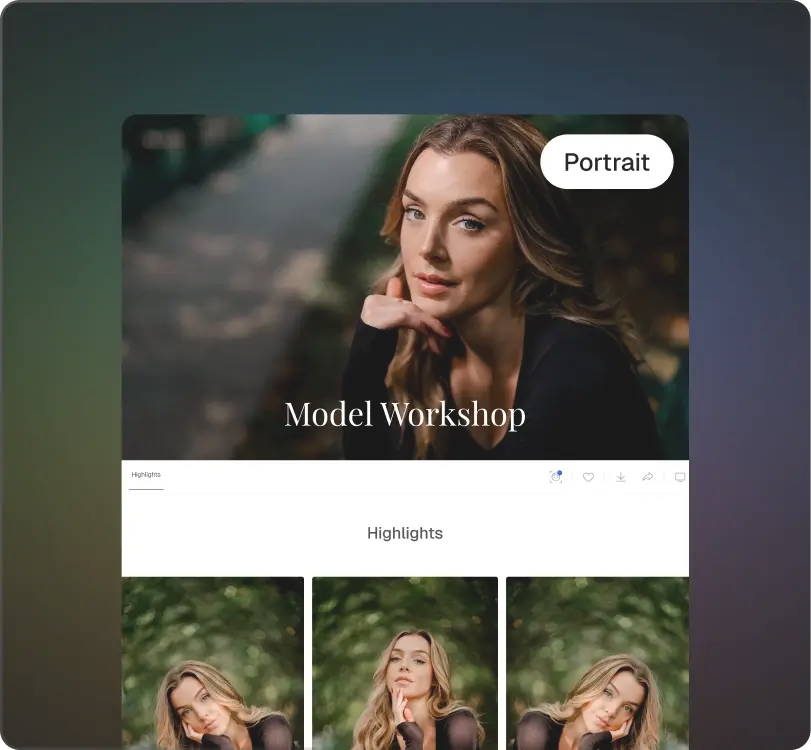
Same look. Less repetition.
Import your gallery
Manual culling of the images
Apply preset -> Adjust exposure-> Check white balance
Manual Retouch
Tweak each frame to bring consistency
Import your gallery
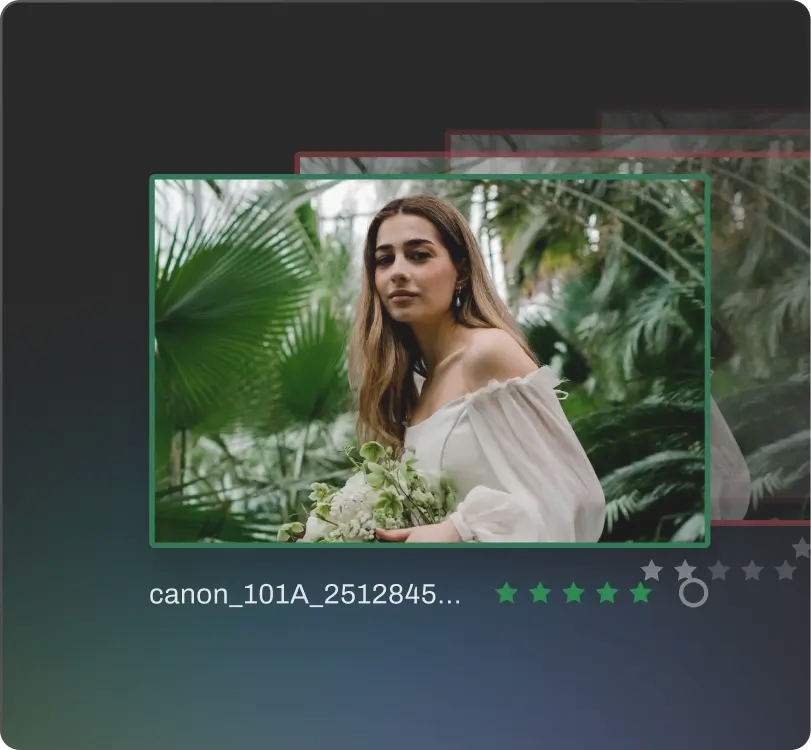
Smart cull saves 3-5 hrs/ shoot
Apply the Mastin AI Style
Smart Retouch for the finishing touch
Done. Deliver images using Aftershoot Galleries
Mastin AI Styles bring the Mastin film look into Aftershoot’s editing workflow. They’re built from Kirk’s original film scans – the same source material that has always defined Mastin Labs – and applied automatically and consistently across a full gallery.
Aftershoot is an AI-powered photo post-processing software for photographers. It helps you cull, edit, and retouch images faster in one app, while keeping your work consistent and true to your style, across the album.
No. Your work stays yours. Your images are not used to train a look for anyone else. Nothing you shoot, edit, or upload is used to build another photographer’s style. This is one of the commitments Kirk held us to before any of this happened.
Every edit is non-destructive and reviewable. You’re always the one who signs off before anything exports. You can also make the final adjustments using Aftershoot’s RAW editor without exporting anywhere else.
The end-to-end workflow which includes unlimited AI Culling, Editing, and Retouching starts at $45/month, billed annually. AI Culling starts at $10/month. AI Editing starts at $30/month. And AI Retouching starts at $20/month. We offer both, monthly as well as annual billing cycles. And across plans, our pricing is flat, not per image, so you can cull, edit, and retouch as much as you want without worrying about usage-based fees.
Yes – 30-day free trial, full access, no credit card required. New Aftershoot users from Mastin’s community get an extended 3-month trial.
Your Mastin presets are yours and work the same way in Lightroom as always. Aftershoot is a separate tool that uses your Mastin look in a new way along with offering smarter culling & retouching solution. The trial is free for 90 days, so you can see if the time savings are worth it for your workflow.
3 months free. Full access. No credit card.