You bought the camera.
You took the shot. Now what?
You’re doing everything right. But here’s what’s getting in your way:


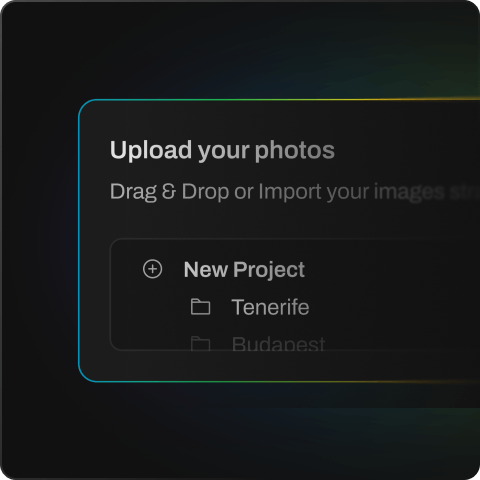
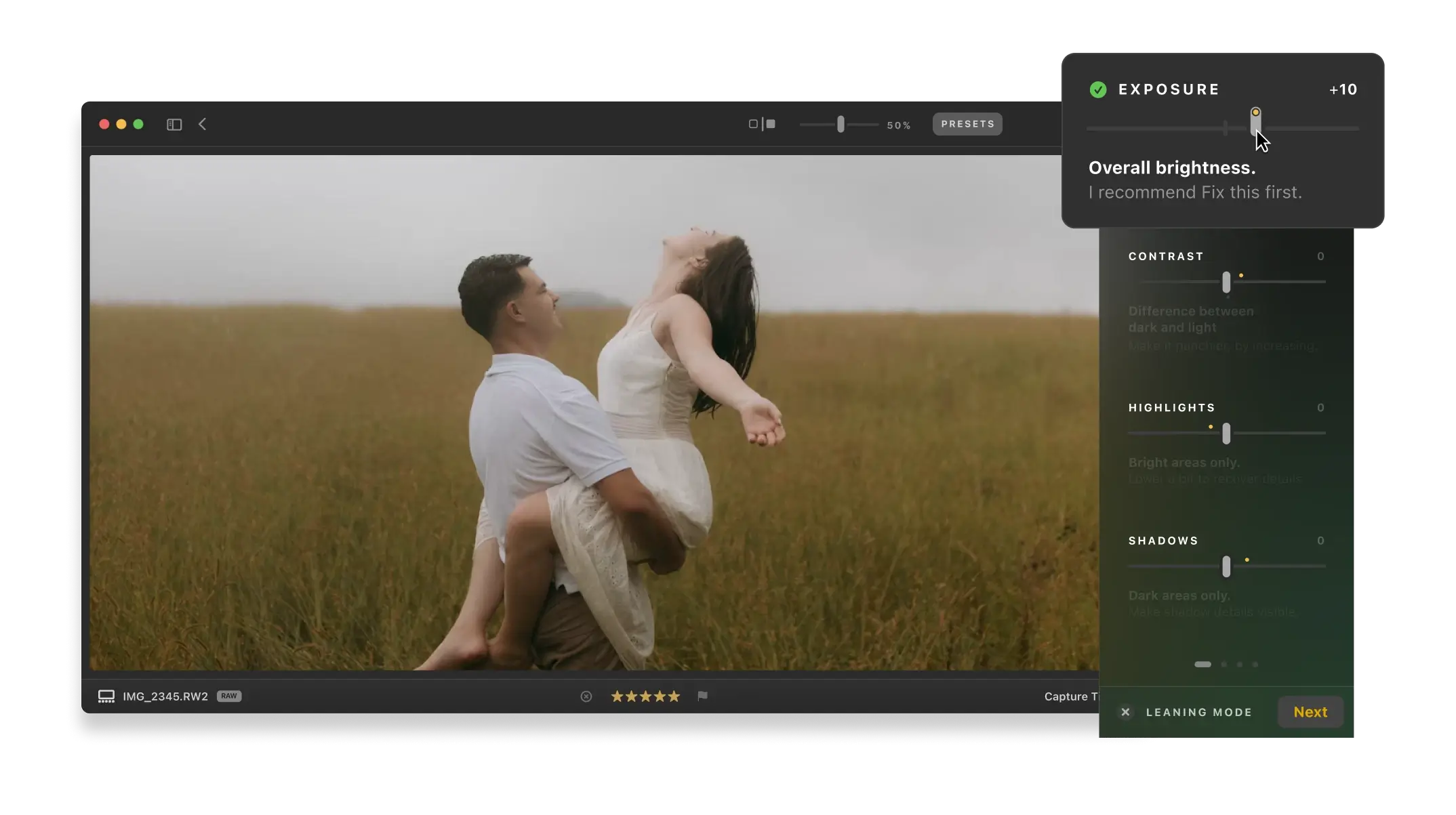
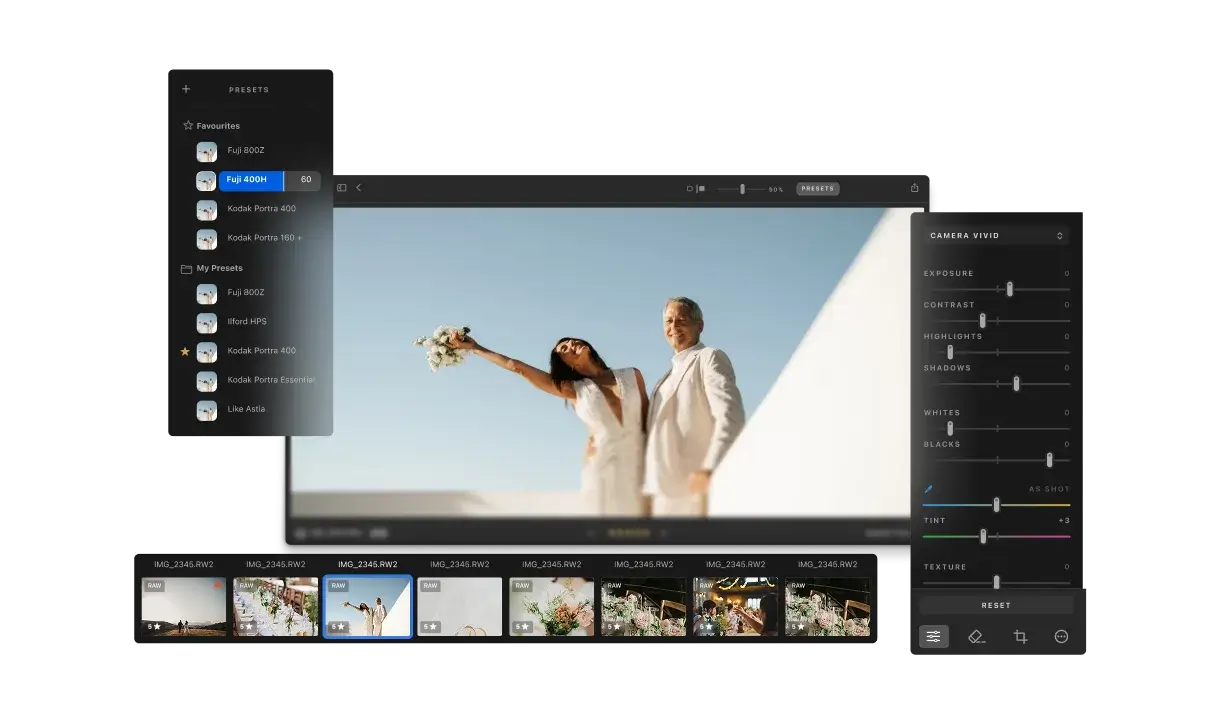
Still struggling with Lightroom’s sliders? Aftershoot Next is the intuitive alternative with real-time AI guidance that explains every adjustment. Edit RAW files, and export polished photos—without the overwhelm.


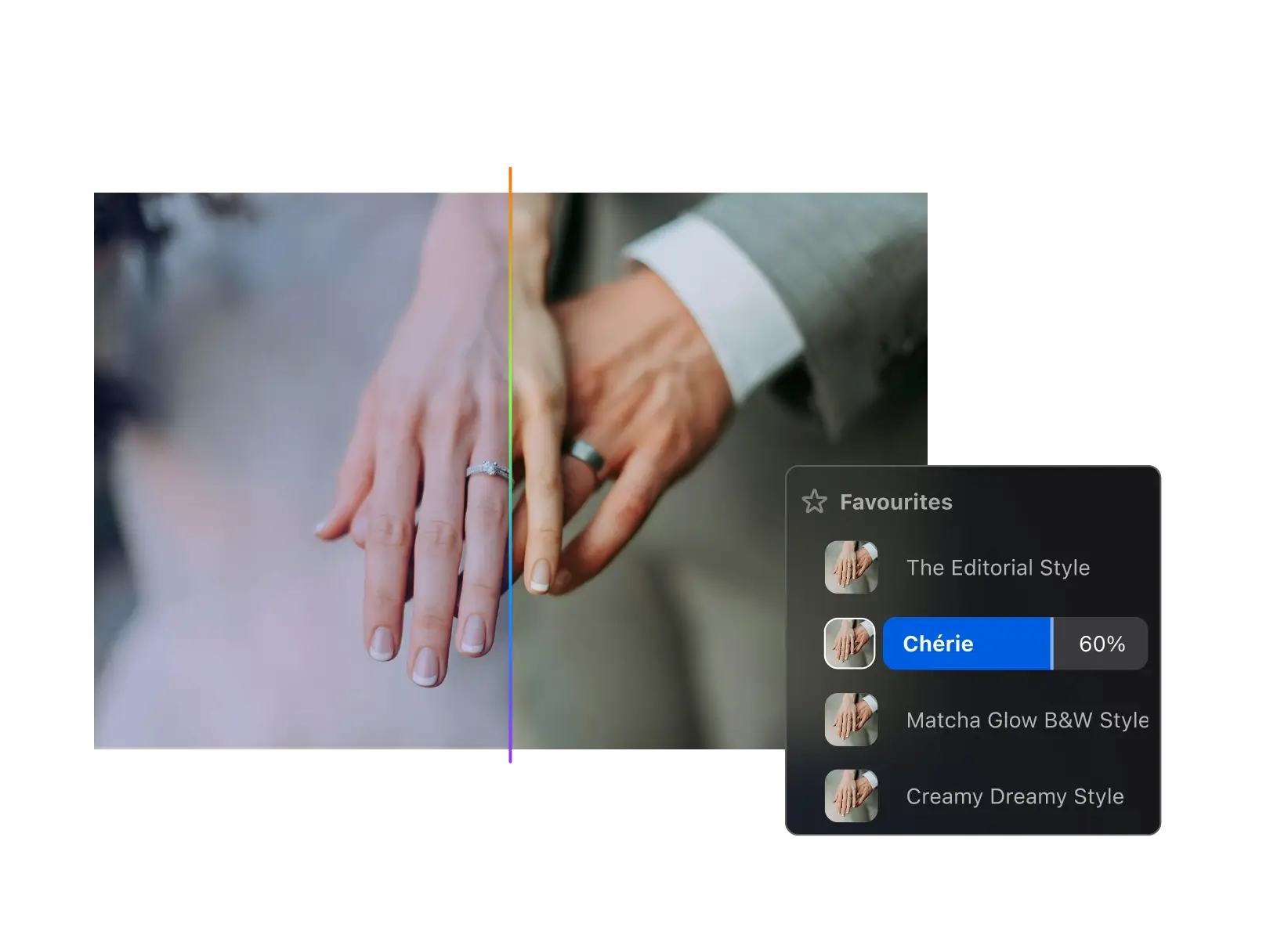


Yes. Lightroom is built for professional photographers who understand the nuances. Aftershoot Next is designed for hobbyists with AI guidance that explains what each tool does and why to use it, so you don’t spend hours guessing.
Most editors give you tools but no context. Aftershoot Next teaches you as you edit with real-time AI guidance, so you make confident decisions instead of randomly adjusting sliders.
No. Aftershoot Next is designed for beginners with built-in AI guidance that teaches you as you edit.
No. The AI guidance is built directly into the editor—it explains every adjustment as you hover over tools, so you learn while you work instead of pausing to search YouTube.
RAW and JPEG files from any camera brand.
Yes. Aftershoot Next works on both Mac (Apple Silicon and Intel) and Windows.
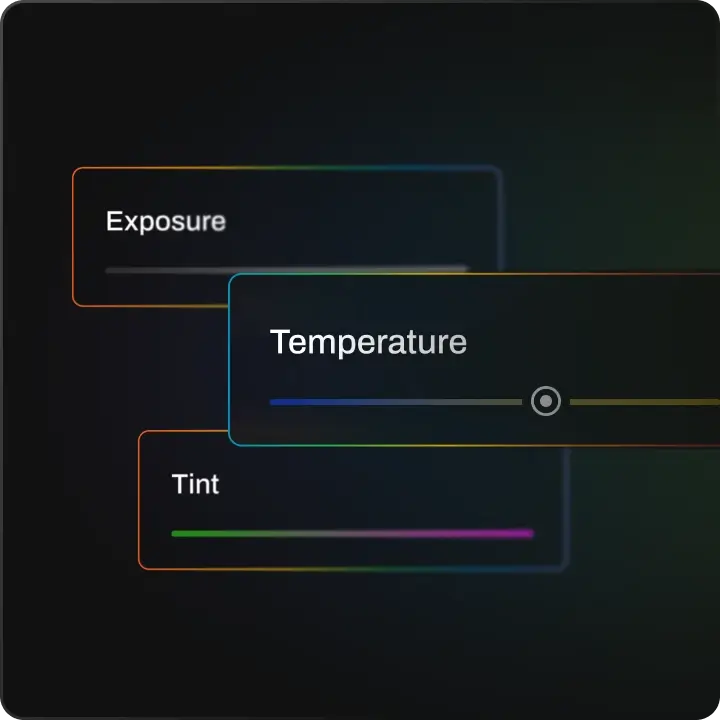
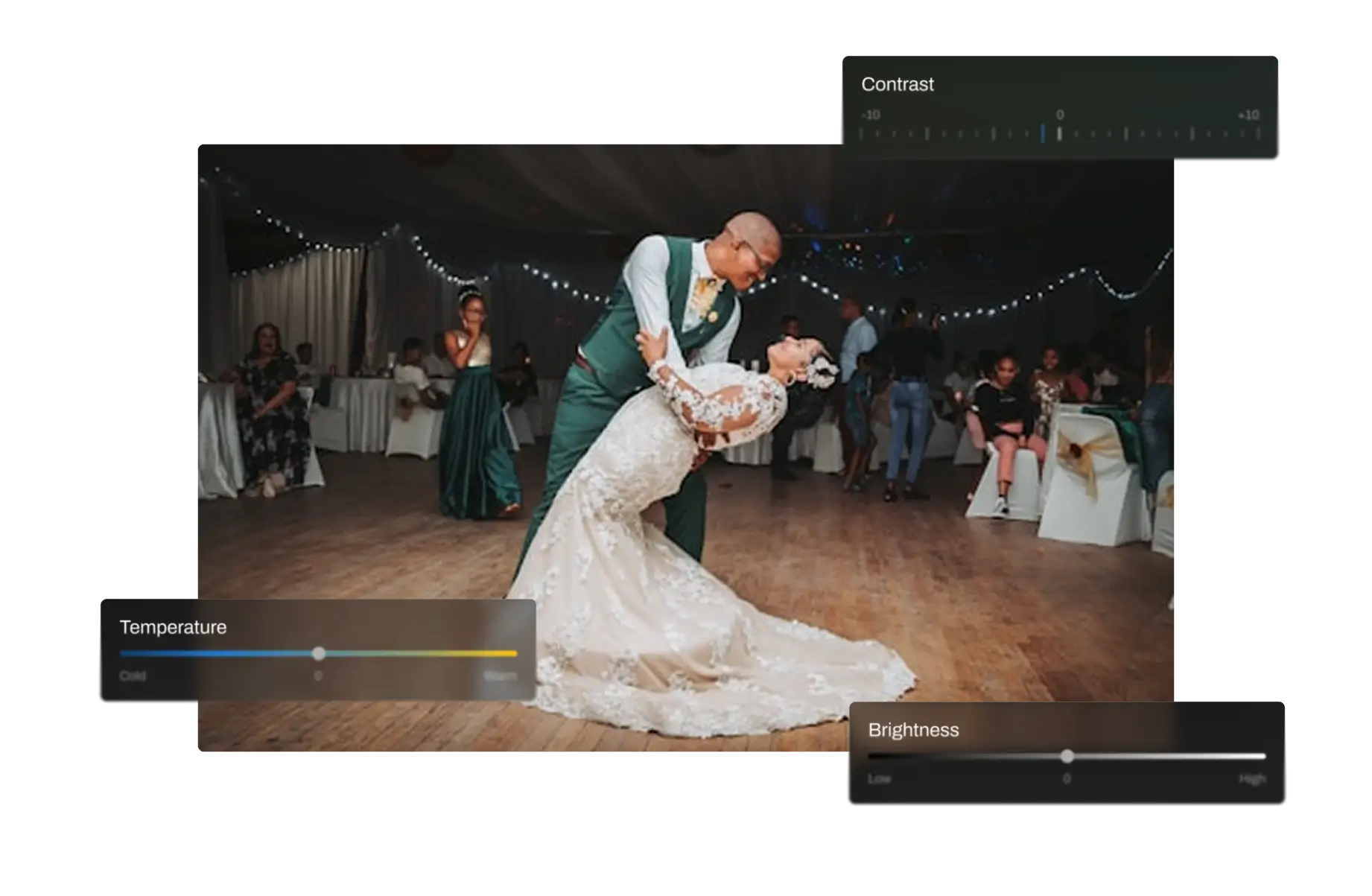
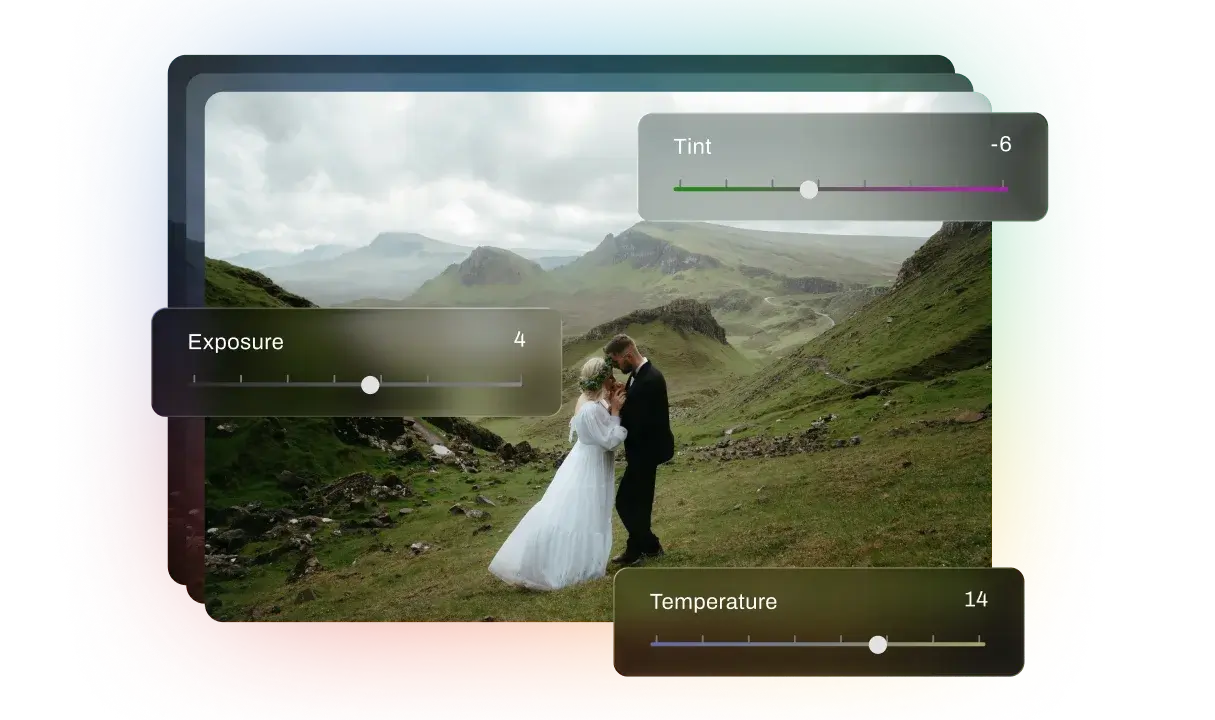
Light adjustments (Exposure, Contrast, Highlights, Shadows, Whites, Blacks), Color adjustments (Temperature, Tint), and Crop & Straighten tools.
Yes, all editing is non-destructive. Your original files never change and you can undo any adjustment anytime.
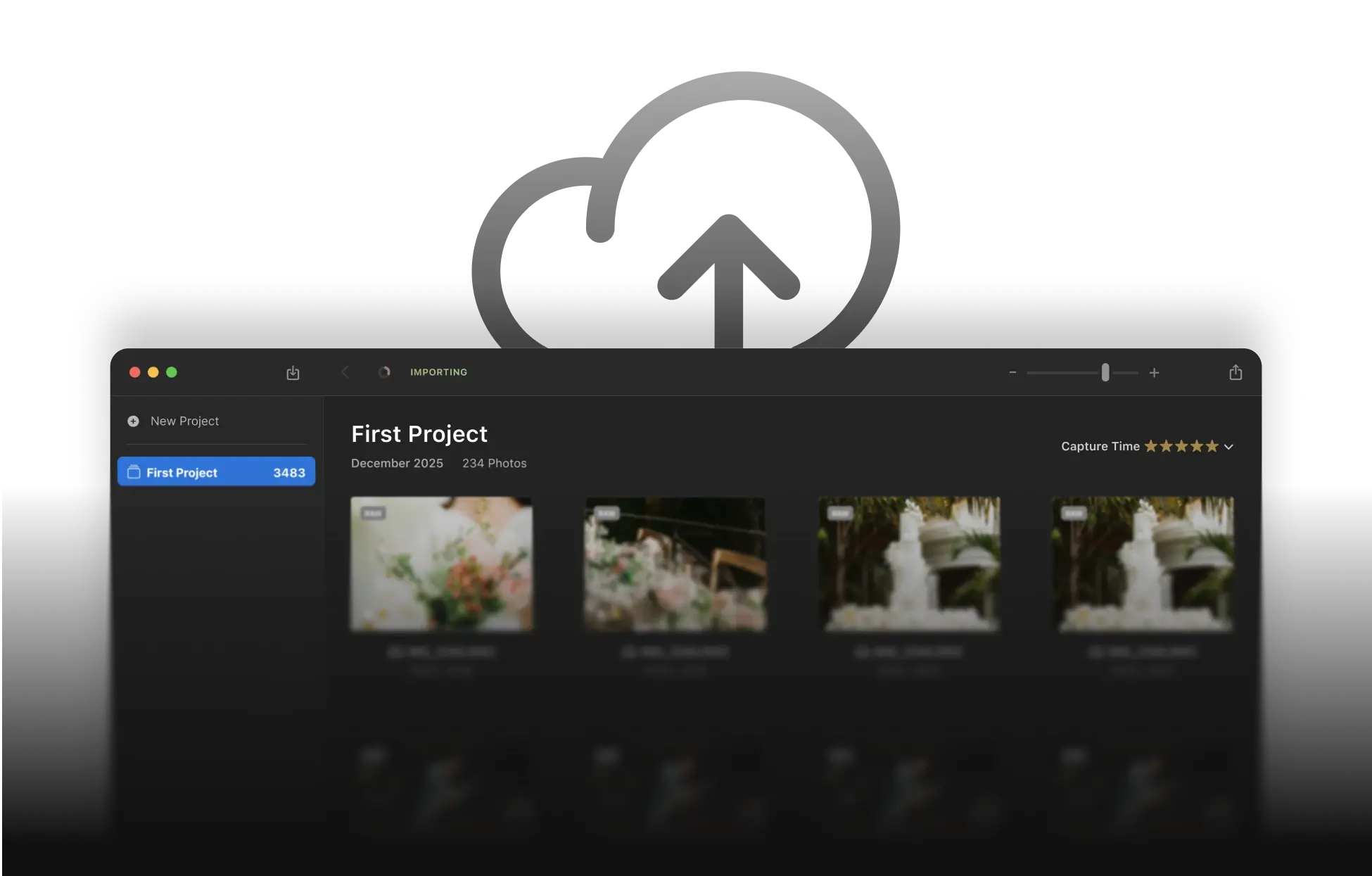
5GB of cloud storage to sync your photos and edits across devices.
Yes. Export high-quality JPEG files ready to share on social media, print, or add to your portfolio.
Aftershoot Next is free with editing tools and AI guidance. Aftershoot Pro includes AI-powered batch culling and bulk editing and retouching for professionals handling thousands of photos.